UNIX


       Advance Shell Scripting


                 Presentation By

                           Nihar R Paital
Functions

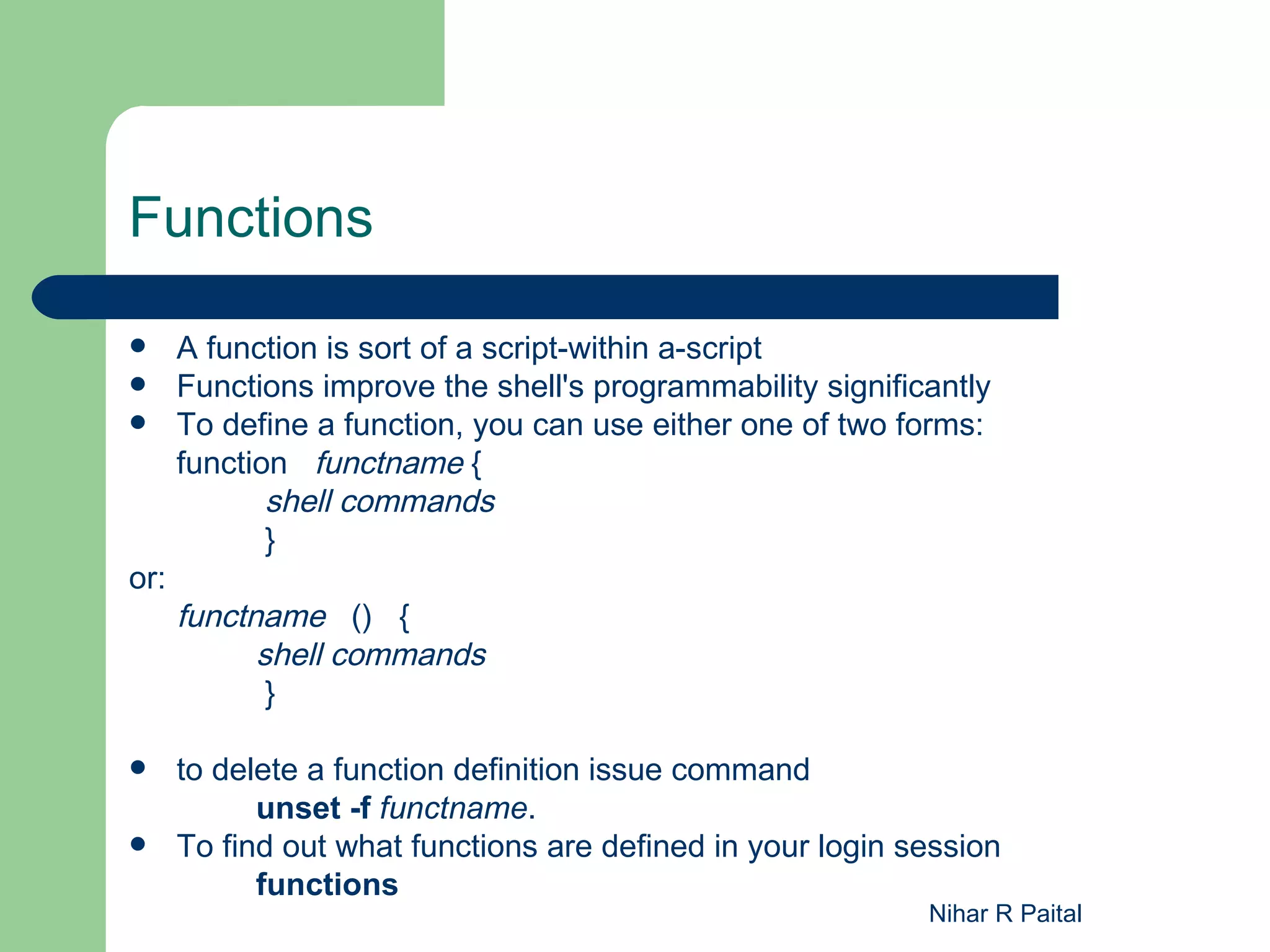
     A function is sort of a script-within a-script
     Functions improve the shell's programmability significantly
     To define a function, you can use either one of two forms:
      function functname {
             shell commands
             }
or:
      functname () {
            shell commands
             }

     to delete a function definition issue command
            unset -f functname.
     To find out what functions are defined in your login session
            functions
                                                            Nihar R Paital
String Operators


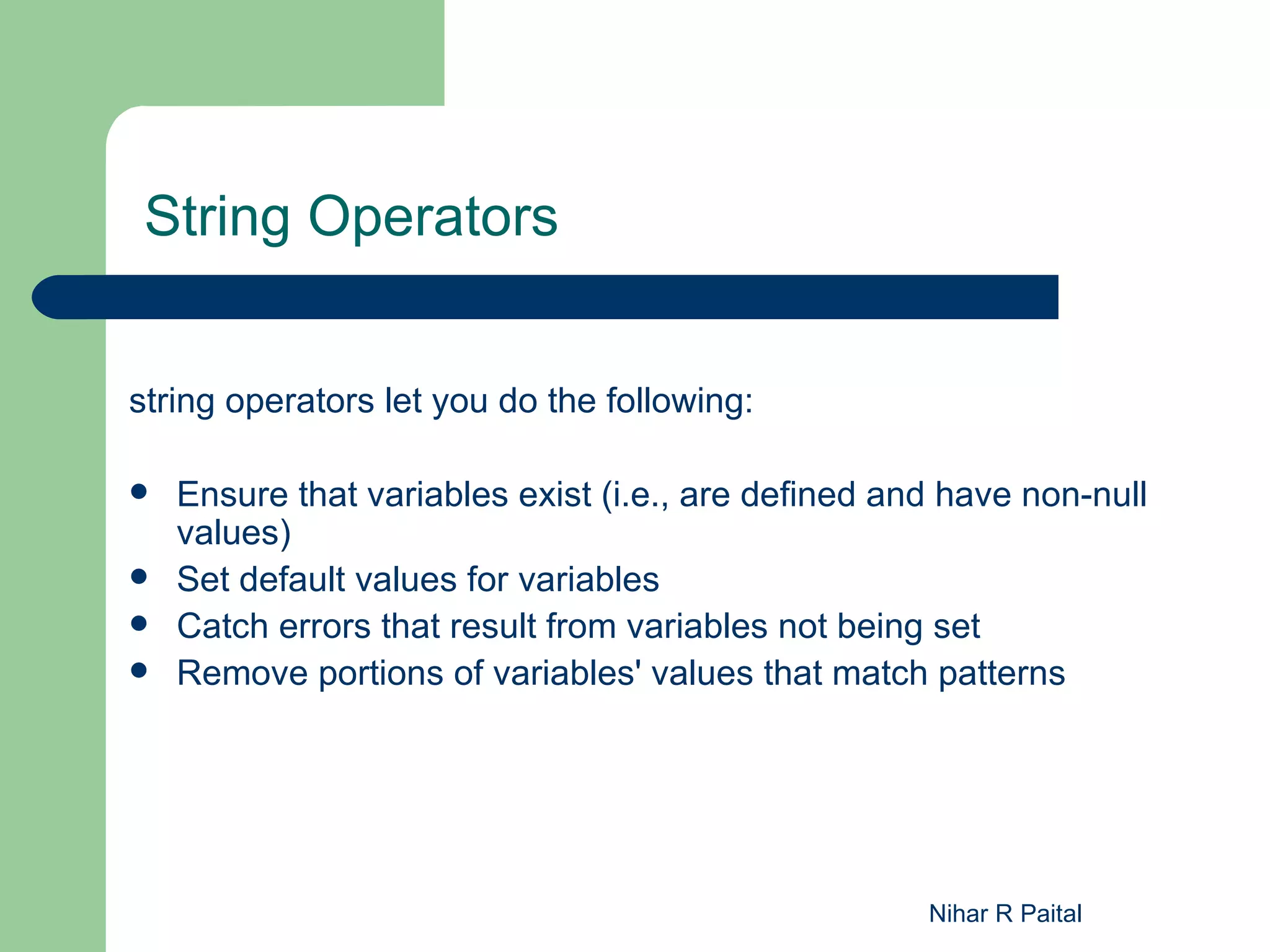
string operators let you do the following:

   Ensure that variables exist (i.e., are defined and have non-null
    values)
   Set default values for variables
   Catch errors that result from variables not being set
   Remove portions of variables' values that match patterns


                                                     Nihar R Paital
Syntax of String Operators

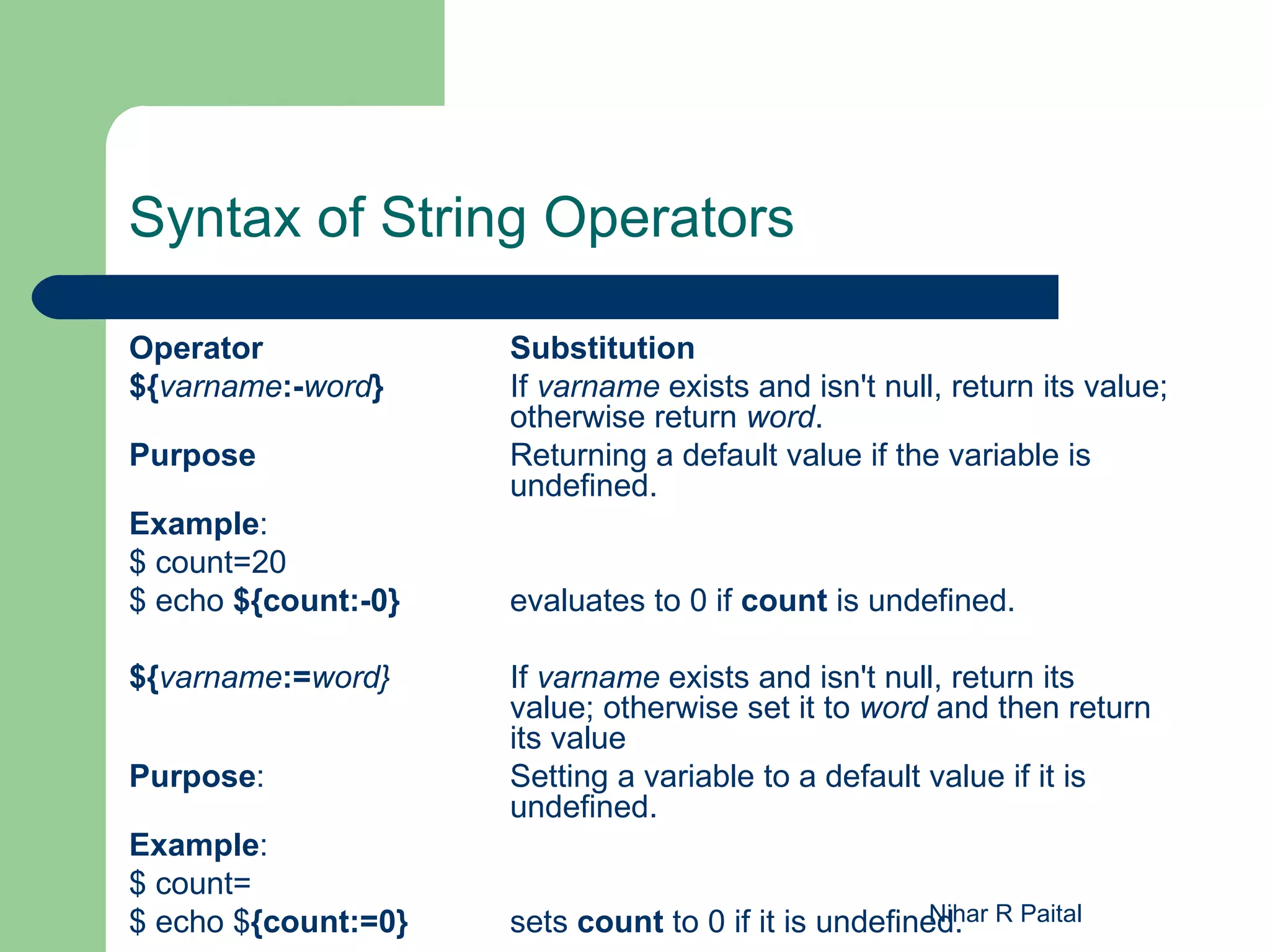
Operator             Substitution
${varname:-word}     If varname exists and isn't null, return its value;
                     otherwise return word.
Purpose              Returning a default value if the variable is
                     undefined.
Example:
$ count=20
$ echo ${count:-0}   evaluates to 0 if count is undefined.

${varname:=word}     If varname exists and isn't null, return its
                     value; otherwise set it to word and then return
                     its value
Purpose:             Setting a variable to a default value if it is
                     undefined.
Example:
$ count=
$ echo ${count:=0}   sets count to 0 if it is undefined. R Paital
                                                      Nihar
Syntax of String Operators (Contd)

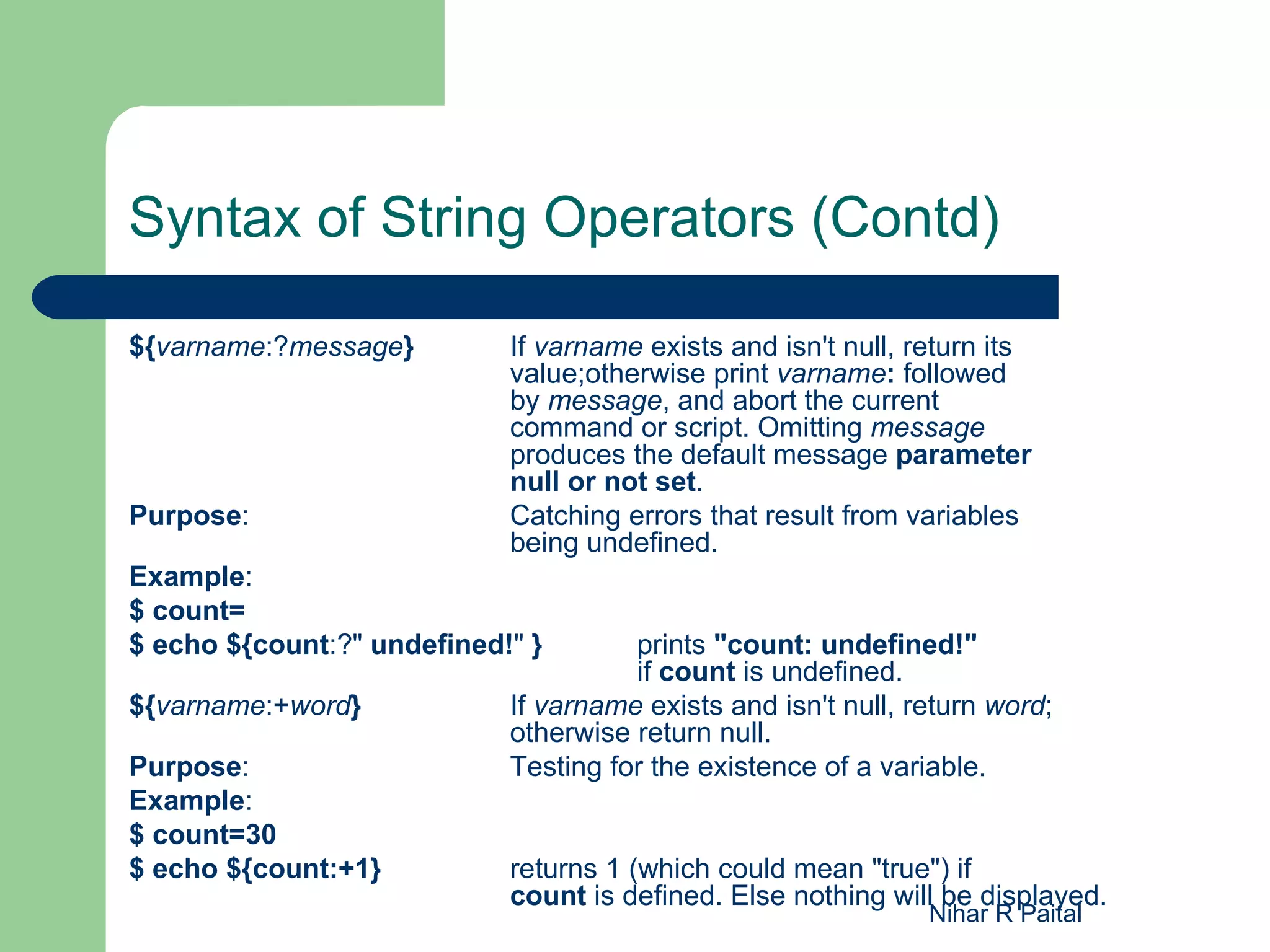
${varname:?message}         If varname exists and isn't null, return its
                            value;otherwise print varname: followed
                            by message, and abort the current
                            command or script. Omitting message
                            produces the default message parameter
                            null or not set.
Purpose:                    Catching errors that result from variables
                            being undefined.
Example:
$ count=
$ echo ${count:?" undefined!" }       prints "count: undefined!"
                                      if count is undefined.
${varname:+word}            If varname exists and isn't null, return word;
                            otherwise return null.
Purpose:                    Testing for the existence of a variable.
Example:
$ count=30
$ echo ${count:+1}          returns 1 (which could mean "true") if
                            count is defined. Else nothing will be displayed.
                                                               Nihar R Paital
select

 select allows you to generate simple menus easily
 Syntax:-
       select name [in list]
       do
       statements that can use $name...
        done
what select does:
 Generates a menu of each item in list, formatted with numbers
  for each choice
 Prompts the user for a number
 Stores the selected choice in the variable name and the
  selected number in the built-in variable REPLY
 Executes the statements in the body
                                                  Nihar R Paital
 Repeats the process forever
Example: select

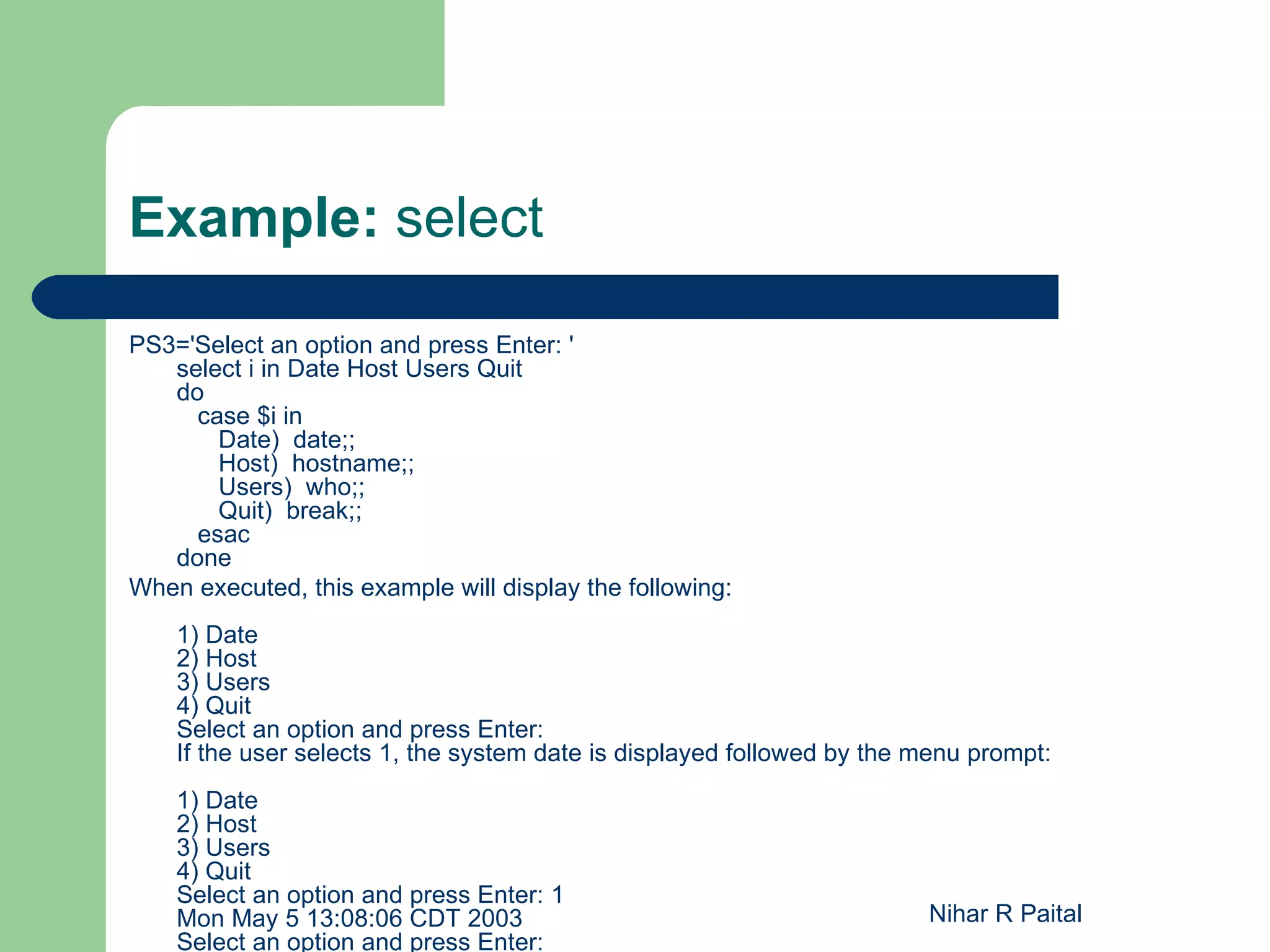
PS3='Select an option and press Enter: '
   select i in Date Host Users Quit
   do
     case $i in
       Date) date;;
       Host) hostname;;
       Users) who;;
       Quit) break;;
     esac
   done
When executed, this example will display the following:
    1) Date
    2) Host
    3) Users
    4) Quit
    Select an option and press Enter:
    If the user selects 1, the system date is displayed followed by the menu prompt:
    1) Date
    2) Host
    3) Users
    4) Quit
    Select an option and press Enter: 1
    Mon May 5 13:08:06 CDT 2003                                         Nihar R Paital
    Select an option and press Enter:
shift

   Shift is used to shift position of positional parameter
 supply a numeric argument to shift, it will shift the arguments
    that many times over
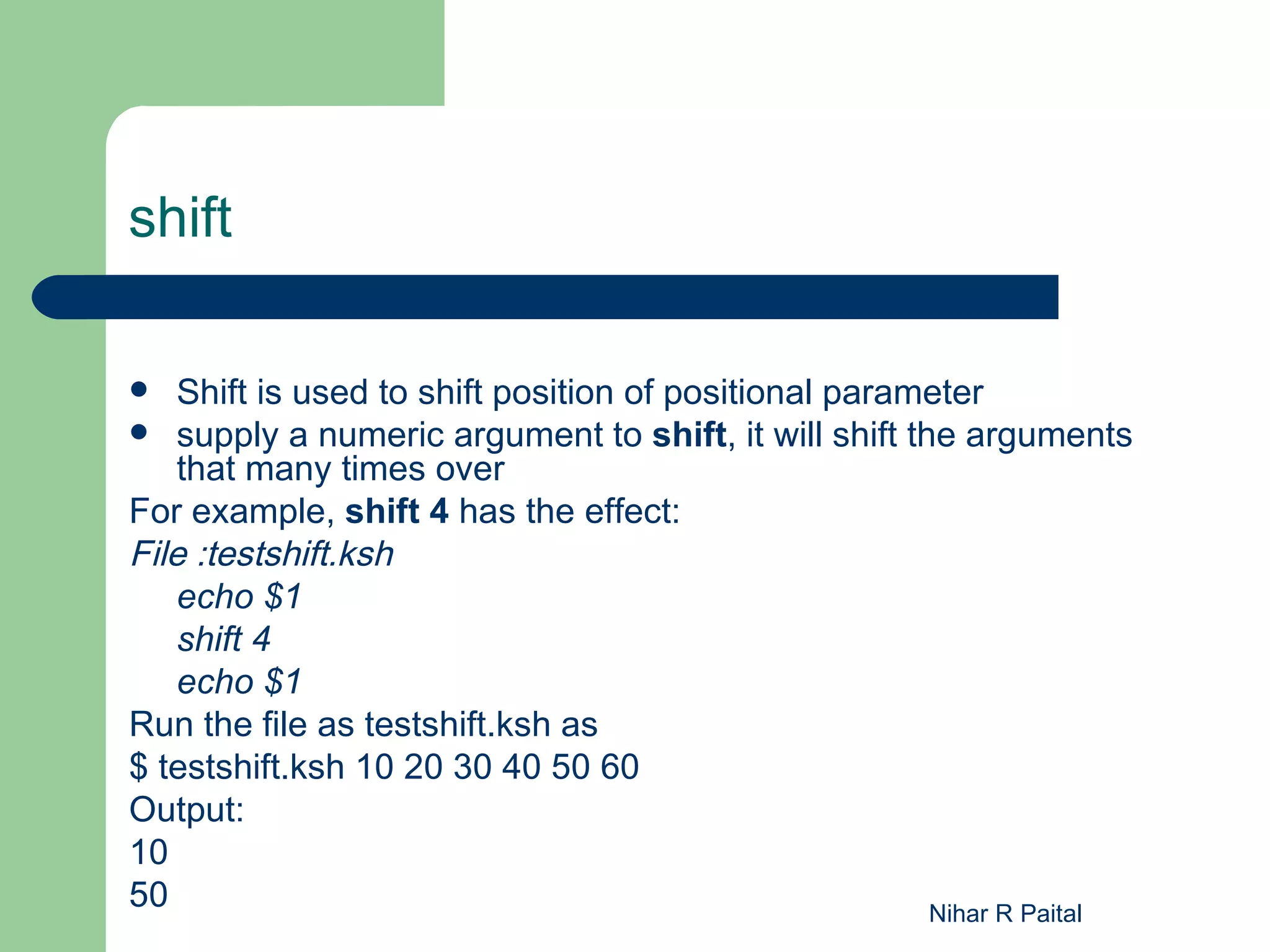
For example, shift 4 has the effect:
File :testshift.ksh
    echo $1
    shift 4
    echo $1
Run the file as testshift.ksh as
$ testshift.ksh 10 20 30 40 50 60
Output:
10
50                                                     Nihar R Paital
Integer Variables and Arithmetic

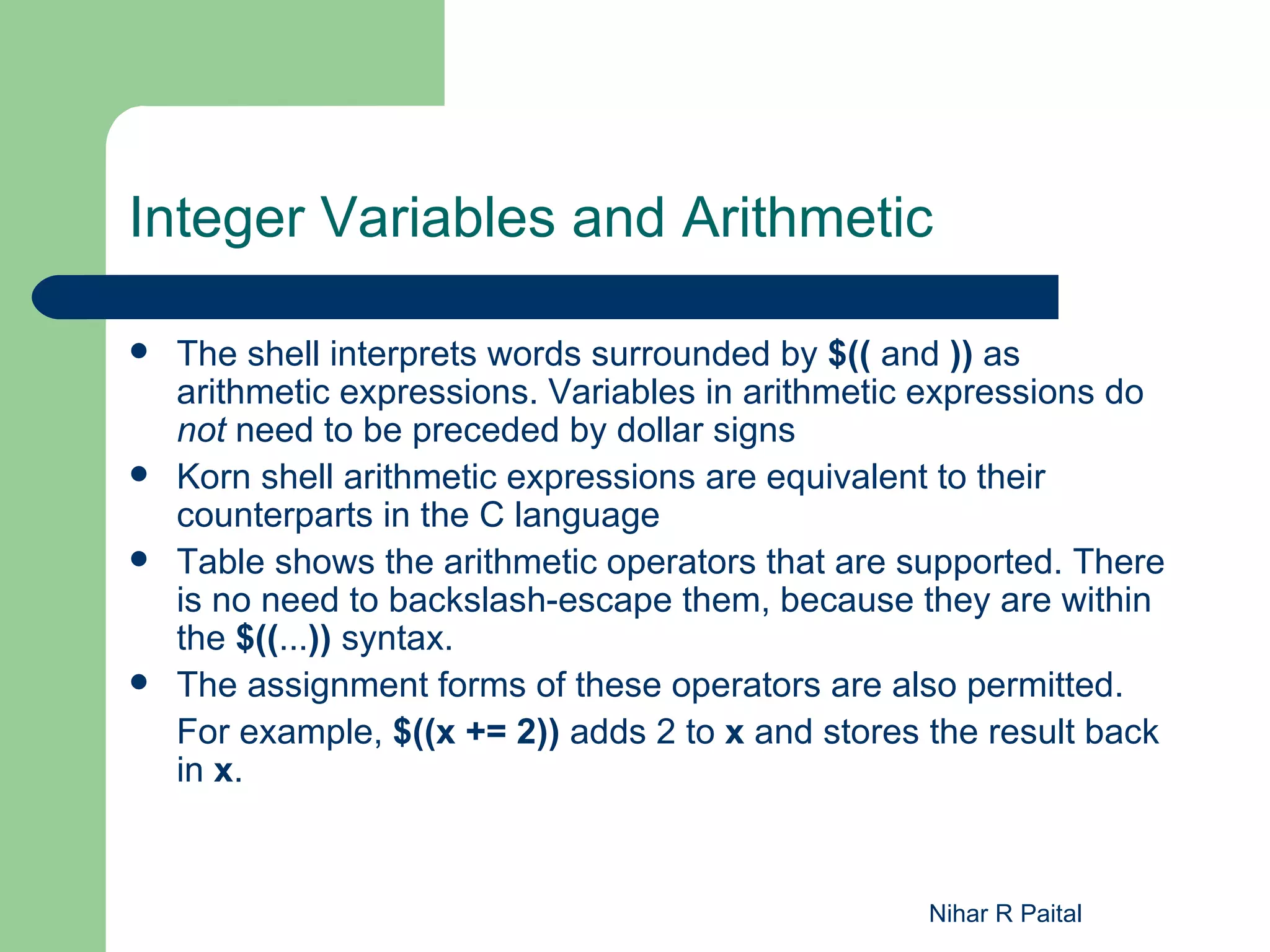
   The shell interprets words surrounded by $(( and )) as
    arithmetic expressions. Variables in arithmetic expressions do
    not need to be preceded by dollar signs
   Korn shell arithmetic expressions are equivalent to their
    counterparts in the C language
   Table shows the arithmetic operators that are supported. There
    is no need to backslash-escape them, because they are within
    the $((...)) syntax.
   The assignment forms of these operators are also permitted.
    For example, $((x += 2)) adds 2 to x and stores the result back
    in x.


                                                   Nihar R Paital
A r it h m e t ic P r e c e d e n c e


   1. Expressions within parentheses are evaluated first.

   2. *, %, and / have greater precedence than + and -.

   3. Everything else is evaluated left-to-right.


                                                     Nihar R Paital
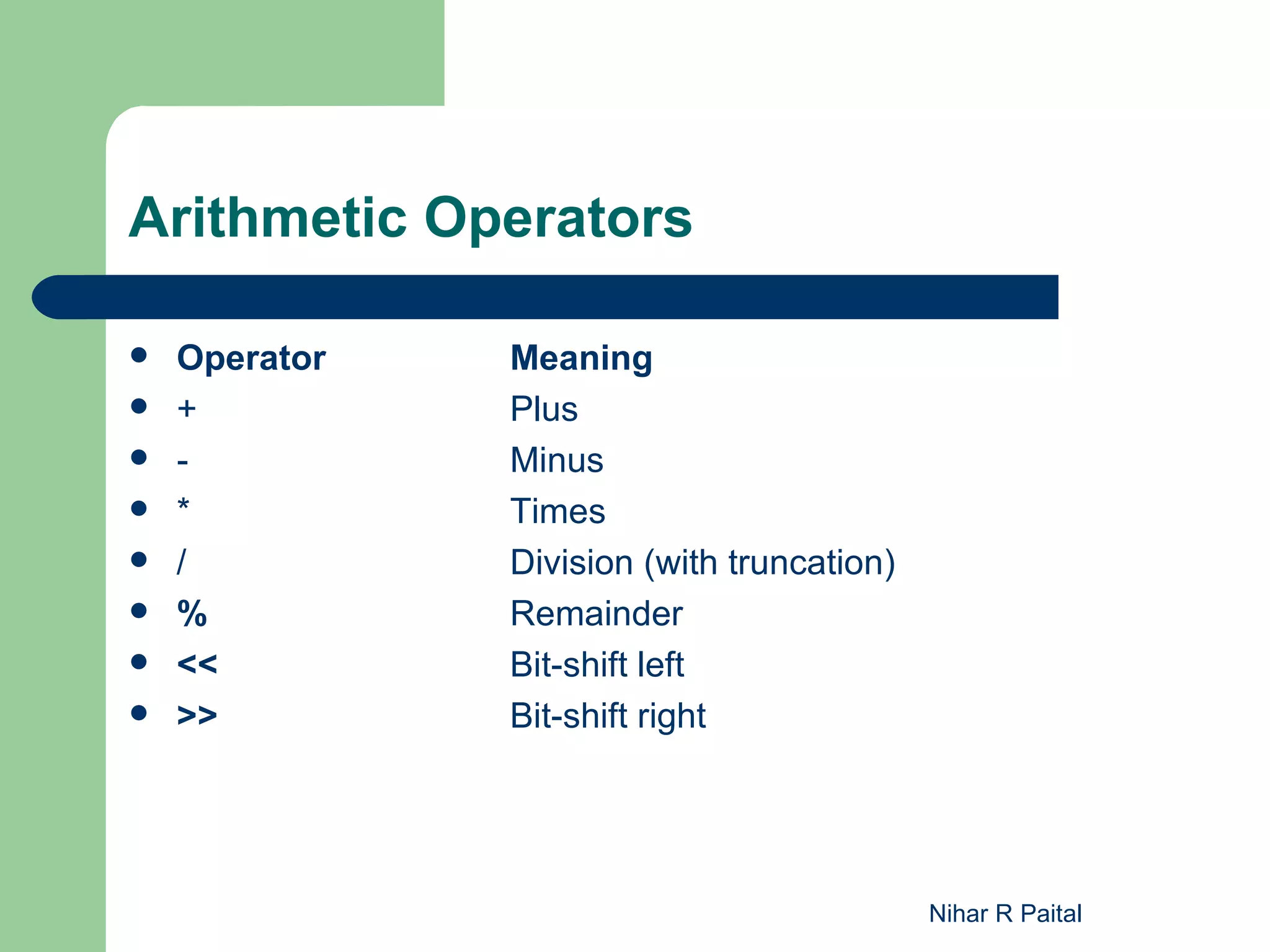
Arithmetic Operators

   Operator   Meaning
   +          Plus
   -          Minus
   *          Times
   /          Division (with truncation)
   %          Remainder
   <<         Bit-shift left
   >>         Bit-shift right


                                            Nihar R Paital
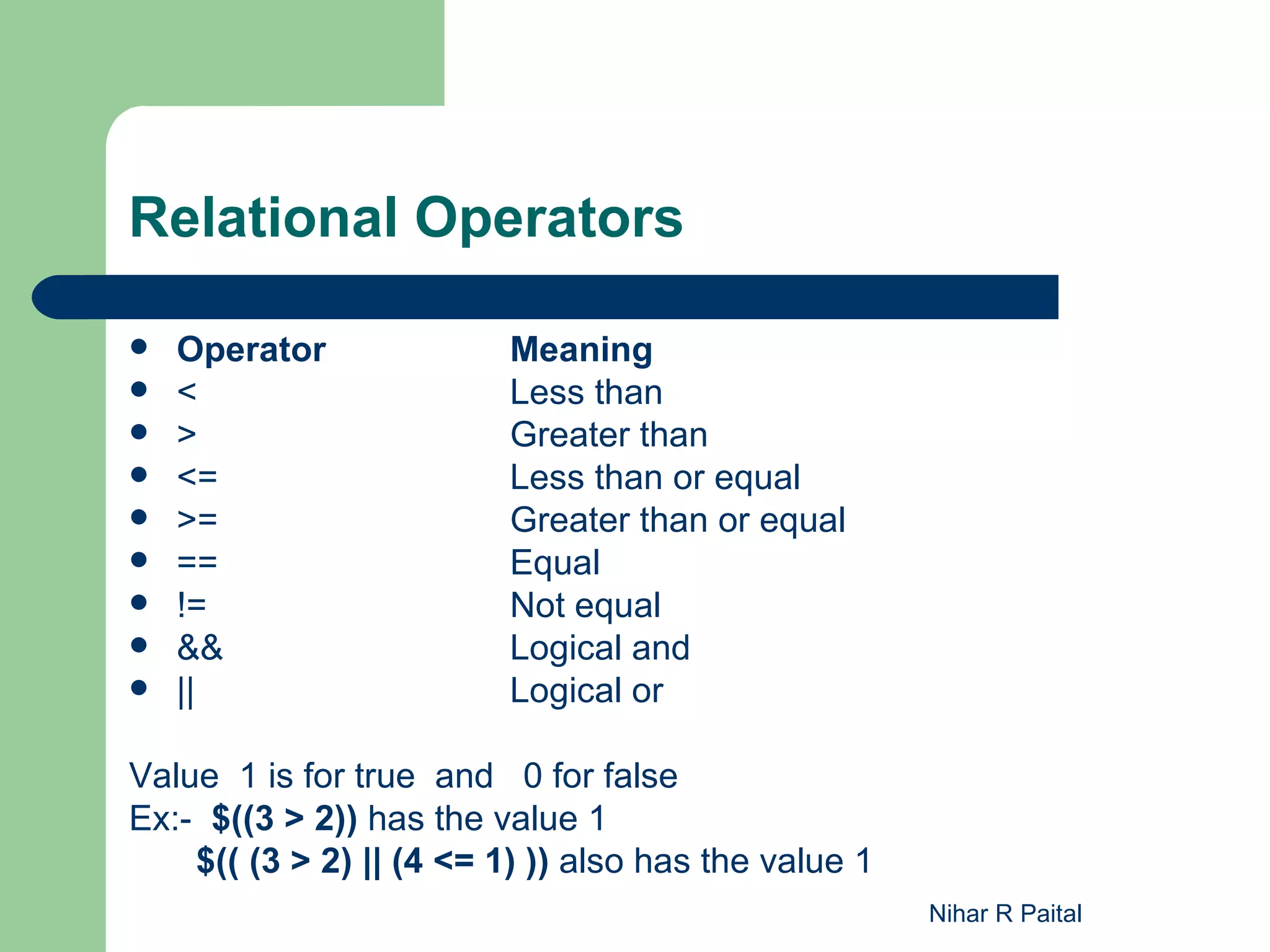
Relational Operators

   Operator              Meaning
   <                     Less than
   >                     Greater than
   <=                    Less than or equal
   >=                    Greater than or equal
   ==                    Equal
   !=                    Not equal
   &&                    Logical and
   ||                    Logical or

Value 1 is for true and 0 for false
Ex:- $((3 > 2)) has the value 1
    $(( (3 > 2) || (4 <= 1) )) also has the value 1
                                                      Nihar R Paital
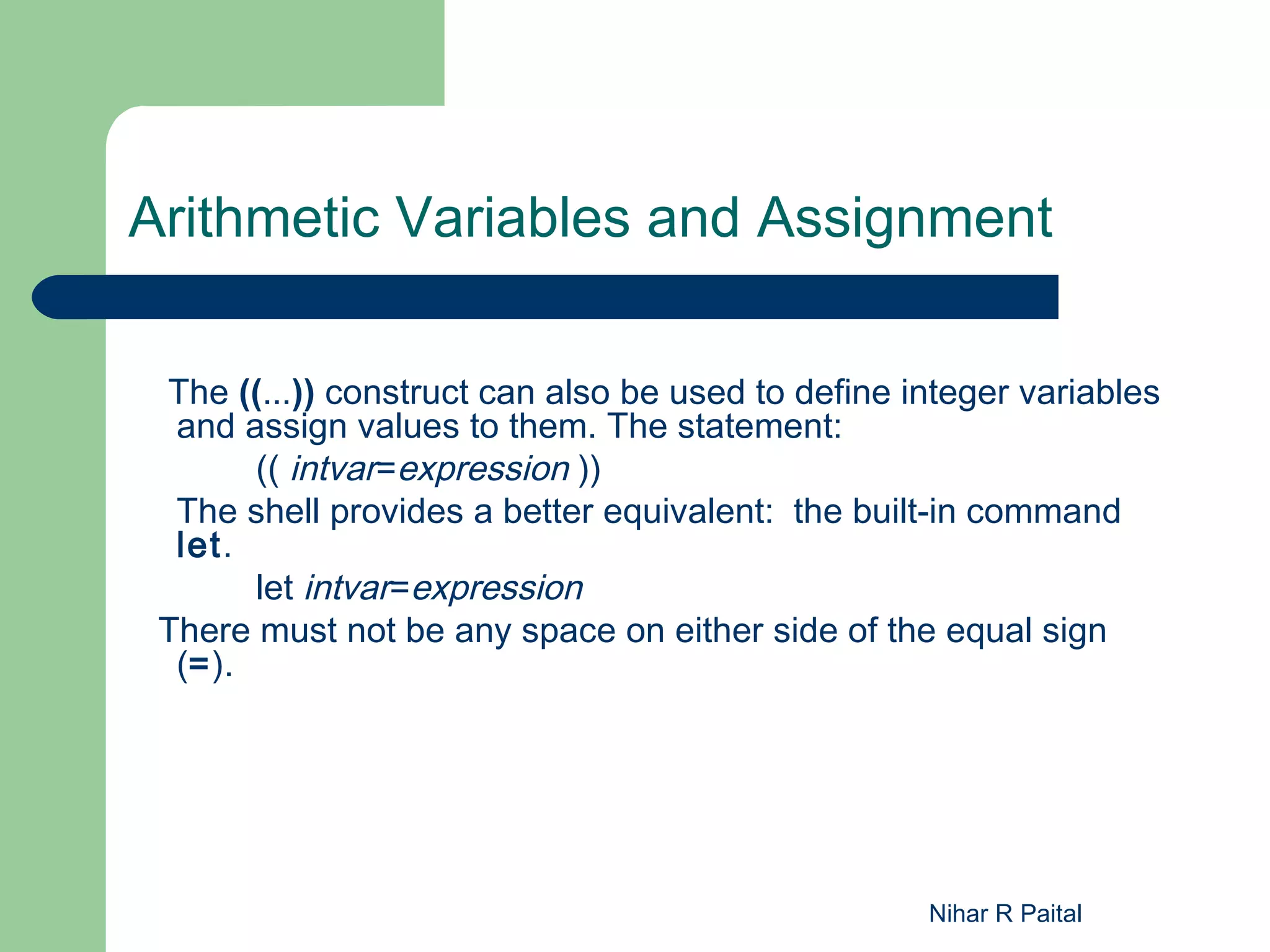
Arithmetic Variables and Assignment

 The ((...)) construct can also be used to define integer variables
  and assign values to them. The statement:
       (( intvar=expression ))
  The shell provides a better equivalent: the built-in command
  let.
       let intvar=expression
 There must not be any space on either side of the equal sign
  (=).


                                                   Nihar R Paital
Arrays

   The two types of variables: character strings and integers. The
    third type of variable the Korn shell supports is an array.
   Arrays in shell scripting are only one dimensional
   Arrays elements starts from 0 to max. 1024
   An array is like a list of things
   There are two ways to assign values to elements of an array.
   The first is
          nicknames[2]=shell                    nicknames[3]=program
   The second way to assign values to an array is with a variant of the
    set statement,
          set -A aname val1 val2 val3 ...
    creates the array aname (if it doesn't already exist) and assigns
    val1 to aname[0] , val2 to aname[1] , etc.


                                                          Nihar R Paital
Array (Contd)

   To extract a value from an array, use the syntax
           ${aname [ i ]}.
   Ex:-
     1) ${nicknames[2]} has the value “shell”
     2) print "${nicknames[*]}",
        O/p :- shell program
    3) echo ${#x[*]}
       to get length of an array

     Note: In bash shell to define array,
     X=(10 20 30 40)
     To access it,
     echo ${x[1]}


                                                       Nihar R Paital
Typeset

   The kinds of values that variables can hold is the typeset
    command.
   typeset is used to specify the type of a variable (integer, string,
    etc.);
   the basic syntax is:
           typeset -o varname[=value]
   Options can be combined , multiple varnames can be used. If
    you leave out varname, the shell prints a list of variables for
    which the given option is turned on.


                                                      Nihar R Paital
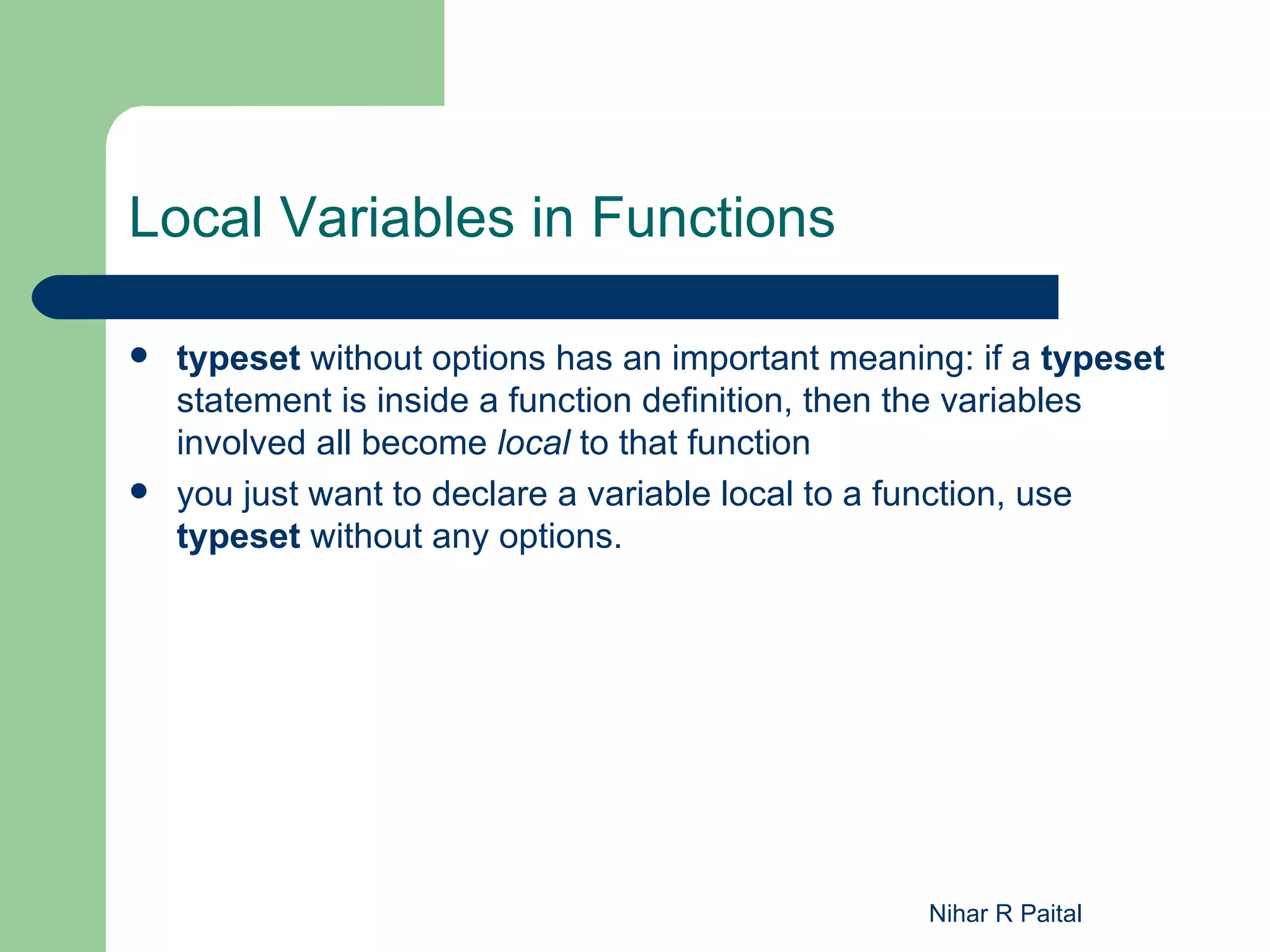
Local Variables in Functions

   typeset without options has an important meaning: if a typeset
    statement is inside a function definition, then the variables
    involved all become local to that function
   you just want to declare a variable local to a function, use
    typeset without any options.


                                                   Nihar R Paital
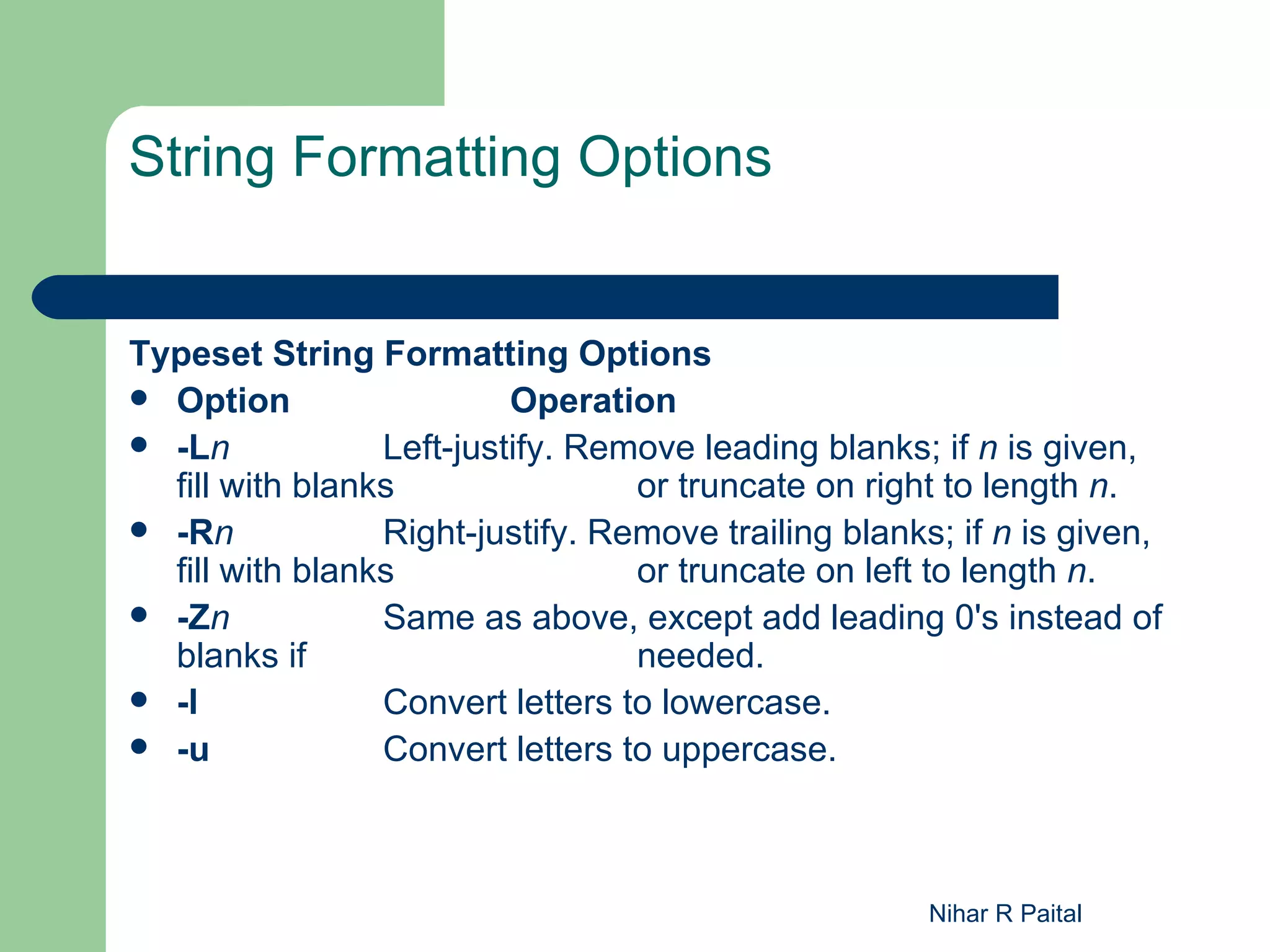
String Formatting Options


Typeset String Formatting Options
 Option                  Operation
 -Ln            Left-justify. Remove leading blanks; if n is given,
  fill with blanks                or truncate on right to length n.
 -Rn            Right-justify. Remove trailing blanks; if n is given,
  fill with blanks                or truncate on left to length n.
 -Zn            Same as above, except add leading 0's instead of
  blanks if                       needed.
 -l             Convert letters to lowercase.
 -u             Convert letters to uppercase.


                                                      Nihar R Paital
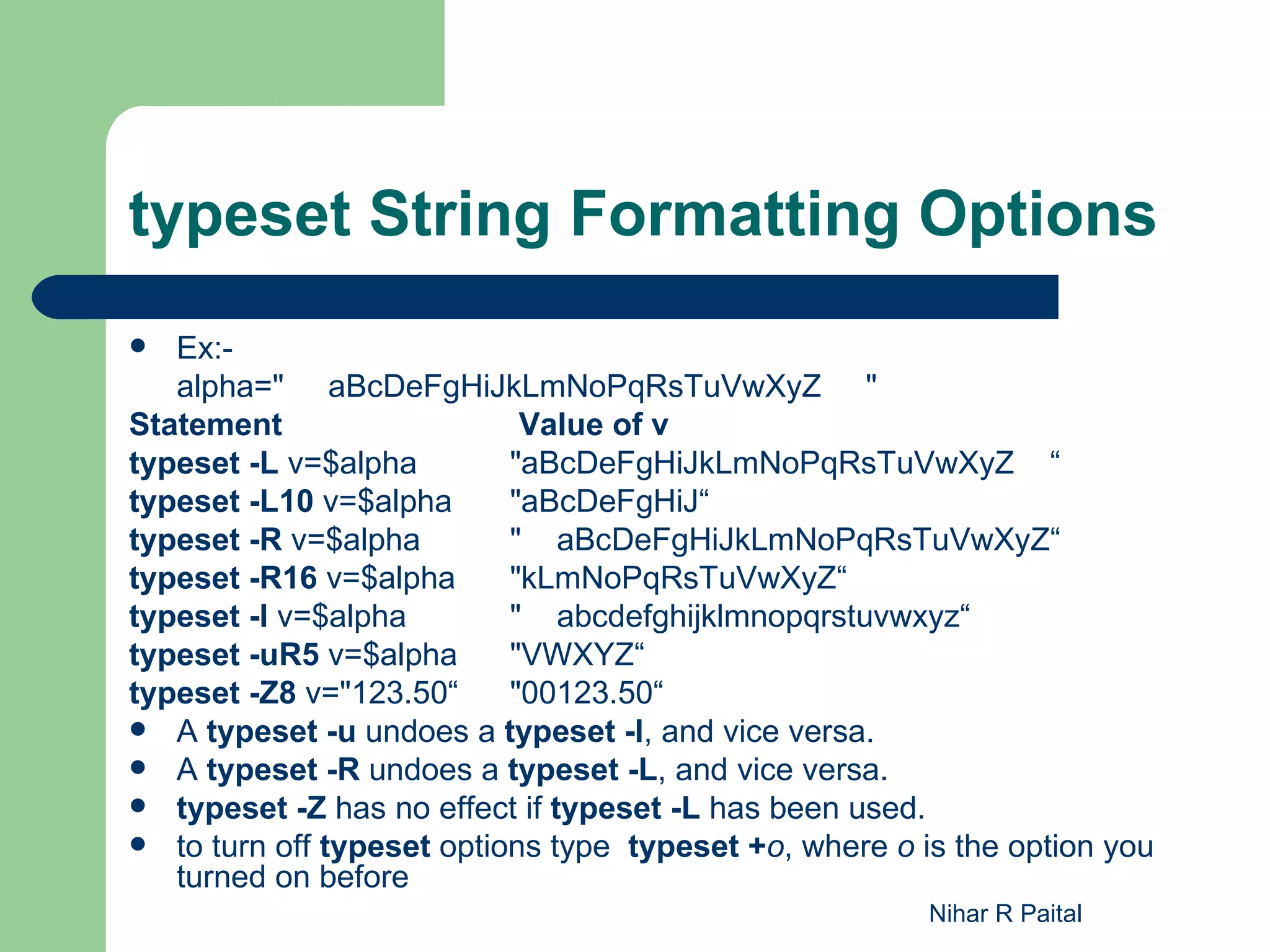
typeset String Formatting Options
  Ex:-
   alpha=" aBcDeFgHiJkLmNoPqRsTuVwXyZ "
Statement                   Value of v
typeset -L v=$alpha        "aBcDeFgHiJkLmNoPqRsTuVwXyZ    “
typeset -L10 v=$alpha      "aBcDeFgHiJ“
typeset -R v=$alpha        "    aBcDeFgHiJkLmNoPqRsTuVwXyZ“
typeset -R16 v=$alpha      "kLmNoPqRsTuVwXyZ“
typeset -l v=$alpha        "    abcdefghijklmnopqrstuvwxyz“
typeset -uR5 v=$alpha      "VWXYZ“
typeset -Z8 v="123.50“     "00123.50“
 A typeset -u undoes a typeset -l, and vice versa.
 A typeset -R undoes a typeset -L, and vice versa.
 typeset -Z has no effect if typeset -L has been used.
 to turn off typeset options type typeset +o, where o is the option you
   turned on before
                                                        Nihar R Paital
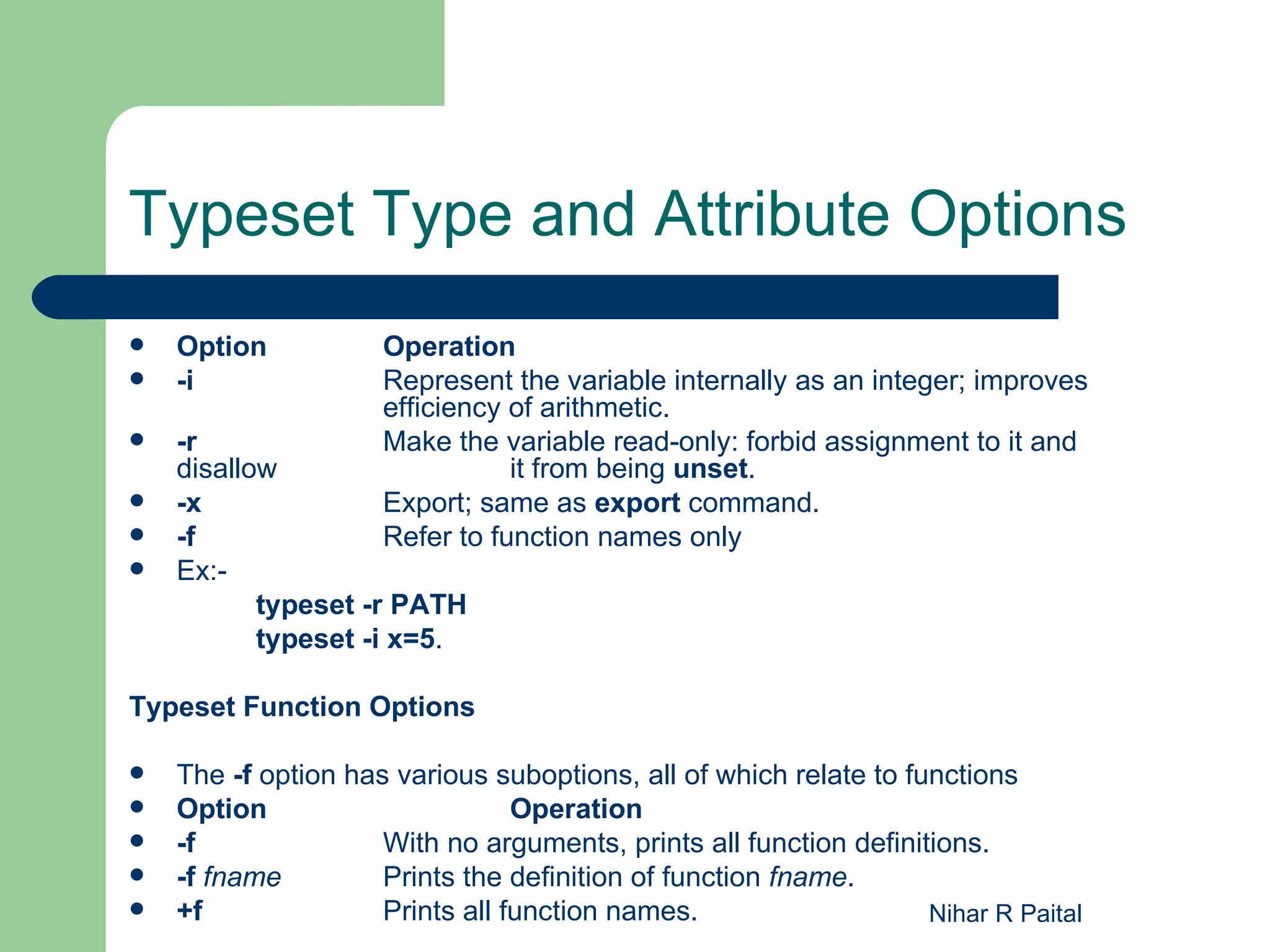
Typeset Type and Attribute Options
   Option           Operation
   -i               Represent the variable internally as an integer; improves
                     efficiency of arithmetic.
   -r               Make the variable read-only: forbid assignment to it and
    disallow                    it from being unset.
   -x               Export; same as export command.
   -f               Refer to function names only
   Ex:-
           typeset -r PATH
           typeset -i x=5.

Typeset Function Options

   The -f option has various suboptions, all of which relate to functions
   Option                       Operation
   -f               With no arguments, prints all function definitions.
   -f fname         Prints the definition of function fname.
   +f               Prints all function names.                    Nihar R Paital
Exec Command
   If we precede any unix command with exec , the
    command overwrites the current process , often the
    shell
   $ exec date
   Exec : To create additional file descriptors
   Exec can create several streams apart from
    ( 0,1,2) ,each with its own file descriptor.
      exec > xyz
      exec 3> abc
   Echo "hi how r u" 1>&3
   Standard output stream has to be reassigned to the
    terminal exec >/dev/tty
                                          Nihar R Paital
print
 print escape sequences
print accepts a number of options, as well as several escape sequences that start with a
     backslash
    Sequence        Character printed
    a              ALERT or [CTRL-G]
    b              BACKSPACE or [CTRL-H]
    c              Omit final NEWLINE
    f              FORMFEED or [CTRL-L]
    n              NEWLINE (not at end of command) or [CTRL-J]
    r              RETURN (ENTER) or [CTRL-M]
    t              TAB or [CTRL-I]
    v              VERTICAL TAB or [CTRL-K]
                  Single backslash
Options to print
     Option                       Function
    -n              Omit the final newline (same as the c escape sequence)
    -r              Raw; ignore the escape sequences listed above
    -s              Print to command history file
Ex:-
    print -s PATH=$PATH                                              Nihar R Paital
Thank You!


             Nihar R Paital

UNIX - Class5 - Advance Shell Scripting-P2

  • 1.
    UNIX Advance Shell Scripting Presentation By Nihar R Paital
  • 2.
    Functions  A function is sort of a script-within a-script  Functions improve the shell's programmability significantly  To define a function, you can use either one of two forms: function functname { shell commands } or: functname () { shell commands }  to delete a function definition issue command unset -f functname.  To find out what functions are defined in your login session functions Nihar R Paital
  • 3.
    String Operators string operatorslet you do the following:  Ensure that variables exist (i.e., are defined and have non-null values)  Set default values for variables  Catch errors that result from variables not being set  Remove portions of variables' values that match patterns Nihar R Paital
  • 4.
    Syntax of StringOperators Operator Substitution ${varname:-word} If varname exists and isn't null, return its value; otherwise return word. Purpose Returning a default value if the variable is undefined. Example: $ count=20 $ echo ${count:-0} evaluates to 0 if count is undefined. ${varname:=word} If varname exists and isn't null, return its value; otherwise set it to word and then return its value Purpose: Setting a variable to a default value if it is undefined. Example: $ count= $ echo ${count:=0} sets count to 0 if it is undefined. R Paital Nihar
  • 5.
    Syntax of StringOperators (Contd) ${varname:?message} If varname exists and isn't null, return its value;otherwise print varname: followed by message, and abort the current command or script. Omitting message produces the default message parameter null or not set. Purpose: Catching errors that result from variables being undefined. Example: $ count= $ echo ${count:?" undefined!" } prints "count: undefined!" if count is undefined. ${varname:+word} If varname exists and isn't null, return word; otherwise return null. Purpose: Testing for the existence of a variable. Example: $ count=30 $ echo ${count:+1} returns 1 (which could mean "true") if count is defined. Else nothing will be displayed. Nihar R Paital
  • 6.
    select  select allowsyou to generate simple menus easily  Syntax:- select name [in list] do statements that can use $name... done what select does:  Generates a menu of each item in list, formatted with numbers for each choice  Prompts the user for a number  Stores the selected choice in the variable name and the selected number in the built-in variable REPLY  Executes the statements in the body Nihar R Paital  Repeats the process forever
  • 7.
    Example: select PS3='Select anoption and press Enter: ' select i in Date Host Users Quit do case $i in Date) date;; Host) hostname;; Users) who;; Quit) break;; esac done When executed, this example will display the following: 1) Date 2) Host 3) Users 4) Quit Select an option and press Enter: If the user selects 1, the system date is displayed followed by the menu prompt: 1) Date 2) Host 3) Users 4) Quit Select an option and press Enter: 1 Mon May 5 13:08:06 CDT 2003 Nihar R Paital Select an option and press Enter:
  • 8.
    shift  Shift is used to shift position of positional parameter  supply a numeric argument to shift, it will shift the arguments that many times over For example, shift 4 has the effect: File :testshift.ksh echo $1 shift 4 echo $1 Run the file as testshift.ksh as $ testshift.ksh 10 20 30 40 50 60 Output: 10 50 Nihar R Paital
  • 9.
    Integer Variables andArithmetic  The shell interprets words surrounded by $(( and )) as arithmetic expressions. Variables in arithmetic expressions do not need to be preceded by dollar signs  Korn shell arithmetic expressions are equivalent to their counterparts in the C language  Table shows the arithmetic operators that are supported. There is no need to backslash-escape them, because they are within the $((...)) syntax.  The assignment forms of these operators are also permitted. For example, $((x += 2)) adds 2 to x and stores the result back in x. Nihar R Paital
  • 10.
    A r ith m e t ic P r e c e d e n c e  1. Expressions within parentheses are evaluated first.  2. *, %, and / have greater precedence than + and -.  3. Everything else is evaluated left-to-right. Nihar R Paital
  • 11.
    Arithmetic Operators  Operator Meaning  + Plus  - Minus  * Times  / Division (with truncation)  % Remainder  << Bit-shift left  >> Bit-shift right Nihar R Paital
  • 12.
    Relational Operators  Operator Meaning  < Less than  > Greater than  <= Less than or equal  >= Greater than or equal  == Equal  != Not equal  && Logical and  || Logical or Value 1 is for true and 0 for false Ex:- $((3 > 2)) has the value 1 $(( (3 > 2) || (4 <= 1) )) also has the value 1 Nihar R Paital
  • 13.
    Arithmetic Variables andAssignment The ((...)) construct can also be used to define integer variables and assign values to them. The statement: (( intvar=expression )) The shell provides a better equivalent: the built-in command let. let intvar=expression There must not be any space on either side of the equal sign (=). Nihar R Paital
  • 14.
    Arrays  The two types of variables: character strings and integers. The third type of variable the Korn shell supports is an array.  Arrays in shell scripting are only one dimensional  Arrays elements starts from 0 to max. 1024  An array is like a list of things  There are two ways to assign values to elements of an array.  The first is nicknames[2]=shell nicknames[3]=program  The second way to assign values to an array is with a variant of the set statement, set -A aname val1 val2 val3 ... creates the array aname (if it doesn't already exist) and assigns val1 to aname[0] , val2 to aname[1] , etc. Nihar R Paital
  • 15.
    Array (Contd)  To extract a value from an array, use the syntax ${aname [ i ]}.  Ex:- 1) ${nicknames[2]} has the value “shell” 2) print "${nicknames[*]}", O/p :- shell program 3) echo ${#x[*]} to get length of an array Note: In bash shell to define array, X=(10 20 30 40) To access it, echo ${x[1]} Nihar R Paital
  • 16.
    Typeset  The kinds of values that variables can hold is the typeset command.  typeset is used to specify the type of a variable (integer, string, etc.);  the basic syntax is: typeset -o varname[=value]  Options can be combined , multiple varnames can be used. If you leave out varname, the shell prints a list of variables for which the given option is turned on. Nihar R Paital
  • 17.
    Local Variables inFunctions  typeset without options has an important meaning: if a typeset statement is inside a function definition, then the variables involved all become local to that function  you just want to declare a variable local to a function, use typeset without any options. Nihar R Paital
  • 18.
    String Formatting Options TypesetString Formatting Options  Option Operation  -Ln Left-justify. Remove leading blanks; if n is given, fill with blanks or truncate on right to length n.  -Rn Right-justify. Remove trailing blanks; if n is given, fill with blanks or truncate on left to length n.  -Zn Same as above, except add leading 0's instead of blanks if needed.  -l Convert letters to lowercase.  -u Convert letters to uppercase. Nihar R Paital
  • 19.
    typeset String FormattingOptions  Ex:- alpha=" aBcDeFgHiJkLmNoPqRsTuVwXyZ " Statement Value of v typeset -L v=$alpha "aBcDeFgHiJkLmNoPqRsTuVwXyZ    “ typeset -L10 v=$alpha "aBcDeFgHiJ“ typeset -R v=$alpha "    aBcDeFgHiJkLmNoPqRsTuVwXyZ“ typeset -R16 v=$alpha "kLmNoPqRsTuVwXyZ“ typeset -l v=$alpha "    abcdefghijklmnopqrstuvwxyz“ typeset -uR5 v=$alpha "VWXYZ“ typeset -Z8 v="123.50“ "00123.50“  A typeset -u undoes a typeset -l, and vice versa.  A typeset -R undoes a typeset -L, and vice versa.  typeset -Z has no effect if typeset -L has been used.  to turn off typeset options type typeset +o, where o is the option you turned on before Nihar R Paital
  • 20.
    Typeset Type andAttribute Options  Option Operation  -i Represent the variable internally as an integer; improves efficiency of arithmetic.  -r Make the variable read-only: forbid assignment to it and disallow it from being unset.  -x Export; same as export command.  -f Refer to function names only  Ex:- typeset -r PATH typeset -i x=5. Typeset Function Options  The -f option has various suboptions, all of which relate to functions  Option Operation  -f With no arguments, prints all function definitions.  -f fname Prints the definition of function fname.  +f Prints all function names. Nihar R Paital
  • 21.
    Exec Command  If we precede any unix command with exec , the command overwrites the current process , often the shell  $ exec date  Exec : To create additional file descriptors  Exec can create several streams apart from ( 0,1,2) ,each with its own file descriptor.  exec > xyz  exec 3> abc  Echo "hi how r u" 1>&3  Standard output stream has to be reassigned to the terminal exec >/dev/tty Nihar R Paital
  • 22.
    print print escapesequences print accepts a number of options, as well as several escape sequences that start with a backslash  Sequence Character printed  a ALERT or [CTRL-G]  b BACKSPACE or [CTRL-H]  c Omit final NEWLINE  f FORMFEED or [CTRL-L]  n NEWLINE (not at end of command) or [CTRL-J]  r RETURN (ENTER) or [CTRL-M]  t TAB or [CTRL-I]  v VERTICAL TAB or [CTRL-K]  Single backslash Options to print Option Function  -n Omit the final newline (same as the c escape sequence)  -r Raw; ignore the escape sequences listed above  -s Print to command history file Ex:-  print -s PATH=$PATH Nihar R Paital
  • 23.
    Thank You! Nihar R Paital