Design & Development 
of Digital Media
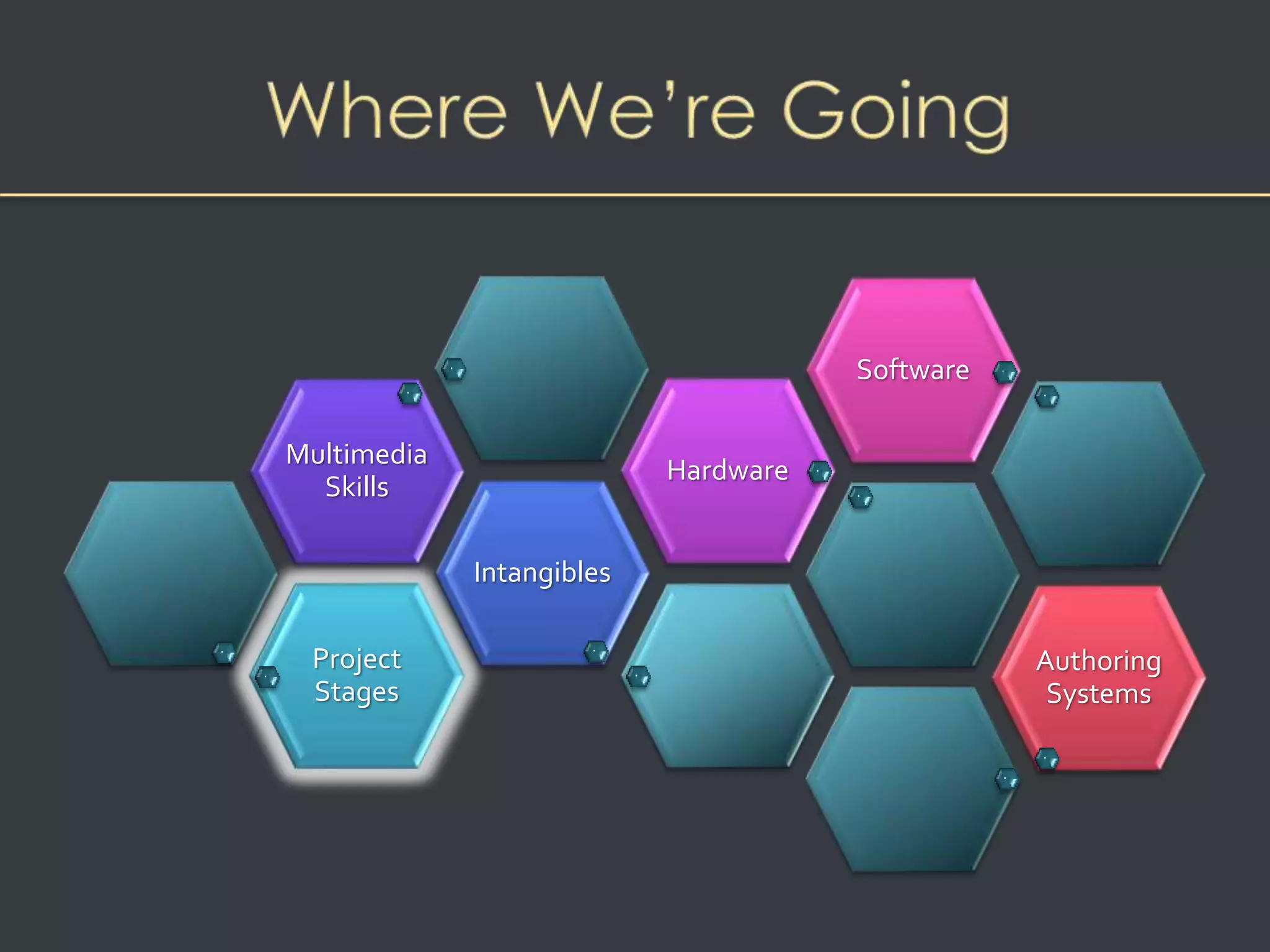
Project 
Stages 
Intangibles 
Multimedia 
Skills 
Hardware 
Software 
Authoring 
Systems
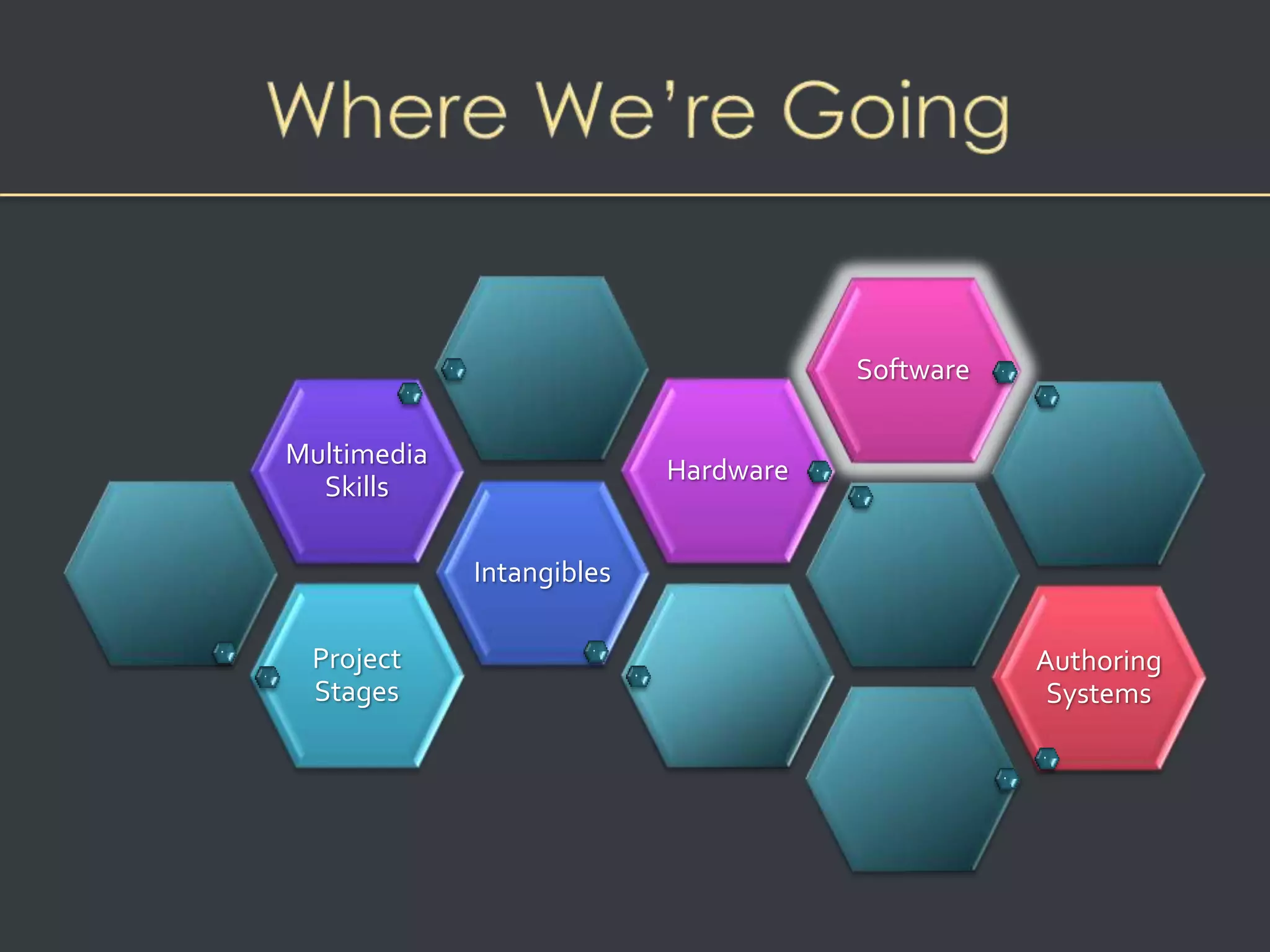
Overview 
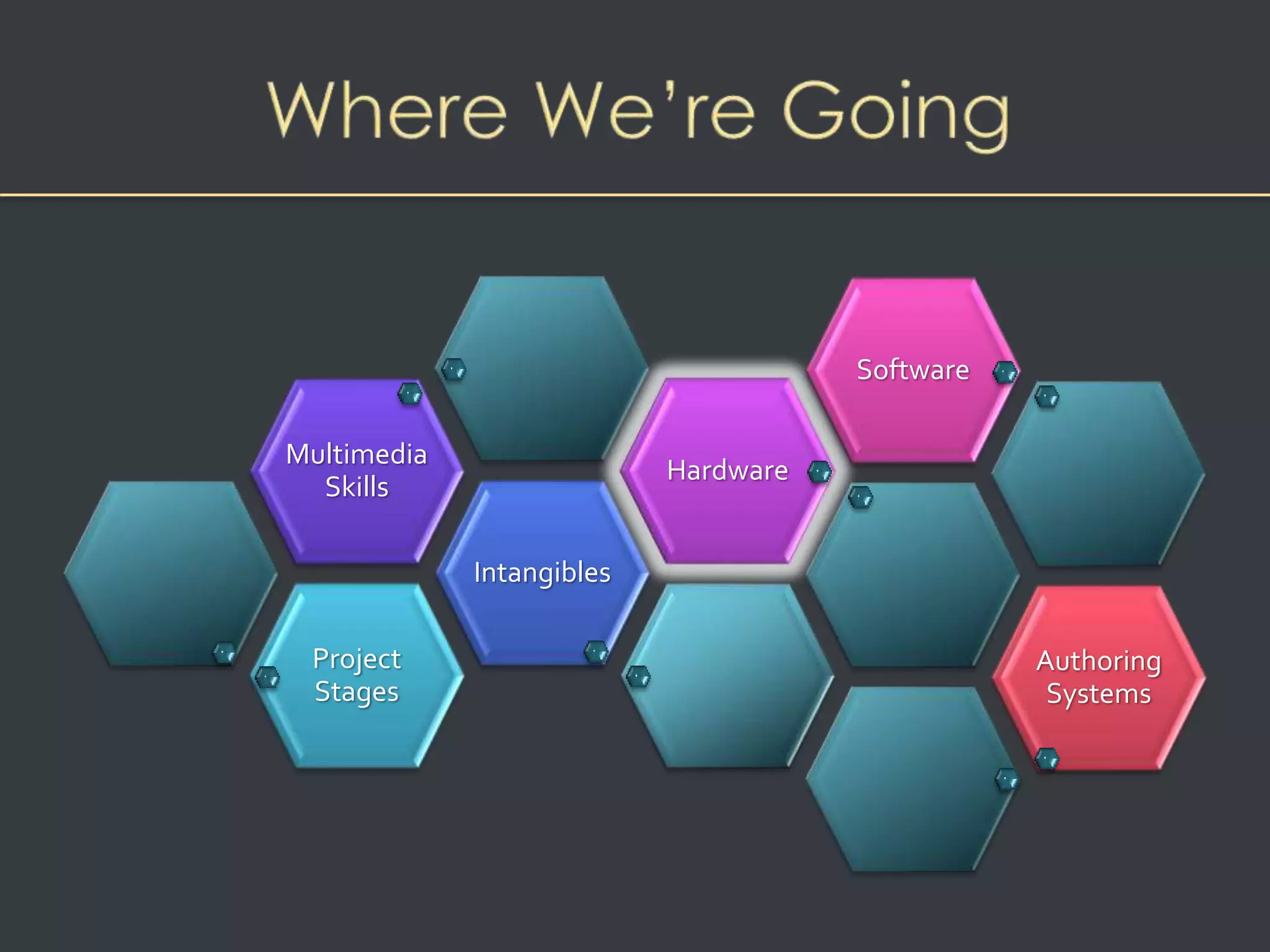
• Stages of a multimedia project 
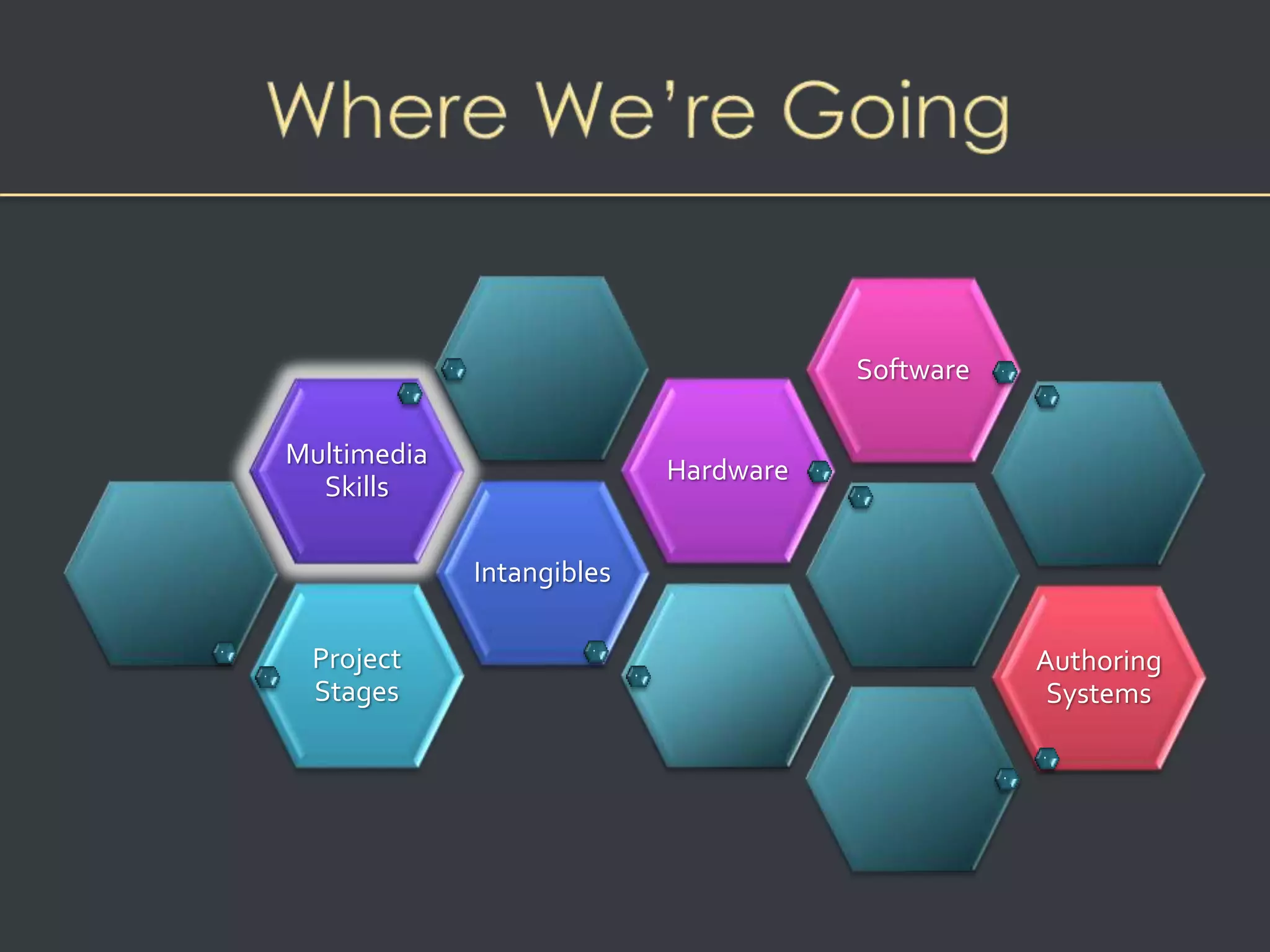
• What You Need: The Intangibles 
• What You Need: Hardware 
• What You Need: Software 
• What You Need: Authoring Systems 
• Multimedia Teams
Stages of a Multimedia Project 
• Planning and costing 
– Project needs identified 
– Project plan created 
– Graphic look and feel developed, navigation system 
developed 
– Budget and time estimate prepared 
– Prototype (proof of concept) is developed
Stages of a Multimedia Project 
• Designing and producing 
– Product plan carried out 
– Product revised based on stakeholder feedback
• Testing ensures product: 
– Meets the project objectives 
– Works on the proposed delivery platforms 
– Meets the client requirements. 
• The final project is packaged and delivered to the end 
user 
Stages of a Multimedia Project
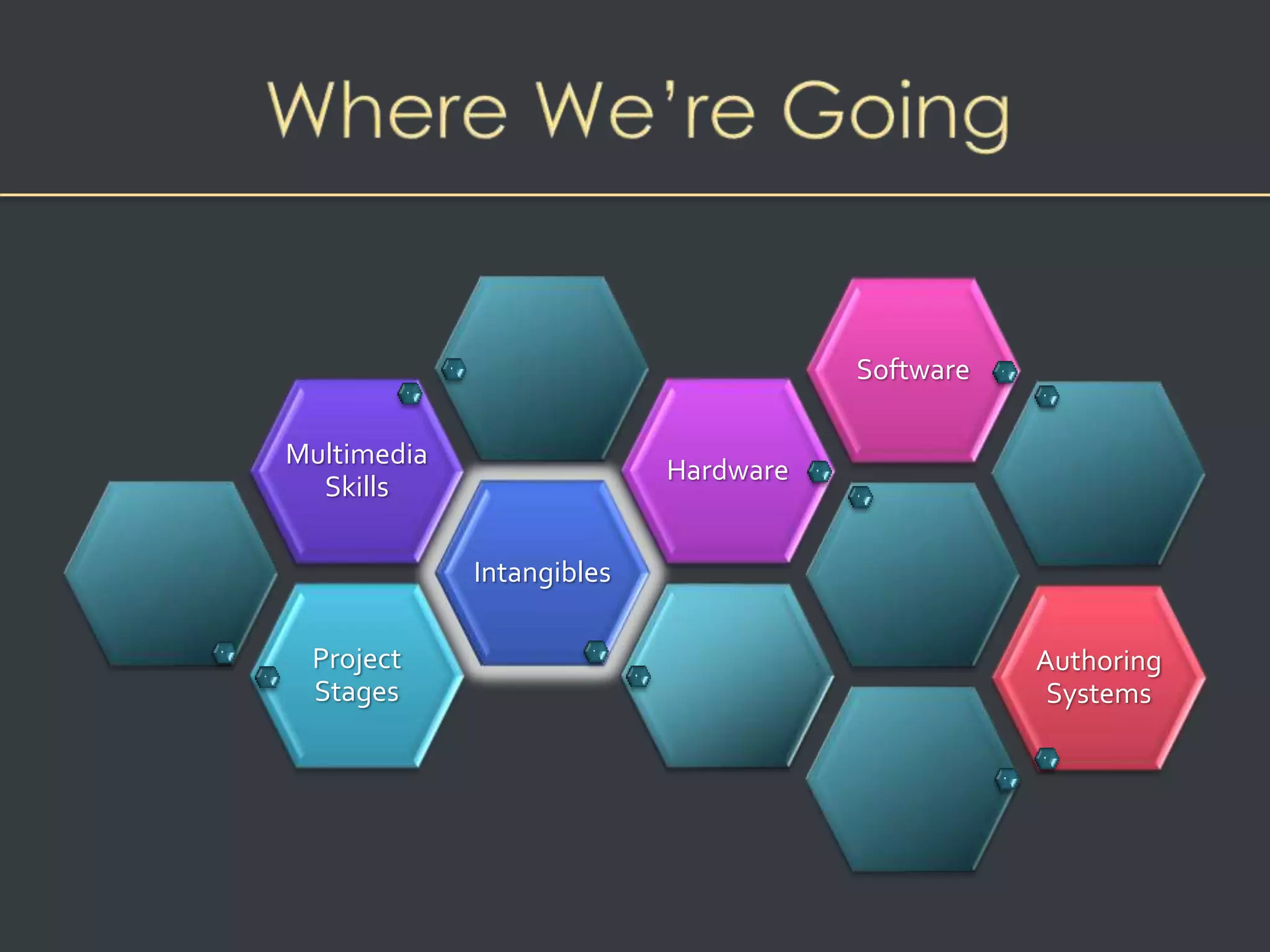
Project 
Stages 
Intangibles 
Multimedia 
Skills 
Hardware 
Software 
Authoring 
Systems
What You Need: The Intangibles 
• Creativity 
– Knowledge of hardware and software is required for 
creativity in multimedia
What You Need: The Intangibles 
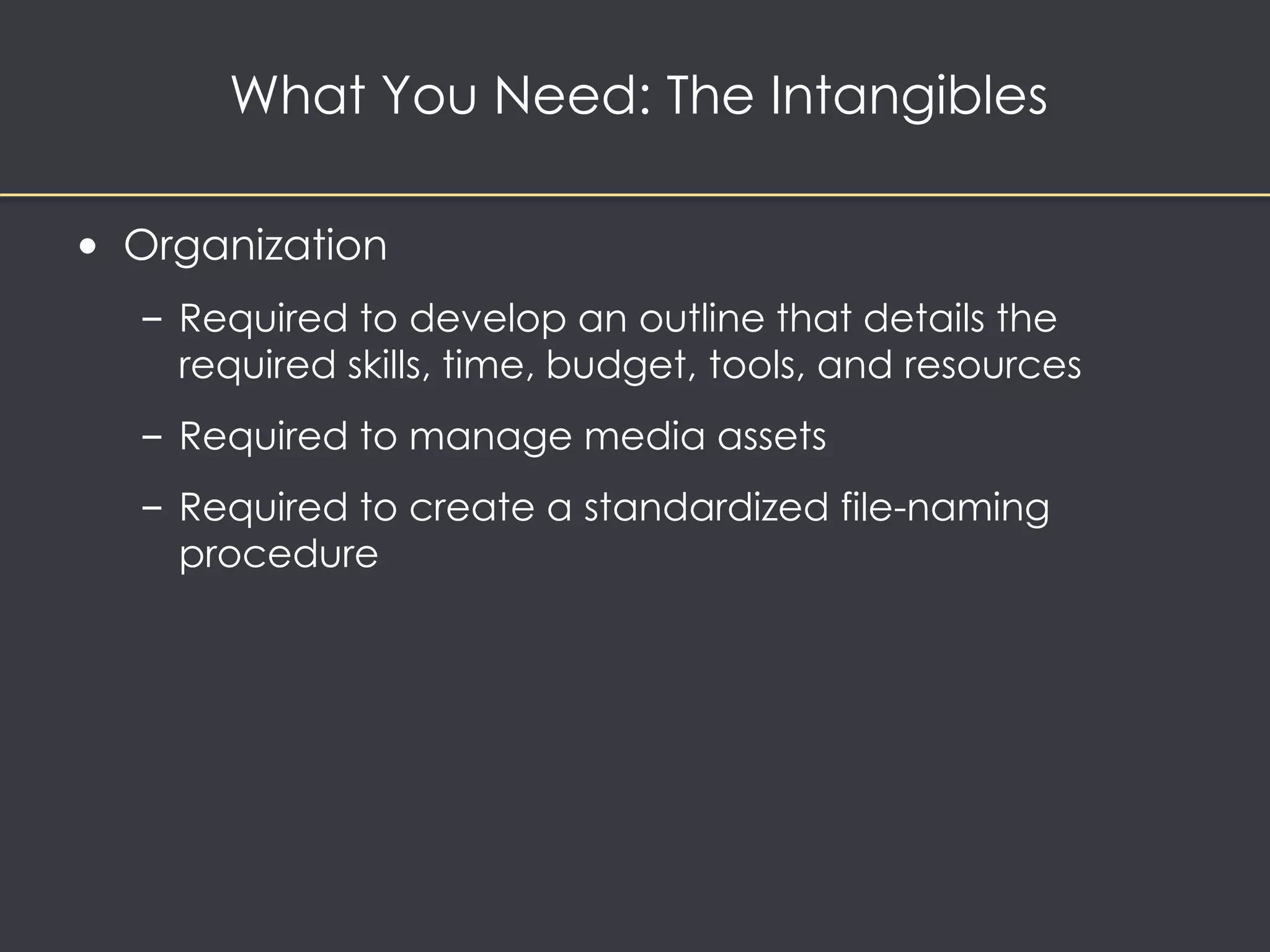
• Organization 
– Required to develop an outline that details the 
required skills, time, budget, tools, and resources 
– Required to manage media assets 
– Required to create a standardized file-naming 
procedure
What You Need: The Intangibles 
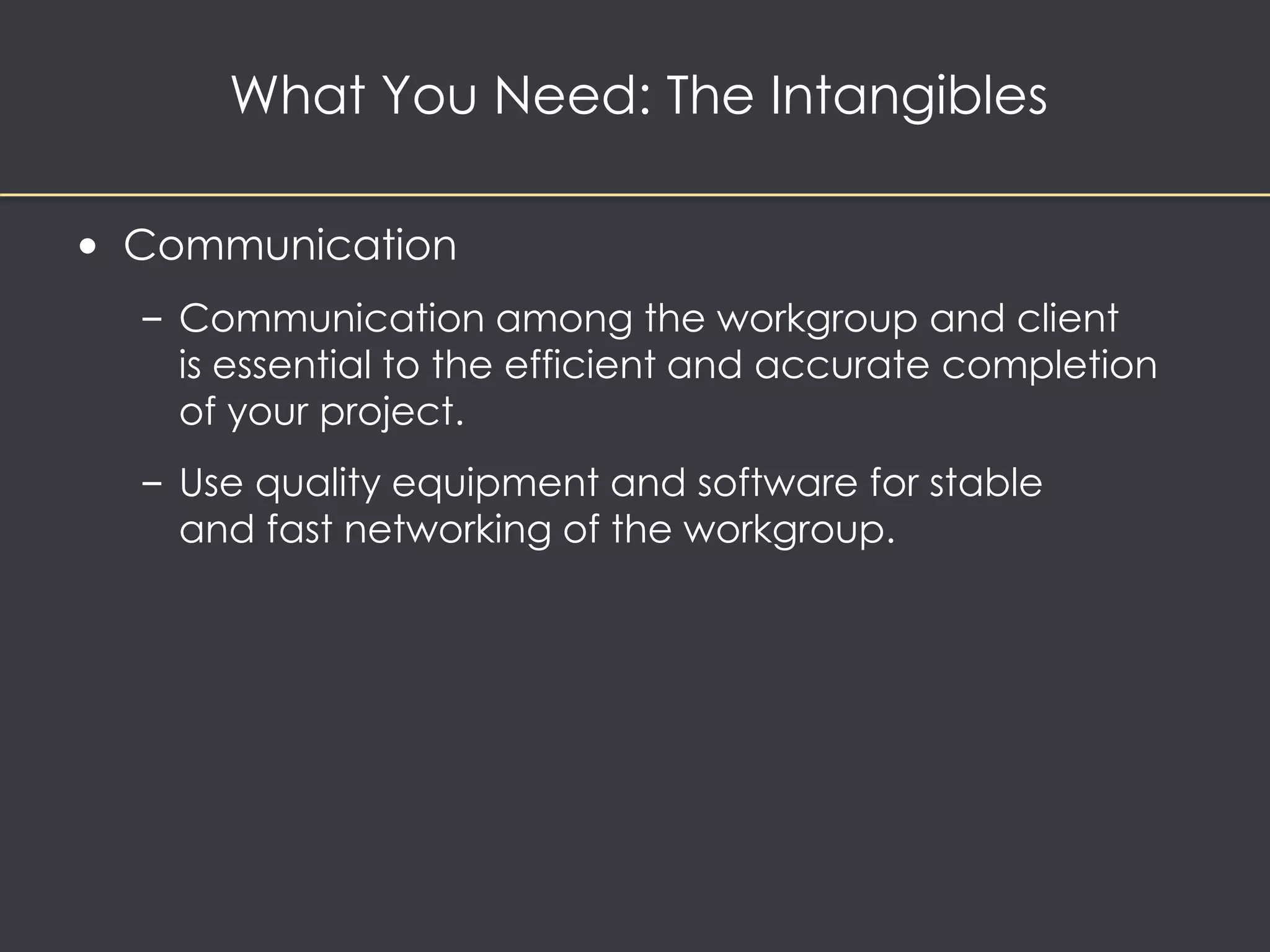
• Communication 
– Communication among the workgroup and client 
is essential to the efficient and accurate completion 
of your project. 
– Use quality equipment and software for stable 
and fast networking of the workgroup.
Project 
Stages 
Intangibles 
Multimedia 
Skills 
Hardware 
Software 
Authoring 
Systems
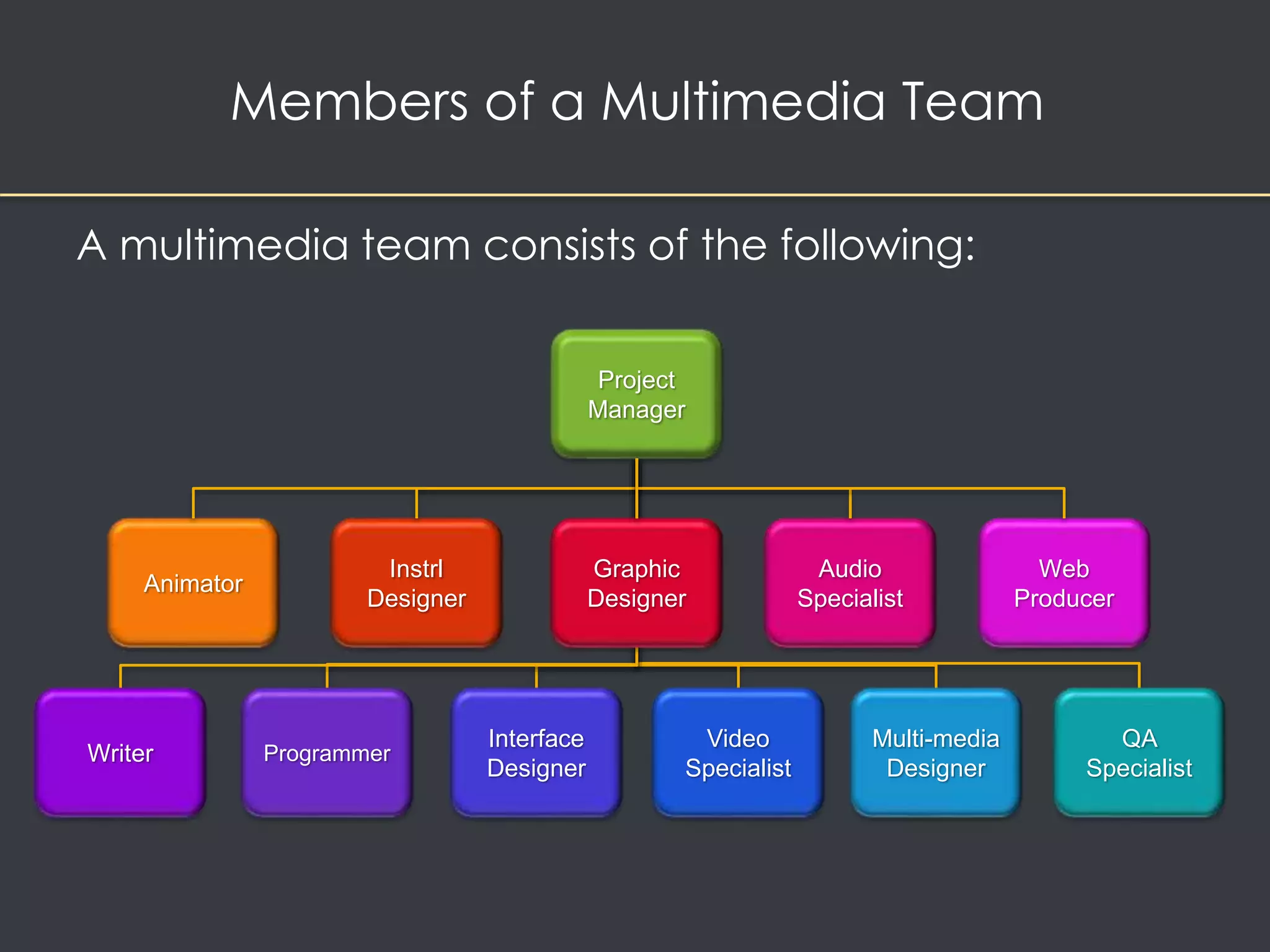
Members of a Multimedia Team 
A multimedia team consists of the following: 
Project 
Manager 
Interface 
Designer 
Instrl 
Designer 
Multi-media 
Designer 
Programmer 
Audio 
Specialist 
Video 
Specialist 
Web 
Producer 
Writer 
Graphic 
Designer 
Animator 
QA 
Specialist
Members of a Multimedia Team 
• A team of skilled individuals is required 
to create a good multimedia project. 
• Team building refers to activities that help 
a group and its members function at optimal levels. 
• The diverse range of skills required for a project is 
called the multimedia skillset.
What You Need: Multimedia Skills 
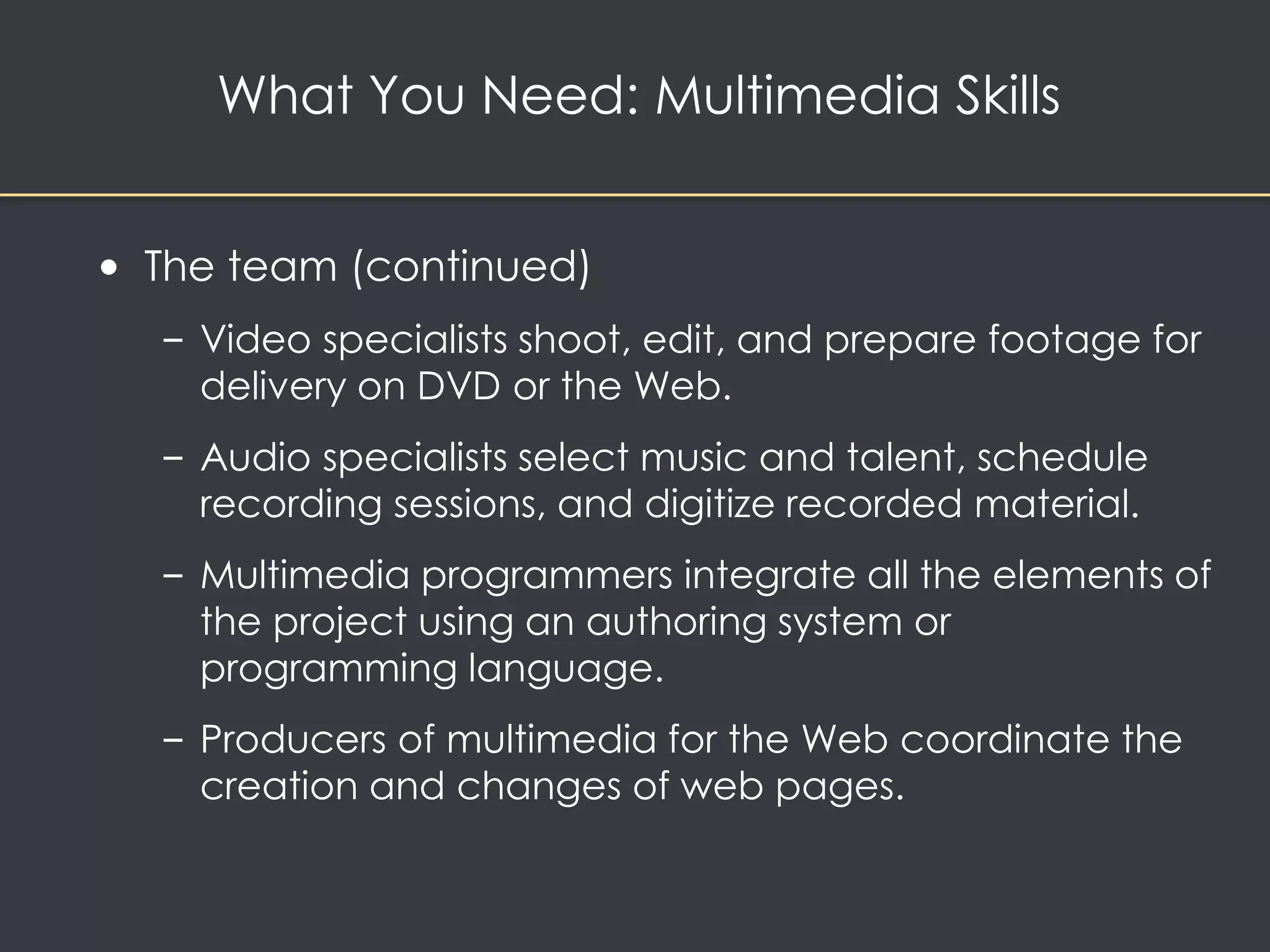
• The team 
– Project managers oversee the entire project. 
– Multimedia designers ensure that the project is visually 
pleasing and friendly. 
– Interface designers create software that lets the user 
access or modify the content. 
– Writers create character, action, and interactivity.
What You Need: Multimedia Skills 
• The team (continued) 
– Video specialists shoot, edit, and prepare footage for 
delivery on DVD or the Web. 
– Audio specialists select music and talent, schedule 
recording sessions, and digitize recorded material. 
– Multimedia programmers integrate all the elements of 
the project using an authoring system or 
programming language. 
– Producers of multimedia for the Web coordinate the 
creation and changes of web pages.
Project 
Stages 
Intangibles 
Multimedia 
Skills 
Hardware 
Software 
Authoring 
Systems
What You Need: Hardware 
Mac or Windows?
What You Need: Hardware 
• Historically, multimedia was developed on Silicon 
Graphics and Sun Microsystems workstations 
• Testing must occur on all target platforms
What You Need: Hardware 
• Windows vs. Macintosh 
– Windows operating system runs on computers built by 
a variety of manufacturers 
– The Apple OS runs on computers built by Apple
What You Need: Hardware 
• Networking Macs and PCs: 
– Local area networks (LANs) connect computers 
that are close to each other 
• Ethernet is the most common networking 
technology 
• Client/server software allows computers 
to communicate
What You Need: Hardware 
• Networking Macs and PCs: 
– Wide area networks (WANs) connect computers 
over a diverse geographical area 
– Used by large corporations 
– Expensive to install and maintain 
• Internet service providers (ISPs) connect computers to 
the internet via a WAN
What You Need: Hardware 
• Connections 
– Integrated Drive Electronics (IDE) 
– Universal Serial Bus (USB) 
– FireWire (IEEE 1394) 
– Small Computer System Interface (SCSI)
What You Need: Hardware 
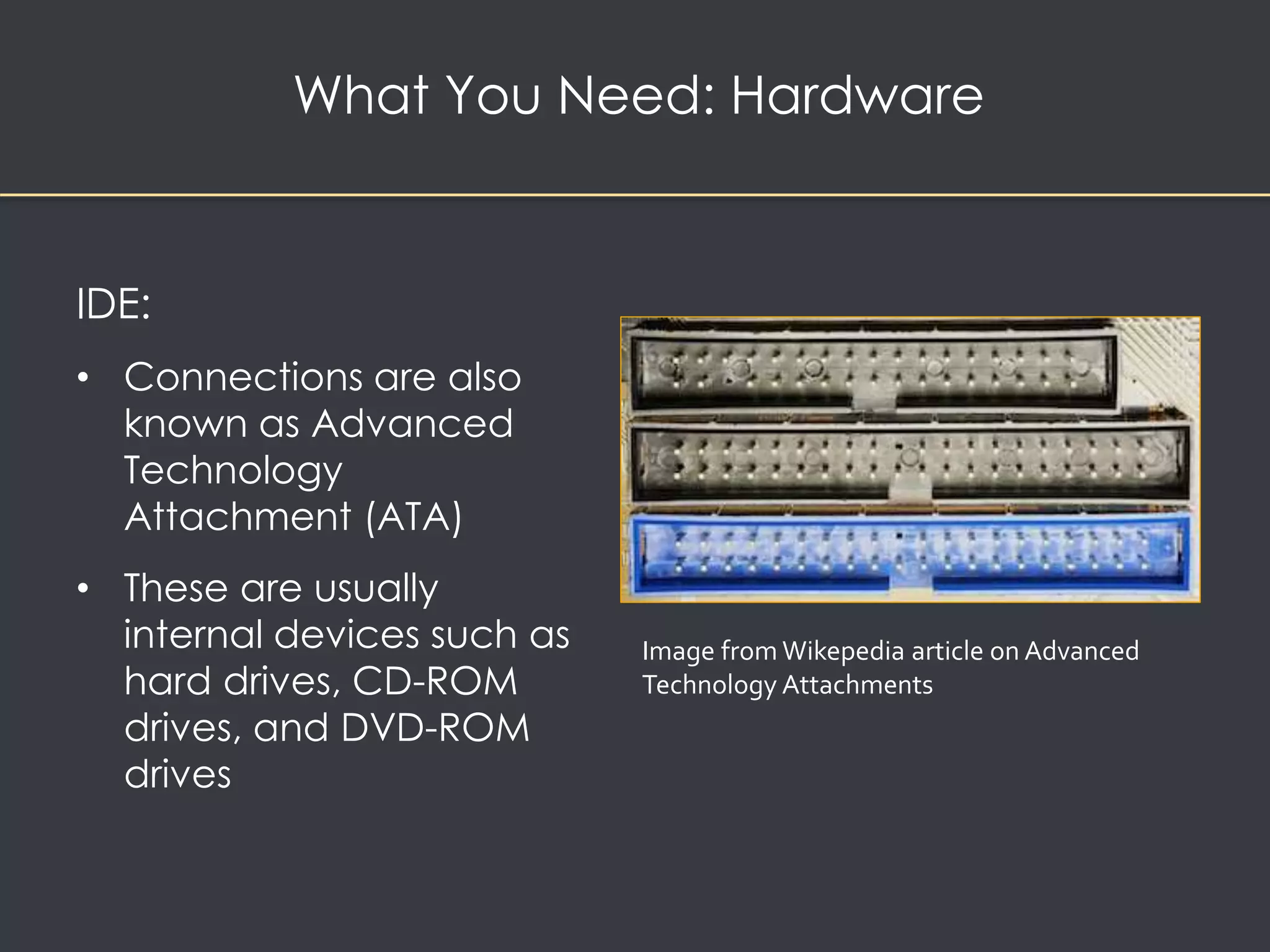
IDE: 
• Connections are also 
known as Advanced 
Technology 
Attachment (ATA) 
• These are usually 
internal devices such as 
hard drives, CD-ROM 
drives, and DVD-ROM 
drives 
Image from Wikepedia article on Advanced 
Technology Attachments
What You Need: Hardware 
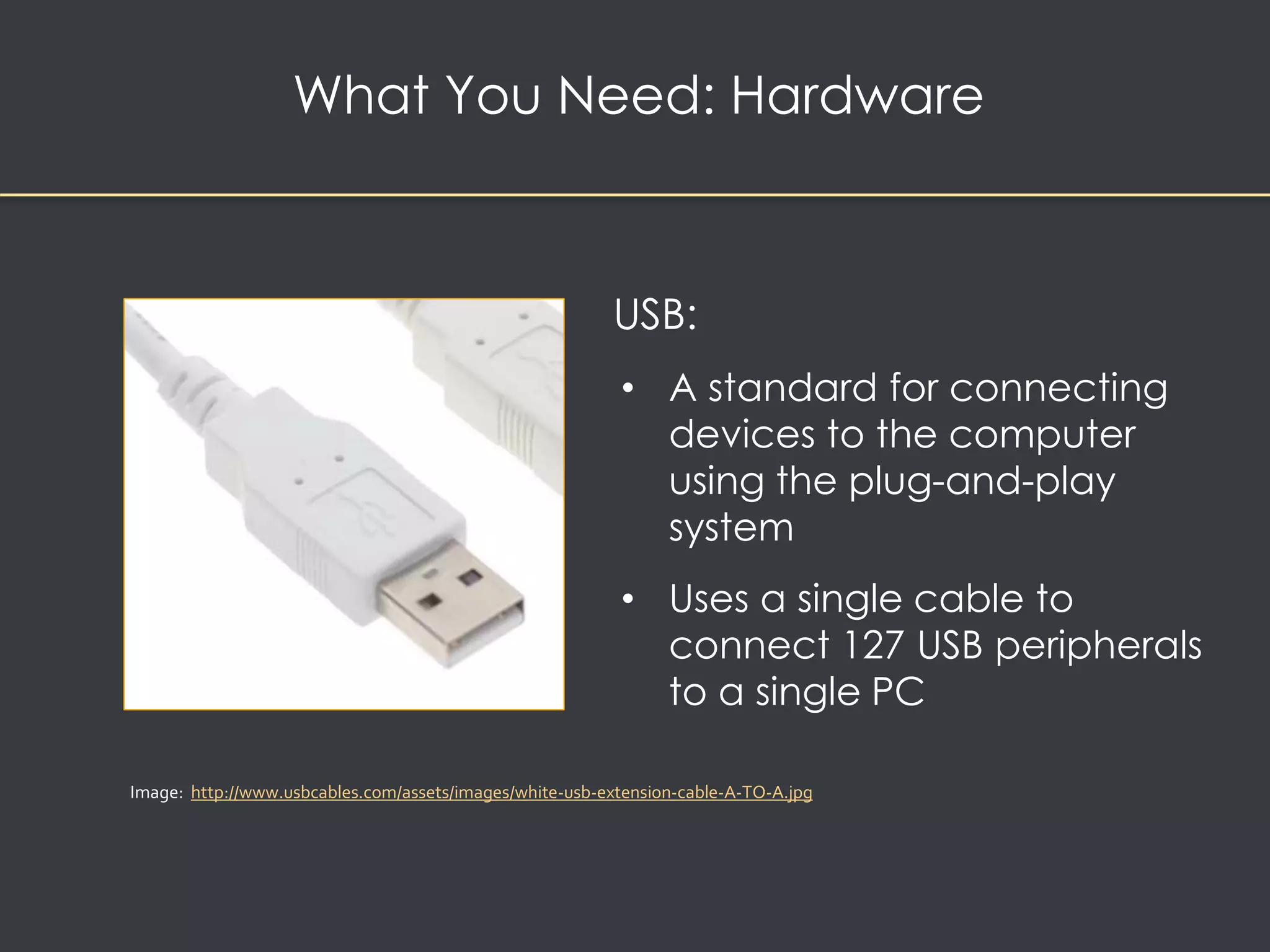
USB: 
• A standard for connecting 
devices to the computer 
using the plug-and-play 
system 
• Uses a single cable to 
connect 127 USB peripherals 
to a single PC 
Image: http://www.usbcables.com/assets/images/white-usb-extension-cable-A-TO-A.jpg
What You Need: Hardware 
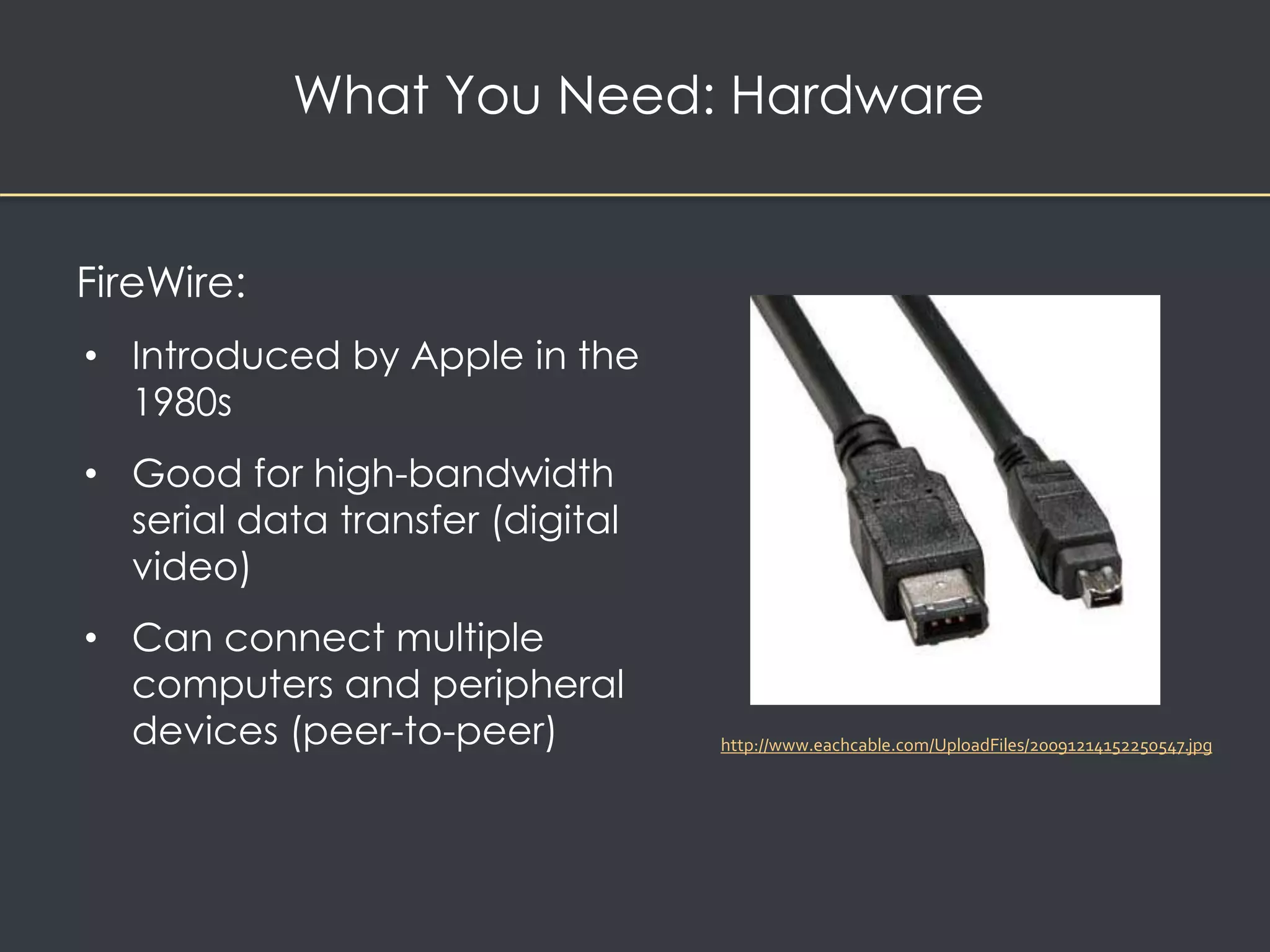
FireWire: 
• Introduced by Apple in the 
1980s 
• Good for high-bandwidth 
serial data transfer (digital 
video) 
• Can connect multiple 
computers and peripheral 
devices (peer-to-peer) 
http://www.eachcable.com/UploadFiles/20091214152250547.jpg
What You Need: Hardware 
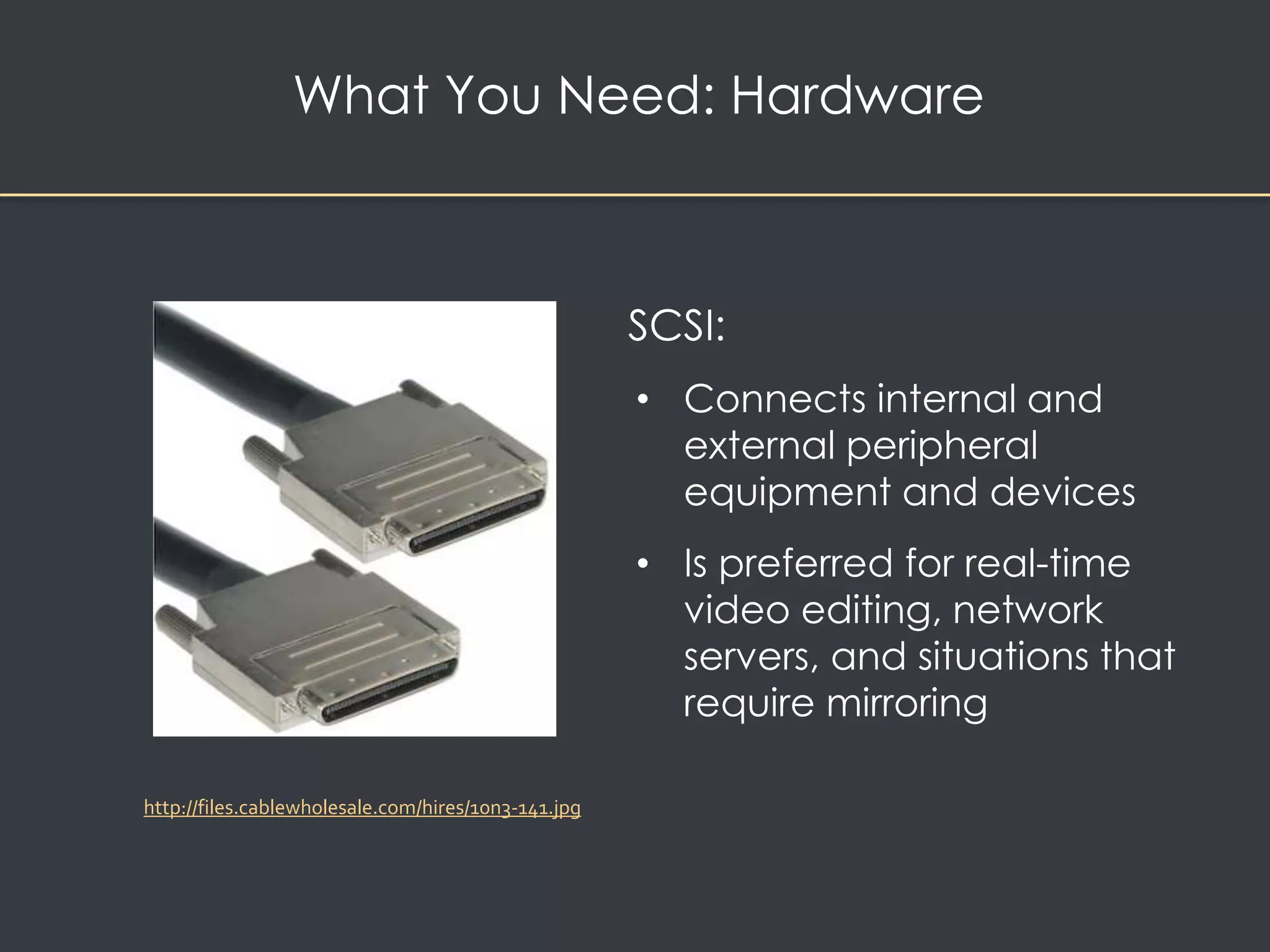
SCSI: 
• Connects internal and 
external peripheral 
equipment and devices 
• Is preferred for real-time 
video editing, network 
servers, and situations that 
require mirroring 
http://files.cablewholesale.com/hires/10n3-141.jpg
What You Need: Hardware 
Memory and storage devices 
• Required for multimedia projects 
• Depend on the project's content and scope. 
• Random access memory (RAM) 
• Enables simultaneous use of many applications 
• Read-only memory (ROM) 
• Non-volatile – boots up computer
What You Need: Hardware 
Memory and storage devices 
• Hard disks 
• Flash drives (USB) 
• CD-ROM – good for finished multimedia projects 
• CD-RW can be completely erased 
• CD-RW recorder can rewrite 700 mb of data 1000 times 
• DVD - optical disc technology used to distribute 
multimedia projects 
• Blue-Ray – used for high def television, mass storage
What You Need: Hardware 
Input devices 
• An optical character recognition (OCR) device 
• Quick Response (QR) codes 
• Voice recognition systems 
• Microphones and cables 
• Digital cameras 
• Scanners
What You Need: Hardware 
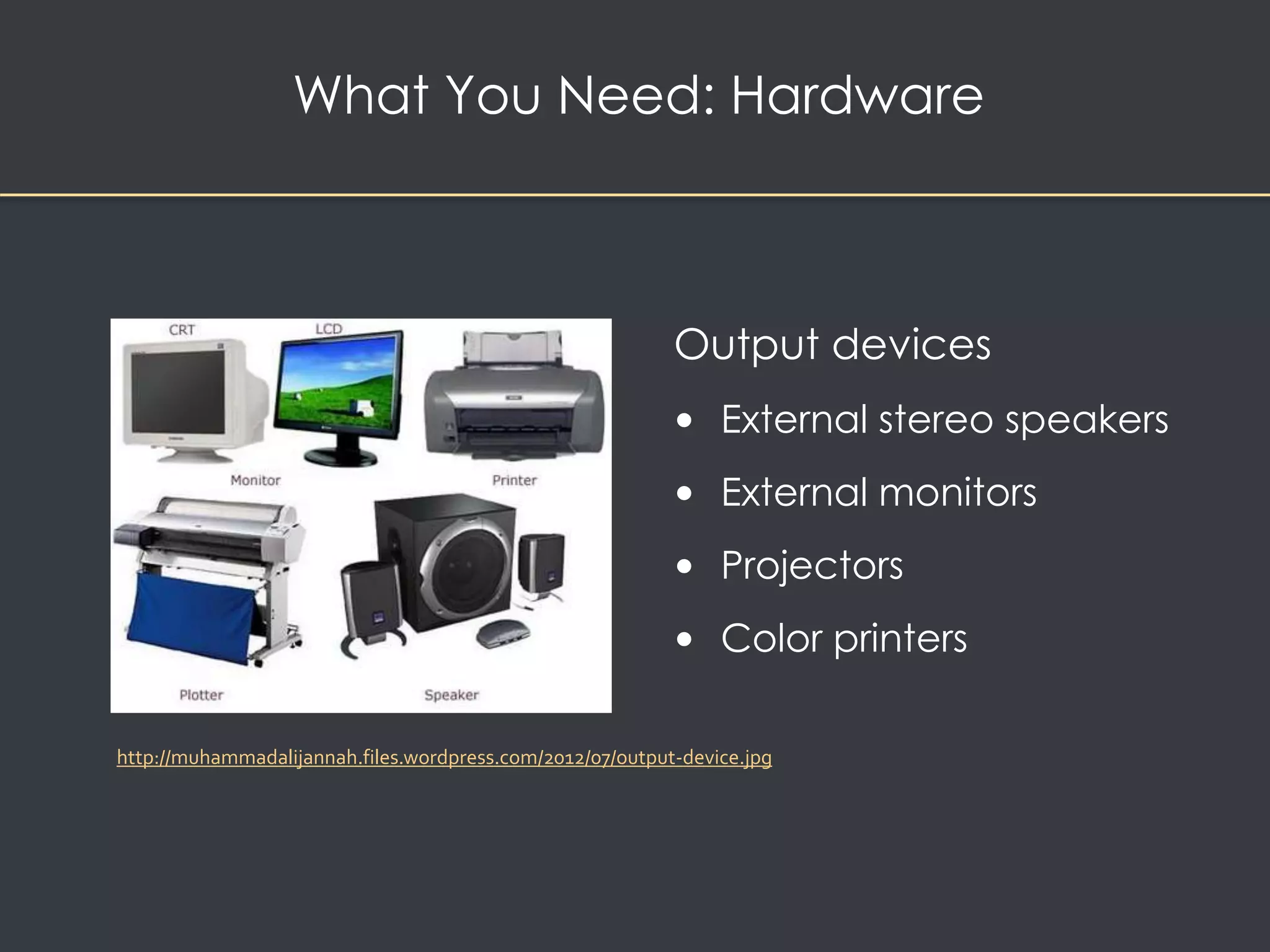
Output devices 
• External stereo speakers 
• External monitors 
• Projectors 
• Color printers 
http://muhammadalijannah.files.wordpress.com/2012/07/output-device.jpg
Project 
Stages 
Intangibles 
Multimedia 
Skills 
Hardware 
Software 
Authoring 
Systems
Text editing and word processing tools 
• Word processors such as Microsoft Word and 
WordPerfect 
• OpenOffice is a free, downloadable word processing 
program 
What You Need: Software
What You Need: Software 
OCR software 
• Converts bitmapped 
characters into ASCII text 
• Makes use of probability and 
expert system algorithms 
• Is very accurate and saves 
time and effort 
Image from: http://gadgetsgo.com/images/P/Topscan-ocr-optical-characer-recognition-software-document-PR-01.jpg
What You Need: Software 
Painting tools allow you to create and modify bitmap 
images 
• PhotoShop, Fireworks, Sumopaint, Pxlr 
http://0.tqn.com/d/webclipart/1/0/n/p/4/Image-for-file-types3.png
What You Need: Software 
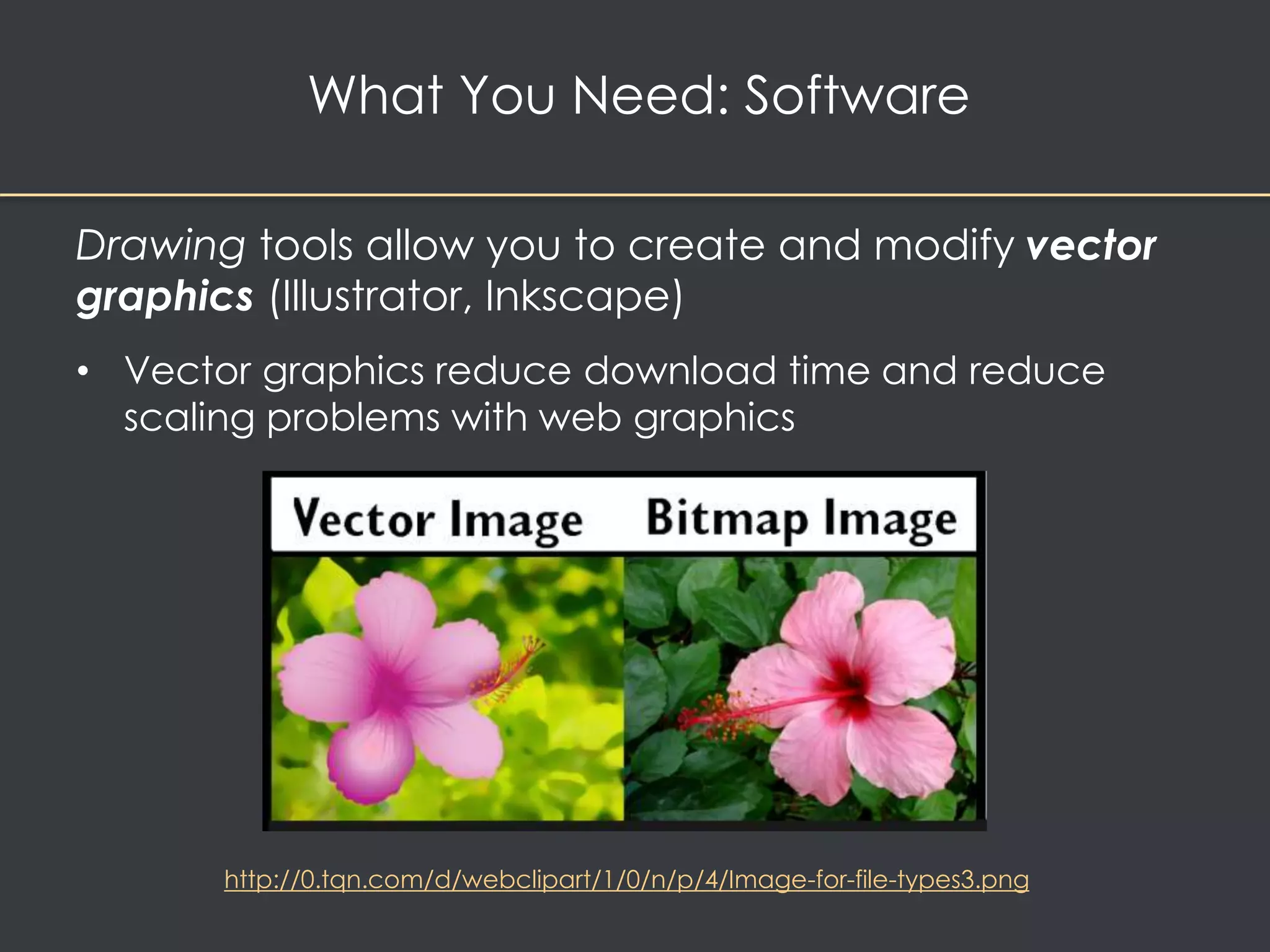
Drawing tools allow you to create and modify vector 
graphics (Illustrator, Inkscape) 
• Vector graphics reduce download time and reduce 
scaling problems with web graphics 
http://0.tqn.com/d/webclipart/1/0/n/p/4/Image-for-file-types3.png
What You Need: Software 
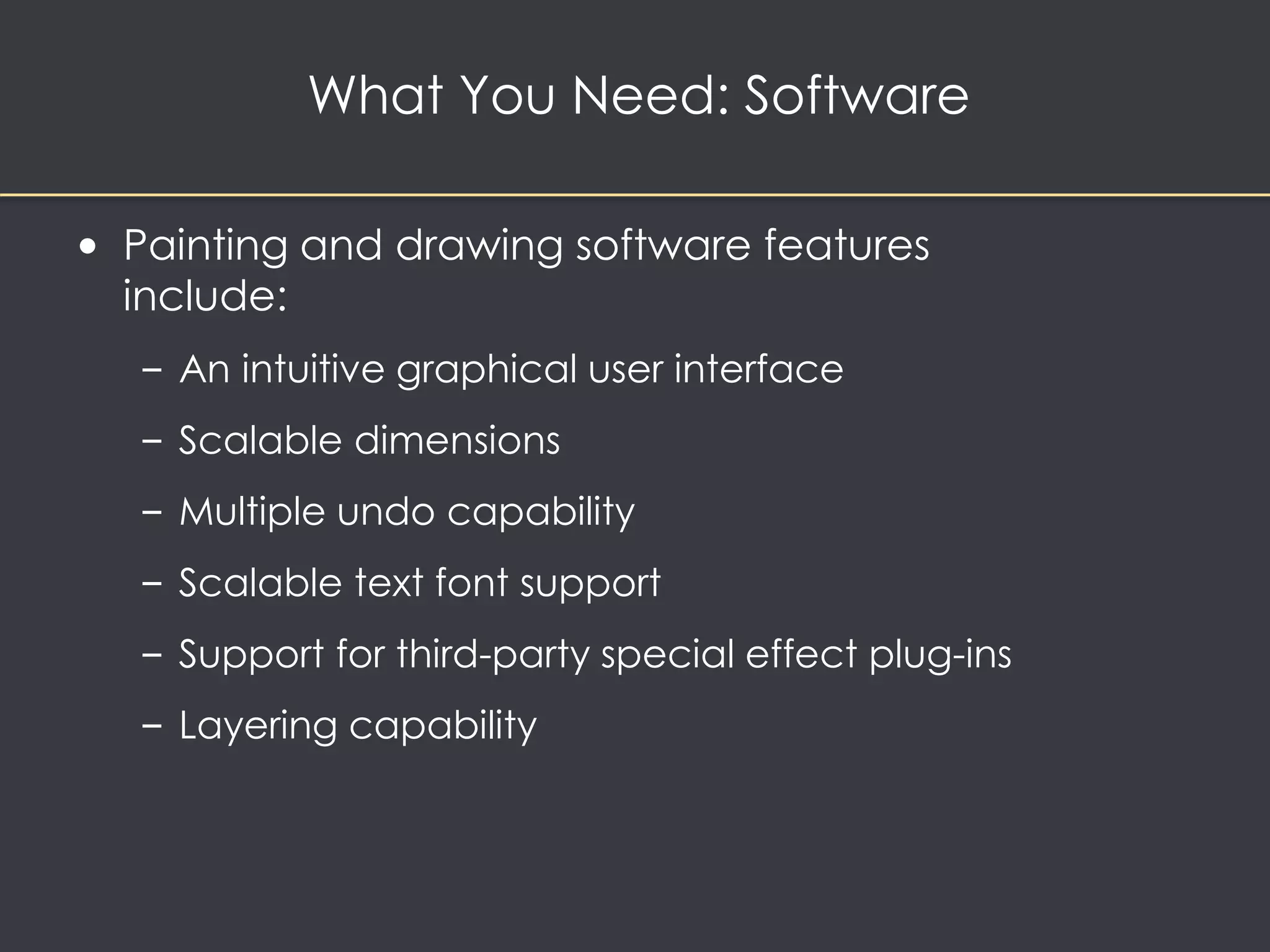
• Painting and drawing software features 
include: 
– An intuitive graphical user interface 
– Scalable dimensions 
– Multiple undo capability 
– Scalable text font support 
– Support for third-party special effect plug-ins 
– Layering capability
Example: Sumopaint Interface
What You Need: Software 
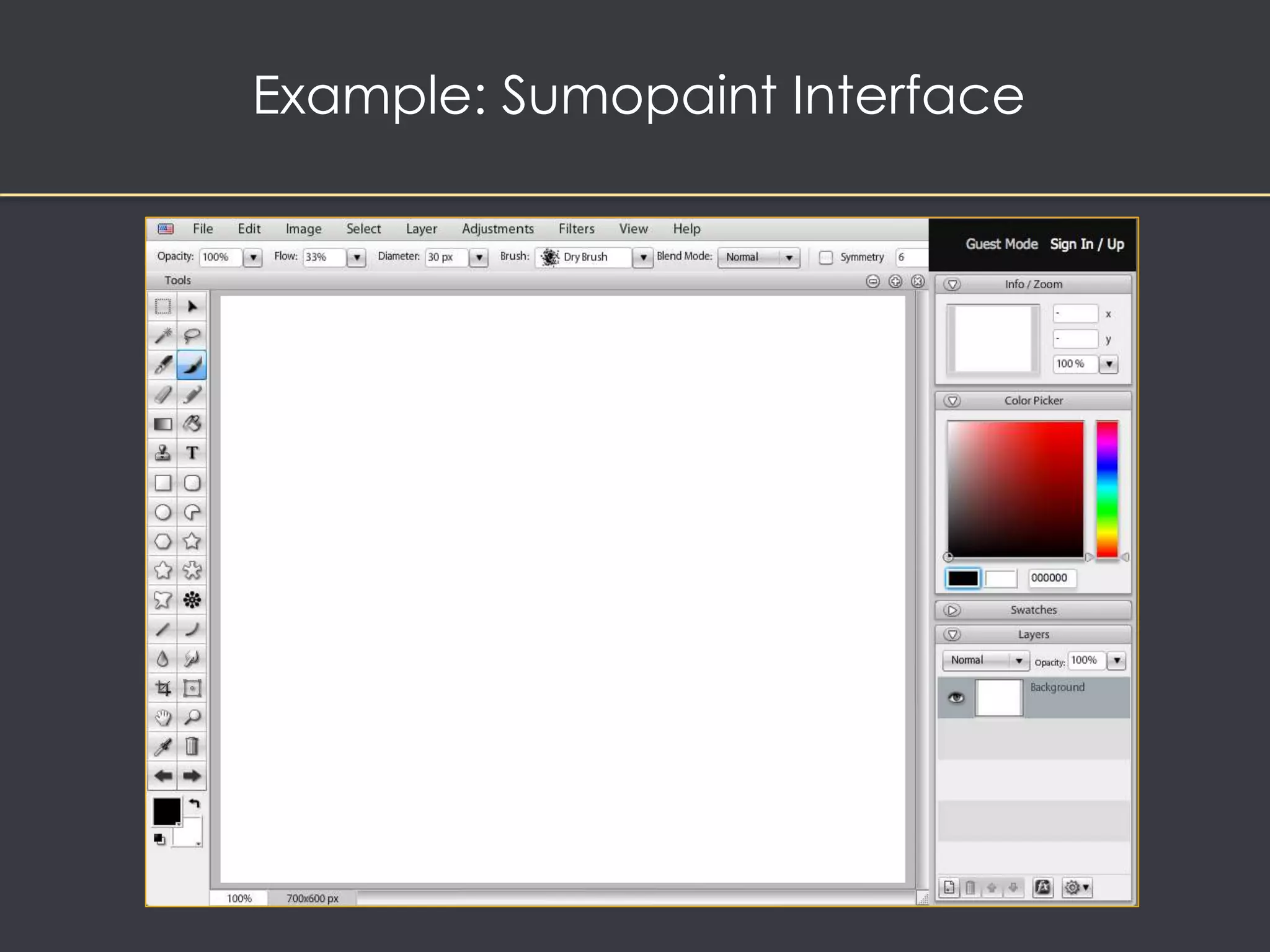
• Painting and drawing software features 
include (continued) 
– Painting features such as smoothing coarse-edged 
objects into the background with anti-aliasing.
What You Need: Software 
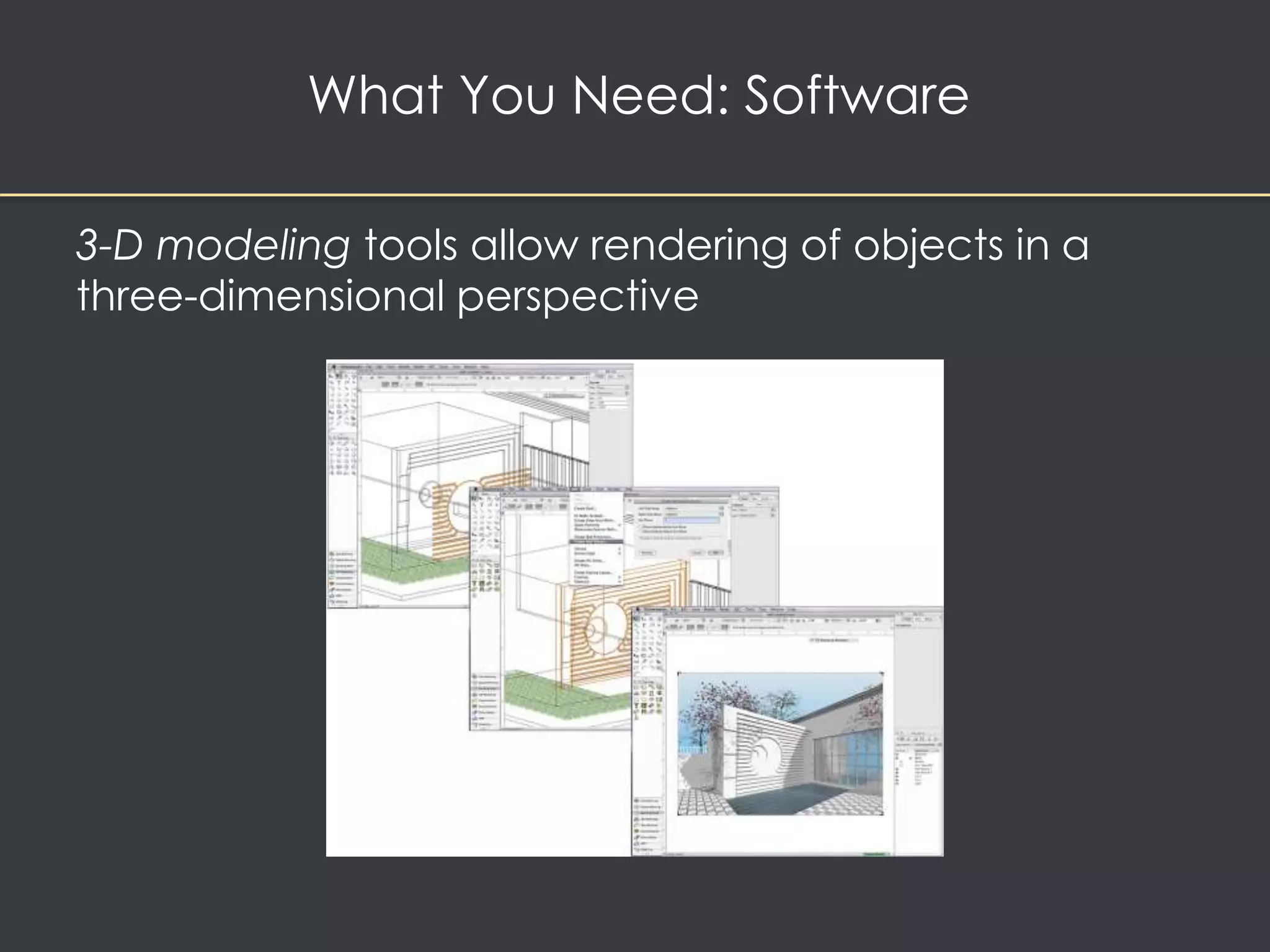
• 3-D modeling tools allow rendering of 3-D graphics 
– VectorWorks, AutoDesk Maya, Inkscape, and 3D 
Studio Max 
– Many applications allow you to export and save 
moving images as QuickTime or AVI animation files 
– Take a long time to render
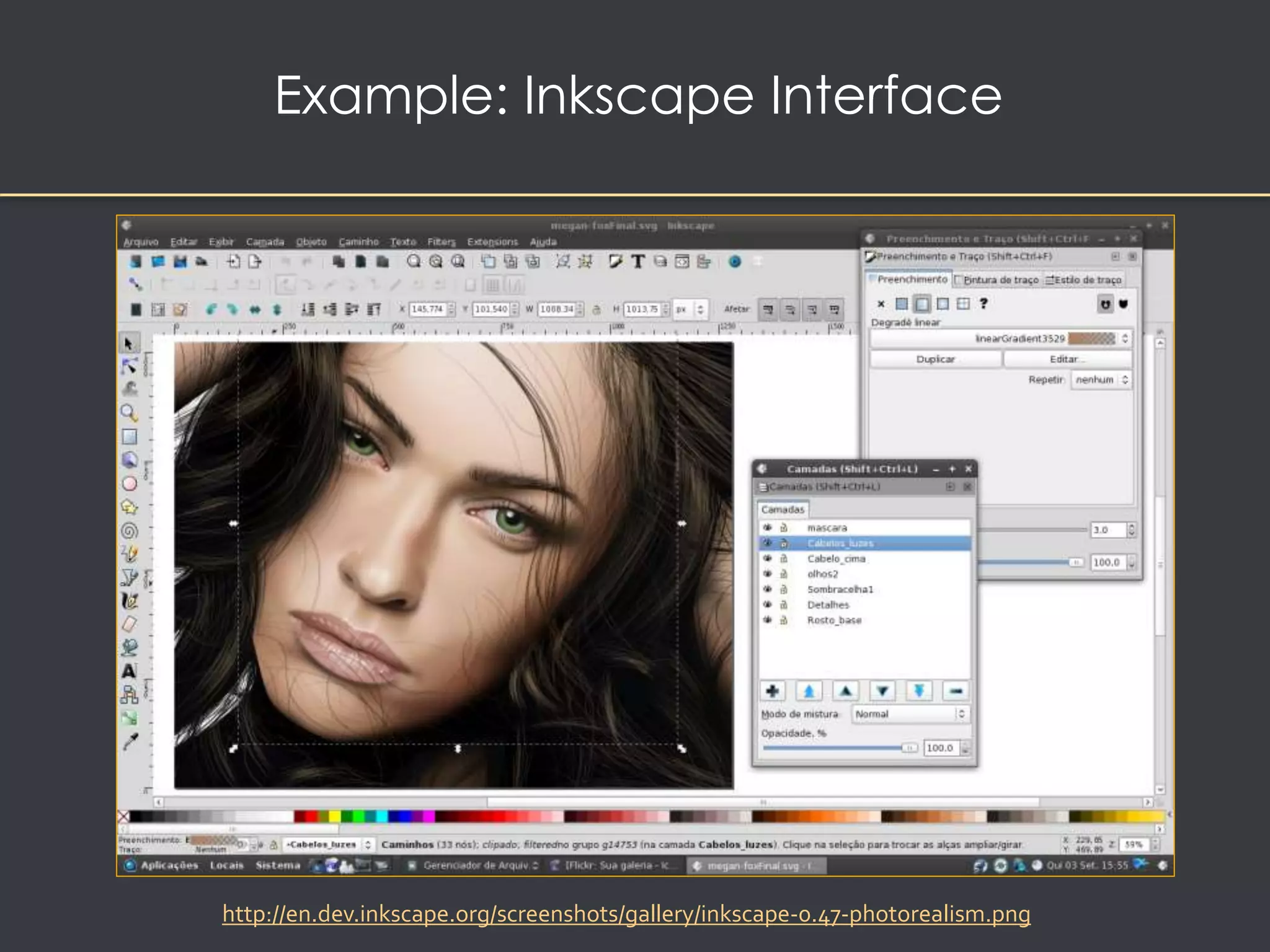
Example: Inkscape Interface 
http://en.dev.inkscape.org/screenshots/gallery/inkscape-0.47-photorealism.png
What You Need: Software 
3-D modeling tools allow rendering of objects in a 
three-dimensional perspective
What You Need: Software 
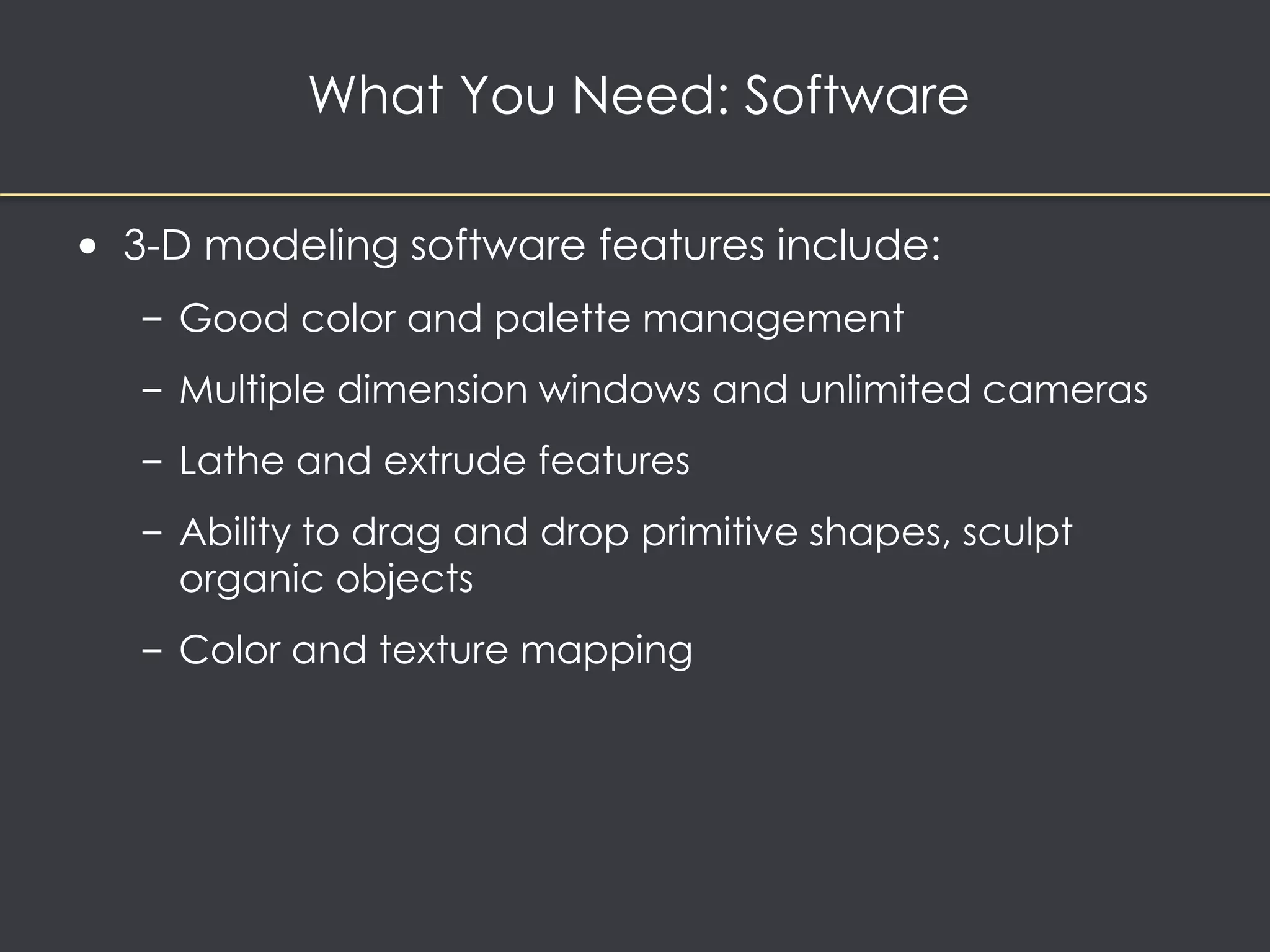
• 3-D modeling software features include: 
– Good color and palette management 
– Multiple dimension windows and unlimited cameras 
– Lathe and extrude features 
– Ability to drag and drop primitive shapes, sculpt 
organic objects 
– Color and texture mapping
What You Need: Software 
• Image-editing tools 
– Are specialized and powerful tools for enhancing and 
retouching existing bitmapped images 
– Many painting and drawing programs also serve 
as image editors 
– Features include conversion of image-data types and 
file formats, masking features, employment 
of virtual memory scheme, etc. 
– Support third-party plug-ins
What You Need: Software 
• Sound-editing tools 
– Enables the user to see music as a waveform as well 
as hear sound 
– This is done by drawing a representation of sound in 
fine increments
What You Need: Software 
• Animation, video, and digital movie tools 
– Animation is a sequence of bitmapped graphic 
scenes or frames, rapidly played back. 
– Animations can be made within some authoring 
systems by moving objects or sprites to simulate 
motion. 
– Moviemaking tools take advantage of QuickTime 
and AVI formats to create, edit, and present digitized 
motion video segments.
What You Need: Software 
• Helpful accessories 
– Screen-capture software enables the user 
to move bitmapped images by placing them 
on the clipboard. 
– Format converters are useful for projects where the 
source material originates on different platforms.
Project 
Stages 
Intangibles 
Multimedia 
Skills 
Hardware 
Software 
Authoring 
Systems
What You Need: Authoring Systems 
Provide: 
• a framework for organizing and editing the 
elements of a multimedia project 
• an integrated environment for combining the 
content and functions of a project 
• A means for creating, editing, and importing data
What You Need: Authoring Systems 
• Helpful ways to get started: 
– Use pre-made templates, wizards, and styles 
to save time on page setup 
– Improve document appearance with tables, bulleted 
and numbered lists, and symbols
What You Need: Authoring Systems 
• Making instant multimedia 
– The scope of your project determines the 
appropriate production tool 
– Modern office productivity software can perform 
many simple multimedia tasks 
– Most modern PCs have some multimedia creation 
tools built in
What You Need: Authoring Systems 
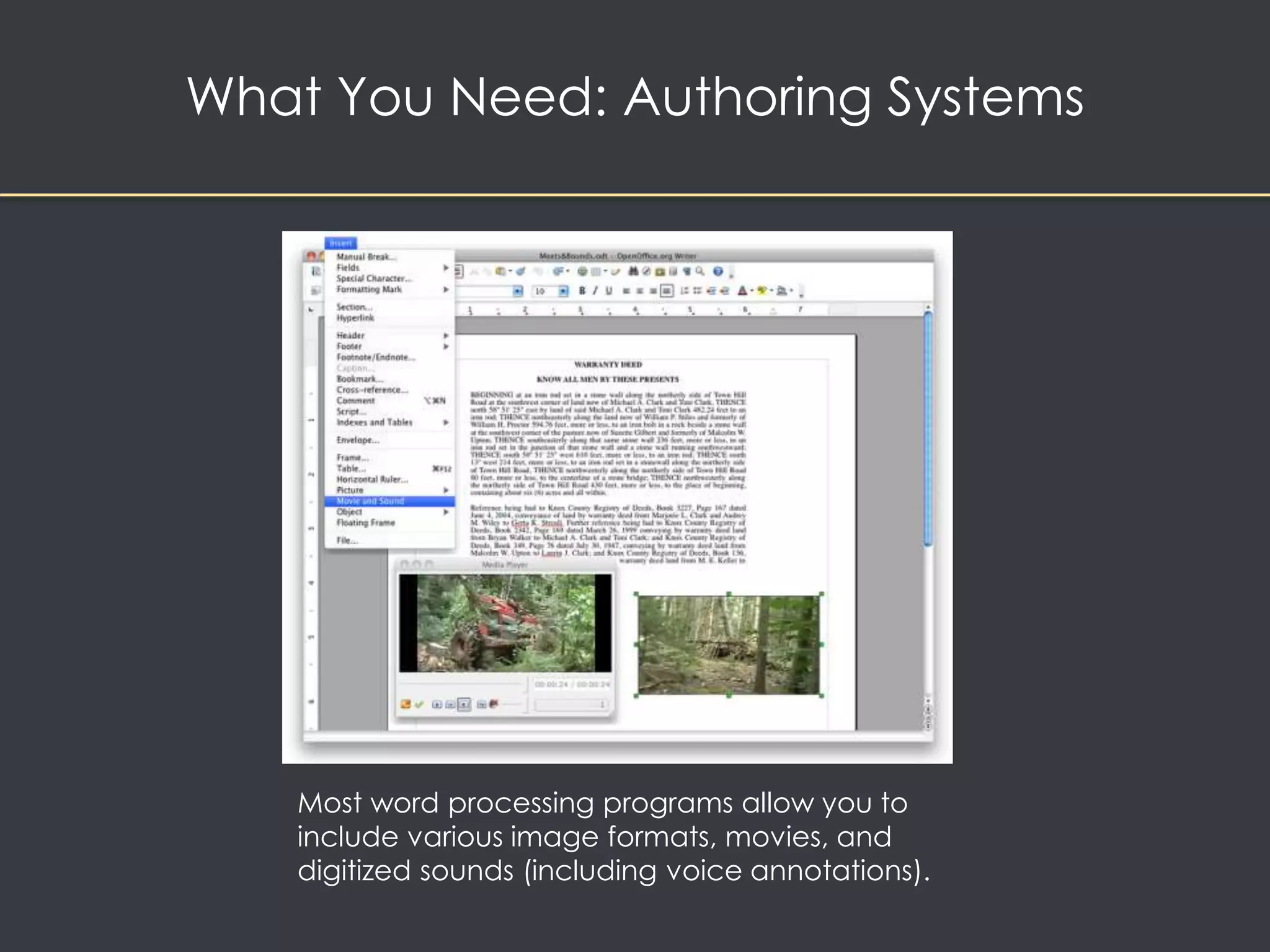
Most word processing programs allow you to 
include various image formats, movies, and 
digitized sounds (including voice annotations).
What You Need: Authoring Systems 
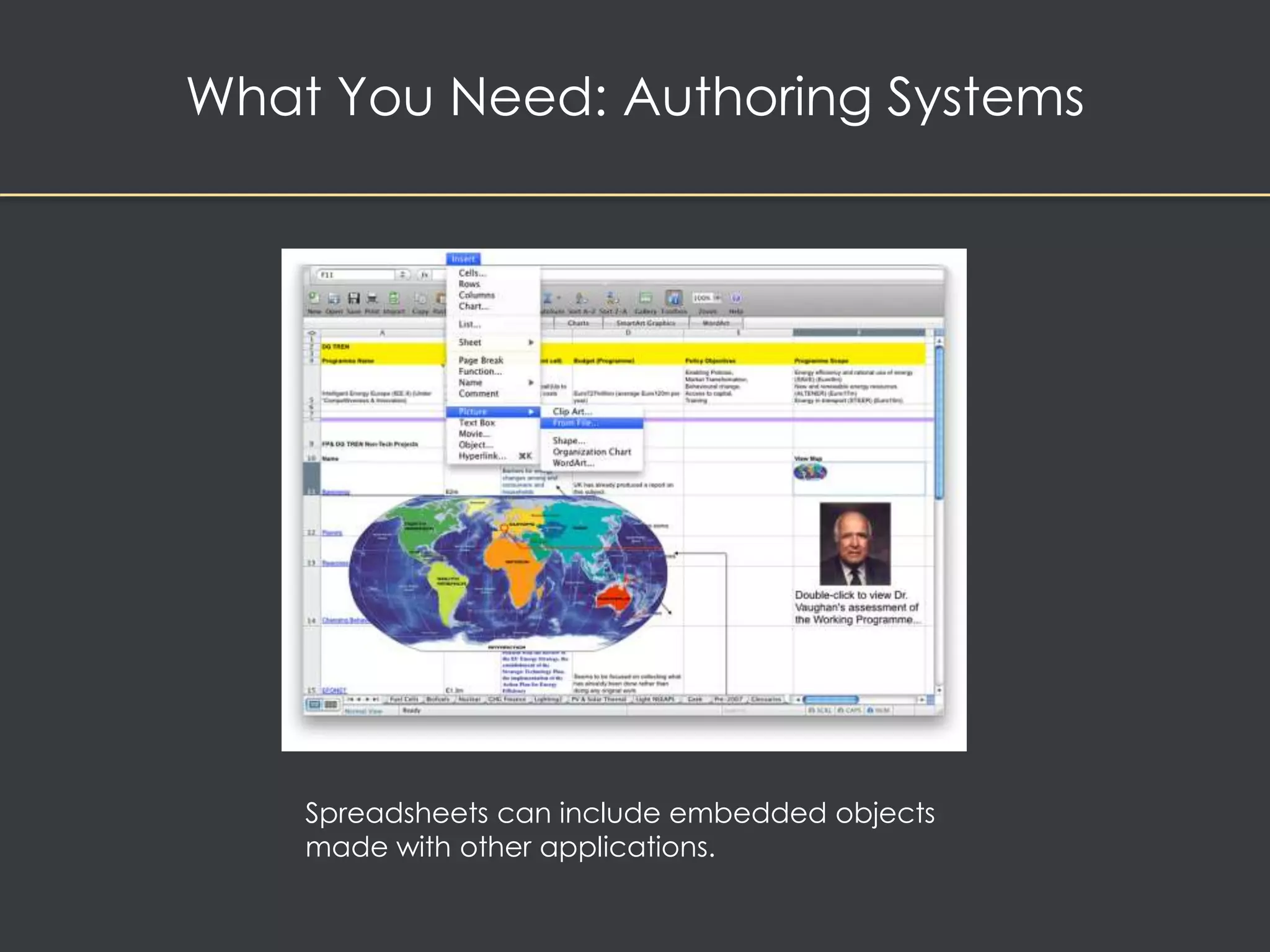
Spreadsheets can include embedded objects 
made with other applications.
What You Need: Authoring Systems 
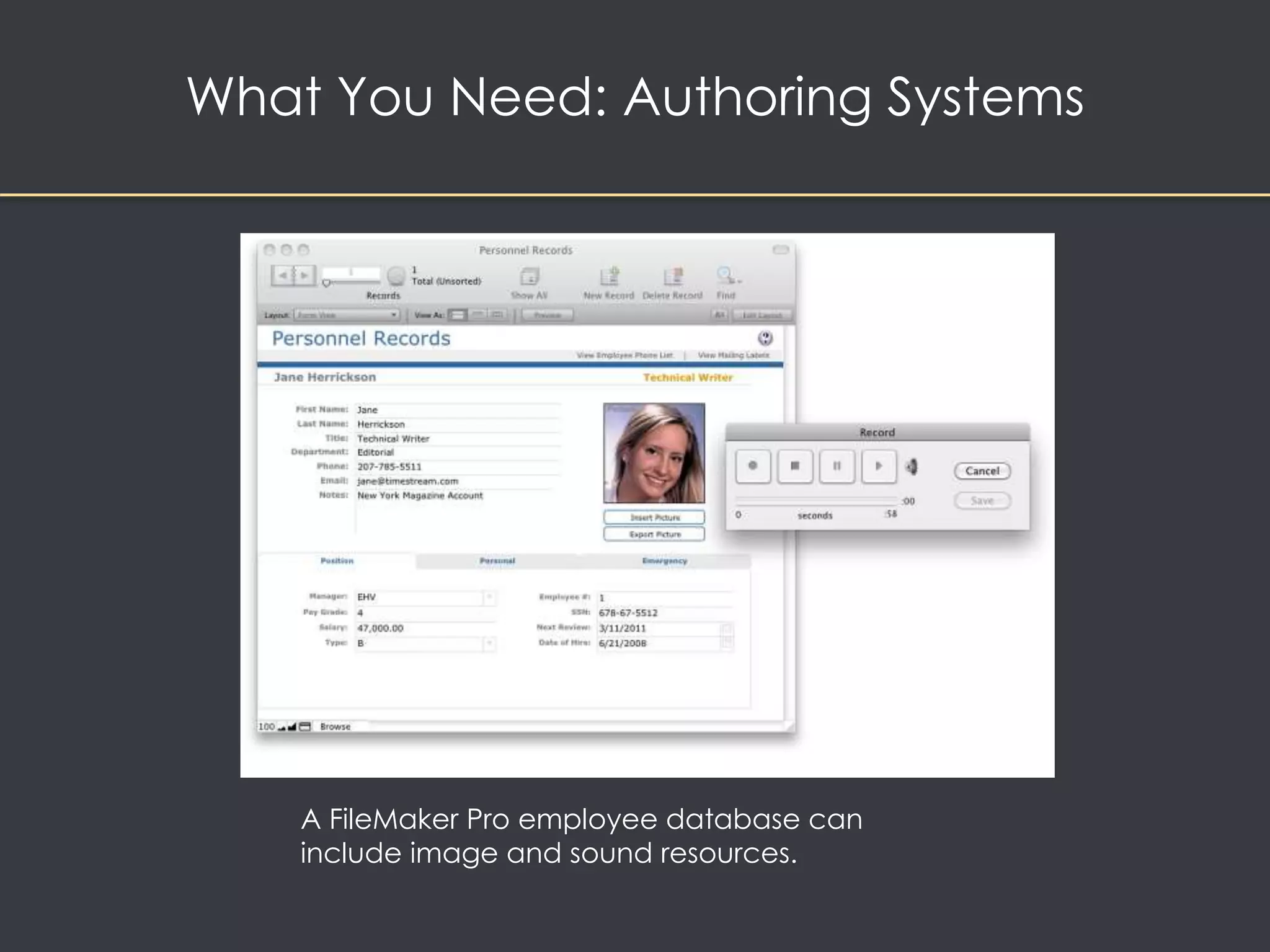
A FileMaker Pro employee database can 
include image and sound resources.
What You Need: Authoring Systems 
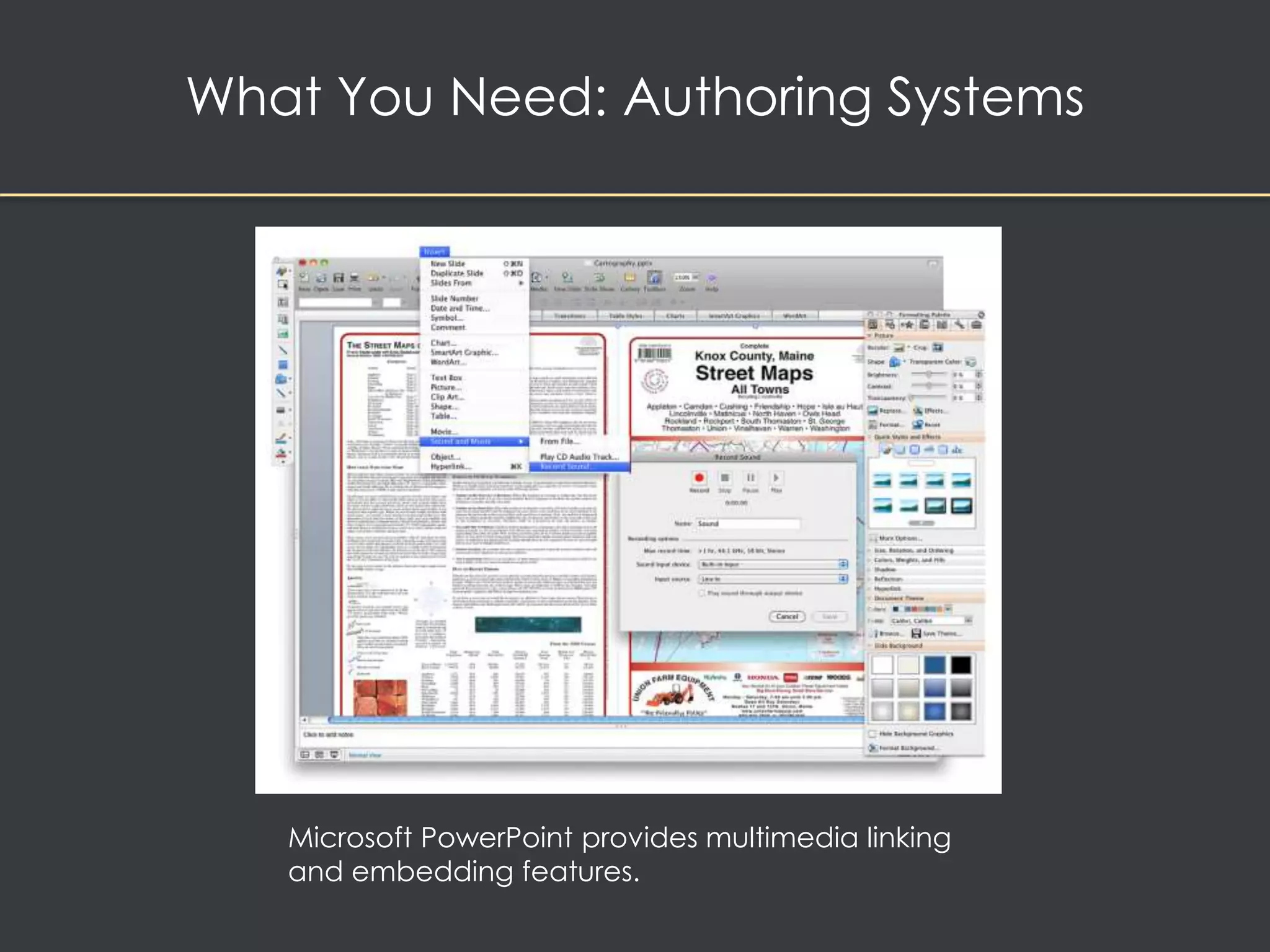
Microsoft PowerPoint provides multimedia linking 
and embedding features.
What You Need: Authoring Systems 
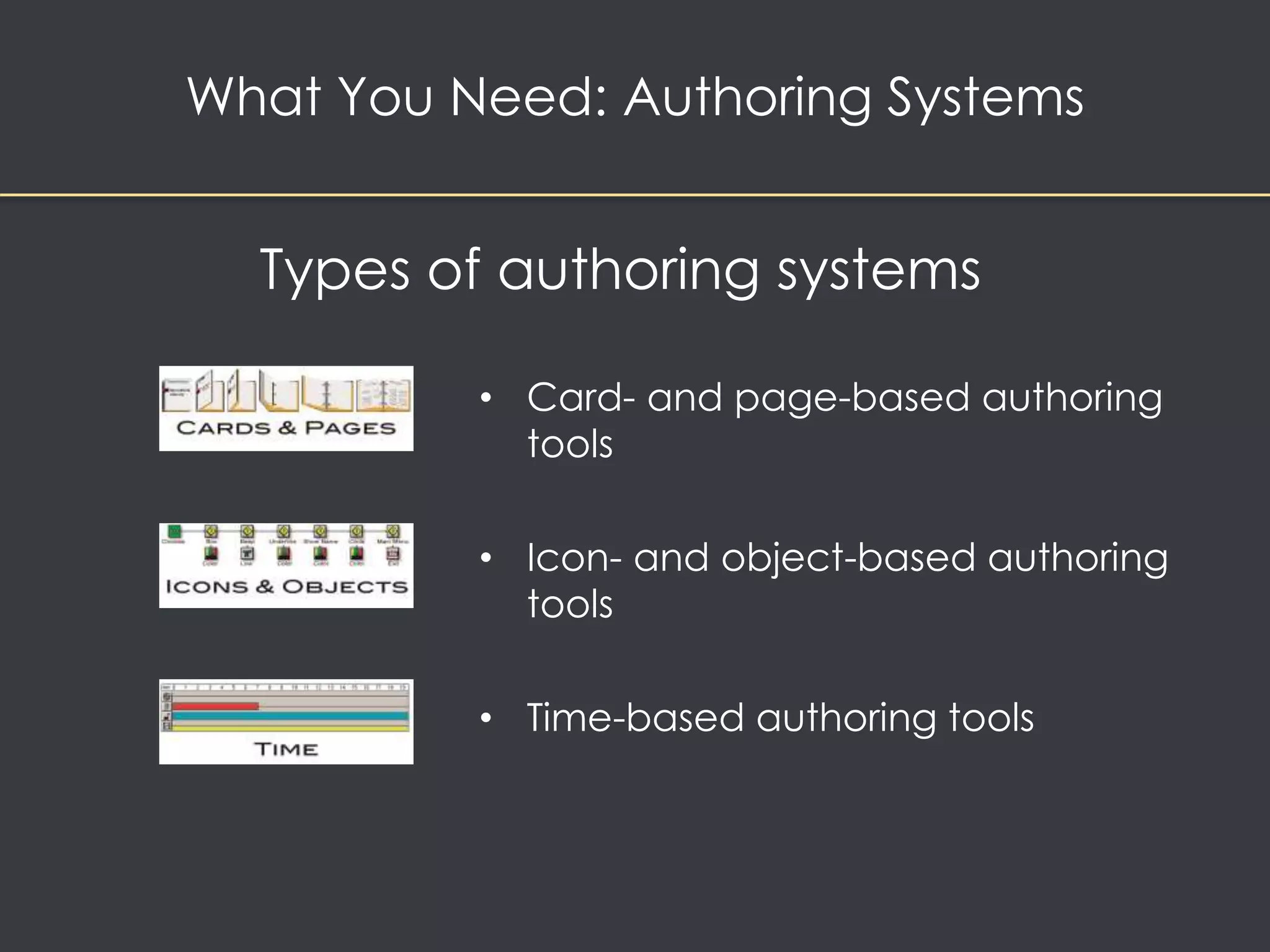
Types of authoring systems 
• Card- and page-based authoring 
tools 
• Icon- and object-based authoring 
tools 
• Time-based authoring tools
What You Need: Authoring Systems 
• Objects 
– Authoring tools generally treat multimedia 
elements as objects. 
– Objects exist in a hierarchical order of parent and 
child relationships. 
– Each object is assigned properties and modifiers. 
– On receiving messages, objects perform tasks 
depending on the properties and modifiers.
What You Need: Authoring Systems 
• Choosing an authoring tool 
– Editing and organizing features 
– Programming features 
– Interactivity features 
– Performance tuning and playback features 
– Delivery, cross-platform, and Internet playability 
features
What You Need: Authoring Systems 
• Cross-platform and Internet-playability features 
– It is important to use tools that facilitate easy transfer 
across platforms. 
– Authoring systems provide a means for converting 
their output to be delivered within the context of 
HTML or DHTML.
Chapter 7

Chapter 7

  • 1.
    Design & Development of Digital Media
  • 2.
    Project Stages Intangibles Multimedia Skills Hardware Software Authoring Systems
  • 3.
    Overview • Stagesof a multimedia project • What You Need: The Intangibles • What You Need: Hardware • What You Need: Software • What You Need: Authoring Systems • Multimedia Teams
  • 4.
    Stages of aMultimedia Project • Planning and costing – Project needs identified – Project plan created – Graphic look and feel developed, navigation system developed – Budget and time estimate prepared – Prototype (proof of concept) is developed
  • 5.
    Stages of aMultimedia Project • Designing and producing – Product plan carried out – Product revised based on stakeholder feedback
  • 6.
    • Testing ensuresproduct: – Meets the project objectives – Works on the proposed delivery platforms – Meets the client requirements. • The final project is packaged and delivered to the end user Stages of a Multimedia Project
  • 7.
    Project Stages Intangibles Multimedia Skills Hardware Software Authoring Systems
  • 8.
    What You Need:The Intangibles • Creativity – Knowledge of hardware and software is required for creativity in multimedia
  • 9.
    What You Need:The Intangibles • Organization – Required to develop an outline that details the required skills, time, budget, tools, and resources – Required to manage media assets – Required to create a standardized file-naming procedure
  • 10.
    What You Need:The Intangibles • Communication – Communication among the workgroup and client is essential to the efficient and accurate completion of your project. – Use quality equipment and software for stable and fast networking of the workgroup.
  • 11.
    Project Stages Intangibles Multimedia Skills Hardware Software Authoring Systems
  • 12.
    Members of aMultimedia Team A multimedia team consists of the following: Project Manager Interface Designer Instrl Designer Multi-media Designer Programmer Audio Specialist Video Specialist Web Producer Writer Graphic Designer Animator QA Specialist
  • 13.
    Members of aMultimedia Team • A team of skilled individuals is required to create a good multimedia project. • Team building refers to activities that help a group and its members function at optimal levels. • The diverse range of skills required for a project is called the multimedia skillset.
  • 14.
    What You Need:Multimedia Skills • The team – Project managers oversee the entire project. – Multimedia designers ensure that the project is visually pleasing and friendly. – Interface designers create software that lets the user access or modify the content. – Writers create character, action, and interactivity.
  • 15.
    What You Need:Multimedia Skills • The team (continued) – Video specialists shoot, edit, and prepare footage for delivery on DVD or the Web. – Audio specialists select music and talent, schedule recording sessions, and digitize recorded material. – Multimedia programmers integrate all the elements of the project using an authoring system or programming language. – Producers of multimedia for the Web coordinate the creation and changes of web pages.
  • 16.
    Project Stages Intangibles Multimedia Skills Hardware Software Authoring Systems
  • 17.
    What You Need:Hardware Mac or Windows?
  • 18.
    What You Need:Hardware • Historically, multimedia was developed on Silicon Graphics and Sun Microsystems workstations • Testing must occur on all target platforms
  • 19.
    What You Need:Hardware • Windows vs. Macintosh – Windows operating system runs on computers built by a variety of manufacturers – The Apple OS runs on computers built by Apple
  • 20.
    What You Need:Hardware • Networking Macs and PCs: – Local area networks (LANs) connect computers that are close to each other • Ethernet is the most common networking technology • Client/server software allows computers to communicate
  • 21.
    What You Need:Hardware • Networking Macs and PCs: – Wide area networks (WANs) connect computers over a diverse geographical area – Used by large corporations – Expensive to install and maintain • Internet service providers (ISPs) connect computers to the internet via a WAN
  • 22.
    What You Need:Hardware • Connections – Integrated Drive Electronics (IDE) – Universal Serial Bus (USB) – FireWire (IEEE 1394) – Small Computer System Interface (SCSI)
  • 23.
    What You Need:Hardware IDE: • Connections are also known as Advanced Technology Attachment (ATA) • These are usually internal devices such as hard drives, CD-ROM drives, and DVD-ROM drives Image from Wikepedia article on Advanced Technology Attachments
  • 24.
    What You Need:Hardware USB: • A standard for connecting devices to the computer using the plug-and-play system • Uses a single cable to connect 127 USB peripherals to a single PC Image: http://www.usbcables.com/assets/images/white-usb-extension-cable-A-TO-A.jpg
  • 25.
    What You Need:Hardware FireWire: • Introduced by Apple in the 1980s • Good for high-bandwidth serial data transfer (digital video) • Can connect multiple computers and peripheral devices (peer-to-peer) http://www.eachcable.com/UploadFiles/20091214152250547.jpg
  • 26.
    What You Need:Hardware SCSI: • Connects internal and external peripheral equipment and devices • Is preferred for real-time video editing, network servers, and situations that require mirroring http://files.cablewholesale.com/hires/10n3-141.jpg
  • 27.
    What You Need:Hardware Memory and storage devices • Required for multimedia projects • Depend on the project's content and scope. • Random access memory (RAM) • Enables simultaneous use of many applications • Read-only memory (ROM) • Non-volatile – boots up computer
  • 28.
    What You Need:Hardware Memory and storage devices • Hard disks • Flash drives (USB) • CD-ROM – good for finished multimedia projects • CD-RW can be completely erased • CD-RW recorder can rewrite 700 mb of data 1000 times • DVD - optical disc technology used to distribute multimedia projects • Blue-Ray – used for high def television, mass storage
  • 29.
    What You Need:Hardware Input devices • An optical character recognition (OCR) device • Quick Response (QR) codes • Voice recognition systems • Microphones and cables • Digital cameras • Scanners
  • 30.
    What You Need:Hardware Output devices • External stereo speakers • External monitors • Projectors • Color printers http://muhammadalijannah.files.wordpress.com/2012/07/output-device.jpg
  • 31.
    Project Stages Intangibles Multimedia Skills Hardware Software Authoring Systems
  • 32.
    Text editing andword processing tools • Word processors such as Microsoft Word and WordPerfect • OpenOffice is a free, downloadable word processing program What You Need: Software
  • 33.
    What You Need:Software OCR software • Converts bitmapped characters into ASCII text • Makes use of probability and expert system algorithms • Is very accurate and saves time and effort Image from: http://gadgetsgo.com/images/P/Topscan-ocr-optical-characer-recognition-software-document-PR-01.jpg
  • 34.
    What You Need:Software Painting tools allow you to create and modify bitmap images • PhotoShop, Fireworks, Sumopaint, Pxlr http://0.tqn.com/d/webclipart/1/0/n/p/4/Image-for-file-types3.png
  • 35.
    What You Need:Software Drawing tools allow you to create and modify vector graphics (Illustrator, Inkscape) • Vector graphics reduce download time and reduce scaling problems with web graphics http://0.tqn.com/d/webclipart/1/0/n/p/4/Image-for-file-types3.png
  • 36.
    What You Need:Software • Painting and drawing software features include: – An intuitive graphical user interface – Scalable dimensions – Multiple undo capability – Scalable text font support – Support for third-party special effect plug-ins – Layering capability
  • 37.
  • 38.
    What You Need:Software • Painting and drawing software features include (continued) – Painting features such as smoothing coarse-edged objects into the background with anti-aliasing.
  • 39.
    What You Need:Software • 3-D modeling tools allow rendering of 3-D graphics – VectorWorks, AutoDesk Maya, Inkscape, and 3D Studio Max – Many applications allow you to export and save moving images as QuickTime or AVI animation files – Take a long time to render
  • 40.
    Example: Inkscape Interface http://en.dev.inkscape.org/screenshots/gallery/inkscape-0.47-photorealism.png
  • 41.
    What You Need:Software 3-D modeling tools allow rendering of objects in a three-dimensional perspective
  • 42.
    What You Need:Software • 3-D modeling software features include: – Good color and palette management – Multiple dimension windows and unlimited cameras – Lathe and extrude features – Ability to drag and drop primitive shapes, sculpt organic objects – Color and texture mapping
  • 43.
    What You Need:Software • Image-editing tools – Are specialized and powerful tools for enhancing and retouching existing bitmapped images – Many painting and drawing programs also serve as image editors – Features include conversion of image-data types and file formats, masking features, employment of virtual memory scheme, etc. – Support third-party plug-ins
  • 44.
    What You Need:Software • Sound-editing tools – Enables the user to see music as a waveform as well as hear sound – This is done by drawing a representation of sound in fine increments
  • 45.
    What You Need:Software • Animation, video, and digital movie tools – Animation is a sequence of bitmapped graphic scenes or frames, rapidly played back. – Animations can be made within some authoring systems by moving objects or sprites to simulate motion. – Moviemaking tools take advantage of QuickTime and AVI formats to create, edit, and present digitized motion video segments.
  • 46.
    What You Need:Software • Helpful accessories – Screen-capture software enables the user to move bitmapped images by placing them on the clipboard. – Format converters are useful for projects where the source material originates on different platforms.
  • 47.
    Project Stages Intangibles Multimedia Skills Hardware Software Authoring Systems
  • 48.
    What You Need:Authoring Systems Provide: • a framework for organizing and editing the elements of a multimedia project • an integrated environment for combining the content and functions of a project • A means for creating, editing, and importing data
  • 49.
    What You Need:Authoring Systems • Helpful ways to get started: – Use pre-made templates, wizards, and styles to save time on page setup – Improve document appearance with tables, bulleted and numbered lists, and symbols
  • 50.
    What You Need:Authoring Systems • Making instant multimedia – The scope of your project determines the appropriate production tool – Modern office productivity software can perform many simple multimedia tasks – Most modern PCs have some multimedia creation tools built in
  • 51.
    What You Need:Authoring Systems Most word processing programs allow you to include various image formats, movies, and digitized sounds (including voice annotations).
  • 52.
    What You Need:Authoring Systems Spreadsheets can include embedded objects made with other applications.
  • 53.
    What You Need:Authoring Systems A FileMaker Pro employee database can include image and sound resources.
  • 54.
    What You Need:Authoring Systems Microsoft PowerPoint provides multimedia linking and embedding features.
  • 55.
    What You Need:Authoring Systems Types of authoring systems • Card- and page-based authoring tools • Icon- and object-based authoring tools • Time-based authoring tools
  • 56.
    What You Need:Authoring Systems • Objects – Authoring tools generally treat multimedia elements as objects. – Objects exist in a hierarchical order of parent and child relationships. – Each object is assigned properties and modifiers. – On receiving messages, objects perform tasks depending on the properties and modifiers.
  • 57.
    What You Need:Authoring Systems • Choosing an authoring tool – Editing and organizing features – Programming features – Interactivity features – Performance tuning and playback features – Delivery, cross-platform, and Internet playability features
  • 58.
    What You Need:Authoring Systems • Cross-platform and Internet-playability features – It is important to use tools that facilitate easy transfer across platforms. – Authoring systems provide a means for converting their output to be delivered within the context of HTML or DHTML.