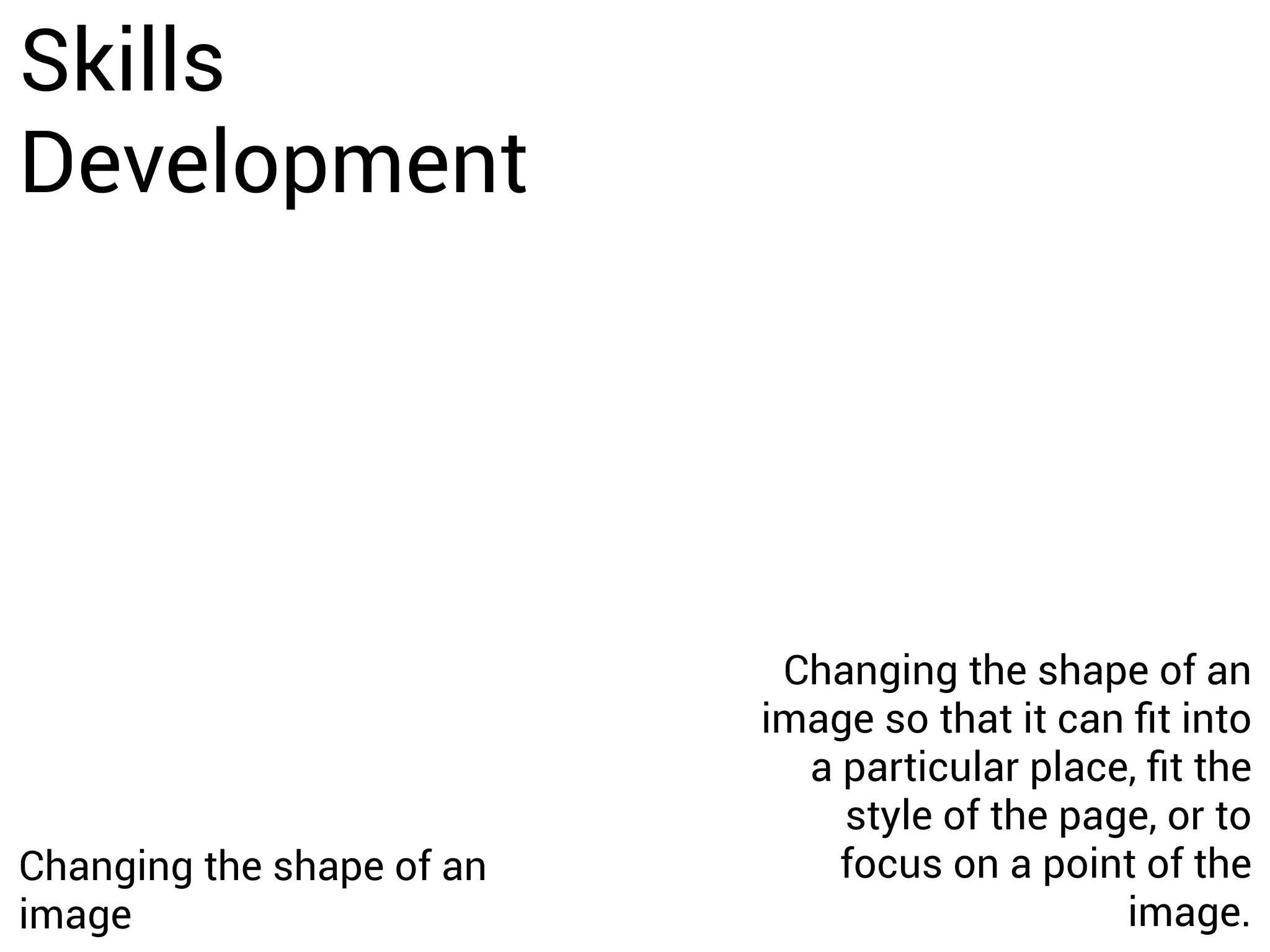
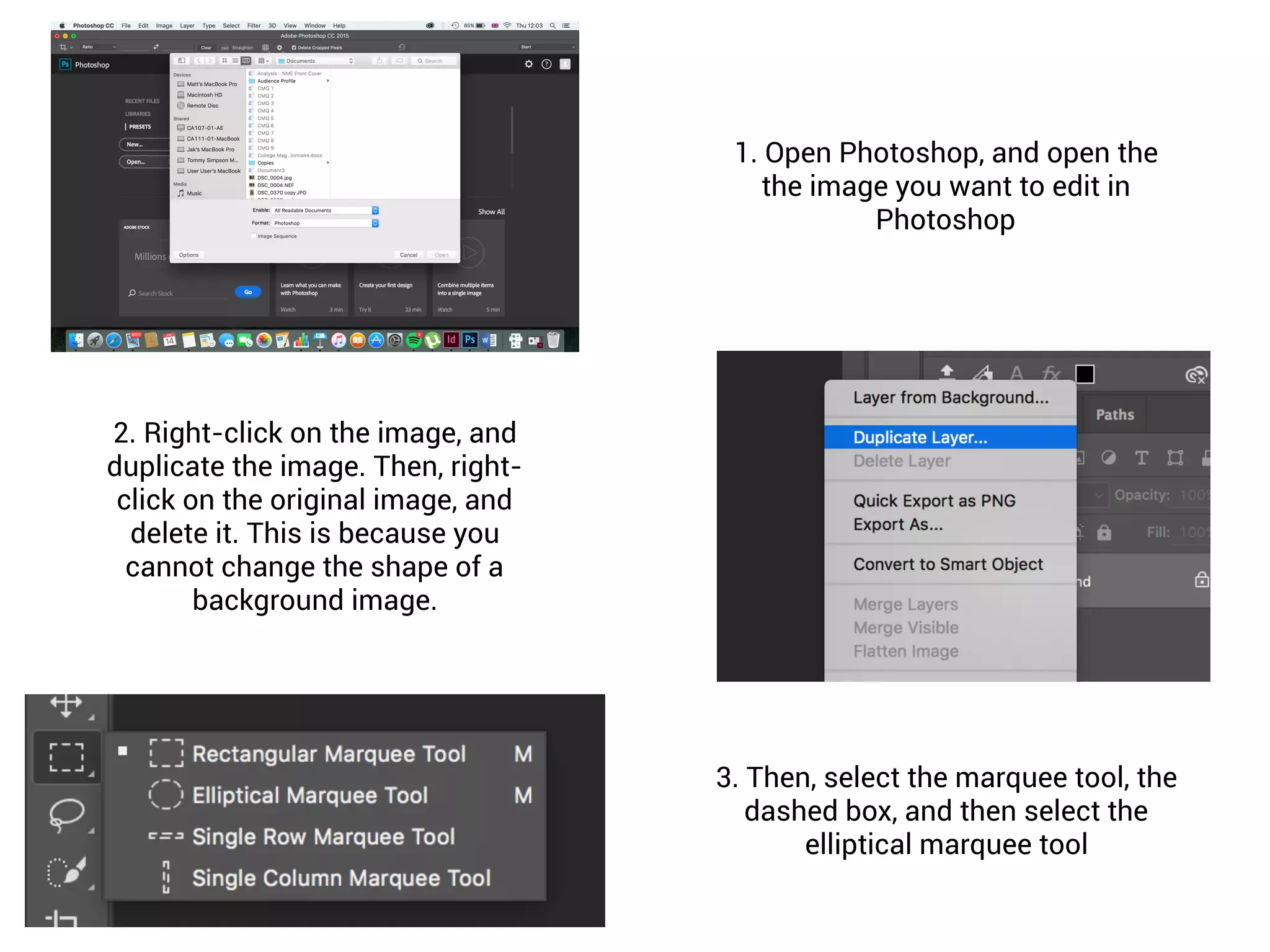
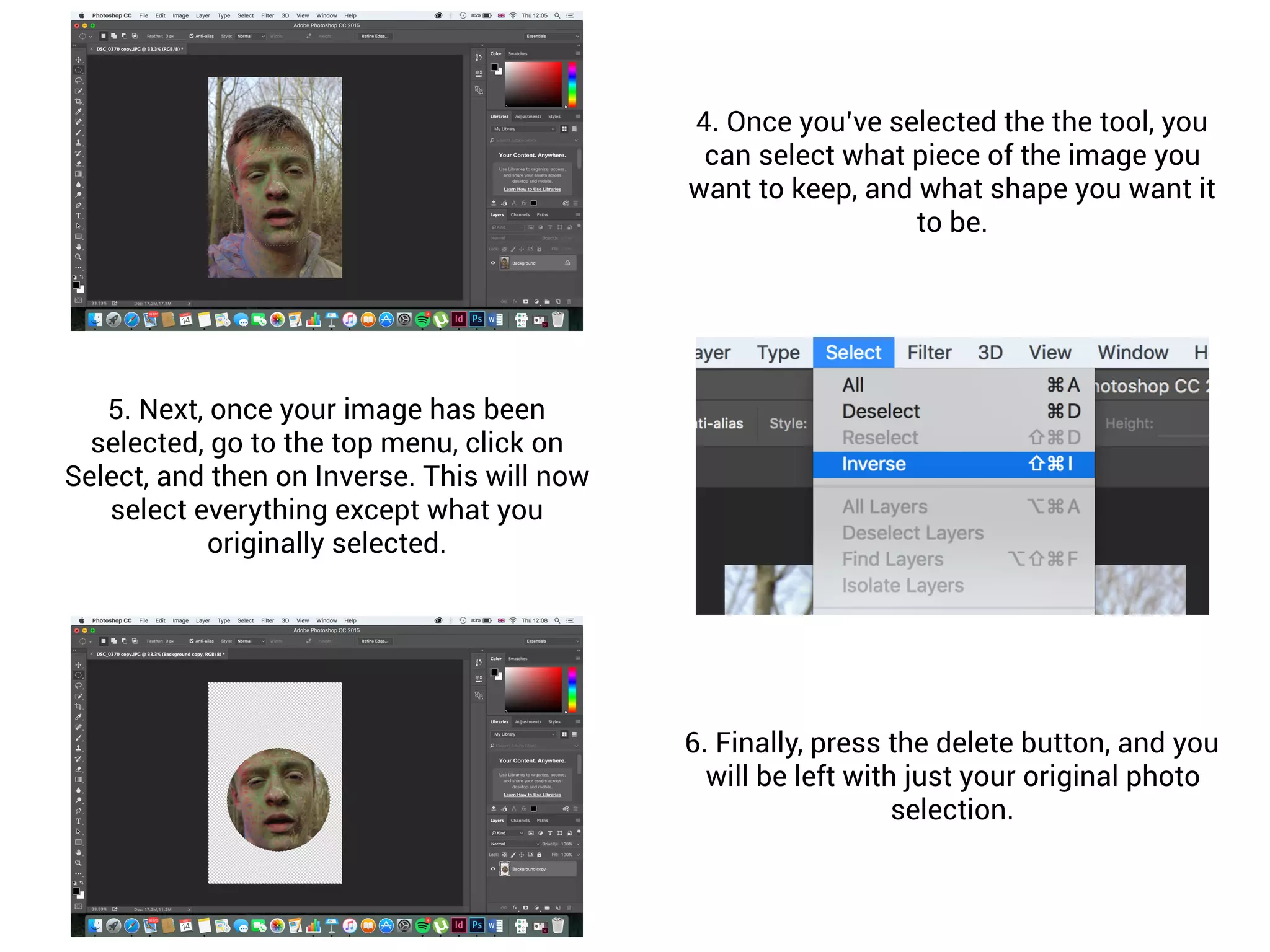
To change the shape of an image in Photoshop, first duplicate and delete the original background image. Then, use the elliptical marquee tool to select the part of the image you want to keep in a particular shape. Next, select Inverse from the Select menu to select everything outside your selection, then press delete to remove the unselected areas, leaving only your shaped image.