


Challenges When
Going Mobile
using APEX & jQuery Mobile
Christian Rokitta
About me
• Oracle Developer since 1993
• Oracle Employee 1996-1999
• Developed web applications with
mod_plsql since 1999
• Developing with APEX since 2008
• Independent developer since 2010
• Speaker (5th Kscope)
• Author (Oracle APEX for mobile Web applications)
• Oracle ACE (2013)
• Trainer (APEX, CSS/HTML/JS)
• Product Development
Founding Member
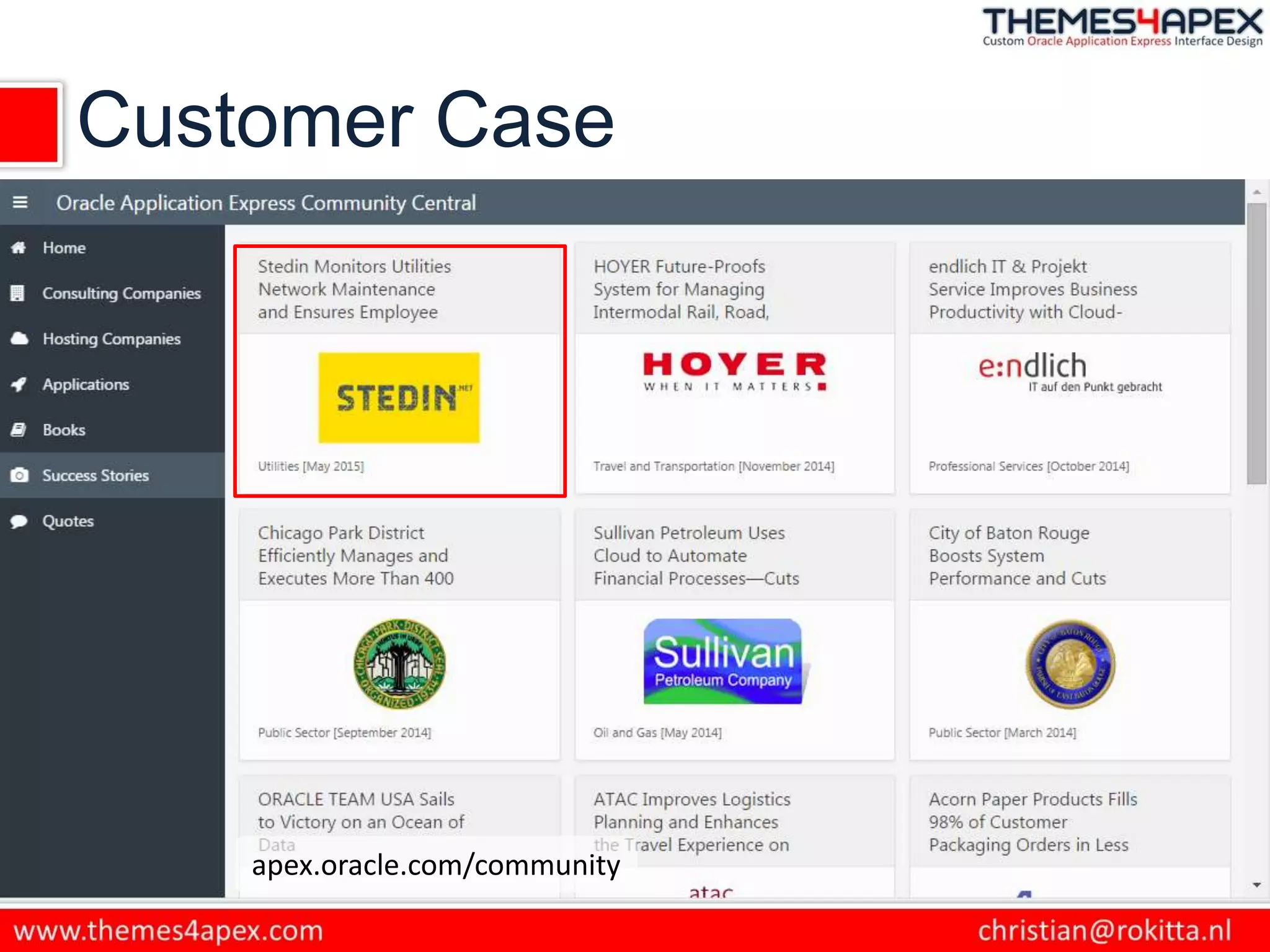
Customer Case
apex.oracle.com/community
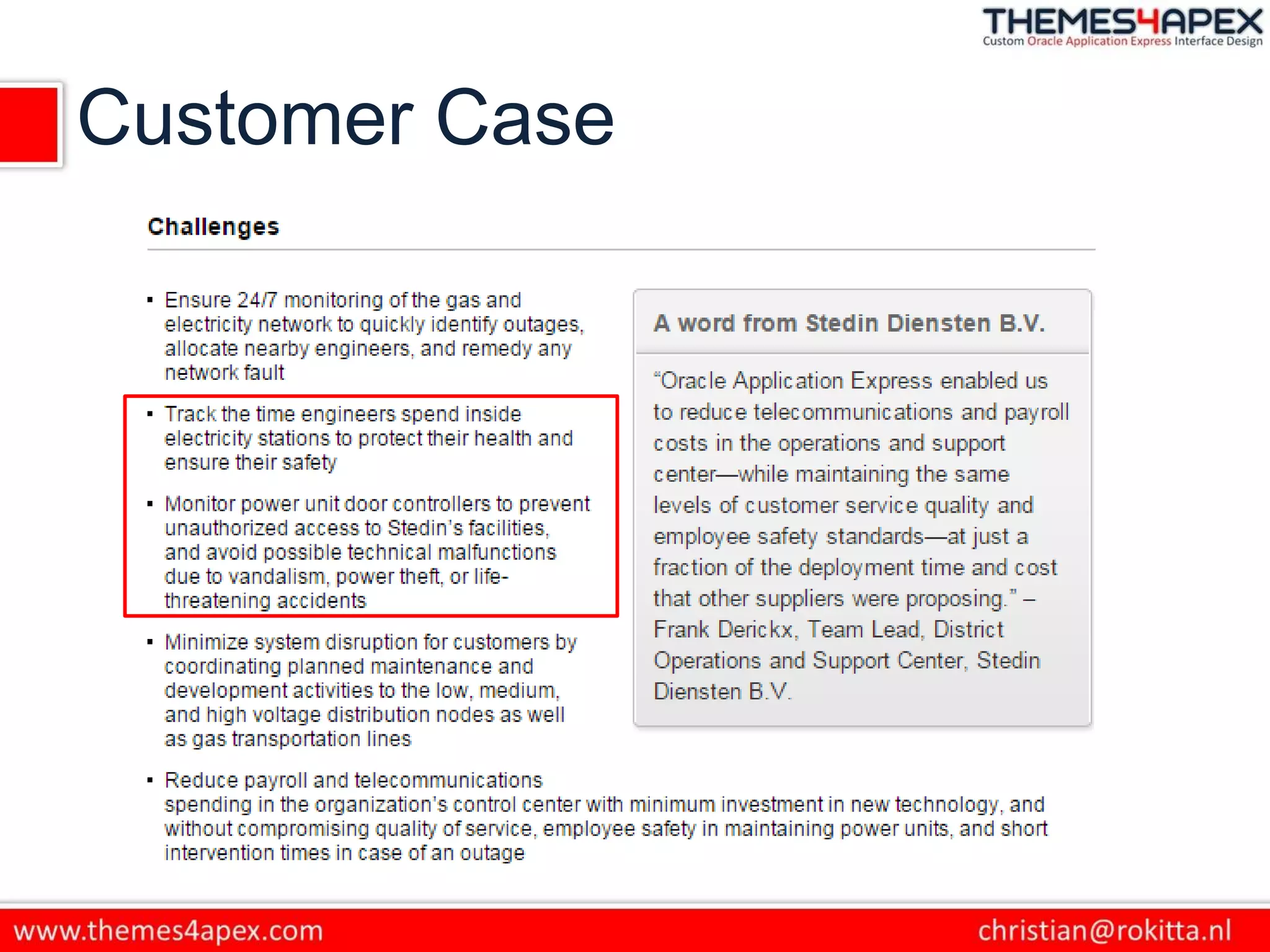
Customer Case
Customer Case
Agenda
• What makes jQuery Mobile different?
• How does this effect developing in APEX?
• What are effective tools to develop
mobile web applications?
What is jQuery Mobile
• jQuery Mobile is a touch-friendly UI
framework built on jQuery Core that works
across all popular mobile, tablet and desktop
platforms.
• Very simple (HTML) structure
• Look and Feel is applied after “page” is loaded
Basic page template
<!DOCTYPE html>
<html>
<head>
<title>Page Title</title>
<meta name="viewport" content="width=device-width, initial-scale=1">
<link rel="stylesheet" href="http://code.jquery.com/mobile/[version]/jquery.mobile-[version].min.css
<script src="http://code.jquery.com/jquery-[version].min.js"></script>
<script src="http://code.jquery.com/mobile/[version]/jquery.mobile-[version].min.js"></script>
</head>
<body>
<div data-role="page">
<div data-role="header">
<h1>Page Title</h1>
</div><!-- /header -->
<div role="main" class="ui-content">
<p>Page content goes here.</p>
</div><!-- /content -->
<div data-role="footer">
<h4>Page Footer</h4>
</div><!-- /footer -->
</div><!-- /page -->
</body>
</html>
Multi-page template structure
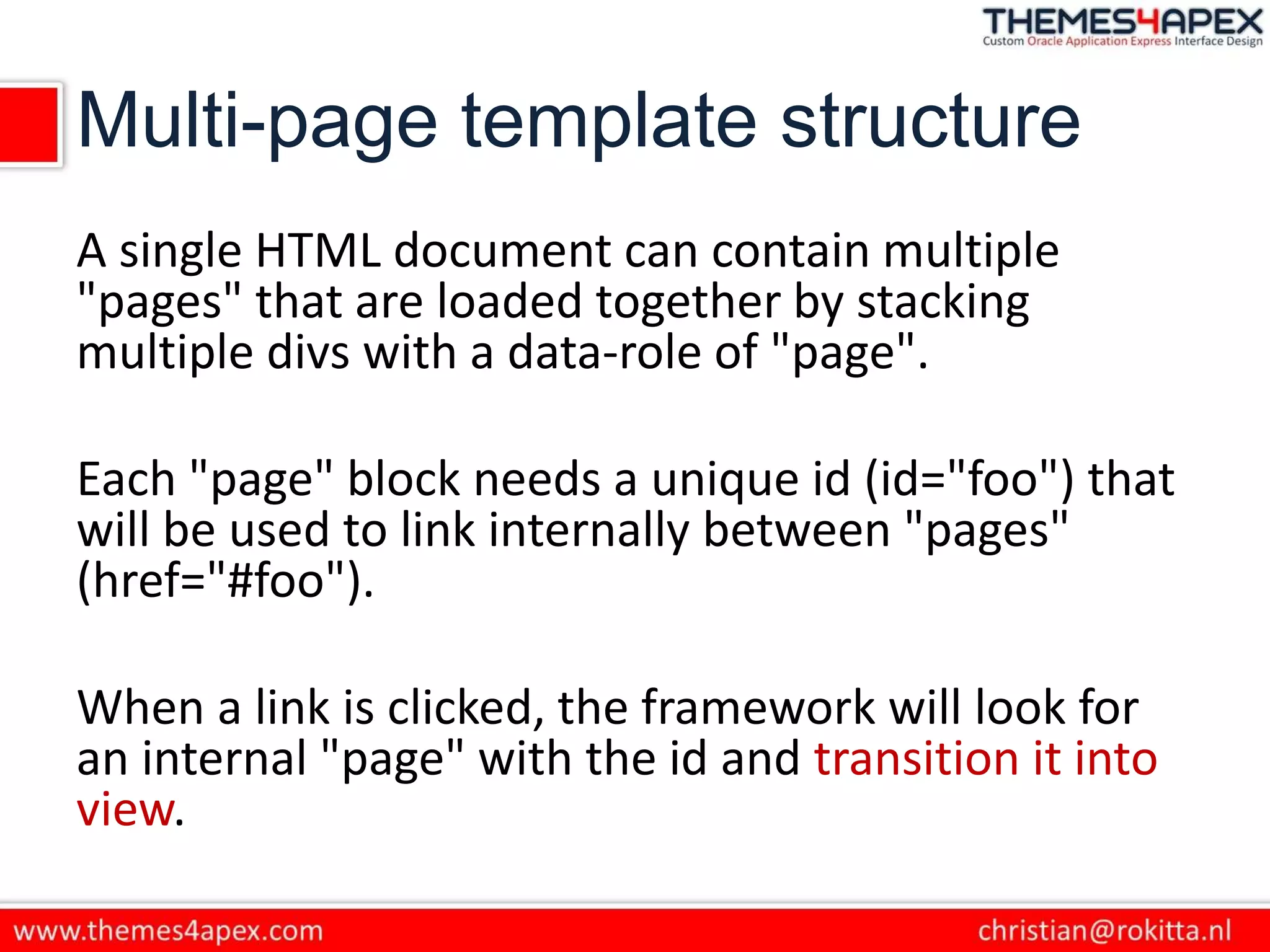
A single HTML document can contain multiple
"pages" that are loaded together by stacking
multiple divs with a data-role of "page".
Each "page" block needs a unique id (id="foo") that
will be used to link internally between "pages"
(href="#foo").
When a link is clicked, the framework will look for
an internal "page" with the id and transition it into
view.
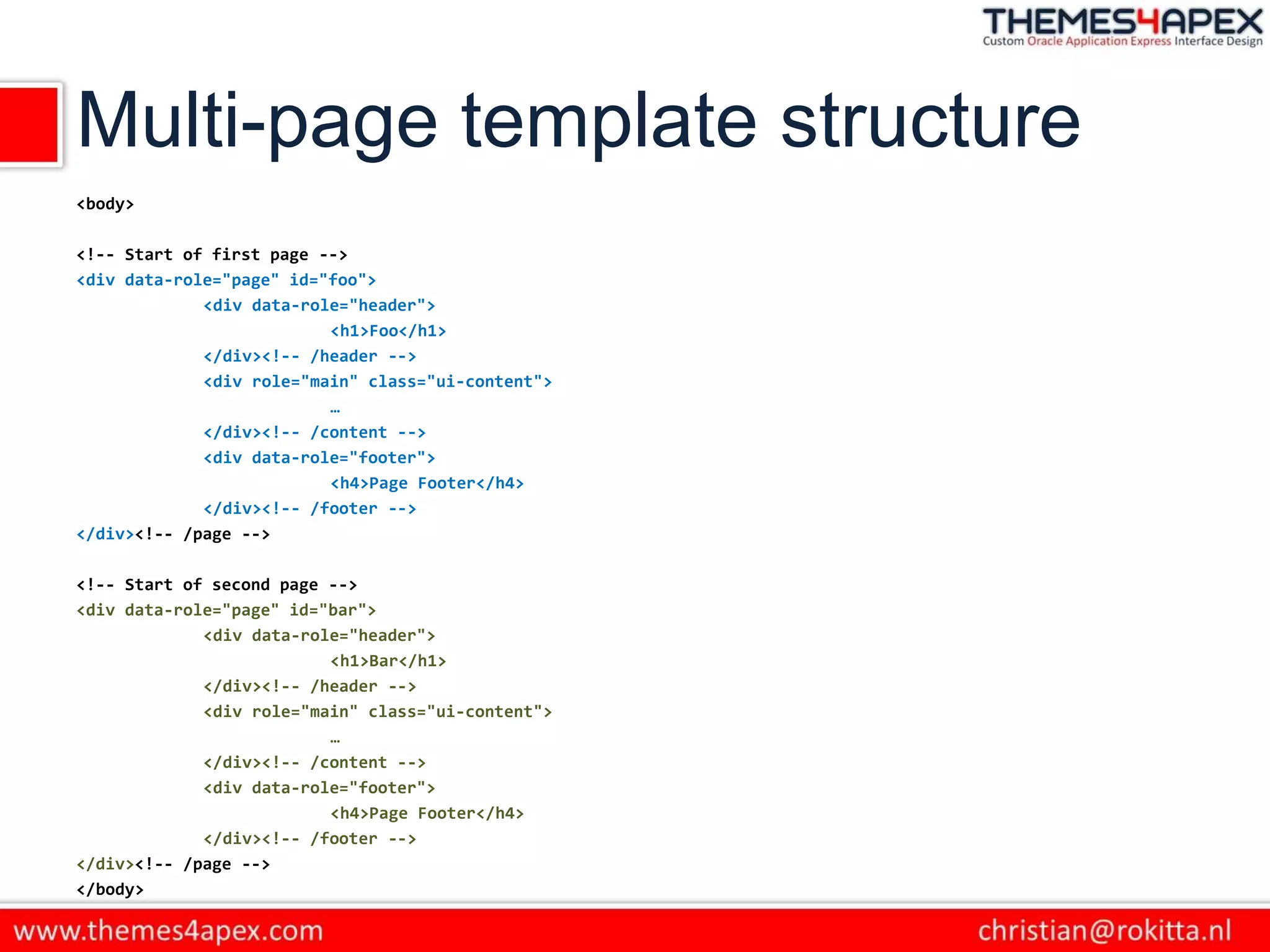
Multi-page template structure
<body>
<!-- Start of first page -->
<div data-role="page" id="foo">
<div data-role="header">
<h1>Foo</h1>
</div><!-- /header -->
<div role="main" class="ui-content">
…
</div><!-- /content -->
<div data-role="footer">
<h4>Page Footer</h4>
</div><!-- /footer -->
</div><!-- /page -->
<!-- Start of second page -->
<div data-role="page" id="bar">
<div data-role="header">
<h1>Bar</h1>
</div><!-- /header -->
<div role="main" class="ui-content">
…
</div><!-- /content -->
<div data-role="footer">
<h4>Page Footer</h4>
</div><!-- /footer -->
</div><!-- /page -->
</body>
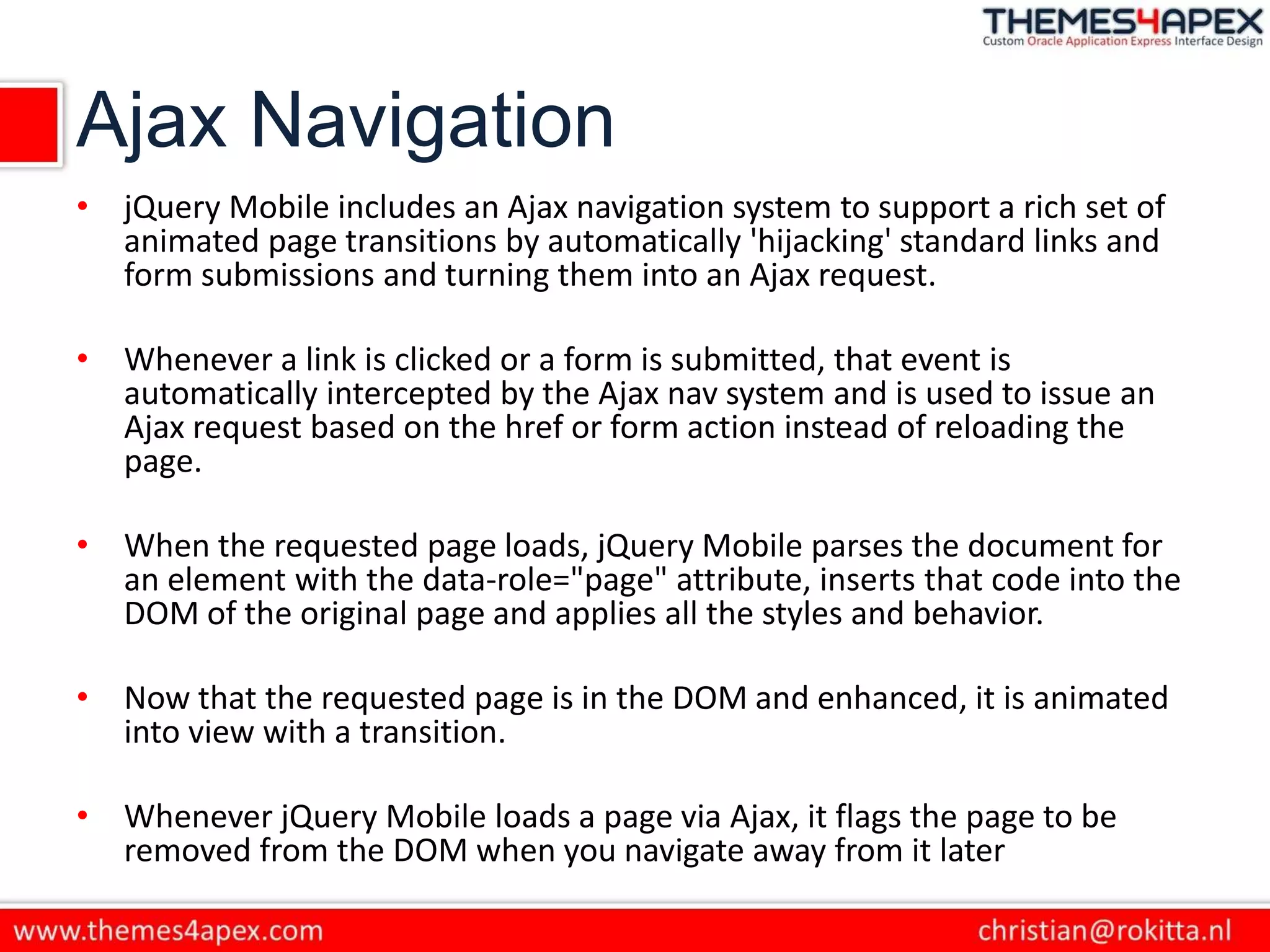
Ajax Navigation
• jQuery Mobile includes an Ajax navigation system to support a rich set of
animated page transitions by automatically 'hijacking' standard links and
form submissions and turning them into an Ajax request.
• Whenever a link is clicked or a form is submitted, that event is
automatically intercepted by the Ajax nav system and is used to issue an
Ajax request based on the href or form action instead of reloading the
page.
• When the requested page loads, jQuery Mobile parses the document for
an element with the data-role="page" attribute, inserts that code into the
DOM of the original page and applies all the styles and behavior.
• Now that the requested page is in the DOM and enhanced, it is animated
into view with a transition.
• Whenever jQuery Mobile loads a page via Ajax, it flags the page to be
removed from the DOM when you navigate away from it later
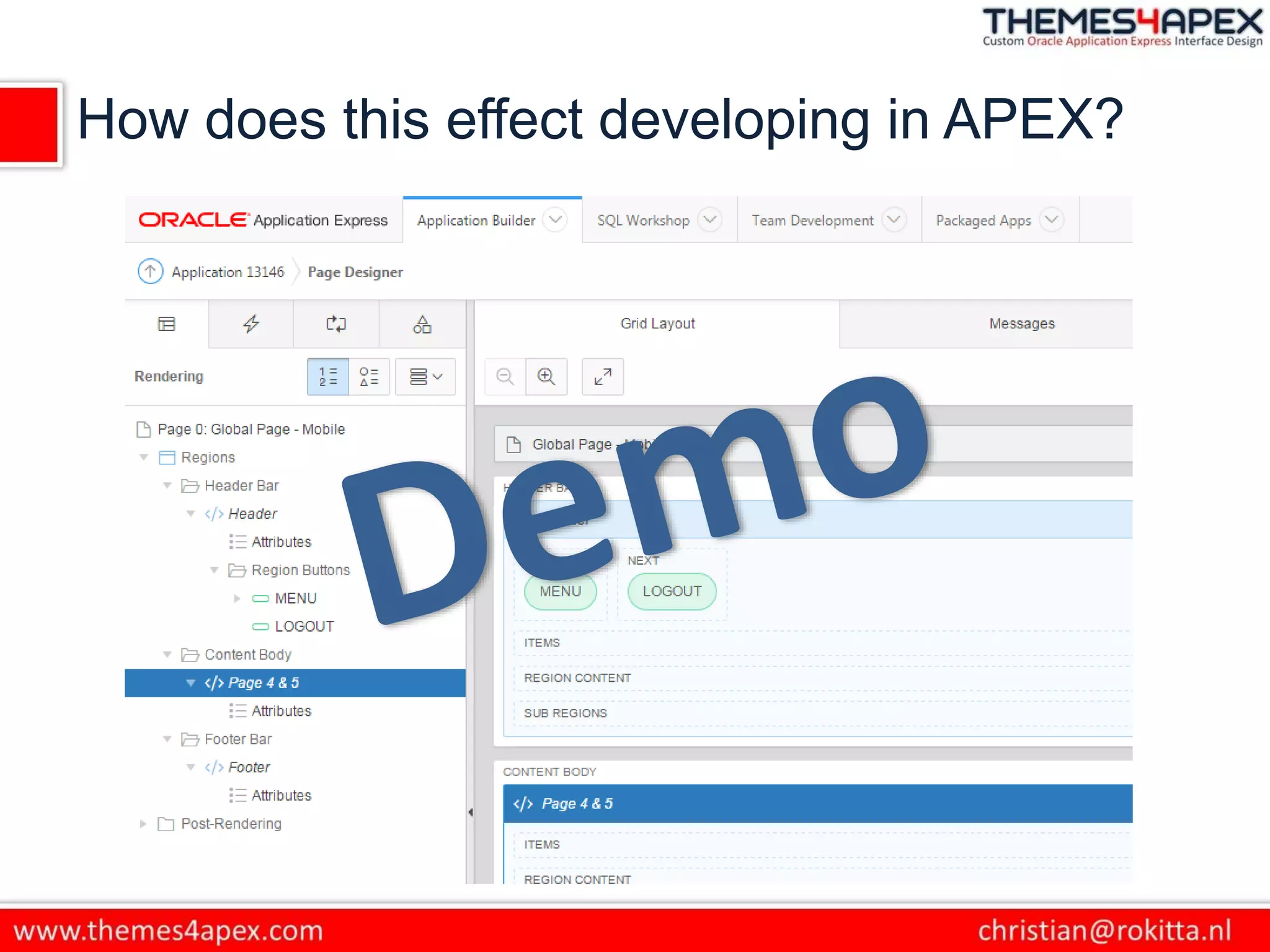
How does this effect developing in APEX?
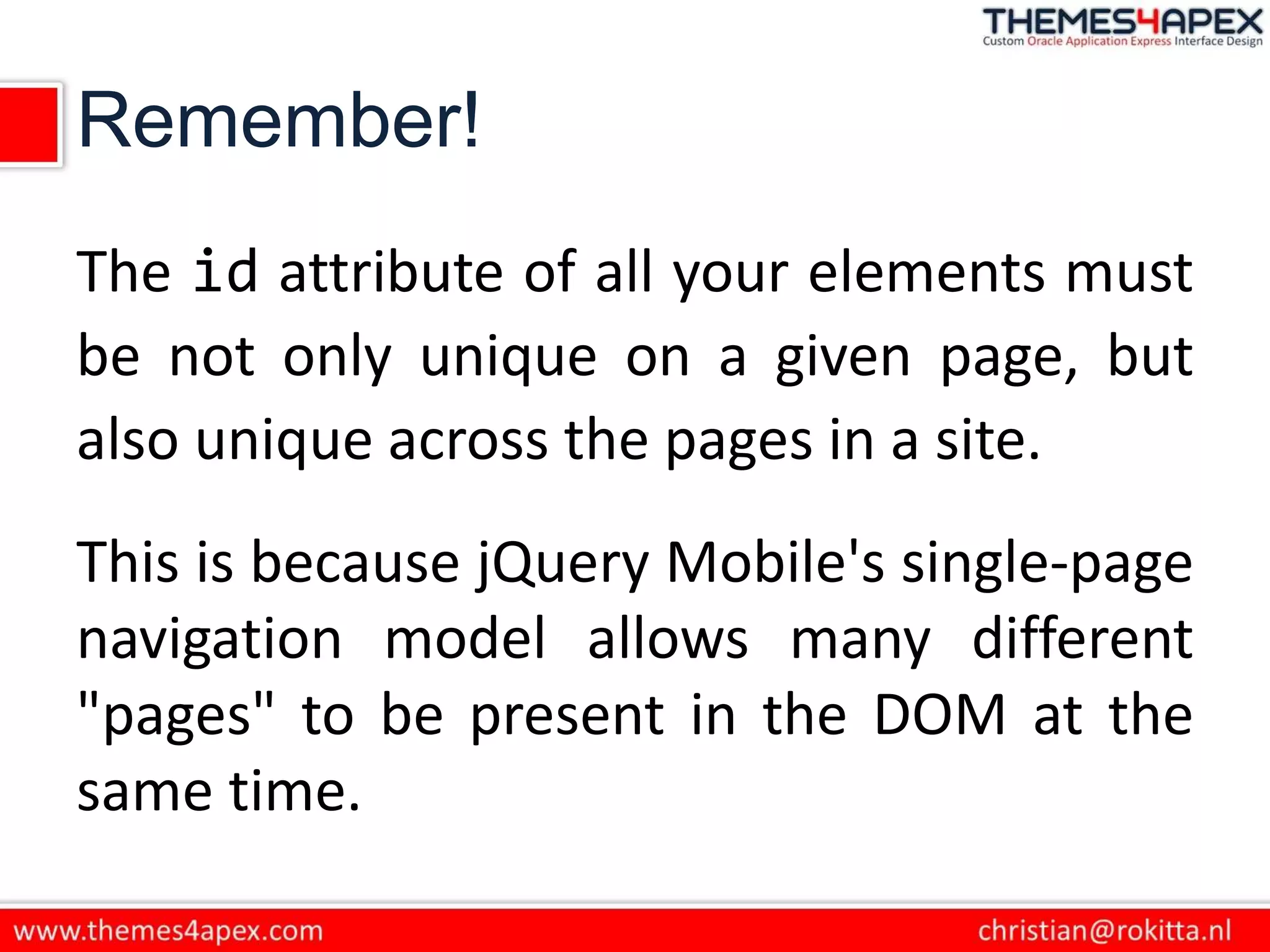
Remember!
The id attribute of all your elements must
be not only unique on a given page, but
also unique across the pages in a site.
This is because jQuery Mobile's single-page
navigation model allows many different
"pages" to be present in the DOM at the
same time.
Note to myself:
Don’t forget to show the
strange behaviour after
F5-ing and submitting a
page!
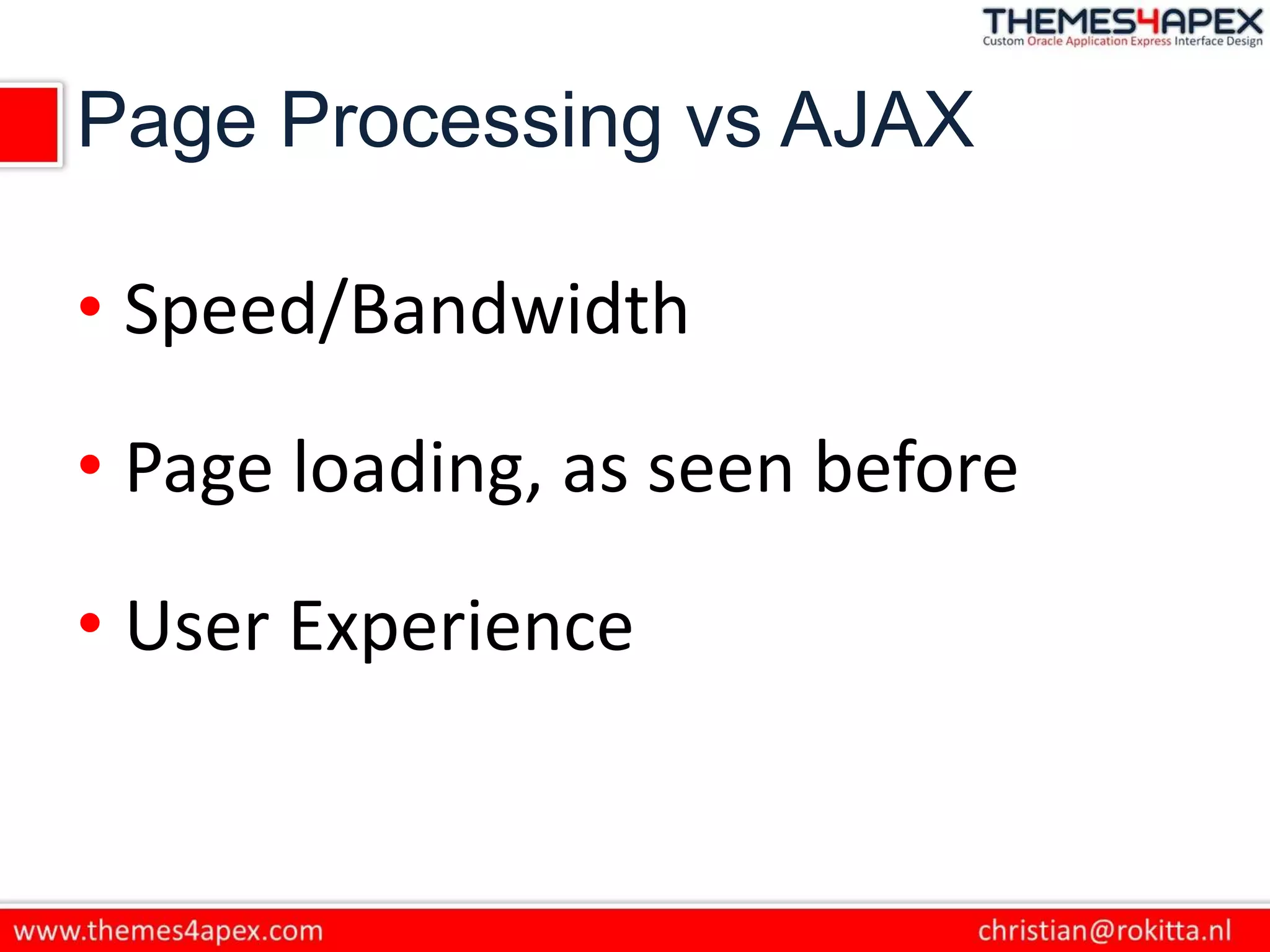
Page Processing vs AJAX
• Speed/Bandwidth
• Page loading, as seen before
• User Experience
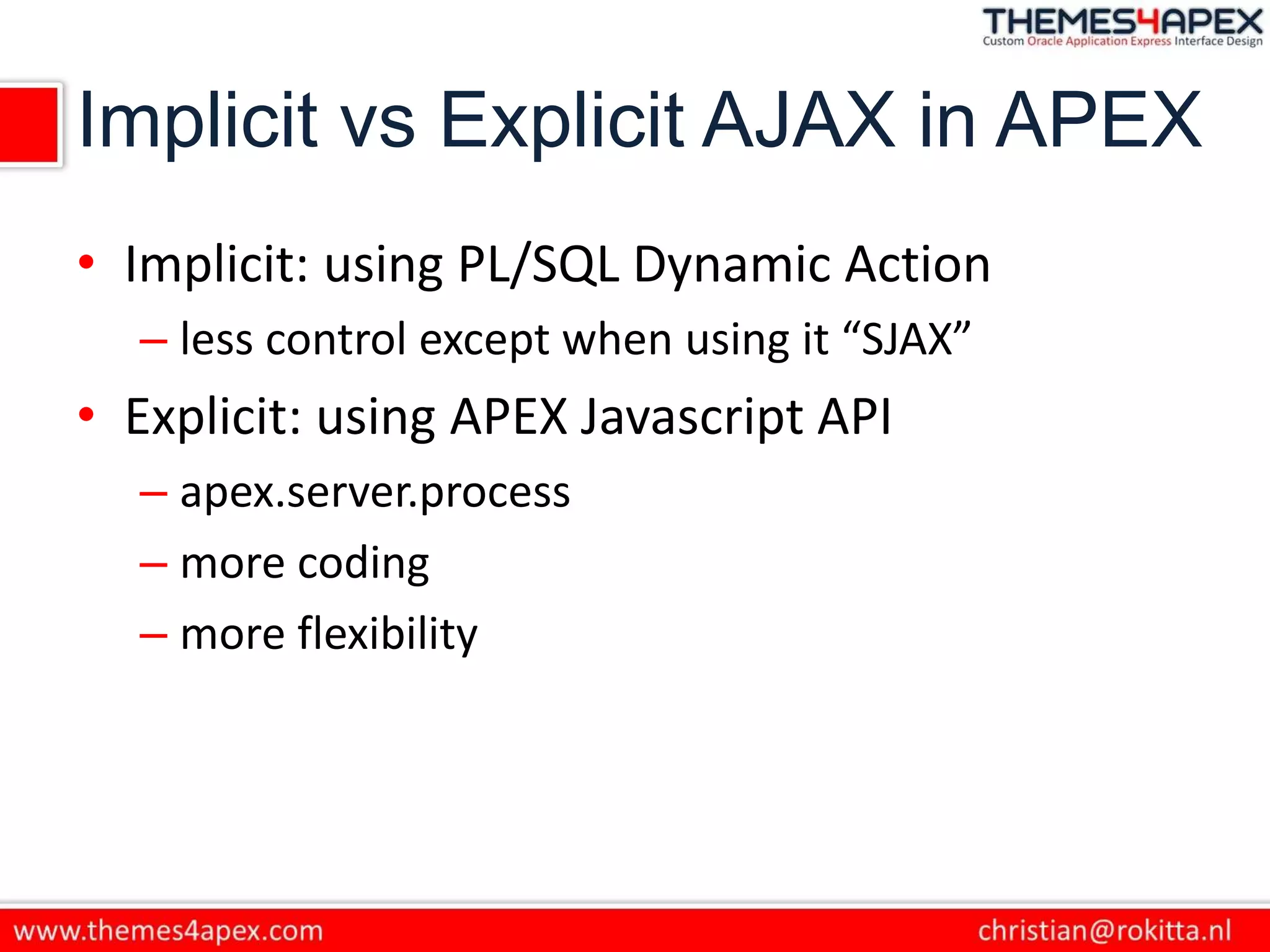
Implicit vs Explicit AJAX in APEX
• Implicit: using PL/SQL Dynamic Action
– less control except when using it “SJAX”
• Explicit: using APEX Javascript API
– apex.server.process
– more coding
– more flexibility
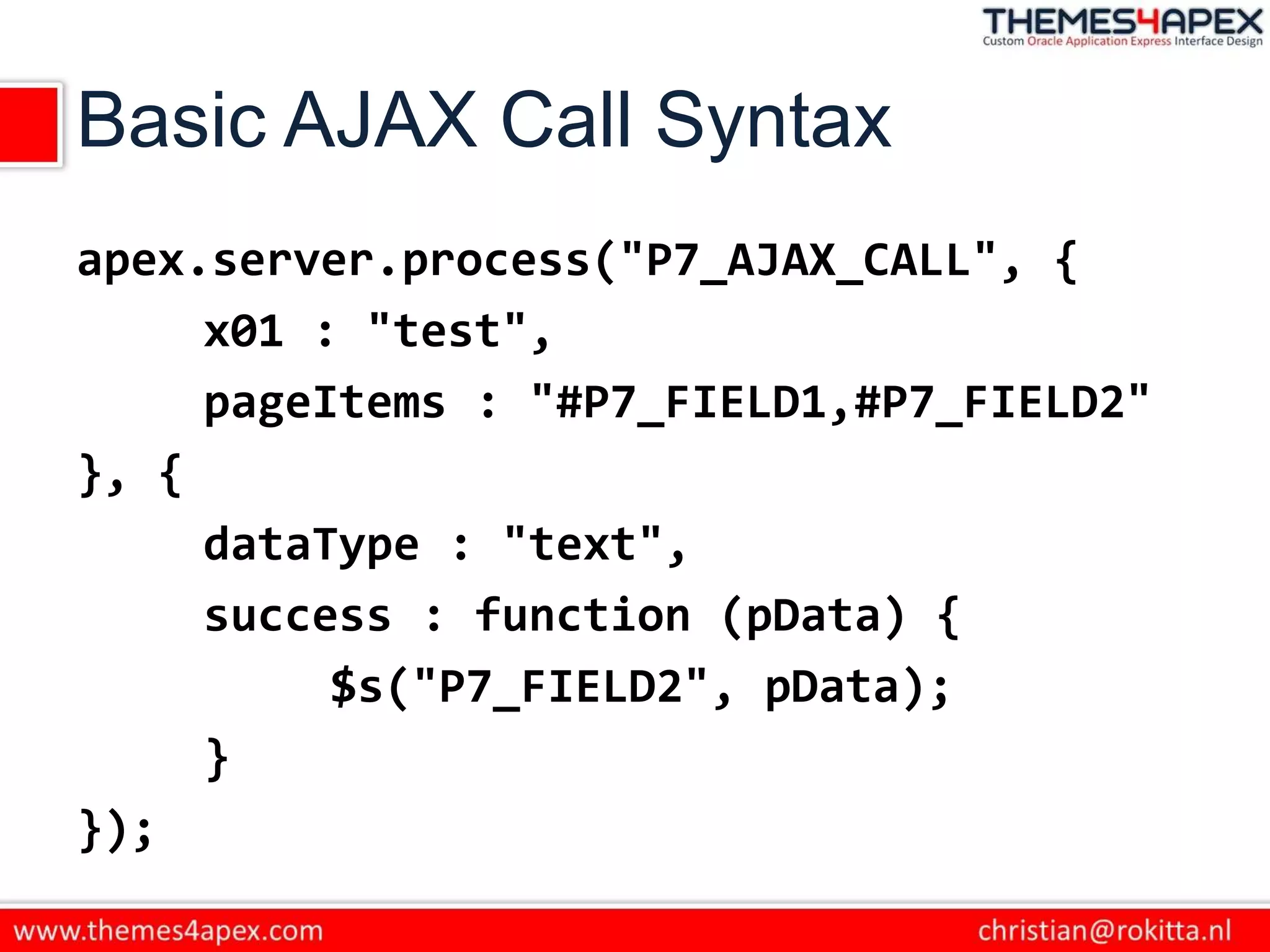
Basic AJAX Call Syntax
apex.server.process("P7_AJAX_CALL", {
x01 : "test",
pageItems : "#P7_FIELD1,#P7_FIELD2"
}, {
dataType : "text",
success : function (pData) {
$s("P7_FIELD2", pData);
}
});
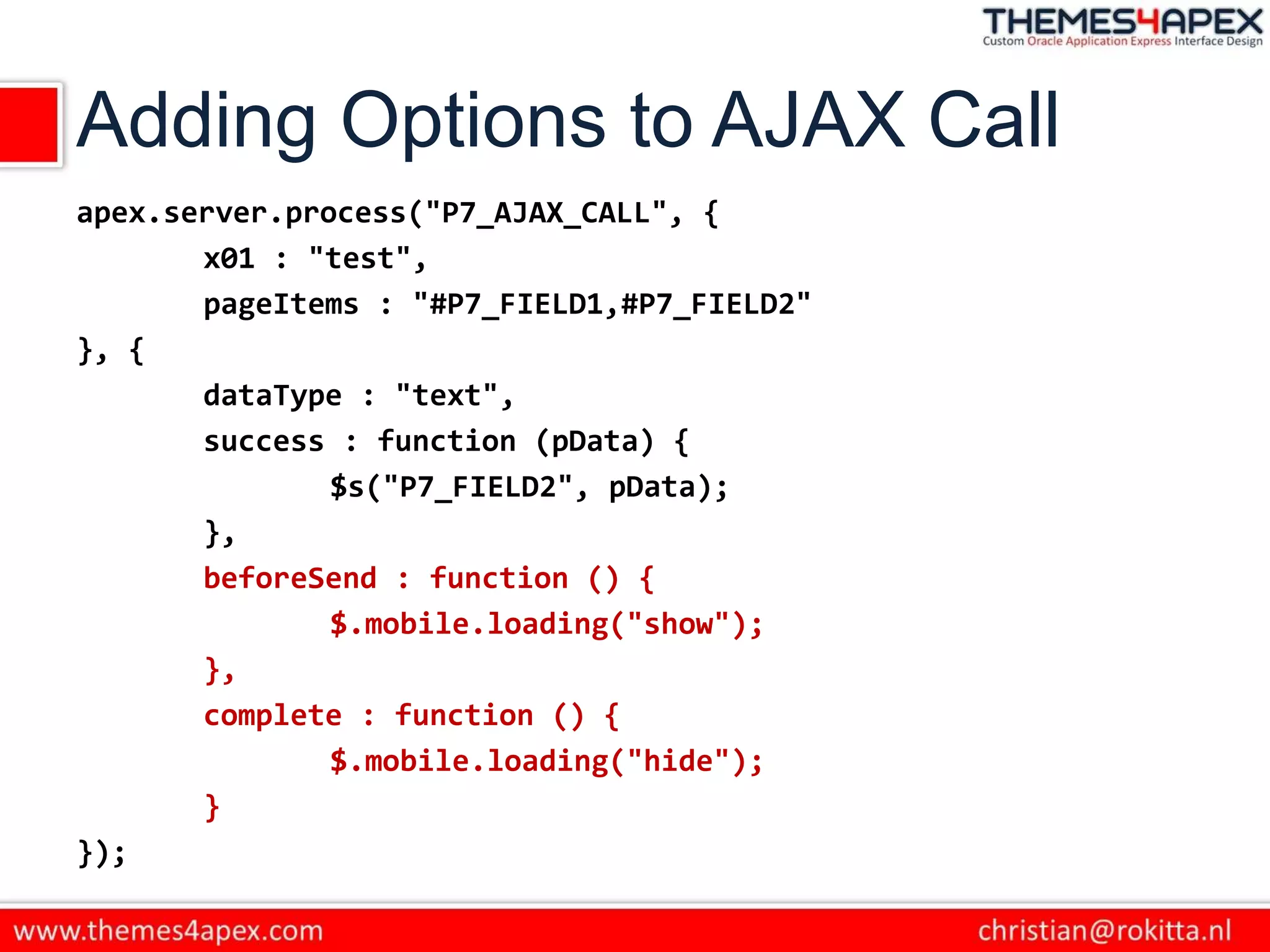
Adding Options to AJAX Call
apex.server.process("P7_AJAX_CALL", {
x01 : "test",
pageItems : "#P7_FIELD1,#P7_FIELD2"
}, {
dataType : "text",
success : function (pData) {
$s("P7_FIELD2", pData);
},
beforeSend : function () {
$.mobile.loading("show");
},
complete : function () {
$.mobile.loading("hide");
}
});
Testing and De-bugging
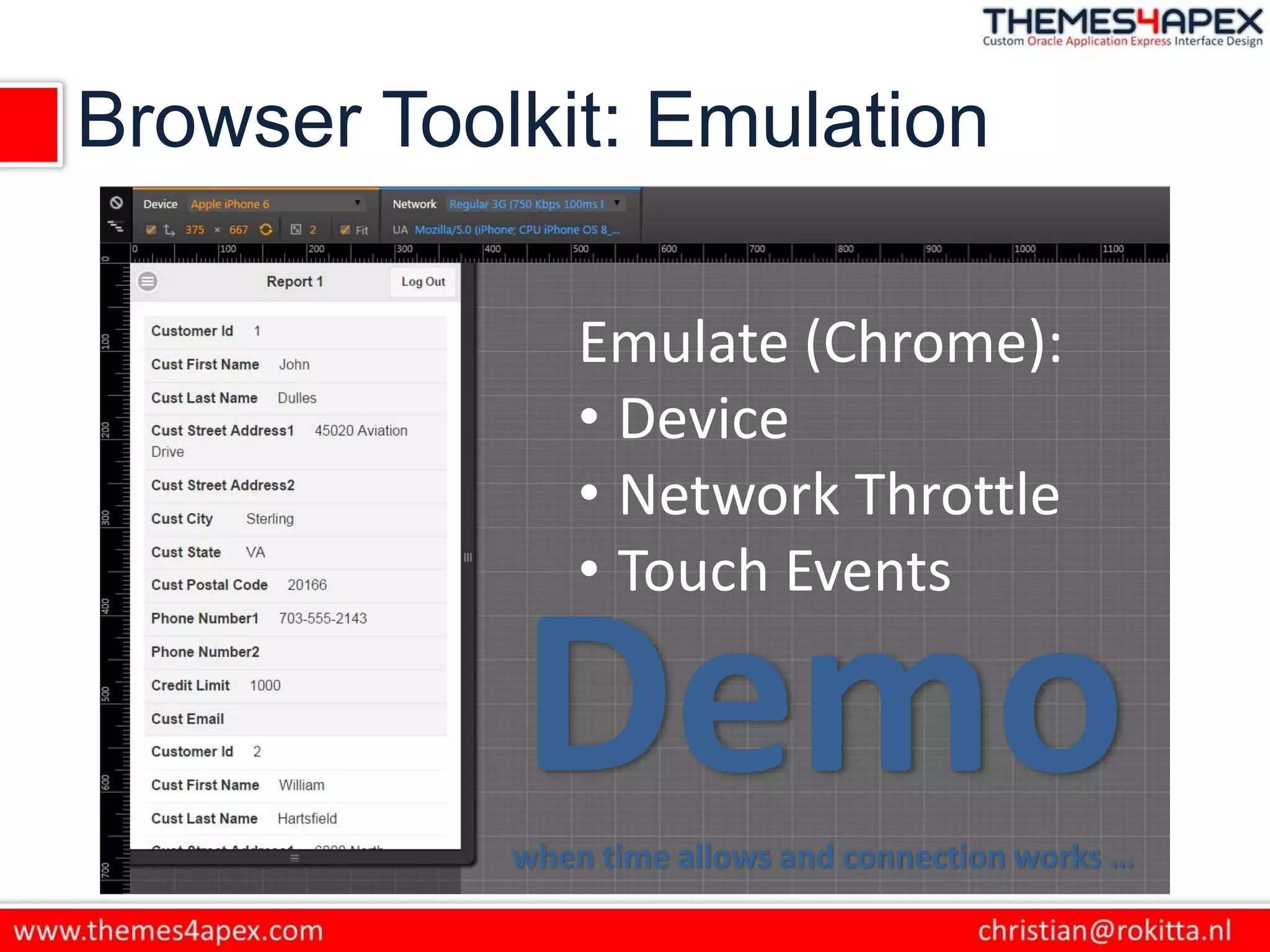
Browser Toolkit: Emulation
Emulate (Chrome):
• Device
• Network Throttle
• Touch Events
Demowhen time allows and connection works …
Remote Debugging
on Android with Chrome
Questions & Discussion
http://rokitta.blogspot.com
@crokitta
christian@rokitta.nl
http://www.themes4apex.com
http://plus.google.com/+ChristianRokitta
http://nl.linkedin.com/in/rokit/
Challenges going mobile

Challenges going mobile

  • 1.
    Challenges When Going Mobile usingAPEX & jQuery Mobile Christian Rokitta
  • 2.
    About me • OracleDeveloper since 1993 • Oracle Employee 1996-1999 • Developed web applications with mod_plsql since 1999 • Developing with APEX since 2008 • Independent developer since 2010 • Speaker (5th Kscope) • Author (Oracle APEX for mobile Web applications) • Oracle ACE (2013) • Trainer (APEX, CSS/HTML/JS) • Product Development
  • 3.
  • 4.
  • 5.
  • 6.
  • 7.
    Agenda • What makesjQuery Mobile different? • How does this effect developing in APEX? • What are effective tools to develop mobile web applications?
  • 8.
    What is jQueryMobile • jQuery Mobile is a touch-friendly UI framework built on jQuery Core that works across all popular mobile, tablet and desktop platforms. • Very simple (HTML) structure • Look and Feel is applied after “page” is loaded
  • 9.
    Basic page template <!DOCTYPEhtml> <html> <head> <title>Page Title</title> <meta name="viewport" content="width=device-width, initial-scale=1"> <link rel="stylesheet" href="http://code.jquery.com/mobile/[version]/jquery.mobile-[version].min.css <script src="http://code.jquery.com/jquery-[version].min.js"></script> <script src="http://code.jquery.com/mobile/[version]/jquery.mobile-[version].min.js"></script> </head> <body> <div data-role="page"> <div data-role="header"> <h1>Page Title</h1> </div><!-- /header --> <div role="main" class="ui-content"> <p>Page content goes here.</p> </div><!-- /content --> <div data-role="footer"> <h4>Page Footer</h4> </div><!-- /footer --> </div><!-- /page --> </body> </html>
  • 10.
    Multi-page template structure Asingle HTML document can contain multiple "pages" that are loaded together by stacking multiple divs with a data-role of "page". Each "page" block needs a unique id (id="foo") that will be used to link internally between "pages" (href="#foo"). When a link is clicked, the framework will look for an internal "page" with the id and transition it into view.
  • 11.
    Multi-page template structure <body> <!--Start of first page --> <div data-role="page" id="foo"> <div data-role="header"> <h1>Foo</h1> </div><!-- /header --> <div role="main" class="ui-content"> … </div><!-- /content --> <div data-role="footer"> <h4>Page Footer</h4> </div><!-- /footer --> </div><!-- /page --> <!-- Start of second page --> <div data-role="page" id="bar"> <div data-role="header"> <h1>Bar</h1> </div><!-- /header --> <div role="main" class="ui-content"> … </div><!-- /content --> <div data-role="footer"> <h4>Page Footer</h4> </div><!-- /footer --> </div><!-- /page --> </body>
  • 12.
    Ajax Navigation • jQueryMobile includes an Ajax navigation system to support a rich set of animated page transitions by automatically 'hijacking' standard links and form submissions and turning them into an Ajax request. • Whenever a link is clicked or a form is submitted, that event is automatically intercepted by the Ajax nav system and is used to issue an Ajax request based on the href or form action instead of reloading the page. • When the requested page loads, jQuery Mobile parses the document for an element with the data-role="page" attribute, inserts that code into the DOM of the original page and applies all the styles and behavior. • Now that the requested page is in the DOM and enhanced, it is animated into view with a transition. • Whenever jQuery Mobile loads a page via Ajax, it flags the page to be removed from the DOM when you navigate away from it later
  • 13.
    How does thiseffect developing in APEX?
  • 14.
    Remember! The id attributeof all your elements must be not only unique on a given page, but also unique across the pages in a site. This is because jQuery Mobile's single-page navigation model allows many different "pages" to be present in the DOM at the same time.
  • 15.
    Note to myself: Don’tforget to show the strange behaviour after F5-ing and submitting a page!
  • 16.
    Page Processing vsAJAX • Speed/Bandwidth • Page loading, as seen before • User Experience
  • 17.
    Implicit vs ExplicitAJAX in APEX • Implicit: using PL/SQL Dynamic Action – less control except when using it “SJAX” • Explicit: using APEX Javascript API – apex.server.process – more coding – more flexibility
  • 18.
    Basic AJAX CallSyntax apex.server.process("P7_AJAX_CALL", { x01 : "test", pageItems : "#P7_FIELD1,#P7_FIELD2" }, { dataType : "text", success : function (pData) { $s("P7_FIELD2", pData); } });
  • 19.
    Adding Options toAJAX Call apex.server.process("P7_AJAX_CALL", { x01 : "test", pageItems : "#P7_FIELD1,#P7_FIELD2" }, { dataType : "text", success : function (pData) { $s("P7_FIELD2", pData); }, beforeSend : function () { $.mobile.loading("show"); }, complete : function () { $.mobile.loading("hide"); } });
  • 20.
  • 21.
    Browser Toolkit: Emulation Emulate(Chrome): • Device • Network Throttle • Touch Events Demowhen time allows and connection works …
  • 22.
  • 23.