Bootstrapify
Universal Theme
Christian Rokitta
Rotterdam 2017
APEX World
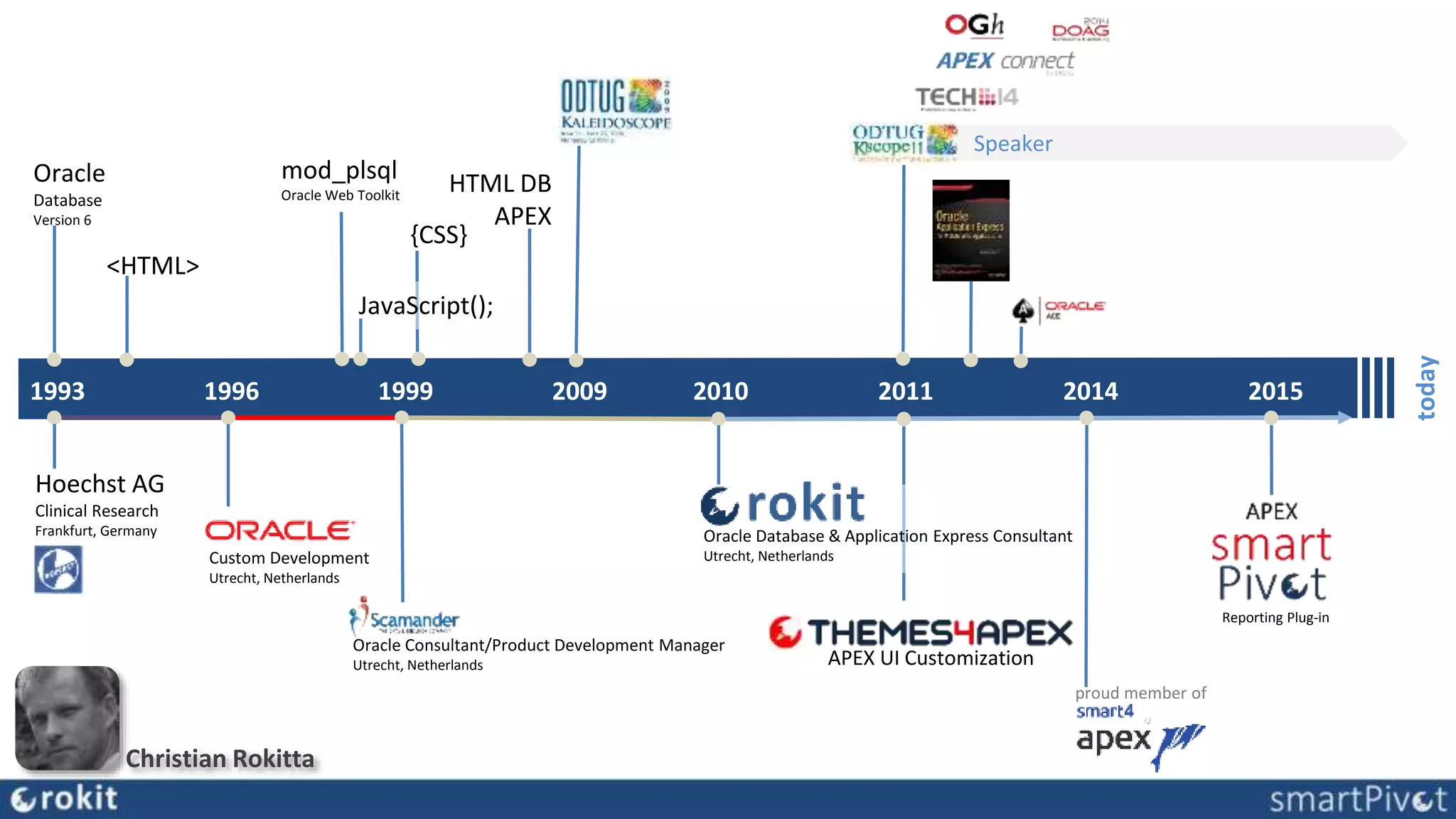
1993
today
1996 1999 2009 20152010 2011 2014
Oracle
Database
Version 6
Hoechst AG
Clinical Research
Frankfurt, Germany
Custom Development
Utrecht, Netherlands
<HTML>
Oracle Consultant/Product Development Manager
Utrecht, Netherlands
mod_plsql
Oracle Web Toolkit
JavaScript();
HTML DB
APEX
Speaker
Oracle Database & Application Express Consultant
Utrecht, Netherlands
{CSS}
proud member of
APEX UI Customization
Reporting Plug-in
Christian Rokitta
Bootstrapify Universal Theme
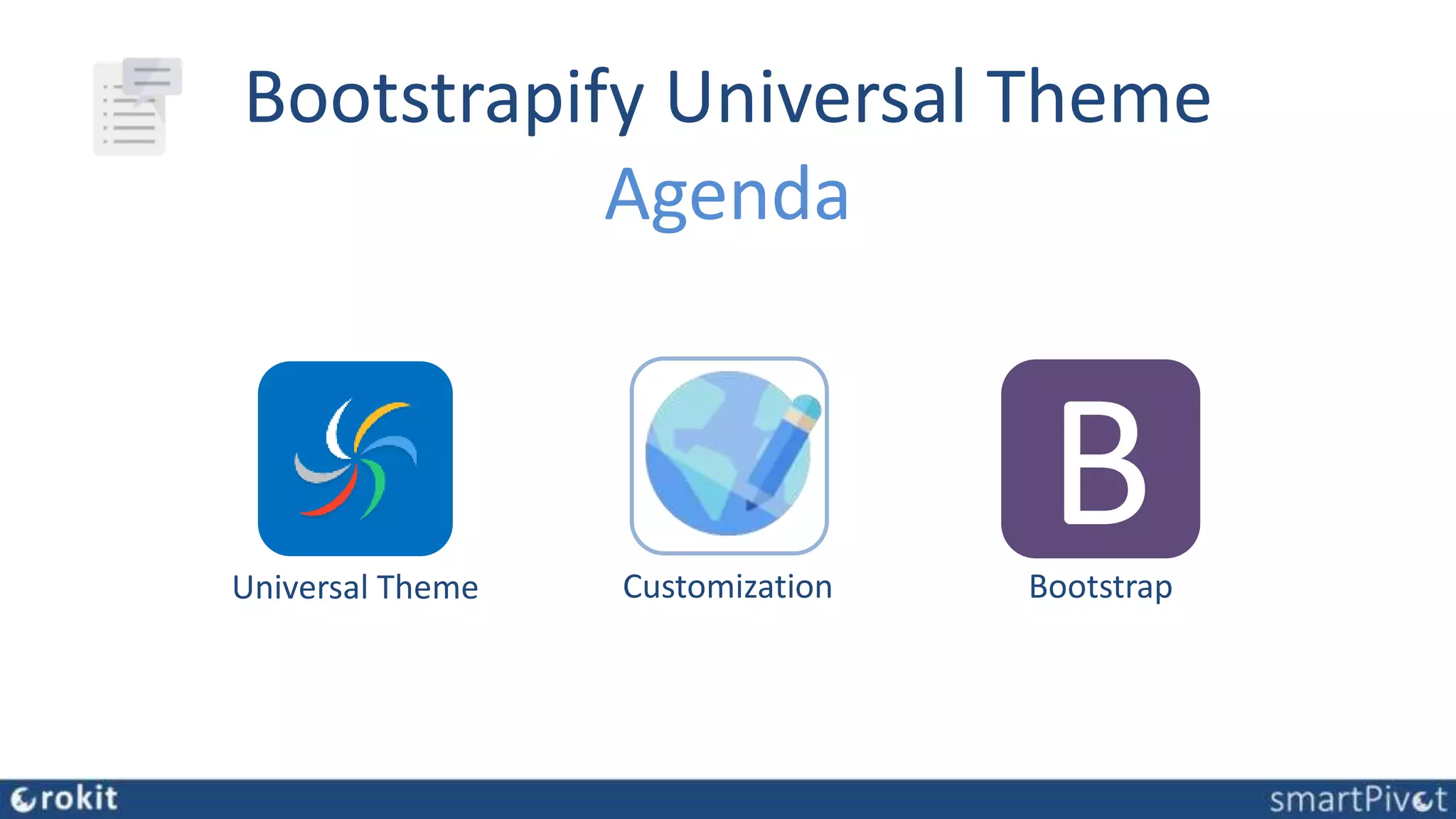
Agenda
Universal Theme
BBootstrapCustomization
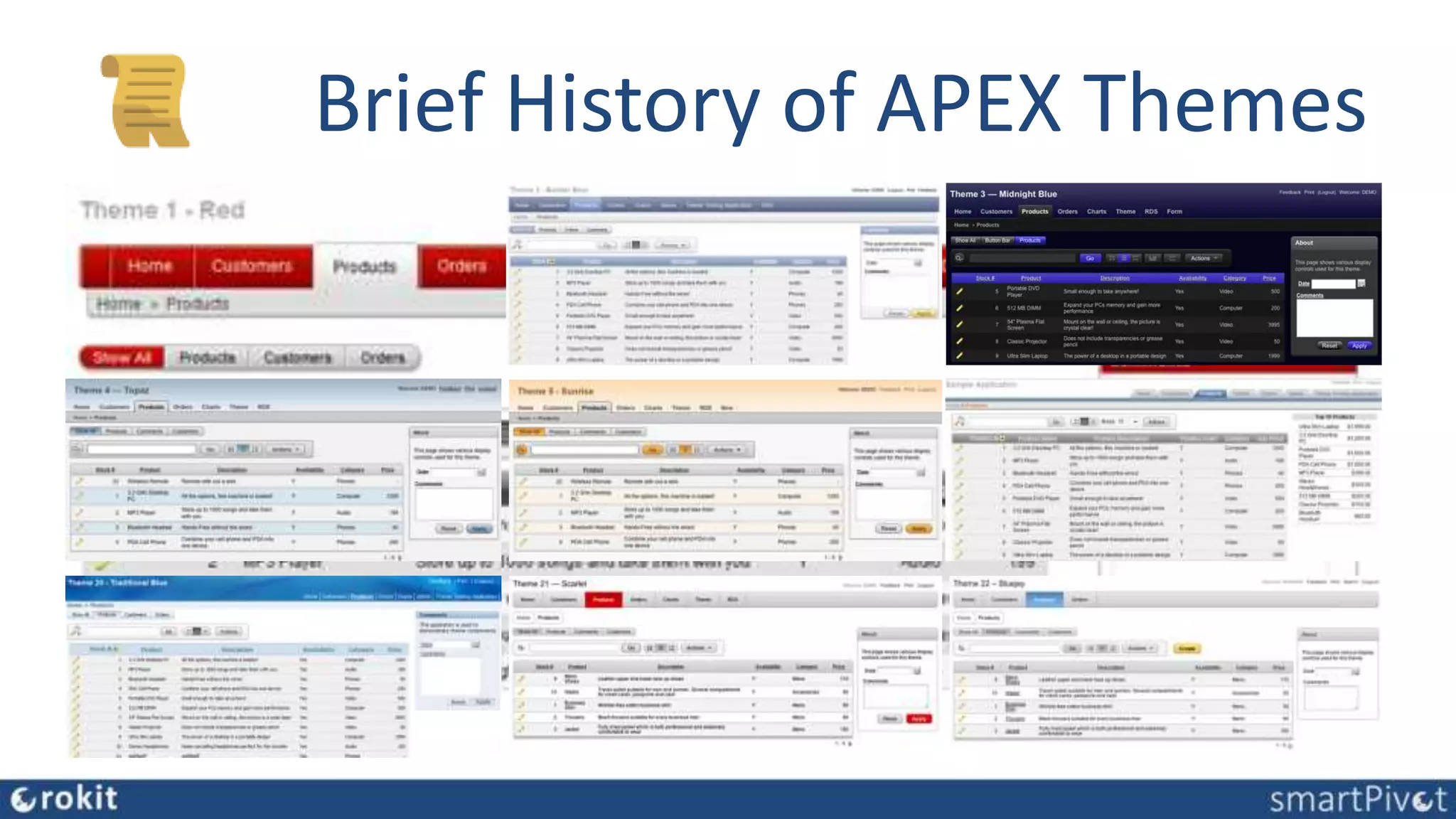
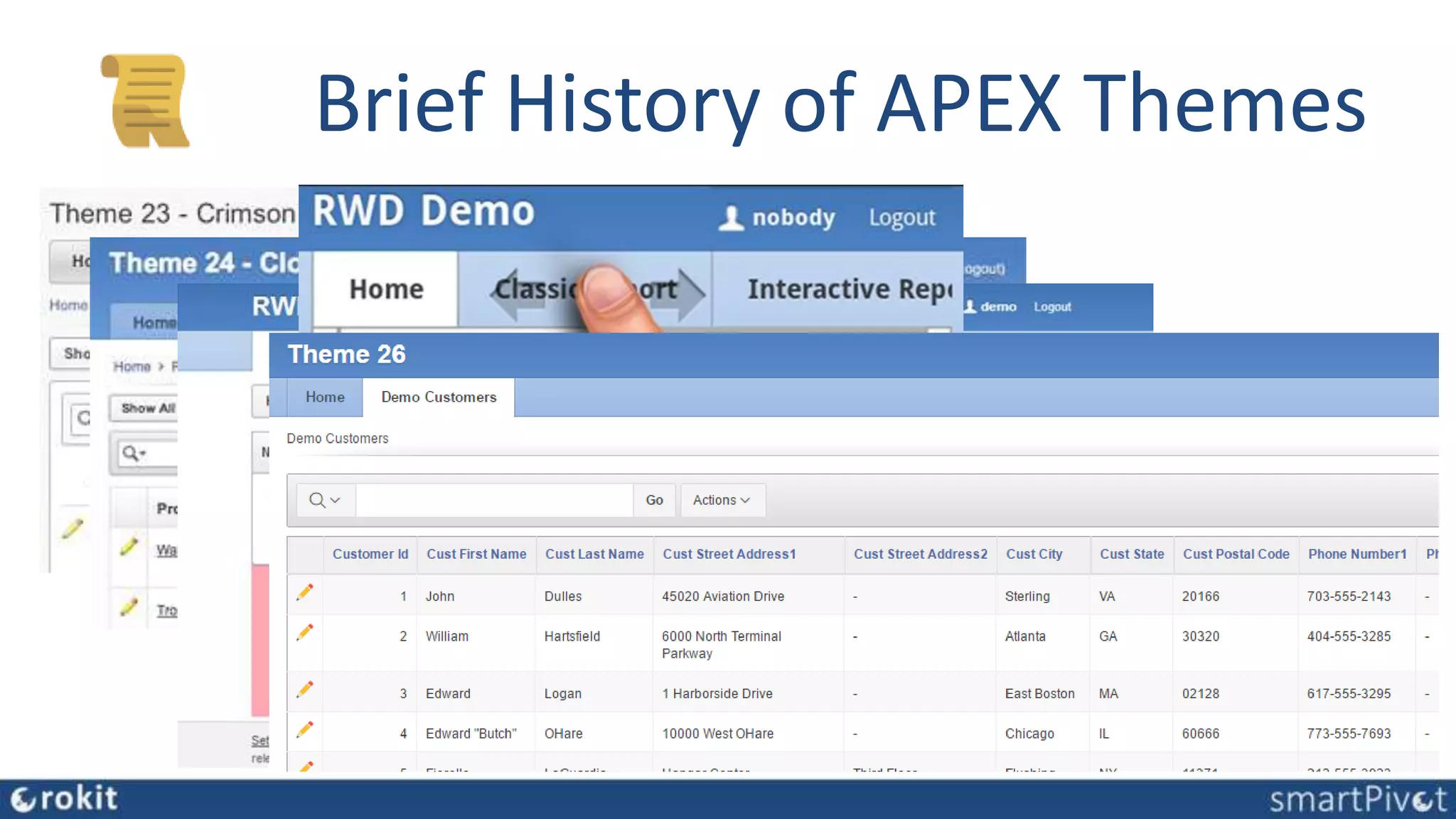
Brief History of APEX Themes
Theme 25
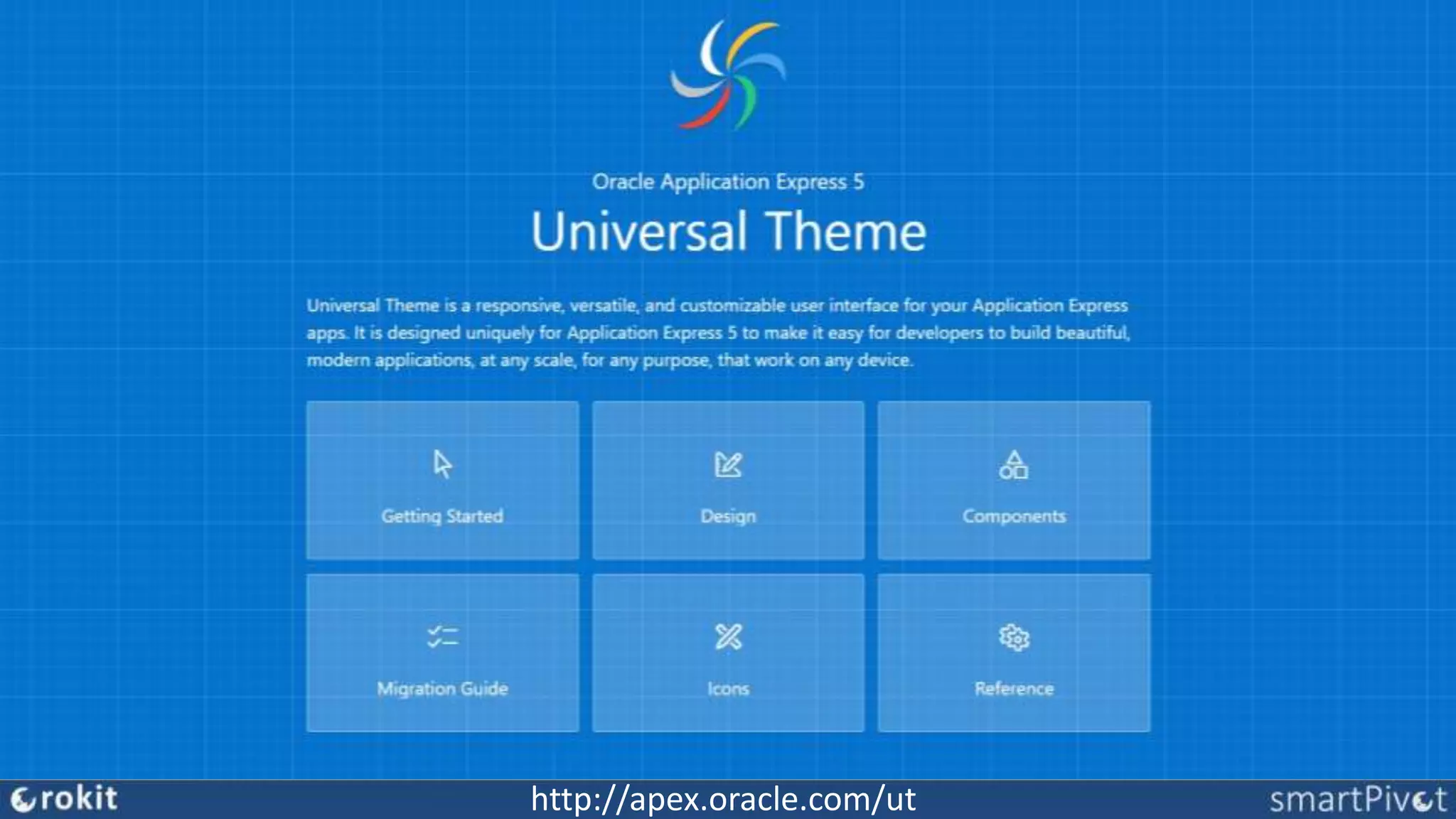
Universal Theme
• introduced with APEX version 5
• responsive, versatile, and customizable
• 42 Answer to the Ultimate Question of Life, the Universe, and Everything
• lots of (new) available components
• Themeroller, Themestyles, Template Options
• designed uniquely for Application Express 5
• makes it easy for developers to build beautiful, modern
applications for any purpose
http://apex.oracle.com/ut
APEX 5 Feature Quiz
APEX 5 UT
Template Options
Themeroller
Theme Styles
Inline Dialog
Modal Page
Cards
Font APEX
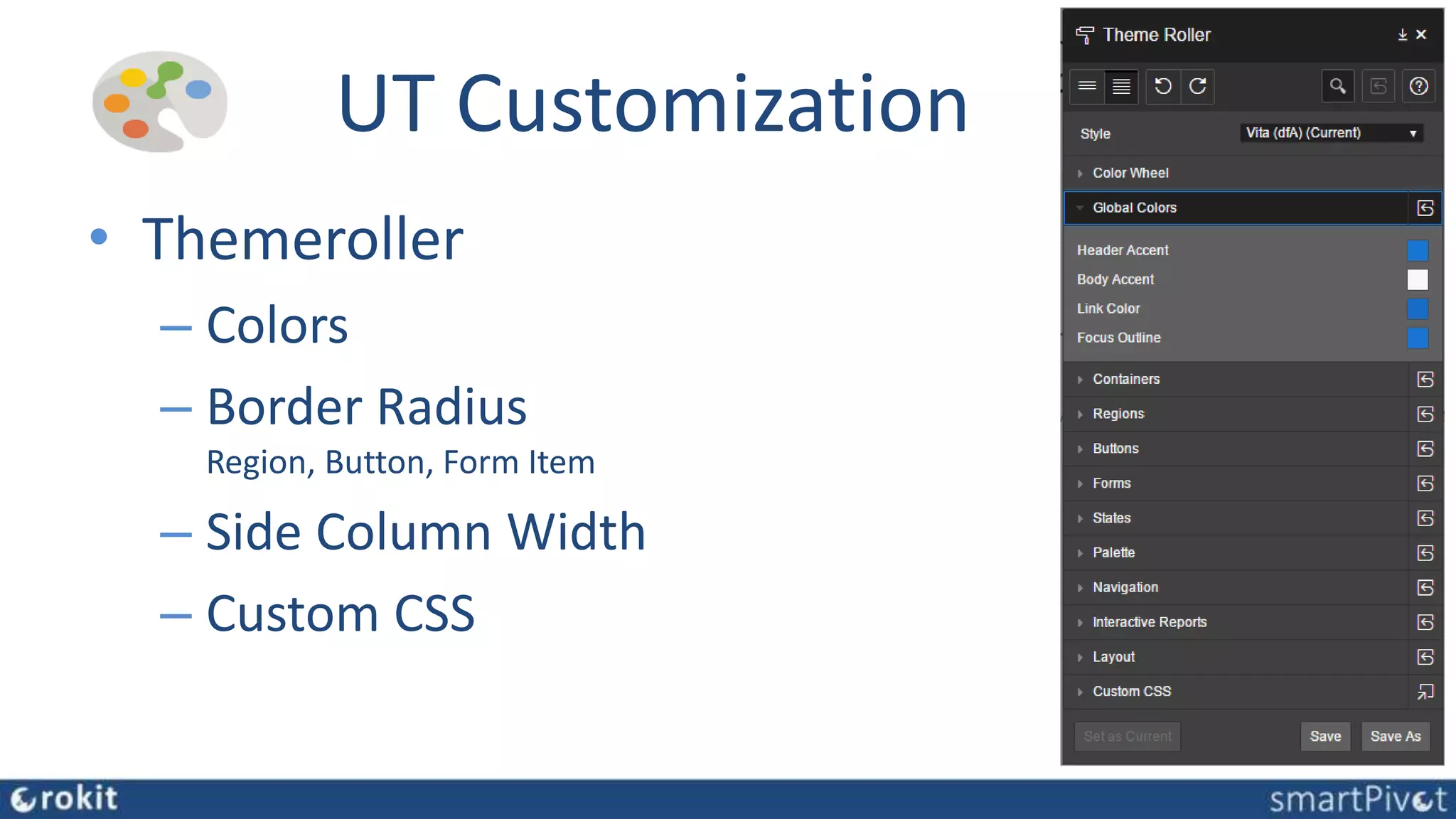
UT Customization
• Themeroller
– Colors
– Border Radius
Region, Button, Form Item
– Side Column Width
– Custom CSS
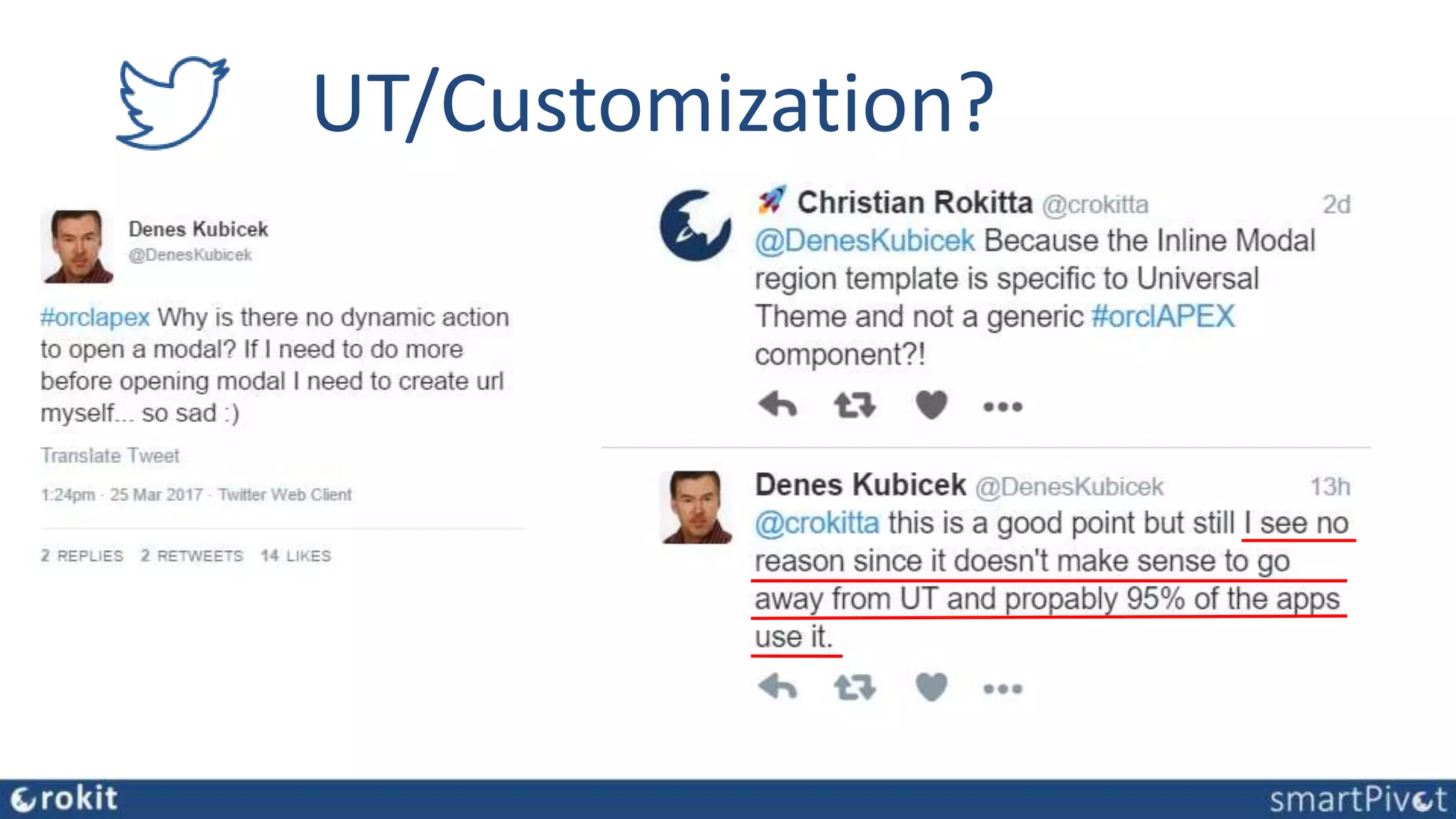
UT/Customization?
impact of Universal Theme on APEX application UI’s …
Other Customization Options
• Modifying UT (break subscription)
• CSS overwrite UT
• Develop a Theme from
Scratch
• Get and convert a ready-made
HTML Theme
Oracle APEX Developers are
(usually) not Web Designers
remember:
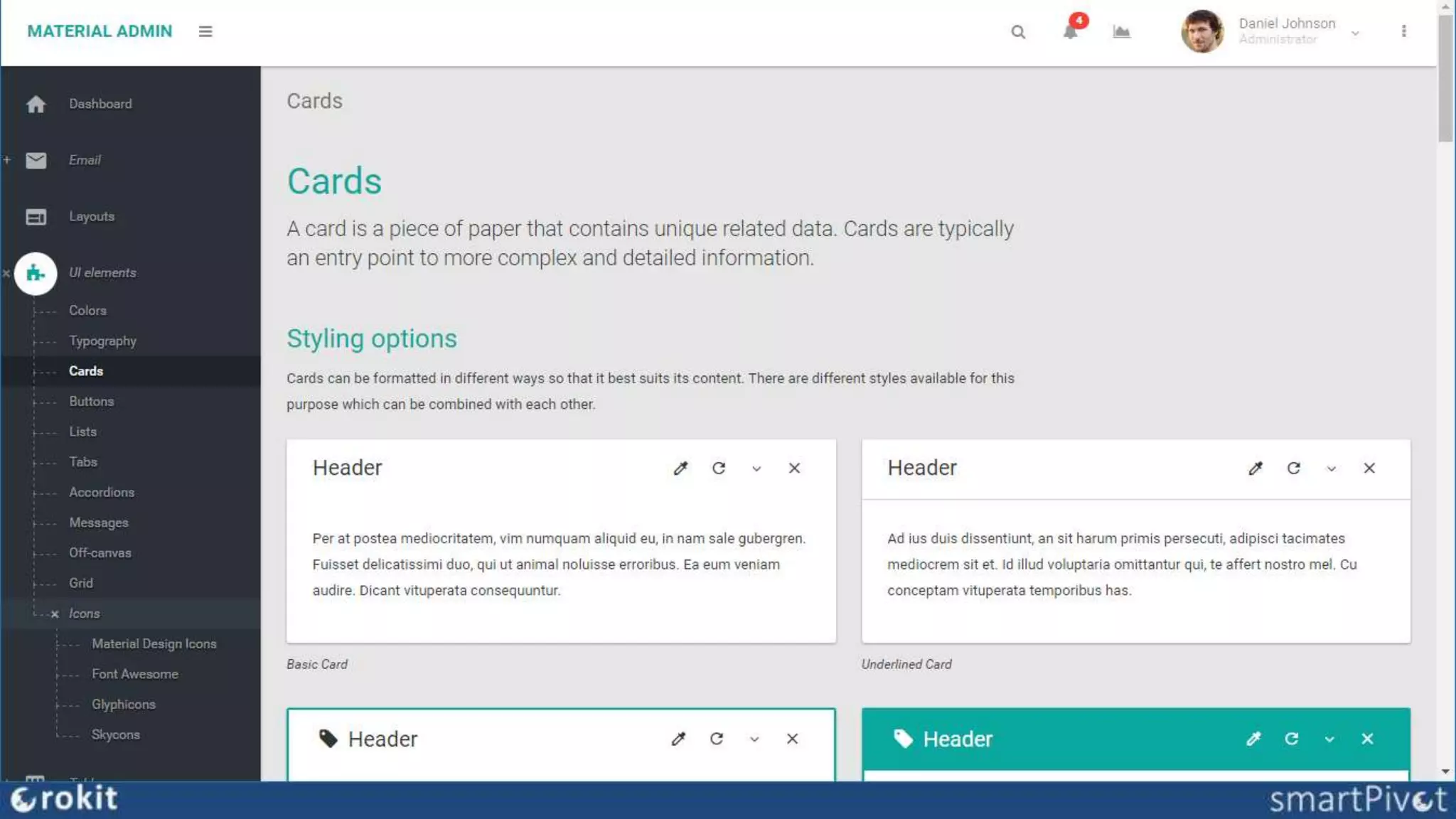
Custom APEX Theme Examples
done from scratch
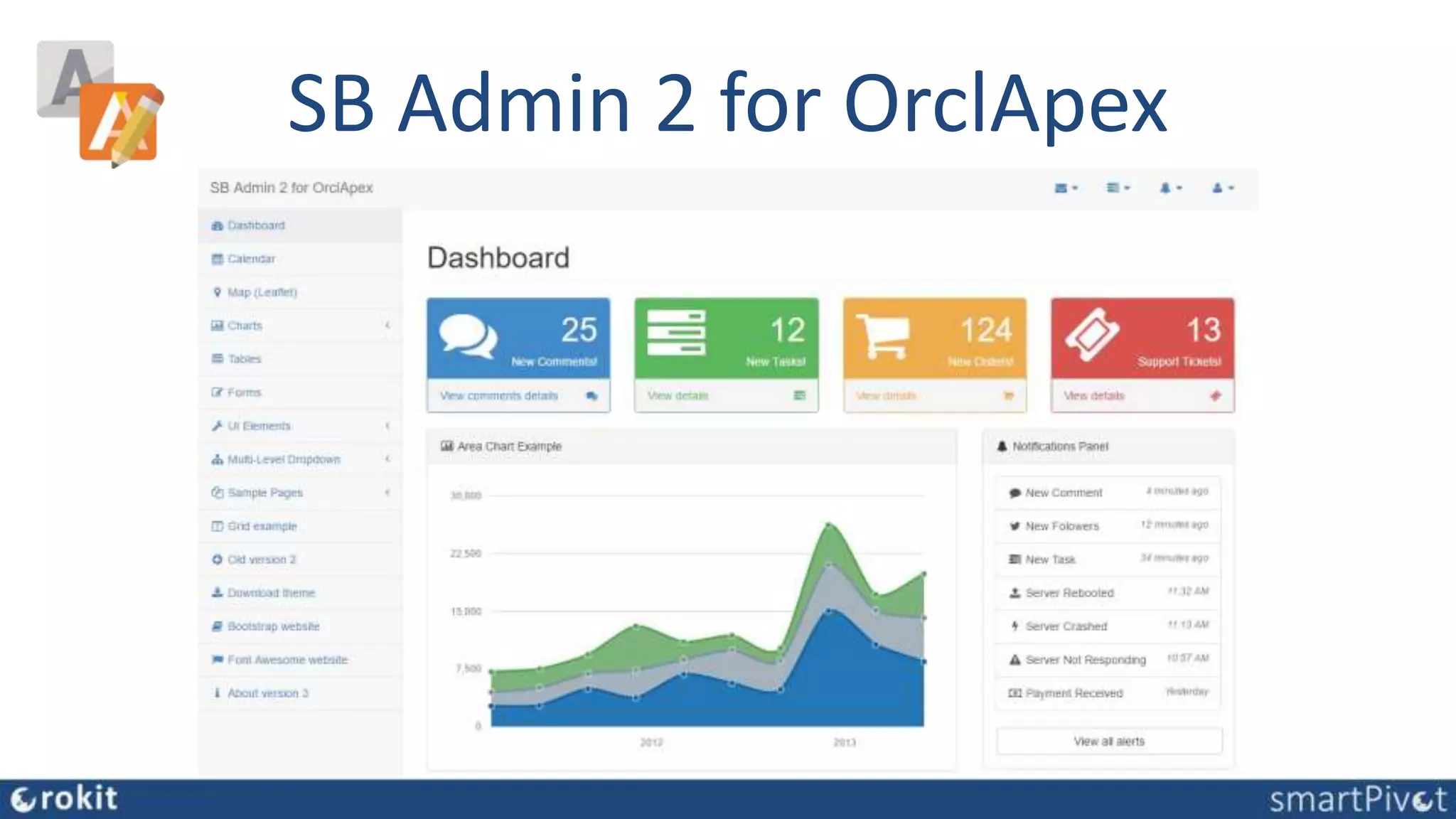
• SB Admin 2 for OrclApex,
Sergei & Richard Martens
The Bootstrap Brothers!
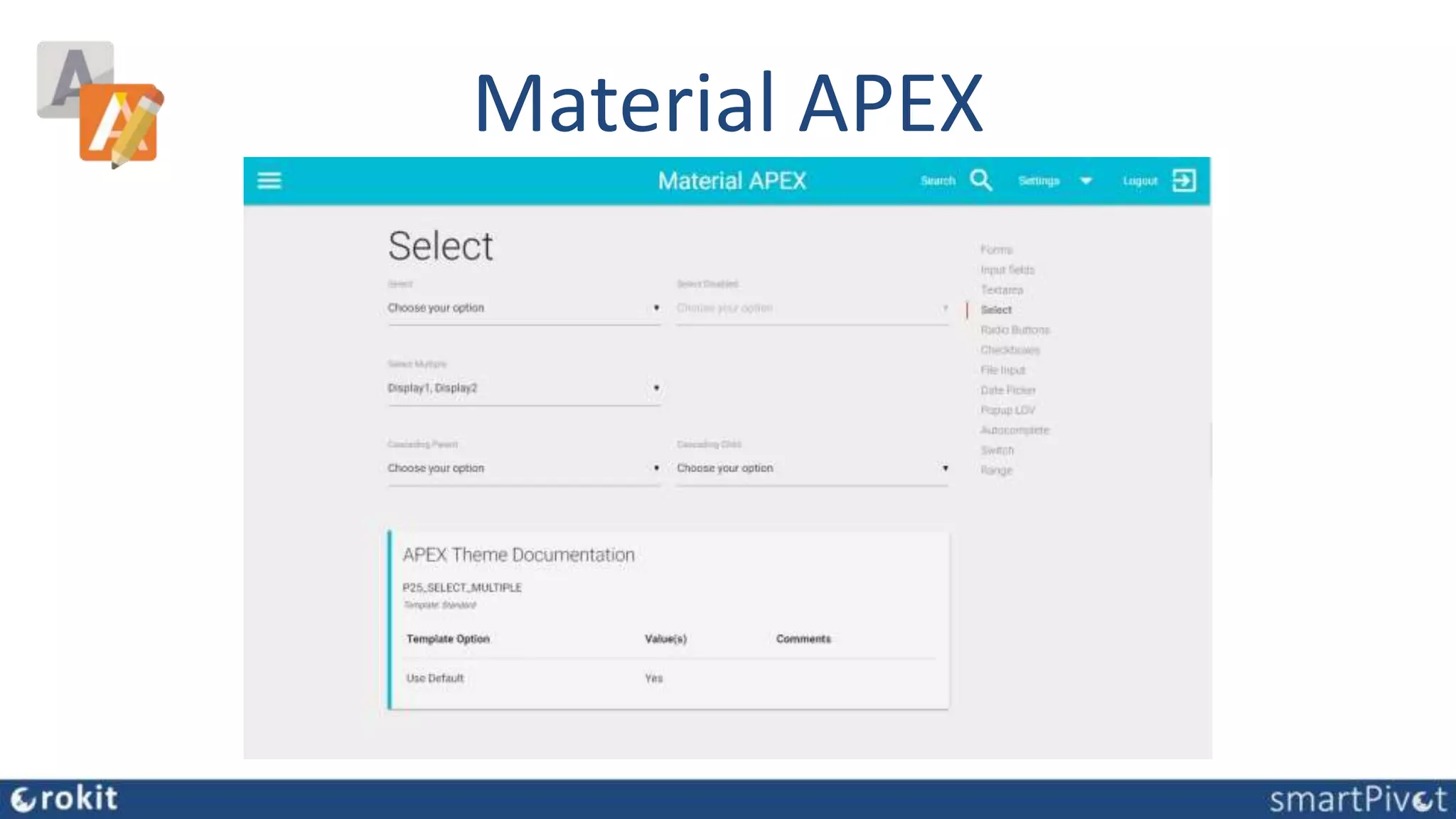
• Material APEX, Vincent Morneau
The Material Man?
SB Admin 2 for OrclApex
Material APEX
Custom APEX UI
• High Costs
• High maintenance
• Losing UT Upgrades
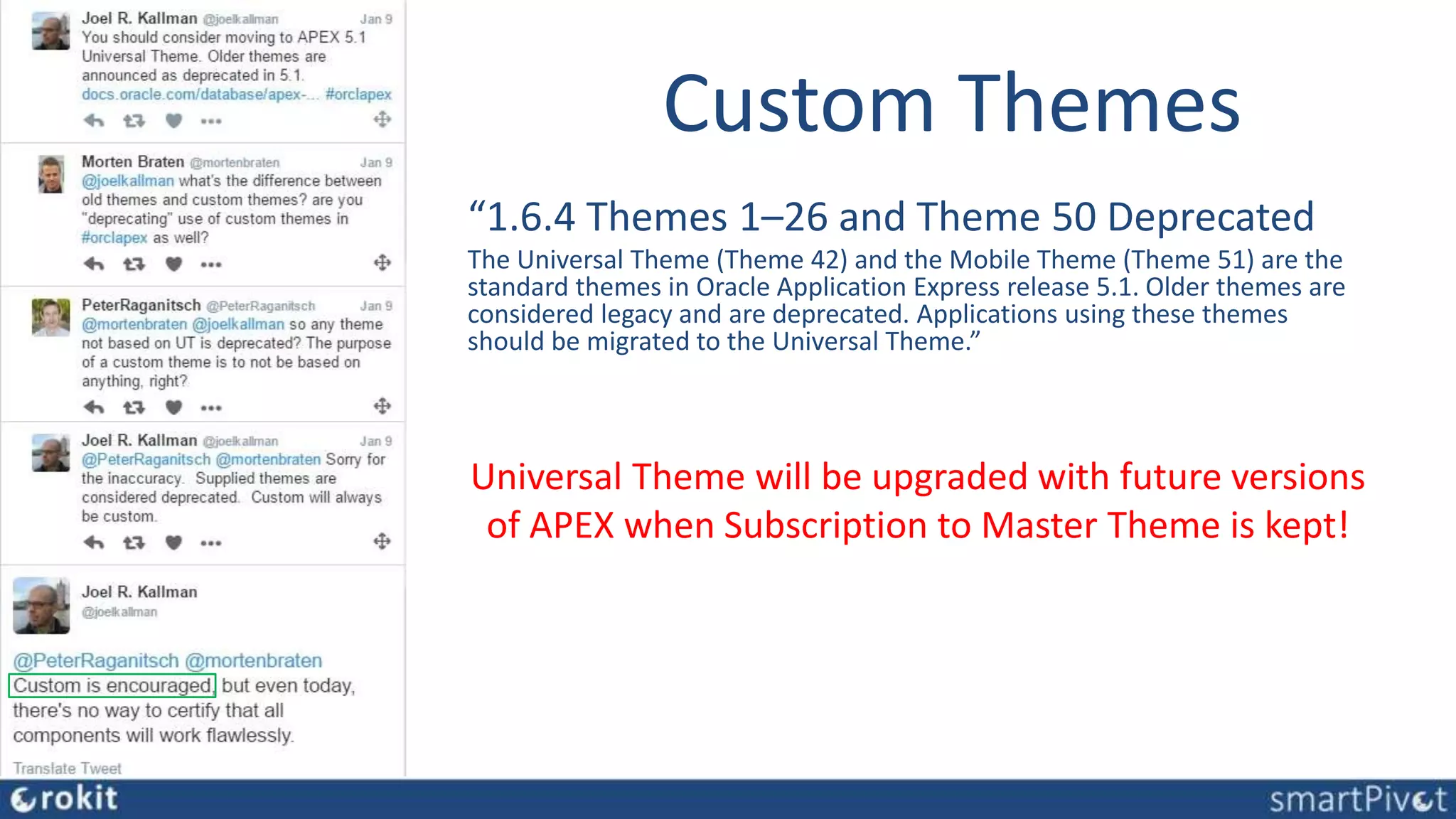
Custom Themes
“1.6.4 Themes 1–26 and Theme 50 Deprecated
The Universal Theme (Theme 42) and the Mobile Theme (Theme 51) are the
standard themes in Oracle Application Express release 5.1. Older themes are
considered legacy and are deprecated. Applications using these themes
should be migrated to the Universal Theme.”
Universal Theme will be upgraded with future versions
of APEX when Subscription to Master Theme is kept!
Why?
• Different User Experience
• Audience
• Purpose
• Branding
• Increase Customer Conversions
• …
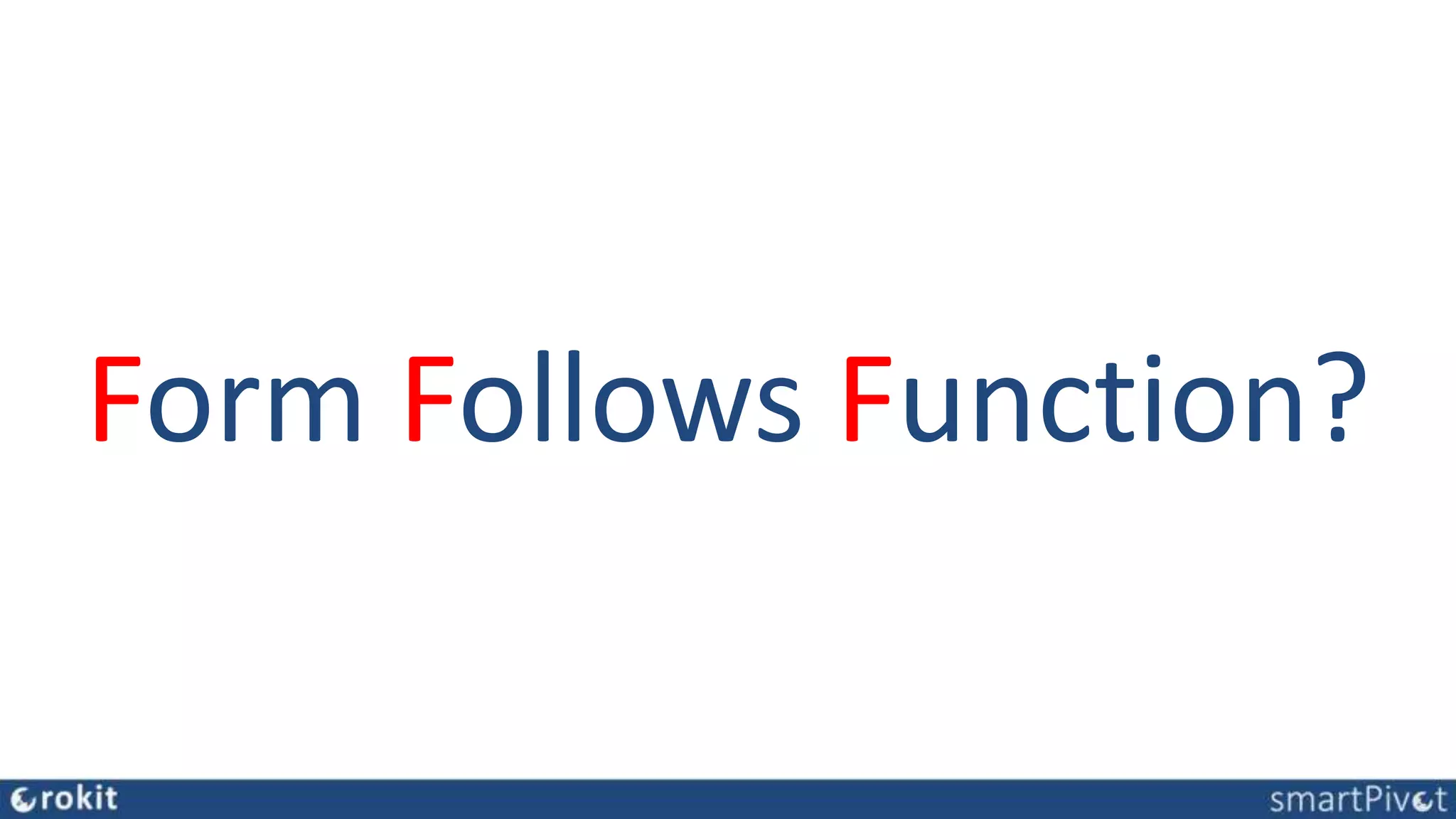
Form Follows Function?
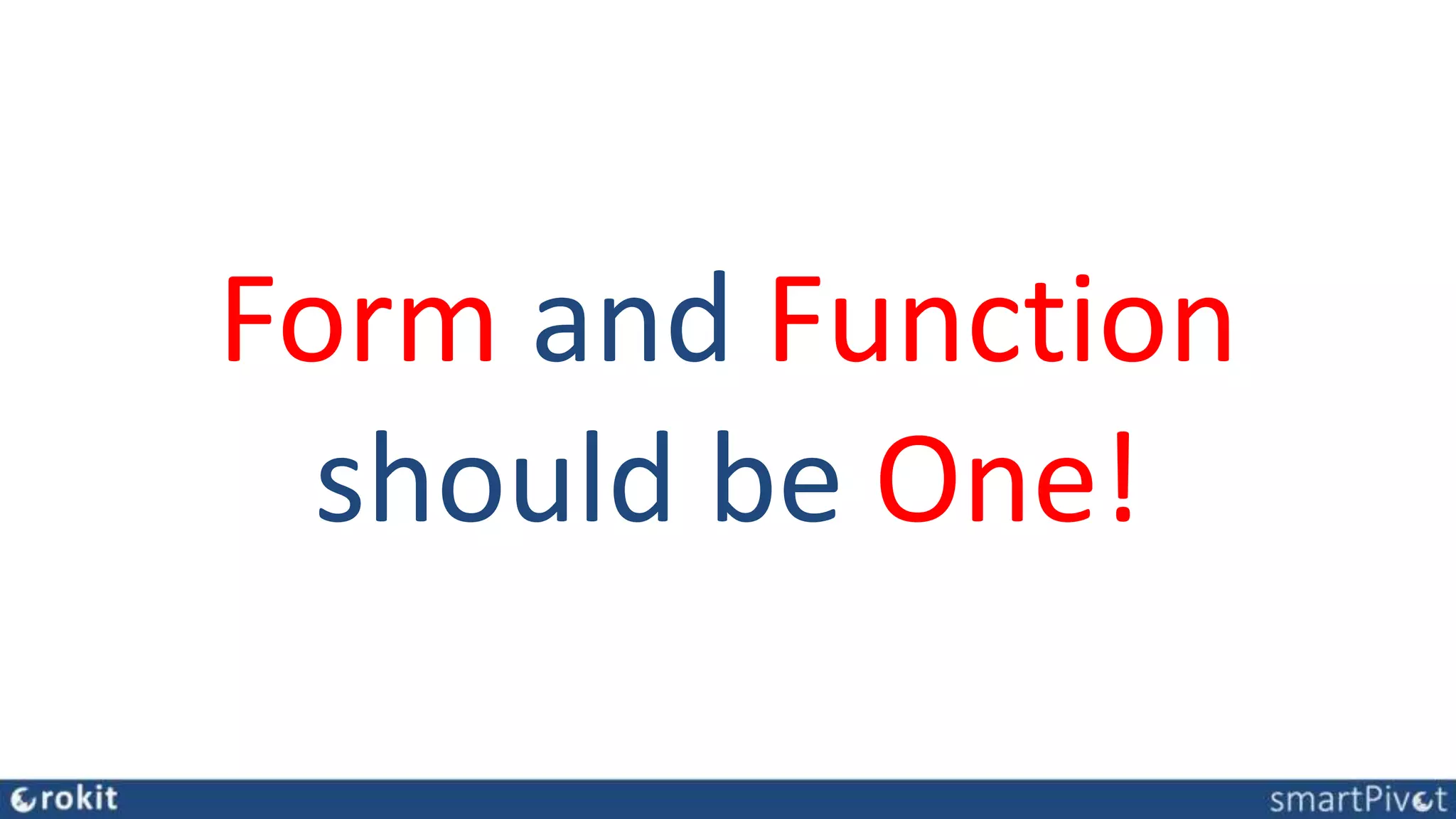
Form and Function
should be One!
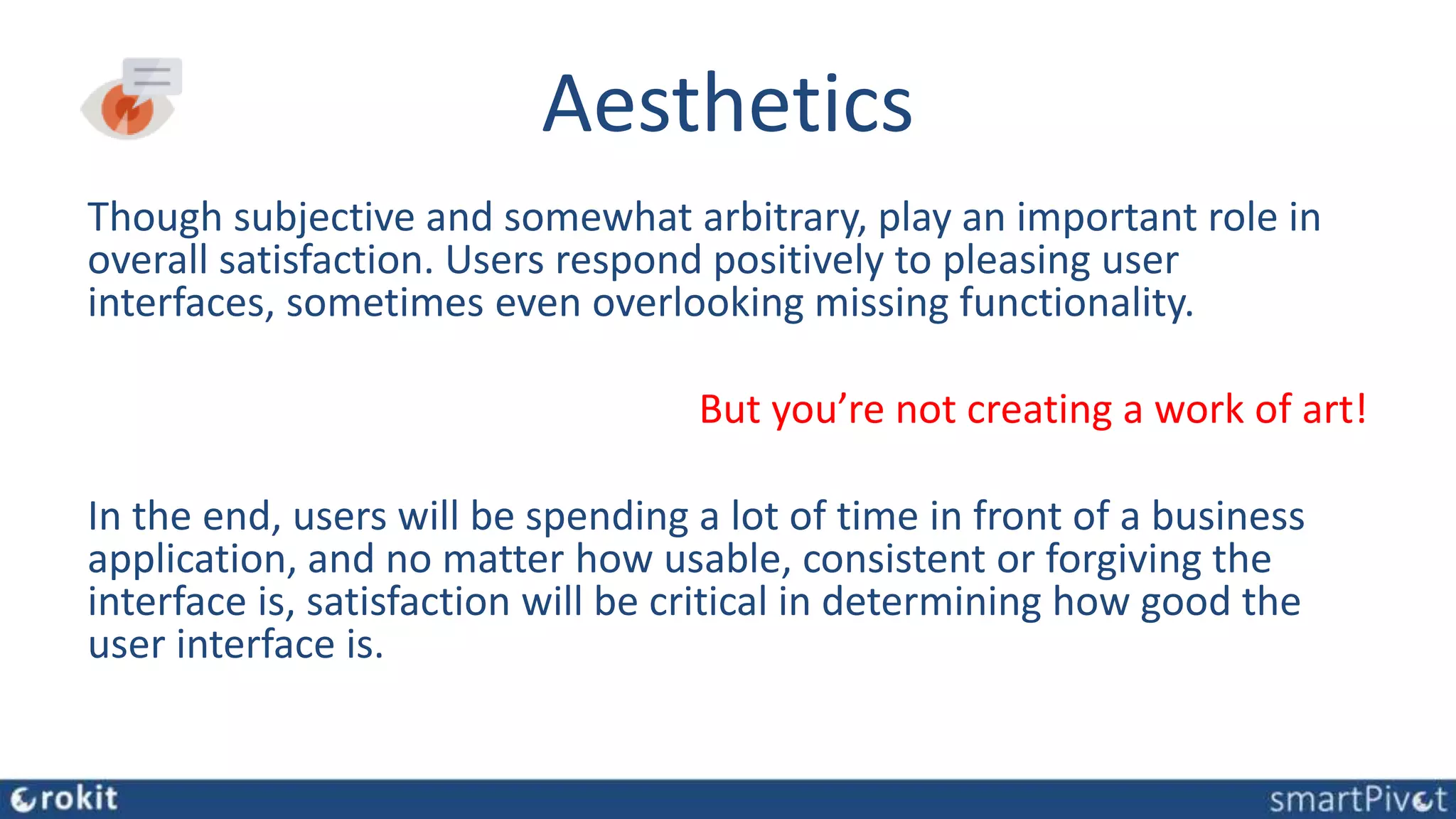
Aesthetics
Though subjective and somewhat arbitrary, play an important role in
overall satisfaction. Users respond positively to pleasing user
interfaces, sometimes even overlooking missing functionality.
But you’re not creating a work of art!
In the end, users will be spending a lot of time in front of a business
application, and no matter how usable, consistent or forgiving the
interface is, satisfaction will be critical in determining how good the
user interface is.
Ideal Custom Theme
• Supporting Function of Application
• Cost Effective
• Offers same or similar declarative
components/features as UT
• Doesn’t Change, but Extend Universal Theme
Available Frameworks
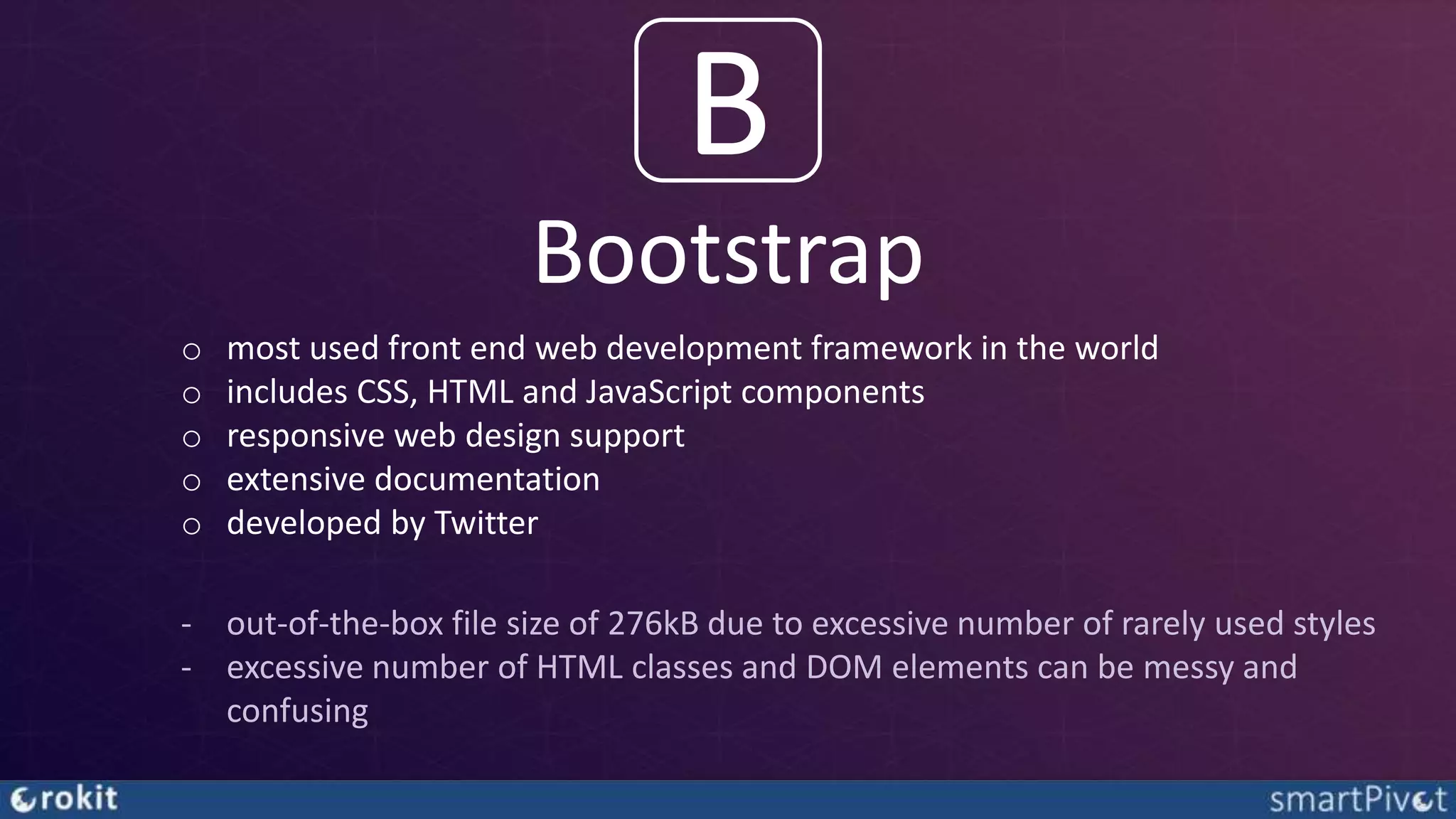
Bootstrap
B
o most used front end web development framework in the world
o includes CSS, HTML and JavaScript components
o responsive web design support
o extensive documentation
o developed by Twitter
‐ out-of-the-box file size of 276kB due to excessive number of rarely used styles
‐ excessive number of HTML classes and DOM elements can be messy and
confusing
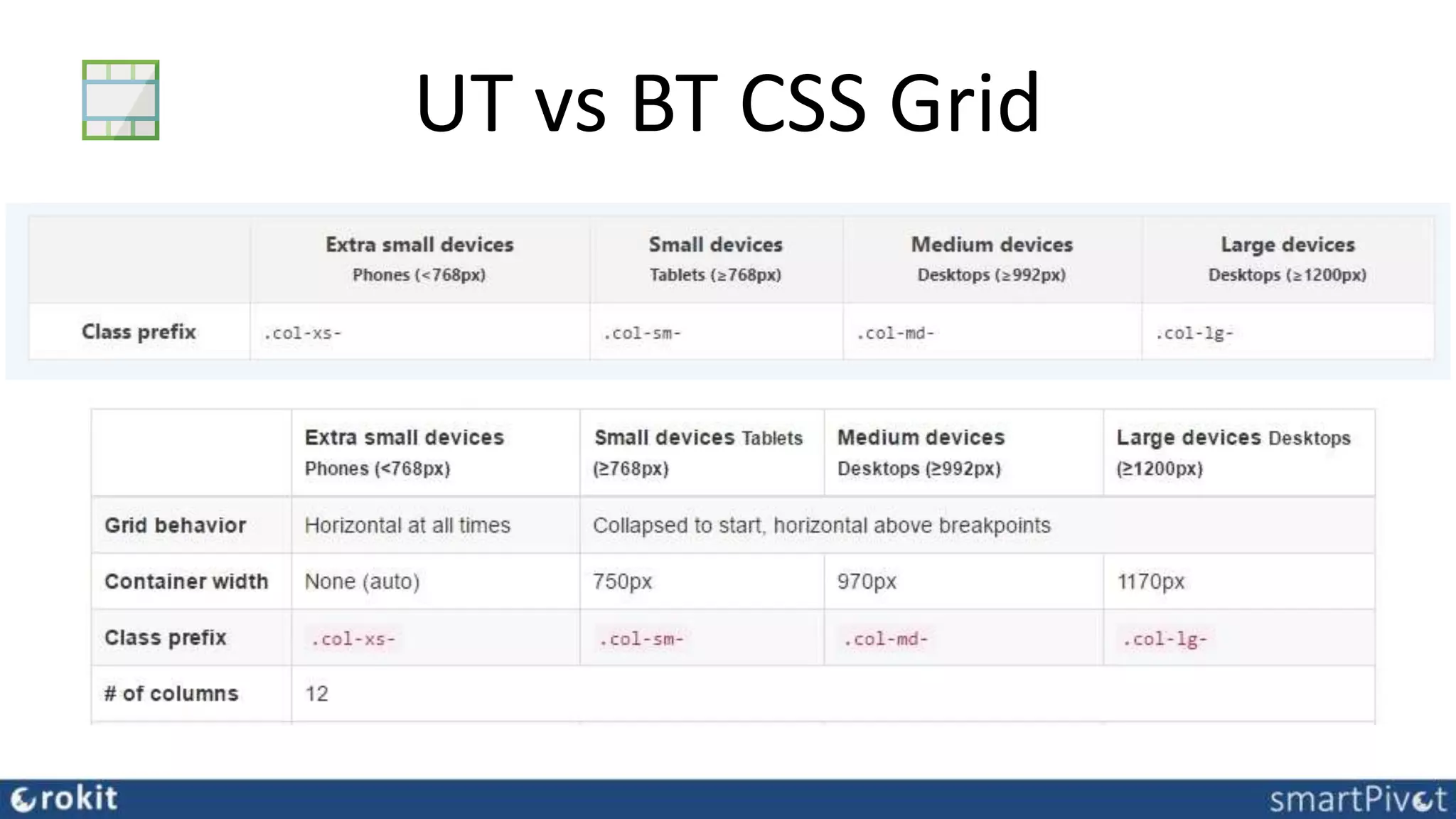
UT vs BT CSS Grid
Integratibility UT & BT
• CSS is applied to isolated components
• only a handful of converted/custom templates
• minor CSS overwrite for visual consistency
• keep all functional complex UT components
that make developing in APEX rapid!
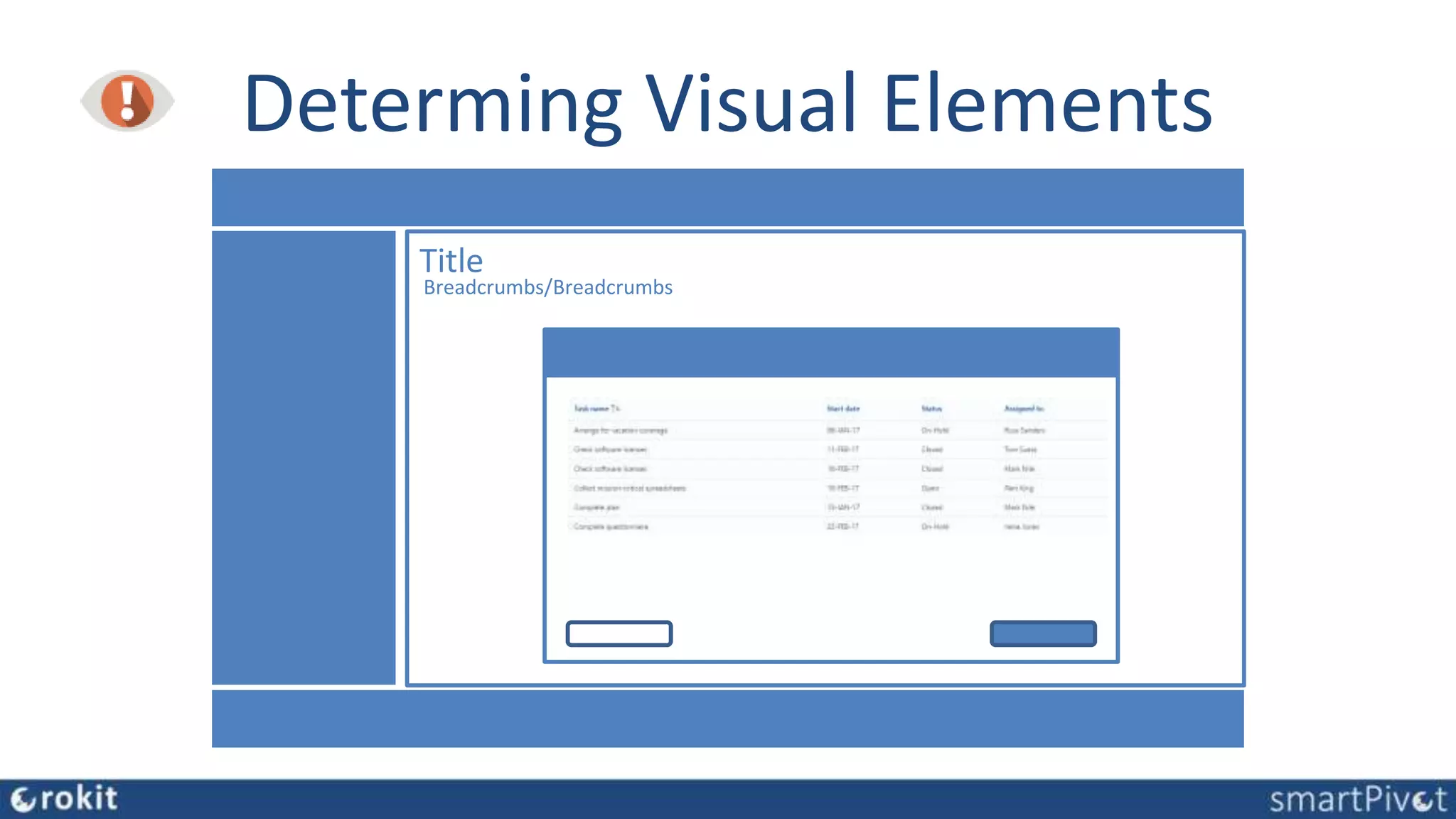
Determing Visual Elements
Title
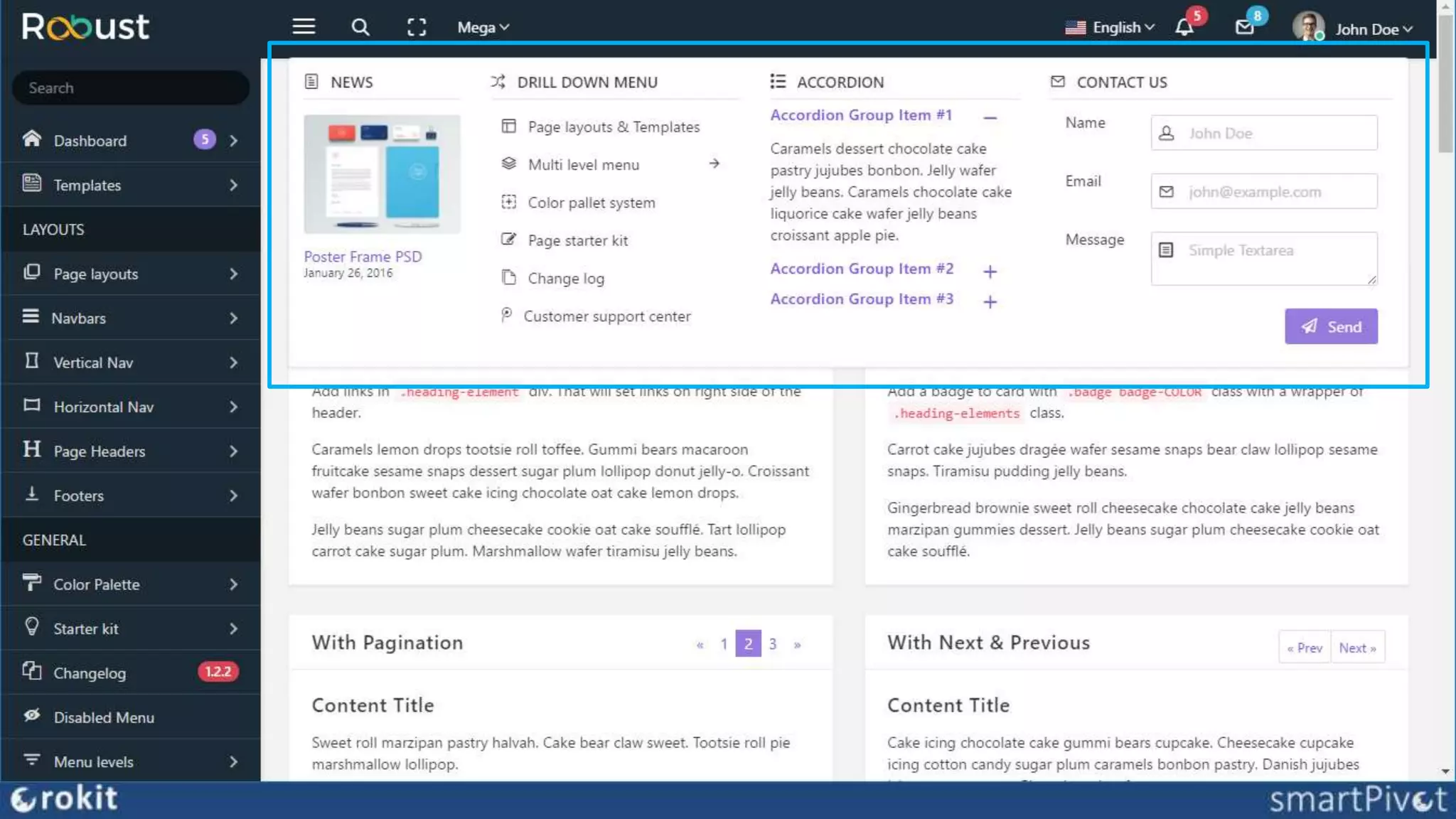
Breadcrumbs/Breadcrumbs
Components to adapt
• Structure (Templates)
 Header, Navigation Footer -> Page Template
 Region, Dialogs, Buttons -> Region Templates
• Font -> CSS
• Buttons -> Templates/CSS
• Form Elements -> CSS
• Individual extra Components -> Templates, Plugins
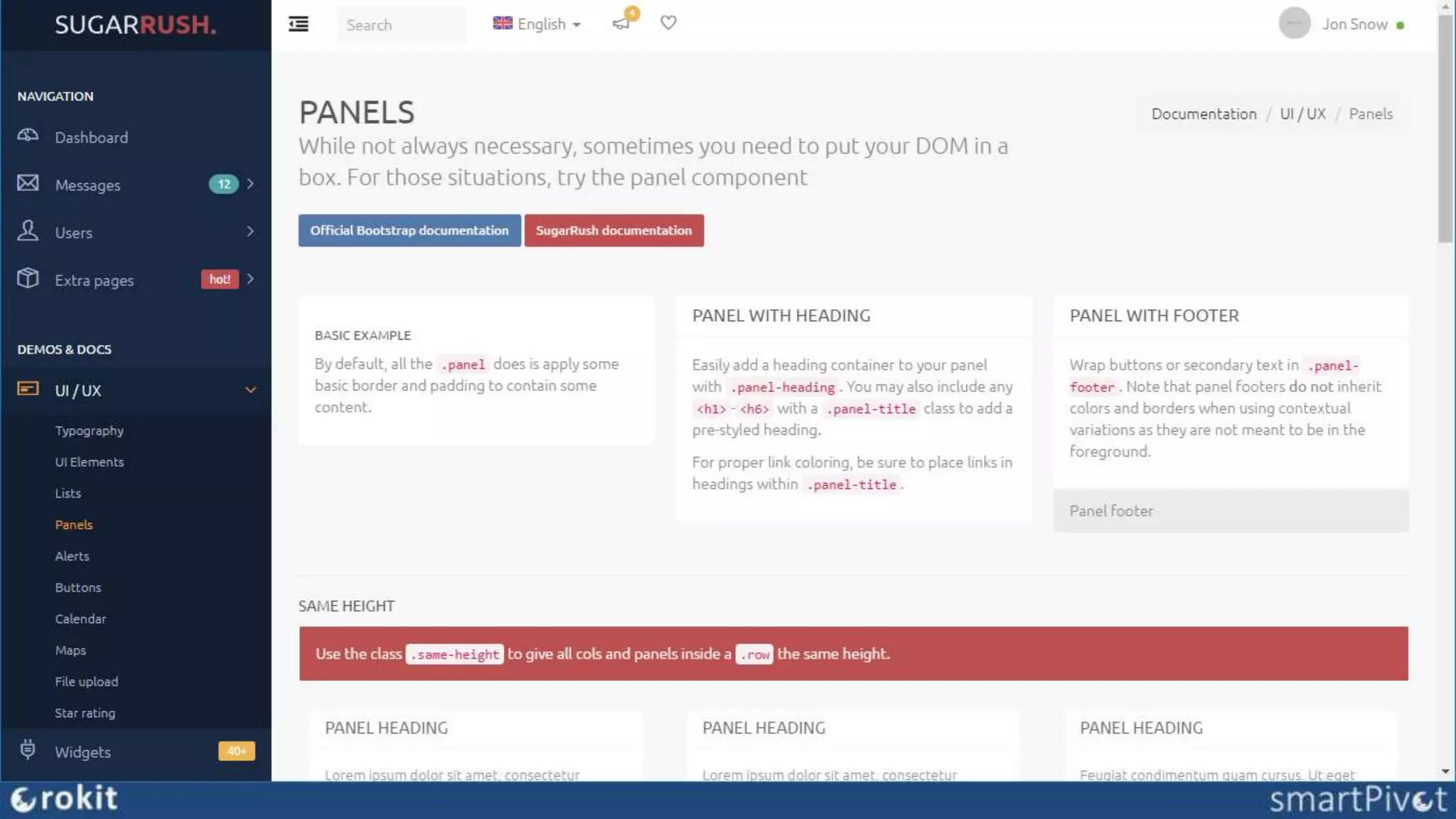
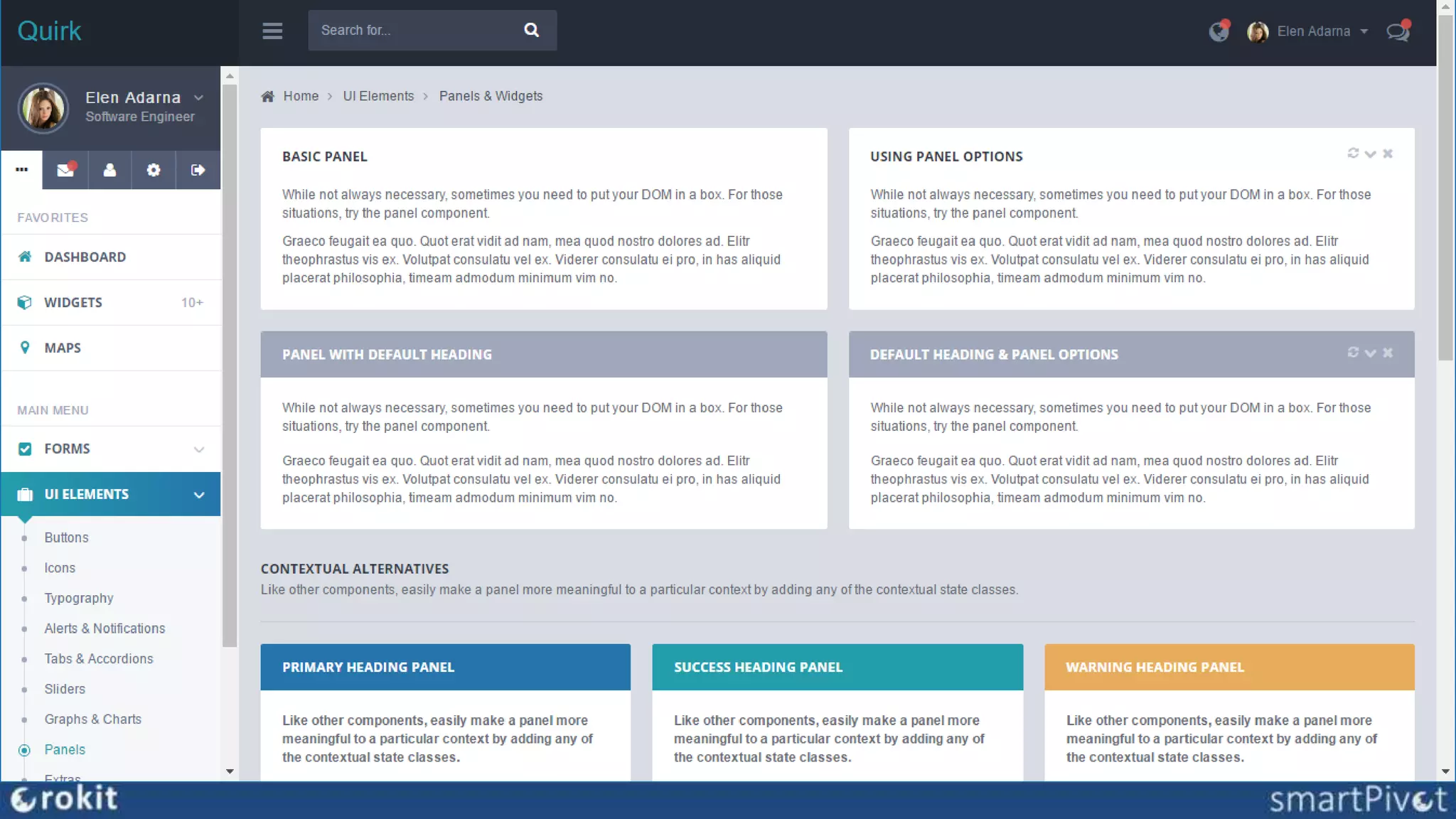
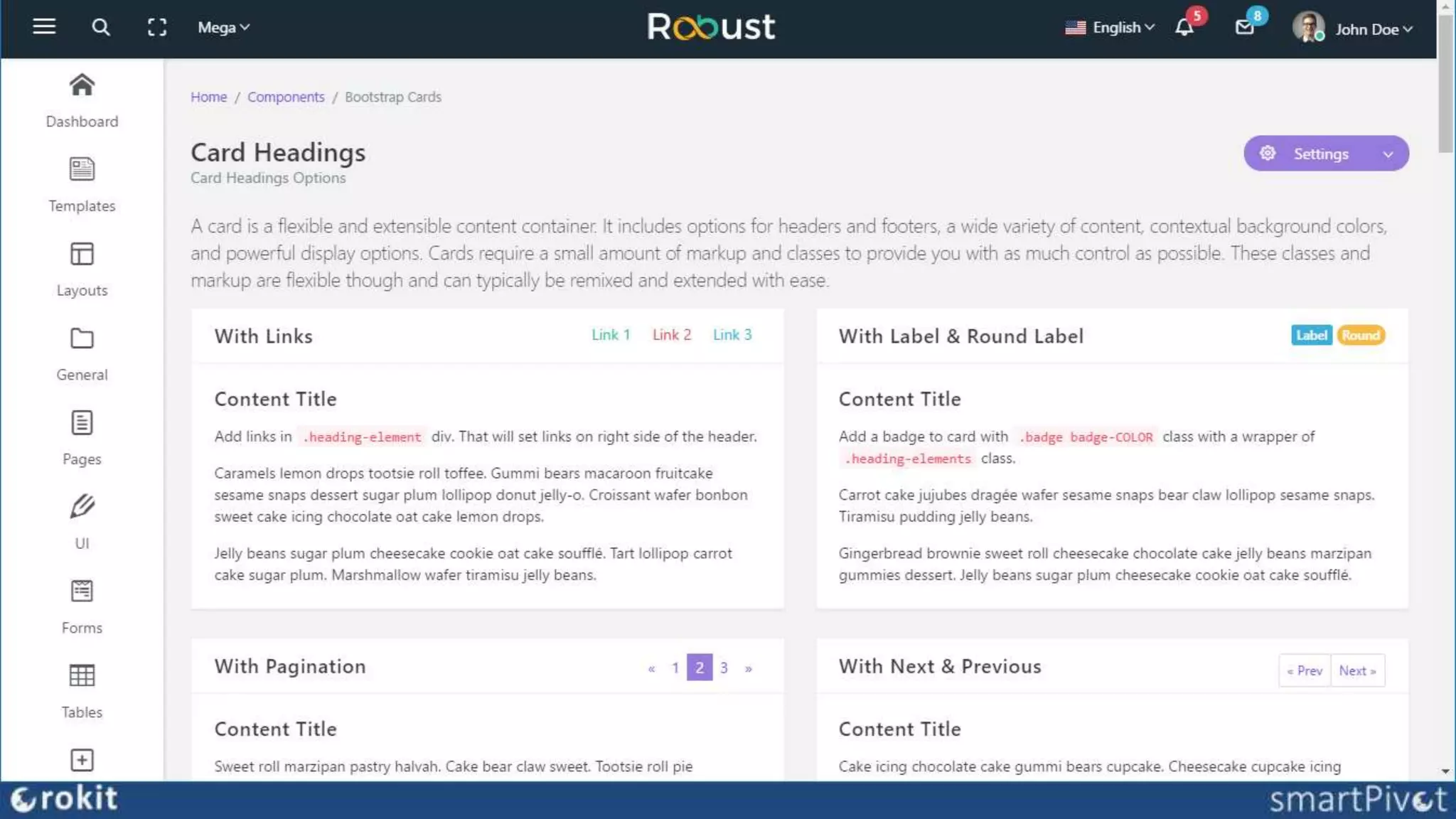
Bootstrap Themes
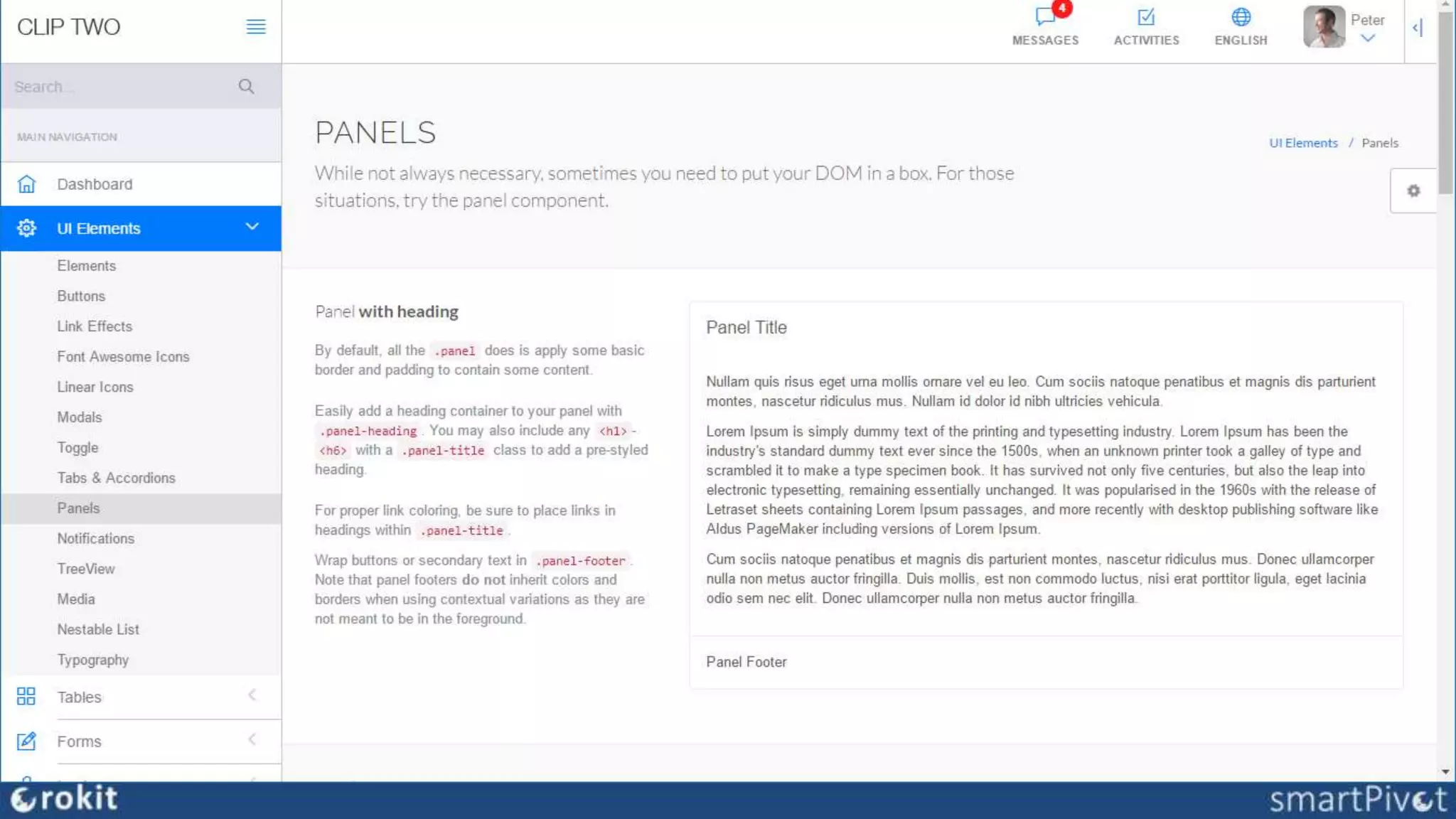
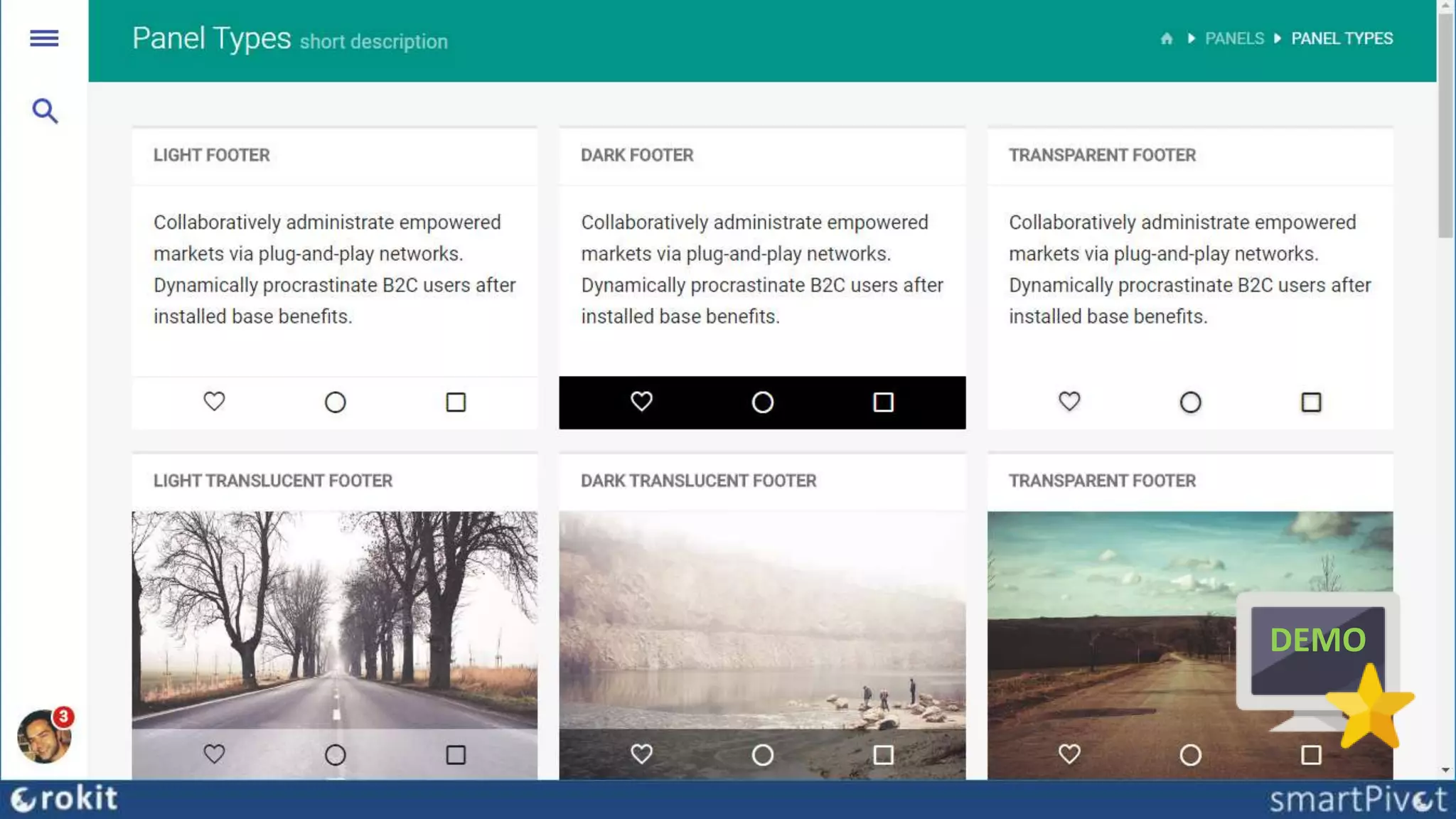
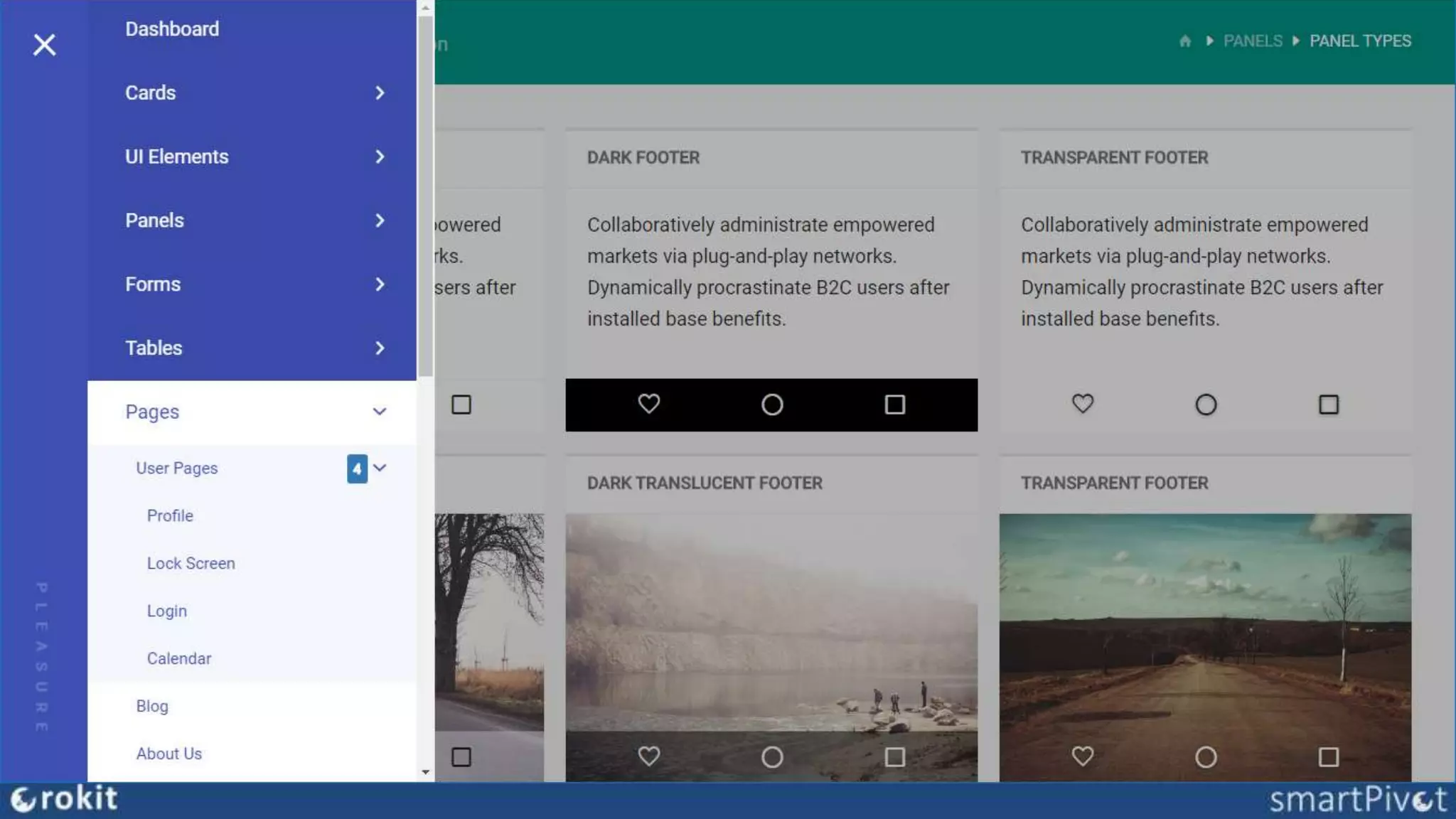
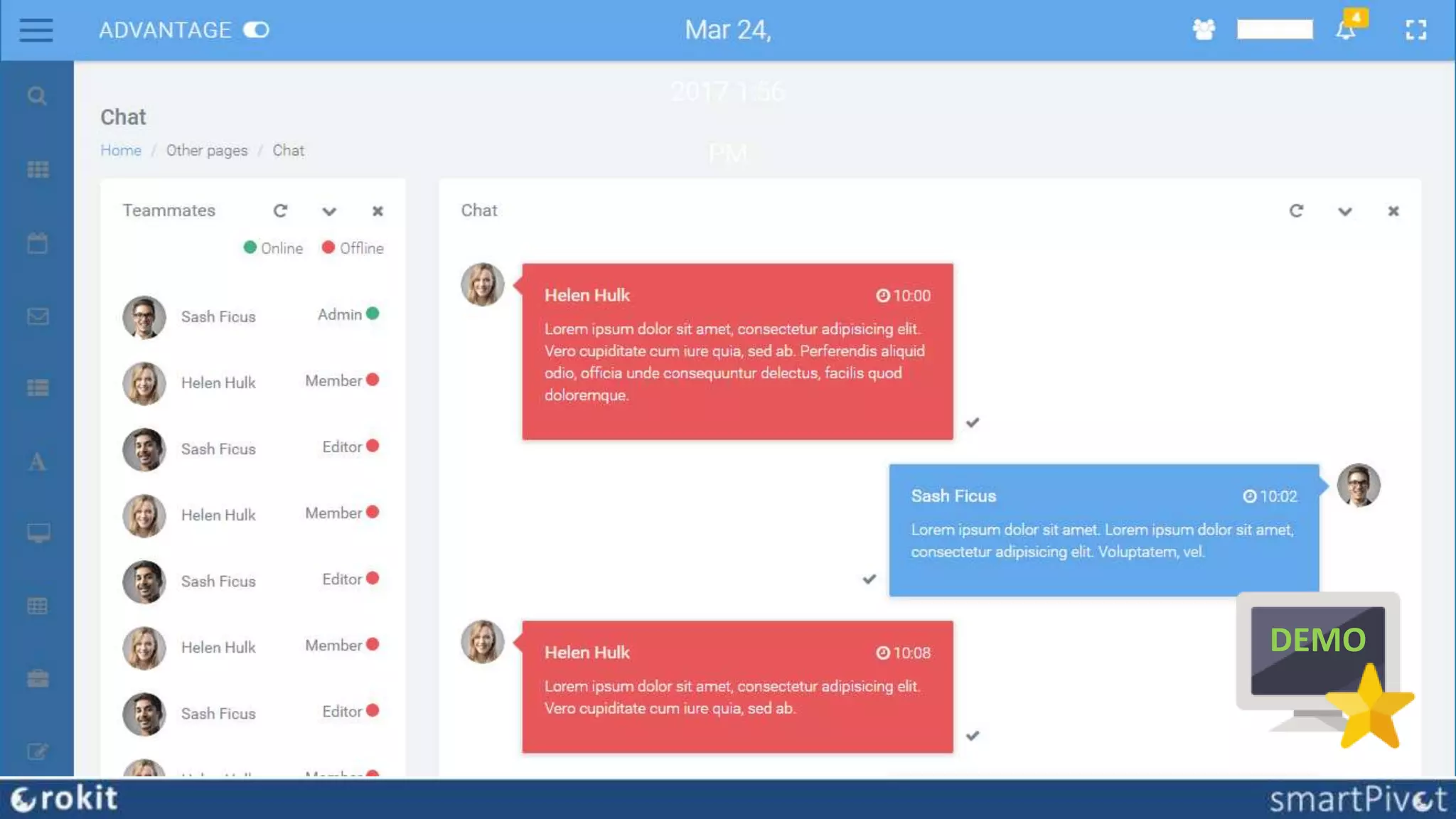
• off-the-shelf Bootstrap (Admin) Themes
• consistent UI design -> UX
• complete (components, page examples, …)
• customizable/adaptable
• free vs licensed
• where to find
– themeforest.net
– wrapbootstrap.com
– websites & newsletters: speckyboy, smashing magazine,
webdesigner magazine, …
B
DEMO
DEMO
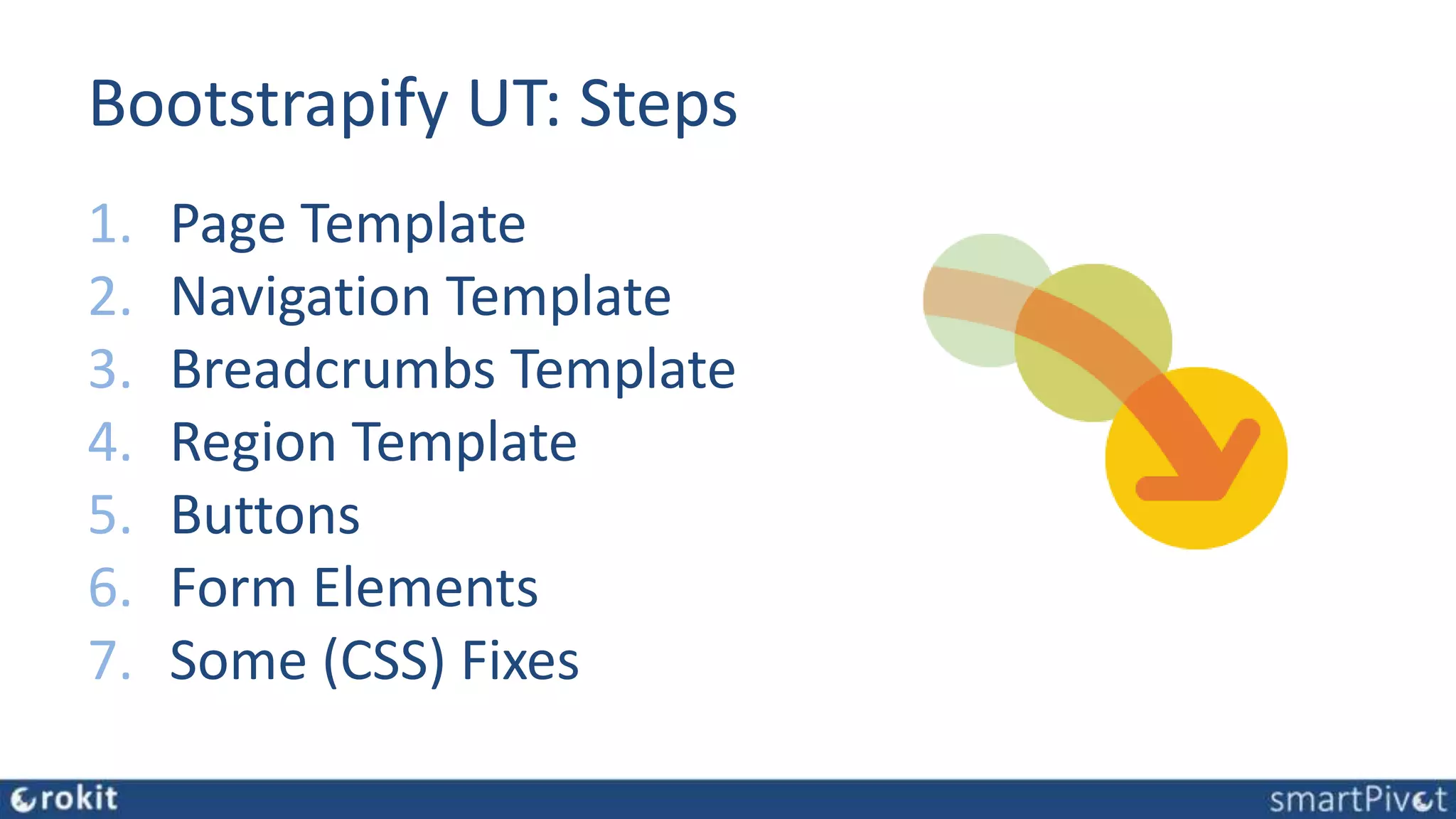
Bootstrapify UT: Steps
1. Page Template
2. Navigation Template
3. Breadcrumbs Template
4. Region Template
5. Buttons
6. Form Elements
7. Some (CSS) Fixes
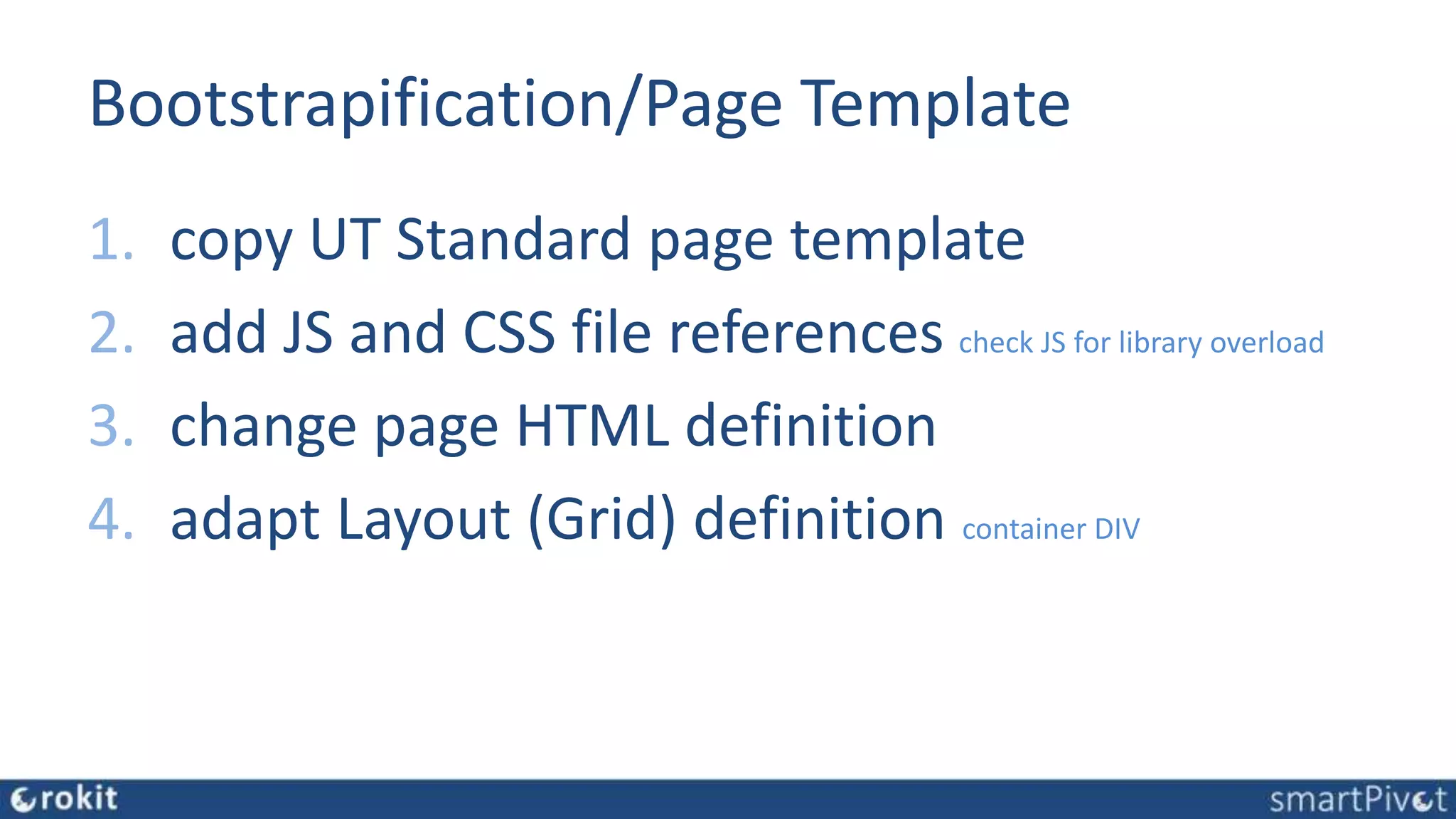
Bootstrapification/Page Template
1. copy UT Standard page template
2. add JS and CSS file references check JS for library overload
3. change page HTML definition
4. adapt Layout (Grid) definition container DIV
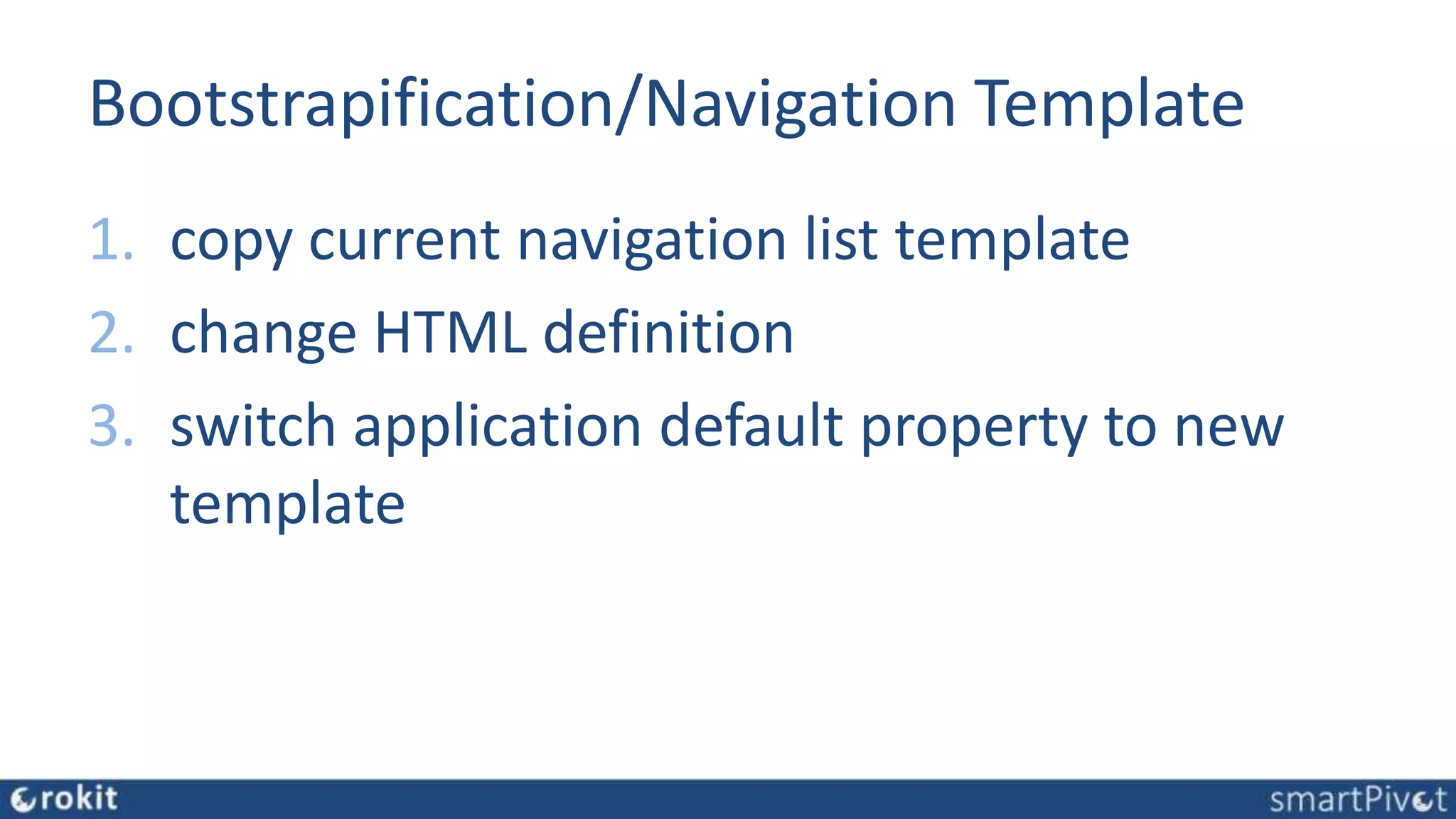
Bootstrapification/Navigation Template
1. copy current navigation list template
2. change HTML definition
3. switch application default property to new
template
Bootstrapification/Breadcrumb Template
1. copy/add breadcrumb templates
2. switch application default property to new
template
Bootstrapification/Region Template
1. CSS overwrite UT Region Template CSS
Bootstrapification/Button Templates
1. copy all 3 UT button template variants
2. change HTML definition
3. add btn-type template options
Bootstrapification/Form Elements
1. apply CSS
– add classes to UT elements
– overwrite UT CSS
Bootstrapification/Finetuning
Bootstrapified
Conclusion
• UT is the standard
• Customization is possible
• Extending UT is cost effective
• Some CSS/HTML/JS skills needed
Q&A
www.rokit.nl
www.themes4apex.com
www.apexsmartpivot.com
blog.rokit.nl
@crokitta @themes4apex @apexsmartpivot
www.linkedin.com/in/rokit

Bootstrapify Universal Theme

Editor's Notes

  • #6 Universal Theme Customizing Bootstrapify
  • #26 https://www.smashingmagazine.com/2010/02/designing-user-interfaces-for-business-web-applications/
  • #27 https://www.smashingmagazine.com/2010/02/designing-user-interfaces-for-business-web-applications/