8/13/2012


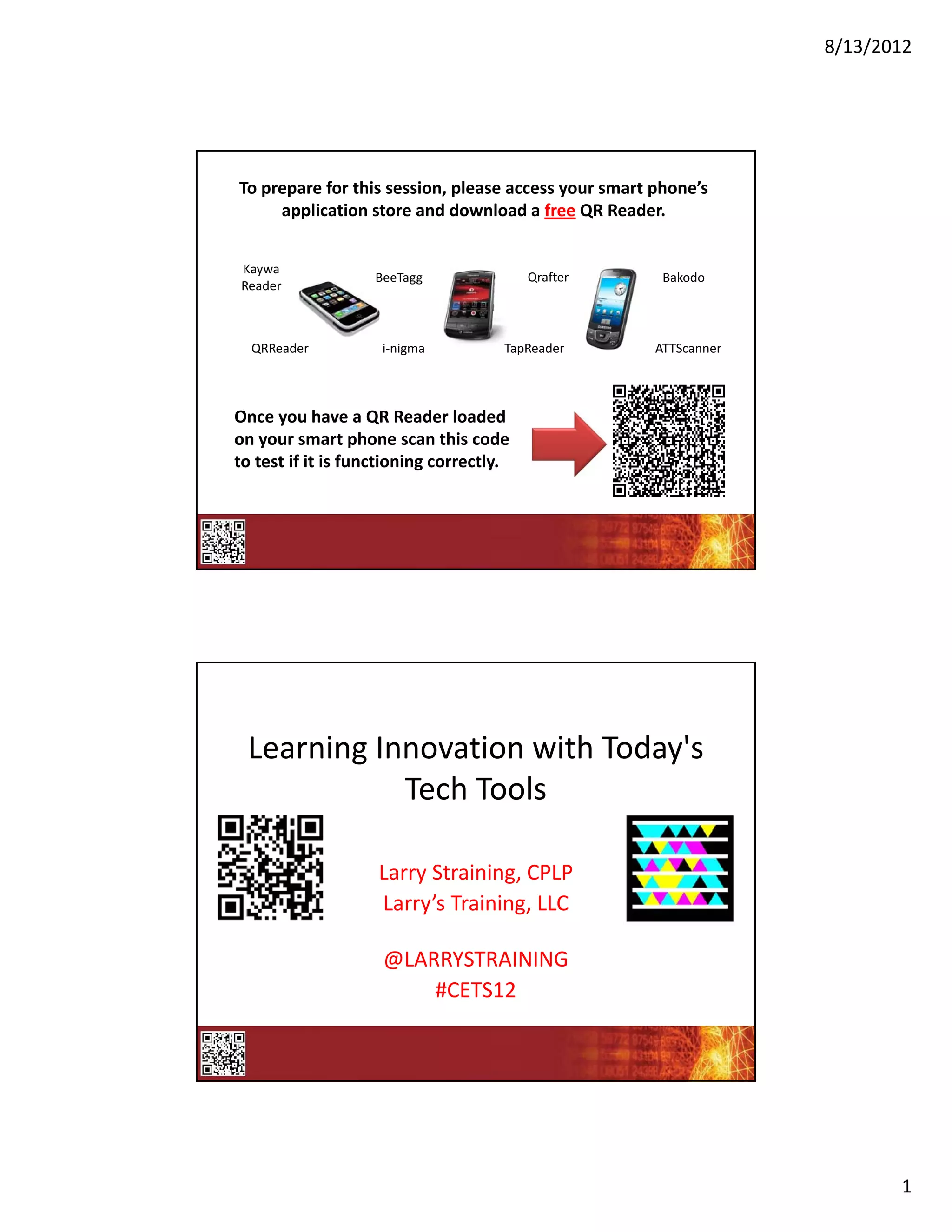
To prepare for this session, please access your smart phone’s 
     application store and download a free QR Reader.


Kaywa
                   BeeTagg                Qrafter      Bakodo
Reader


  QRReader          i‐nigma          TapReader        ATTScanner


Once you have a QR Reader loaded 
on your smart phone scan this code 
to test if it is functioning correctly.


 Learning Innovation with Today's 
            Tech Tools

                    Larry Straining, CPLP
                    Larry’s Training, LLC

                    @LARRYSTRAINING
                        #CETS12


                                                                          1
8/13/2012


          During this collaborative session, 
          please feel free to Tweet your;
              • Ideas
              • Tips
              • Tricks
              • Discoveries 
              • Ah Ha! Moments
          So that everyone can share!


Twitter Backchannel


                                                       2
8/13/2012


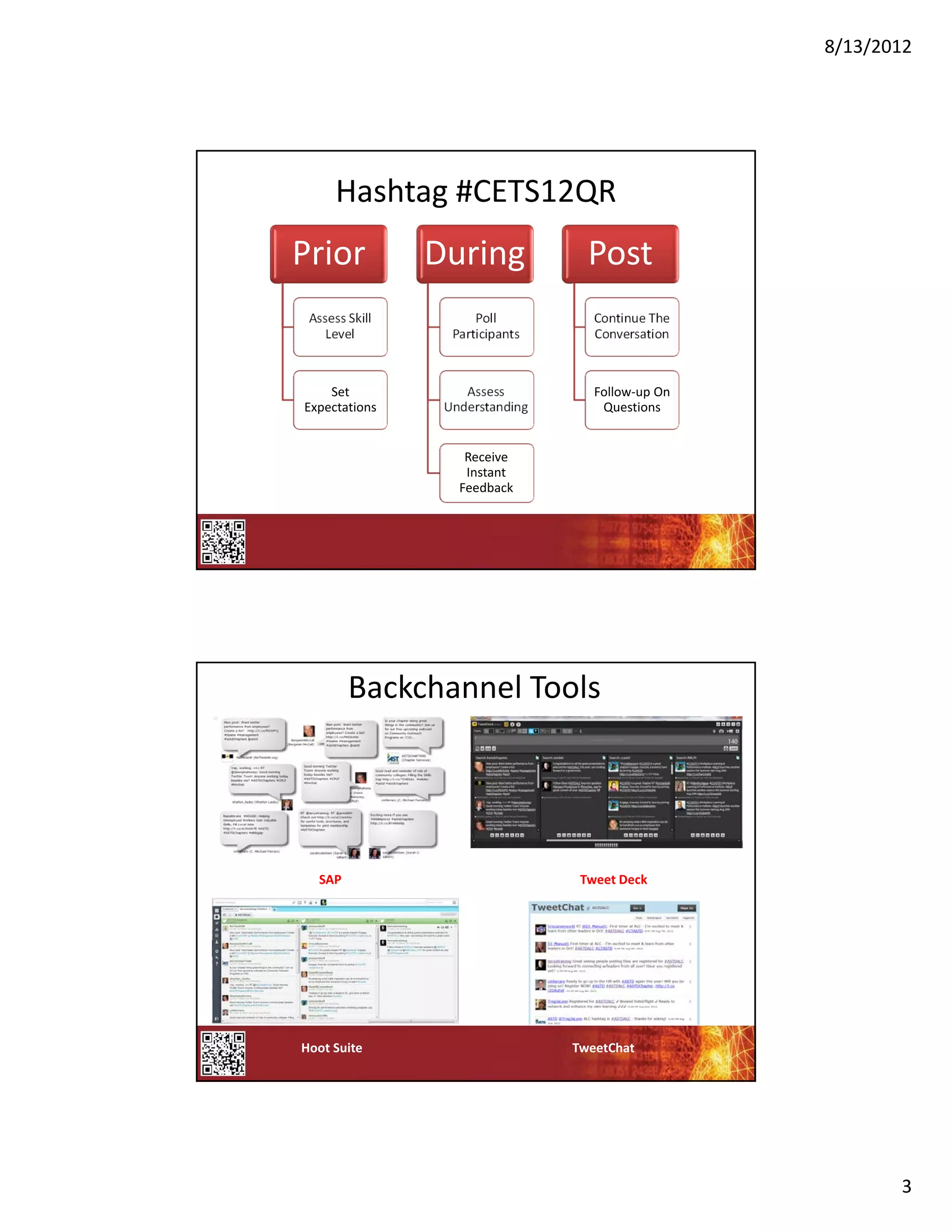
      Hashtag #CETS12QR
Prior            During             Post
 Assess Skill          Poll          Continue The 
    Level          Participants      Conversation


    Set              Assess          Follow‐up On 
Expectations      Understanding       Questions


                     Receive 
                     Instant 
                    Feedback


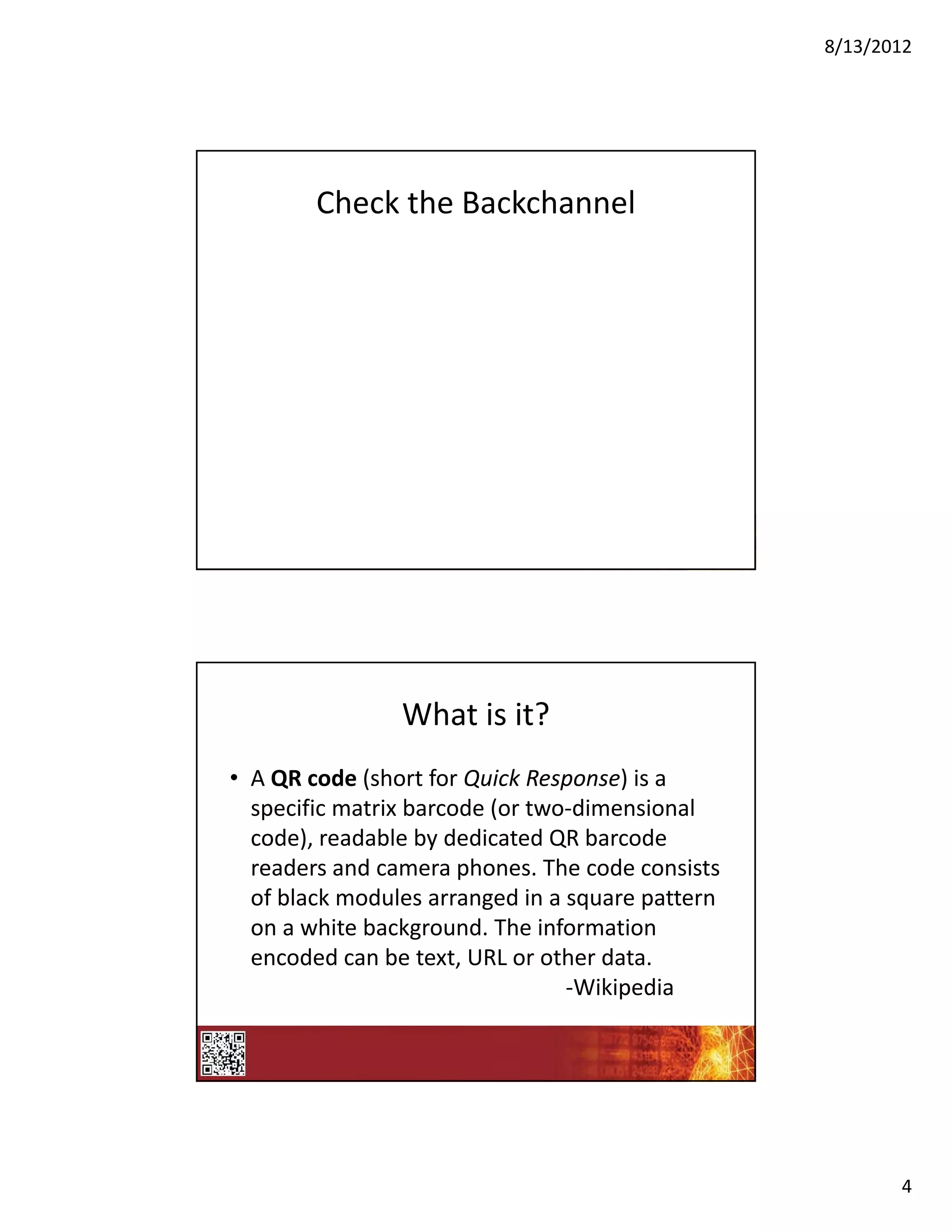
        Backchannel Tools


  SAP                              Tweet Deck


Hoot Suite                        TweetChat


                                                            3
8/13/2012


        Check the Backchannel


                What is it?
• A QR code (short for Quick Response) is a 
  specific matrix barcode (or two‐dimensional 
  code), readable by dedicated QR barcode 
  readers and camera phones. The code consists 
  of black modules arranged in a square pattern 
  on a white background. The information 
  encoded can be text, URL or other data.
                                 ‐Wikipedia


                                                          4
8/13/2012


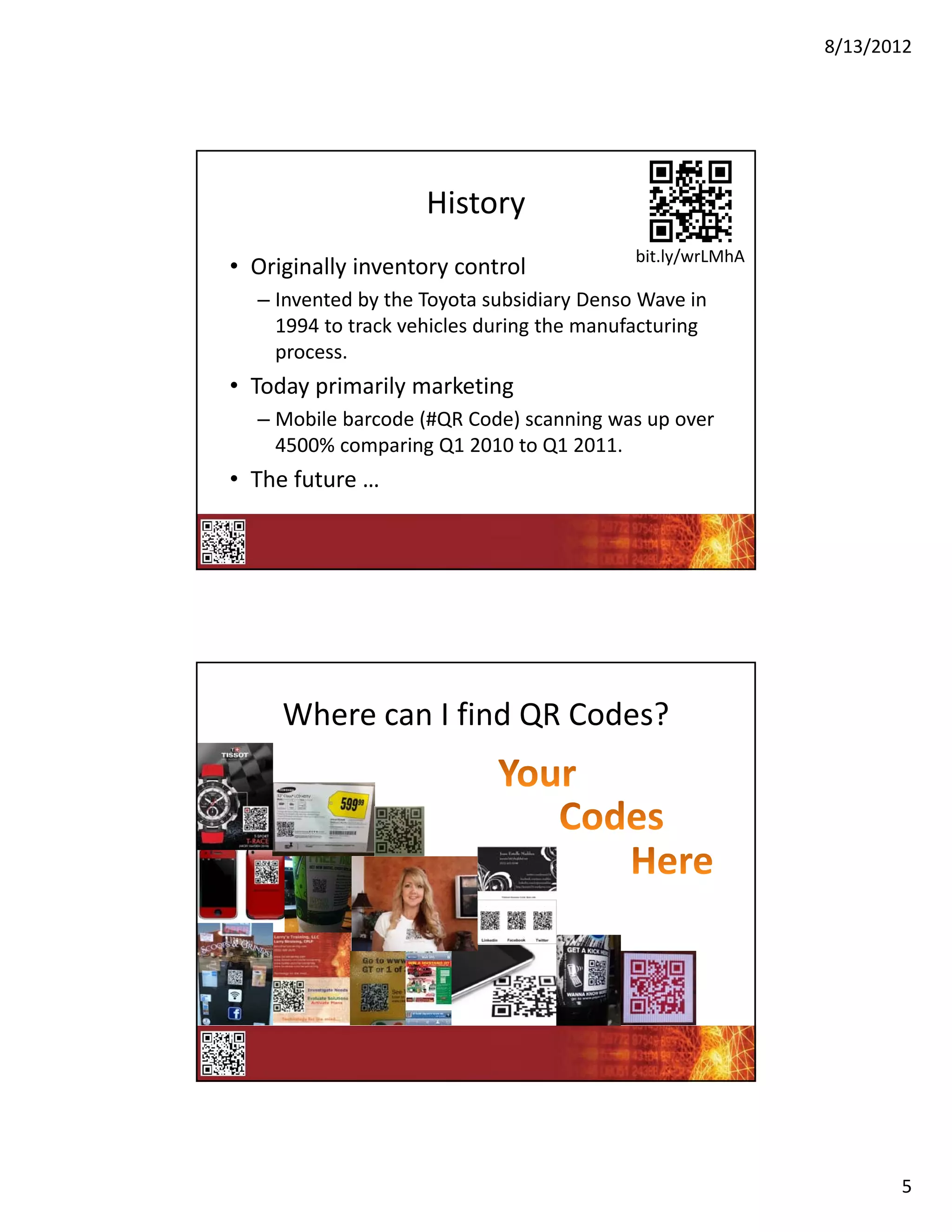
                    History
                                           bit.ly/wrLMhA
• Originally inventory control
  – Invented by the Toyota subsidiary Denso Wave in 
    1994 to track vehicles during the manufacturing 
    process.
• Today primarily marketing
  – Mobile barcode (#QR Code) scanning was up over 
    4500% comparing Q1 2010 to Q1 2011.
• The future …


     Where can I find QR Codes?


                                                                  5
8/13/2012


       Check the Backchannel


    The most important part of this 
            presentation!
http://www.astdconference.org/ice12/public/Ca
lendar.aspx?SuperTrackId=&TrackId=&Associatio
nId=&DateId=&FormatId=&DurationId=&Speake
rId=25284&SessionTypeId=&SubExpoId=&Keyw
ord=&TargetAudienceID=&&SearchEvent=&sort
Menu=103008


                                                       6
8/13/2012


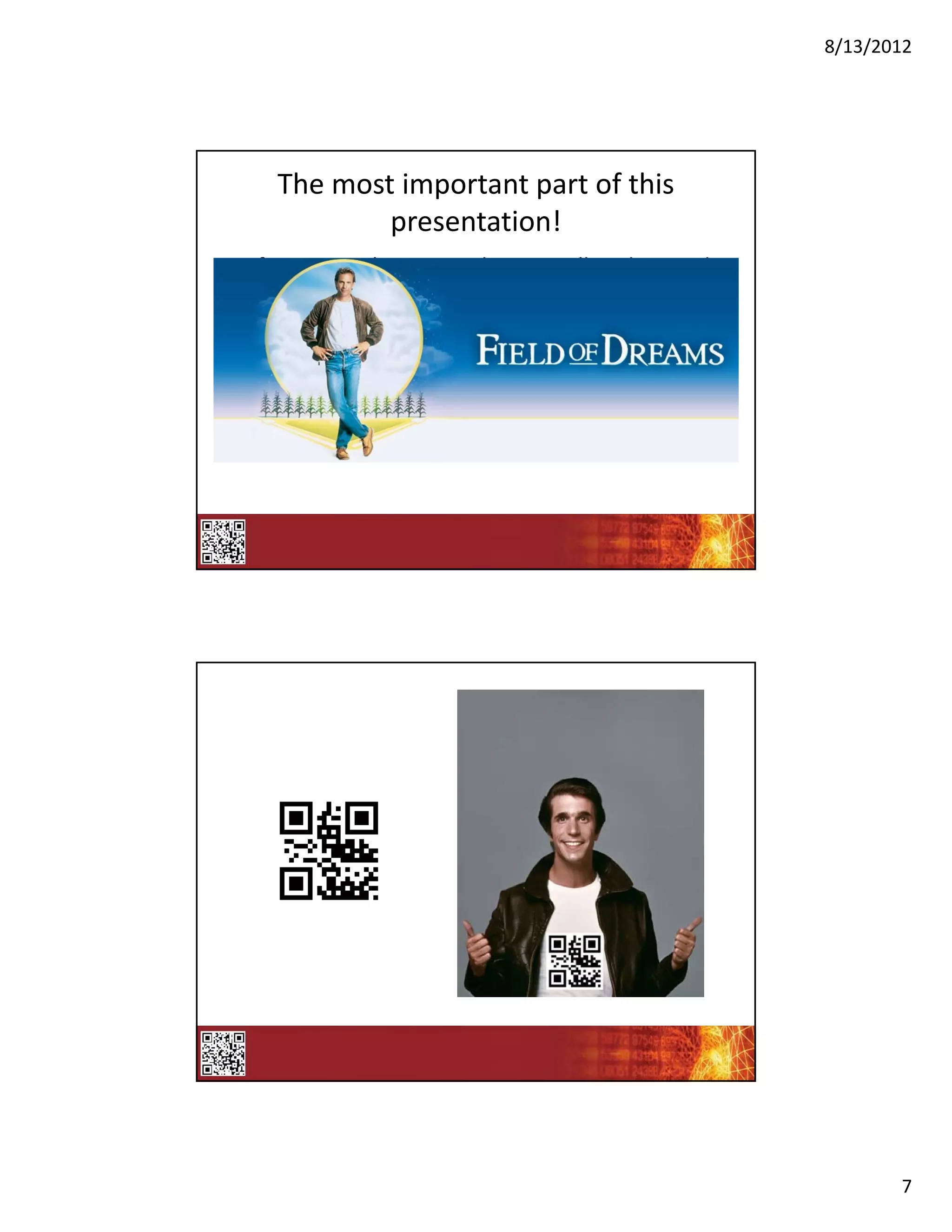
    The most important part of this 
            presentation!
• If you scan this one code, you will understand 
  the mysteries of the universe!


                                                           7
8/13/2012


       8
8/13/2012


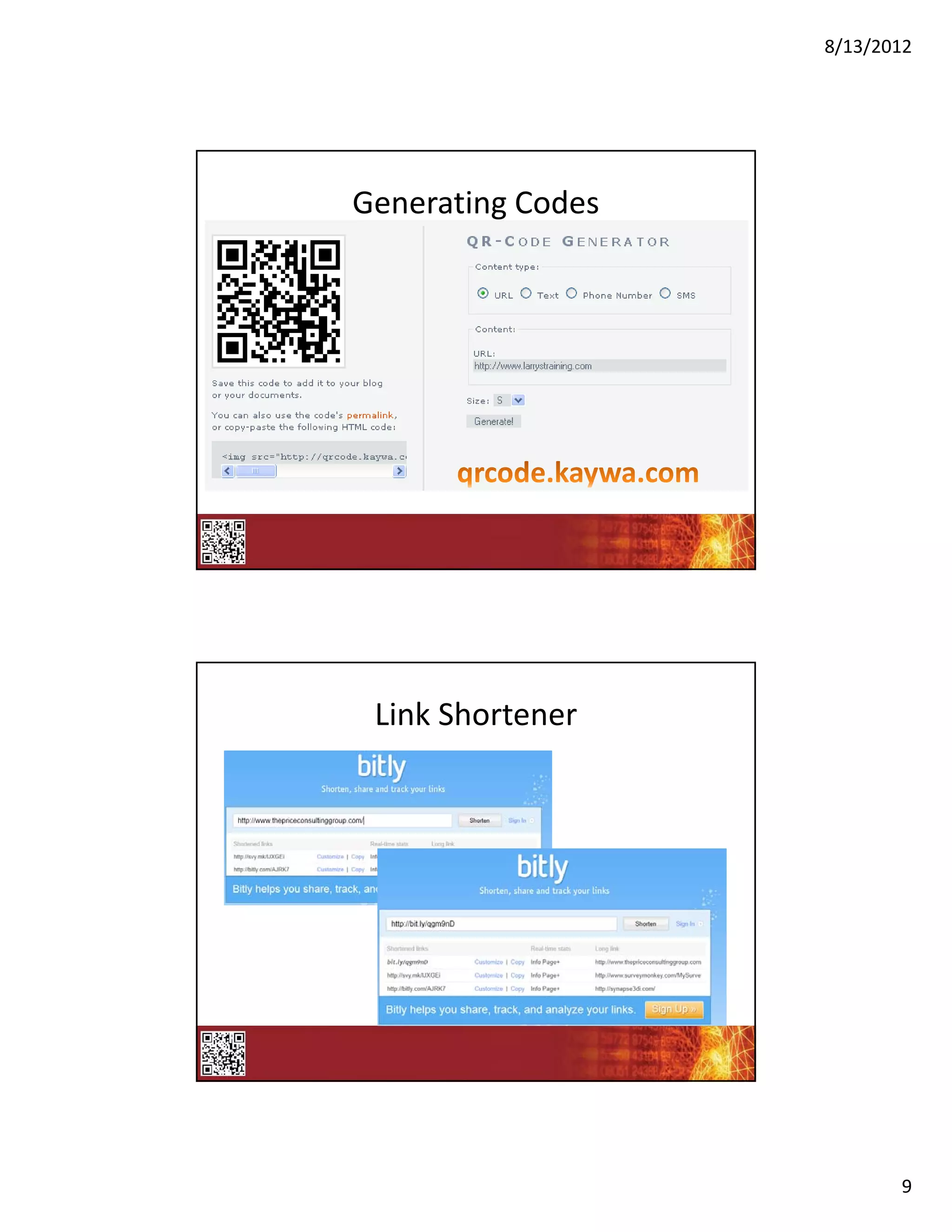
Generating Codes


 Link Shortener


                          9
8/13/2012


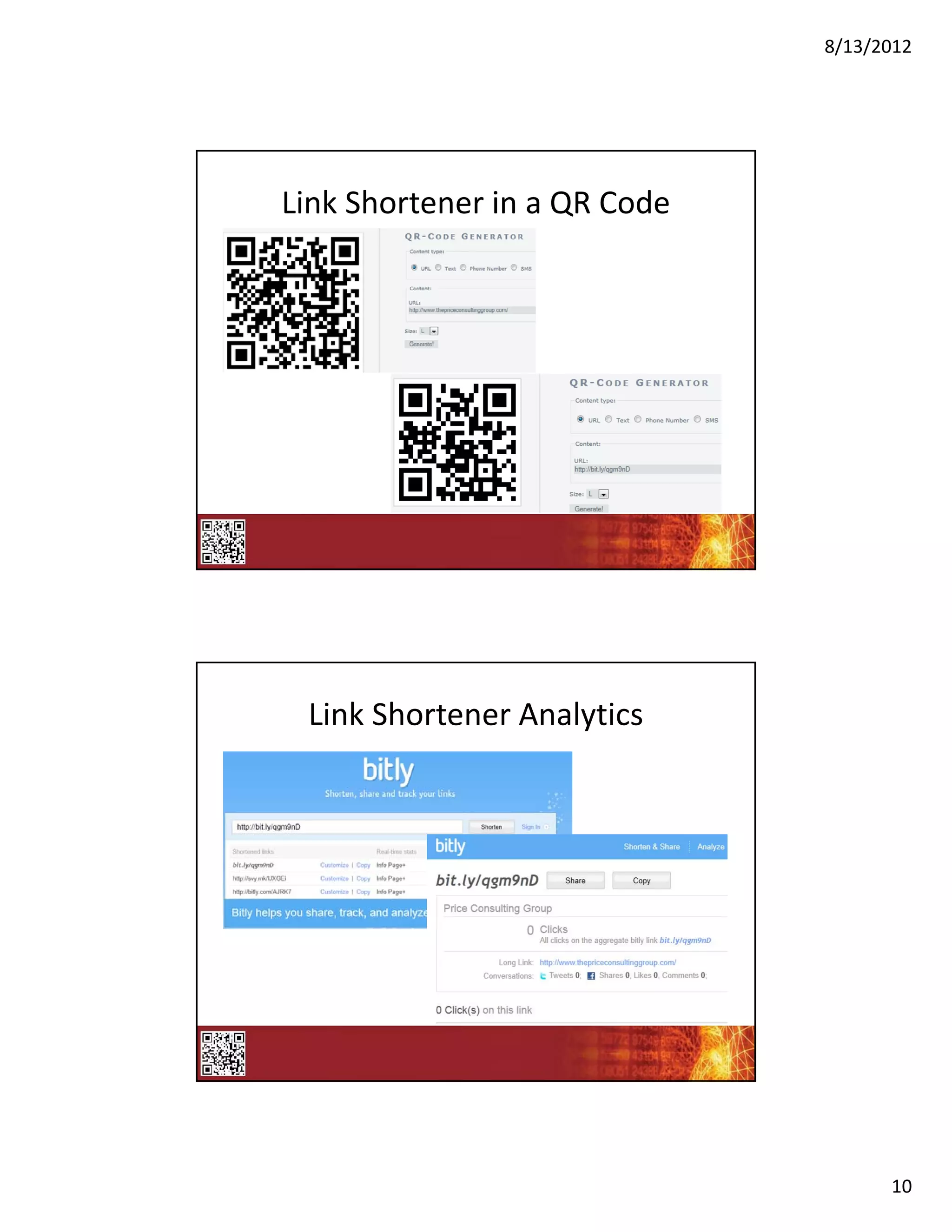
Link Shortener in a QR Code


 Link Shortener Analytics


                                    10
8/13/2012


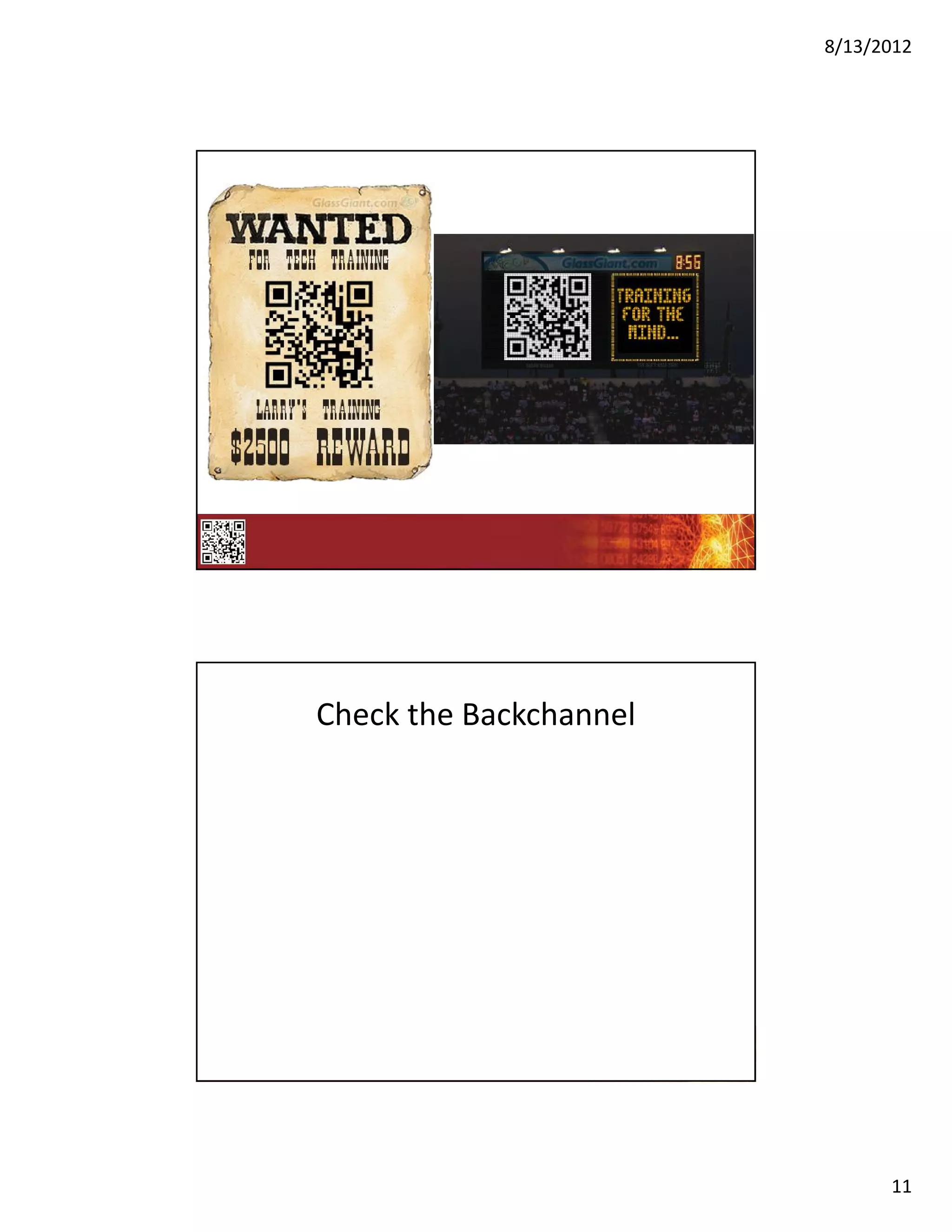
Check the Backchannel


                              11
8/13/2012


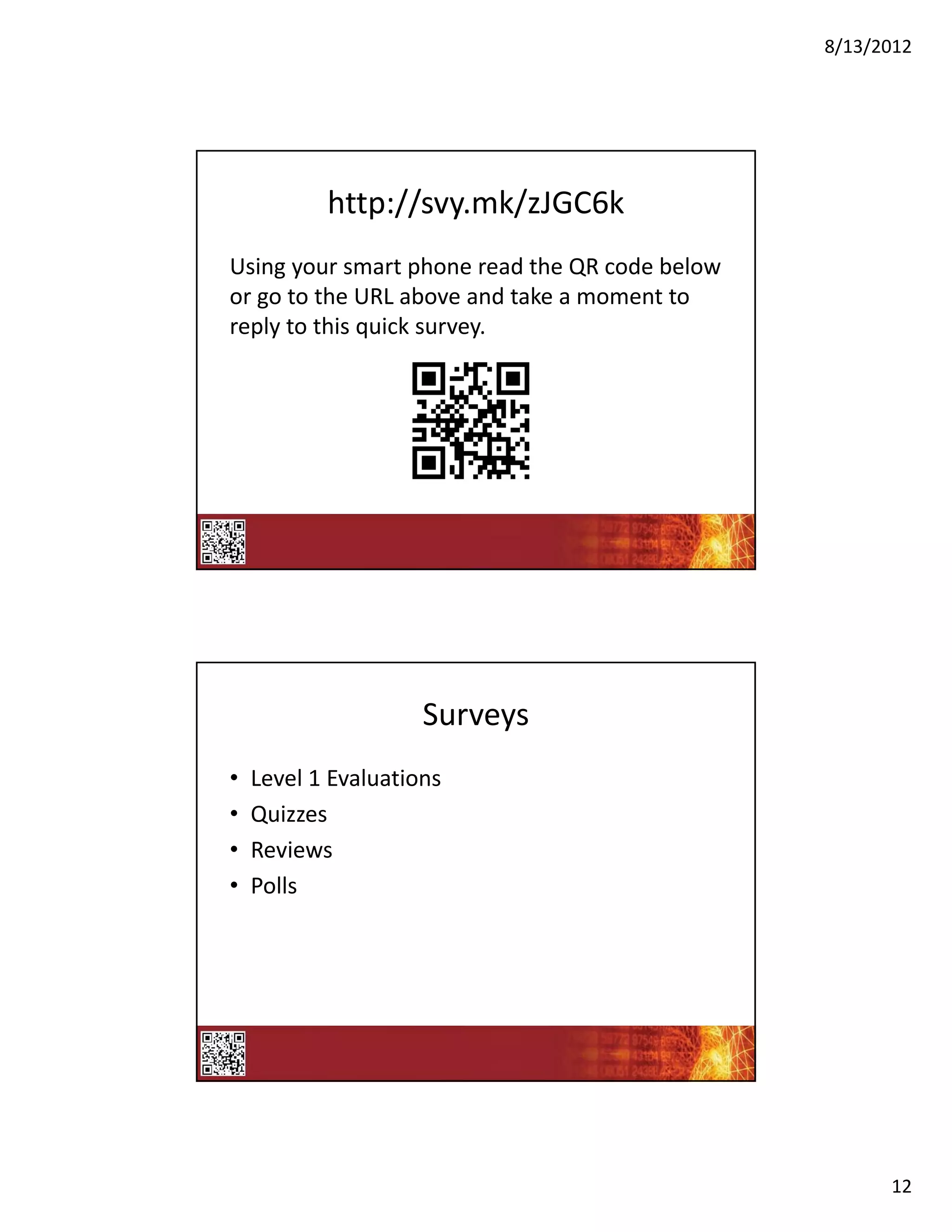
           http://svy.mk/zJGC6k
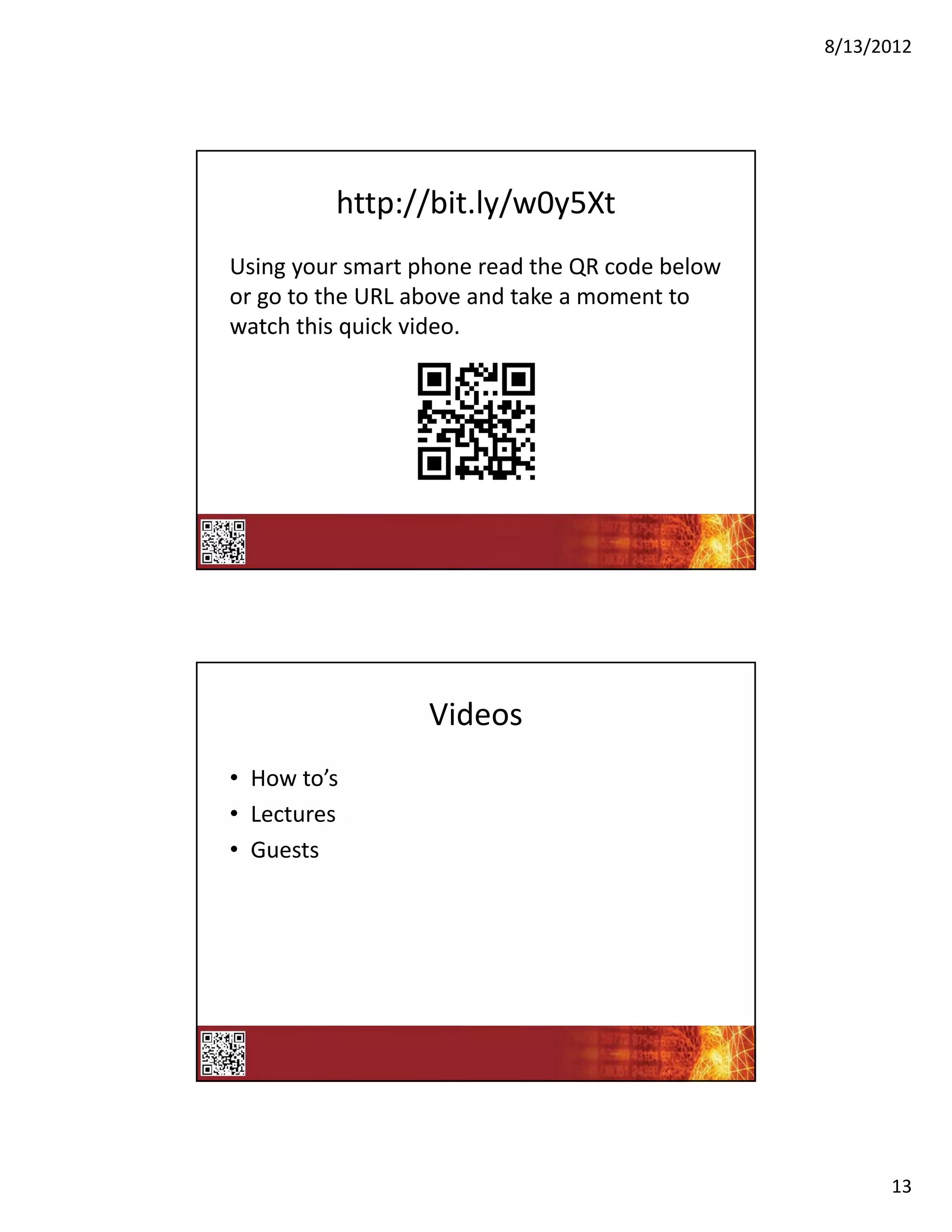
Using your smart phone read the QR code below 
or go to the URL above and take a moment to 
reply to this quick survey.


                     Surveys
•   Level 1 Evaluations 
•   Quizzes
•   Reviews
•   Polls


                                                       12
8/13/2012


         http://bit.ly/w0y5Xt
Using your smart phone read the QR code below 
or go to the URL above and take a moment to 
watch this quick video.


                  Videos
• How to’s
• Lectures
• Guests


                                                       13
8/13/2012


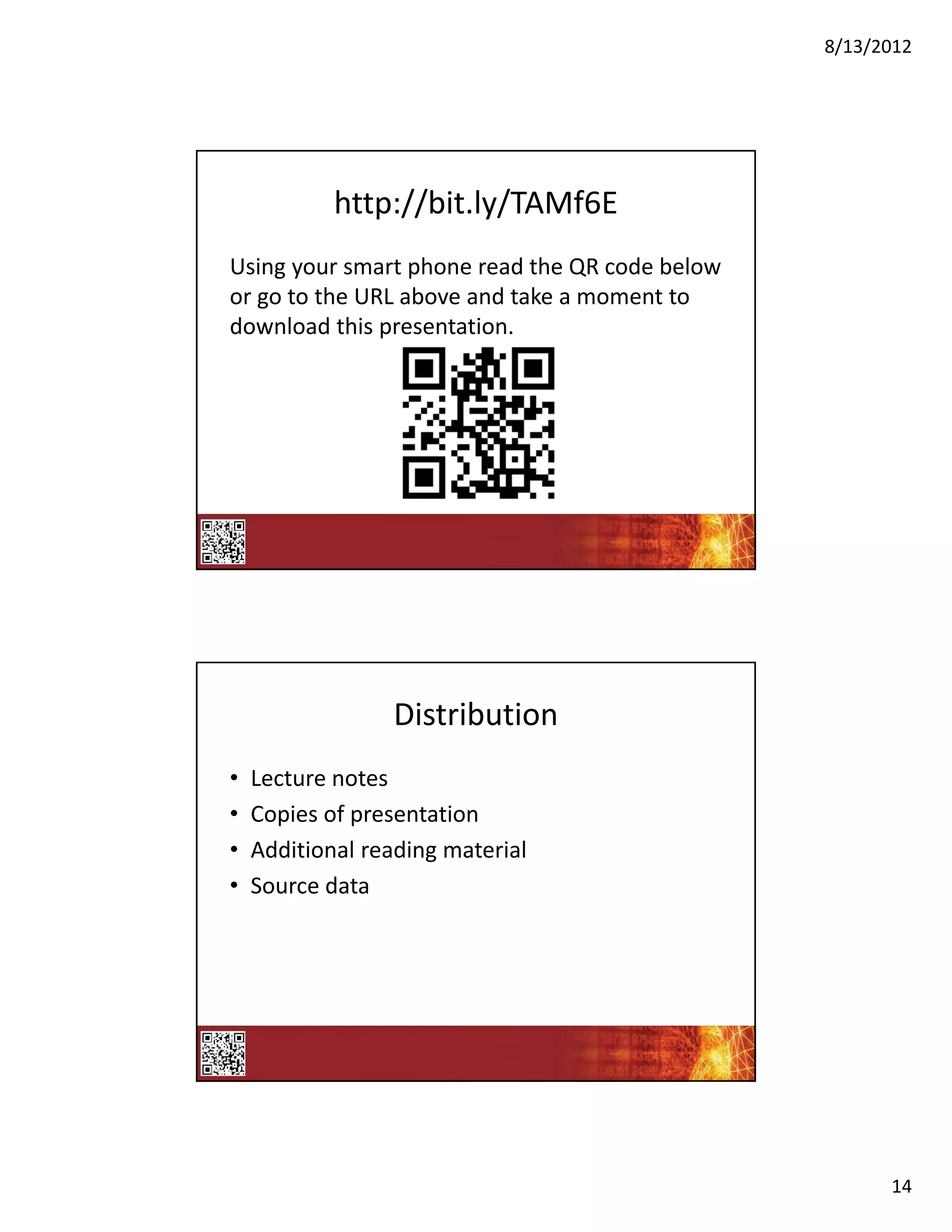
            http://bit.ly/TAMf6E
Using your smart phone read the QR code below 
or go to the URL above and take a moment to 
download this presentation.


                 Distribution
•   Lecture notes
•   Copies of presentation
•   Additional reading material
•   Source data


                                                       14
8/13/2012


Check the Backchannel


                              15
8/13/2012


     How can you use QR Codes?
• Employee Satisfaction    • Calendar items
  survey                   • Recruiting
• Exit survey              • Webinar
• Customer                 • What’s new
  survey/performance       • Orientation
  data
• Testing, evaluating,     • Memo – Leadership 
  polling                    video
• Name tags                • Job Aids
• Reading – provide link   • Weekly fun


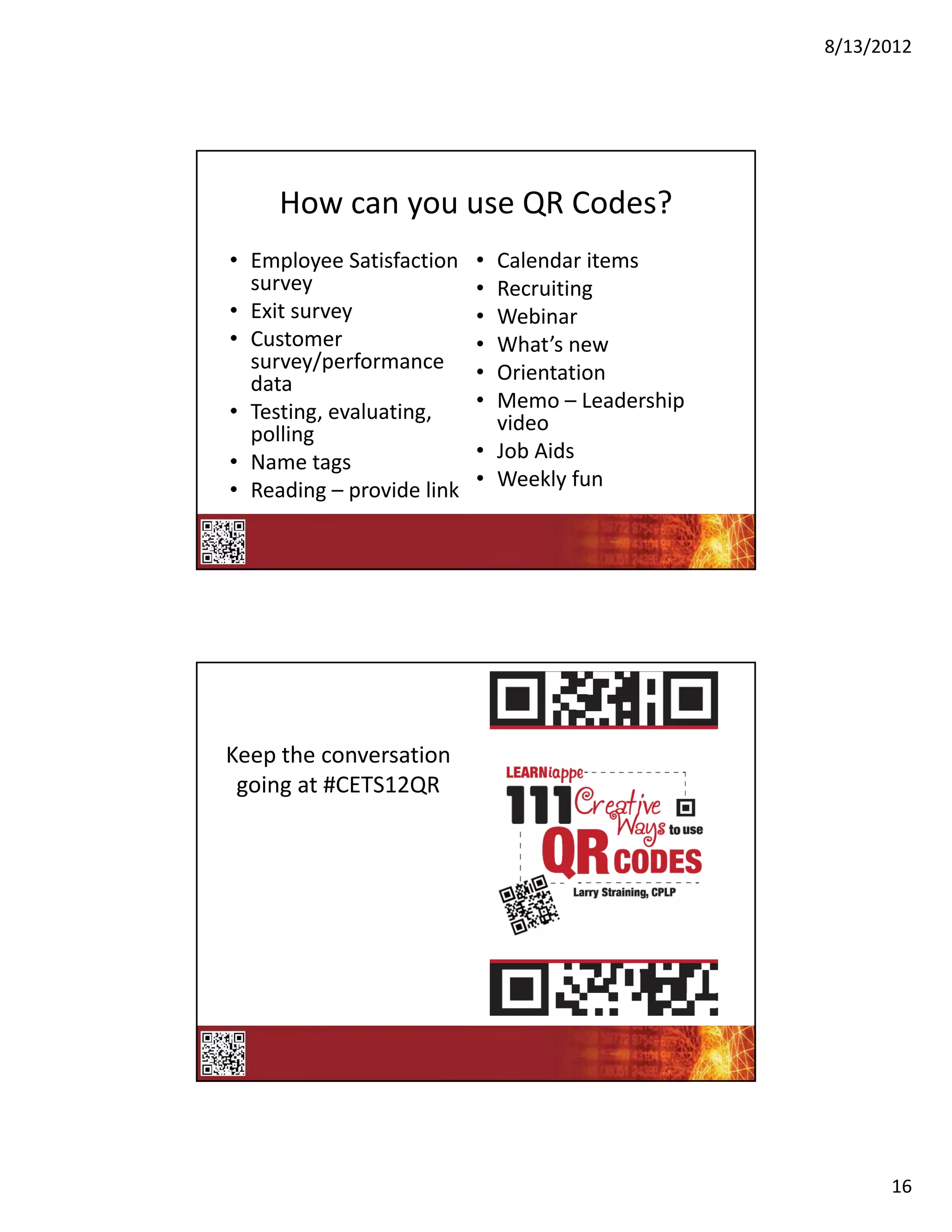
Keep the conversation 
 going at #CETS12QR


                                                        16
8/13/2012


  qrcode.kaywa.com


www.larrystraining.com


                               17

CETS 2012, Larry Straining, slides for Learning Technology with Today's Tech Tools: Using Mobile Devices to Increase Participants' Engagement

  • 1.
    8/13/2012 To prepare for this session, please access your smart phone’s  application store and download a free QR Reader. Kaywa BeeTagg Qrafter Bakodo Reader QRReader i‐nigma TapReader ATTScanner Once you have a QR Reader loaded  on your smart phone scan this code  to test if it is functioning correctly. Learning Innovation with Today's  Tech Tools Larry Straining, CPLP Larry’s Training, LLC @LARRYSTRAINING #CETS12 1
  • 2.
    8/13/2012 During this collaborative session,  please feel free to Tweet your; • Ideas • Tips • Tricks • Discoveries  • Ah Ha! Moments So that everyone can share! Twitter Backchannel 2
  • 3.
    8/13/2012 Hashtag #CETS12QR Prior During Post Assess Skill  Poll  Continue The  Level Participants Conversation Set  Assess  Follow‐up On  Expectations Understanding Questions Receive  Instant  Feedback Backchannel Tools SAP Tweet Deck Hoot Suite TweetChat 3
  • 4.
    8/13/2012 Check the Backchannel What is it? • A QR code (short for Quick Response) is a  specific matrix barcode (or two‐dimensional  code), readable by dedicated QR barcode  readers and camera phones. The code consists  of black modules arranged in a square pattern  on a white background. The information  encoded can be text, URL or other data. ‐Wikipedia 4
  • 5.
    8/13/2012 History bit.ly/wrLMhA • Originally inventory control – Invented by the Toyota subsidiary Denso Wave in  1994 to track vehicles during the manufacturing  process. • Today primarily marketing – Mobile barcode (#QR Code) scanning was up over  4500% comparing Q1 2010 to Q1 2011. • The future … Where can I find QR Codes? 5
  • 6.
    8/13/2012 Check the Backchannel The most important part of this  presentation! http://www.astdconference.org/ice12/public/Ca lendar.aspx?SuperTrackId=&TrackId=&Associatio nId=&DateId=&FormatId=&DurationId=&Speake rId=25284&SessionTypeId=&SubExpoId=&Keyw ord=&TargetAudienceID=&&SearchEvent=&sort Menu=103008 6
  • 7.
    8/13/2012 The most important part of this  presentation! • If you scan this one code, you will understand  the mysteries of the universe! 7
  • 8.
  • 9.
  • 10.
  • 11.
  • 12.
    8/13/2012 http://svy.mk/zJGC6k Using your smart phone read the QR code below  or go to the URL above and take a moment to  reply to this quick survey. Surveys • Level 1 Evaluations  • Quizzes • Reviews • Polls 12
  • 13.
    8/13/2012 http://bit.ly/w0y5Xt Using your smart phone read the QR code below  or go to the URL above and take a moment to  watch this quick video. Videos • How to’s • Lectures • Guests 13
  • 14.
    8/13/2012 http://bit.ly/TAMf6E Using your smart phone read the QR code below  or go to the URL above and take a moment to  download this presentation. Distribution • Lecture notes • Copies of presentation • Additional reading material • Source data 14
  • 15.
  • 16.
    8/13/2012 How can you use QR Codes? • Employee Satisfaction  • Calendar items survey • Recruiting • Exit survey • Webinar • Customer  • What’s new survey/performance  • Orientation data • Testing, evaluating,  • Memo – Leadership  polling video • Name tags • Job Aids • Reading – provide link • Weekly fun Keep the conversation  going at #CETS12QR 16
  • 17.