What is this?


Why should I care?
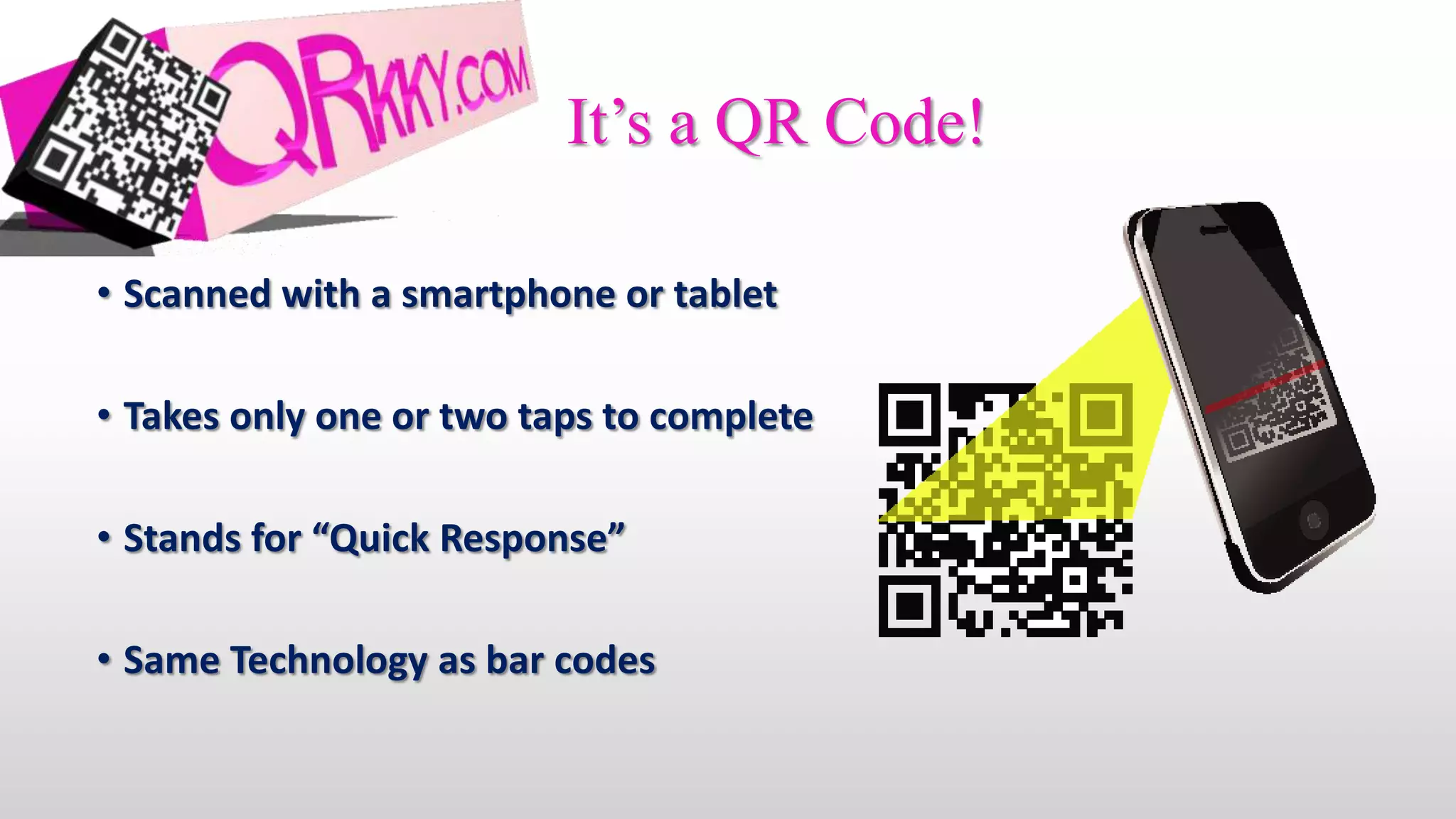
It’s a QR Code!

• Scanned with a smartphone or tablet

• Takes only one or two taps to complete

• Stands for “Quick Response”

• Same Technology as bar codes
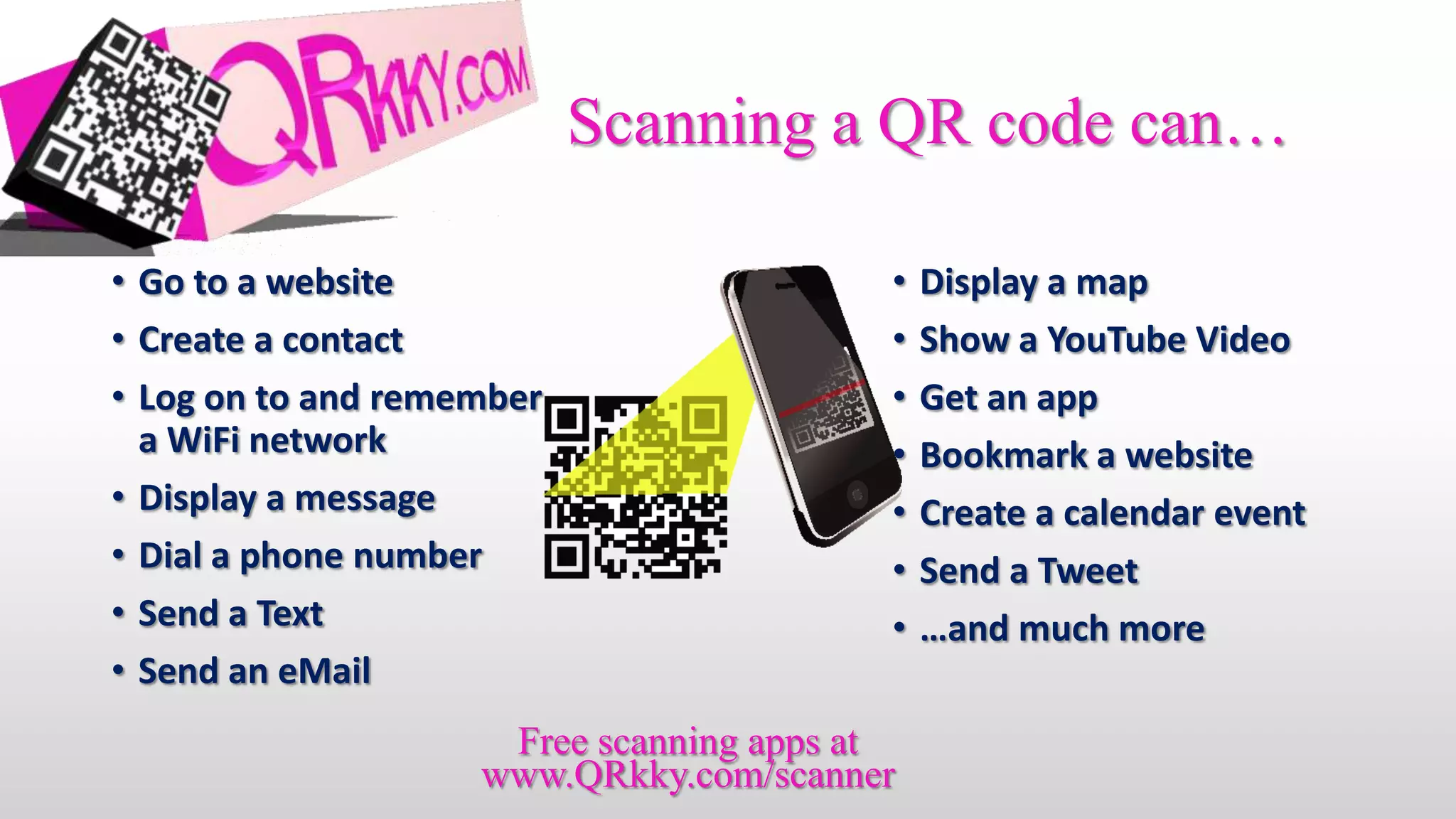
Scanning a QR code can…

• Go to a website                        •   Display a map
• Create a contact                       •   Show a YouTube Video
• Log on to and remember                 •   Get an app
  a WiFi network                         •   Bookmark a website
• Display a message                      •   Create a calendar event
• Dial a phone number                    •   Send a Tweet
• Send a Text                            •   …and much more
• Send an eMail
                     Free scanning apps at
                    www.QRkky.com/scanner
What Makes QR Special?
                                • It’s easy
                                    • One tap
                                    • Blazingly fast (QR stands for “Quick Response”)
                                    • Completely portable
• Creates interaction
   • Something “happens” in real time
   • Highly personal
   • QR Codes scans get more interaction than
     Twitter #hashtags (28% vs. 19%)

               • Begins a relationship
                  • 62% of site scans result in further clicking
                  • Plan your follow up to continue the relationship
                                           • “Cool” Factor
                                                • And not just kids: 75% are 25 and older
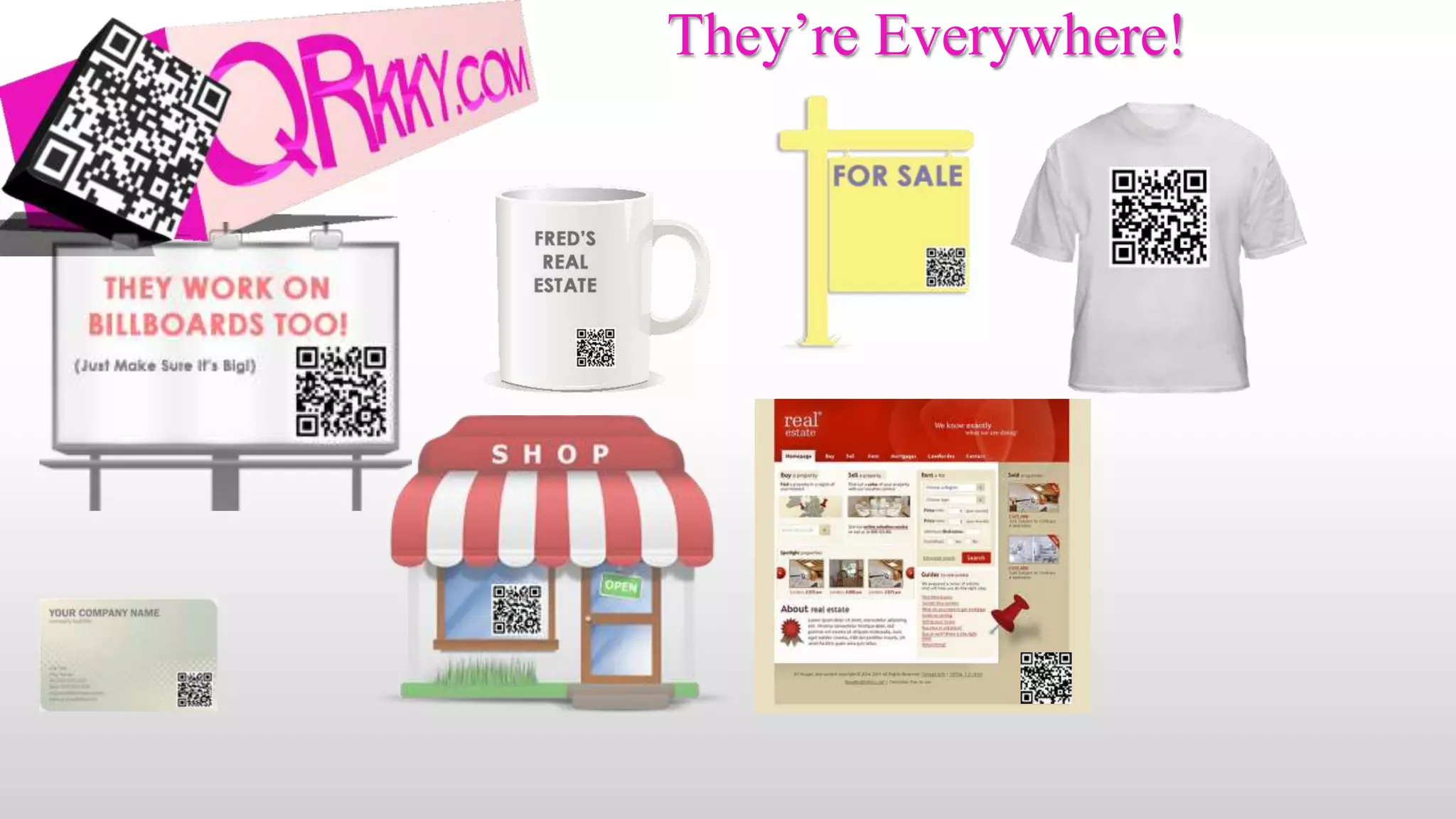
They’re Everywhere!
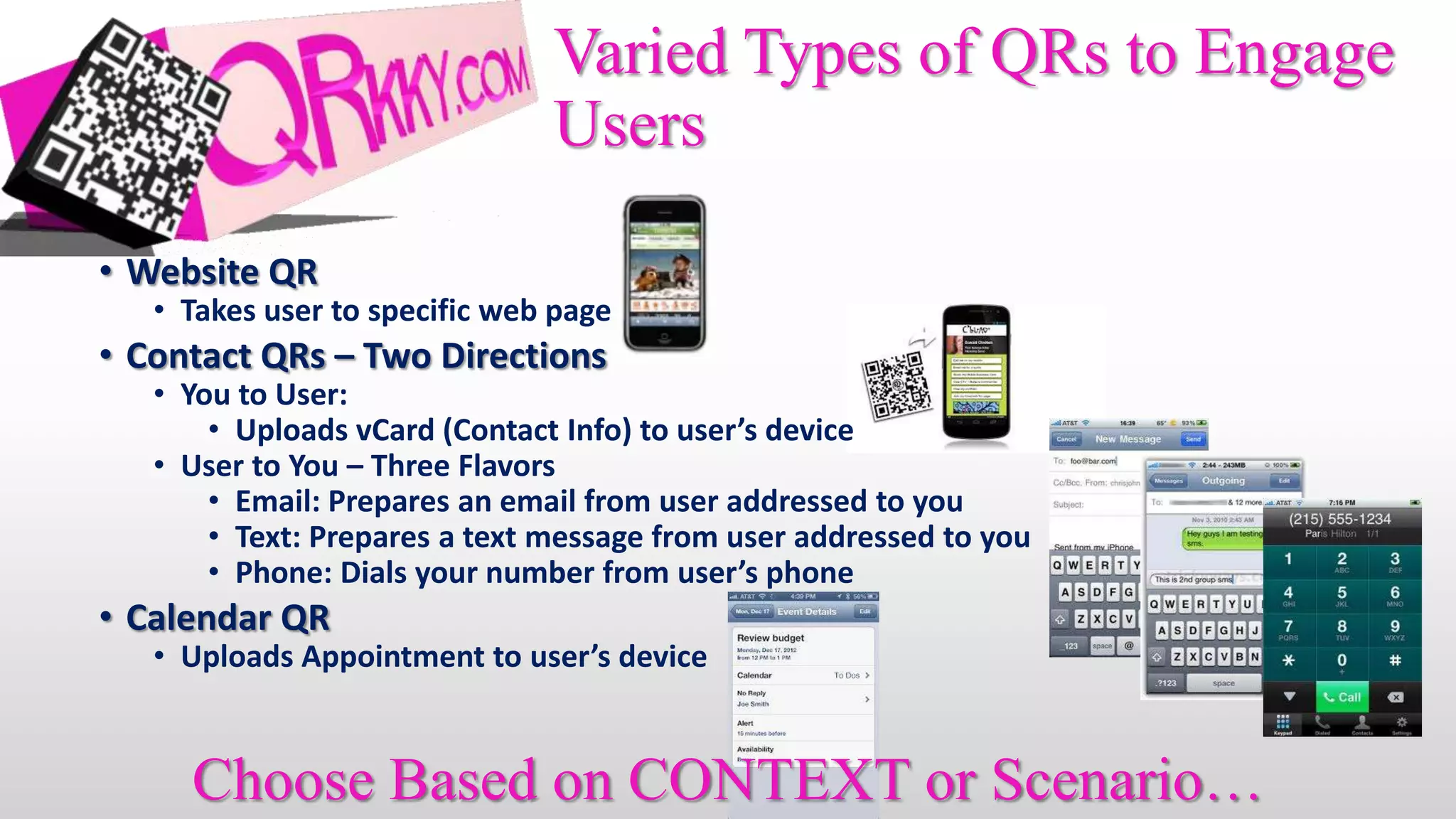
Varied Types of QRs to Engage
                               Users

• Website QR
   • Takes user to specific web page
• Contact QRs – Two Directions
   • You to User:
       • Uploads vCard (Contact Info) to user’s device
   • User to You – Three Flavors
       • Email: Prepares an email from user addressed to you
       • Text: Prepares a text message from user addressed to you
       • Phone: Dials your number from user’s phone
• Calendar QR
   • Uploads Appointment to user’s device


     Choose Based on CONTEXT or Scenario…
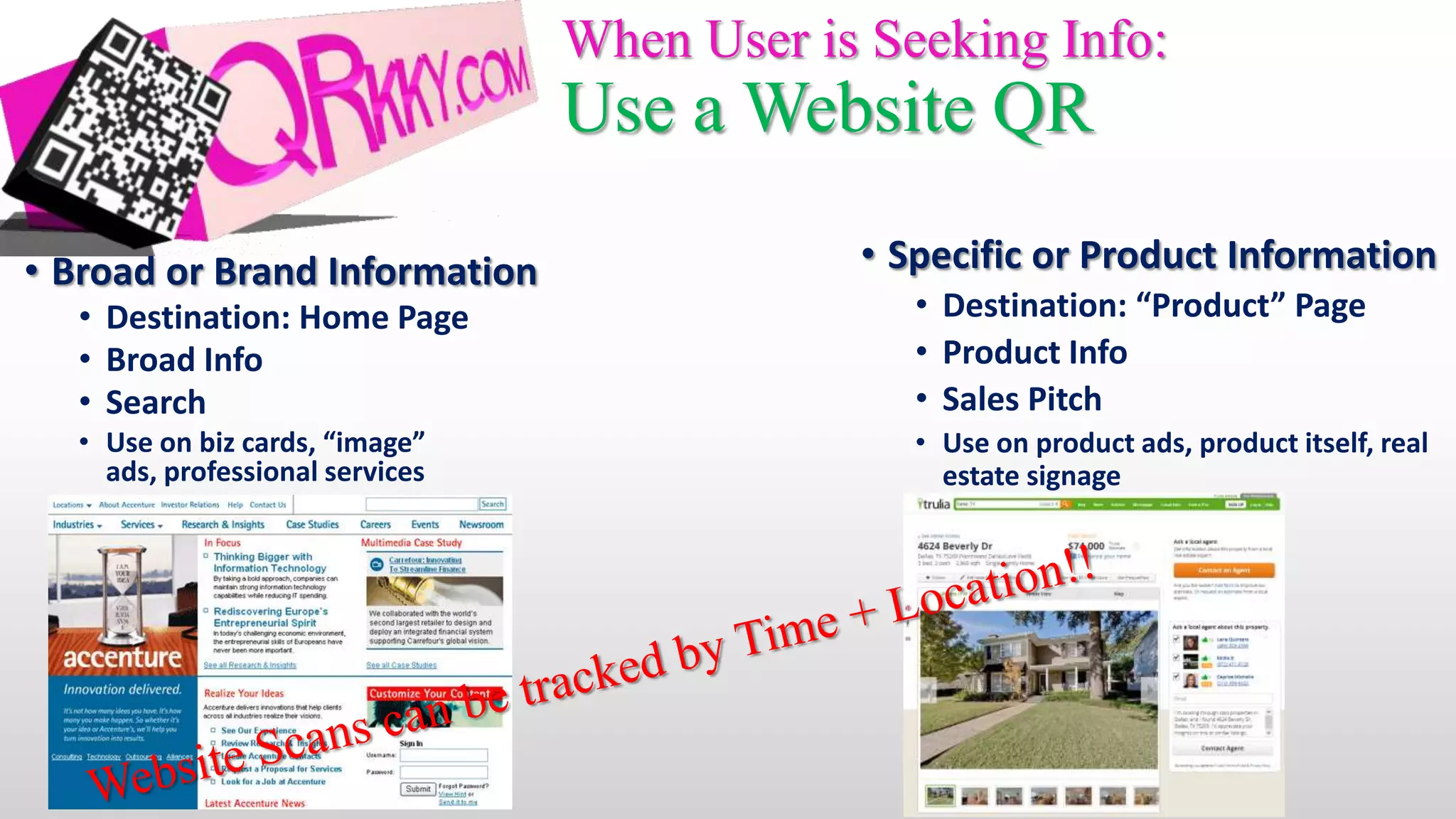
When User is Seeking Info:
                                 Use a Website QR

• Broad or Brand Information                 • Specific or Product Information
  • Destination: Home Page                      • Destination: “Product” Page
  • Broad Info                                  • Product Info
  • Search                                      • Sales Pitch
  • Use on biz cards, “image”                   • Use on product ads, product itself, real
    ads, professional services                    estate signage
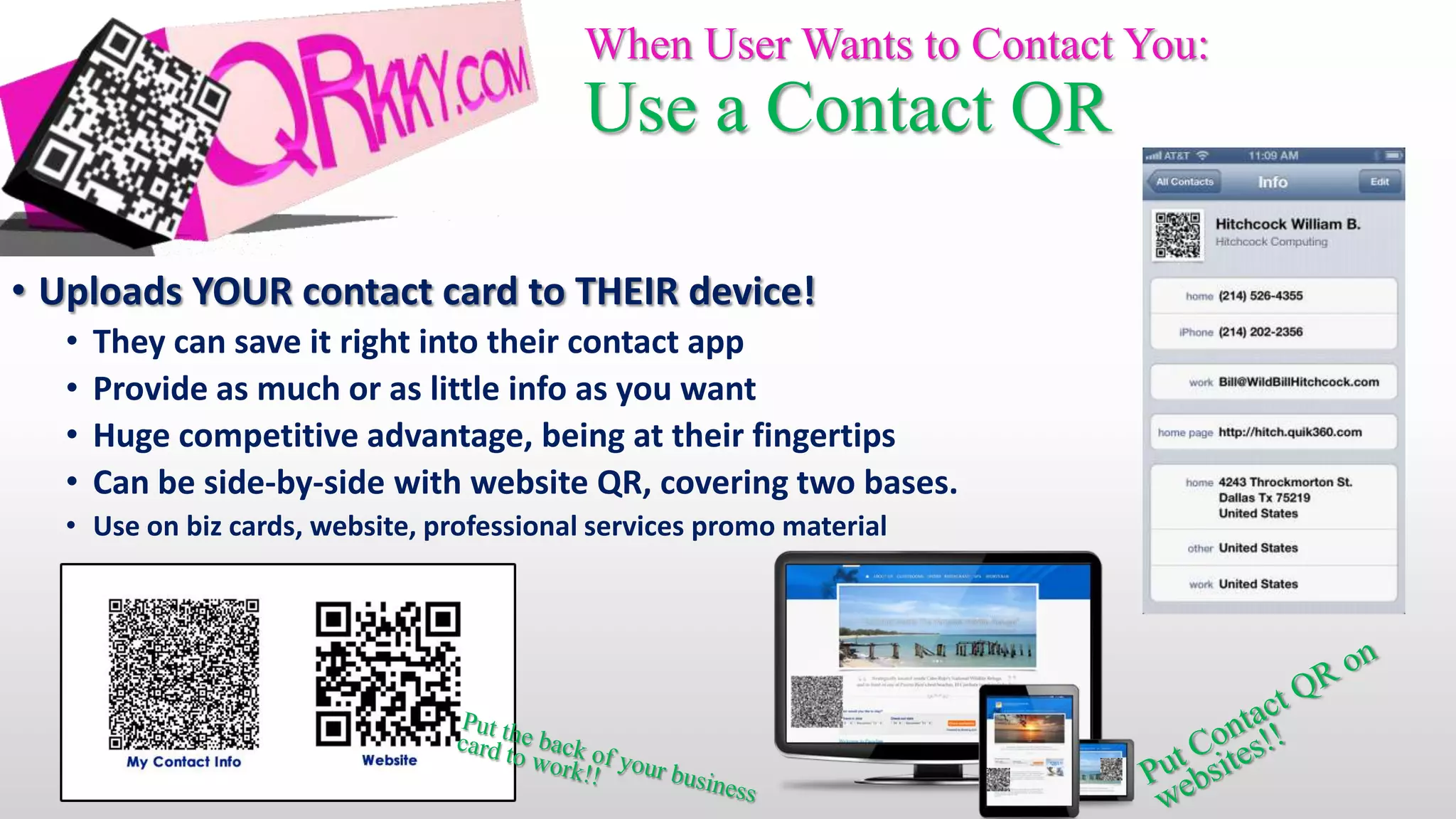
When User Wants to Contact You:
                                           Use a Contact QR

• Uploads YOUR contact card to THEIR device!
  •   They can save it right into their contact app
  •   Provide as much or as little info as you want
  •   Huge competitive advantage, being at their fingertips
  •   Can be side-by-side with website QR, covering two bases.
  • Use on biz cards, website, professional services promo material
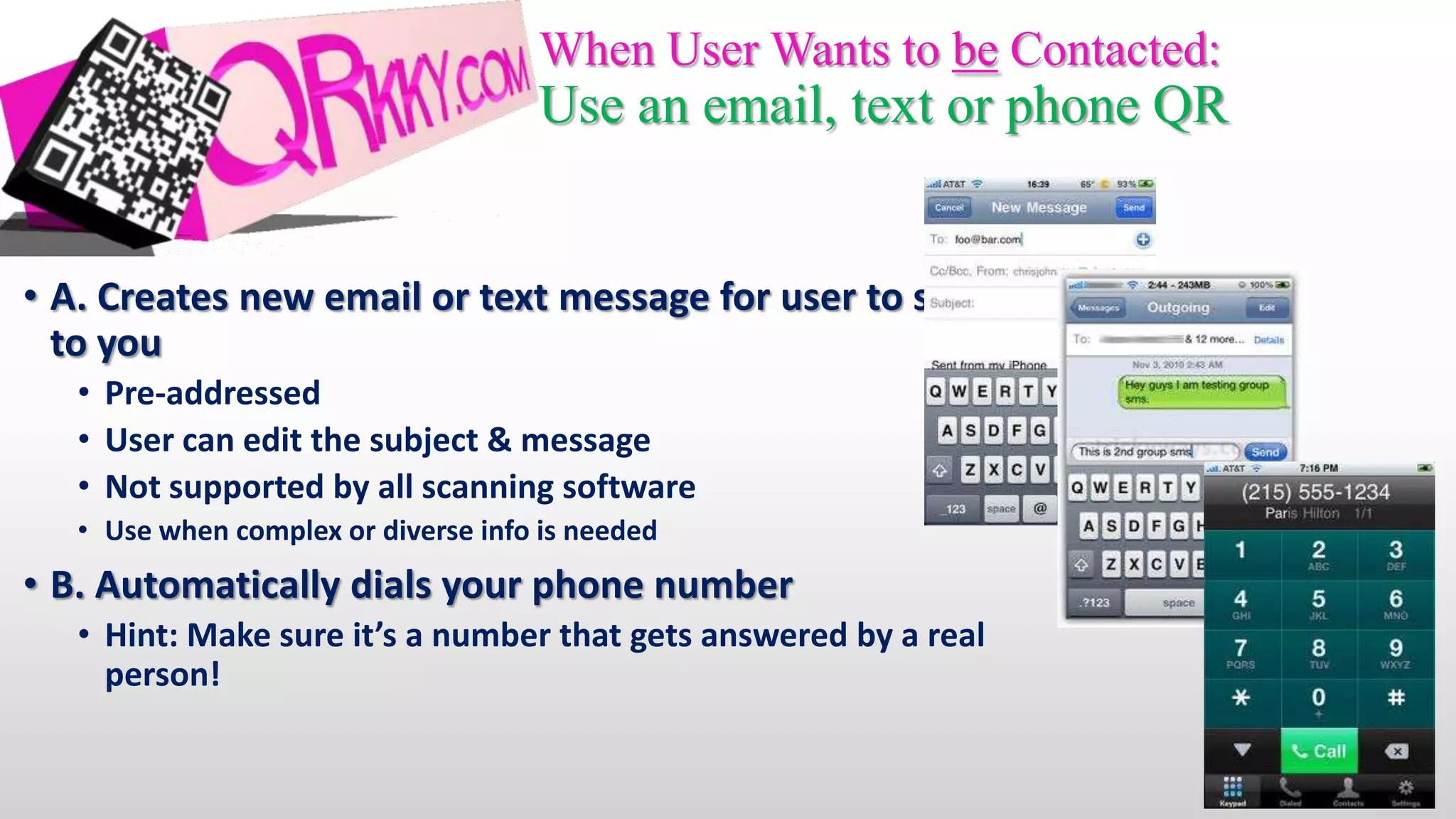
When User Wants to be Contacted:
                                     Use an email, text or phone QR


• A. Creates new email or text message for user to send
  to you
   • Pre-addressed
   • User can edit the subject & message
   • Not supported by all scanning software
   • Use when complex or diverse info is needed
• B. Automatically dials your phone number
   • Hint: Make sure it’s a number that gets answered by a real
     person!
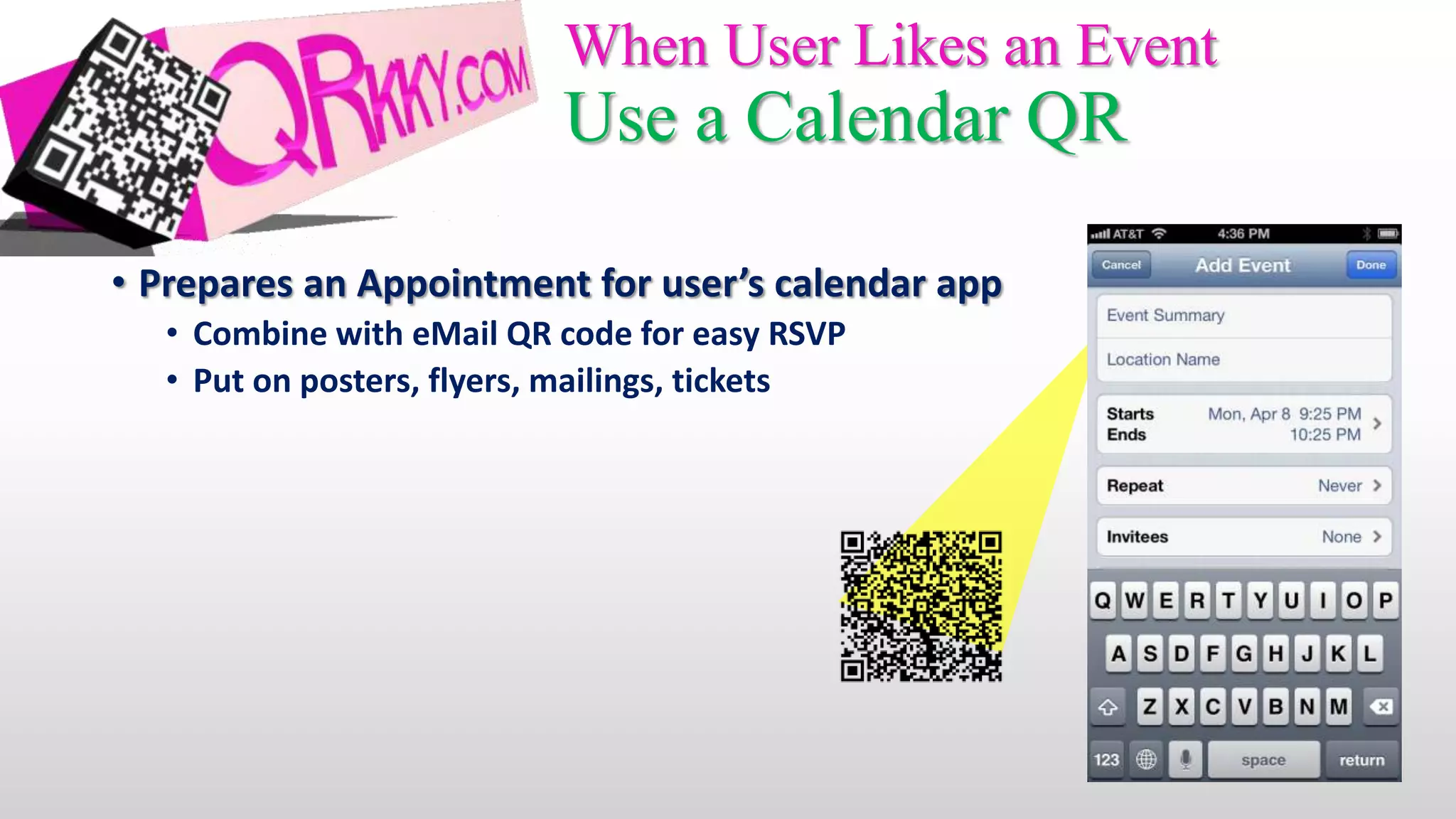
When User Likes an Event
                            Use a Calendar QR

• Prepares an Appointment for user’s calendar app
   • Combine with eMail QR code for easy RSVP
   • Put on posters, flyers, mailings, tickets
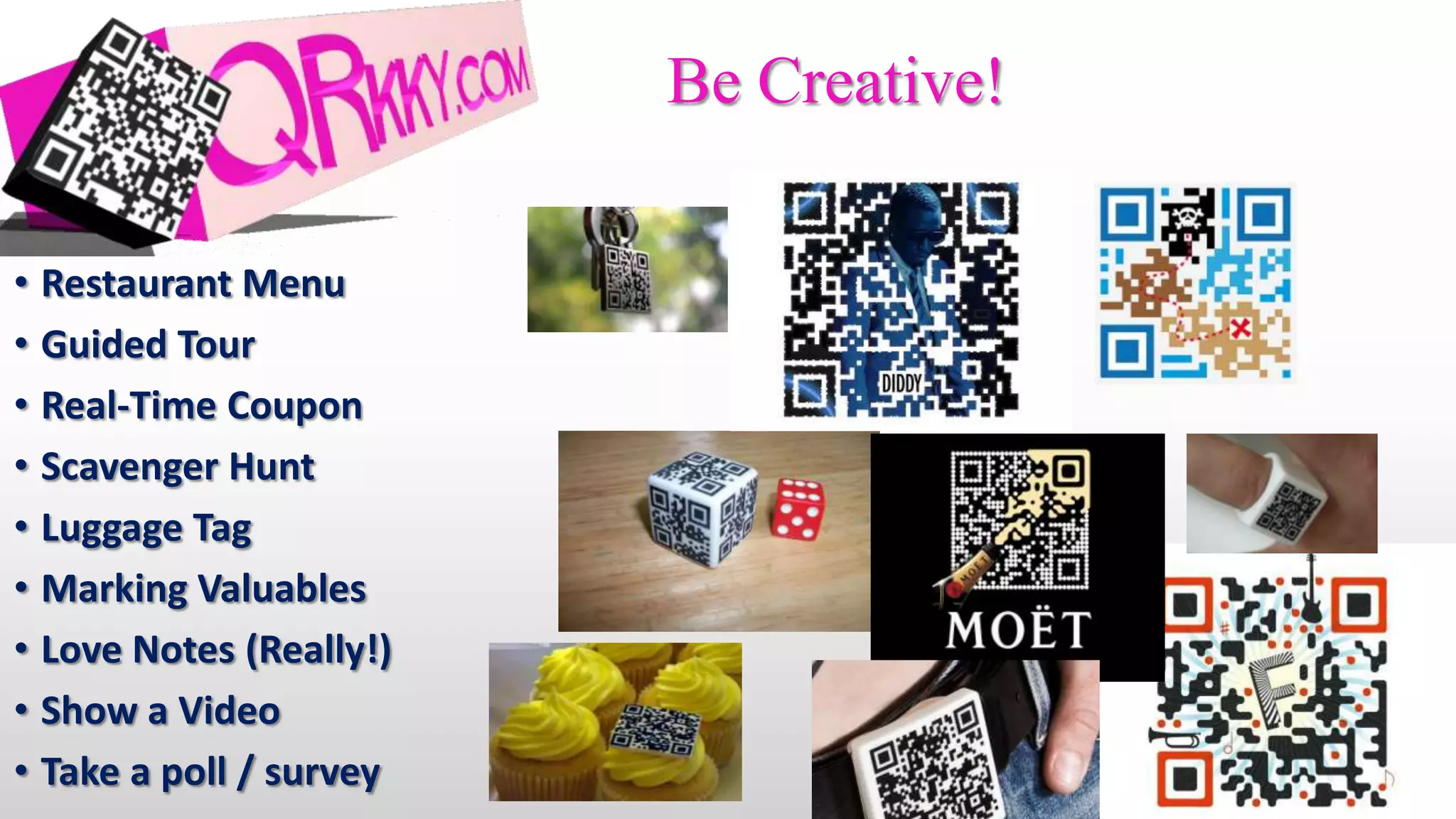
Be Creative!

• Restaurant Menu
• Guided Tour
• Real-Time Coupon
• Scavenger Hunt
• Luggage Tag
• Marking Valuables
• Love Notes (Really!)
• Show a Video
• Take a poll / survey
What is QR?

What is QR?

  • 1.
    What is this? Whyshould I care?
  • 2.
    It’s a QRCode! • Scanned with a smartphone or tablet • Takes only one or two taps to complete • Stands for “Quick Response” • Same Technology as bar codes
  • 3.
    Scanning a QRcode can… • Go to a website • Display a map • Create a contact • Show a YouTube Video • Log on to and remember • Get an app a WiFi network • Bookmark a website • Display a message • Create a calendar event • Dial a phone number • Send a Tweet • Send a Text • …and much more • Send an eMail Free scanning apps at www.QRkky.com/scanner
  • 4.
    What Makes QRSpecial? • It’s easy • One tap • Blazingly fast (QR stands for “Quick Response”) • Completely portable • Creates interaction • Something “happens” in real time • Highly personal • QR Codes scans get more interaction than Twitter #hashtags (28% vs. 19%) • Begins a relationship • 62% of site scans result in further clicking • Plan your follow up to continue the relationship • “Cool” Factor • And not just kids: 75% are 25 and older
  • 5.
  • 6.
    Varied Types ofQRs to Engage Users • Website QR • Takes user to specific web page • Contact QRs – Two Directions • You to User: • Uploads vCard (Contact Info) to user’s device • User to You – Three Flavors • Email: Prepares an email from user addressed to you • Text: Prepares a text message from user addressed to you • Phone: Dials your number from user’s phone • Calendar QR • Uploads Appointment to user’s device Choose Based on CONTEXT or Scenario…
  • 7.
    When User isSeeking Info: Use a Website QR • Broad or Brand Information • Specific or Product Information • Destination: Home Page • Destination: “Product” Page • Broad Info • Product Info • Search • Sales Pitch • Use on biz cards, “image” • Use on product ads, product itself, real ads, professional services estate signage
  • 8.
    When User Wantsto Contact You: Use a Contact QR • Uploads YOUR contact card to THEIR device! • They can save it right into their contact app • Provide as much or as little info as you want • Huge competitive advantage, being at their fingertips • Can be side-by-side with website QR, covering two bases. • Use on biz cards, website, professional services promo material
  • 9.
    When User Wantsto be Contacted: Use an email, text or phone QR • A. Creates new email or text message for user to send to you • Pre-addressed • User can edit the subject & message • Not supported by all scanning software • Use when complex or diverse info is needed • B. Automatically dials your phone number • Hint: Make sure it’s a number that gets answered by a real person!
  • 10.
    When User Likesan Event Use a Calendar QR • Prepares an Appointment for user’s calendar app • Combine with eMail QR code for easy RSVP • Put on posters, flyers, mailings, tickets
  • 11.
    Be Creative! • RestaurantMenu • Guided Tour • Real-Time Coupon • Scavenger Hunt • Luggage Tag • Marking Valuables • Love Notes (Really!) • Show a Video • Take a poll / survey