This is the headphone input
where you put headphones
in.
This is the button to power on
and off the camera.
This is the LCD screen where you can
view footage and change settings.
This is the view finder
where you can rest your
eye.
This is where you alter the optical
zoom.
This is the manual white
balance control.
This is where you access manual
exposure.
These are the memory card slots to
store all the footage.
This is where you can access the
camera menus.
This is where you
can set the
camera to manual.
This is one of the record
buttons on the camera.
This is another one of
the buttons to record on
the camera.
This I another zoom button
to alter the zoom of the
camera whilst filming.
This is where the XLR
input is to record
sound.
The HDMI input is here to
output the footage on an
external monitor.
This is the USB input which can allow
importing and connecting to other
devices with a USB port.
This is the remote input
where the camera can be
attached and used by a
remote control.

Camera setting

  • 1.
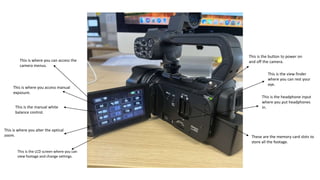
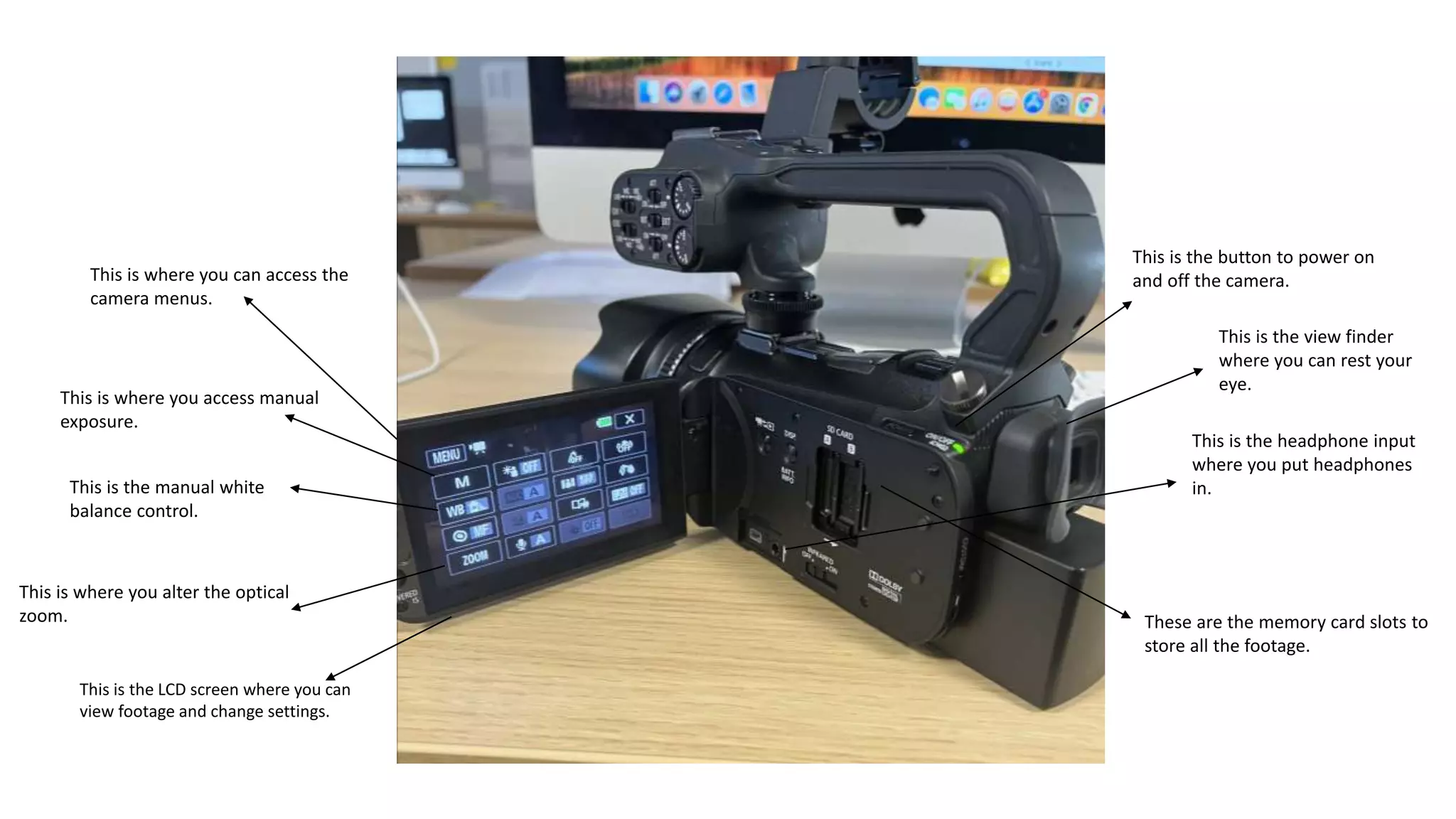
    This is theheadphone input where you put headphones in. This is the button to power on and off the camera. This is the LCD screen where you can view footage and change settings. This is the view finder where you can rest your eye. This is where you alter the optical zoom. This is the manual white balance control. This is where you access manual exposure. These are the memory card slots to store all the footage. This is where you can access the camera menus.
  • 2.
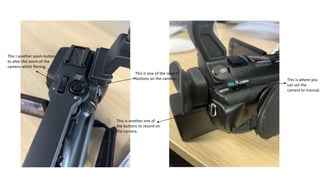
    This is whereyou can set the camera to manual. This is one of the record buttons on the camera. This is another one of the buttons to record on the camera. This I another zoom button to alter the zoom of the camera whilst filming.
  • 3.
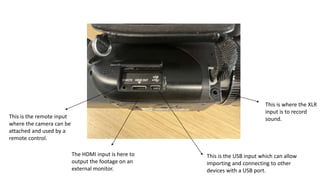
    This is wherethe XLR input is to record sound. The HDMI input is here to output the footage on an external monitor. This is the USB input which can allow importing and connecting to other devices with a USB port. This is the remote input where the camera can be attached and used by a remote control.