Blackboard Basics
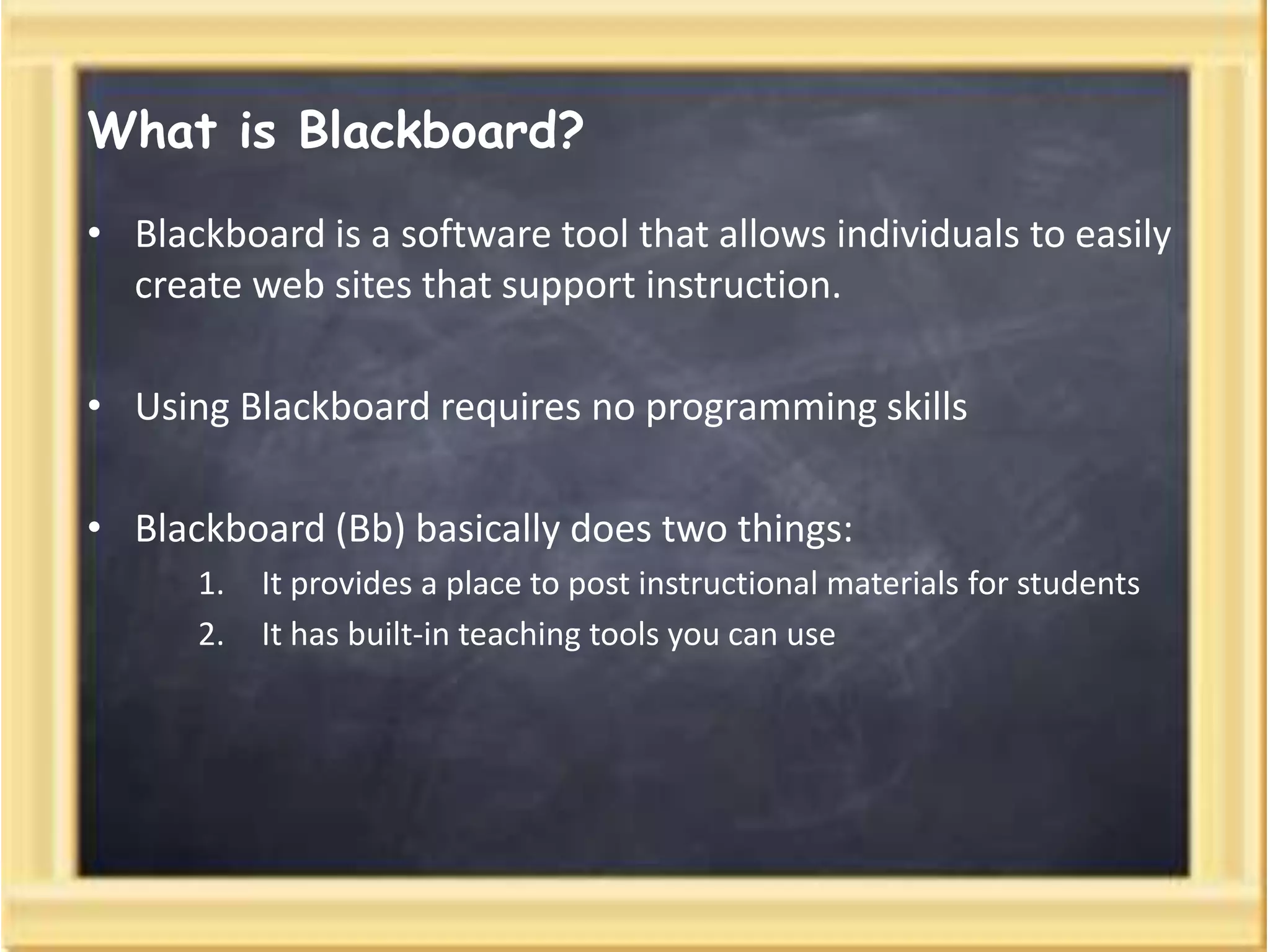
What is Blackboard?
• Blackboard is a software tool that allows individuals to easily
create web sites that support instruction.
• Using Blackboard requires no programming skills
• Blackboard (Bb) basically does two things:
1. It provides a place to post instructional materials for students
2. It has built-in teaching tools you can use
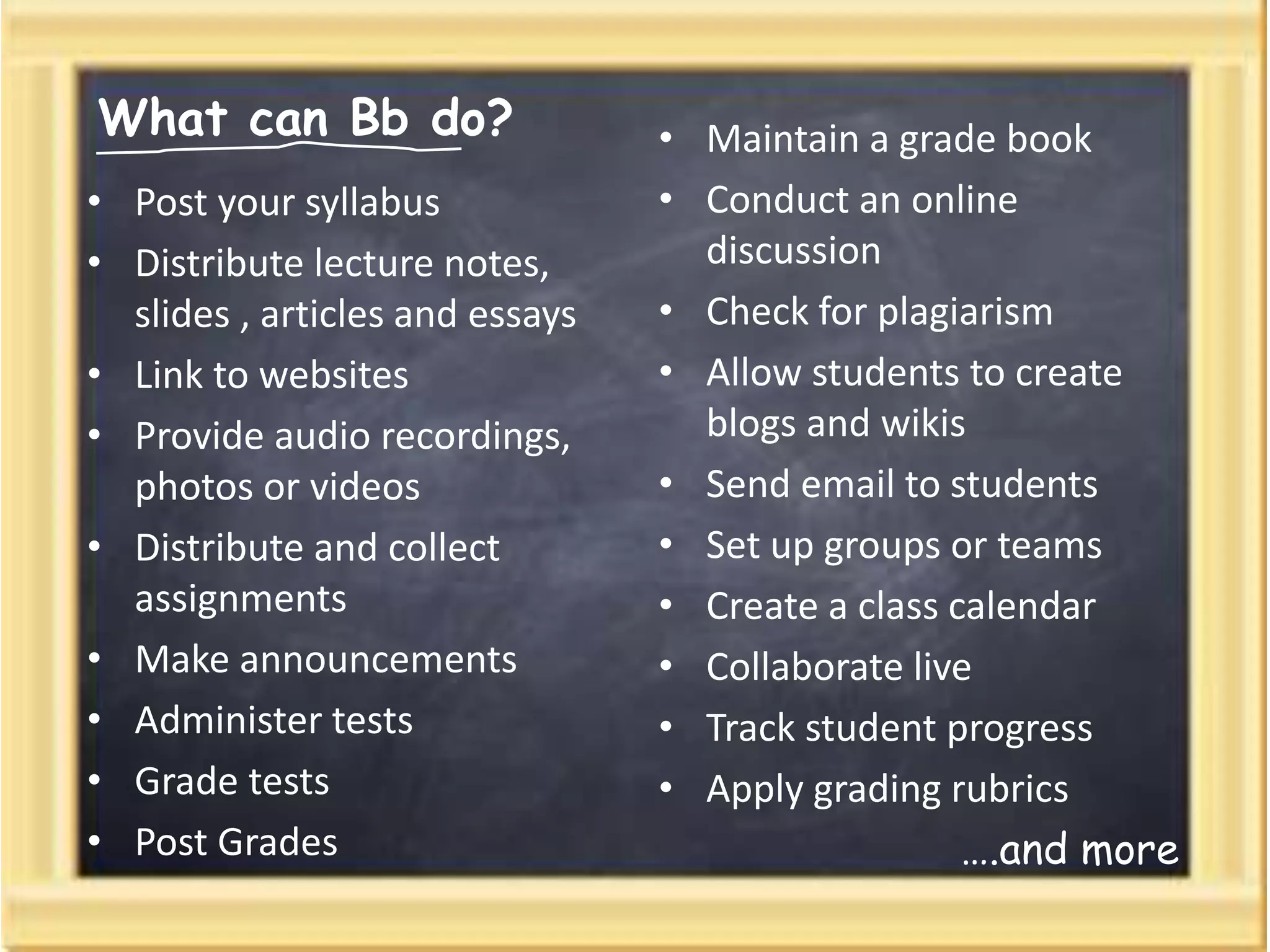
What can Bb do?
• Post your syllabus
• Distribute lecture notes,
slides , articles and essays
• Link to websites
• Provide audio recordings,
photos or videos
• Distribute and collect
assignments
• Make announcements
• Administer tests
• Grade tests
• Post Grades
• Maintain a grade book
• Conduct an online
discussion
• Check for plagiarism
• Allow students to create
blogs and wikis
• Send email to students
• Set up groups or teams
• Create a class calendar
• Collaborate live
• Track student progress
• Apply grading rubrics
….and more
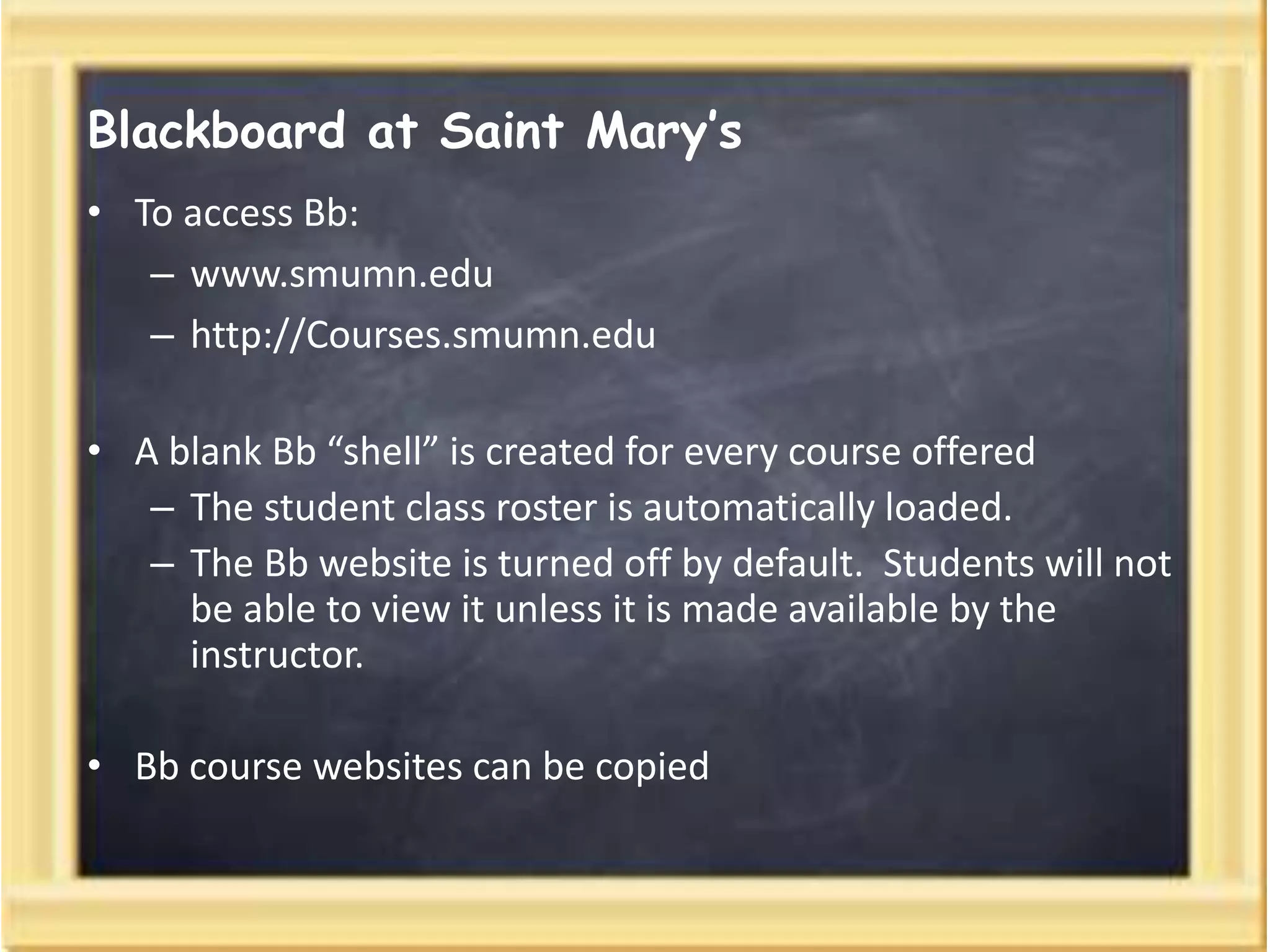
Blackboard at Saint Mary’s
• To access Bb:
– www.smumn.edu
– http://Courses.smumn.edu
• A blank Bb “shell” is created for every course offered
– The student class roster is automatically loaded.
– The Bb website is turned off by default. Students will not
be able to view it unless it is made available by the
instructor.
• Bb course websites can be copied
:
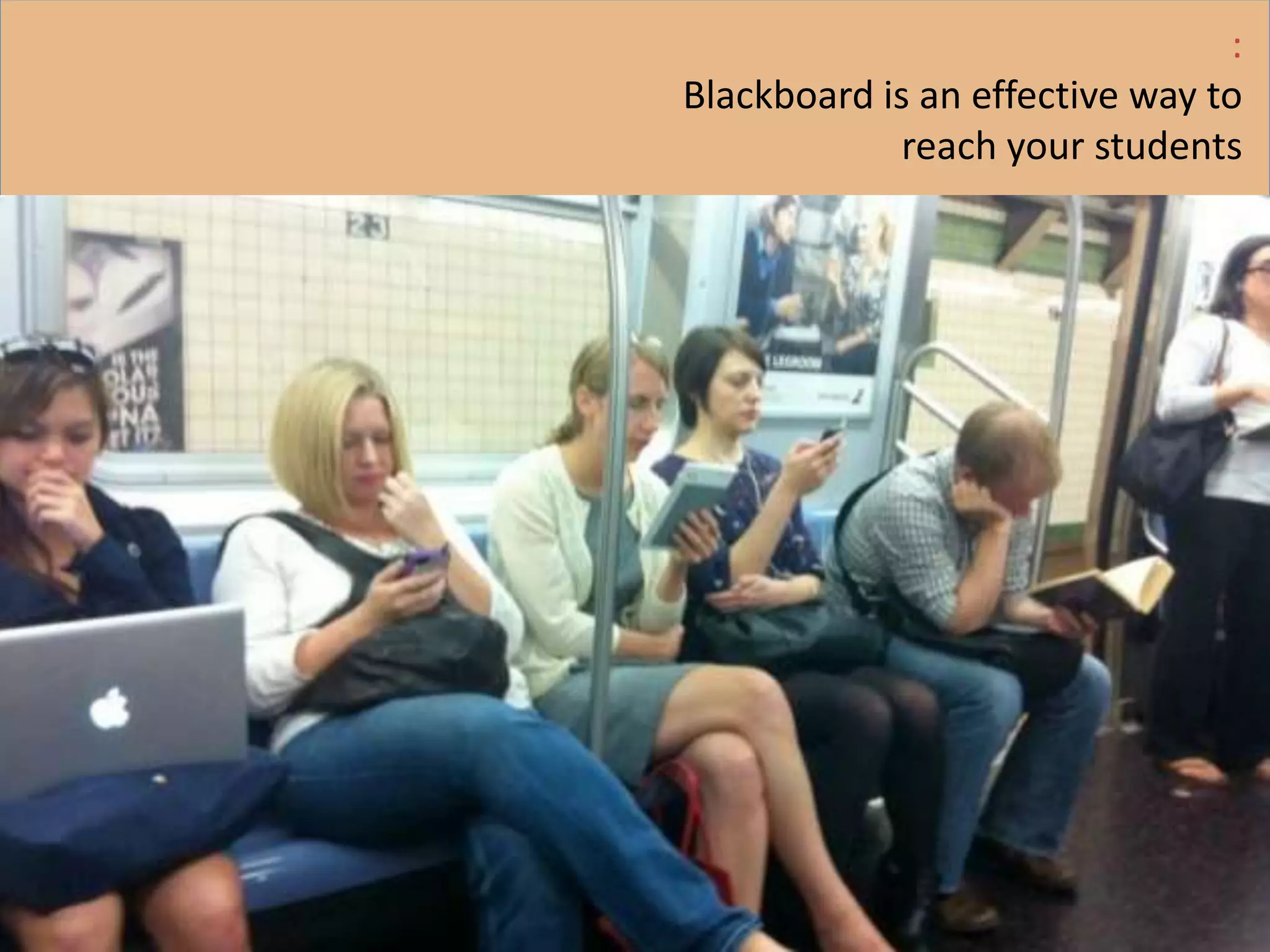
Blackboard is an effective way to
reach your students
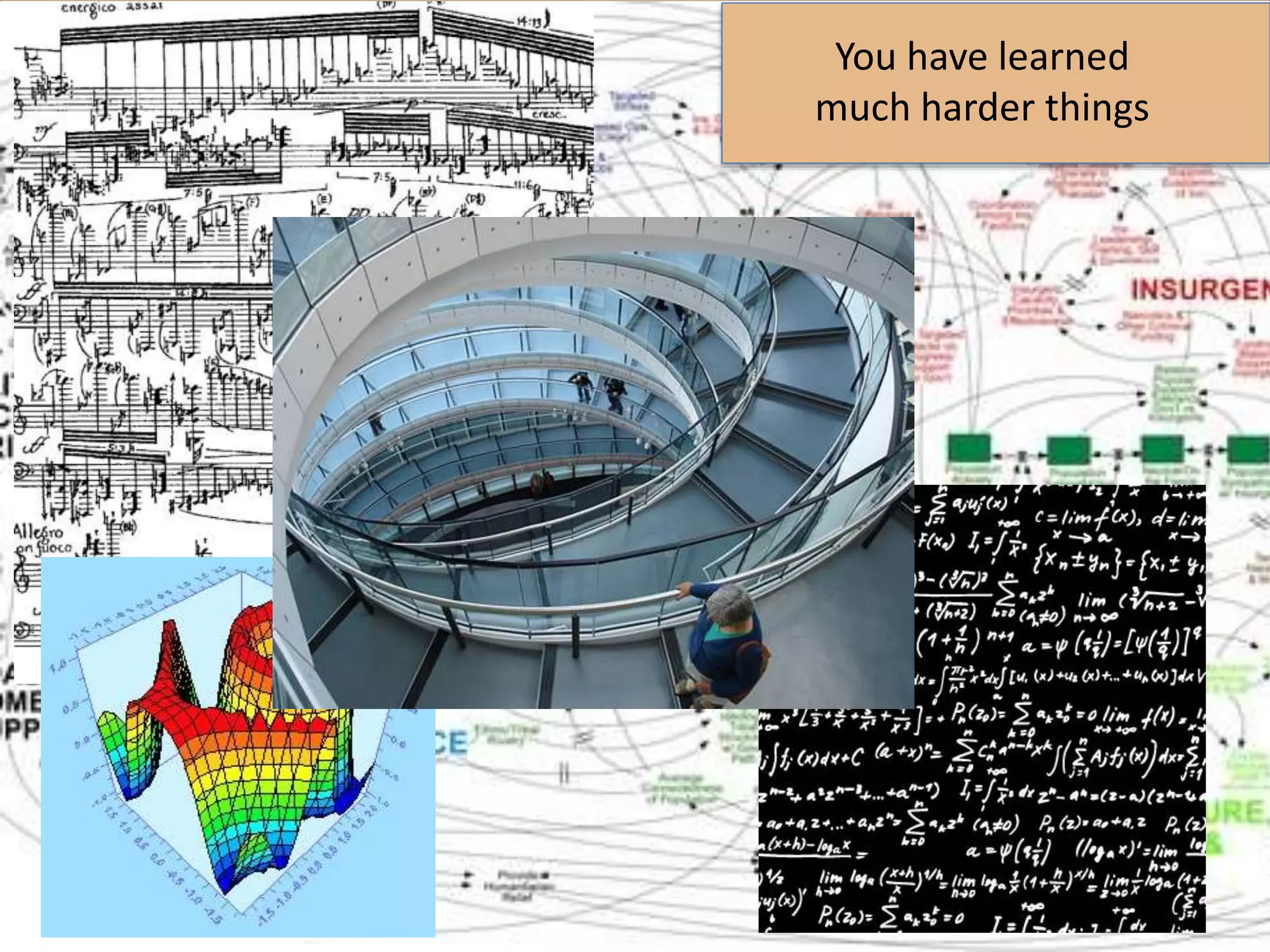
You have learned
much harder things
Are you ready to
give it a try?
Edtech@smumn.edu

Blackboard basics

  • 1.
  • 2.
    What is Blackboard? •Blackboard is a software tool that allows individuals to easily create web sites that support instruction. • Using Blackboard requires no programming skills • Blackboard (Bb) basically does two things: 1. It provides a place to post instructional materials for students 2. It has built-in teaching tools you can use
  • 3.
    What can Bbdo? • Post your syllabus • Distribute lecture notes, slides , articles and essays • Link to websites • Provide audio recordings, photos or videos • Distribute and collect assignments • Make announcements • Administer tests • Grade tests • Post Grades • Maintain a grade book • Conduct an online discussion • Check for plagiarism • Allow students to create blogs and wikis • Send email to students • Set up groups or teams • Create a class calendar • Collaborate live • Track student progress • Apply grading rubrics ….and more
  • 4.
    Blackboard at SaintMary’s • To access Bb: – www.smumn.edu – http://Courses.smumn.edu • A blank Bb “shell” is created for every course offered – The student class roster is automatically loaded. – The Bb website is turned off by default. Students will not be able to view it unless it is made available by the instructor. • Bb course websites can be copied
  • 5.
    : Blackboard is aneffective way to reach your students
  • 6.
    You have learned muchharder things
  • 7.
    Are you readyto give it a try?
  • 8.