ISO Certified 9001:2008
Website: www.batracomputercentre.com Ph.no.: 9729666670
Email ID : info.jatinbatra@gmail.com
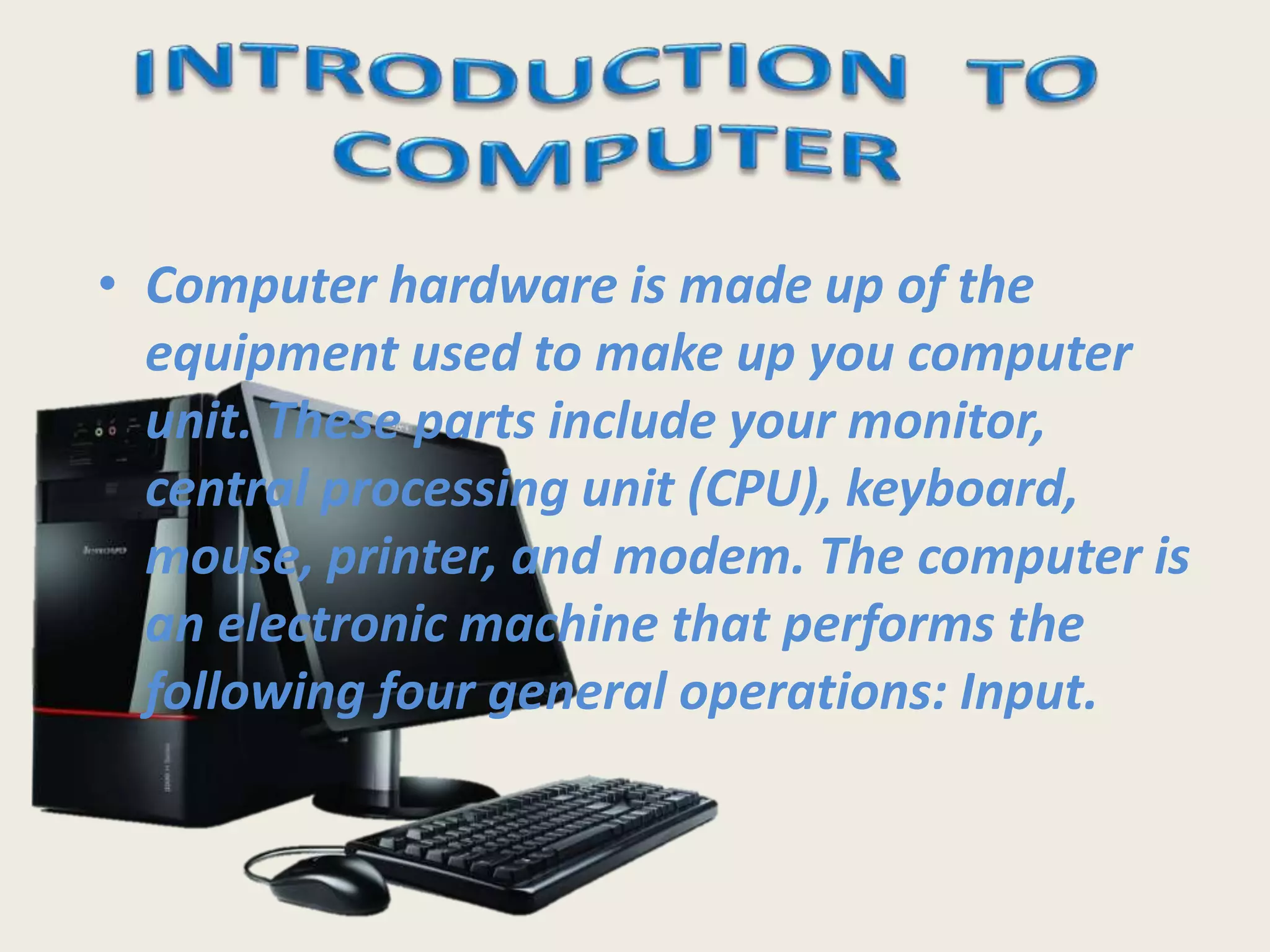
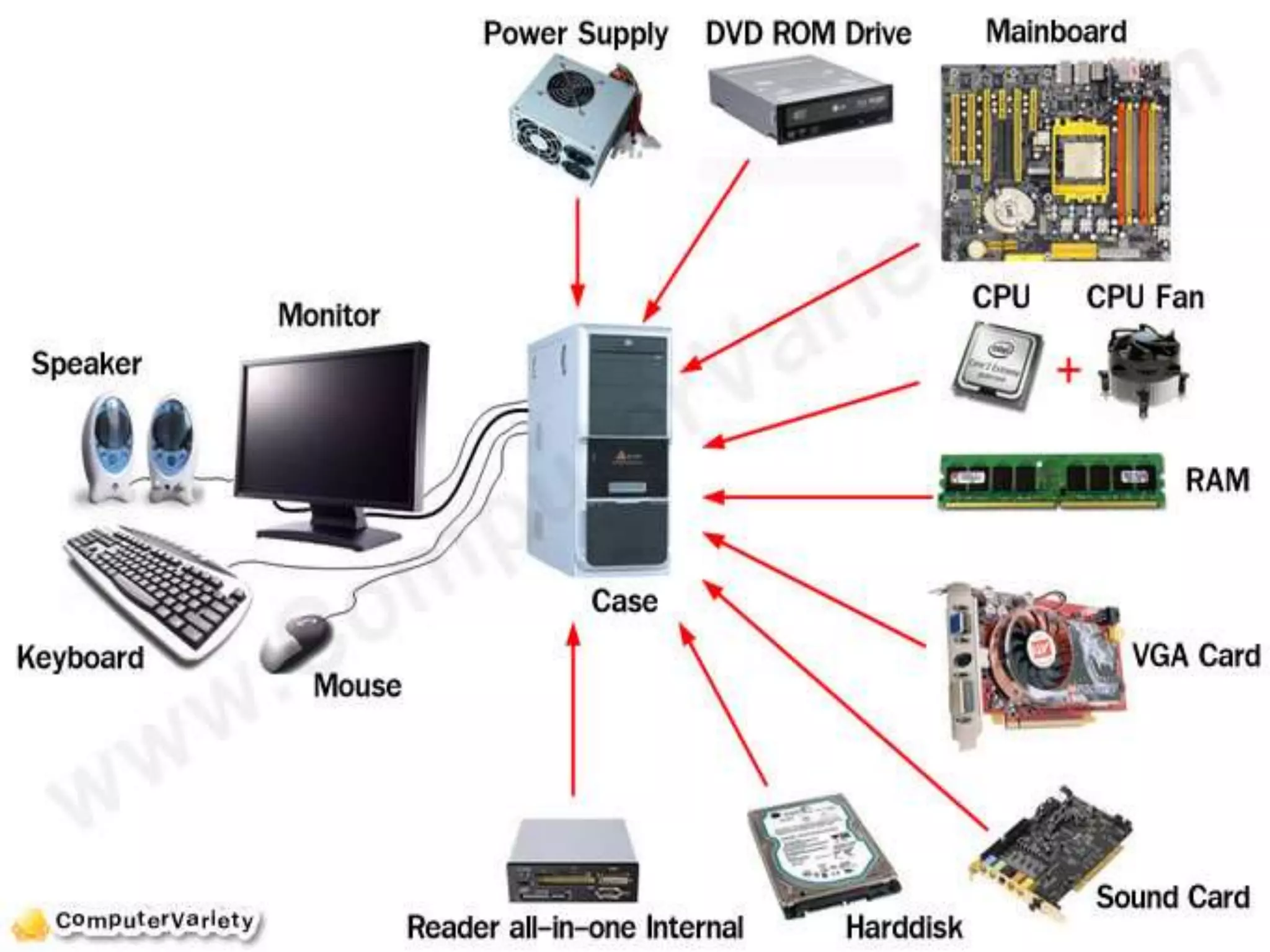
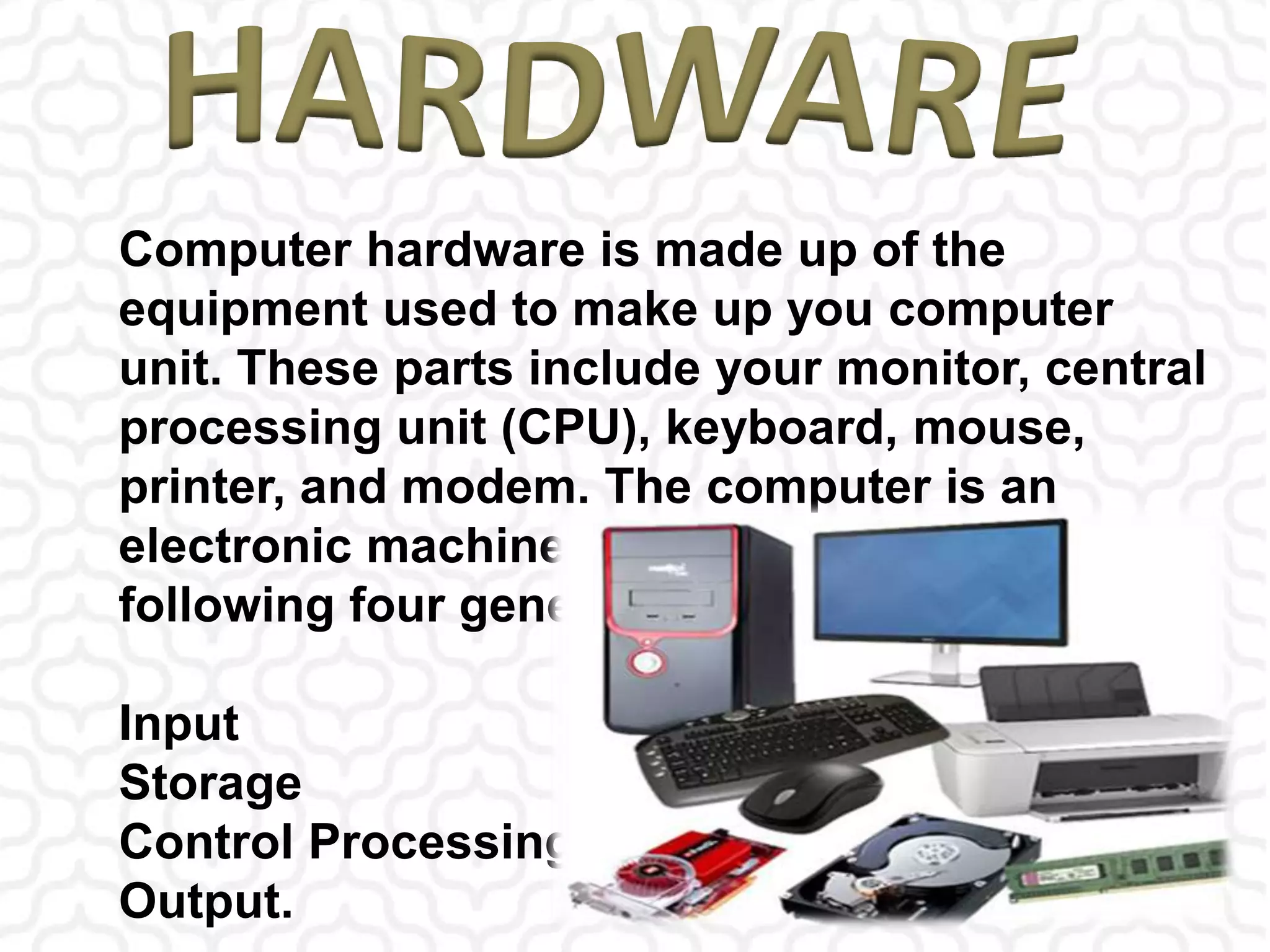
• Computer hardware is made up of the
equipment used to make up you computer
unit. These parts include your monitor,
central processing unit (CPU), keyboard,
mouse, printer, and modem. The computer is
an electronic machine that performs the
following four general operations: Input.
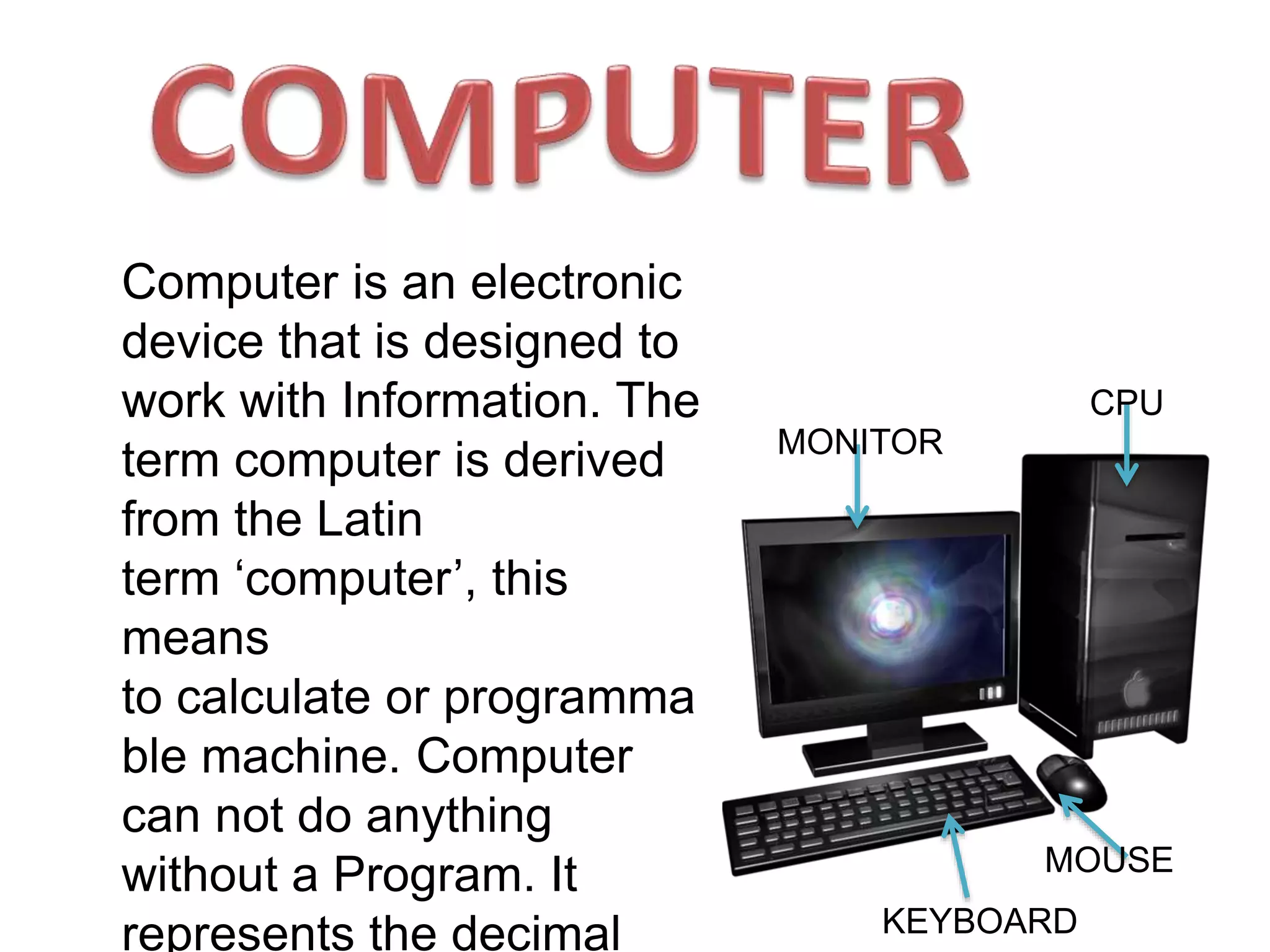
MONITOR
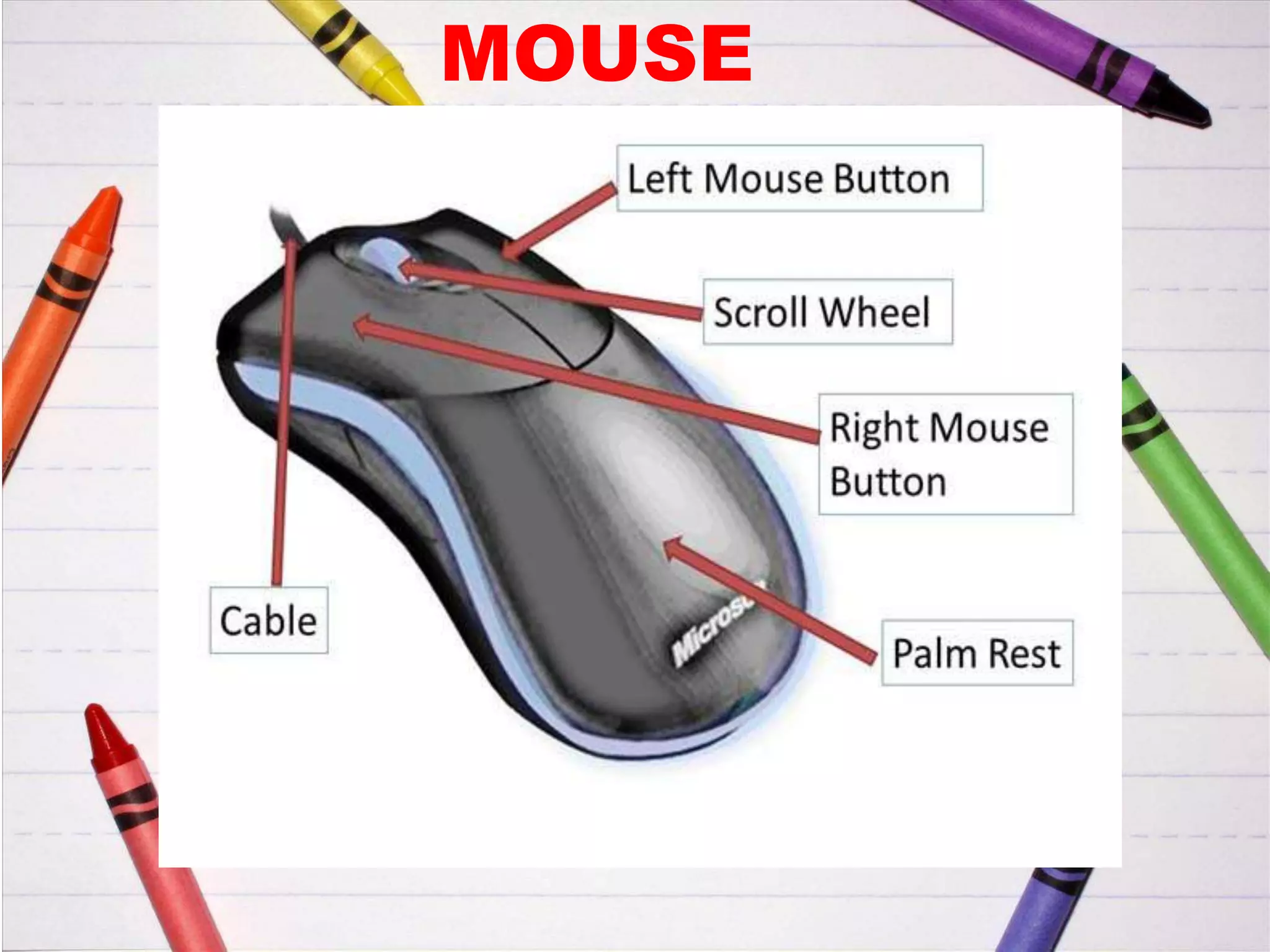
MOUSE
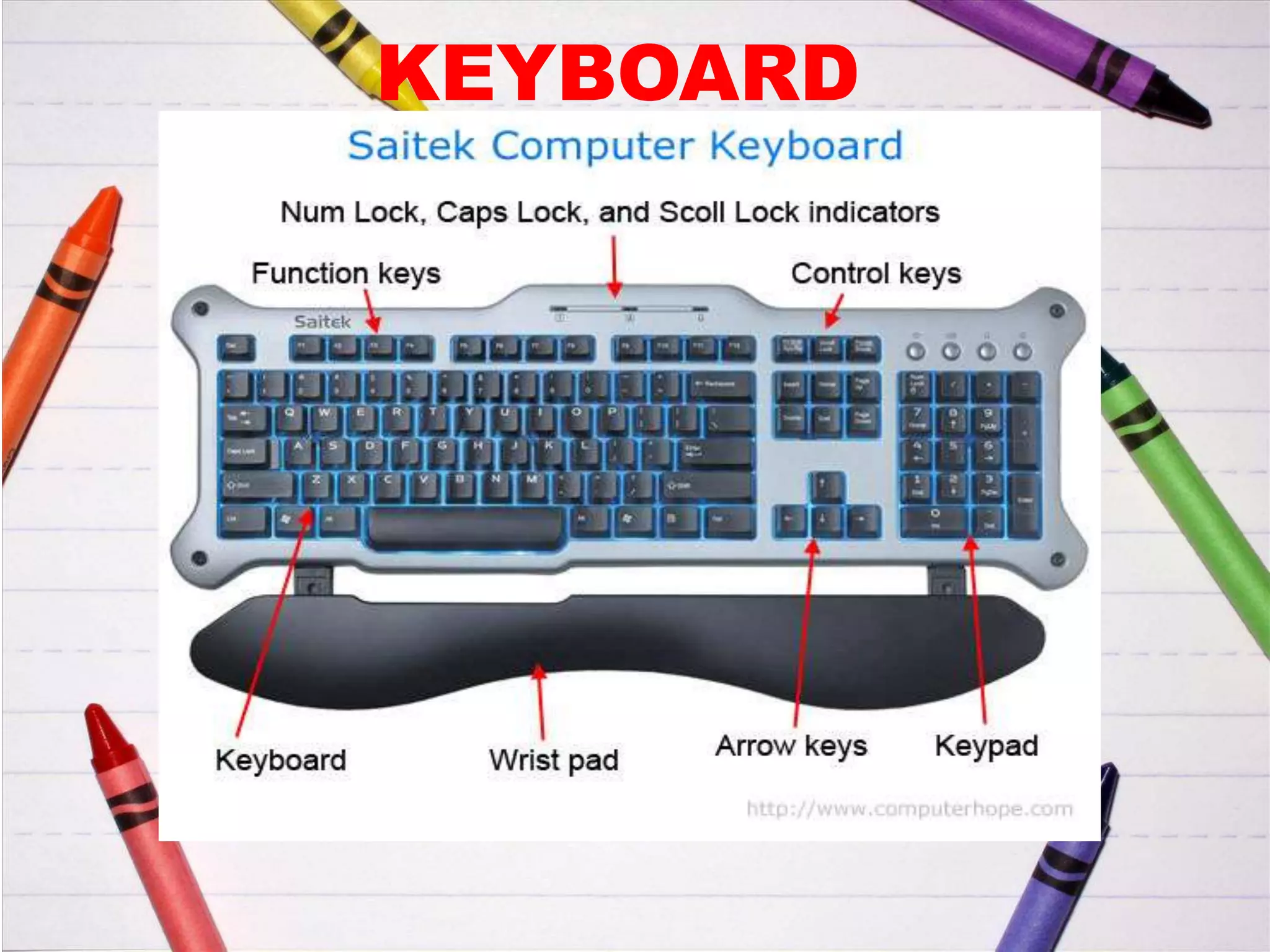
KEYBOARD
CPU
Computer is an electronic
device that is designed to
work with Information. The
term computer is derived
from the Latin
term ‘computer’, this
means
to calculate or programma
ble machine. Computer
can not do anything
without a Program. It
represents the decimal
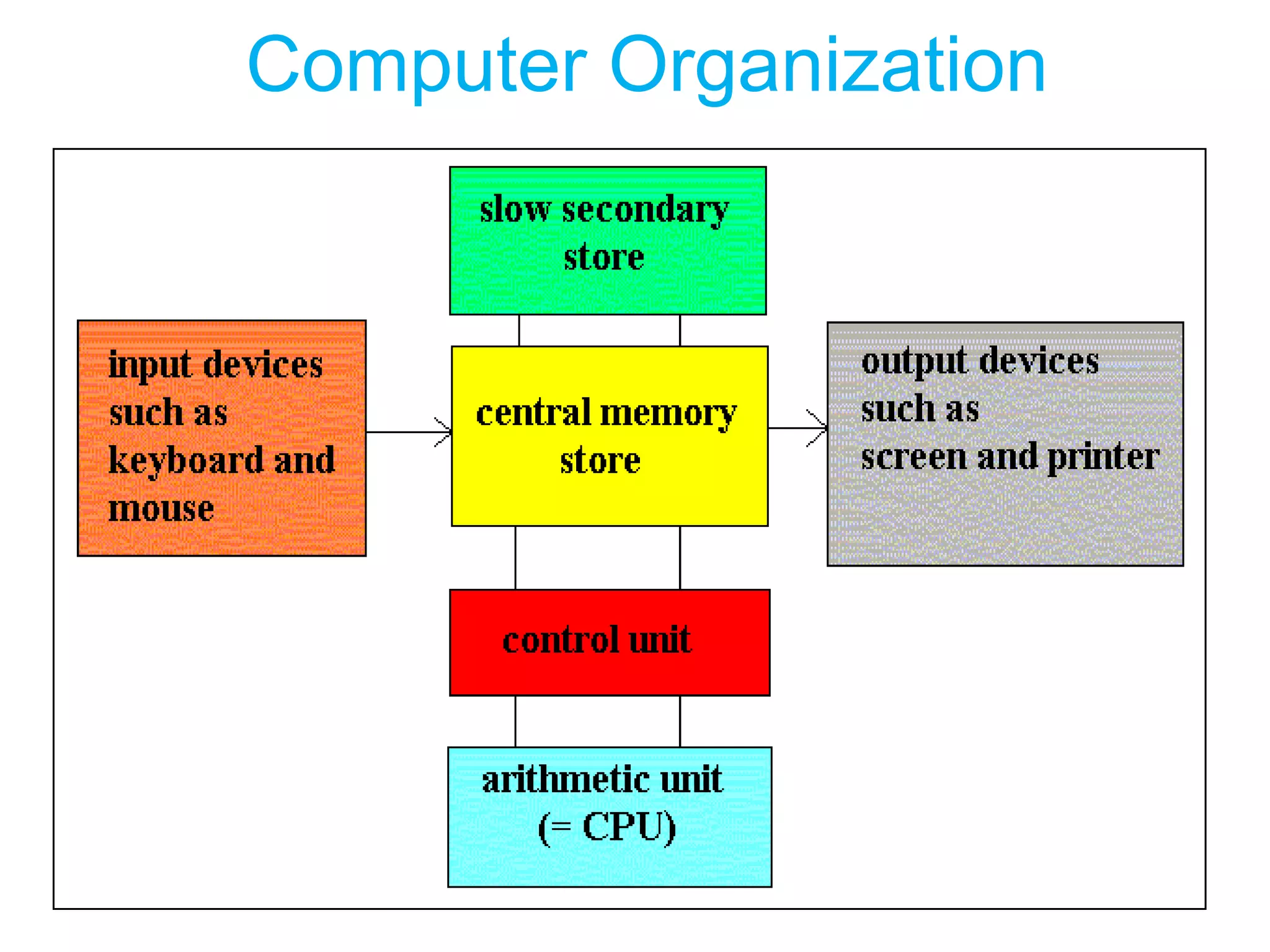
Computer Organization
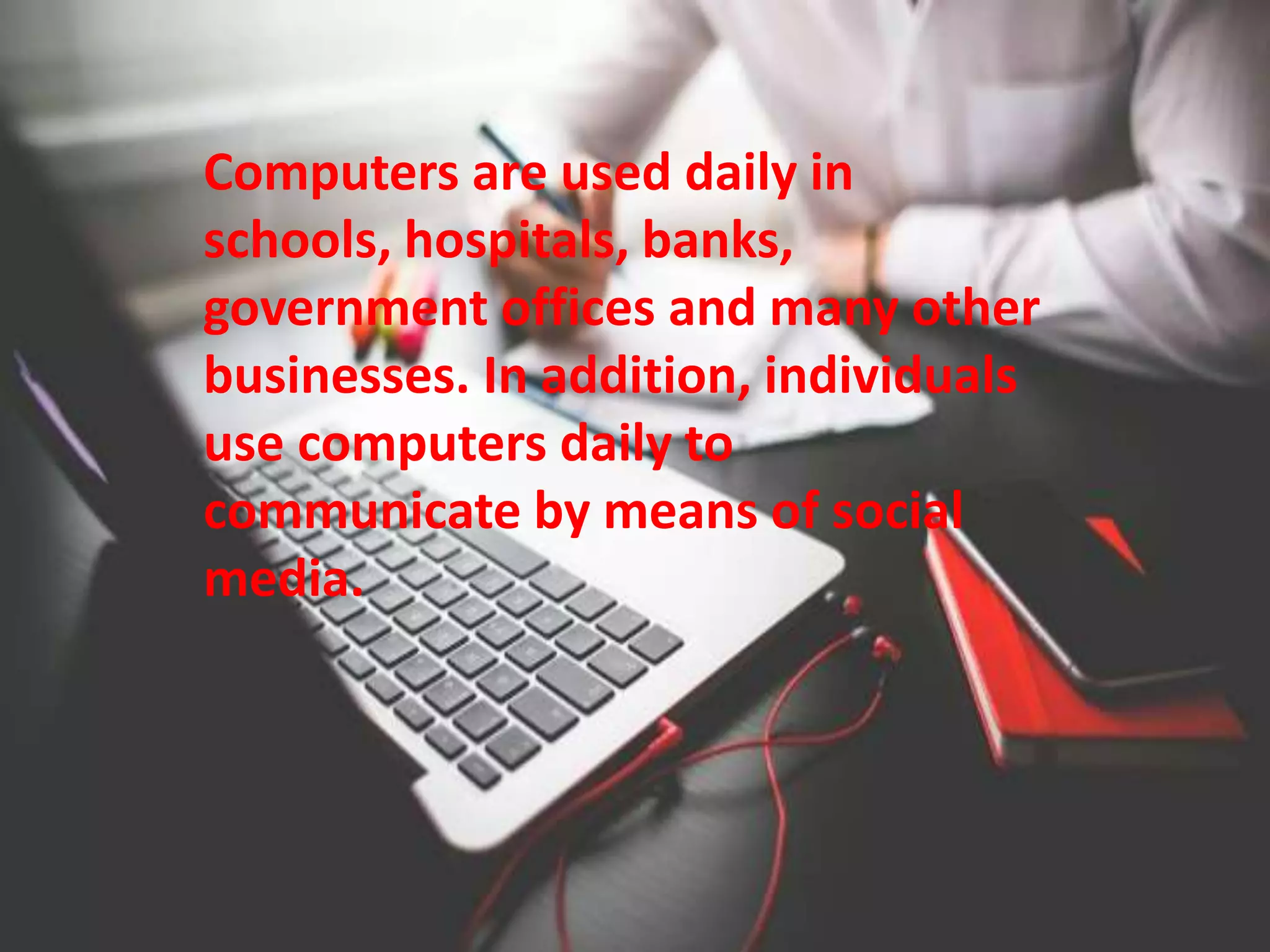
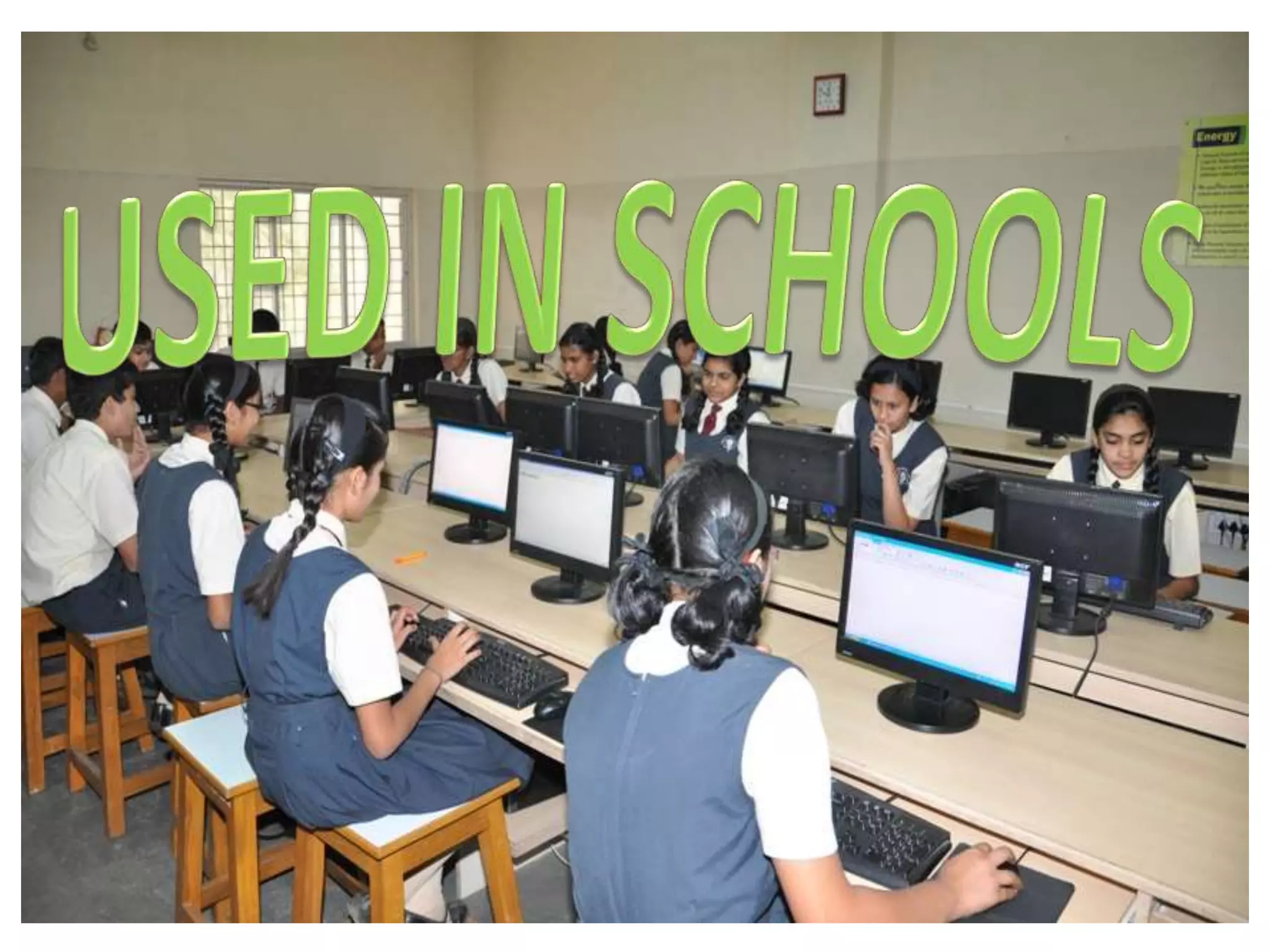
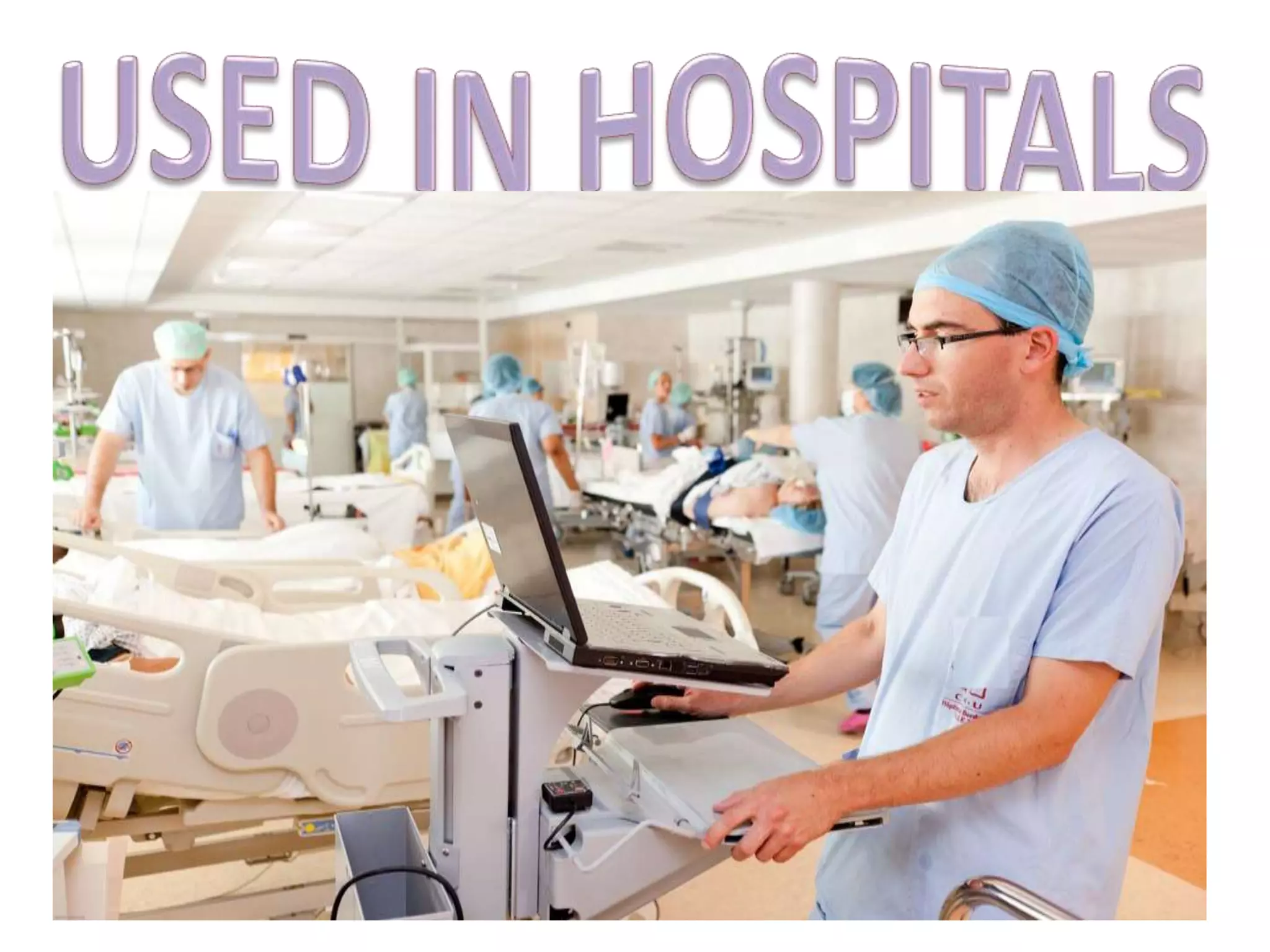
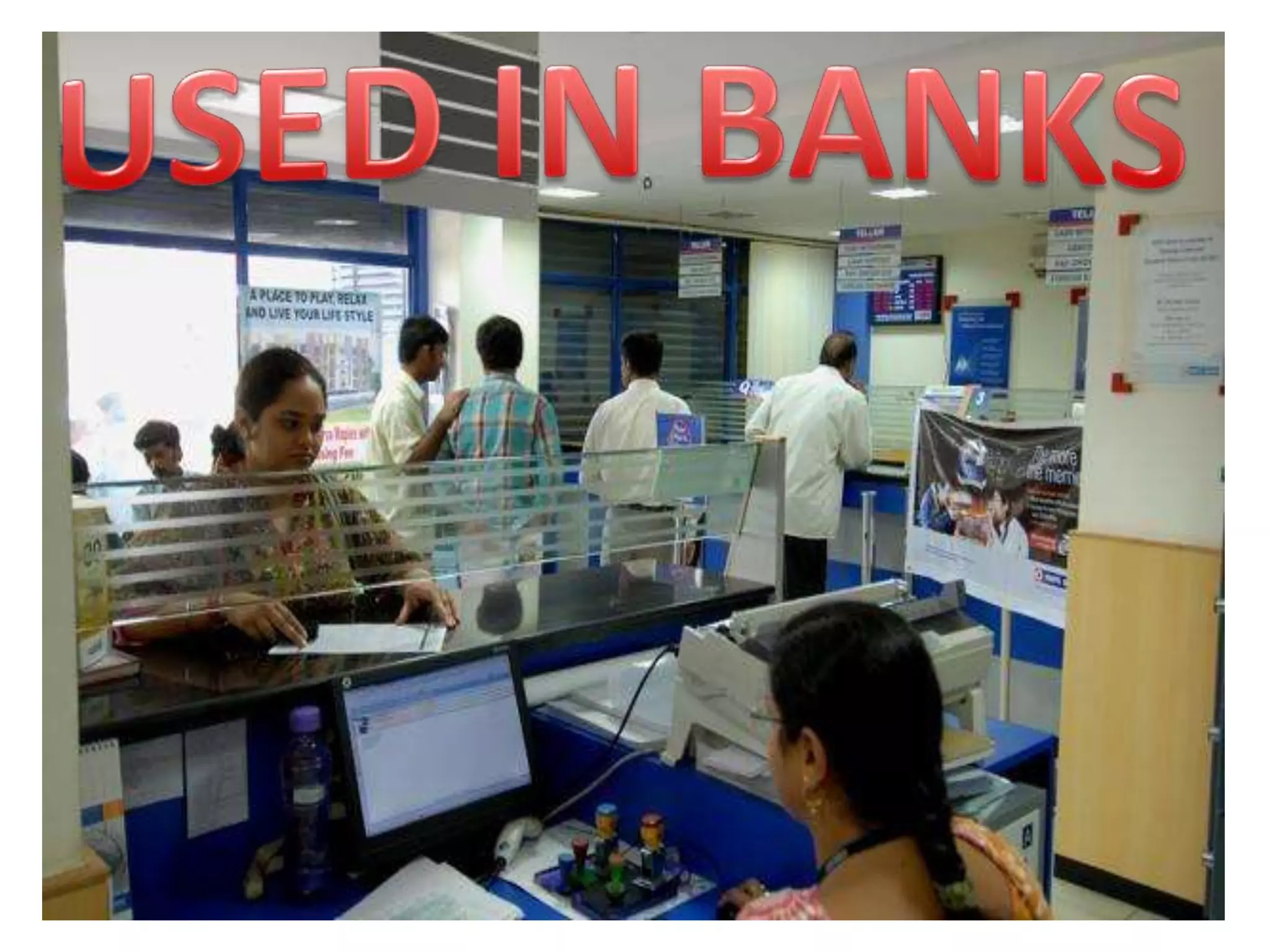
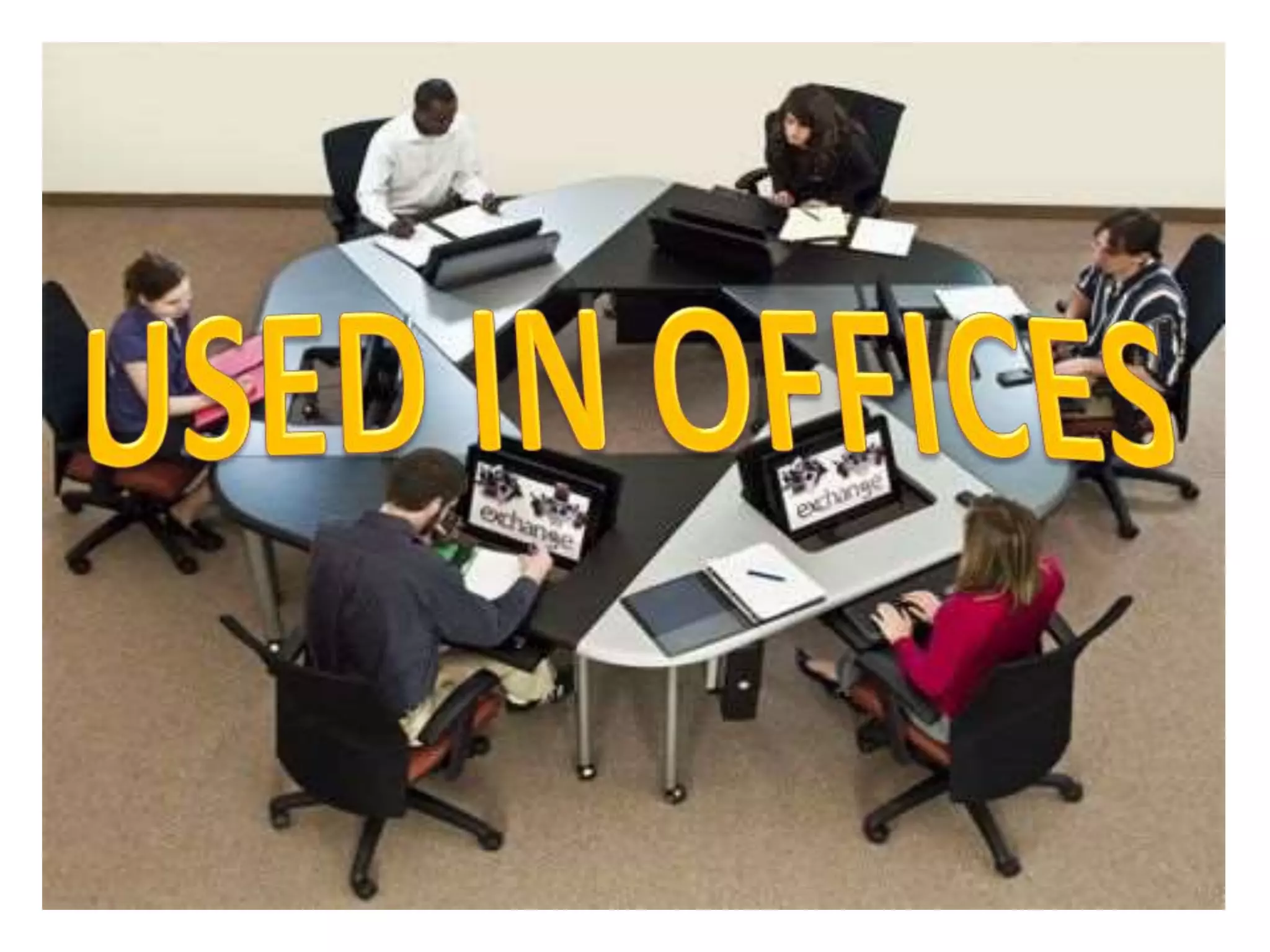
Computers are used daily in
schools, hospitals, banks,
government offices and many other
businesses. In addition, individuals
use computers daily to
communicate by means of social
media.
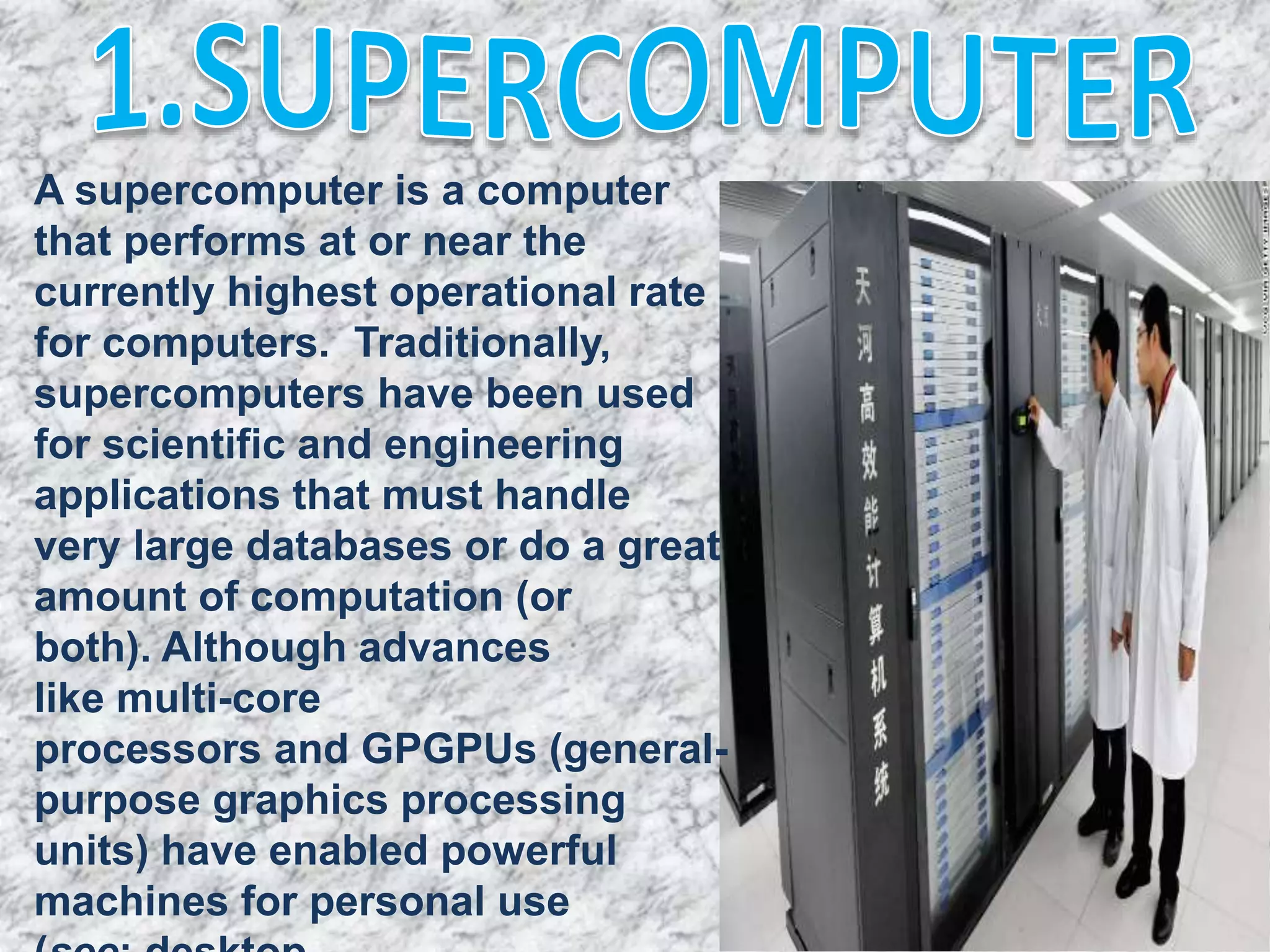
A supercomputer is a computer
that performs at or near the
currently highest operational rate
for computers. Traditionally,
supercomputers have been used
for scientific and engineering
applications that must handle
very large databases or do a great
amount of computation (or
both). Although advances
like multi-core
processors and GPGPUs (general-
purpose graphics processing
units) have enabled powerful
machines for personal use
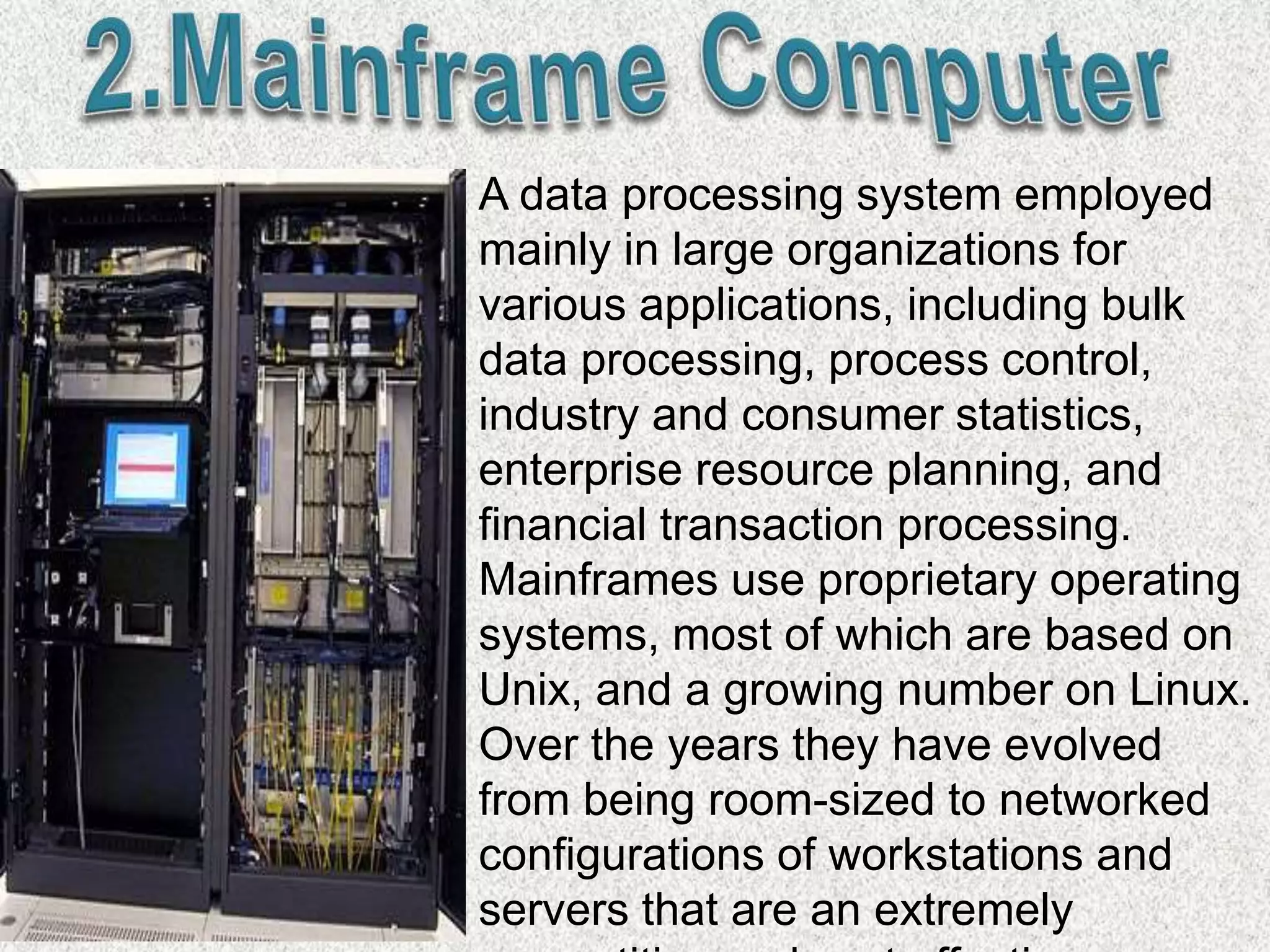
A data processing system employed
mainly in large organizations for
various applications, including bulk
data processing, process control,
industry and consumer statistics,
enterprise resource planning, and
financial transaction processing.
Mainframes use proprietary operating
systems, most of which are based on
Unix, and a growing number on Linux.
Over the years they have evolved
from being room-sized to networked
configurations of workstations and
servers that are an extremely
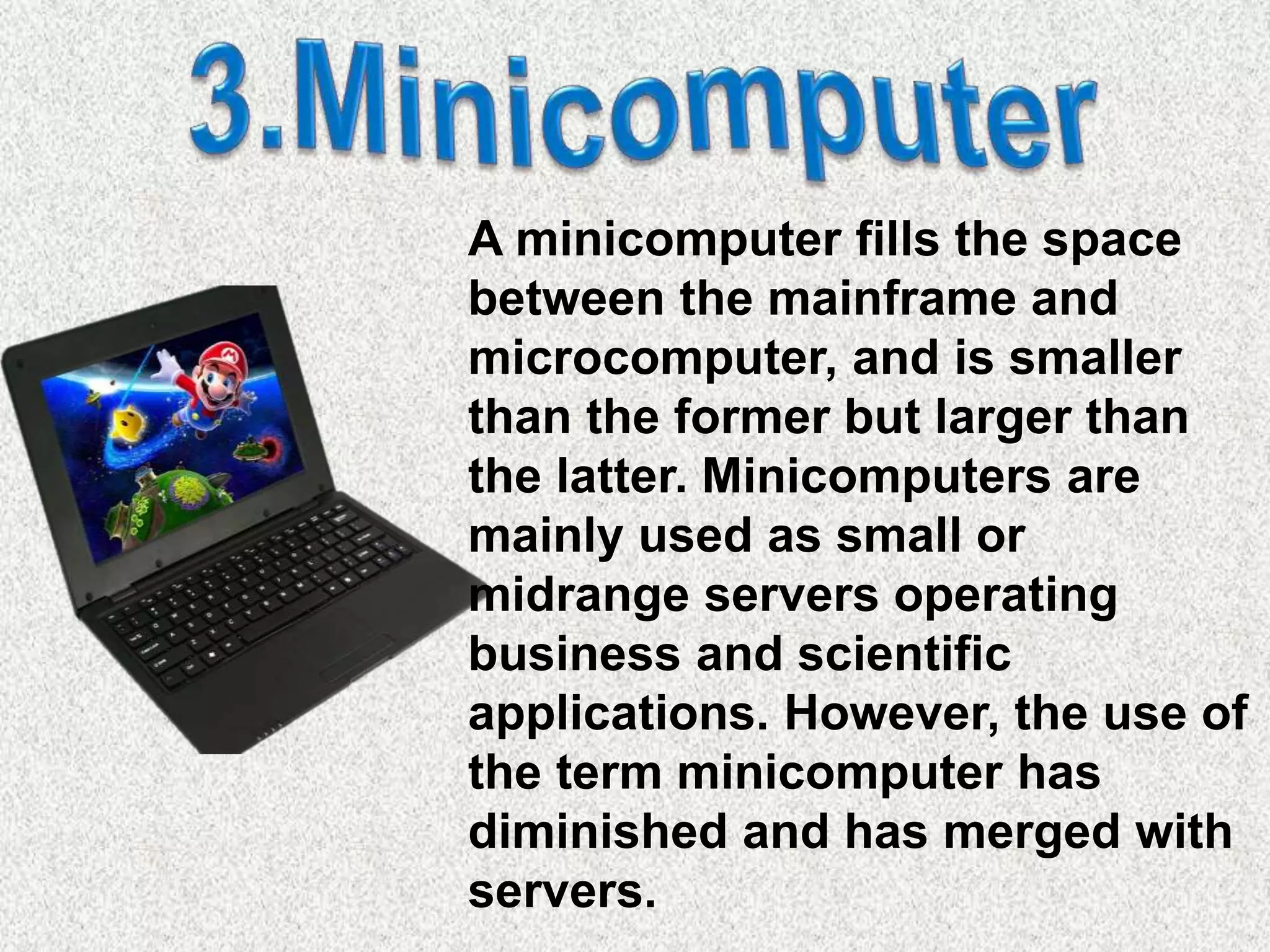
A minicomputer fills the space
between the mainframe and
microcomputer, and is smaller
than the former but larger than
the latter. Minicomputers are
mainly used as small or
midrange servers operating
business and scientific
applications. However, the use of
the term minicomputer has
diminished and has merged with
servers.
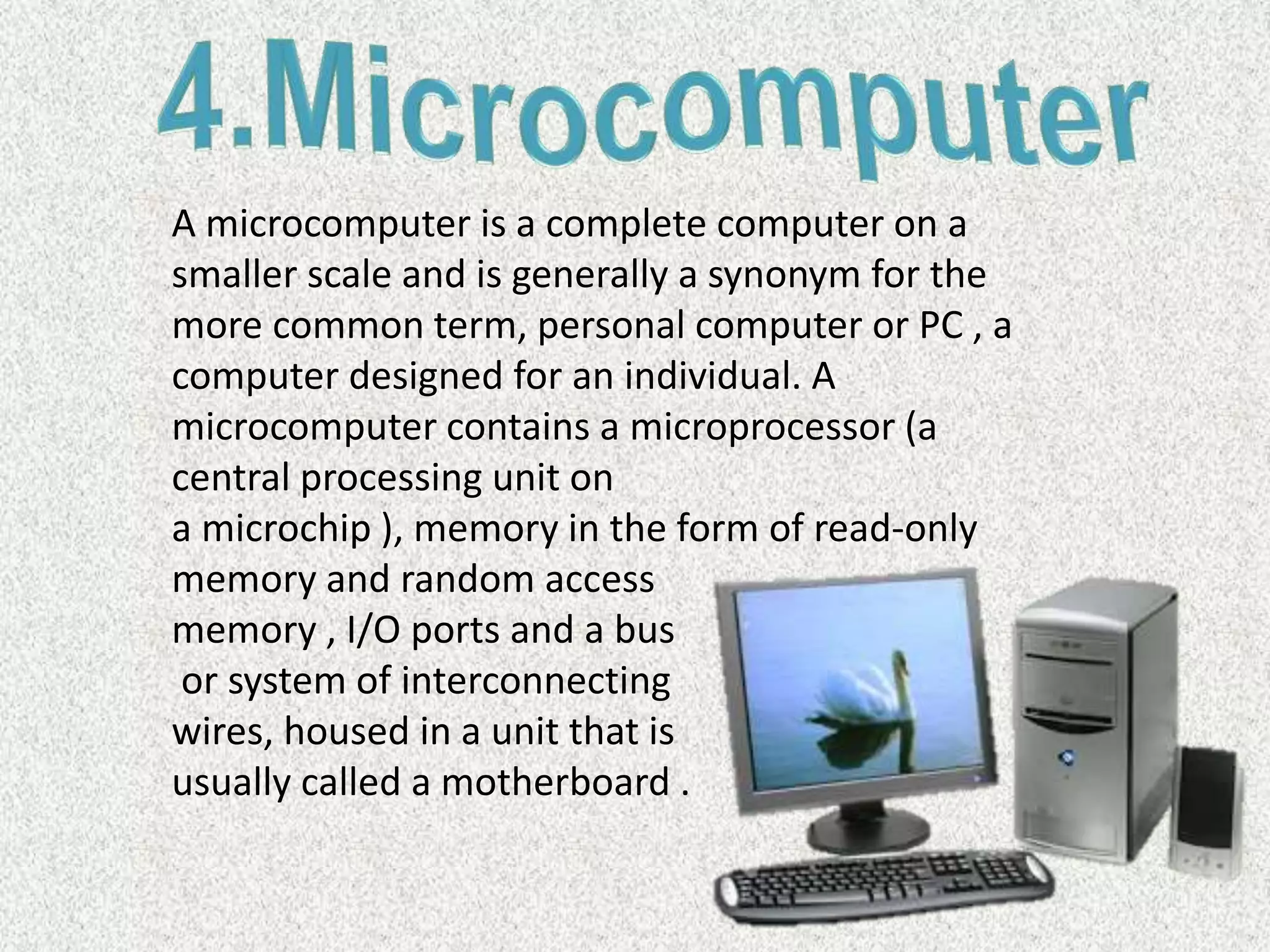
A microcomputer is a complete computer on a
smaller scale and is generally a synonym for the
more common term, personal computer or PC , a
computer designed for an individual. A
microcomputer contains a microprocessor (a
central processing unit on
a microchip ), memory in the form of read-only
memory and random access
memory , I/O ports and a bus
or system of interconnecting
wires, housed in a unit that is
usually called a motherboard .
Our computers are on a network here at school...Look
under the table and see the blue wires that connect
your computer to the network.
The computers are connected together using copper
phone wires, fiber optic cables, or radio waves.
The internet is many networks around the world that
are all connected together to make 1 huge network.
A network is a group of computers that share
information and hardware.
Computer hardware is made up of the
equipment used to make up you computer
unit. These parts include your monitor, central
processing unit (CPU), keyboard, mouse,
printer, and modem. The computer is an
electronic machine that performs the
following four general operations:
Input
Storage
Control Processing Unit
Output.
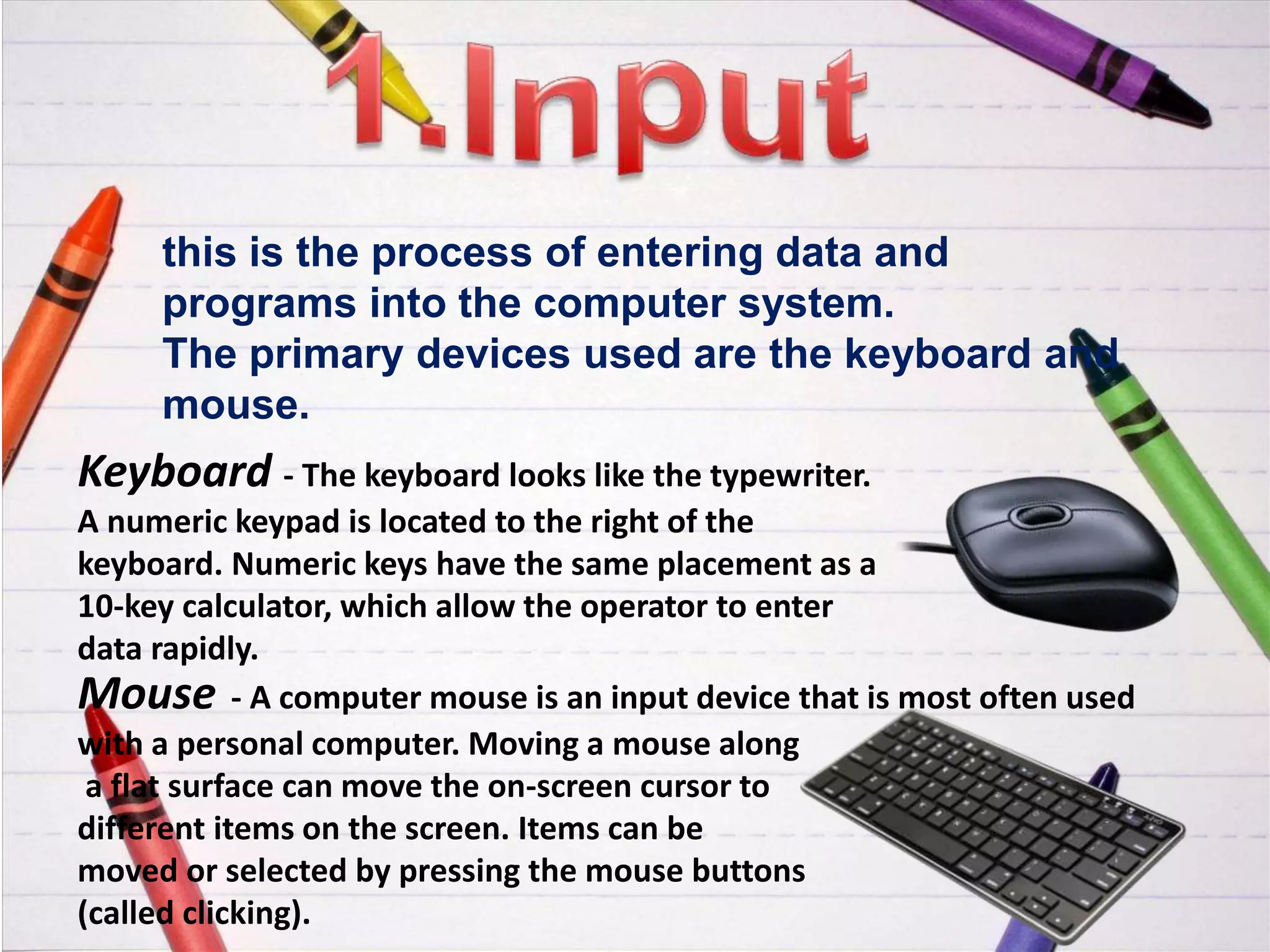
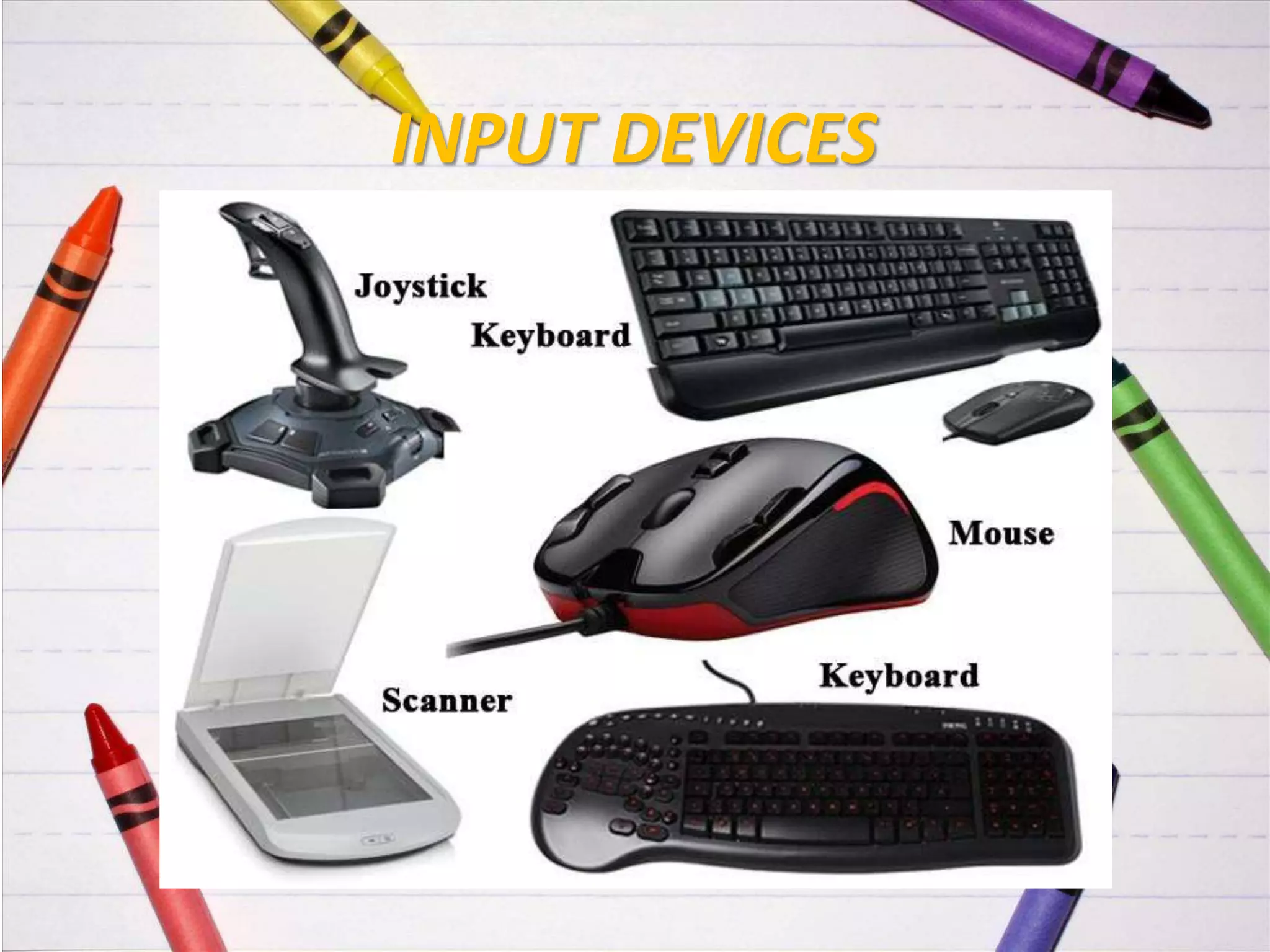
this is the process of entering data and
programs into the computer system.
The primary devices used are the keyboard and
mouse.
Keyboard - The keyboard looks like the typewriter.
A numeric keypad is located to the right of the
keyboard. Numeric keys have the same placement as a
10-key calculator, which allow the operator to enter
data rapidly.
Mouse - A computer mouse is an input device that is most often used
with a personal computer. Moving a mouse along
a flat surface can move the on-screen cursor to
different items on the screen. Items can be
moved or selected by pressing the mouse buttons
(called clicking).
MOUSE
KEYBOARD
INPUT DEVICES
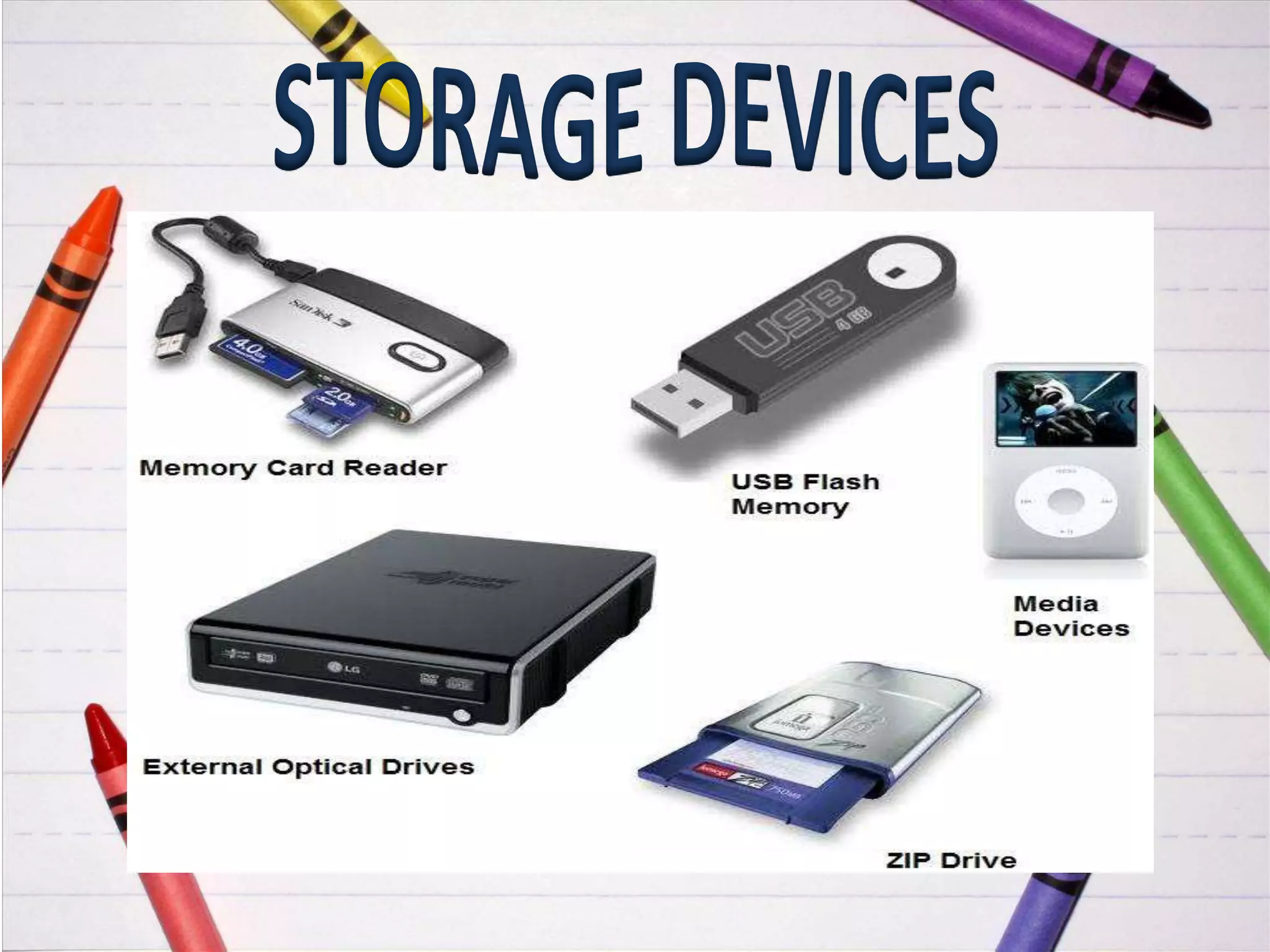
Storage devices are both input and
output devices in one. A storage device
is a place to keep data that has been
processed so that it can be retrieved at a
later time to be used again.
Hard Disk
Floppy Disk
CD’s, DVD’s
Magnetic Tape
Flash Memory, Jump Drive
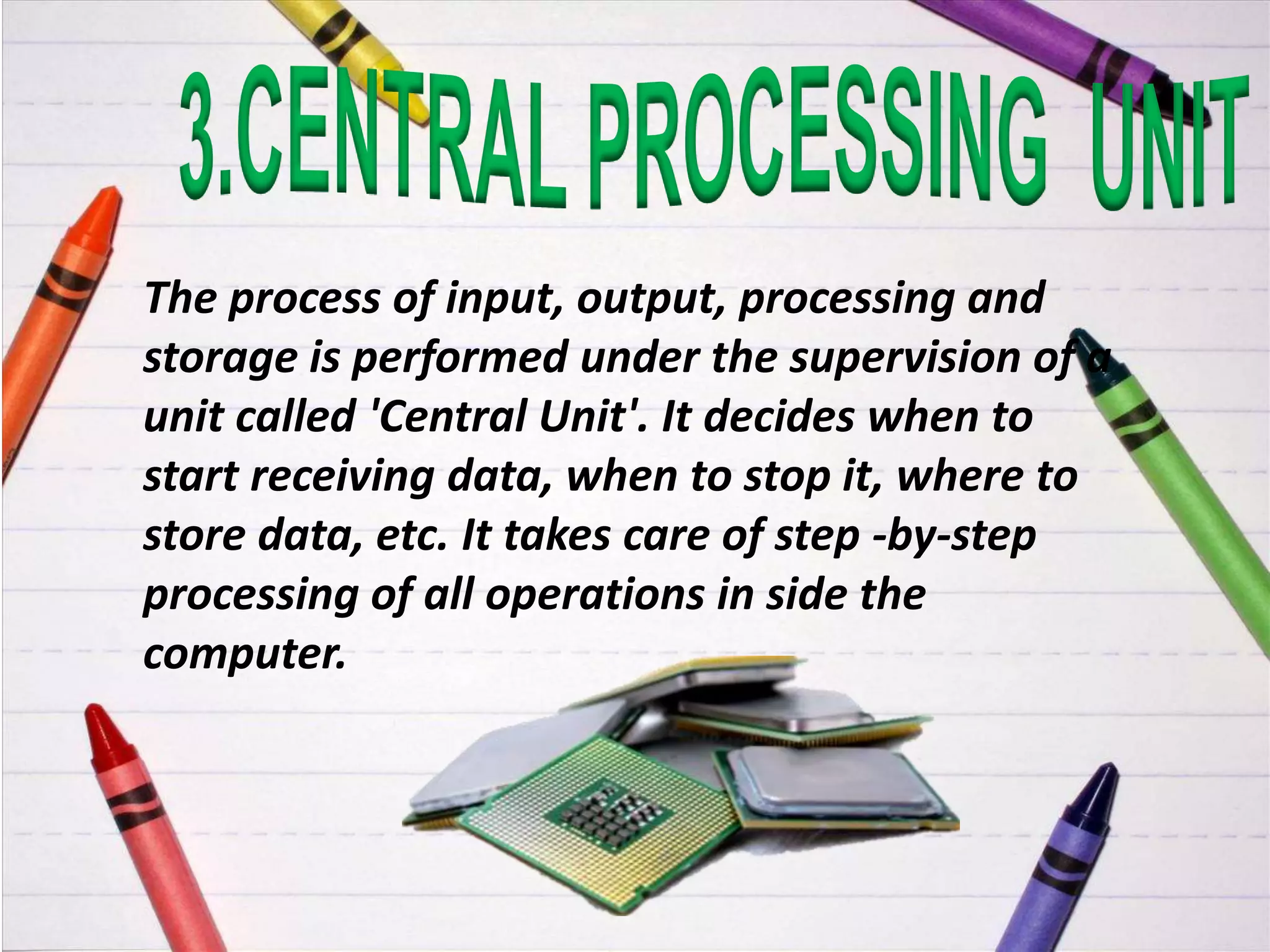
The process of input, output, processing and
storage is performed under the supervision of a
unit called 'Central Unit'. It decides when to
start receiving data, when to stop it, where to
store data, etc. It takes care of step -by-step
processing of all operations in side the
computer.
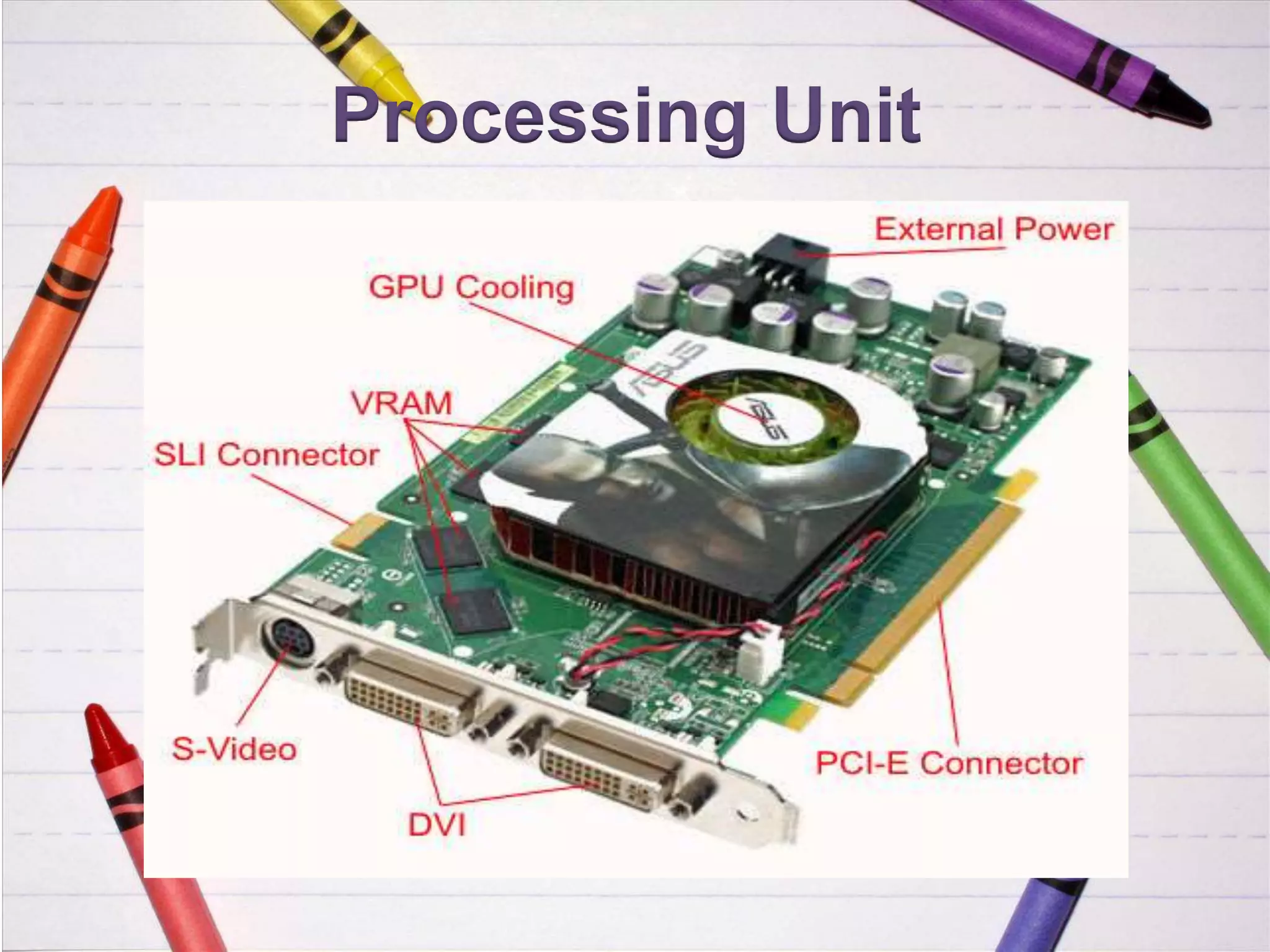
Processing Unit
This is the process of producing results from
the data for getting useful information. The
ALU and the CU of a computer system are
jointly known as the central processing unit
(CPU). You may call CPU as the brain of any
computer system.
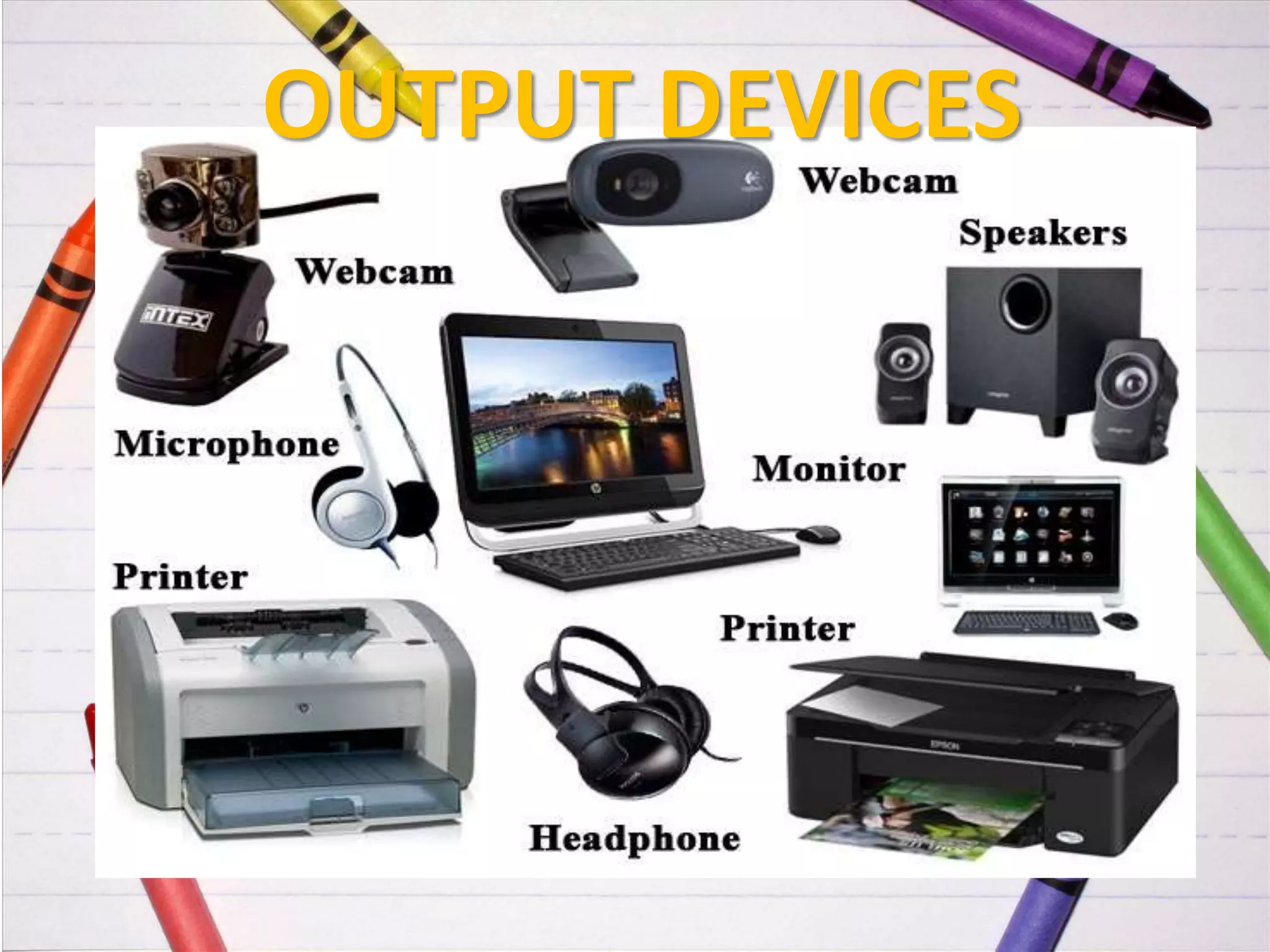
Example: Visual Dis play Unit (VDU), Printer,
Plotter, Floppy Disk Drive, Magnetic Disk Drive,
Speaker, Pen Drive, etc.
OUTPUT DEVICES
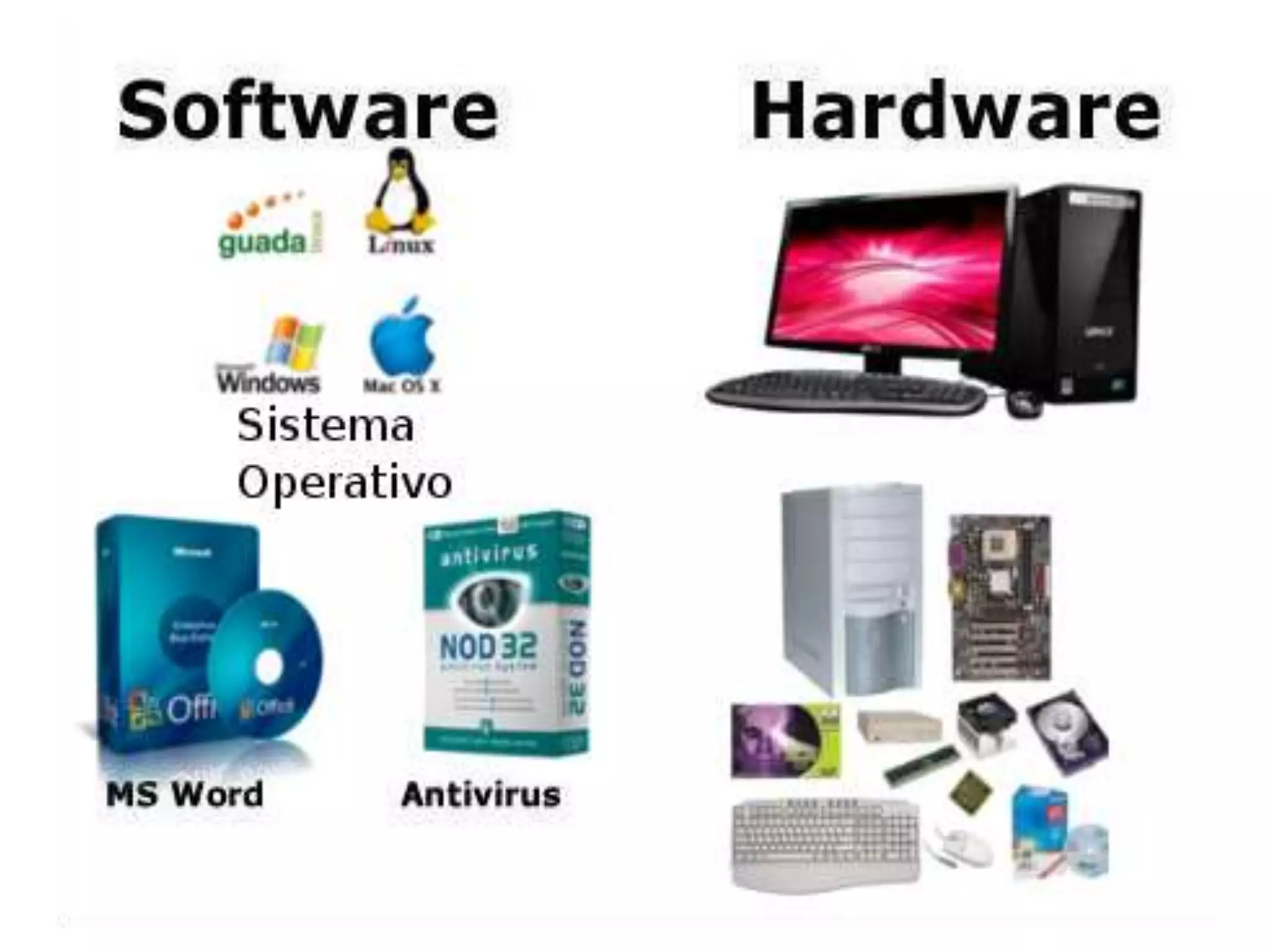
Software is the programs and applications that tell
the computer what to do and how to look.
Computer programmers write the
codes/instructions that make-up software
applications/programs.
HTML is a type of computer programming
language that allows programmers to make web
pages.
The next 2 slides show what HTML codes look like
and the web page the codes produce.
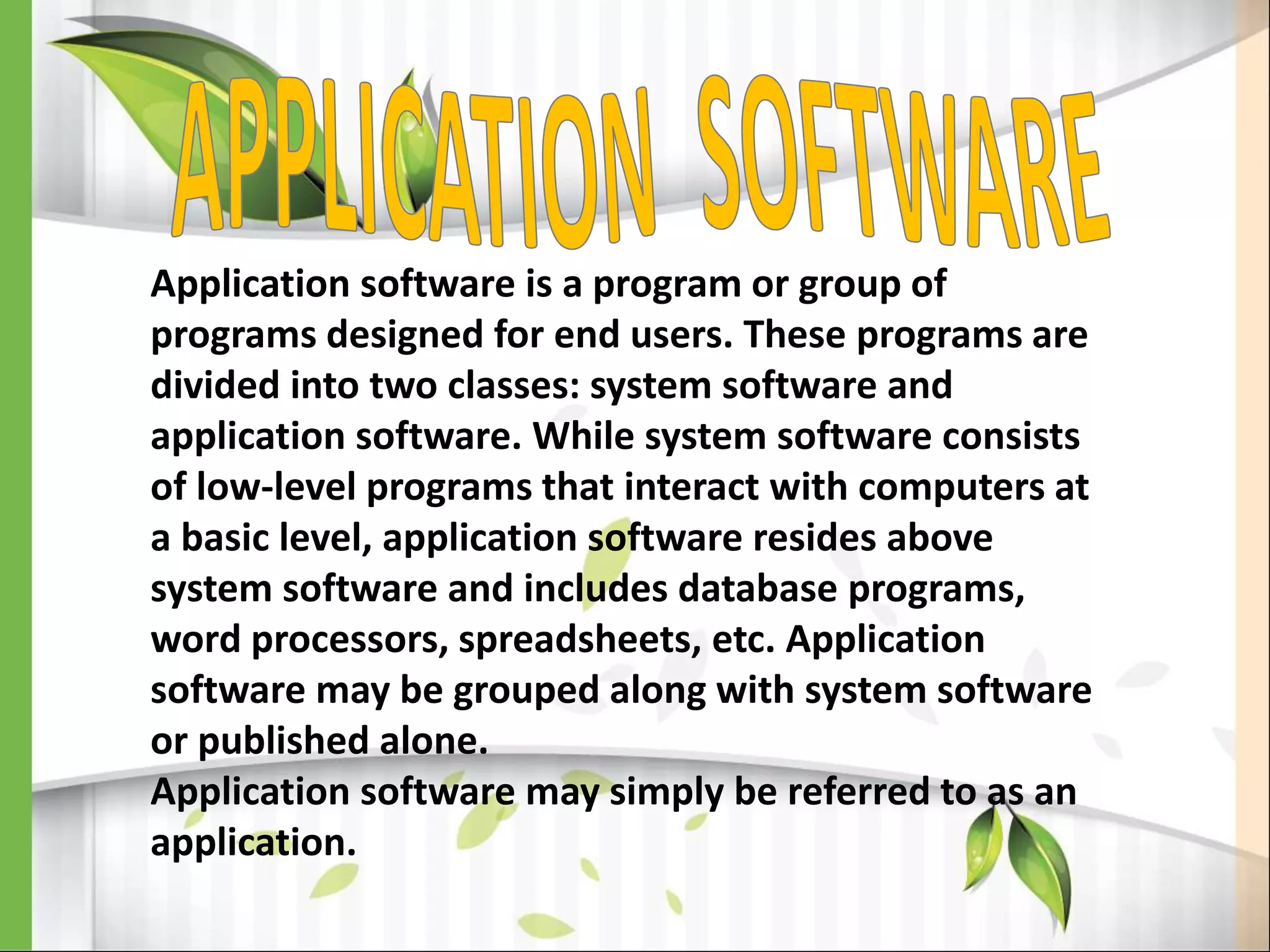
1.APPLICATION SOFTWARE
2.SYSTEM SOFTWARE
Application software is a program or group of
programs designed for end users. These programs are
divided into two classes: system software and
application software. While system software consists
of low-level programs that interact with computers at
a basic level, application software resides above
system software and includes database programs,
word processors, spreadsheets, etc. Application
software may be grouped along with system software
or published alone.
Application software may simply be referred to as an
application.
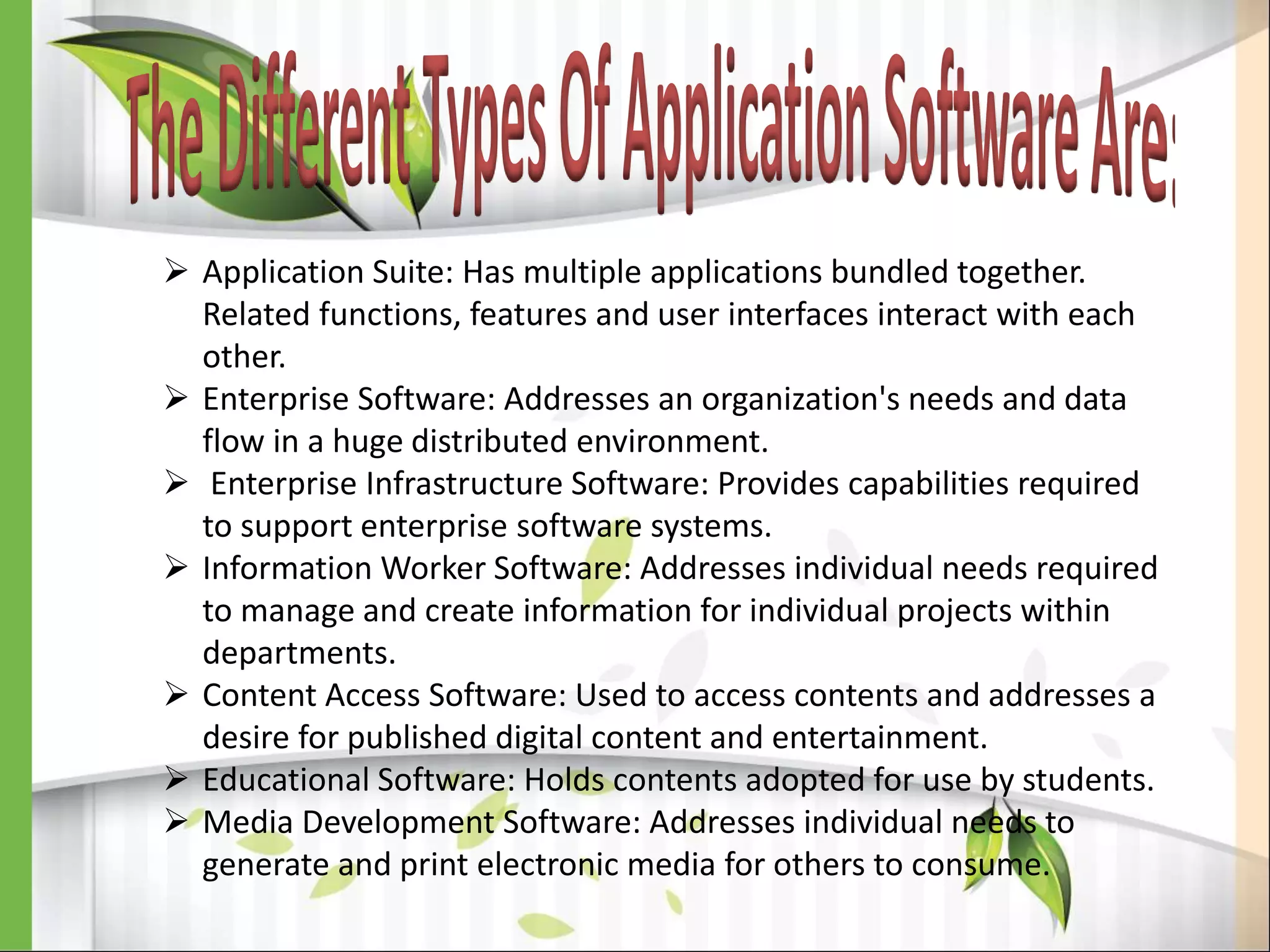
 Application Suite: Has multiple applications bundled together.
Related functions, features and user interfaces interact with each
other.
 Enterprise Software: Addresses an organization's needs and data
flow in a huge distributed environment.
 Enterprise Infrastructure Software: Provides capabilities required
to support enterprise software systems.
 Information Worker Software: Addresses individual needs required
to manage and create information for individual projects within
departments.
 Content Access Software: Used to access contents and addresses a
desire for published digital content and entertainment.
 Educational Software: Holds contents adopted for use by students.
 Media Development Software: Addresses individual needs to
generate and print electronic media for others to consume.
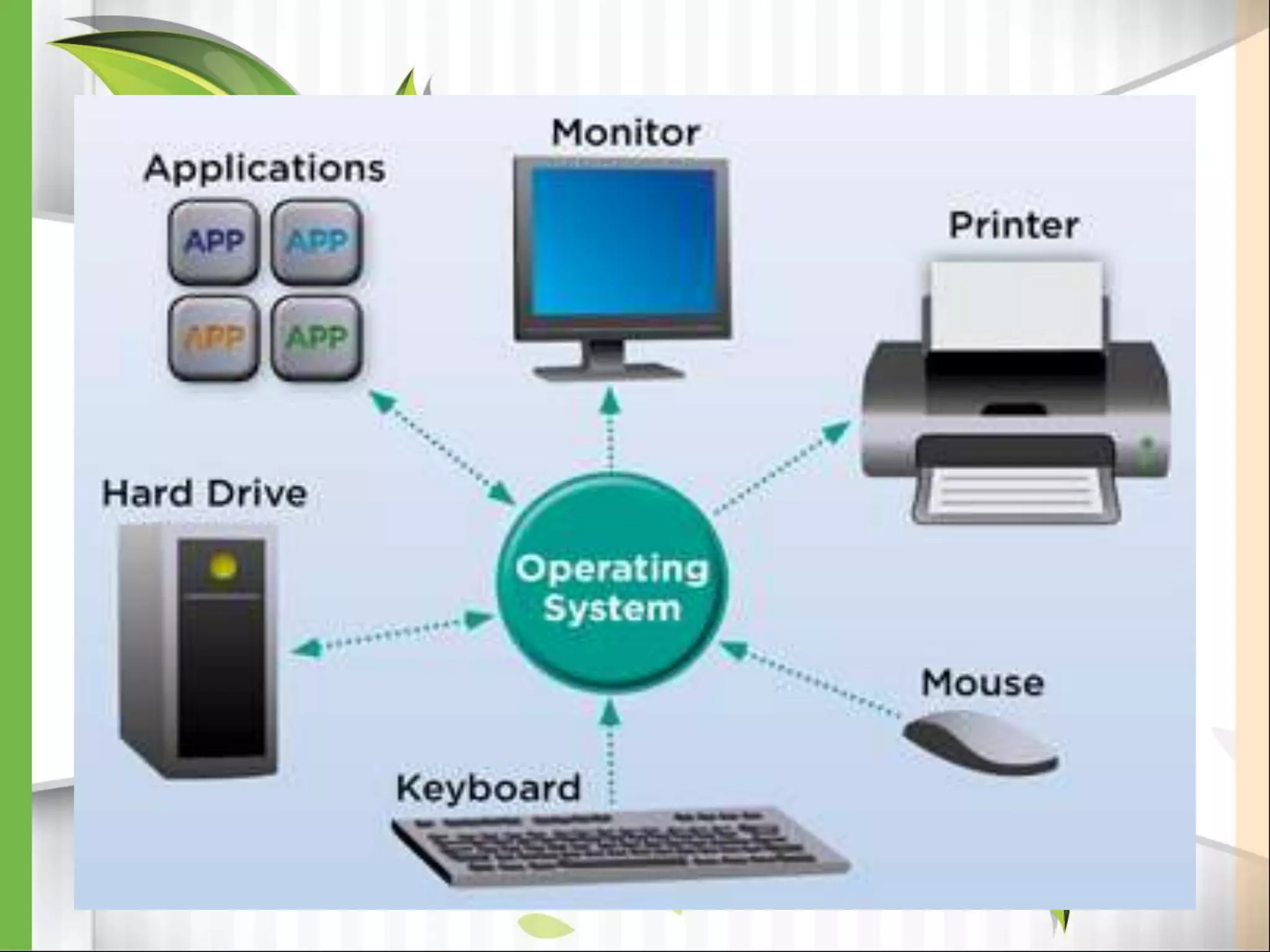
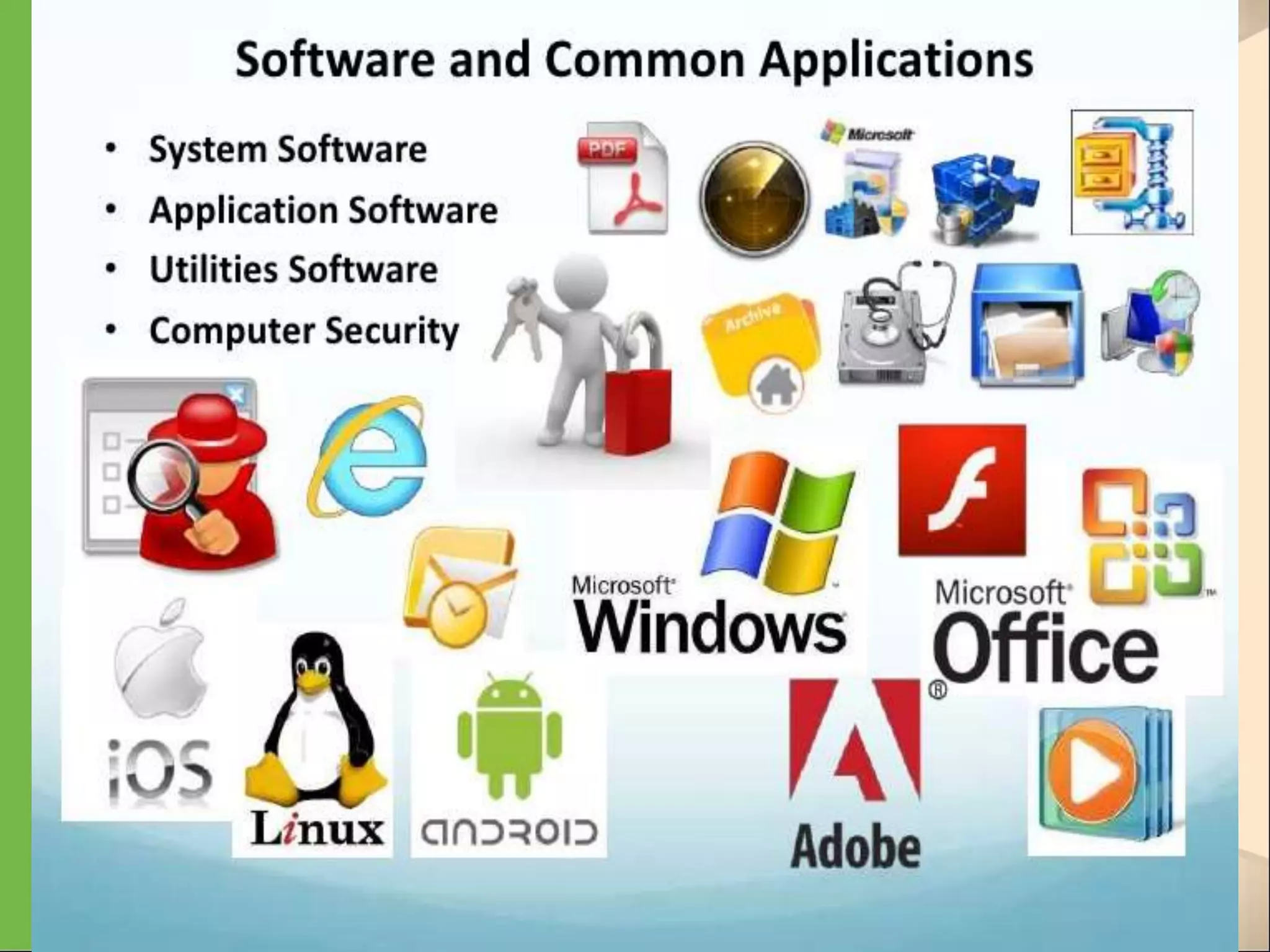
Systems software includes the programs that are
dedicated to managing the computer itself, such as
the operating system, file management utilities, and
disk operating system (or DOS). The operating system
manages the computer hardware resources in addition
to applications and data. Without systems software
installed in our computers we would have to type the
instructions for everything we wanted the computer to
do!
Examples would be:
DOS, Windows 95, 98, ME, NT, XP,
Vista, Windows 7
Unix, Linux,
MAC system OS 6,7,8,9,10
Command Line Operating Systems
DOS is an example of a command line operating
system.
On the next slide, Notice that there are no:
Icons (pictures)
Colors
Mouse Pointer
Buttons
You have to memorize commands in order to use
this text based operating system.
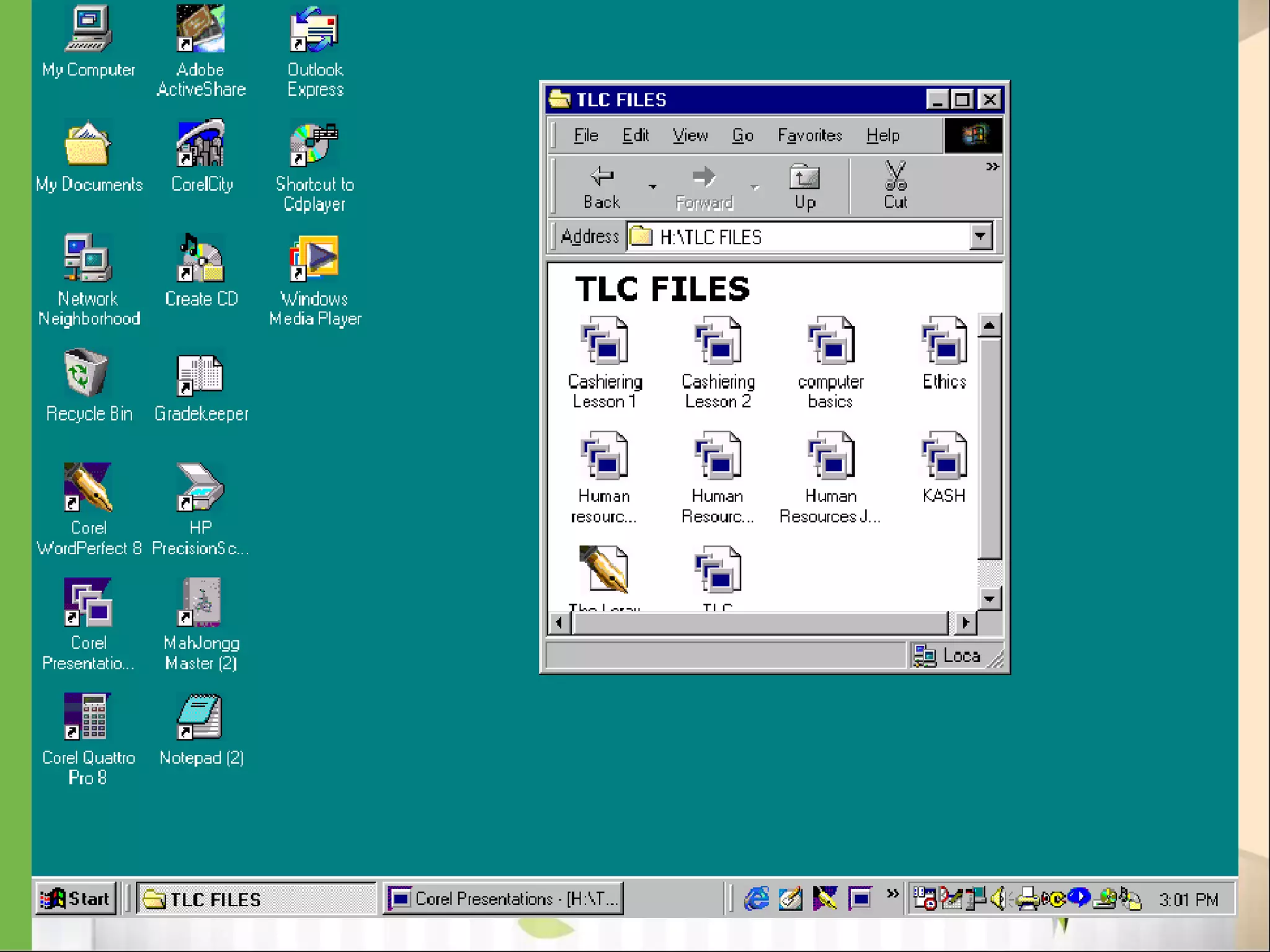
Operating Systems: GUI
GUI stands for Graphical User Interface
Uses pictures (icons) to represent files, folders,
disk drives, modems, printers, etc.
GUI’s were created to make using a computer
easier, more interesting, non-threatening to
inexperienced users.
A mouse allows users to point at something and
click to make it work. With command line you
have to have all of the commands to make your
programs work. Here is an example of a GUI
 Notepad
WordPad
MS OFFICE 2010, 2013 [ Word, Excel,
Power Point]
Internet [Gmail, Facebook, Twitter]
Online Form Filling
Bill paying, Mobile Recharge,
Shopping
[LinkedIn, Printer rest]
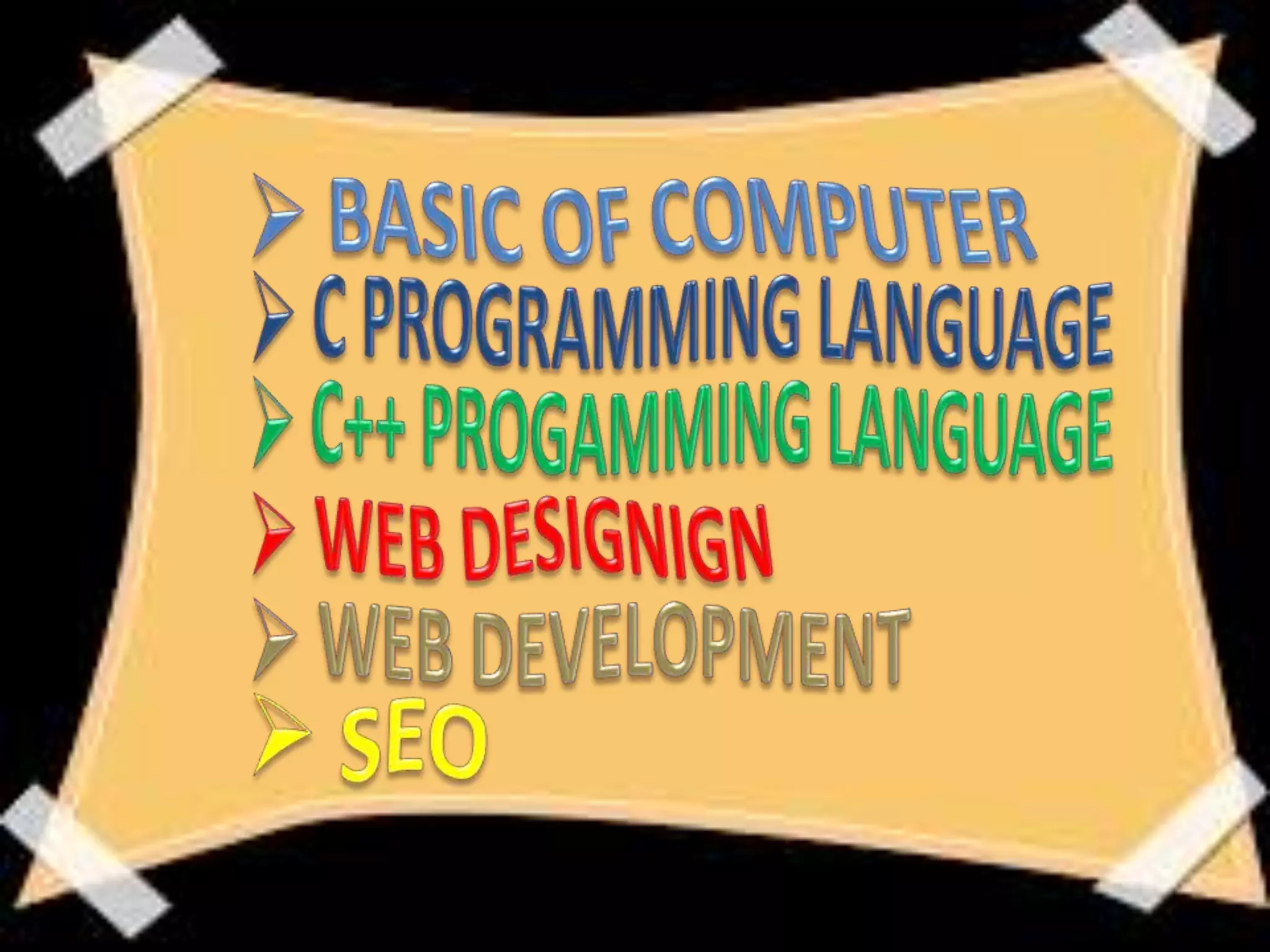
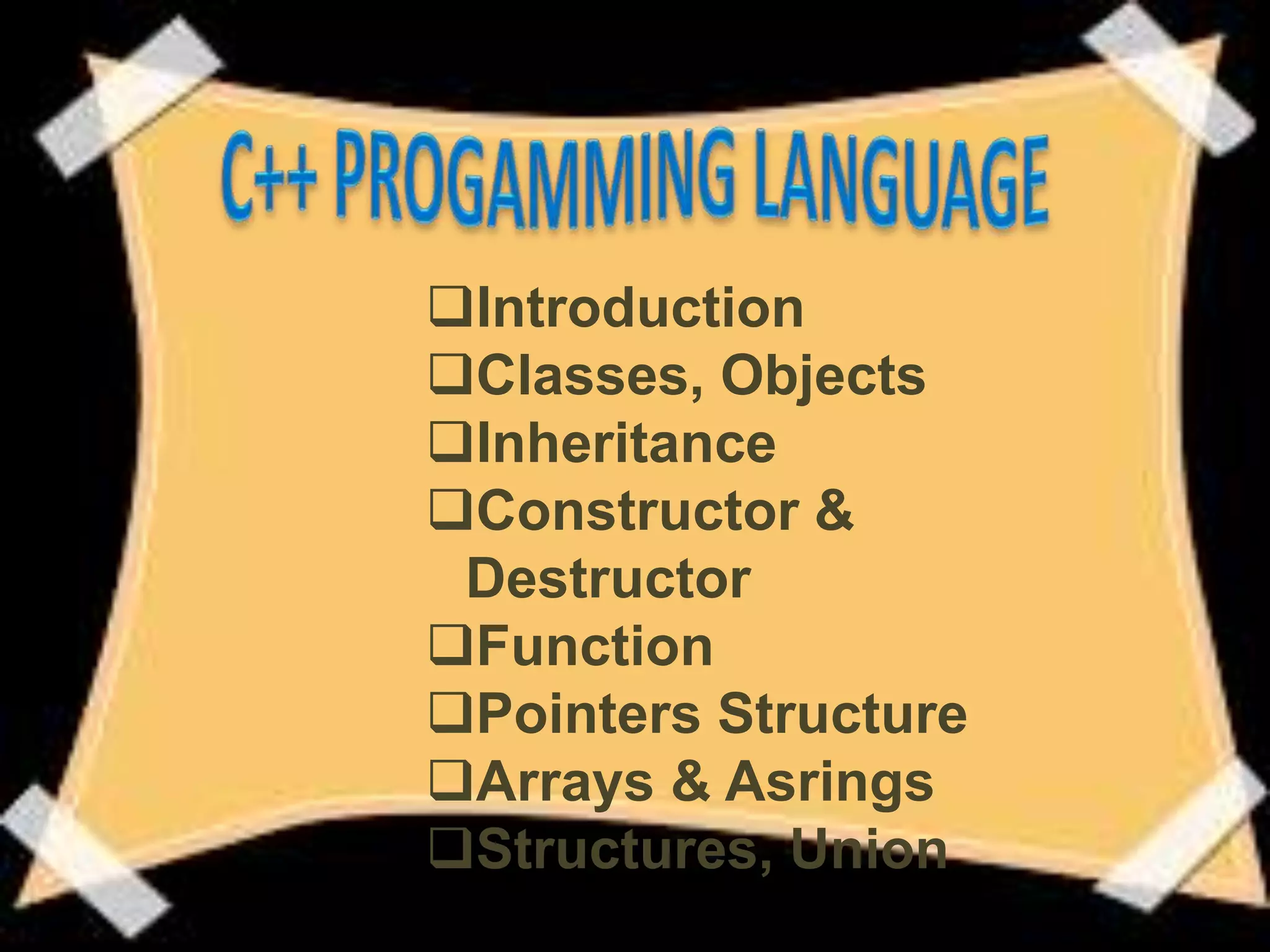
Introduction
Function
Control
Statements
Arrays &
Strings
Pointers,
Structure &
Introduction
Classes, Objects
Inheritance
Constructor &
Destructor
Function
Pointers Structure
Arrays & Asrings
Structures, Union
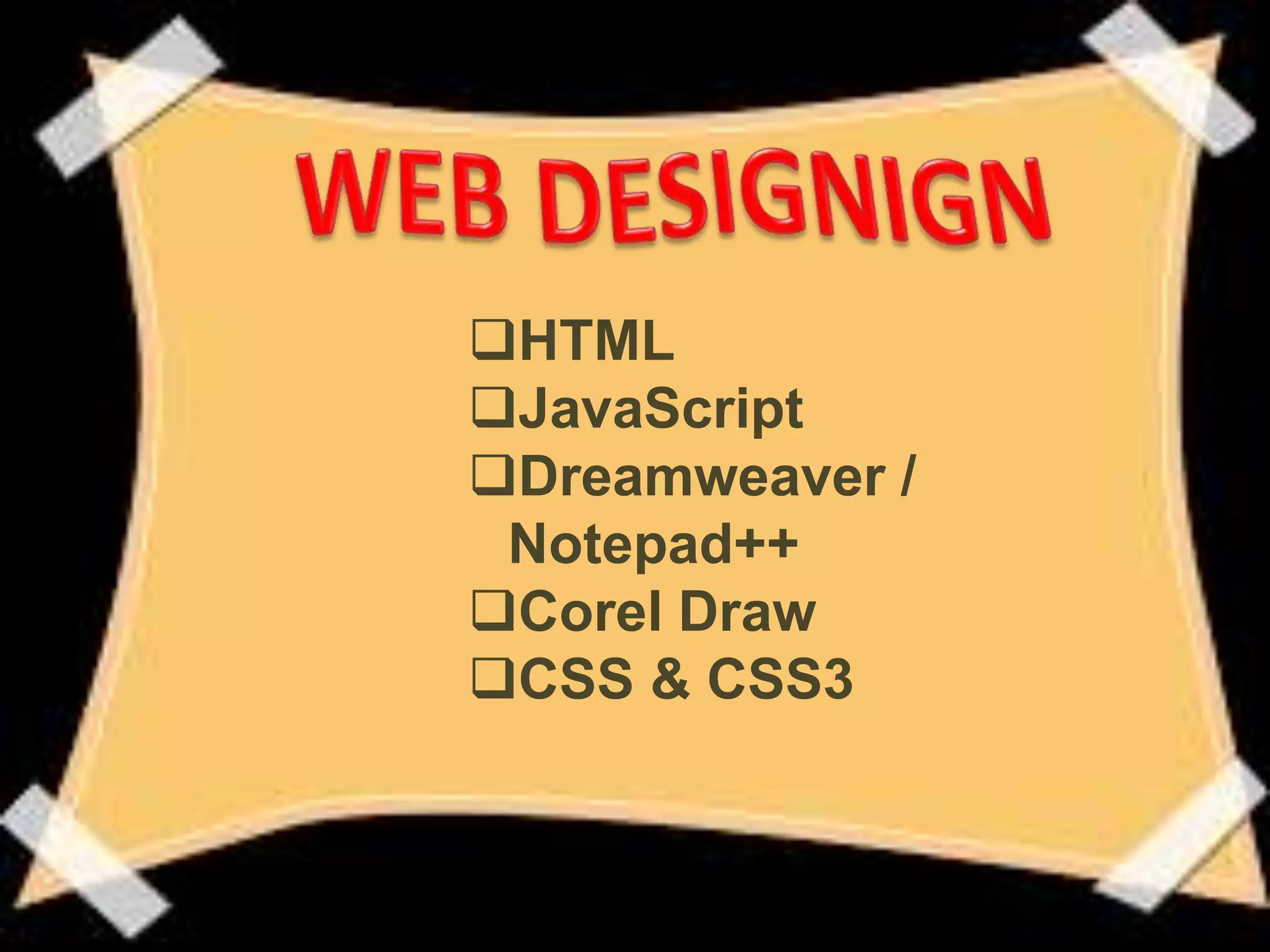
HTML
JavaScript
Dreamweaver /
Notepad++
Corel Draw
CSS & CSS3
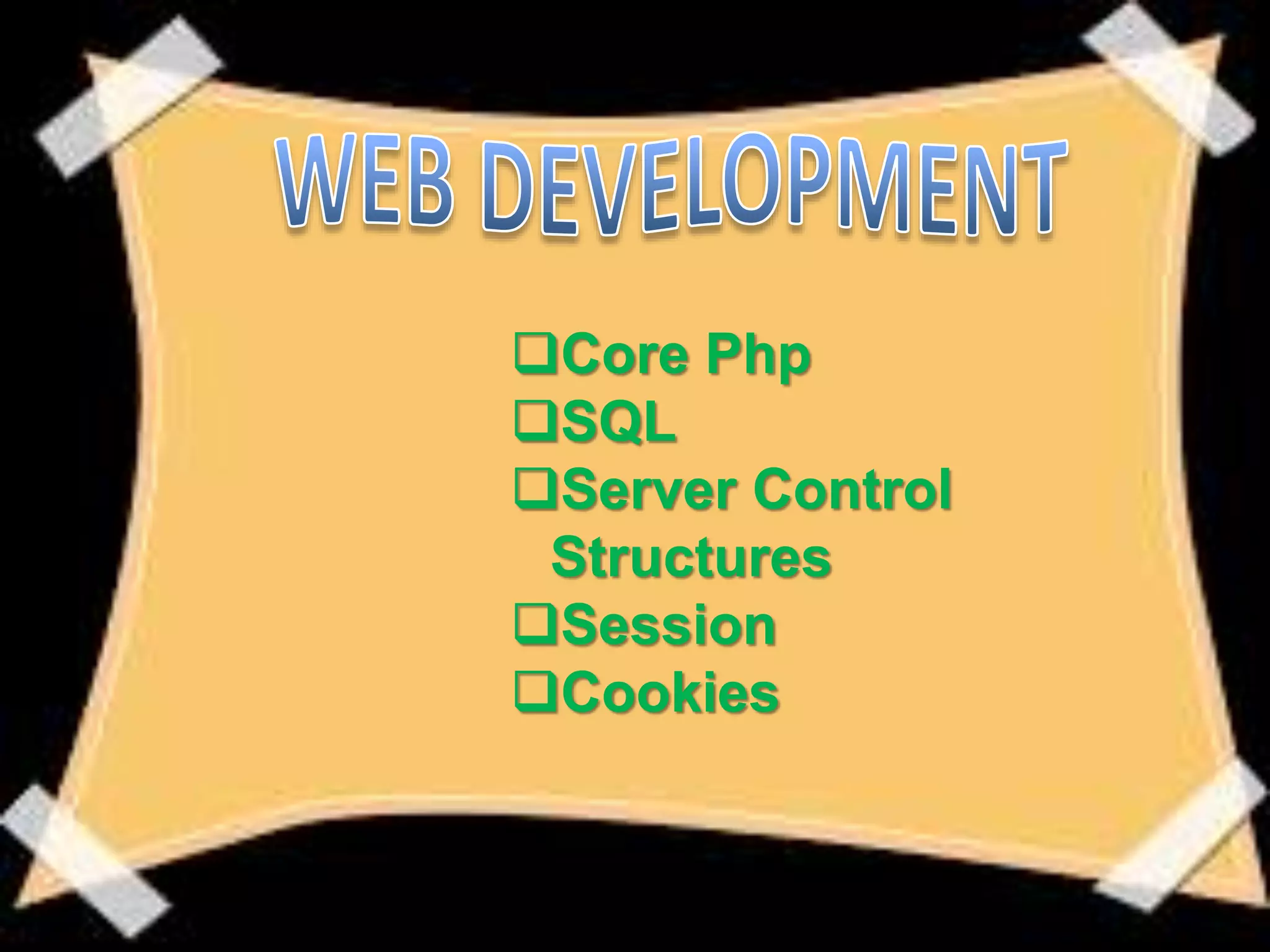
Core Php
SQL
Server Control
Structures
Session
Cookies
Server Uploading
Working on (Responsive, Creative,
E-Commerce Website)
Title Meta Tag
External Links
Official Blogs
Web 2.0 Blogs
Search Engine Basic
Keyword Research
Best On-Page SEO Tricks
Role of Word Press
Domain Selection
Social media Importance
Anchor Text Messages
Black Hat Vs White Hat
Local Place
Address: SCO 15, Dayal Bagh,
Near Hanuman
Mandir,
Ambala Cantt- 133001
Haryana
Ph. No.: 9729666670, 4000670
Email-ID:
info.jatinbatra@gmail.com
Website:
BasicComputer Training in Ambala ! BATRA COMPUTER CENTRE

BasicComputer Training in Ambala ! BATRA COMPUTER CENTRE

  • 1.
    ISO Certified 9001:2008 Website:www.batracomputercentre.com Ph.no.: 9729666670 Email ID : info.jatinbatra@gmail.com
  • 3.
    • Computer hardwareis made up of the equipment used to make up you computer unit. These parts include your monitor, central processing unit (CPU), keyboard, mouse, printer, and modem. The computer is an electronic machine that performs the following four general operations: Input.
  • 4.
    MONITOR MOUSE KEYBOARD CPU Computer is anelectronic device that is designed to work with Information. The term computer is derived from the Latin term ‘computer’, this means to calculate or programma ble machine. Computer can not do anything without a Program. It represents the decimal
  • 5.
  • 8.
    Computers are useddaily in schools, hospitals, banks, government offices and many other businesses. In addition, individuals use computers daily to communicate by means of social media.
  • 17.
    A supercomputer isa computer that performs at or near the currently highest operational rate for computers. Traditionally, supercomputers have been used for scientific and engineering applications that must handle very large databases or do a great amount of computation (or both). Although advances like multi-core processors and GPGPUs (general- purpose graphics processing units) have enabled powerful machines for personal use
  • 18.
    A data processingsystem employed mainly in large organizations for various applications, including bulk data processing, process control, industry and consumer statistics, enterprise resource planning, and financial transaction processing. Mainframes use proprietary operating systems, most of which are based on Unix, and a growing number on Linux. Over the years they have evolved from being room-sized to networked configurations of workstations and servers that are an extremely
  • 19.
    A minicomputer fillsthe space between the mainframe and microcomputer, and is smaller than the former but larger than the latter. Minicomputers are mainly used as small or midrange servers operating business and scientific applications. However, the use of the term minicomputer has diminished and has merged with servers.
  • 20.
    A microcomputer isa complete computer on a smaller scale and is generally a synonym for the more common term, personal computer or PC , a computer designed for an individual. A microcomputer contains a microprocessor (a central processing unit on a microchip ), memory in the form of read-only memory and random access memory , I/O ports and a bus or system of interconnecting wires, housed in a unit that is usually called a motherboard .
  • 21.
    Our computers areon a network here at school...Look under the table and see the blue wires that connect your computer to the network. The computers are connected together using copper phone wires, fiber optic cables, or radio waves. The internet is many networks around the world that are all connected together to make 1 huge network. A network is a group of computers that share information and hardware.
  • 24.
    Computer hardware ismade up of the equipment used to make up you computer unit. These parts include your monitor, central processing unit (CPU), keyboard, mouse, printer, and modem. The computer is an electronic machine that performs the following four general operations: Input Storage Control Processing Unit Output.
  • 25.
    this is theprocess of entering data and programs into the computer system. The primary devices used are the keyboard and mouse. Keyboard - The keyboard looks like the typewriter. A numeric keypad is located to the right of the keyboard. Numeric keys have the same placement as a 10-key calculator, which allow the operator to enter data rapidly. Mouse - A computer mouse is an input device that is most often used with a personal computer. Moving a mouse along a flat surface can move the on-screen cursor to different items on the screen. Items can be moved or selected by pressing the mouse buttons (called clicking).
  • 26.
  • 27.
  • 28.
  • 29.
    Storage devices areboth input and output devices in one. A storage device is a place to keep data that has been processed so that it can be retrieved at a later time to be used again. Hard Disk Floppy Disk CD’s, DVD’s Magnetic Tape Flash Memory, Jump Drive
  • 31.
    The process ofinput, output, processing and storage is performed under the supervision of a unit called 'Central Unit'. It decides when to start receiving data, when to stop it, where to store data, etc. It takes care of step -by-step processing of all operations in side the computer.
  • 32.
  • 33.
    This is theprocess of producing results from the data for getting useful information. The ALU and the CU of a computer system are jointly known as the central processing unit (CPU). You may call CPU as the brain of any computer system. Example: Visual Dis play Unit (VDU), Printer, Plotter, Floppy Disk Drive, Magnetic Disk Drive, Speaker, Pen Drive, etc.
  • 34.
  • 35.
    Software is theprograms and applications that tell the computer what to do and how to look. Computer programmers write the codes/instructions that make-up software applications/programs. HTML is a type of computer programming language that allows programmers to make web pages. The next 2 slides show what HTML codes look like and the web page the codes produce.
  • 37.
  • 38.
    Application software isa program or group of programs designed for end users. These programs are divided into two classes: system software and application software. While system software consists of low-level programs that interact with computers at a basic level, application software resides above system software and includes database programs, word processors, spreadsheets, etc. Application software may be grouped along with system software or published alone. Application software may simply be referred to as an application.
  • 40.
     Application Suite:Has multiple applications bundled together. Related functions, features and user interfaces interact with each other.  Enterprise Software: Addresses an organization's needs and data flow in a huge distributed environment.  Enterprise Infrastructure Software: Provides capabilities required to support enterprise software systems.  Information Worker Software: Addresses individual needs required to manage and create information for individual projects within departments.  Content Access Software: Used to access contents and addresses a desire for published digital content and entertainment.  Educational Software: Holds contents adopted for use by students.  Media Development Software: Addresses individual needs to generate and print electronic media for others to consume.
  • 41.
    Systems software includesthe programs that are dedicated to managing the computer itself, such as the operating system, file management utilities, and disk operating system (or DOS). The operating system manages the computer hardware resources in addition to applications and data. Without systems software installed in our computers we would have to type the instructions for everything we wanted the computer to do!
  • 42.
    Examples would be: DOS,Windows 95, 98, ME, NT, XP, Vista, Windows 7 Unix, Linux, MAC system OS 6,7,8,9,10
  • 43.
    Command Line OperatingSystems DOS is an example of a command line operating system. On the next slide, Notice that there are no: Icons (pictures) Colors Mouse Pointer Buttons You have to memorize commands in order to use this text based operating system.
  • 44.
    Operating Systems: GUI GUIstands for Graphical User Interface Uses pictures (icons) to represent files, folders, disk drives, modems, printers, etc. GUI’s were created to make using a computer easier, more interesting, non-threatening to inexperienced users. A mouse allows users to point at something and click to make it work. With command line you have to have all of the commands to make your programs work. Here is an example of a GUI
  • 50.
     Notepad WordPad MS OFFICE2010, 2013 [ Word, Excel, Power Point] Internet [Gmail, Facebook, Twitter] Online Form Filling Bill paying, Mobile Recharge, Shopping [LinkedIn, Printer rest]
  • 51.
  • 52.
  • 53.
  • 54.
  • 55.
    Server Uploading Working on(Responsive, Creative, E-Commerce Website) Title Meta Tag External Links Official Blogs Web 2.0 Blogs
  • 56.
    Search Engine Basic KeywordResearch Best On-Page SEO Tricks Role of Word Press Domain Selection Social media Importance Anchor Text Messages Black Hat Vs White Hat Local Place
  • 58.
    Address: SCO 15,Dayal Bagh, Near Hanuman Mandir, Ambala Cantt- 133001 Haryana Ph. No.: 9729666670, 4000670 Email-ID: info.jatinbatra@gmail.com Website: