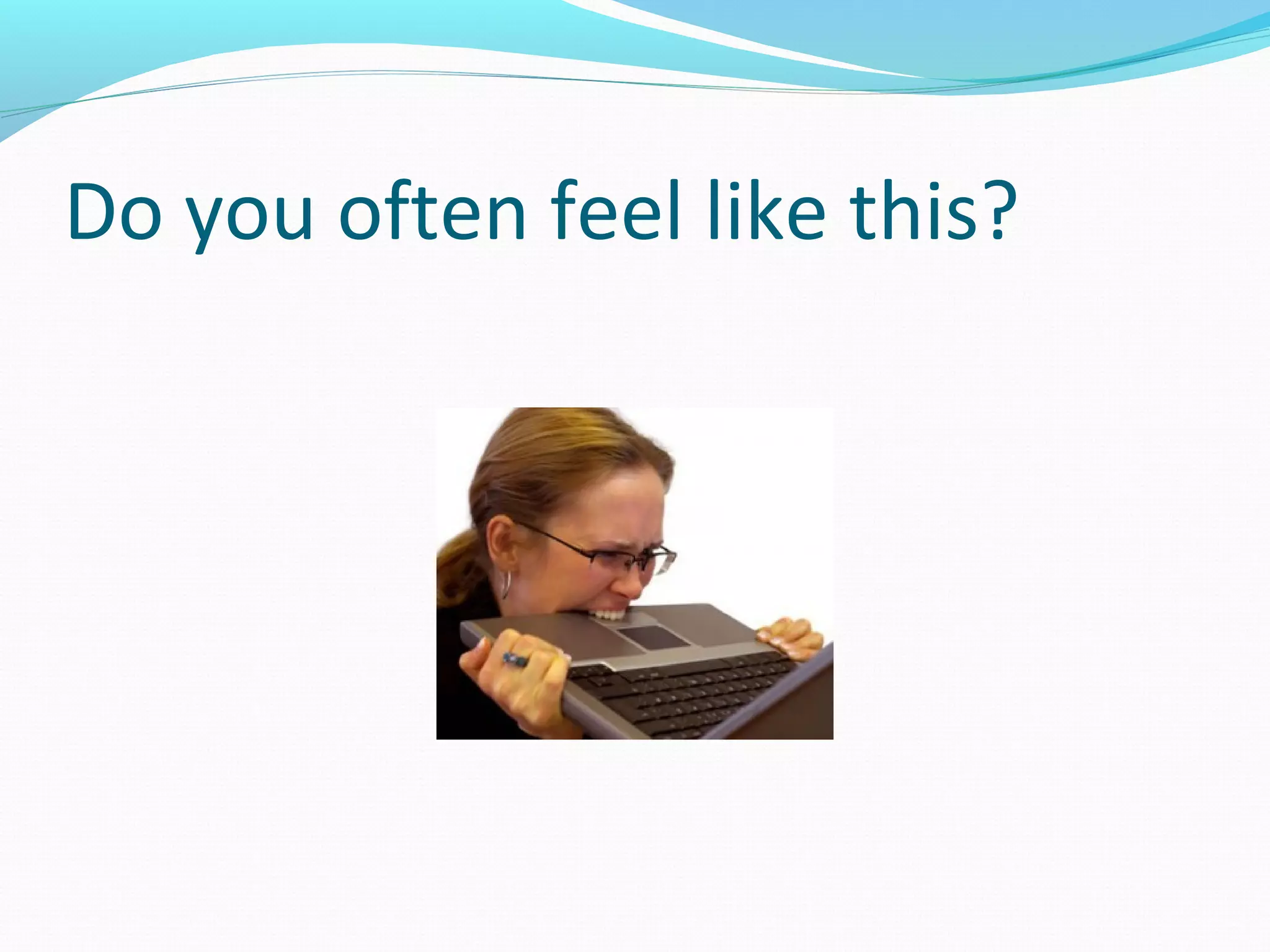
Do you often feel like this?
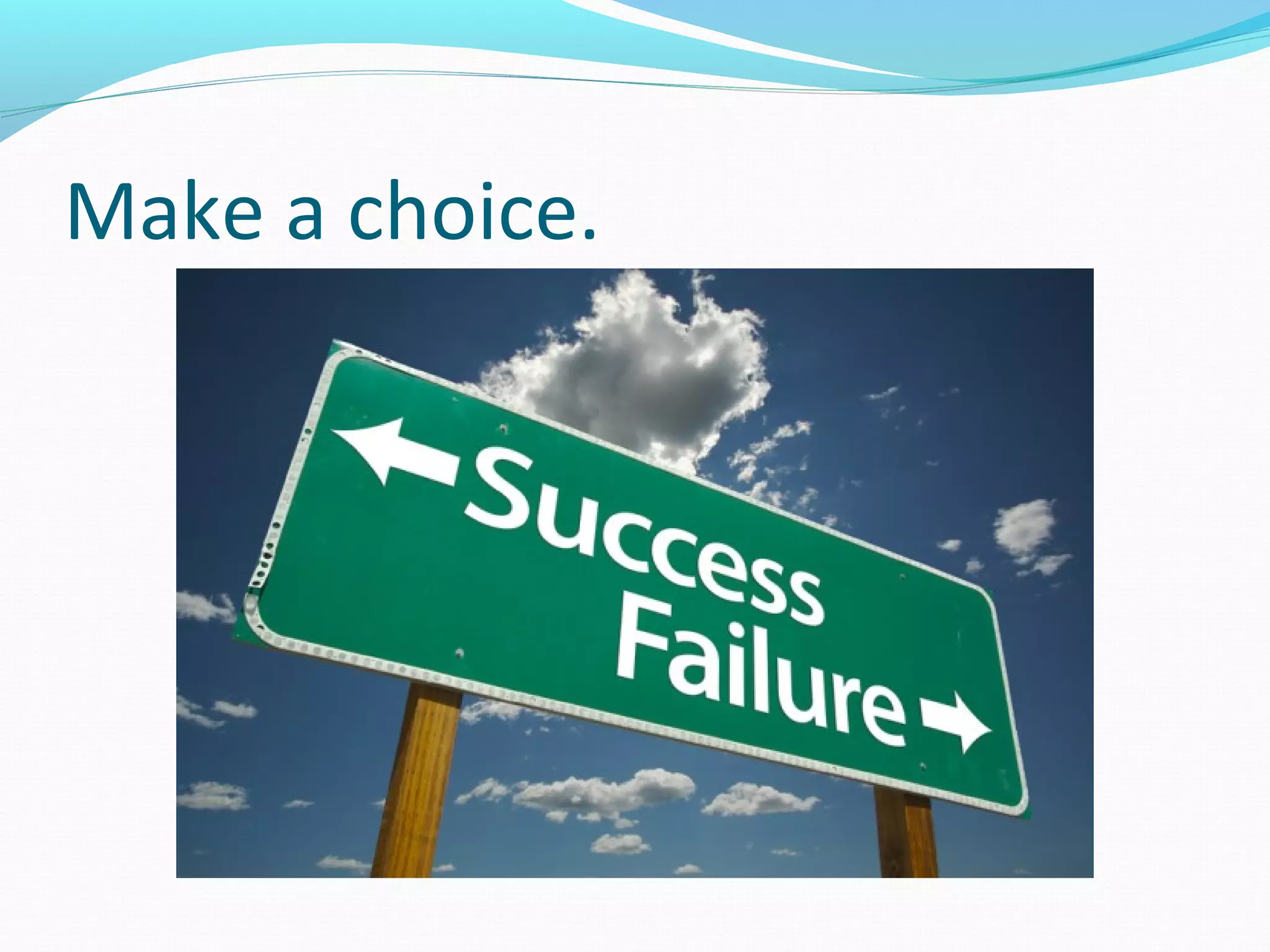
Make a choice.
Computers Have Two Main Parts
1. Computer Hardware
2. Computer Software
Physical parts of the computer system
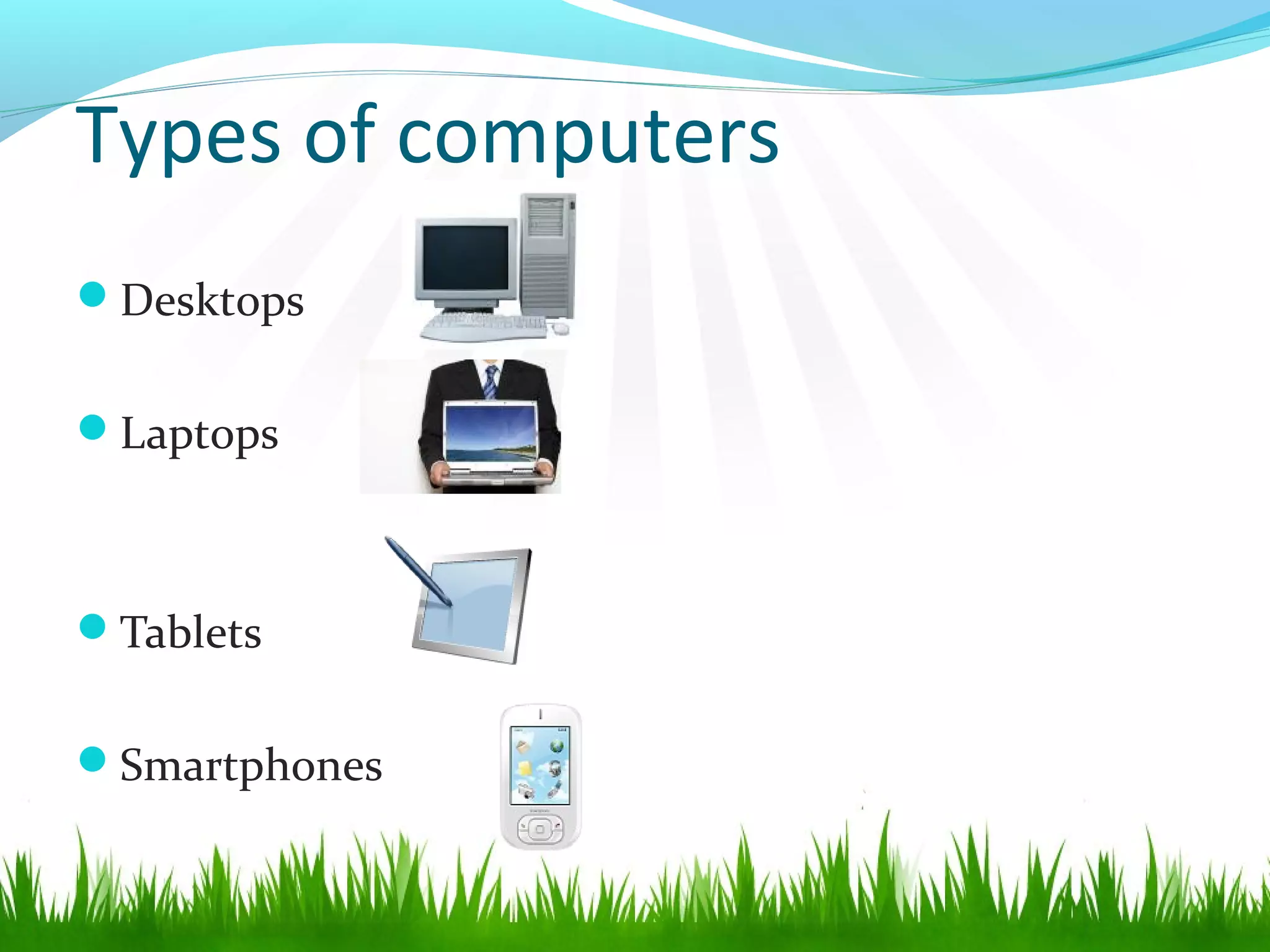
Types of computers
Desktops
Laptops
Tablets
Smartphones
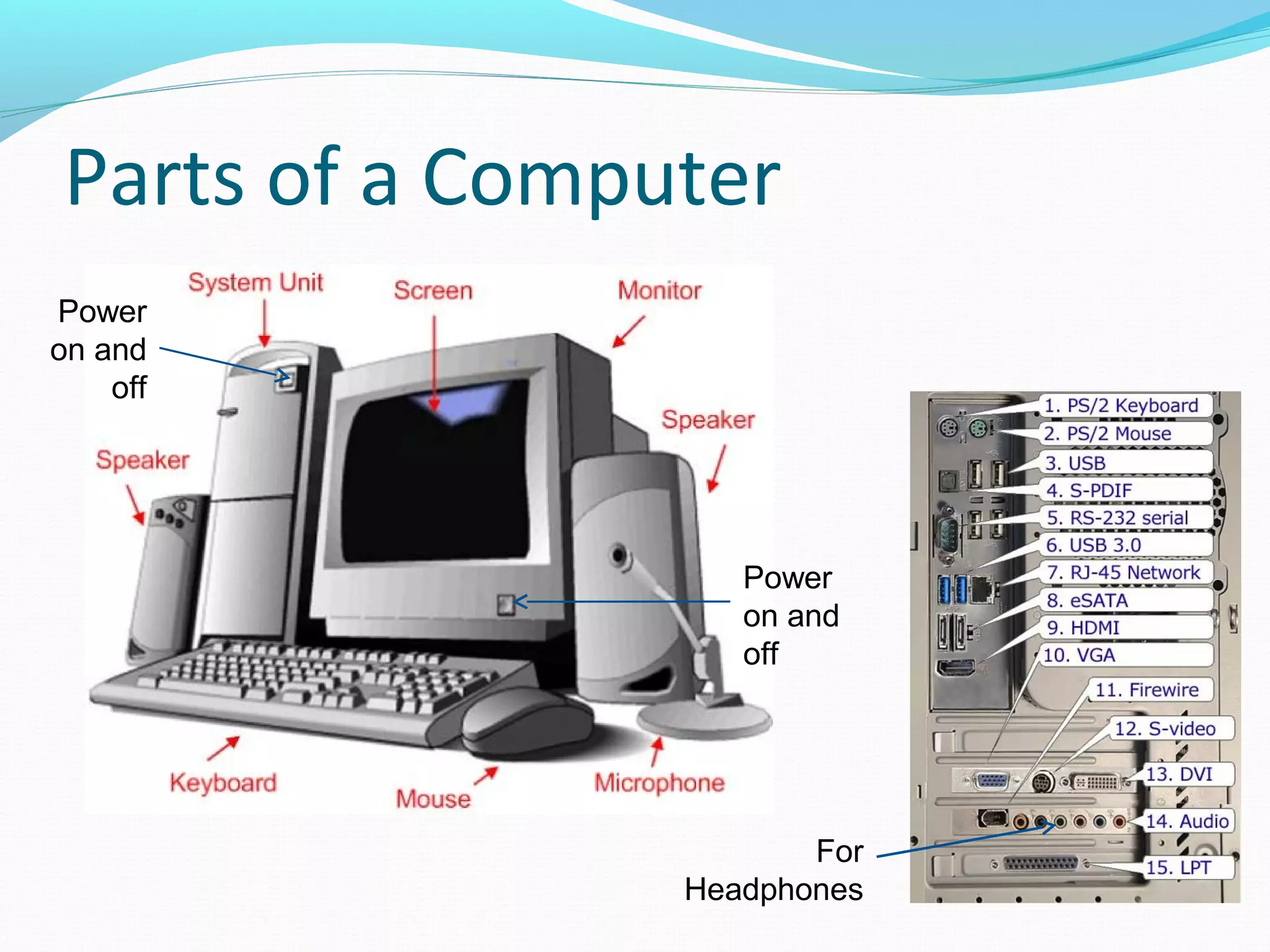
Parts of a Computer
Power
on and
off
Power
on and
off
For
Headphones
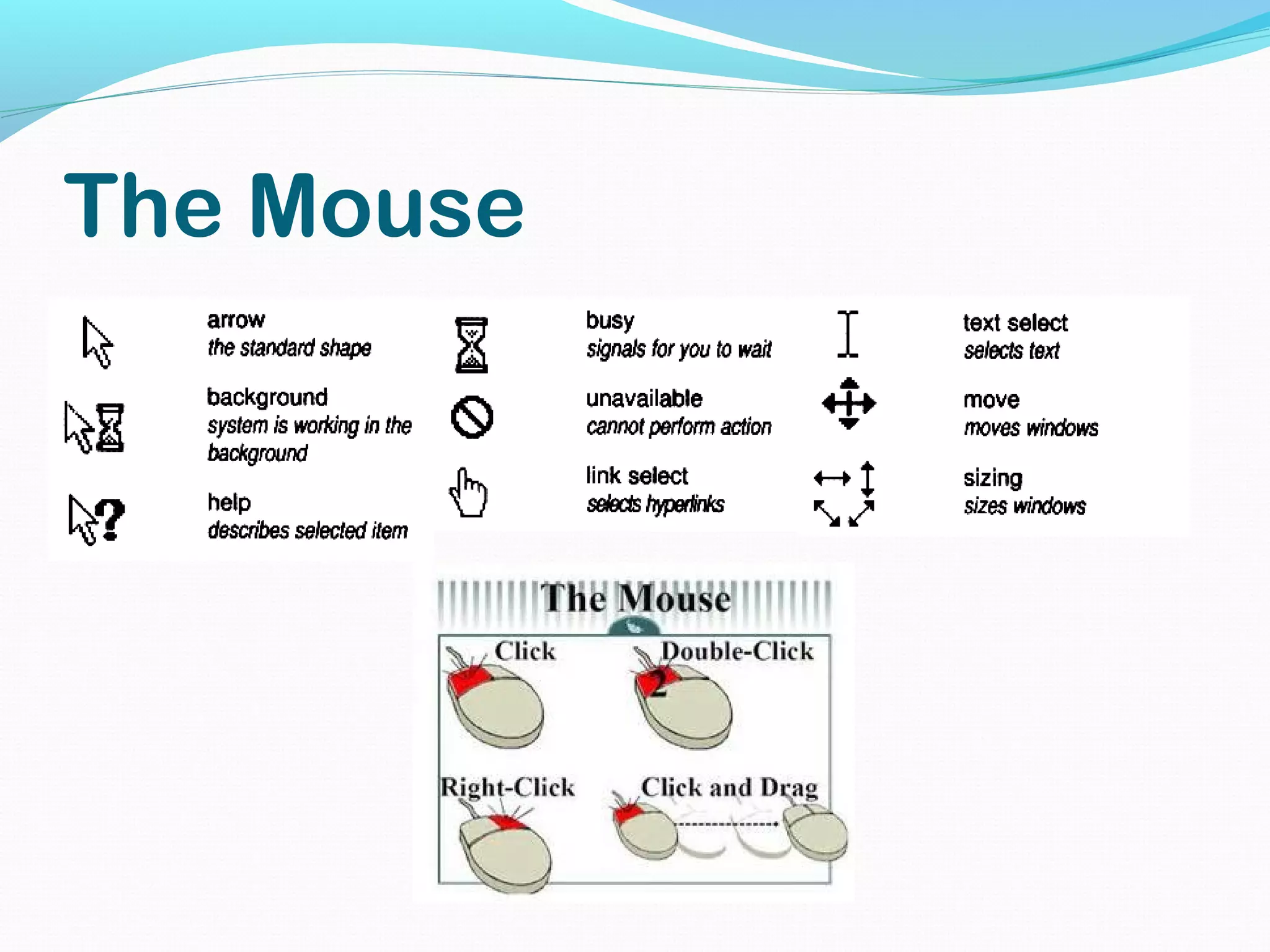
The Mouse
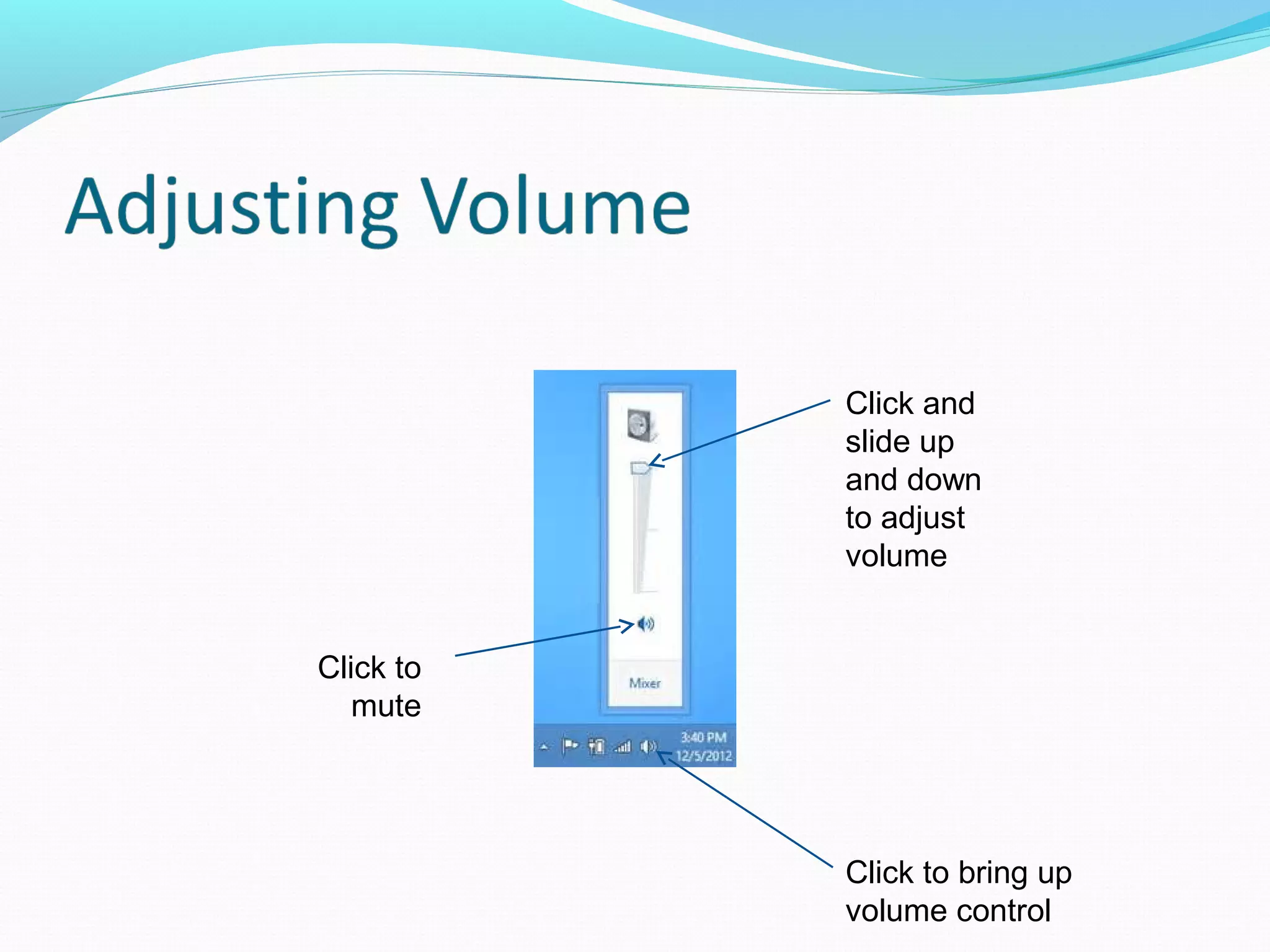
Click to
mute
Click and
slide up
and down
to adjust
volume
Click to bring up
volume control
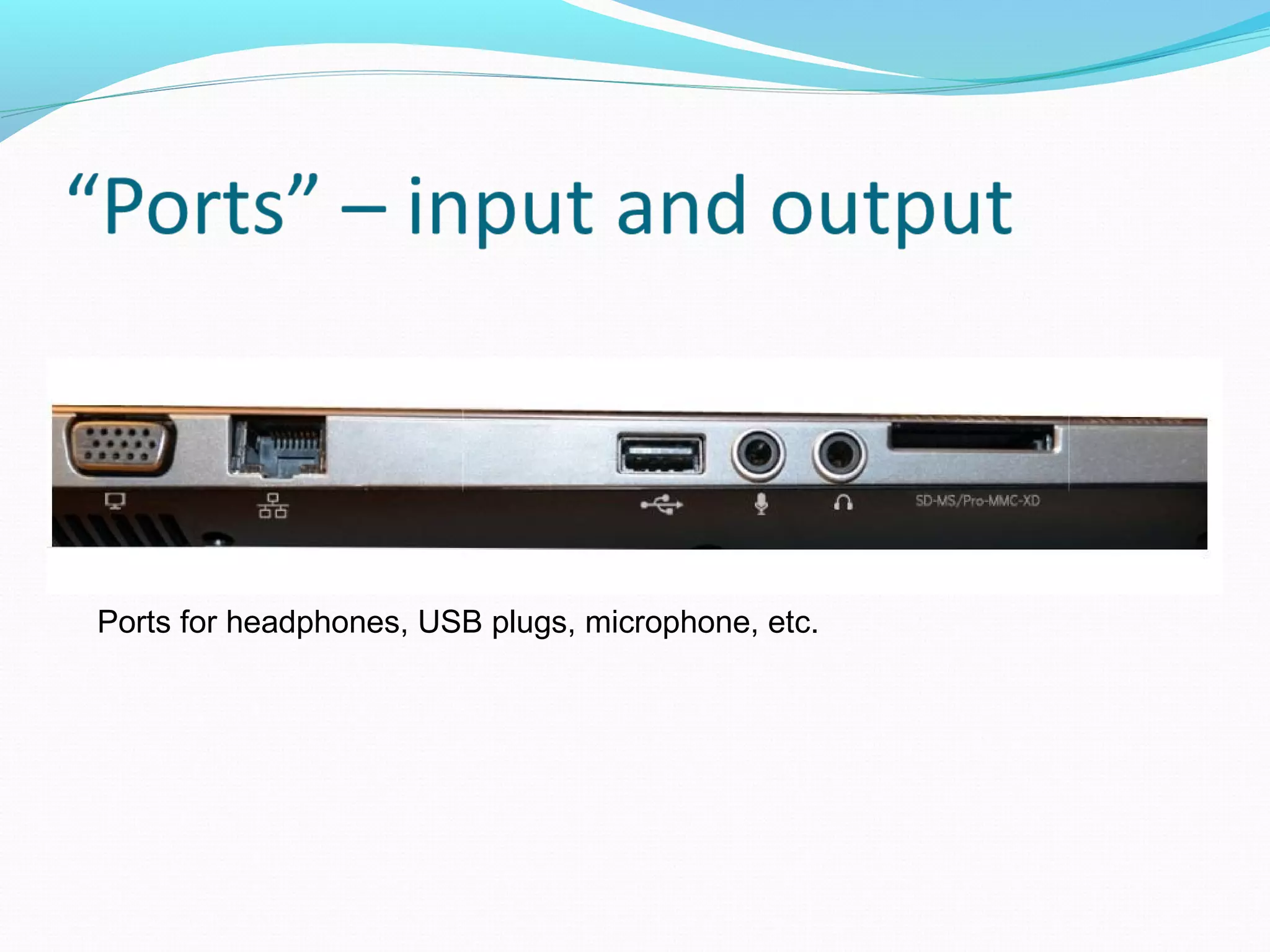
Ports for headphones, USB plugs, microphone, etc.
Programs that tell the computer what to do
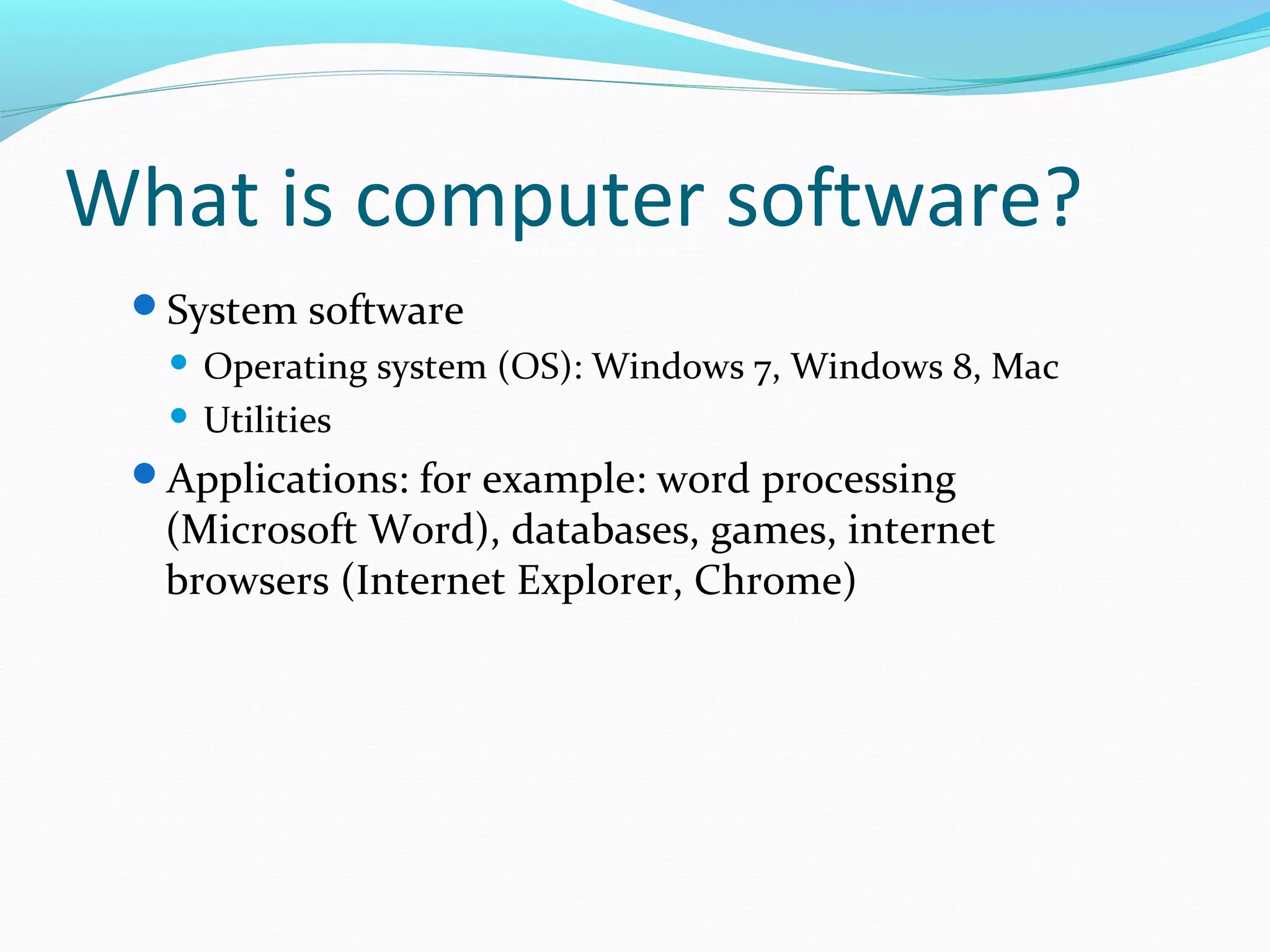
What is computer software?
System software
 Operating system (OS): Windows 7, Windows 8, Mac
 Utilities
Applications: for example: word processing
(Microsoft Word), databases, games, internet
browsers (Internet Explorer, Chrome)
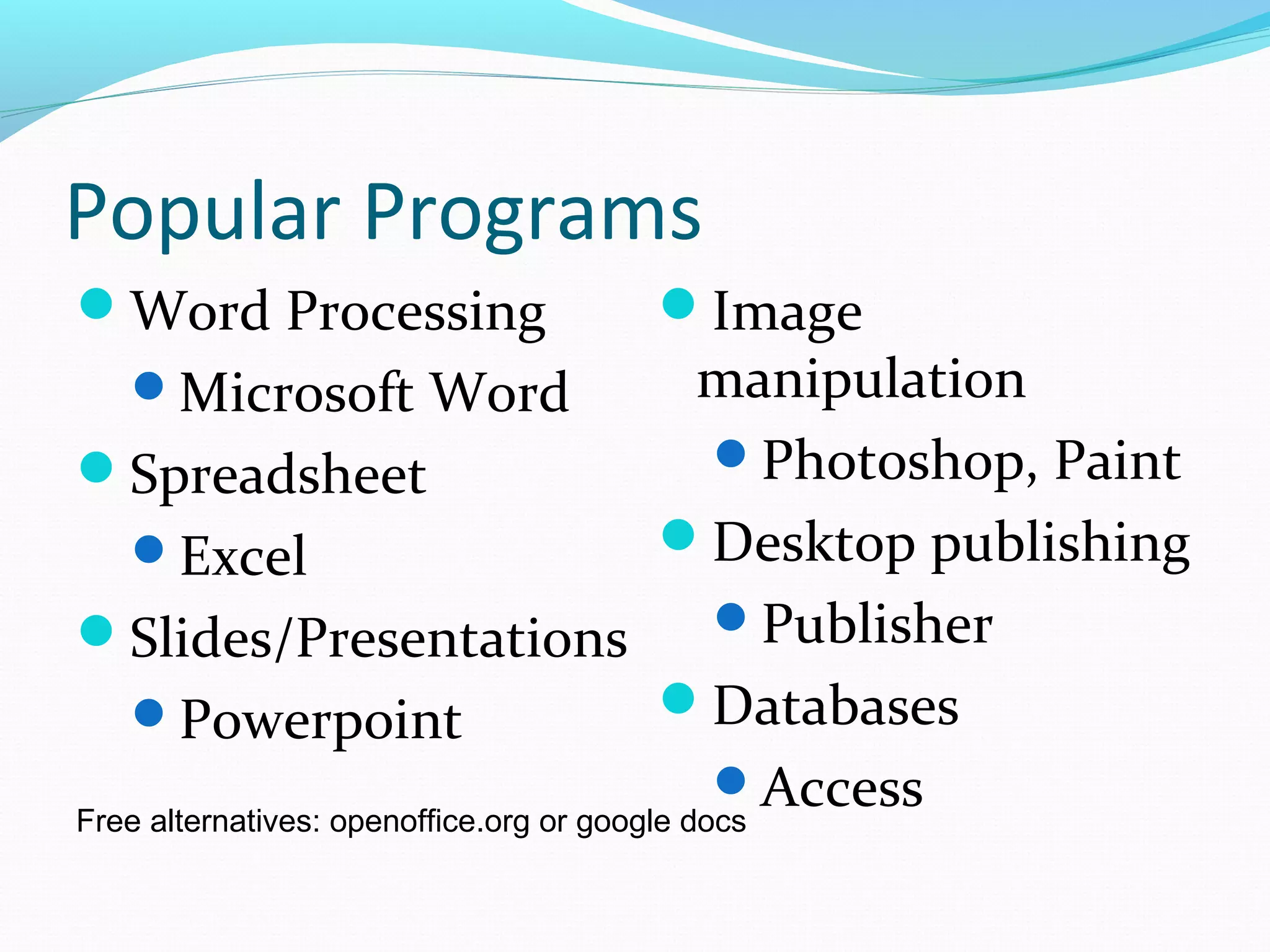
Popular Programs
Word Processing
Microsoft Word
Spreadsheet
Excel
Slides/Presentations
Powerpoint
Image
manipulation
Photoshop, Paint
Desktop publishing
Publisher
Databases
AccessFree alternatives: openoffice.org or google docs
Program Similarities
Minimize, Maximize,
and Close
Keystrokes:
 Cut <Ctrl> x
 Copy <Ctrl> c
 Paste <Ctrl> v
 Undo <Ctrl> z
 Redo <Ctrl> y
• A complete piece of data
• “Opened” by some piece of software
• Has a “filename” DOT “filetype”
• Created anytime you save anything
• Holds files
• To create, click “New Folder”
Examples of File Types
The letters to the right of the dot tells you what
kind of file it is.
.docx: Microsoft Word
.jpg, .gif, .png: image files
.avi, .mov, .mp4: movie files
.mp3: audio files
PDF: “picture” of document for printing
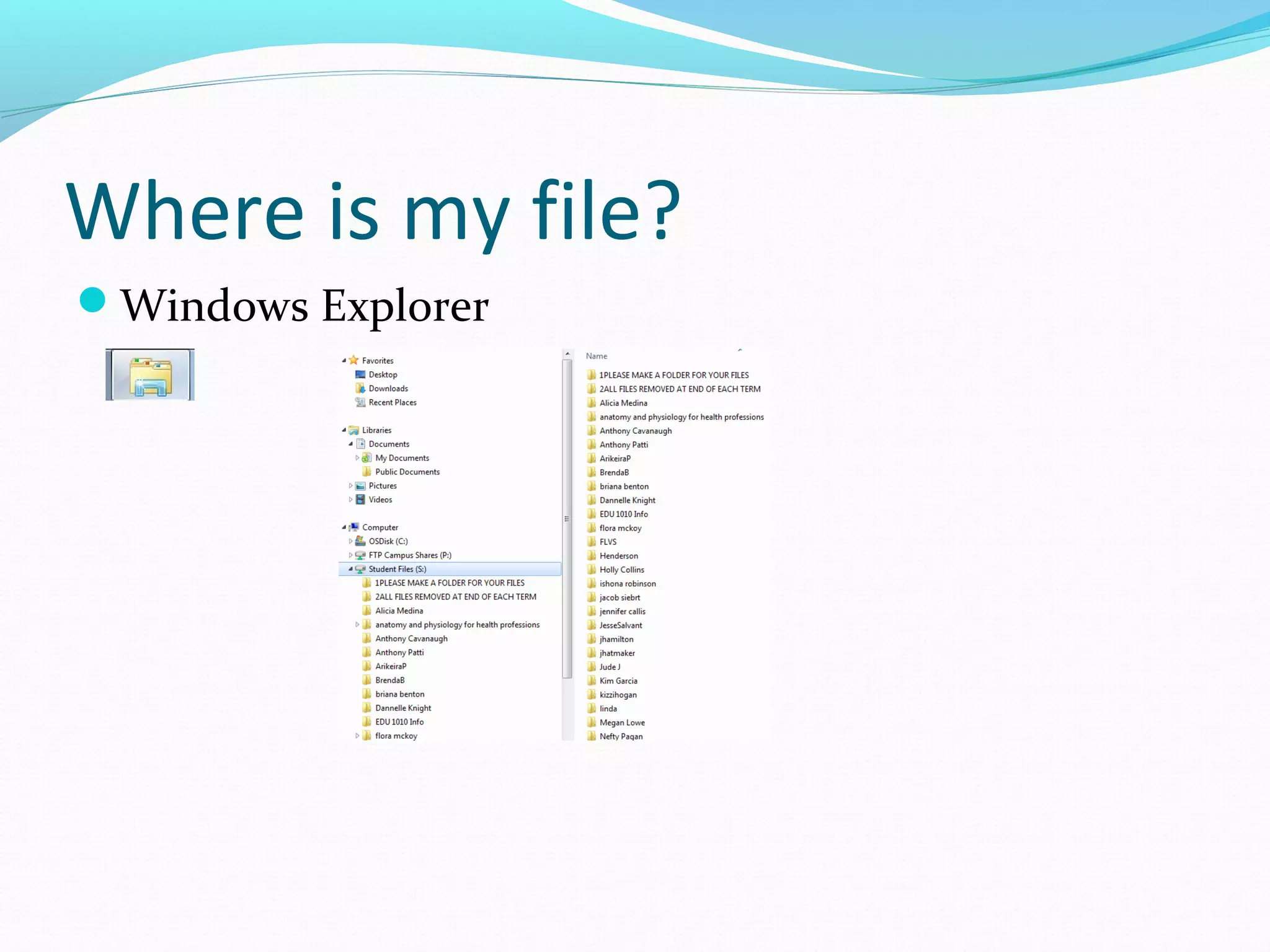
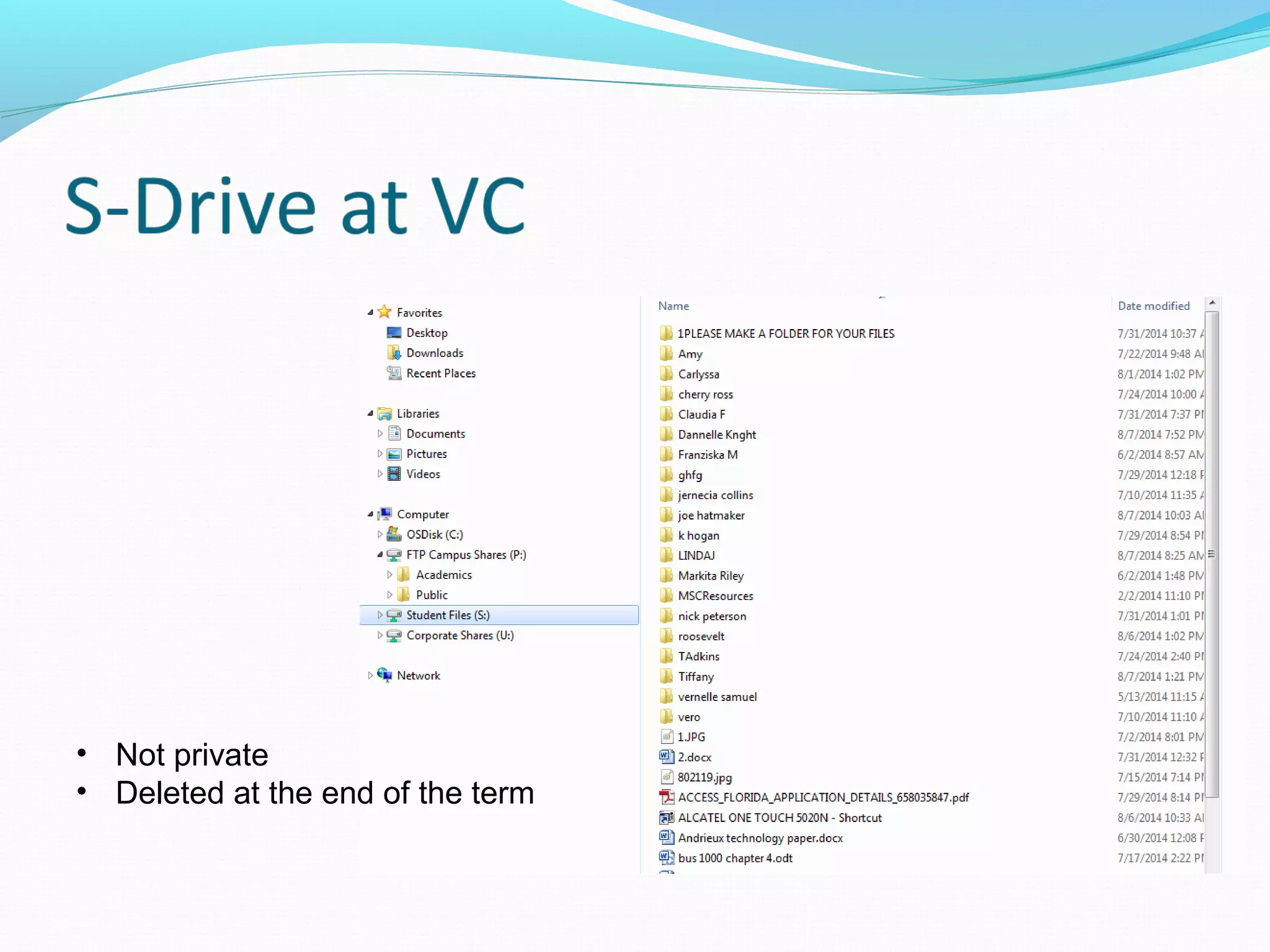
Where is my file?
Windows Explorer
• Not private
• Deleted at the end of the term
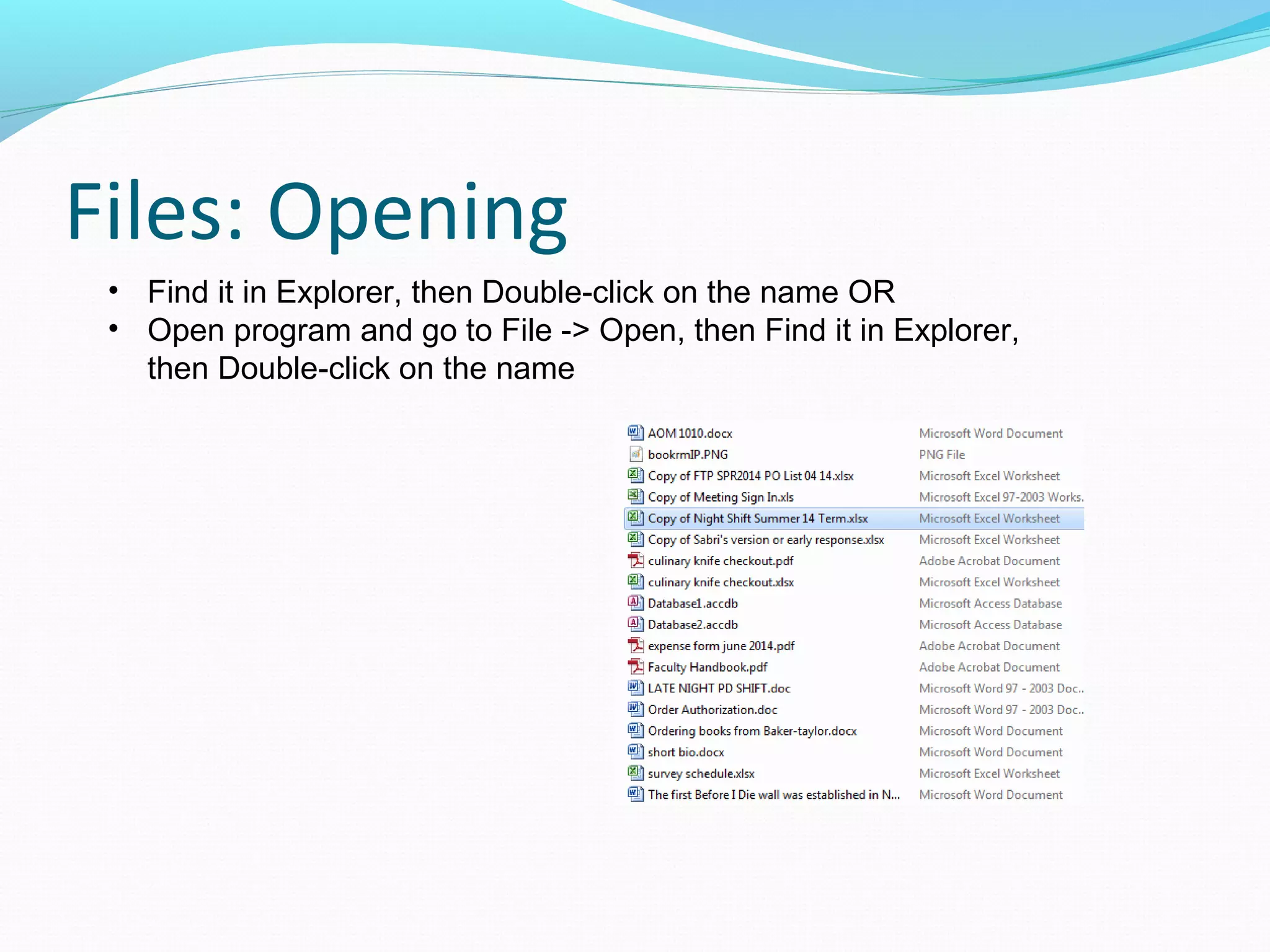
Files: Opening
• Find it in Explorer, then Double-click on the name OR
• Open program and go to File -> Open, then Find it in Explorer,
then Double-click on the name
Files: Creating
In any program, File -> Save
You will be asked for a filename
Filetype is given automatically
S: drive or Flash drive on campus
Same file name in same folder? File will be replaced.
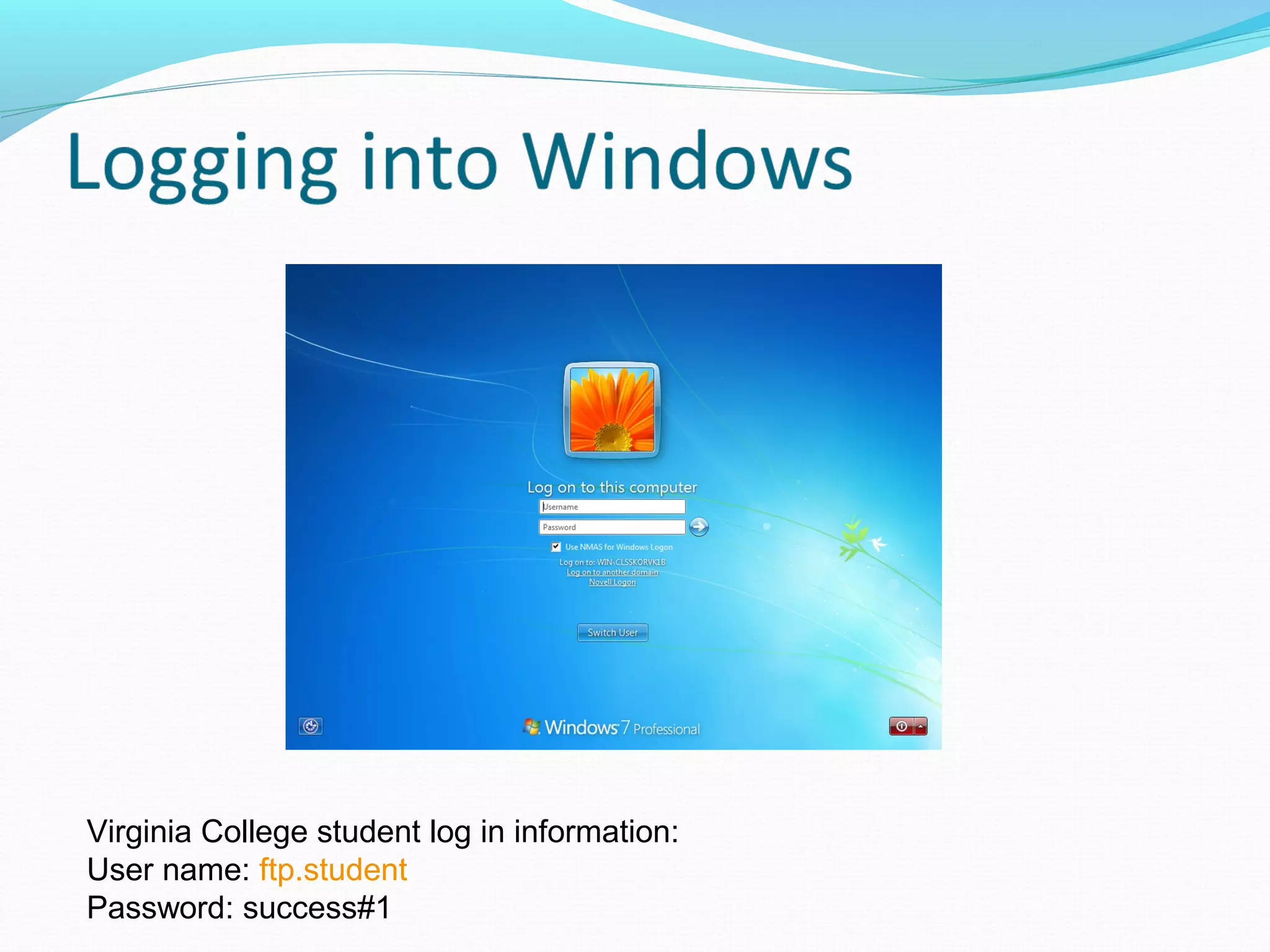
Virginia College student log in information:
User name: ftp.student
Password: success#1
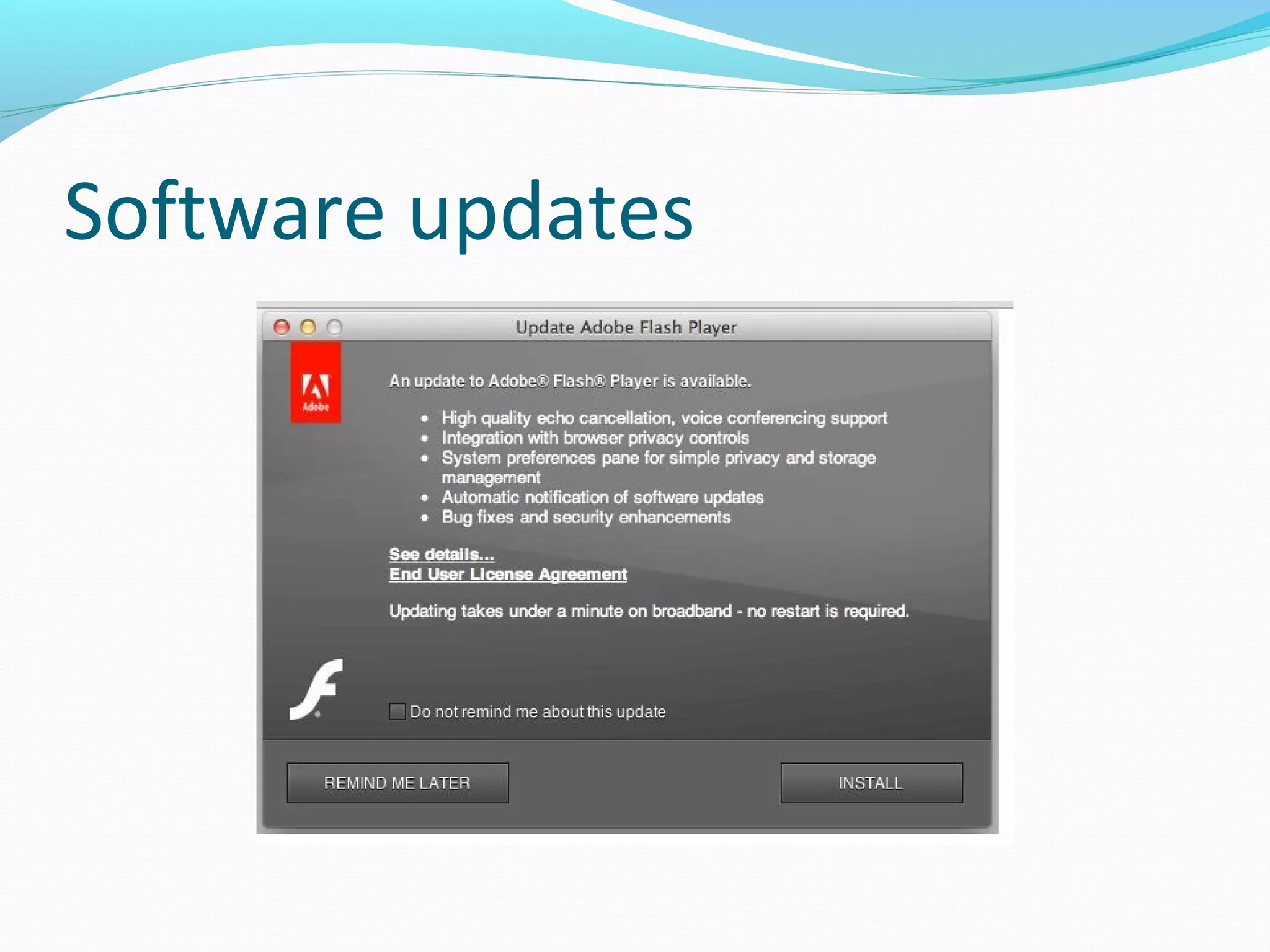
Software updates
You’re on your way

Basic computerskills