Computer is a device that accepts digital data as input, manipulates it based on a program's instructions, and provides processed results as output. It has two main parts: hardware and software. Hardware are the physical and tangible parts like the keyboard, monitor, mouse, and central processing unit. Hardware is divided into input devices to feed data, storage devices to store data, and output devices to display or print data. Software includes the operating system and programs that tell the computer what to do. Common system software includes Windows and Linux, while application software includes programs like Word and Excel.
WHAT IS COMPUTER?
2
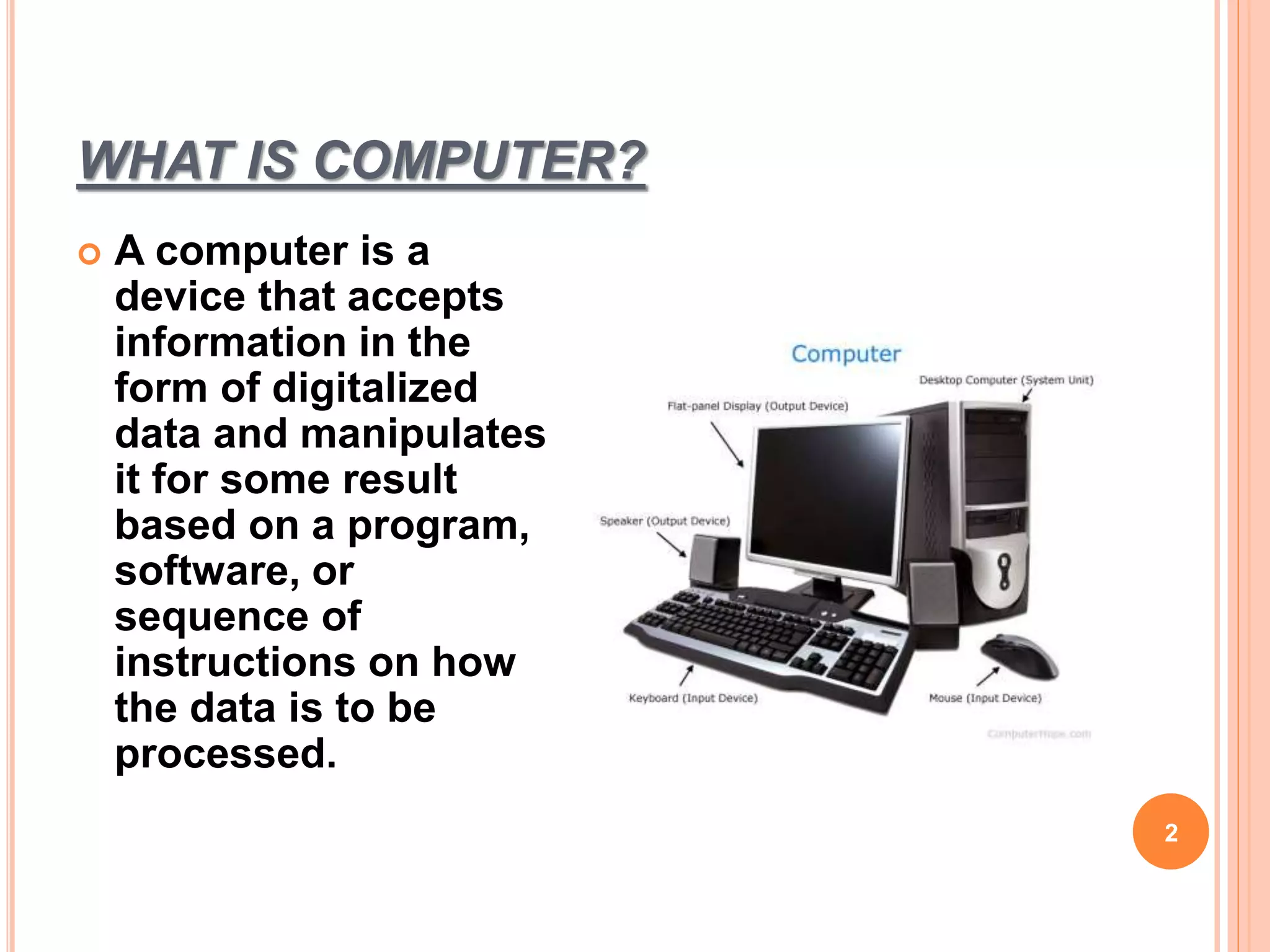
A computer is a
device that accepts
information in the
form of digitalized
data and manipulates
it for some result
based on a program,
software, or
sequence of
instructions on how
the data is to be
processed.
3.
PARTS OF COMPUTER
•There are basically two parts of computer.
1. Hardware
2. Software
3
4.
1. HARDWARE
Computerhardware includes the physical, tangible parts
or components of a computer. All parts of computer
which we can touch and see are computer hardware.
Examples of hardware in a computer are the keyboard,
the monitor, the mouse and the central processing unit.
4
5.
HARDWARE
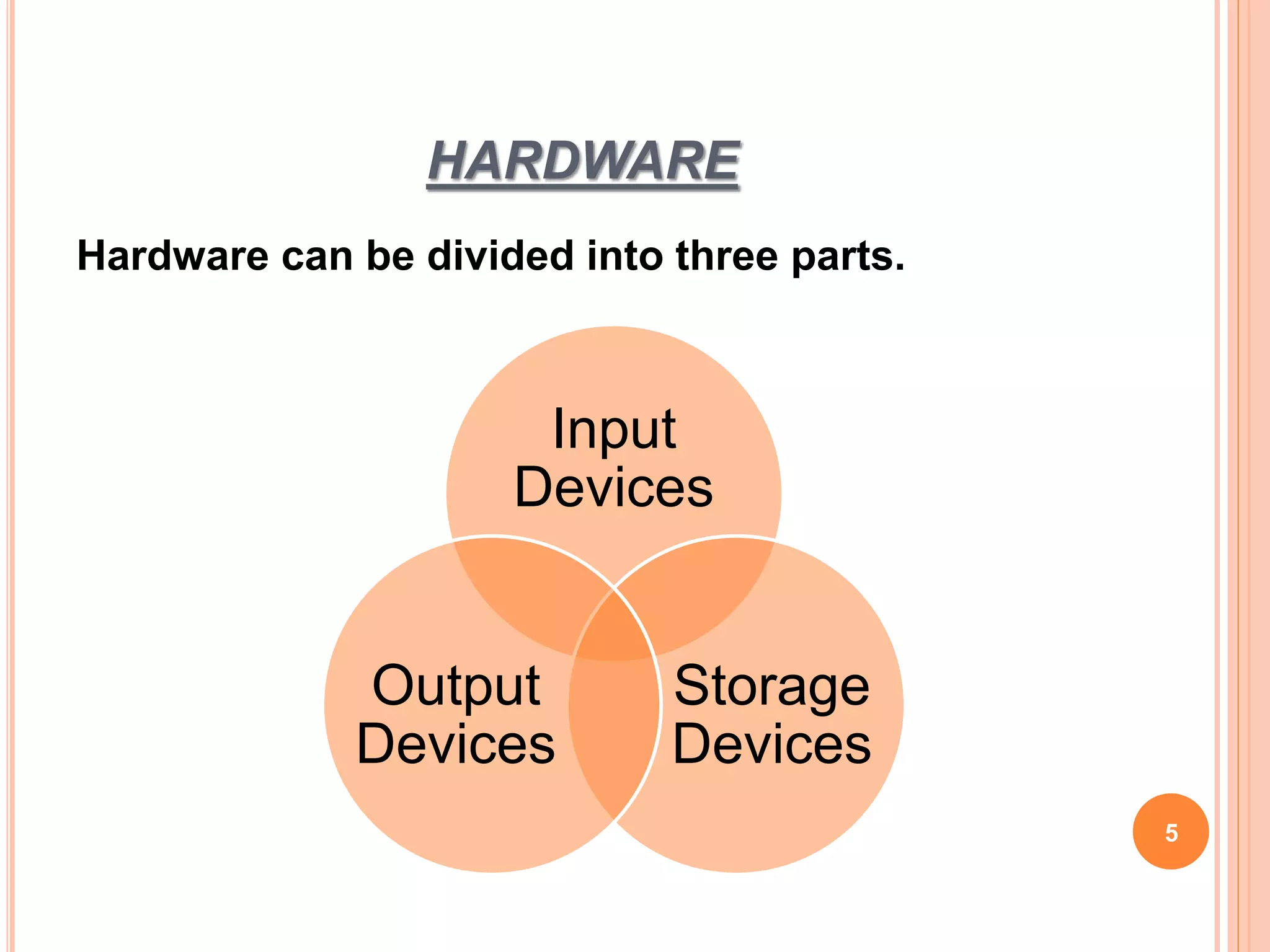
Hardware can bedivided into three parts.
5
Input
Devices
Storage
Devices
Output
Devices
6.
INPUT DEVICES
6
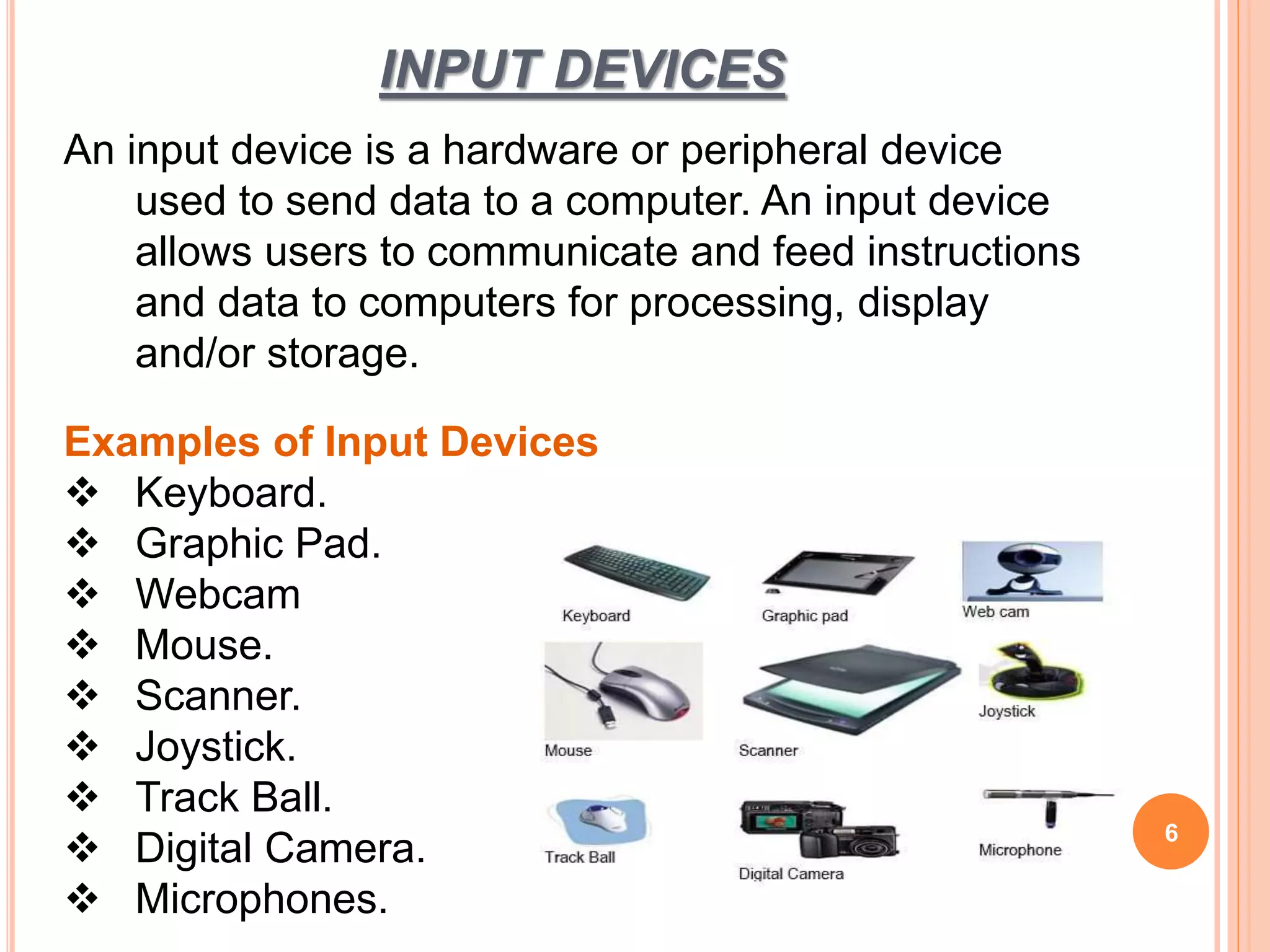
An inputdevice is a hardware or peripheral device
used to send data to a computer. An input device
allows users to communicate and feed instructions
and data to computers for processing, display
and/or storage.
Examples of Input Devices
Keyboard.
Graphic Pad.
Webcam
Mouse.
Scanner.
Joystick.
Track Ball.
Digital Camera.
Microphones.
7.
OUTPUT DEVICES
Anoutput device is any piece of computer
hardware equipment which converts information
into human-readable form.
An output device can receive data from another
device and generate output with that data.
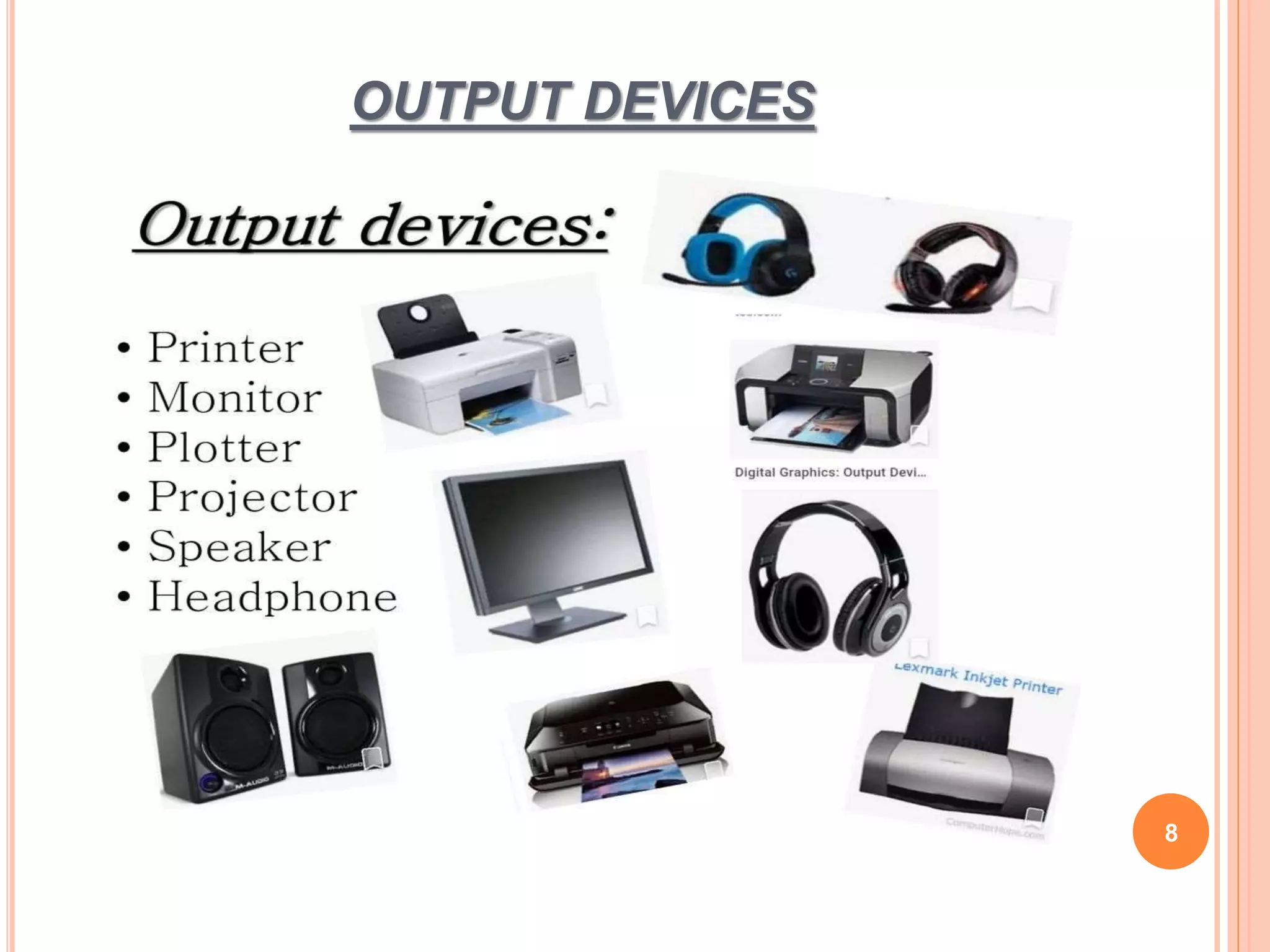
Examples include monitors, projectors, speakers,
headphones and printers.
7
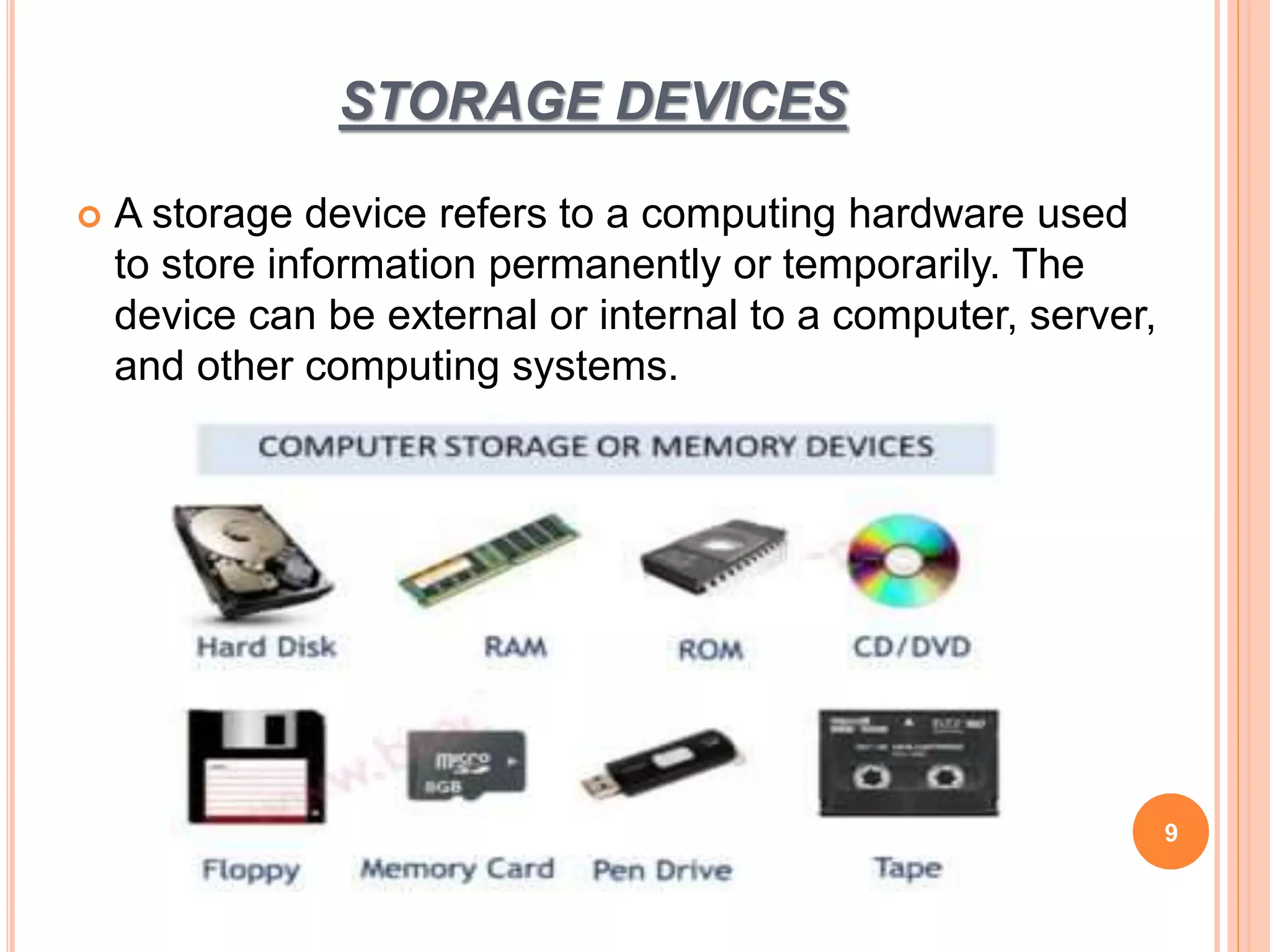
STORAGE DEVICES
Astorage device refers to a computing hardware used
to store information permanently or temporarily. The
device can be external or internal to a computer, server,
and other computing systems.
9
10.
SOFTWARE
10
Computer software,also called software, is a set of
instructions and its associated documentations that
tells a computer what to do or how to perform a
task. Software includes all different software
programs on a computer, such as applications and
the operating system.
Software can be divided in to two categories:
1. System Software
2. Application Software
11.
EXAMPLE OF SOFTWARE
System Software
1. Windows
2. DOS
3. Linux
4. Mac OS X
Application Software
MS Word
MS Excel
MS PowerPoint
Internet Explorer
11



![Number_Guessing_Game_Dsbsbssbzboc[1].pptx](https://cdn.slidesharecdn.com/ss_thumbnails/numberguessinggamedoc1-251206215042-a076fc05-thumbnail.jpg?width=640&height=640&fit=bounds)


