APPS ACROSS THE
CURRICULUM:
FAVORITES FOR EVERY
AGE GROUP
Lynett Croyle, Therese Dristas,
Nettie Eichelberger, Anastasia Trekles
ICE Indiana – http://iceindiana.org
APPS FOR
ELEMENTARY
APPS FOR YOUNG LEARNERS DEVELOPING SKILLS
 Young learners develop automaticity
with practice.
 Apps make practice fun!
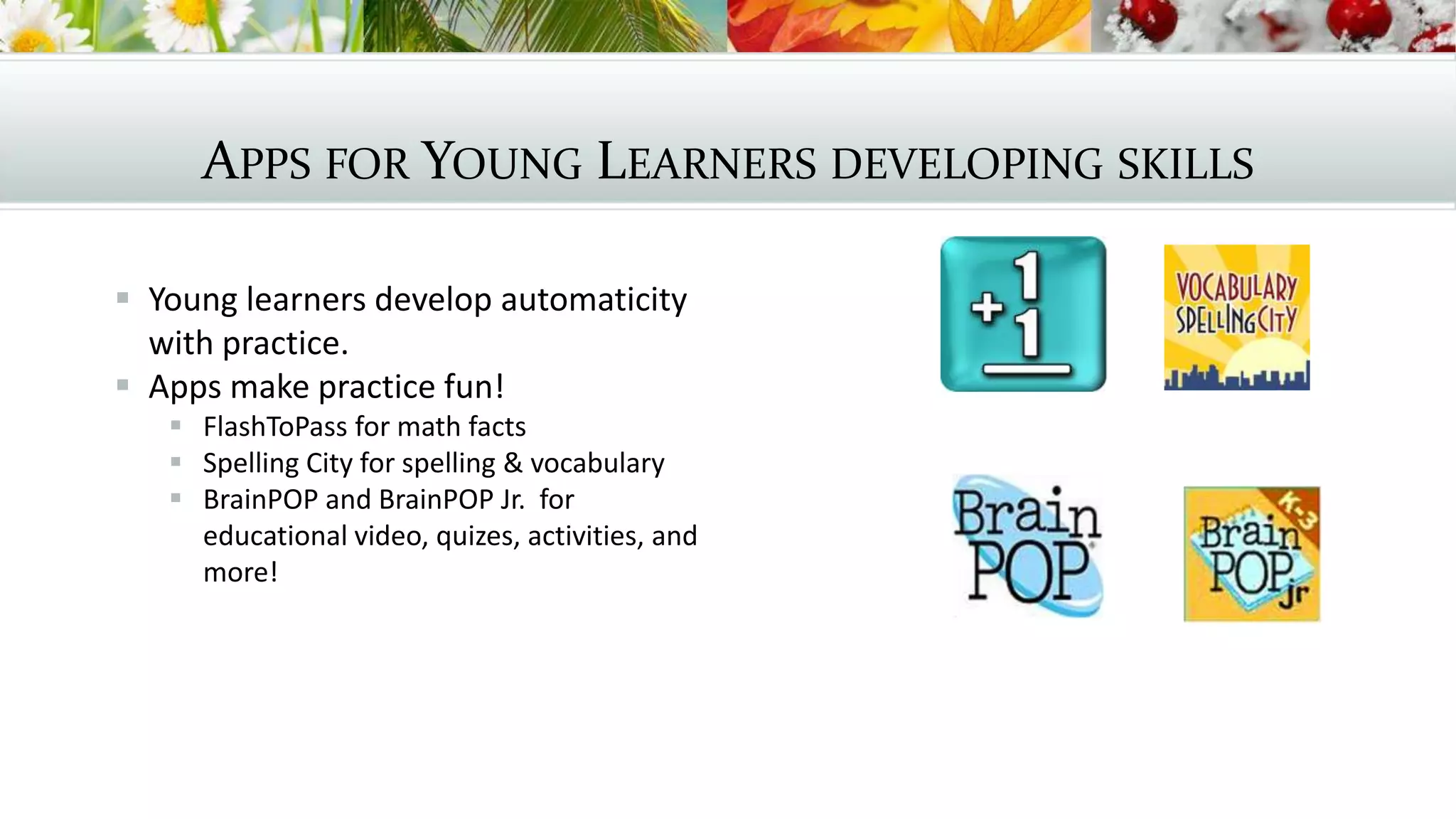
 FlashToPass for math facts
 Spelling City for spelling & vocabulary
 BrainPOP and BrainPOP Jr. for
educational video, quizes, activities, and
more!
RESEARCH
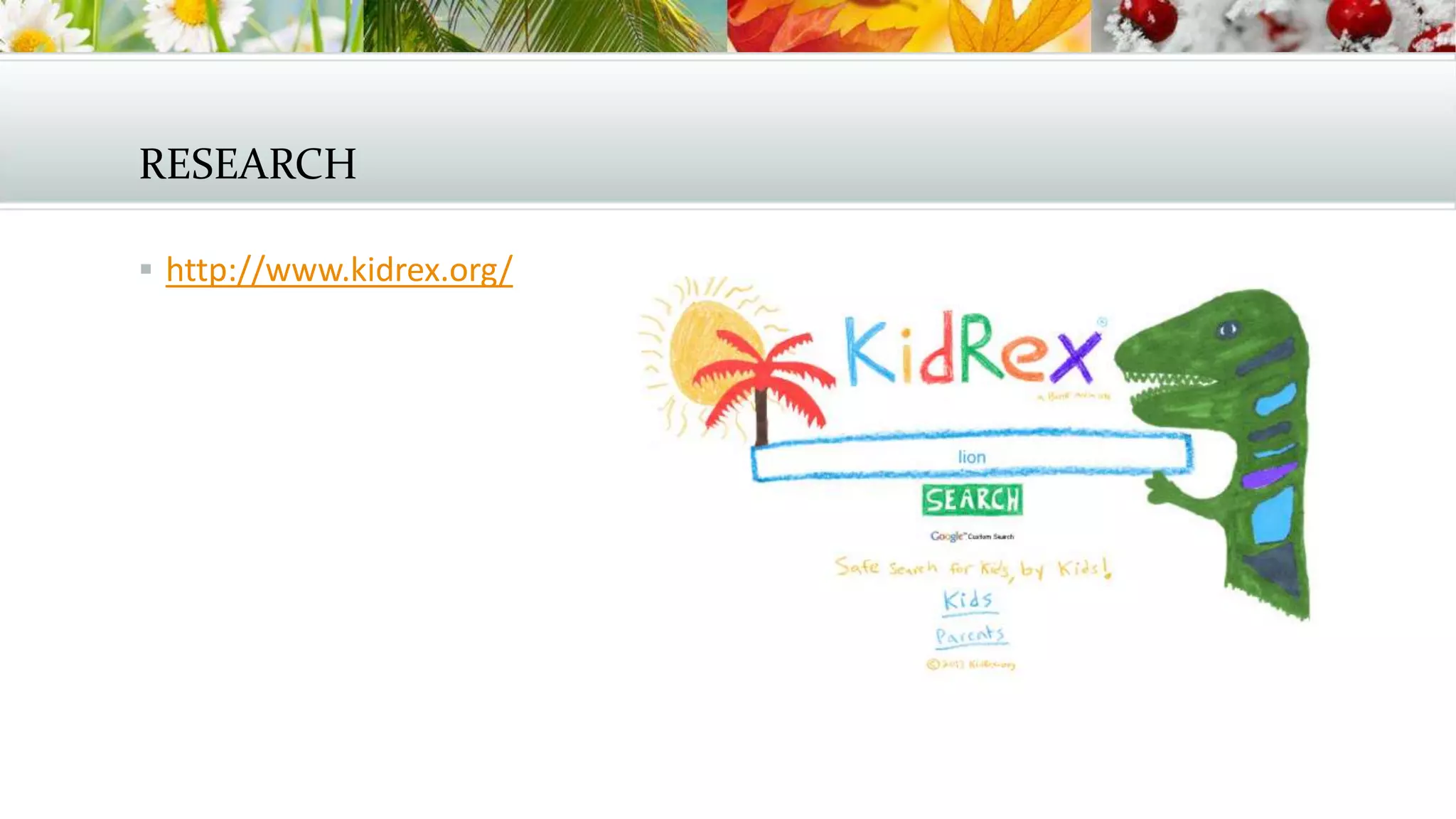
 http://www.kidrex.org/
APPS FOR MIDDLE
SCHOOL
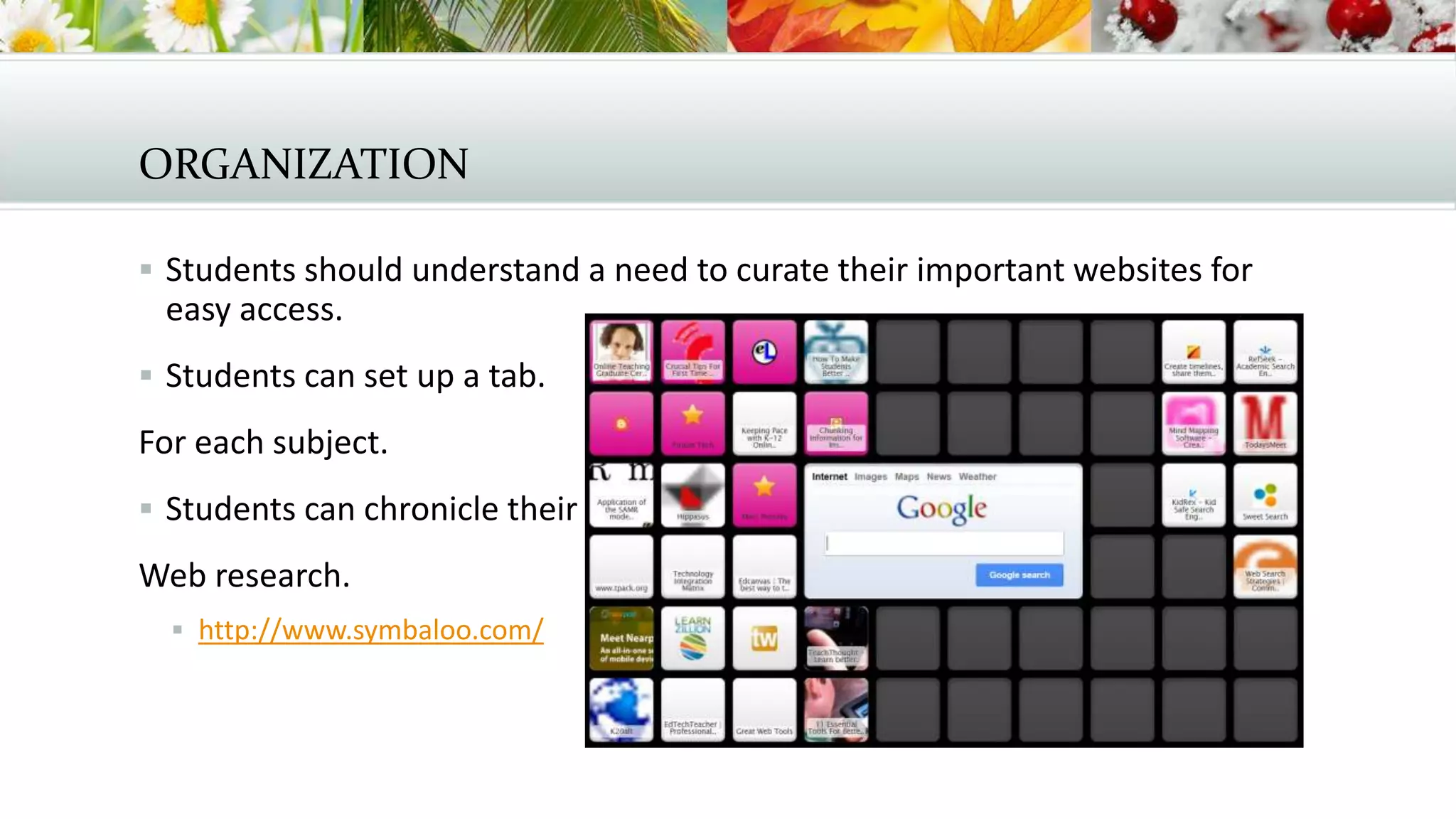
ORGANIZATION
 Students should understand a need to curate their important websites for
easy access.
 Students can set up a tab.
For each subject.
 Students can chronicle their
Web research.
 http://www.symbaloo.com/
THE NEED FOR RESEARCH
 CCSS.ELA-Literacy.WHST.6-8.7 Conduct short research projects to answer a
question (including a self-generated question), drawing on several sources
and generating additional related, focused questions that allow for multiple
avenues of exploration.
 CCSS.ELA-Literacy.WHST.6-8.8 Gather relevant information from multiple print
and digital sources, using search terms effectively; assess the credibility and
accuracy of each source; and quote or paraphrase the data and conclusions of
others while avoiding plagiarism and following a standard format for citation.
 CCSS.ELA-Literacy.WHST.6-8.9 Draw evidence from informational texts to
support analysis reflection, and research.
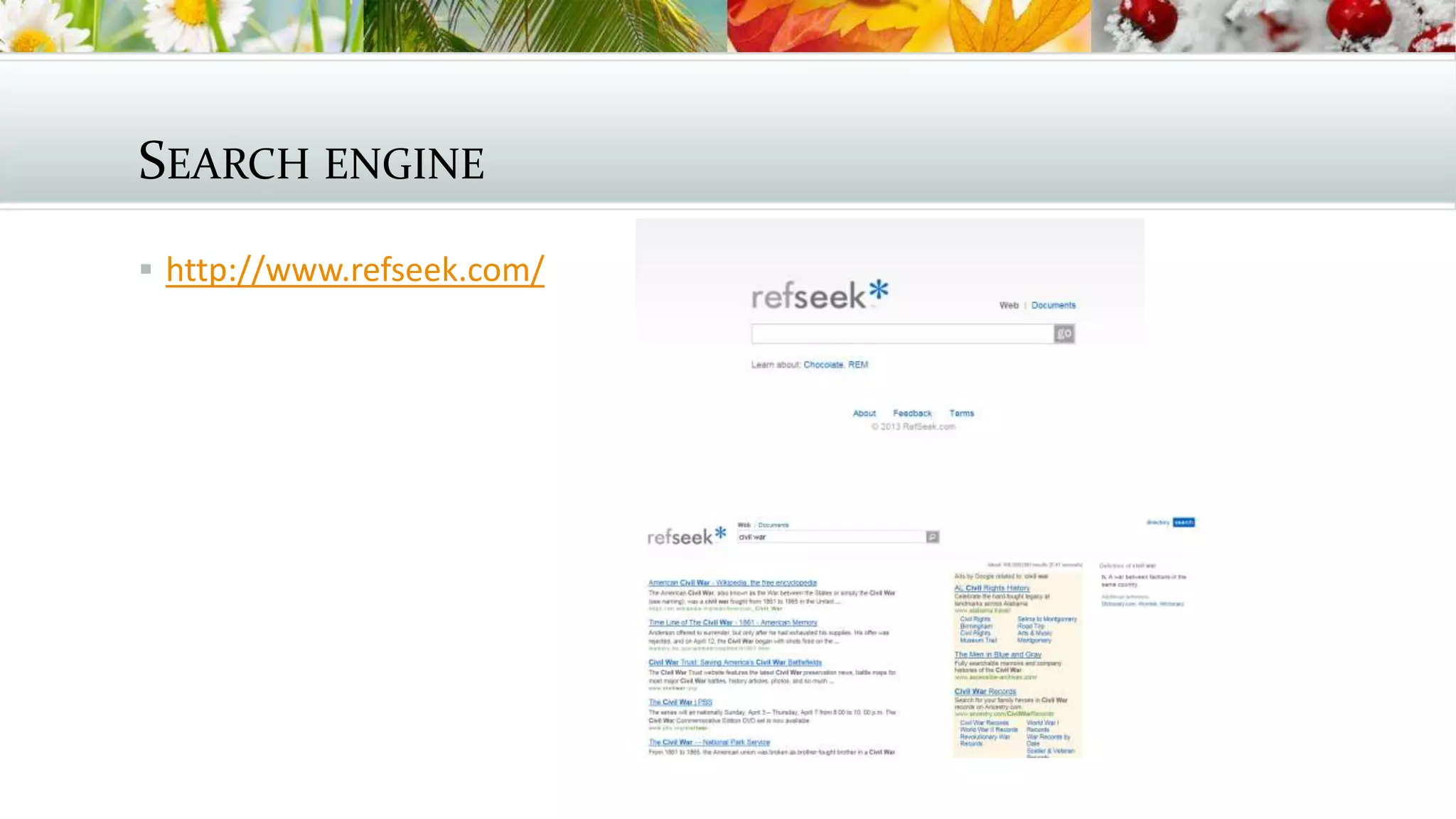
SEARCH ENGINE
 http://www.refseek.com/
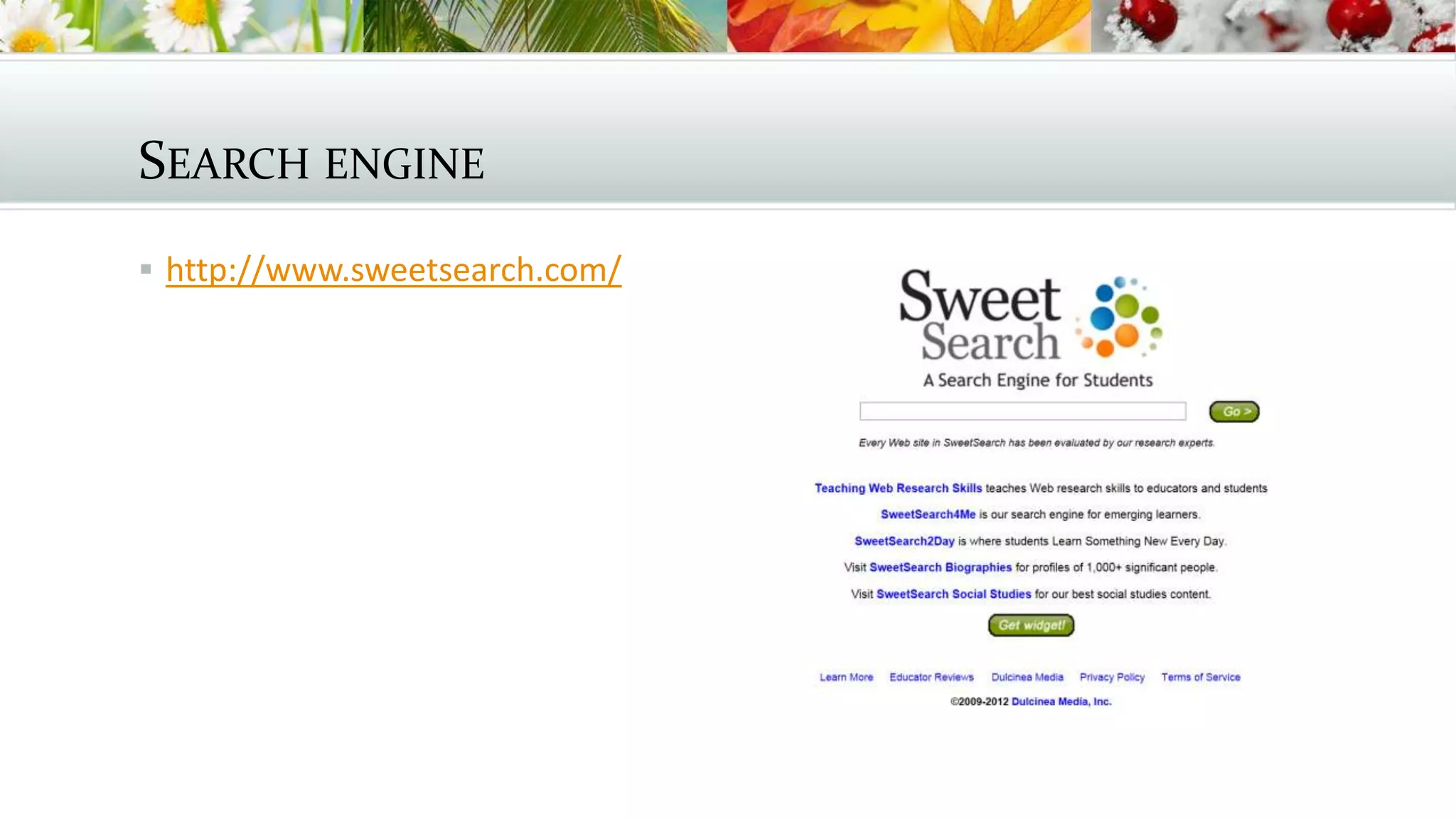
SEARCH ENGINE
 http://www.sweetsearch.com/
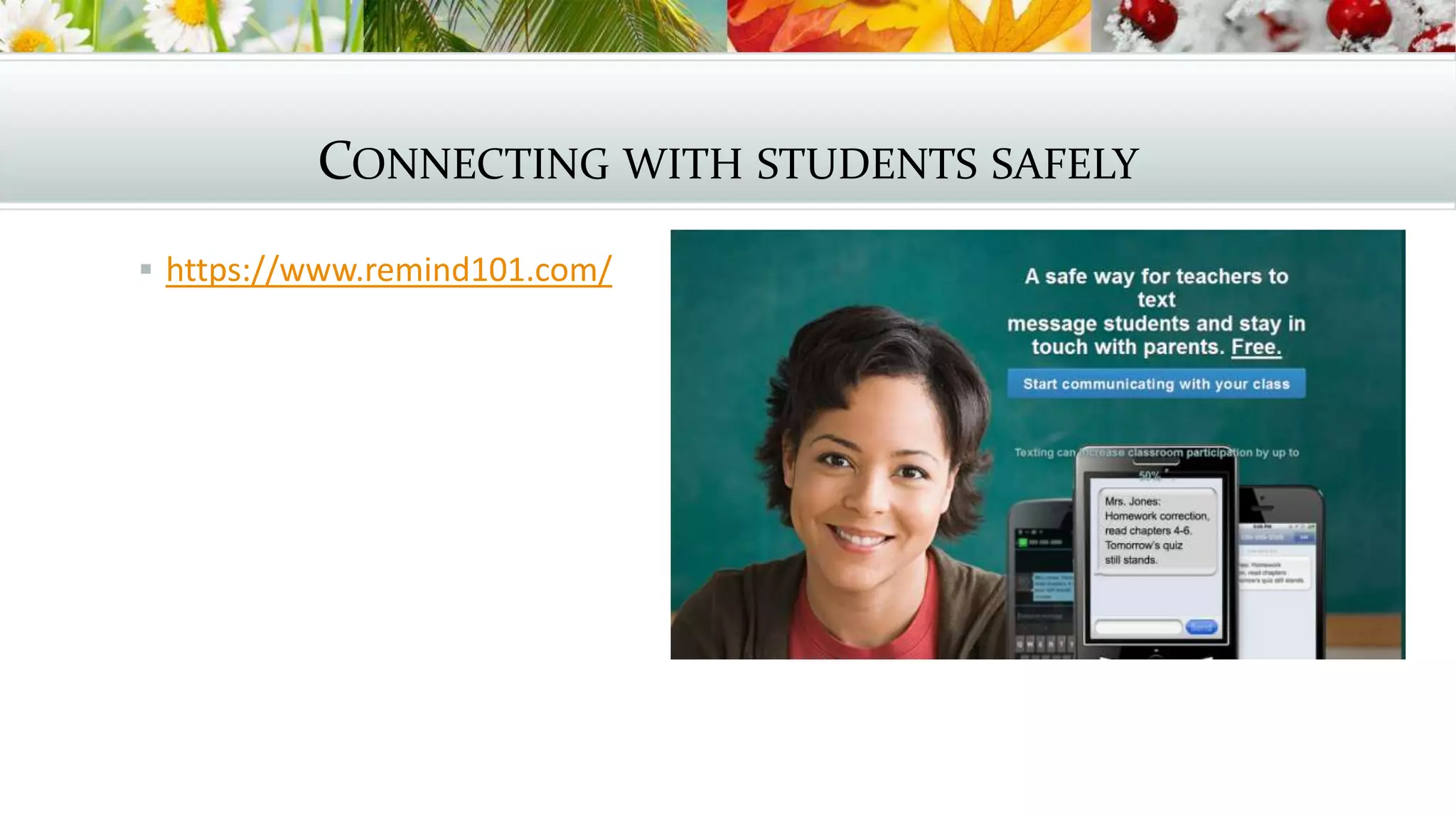
CONNECTING WITH STUDENTS SAFELY
 https://www.remind101.com/
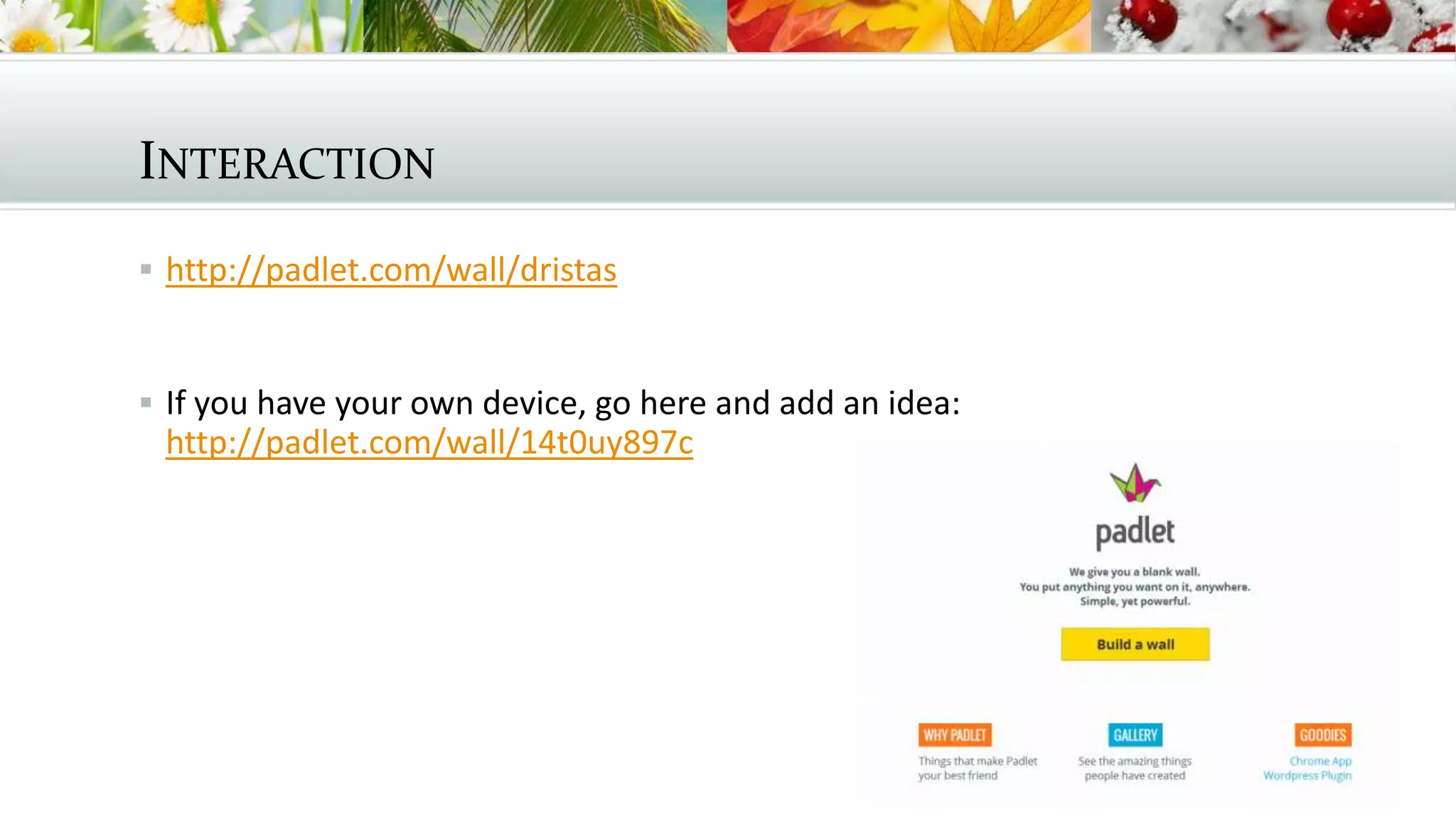
INTERACTION
 http://padlet.com/wall/dristas
 If you have your own device, go here and add an idea:
http://padlet.com/wall/14t0uy897c
APPS FOR HIGH
SCHOOL
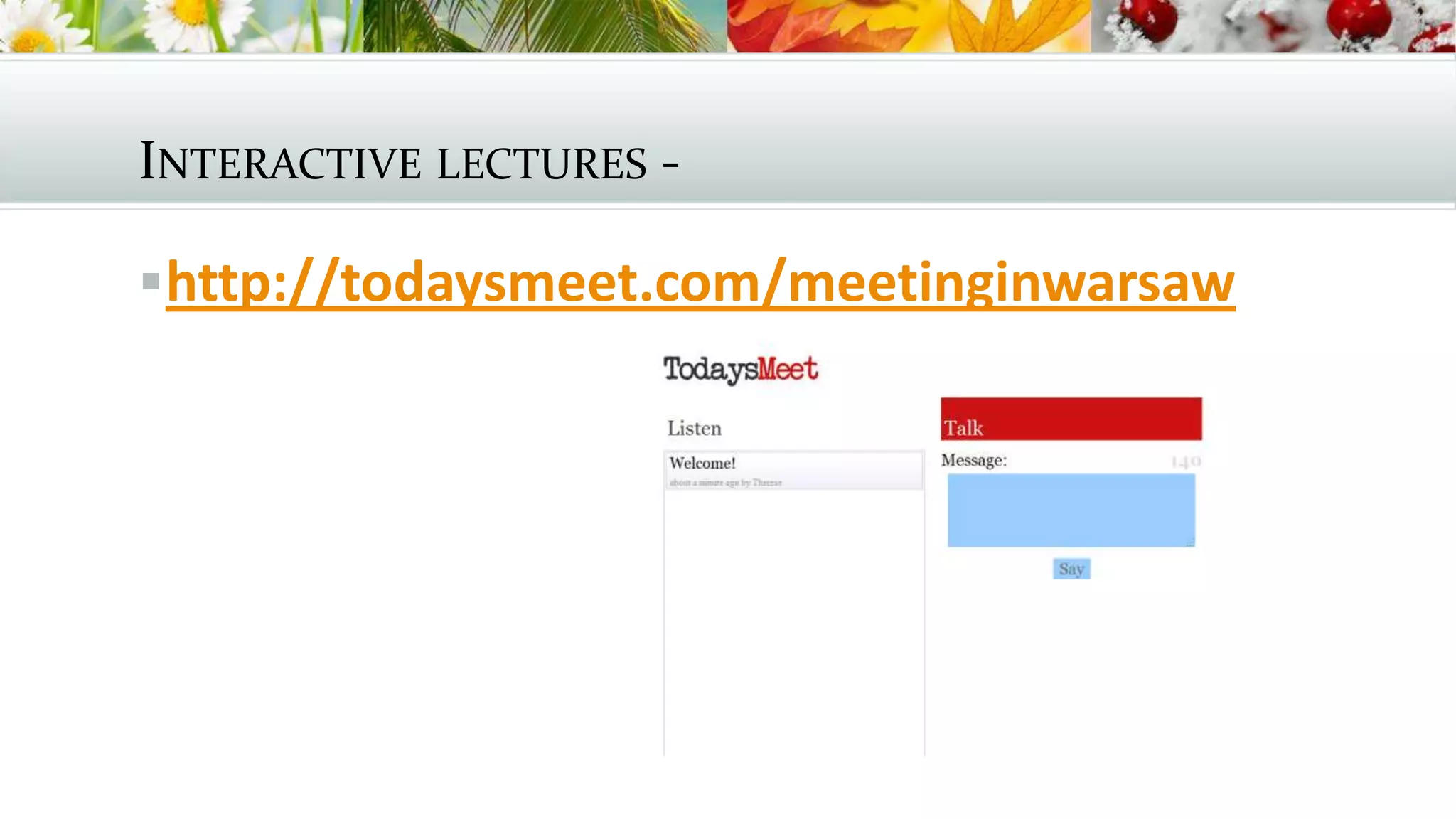
INTERACTIVE LECTURES -
http://todaysmeet.com/meetinginwarsaw
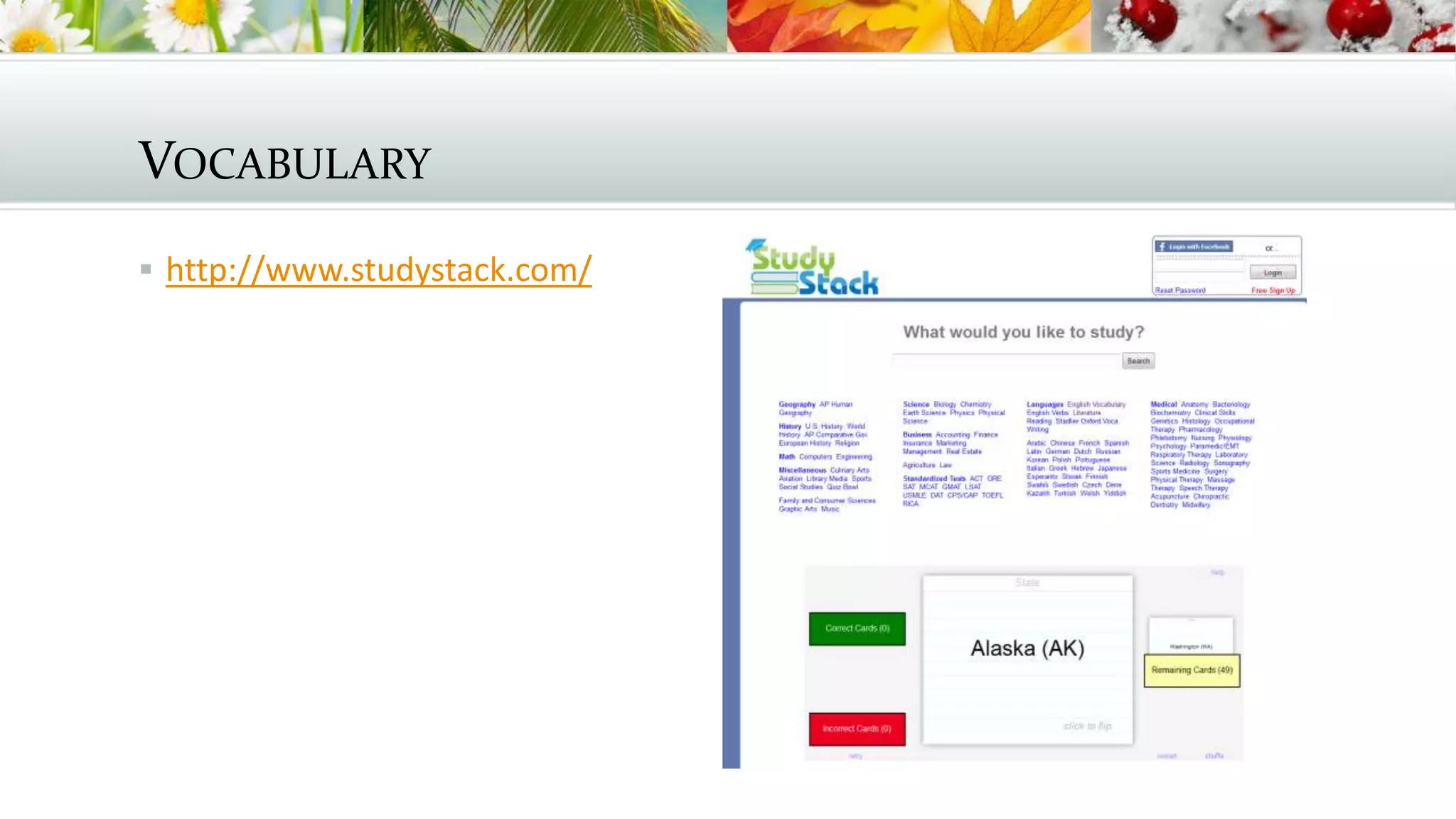
VOCABULARY
 http://www.studystack.com/
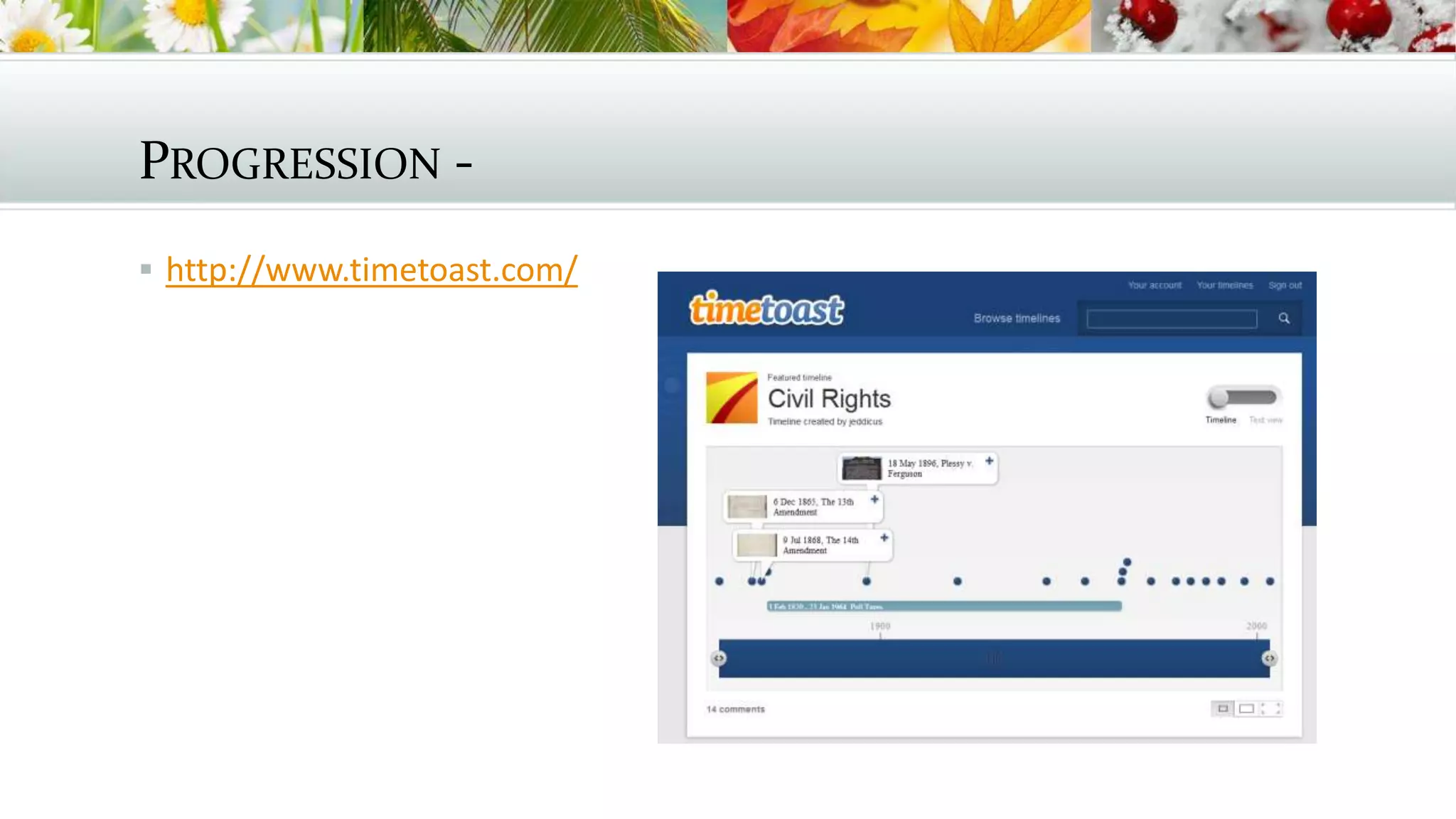
PROGRESSION -
 http://www.timetoast.com/
APPS FOR COLLEGE
AND BEYOND
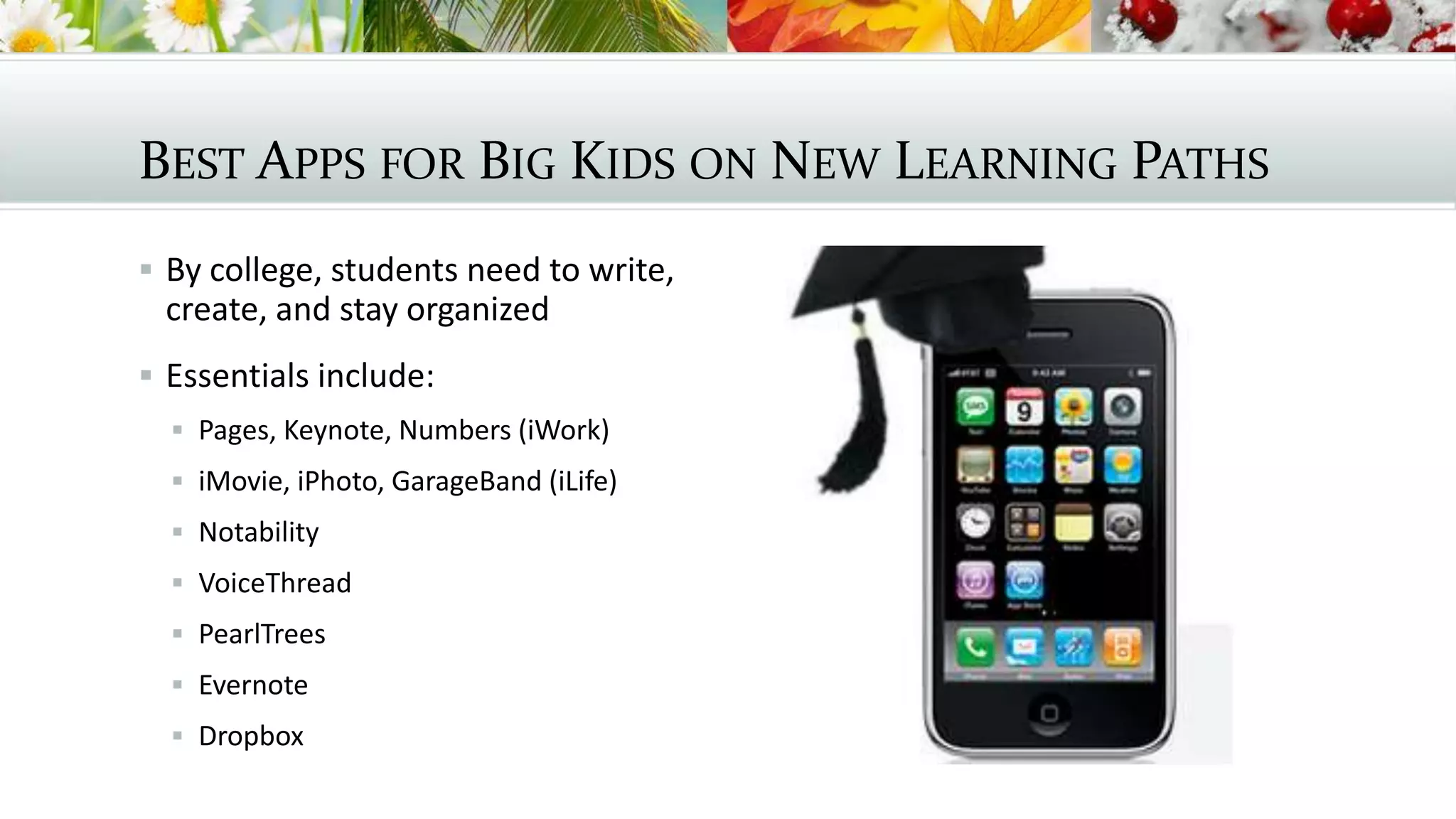
BEST APPS FOR BIG KIDS ON NEW LEARNING PATHS
 By college, students need to write,
create, and stay organized
 Essentials include:
 Pages, Keynote, Numbers (iWork)
 iMovie, iPhoto, GarageBand (iLife)
 Notability
 VoiceThread
 PearlTrees
 Evernote
 Dropbox
RESOURCES
 Graphite app curation service (FREE!): http://graphite.org
 Cool Tools for Schools wiki: http://cooltoolsforschools.wikispaces.com
 Cool Apps for Schools wiki: http://coolappsforschools.wikispaces.com
 APPitic app list for education: http://www.appitic.com
 Apple Education apps: http://www.apple.com/education/apps/
 Top 10 list of apps for Android and iOS:
http://www.eschoolnews.com/2013/04/26/new-10-of-the-best-apple-and-
android-apps-for-education-in-2013/
THANK YOU!
 Lynett Croyle, 2nd grade teacher, School City of Hammond:
lmcroyle@hammond.k12.in.us
 Therese Dristas, Technology Coach, School Town of Munster:
tdristas@munster.us
 Nettie Eichelberger, 2nd grade teacher, East Porter County Schools (Kouts, IN):
nettie.eichelberger@eastporter.k12.in.us
 Anastasia Trekles, instructional technology chairperson, Purdue University
Calumet (Hammond, IN): atrekles@purdue.edu

Apps Across the Curriculum

  • 1.
    APPS ACROSS THE CURRICULUM: FAVORITESFOR EVERY AGE GROUP Lynett Croyle, Therese Dristas, Nettie Eichelberger, Anastasia Trekles ICE Indiana – http://iceindiana.org
  • 2.
  • 3.
    APPS FOR YOUNGLEARNERS DEVELOPING SKILLS  Young learners develop automaticity with practice.  Apps make practice fun!  FlashToPass for math facts  Spelling City for spelling & vocabulary  BrainPOP and BrainPOP Jr. for educational video, quizes, activities, and more!
  • 4.
  • 5.
  • 6.
    ORGANIZATION  Students shouldunderstand a need to curate their important websites for easy access.  Students can set up a tab. For each subject.  Students can chronicle their Web research.  http://www.symbaloo.com/
  • 7.
    THE NEED FORRESEARCH  CCSS.ELA-Literacy.WHST.6-8.7 Conduct short research projects to answer a question (including a self-generated question), drawing on several sources and generating additional related, focused questions that allow for multiple avenues of exploration.  CCSS.ELA-Literacy.WHST.6-8.8 Gather relevant information from multiple print and digital sources, using search terms effectively; assess the credibility and accuracy of each source; and quote or paraphrase the data and conclusions of others while avoiding plagiarism and following a standard format for citation.  CCSS.ELA-Literacy.WHST.6-8.9 Draw evidence from informational texts to support analysis reflection, and research.
  • 8.
  • 9.
  • 10.
    CONNECTING WITH STUDENTSSAFELY  https://www.remind101.com/
  • 11.
    INTERACTION  http://padlet.com/wall/dristas  Ifyou have your own device, go here and add an idea: http://padlet.com/wall/14t0uy897c
  • 12.
  • 13.
  • 14.
  • 15.
  • 16.
  • 17.
    BEST APPS FORBIG KIDS ON NEW LEARNING PATHS  By college, students need to write, create, and stay organized  Essentials include:  Pages, Keynote, Numbers (iWork)  iMovie, iPhoto, GarageBand (iLife)  Notability  VoiceThread  PearlTrees  Evernote  Dropbox
  • 18.
    RESOURCES  Graphite appcuration service (FREE!): http://graphite.org  Cool Tools for Schools wiki: http://cooltoolsforschools.wikispaces.com  Cool Apps for Schools wiki: http://coolappsforschools.wikispaces.com  APPitic app list for education: http://www.appitic.com  Apple Education apps: http://www.apple.com/education/apps/  Top 10 list of apps for Android and iOS: http://www.eschoolnews.com/2013/04/26/new-10-of-the-best-apple-and- android-apps-for-education-in-2013/
  • 19.
    THANK YOU!  LynettCroyle, 2nd grade teacher, School City of Hammond: lmcroyle@hammond.k12.in.us  Therese Dristas, Technology Coach, School Town of Munster: tdristas@munster.us  Nettie Eichelberger, 2nd grade teacher, East Porter County Schools (Kouts, IN): nettie.eichelberger@eastporter.k12.in.us  Anastasia Trekles, instructional technology chairperson, Purdue University Calumet (Hammond, IN): atrekles@purdue.edu