There’s an
App for That
Dylan Hendricks &
Sydney Crabtree
App #1: Quizizz
https://apps.apple.com/us/app/quizizz-play-to-learn/id1160249042
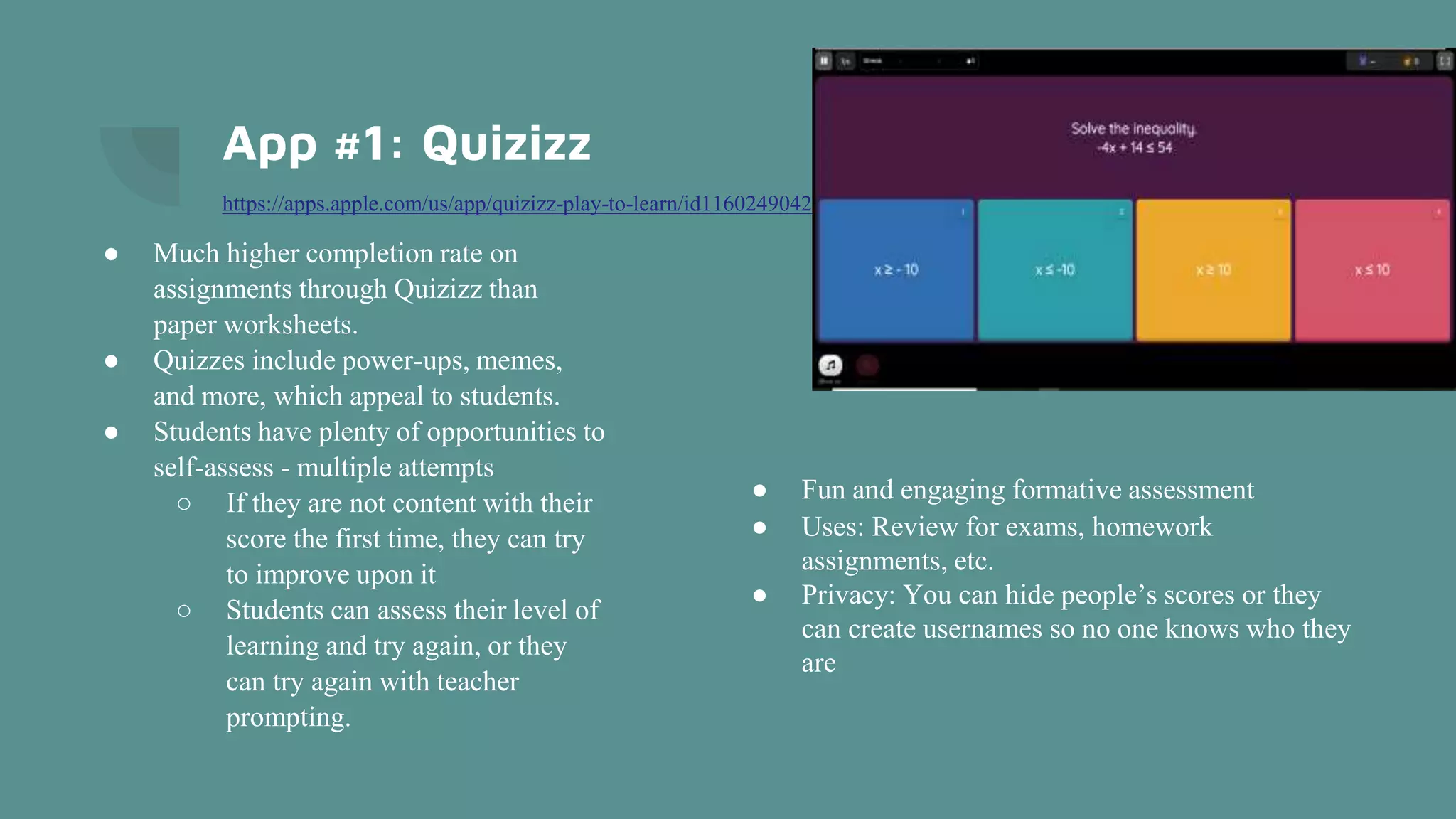
● Much higher completion rate on
assignments through Quizizz than
paper worksheets.
● Quizzes include power-ups, memes,
and more, which appeal to students.
● Students have plenty of opportunities to
self-assess - multiple attempts
○ If they are not content with their
score the first time, they can try
to improve upon it
○ Students can assess their level of
learning and try again, or they
can try again with teacher
prompting.
● Fun and engaging formative assessment
● Uses: Review for exams, homework
assignments, etc.
● Privacy: You can hide people’s scores or they
can create usernames so no one knows who they
are
Quizizz Cont.
If you tasked your students with creating quizzes,
the app is easy to use!
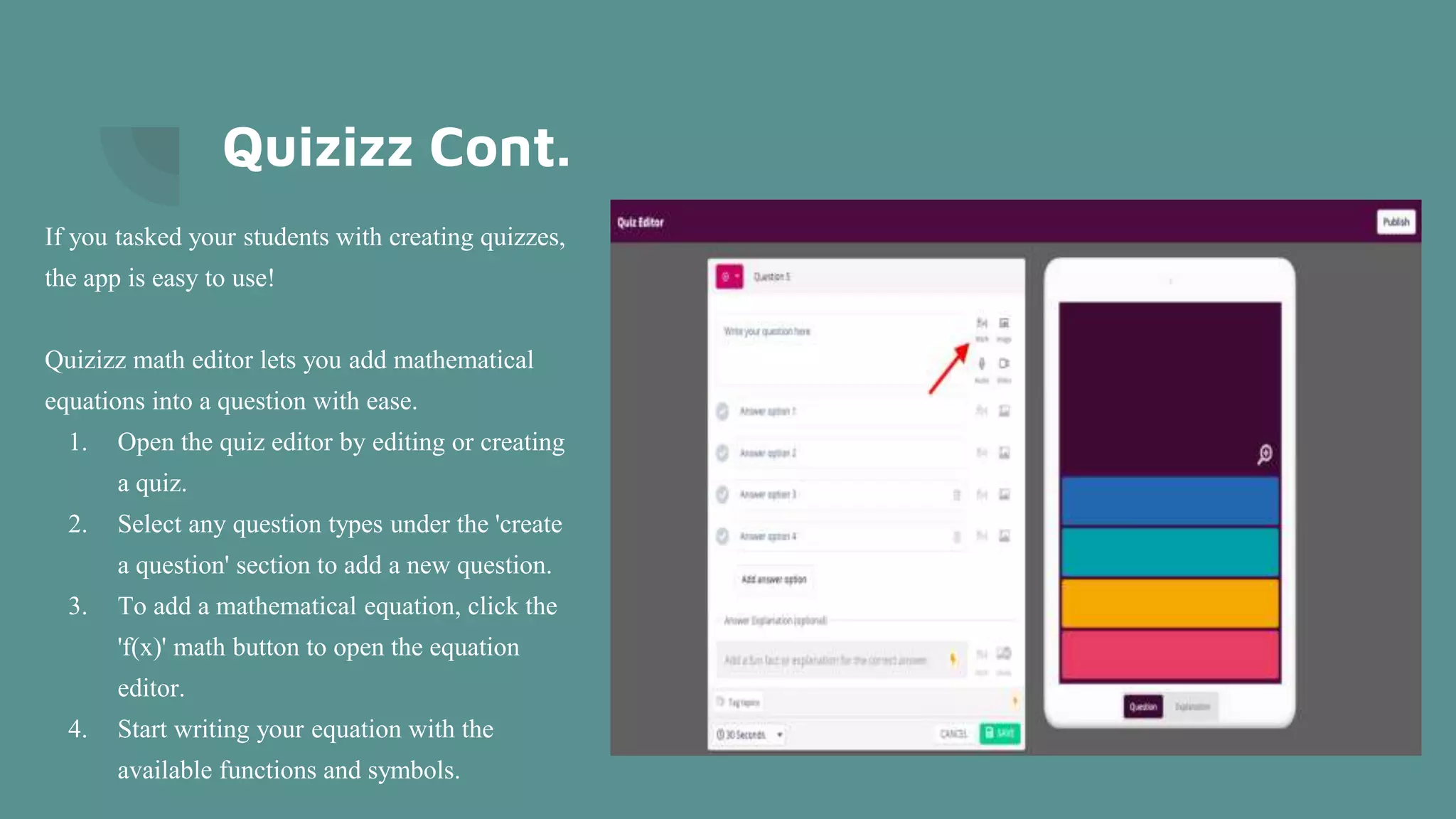
Quizizz math editor lets you add mathematical
equations into a question with ease.
1. Open the quiz editor by editing or creating
a quiz.
2. Select any question types under the 'create
a question' section to add a new question.
3. To add a mathematical equation, click the
'f(x)' math button to open the equation
editor.
4. Start writing your equation with the
available functions and symbols.
App #2: Audio Note
https://apps.apple.com/us/app/audionote/id369820957
● A combination of a voice recorder and notepad, AudioNote captures
both audio and notes for students.
● Saves you time while improving the quality of your notes.
● With AudioNote there is no need to waste time searching through the
entire recording to find out. Each note acts as a link directly to the point
at which it was recorded, taking you instantly to what you want to hear.
● You can add notes after the fact.
● Your text, drawings, and photos will highlight during playback, helping
you to remember the context in which they were taken
App #3: PhotoMath
https://apps.apple.com/us/app/photomath/id919087726
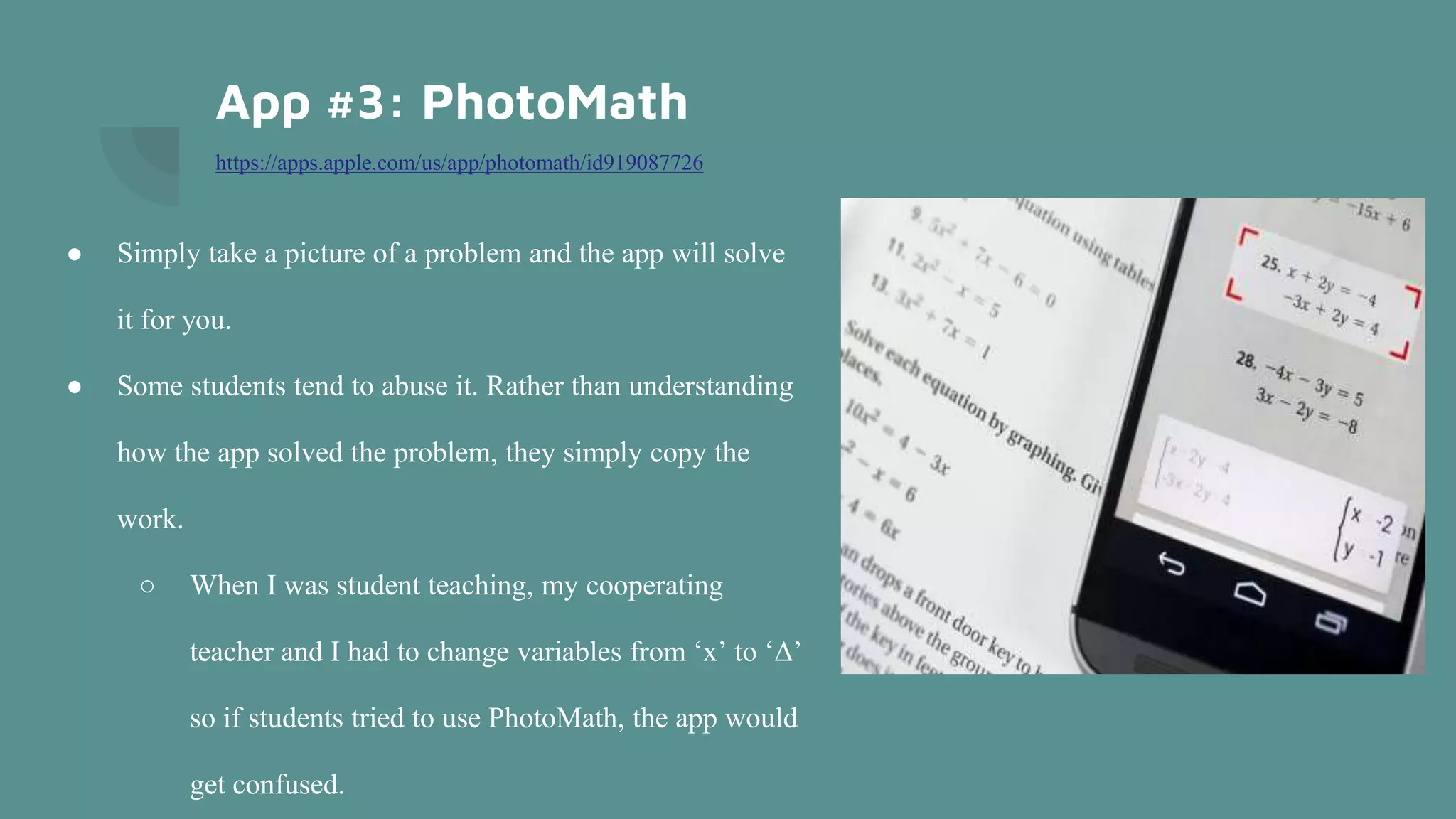
● Simply take a picture of a problem and the app will solve
it for you.
● Some students tend to abuse it. Rather than understanding
how the app solved the problem, they simply copy the
work.
○ When I was student teaching, my cooperating
teacher and I had to change variables from ‘x’ to ‘Δ’
so if students tried to use PhotoMath, the app would
get confused.
PhotoMath Cont.
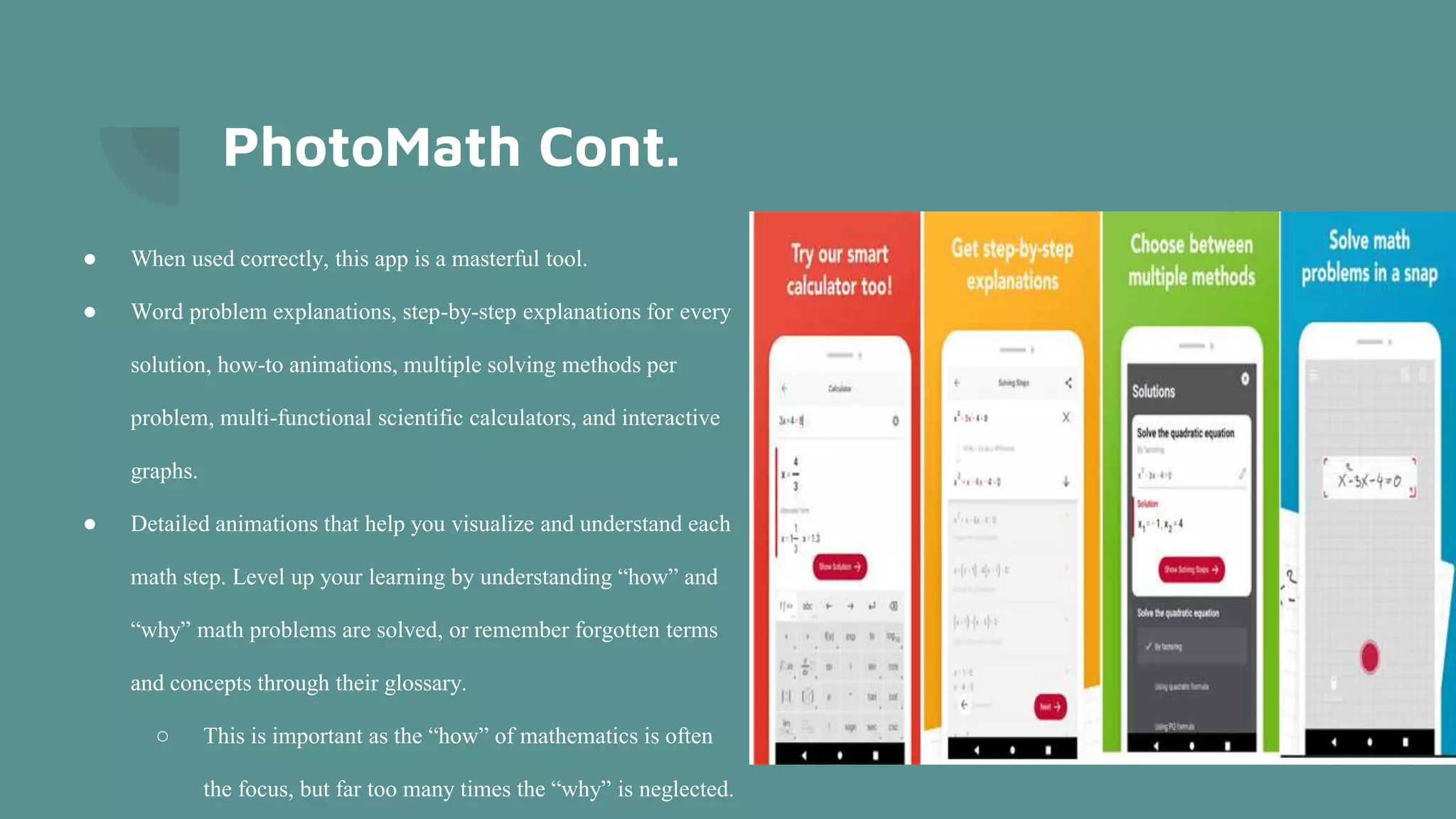
● When used correctly, this app is a masterful tool.
● Word problem explanations, step-by-step explanations for every
solution, how-to animations, multiple solving methods per
problem, multi-functional scientific calculators, and interactive
graphs.
● Detailed animations that help you visualize and understand each
math step. Level up your learning by understanding “how” and
“why” math problems are solved, or remember forgotten terms
and concepts through their glossary.
○ This is important as the “how” of mathematics is often
the focus, but far too many times the “why” is neglected.
App #4: IXL
https://apps.apple.com/us/app/ixl-math-english-more/id693689912
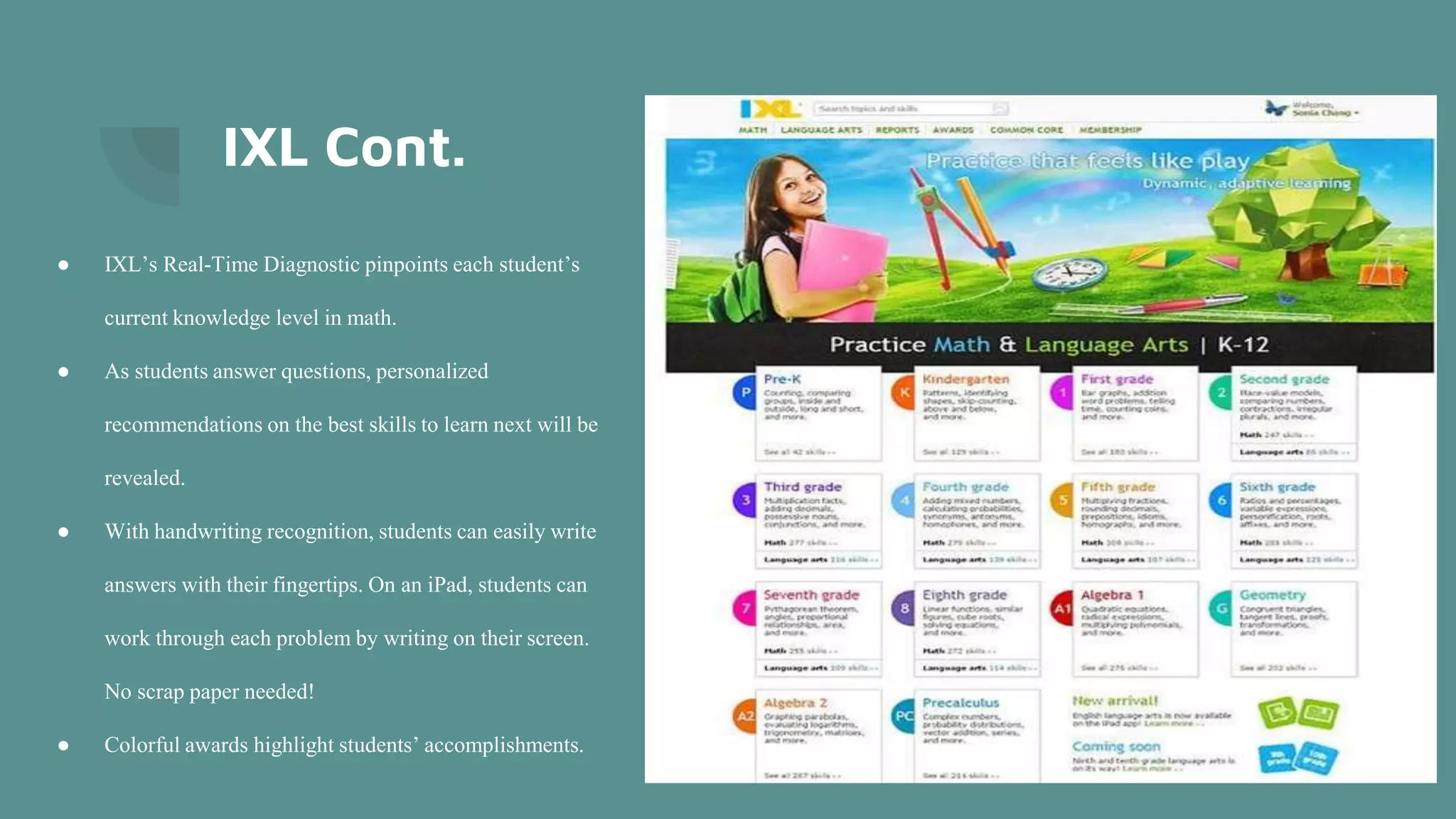
● Breaks down options by grade level and content area.
● IXL has a curriculum for students in Pre-K all the way through 12th
grade.
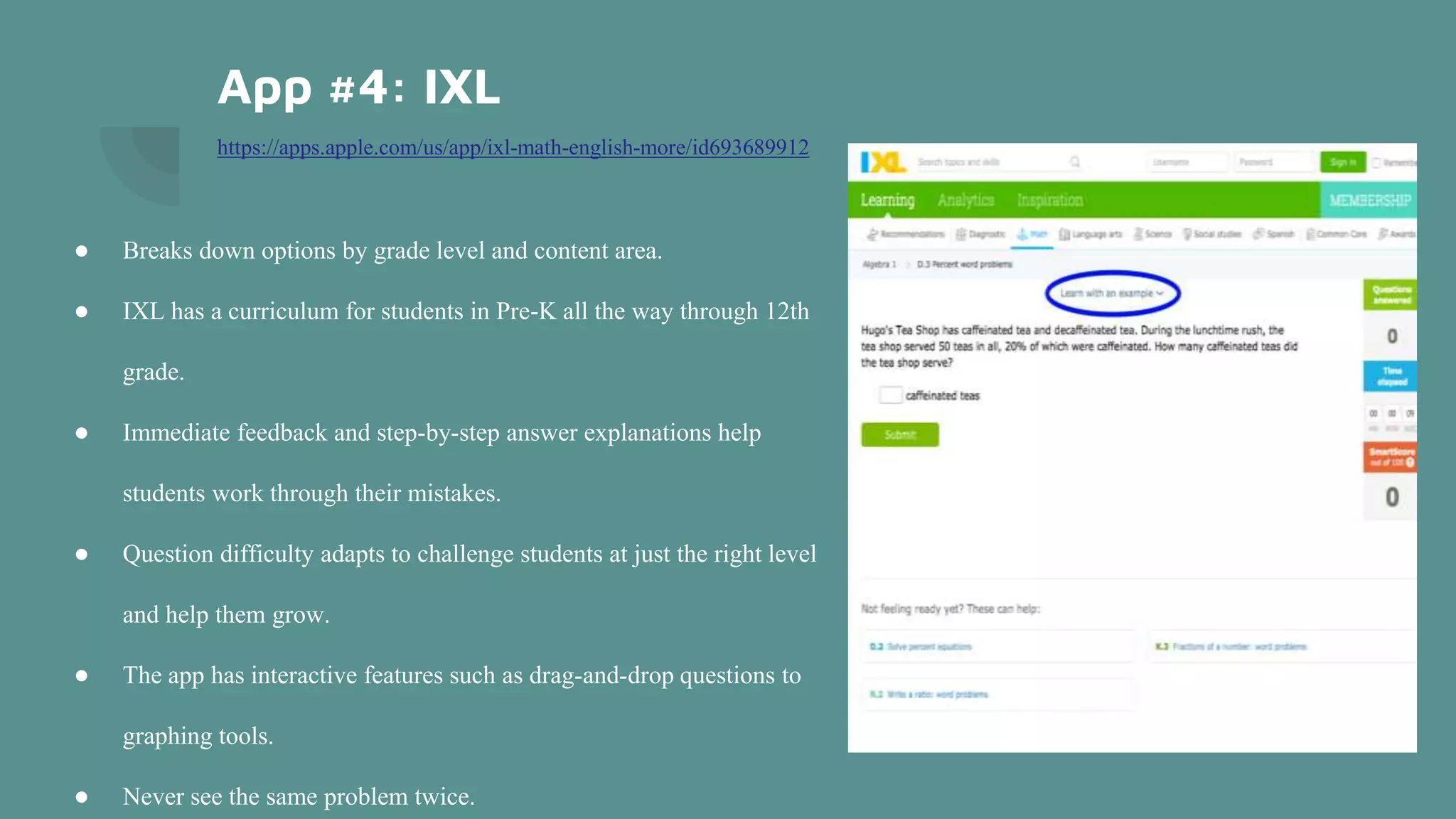
● Immediate feedback and step-by-step answer explanations help
students work through their mistakes.
● Question difficulty adapts to challenge students at just the right level
and help them grow.
● The app has interactive features such as drag-and-drop questions to
graphing tools.
● Never see the same problem twice.
IXL Cont.
● IXL’s Real-Time Diagnostic pinpoints each student’s
current knowledge level in math.
● As students answer questions, personalized
recommendations on the best skills to learn next will be
revealed.
● With handwriting recognition, students can easily write
answers with their fingertips. On an iPad, students can
work through each problem by writing on their screen.
No scrap paper needed!
● Colorful awards highlight students’ accomplishments.
App #5: Quizlet
https://apps.apple.com/us/app/quizlet-learn-with-flashcards/id546473125
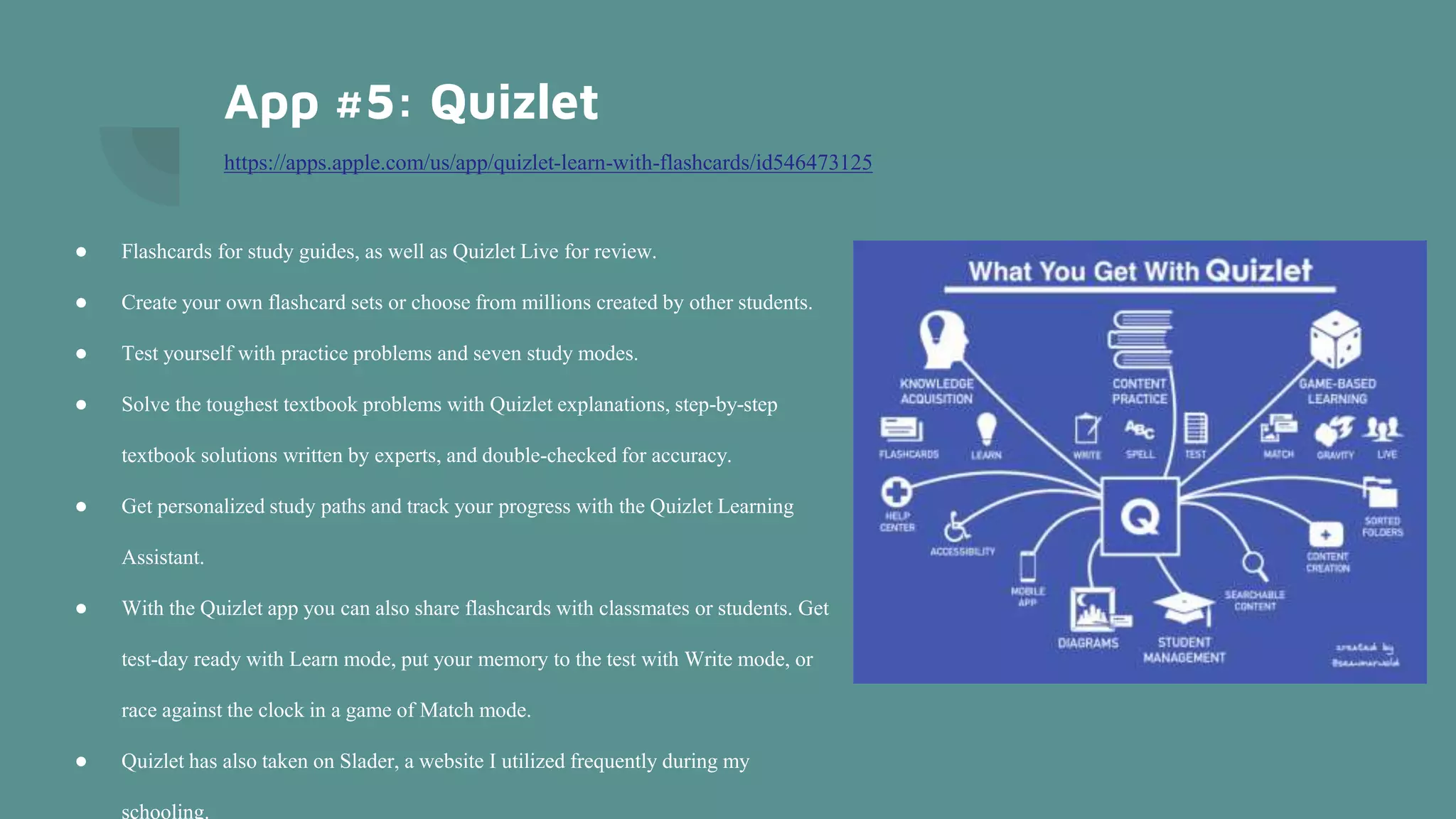
● Flashcards for study guides, as well as Quizlet Live for review.
● Create your own flashcard sets or choose from millions created by other students.
● Test yourself with practice problems and seven study modes.
● Solve the toughest textbook problems with Quizlet explanations, step-by-step
textbook solutions written by experts, and double-checked for accuracy.
● Get personalized study paths and track your progress with the Quizlet Learning
Assistant.
● With the Quizlet app you can also share flashcards with classmates or students. Get
test-day ready with Learn mode, put your memory to the test with Write mode, or
race against the clock in a game of Match mode.
● Quizlet has also taken on Slader, a website I utilized frequently during my
schooling.
App #6: Class Dojo
https://apps.apple.com/us/app/classdojo/id552602056
● Classroom communication, management, and individual student portfolios
○ Use to communicate with students or parents on a daily basis through individual
messages or stories
○ Use to create incentives for classroom behavior
● Feedback points are awarded based on behaviors in class
○ Customize feedback points to each child by specifying what point he will get; for
example, creativity, curiosity or teamwork points
● Each student is represented by their own Dojo avatar
○ Avatars can be changed daily if needed
App #6: Class Dojo Cont.
● For younger students- easy access to student assignment information through a parental communication
system
● Access to higher learning through an ability to redefine behavioral management
● Only link to educational standards would be through student portfolios and posted assignments
● Easy to use for parents, students, and teachers
○ Easy to see classroom feedback on expectations, easy to communicate back and forth with parents
● Must be invited to a classroom before joining and communicating
● Instructions: App provides clear instruction for all users (parents, teachers, and students alike)
○ Join class under parent or student view
○ Click messages to check unread messages or send a new message
○ Watch class stories
○ Check class activities and drafts for your child through icon at the top left corner
● Free
App #7: ABC Mouse
https://apps.apple.com/us/app/abcmouse-com-early-learning/id586328581
● Virtual classroom that involves all subjects for students K-8
● Use during independent work time, rotating stations, computer lab, or whole class
instruction
● Learn content presented through books, songs, puzzles, games, printables
● Content includes Reading, Writing, Math, Art, Music, Social Studies, Science, Health,
Spanish
● Profile for each student
● Free
● Teachers can provide a code to students for them to access the content at home
● Teachers can track student progress
● Assessments that determine what students need to work on; students are motivated
by tickets and reward systems
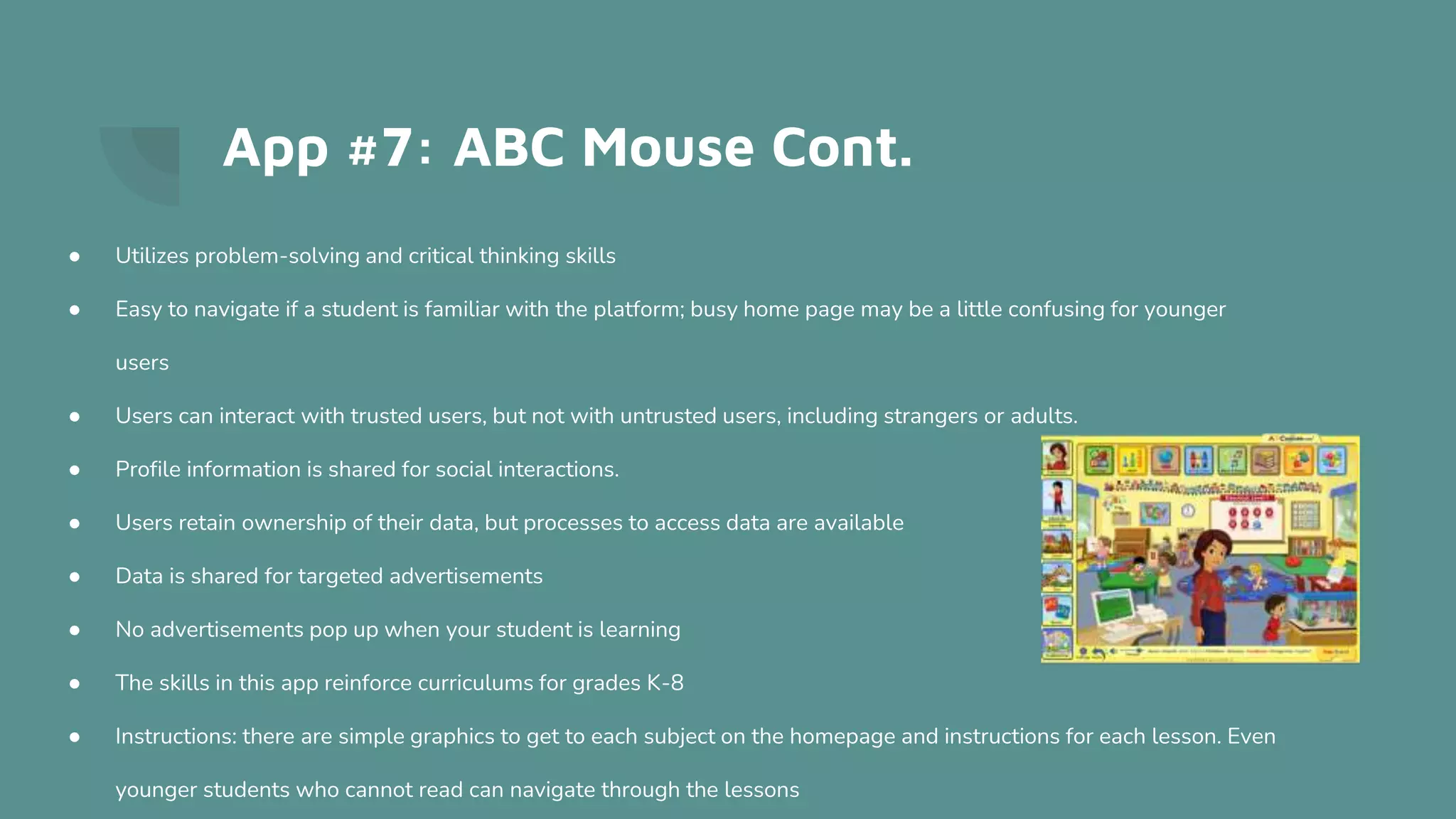
App #7: ABC Mouse Cont.
● Utilizes problem-solving and critical thinking skills
● Easy to navigate if a student is familiar with the platform; busy home page may be a little confusing for younger
users
● Users can interact with trusted users, but not with untrusted users, including strangers or adults.
● Profile information is shared for social interactions.
● Users retain ownership of their data, but processes to access data are available
● Data is shared for targeted advertisements
● No advertisements pop up when your student is learning
● The skills in this app reinforce curriculums for grades K-8
● Instructions: there are simple graphics to get to each subject on the homepage and instructions for each lesson. Even
younger students who cannot read can navigate through the lessons
App #8: Google Classroom
https://apps.apple.com/us/app/google-classroom/id924620788
● Uses: start a video meeting; create classes, assignments, quizzes, and announcements; share videos
○ Manage grades and give direct feedback
○ Communicate with students, classmates, parents
● Provides student feedback in real-time through comments made on files uploaded.
● Apply higher level thinking through an array of classroom assignments and projects using technology
● Easy to use for remote and in-person learning with many options for connected files and other applications, like
Google Docs, Slides, Drive, etc.
● Students and other teachers can only enter the classroom if they are invited or if they have the code
● Administrators in the classroom can monitor classroom behavior; they do use information to better the app and
improve safety
App #8: Google Classroom Cont.
● The skills reinforced are directly connected to the curriculum because the teacher creates the classroom and decides
on content
● Because the classrooms are created by teachers, instructions are dependent on what the teacher provides
○ The app provides spaces for plenty of instruction, but the teacher can decide how much instruction he will
share
● Instructions: sign in/type in class code and click on desired classroom
○ Scroll through assignments, announcements, quizzes, and more within
the classroom
○ See upcoming work on the left hand side of the app
○ Find your stream, classwork, classmates, and grades at the top of the page
App #9: Epic Reading
https://apps.apple.com/us/app/epic-kids-books-reading/id719219382
● Uses: research projects, fluency practice, visualization, listening
comprehension, engaging reading, and narrow reading level focus- K-8th
grade reading levels
○ Use in center time primarily or in whole group reading instruction
● Student-specific reading levels assigned
● Feedback through quizzes
● Enhances higher level knowledge through reading on an interactive app
● Easy to navigate through books or read alouds
App #9: Epic Reading
● Each student has to have a class code and profile to use epic reading
● Connected to reading and comprehension standards
● Instructions
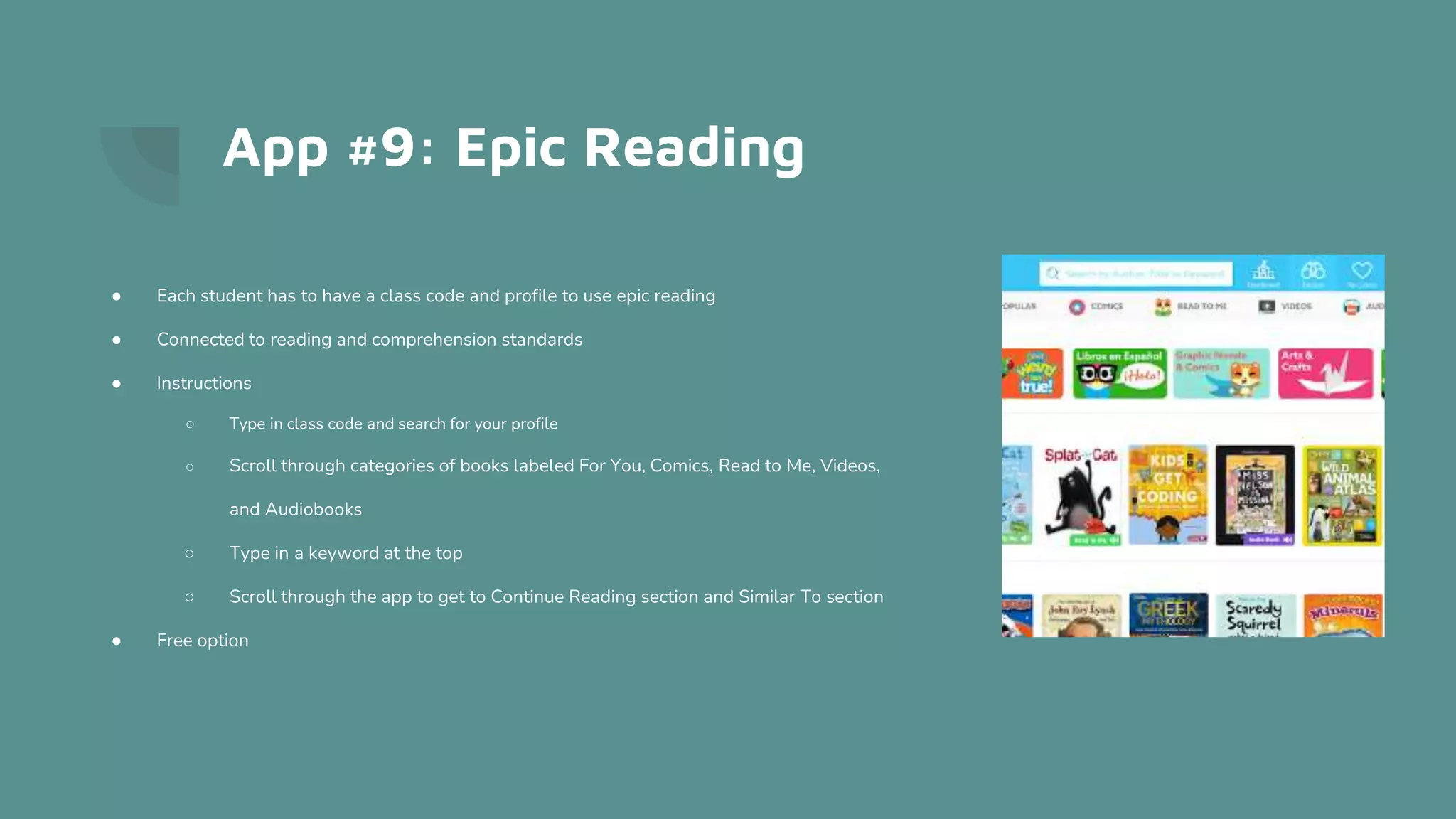
○ Type in class code and search for your profile
○ Scroll through categories of books labeled For You, Comics, Read to Me, Videos,
and Audiobooks
○ Type in a keyword at the top
○ Scroll through the app to get to Continue Reading section and Similar To section
● Free option
App #10: Kahoot
https://apps.apple.com/us/app/kahoot-play-create-quizzes/id1131203560
● Uses: Increase interaction between students and
students/ students and teachers; use quizzes and
games for learning and review in class or at home
● Direct feedback on correct or incorrect answers
● Uses enhanced learning experience through tech tools
● User-friendly interface, easy to personalize this tool
and learn
App #10: Kahoot
● Skills can be connected to curriculum through assessing standards
● Can make public or private, with a code or invite to access
● Instructions:
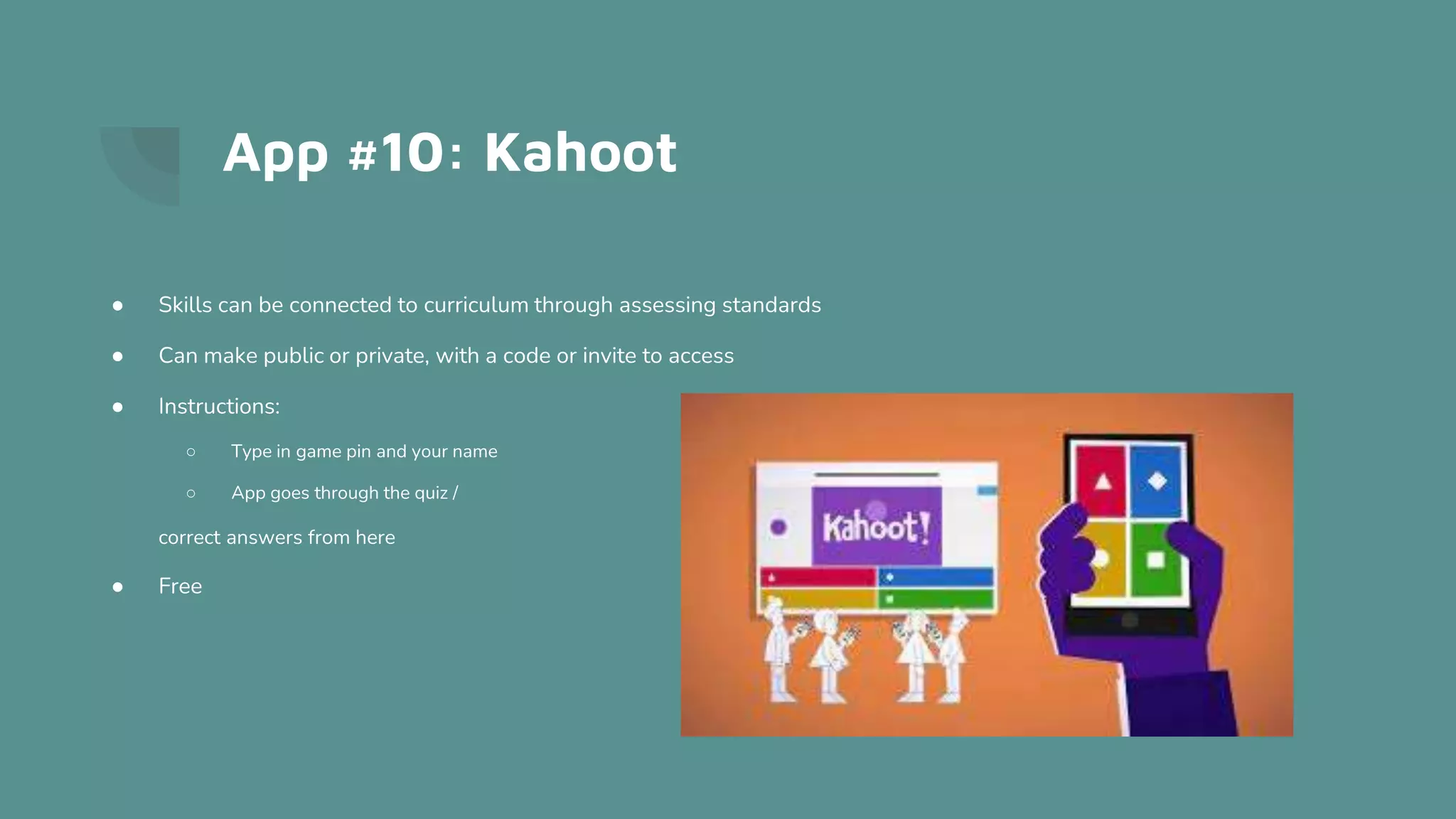
○ Type in game pin and your name
○ App goes through the quiz /
correct answers from here
● Free

There's an app for that

  • 1.
    There’s an App forThat Dylan Hendricks & Sydney Crabtree
  • 2.
    App #1: Quizizz https://apps.apple.com/us/app/quizizz-play-to-learn/id1160249042 ●Much higher completion rate on assignments through Quizizz than paper worksheets. ● Quizzes include power-ups, memes, and more, which appeal to students. ● Students have plenty of opportunities to self-assess - multiple attempts ○ If they are not content with their score the first time, they can try to improve upon it ○ Students can assess their level of learning and try again, or they can try again with teacher prompting. ● Fun and engaging formative assessment ● Uses: Review for exams, homework assignments, etc. ● Privacy: You can hide people’s scores or they can create usernames so no one knows who they are
  • 3.
    Quizizz Cont. If youtasked your students with creating quizzes, the app is easy to use! Quizizz math editor lets you add mathematical equations into a question with ease. 1. Open the quiz editor by editing or creating a quiz. 2. Select any question types under the 'create a question' section to add a new question. 3. To add a mathematical equation, click the 'f(x)' math button to open the equation editor. 4. Start writing your equation with the available functions and symbols.
  • 4.
    App #2: AudioNote https://apps.apple.com/us/app/audionote/id369820957 ● A combination of a voice recorder and notepad, AudioNote captures both audio and notes for students. ● Saves you time while improving the quality of your notes. ● With AudioNote there is no need to waste time searching through the entire recording to find out. Each note acts as a link directly to the point at which it was recorded, taking you instantly to what you want to hear. ● You can add notes after the fact. ● Your text, drawings, and photos will highlight during playback, helping you to remember the context in which they were taken
  • 5.
    App #3: PhotoMath https://apps.apple.com/us/app/photomath/id919087726 ●Simply take a picture of a problem and the app will solve it for you. ● Some students tend to abuse it. Rather than understanding how the app solved the problem, they simply copy the work. ○ When I was student teaching, my cooperating teacher and I had to change variables from ‘x’ to ‘Δ’ so if students tried to use PhotoMath, the app would get confused.
  • 6.
    PhotoMath Cont. ● Whenused correctly, this app is a masterful tool. ● Word problem explanations, step-by-step explanations for every solution, how-to animations, multiple solving methods per problem, multi-functional scientific calculators, and interactive graphs. ● Detailed animations that help you visualize and understand each math step. Level up your learning by understanding “how” and “why” math problems are solved, or remember forgotten terms and concepts through their glossary. ○ This is important as the “how” of mathematics is often the focus, but far too many times the “why” is neglected.
  • 7.
    App #4: IXL https://apps.apple.com/us/app/ixl-math-english-more/id693689912 ●Breaks down options by grade level and content area. ● IXL has a curriculum for students in Pre-K all the way through 12th grade. ● Immediate feedback and step-by-step answer explanations help students work through their mistakes. ● Question difficulty adapts to challenge students at just the right level and help them grow. ● The app has interactive features such as drag-and-drop questions to graphing tools. ● Never see the same problem twice.
  • 8.
    IXL Cont. ● IXL’sReal-Time Diagnostic pinpoints each student’s current knowledge level in math. ● As students answer questions, personalized recommendations on the best skills to learn next will be revealed. ● With handwriting recognition, students can easily write answers with their fingertips. On an iPad, students can work through each problem by writing on their screen. No scrap paper needed! ● Colorful awards highlight students’ accomplishments.
  • 9.
    App #5: Quizlet https://apps.apple.com/us/app/quizlet-learn-with-flashcards/id546473125 ●Flashcards for study guides, as well as Quizlet Live for review. ● Create your own flashcard sets or choose from millions created by other students. ● Test yourself with practice problems and seven study modes. ● Solve the toughest textbook problems with Quizlet explanations, step-by-step textbook solutions written by experts, and double-checked for accuracy. ● Get personalized study paths and track your progress with the Quizlet Learning Assistant. ● With the Quizlet app you can also share flashcards with classmates or students. Get test-day ready with Learn mode, put your memory to the test with Write mode, or race against the clock in a game of Match mode. ● Quizlet has also taken on Slader, a website I utilized frequently during my schooling.
  • 10.
    App #6: ClassDojo https://apps.apple.com/us/app/classdojo/id552602056 ● Classroom communication, management, and individual student portfolios ○ Use to communicate with students or parents on a daily basis through individual messages or stories ○ Use to create incentives for classroom behavior ● Feedback points are awarded based on behaviors in class ○ Customize feedback points to each child by specifying what point he will get; for example, creativity, curiosity or teamwork points ● Each student is represented by their own Dojo avatar ○ Avatars can be changed daily if needed
  • 11.
    App #6: ClassDojo Cont. ● For younger students- easy access to student assignment information through a parental communication system ● Access to higher learning through an ability to redefine behavioral management ● Only link to educational standards would be through student portfolios and posted assignments ● Easy to use for parents, students, and teachers ○ Easy to see classroom feedback on expectations, easy to communicate back and forth with parents ● Must be invited to a classroom before joining and communicating ● Instructions: App provides clear instruction for all users (parents, teachers, and students alike) ○ Join class under parent or student view ○ Click messages to check unread messages or send a new message ○ Watch class stories ○ Check class activities and drafts for your child through icon at the top left corner ● Free
  • 12.
    App #7: ABCMouse https://apps.apple.com/us/app/abcmouse-com-early-learning/id586328581 ● Virtual classroom that involves all subjects for students K-8 ● Use during independent work time, rotating stations, computer lab, or whole class instruction ● Learn content presented through books, songs, puzzles, games, printables ● Content includes Reading, Writing, Math, Art, Music, Social Studies, Science, Health, Spanish ● Profile for each student ● Free ● Teachers can provide a code to students for them to access the content at home ● Teachers can track student progress ● Assessments that determine what students need to work on; students are motivated by tickets and reward systems
  • 13.
    App #7: ABCMouse Cont. ● Utilizes problem-solving and critical thinking skills ● Easy to navigate if a student is familiar with the platform; busy home page may be a little confusing for younger users ● Users can interact with trusted users, but not with untrusted users, including strangers or adults. ● Profile information is shared for social interactions. ● Users retain ownership of their data, but processes to access data are available ● Data is shared for targeted advertisements ● No advertisements pop up when your student is learning ● The skills in this app reinforce curriculums for grades K-8 ● Instructions: there are simple graphics to get to each subject on the homepage and instructions for each lesson. Even younger students who cannot read can navigate through the lessons
  • 14.
    App #8: GoogleClassroom https://apps.apple.com/us/app/google-classroom/id924620788 ● Uses: start a video meeting; create classes, assignments, quizzes, and announcements; share videos ○ Manage grades and give direct feedback ○ Communicate with students, classmates, parents ● Provides student feedback in real-time through comments made on files uploaded. ● Apply higher level thinking through an array of classroom assignments and projects using technology ● Easy to use for remote and in-person learning with many options for connected files and other applications, like Google Docs, Slides, Drive, etc. ● Students and other teachers can only enter the classroom if they are invited or if they have the code ● Administrators in the classroom can monitor classroom behavior; they do use information to better the app and improve safety
  • 15.
    App #8: GoogleClassroom Cont. ● The skills reinforced are directly connected to the curriculum because the teacher creates the classroom and decides on content ● Because the classrooms are created by teachers, instructions are dependent on what the teacher provides ○ The app provides spaces for plenty of instruction, but the teacher can decide how much instruction he will share ● Instructions: sign in/type in class code and click on desired classroom ○ Scroll through assignments, announcements, quizzes, and more within the classroom ○ See upcoming work on the left hand side of the app ○ Find your stream, classwork, classmates, and grades at the top of the page
  • 16.
    App #9: EpicReading https://apps.apple.com/us/app/epic-kids-books-reading/id719219382 ● Uses: research projects, fluency practice, visualization, listening comprehension, engaging reading, and narrow reading level focus- K-8th grade reading levels ○ Use in center time primarily or in whole group reading instruction ● Student-specific reading levels assigned ● Feedback through quizzes ● Enhances higher level knowledge through reading on an interactive app ● Easy to navigate through books or read alouds
  • 17.
    App #9: EpicReading ● Each student has to have a class code and profile to use epic reading ● Connected to reading and comprehension standards ● Instructions ○ Type in class code and search for your profile ○ Scroll through categories of books labeled For You, Comics, Read to Me, Videos, and Audiobooks ○ Type in a keyword at the top ○ Scroll through the app to get to Continue Reading section and Similar To section ● Free option
  • 18.
    App #10: Kahoot https://apps.apple.com/us/app/kahoot-play-create-quizzes/id1131203560 ●Uses: Increase interaction between students and students/ students and teachers; use quizzes and games for learning and review in class or at home ● Direct feedback on correct or incorrect answers ● Uses enhanced learning experience through tech tools ● User-friendly interface, easy to personalize this tool and learn
  • 19.
    App #10: Kahoot ●Skills can be connected to curriculum through assessing standards ● Can make public or private, with a code or invite to access ● Instructions: ○ Type in game pin and your name ○ App goes through the quiz / correct answers from here ● Free