©	
  2016	
  University	
  of	
  New	
  Hampshire.	
  All	
  rights	
  reserved.
Academic Technology
Streamlining Application
Deployment and Management
through Virtualization
David	
  Blezard	
  
NERCOMP	
  Annual	
  Conference	
  
3/22/2016
Academic Technology
Why you should stay…
• Understand how application virtualization can
overcome issues with deploying software
• Learn our system for evaluating a new tool’s
potential benefits
• Appreciate the capabilities of Application
Jukebox to be able to assess its utility to your
campus
Some	
  Generic	
  Business
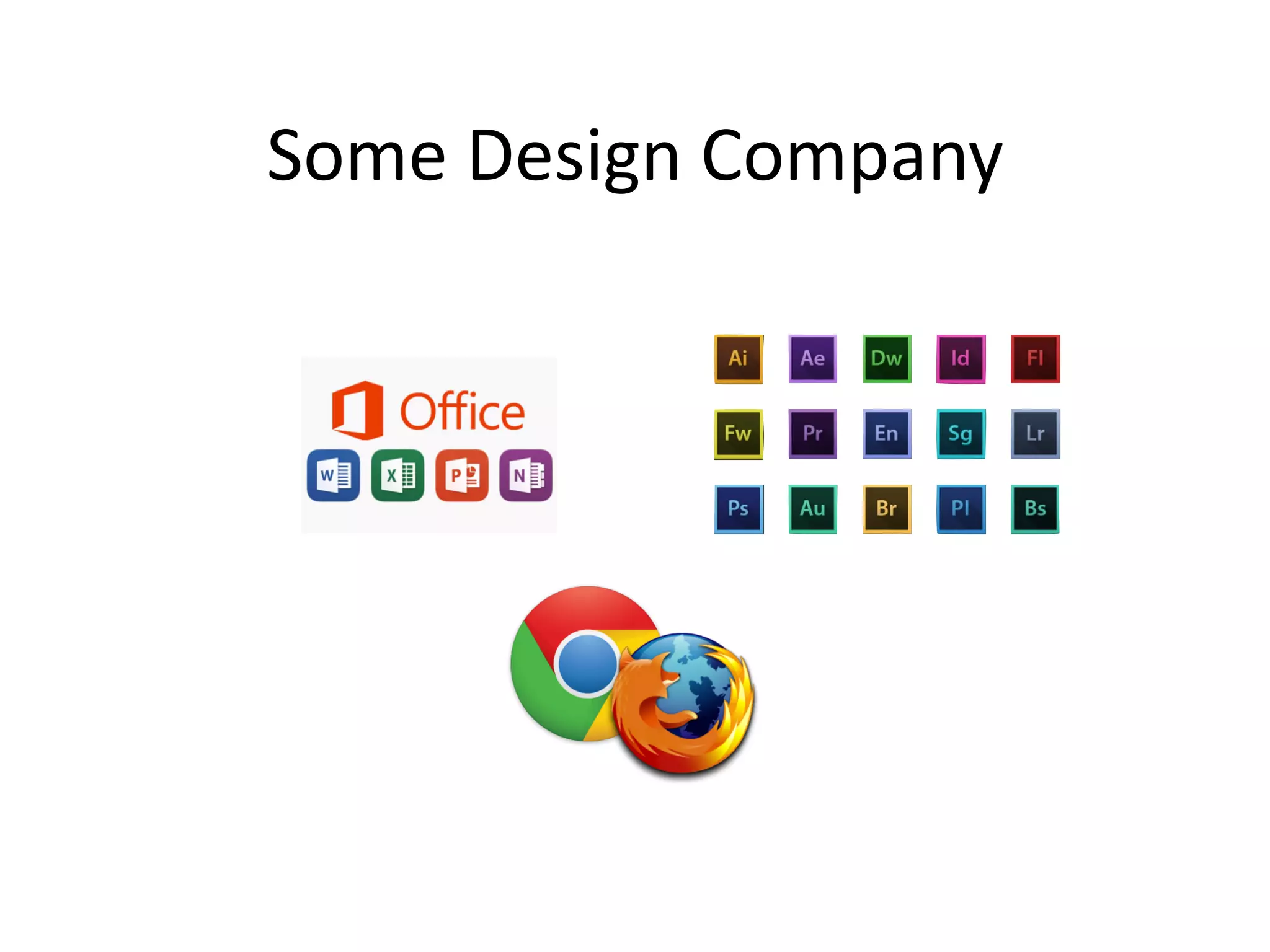
Some	
  Design	
  Company
Pharma/BioTech
Some	
  Engineering	
  Firm
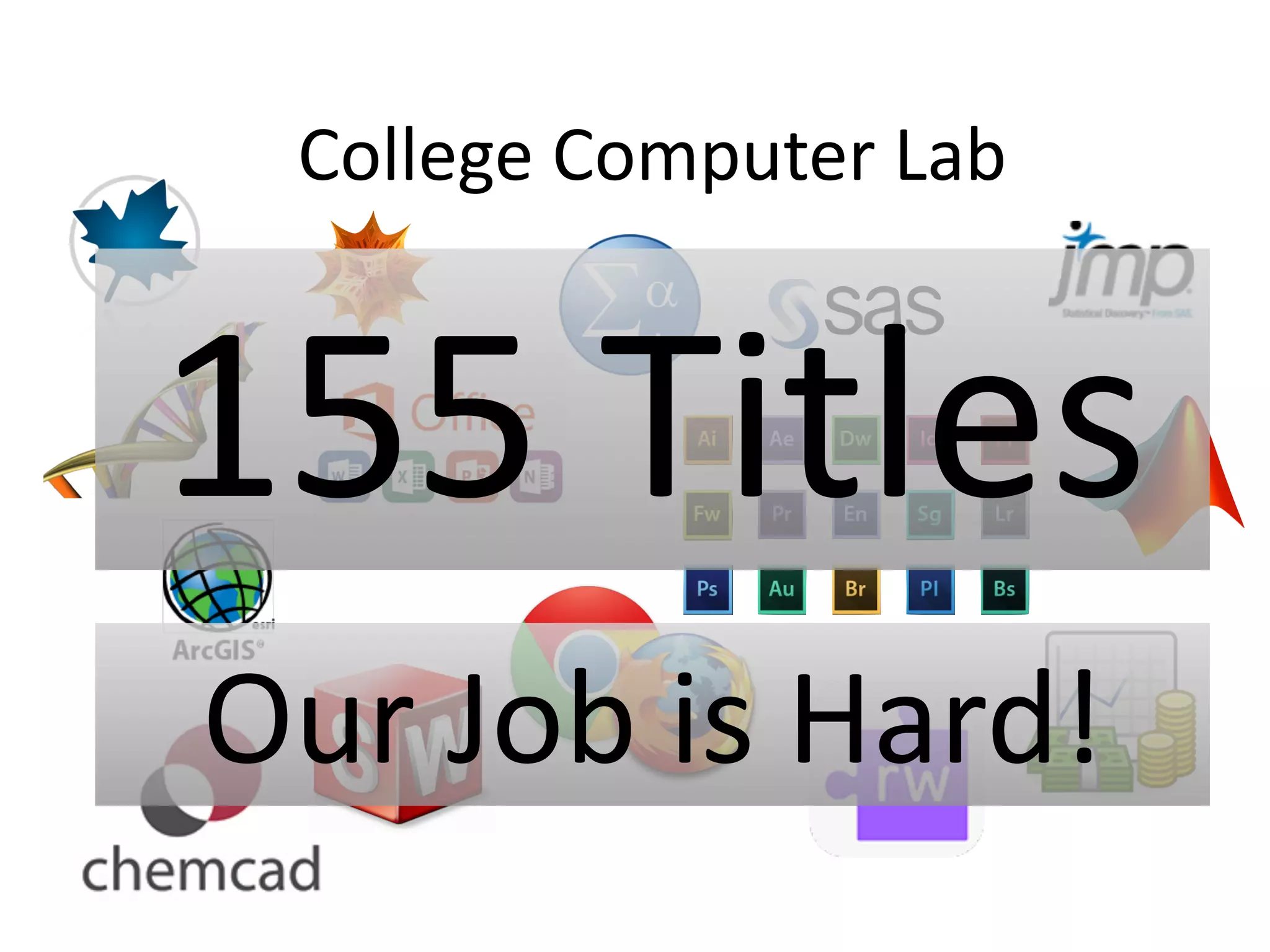
College	
  Computer	
  Lab
155	
  Titles
Our	
  Job	
  is	
  Hard!
Academic Technology
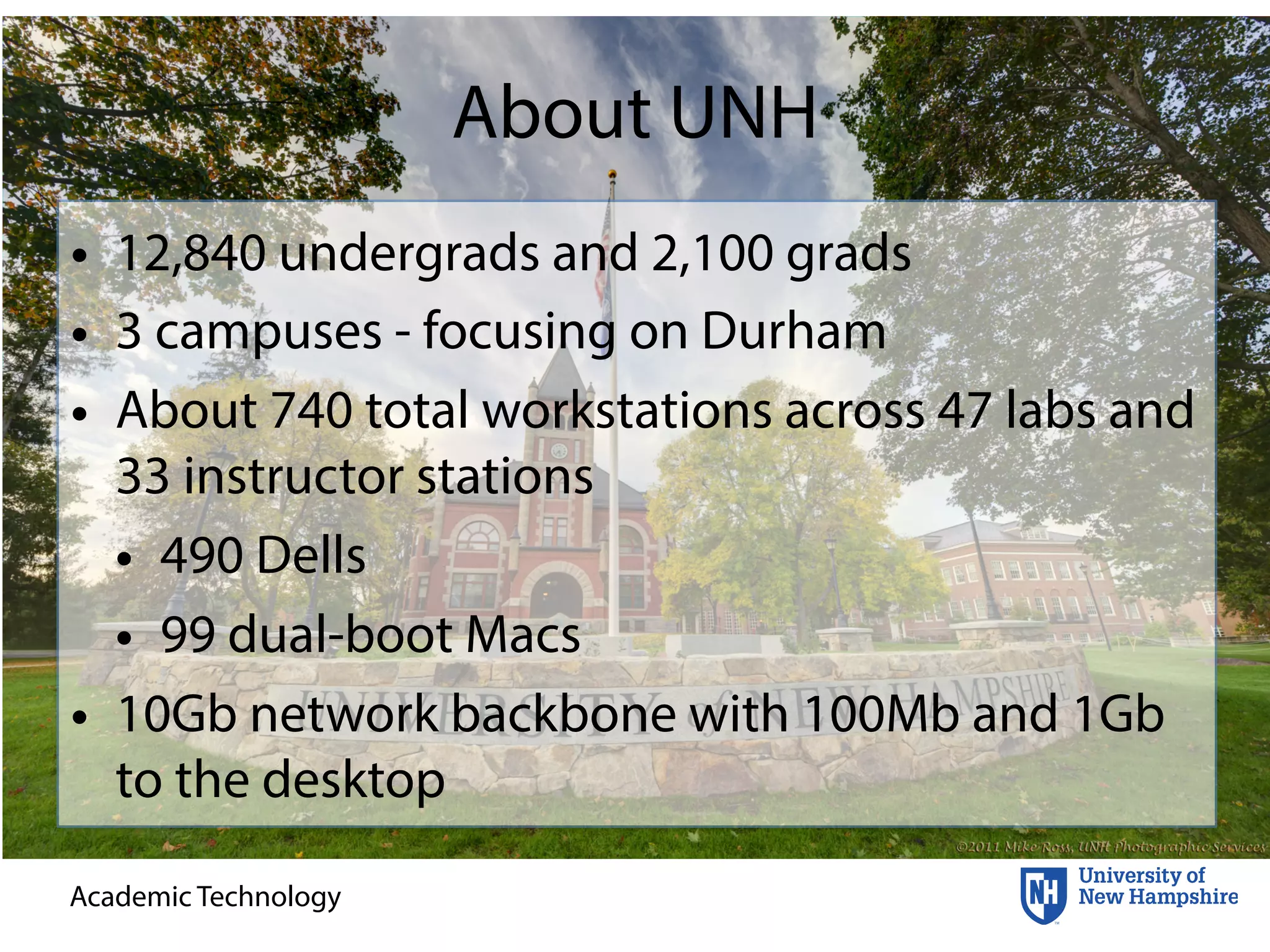
About UNH
• 12,840 undergrads and 2,100 grads
• 3 campuses - focusing on Durham
• About 740 total workstations across 47 labs and
33 instructor stations
• 490 Dells
• 99 dual-boot Macs
• 10Gb network backbone with 100Mb and 1Gb
to the desktop
Academic Technology
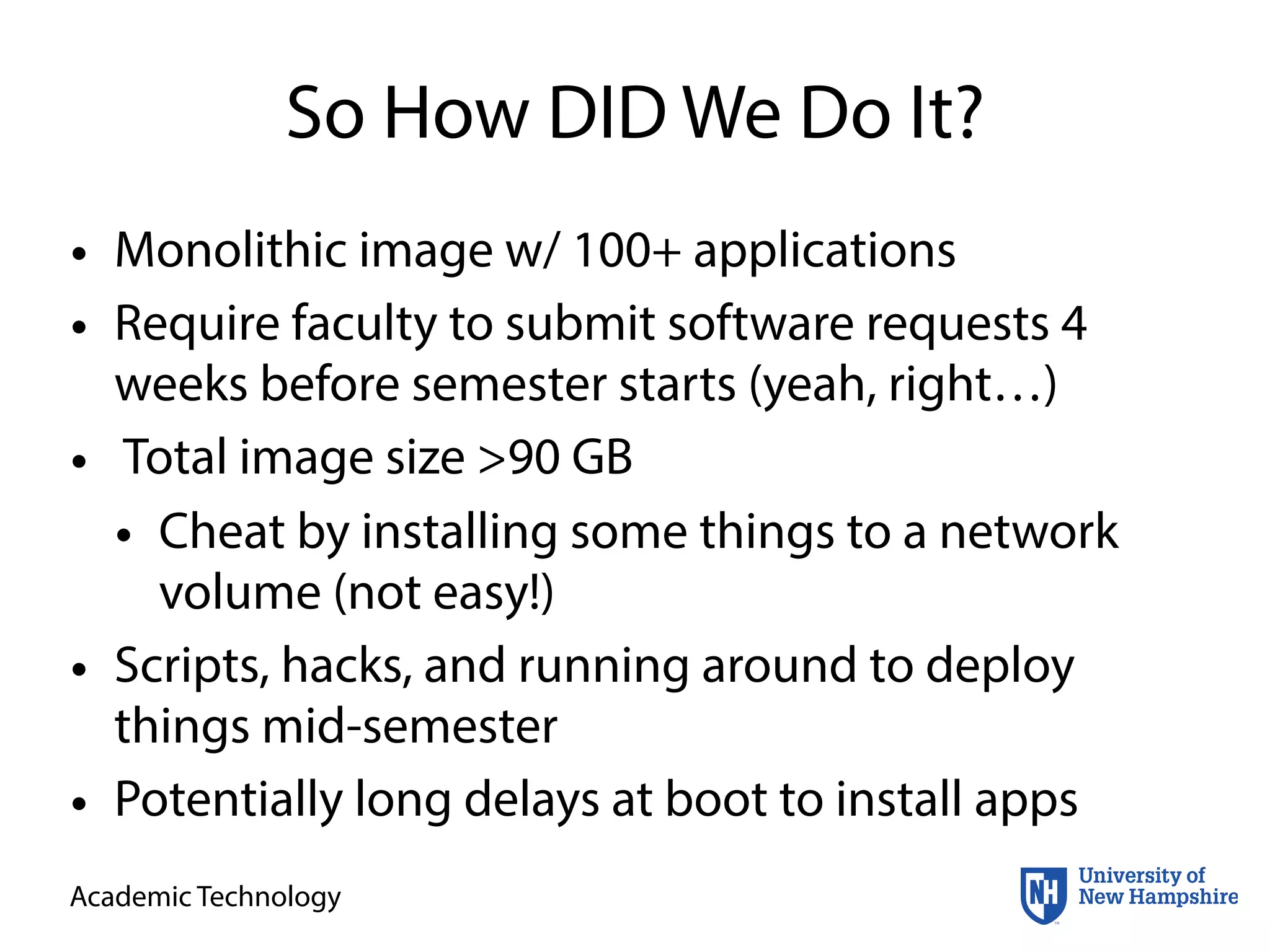
So How DID We Do It?
• Monolithic image w/ 100+ applications
• Require faculty to submit software requests 4
weeks before semester starts (yeah, right…)
• Total image size >90 GB
• Cheat by installing some things to a network
volume (not easy!)
• Scripts, hacks, and running around to deploy
things mid-semester
• Potentially long delays at boot to install apps
Academic Technology
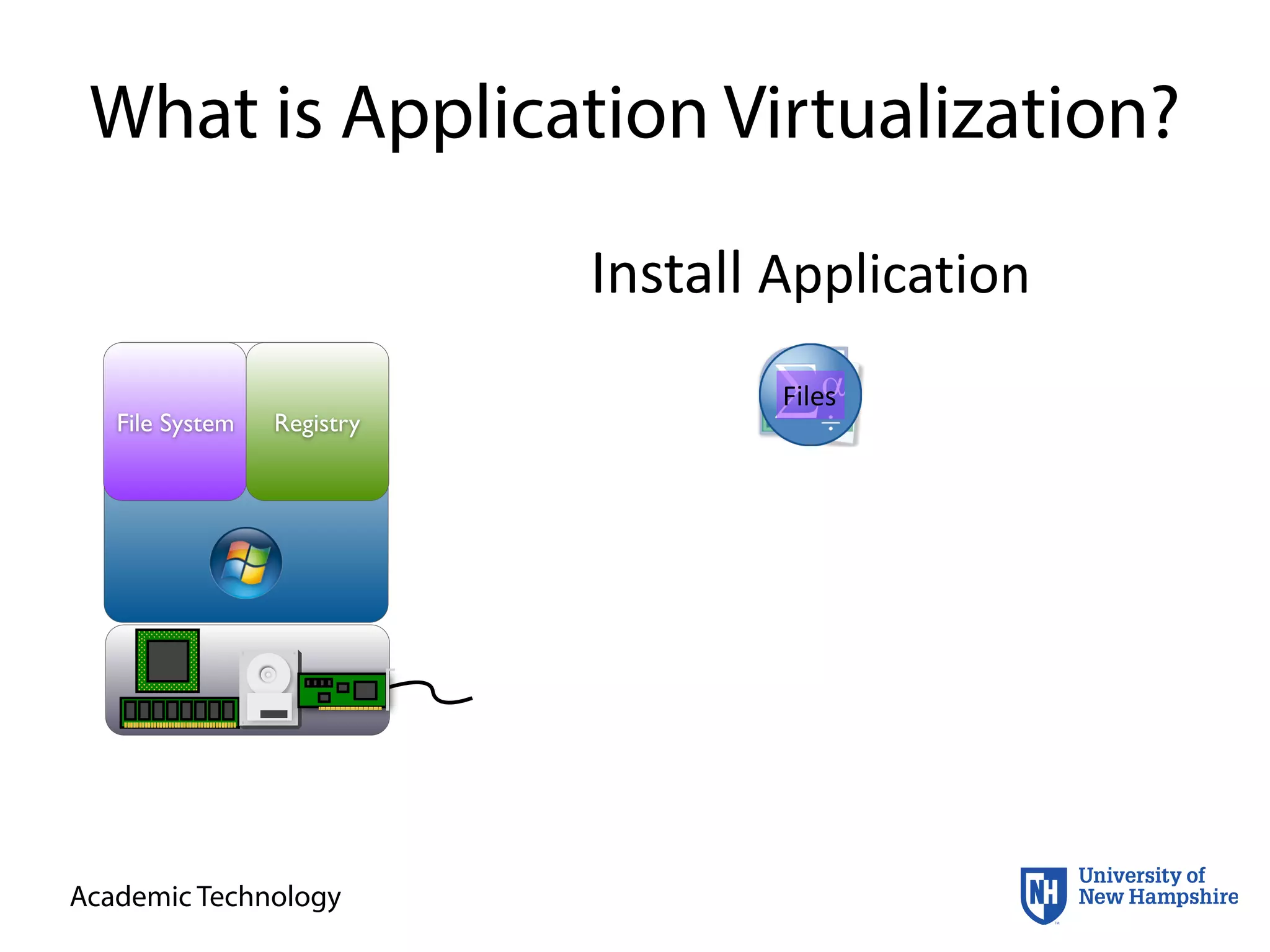
What is Application Virtualization?
File System Registry
Install	
  Application
FilesConfigConfigFiles
Academic Technology
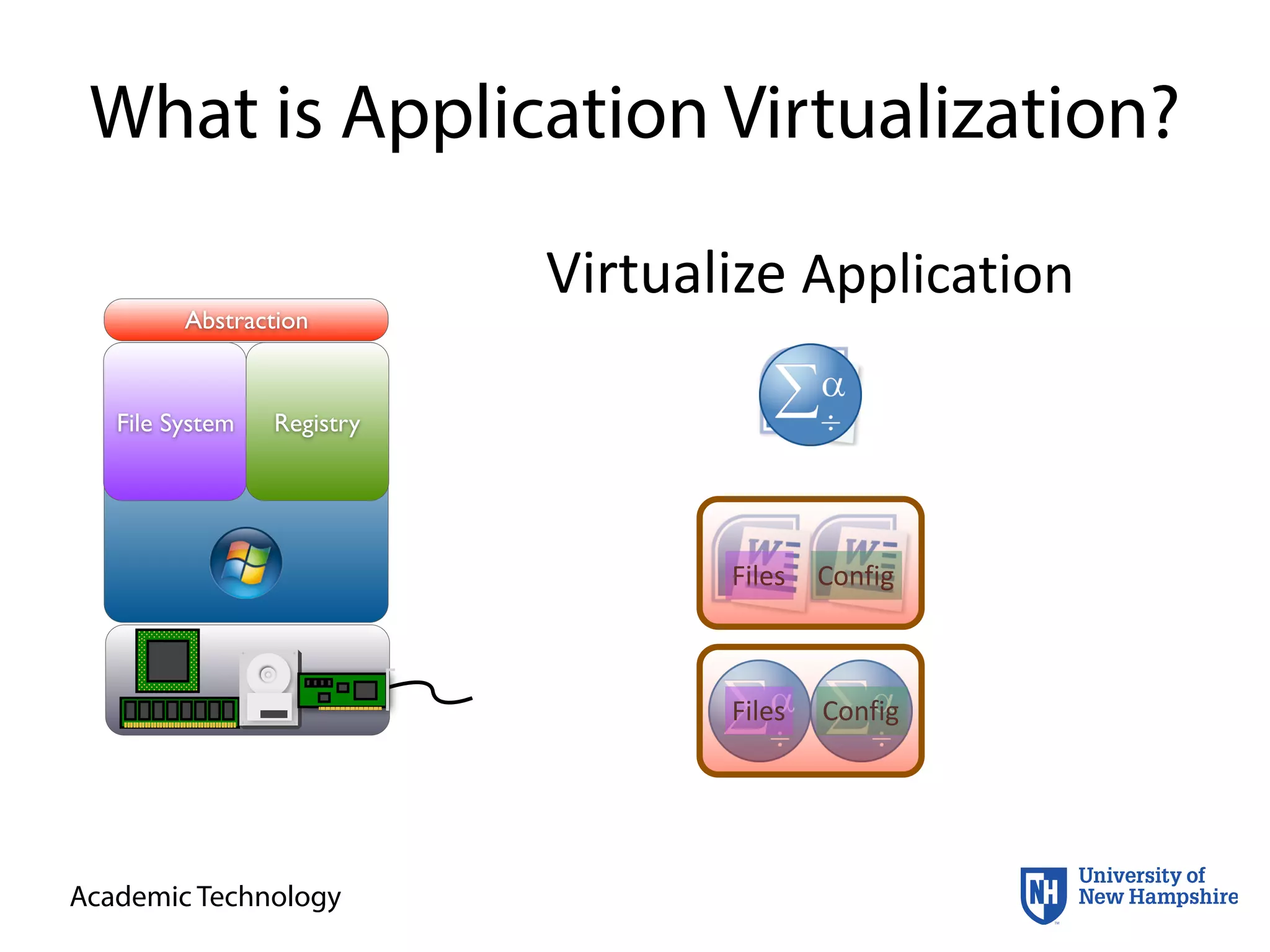
What is Application Virtualization?
Abstraction
File System Registry
Virtualize	
  Application
Files Config
ConfigFiles
Academic Technology
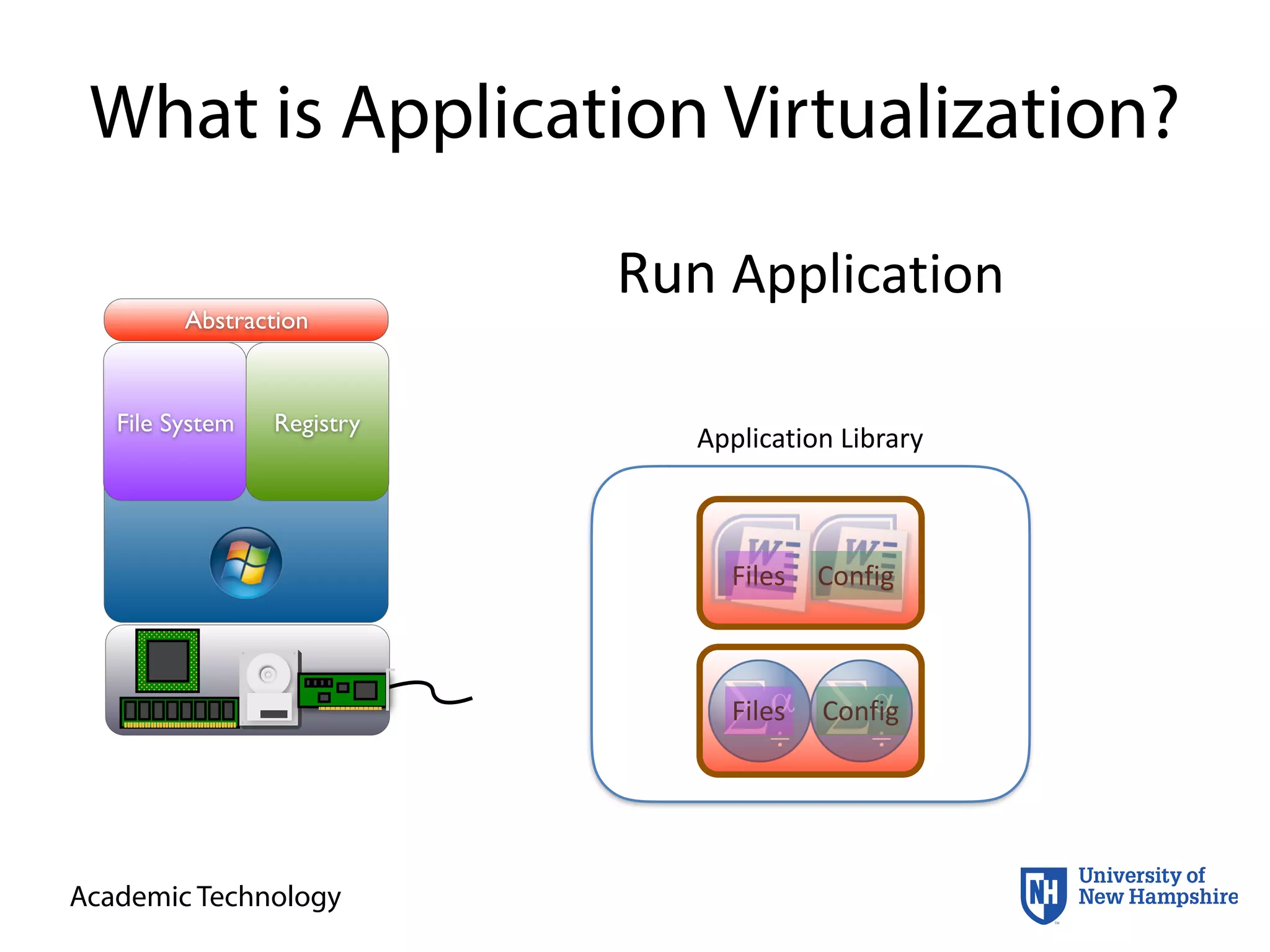
What is Application Virtualization?
Abstraction
File System Registry
Run	
  Application
Files Config
ConfigFiles
Files Config
Application	
  Library
ConfigFiles
Academic Technology
Is it Worth It?
• That depends…
• How do I know???
• Evaluation with objective criteria is key
• Reduce costs
• Increase flexibility
• Prevent incidents and problems
• Et al.
Academic Technology
VMware Mirage
• “VMware Mirage is a next-generation desktop
image management solution for physical desktops”
• “Manage your desktop image as a set of logical
layers owned by either IT or the end user. Update IT-
managed layers while maintaining end-user files
and personalization. Easily deploy applications to
any collection of end users with application layering
technology. Quickly restore the system layers to fix
any issues without overwriting user layers.”
https://www.vmware.com/products/horizon-­‐mirage/features.html
Academic Technology
Evaluating Mirage
• Overall ease of use
• Effectiveness of the tool
• Time required to use the tool vs. time saved in
current management practices
Academic Technology
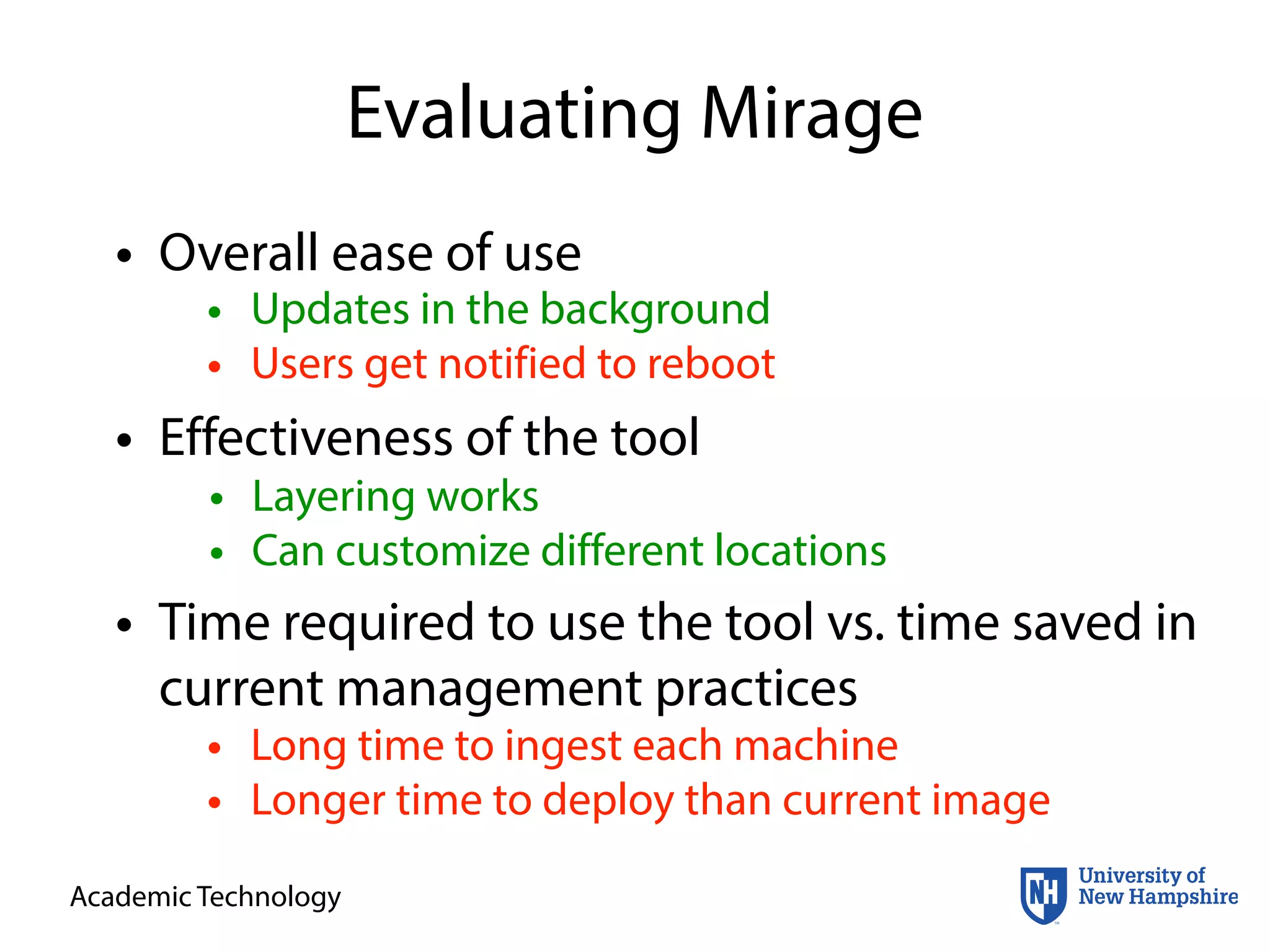
Evaluating Mirage
• Overall ease of use
• Effectiveness of the tool
• Time required to use the tool vs. time saved in
current management practices
• Layering works
• Can customize different locations
• Updates in the background
• Users get notified to reboot
• Long time to ingest each machine
• Longer time to deploy than current image
Academic Technology
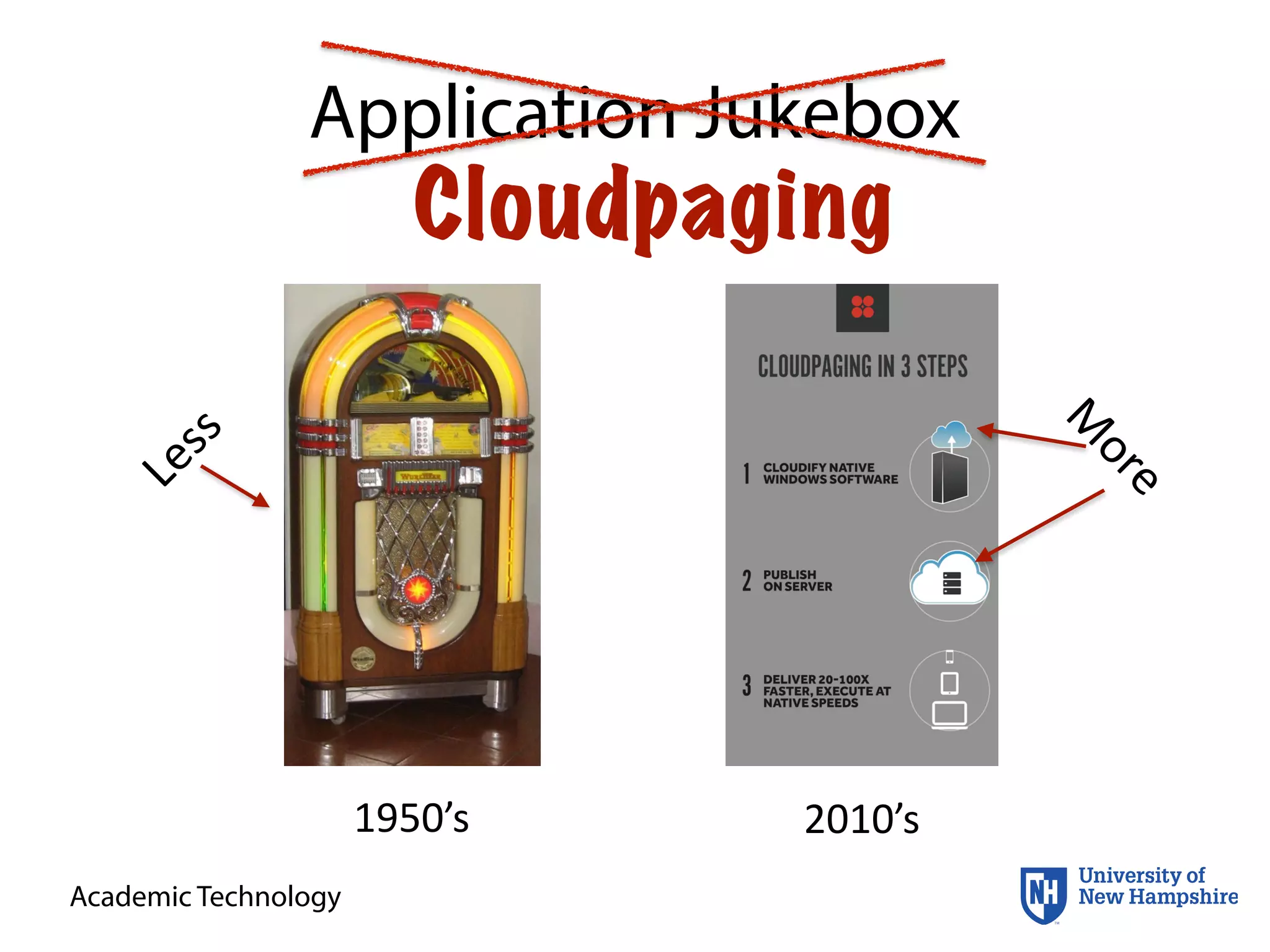
Application Jukebox
Cloudpaging
1950’s 2010’s
Less
M
ore
Academic Technology
Cloudpaging
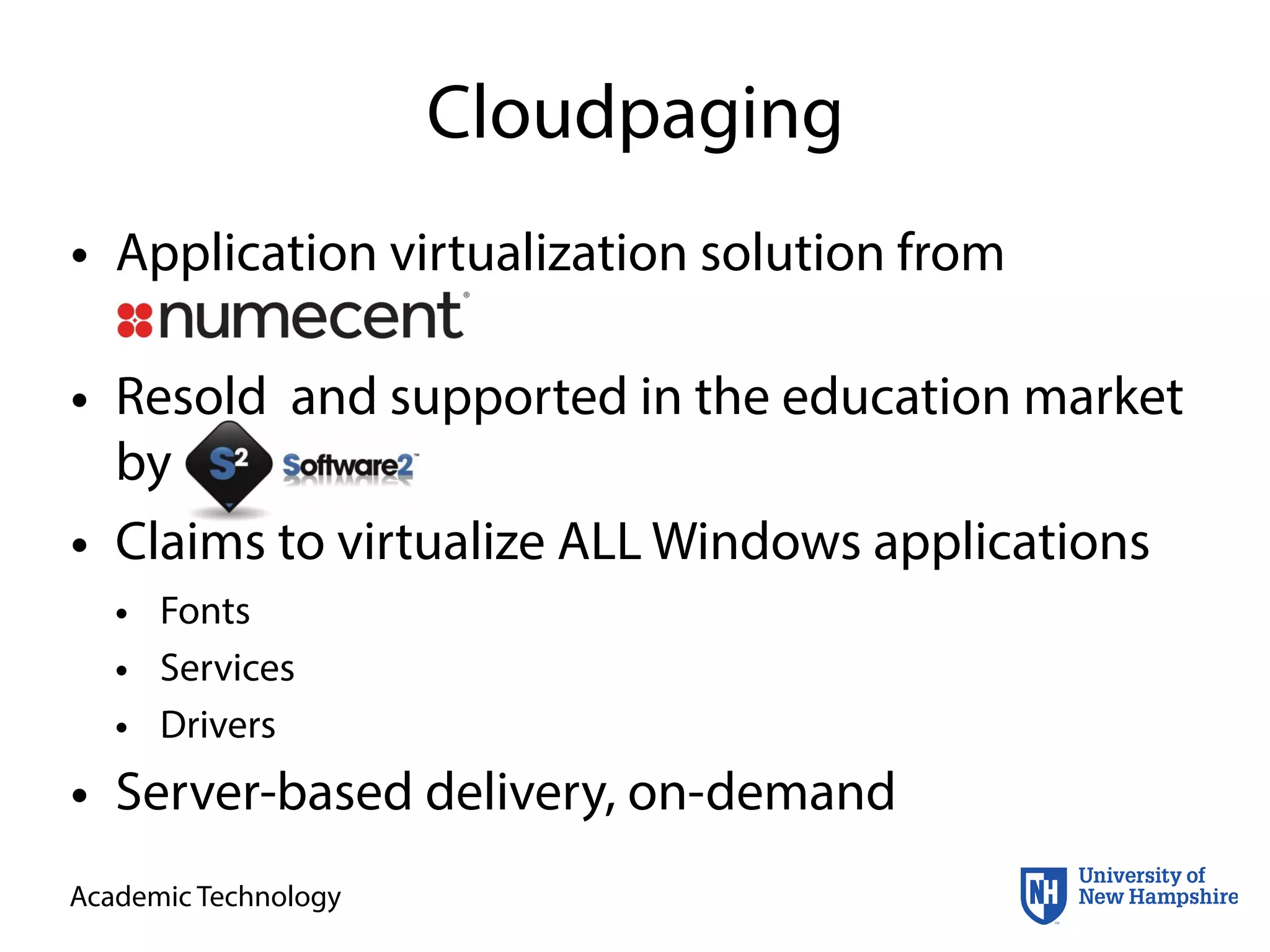
• Application virtualization solution from
Numecent
• Resold and supported in the education market
by Software2
• Claims to virtualize ALL Windows applications
• Fonts
• Services
• Drivers
• Server-based delivery, on-demand
Academic Technology
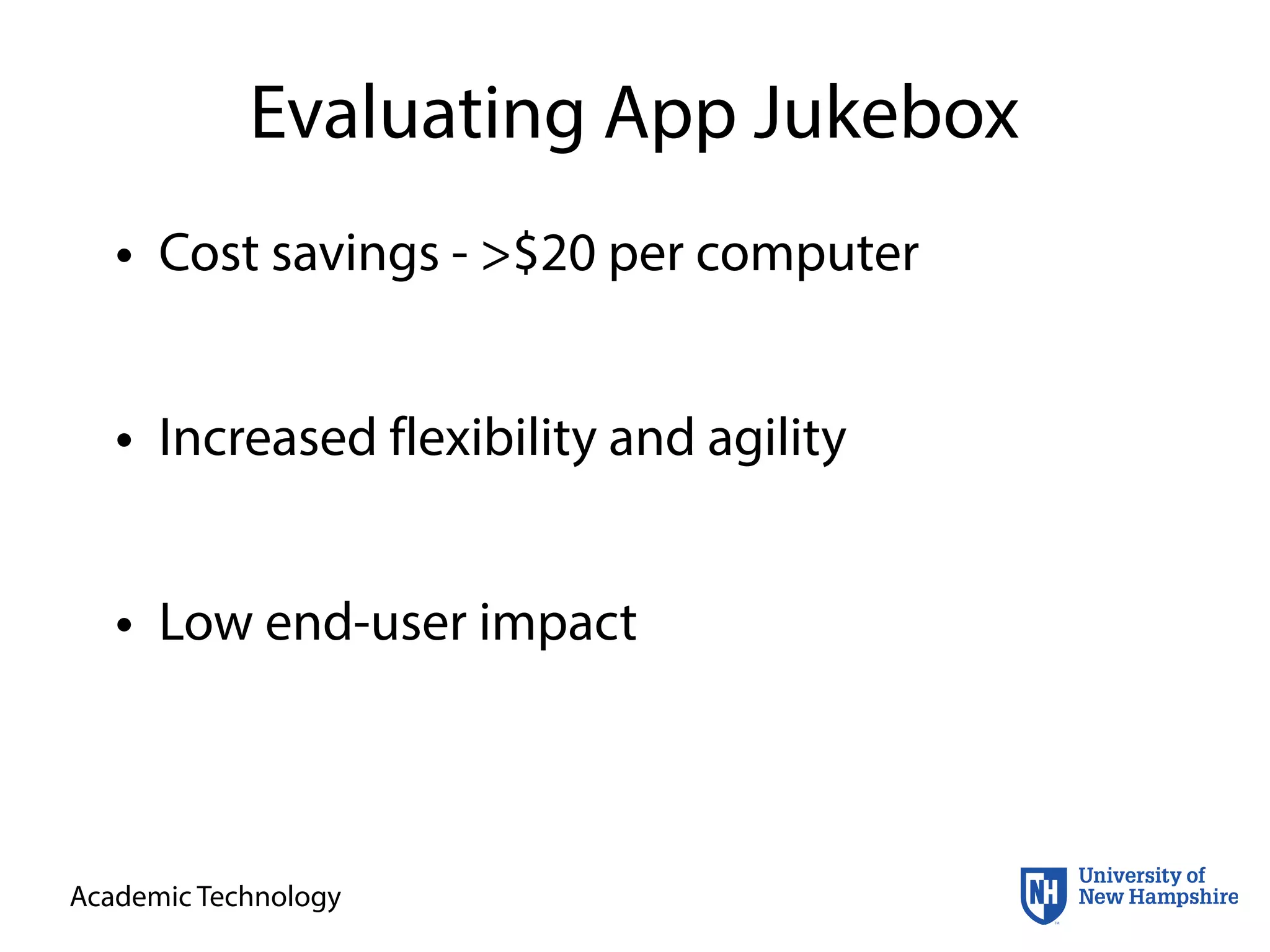
Evaluating App Jukebox
• Cost savings - >$20 per computer
• Increased flexibility and agility
• Low end-user impact
Academic Technology
Evaluating App Jukebox
• Cost savings - >$20 per computer
• Increased flexibility and agility
• Low end-user impact
• 25+% reduction in imaging time
• Less re-work and update time
$22 per
computer
• Simple mid-semester deployments
• Applications separate from OS
• Slow first launch, but good caching
• Simultaneous launch no slower than single
computer (Test w/ SPSS in 30-seat classroom)
Academic Technology
Deploying Application Jukebox
• Evaluation completed by June 2014
• Transitioned servers from POC to production
• Started packaging applications in June
• 100+ applications done by August
• Stripped down Windows 7 64-bit OS setup
imaged to computers in late August
• Continued packaging and deploying remaining
applications as needed through October
Academic Technology
Demos
Please	
  make	
  appropriate	
  sacrifices	
  to	
  the	
  demo	
  gods…
Academic Technology
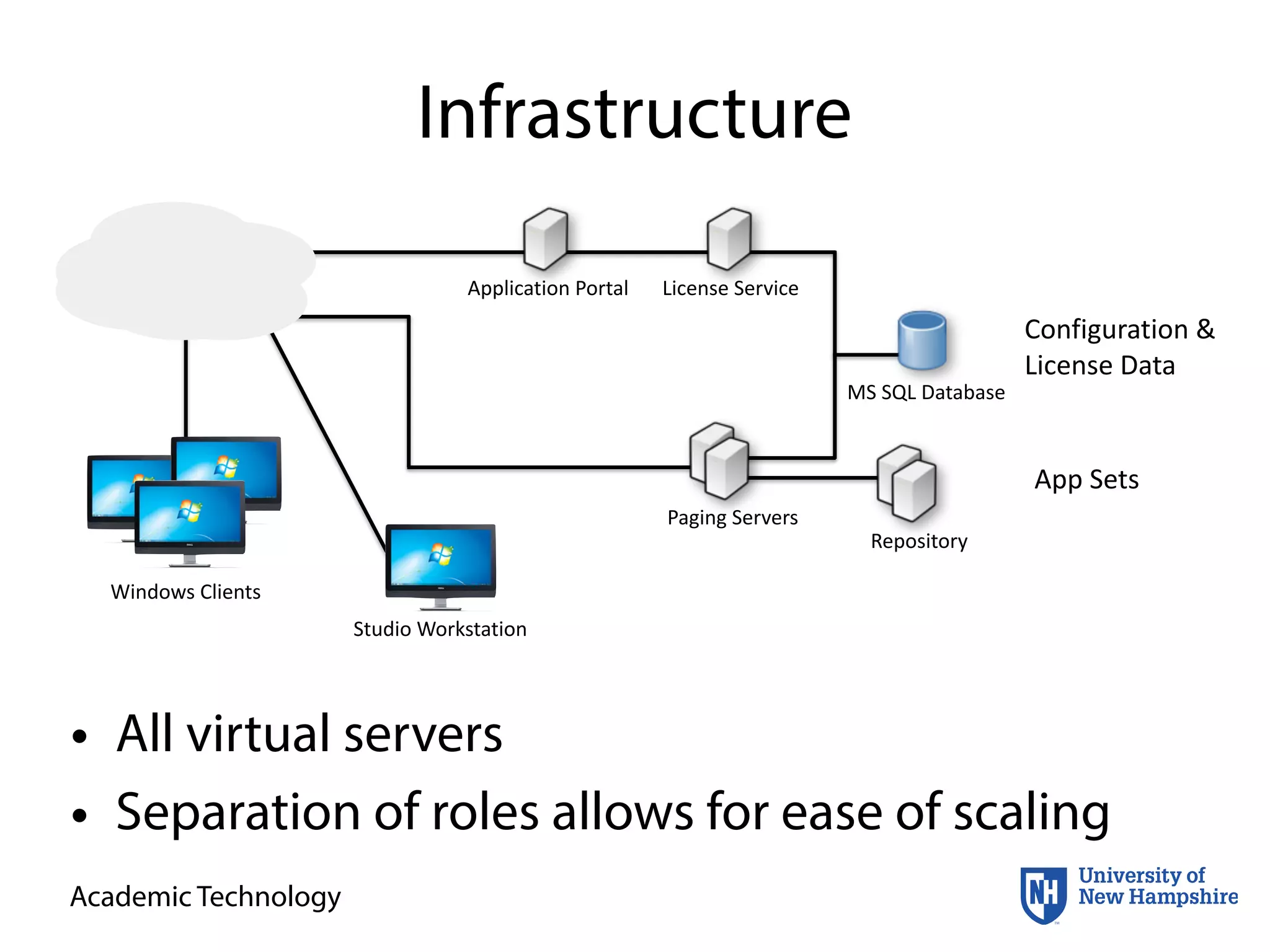
Infrastructure
• All virtual servers
• Separation of roles allows for ease of scaling
MS	
  SQL	
  Database
Repository
License	
  ServiceApplication	
  Portal
Paging	
  Servers
Configuration	
  &	
  
License	
  Data
App	
  Sets
Windows	
  Clients
Studio	
  Workstation
Academic Technology
Cloudpaging Layers
• Layer 1
• assets are installed to the local storage permanently
• Layer 2
• assets are installed to the local storage
• assets are tracked and can be removed by the abstraction layer
• Layer 3
• “normal”setting
• assets are installed within the abstraction layer
• assets are visible to the OS and other apps
• Layer 4
• assets are installed within the abstraction layer
• assets are not visible to the OS and other apps
Academic Technology
Issues
• Split Active Directory environment
• License counting
• Applications with VERY large Registry footprints
Academic Technology
Pluses
• VDI-based systems
• 90+% of application packages moved from
Windows 7 physical to Windows 7 VDI
• Nearly instant deployment
• Deployments require 1 shortcut to get to the
local computer
• Windows 10
• Anticipating that we can reuse many application
packages on Win 10 with no changes
Academic Technology
Acknowledgements
• Tony DiTulio - system administrator
• Chris Pycko - testing, packaging, lots of work
• Jerry Marceau - keeping everything else
working
• Software2 - Marcus, Brian, Tony, Nick

Application Virtualization, University of New Hampshire

  • 1.
    ©  2016  University  of  New  Hampshire.  All  rights  reserved. Academic Technology Streamlining Application Deployment and Management through Virtualization David  Blezard   NERCOMP  Annual  Conference   3/22/2016
  • 2.
    Academic Technology Why youshould stay… • Understand how application virtualization can overcome issues with deploying software • Learn our system for evaluating a new tool’s potential benefits • Appreciate the capabilities of Application Jukebox to be able to assess its utility to your campus
  • 3.
  • 4.
  • 5.
  • 6.
  • 7.
    College  Computer  Lab 155  Titles Our  Job  is  Hard!
  • 8.
    Academic Technology About UNH •12,840 undergrads and 2,100 grads • 3 campuses - focusing on Durham • About 740 total workstations across 47 labs and 33 instructor stations • 490 Dells • 99 dual-boot Macs • 10Gb network backbone with 100Mb and 1Gb to the desktop
  • 9.
    Academic Technology So HowDID We Do It? • Monolithic image w/ 100+ applications • Require faculty to submit software requests 4 weeks before semester starts (yeah, right…) • Total image size >90 GB • Cheat by installing some things to a network volume (not easy!) • Scripts, hacks, and running around to deploy things mid-semester • Potentially long delays at boot to install apps
  • 10.
    Academic Technology What isApplication Virtualization? File System Registry Install  Application FilesConfigConfigFiles
  • 11.
    Academic Technology What isApplication Virtualization? Abstraction File System Registry Virtualize  Application Files Config ConfigFiles
  • 12.
    Academic Technology What isApplication Virtualization? Abstraction File System Registry Run  Application Files Config ConfigFiles Files Config Application  Library ConfigFiles
  • 13.
    Academic Technology Is itWorth It? • That depends… • How do I know??? • Evaluation with objective criteria is key • Reduce costs • Increase flexibility • Prevent incidents and problems • Et al.
  • 14.
    Academic Technology VMware Mirage •“VMware Mirage is a next-generation desktop image management solution for physical desktops” • “Manage your desktop image as a set of logical layers owned by either IT or the end user. Update IT- managed layers while maintaining end-user files and personalization. Easily deploy applications to any collection of end users with application layering technology. Quickly restore the system layers to fix any issues without overwriting user layers.” https://www.vmware.com/products/horizon-­‐mirage/features.html
  • 15.
    Academic Technology Evaluating Mirage •Overall ease of use • Effectiveness of the tool • Time required to use the tool vs. time saved in current management practices
  • 16.
    Academic Technology Evaluating Mirage •Overall ease of use • Effectiveness of the tool • Time required to use the tool vs. time saved in current management practices • Layering works • Can customize different locations • Updates in the background • Users get notified to reboot • Long time to ingest each machine • Longer time to deploy than current image
  • 18.
  • 19.
    Academic Technology Cloudpaging • Applicationvirtualization solution from Numecent • Resold and supported in the education market by Software2 • Claims to virtualize ALL Windows applications • Fonts • Services • Drivers • Server-based delivery, on-demand
  • 20.
    Academic Technology Evaluating AppJukebox • Cost savings - >$20 per computer • Increased flexibility and agility • Low end-user impact
  • 21.
    Academic Technology Evaluating AppJukebox • Cost savings - >$20 per computer • Increased flexibility and agility • Low end-user impact • 25+% reduction in imaging time • Less re-work and update time $22 per computer • Simple mid-semester deployments • Applications separate from OS • Slow first launch, but good caching • Simultaneous launch no slower than single computer (Test w/ SPSS in 30-seat classroom)
  • 22.
    Academic Technology Deploying ApplicationJukebox • Evaluation completed by June 2014 • Transitioned servers from POC to production • Started packaging applications in June • 100+ applications done by August • Stripped down Windows 7 64-bit OS setup imaged to computers in late August • Continued packaging and deploying remaining applications as needed through October
  • 23.
    Academic Technology Demos Please  make  appropriate  sacrifices  to  the  demo  gods…
  • 24.
    Academic Technology Infrastructure • Allvirtual servers • Separation of roles allows for ease of scaling MS  SQL  Database Repository License  ServiceApplication  Portal Paging  Servers Configuration  &   License  Data App  Sets Windows  Clients Studio  Workstation
  • 25.
    Academic Technology Cloudpaging Layers •Layer 1 • assets are installed to the local storage permanently • Layer 2 • assets are installed to the local storage • assets are tracked and can be removed by the abstraction layer • Layer 3 • “normal”setting • assets are installed within the abstraction layer • assets are visible to the OS and other apps • Layer 4 • assets are installed within the abstraction layer • assets are not visible to the OS and other apps
  • 26.
    Academic Technology Issues • SplitActive Directory environment • License counting • Applications with VERY large Registry footprints
  • 27.
    Academic Technology Pluses • VDI-basedsystems • 90+% of application packages moved from Windows 7 physical to Windows 7 VDI • Nearly instant deployment • Deployments require 1 shortcut to get to the local computer • Windows 10 • Anticipating that we can reuse many application packages on Win 10 with no changes
  • 28.
    Academic Technology Acknowledgements • TonyDiTulio - system administrator • Chris Pycko - testing, packaging, lots of work • Jerry Marceau - keeping everything else working • Software2 - Marcus, Brian, Tony, Nick