

Dell World User Forum
UFIL513: Inventory Tips & Tricks
Ron Colson, Senior Trainer
Peter Doerfer, Senior Trainer
Dell World
User Forum
Dell World User Forum
Agenda
• Agent Overview
• Inventory Overview
• Relationship between Inventory-Assets
• Custom Inventory and why we need it
• Inventory that isn’t computers
Dell World User Forum
Agent Overview
Dell World User Forum
Agent Executables
• What executables?
• AMPAgent
• AMPKickstart
• AMPTools
• Inventory
• Kcopy
• Kdeploy
• Kinventory
• KLaunch
• KLaunchSvc
• KSWMeterSvc
• KUserAlert
• runkbot
• Executables folder locations
– Win (x86) – C:Program FilesDellKACE
– Win (x64) – C:Program Files (x86)DellKACE
– Linux - /opt/dell/kace/bin
– OS X - /Library/Application Support/Dell/KACE/bin
*Not all executables present on all OSes
Dell World User Forum
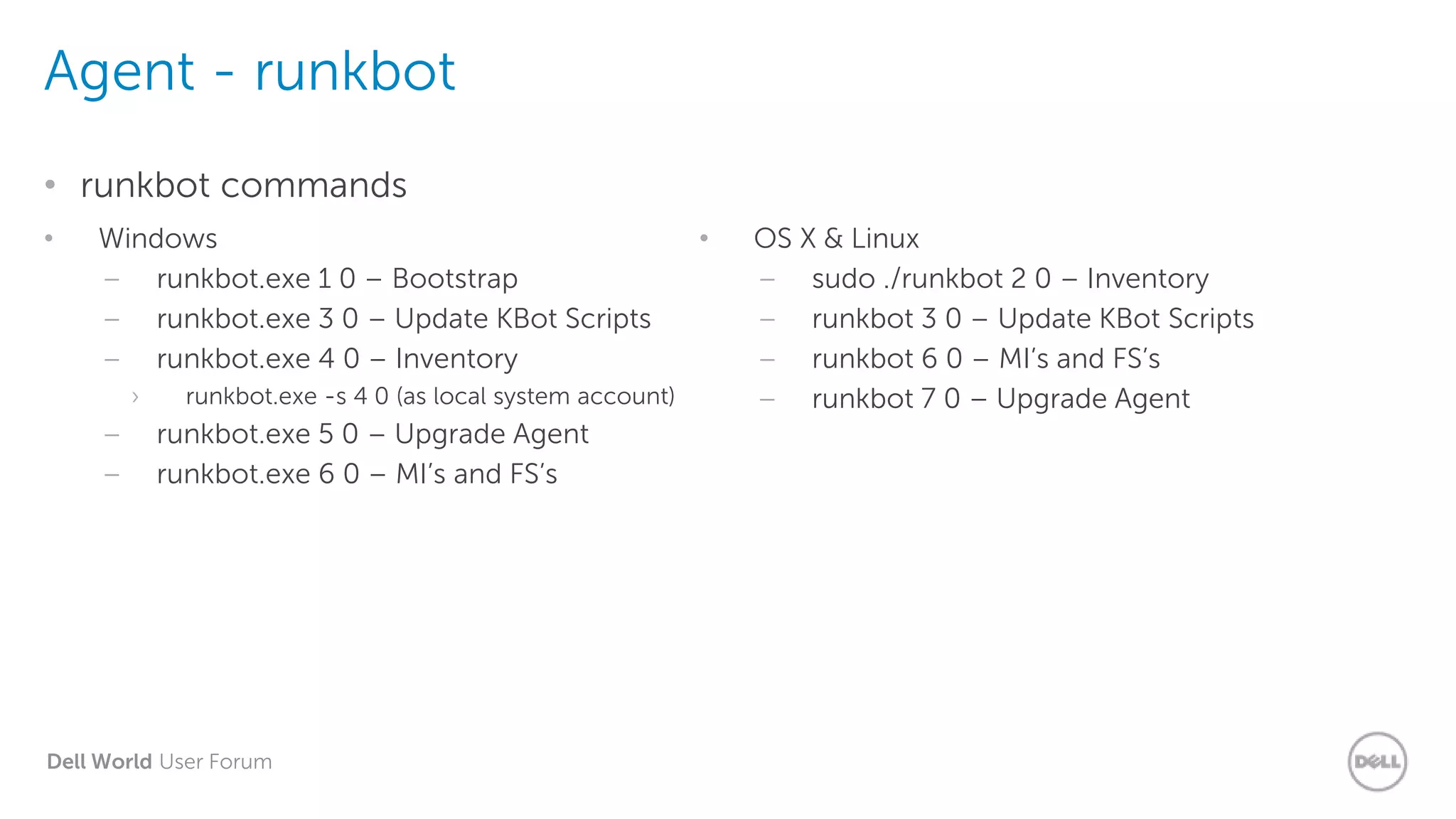
Agent - runkbot
• runkbot commands
• Windows
– runkbot.exe 1 0 – Bootstrap
– runkbot.exe 3 0 – Update KBot Scripts
– runkbot.exe 4 0 – Inventory
› runkbot.exe -s 4 0 (as local system account)
– runkbot.exe 5 0 – Upgrade Agent
– runkbot.exe 6 0 – MI’s and FS’s
• OS X & Linux
– sudo ./runkbot 2 0 – Inventory
– runkbot 3 0 – Update KBot Scripts
– runkbot 6 0 – MI’s and FS’s
– runkbot 7 0 – Upgrade Agent
Dell World User Forum
K1000 Agent and SSL
• SSL impacts the agent, too…
– SSL ‘instructions’ sent to agent after it is enabled on the appliance
– Agent uses port 80 to communicate until first check-in after SSL is implemented
– SSL Certificate MUST be trusted by the client machines
Dell World User Forum
Managed Installs
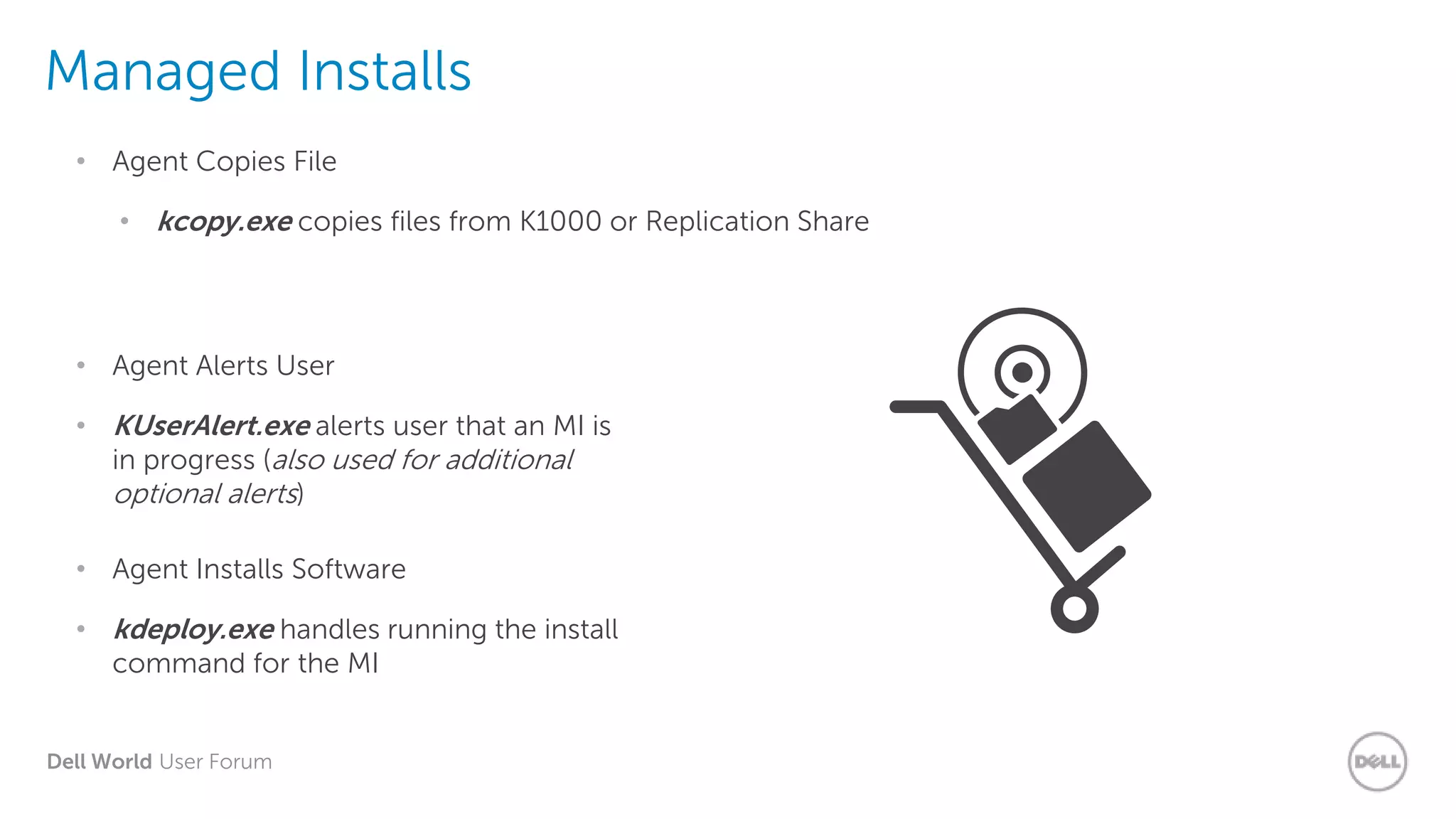
• kcopy.exe copies files from K1000 or Replication Share
• Agent Copies File
• KUserAlert.exe alerts user that an MI is
in progress (also used for additional
optional alerts)
• Agent Alerts User
• kdeploy.exe handles running the install
command for the MI
• Agent Installs Software
Dell World User Forum
Scripting
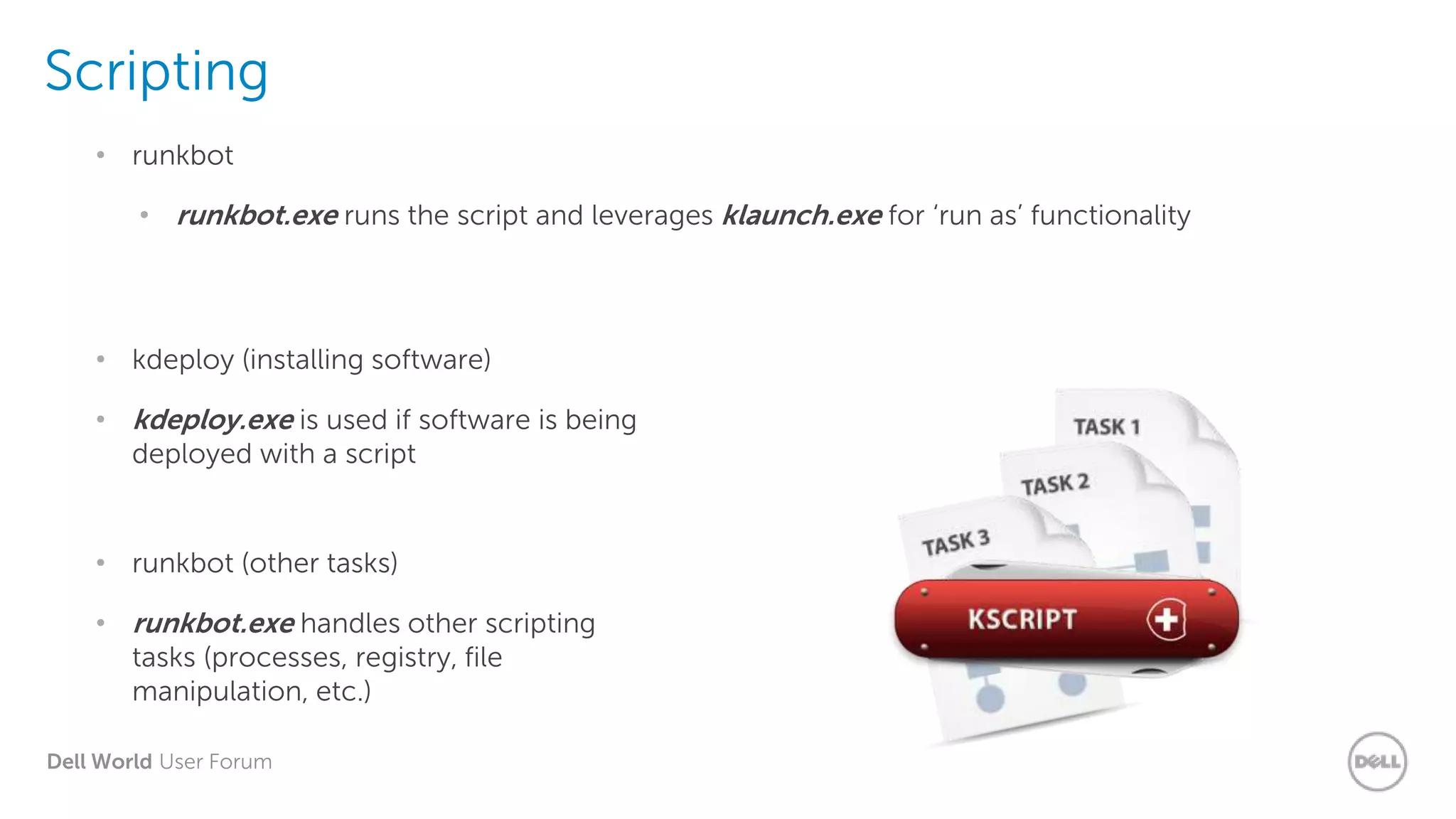
• runkbot.exe runs the script and leverages klaunch.exe for ‘run as’ functionality
• runkbot
• kdeploy.exe is used if software is being
deployed with a script
• kdeploy (installing software)
• runkbot.exe handles other scripting
tasks (processes, registry, file
manipulation, etc.)
• runkbot (other tasks)
Dell World User Forum
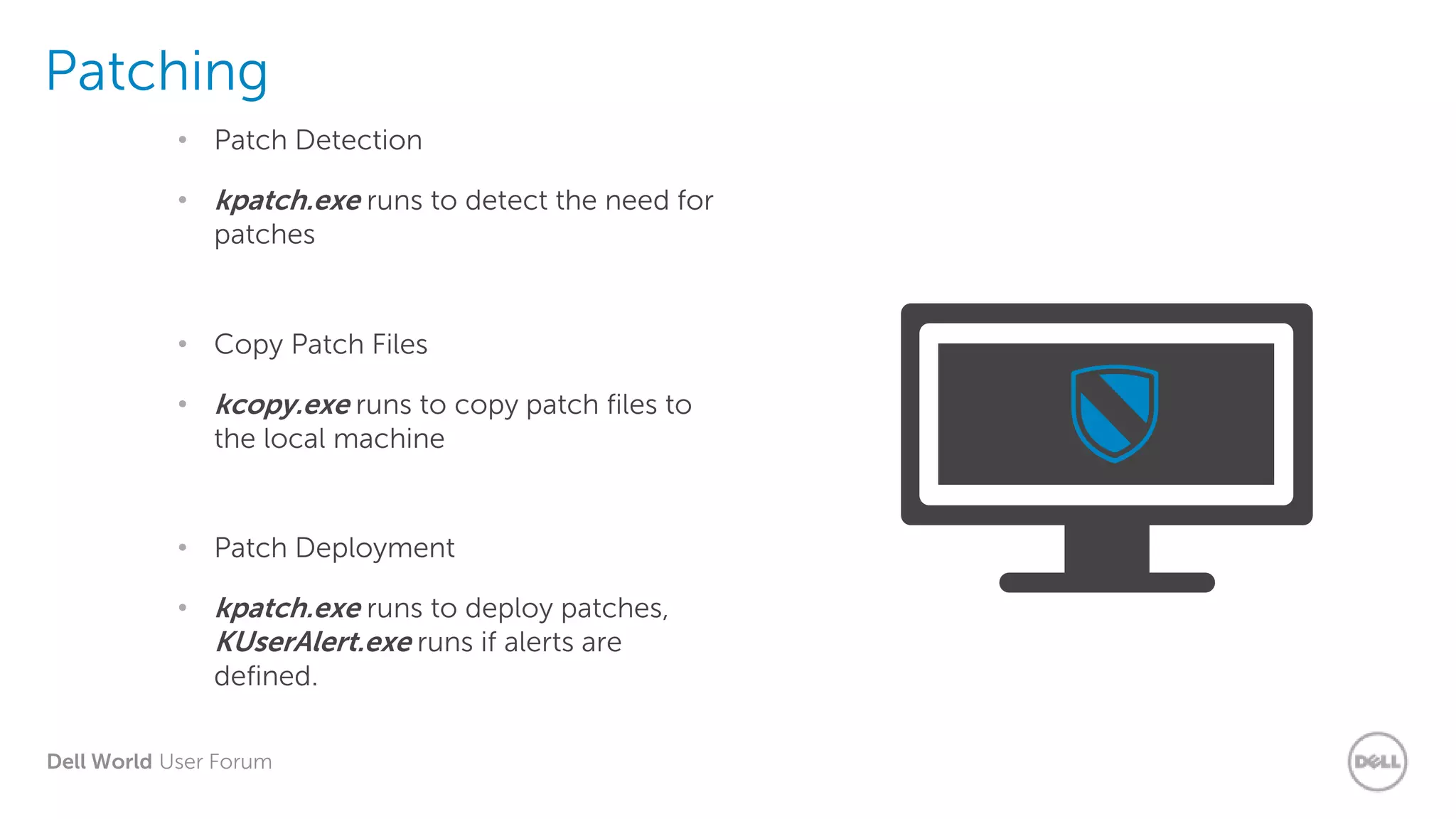
Patching
• kpatch.exe runs to detect the need for
patches
• Patch Detection
• kcopy.exe runs to copy patch files to
the local machine
• Copy Patch Files
• kpatch.exe runs to deploy patches,
KUserAlert.exe runs if alerts are
defined.
• Patch Deployment
Dell World User Forum
Agent Logs
• What Logs? Is there a configuration file, too?
• amp.conf
• amp.log
• kcopy.log
• kdeploy.log
• kinventory.log
• klaunch.log
• kpatch.log
• ksmeter.log
• kuseralert.log
• runkbot.log
• Log Files folder locations
– Windows – C:programdatadellkace
– Linux – /var/dell/kace
– OS X – /Library/Application Support/Dell/KACE/data
• KAgent.log
– ‘Master’ client log for 6.0 agent
*Additional logs created during agent install
Dell World User Forum
Agent Logs - Debug
• What does debugging do for me?
• More verbose logging
– Why did it fail?
• Troubleshooting
– Replication Shares
– Managed Installs
– Patching
– Scripting
– Custom Inventory
• Log file locations
– Windows – C:programdatadellkace
– Linux – /var/dell/kace
– OS X – /Library/Application Support/Dell/KACE/data
• To enable:
– From command-line: amptools.exe debug=true
OR
– Add debug=true to amp.conf file and restart Dell KACE Agent
Dell World User Forum
Demo: Enable Agent
Debug Mode
Dell World User Forum
Inventory Overview
Dell World User Forum
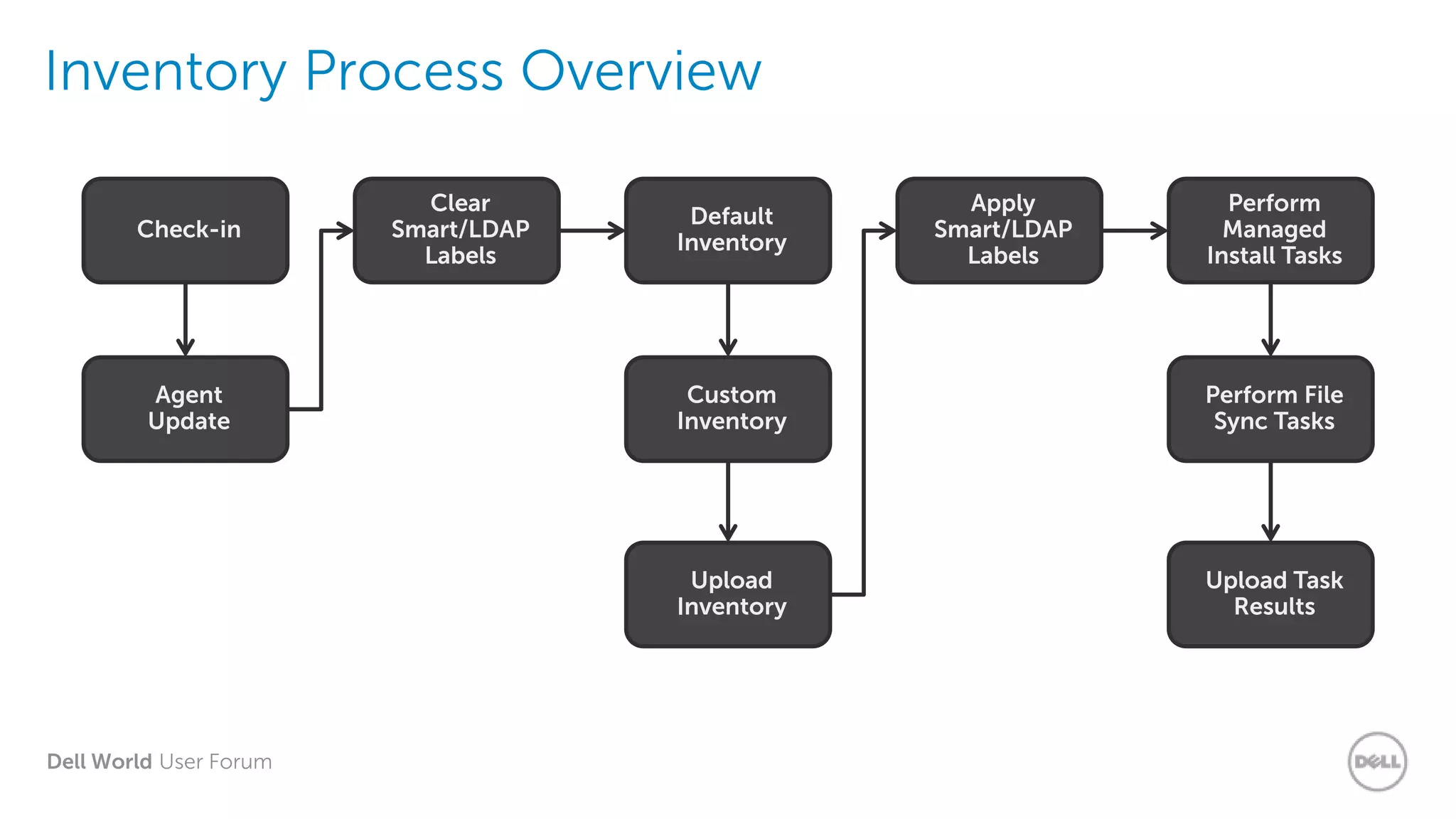
Inventory Process Overview
Upload Task
Results
Perform File
Sync Tasks
Upload
Inventory
Custom
Inventory
Perform
Managed
Install Tasks
Apply
Smart/LDAP
Labels
Default
Inventory
Clear
Smart/LDAP
Labels
Agent
Update
Check-in
Dell World User Forum
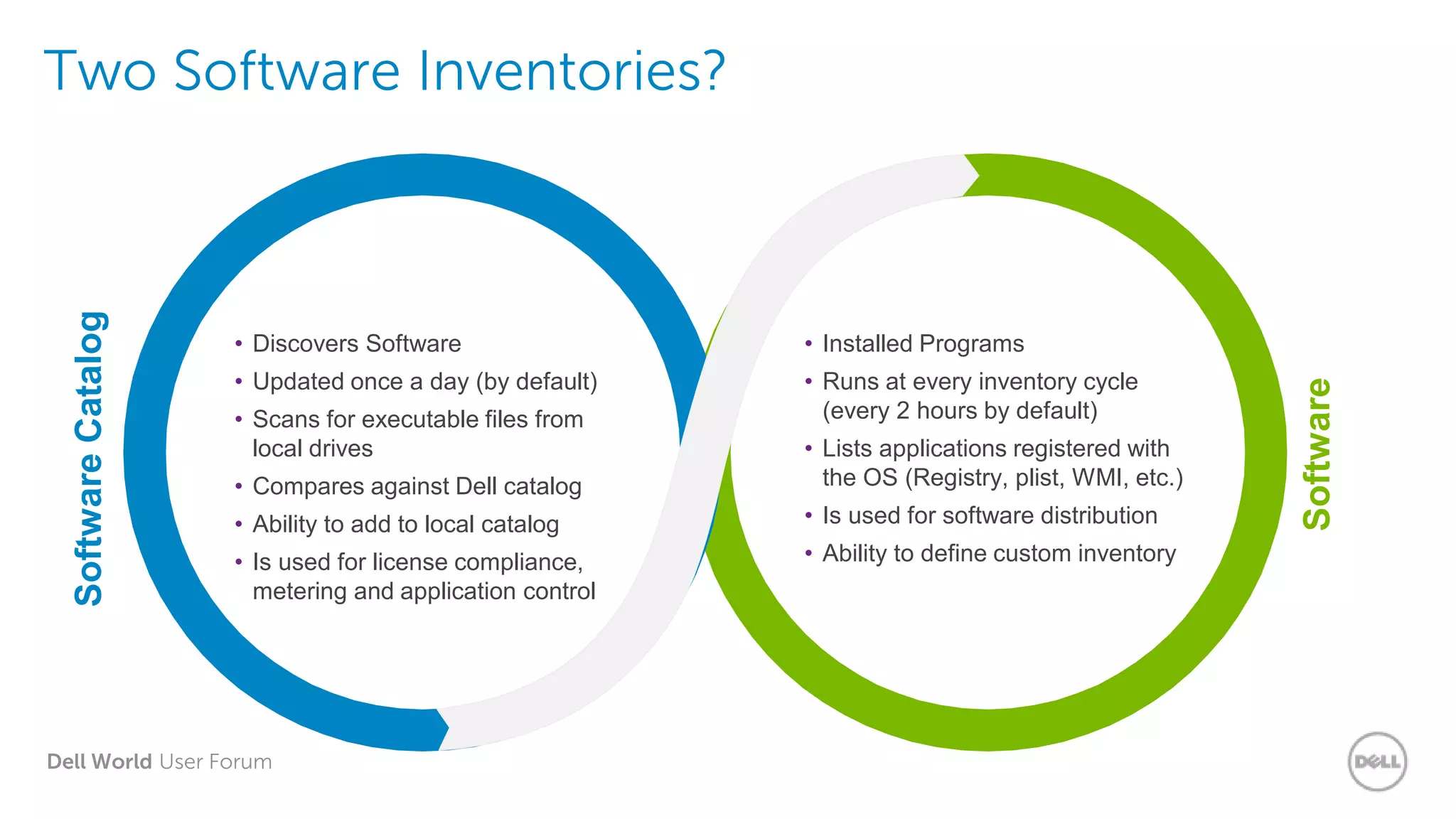
Two Software Inventories?SoftwareCatalog
Software
• Discovers Software
• Updated once a day (by default)
• Scans for executable files from
local drives
• Compares against Dell catalog
• Ability to add to local catalog
• Is used for license compliance,
metering and application control
• Installed Programs
• Runs at every inventory cycle
(every 2 hours by default)
• Lists applications registered with
the OS (Registry, plist, WMI, etc.)
• Is used for software distribution
• Ability to define custom inventory
Dell World User Forum
Demo 2: Device
Inventory Details
Dell World User Forum
Relationship between
Inventory-Assets
Dell World User Forum
Inventory Tips & Tricks
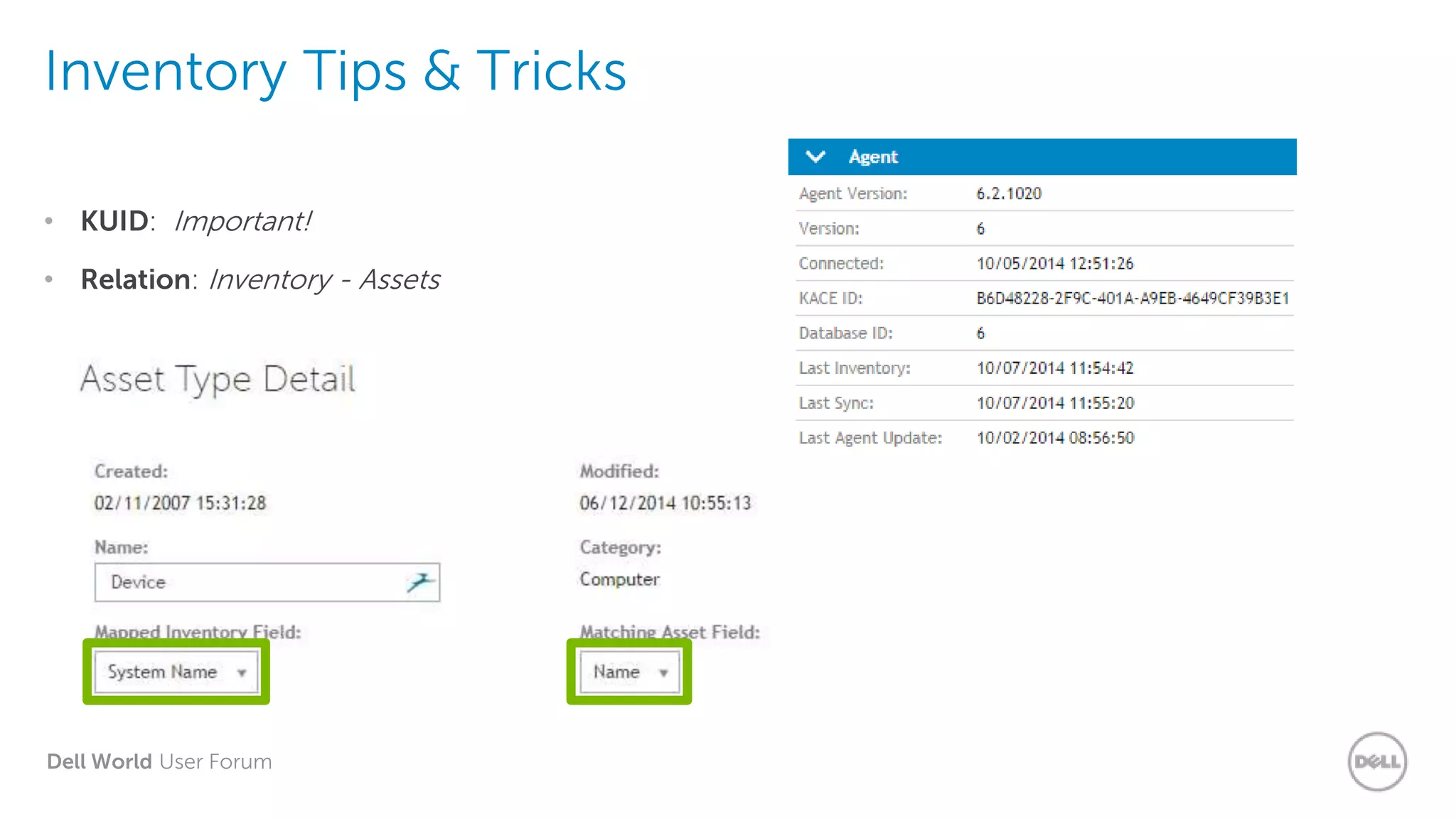
• KUID: Important!
• Relation: Inventory - Assets
Dell World User Forum
Custom Inventory
and why we need it
Dell World User Forum
Custom Inventory Rules
• Why do we need them?
• Allow us to capture items in inventory that are not picked up by traditional methods.
• Doesn’t show up at all…
OR
• Doesn’t show up the way you want it to….
• Makes Virtually Anything Display in Inventory:
• Software Related…
OR
Hardware Related….
• If the Machine Knows it….You can use Custom Inventory to detect & display it!
Dell World User Forum
Agent Executables
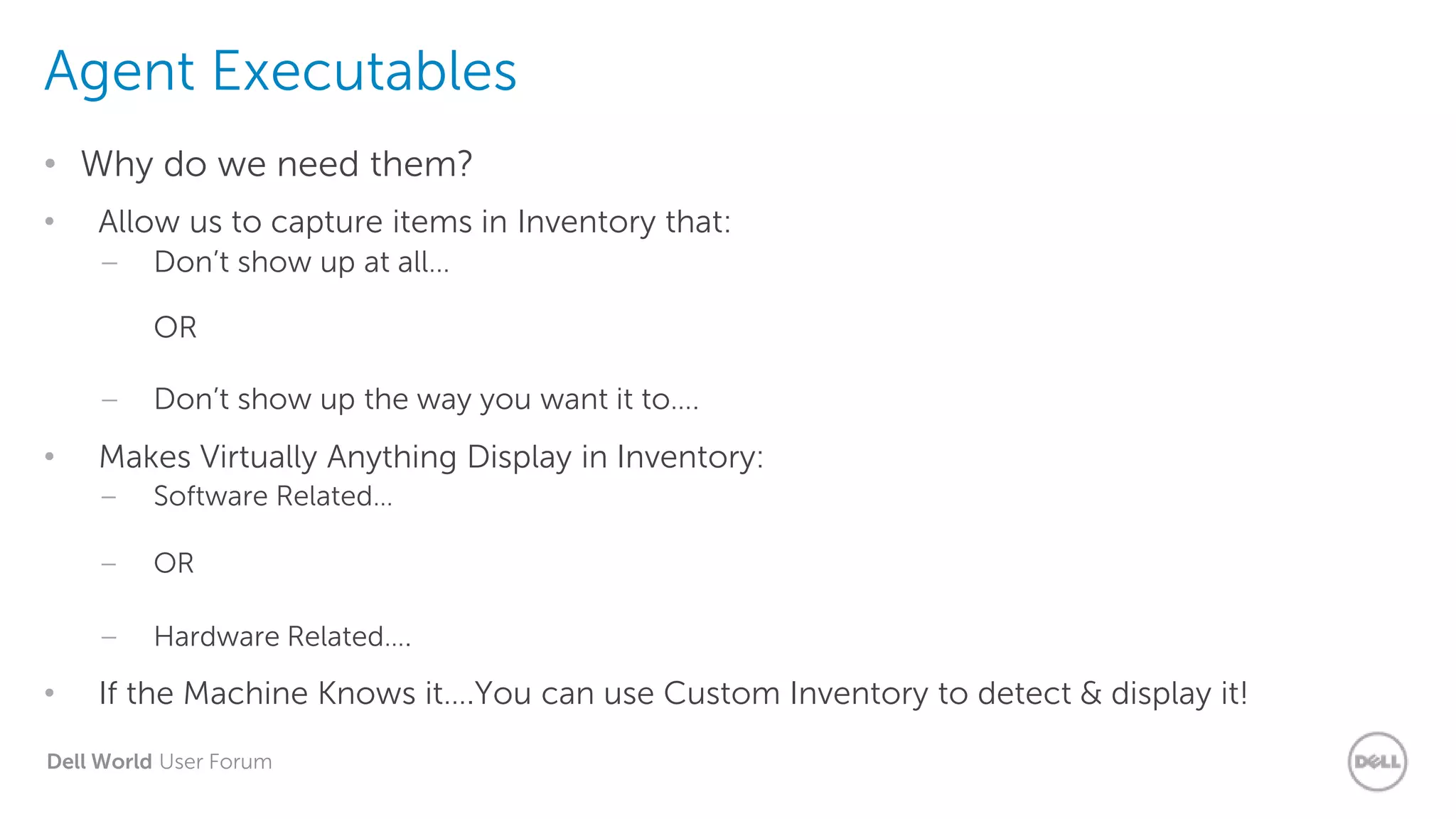
• Why do we need them?
• Allow us to capture items in Inventory that:
– Don’t show up at all…
OR
– Don’t show up the way you want it to….
• Makes Virtually Anything Display in Inventory:
– Software Related…
– OR
– Hardware Related….
• If the Machine Knows it….You can use Custom Inventory to detect & display it!
Dell World User Forum
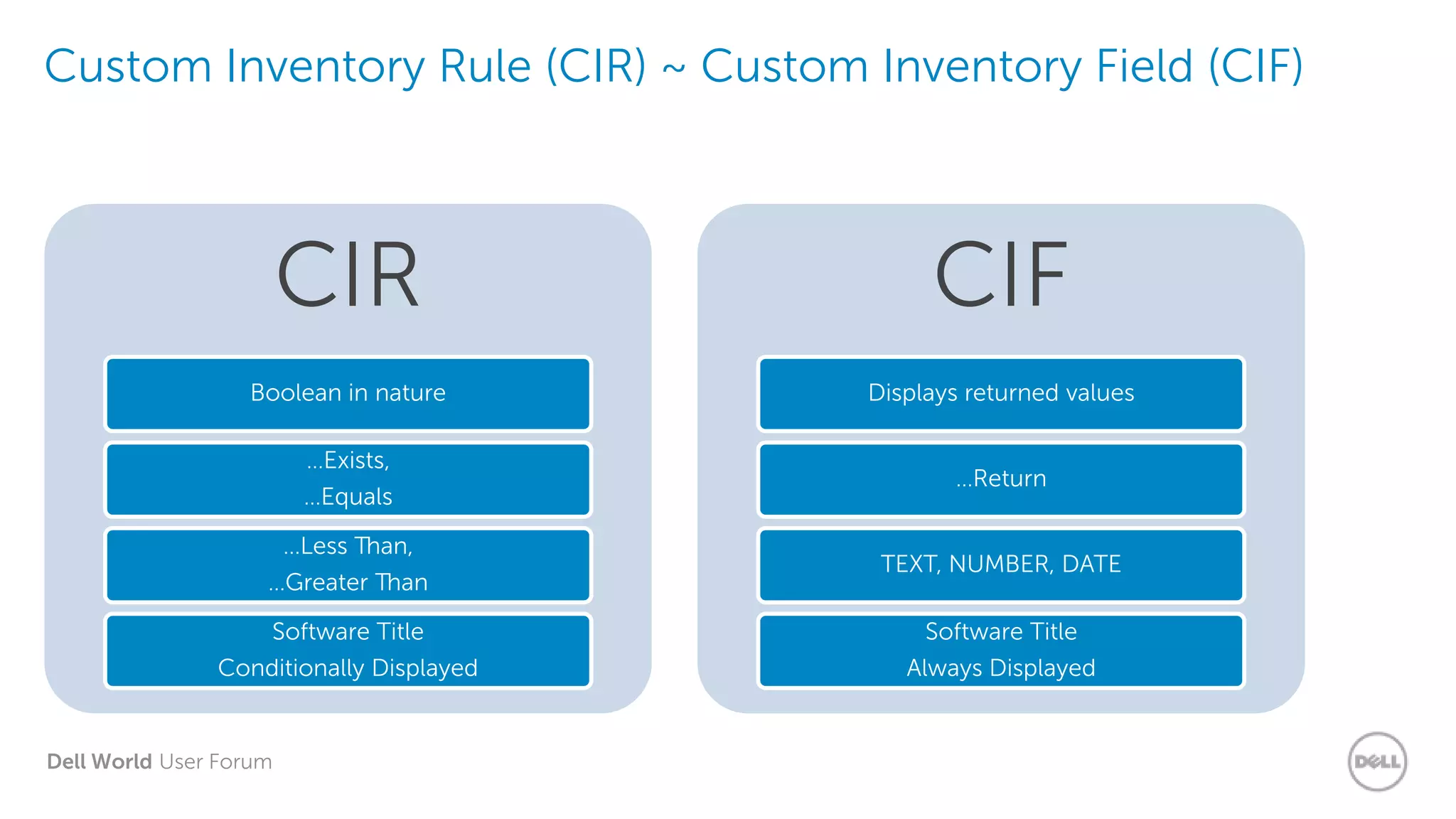
Custom Inventory Rule (CIR) ~ Custom Inventory Field (CIF)
CIR
Boolean in nature
…Exists,
…Equals
…Less Than,
…Greater Than
Software Title
Conditionally Displayed
CIF
Displays returned values
…Return
TEXT, NUMBER, DATE
Software Title
Always Displayed
Dell World User Forum
CIR - General Rules about Rules
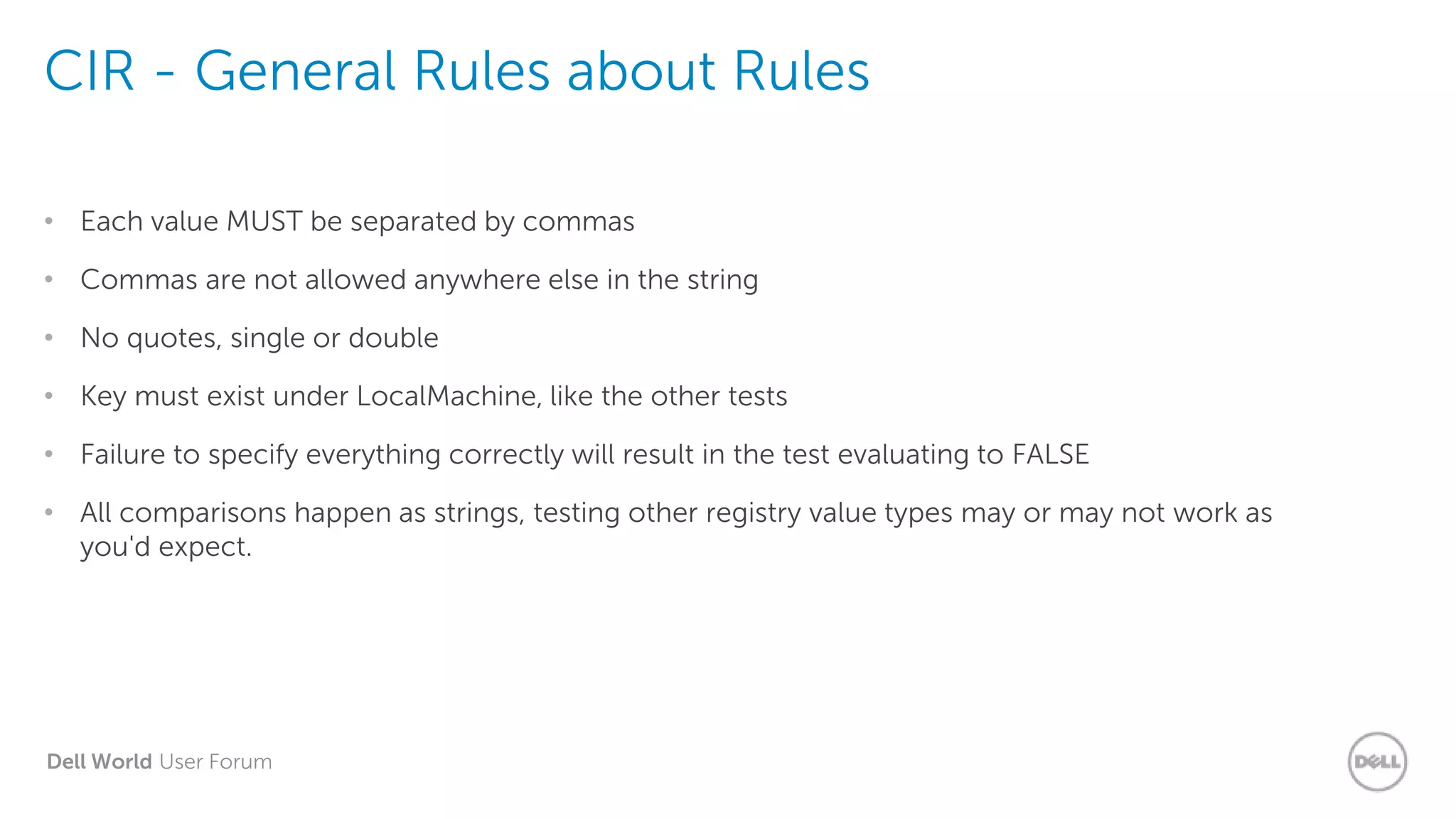
• Each value MUST be separated by commas
• Commas are not allowed anywhere else in the string
• No quotes, single or double
• Key must exist under LocalMachine, like the other tests
• Failure to specify everything correctly will result in the test evaluating to FALSE
• All comparisons happen as strings, testing other registry value types may or may not work as
you'd expect.
Dell World User Forum
CIR - General Rules about Rules
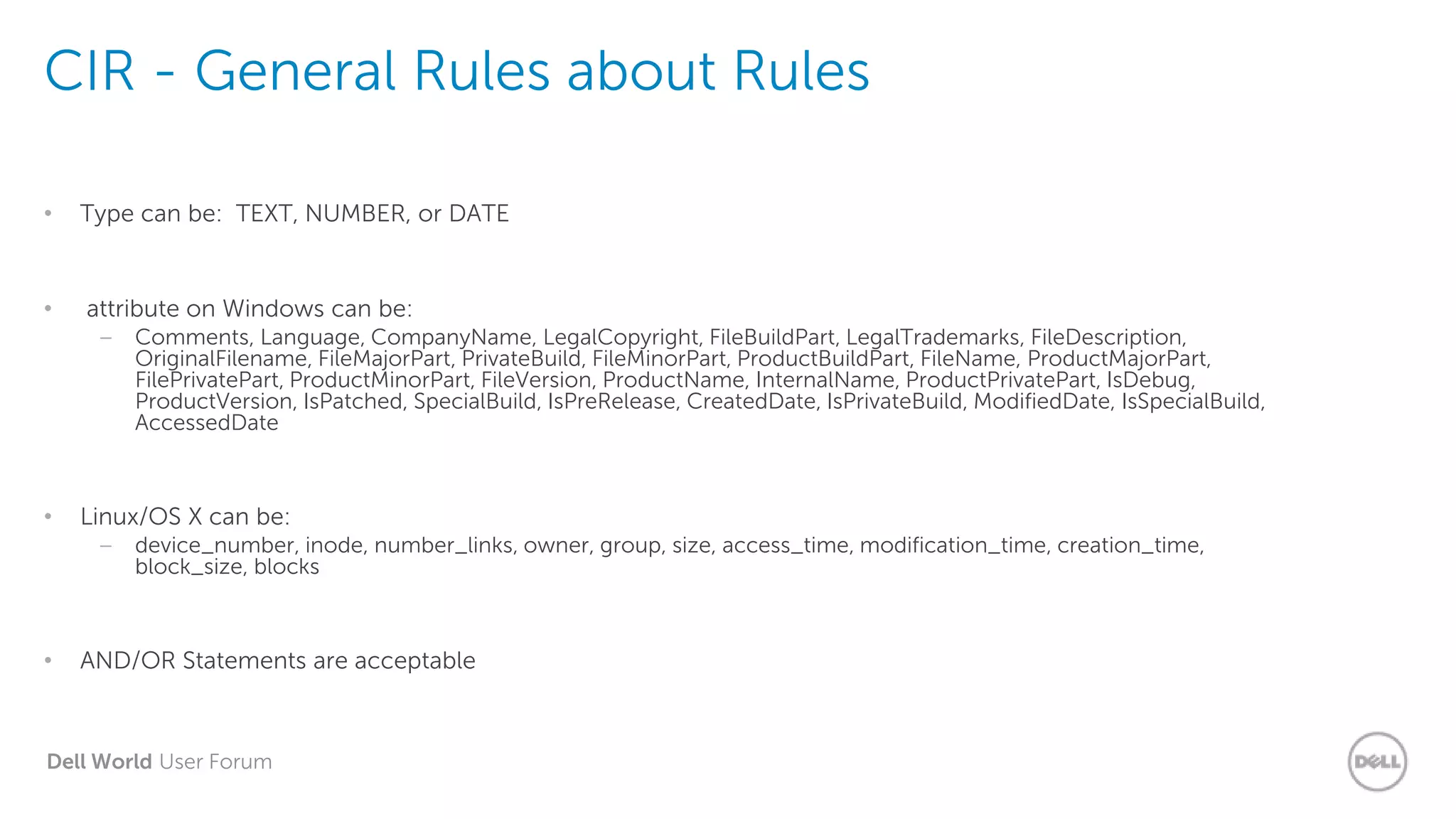
• Type can be: TEXT, NUMBER, or DATE
• attribute on Windows can be:
– Comments, Language, CompanyName, LegalCopyright, FileBuildPart, LegalTrademarks, FileDescription,
OriginalFilename, FileMajorPart, PrivateBuild, FileMinorPart, ProductBuildPart, FileName, ProductMajorPart,
FilePrivatePart, ProductMinorPart, FileVersion, ProductName, InternalName, ProductPrivatePart, IsDebug,
ProductVersion, IsPatched, SpecialBuild, IsPreRelease, CreatedDate, IsPrivateBuild, ModifiedDate, IsSpecialBuild,
AccessedDate
• Linux/OS X can be:
– device_number, inode, number_links, owner, group, size, access_time, modification_time, creation_time,
block_size, blocks
• AND/OR Statements are acceptable
Dell World User Forum
Demo: Custom
Inventory
Dell World User Forum
A final word…
Dell World User Forum
Agentless - There’s a DWUF class for that!
• The agentless capability in K1000 v6.0 can help you…
• Use your K1000 to collect info from devices broadcasting SNMP data –
routers, switches, printers, etc…
• Use your K1000 to collect info from devices that can be communicated
with using SSH or Telnet.
• Report against more than what the agent can provide on its own or what
you input via asset management.
Dell World User Forum
Thank you.
Dell World User Forum
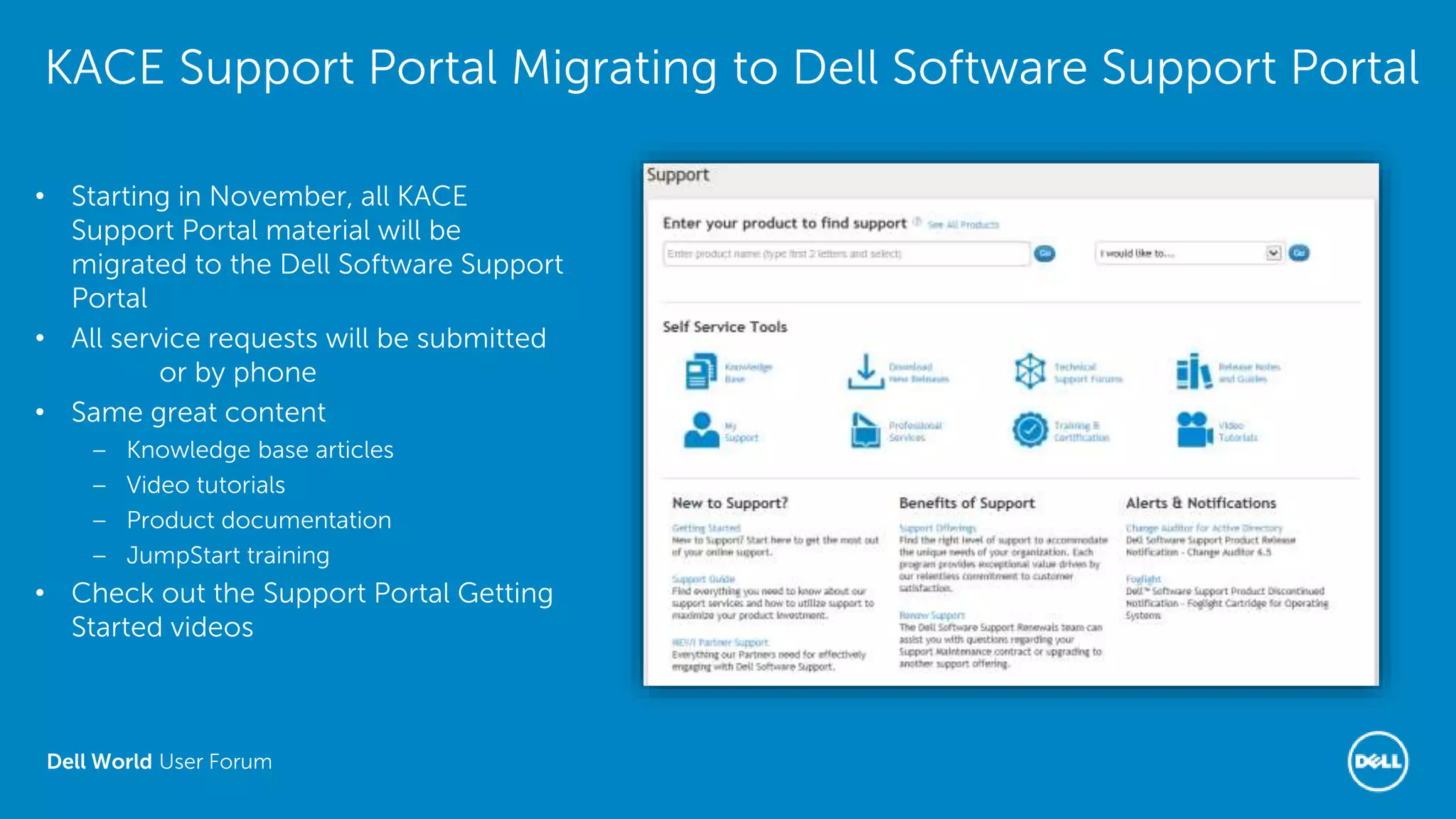
KACE Support Portal Migrating to Dell Software Support Portal
• Starting in November, all KACE
Support Portal material will be
migrated to the Dell Software Support
Portal
• All service requests will be submitted
online or by phone
• Same great content
– Knowledge base articles
– Video tutorials
– Product documentation
– JumpStart training
• Check out the Support Portal Getting
Started videos

Inventory Tips & Tricks

  • 1.
    Dell World UserForum UFIL513: Inventory Tips & Tricks Ron Colson, Senior Trainer Peter Doerfer, Senior Trainer Dell World User Forum
  • 2.
    Dell World UserForum Agenda • Agent Overview • Inventory Overview • Relationship between Inventory-Assets • Custom Inventory and why we need it • Inventory that isn’t computers
  • 3.
    Dell World UserForum Agent Overview
  • 4.
    Dell World UserForum Agent Executables • What executables? • AMPAgent • AMPKickstart • AMPTools • Inventory • Kcopy • Kdeploy • Kinventory • KLaunch • KLaunchSvc • KSWMeterSvc • KUserAlert • runkbot • Executables folder locations – Win (x86) – C:Program FilesDellKACE – Win (x64) – C:Program Files (x86)DellKACE – Linux - /opt/dell/kace/bin – OS X - /Library/Application Support/Dell/KACE/bin *Not all executables present on all OSes
  • 5.
    Dell World UserForum Agent - runkbot • runkbot commands • Windows – runkbot.exe 1 0 – Bootstrap – runkbot.exe 3 0 – Update KBot Scripts – runkbot.exe 4 0 – Inventory › runkbot.exe -s 4 0 (as local system account) – runkbot.exe 5 0 – Upgrade Agent – runkbot.exe 6 0 – MI’s and FS’s • OS X & Linux – sudo ./runkbot 2 0 – Inventory – runkbot 3 0 – Update KBot Scripts – runkbot 6 0 – MI’s and FS’s – runkbot 7 0 – Upgrade Agent
  • 6.
    Dell World UserForum K1000 Agent and SSL • SSL impacts the agent, too… – SSL ‘instructions’ sent to agent after it is enabled on the appliance – Agent uses port 80 to communicate until first check-in after SSL is implemented – SSL Certificate MUST be trusted by the client machines
  • 7.
    Dell World UserForum Managed Installs • kcopy.exe copies files from K1000 or Replication Share • Agent Copies File • KUserAlert.exe alerts user that an MI is in progress (also used for additional optional alerts) • Agent Alerts User • kdeploy.exe handles running the install command for the MI • Agent Installs Software
  • 8.
    Dell World UserForum Scripting • runkbot.exe runs the script and leverages klaunch.exe for ‘run as’ functionality • runkbot • kdeploy.exe is used if software is being deployed with a script • kdeploy (installing software) • runkbot.exe handles other scripting tasks (processes, registry, file manipulation, etc.) • runkbot (other tasks)
  • 9.
    Dell World UserForum Patching • kpatch.exe runs to detect the need for patches • Patch Detection • kcopy.exe runs to copy patch files to the local machine • Copy Patch Files • kpatch.exe runs to deploy patches, KUserAlert.exe runs if alerts are defined. • Patch Deployment
  • 10.
    Dell World UserForum Agent Logs • What Logs? Is there a configuration file, too? • amp.conf • amp.log • kcopy.log • kdeploy.log • kinventory.log • klaunch.log • kpatch.log • ksmeter.log • kuseralert.log • runkbot.log • Log Files folder locations – Windows – C:programdatadellkace – Linux – /var/dell/kace – OS X – /Library/Application Support/Dell/KACE/data • KAgent.log – ‘Master’ client log for 6.0 agent *Additional logs created during agent install
  • 11.
    Dell World UserForum Agent Logs - Debug • What does debugging do for me? • More verbose logging – Why did it fail? • Troubleshooting – Replication Shares – Managed Installs – Patching – Scripting – Custom Inventory • Log file locations – Windows – C:programdatadellkace – Linux – /var/dell/kace – OS X – /Library/Application Support/Dell/KACE/data • To enable: – From command-line: amptools.exe debug=true OR – Add debug=true to amp.conf file and restart Dell KACE Agent
  • 12.
    Dell World UserForum Demo: Enable Agent Debug Mode
  • 13.
    Dell World UserForum Inventory Overview
  • 14.
    Dell World UserForum Inventory Process Overview Upload Task Results Perform File Sync Tasks Upload Inventory Custom Inventory Perform Managed Install Tasks Apply Smart/LDAP Labels Default Inventory Clear Smart/LDAP Labels Agent Update Check-in
  • 15.
    Dell World UserForum Two Software Inventories?SoftwareCatalog Software • Discovers Software • Updated once a day (by default) • Scans for executable files from local drives • Compares against Dell catalog • Ability to add to local catalog • Is used for license compliance, metering and application control • Installed Programs • Runs at every inventory cycle (every 2 hours by default) • Lists applications registered with the OS (Registry, plist, WMI, etc.) • Is used for software distribution • Ability to define custom inventory
  • 16.
    Dell World UserForum Demo 2: Device Inventory Details
  • 17.
    Dell World UserForum Relationship between Inventory-Assets
  • 18.
    Dell World UserForum Inventory Tips & Tricks • KUID: Important! • Relation: Inventory - Assets
  • 19.
    Dell World UserForum Custom Inventory and why we need it
  • 20.
    Dell World UserForum Custom Inventory Rules • Why do we need them? • Allow us to capture items in inventory that are not picked up by traditional methods. • Doesn’t show up at all… OR • Doesn’t show up the way you want it to…. • Makes Virtually Anything Display in Inventory: • Software Related… OR Hardware Related…. • If the Machine Knows it….You can use Custom Inventory to detect & display it!
  • 21.
    Dell World UserForum Agent Executables • Why do we need them? • Allow us to capture items in Inventory that: – Don’t show up at all… OR – Don’t show up the way you want it to…. • Makes Virtually Anything Display in Inventory: – Software Related… – OR – Hardware Related…. • If the Machine Knows it….You can use Custom Inventory to detect & display it!
  • 22.
    Dell World UserForum Custom Inventory Rule (CIR) ~ Custom Inventory Field (CIF) CIR Boolean in nature …Exists, …Equals …Less Than, …Greater Than Software Title Conditionally Displayed CIF Displays returned values …Return TEXT, NUMBER, DATE Software Title Always Displayed
  • 23.
    Dell World UserForum CIR - General Rules about Rules • Each value MUST be separated by commas • Commas are not allowed anywhere else in the string • No quotes, single or double • Key must exist under LocalMachine, like the other tests • Failure to specify everything correctly will result in the test evaluating to FALSE • All comparisons happen as strings, testing other registry value types may or may not work as you'd expect.
  • 24.
    Dell World UserForum CIR - General Rules about Rules • Type can be: TEXT, NUMBER, or DATE • attribute on Windows can be: – Comments, Language, CompanyName, LegalCopyright, FileBuildPart, LegalTrademarks, FileDescription, OriginalFilename, FileMajorPart, PrivateBuild, FileMinorPart, ProductBuildPart, FileName, ProductMajorPart, FilePrivatePart, ProductMinorPart, FileVersion, ProductName, InternalName, ProductPrivatePart, IsDebug, ProductVersion, IsPatched, SpecialBuild, IsPreRelease, CreatedDate, IsPrivateBuild, ModifiedDate, IsSpecialBuild, AccessedDate • Linux/OS X can be: – device_number, inode, number_links, owner, group, size, access_time, modification_time, creation_time, block_size, blocks • AND/OR Statements are acceptable
  • 25.
    Dell World UserForum Demo: Custom Inventory
  • 26.
    Dell World UserForum A final word…
  • 27.
    Dell World UserForum Agentless - There’s a DWUF class for that! • The agentless capability in K1000 v6.0 can help you… • Use your K1000 to collect info from devices broadcasting SNMP data – routers, switches, printers, etc… • Use your K1000 to collect info from devices that can be communicated with using SSH or Telnet. • Report against more than what the agent can provide on its own or what you input via asset management.
  • 28.
    Dell World UserForum Thank you.
  • 29.
    Dell World UserForum KACE Support Portal Migrating to Dell Software Support Portal • Starting in November, all KACE Support Portal material will be migrated to the Dell Software Support Portal • All service requests will be submitted online or by phone • Same great content – Knowledge base articles – Video tutorials – Product documentation – JumpStart training • Check out the Support Portal Getting Started videos

Editor's Notes

  • #5  AMPAgent.exe The executable associated with Dell KACE Agent (AMP) service Establishes a connection on port 52230 to the K1000 Receives short instructions from the K1000 and delegates to one of the other K1000 Agent executables to handle the actual work associated with the task AMPKickstart.exe Restarts the AMPAgent service when it crashes Does not restart the AMPAgent service when it is stopped by a user In version 5.5 and later, the AMPAgent service is set to self-restart on first and second failures AMPTools.exe A command line utility to start/stop AMPAgent (AMP service) Can also be used to reconfigure amp.conf or uninstall the K1000 agent Inventory.exe The Dell Application Catalog (DAC or Software Catalog) software inventory tool Collects the raw file attributes of files in order to match into the Software Catalog and identify the software titles installed Kcopy.exe Copies files via HTTP or SMB between the K1000 and client, or between clients (replication server and targets) In version 5.5 and later agents, the upload to the K1000 is compressed by default Kdeploy.exe Handles Managed Installations, File Syncs, Custom Inventory and Software Installs via Scripts Can also generate an md5 hash of a file KInventory.exe A generic inventory tool to run WMI and other code to collect hardware, service, process and software attributes from the system K1000 output format is XML KLaunch.exe The process framework that launches other K1000 Agent executables on local or remote Windows machines Supports RunAs functionality, including Local System, Current User on Console, All Users and User/Password KLaunchSvc.exe The KLaunch service initiator kpatch.exe Handles K1000 patching tasks such as scanning, and deploying patch payloads KSWMeterSvc.exe The Dell Application Catalog (DAC or Software Catalog) software metering tool Monitors the creation/termination of processes on the system in an event-driven fashion Generates a metering report that is sent to the K1000 based on the K1000 Agent’s Metering interval configuration KUserAlert.exe The Windows GUI for K1000 Agent popup messages, snooze prompts and alerts runkbot.exe Runs K1000 (kbot) scripts A flexible scripting engine that can run processes, create/delete files, create/delete/update the registry and so on
  • #6  AMPAgent.exe The executable associated with Dell KACE Agent (AMP) service Establishes a connection on port 52230 to the K1000 Receives short instructions from the K1000 and delegates to one of the other K1000 Agent executables to handle the actual work associated with the task AMPKickstart.exe Restarts the AMPAgent service when it crashes Does not restart the AMPAgent service when it is stopped by a user In version 5.5 and later, the AMPAgent service is set to self-restart on first and second failures AMPTools.exe A command line utility to start/stop AMPAgent (AMP service) Can also be used to reconfigure amp.conf or uninstall the K1000 agent Inventory.exe The Dell Application Catalog (DAC or Software Catalog) software inventory tool Collects the raw file attributes of files in order to match into the Software Catalog and identify the software titles installed Kcopy.exe Copies files via HTTP or SMB between the K1000 and client, or between clients (replication server and targets) In version 5.5 and later agents, the upload to the K1000 is compressed by default Kdeploy.exe Handles Managed Installations, File Syncs, Custom Inventory and Software Installs via Scripts Can also generate an md5 hash of a file KInventory.exe A generic inventory tool to run WMI and other code to collect hardware, service, process and software attributes from the system K1000 output format is XML KLaunch.exe The process framework that launches other K1000 Agent executables on local or remote Windows machines Supports RunAs functionality, including Local System, Current User on Console, All Users and User/Password KLaunchSvc.exe The KLaunch service initiator kpatch.exe Handles K1000 patching tasks such as scanning, and deploying patch payloads KSWMeterSvc.exe The Dell Application Catalog (DAC or Software Catalog) software metering tool Monitors the creation/termination of processes on the system in an event-driven fashion Generates a metering report that is sent to the K1000 based on the K1000 Agent’s Metering interval configuration KUserAlert.exe The Windows GUI for K1000 Agent popup messages, snooze prompts and alerts runkbot.exe Runs K1000 (kbot) scripts A flexible scripting engine that can run processes, create/delete files, create/delete/update the registry and so on
  • #7 If SSL is enabled, be sure to verify Agent communications before disabling HTTP For ease of Agent deployment, leave port 80 enabled Can disable after provisioning
  • #8 Note that Kinventory runs first to collect and submit inventory data and KLaunch is what actually launces other exe’s
  • #11 Kace Agent log files amp.log Logs all of the messages going back and forth to the K1000 In version 6.0, this log has been incorporated into the AMPAgent sections of the KAgent.log user\ampmsi.log Logs information related to K1000 Agent provisioning user\ampinstaller.log Logs information related to K1000 Agent provisioning and manual installation user\KAgent.log This file did not exist in version 5.5 and earlier In version 6.0, all client-side logs (kcopy, kdeploy, kinventory, klaunch, kpatch and so on) have been consolidated into this log kcopy.log Logs file copy information between the K1000 and client, or between clients (replication server and targets) In version 6.0, this log has been incorporated into the KCopy sections of the KAgent.log kdeploy.log Logs deployment details for Managed Installations, File Syncs, Custom Inventory and Software Installs via Scripts In version 6.0, this log has been incorporated into the KDeploy sections of the KAgent.log kinventory.log Logs information related to the collection of data during the inventory process In version 6.0, this log has been incorporated into the KInventory sections of the KAgent.log klaunch.log Logs information related to the launch of other K1000 executables on local or remote Windows machines In version 6.0, this log has been incorporated into the KLaunch sections of the KAgent.log kpatch.log Logs information for K1000 patching tasks such as scanning, and deploying patch payloads In version 6.0, this log has been incorporated into the KPatch sections of the KAgent.log ksmeter.log Logs information for metering, such as indicating which applications should be metered In version 6.0, this log has been incorporated into the KSWMeterSVC_ sections of the KAgent.log kuseralert.log Logs information for K1000 Agent alerts, including the alert message In version 6.0, this log has been incorporated into KAgent.log user\kwinstart.log Logs agent initiation information for when the agent loads during the boot process pluginDesktopAlerts.log Logs information related to when the K1000 asks the agent to spawn and alert The work is eventually passed to KUserAlert.exe, but this plugin drives KUserAlert.exe to spawn broadcast and message alerts pluginPatching.log Logs information related to when the K1000 asks the agent to perform patch-related tasks, before the work is passed to kpatch.exe pluginRunProcess.log Logs information related to when the K1000 asks the agent to run any scripts, before the work is passed to runkbot.exe pluginWeb.log Logs information related to when the K1000 asks the agent to download/upload payloads Some work will be passed to Kcopy.exe, but some download/upload activity happens in this plugin directly runkbot.log Logs information related to the running of any scripts In version 6.0, this log has been incorporated into the runkbot sections of the KAgent.log
  • #12 Debugging is used to show how something failed (and how we got to that failure) instead of just the failure itself
  • #19 KUID!!!
  • #22  AMPAgent.exe The executable associated with Dell KACE Agent (AMP) service Establishes a connection on port 52230 to the K1000 Receives short instructions from the K1000 and delegates to one of the other K1000 Agent executables to handle the actual work associated with the task AMPKickstart.exe Restarts the AMPAgent service when it crashes Does not restart the AMPAgent service when it is stopped by a user In version 5.5 and later, the AMPAgent service is set to self-restart on first and second failures AMPTools.exe A command line utility to start/stop AMPAgent (AMP service) Can also be used to reconfigure amp.conf or uninstall the K1000 agent Inventory.exe The Dell Application Catalog (DAC or Software Catalog) software inventory tool Collects the raw file attributes of files in order to match into the Software Catalog and identify the software titles installed Kcopy.exe Copies files via HTTP or SMB between the K1000 and client, or between clients (replication server and targets) In version 5.5 and later agents, the upload to the K1000 is compressed by default Kdeploy.exe Handles Managed Installations, File Syncs, Custom Inventory and Software Installs via Scripts Can also generate an md5 hash of a file KInventory.exe A generic inventory tool to run WMI and other code to collect hardware, service, process and software attributes from the system K1000 output format is XML KLaunch.exe The process framework that launches other K1000 Agent executables on local or remote Windows machines Supports RunAs functionality, including Local System, Current User on Console, All Users and User/Password KLaunchSvc.exe The KLaunch service initiator kpatch.exe Handles K1000 patching tasks such as scanning, and deploying patch payloads KSWMeterSvc.exe The Dell Application Catalog (DAC or Software Catalog) software metering tool Monitors the creation/termination of processes on the system in an event-driven fashion Generates a metering report that is sent to the K1000 based on the K1000 Agent’s Metering interval configuration KUserAlert.exe The Windows GUI for K1000 Agent popup messages, snooze prompts and alerts runkbot.exe Runs K1000 (kbot) scripts A flexible scripting engine that can run processes, create/delete files, create/delete/update the registry and so on
  • #28 If SSL is enabled, be sure to verify Agent communications before disabling HTTP For ease of Agent deployment, leave port 80 enabled Can disable after provisioning
  • #30 Portal: http://www.software.dell.com/support Ticket Entry: https://support.software.dell.com/create-service-request Videos: https://support.software.dell.com/essentials/getting-started