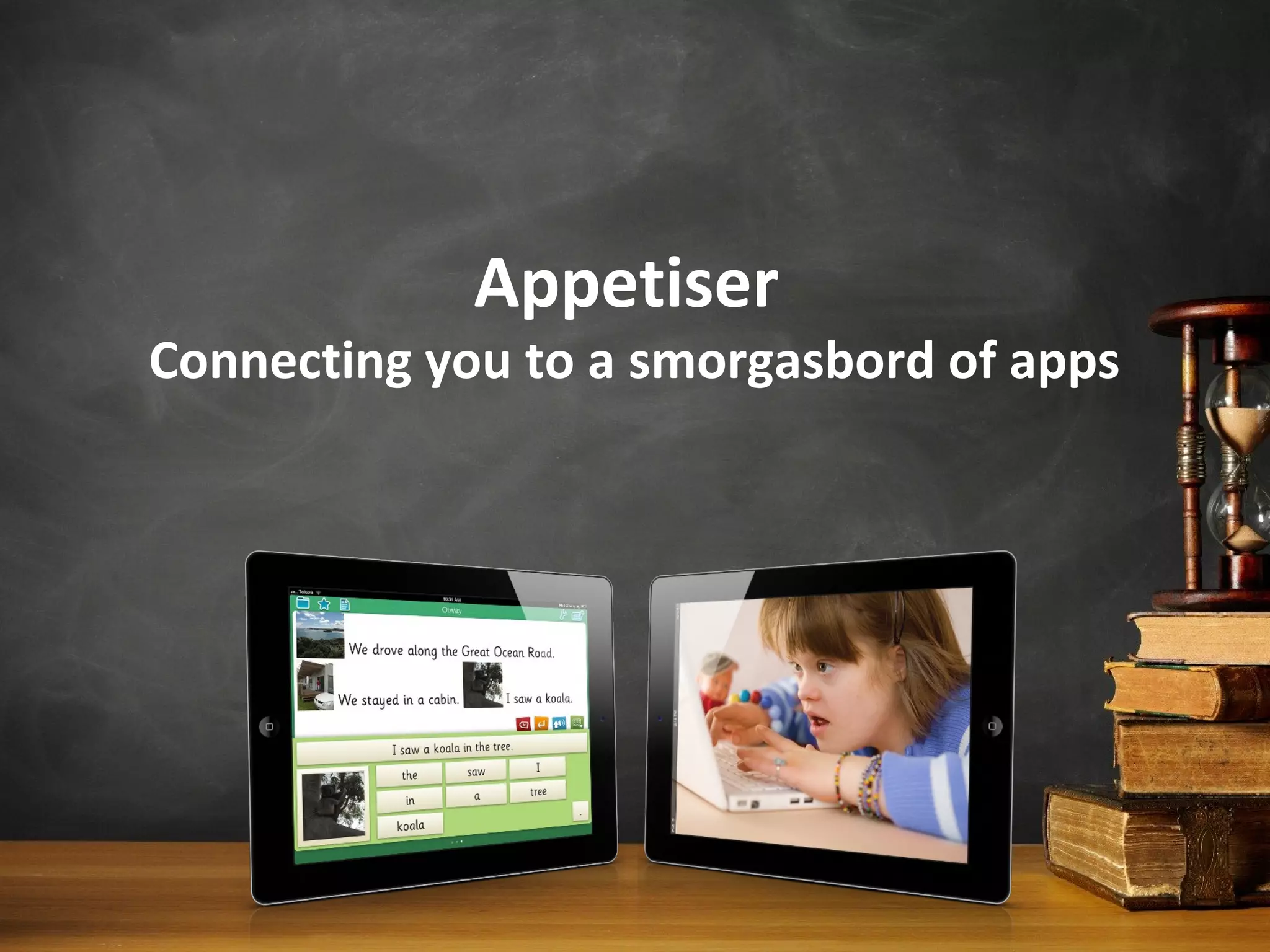
Appetiser
Connecting you to a smorgasbord of apps
Blogpost for this presentation
at:
goo.gl/TFDP5
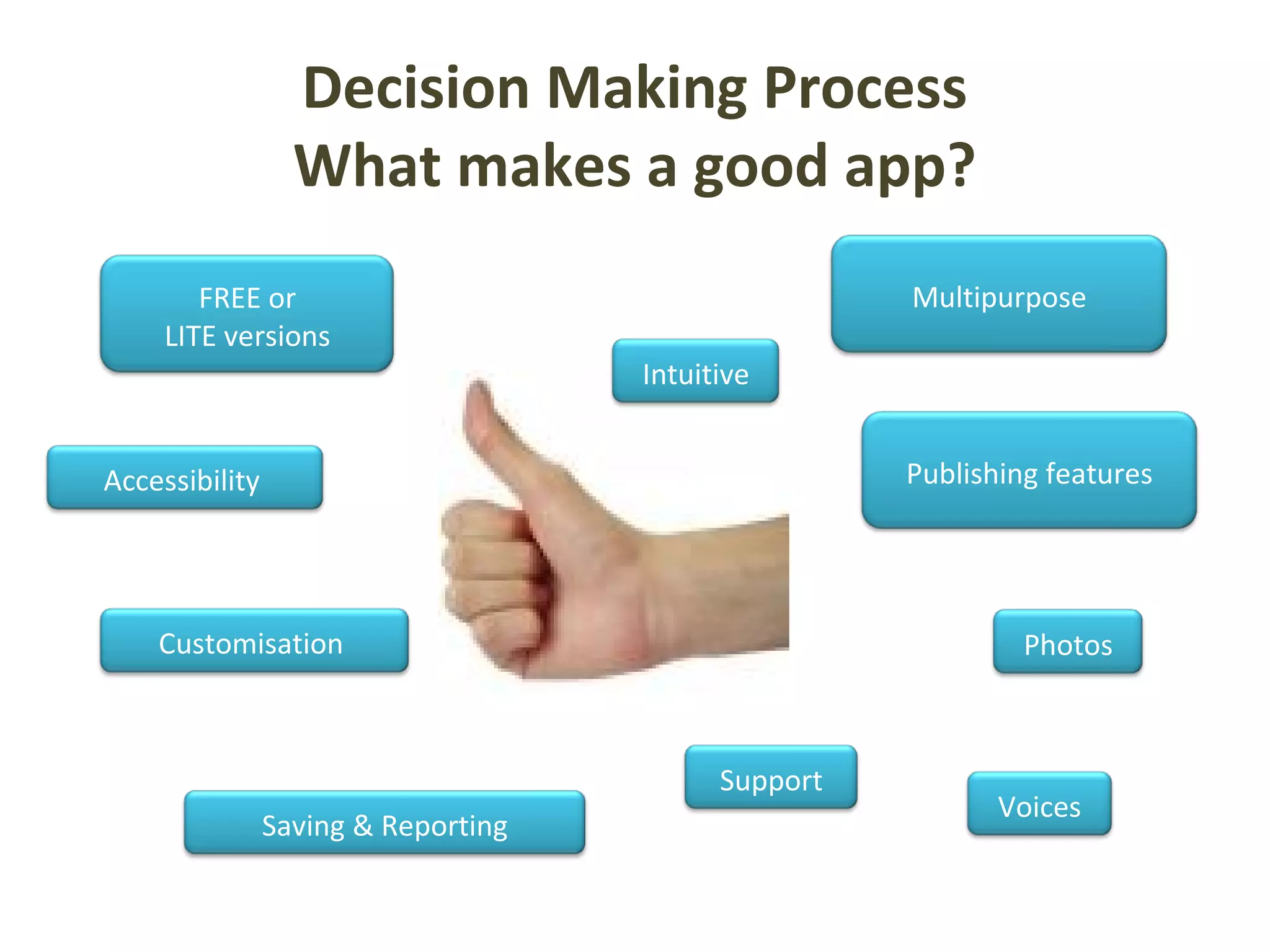
Decision Making Process
What makes a good app?
FREE or
LITE versions
Customisation Photos
Intuitive
Support
Publishing features
Saving & Reporting
Voices
Accessibility
Multipurpose
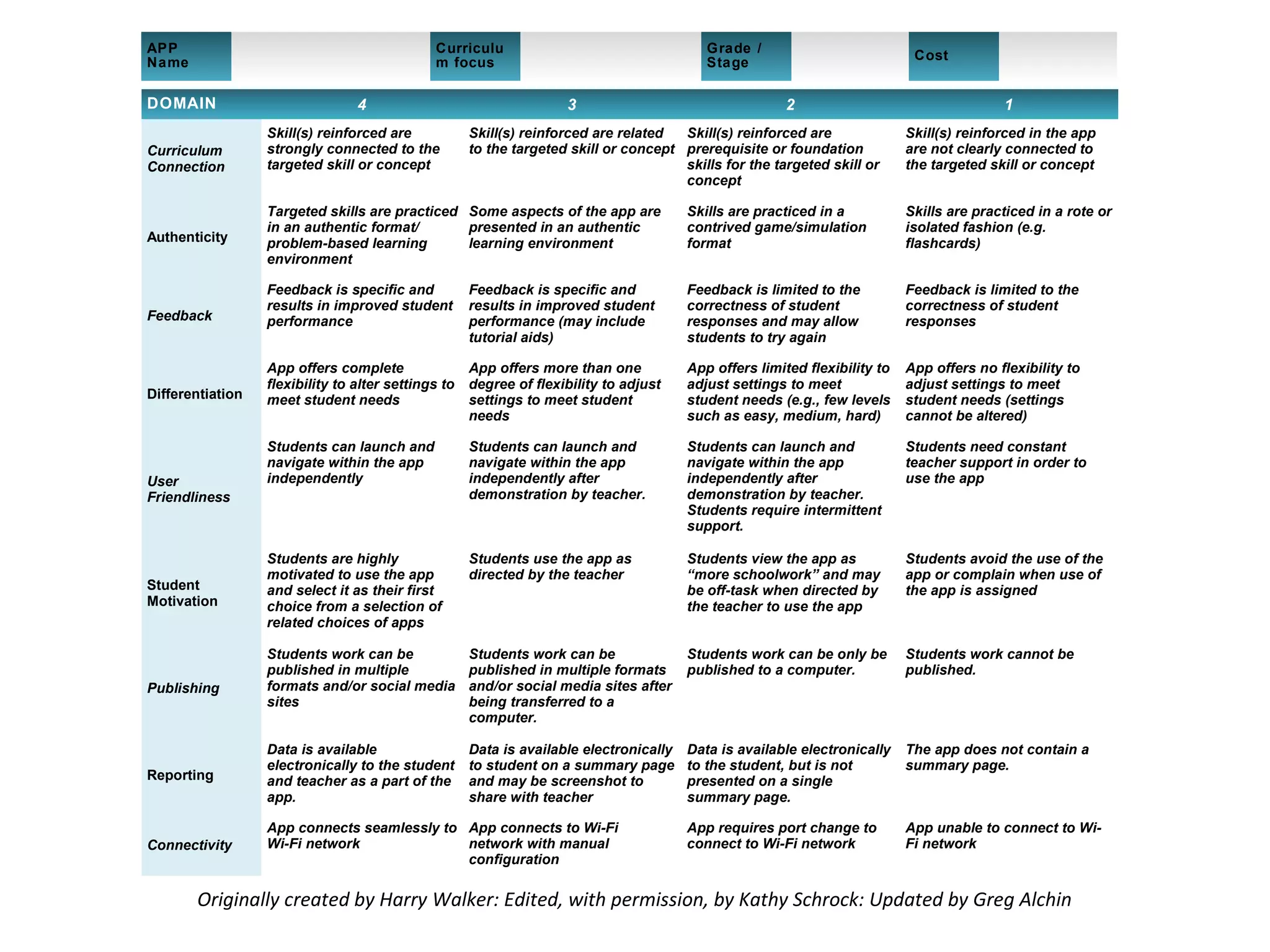
Originally created by Harry Walker: Edited, with permission, by Kathy Schrock: Updated by Greg Alchin
DOMAIN 4 3 2 1
Curriculum
Connection
Skill(s) reinforced are
strongly connected to the
targeted skill or concept
Skill(s) reinforced are related
to the targeted skill or concept
Skill(s) reinforced are
prerequisite or foundation
skills for the targeted skill or
concept
Skill(s) reinforced in the app
are not clearly connected to
the targeted skill or concept
Authenticity
Targeted skills are practiced
in an authentic format/
problem-based learning
environment
Some aspects of the app are
presented in an authentic
learning environment
Skills are practiced in a
contrived game/simulation
format
Skills are practiced in a rote or
isolated fashion (e.g.
flashcards)
Feedback
Feedback is specific and
results in improved student
performance
Feedback is specific and
results in improved student
performance (may include
tutorial aids)
Feedback is limited to the
correctness of student
responses and may allow
students to try again
Feedback is limited to the
correctness of student
responses
Differentiation
App offers complete
flexibility to alter settings to
meet student needs
App offers more than one
degree of flexibility to adjust
settings to meet student
needs
App offers limited flexibility to
adjust settings to meet
student needs (e.g., few levels
such as easy, medium, hard)
App offers no flexibility to
adjust settings to meet
student needs (settings
cannot be altered)
User
Friendliness
Students can launch and
navigate within the app
independently
Students can launch and
navigate within the app
independently after
demonstration by teacher.
Students can launch and
navigate within the app
independently after
demonstration by teacher.
Students require intermittent
support.
Students need constant
teacher support in order to
use the app
Student
Motivation
Students are highly
motivated to use the app
and select it as their first
choice from a selection of
related choices of apps
Students use the app as
directed by the teacher
Students view the app as
“more schoolwork” and may
be off-task when directed by
the teacher to use the app
Students avoid the use of the
app or complain when use of
the app is assigned
Publishing
Students work can be
published in multiple
formats and/or social media
sites
Students work can be
published in multiple formats
and/or social media sites after
being transferred to a
computer.
Students work can be only be
published to a computer.
Students work cannot be
published.
Reporting
Data is available
electronically to the student
and teacher as a part of the
app.
Data is available electronically
to student on a summary page
and may be screenshot to
share with teacher
Data is available electronically
to the student, but is not
presented on a single
summary page.
The app does not contain a
summary page.
Connectivity
App connects seamlessly to
Wi-Fi network
App connects to Wi-Fi
network with manual
configuration
App requires port change to
connect to Wi-Fi network
App unable to connect to Wi-
Fi network
APP
Name
Curriculu
m focus
Grade /
Stage
Cost
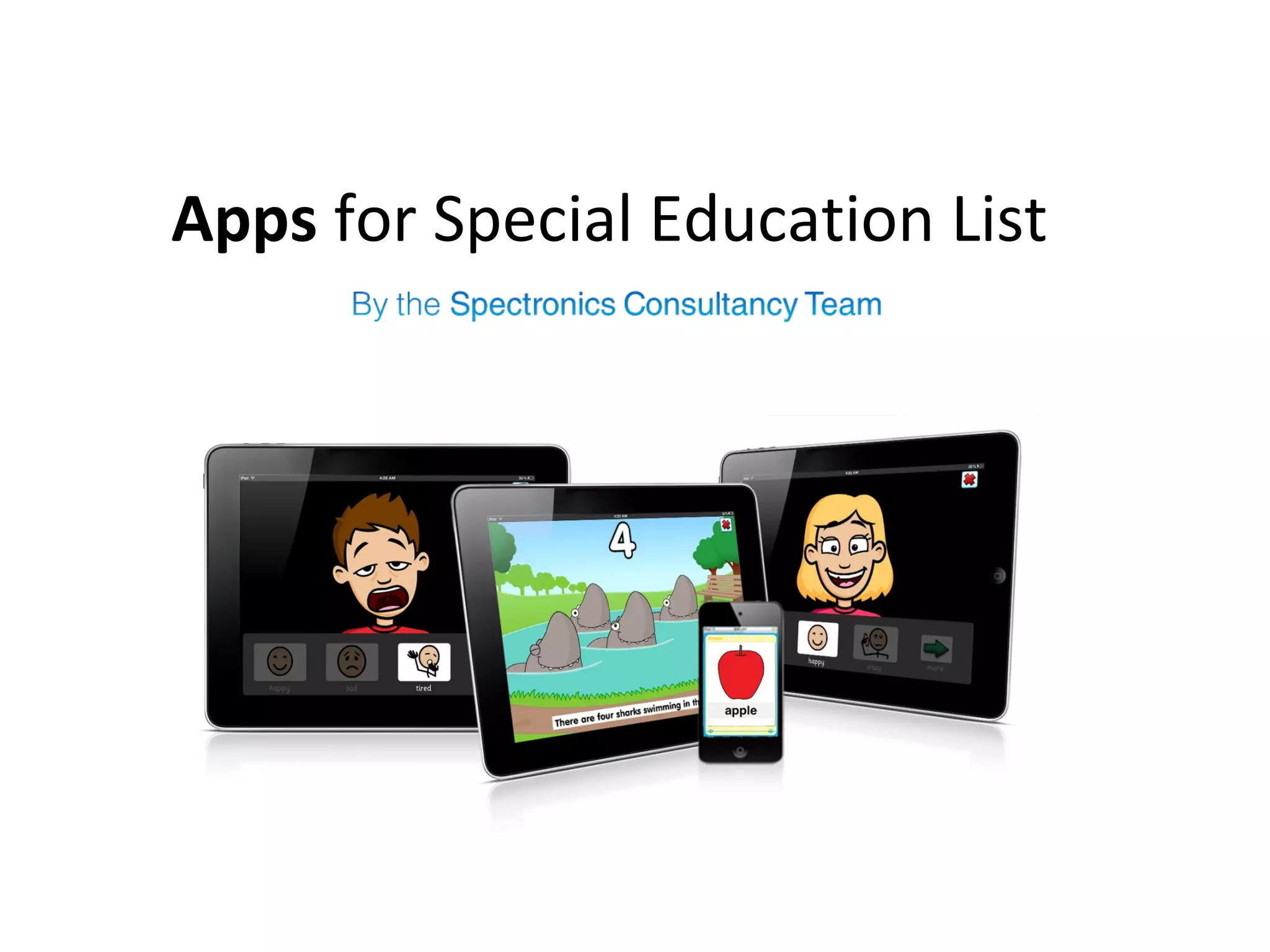
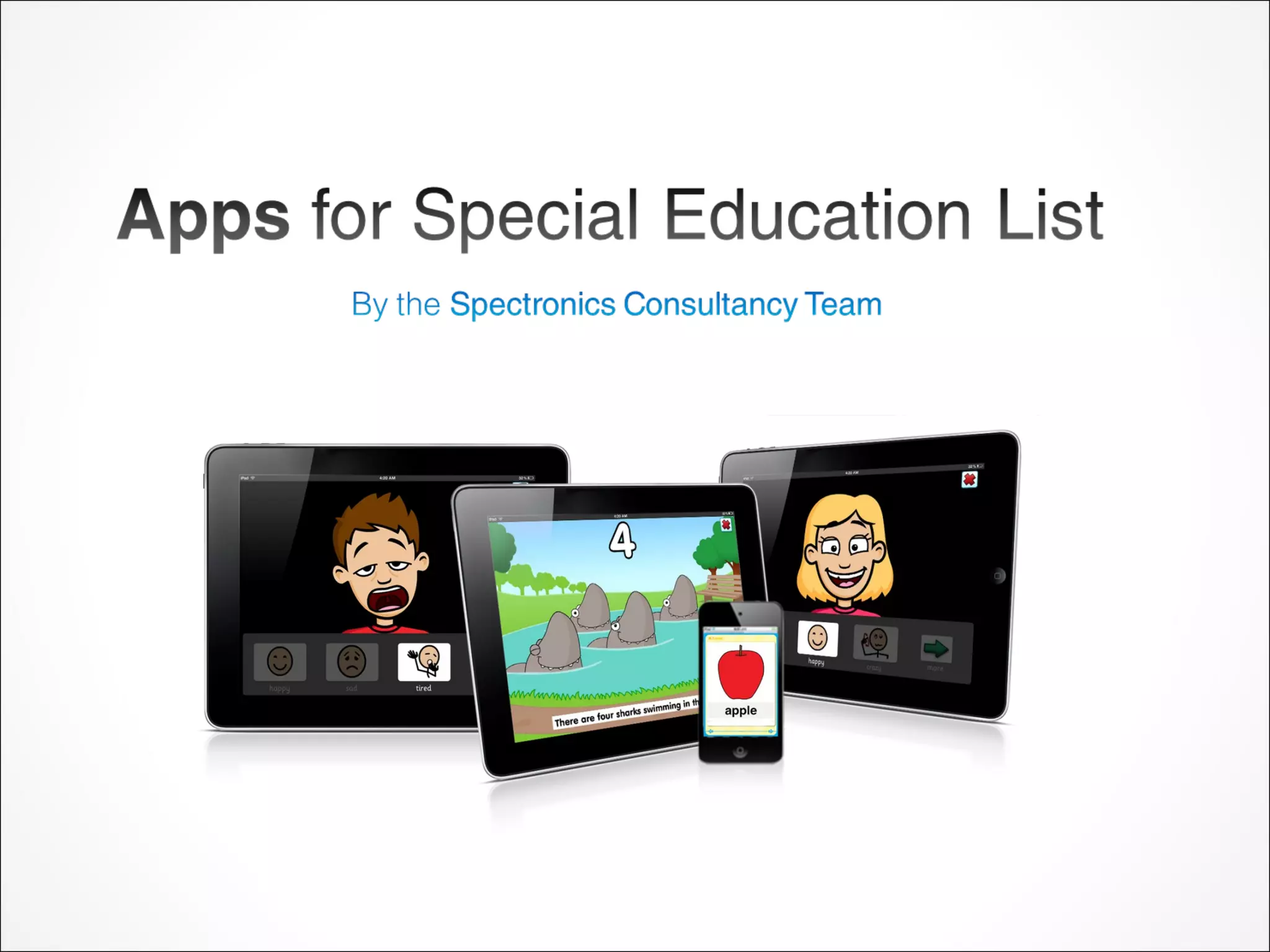
Apps for Special Education List
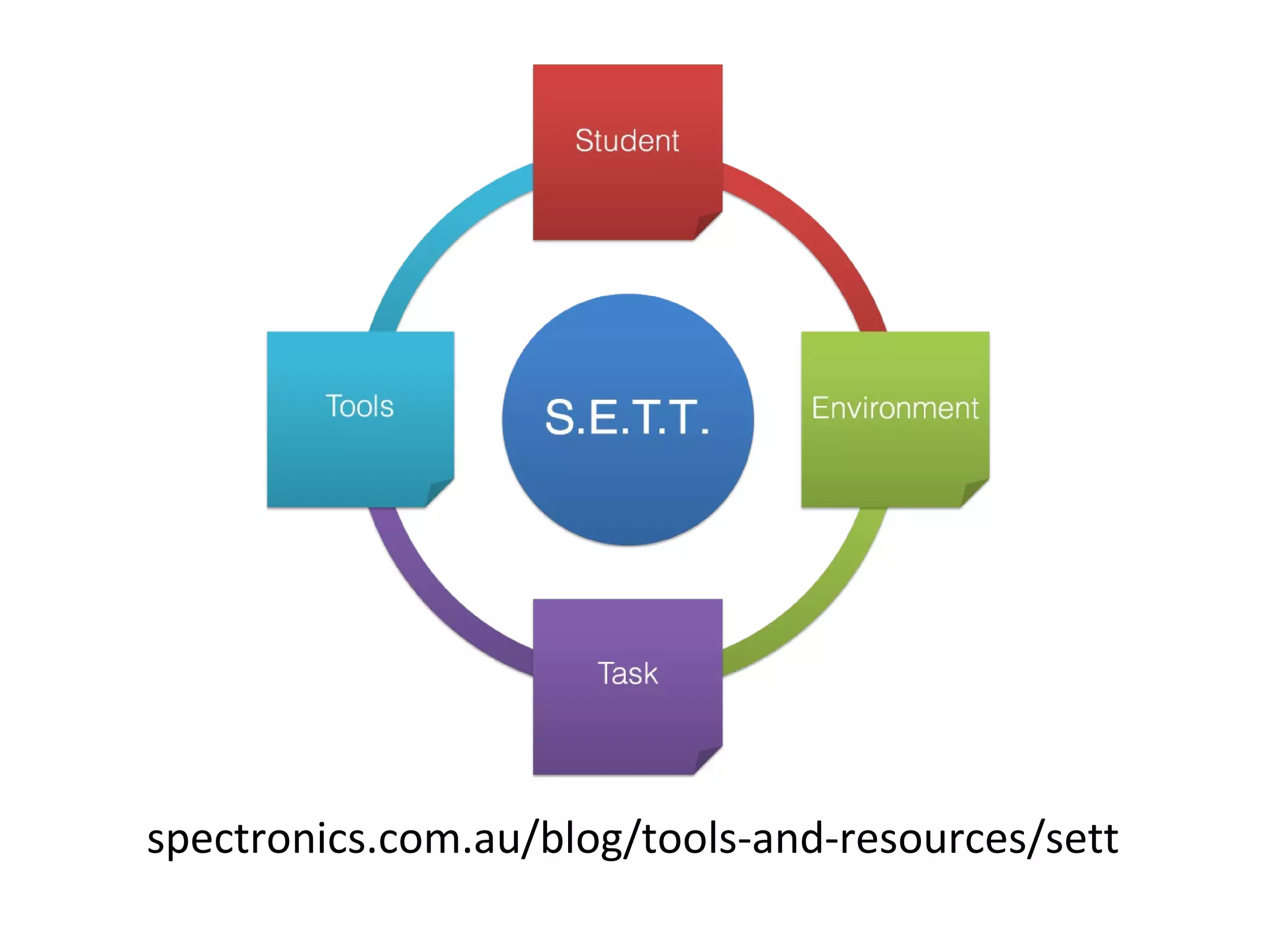
spectronics.com.au/blog/tools-and-resources/sett
Accessibility
• Speak Selection
• Simple Wikipedia
• Create PDF
Clicker Sentences
• Early writing tool
• Build sentences with whole words
• Different levels of support
• Easily add picture supports
• Share writing
• Ready-made sentence sets on
Learning Grids
• Works with Clicker 6
Book Creator
• Create your own books
• Read them in iBooks and share easily
• Add photos, video, text and sound
recordings
• Simple and easy to use
• Create the layout however you like
• Create: personal histories, social
stories, chat books, recounts, recipes,
schedules, etc. etc.......
Accessibility
• Guided Access
– Lock an app to encourage focus on task and
convert iPad to a dedicated device
• Assistive Touch
– Alternative to accessing the physical buttons and
using multi gestures required for operating iPad
with stylus or headpointer
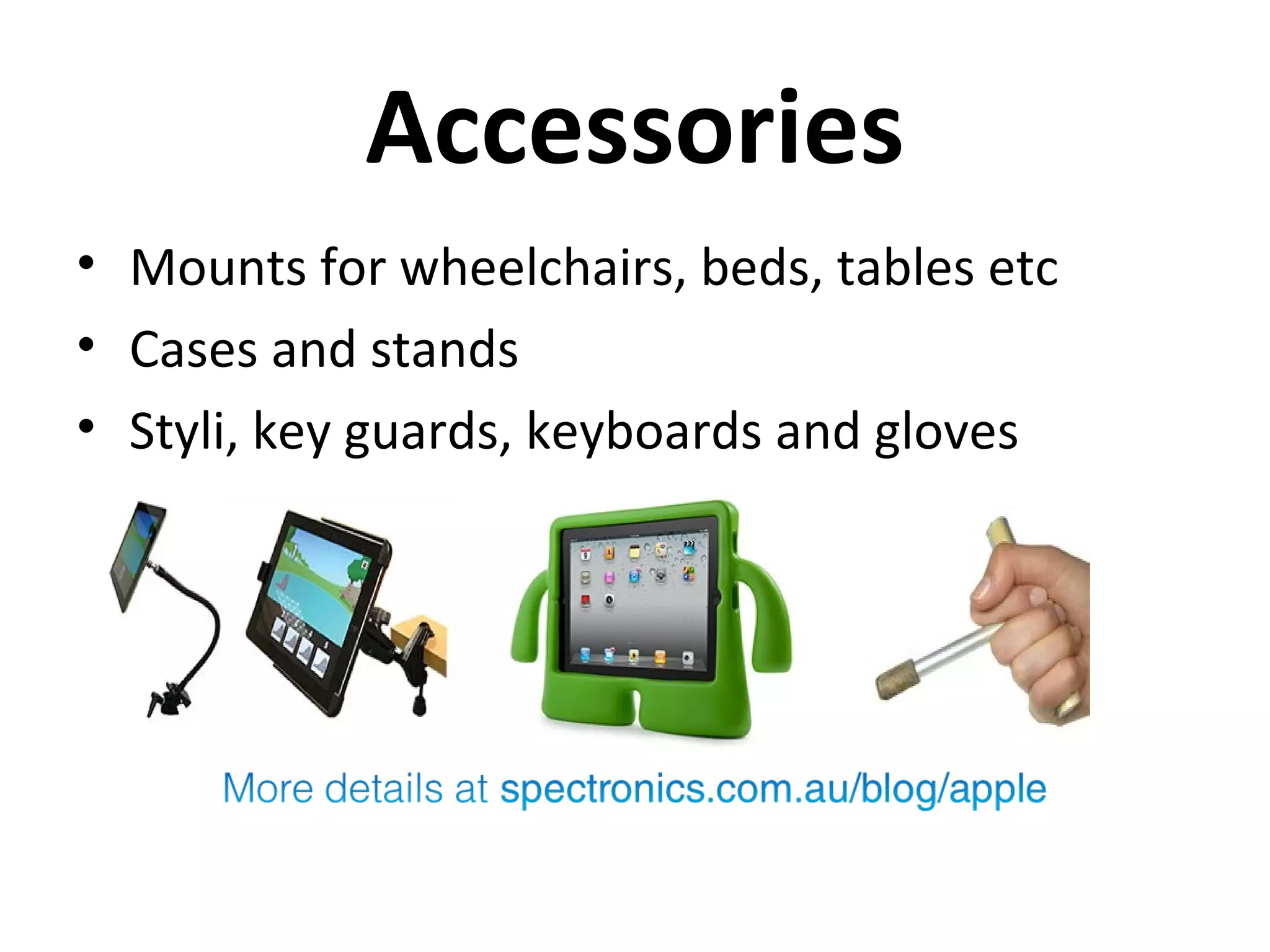
Accessories
• Mounts for wheelchairs, beds, tables etc
• Cases and stands
• Styli, key guards, keyboards and gloves
Scene & Heard
• Create scenes with audio, video, own
images and Widgit symbols
• Use it to make social stories, visual hot
spots, communication passports,
communication grids, schedules, chat cards
etc.
• Switch Accessible
• Publishing: email, print ready, file sharing
• Lite version to try it out
PixnTell
• Add voice to pictures and then create a
personalised video
• Share via DropBox, Facebook, YouTube or
Email
• Simple and easy to use
• Create personal stories, recipes, schedules,
social stories and more!
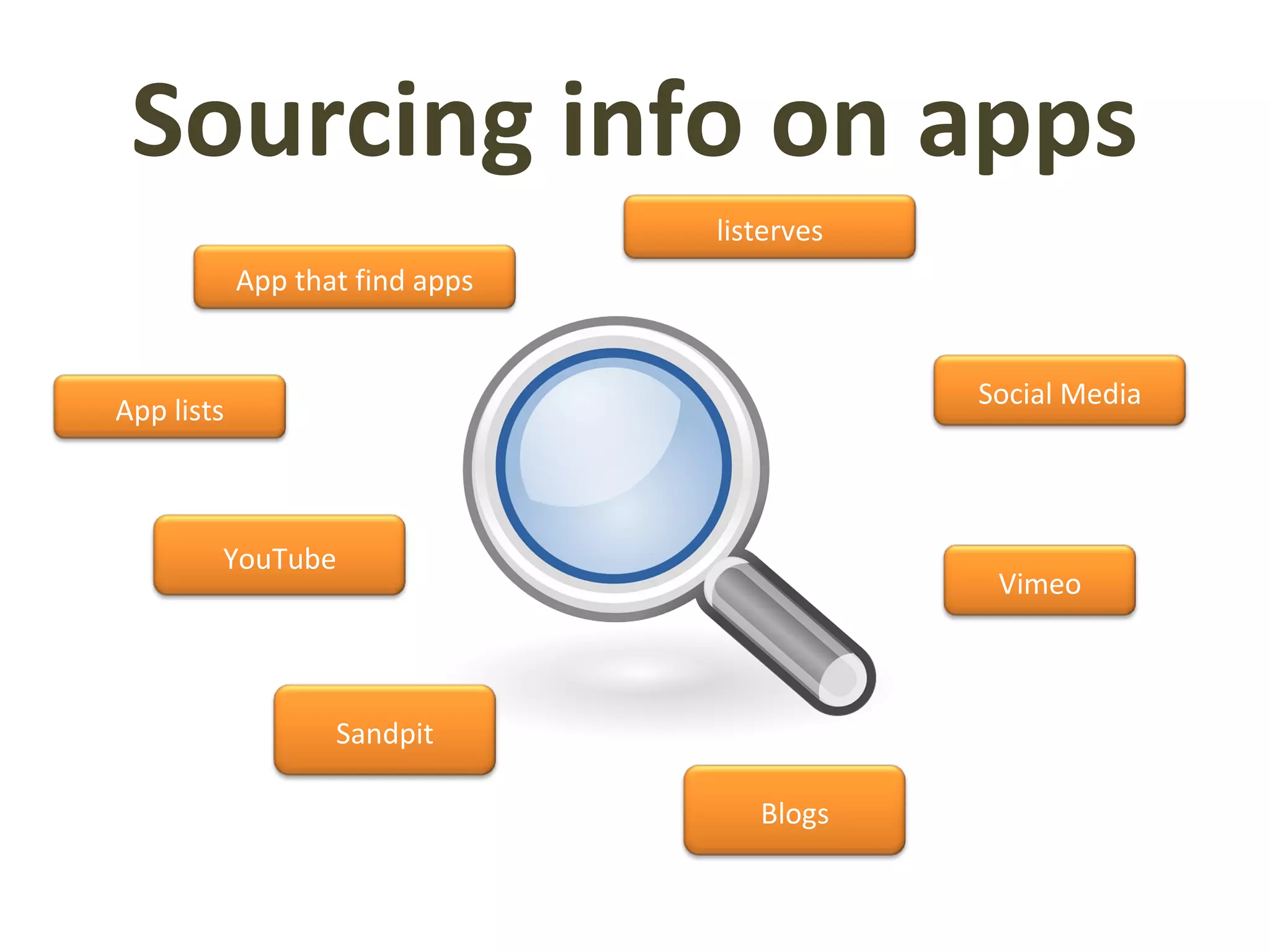
Sourcing info on apps
Social Media
Vimeo
YouTube
App lists
Blogs
listerves
Sandpit
App that find apps
spectronics.com.au/online
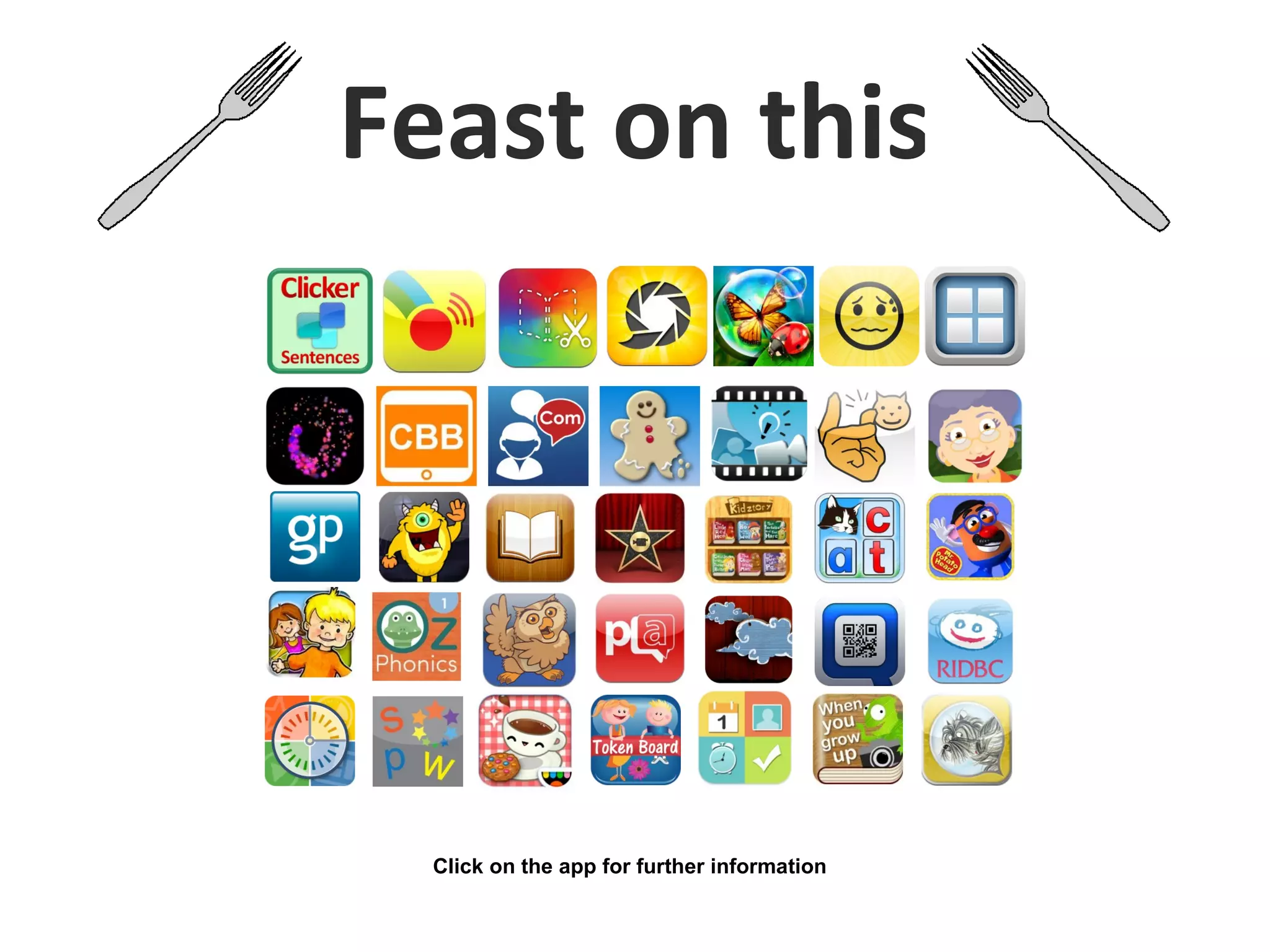
Feast on this
Click on the app for further information

Appetiser Connecting You to a Smorgasbord of Apps

  • 1.
    Appetiser Connecting you toa smorgasbord of apps
  • 3.
    Blogpost for thispresentation at: goo.gl/TFDP5
  • 4.
    Decision Making Process Whatmakes a good app? FREE or LITE versions Customisation Photos Intuitive Support Publishing features Saving & Reporting Voices Accessibility Multipurpose
  • 5.
    Originally created byHarry Walker: Edited, with permission, by Kathy Schrock: Updated by Greg Alchin DOMAIN 4 3 2 1 Curriculum Connection Skill(s) reinforced are strongly connected to the targeted skill or concept Skill(s) reinforced are related to the targeted skill or concept Skill(s) reinforced are prerequisite or foundation skills for the targeted skill or concept Skill(s) reinforced in the app are not clearly connected to the targeted skill or concept Authenticity Targeted skills are practiced in an authentic format/ problem-based learning environment Some aspects of the app are presented in an authentic learning environment Skills are practiced in a contrived game/simulation format Skills are practiced in a rote or isolated fashion (e.g. flashcards) Feedback Feedback is specific and results in improved student performance Feedback is specific and results in improved student performance (may include tutorial aids) Feedback is limited to the correctness of student responses and may allow students to try again Feedback is limited to the correctness of student responses Differentiation App offers complete flexibility to alter settings to meet student needs App offers more than one degree of flexibility to adjust settings to meet student needs App offers limited flexibility to adjust settings to meet student needs (e.g., few levels such as easy, medium, hard) App offers no flexibility to adjust settings to meet student needs (settings cannot be altered) User Friendliness Students can launch and navigate within the app independently Students can launch and navigate within the app independently after demonstration by teacher. Students can launch and navigate within the app independently after demonstration by teacher. Students require intermittent support. Students need constant teacher support in order to use the app Student Motivation Students are highly motivated to use the app and select it as their first choice from a selection of related choices of apps Students use the app as directed by the teacher Students view the app as “more schoolwork” and may be off-task when directed by the teacher to use the app Students avoid the use of the app or complain when use of the app is assigned Publishing Students work can be published in multiple formats and/or social media sites Students work can be published in multiple formats and/or social media sites after being transferred to a computer. Students work can be only be published to a computer. Students work cannot be published. Reporting Data is available electronically to the student and teacher as a part of the app. Data is available electronically to student on a summary page and may be screenshot to share with teacher Data is available electronically to the student, but is not presented on a single summary page. The app does not contain a summary page. Connectivity App connects seamlessly to Wi-Fi network App connects to Wi-Fi network with manual configuration App requires port change to connect to Wi-Fi network App unable to connect to Wi- Fi network APP Name Curriculu m focus Grade / Stage Cost
  • 6.
    Apps for SpecialEducation List
  • 7.
  • 8.
    Accessibility • Speak Selection •Simple Wikipedia • Create PDF
  • 9.
    Clicker Sentences • Earlywriting tool • Build sentences with whole words • Different levels of support • Easily add picture supports • Share writing • Ready-made sentence sets on Learning Grids • Works with Clicker 6
  • 10.
    Book Creator • Createyour own books • Read them in iBooks and share easily • Add photos, video, text and sound recordings • Simple and easy to use • Create the layout however you like • Create: personal histories, social stories, chat books, recounts, recipes, schedules, etc. etc.......
  • 11.
    Accessibility • Guided Access –Lock an app to encourage focus on task and convert iPad to a dedicated device • Assistive Touch – Alternative to accessing the physical buttons and using multi gestures required for operating iPad with stylus or headpointer
  • 12.
    Accessories • Mounts forwheelchairs, beds, tables etc • Cases and stands • Styli, key guards, keyboards and gloves
  • 13.
    Scene & Heard •Create scenes with audio, video, own images and Widgit symbols • Use it to make social stories, visual hot spots, communication passports, communication grids, schedules, chat cards etc. • Switch Accessible • Publishing: email, print ready, file sharing • Lite version to try it out
  • 14.
    PixnTell • Add voiceto pictures and then create a personalised video • Share via DropBox, Facebook, YouTube or Email • Simple and easy to use • Create personal stories, recipes, schedules, social stories and more!
  • 15.
    Sourcing info onapps Social Media Vimeo YouTube App lists Blogs listerves Sandpit App that find apps
  • 16.
  • 21.
    Feast on this Clickon the app for further information