All Things Tech!
Lori Roe, M.Ed.
New Teacher Mentor Program 2015
Follow Today’s Session @ Twitter
#CapeTeachers
Today’s Learning Goals:
Manage tasks 

productively with

technology resources
•Online learning
management
•Transition timers
•Questioning learners
•App for grouping
Inspire learner motivation
and engagement through
the use of technology
•Engaging activities
•Creativity and fun
•Positive Reinforcement
Today’s Learning Goals:
Track and reinforce
positive behavior with
online digital tools
Address diverse needs through
learner centered strategies
providing equitable access to
digital tools and resources.
•Provide feedback
•Merits and badges
•Parent communication
Learn about digital
etiquette, social interactions
online, and Internet safety.
•Cyber safety
•Cyberbullying
•Online etiquette
•Differentiation
•Voice and choice
•Multiple
representations
•Resources for everyone
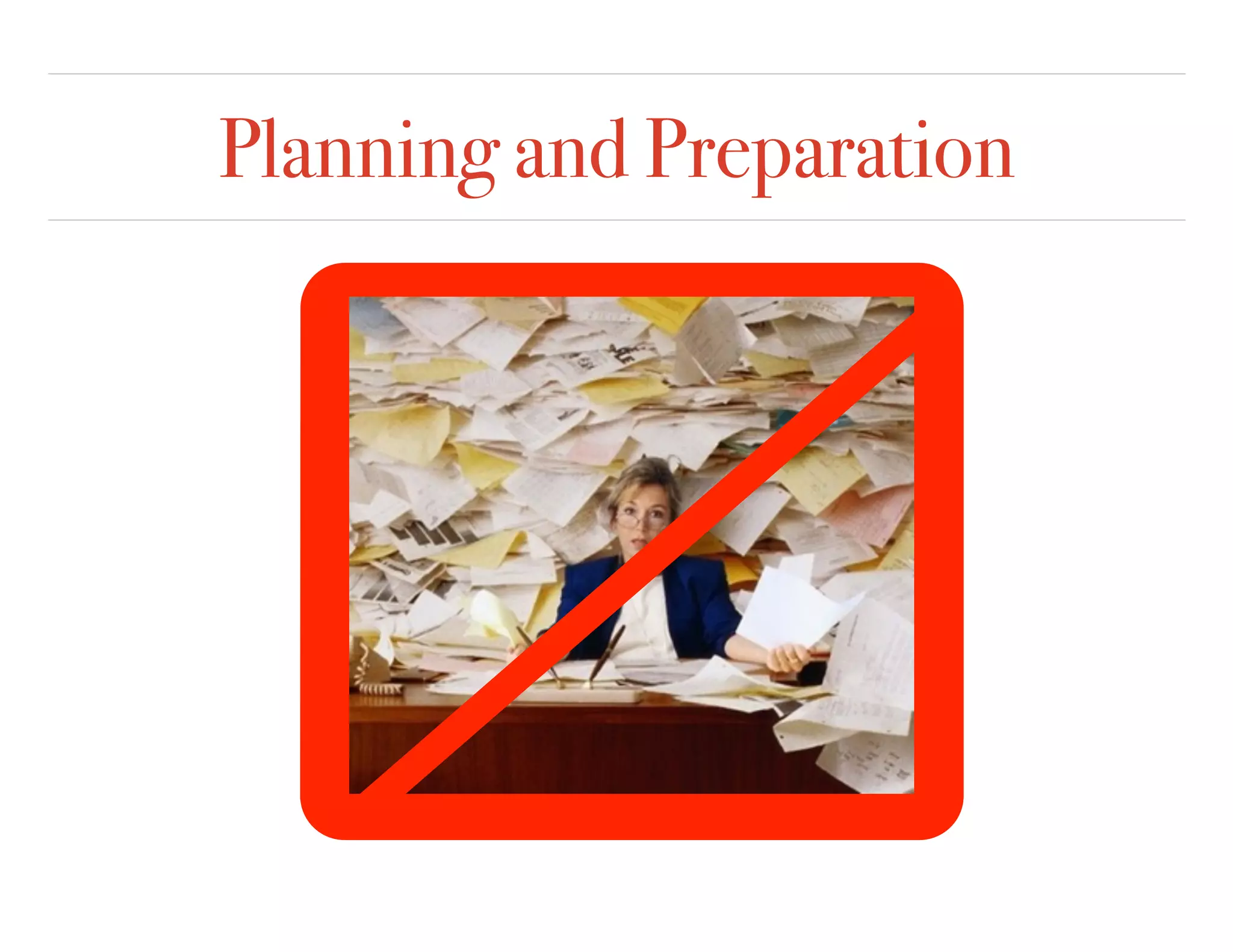
Planning and Preparation
Lessons
Activities
Materials
and Resources
Assessments
Field Trips
Parent
Communication
ClassroomSet Up
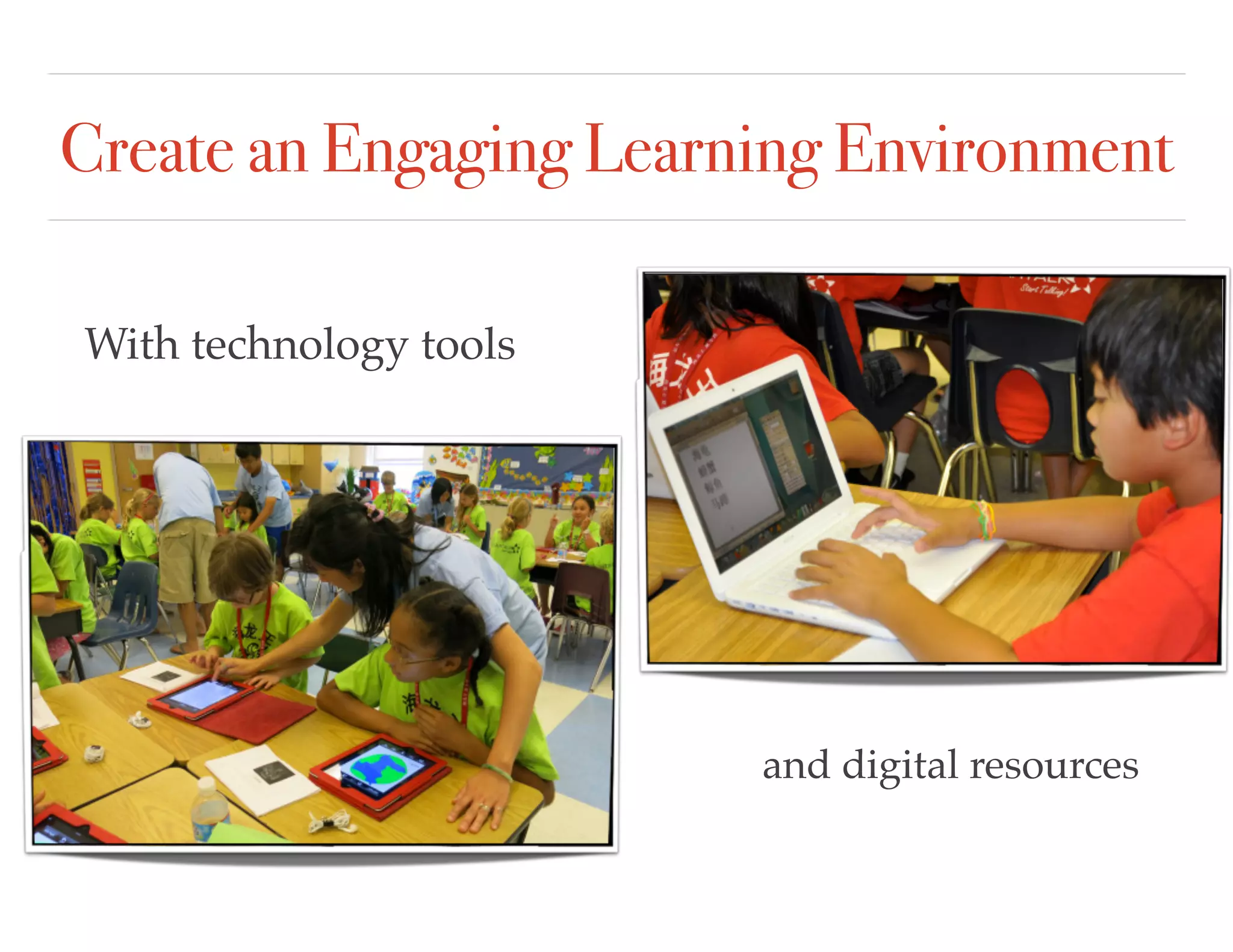
Create an Engaging Learning Environment
With technology tools
and digital resources
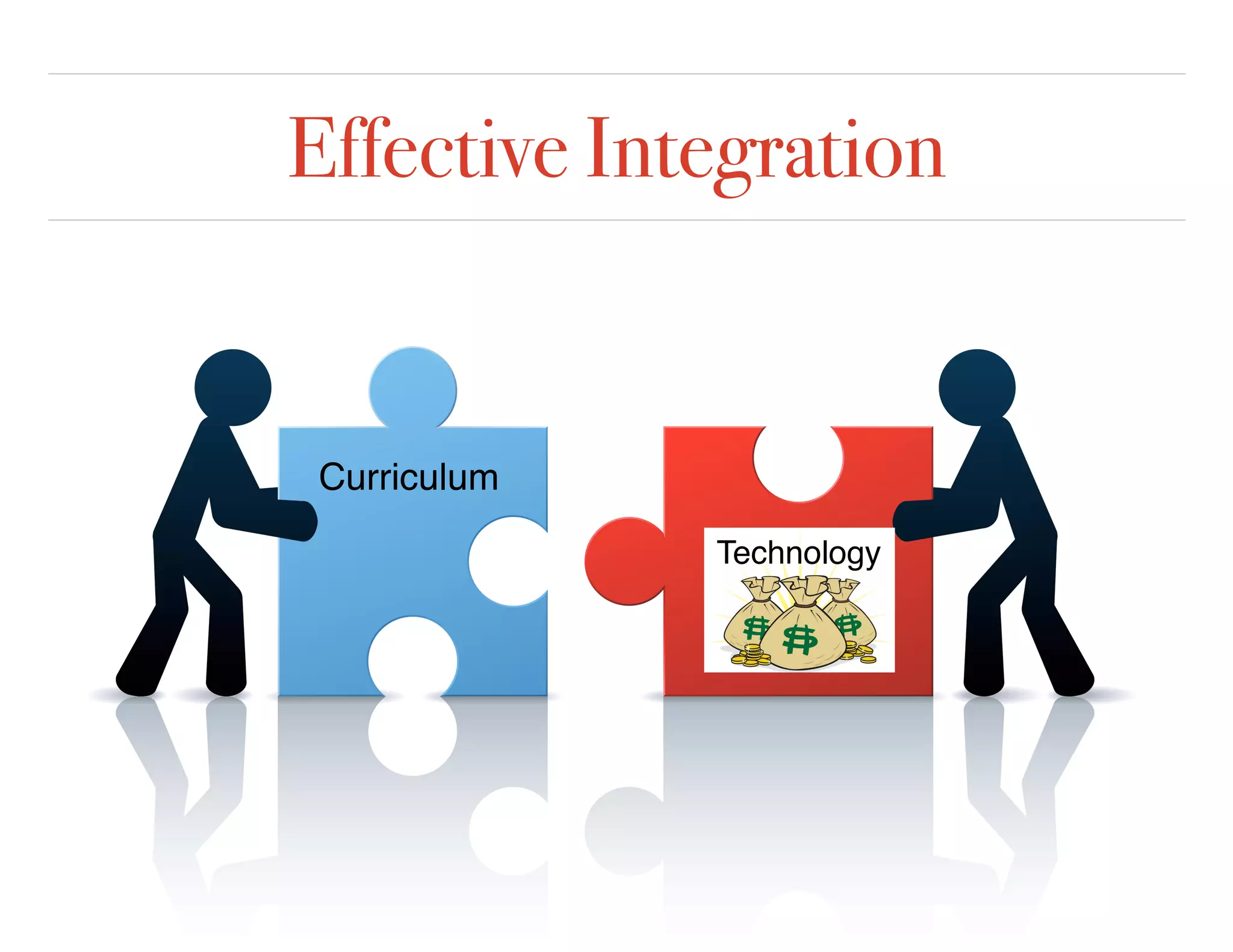
Effective Integration
Curriculum
Technology
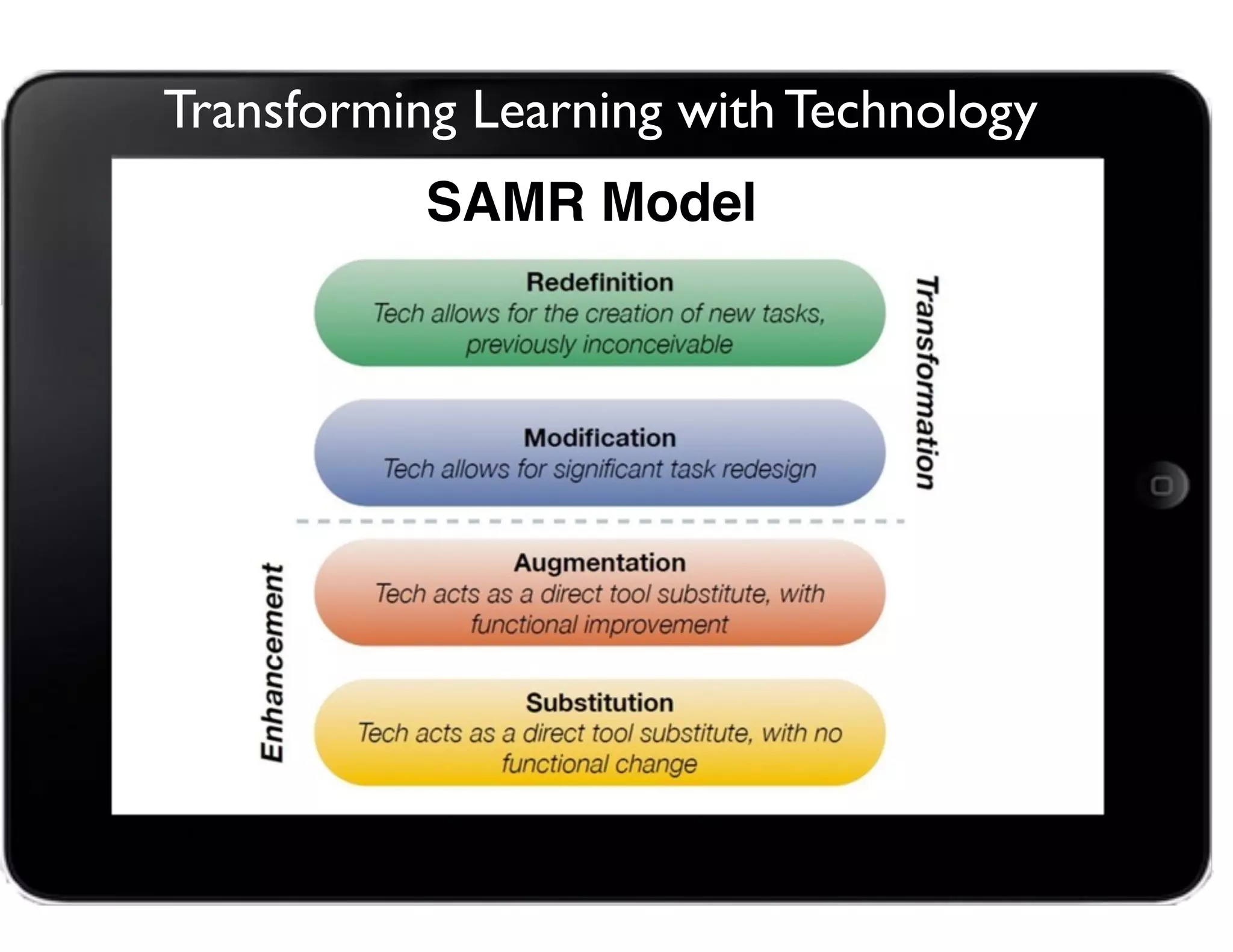
Transforming Learning with Technology
SAMR Model
SAMR explained by Students: https://www.youtube.com/watch?v=OBce25r8vto
Real Time Collaboration
•Your Name
•School/Grade/Subject
•Something you are
passionate about.
•A photo of a place you
visited this summer.
http://padlet.com/chsdmentor/2015
Add to our wall:
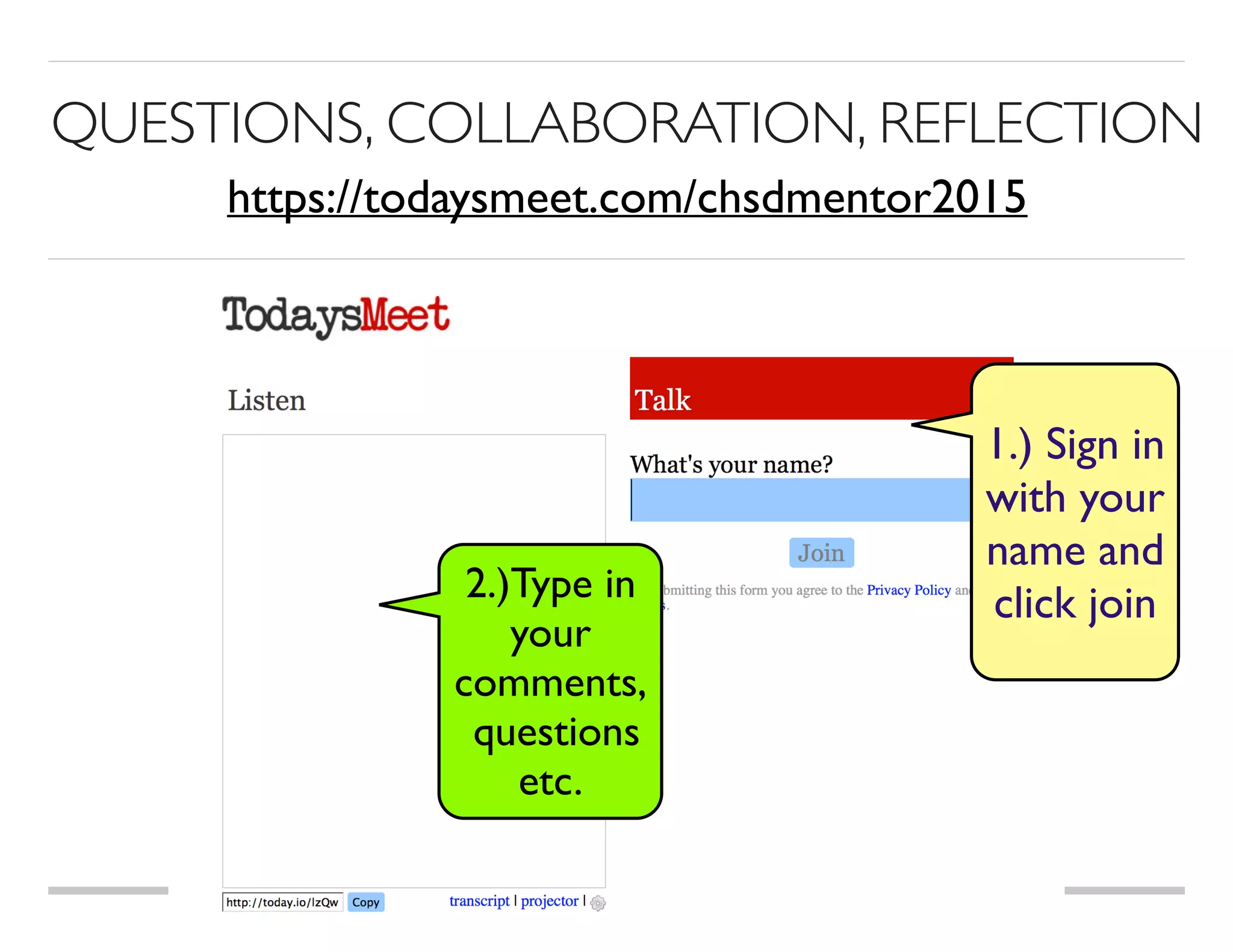
QUESTIONS, COLLABORATION, REFLECTION
2.)Type in
your 

comments,
questions
etc.
1.) Sign in
with your
name and
click join
https://todaysmeet.com/chsdmentor2015
Online Learning Management Tools
Organize files
Create assignments
Share activities, videos, links
Class Collaboration
Assessment
Polling
Blogging
What is Schoology?
Try Schoology
Log on to Schoology to introduce yourself, share
where you are from, what you are teaching and
something you like to do for fun! Take a photo of
yourself and upload it to your profile.
www.cape.schoology.com
Evernote
Book

Creator
Pages
E
StorykitEducreations Screen 

Chomp
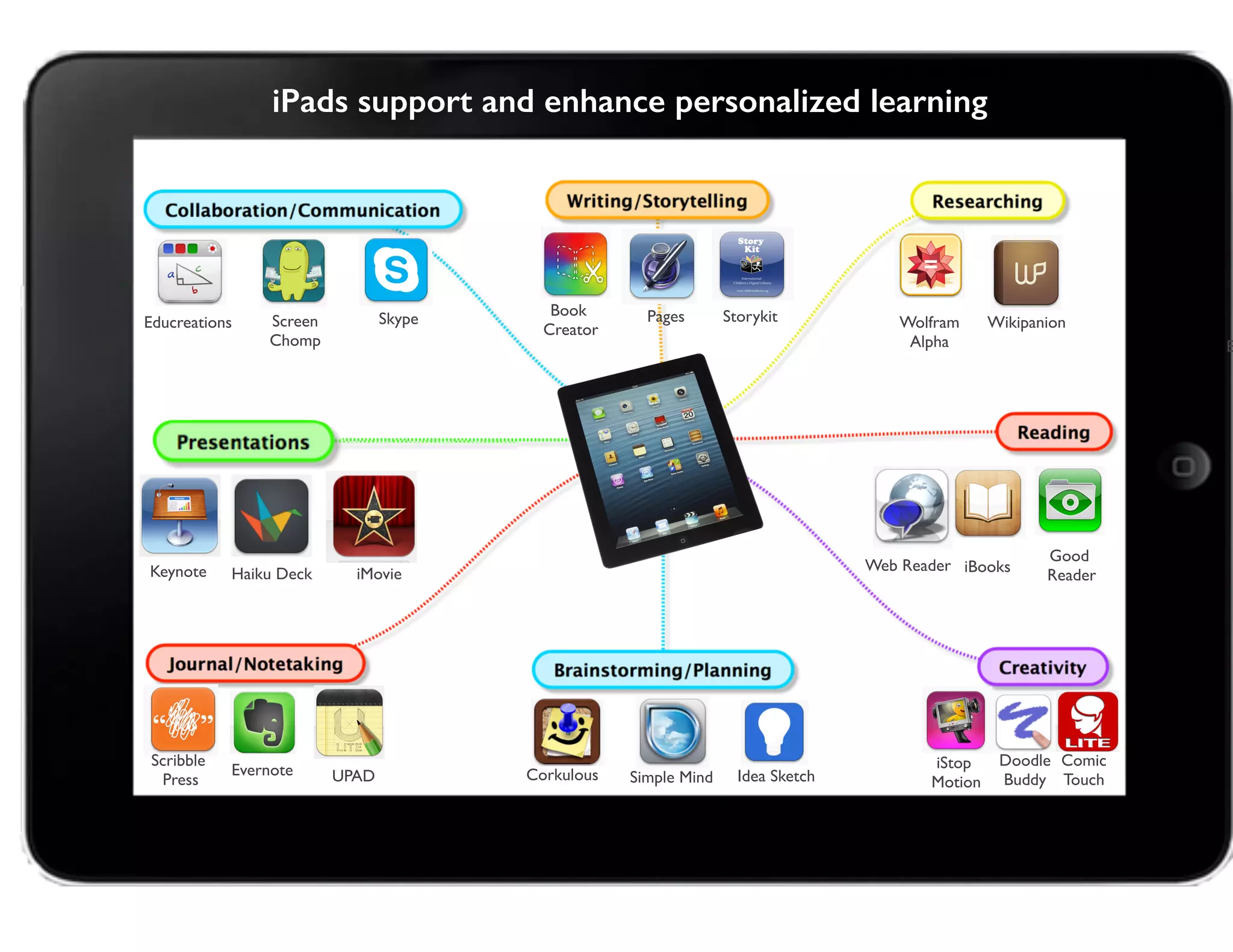
iPads support and enhance personalized learning
Skype
iBooks
Good 

Reader
UPAD
Scribble
Press
Comic
Touch
iStop

Motion
Doodle

Buddy
Haiku Deck
Wolfram
Alpha
Wikipanion
Idea SketchSimple MindCorkulous
Web ReaderKeynote iMovie
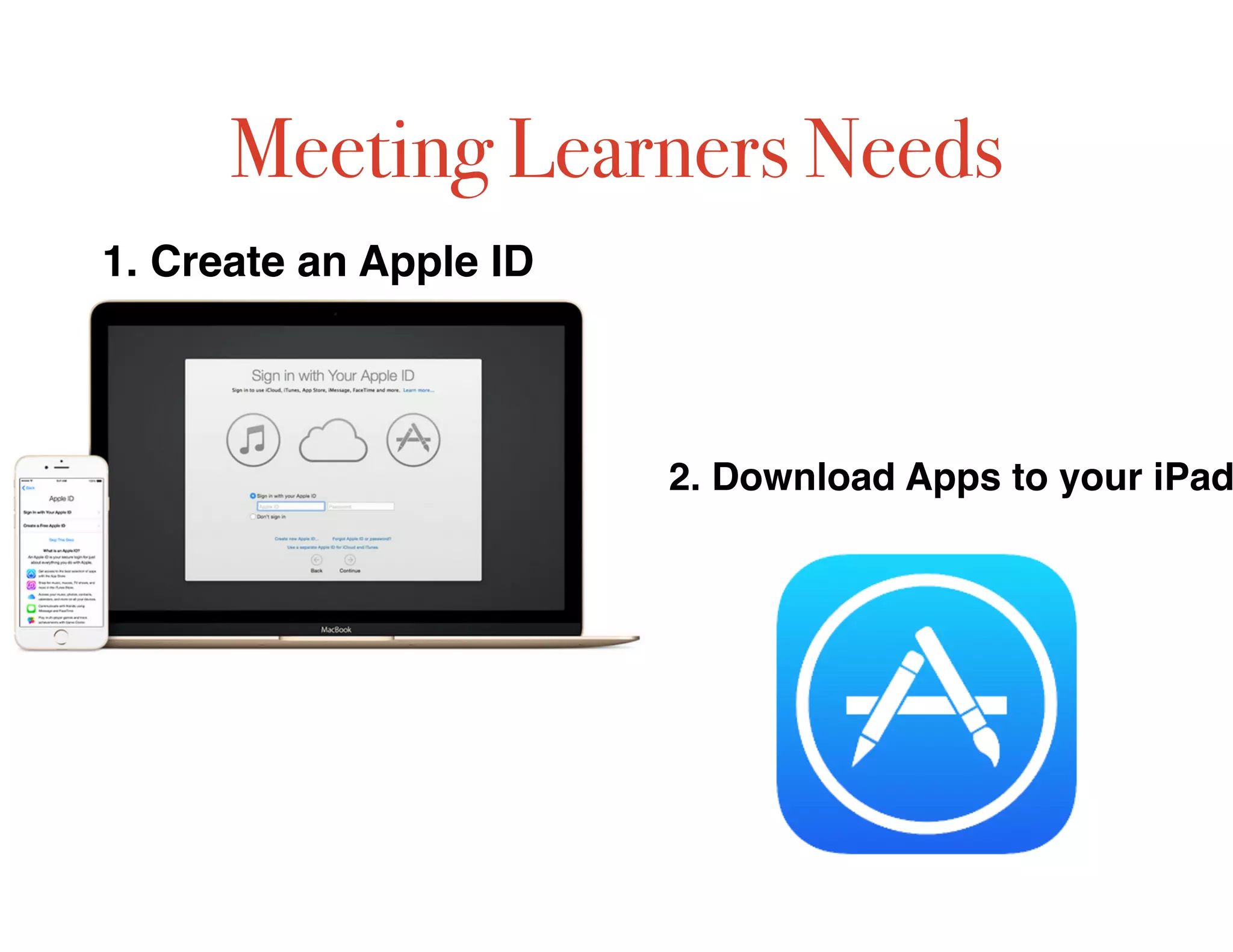
Meeting Learners Needs
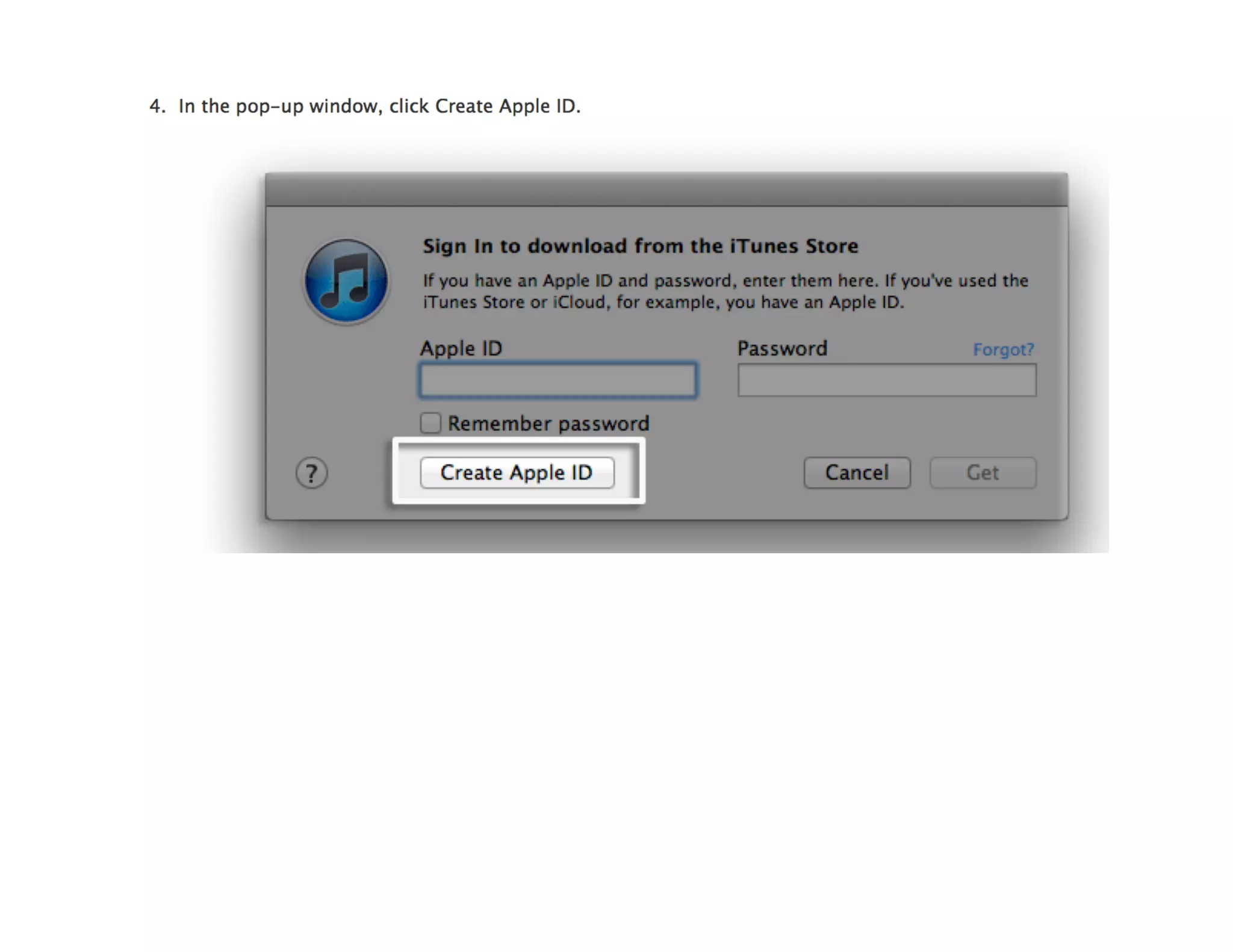
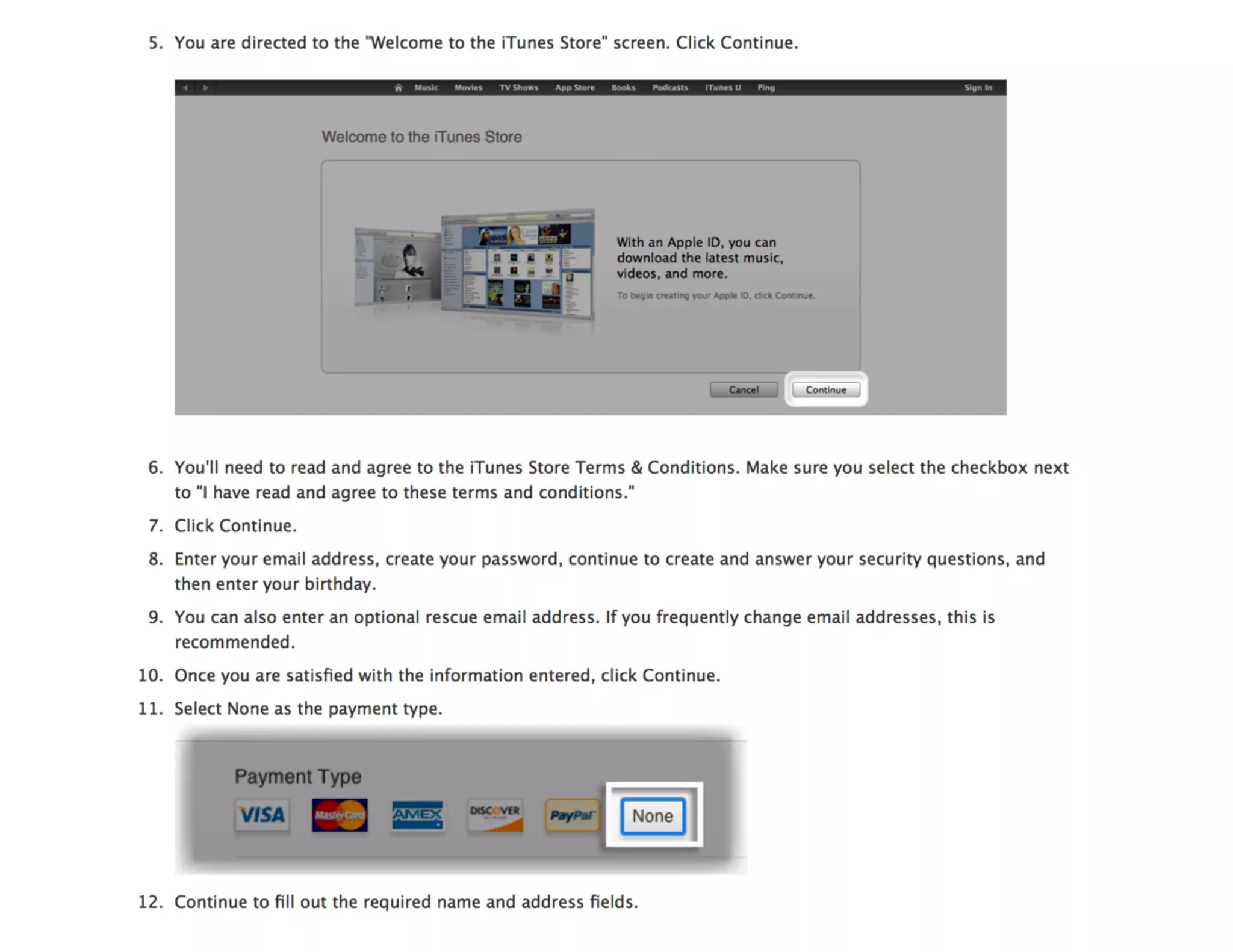
1. Create an Apple ID
2. Download Apps to your iPad
QR Reader
APPS to Download
ChatterPix Notability
Nearpod
Educreations
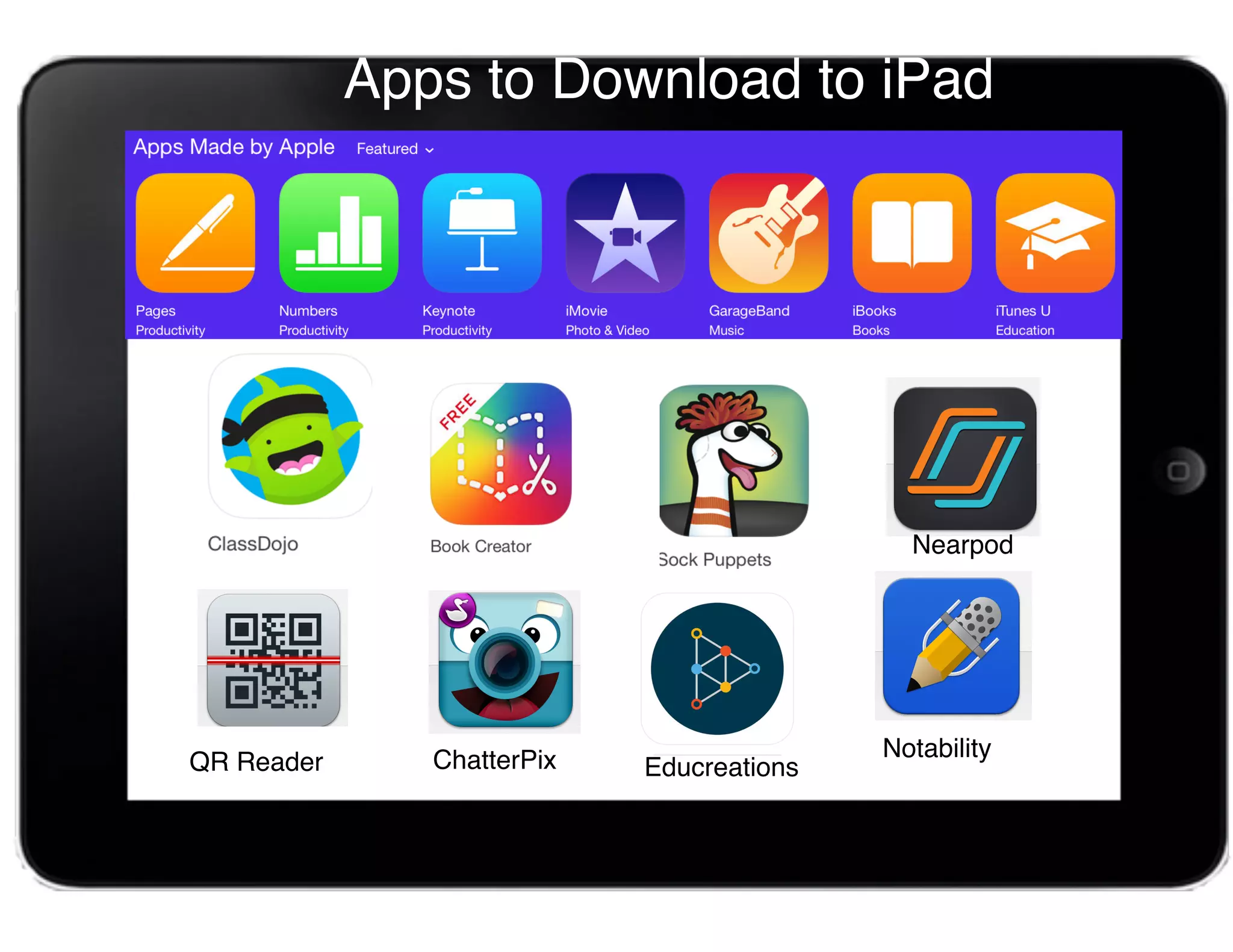
Apps to Download to iPad
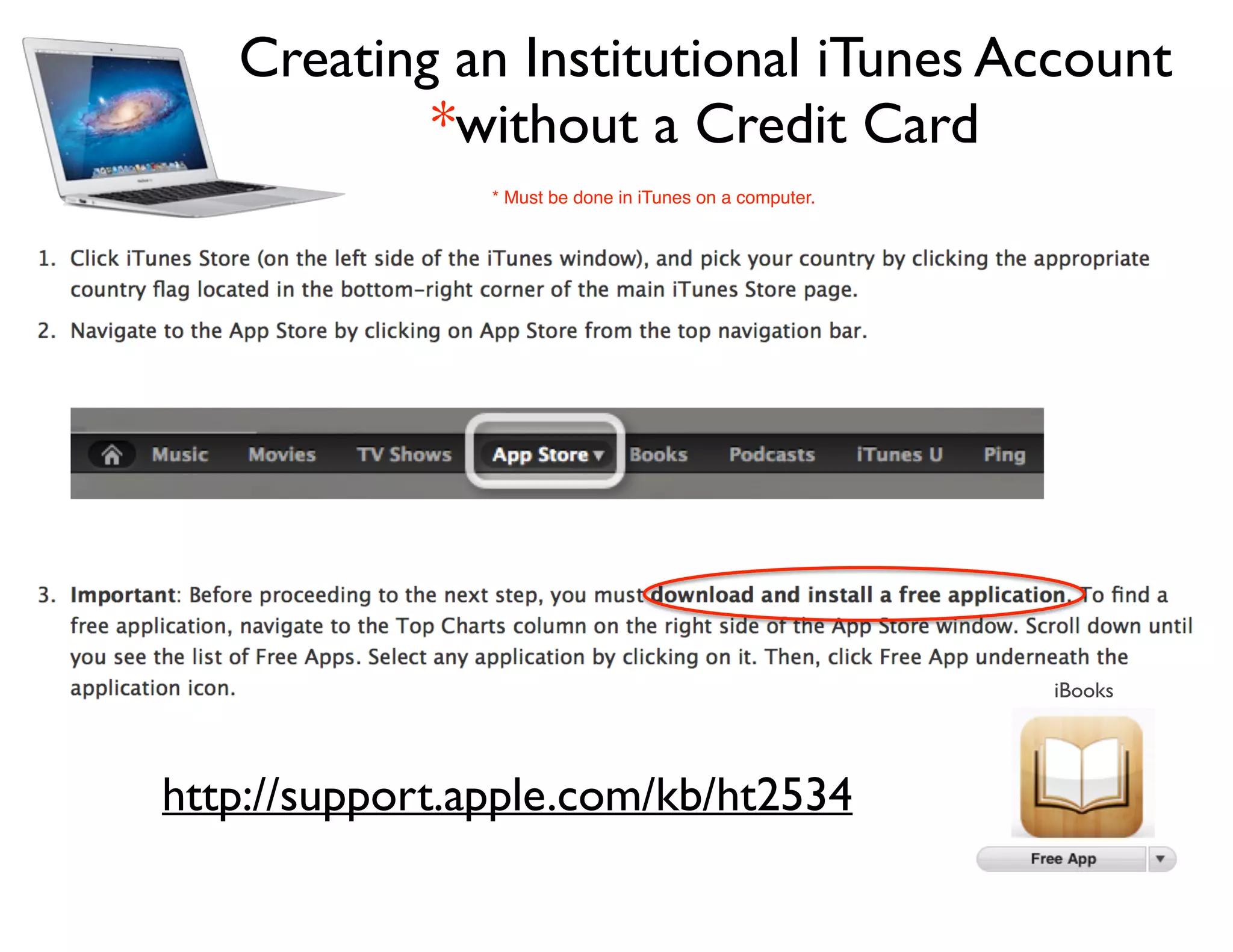
Creating an Institutional iTunes Account
*without a Credit Card
http://support.apple.com/kb/ht2534
iBooks
* Must be done in iTunes on a computer.
or your
QR Reader App
Open Safari
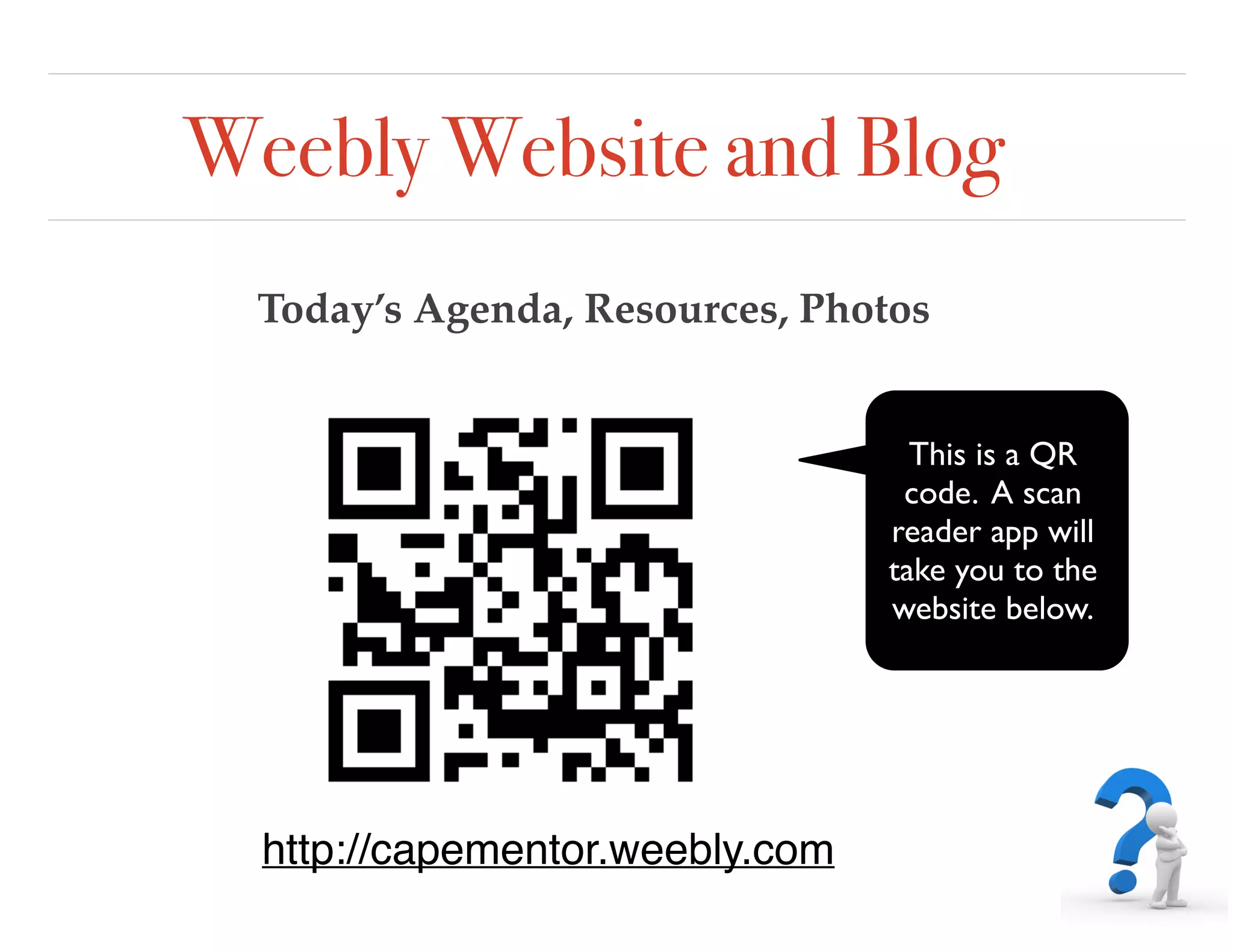
Weebly Website and Blog
Today’s Agenda, Resources, Photos
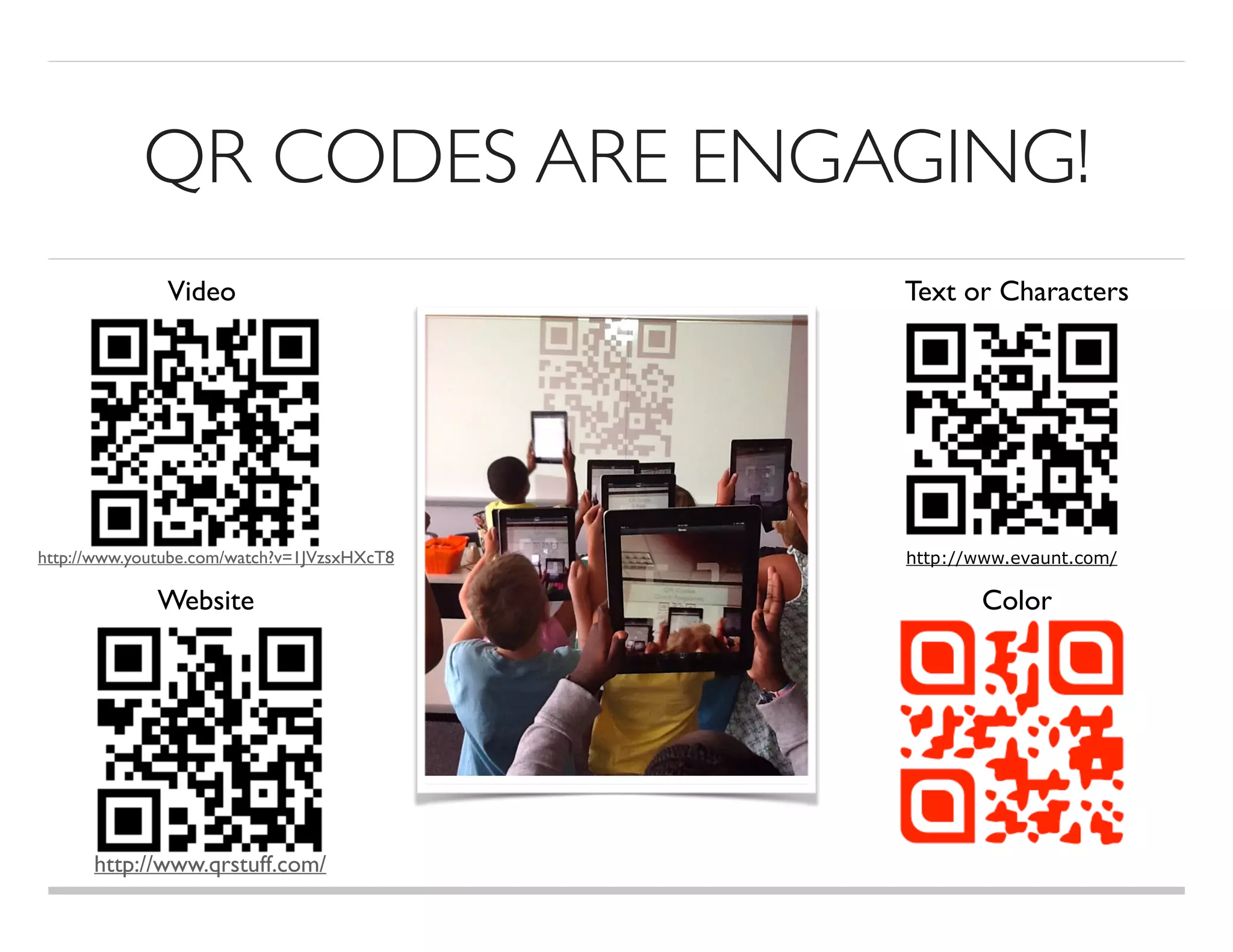
This is a QR
code. A scan
reader app will
take you to the
website below.
http://capementor.weebly.com
QR CODES ARE ENGAGING!
Video Text or Characters
Website Color
http://www.evaunt.com/http://www.youtube.com/watch?v=1JVzsxHXcT8
http://www.qrstuff.com/
REFLECTIONTIME
How could you use QR codes in the classroom?
Post your comments and/or questions at
Today’s Meet
Class DOJO for Classroom Management
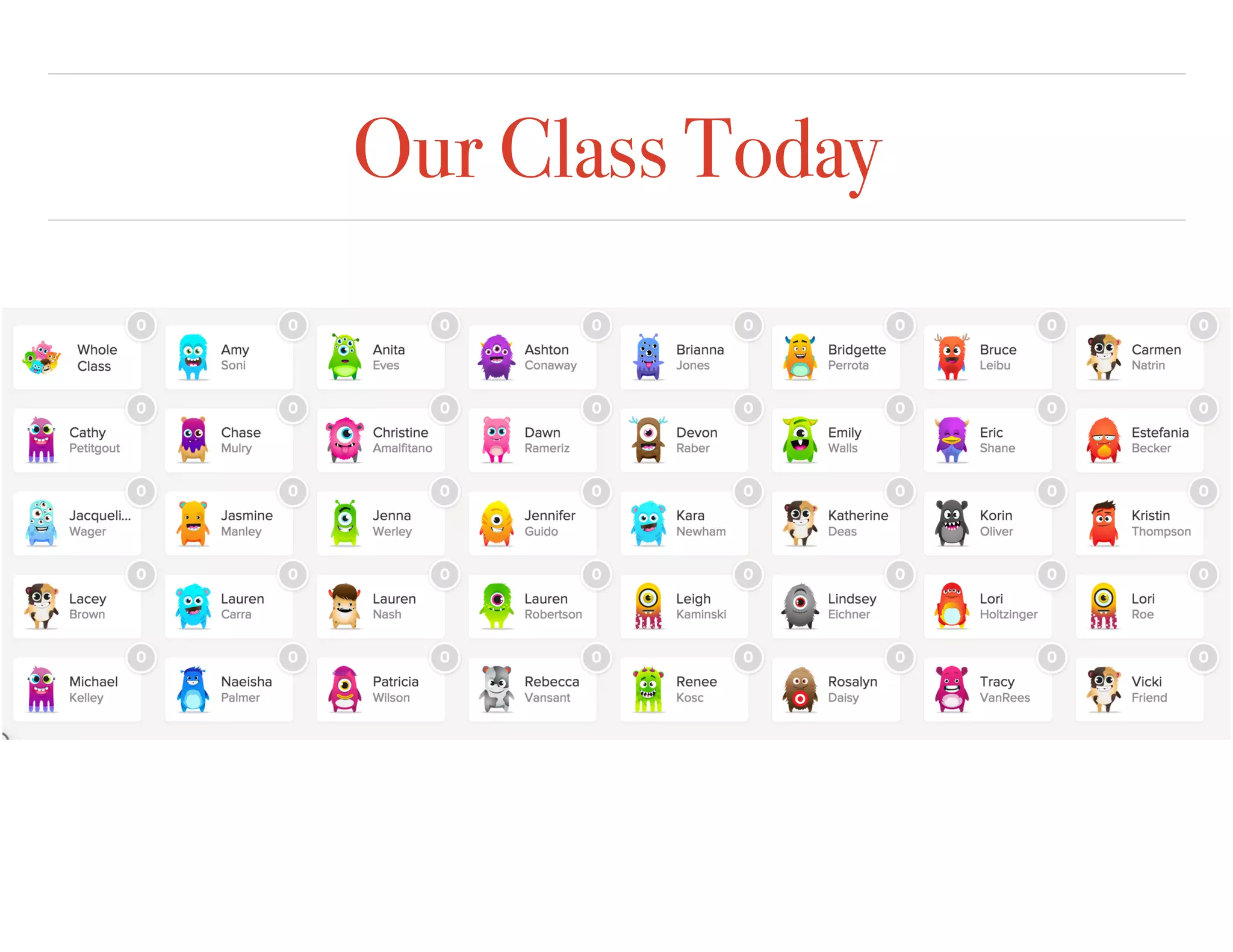
Our Class Today
Try Class Dojo
Learner
Teacher
Chatterpix
❖ Group 1 - Take a photo, record in your target
language.When finished, explore Class Dojo.
❖ Group 2 - Take a photo, record in your target language
and save to photos as a movie file. When finished, set up
your own Class Dojo.
❖ Group 3 - Take a photo, record in your target language,
save to photos as a movie file, then upload to Edmodo.
Log on to the Mentor Class Dojo and reward Novices and
Experienced individuals for completing their activity.
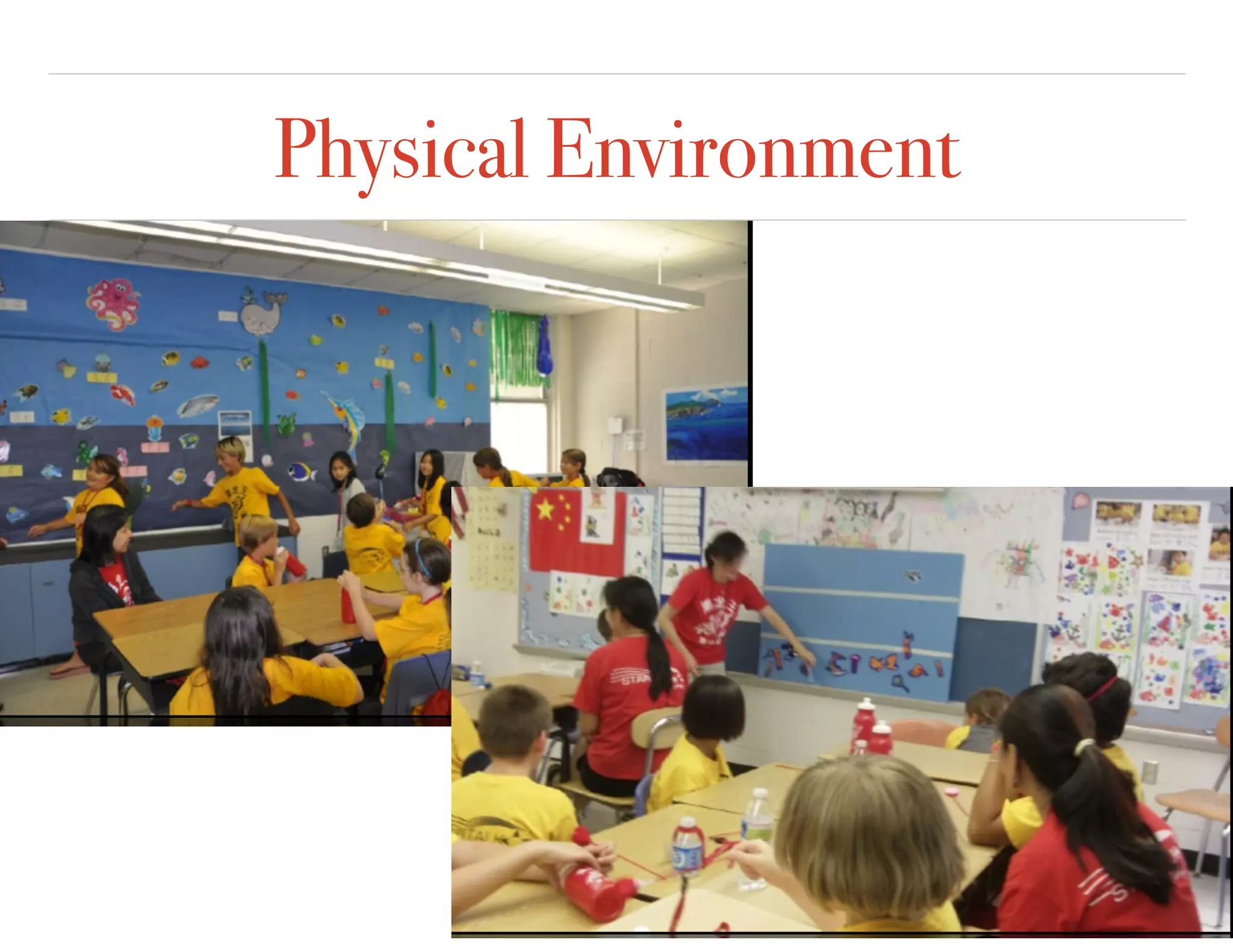
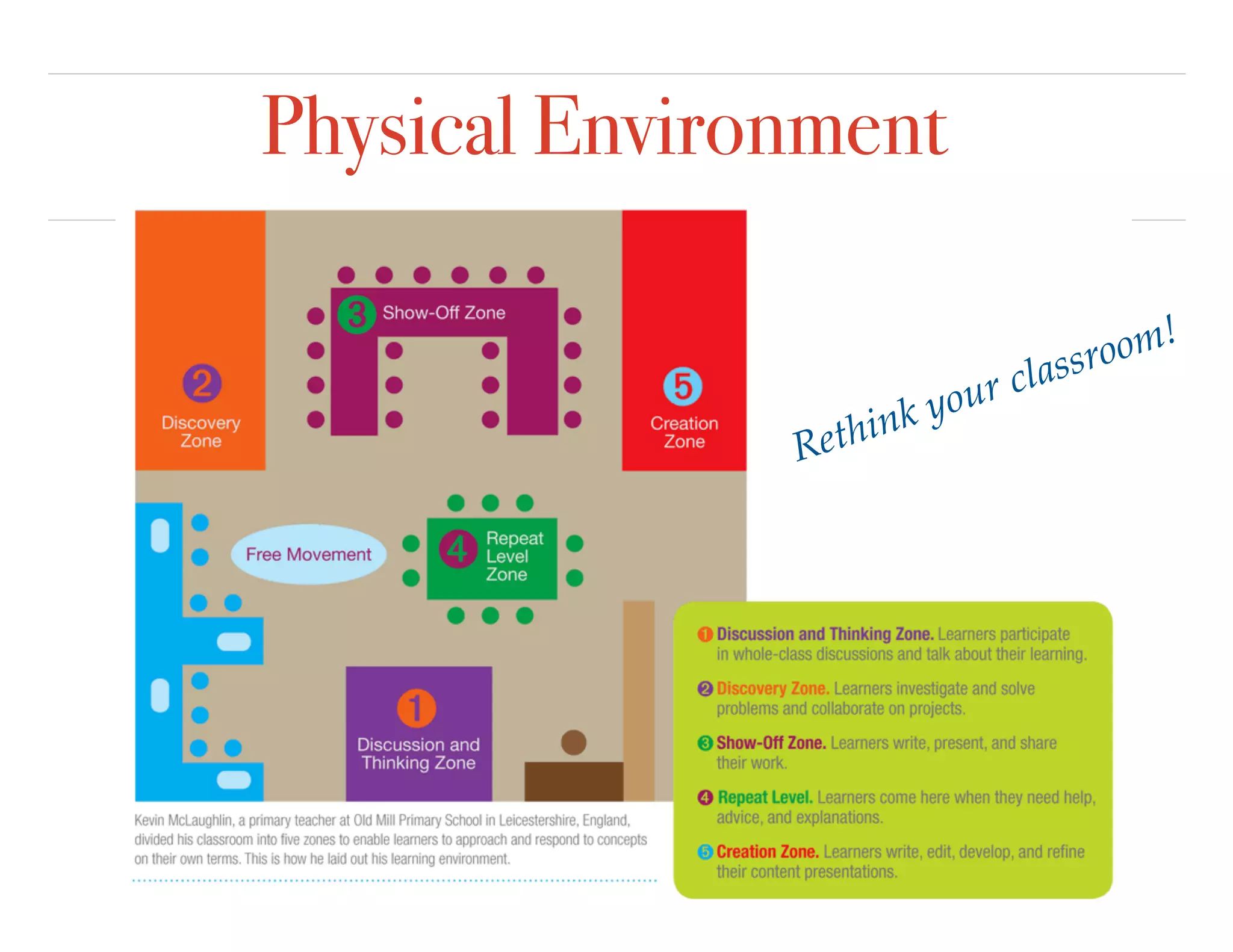
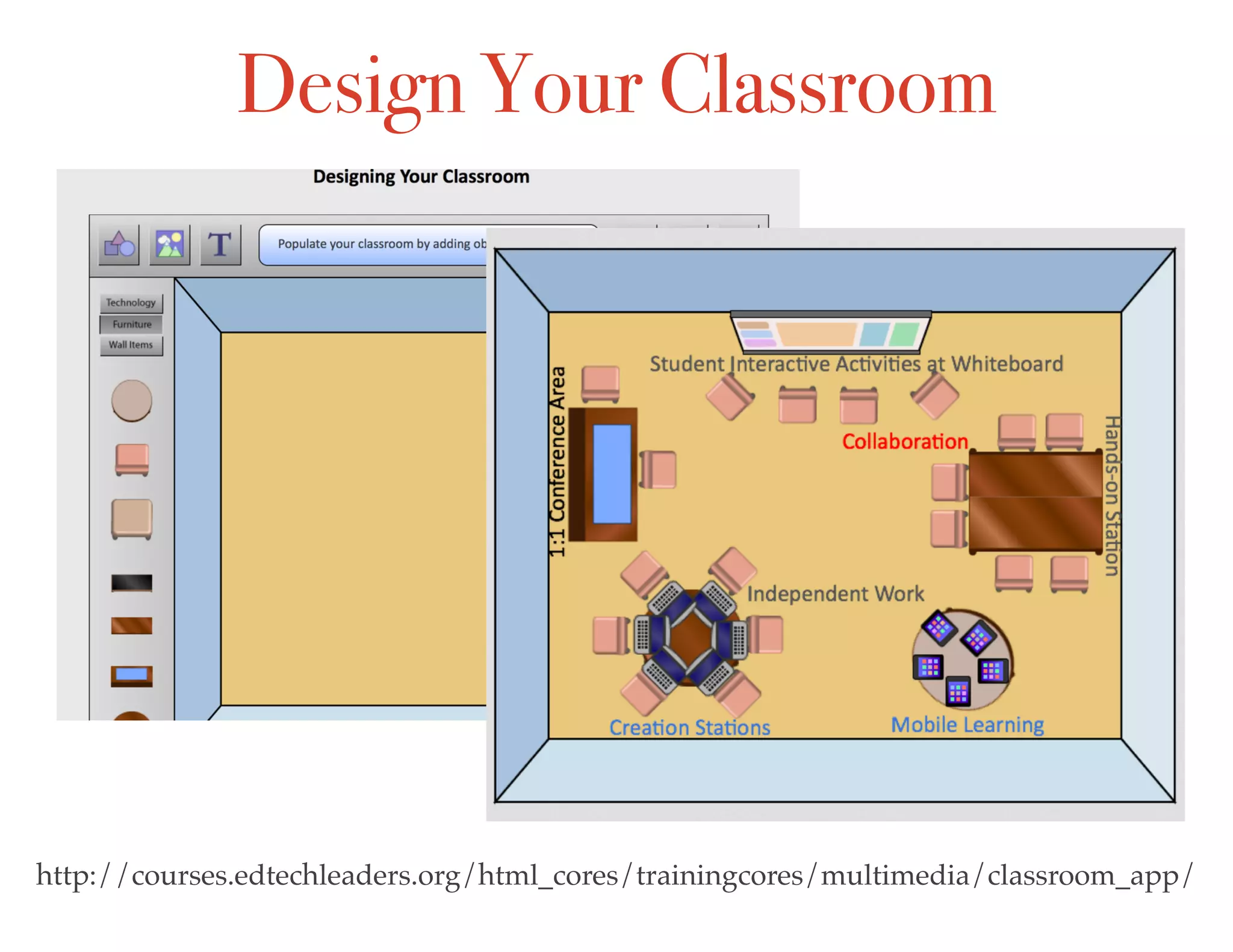
Physical Environment
Rethink your classroom!
http://courses.edtechleaders.org/html_cores/trainingcores/multimedia/classroom_app/
Design Your Classroom
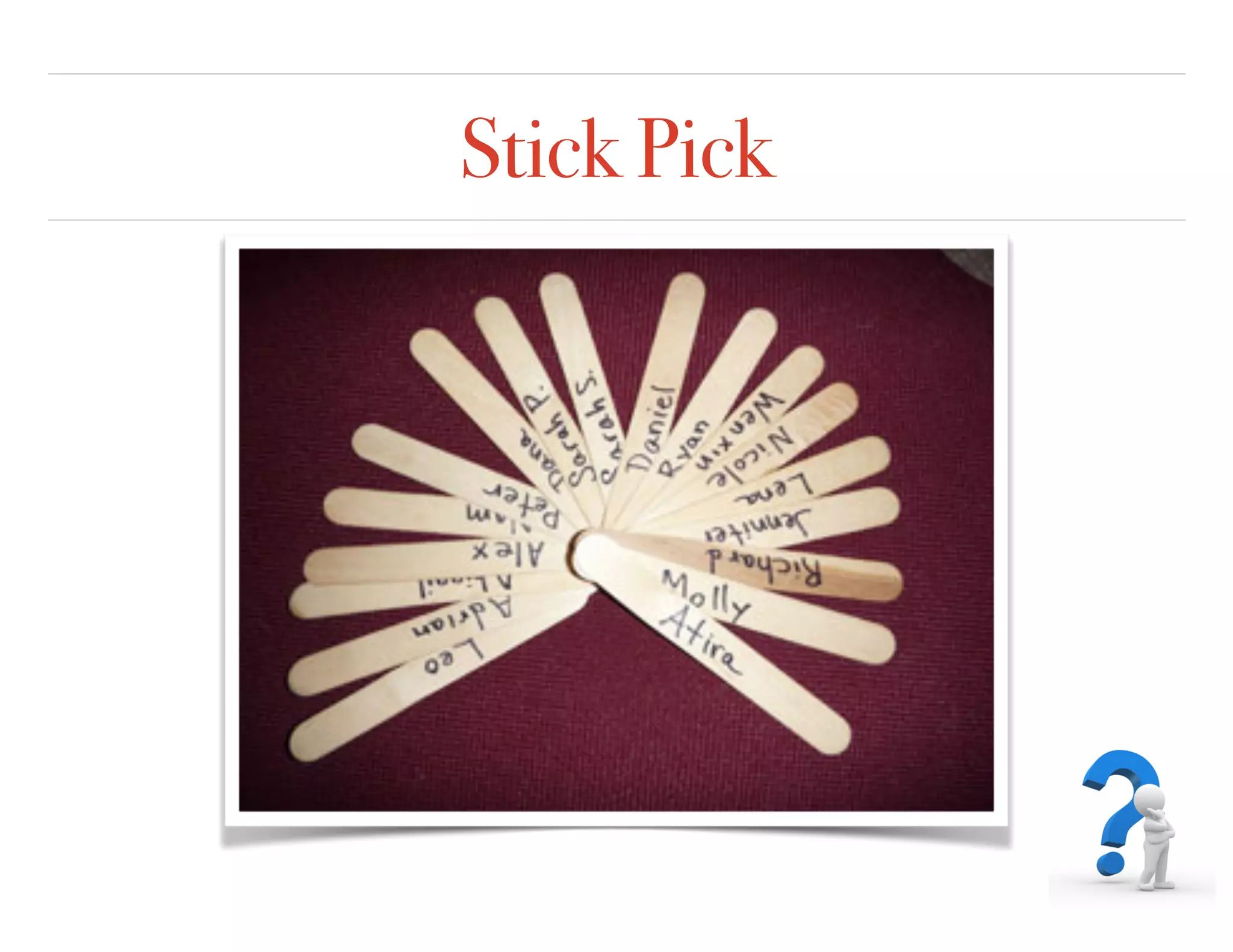
Stick Pick
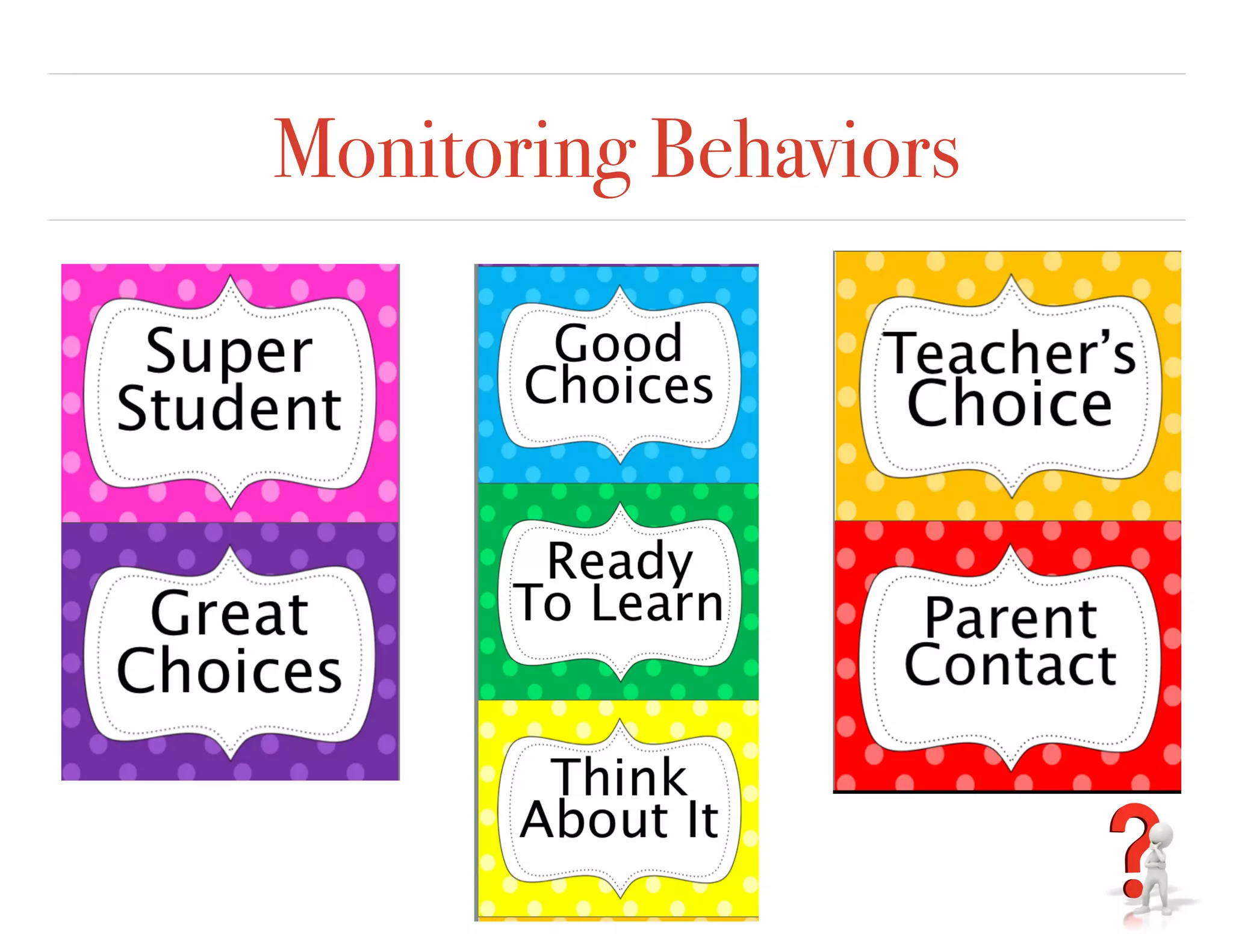
Monitoring Behaviors
Reflection
❖ Go to our Weebly blog and reflect on what technology
tool do you like best, so far. How can you use this
technology to manage your classroom?
❖ Which technology tool would you like to learn more
about?
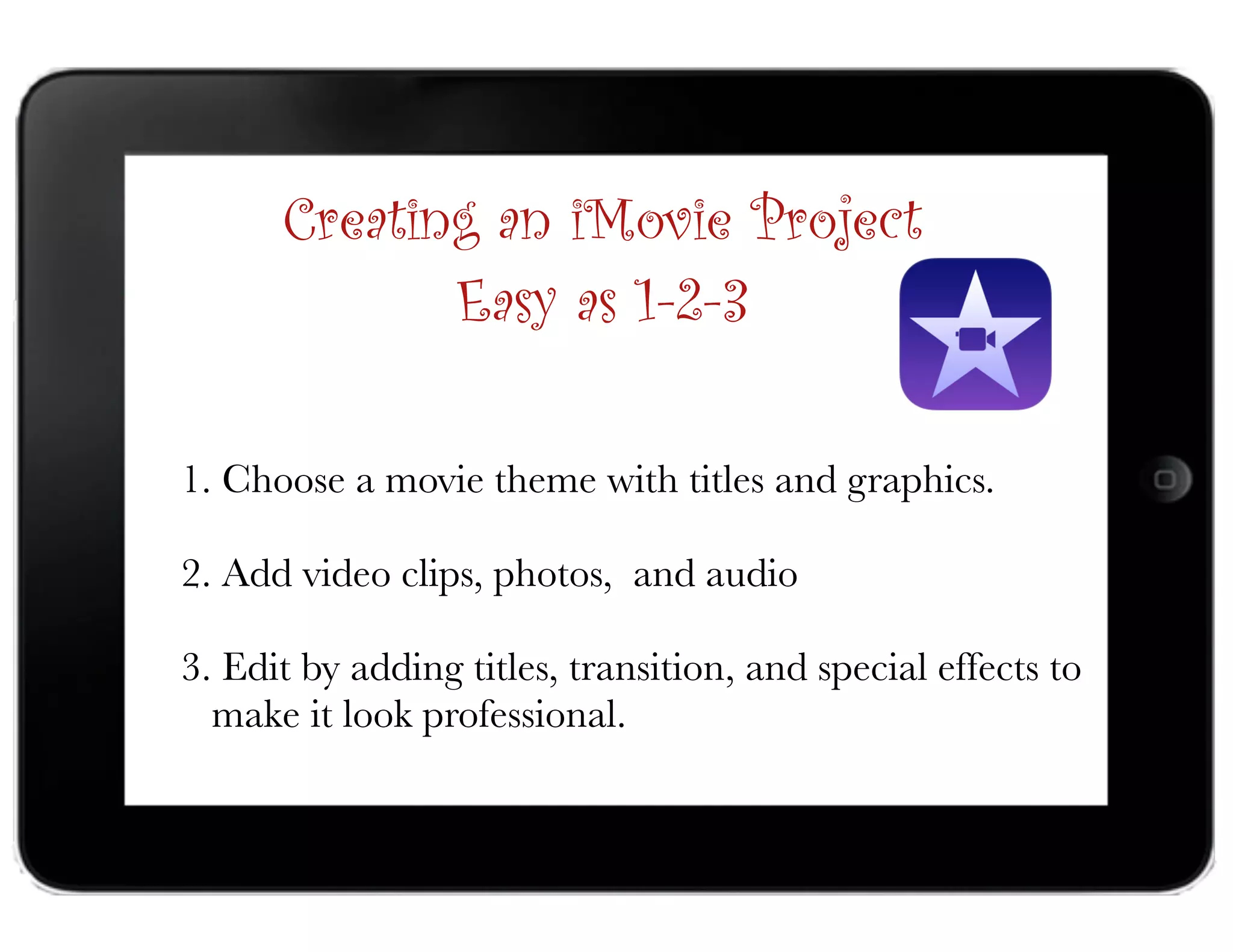
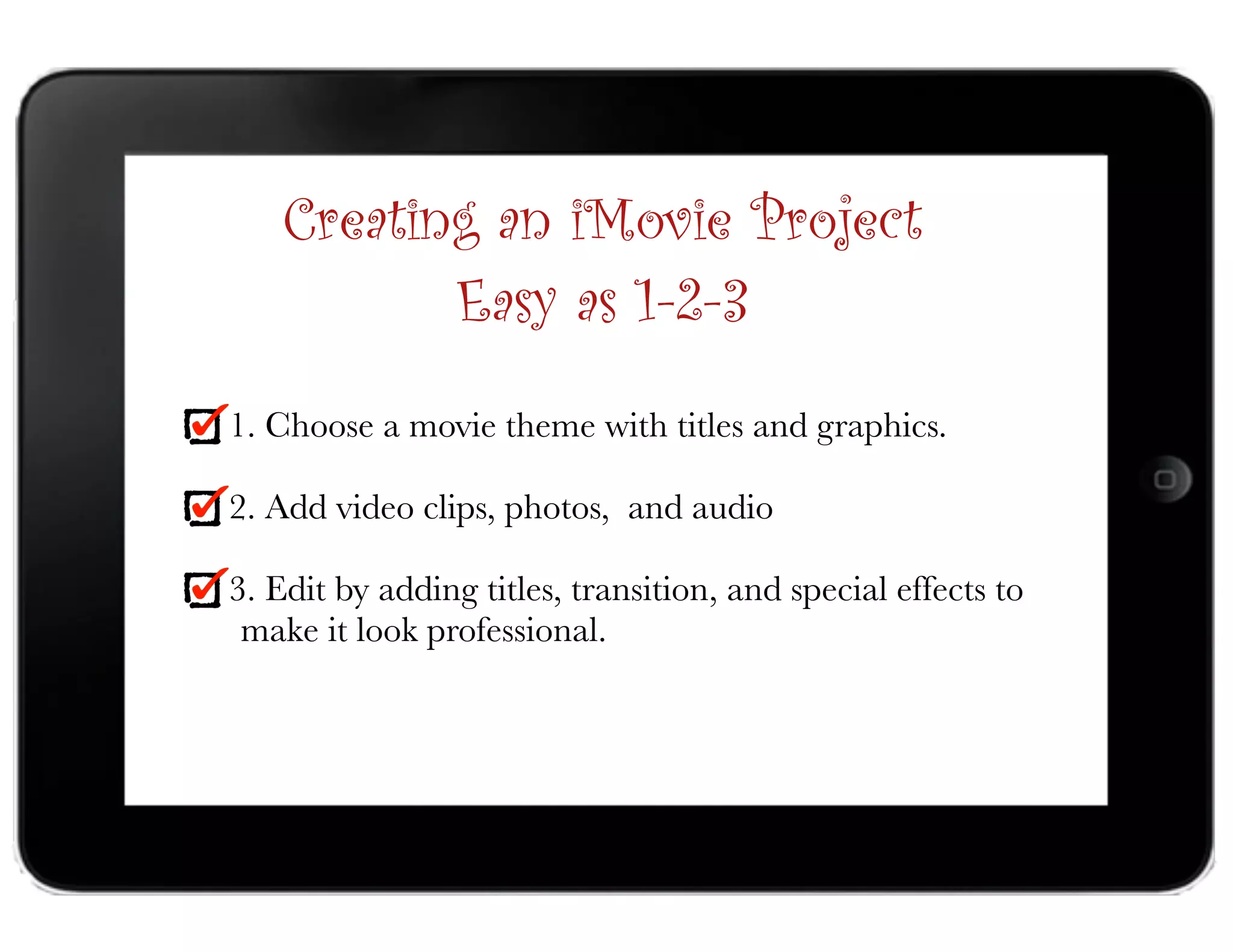
1. Choose a movie theme with titles and graphics.
2. Add video clips, photos, and audio
3. Edit by adding titles, transition, and special effects to 

make it look professional.
Creating an iMovie Project
Easy as 1-2-3
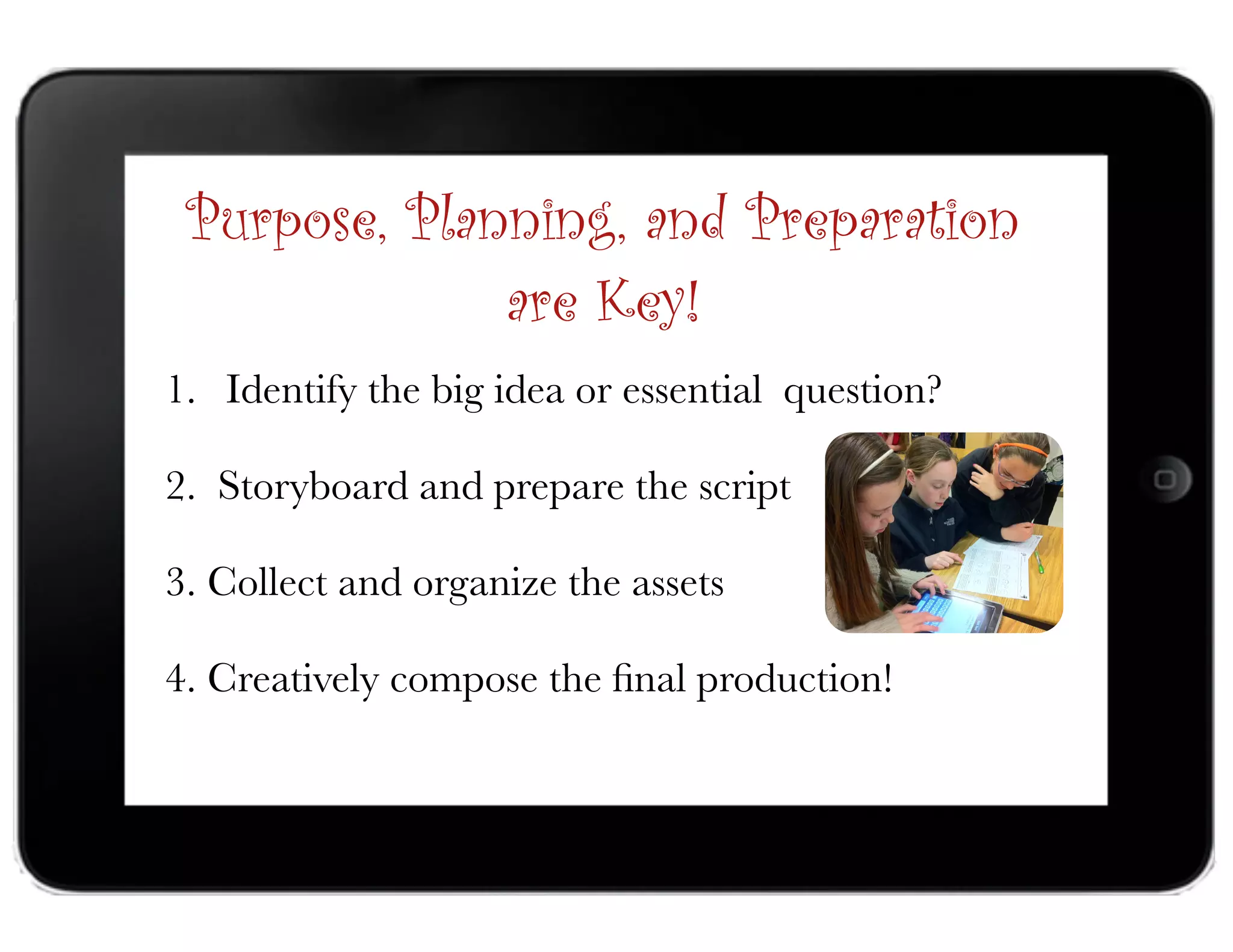
1. Identify the big idea or essential question?
2. Storyboard and prepare the script
3. Collect and organize the assets
4. Creatively compose the final production!
Purpose, Planning, and Preparation
are Key!
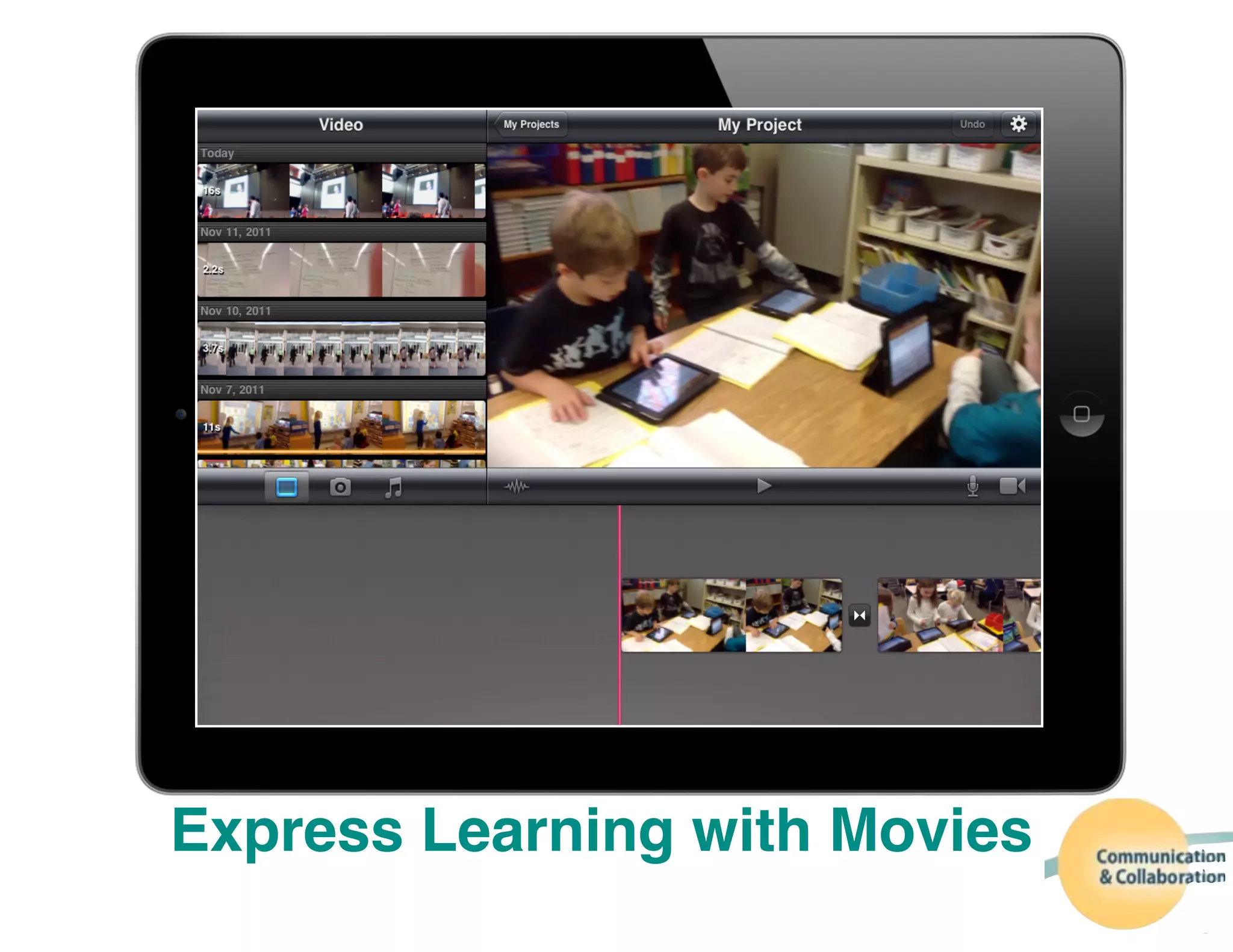
Express Learning with Movies
Research
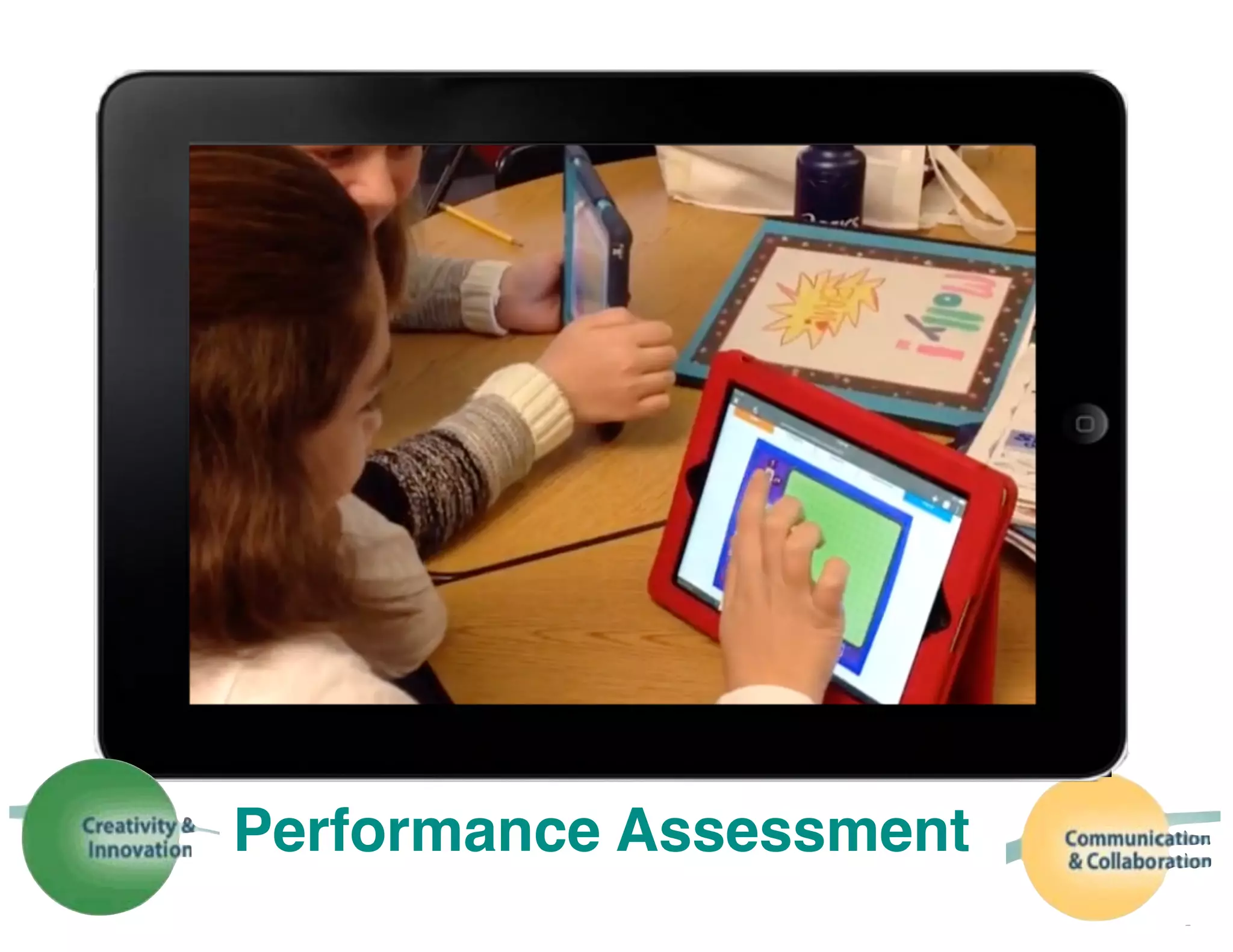
Performance Assessment
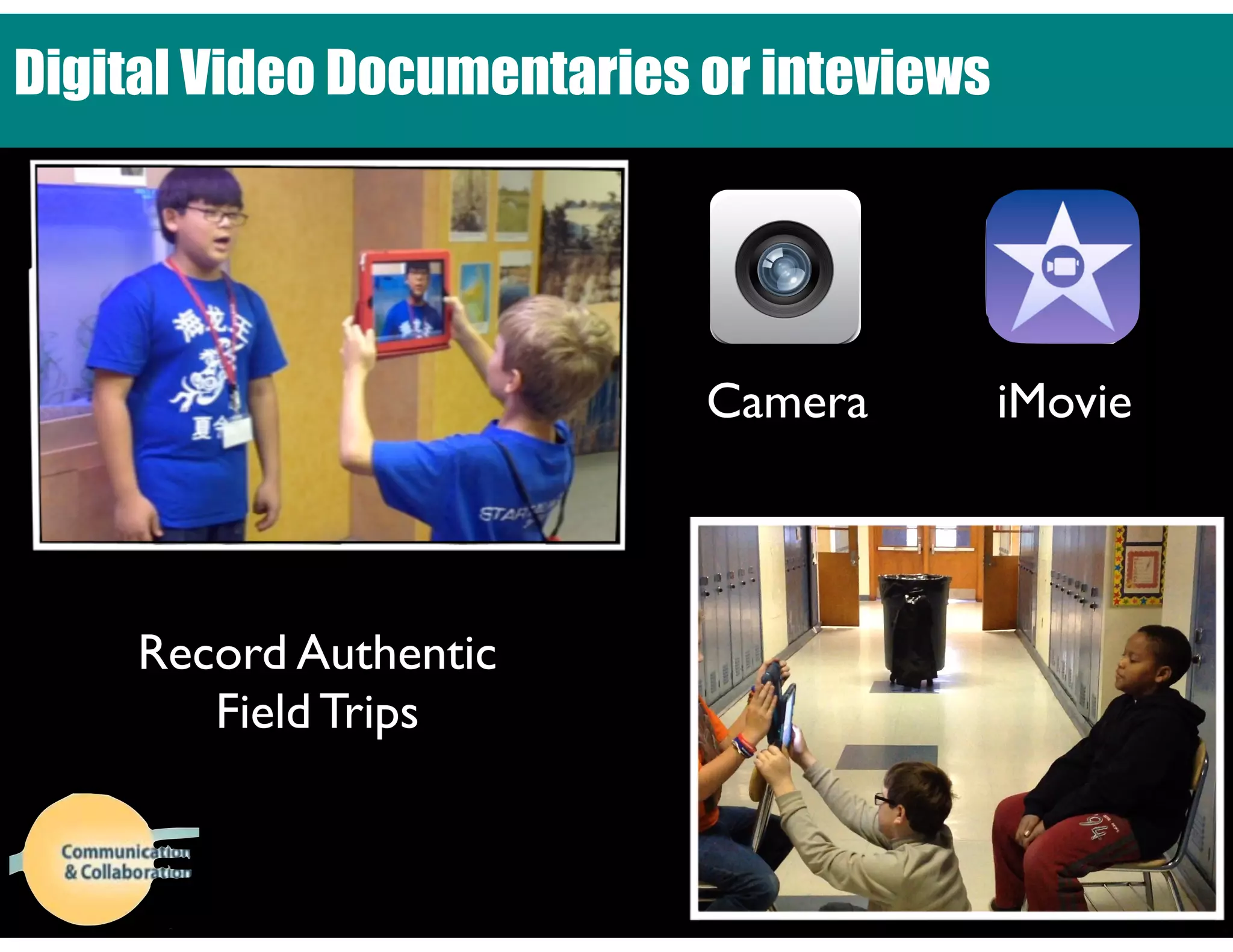
Digital Video Documentaries or inteviews
Record Authentic 

Field Trips
Camera iMovie
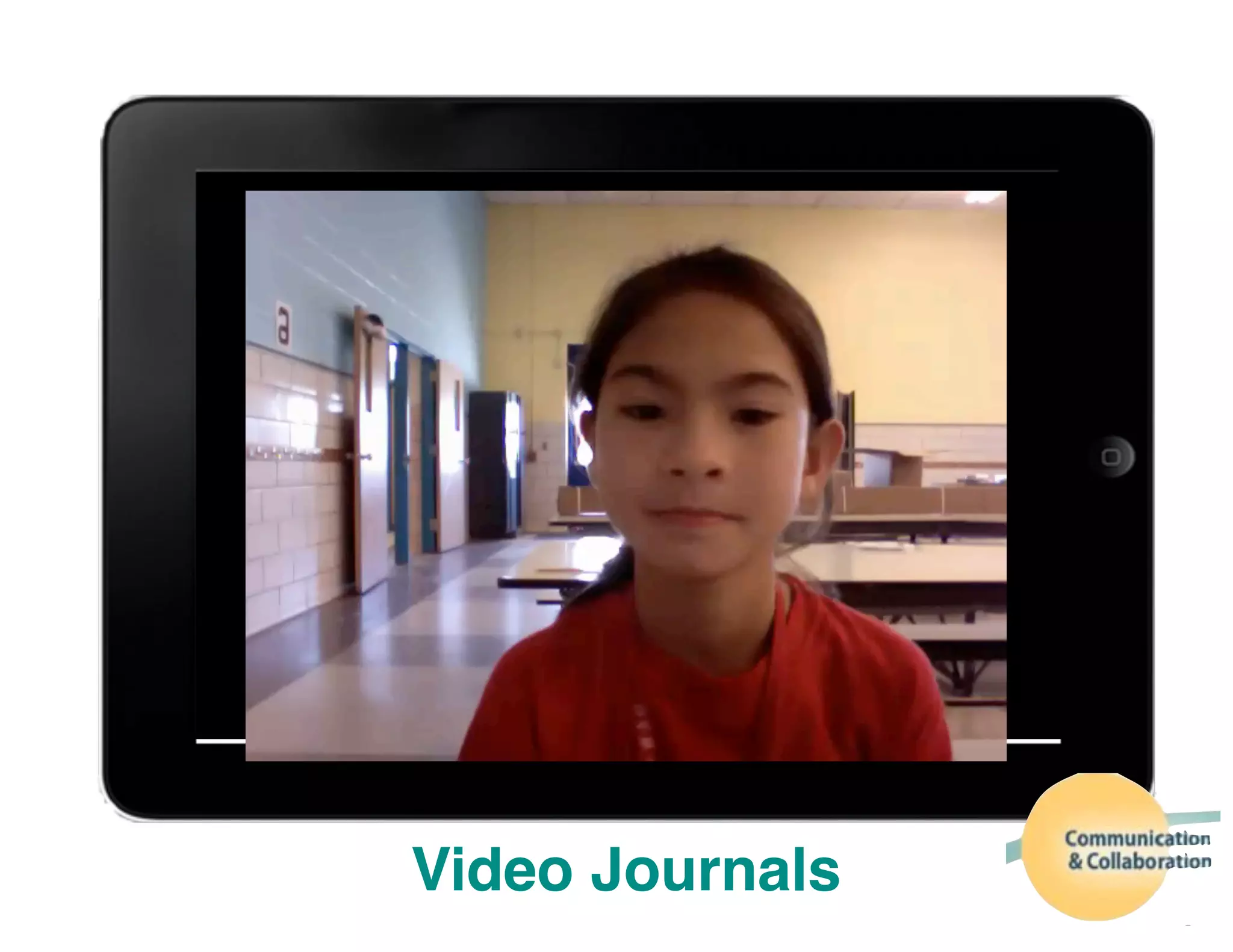
Video Journals
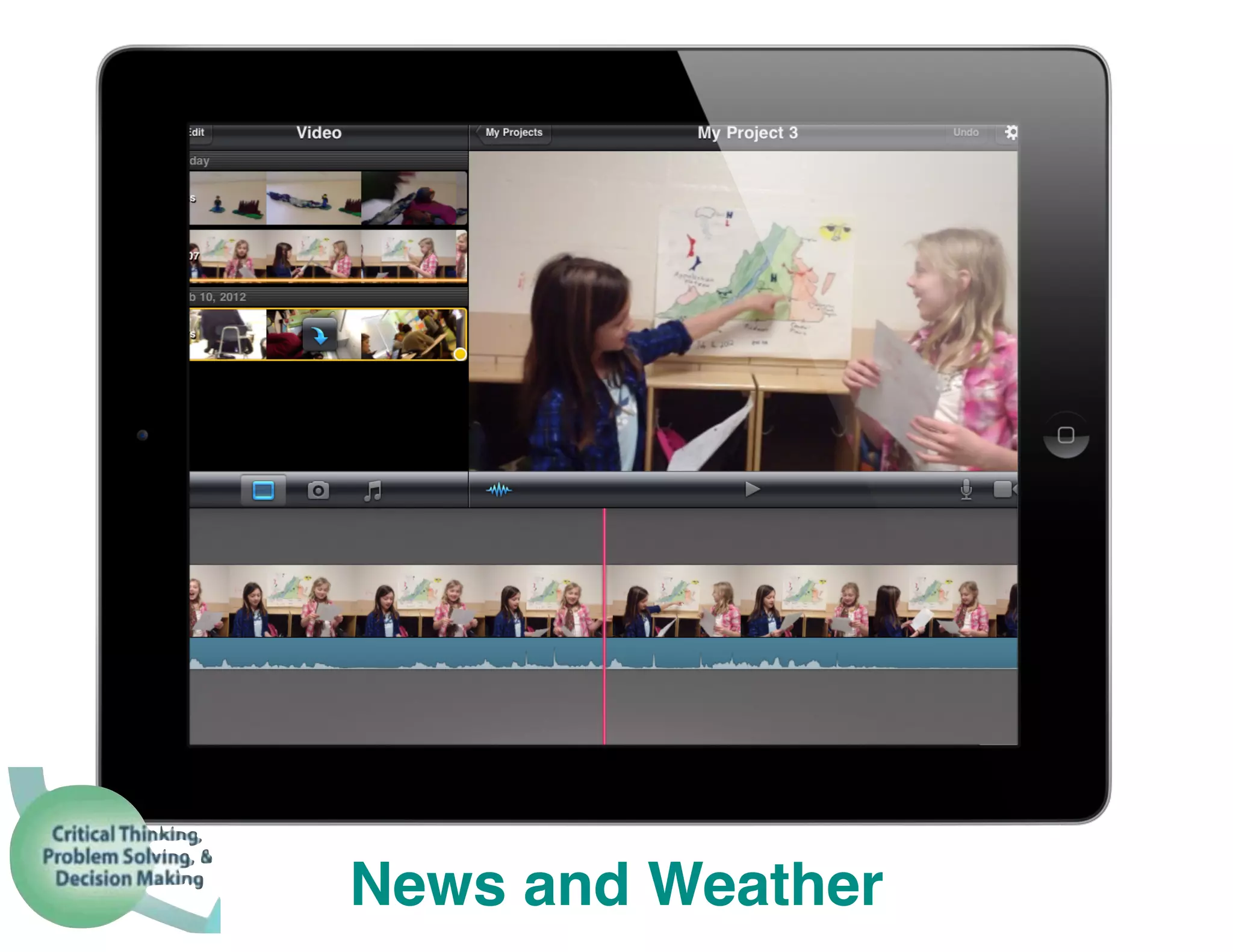
News and Weather
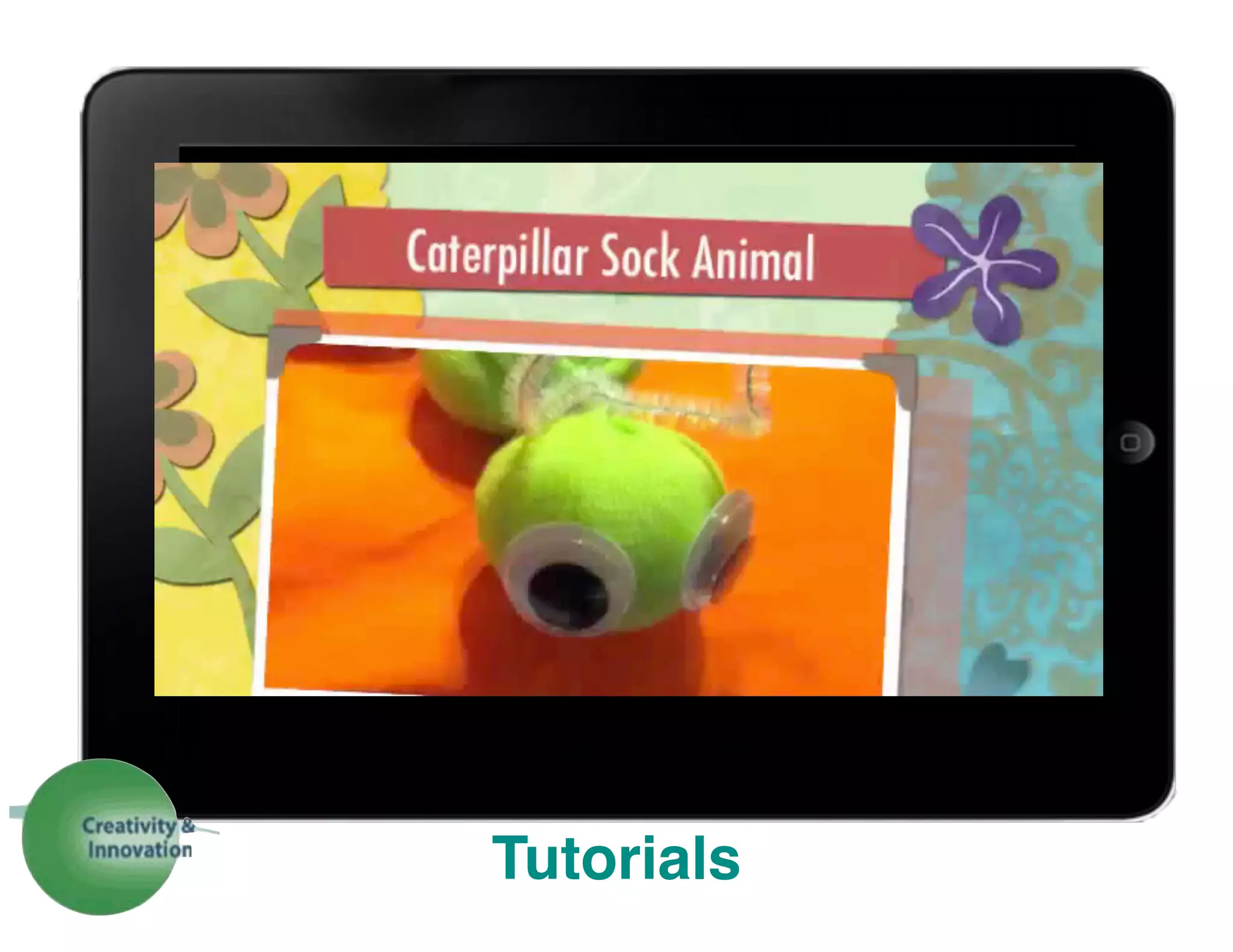
Tutorials
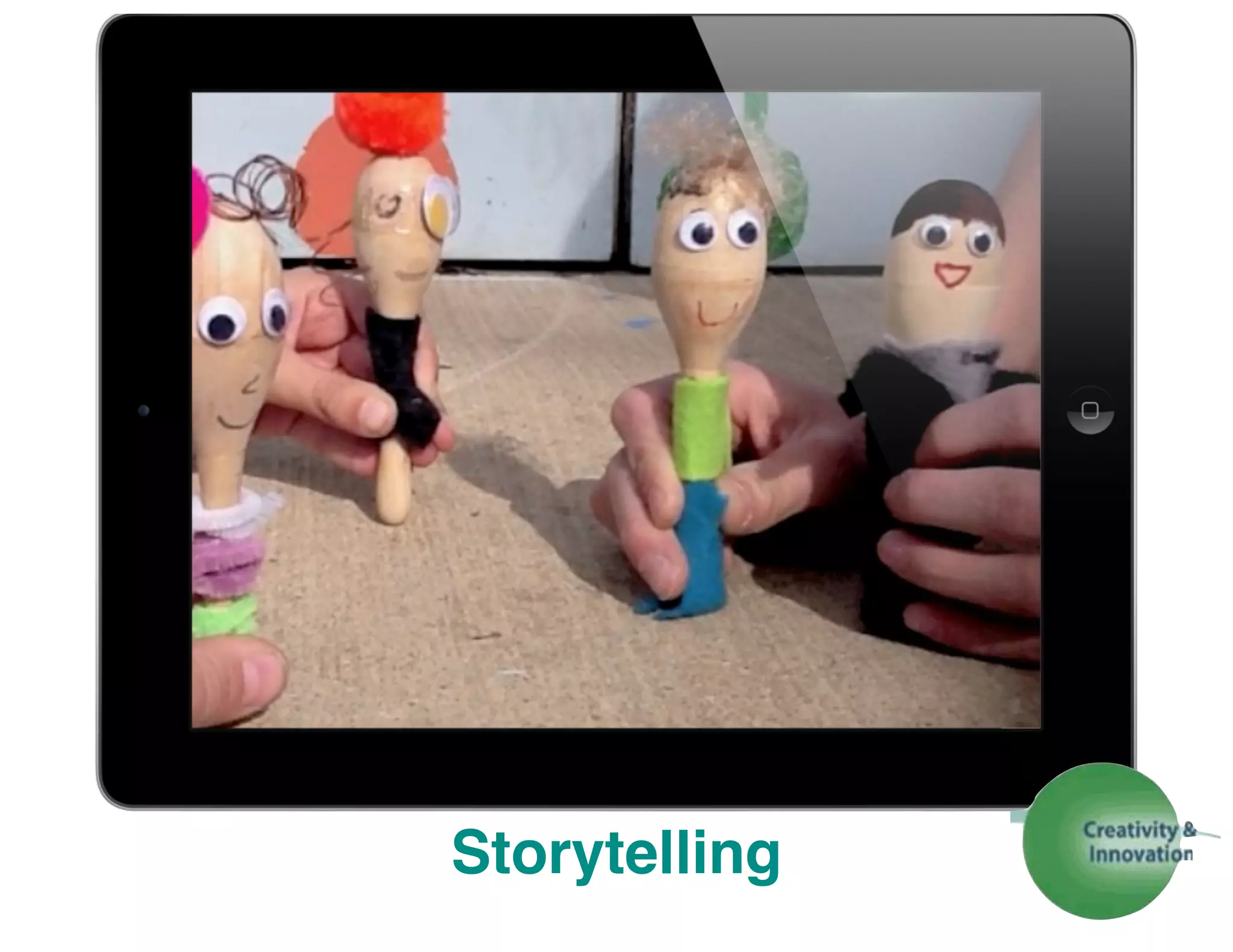
Storytelling
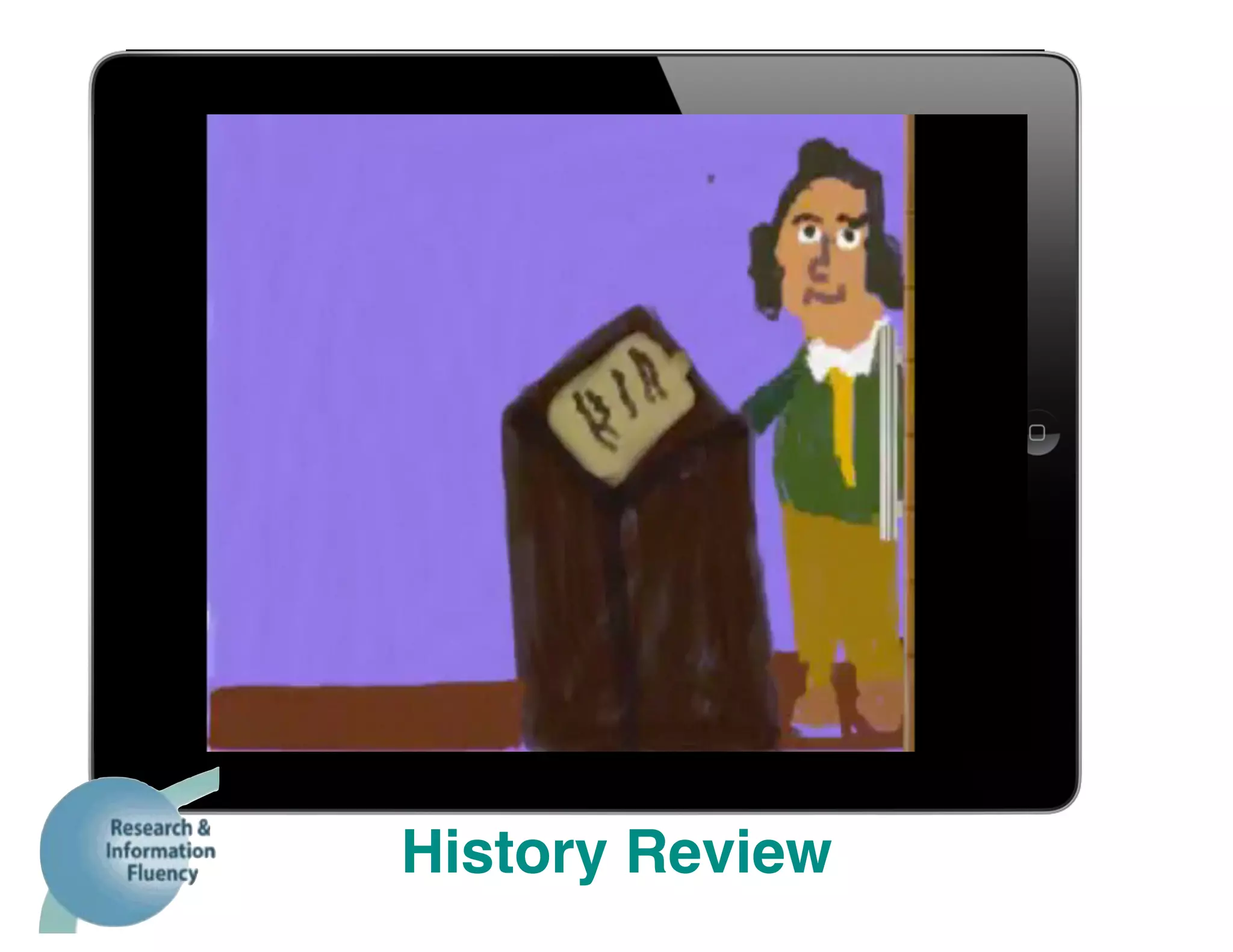
History Review
Showcase/Highlight Events
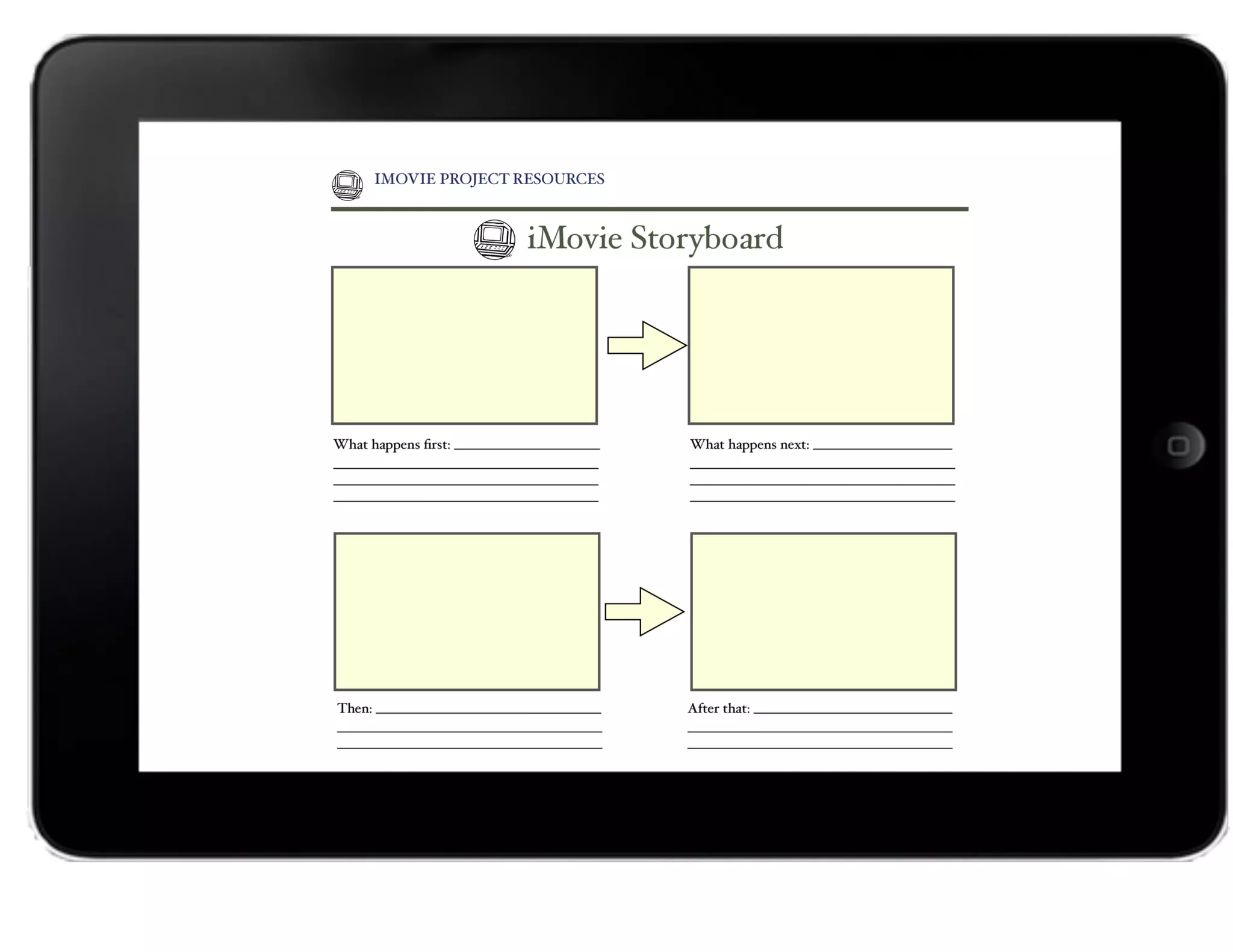
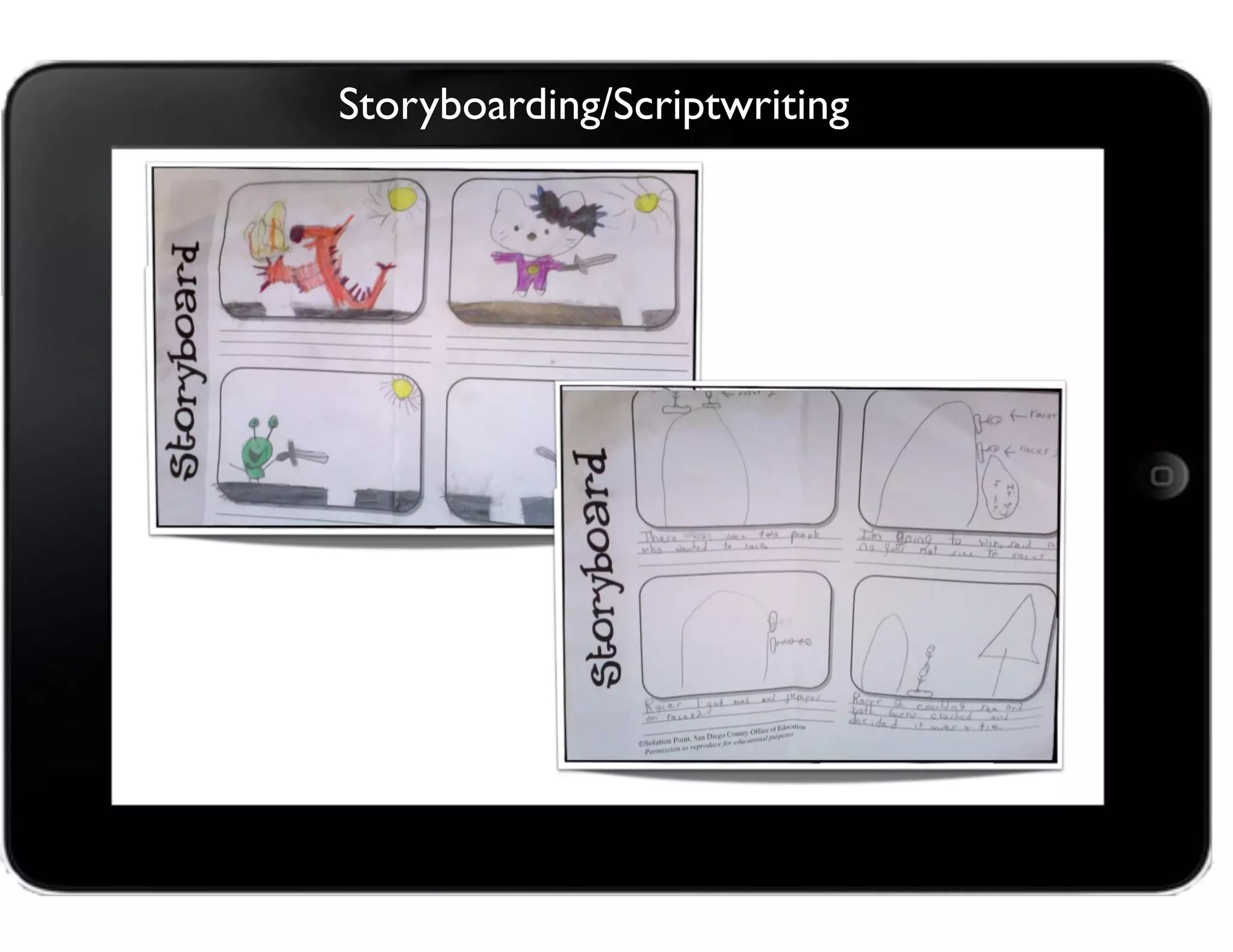
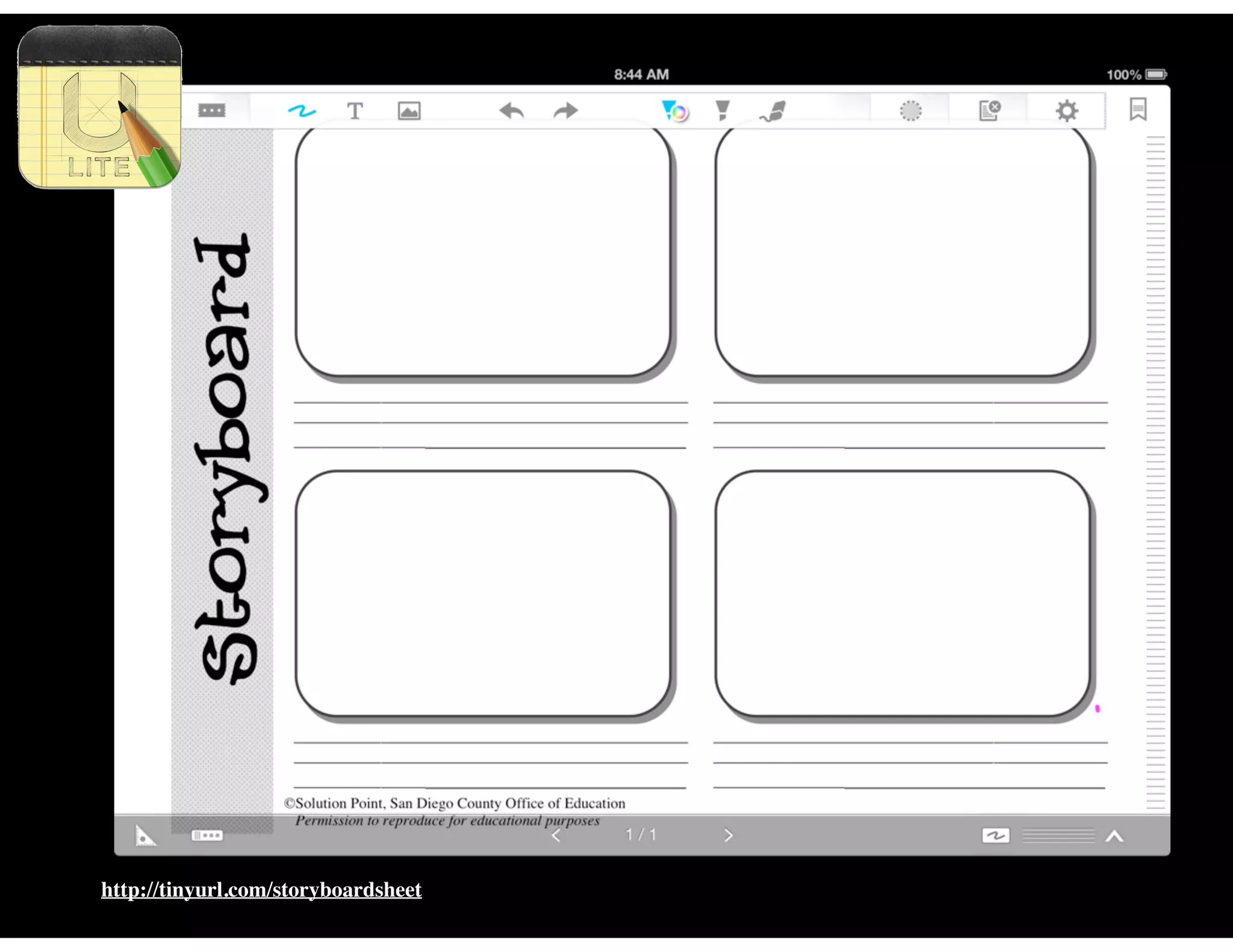
Storyboarding/Scriptwriting
http://tinyurl.com/storyboardsheet
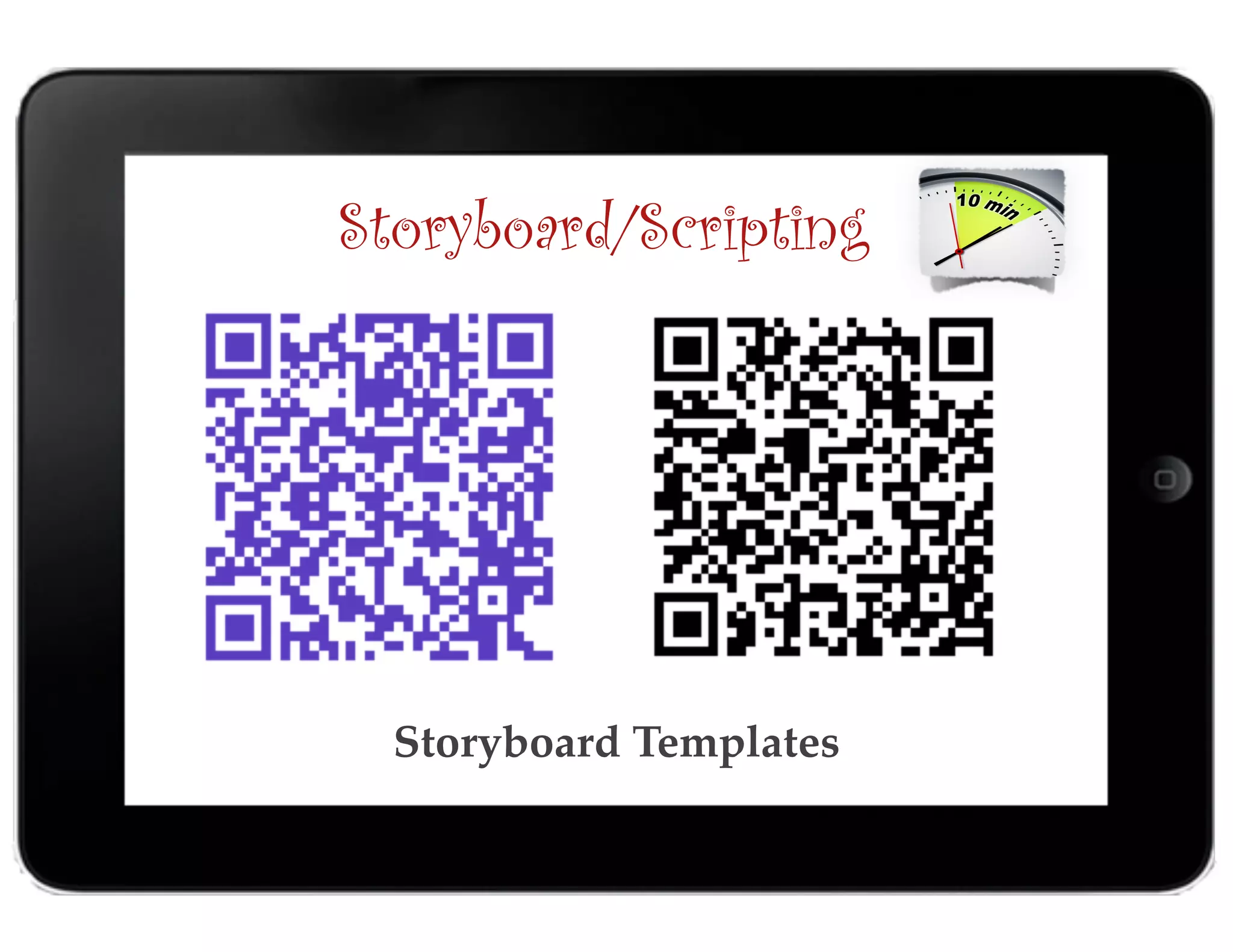
Storyboard Templates
Storyboard/Scripting
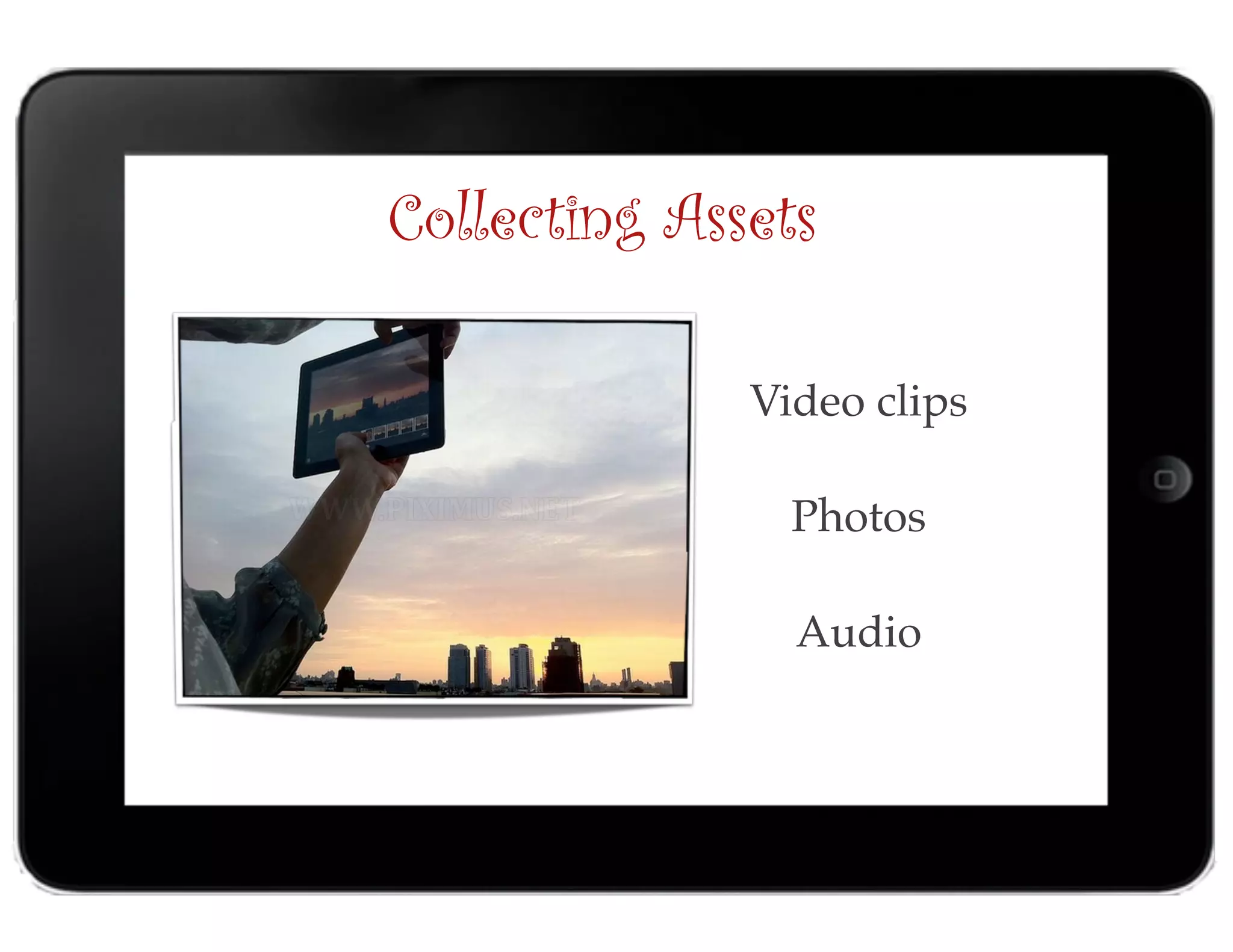
Collecting Assets
Video clips

Photos
Audio
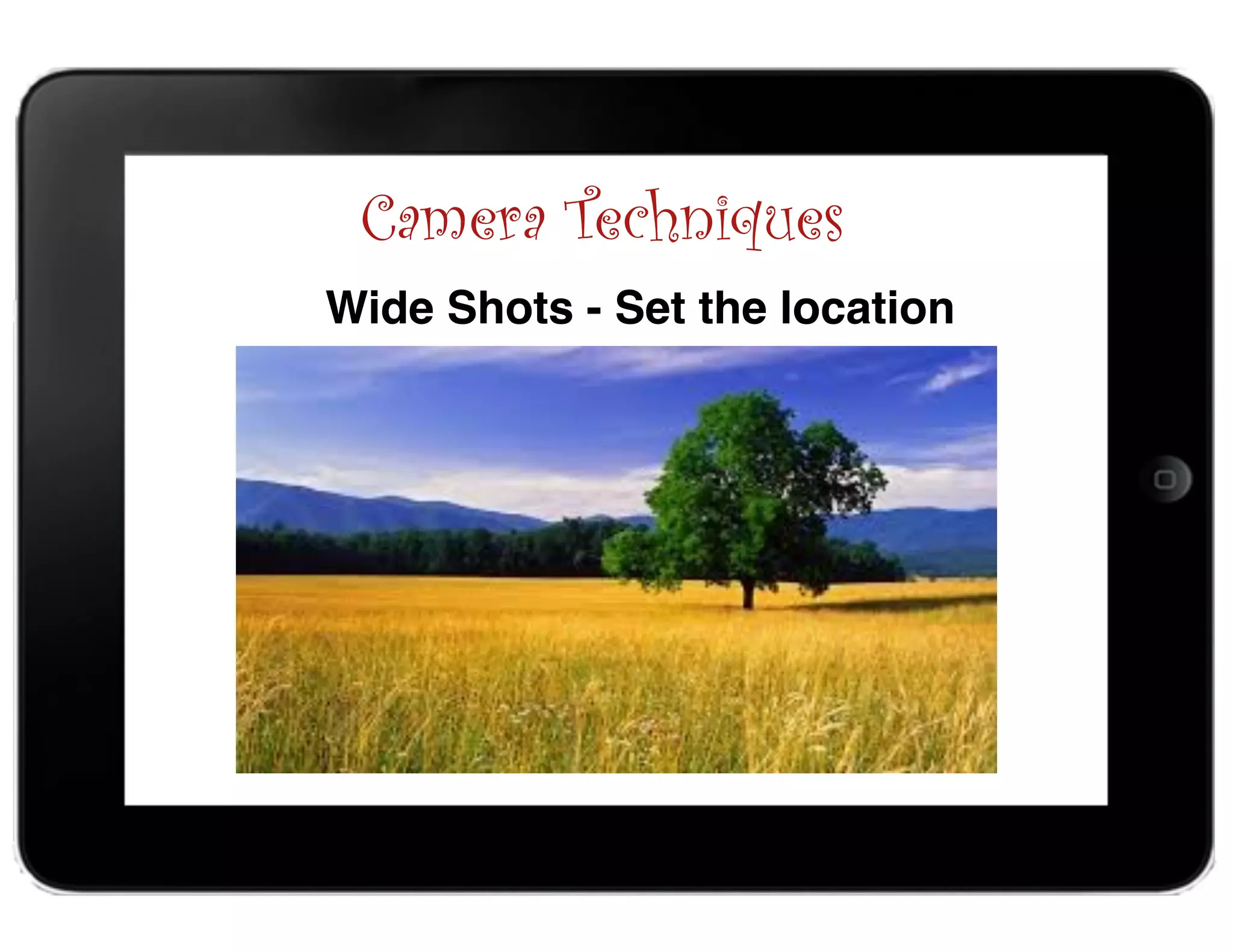
Camera Techniques
Wide Shots - Set the location
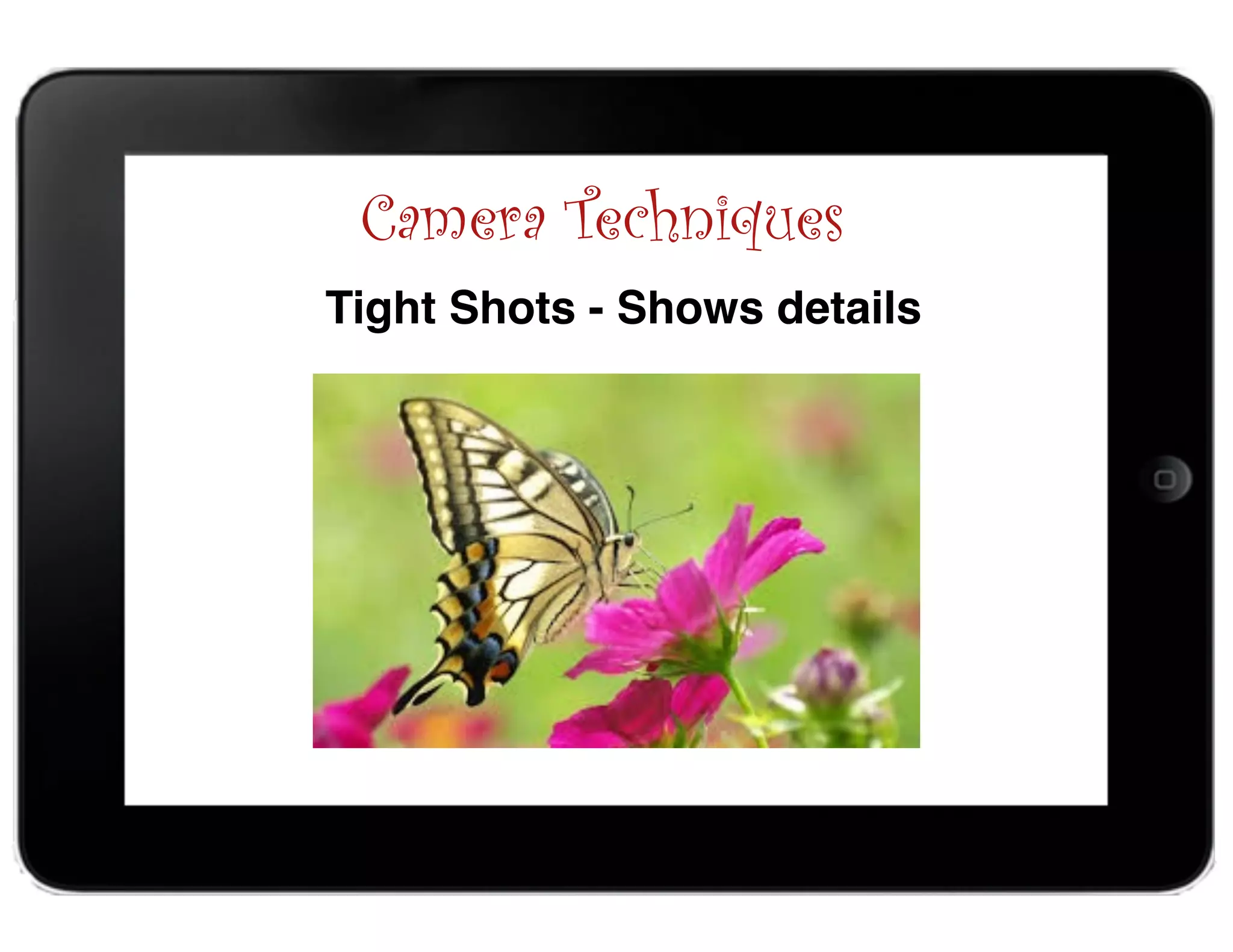
Camera Techniques
Tight Shots - Shows details
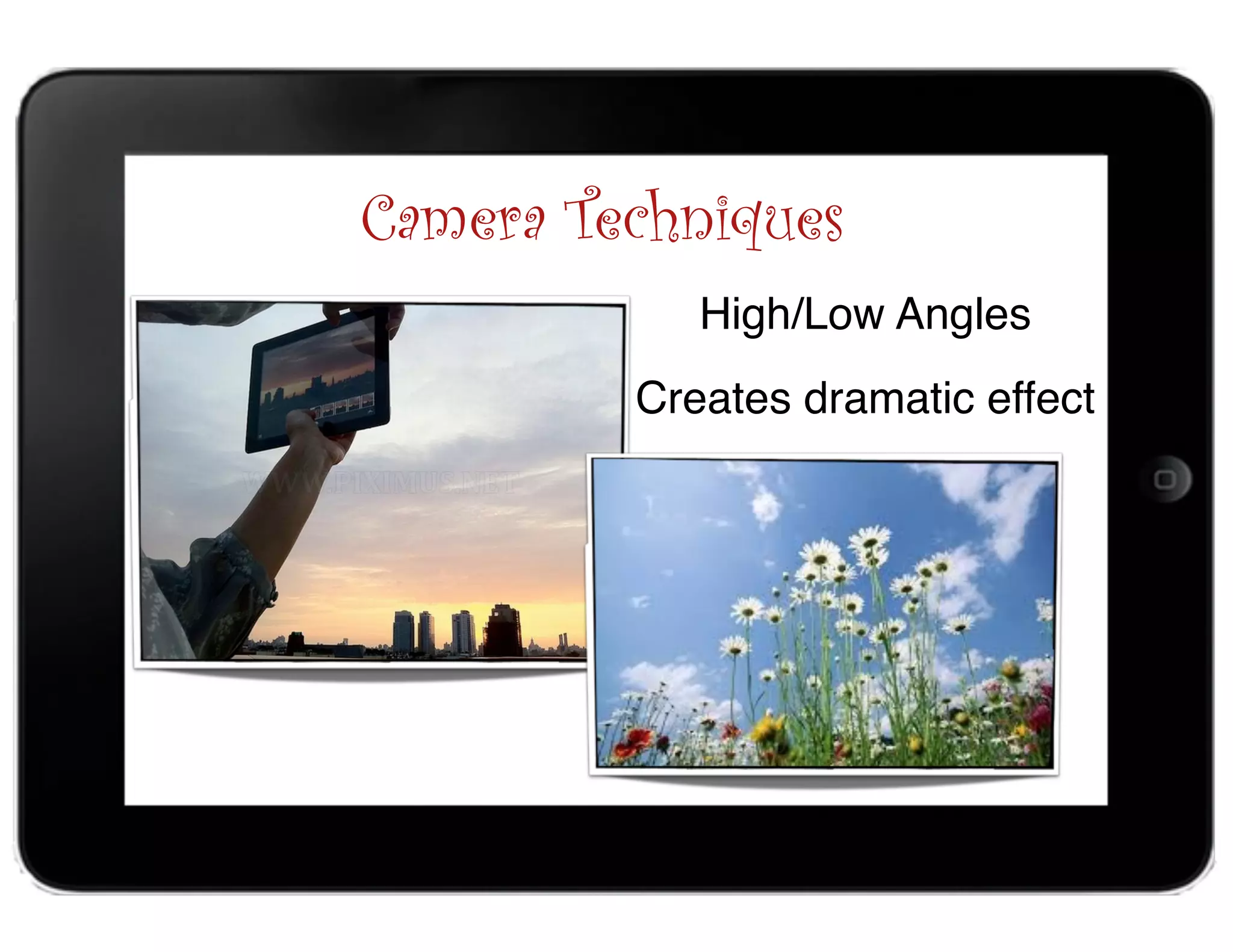
Camera Techniques
High/Low Angles
Creates dramatic effect
1. Choose a movie theme with titles and graphics.
2. Add video clips, photos, and audio
3. Edit by adding titles, transition, and special effects to 

make it look professional.
Creating an iMovie Project
Easy as 1-2-3
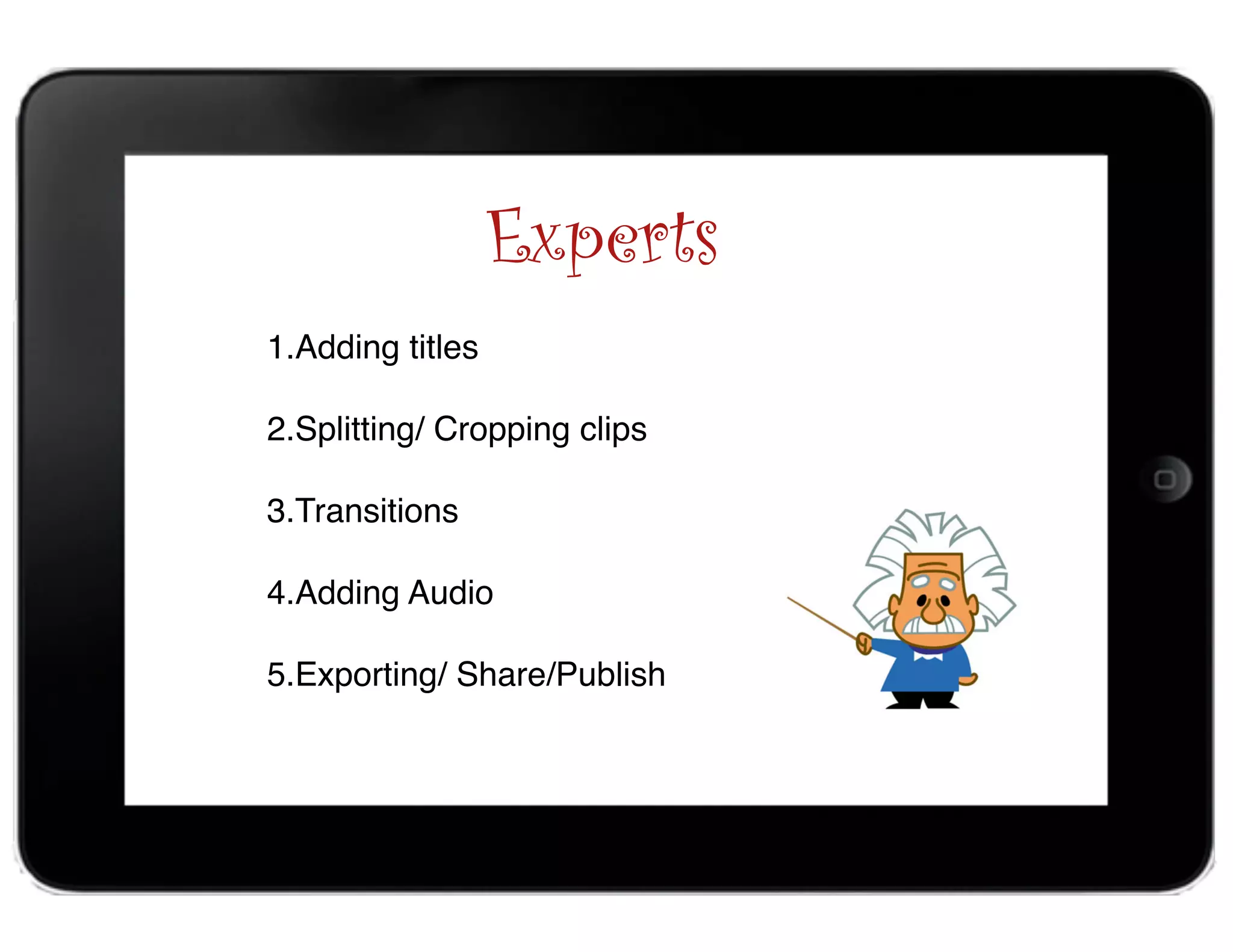
Experts
1.Adding titles

2.Splitting/ Cropping clips

3.Transitions

4.Adding Audio

5.Exporting/ Share/Publish
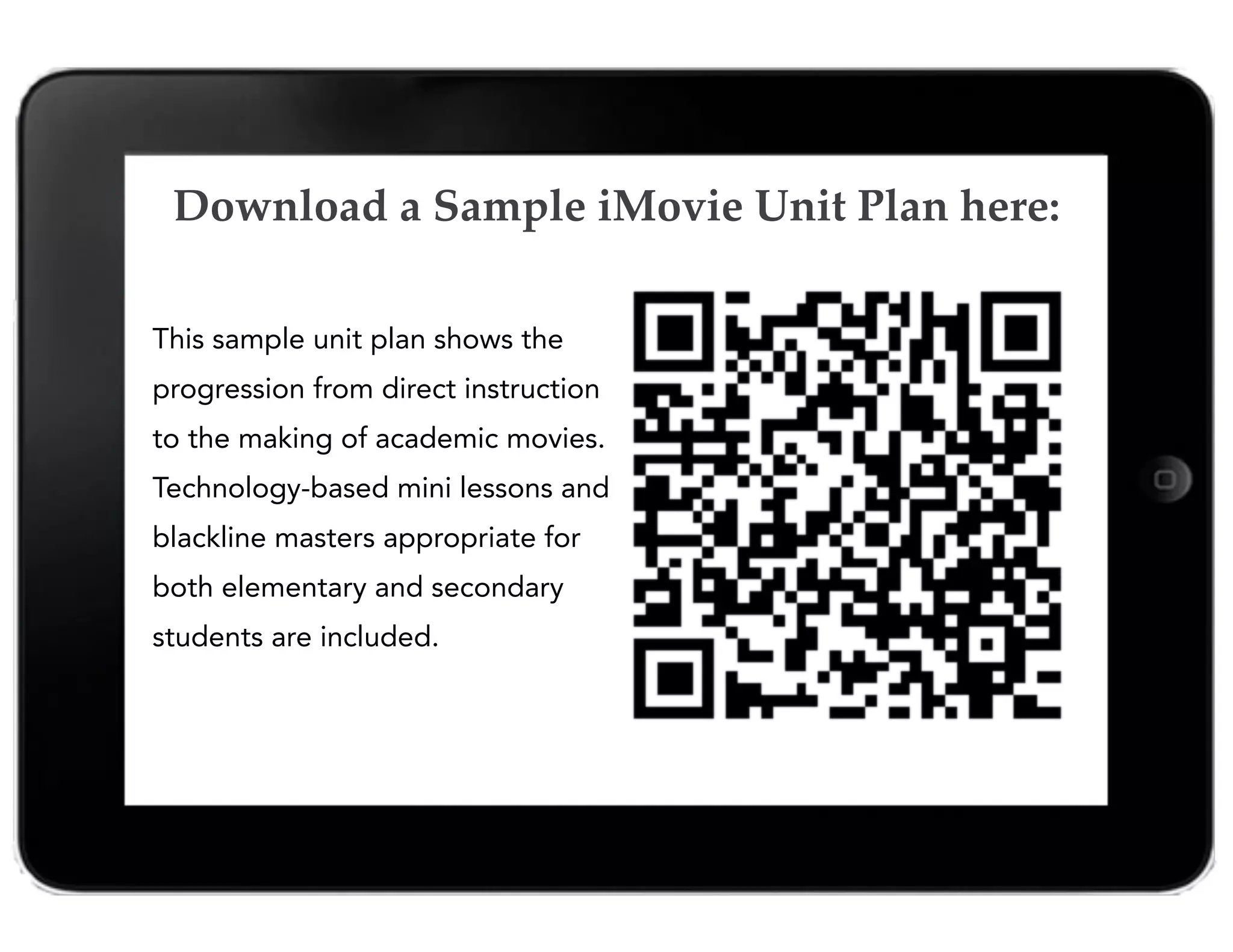
This sample unit plan shows the
progression from direct instruction
to the making of academic movies.
Technology-based mini lessons and
blackline masters appropriate for
both elementary and secondary
students are included.
Download a Sample iMovie Unit Plan here:
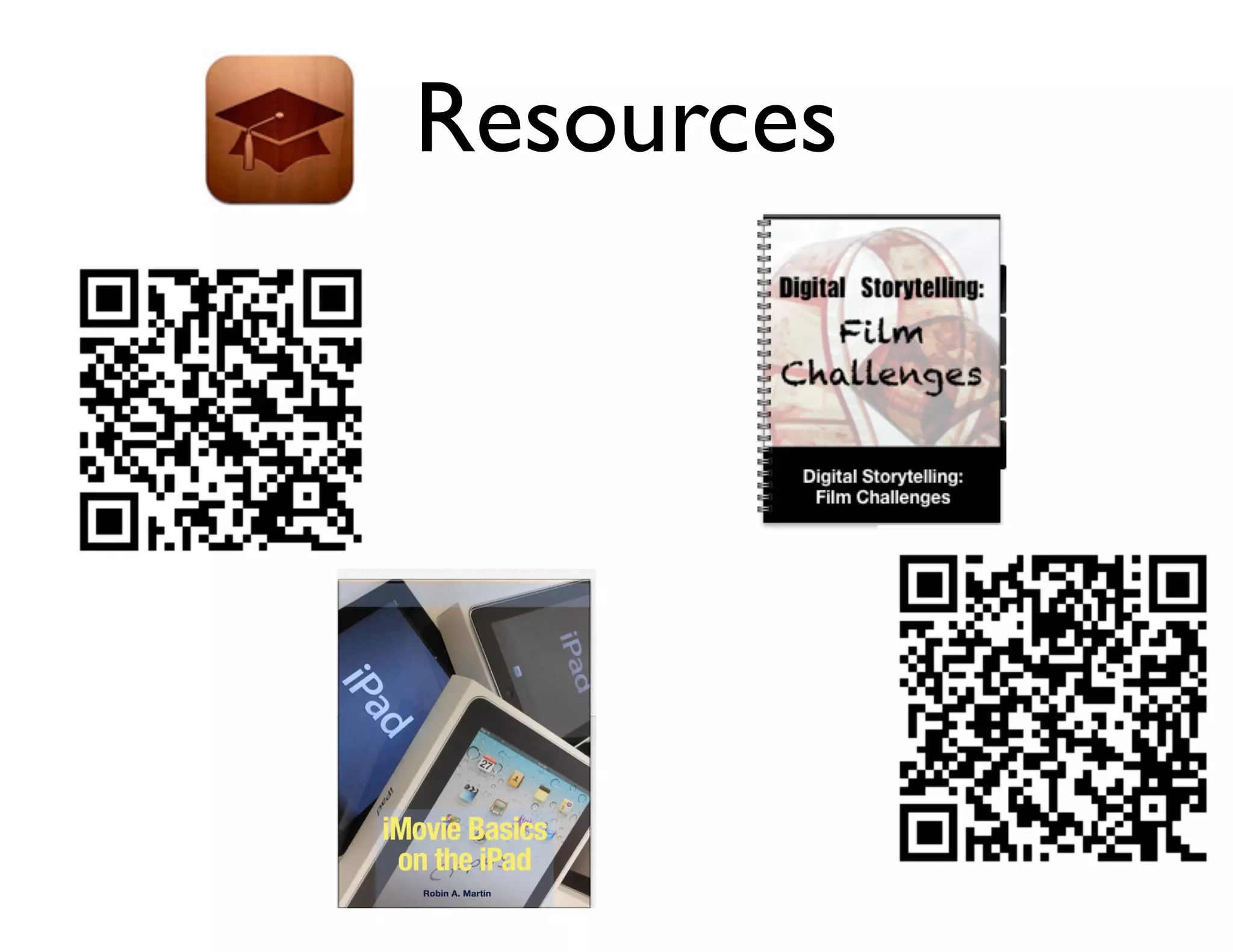
Resources
Resources
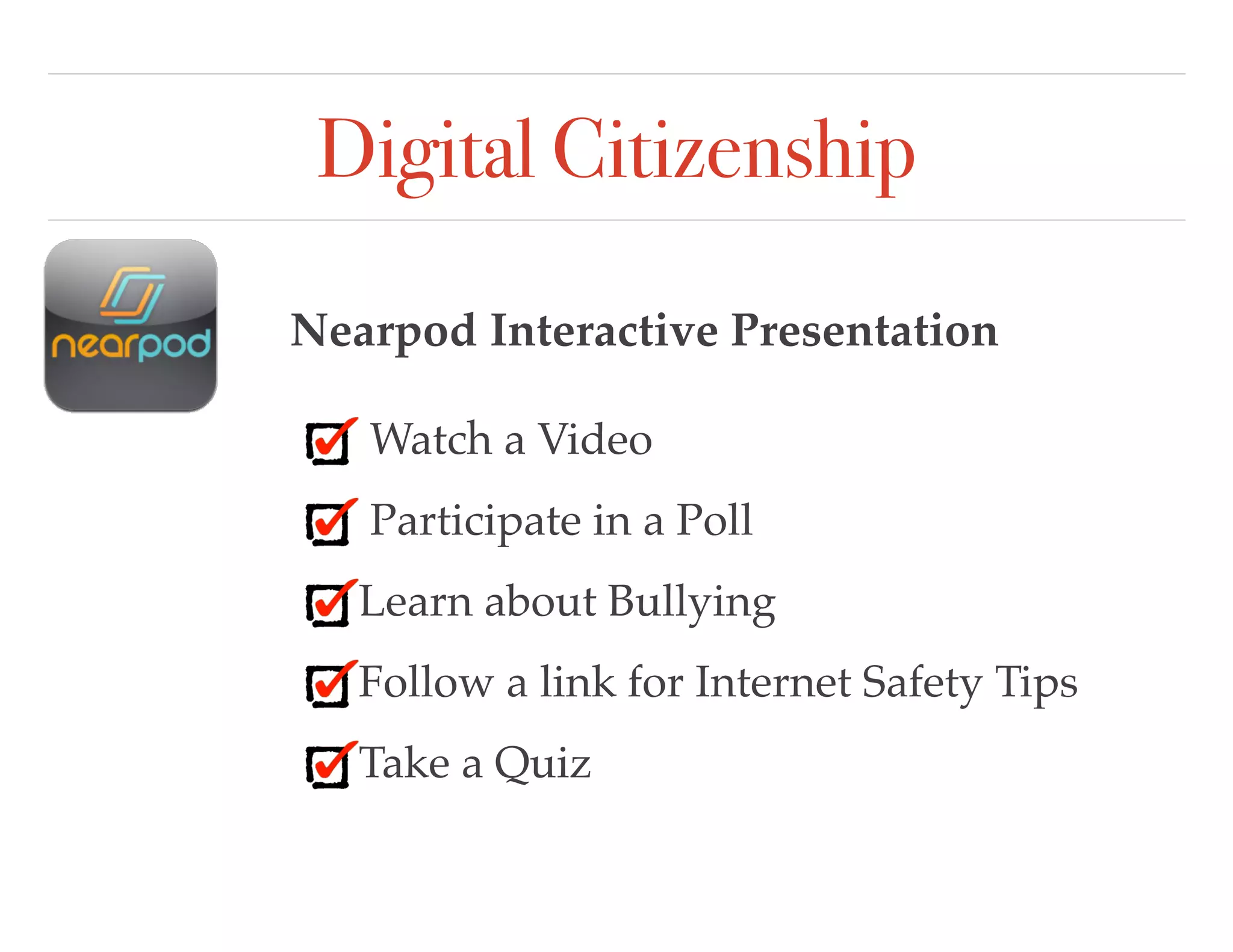
Digital Citizenship
Nearpod Interactive Presentation
Watch a Video
Participate in a Poll
Learn about Bullying
Follow a link for Internet Safety Tips
Take a Quiz
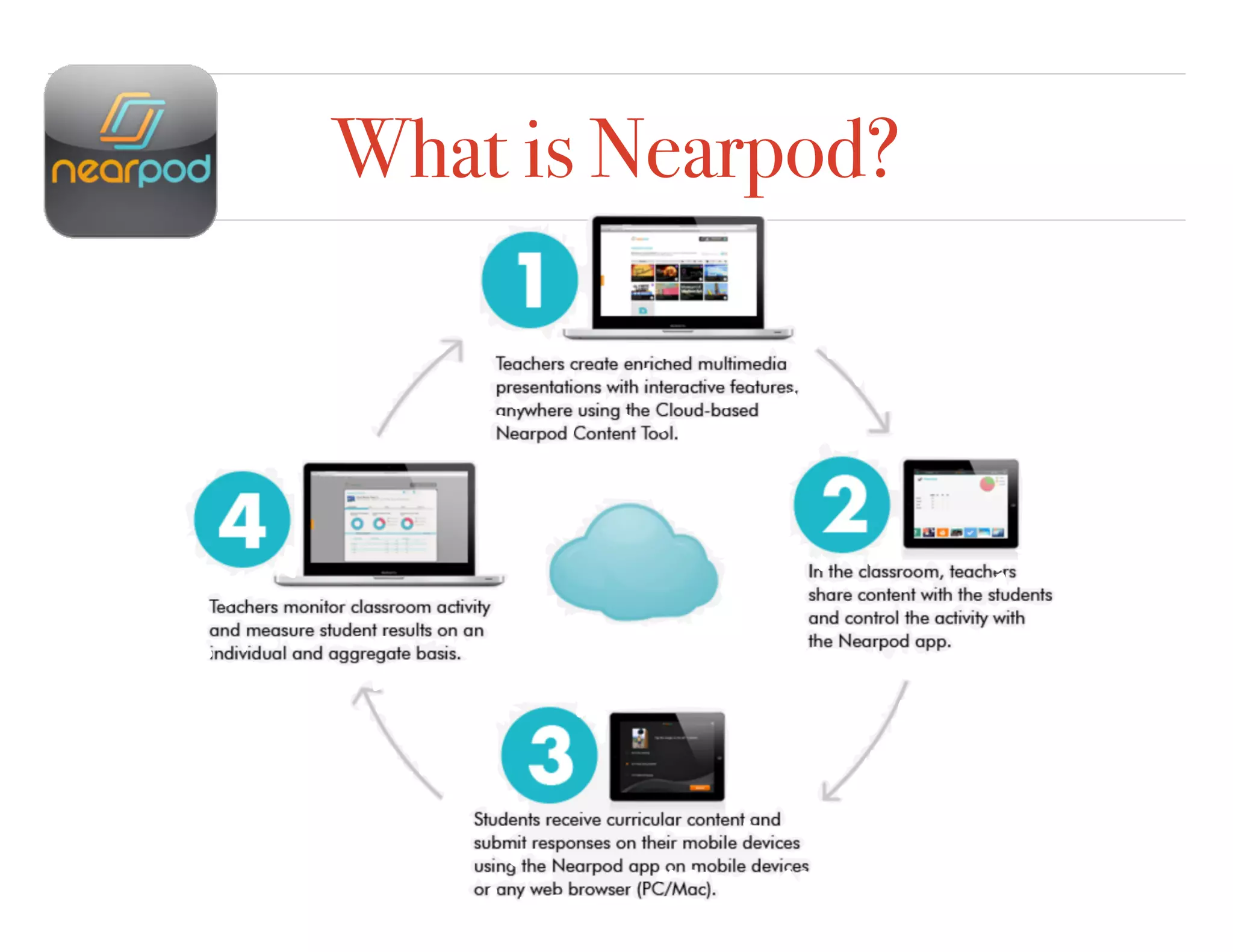
What is Nearpod?
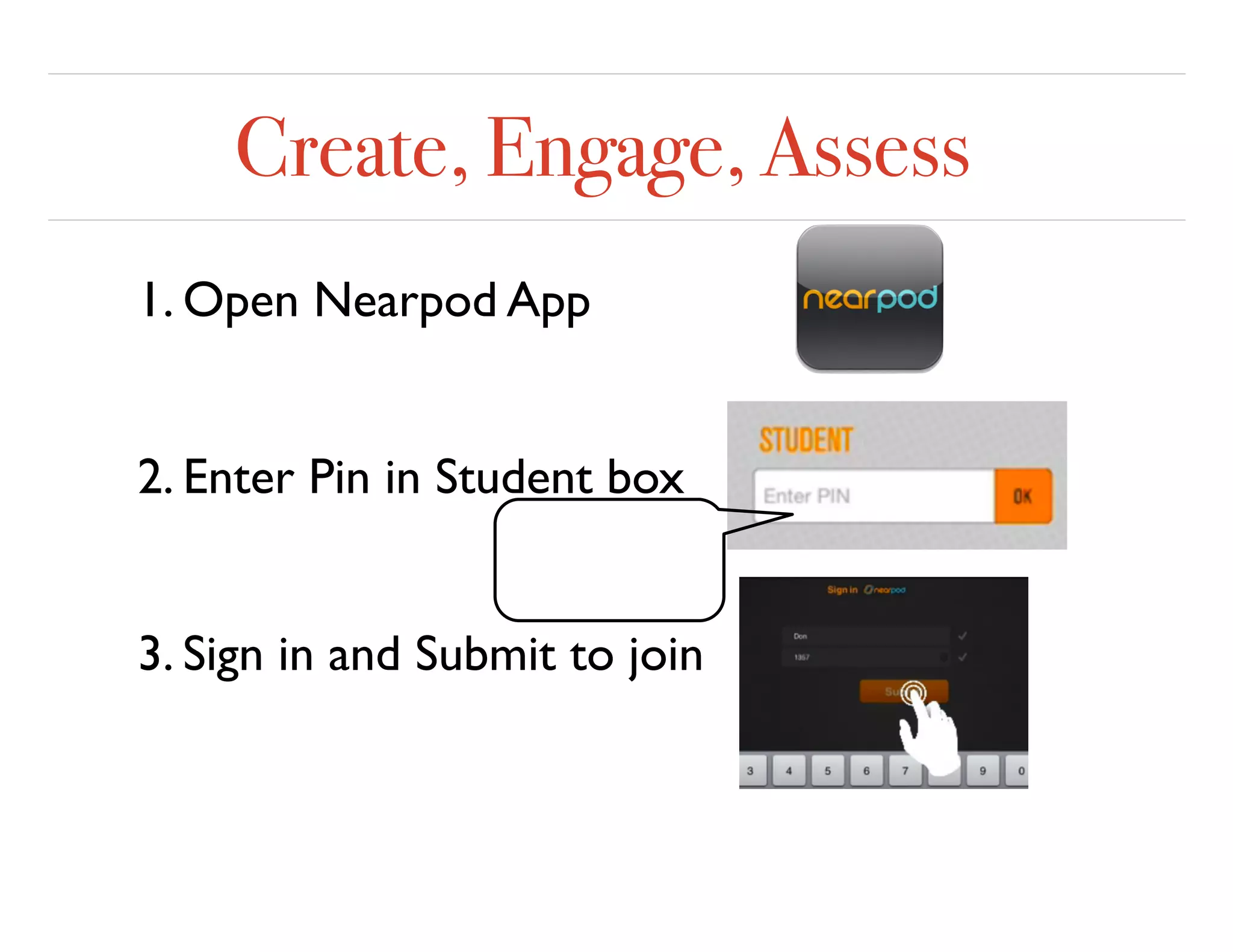
Create, Engage, Assess
1. Open Nearpod App
2. Enter Pin in Student box
3. Sign in and Submit to join
Voice and Choice Activities
Create a Digital Story about Internet Safety
Book Creator Sock PuppetsEducreations iMovie Trailer
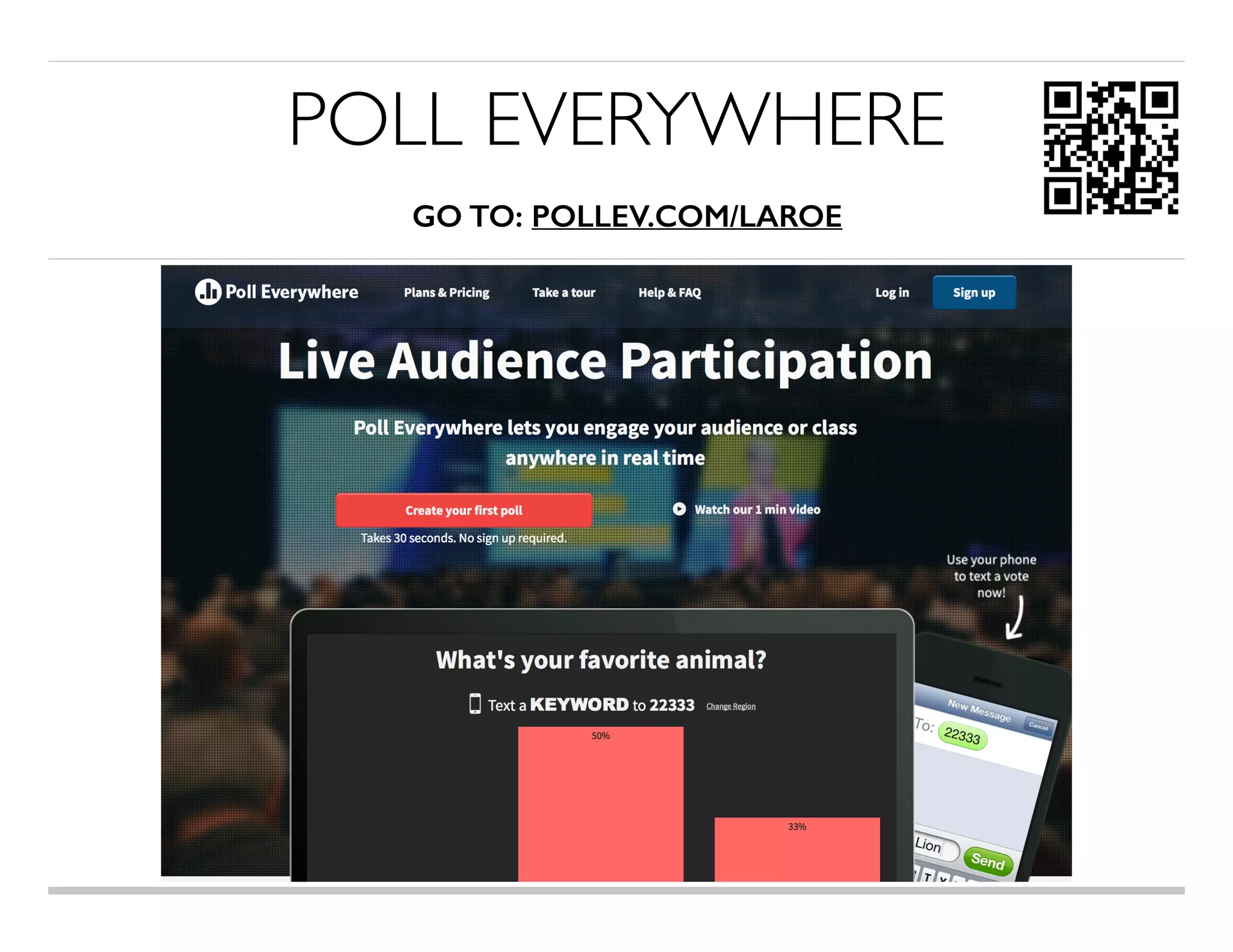
POLL EVERYWHERE

GO TO: POLLEV.COM/LAROE
ONLINE ASSESSMENTTOOLS
https://www.mentimeter.com/http://www.socrative.com/http://www.polleverywhere.com/
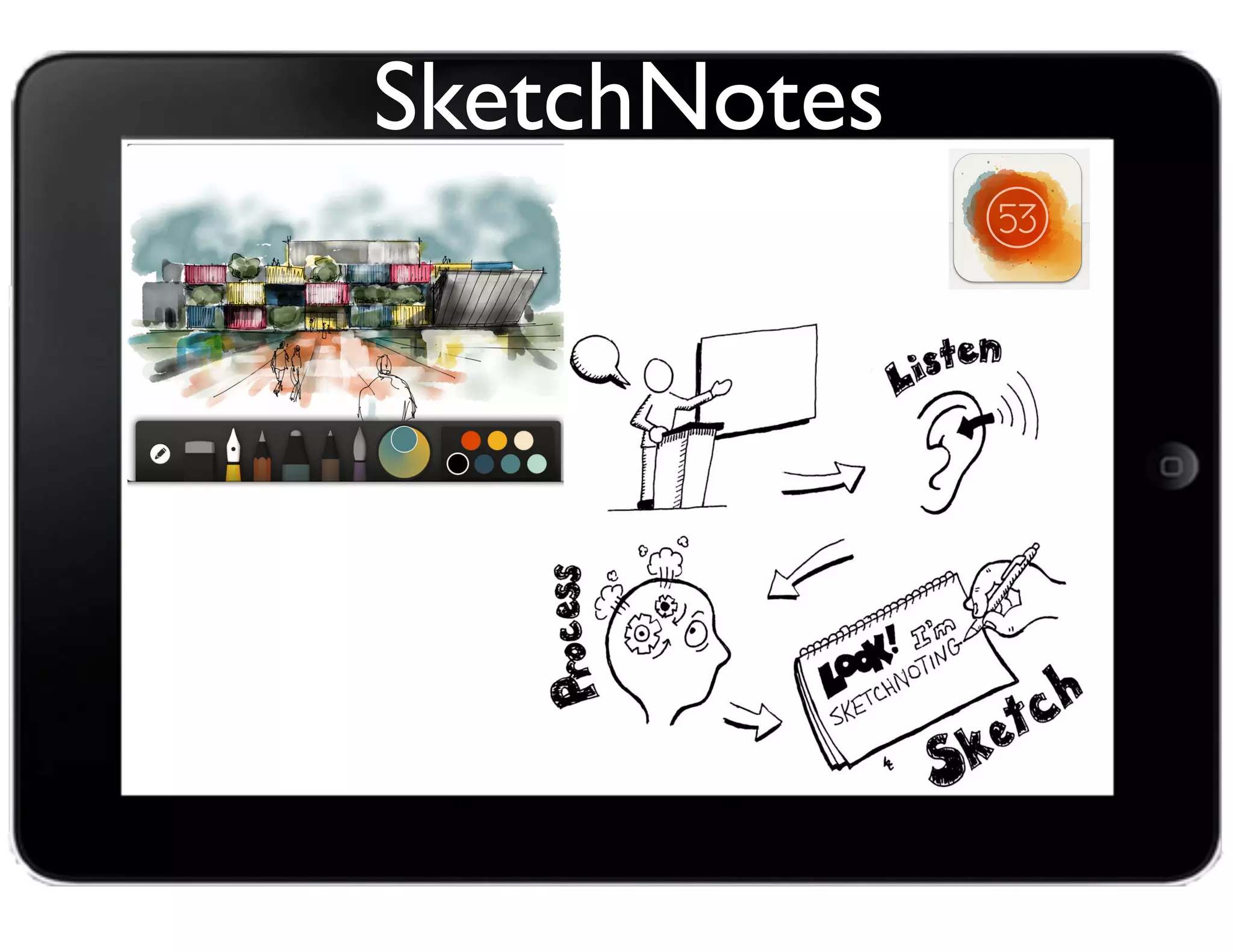
SketchNotes
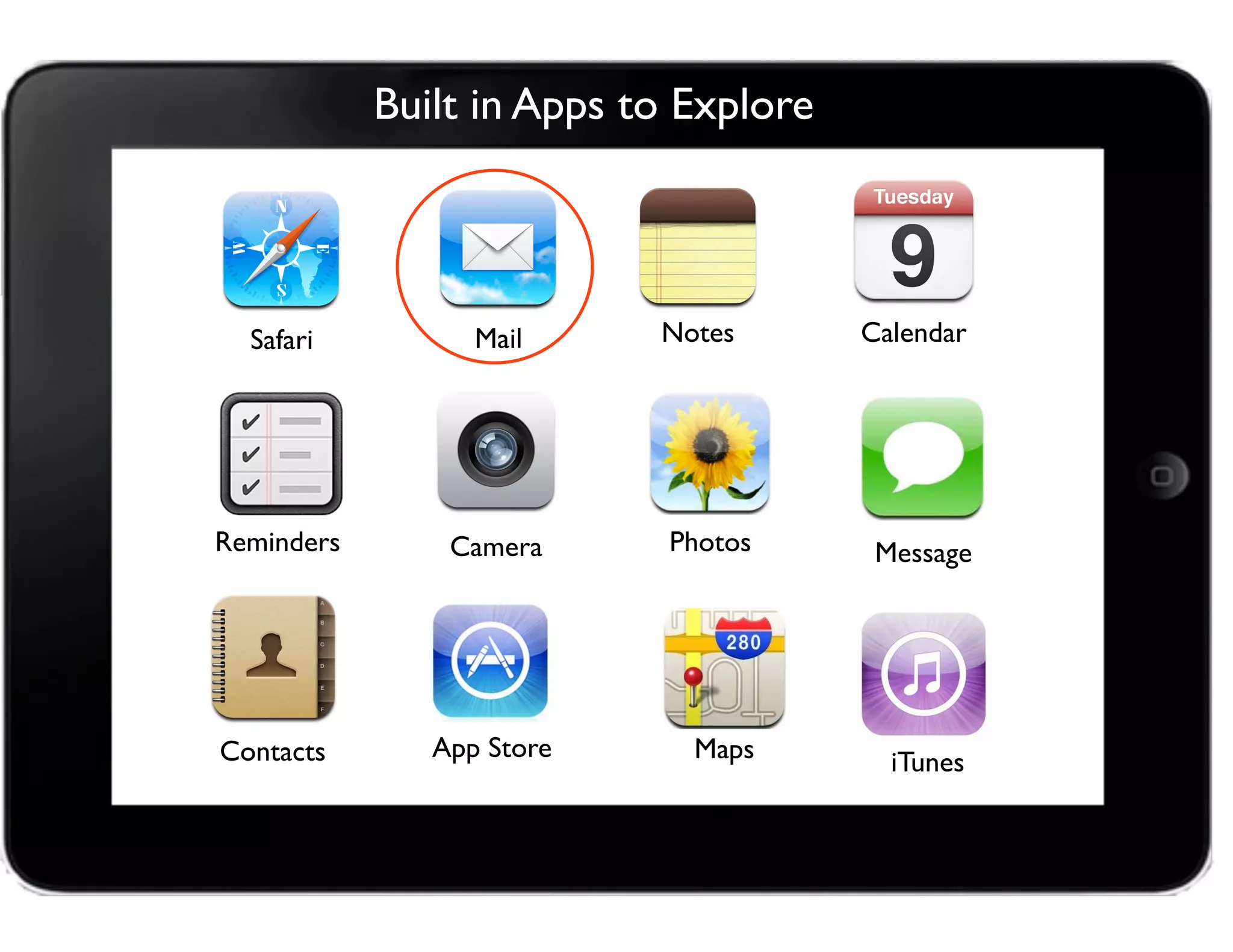
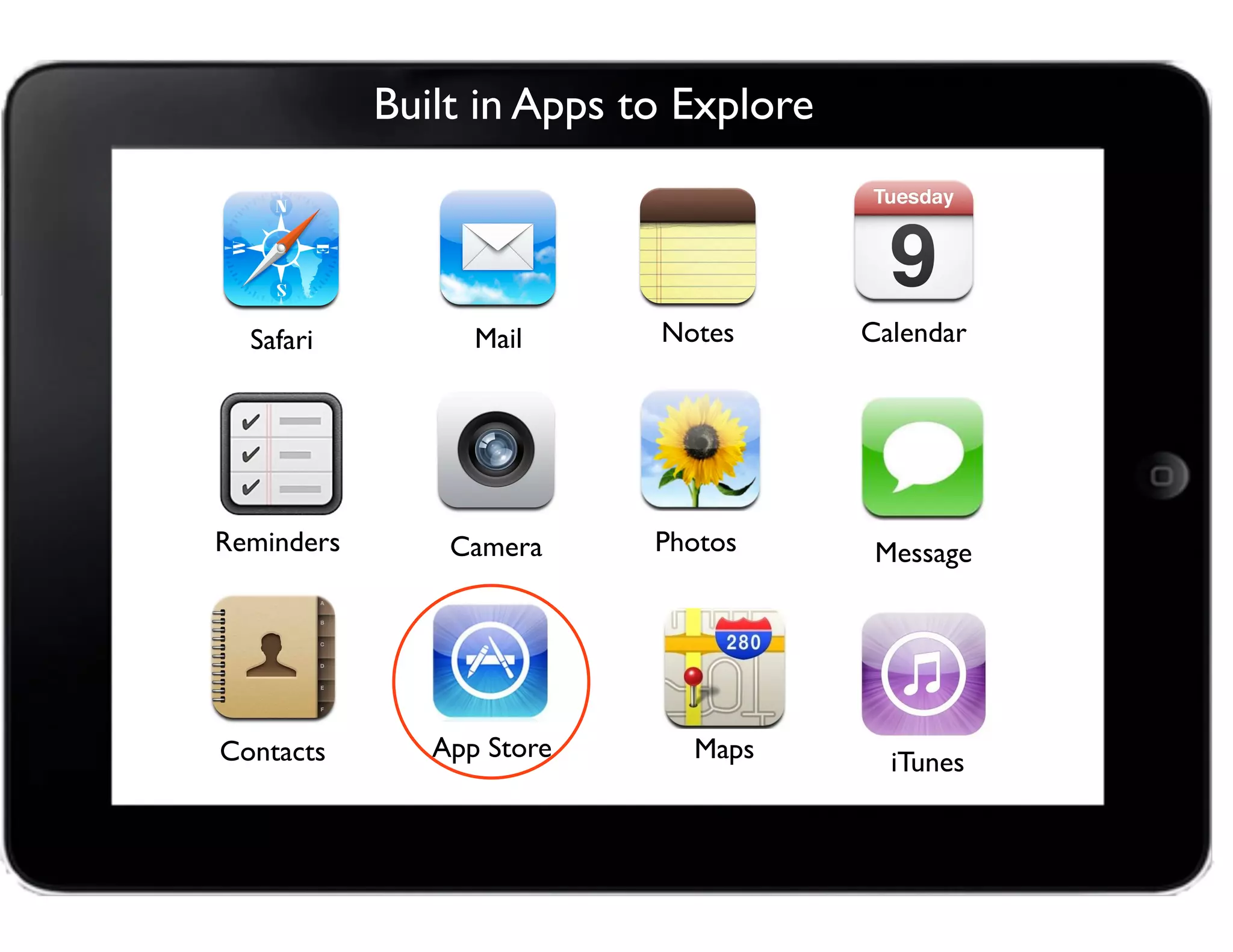
Built in Apps to Explore
Camera
Safari Mail
Photos Message
Calendar
Contacts
Reminders
Notes
App Store Maps iTunes
Built in Apps to Explore
Camera
Safari Mail
Photos Message
Calendar
Contacts
Reminders
Notes
App Store Maps iTunes
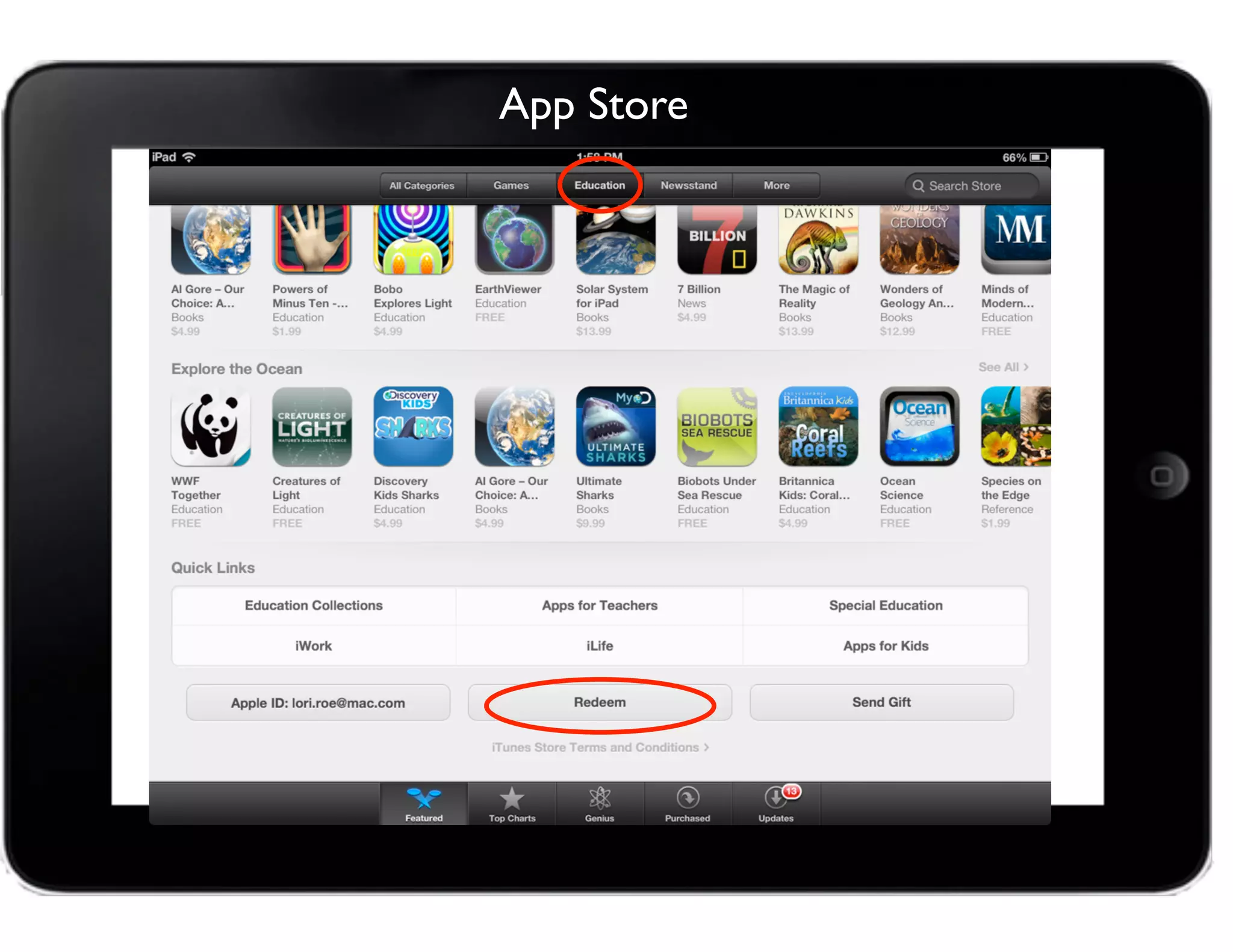
App Store
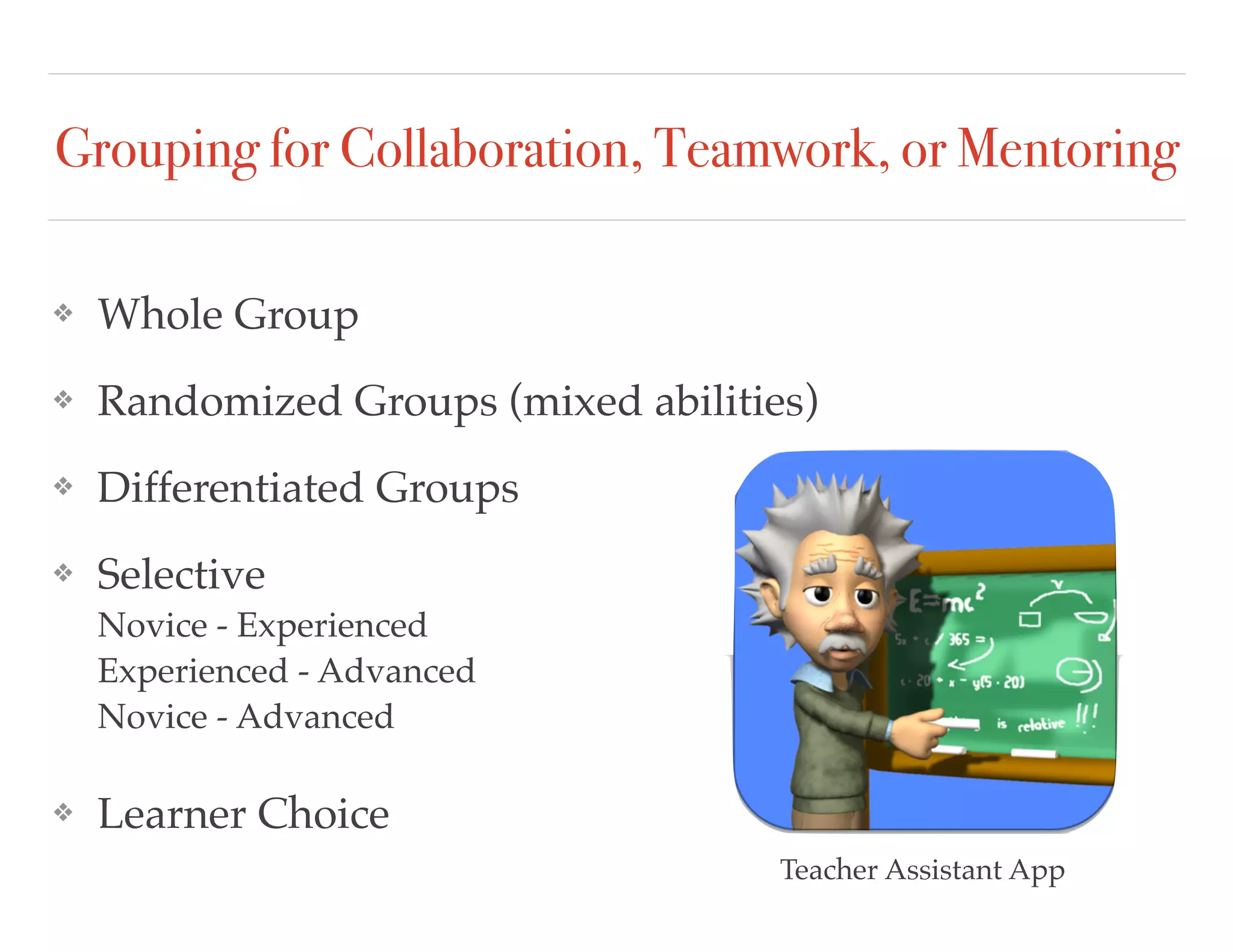
Grouping for Collaboration, Teamwork, or Mentoring
❖ Whole Group
❖ Randomized Groups (mixed abilities)
❖ Differentiated Groups
❖ Selective 

Novice - Experienced 

Experienced - Advanced

Novice - Advanced
❖ Learner Choice
Teacher Assistant App
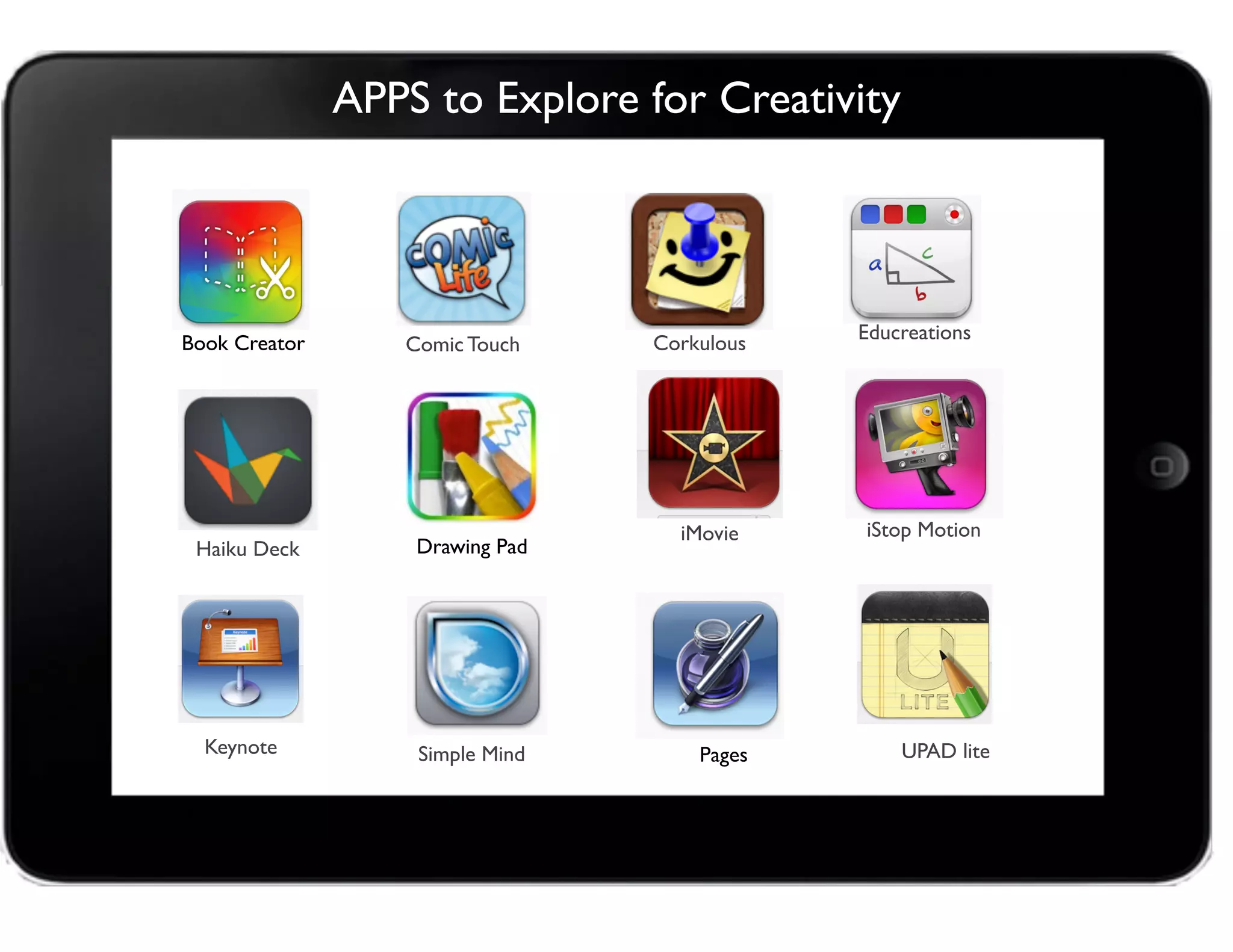
APPS to Explore for Creativity
Educreations
Comic Touch
iStop Motion
Keynote
Corkulous
Haiku Deck
UPAD lite
iMovie
Book Creator
Pages
Drawing Pad
Simple Mind
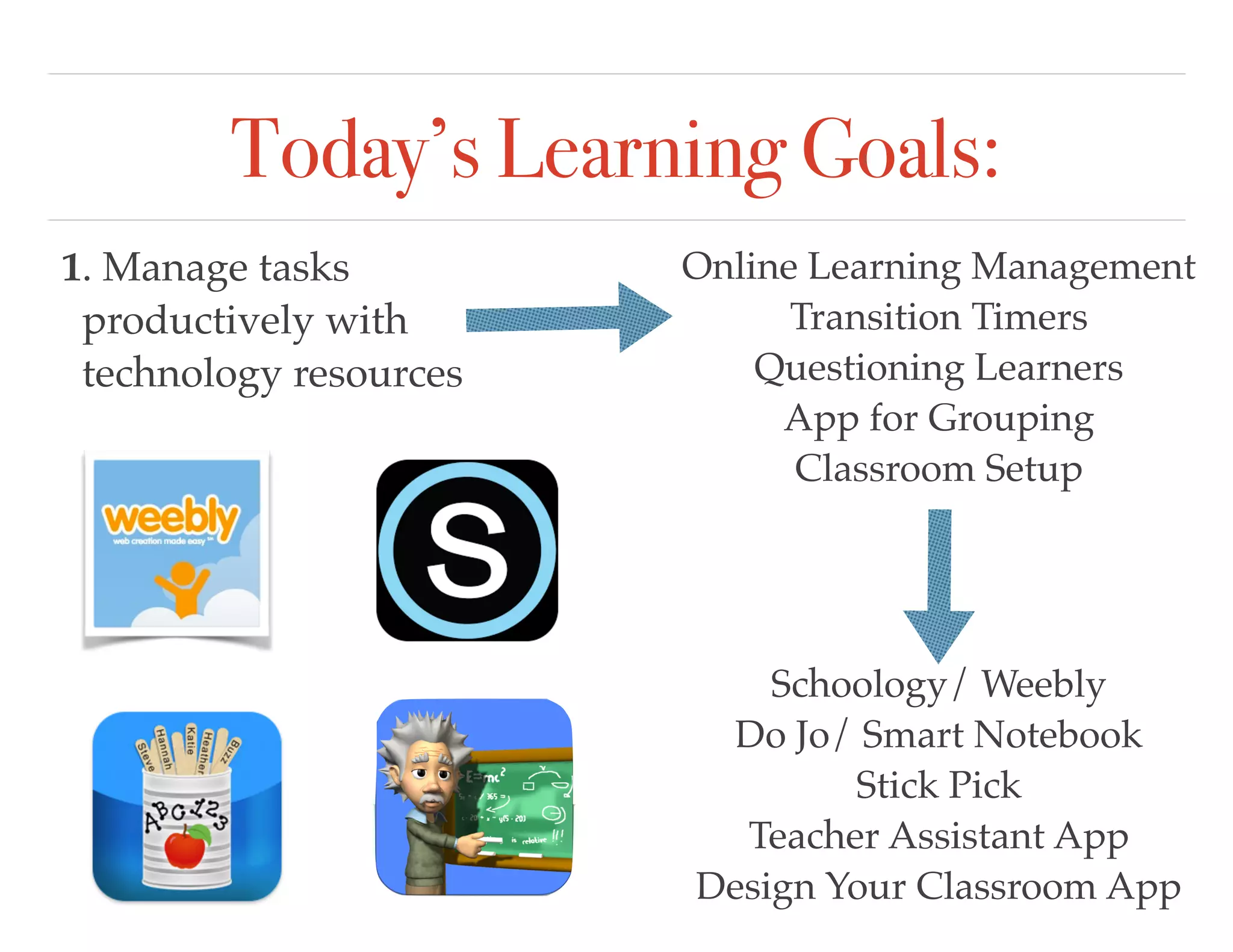
Today’s Learning Goals:
1. Manage tasks
productively with
technology resources
Online Learning Management
Transition Timers
Questioning Learners
App for Grouping
Classroom Setup
Schoology/ Weebly
Do Jo/ Smart Notebook
Stick Pick
Teacher Assistant App
Design Your Classroom App
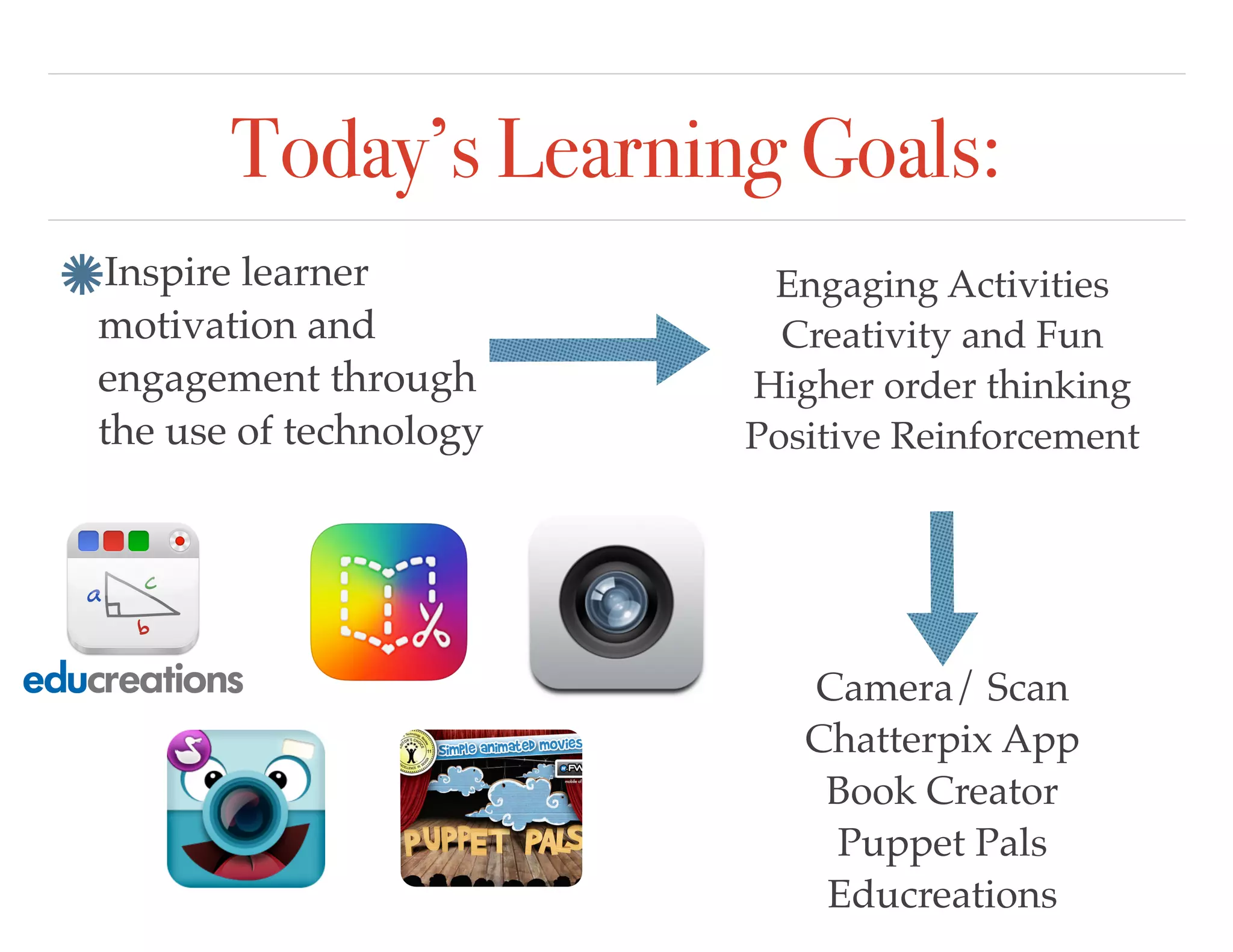
Today’s Learning Goals:
Inspire learner
motivation and
engagement through
the use of technology
Engaging Activities
Creativity and Fun
Higher order thinking
Positive Reinforcement
Camera/ Scan
Chatterpix App
Book Creator
Puppet Pals
Educreations
Today’s Learning Goals:
Track and reinforce
positive behavior with
online digital tools
Provide feedback
Merits and Badges
Parent Communication
Schoology
Do Jo
Teacher Assistant App
Monitoring Chart
Today’s Learning Goals:
Address diverse needs
through learner centered
strategies providing
equitable access to digital
tools and resources.
Voice and Choice
Multiple Representations
Resources for Everyone
Nearpod
Schoology
Weebly
Today’s Learning Goals:
Learn about digital
etiquette, social
interactions online, 

and Internet safety.
Cyber Safety
Cyberbullying
Online Etiquitee
Nearpod
YouTube
Story Creator Apps
“Learning can happen in many
different ways...
21st Century Learning cannot happen 

without technology.”
~ Helen Hoffenberg, Apple Education
THANKYOU!
Lori. Roe@cape.k12.de.us

All things tech copy