BUILD YOUR FRAMEWORK ACTIVITY
Create a visual map, flowchart, or storyboard to guide you in the course design process. This
blueprint can help you see the overall organization of your course contents and activities and
their relationship to one another.
To begin:
1. Look over your course syllabus/schedule and identify specific course topics or
modules/units of study. List each element separately on sticky notes. These are your
categories or overall course themes.
2. Next, identify the learning outcomes for each topic area. What will students be able to do
upon completion of the module? Write these outcomes under the topic.
3. Identify activities you do in each module that help students achieve the learning outcomes.
These are specific things the students do in the course. Some activities may overlap
modules or be cumulative over the duration of the course. List these individually on
separate post-it notes and stick them under their correlating module or topic.
4. Finally, determine how you measure student success and achievement for each activity.
Write the measurement on a post-it note and place it next to or under the learning activity.
DESIGN & DEVELOPMENT
Sometimes, the most difficult decision can be deciding which learning activities will be
redesigned to suit the online environment. Since the online environment can be more
conducive to student-centered learning, you may need to rethink how you will structure
your instructional activities for this environment.
Considerations:
• What activities work well in your
face-to-face classroom?
• What activities do you think could
be seamlessly transferred to the
online environment?
• What activities do you think need
to be redesigned for the online
environment?
• What content should be taught,
and in what order? Do you need to
let something go? Add something
new?
• How will the learner demonstrate
what he or she has learned?
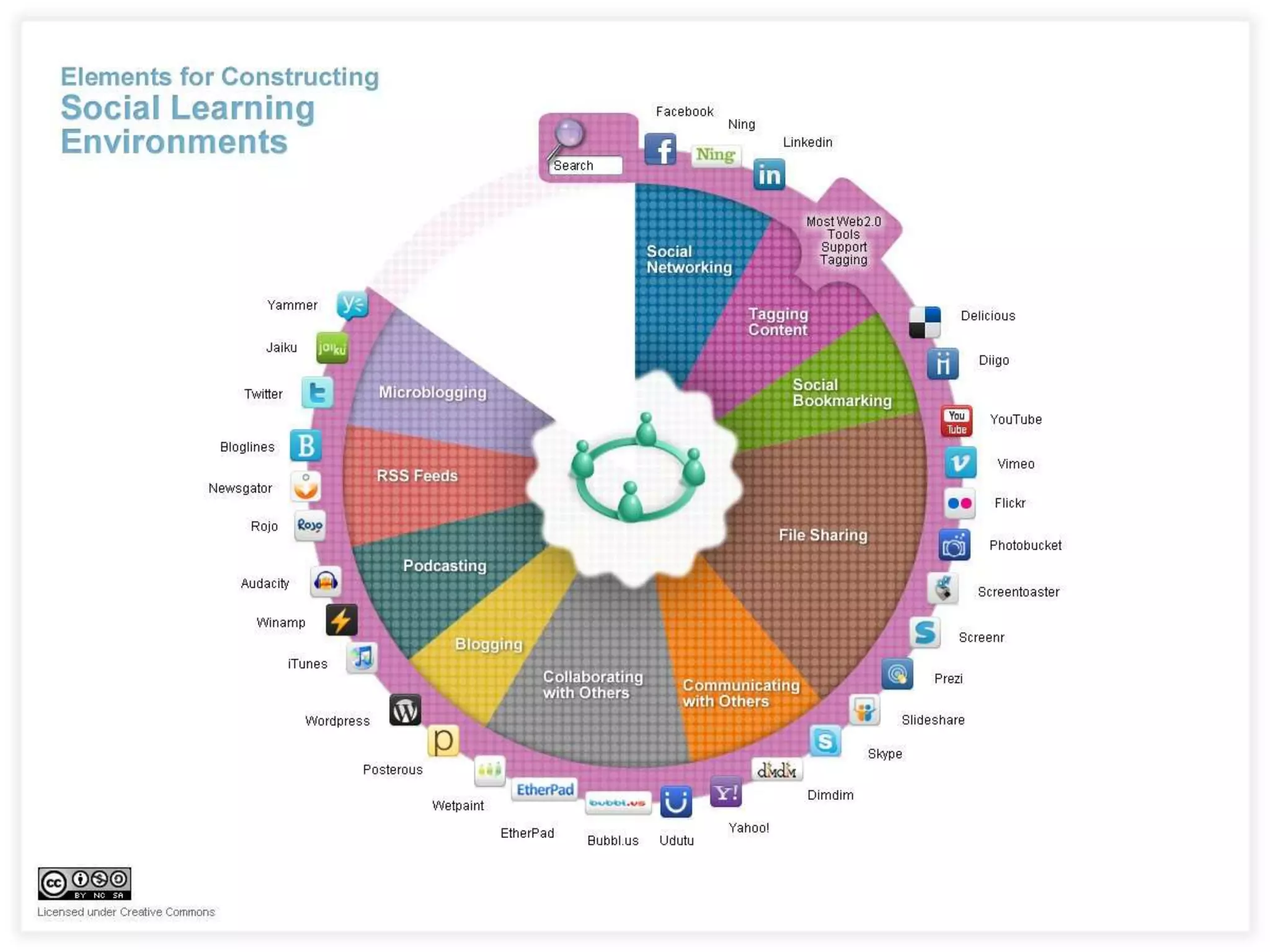
– Deliver basic information
about the course and the
used technology/tools
– Get to know each other
– Establish learning groups and
rules for group work
– Present group work spaces
– Carry out exams and
evaluations
– “Attend” a virtual
performance, presentation,
training session by an expert
in the field
– Assess practical skills such as
counselor-client or nurse-
patient interactions
– Use blogs to reflect on
learning experiences
– Create a threaded discussion
for learners to access after
training lets them stay in
touch with classmates to ask
questions, share insights, and
post resources
– Provide a list of available
resources for additional
information on a topic of
study
– Access experts (via video,
podcast, chat, etc.) who are
unable to attend a classroom
session
– Complete “pre-work”
(readings with quizzes, case
studies, team discussions,
study modules, videos, etc.)
to prepare students for a new
module or unit
Rethinking Content Presentation
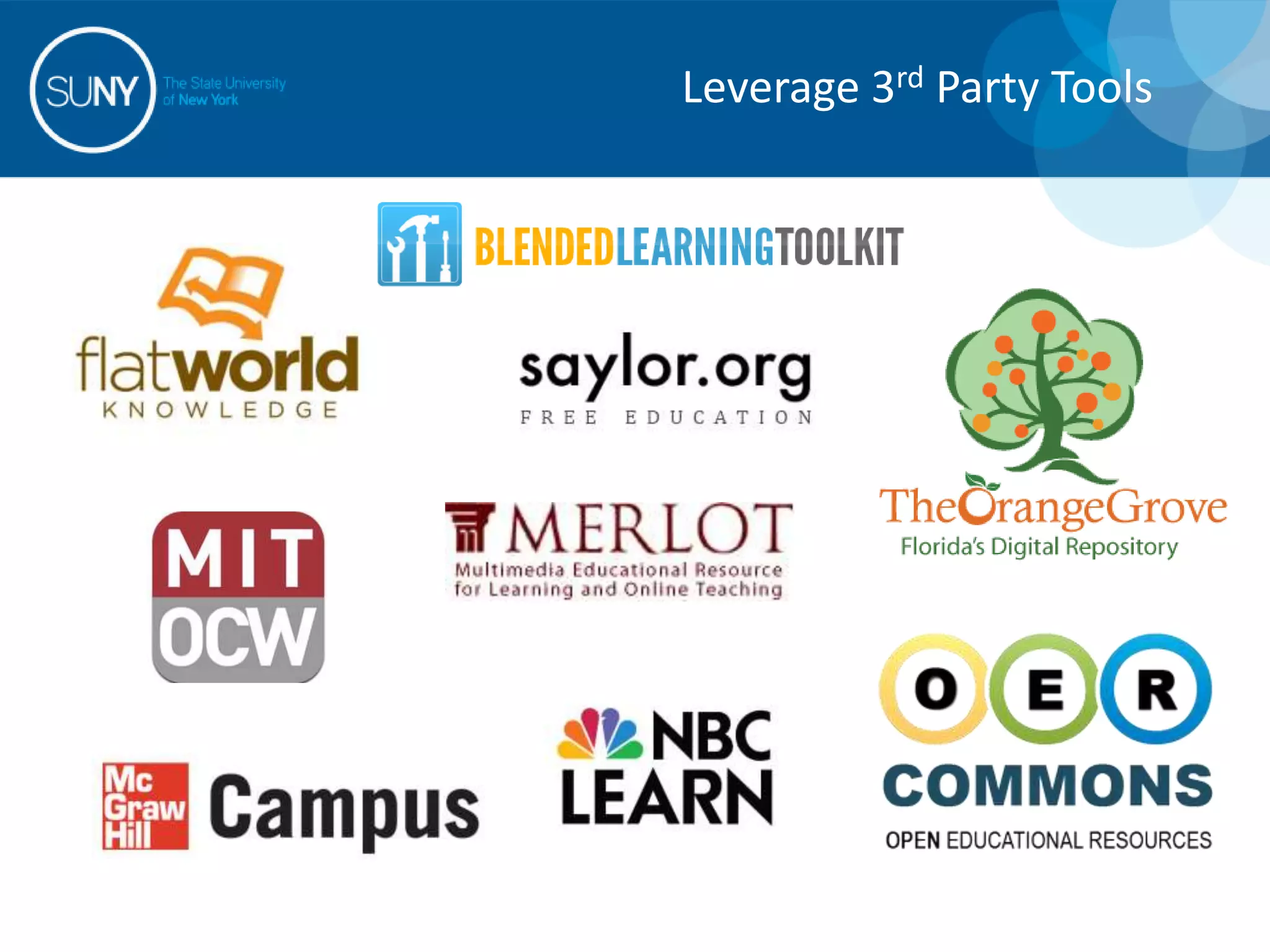
Leverage 3rd Party Tools
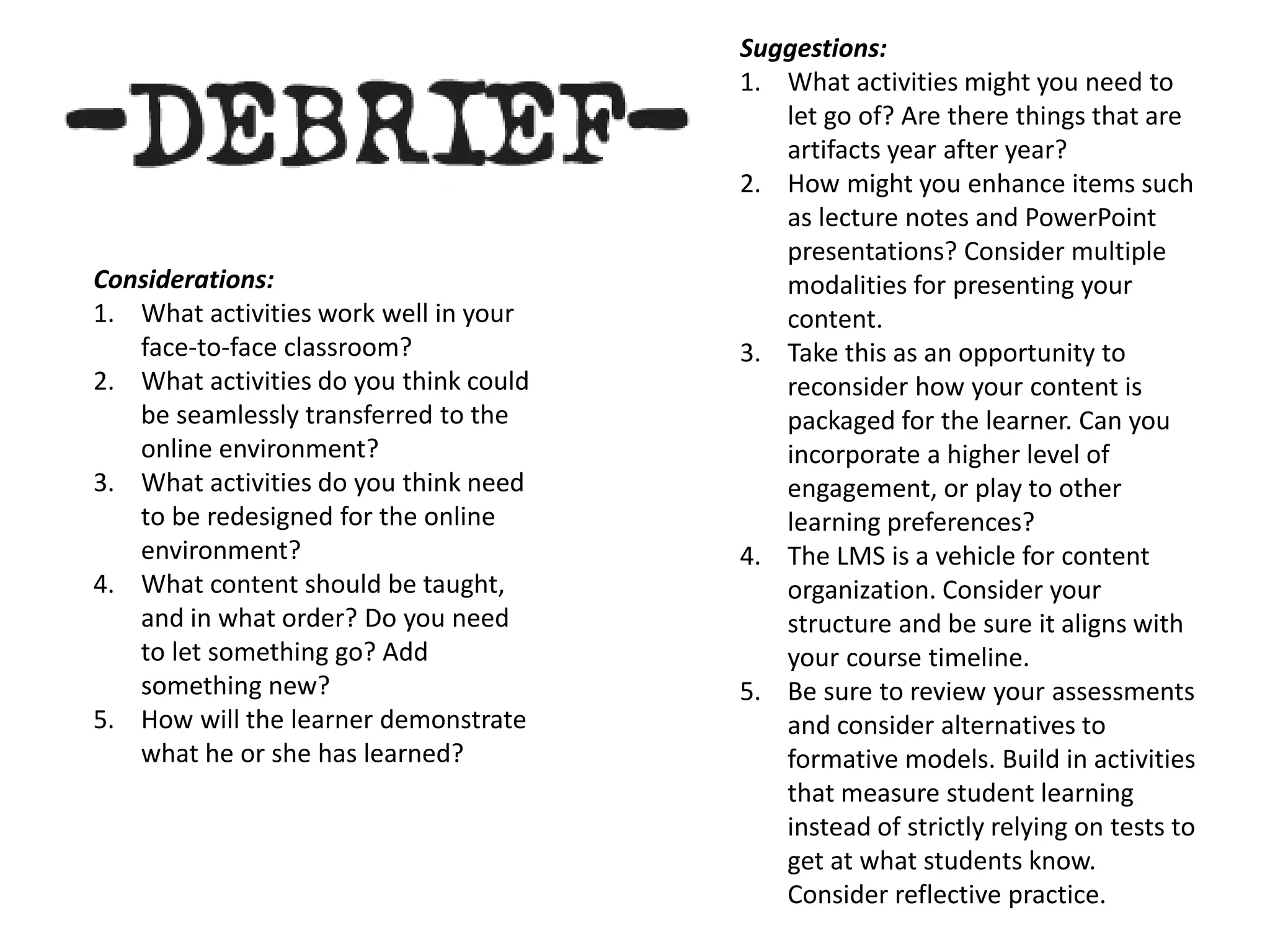
Considerations:
1. What activities work well in your
face-to-face classroom?
2. What activities do you think could
be seamlessly transferred to the
online environment?
3. What activities do you think need
to be redesigned for the online
environment?
4. What content should be taught,
and in what order? Do you need
to let something go? Add
something new?
5. How will the learner demonstrate
what he or she has learned?
Suggestions:
1. What activities might you need to
let go of? Are there things that are
artifacts year after year?
2. How might you enhance items such
as lecture notes and PowerPoint
presentations? Consider multiple
modalities for presenting your
content.
3. Take this as an opportunity to
reconsider how your content is
packaged for the learner. Can you
incorporate a higher level of
engagement, or play to other
learning preferences?
4. The LMS is a vehicle for content
organization. Consider your
structure and be sure it aligns with
your course timeline.
5. Be sure to review your assessments
and consider alternatives to
formative models. Build in activities
that measure student learning
instead of strictly relying on tests to
get at what students know.
Consider reflective practice.
Reflective Practice
What did I LEARN? How can I USE what I learned?

Intentional Course Design for Blended Learning

  • 2.
    BUILD YOUR FRAMEWORKACTIVITY Create a visual map, flowchart, or storyboard to guide you in the course design process. This blueprint can help you see the overall organization of your course contents and activities and their relationship to one another. To begin: 1. Look over your course syllabus/schedule and identify specific course topics or modules/units of study. List each element separately on sticky notes. These are your categories or overall course themes. 2. Next, identify the learning outcomes for each topic area. What will students be able to do upon completion of the module? Write these outcomes under the topic. 3. Identify activities you do in each module that help students achieve the learning outcomes. These are specific things the students do in the course. Some activities may overlap modules or be cumulative over the duration of the course. List these individually on separate post-it notes and stick them under their correlating module or topic. 4. Finally, determine how you measure student success and achievement for each activity. Write the measurement on a post-it note and place it next to or under the learning activity.
  • 3.
    DESIGN & DEVELOPMENT Sometimes,the most difficult decision can be deciding which learning activities will be redesigned to suit the online environment. Since the online environment can be more conducive to student-centered learning, you may need to rethink how you will structure your instructional activities for this environment. Considerations: • What activities work well in your face-to-face classroom? • What activities do you think could be seamlessly transferred to the online environment? • What activities do you think need to be redesigned for the online environment? • What content should be taught, and in what order? Do you need to let something go? Add something new? • How will the learner demonstrate what he or she has learned?
  • 4.
    – Deliver basicinformation about the course and the used technology/tools – Get to know each other – Establish learning groups and rules for group work – Present group work spaces – Carry out exams and evaluations – “Attend” a virtual performance, presentation, training session by an expert in the field – Assess practical skills such as counselor-client or nurse- patient interactions – Use blogs to reflect on learning experiences – Create a threaded discussion for learners to access after training lets them stay in touch with classmates to ask questions, share insights, and post resources – Provide a list of available resources for additional information on a topic of study – Access experts (via video, podcast, chat, etc.) who are unable to attend a classroom session – Complete “pre-work” (readings with quizzes, case studies, team discussions, study modules, videos, etc.) to prepare students for a new module or unit Rethinking Content Presentation
  • 5.
  • 7.
    Considerations: 1. What activitieswork well in your face-to-face classroom? 2. What activities do you think could be seamlessly transferred to the online environment? 3. What activities do you think need to be redesigned for the online environment? 4. What content should be taught, and in what order? Do you need to let something go? Add something new? 5. How will the learner demonstrate what he or she has learned? Suggestions: 1. What activities might you need to let go of? Are there things that are artifacts year after year? 2. How might you enhance items such as lecture notes and PowerPoint presentations? Consider multiple modalities for presenting your content. 3. Take this as an opportunity to reconsider how your content is packaged for the learner. Can you incorporate a higher level of engagement, or play to other learning preferences? 4. The LMS is a vehicle for content organization. Consider your structure and be sure it aligns with your course timeline. 5. Be sure to review your assessments and consider alternatives to formative models. Build in activities that measure student learning instead of strictly relying on tests to get at what students know. Consider reflective practice.
  • 8.
    Reflective Practice What didI LEARN? How can I USE what I learned?