Prof. Dr. Md. Nazrul Islam
Former Director, IQAC, SAU, Sylhet
E-Learning Tools & Resources
 Online learning allows you to get a university-level education without
having to physically attend in the campus.
 You’ll have access to all of the world-class teaching and support that the
University of Manchester has to offer, but all of your lectures, tutorials
and assessments will take place online.
 The online learning courses are built around flexibility – allowing
you to plan your own learning at a time and a place that suits you.
 Courses run for a fixed duration at certain points in the year.
Some activities are scheduled – such as online meetings with your
tutor – but otherwise you're free to access and work through the
video lectures, reading materials and other online activities at your
convenience.
An Overview
Who does online learning?
There is no such thing as a typical online learning student: this form of
study suits people with very varied circumstances, including:
 professionals wishing to improve their career prospects;
 individuals wishing to re-educate for a change in career;
 those wishing to undertake higher education for the first time;
 people undertaking courses for personal interest;
 students who need a flexible study option due to family or work
commitments;
 individuals who are geographically mobile (e.g. the armed forces);
 people with learning difficulties and disabilities;
 those living in geographically remote areas;
 mature students.

Attributes of eLearning
According to the Joint Information Systems Committee(JISC) of
Nottingham Trent University:
It identifies benefits to learners in six key dimensions:
1. Connectivity - access to information is available on a global scale.
2. Flexibility - learning can take place any time, any place.
3. Interactivity - assessment of learning can be immediate and autonomous.
4. Collaboration - use of discussion tools can support collaborative learning
beyond the classroom.
5. Extended opportunities – e Content can reinforce and extend classroom-
based learning.
6. Motivation- multimedia resources can make learning engaging,
participative, fun.
7. Personalization - Adaptable Learning Pathways
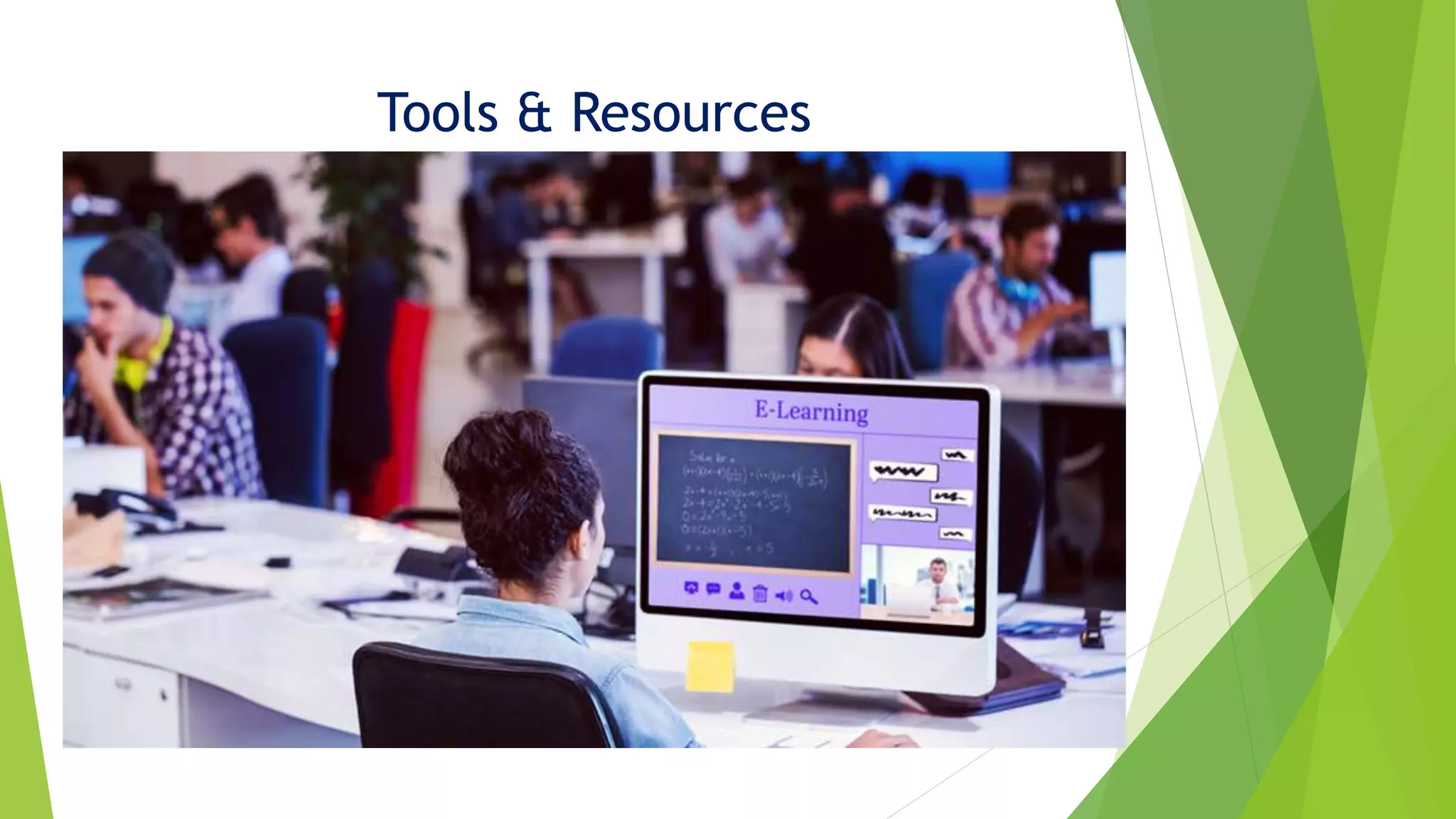
Tools & Resources
eLearning is a method of learning delivered
on a distributed or mobile tele/communication
technology platform and conducted using:
•information technologies
•eTools/services
•eResources for Learning purposes.
Alternative e-tools to the traditional F2F
• Class Notes
• Lectures
• Lab work
• Small group work/In-class discussion
• Class-based group work
• Journals/Diaries
• Portfolio of Evidence/Achievement
• Face-to-face meeting
• Boards & Flip-charts
• Class-based role-play
• Workbooks
• Classroom show-of-hands
• Exams & Tests
• Class voting
• TV, VHS & DVD video
• Academic Referencing
• Course-Work Hand-ins
• Manual Plagiarism Detection
•Re-usable Learning Objects
•Virtual Lecture
•Simulation
•Online discussion boards
•Wiki’s (collaborative learning)
•Blogs (reflective learning)
•ePortfolio
•Video or phone conferencing
•IWBs/Real-Time text/Mind-mapping
•Virtual role-play/simulation
•Online Self-assessment
•eVoting
•e-Assessment & Quizzes
•Online Surveys/Polls
•Online Audio and Video
•Reference Managing Software
eLearning Technologies - 1
 Re-usable Learning Objects – NOW Content (instruction) & LR
 Virtual Lectures – Captivate, Flash & PowerPoint, SlideShare
 Online Group Work - Self-enrolled Groups/Group Folders
 Online discussion boards – NOW Discussions
 Wiki’s (collaborative learning) - PBworks
 Blogs (reflective learning) – Blogger, WordPress
 Simulation / Virtual role-play – Flash (Captivate)/Second Life
 IWBs/Online Pinboards – SmartBoard, Scrumblr, CorkboardMe
 Real-Time text/Mind-mapping – OpenEtherPad/MindMeister
 Social Resource Sharing/Curation – Twitter Pinterest
eLearning Technologies - 2
 Online Self-assessment – Self-Assessment, Checklist, QuestionMark
 eVoting – ARS (TurningPoint), PollDaddy, PollEverywhere
 Quizzes & e-Assessment - Assessments / QuestionMark
 Online Surveys/Polls –Surveys & Survey Monkey/Gizmo
 Video or phone conferencing - Skype •Online Audio and Video – Hosted AV & Found
Video (YouTube)
 Reference Managing Software - RefWorks
 E-submissions – Dropbox (TurnitinUK opt.)
 Plagiarism Detection/Academic Misconduct – TurnitinUK
E-Learning Tools & Resources

E-Learning Tools & Resources

  • 1.
    Prof. Dr. Md.Nazrul Islam Former Director, IQAC, SAU, Sylhet E-Learning Tools & Resources
  • 2.
     Online learningallows you to get a university-level education without having to physically attend in the campus.  You’ll have access to all of the world-class teaching and support that the University of Manchester has to offer, but all of your lectures, tutorials and assessments will take place online.  The online learning courses are built around flexibility – allowing you to plan your own learning at a time and a place that suits you.  Courses run for a fixed duration at certain points in the year. Some activities are scheduled – such as online meetings with your tutor – but otherwise you're free to access and work through the video lectures, reading materials and other online activities at your convenience. An Overview
  • 3.
    Who does onlinelearning? There is no such thing as a typical online learning student: this form of study suits people with very varied circumstances, including:  professionals wishing to improve their career prospects;  individuals wishing to re-educate for a change in career;  those wishing to undertake higher education for the first time;  people undertaking courses for personal interest;  students who need a flexible study option due to family or work commitments;  individuals who are geographically mobile (e.g. the armed forces);  people with learning difficulties and disabilities;  those living in geographically remote areas;  mature students. 
  • 4.
    Attributes of eLearning Accordingto the Joint Information Systems Committee(JISC) of Nottingham Trent University: It identifies benefits to learners in six key dimensions: 1. Connectivity - access to information is available on a global scale. 2. Flexibility - learning can take place any time, any place. 3. Interactivity - assessment of learning can be immediate and autonomous. 4. Collaboration - use of discussion tools can support collaborative learning beyond the classroom. 5. Extended opportunities – e Content can reinforce and extend classroom- based learning. 6. Motivation- multimedia resources can make learning engaging, participative, fun. 7. Personalization - Adaptable Learning Pathways
  • 5.
  • 6.
    eLearning is amethod of learning delivered on a distributed or mobile tele/communication technology platform and conducted using: •information technologies •eTools/services •eResources for Learning purposes.
  • 7.
    Alternative e-tools tothe traditional F2F • Class Notes • Lectures • Lab work • Small group work/In-class discussion • Class-based group work • Journals/Diaries • Portfolio of Evidence/Achievement • Face-to-face meeting • Boards & Flip-charts • Class-based role-play • Workbooks • Classroom show-of-hands • Exams & Tests • Class voting • TV, VHS & DVD video • Academic Referencing • Course-Work Hand-ins • Manual Plagiarism Detection •Re-usable Learning Objects •Virtual Lecture •Simulation •Online discussion boards •Wiki’s (collaborative learning) •Blogs (reflective learning) •ePortfolio •Video or phone conferencing •IWBs/Real-Time text/Mind-mapping •Virtual role-play/simulation •Online Self-assessment •eVoting •e-Assessment & Quizzes •Online Surveys/Polls •Online Audio and Video •Reference Managing Software
  • 8.
    eLearning Technologies -1  Re-usable Learning Objects – NOW Content (instruction) & LR  Virtual Lectures – Captivate, Flash & PowerPoint, SlideShare  Online Group Work - Self-enrolled Groups/Group Folders  Online discussion boards – NOW Discussions  Wiki’s (collaborative learning) - PBworks  Blogs (reflective learning) – Blogger, WordPress  Simulation / Virtual role-play – Flash (Captivate)/Second Life  IWBs/Online Pinboards – SmartBoard, Scrumblr, CorkboardMe  Real-Time text/Mind-mapping – OpenEtherPad/MindMeister  Social Resource Sharing/Curation – Twitter Pinterest
  • 9.
    eLearning Technologies -2  Online Self-assessment – Self-Assessment, Checklist, QuestionMark  eVoting – ARS (TurningPoint), PollDaddy, PollEverywhere  Quizzes & e-Assessment - Assessments / QuestionMark  Online Surveys/Polls –Surveys & Survey Monkey/Gizmo  Video or phone conferencing - Skype •Online Audio and Video – Hosted AV & Found Video (YouTube)  Reference Managing Software - RefWorks  E-submissions – Dropbox (TurnitinUK opt.)  Plagiarism Detection/Academic Misconduct – TurnitinUK