GIT ADVANCED
Version control System
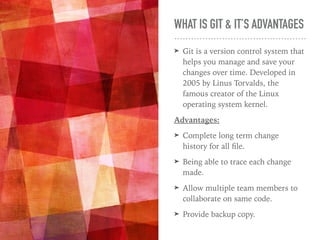
WHAT IS GIT & IT’S ADVANTAGES
➤ Git is a version control system that
helps you manage and save your
changes over time. Developed in
2005 by Linus Torvalds, the
famous creator of the Linux
operating system kernel.
Advantages:
➤ Complete long term change
history for all file.
➤ Being able to trace each change
made.
➤ Allow multiple team members to
collaborate on same code.
➤ Provide backup copy.
`
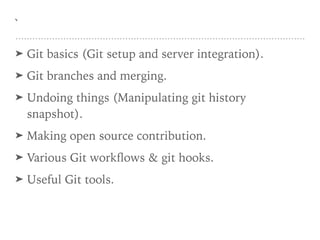
➤ Git basics (Git setup and server integration).
➤ Git branches and merging.
➤ Undoing things (Manipulating git history
snapshot).
➤ Making open source contribution.
➤ Various Git workflows & git hooks.
➤ Useful Git tools.
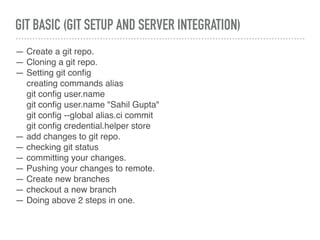
GIT BASIC (GIT SETUP AND SERVER INTEGRATION)
— Create a git repo.
— Cloning a git repo.
— Setting git config
creating commands alias
git config user.name
git config user.name "Sahil Gupta"
git config --global alias.ci commit
git config credential.helper store
— add changes to git repo.
— checking git status
— committing your changes.
— Pushing your changes to remote.
— Create new branches
— checkout a new branch
— Doing above 2 steps in one.
GIT BASIC (GIT SETUP AND SERVER INTEGRATION) CONTINUED…
— Fetching a remote changes.
— Delete branches.
— Stash changes
— getting back the stash changes into any branch
— checking git history
GIT LOG:
— git log , git log -n, git log -p, git log <file>, git log —graph,
git log --graph --decorate --oneline, git log --author="Sahil”,
git shortlog, git log --after="2014-7-1" --before="2014-7-4”,
git log --author="John”, git log -- foo.py bar.py, git log master..feature
Git Stash:
— git stash, git stash save <msg>, git stash pop [stash@{2}], git stash apply, git stash
list, git stash show, git stash show -p, git stash drop [stash@{2}], git stash clear
GIT BASIC (GIT SETUP AND SERVER INTEGRATION) CONTINUED…
GITIGNORE:
— .gitignore [Use glowing pattern]
**/logs
.log
/debug.log
logs/
— adding comment # ignore all logs
— Adding multiple .gitignore
— Ignoring a previous committed files
edit .gitignore && git rm --cached debug.log
— *.log !debug.log. Ignore pattern with an exception
— collection of useful gitignore templates
https://github.com/github/gitignore
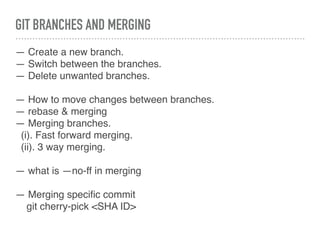
GIT BRANCHES AND MERGING
— Create a new branch.
— Switch between the branches.
— Delete unwanted branches.
— How to move changes between branches.
— rebase & merging
— Merging branches.
(i). Fast forward merging.
(ii). 3 way merging.
— what is —no-ff in merging
— Merging specific commit
git cherry-pick <SHA ID>
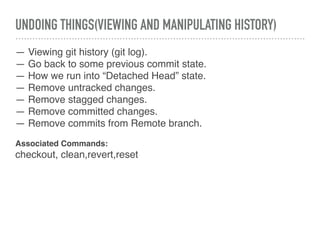
UNDOING THINGS(VIEWING AND MANIPULATING HISTORY)
— Viewing git history (git log).
— Go back to some previous commit state.
— How we run into “Detached Head” state.
— Remove untracked changes.
— Remove stagged changes.
— Remove committed changes.
— Remove commits from Remote branch.
Associated Commands:
checkout, clean,revert,reset
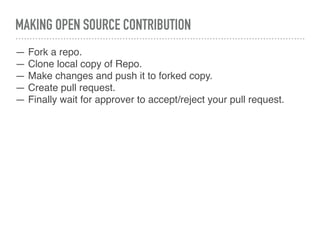
MAKING OPEN SOURCE CONTRIBUTION
— Fork a repo.
— Clone local copy of Repo.
— Make changes and push it to forked copy.
— Create pull request.
— Finally wait for approver to accept/reject your pull request.
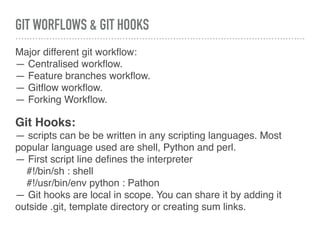
GIT WORFLOWS & GIT HOOKS
Major different git workflow:
— Centralised workflow.
— Feature branches workflow.
— Gitflow workflow.
— Forking Workflow.
Git Hooks:
— scripts can be be written in any scripting languages. Most
popular language used are shell, Python and perl.
— First script line defines the interpreter
#!/bin/sh : shell
#!/usr/bin/env python : Pathon
— Git hooks are local in scope. You can share it by adding it
outside .git, template directory or creating sum links.
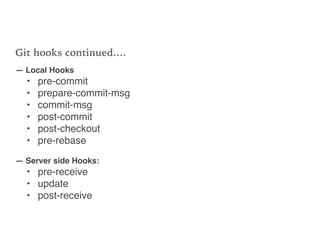
Git hooks continued….
— Local Hooks
• pre-commit
• prepare-commit-msg
• commit-msg
• post-commit
• post-checkout
• pre-rebase
— Server side Hooks:
• pre-receive
• update
• post-receive
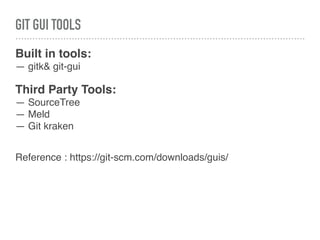
GIT GUI TOOLS
Built in tools:
— gitk& git-gui
Third Party Tools:
— SourceTree
— Meld
— Git kraken
Reference : https://git-scm.com/downloads/guis/
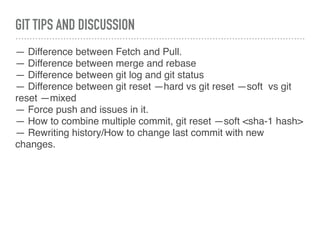
GIT TIPS AND DISCUSSION
— Difference between Fetch and Pull.
— Difference between merge and rebase
— Difference between git log and git status
— Difference between git reset —hard vs git reset —soft vs git
reset —mixed
— Force push and issues in it.
— How to combine multiple commit, git reset —soft <sha-1 hash>
— Rewriting history/How to change last commit with new
changes.
Advanted git

Advanted git

  • 1.
  • 2.
    WHAT IS GIT& IT’S ADVANTAGES ➤ Git is a version control system that helps you manage and save your changes over time. Developed in 2005 by Linus Torvalds, the famous creator of the Linux operating system kernel. Advantages: ➤ Complete long term change history for all file. ➤ Being able to trace each change made. ➤ Allow multiple team members to collaborate on same code. ➤ Provide backup copy.
  • 3.
    ` ➤ Git basics(Git setup and server integration). ➤ Git branches and merging. ➤ Undoing things (Manipulating git history snapshot). ➤ Making open source contribution. ➤ Various Git workflows & git hooks. ➤ Useful Git tools.
  • 4.
    GIT BASIC (GITSETUP AND SERVER INTEGRATION) — Create a git repo. — Cloning a git repo. — Setting git config creating commands alias git config user.name git config user.name "Sahil Gupta" git config --global alias.ci commit git config credential.helper store — add changes to git repo. — checking git status — committing your changes. — Pushing your changes to remote. — Create new branches — checkout a new branch — Doing above 2 steps in one.
  • 5.
    GIT BASIC (GITSETUP AND SERVER INTEGRATION) CONTINUED… — Fetching a remote changes. — Delete branches. — Stash changes — getting back the stash changes into any branch — checking git history GIT LOG: — git log , git log -n, git log -p, git log <file>, git log —graph, git log --graph --decorate --oneline, git log --author="Sahil”, git shortlog, git log --after="2014-7-1" --before="2014-7-4”, git log --author="John”, git log -- foo.py bar.py, git log master..feature Git Stash: — git stash, git stash save <msg>, git stash pop [stash@{2}], git stash apply, git stash list, git stash show, git stash show -p, git stash drop [stash@{2}], git stash clear
  • 6.
    GIT BASIC (GITSETUP AND SERVER INTEGRATION) CONTINUED… GITIGNORE: — .gitignore [Use glowing pattern] **/logs .log /debug.log logs/ — adding comment # ignore all logs — Adding multiple .gitignore — Ignoring a previous committed files edit .gitignore && git rm --cached debug.log — *.log !debug.log. Ignore pattern with an exception — collection of useful gitignore templates https://github.com/github/gitignore
  • 7.
    GIT BRANCHES ANDMERGING — Create a new branch. — Switch between the branches. — Delete unwanted branches. — How to move changes between branches. — rebase & merging — Merging branches. (i). Fast forward merging. (ii). 3 way merging. — what is —no-ff in merging — Merging specific commit git cherry-pick <SHA ID>
  • 8.
    UNDOING THINGS(VIEWING ANDMANIPULATING HISTORY) — Viewing git history (git log). — Go back to some previous commit state. — How we run into “Detached Head” state. — Remove untracked changes. — Remove stagged changes. — Remove committed changes. — Remove commits from Remote branch. Associated Commands: checkout, clean,revert,reset
  • 9.
    MAKING OPEN SOURCECONTRIBUTION — Fork a repo. — Clone local copy of Repo. — Make changes and push it to forked copy. — Create pull request. — Finally wait for approver to accept/reject your pull request.
  • 10.
    GIT WORFLOWS &GIT HOOKS Major different git workflow: — Centralised workflow. — Feature branches workflow. — Gitflow workflow. — Forking Workflow. Git Hooks: — scripts can be be written in any scripting languages. Most popular language used are shell, Python and perl. — First script line defines the interpreter #!/bin/sh : shell #!/usr/bin/env python : Pathon — Git hooks are local in scope. You can share it by adding it outside .git, template directory or creating sum links.
  • 11.
    Git hooks continued…. —Local Hooks • pre-commit • prepare-commit-msg • commit-msg • post-commit • post-checkout • pre-rebase — Server side Hooks: • pre-receive • update • post-receive
  • 12.
    GIT GUI TOOLS Builtin tools: — gitk& git-gui Third Party Tools: — SourceTree — Meld — Git kraken Reference : https://git-scm.com/downloads/guis/
  • 13.
    GIT TIPS ANDDISCUSSION — Difference between Fetch and Pull. — Difference between merge and rebase — Difference between git log and git status — Difference between git reset —hard vs git reset —soft vs git reset —mixed — Force push and issues in it. — How to combine multiple commit, git reset —soft <sha-1 hash> — Rewriting history/How to change last commit with new changes.