Git Tricks
Quick Bio
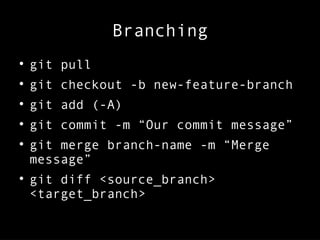
Branching

git pull

git checkout -b new-feature-branch

git add (-A)

git commit -m “Our commit message”

git merge branch-name -m “Merge
message”

git diff <source_branch>
<target_branch>
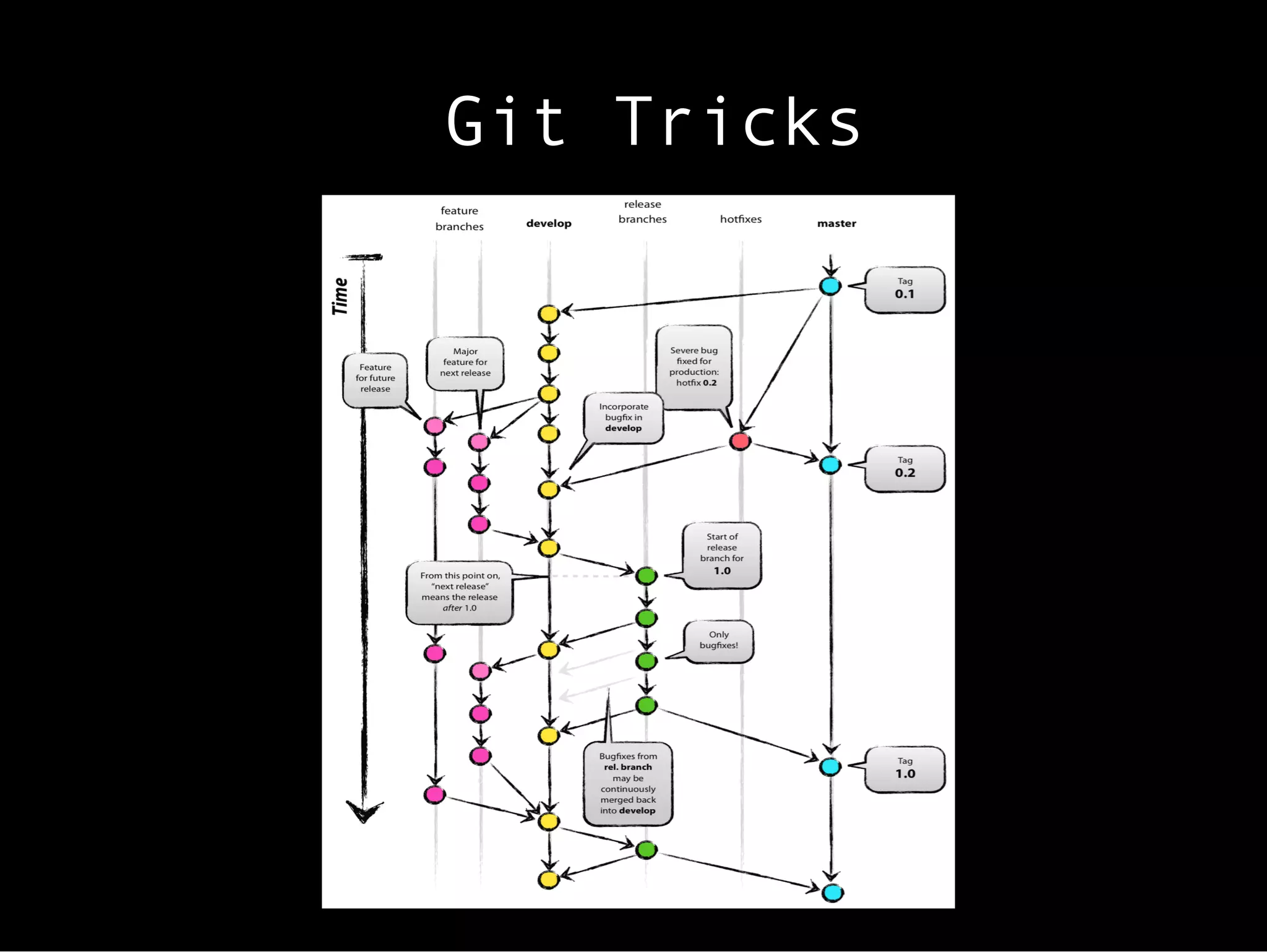
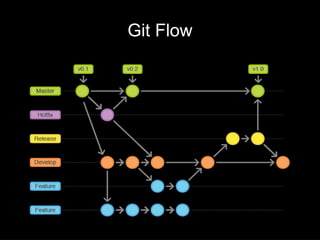
Git Flow
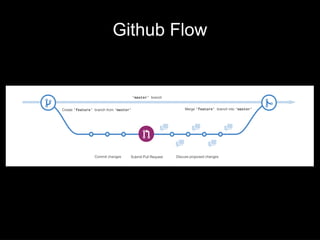
Github Flow
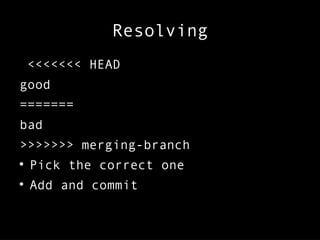
Resolving
<<<<<<< HEAD
good
=======
bad
>>>>>>> merging-branch

Pick the correct one

Add and commit
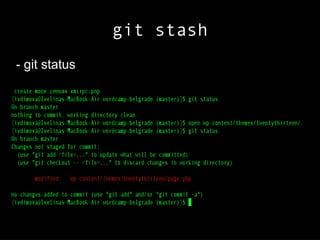
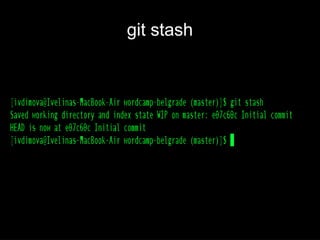
git stash
- git status
git stash
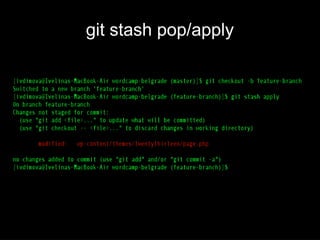
git stash pop/apply
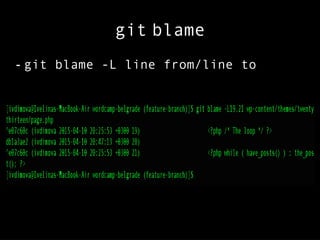
git blame
- git blame -L line from/line to
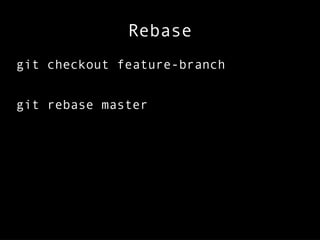
Rebase
git checkout feature-branch
git rebase master
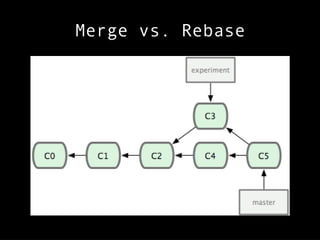
Merge vs. Rebase
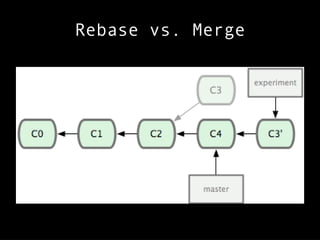
Rebase vs. Merge
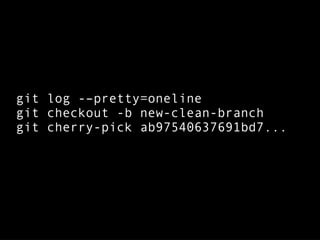
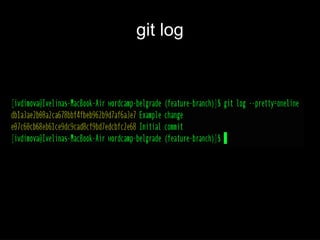
git log -–pretty=oneline
git checkout -b new-clean-branch
git cherry-pick ab97540637691bd7...
git log
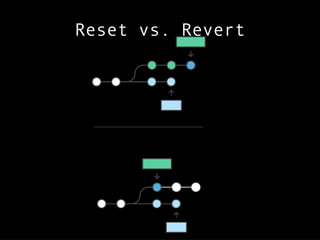
Reset vs. Revert
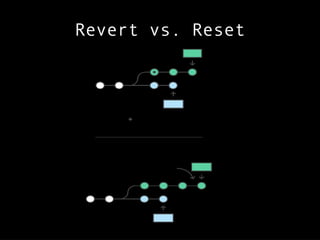
Revert vs. Reset
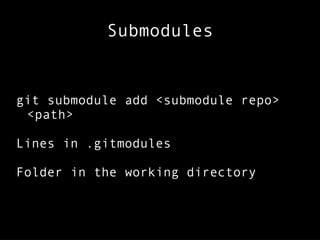
Submodules
git submodule add <submodule repo>
<path>
Lines in .gitmodules
Folder in the working directory
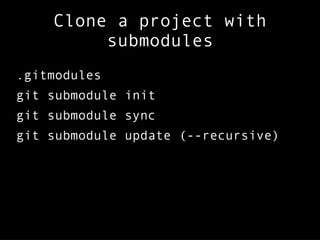
Clone a project with
submodules
.gitmodules
git submodule init
git submodule sync
git submodule update (--recursive)
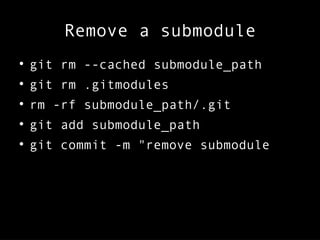
Remove a submodule

git rm --cached submodule_path

git rm .gitmodules

rm -rf submodule_path/.git

git add submodule_path

git commit -m "remove submodule
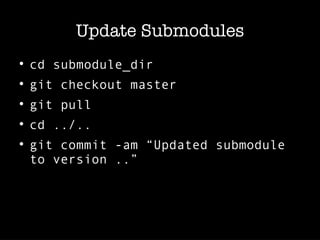
Update Submodules

cd submodule_dir

git checkout master

git pull

cd ../..

git commit -am “Updated submodule
to version ..”
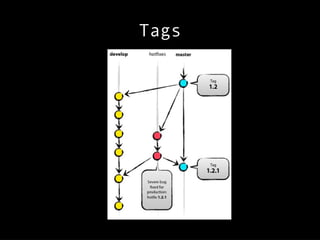
Tags
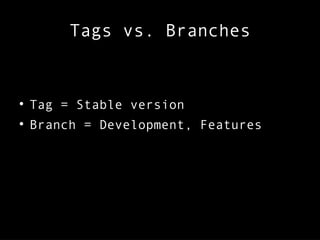
Tags vs. Branches

Tag = Stable version

Branch = Development, Features
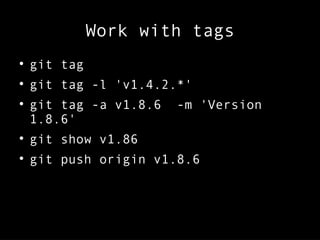
Work with tags

git tag

git tag -l 'v1.4.2.*'

git tag -a v1.8.6 -m 'Version
1.8.6'

git show v1.86

git push origin v1.8.6
Resources
https://www.atlassian.com/git/tutorials/comparing-workflows/gitflow-workflow
https://guides.github.com/introduction/flow/
https://www.atlassian.com/git/tutorials/resetting-checking-out-and-reverting/commit-level-operations
http://nvie.com/posts/a-successful-git-branching-model/
http://wptavern.com/git-and-wordpress-3-tips-to-do-it-better
Contacts:
E-mail: iv.dimova@gmail.com
Twitter: @iv_wp

Git Tricks