A Million Ways of Deploying
a Kubernetes Cluster
Jimmy Lu
Data Engineer, Linker Networks Inc.
slu@linkernetworks.com
Overview
• Why Million Ways?
• minikube
• Kubernetes The Hard Way
• hyperkube
• kube-up.sh
• kubeadm
• kops
• Configuration and Provisioning
Tools
• Enterprise Solutions
• Kubewizard
Why Million Ways?
• Kubernetes is open sourced
• Kubernetes is a complex system
• Similar to Hadoop or OpenStack ecosystems
• https://kubernetes.io/docs/setup/pick-right-solution/
• 40 solutions are listed in the page
• More to come
• Linker Networks is building our own solutions
• None of them suits our needs
• Kubewizard
minikube
• https://kubernetes.io/docs/getting-started-guides/minikube/
• brew cask install minikube && minikube start
• More difficult to setup on Windows (via Hyper-V)
https://goo.gl/owaoyY
• Running locally on your machine (obviously not for production)
• For the first taste of Kubernetes and Kubernetes development
• Very good for testing behaviors of different parameters of Kubernetes
components
• Lack of the distributed view of entire cluster
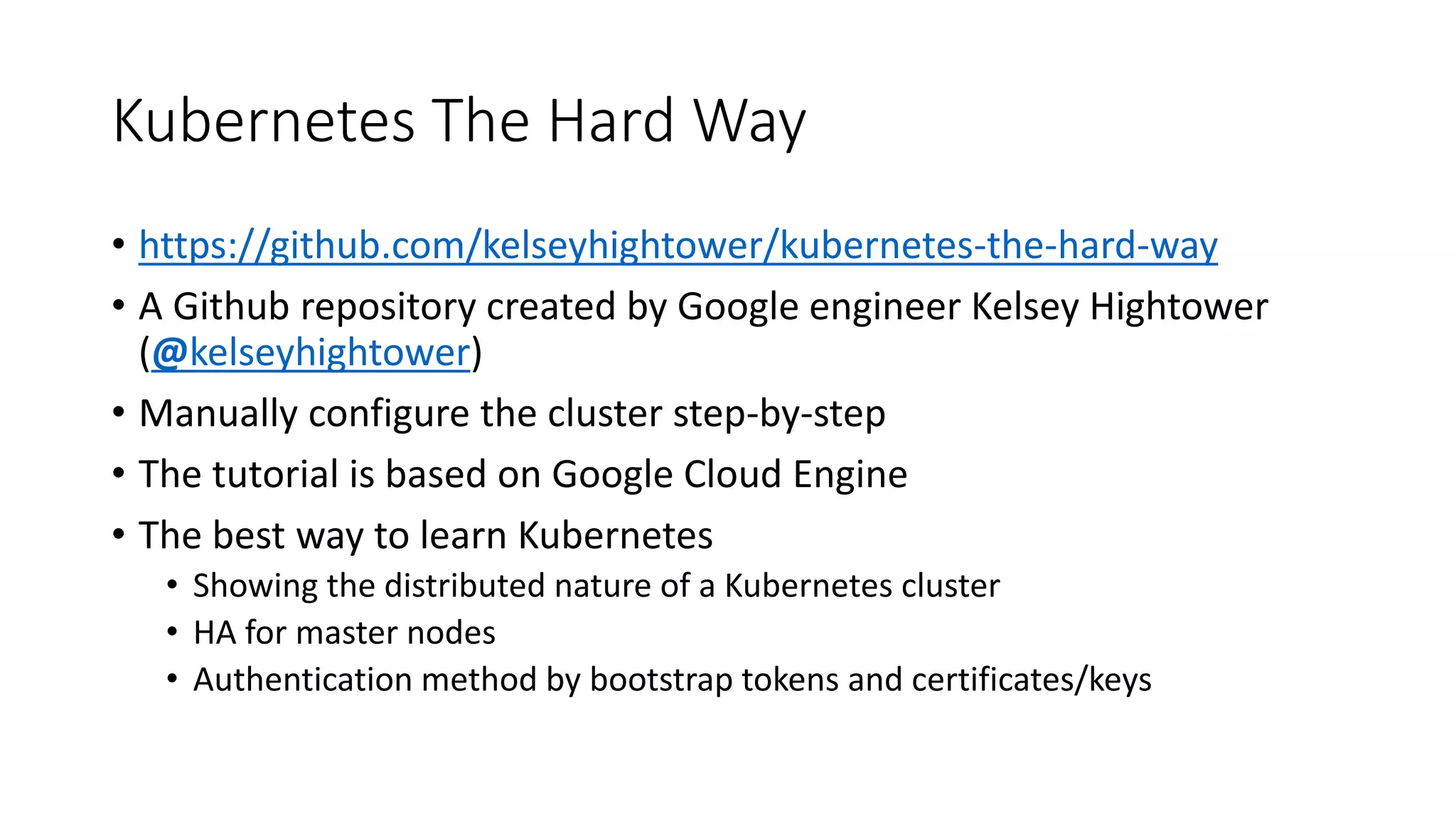
Kubernetes The Hard Way
• https://github.com/kelseyhightower/kubernetes-the-hard-way
• A Github repository created by Google engineer Kelsey Hightower
(@kelseyhightower)
• Manually configure the cluster step-by-step
• The tutorial is based on Google Cloud Engine
• The best way to learn Kubernetes
• Showing the distributed nature of a Kubernetes cluster
• HA for master nodes
• Authentication method by bootstrap tokens and certificates/keys
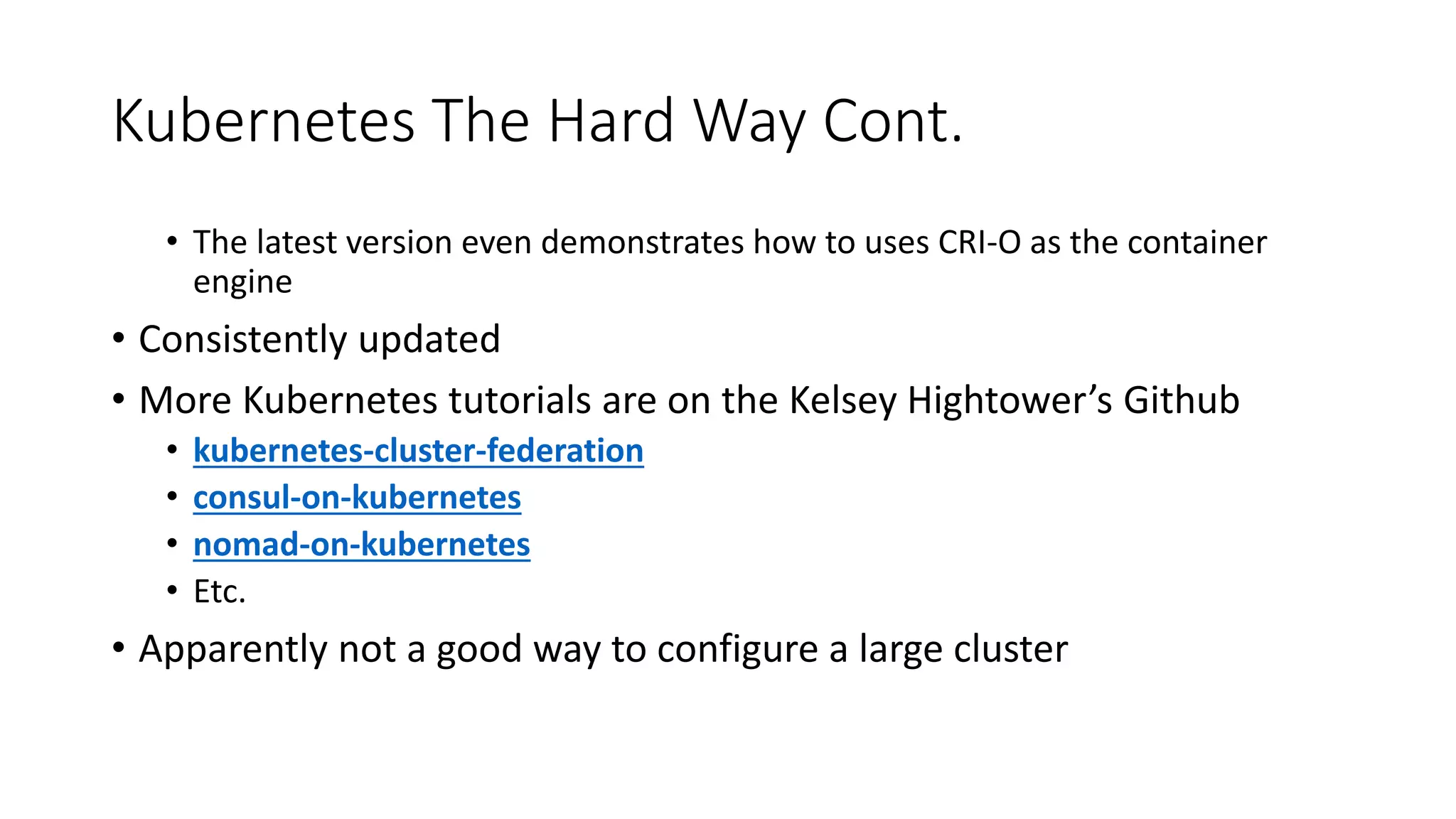
Kubernetes The Hard Way Cont.
• The latest version even demonstrates how to uses CRI-O as the container
engine
• Consistently updated
• More Kubernetes tutorials are on the Kelsey Hightower’s Github
• kubernetes-cluster-federation
• consul-on-kubernetes
• nomad-on-kubernetes
• Etc.
• Apparently not a good way to configure a large cluster
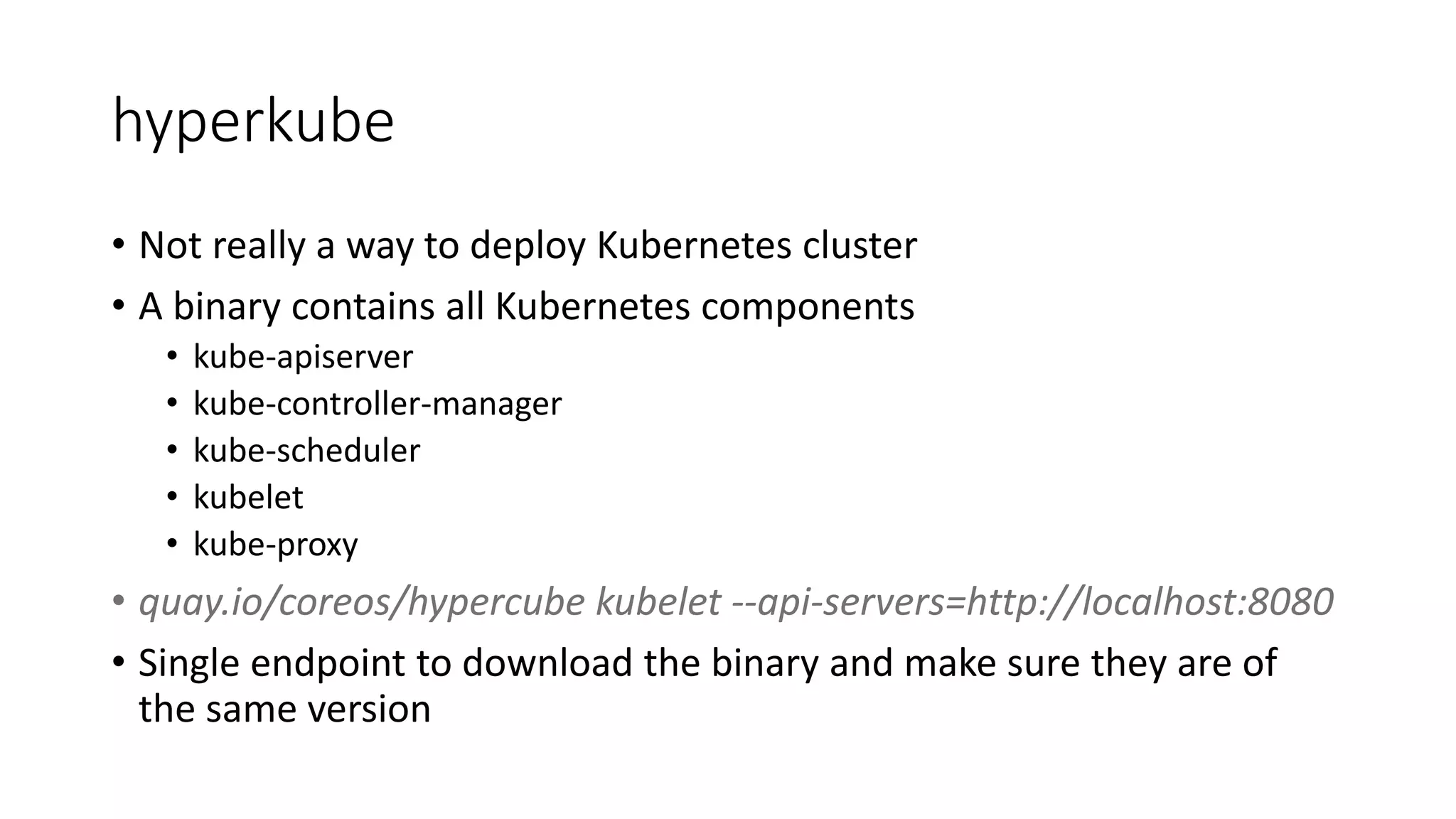
hyperkube
• Not really a way to deploy Kubernetes cluster
• A binary contains all Kubernetes components
• kube-apiserver
• kube-controller-manager
• kube-scheduler
• kubelet
• kube-proxy
• quay.io/coreos/hypercube kubelet --api-servers=http://localhost:8080
• Single endpoint to download the binary and make sure they are of
the same version
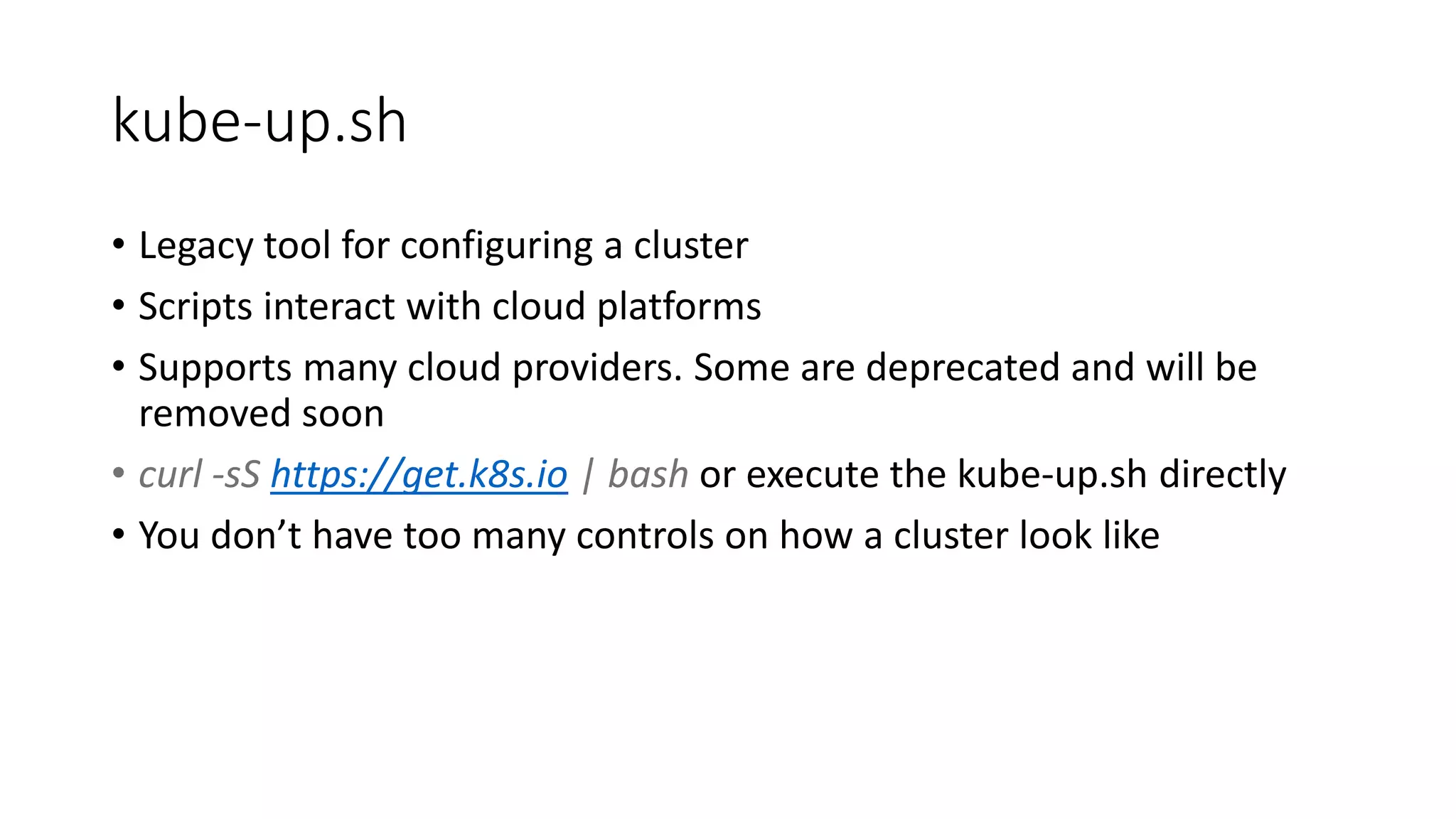
kube-up.sh
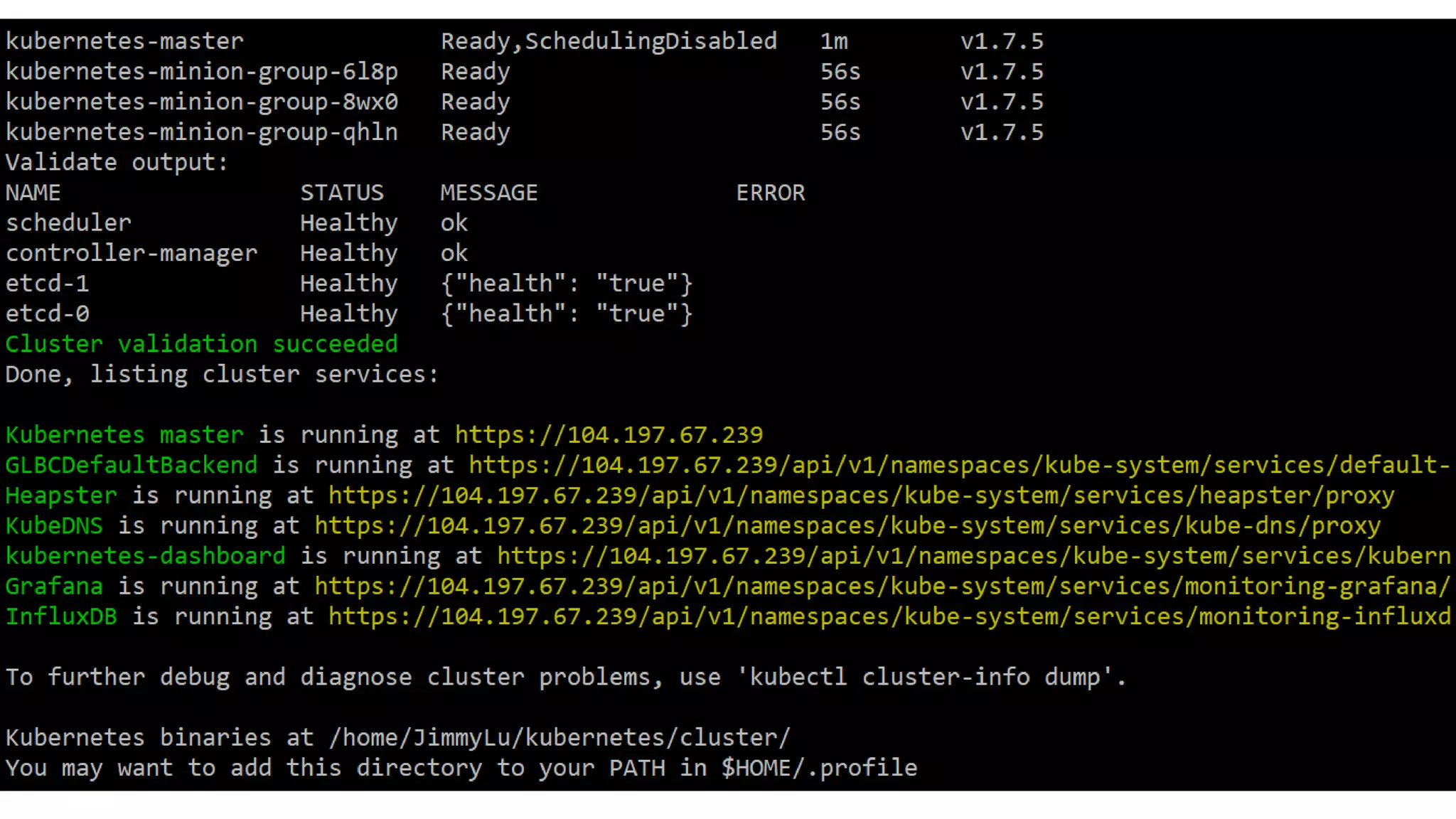
• Legacy tool for configuring a cluster
• Scripts interact with cloud platforms
• Supports many cloud providers. Some are deprecated and will be
removed soon
• curl -sS https://get.k8s.io | bash or execute the kube-up.sh directly
• You don’t have too many controls on how a cluster look like
kubeadm
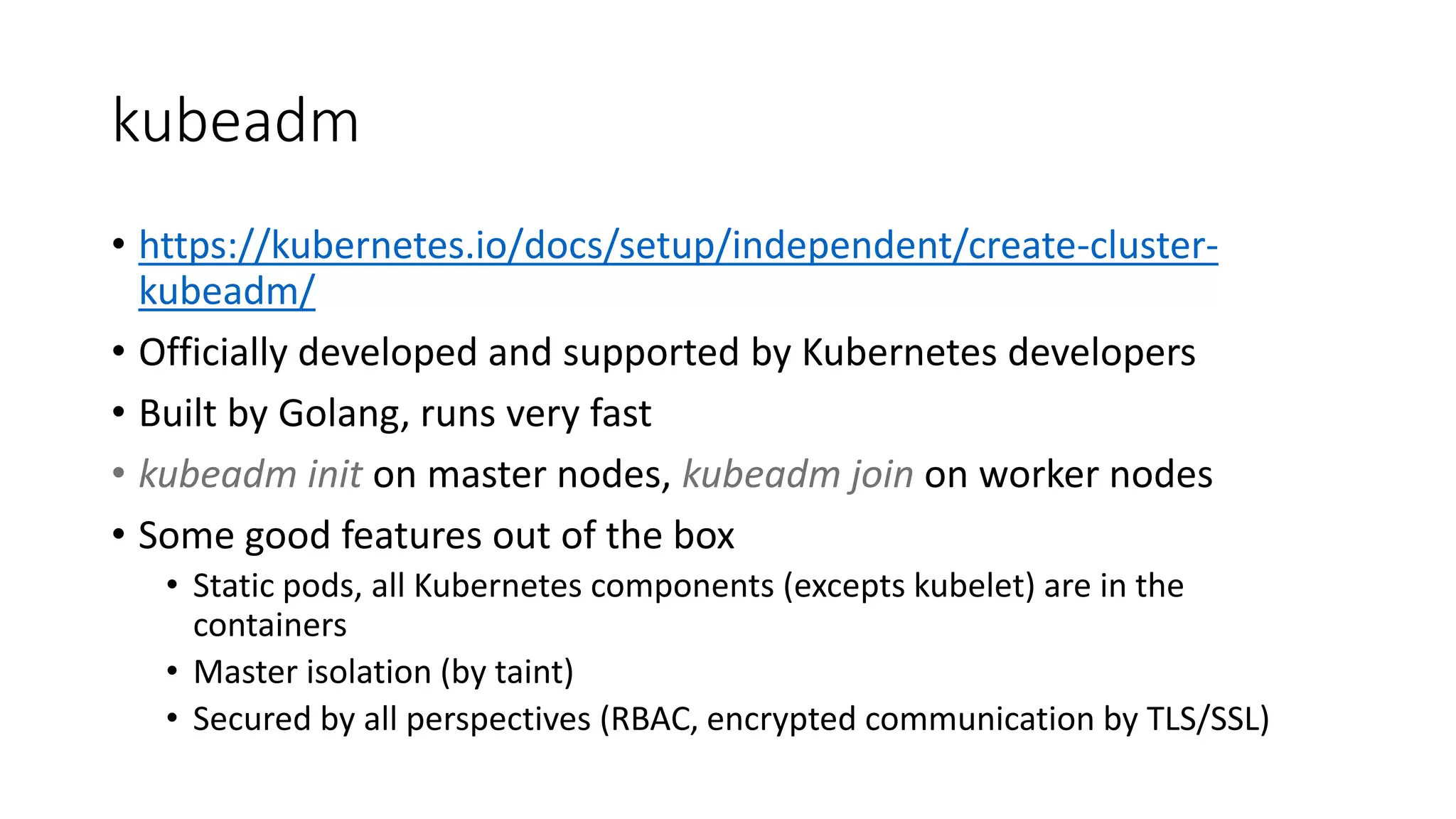
• https://kubernetes.io/docs/setup/independent/create-cluster-
kubeadm/
• Officially developed and supported by Kubernetes developers
• Built by Golang, runs very fast
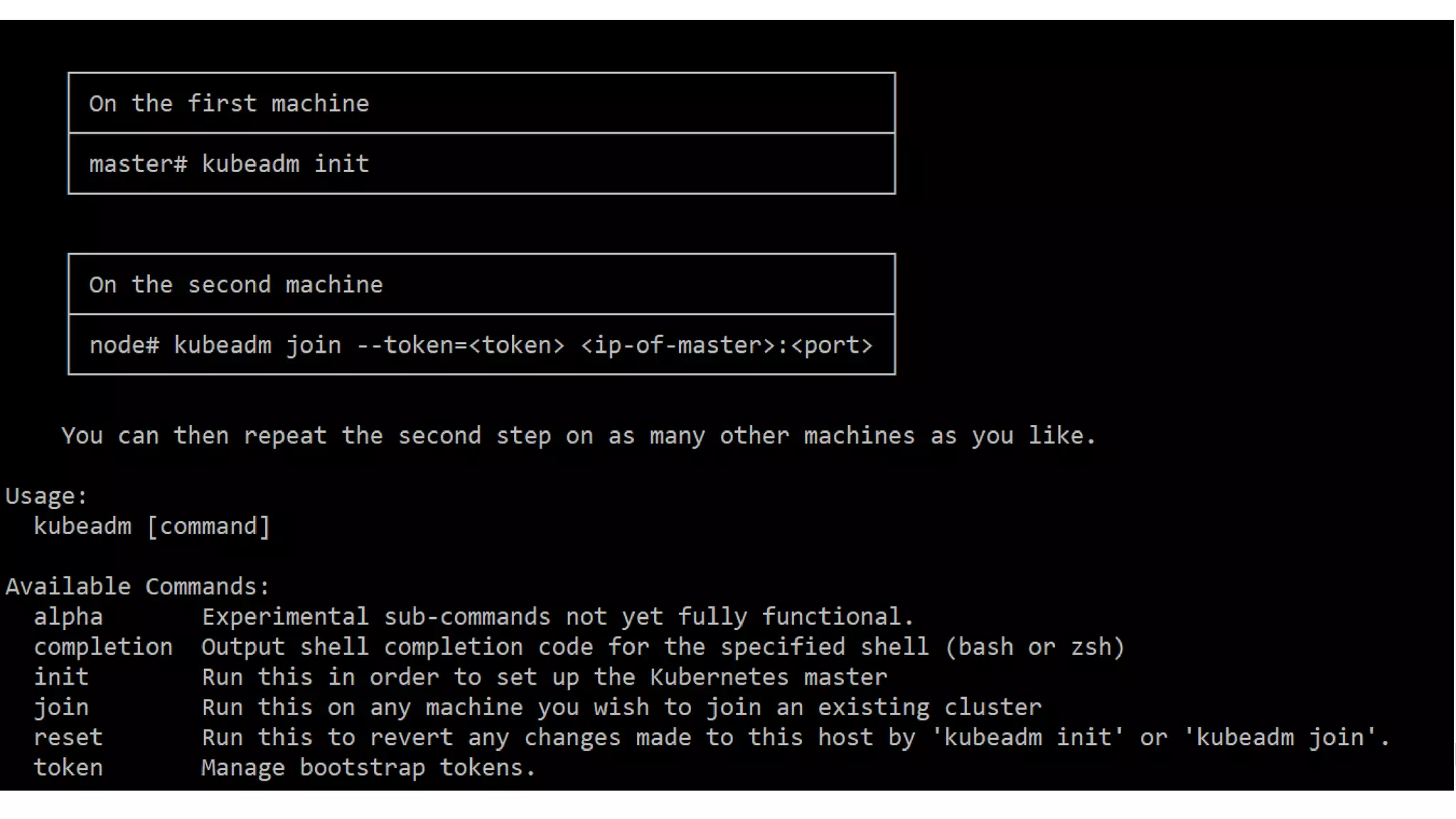
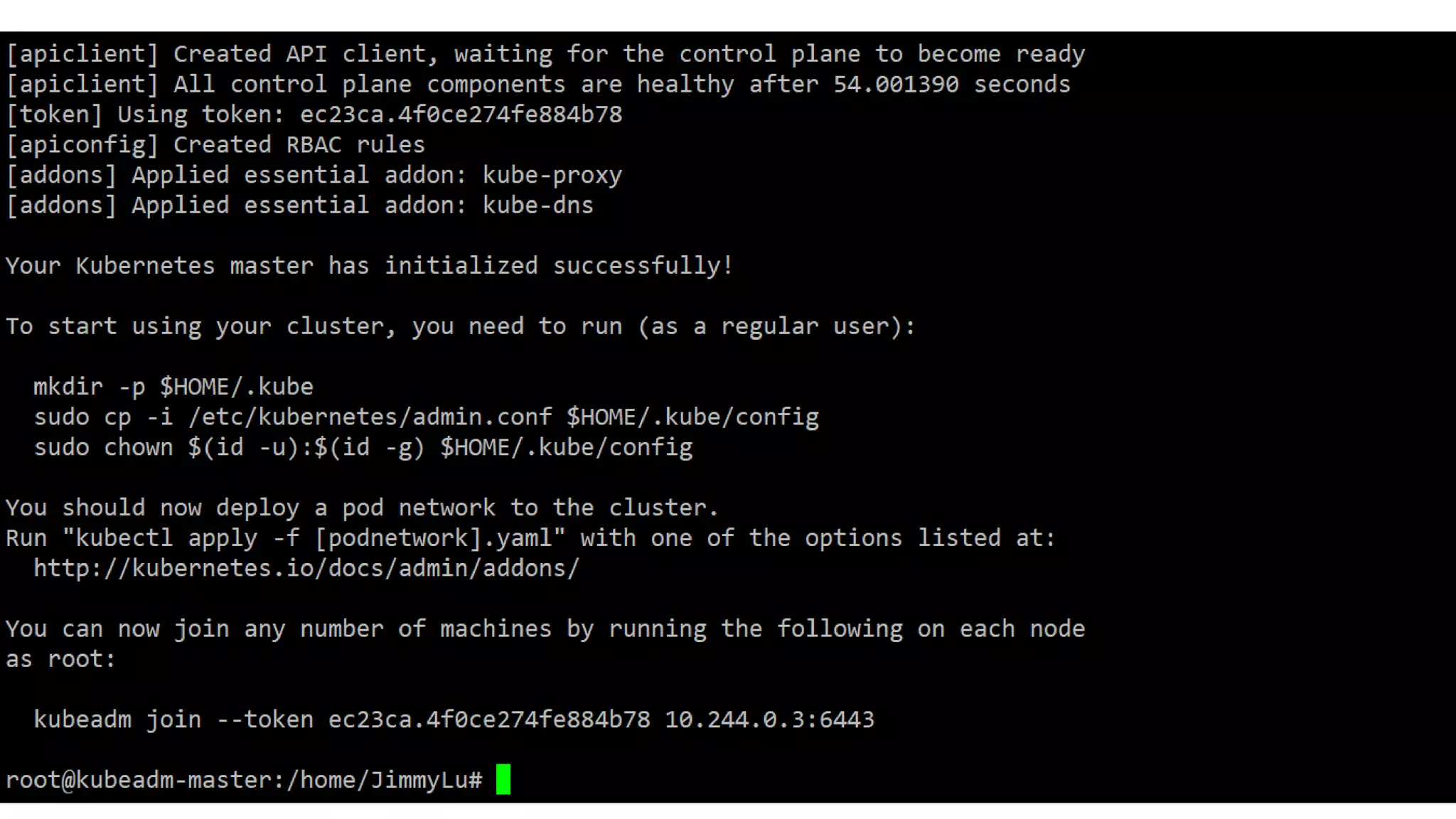
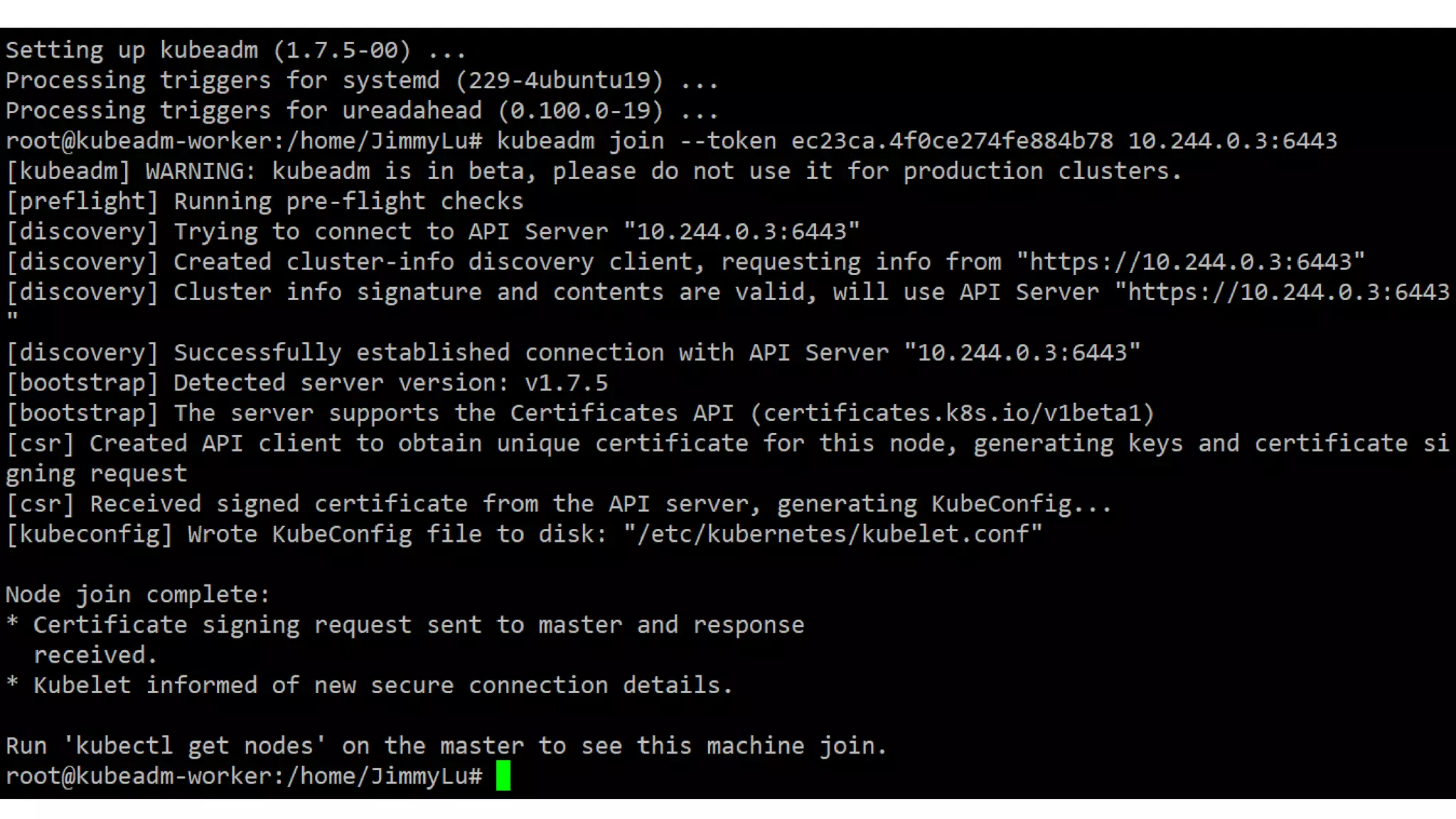
• kubeadm init on master nodes, kubeadm join on worker nodes
• Some good features out of the box
• Static pods, all Kubernetes components (excepts kubelet) are in the
containers
• Master isolation (by taint)
• Secured by all perspectives (RBAC, encrypted communication by TLS/SSL)
kubeadm cont.
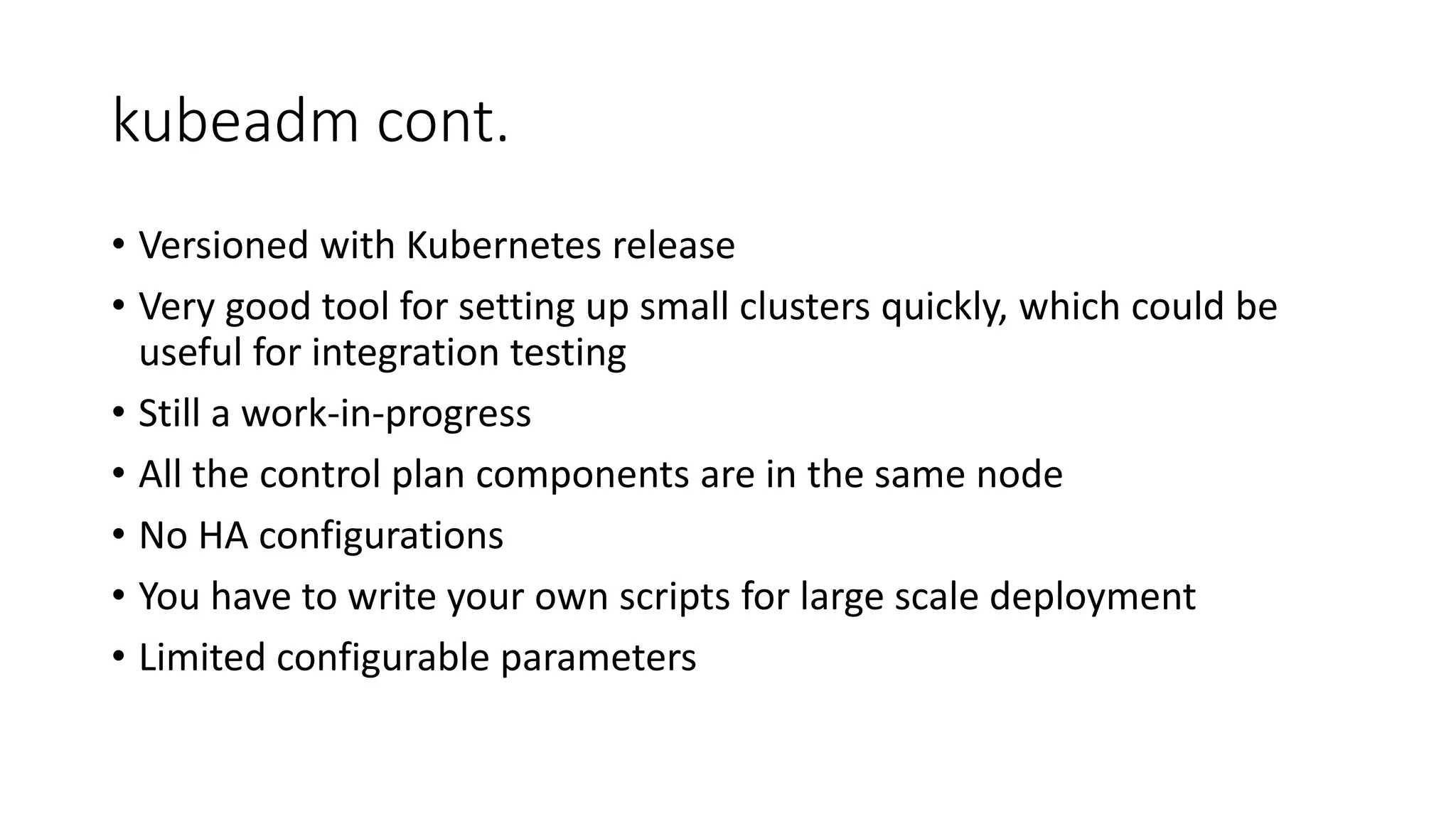
• Versioned with Kubernetes release
• Very good tool for setting up small clusters quickly, which could be
useful for integration testing
• Still a work-in-progress
• All the control plan components are in the same node
• No HA configurations
• You have to write your own scripts for large scale deployment
• Limited configurable parameters
kops
• https://github.com/kubernetes/kops
• Specific to AWS
• Stores all the configurations files to S3
• Worker nodes are bundled with auto-scaling groups
• HA by default (master nodes are behind a ELB)
• Must have a domain name before running the setup
• Has it’s own object semantics and definition in YAML
Configuration and Provisioning Tools
• Scripts developed by Ansible, Chef, Terraform, SaltStack, etc.
• Great for deploying large clusters
• Good for different infrastructures (cloud, bare metal, on-premises)
• Could be easily found on Github
• Most of them are tutorials or specific to certain platforms, E.g.
CoreOS, AWS, etc.
• Most of the time, you have to modify the scripts to suit your needs
• kubespray -- https://github.com/kubernetes-incubator/kubespray
• https://github.com/kubernetes/contrib/tree/master/ansible
Enterprise solutions: CoreOS Tectonic
• https://coreos.com/tectonic
• License is required
• Has good cluster management user interface
• Has good installation user interface
• Baked by Terraform
• More features than just
Kubewizard
• Developed by Linker Networks
• Components
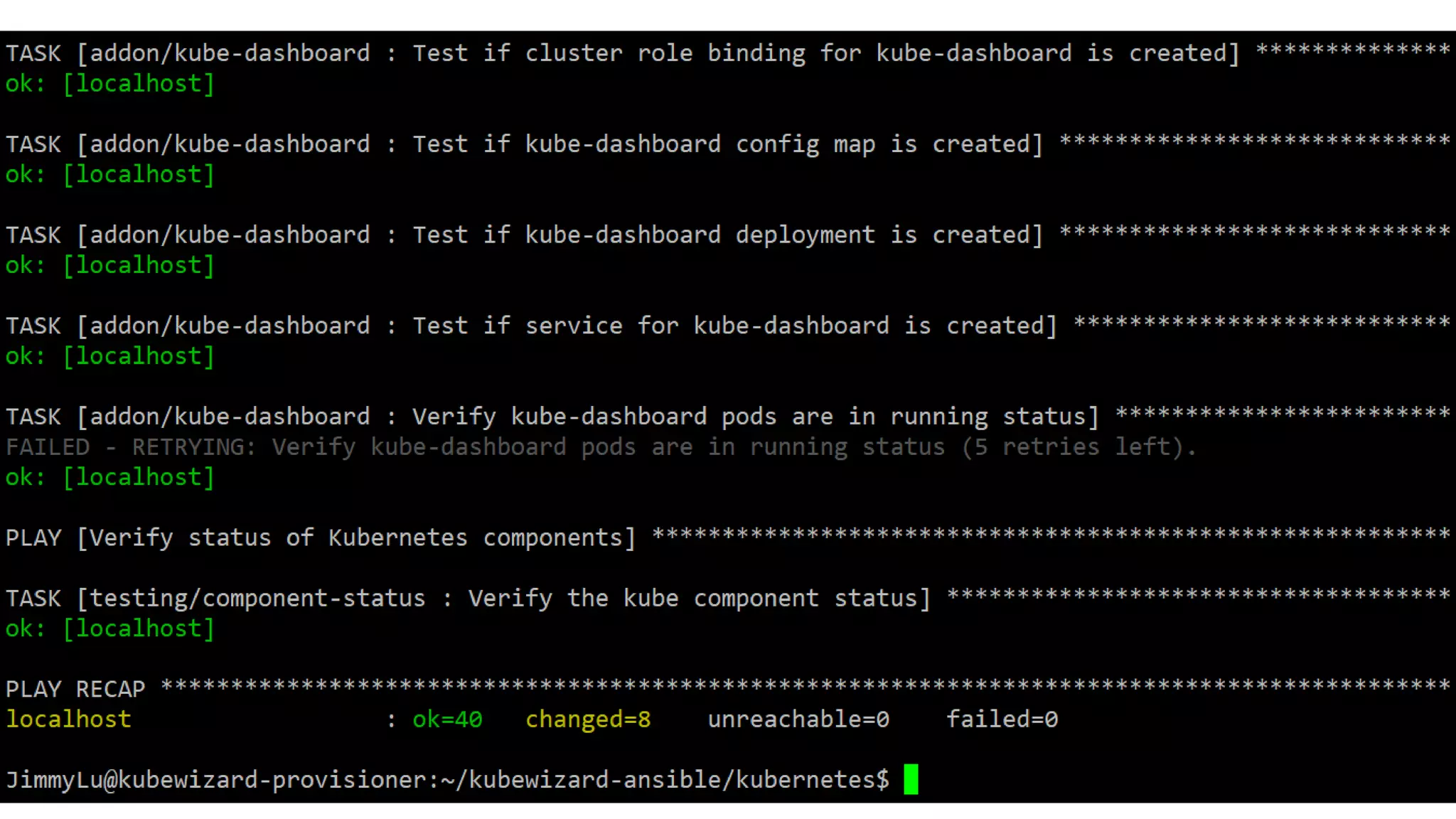
• Kubewizard-ansible: scripts to
• Kubewizard-cli: Command line tool for configuring the cluster
• Kubewizard-ui: User interface for configuring the cluster
• Opinionated
• Static pods
• Secured by default
• RBAC enabled
• CNI enabled
Kubewizard cont.
• But flexible enough to override all the configurations to deploy
customized Kubernetes clusters
• Trying to combine all the good parts of tools above mentioned
• Store configuration files externally
• Able to deploy large clusters
• HA
• Targeting on large scale and production-grade clusters
• Performance optimized
• Parallel execution
• Good CLI and Web user interface (still in progress)
iThome #Kubernetes Day
• https://day.ithome.com.tw/kubernetes/
• Two talks are from Linker Networks
• All the troubles you get into when setting up a Kubernetes cluster
• As the continuation of this session, I will talk about all issues we faced when
developing the Kubewizard
• Kubernetes Networking: building your own CNI plugin
• I will briefly talk about Kubernetes networking, and our intern, John Lin will
follow up talking about the concept of CNI and how to develop a CNI plugin

A Million ways of Deploying a Kubernetes Cluster

  • 1.
    A Million Waysof Deploying a Kubernetes Cluster Jimmy Lu Data Engineer, Linker Networks Inc. slu@linkernetworks.com
  • 2.
    Overview • Why MillionWays? • minikube • Kubernetes The Hard Way • hyperkube • kube-up.sh • kubeadm • kops • Configuration and Provisioning Tools • Enterprise Solutions • Kubewizard
  • 3.
    Why Million Ways? •Kubernetes is open sourced • Kubernetes is a complex system • Similar to Hadoop or OpenStack ecosystems • https://kubernetes.io/docs/setup/pick-right-solution/ • 40 solutions are listed in the page • More to come • Linker Networks is building our own solutions • None of them suits our needs • Kubewizard
  • 4.
    minikube • https://kubernetes.io/docs/getting-started-guides/minikube/ • brewcask install minikube && minikube start • More difficult to setup on Windows (via Hyper-V) https://goo.gl/owaoyY • Running locally on your machine (obviously not for production) • For the first taste of Kubernetes and Kubernetes development • Very good for testing behaviors of different parameters of Kubernetes components • Lack of the distributed view of entire cluster
  • 5.
    Kubernetes The HardWay • https://github.com/kelseyhightower/kubernetes-the-hard-way • A Github repository created by Google engineer Kelsey Hightower (@kelseyhightower) • Manually configure the cluster step-by-step • The tutorial is based on Google Cloud Engine • The best way to learn Kubernetes • Showing the distributed nature of a Kubernetes cluster • HA for master nodes • Authentication method by bootstrap tokens and certificates/keys
  • 6.
    Kubernetes The HardWay Cont. • The latest version even demonstrates how to uses CRI-O as the container engine • Consistently updated • More Kubernetes tutorials are on the Kelsey Hightower’s Github • kubernetes-cluster-federation • consul-on-kubernetes • nomad-on-kubernetes • Etc. • Apparently not a good way to configure a large cluster
  • 7.
    hyperkube • Not reallya way to deploy Kubernetes cluster • A binary contains all Kubernetes components • kube-apiserver • kube-controller-manager • kube-scheduler • kubelet • kube-proxy • quay.io/coreos/hypercube kubelet --api-servers=http://localhost:8080 • Single endpoint to download the binary and make sure they are of the same version
  • 8.
    kube-up.sh • Legacy toolfor configuring a cluster • Scripts interact with cloud platforms • Supports many cloud providers. Some are deprecated and will be removed soon • curl -sS https://get.k8s.io | bash or execute the kube-up.sh directly • You don’t have too many controls on how a cluster look like
  • 10.
    kubeadm • https://kubernetes.io/docs/setup/independent/create-cluster- kubeadm/ • Officiallydeveloped and supported by Kubernetes developers • Built by Golang, runs very fast • kubeadm init on master nodes, kubeadm join on worker nodes • Some good features out of the box • Static pods, all Kubernetes components (excepts kubelet) are in the containers • Master isolation (by taint) • Secured by all perspectives (RBAC, encrypted communication by TLS/SSL)
  • 11.
    kubeadm cont. • Versionedwith Kubernetes release • Very good tool for setting up small clusters quickly, which could be useful for integration testing • Still a work-in-progress • All the control plan components are in the same node • No HA configurations • You have to write your own scripts for large scale deployment • Limited configurable parameters
  • 15.
    kops • https://github.com/kubernetes/kops • Specificto AWS • Stores all the configurations files to S3 • Worker nodes are bundled with auto-scaling groups • HA by default (master nodes are behind a ELB) • Must have a domain name before running the setup • Has it’s own object semantics and definition in YAML
  • 16.
    Configuration and ProvisioningTools • Scripts developed by Ansible, Chef, Terraform, SaltStack, etc. • Great for deploying large clusters • Good for different infrastructures (cloud, bare metal, on-premises) • Could be easily found on Github • Most of them are tutorials or specific to certain platforms, E.g. CoreOS, AWS, etc. • Most of the time, you have to modify the scripts to suit your needs • kubespray -- https://github.com/kubernetes-incubator/kubespray • https://github.com/kubernetes/contrib/tree/master/ansible
  • 17.
    Enterprise solutions: CoreOSTectonic • https://coreos.com/tectonic • License is required • Has good cluster management user interface • Has good installation user interface • Baked by Terraform • More features than just
  • 18.
    Kubewizard • Developed byLinker Networks • Components • Kubewizard-ansible: scripts to • Kubewizard-cli: Command line tool for configuring the cluster • Kubewizard-ui: User interface for configuring the cluster • Opinionated • Static pods • Secured by default • RBAC enabled • CNI enabled
  • 19.
    Kubewizard cont. • Butflexible enough to override all the configurations to deploy customized Kubernetes clusters • Trying to combine all the good parts of tools above mentioned • Store configuration files externally • Able to deploy large clusters • HA • Targeting on large scale and production-grade clusters • Performance optimized • Parallel execution • Good CLI and Web user interface (still in progress)
  • 21.
    iThome #Kubernetes Day •https://day.ithome.com.tw/kubernetes/ • Two talks are from Linker Networks • All the troubles you get into when setting up a Kubernetes cluster • As the continuation of this session, I will talk about all issues we faced when developing the Kubewizard • Kubernetes Networking: building your own CNI plugin • I will briefly talk about Kubernetes networking, and our intern, John Lin will follow up talking about the concept of CNI and how to develop a CNI plugin