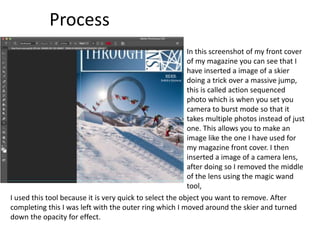
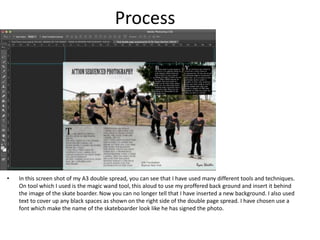
The document describes the process of creating a magazine logo and layout using various design tools in Adobe InDesign. It discusses using the gradient tool to fade the background color behind the logo text, and the paint tool to add straight lines for visual interest. It also details inserting action photo sequences on the cover, removing part of a lens image, and organizing columns, images, and text on double page spreads using rulers while increasing font sizes for headers. The final screenshot shows covering up spaces with text, and choosing a font to make a name look like a signature on a skateboarder photo.