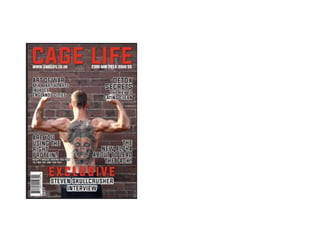
The document describes the process of designing a magazine cover and double page spread in Photoshop. Key steps included:
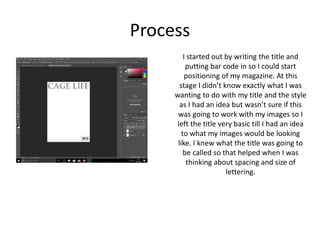
1. Positioning the basic title and barcode while leaving design open until images were chosen.
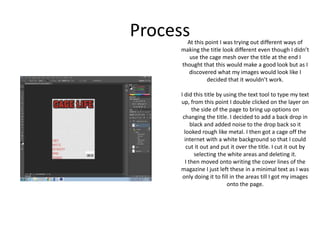
2. Experimenting with title designs like a cage overlay, before deciding a black backdrop with noise and cut-out cage worked best.
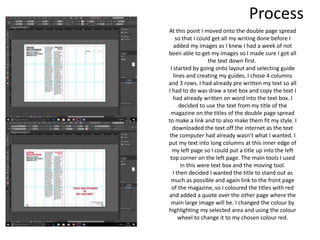
3. Adding minimal cover lines and moving to the double page spread to add text before one-week delay in getting images.
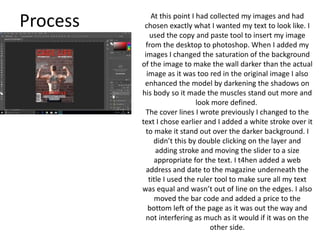
4. Using guides and text boxes to structure text over two pages in columns, then choosing images and enhancing them to integrate onto the design.