1 
Object Oriented Design 
(OOD)
2 
Why Design 
 Object-oriented thinking begins with object-oriented 
design 
 It is the easiest way to give the student an 
appreciation of the problems of programming in 
the large (realistic modern software 
development). 
 Without understanding programming in the large, 
one cannot understand the importance of OOP
3 
OOD – 
Activities in Software Development 
 Problem Analysis 
 Program Design 
 Coding/programming 
 Documenting 
 Testing 
 Maintenance
4 
OOD- Remember 
 Be clear about what you are trying to build. 
 Successful software development is a long term activity. 
 The systems that we build tend to be at the limit of the 
complexity that we and our tools can handle. 
 There are no cookbook methods that can replace 
intelligence, experience, and good taste in programming.
5 
OOD- Remember 
 Experimentation is essential for all non-trivial software 
development. 
 Design and programming are iterative activities. 
 The different phases of a software project cannot be 
strictly separated. 
 Programming and design cannot be considered without 
also considering the management of these activities.
6 
OOD- Our Strategy 
 There is only one basic way to deal with 
complexity: Divide and Conquer. 
 Systems can be divided into modules(Objects 
or Classes). 
 The challenge is to ensure effective 
communication between different parts of the 
program without destroying the divisions.
7 
OOD -Objectives 
 We are concerned with producing software 
that satisfies the users requirements. 
 The primary means to do so is to produce 
software with a clean internal structure. 
 The Tasks of OO Design: 
 To specify: 
 The needed classes (or components) 
 The interface/methods /operations
8 
OOD 
The Need for a Clean Internal Structure 
To simplify: 
 Testing 
 Porting 
 Maintenance 
 Extension 
 Re-organization 
 Understanding
9 
OOD 
Characteristics of Successful Software 
It has an extended life where it might 
be: 
 worked on by succession of 
programmers and designers 
 ported to new hardware 
 adapted to unanticipated uses
10 
OOD 
The Development Cycle 
 Create an overall design 
 Find standard components and then customize 
the components for this design. 
 Create new standard components and then 
customize the components for this design. 
 Assemble design.
11 
OOD 
Directed Evolution 
 Let us take specifications as they occur in 
nature: 
 Imprecise 
 Ambiguous 
 Unclear 
 and rather than attempt to change human 
nature, let us direct the evolution of the 
specification in concert with the design of the 
software system.
12 
OOD 
An Example, the IIKH 
 Imagine you are the chief software architect in a major 
computing firm. 
 The president of the firm rushes into your once with a 
specification for the next PC-based product. It is drawn on 
the back of a dinner napkin. 
 Briefly, the Intelligent Interactive Kitchen Helper will replace 
the box of index cards of recipes in the average kitchen. 
 Your job is to develop the software that will implement the 
IIKH.'
13 
OOD 
An Example, the IIKH 
 Here are some of the things a user can do with the 
IIKH: 
 Browse a database of Recipes 
 Add a new recipe to the database 
 Edit or annotate an existing recipe 
 Plan a meal consisting of several courses 
 Scale a recipe for some number of users 
 Plan a longer period, say a week 
 Generate a grocery list that includes all the items in all 
the menus for a period
14 
OOD 
Characterization by Behavior 
 Just as an Abstract Data Type is characterized more by 
behavior than by representation, the goal in using 
Responsibility Driven Design will be to first characterize 
the application by behavior. 
 First capture the behavior of the entire application. 
 Refine this into behavioral descriptions of subsystems. 
 Refine behavior descriptions into code.
15 
OOD 
Walking Through Scenarios 
 Because of the ambiguity in the specification, 
the major tool we will use to uncover the desired 
behavior is to walk through application scenarios. 
 Pretend we had already a working application. Walk 
through the various uses of the system. 
 Establish the “look and feel” of the system. 
 Make sure we have uncovered all the intended uses. 
 Develop descriptive documentation. 
 Create the high level software design.
16 
OOD 
Design for Change 
 The system must be designed to remain as 
simple as possible under a sequence of 
changes. 
 We must aim for 
 Flexibility 
 Extensibility 
 Portability 
 OOD can support the above.
17 
OOD 
Design Steps 
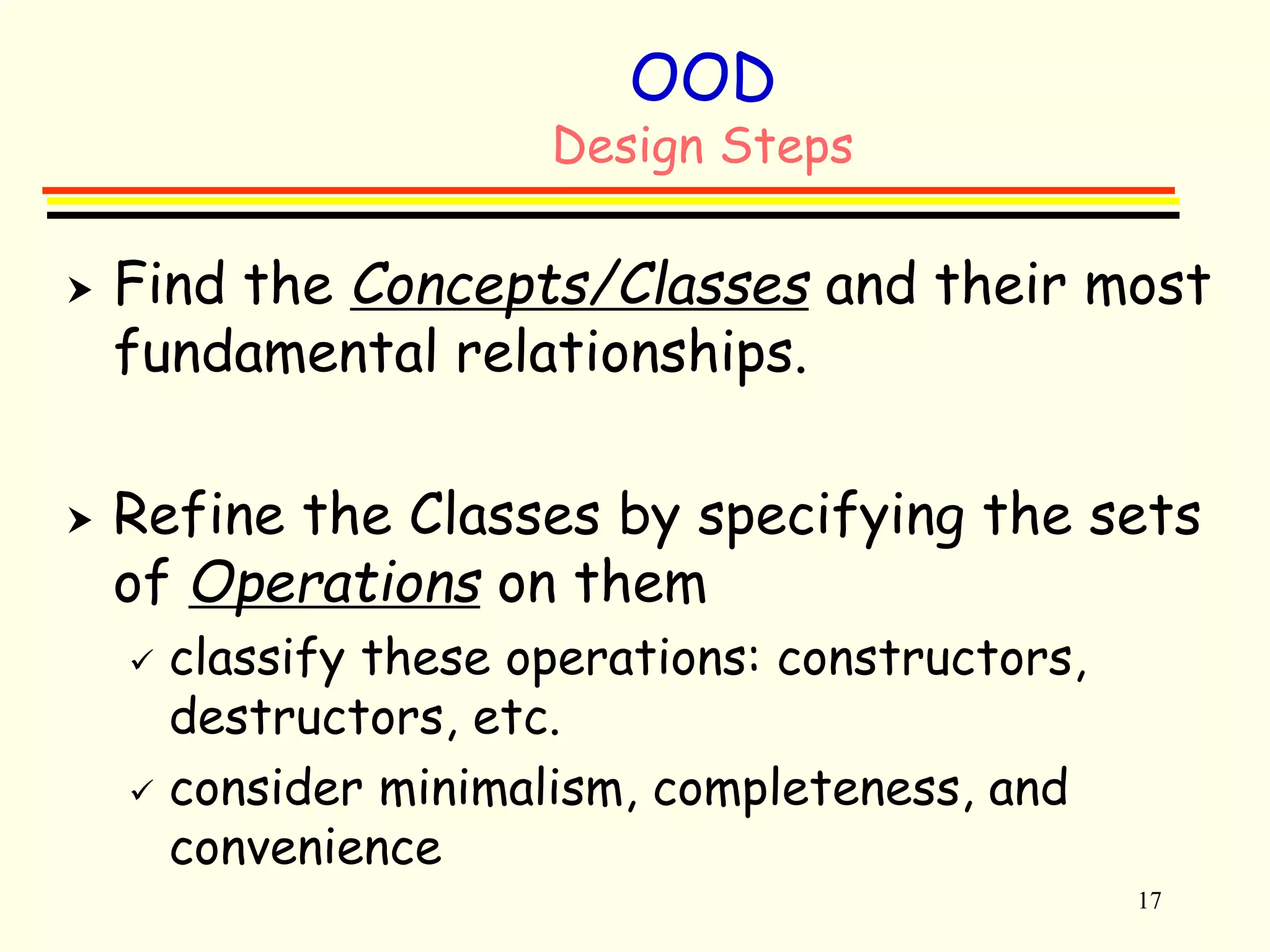
 Find the Concepts/Classes and their most 
fundamental relationships. 
 Refine the Classes by specifying the sets 
of Operations on them 
 classify these operations: constructors, 
destructors, etc. 
 consider minimalism, completeness, and 
convenience
18 
OOD 
Design Steps 
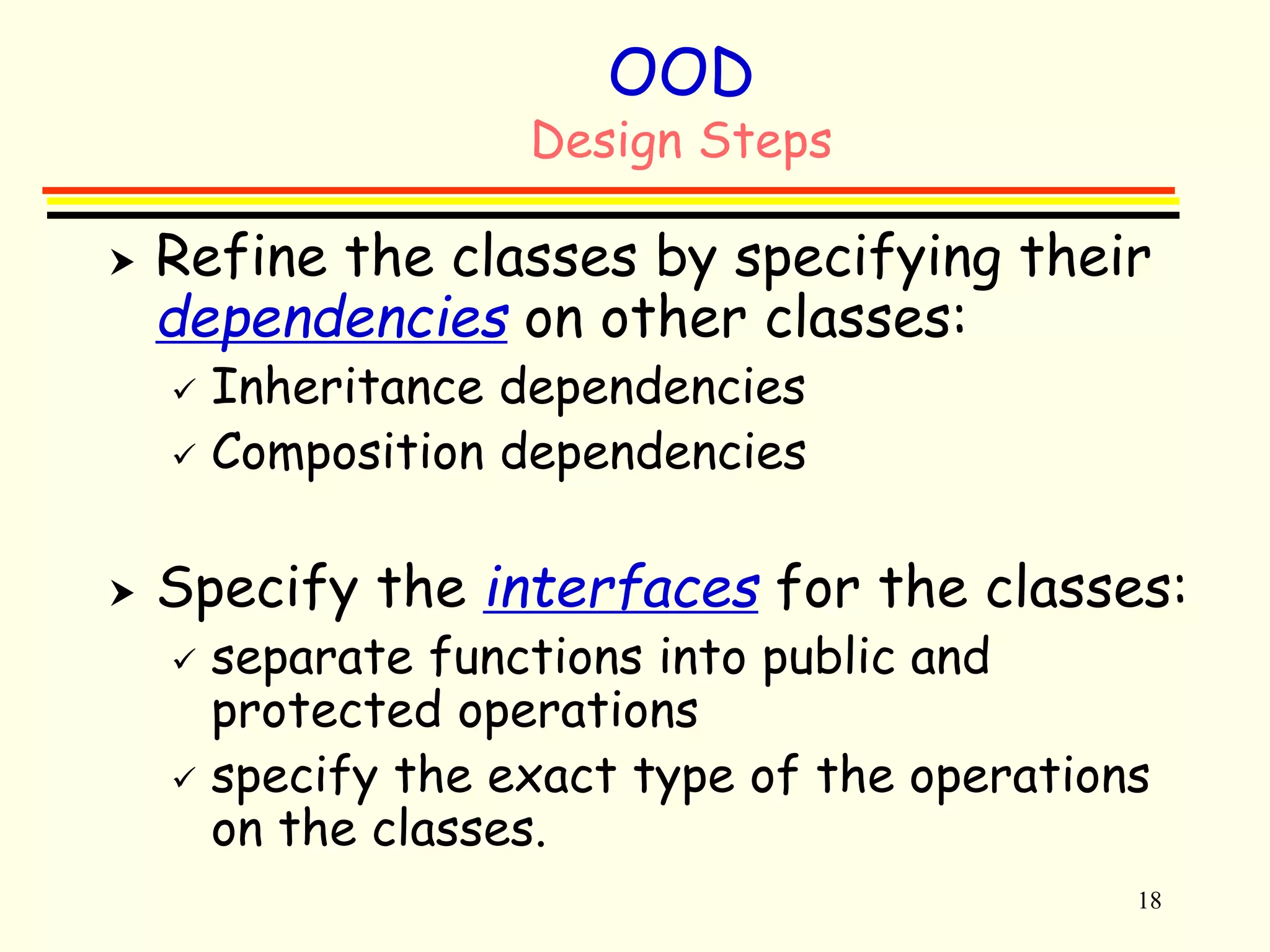
 Refine the classes by specifying their 
dependencies on other classes: 
 Inheritance dependencies 
 Composition dependencies 
 Specify the interfaces for the classes: 
 separate functions into public and 
protected operations 
 specify the exact type of the operations 
on the classes.
19 
OOD 
Design Steps: Finding Classes 
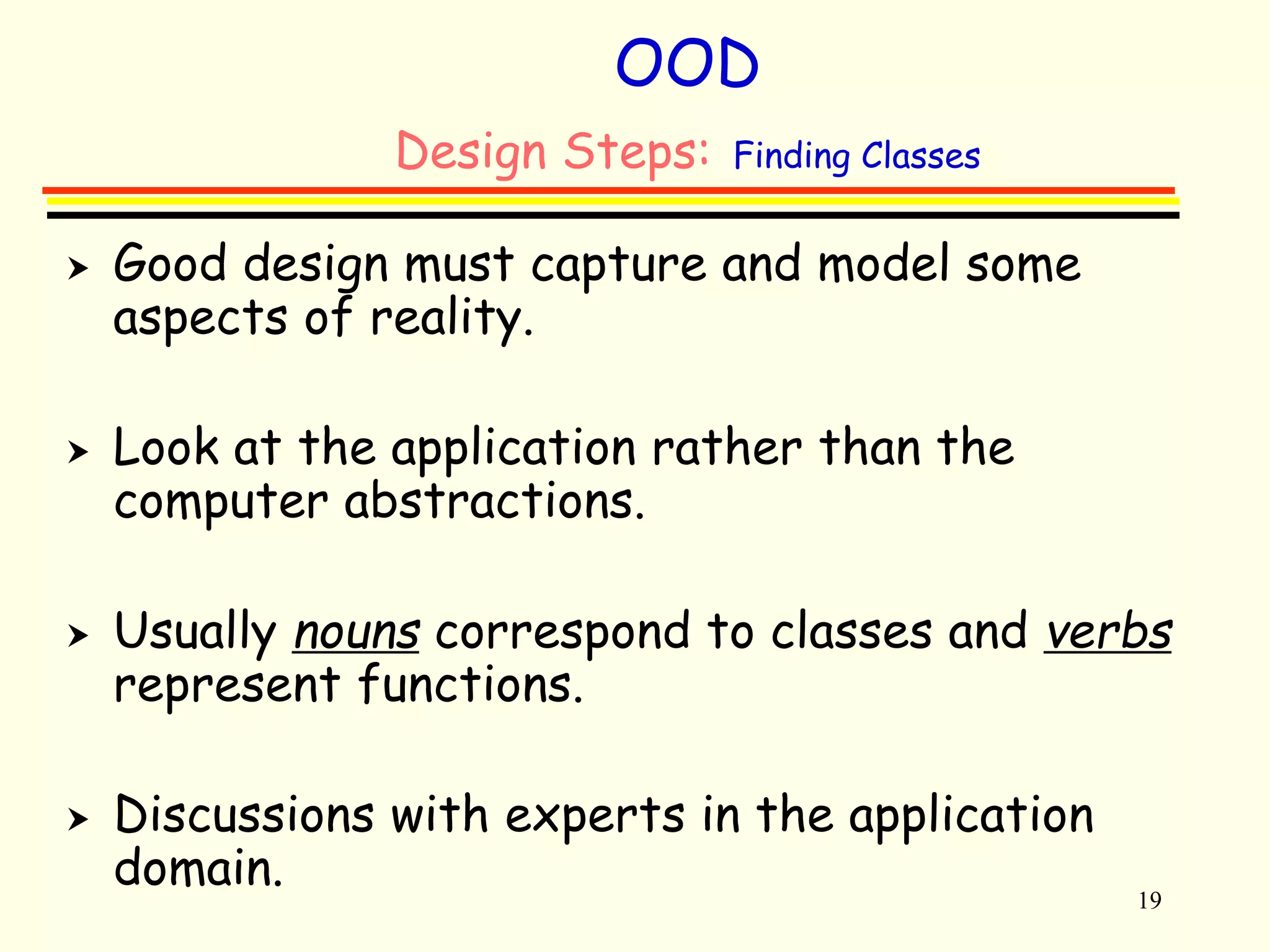
 Good design must capture and model some 
aspects of reality. 
 Look at the application rather than the 
computer abstractions. 
 Usually nouns correspond to classes and verbs 
represent functions. 
 Discussions with experts in the application 
domain.
20 
OOD 
Design Steps: Finding Classes- Example 
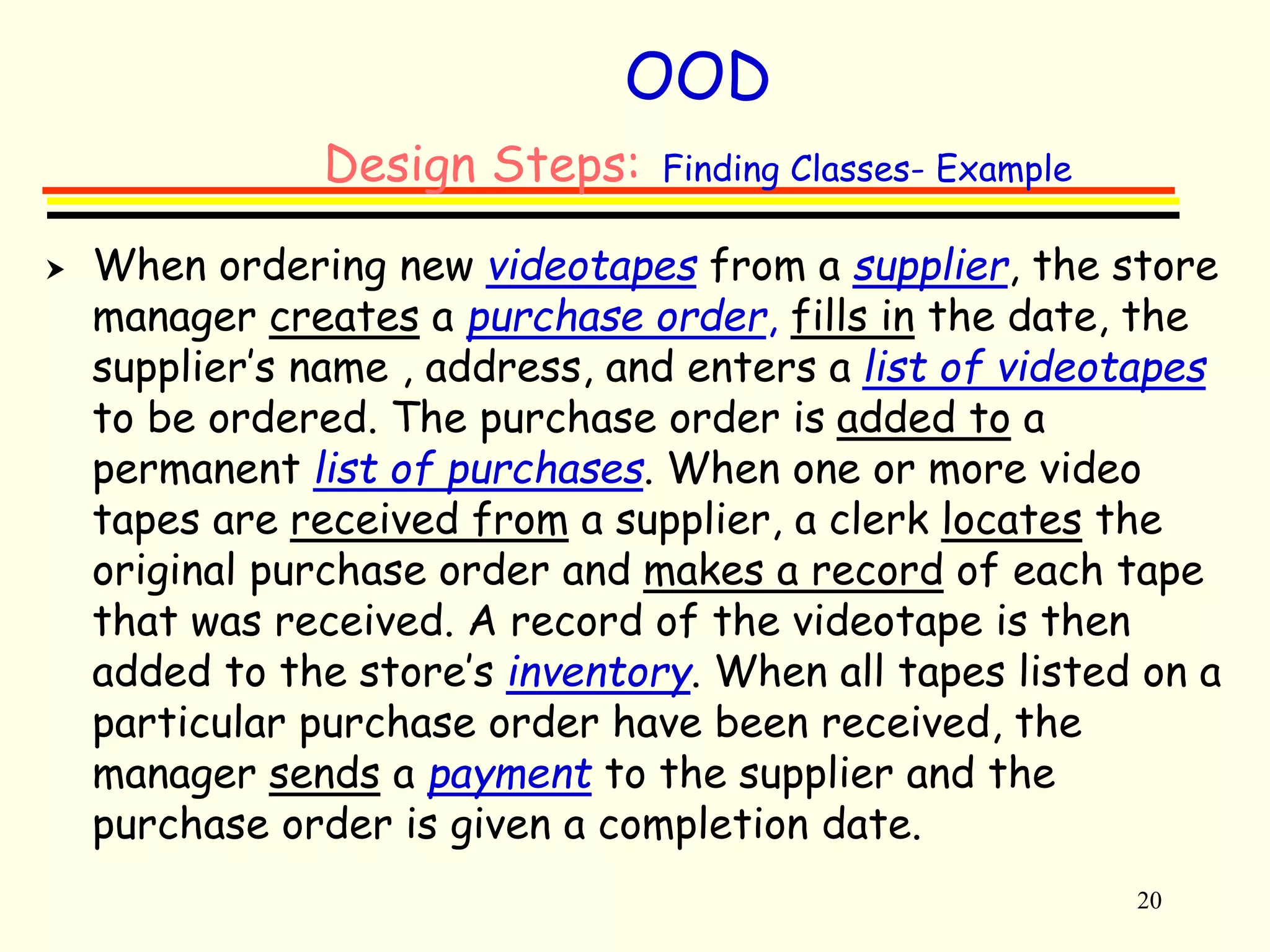
 When ordering new videotapes from a supplier, the store 
manager creates a purchase order, fills in the date, the 
supplier’s name , address, and enters a list of videotapes 
to be ordered. The purchase order is added to a 
permanent list of purchases. When one or more video 
tapes are received from a supplier, a clerk locates the 
original purchase order and makes a record of each tape 
that was received. A record of the videotape is then 
added to the store’s inventory. When all tapes listed on a 
particular purchase order have been received, the 
manager sends a payment to the supplier and the 
purchase order is given a completion date.
21 
OOD 
Specifying operations 
 Consider how an object of the class is constructed, 
copied, and destroyed. 
 Define the minimal set of operations required by the 
concept the class is representing. 
 Consider which operations could be added for notational 
convenience and include only a few really important ones. 
 Consider which operations are to be virtual. 
 Consider what commonality of naming and functionality 
can be achieved across all the classes of the component.
22 
OOD 
Operations on a Class 
 Foundation: 
 Constructors and destructors 
 Selectors( or Accessors): 
 Operations that do not modify the state of an object. 
 Modifiers(or Setters): 
 Operations that modify the state of an object. 
 Conversion Operators: 
 Operations that produce an object of another type based 
on the value (state) of the object to which they are applied. 
 Iterators: 
 Operations that processes data members containing 
collections of objects.
23 
OOD 
Postponing Decisions 
 Many decisions can be ignored for the 
moment 
 Only need to note that somehow the user 
can manipulate
24 
OOD 
Specifying Dependencies 
 The key dependencies to consider in 
the context of design are inheritance 
and use relationships. 
 Overuse can lead to inefficient and 
incomprehensible designs.
25 
OOD 
Specifying Interfaces 
 Private functions are not considered at 
this stage. 
 The interface should be implementation 
independent (more than one implementation 
should be possible-overloading). 
 All operators in a class should support the 
same level of abstraction.
26 
OOD 
Reorganizing the Class Hierarchy 
 Typically, the initial organization of classes may 
not be adequate and therefore, we may have to 
reorganize to improve the design and/or 
implementation. 
 The two most common reorganizations of a 
class hierarchy are 
 factoring of two classes into a new class 
 splitting a class into two new ones.
27 
OOD 
Experimentation and Analysis 
 Prototyping is frequently used for 
experimenting. 
 Different aspects of a system may be 
prototyped independently, such as the 
graphical user interface. 
 Analysis of a design and/or implementation 
can be an important source of insight.
28 
OOD 
Some issues of Design 
 Behavior and State 
 Coupling and Cohesion 
 Two views of a Software System 
 Formalize the Interface 
 Naming 
 Documentation
29 
OOD 
Behavior and State 
 All components can be characterized by two aspects: 
 The behavior of a component is the set of actions a component 
can perform. The complete set of behavior for a component is 
sometimes called the protocol. 
 The state of a component represents all the information (data 
values) held within a component. 
 Notice that it is common for behavior to change state. 
For example, the edit behavior of a recipe may change 
the preparation instructions, which is part of the state.
30 
OOD 
Coupling and Cohesion 
 The separation of tasks into the domains of 
different components should be guided by the 
concepts of coupling and cohesion. 
 Cohesion is the degree to which the tasks assigned to 
a component seem to form a meaningful unit. Want to 
maximize cohesion. 
 Coupling is the degree to which the ability to fulfill a 
certain responsibility depends upon the actions of 
another component. Want to minimize coupling.
31 
OOD 
Parnas' Principles 
 The developer of a software component must provide 
the intended user with all the information needed to 
make effective use of the services provided by the 
component, and should provide no other information. 
 The implementer of a software component must be 
provided with all the information necessary to carry 
out the given responsibilities assigned to the 
component, and should be provided with no other 
information.
32 
OOD 
Public and Private View 
 Public view - those features (data or 
behavior) that other components can see 
and use 
 Private view - those features (data or 
behavior) that are used only within the 
component
33 
OOD 
Naming 
 The selection of names is an important task. 
 Names should be evocative/suggestive in the 
context of the problem. 
 Names should be short. 
 Names should be pronounceable (read them out 
loud). 
 Names should be consistent within the project. 
 Avoid digits within a name.
34 
OOD 
Documentation 
 The user manual describes the 
application as seen by the user. 
 Quality 
 System Design Documentation
35 
OOD 
User Manual 
 Does not depend upon the implementation, so can be 
developed before the implementation. 
 Can naturally flow from the process of walking 
through scenarios. 
 Can be carried back to the clients to make sure the 
users and the implementers have the same ideas.
36 
OOD 
Quality 
 You should always remember that the primary measure 
of quality is the degree to which your customers 
(clients) are satisfied with your product. 
 Since often customers do not know exactly what it is 
they want, it is important to work with the client early 
in the design phase to make sure the system your are 
developing is the desired product. One very important 
way to do this is to create the user manual even 
before the software is written.
System Design Documentation 
37 
 Record the decisions made during the process of 
system design. 
 Record the arguments for and against any major 
decision, and the factors influencing the final 
choice. 
 Use graphs (UML) for the major components. 
 Maintain a log or diary of the process schedule. 
 Important to produce this while the ideas are 
fresh, not in hindsight when many details will have 
been forgotten. 
 Note the code only records the outcome of 
decisions, not factors that lead up to decisions 
being made.
38 
Preparing for Change 
 Your design team should also keep in mind that change is inevitable. 
Users requirements change with experience, hardware changes, 
government regulations change. 
 Try to predict the most likely sources of change, and isolate the 
effect. Common changes include interfaces, file formats, 
communication protocols. 
 Isolate interfaces to hardware that is likely to change. 
 Reduce dependency of one software component on another. 
 Keep accurate record of the reasoning behind every major decision 
in the design documentation.
Implement and Test Subsystems 
 Classic techniques, such as stepwise 
refinement, are used to implement each of 
the subsystems. 
39 
 Subsystems are validated in isolation. 
 Informal proofs of correctness for the 
subsystem are developed. 
 Identify necessary conditions for correct 
functioning. Try to minimize conditions, and test 
input values whenever possible. 
 Software testing is used as a confidence building 
measure.
40 
Software Components 
 A software component is simply an 
abstract design entity with which we can 
associate responsibilities for different 
tasks. 
 May eventually be turned into a class, a 
function, a module, or something else. 
 A component must have a small well defined set 
of responsibilities 
 A component should interact with other 
components to the minimal extent possible
41 
Integration and Testing 
 Components are slowly integrated into 
completed system. 
 Stubs can be used to perform testing 
all during integration. 
 Errors discovered during integration 
to cause reinvestigation of validation 
techniques performed at the 
subsystem level.
Maintenance and Evolution 
42 
 Software does not remain fixed after the first 
working version is released. 
 Errors or bugs can be discovered. Must be corrected. 
 Requirements may change. Say as a result of government 
regulations, or standardization among similar products. 
 Hardware may change. 
 Users expectations may change. Greater functionality, 
more features. Often as a result of competition from 
similar products. 
 Better documentation may be required. 
 A good design recognizes the inevitability of 
change, and plans an accommodation for these 
activities from the very beginning.
43 
Common Design Flaws 
 Direct modification 
 Components that make direct modification of data values in other 
components are a direct violation of encapsulation. 
 Such coupling makes for inflexible designs. 
 Too Much Responsibility (or services, methods) 
 Components with too much responsibility are difficult to understand 
and to use. 
 Responsibility should be broken into smaller meaningful packages and 
distributed. 
 No Responsibility 
 Components with no responsibility serve no purpose. 
 Often arise when designers equate physical existence with logical 
design existence. 
 Components with unused responsibility 
 Usually the result of designing software components without thinking 
about how they will be used. 
 Misleading Names 
 Names should be short and unambiguously indicate what the 
responsibilities of the component involve.

3.o o design -_____________lecture 3

  • 1.
    1 Object OrientedDesign (OOD)
  • 2.
    2 Why Design  Object-oriented thinking begins with object-oriented design  It is the easiest way to give the student an appreciation of the problems of programming in the large (realistic modern software development).  Without understanding programming in the large, one cannot understand the importance of OOP
  • 3.
    3 OOD – Activities in Software Development  Problem Analysis  Program Design  Coding/programming  Documenting  Testing  Maintenance
  • 4.
    4 OOD- Remember  Be clear about what you are trying to build.  Successful software development is a long term activity.  The systems that we build tend to be at the limit of the complexity that we and our tools can handle.  There are no cookbook methods that can replace intelligence, experience, and good taste in programming.
  • 5.
    5 OOD- Remember  Experimentation is essential for all non-trivial software development.  Design and programming are iterative activities.  The different phases of a software project cannot be strictly separated.  Programming and design cannot be considered without also considering the management of these activities.
  • 6.
    6 OOD- OurStrategy  There is only one basic way to deal with complexity: Divide and Conquer.  Systems can be divided into modules(Objects or Classes).  The challenge is to ensure effective communication between different parts of the program without destroying the divisions.
  • 7.
    7 OOD -Objectives  We are concerned with producing software that satisfies the users requirements.  The primary means to do so is to produce software with a clean internal structure.  The Tasks of OO Design:  To specify:  The needed classes (or components)  The interface/methods /operations
  • 8.
    8 OOD TheNeed for a Clean Internal Structure To simplify:  Testing  Porting  Maintenance  Extension  Re-organization  Understanding
  • 9.
    9 OOD Characteristicsof Successful Software It has an extended life where it might be:  worked on by succession of programmers and designers  ported to new hardware  adapted to unanticipated uses
  • 10.
    10 OOD TheDevelopment Cycle  Create an overall design  Find standard components and then customize the components for this design.  Create new standard components and then customize the components for this design.  Assemble design.
  • 11.
    11 OOD DirectedEvolution  Let us take specifications as they occur in nature:  Imprecise  Ambiguous  Unclear  and rather than attempt to change human nature, let us direct the evolution of the specification in concert with the design of the software system.
  • 12.
    12 OOD AnExample, the IIKH  Imagine you are the chief software architect in a major computing firm.  The president of the firm rushes into your once with a specification for the next PC-based product. It is drawn on the back of a dinner napkin.  Briefly, the Intelligent Interactive Kitchen Helper will replace the box of index cards of recipes in the average kitchen.  Your job is to develop the software that will implement the IIKH.'
  • 13.
    13 OOD AnExample, the IIKH  Here are some of the things a user can do with the IIKH:  Browse a database of Recipes  Add a new recipe to the database  Edit or annotate an existing recipe  Plan a meal consisting of several courses  Scale a recipe for some number of users  Plan a longer period, say a week  Generate a grocery list that includes all the items in all the menus for a period
  • 14.
    14 OOD Characterizationby Behavior  Just as an Abstract Data Type is characterized more by behavior than by representation, the goal in using Responsibility Driven Design will be to first characterize the application by behavior.  First capture the behavior of the entire application.  Refine this into behavioral descriptions of subsystems.  Refine behavior descriptions into code.
  • 15.
    15 OOD WalkingThrough Scenarios  Because of the ambiguity in the specification, the major tool we will use to uncover the desired behavior is to walk through application scenarios.  Pretend we had already a working application. Walk through the various uses of the system.  Establish the “look and feel” of the system.  Make sure we have uncovered all the intended uses.  Develop descriptive documentation.  Create the high level software design.
  • 16.
    16 OOD Designfor Change  The system must be designed to remain as simple as possible under a sequence of changes.  We must aim for  Flexibility  Extensibility  Portability  OOD can support the above.
  • 17.
    17 OOD DesignSteps  Find the Concepts/Classes and their most fundamental relationships.  Refine the Classes by specifying the sets of Operations on them  classify these operations: constructors, destructors, etc.  consider minimalism, completeness, and convenience
  • 18.
    18 OOD DesignSteps  Refine the classes by specifying their dependencies on other classes:  Inheritance dependencies  Composition dependencies  Specify the interfaces for the classes:  separate functions into public and protected operations  specify the exact type of the operations on the classes.
  • 19.
    19 OOD DesignSteps: Finding Classes  Good design must capture and model some aspects of reality.  Look at the application rather than the computer abstractions.  Usually nouns correspond to classes and verbs represent functions.  Discussions with experts in the application domain.
  • 20.
    20 OOD DesignSteps: Finding Classes- Example  When ordering new videotapes from a supplier, the store manager creates a purchase order, fills in the date, the supplier’s name , address, and enters a list of videotapes to be ordered. The purchase order is added to a permanent list of purchases. When one or more video tapes are received from a supplier, a clerk locates the original purchase order and makes a record of each tape that was received. A record of the videotape is then added to the store’s inventory. When all tapes listed on a particular purchase order have been received, the manager sends a payment to the supplier and the purchase order is given a completion date.
  • 21.
    21 OOD Specifyingoperations  Consider how an object of the class is constructed, copied, and destroyed.  Define the minimal set of operations required by the concept the class is representing.  Consider which operations could be added for notational convenience and include only a few really important ones.  Consider which operations are to be virtual.  Consider what commonality of naming and functionality can be achieved across all the classes of the component.
  • 22.
    22 OOD Operationson a Class  Foundation:  Constructors and destructors  Selectors( or Accessors):  Operations that do not modify the state of an object.  Modifiers(or Setters):  Operations that modify the state of an object.  Conversion Operators:  Operations that produce an object of another type based on the value (state) of the object to which they are applied.  Iterators:  Operations that processes data members containing collections of objects.
  • 23.
    23 OOD PostponingDecisions  Many decisions can be ignored for the moment  Only need to note that somehow the user can manipulate
  • 24.
    24 OOD SpecifyingDependencies  The key dependencies to consider in the context of design are inheritance and use relationships.  Overuse can lead to inefficient and incomprehensible designs.
  • 25.
    25 OOD SpecifyingInterfaces  Private functions are not considered at this stage.  The interface should be implementation independent (more than one implementation should be possible-overloading).  All operators in a class should support the same level of abstraction.
  • 26.
    26 OOD Reorganizingthe Class Hierarchy  Typically, the initial organization of classes may not be adequate and therefore, we may have to reorganize to improve the design and/or implementation.  The two most common reorganizations of a class hierarchy are  factoring of two classes into a new class  splitting a class into two new ones.
  • 27.
    27 OOD Experimentationand Analysis  Prototyping is frequently used for experimenting.  Different aspects of a system may be prototyped independently, such as the graphical user interface.  Analysis of a design and/or implementation can be an important source of insight.
  • 28.
    28 OOD Someissues of Design  Behavior and State  Coupling and Cohesion  Two views of a Software System  Formalize the Interface  Naming  Documentation
  • 29.
    29 OOD Behaviorand State  All components can be characterized by two aspects:  The behavior of a component is the set of actions a component can perform. The complete set of behavior for a component is sometimes called the protocol.  The state of a component represents all the information (data values) held within a component.  Notice that it is common for behavior to change state. For example, the edit behavior of a recipe may change the preparation instructions, which is part of the state.
  • 30.
    30 OOD Couplingand Cohesion  The separation of tasks into the domains of different components should be guided by the concepts of coupling and cohesion.  Cohesion is the degree to which the tasks assigned to a component seem to form a meaningful unit. Want to maximize cohesion.  Coupling is the degree to which the ability to fulfill a certain responsibility depends upon the actions of another component. Want to minimize coupling.
  • 31.
    31 OOD Parnas'Principles  The developer of a software component must provide the intended user with all the information needed to make effective use of the services provided by the component, and should provide no other information.  The implementer of a software component must be provided with all the information necessary to carry out the given responsibilities assigned to the component, and should be provided with no other information.
  • 32.
    32 OOD Publicand Private View  Public view - those features (data or behavior) that other components can see and use  Private view - those features (data or behavior) that are used only within the component
  • 33.
    33 OOD Naming  The selection of names is an important task.  Names should be evocative/suggestive in the context of the problem.  Names should be short.  Names should be pronounceable (read them out loud).  Names should be consistent within the project.  Avoid digits within a name.
  • 34.
    34 OOD Documentation  The user manual describes the application as seen by the user.  Quality  System Design Documentation
  • 35.
    35 OOD UserManual  Does not depend upon the implementation, so can be developed before the implementation.  Can naturally flow from the process of walking through scenarios.  Can be carried back to the clients to make sure the users and the implementers have the same ideas.
  • 36.
    36 OOD Quality  You should always remember that the primary measure of quality is the degree to which your customers (clients) are satisfied with your product.  Since often customers do not know exactly what it is they want, it is important to work with the client early in the design phase to make sure the system your are developing is the desired product. One very important way to do this is to create the user manual even before the software is written.
  • 37.
    System Design Documentation 37  Record the decisions made during the process of system design.  Record the arguments for and against any major decision, and the factors influencing the final choice.  Use graphs (UML) for the major components.  Maintain a log or diary of the process schedule.  Important to produce this while the ideas are fresh, not in hindsight when many details will have been forgotten.  Note the code only records the outcome of decisions, not factors that lead up to decisions being made.
  • 38.
    38 Preparing forChange  Your design team should also keep in mind that change is inevitable. Users requirements change with experience, hardware changes, government regulations change.  Try to predict the most likely sources of change, and isolate the effect. Common changes include interfaces, file formats, communication protocols.  Isolate interfaces to hardware that is likely to change.  Reduce dependency of one software component on another.  Keep accurate record of the reasoning behind every major decision in the design documentation.
  • 39.
    Implement and TestSubsystems  Classic techniques, such as stepwise refinement, are used to implement each of the subsystems. 39  Subsystems are validated in isolation.  Informal proofs of correctness for the subsystem are developed.  Identify necessary conditions for correct functioning. Try to minimize conditions, and test input values whenever possible.  Software testing is used as a confidence building measure.
  • 40.
    40 Software Components  A software component is simply an abstract design entity with which we can associate responsibilities for different tasks.  May eventually be turned into a class, a function, a module, or something else.  A component must have a small well defined set of responsibilities  A component should interact with other components to the minimal extent possible
  • 41.
    41 Integration andTesting  Components are slowly integrated into completed system.  Stubs can be used to perform testing all during integration.  Errors discovered during integration to cause reinvestigation of validation techniques performed at the subsystem level.
  • 42.
    Maintenance and Evolution 42  Software does not remain fixed after the first working version is released.  Errors or bugs can be discovered. Must be corrected.  Requirements may change. Say as a result of government regulations, or standardization among similar products.  Hardware may change.  Users expectations may change. Greater functionality, more features. Often as a result of competition from similar products.  Better documentation may be required.  A good design recognizes the inevitability of change, and plans an accommodation for these activities from the very beginning.
  • 43.
    43 Common DesignFlaws  Direct modification  Components that make direct modification of data values in other components are a direct violation of encapsulation.  Such coupling makes for inflexible designs.  Too Much Responsibility (or services, methods)  Components with too much responsibility are difficult to understand and to use.  Responsibility should be broken into smaller meaningful packages and distributed.  No Responsibility  Components with no responsibility serve no purpose.  Often arise when designers equate physical existence with logical design existence.  Components with unused responsibility  Usually the result of designing software components without thinking about how they will be used.  Misleading Names  Names should be short and unambiguously indicate what the responsibilities of the component involve.