INFO 2Unit 2.3 – People and ICT Systems
Specification
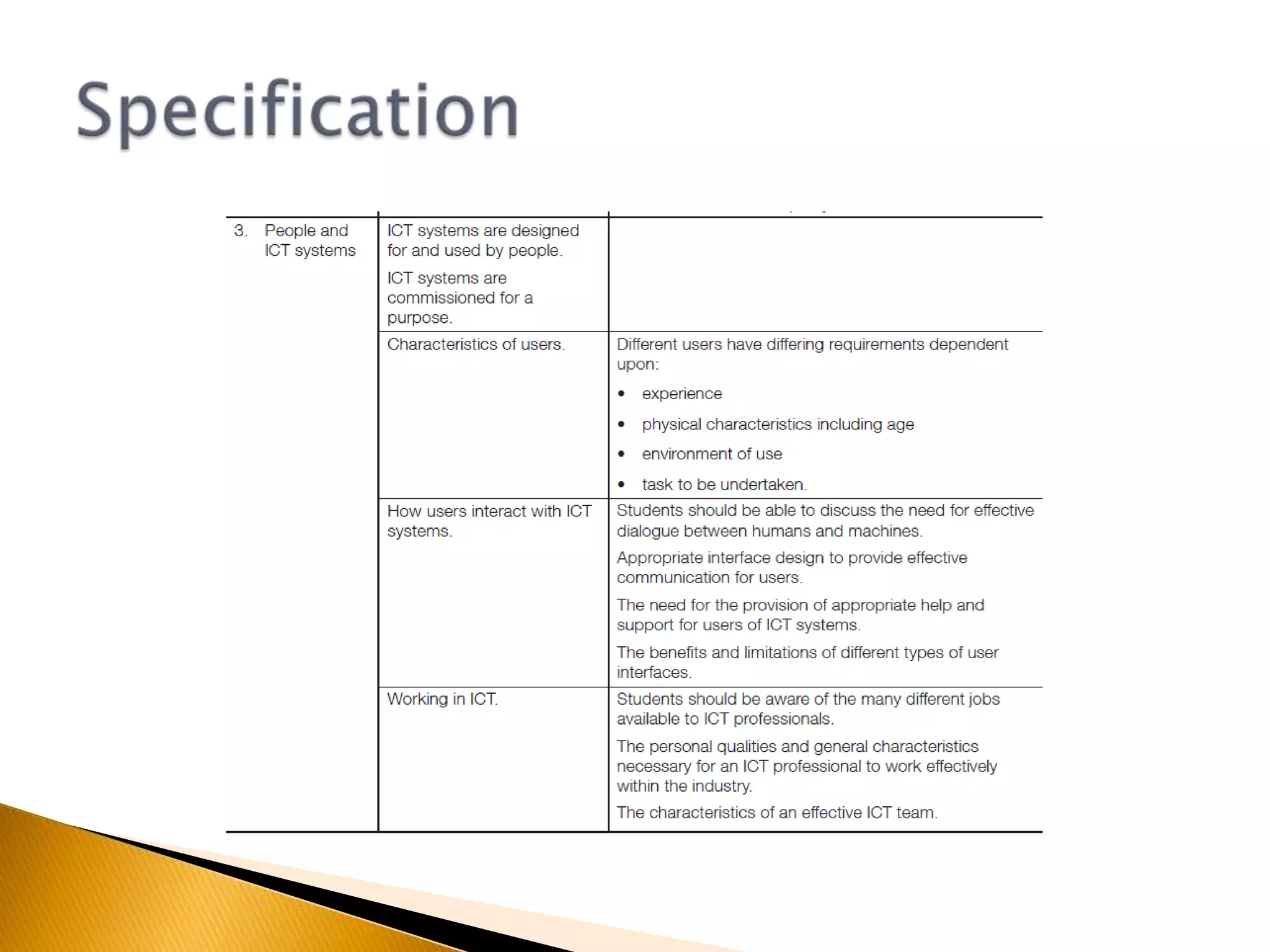
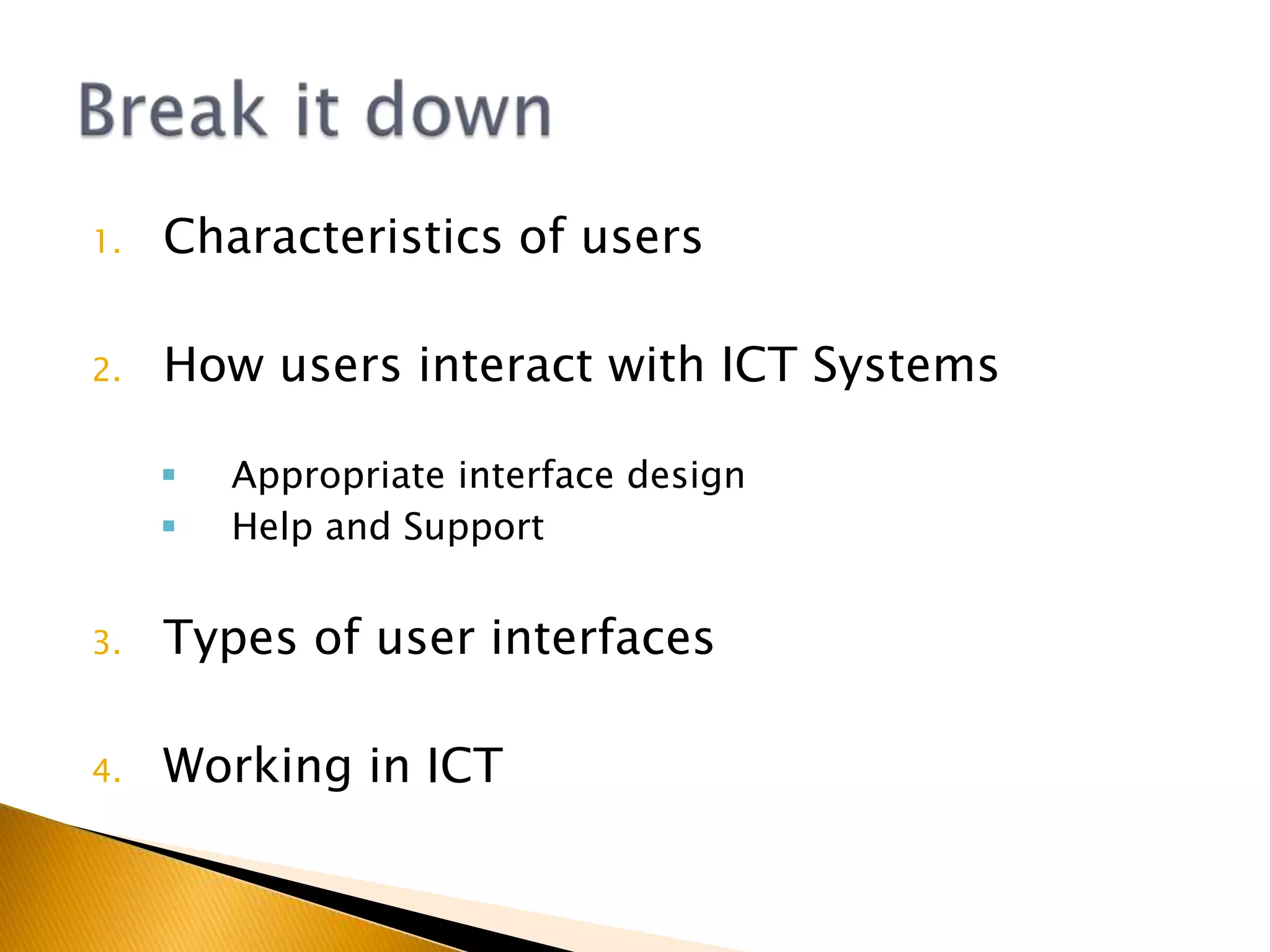
Characteristics of usersHow users interact with ICT SystemsAppropriate interface design
Help and SupportTypes of user interfacesWorking in ICTBreak it down
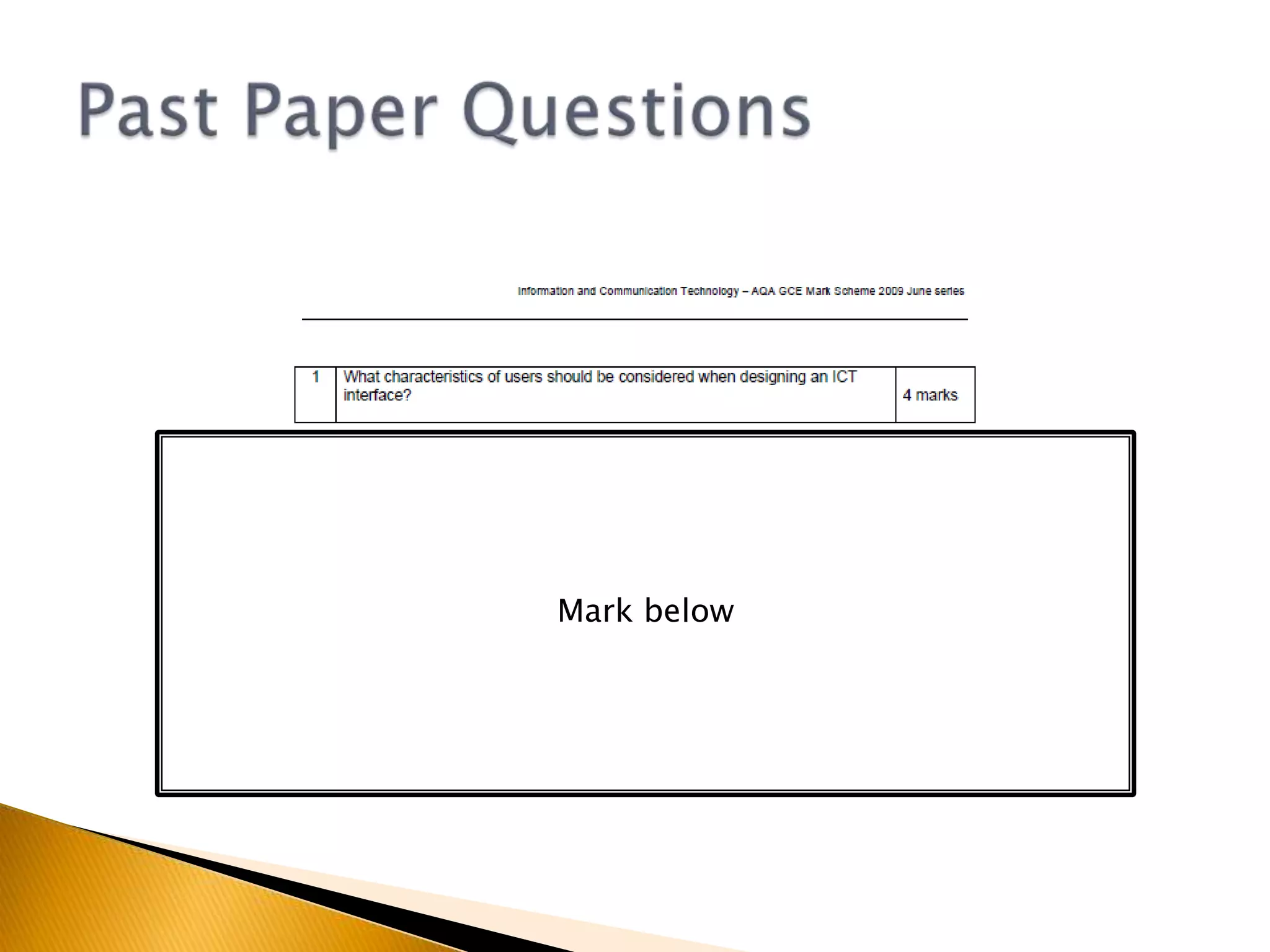
What characteristics of users should be considered when designing an ICT System or Interface?Characteristics of usersQuestions to consolidate
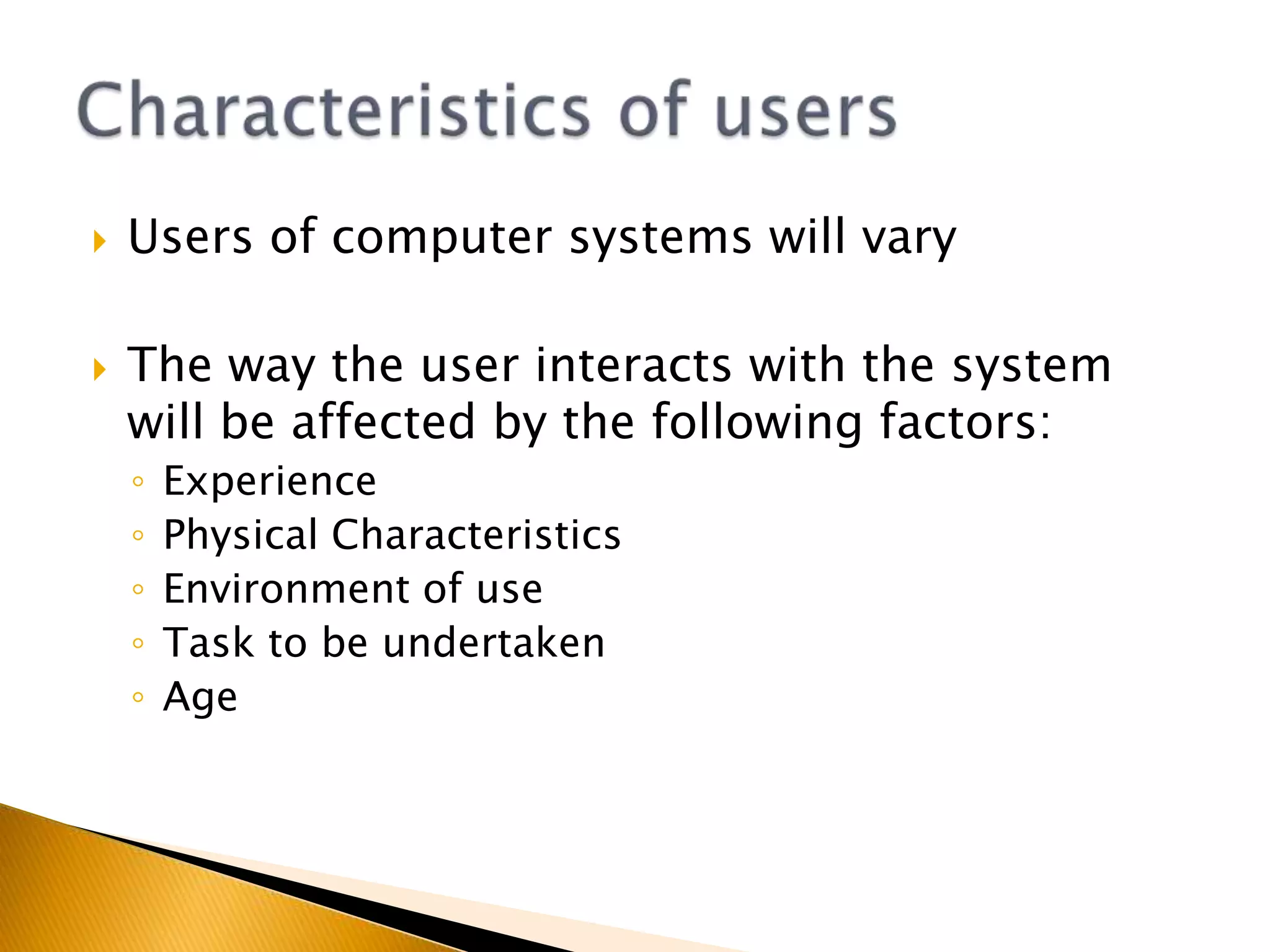
Users of computer systems will varyThe way the user interacts with the system will be affected by the following factors:ExperiencePhysical CharacteristicsEnvironment of useTask to be undertakenAgeCharacteristics of users
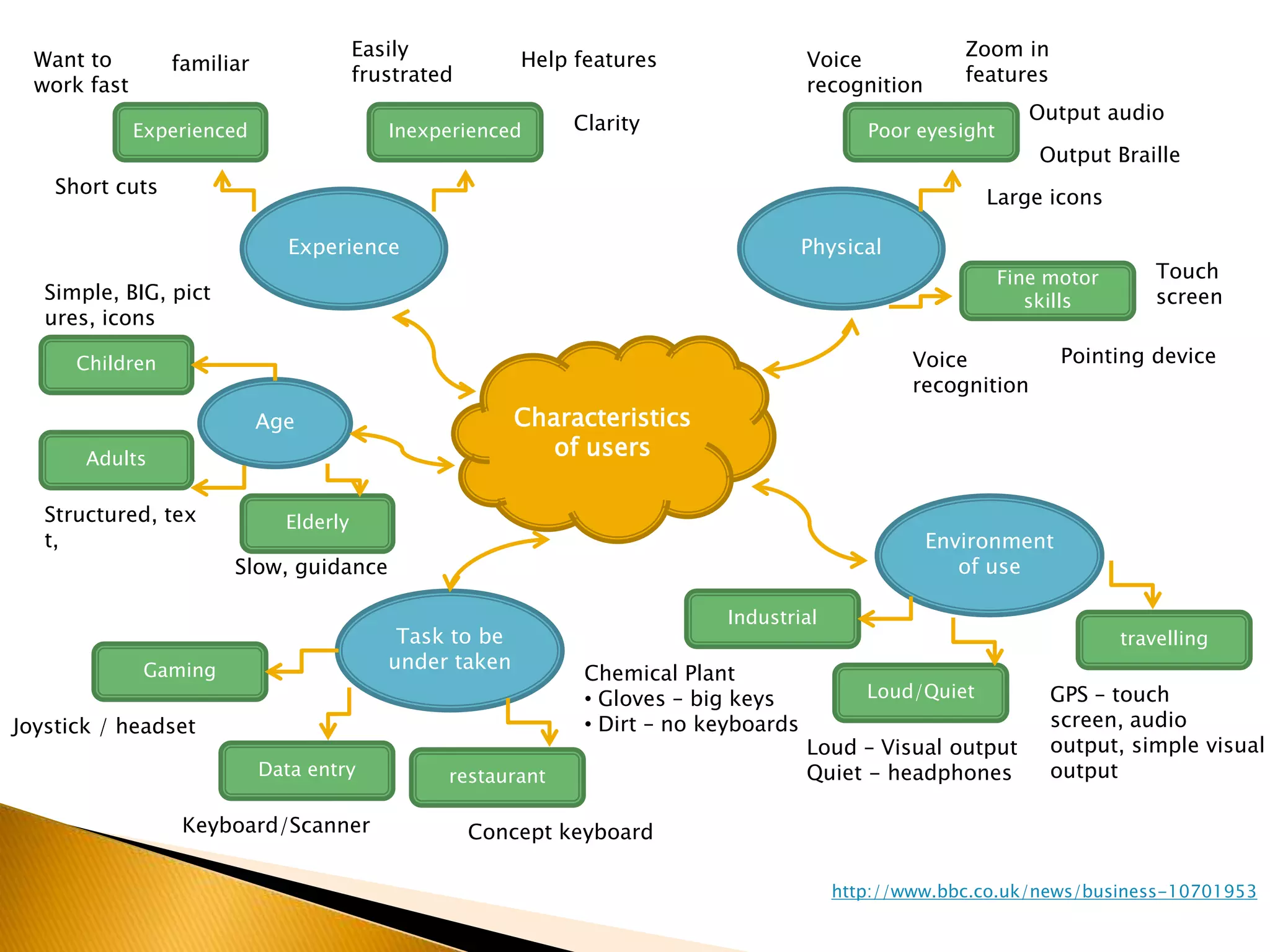
Easily frustratedZoom in featuresHelp featuresWant to work fastVoice recognitionfamiliarOutput audioExperiencedInexperiencedClarityPoor eyesightOutput BrailleShort cutsLarge iconsExperiencePhysicalTouch screenFine motor skillsSimple, BIG, pictures, iconsCharacteristics of usersPointing deviceChildrenVoice recognitionAgeAdultsEnvironment of useStructured, text, ElderlySlow, guidanceIndustrialTask to be under takentravellingGamingChemical Plant Gloves – big keys
 Dirt – no keyboardsLoud/QuietGPS – touch screen, audio output, simple visual outputJoystick / headsetLoud – Visual outputQuiet - headphonesData entryrestaurantKeyboard/ScannerConcept keyboardhttp://www.bbc.co.uk/news/business-10701953
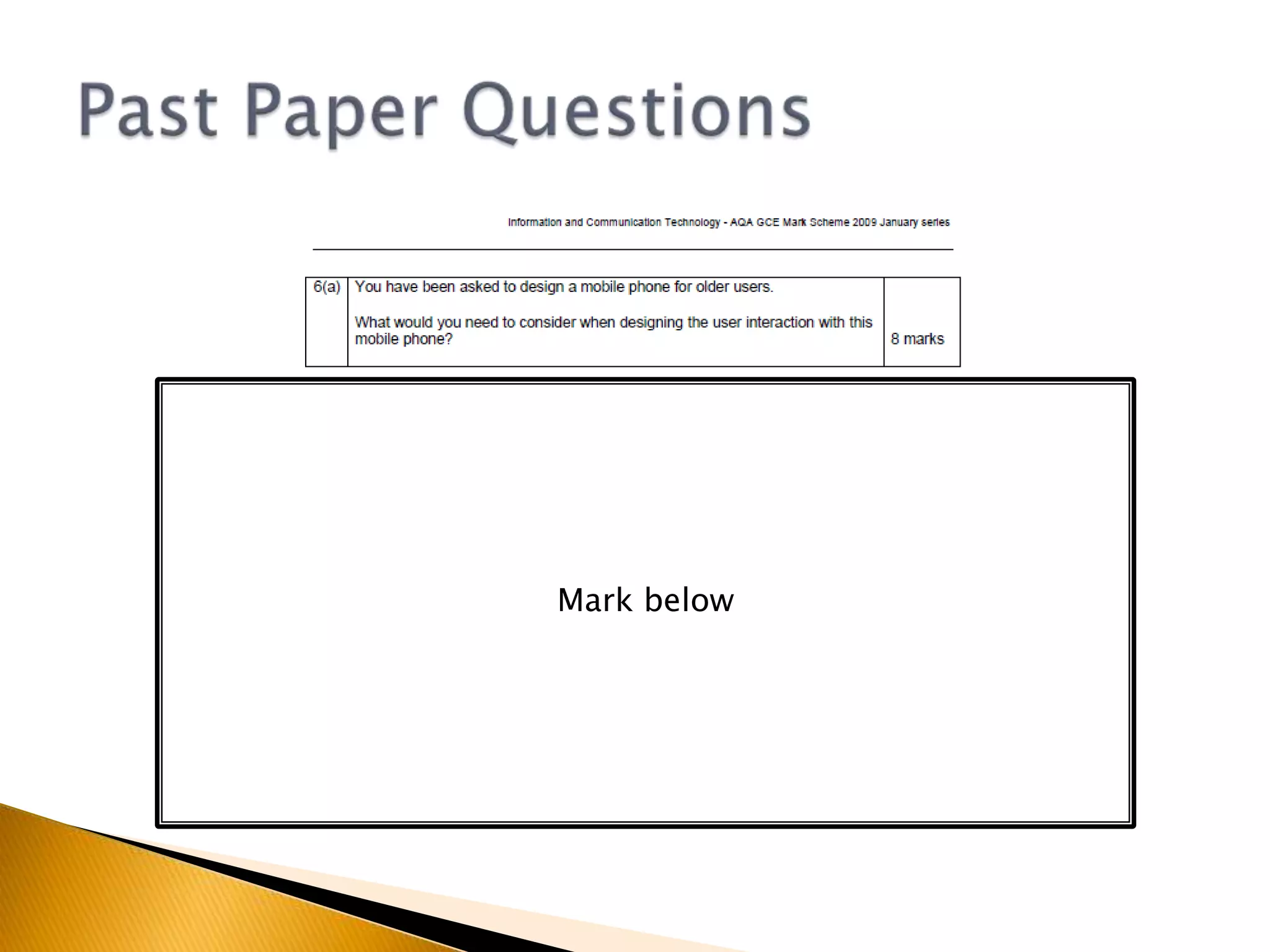
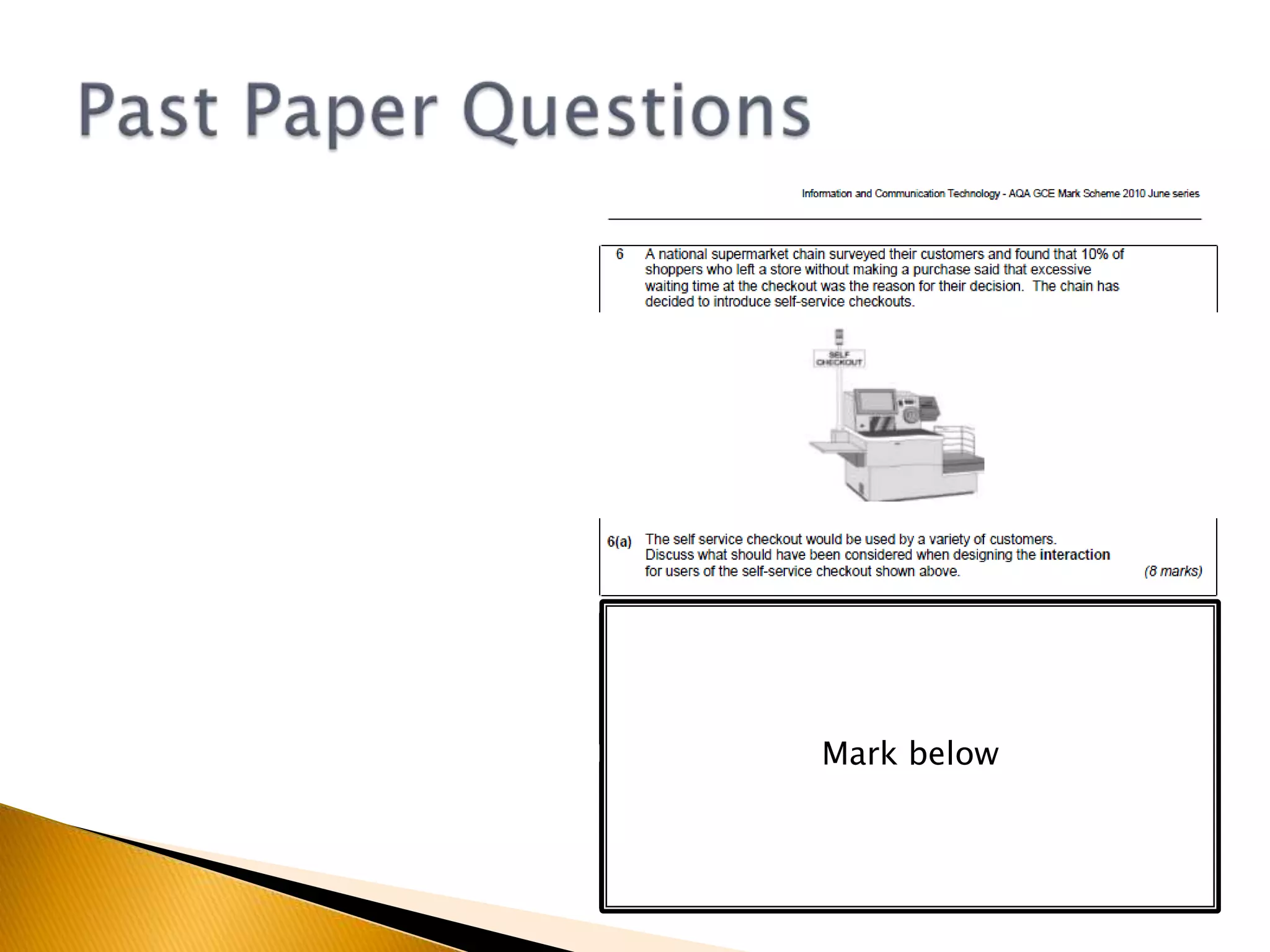
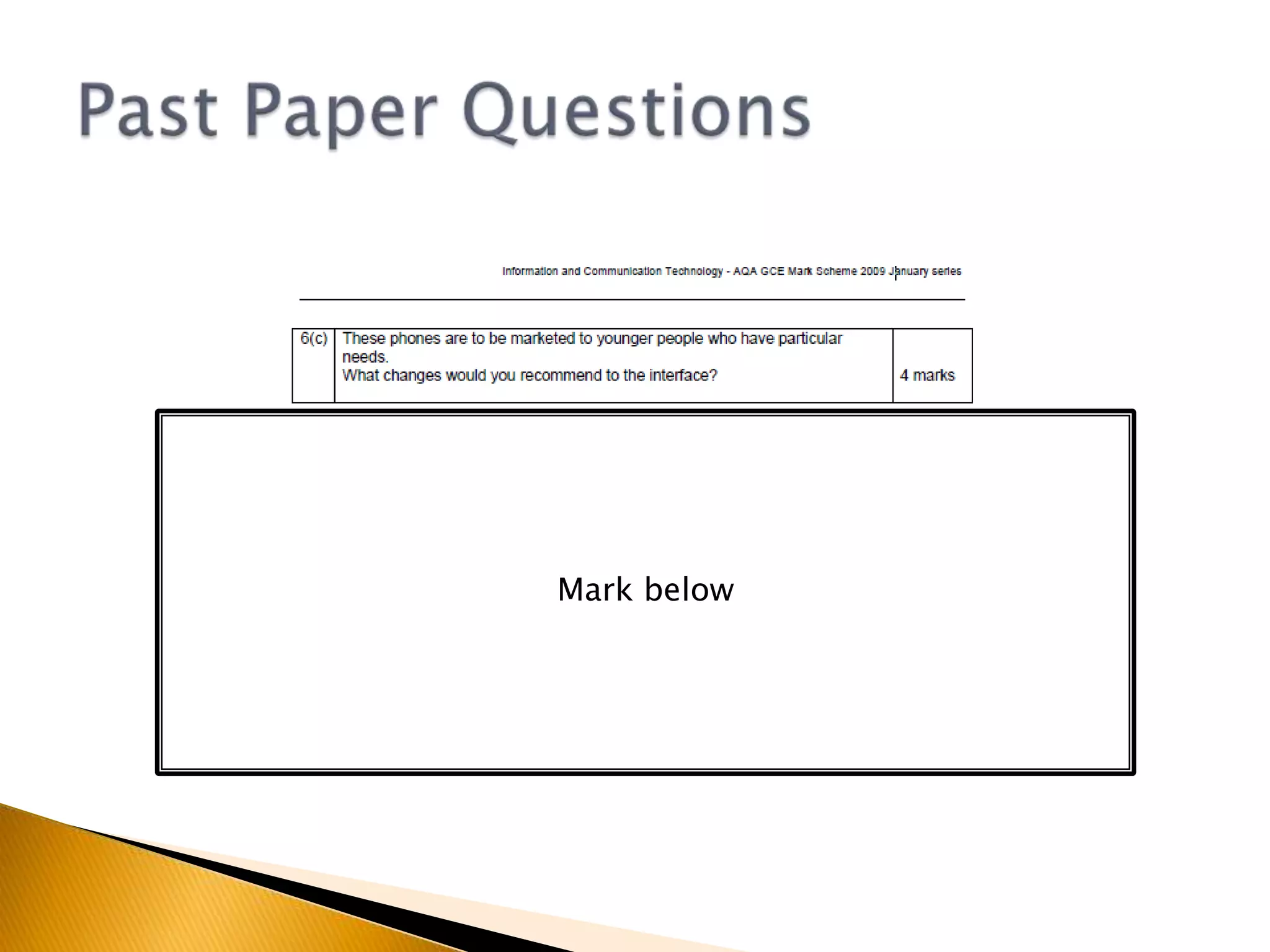
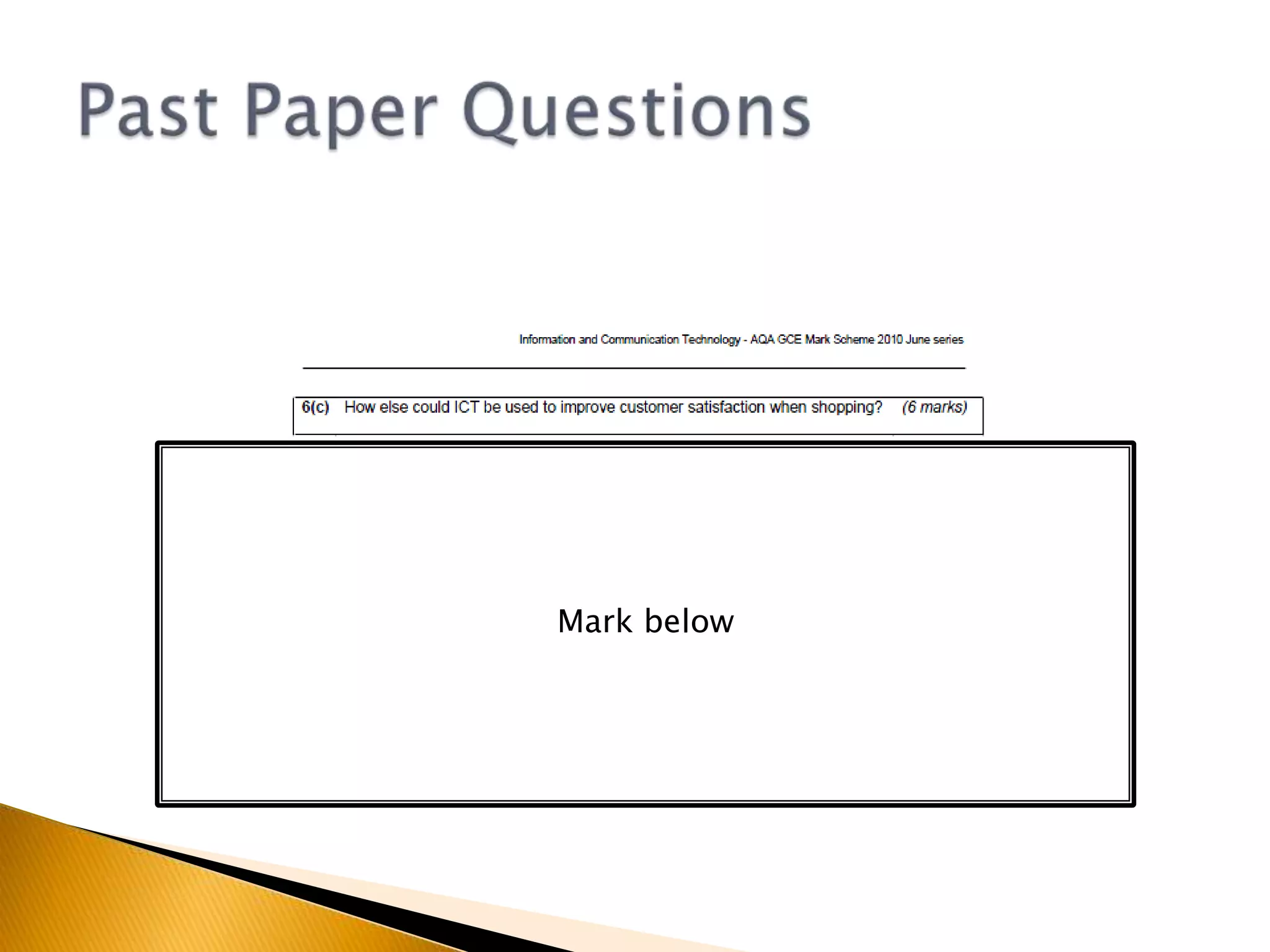
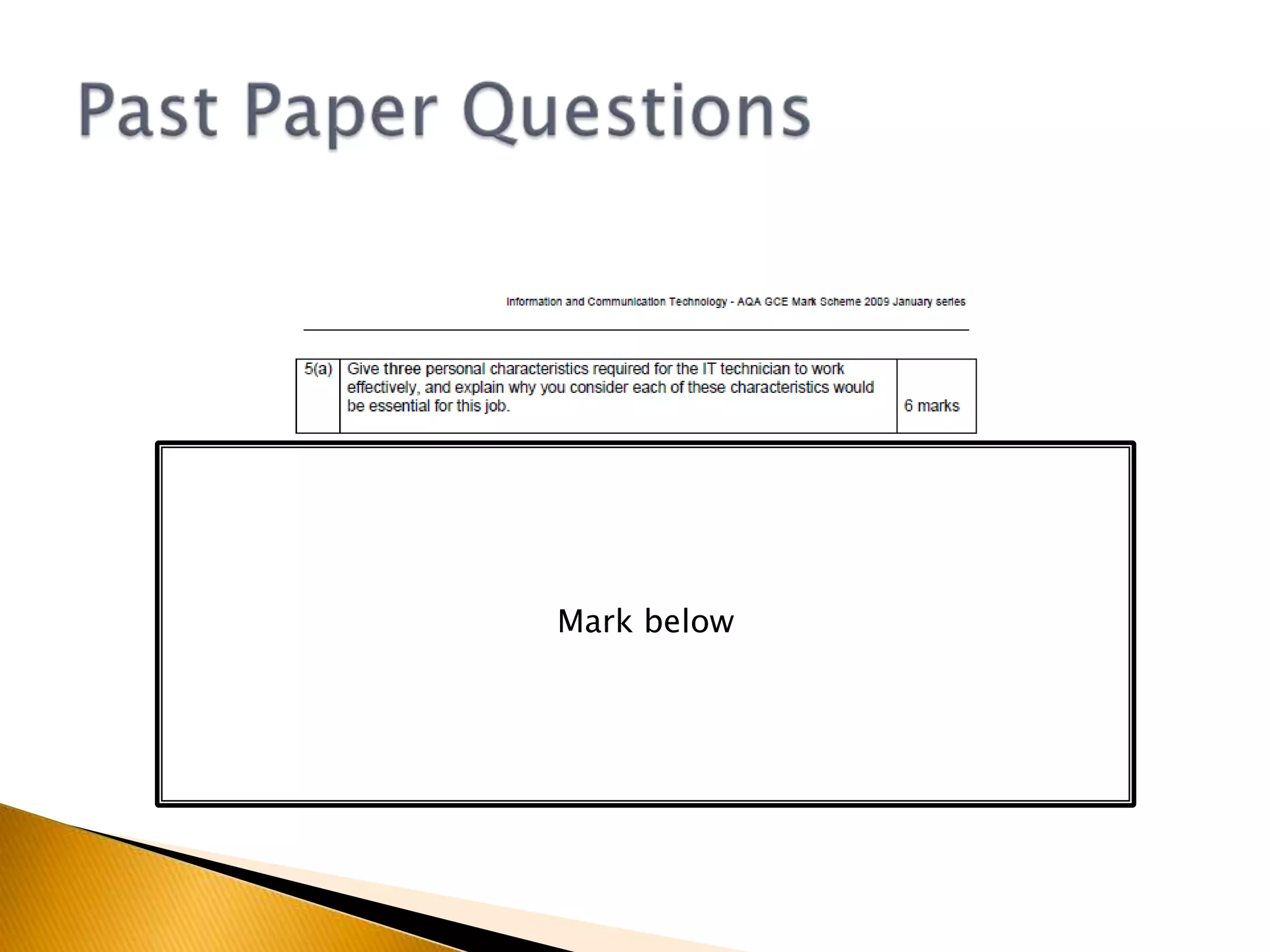
Past Paper QuestionsMark below
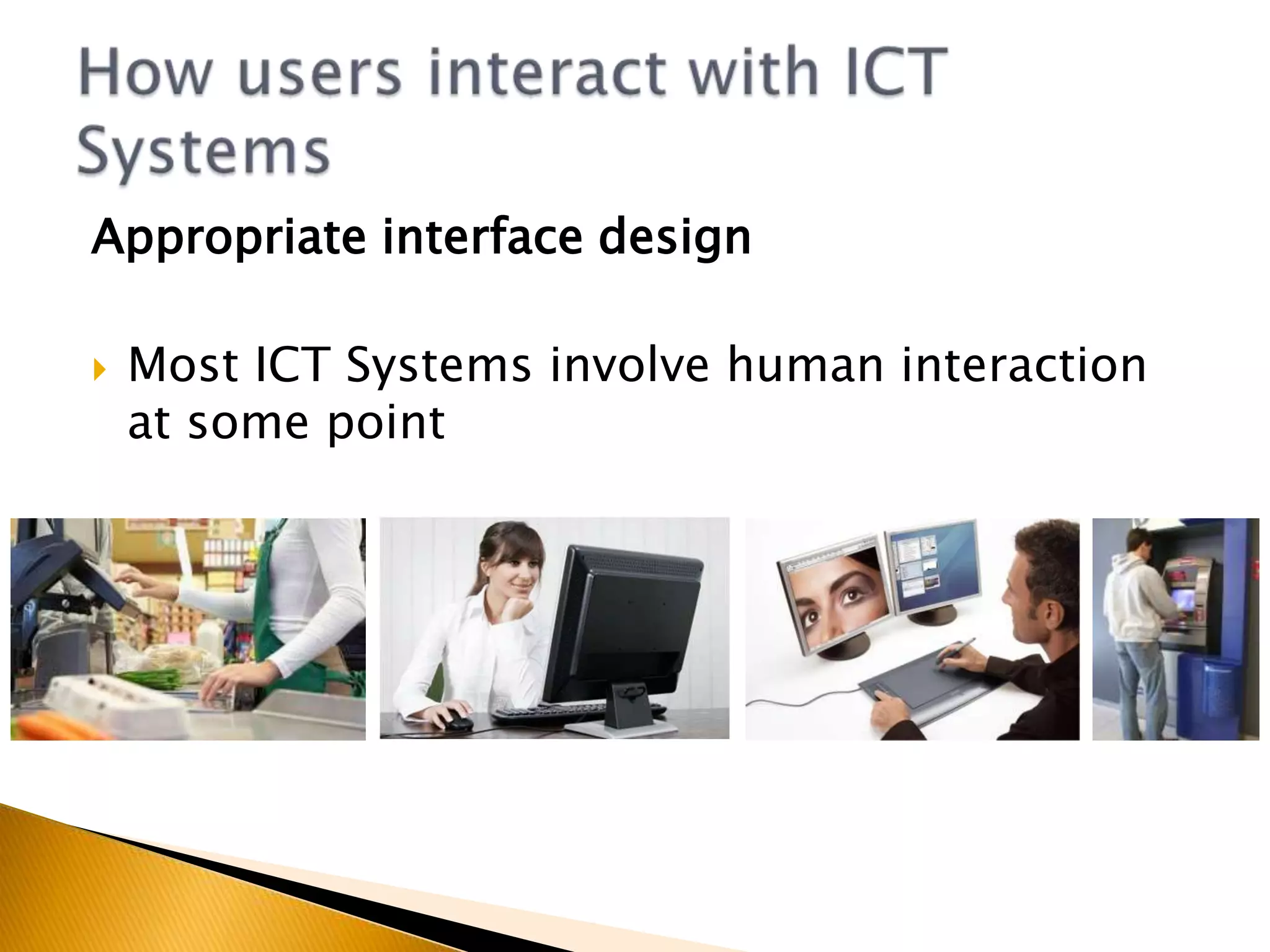
Appropriate interface designMost ICT Systems involve human interaction at some pointHow users interact with ICT Systems
Appropriate interface designHCI – Human Computer InterfaceThe point of interaction between people and computer systemsCreating an appropriate HCI requires:Choice of appropriate hardware devices (input and output)Designing the ‘look and feel’ of the software (layout and design)How users interact with ICT Systems
Appropriate interface designAn HCI Should:Be easy to useAppropriate for the usersSafeRobustUser Friendly (Help features and shortcuts)Be consistent (Look and Feel)How users interact with ICT Systems
Explain two factors that you think should be considered when designing a web interface for use by customers that would support good customer management(4 Marks)Consider:Users of a website might not have visited before, therefore customers might have varied skill levels.Many online customers worry about the use of e-commerce. The HCI needs to address these worries.Exam Question
Explain two factors that you think should be considered when designing a web interface for use by customers that would support good customer management(4 Marks)Customers will have different levels of ICT skills. (1) A simple menu system would give specific options to enable those with little skill to use the system. Appropriate online help should be provided. (1)	Many customers are afraid of safety when using online systems for ordering and paying for goods. (1) The HCI needs to offer assurance that the site is secure. (1)Exam Question - Answer
What support options are available in most generic applications?Many software applications offer the following support features:On screen help – avoid jargon, provide FAQ and searchWizards – prompts for novice usersTipsBuilt in demonstrationsOnline help facilitiesHelp/Support Options
What support options are offered by system providers?Many providers offer the following support options:Telephone Help DeskEmail supportUser GuidesOnline support (patches, updates)Help/Support Options
What other support options are available for industry standard packages?Mass used applications tend to have the following available:Bulletin boardsUser GroupsBooksHelp/Support Options
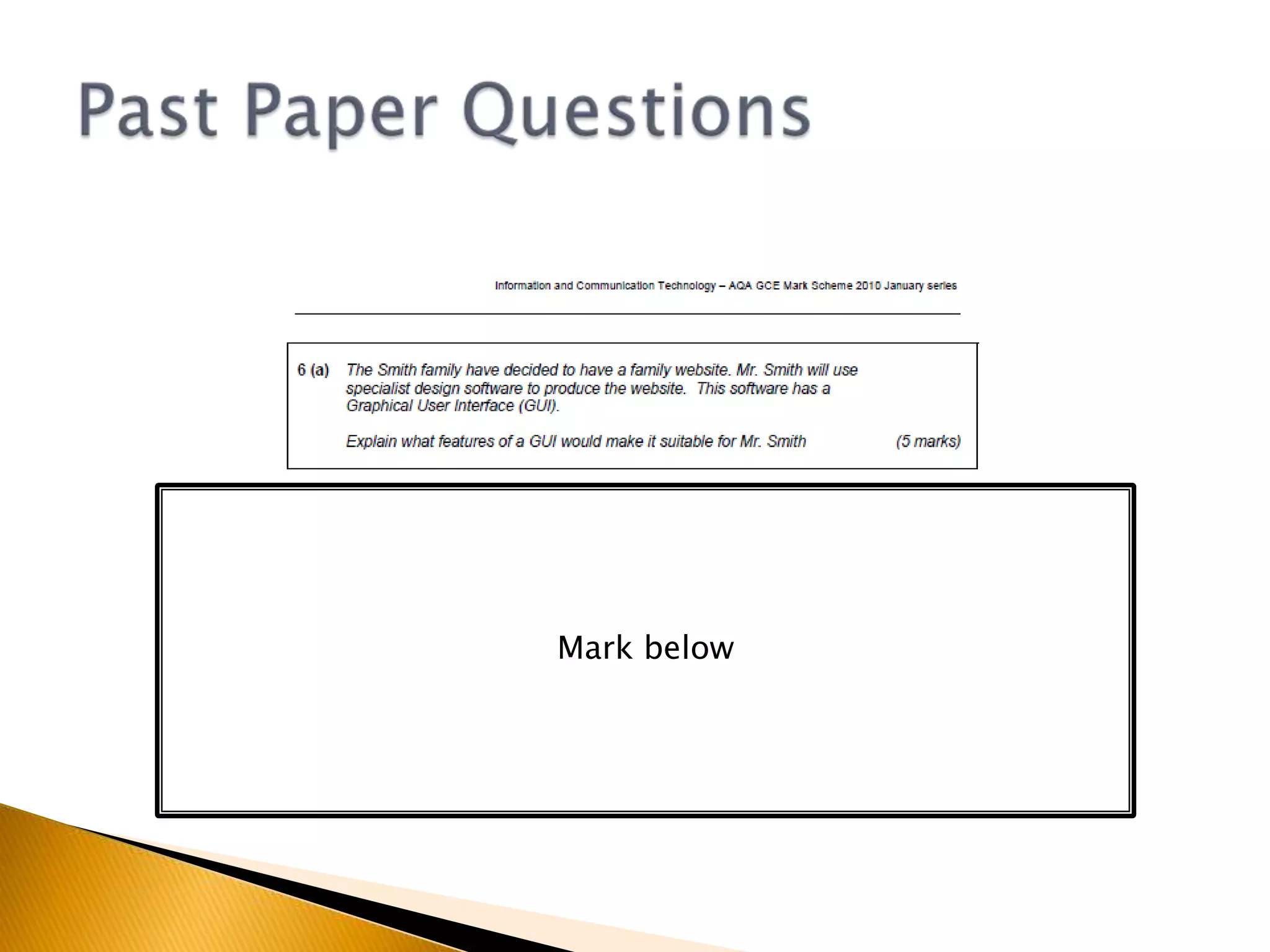
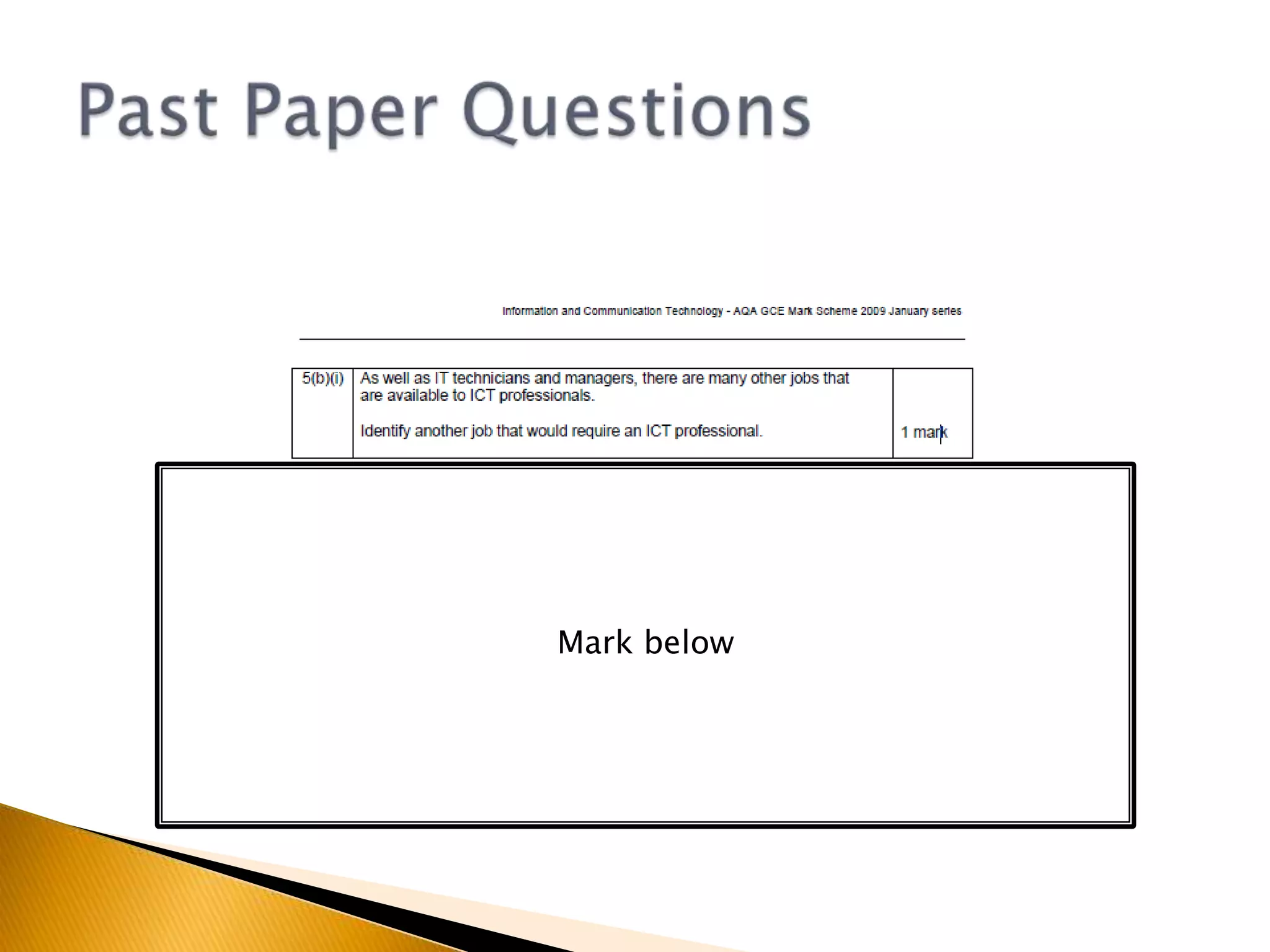
Past Paper QuestionsMark below
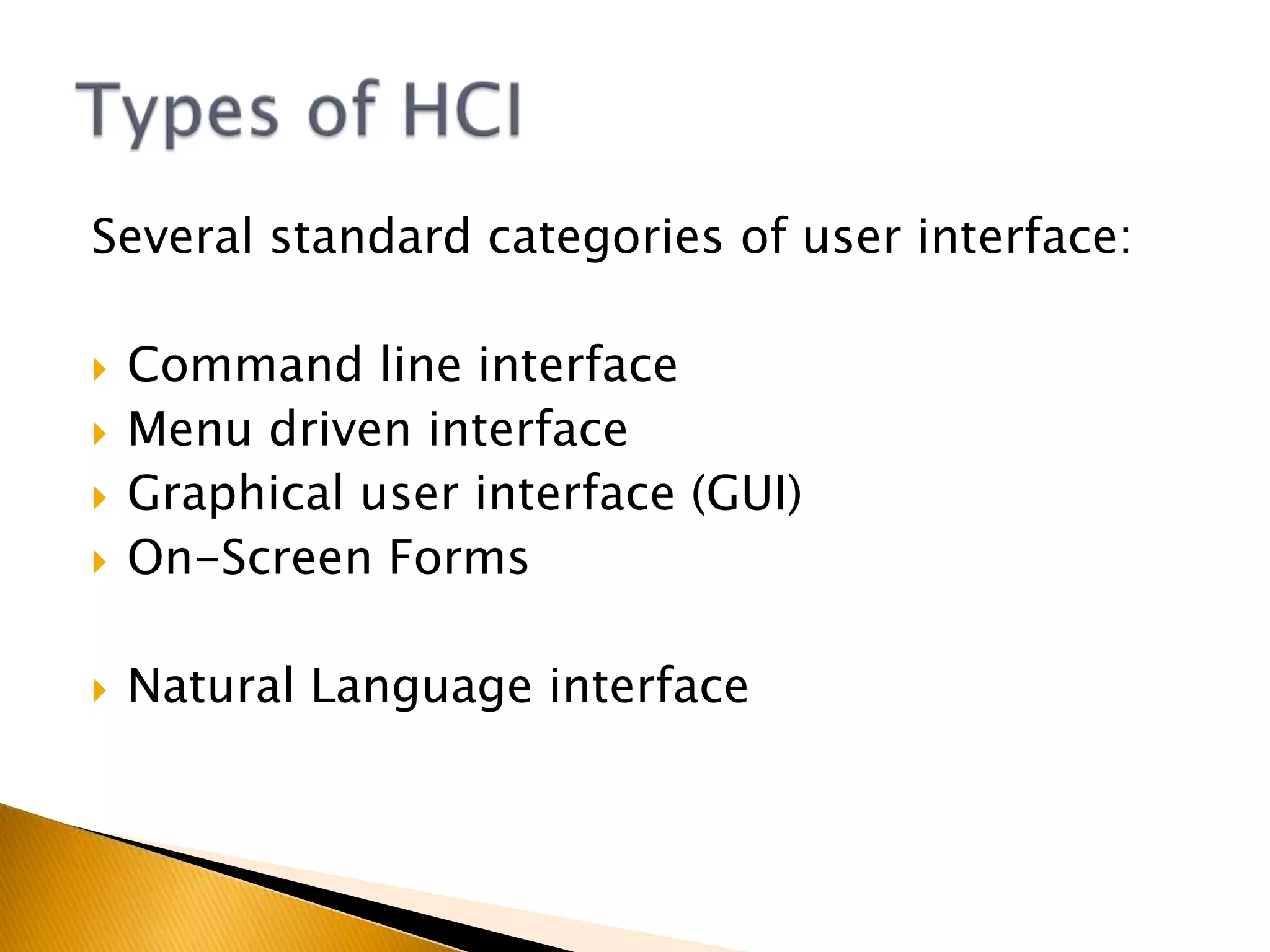
Several standard categories of user interface:Command line interfaceMenu driven interfaceGraphical user interface (GUI)On-Screen FormsNatural Language interfaceTypes of HCI
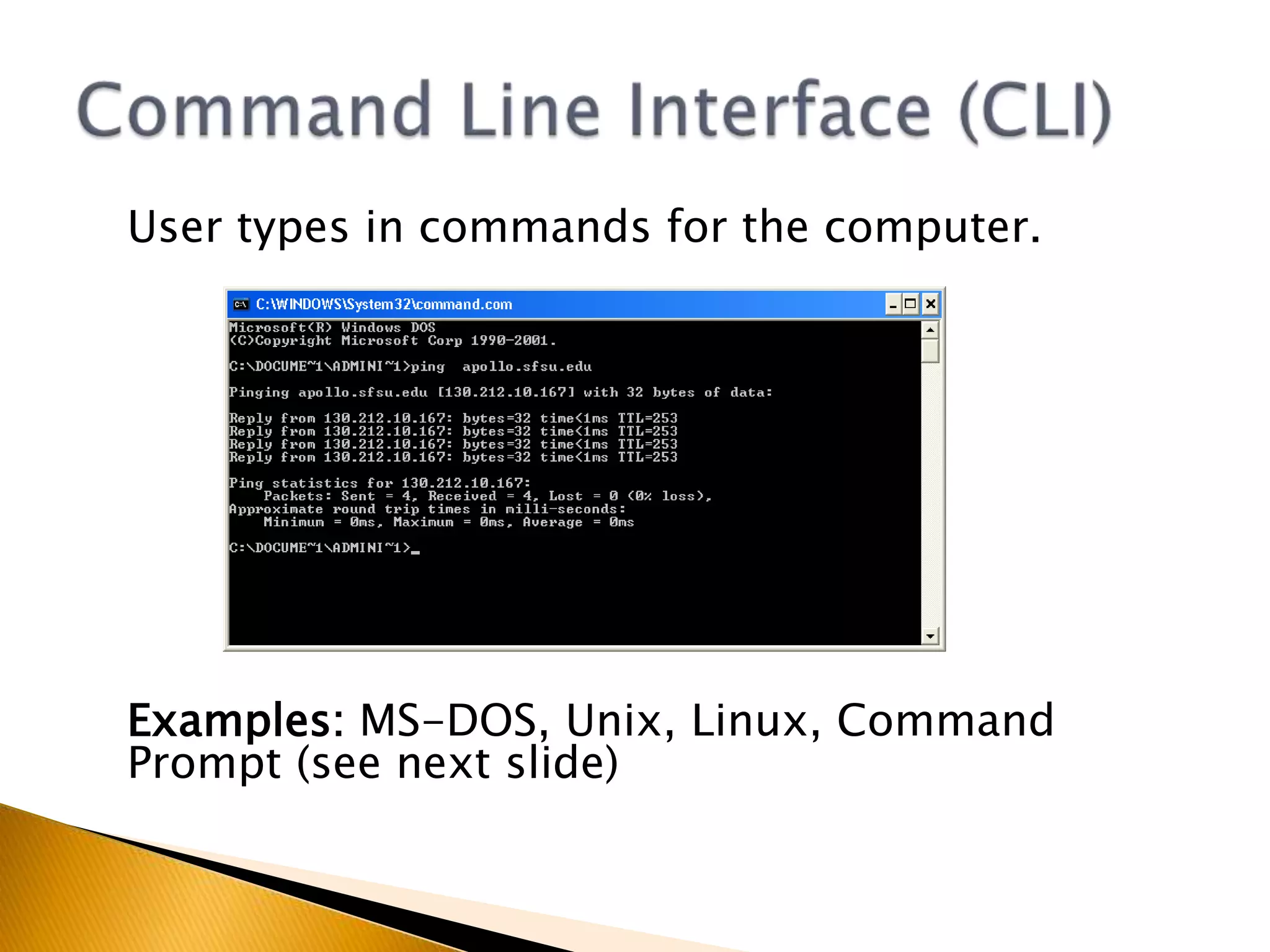
	User types in commands for the computer.Examples: MS-DOS, Unix, Linux, Command Prompt (see next slide)Command Line Interface (CLI)
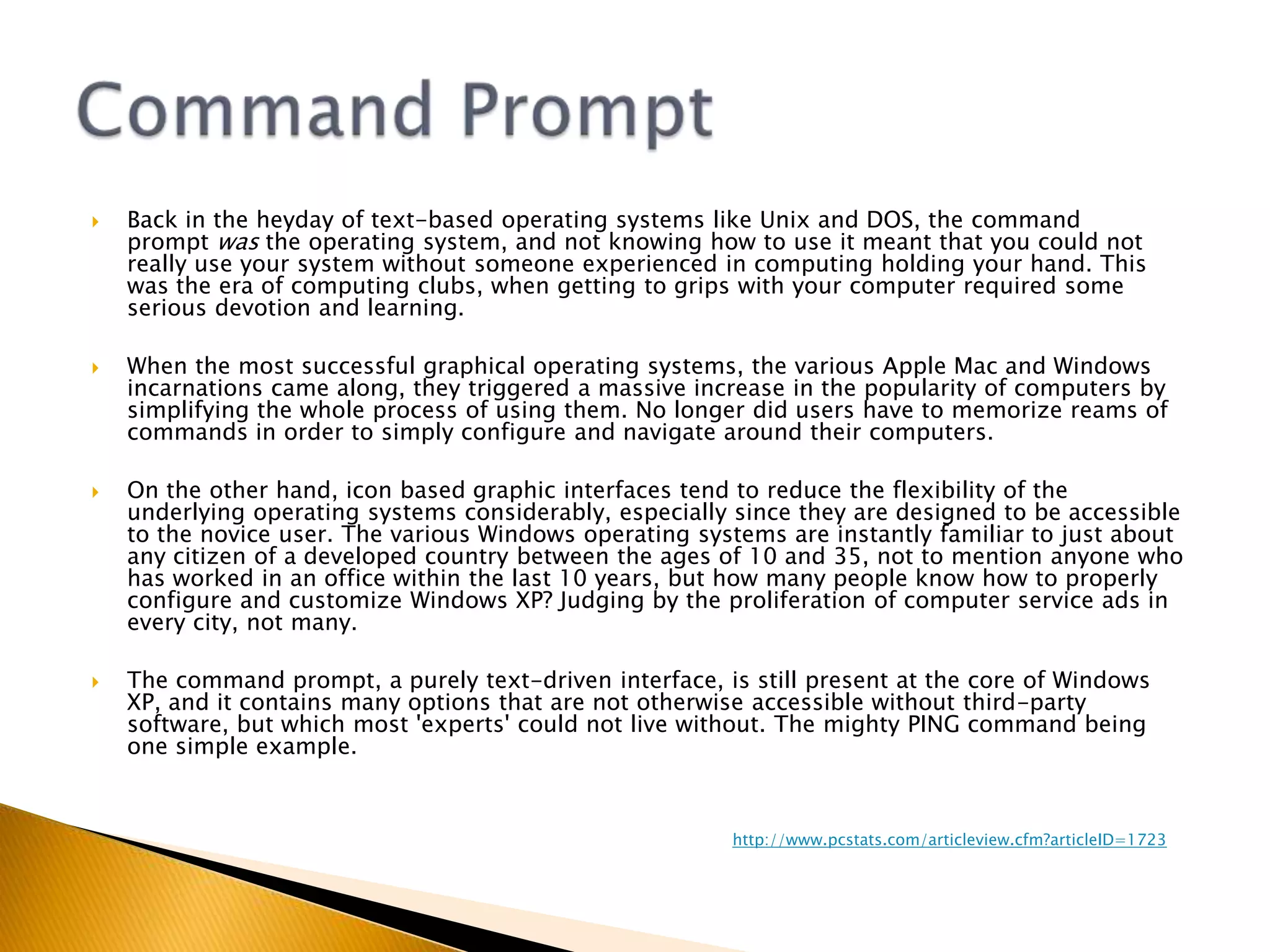
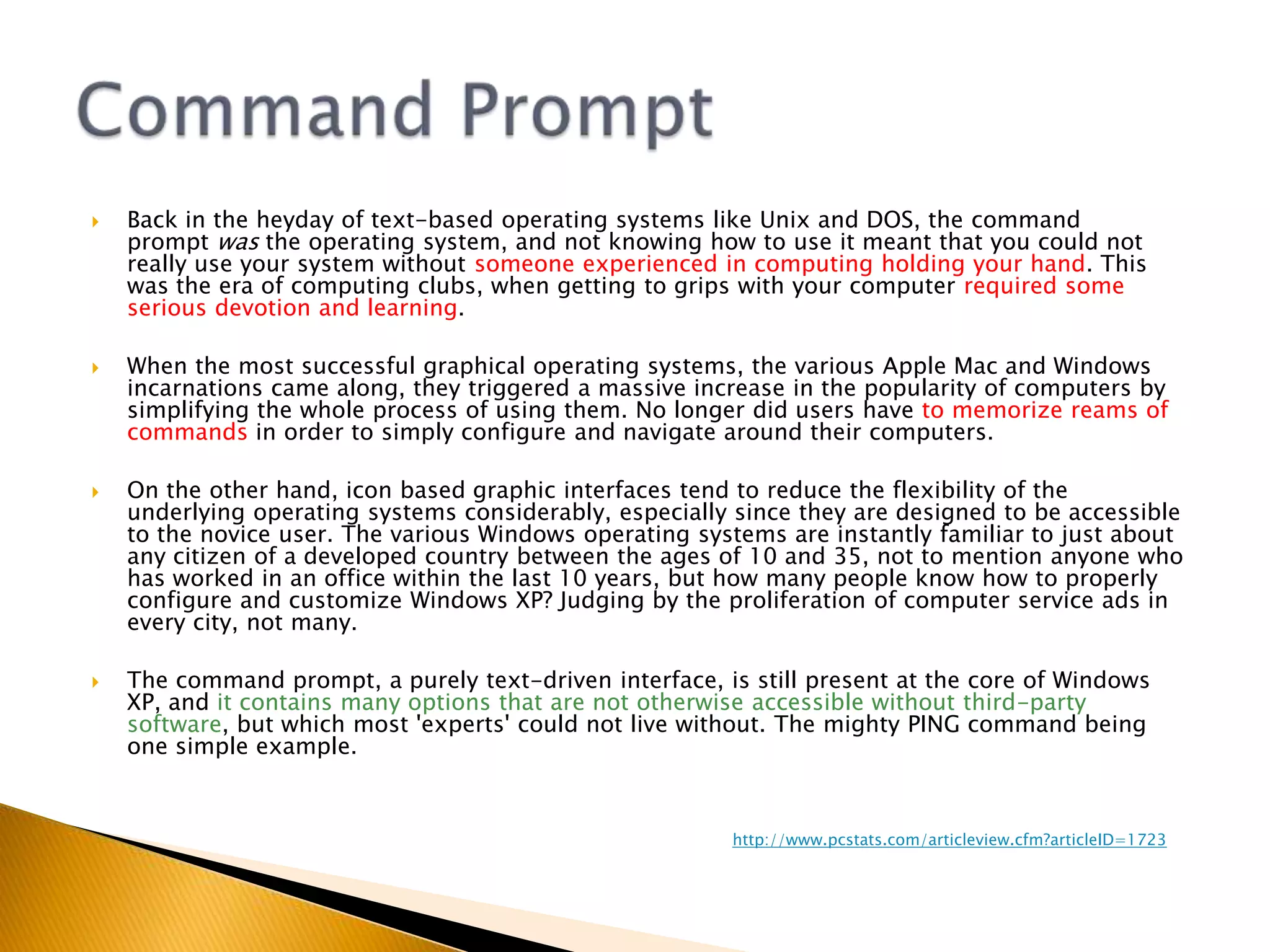
Back in the heyday of text-based operating systems like Unix and DOS, the command prompt was the operating system, and not knowing how to use it meant that you could not really use your system without someone experienced in computing holding your hand. This was the era of computing clubs, when getting to grips with your computer required some serious devotion and learning.When the most successful graphical operating systems, the various Apple Mac and Windows incarnations came along, they triggered a massive increase in the popularity of computers by simplifying the whole process of using them. No longer did users have to memorize reams of commands in order to simply configure and navigate around their computers.On the other hand, icon based graphic interfaces tend to reduce the flexibility of the underlying operating systems considerably, especially since they are designed to be accessible to the novice user. The various Windows operating systems are instantly familiar to just about any citizen of a developed country between the ages of 10 and 35, not to mention anyone who has worked in an office within the last 10 years, but how many people know how to properly configure and customize Windows XP? Judging by the proliferation of computer service ads in every city, not many.The command prompt, a purely text-driven interface, is still present at the core of Windows XP, and it contains many options that are not otherwise accessible without third-party software, but which most 'experts' could not live without. The mighty PING command being one simple example.Command Prompthttp://www.pcstats.com/articleview.cfm?articleID=1723
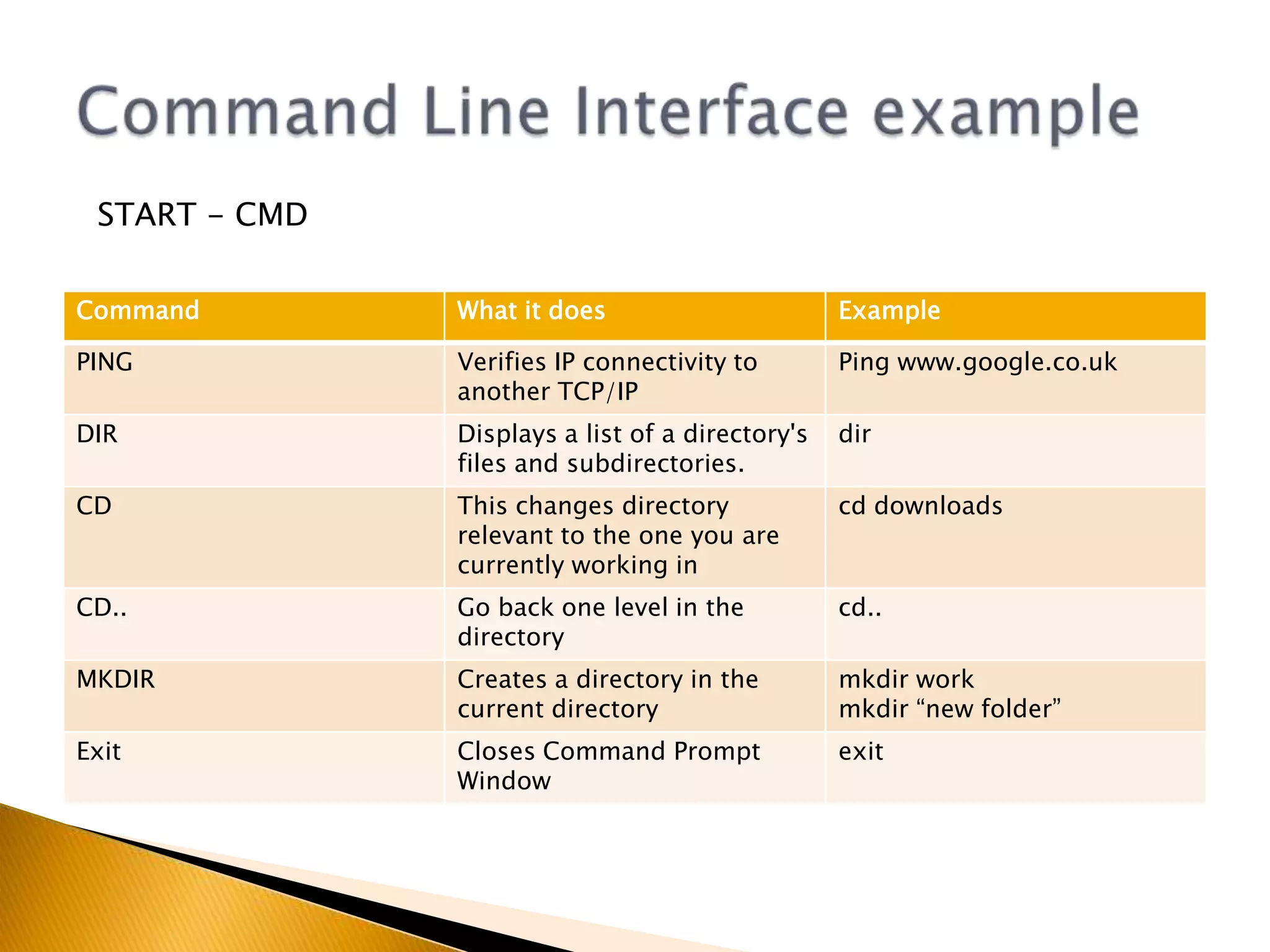
Command Line Interface exampleSTART - CMD
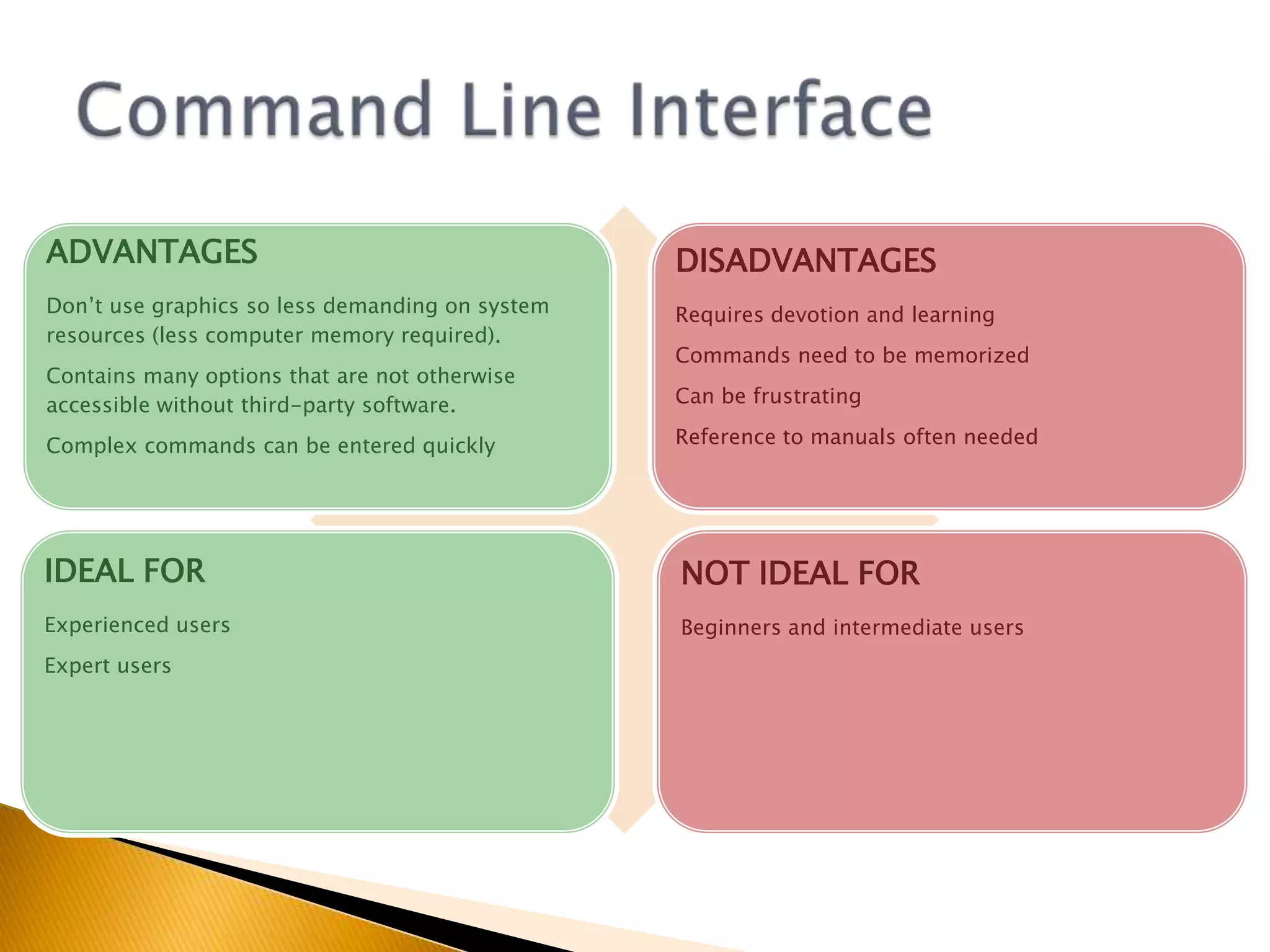
Command Line Interface
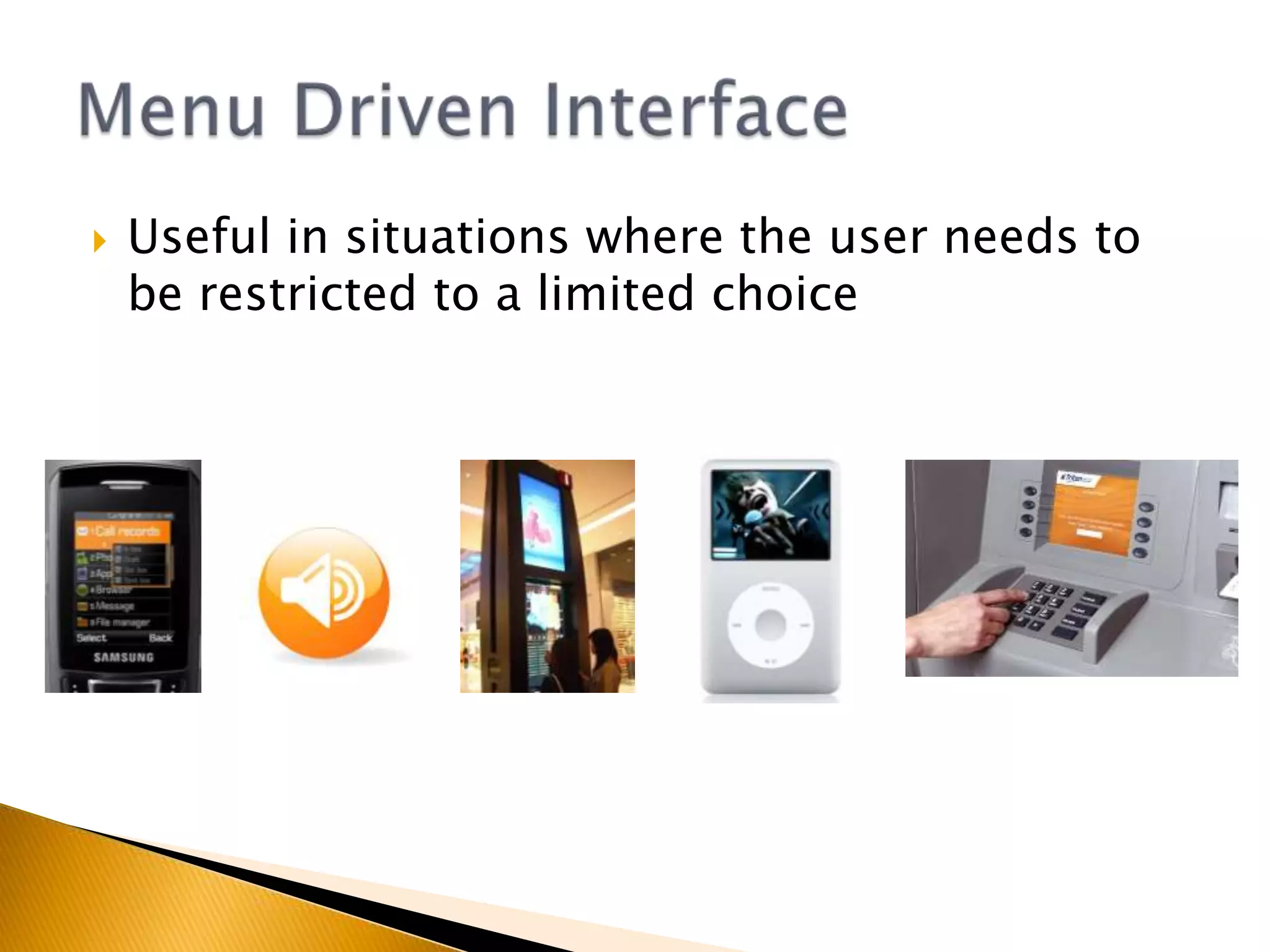
Useful in situations where the user needs to be restricted to a limited choiceMenu Driven Interface
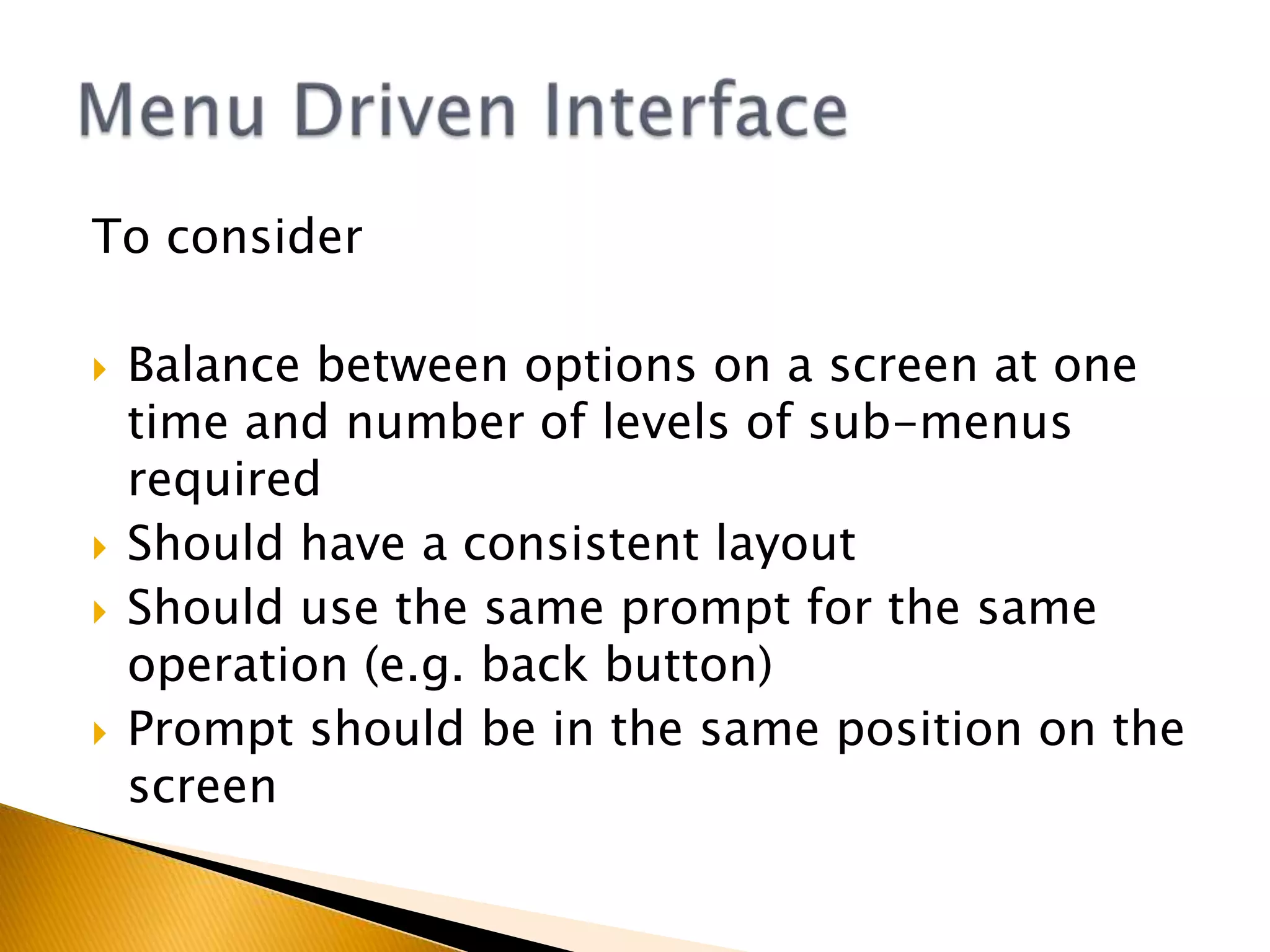
To considerBalance between options on a screen at one time and number of levels of sub-menus requiredShould have a consistent layoutShould use the same prompt for the same operation (e.g. back button)Prompt should be in the same position on the screenMenu Driven Interface
Menu Driven Interface
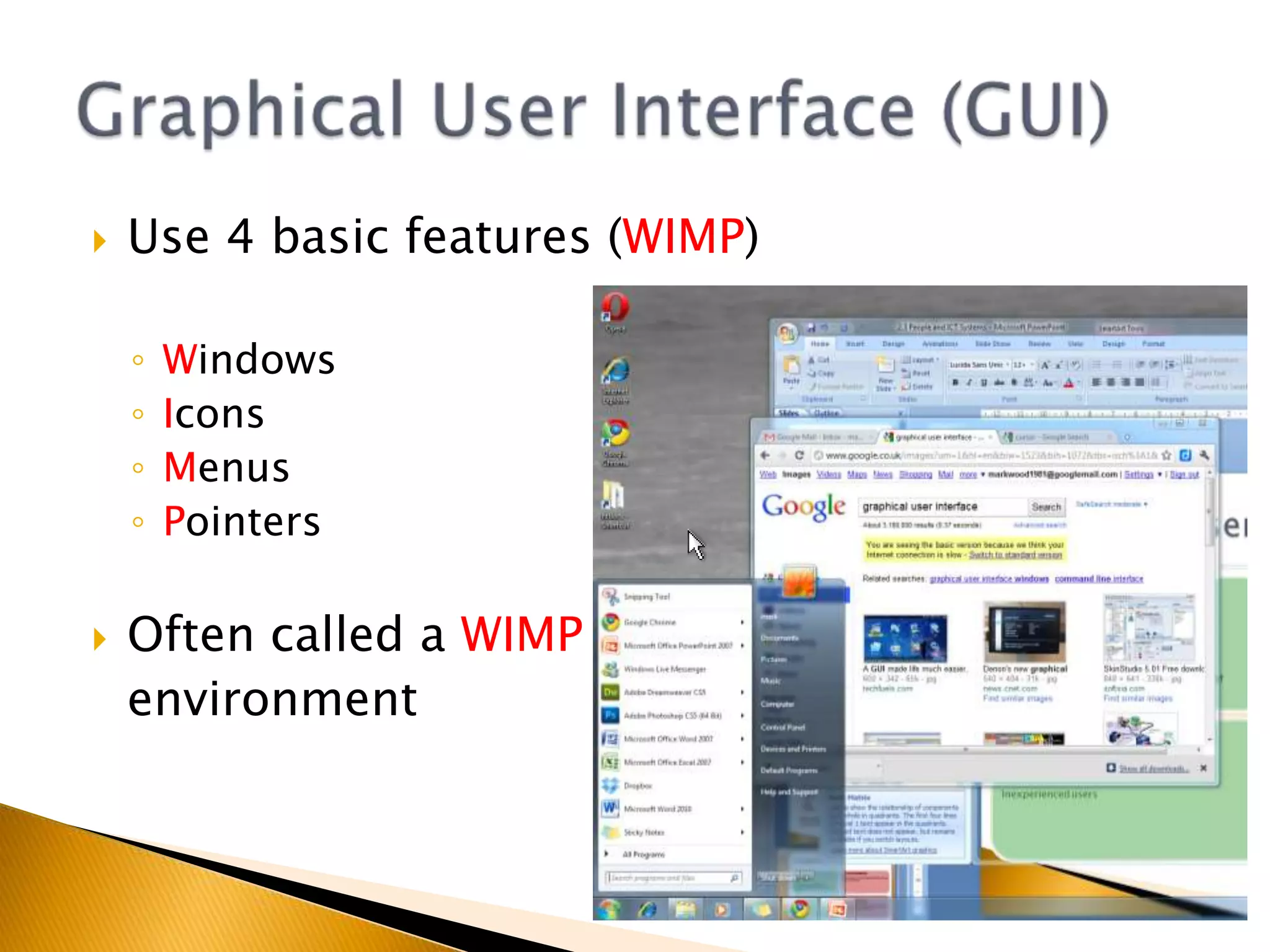
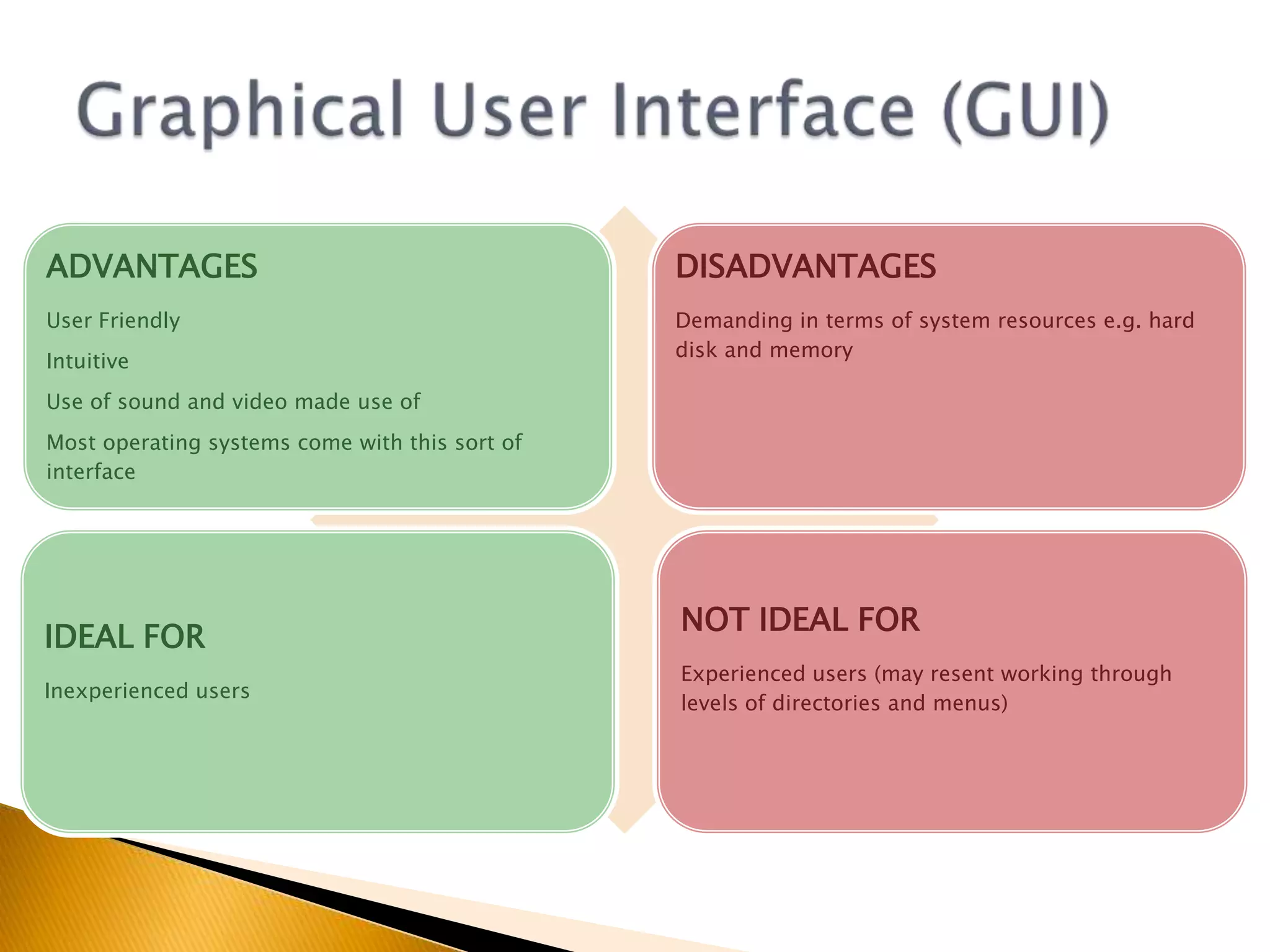
Use 4 basic features (WIMP)WindowsIconsMenusPointersOften called a WIMP	environmentGraphical User Interface (GUI)
Graphical User Interface (GUI)
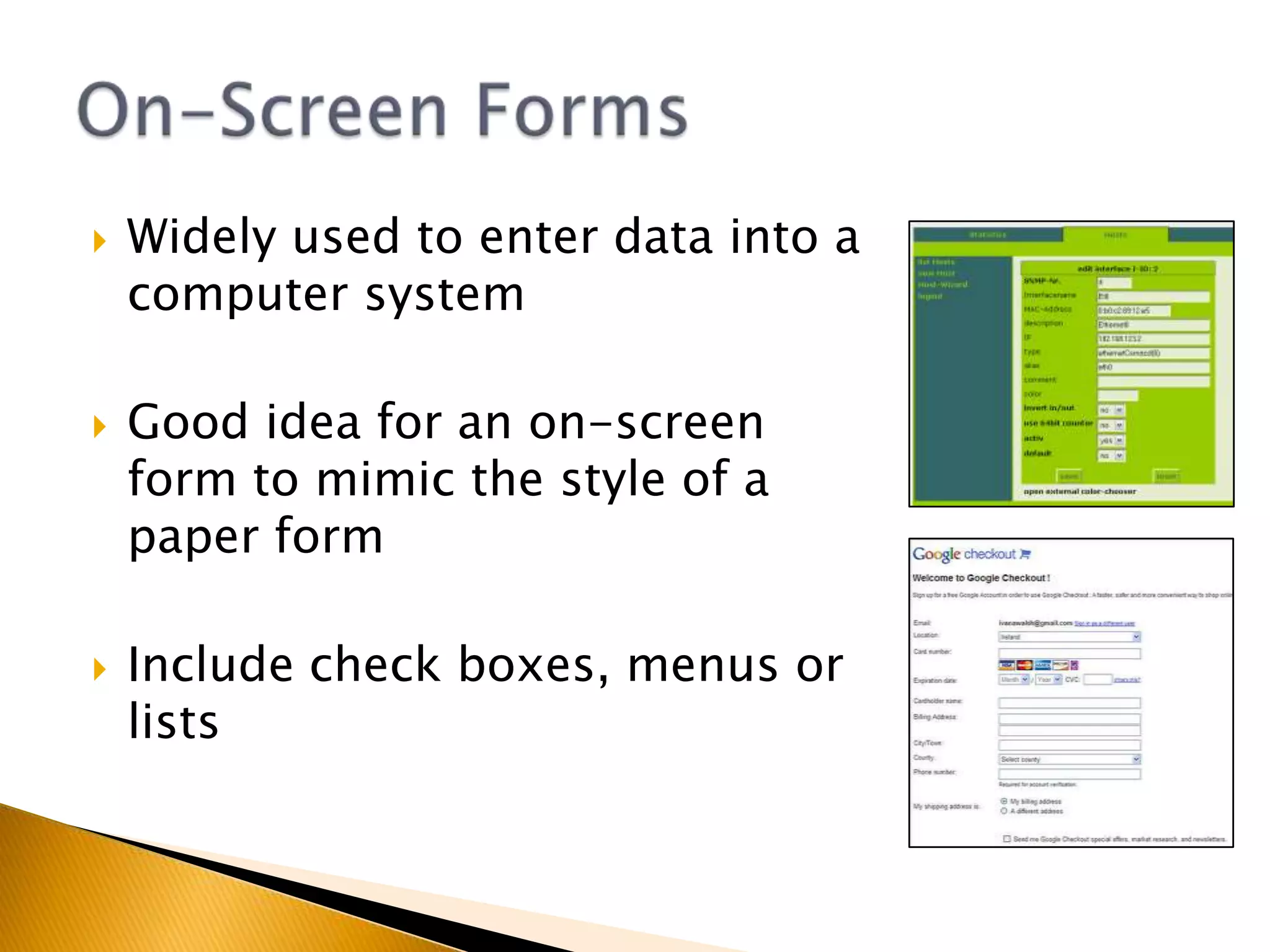
Widely used to enter data into a computer systemGood idea for an on-screen form to mimic the style of a paper formInclude check boxes, menus or listsOn-Screen Forms
On-Screen Forms
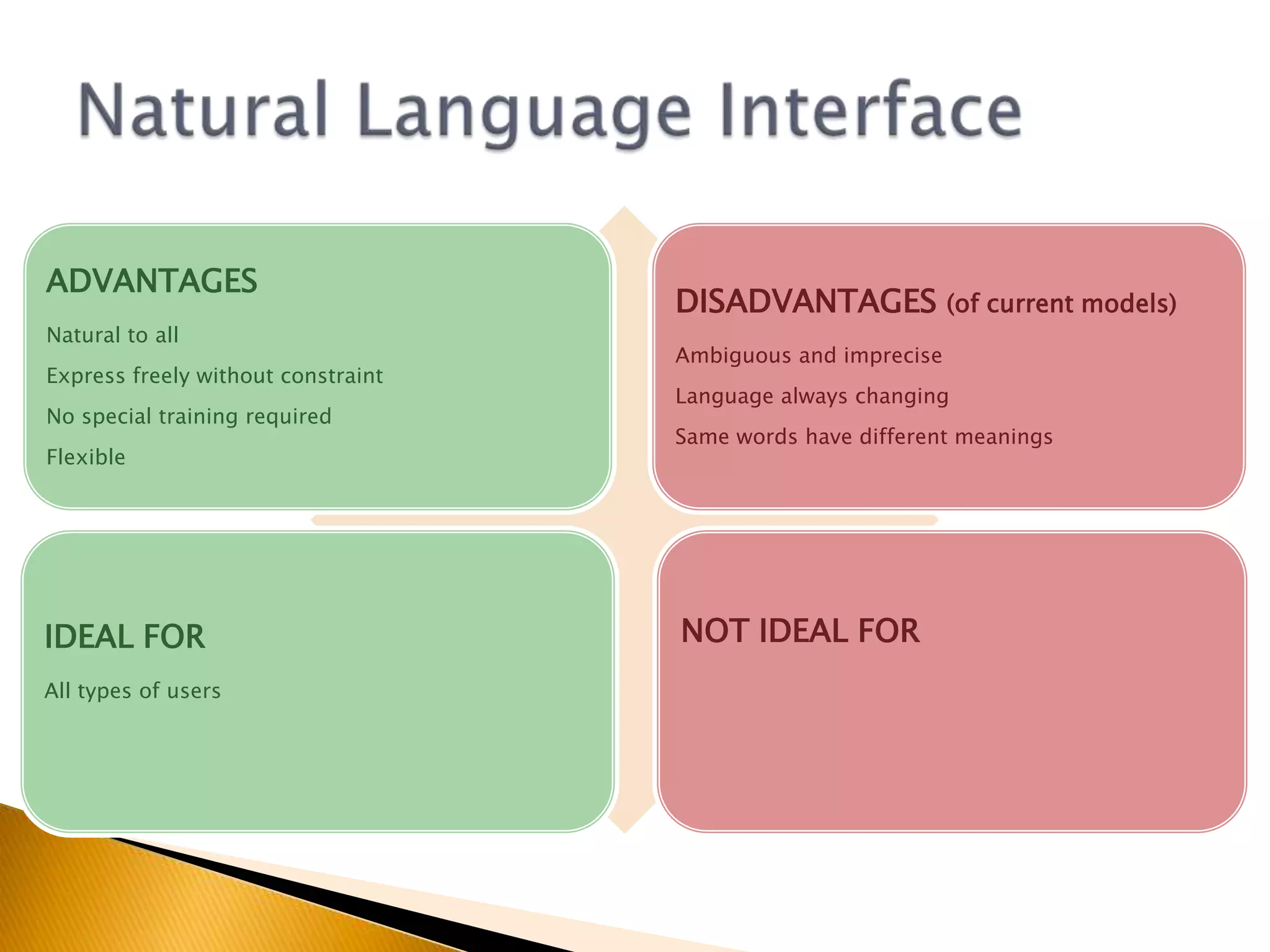
Microsoft's ViewCraig Mundie is Microsoft's big thinker, charting the path of its future research. His current obsession is what he calls natural user interfaces, new ways of interacting with computers, of which Kinect is one example.There is, he says, a shift about to happen from the old graphical user interface to a trend where "the computer is more like us - it sees, it listens, it speaks, it understands, it even seeks to do things on our behalf."http://www.bbc.co.uk/news/business-1257004527th Feb 2011Natural Language Interface
Getting thereSearch EnginesAsk.com uses Natural Language Processing (NLP) to interpret questions written in natural languageNLP tries to understand the context of a questionHelp searchMS Office tries to interpret questions written in natural languageGames ConsolesNatural movement turns a players body into a games controllerNatural Language Interfacehttp://groups.csail.mit.edu/sls/sls
Command Driven ‘Natural Language Interfaces’ exist Speech SynthesisSubset of natural languageE.g. My car to control music selection, phone calls etc.Pure Natural-Language Interfaces may still be stuff of the future. WHY?Natural Language Interface
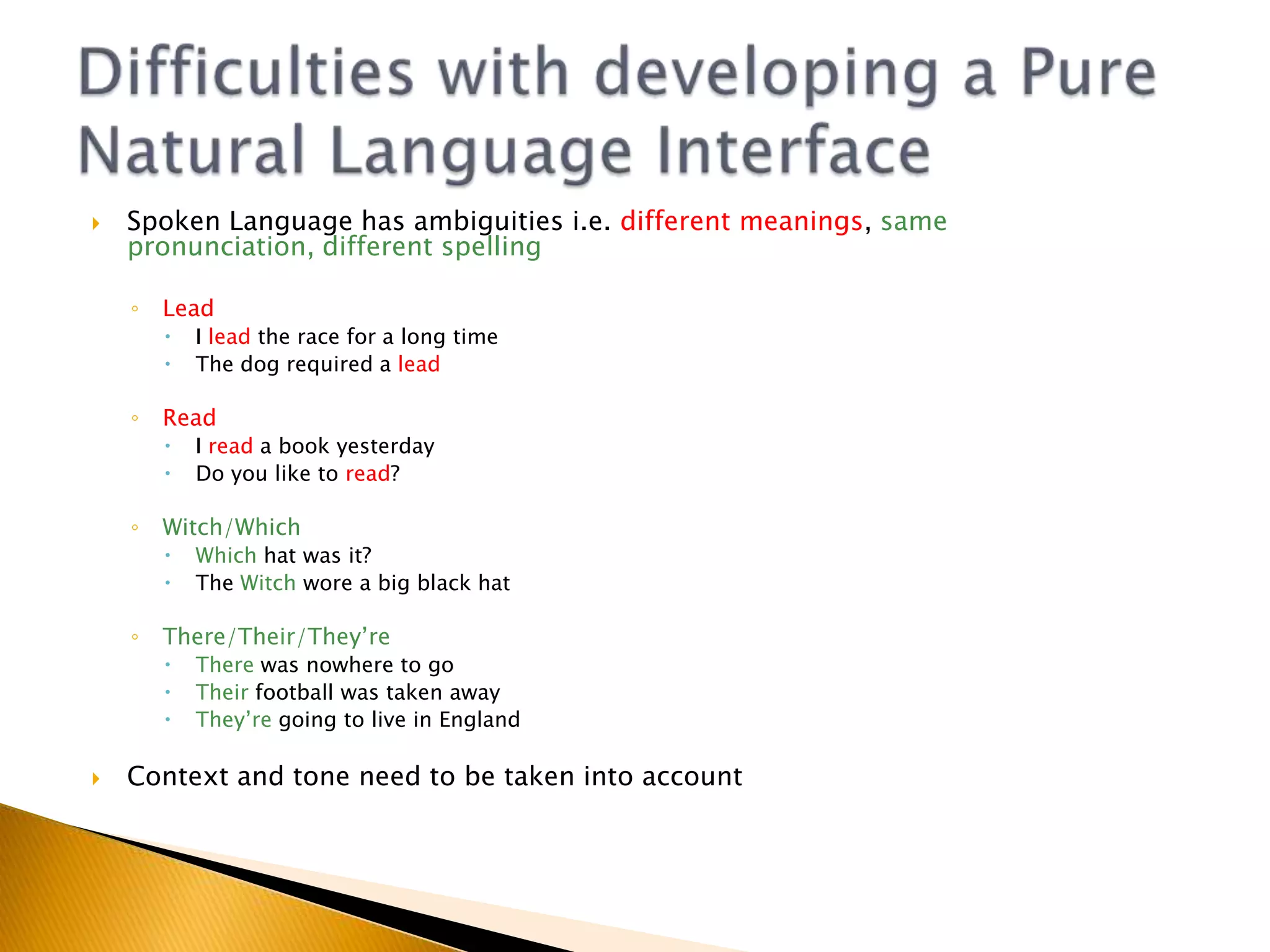
Spoken Language has ambiguities i.e. different meanings, same pronunciation, different spellingLeadI lead the race for a long timeThe dog required a leadReadI read a book yesterdayDo you like to read?Witch/WhichWhich hat was it?The Witch wore a big black hatThere/Their/They’reThere was nowhere to goTheir football was taken awayThey’re going to live in EnglandContext and tone need to be taken into accountDifficulties with developing a Pure Natural Language Interface
Structure of sentences can also be ambiguous.“My car needs oiling badly”Would you really want someone to oil your car badly?Difficulties with developing a Pure Natural Language Interface
Natural Language Interface
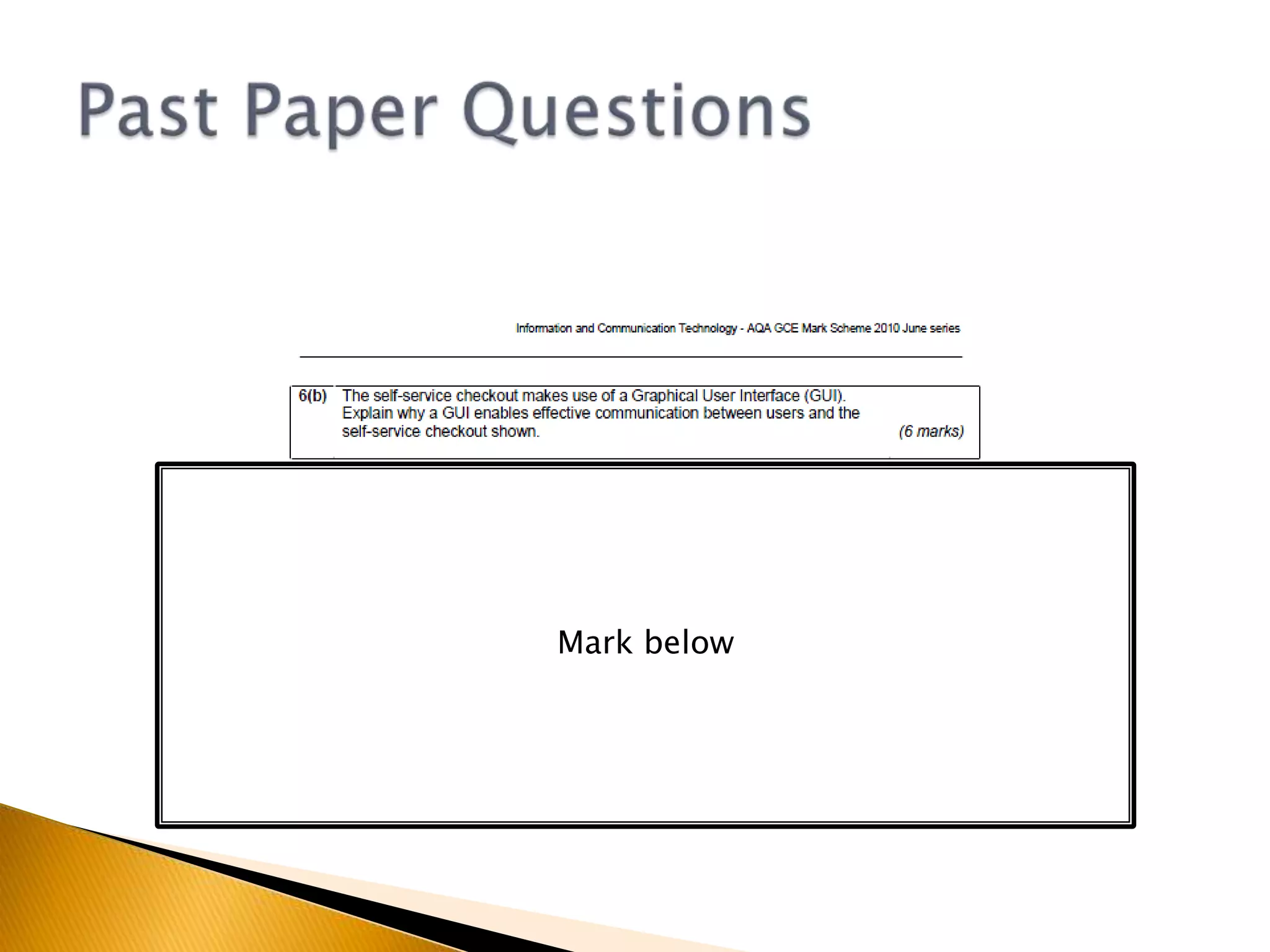
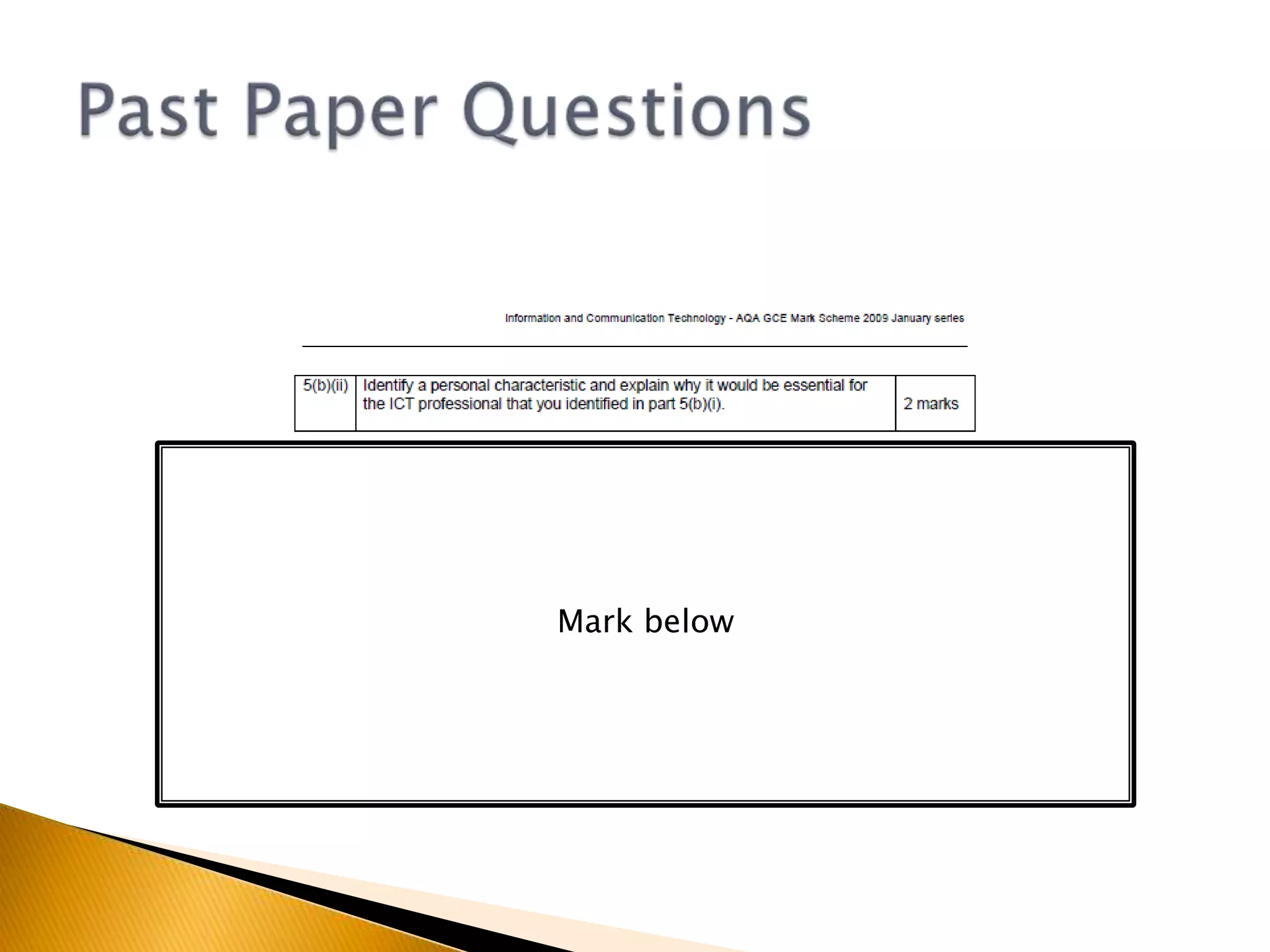
Past Paper QuestionsMark below
Rearrange the letters below to figure out what we are learning about nextIGIOINTKRNWCWORKING IN ICTStarter
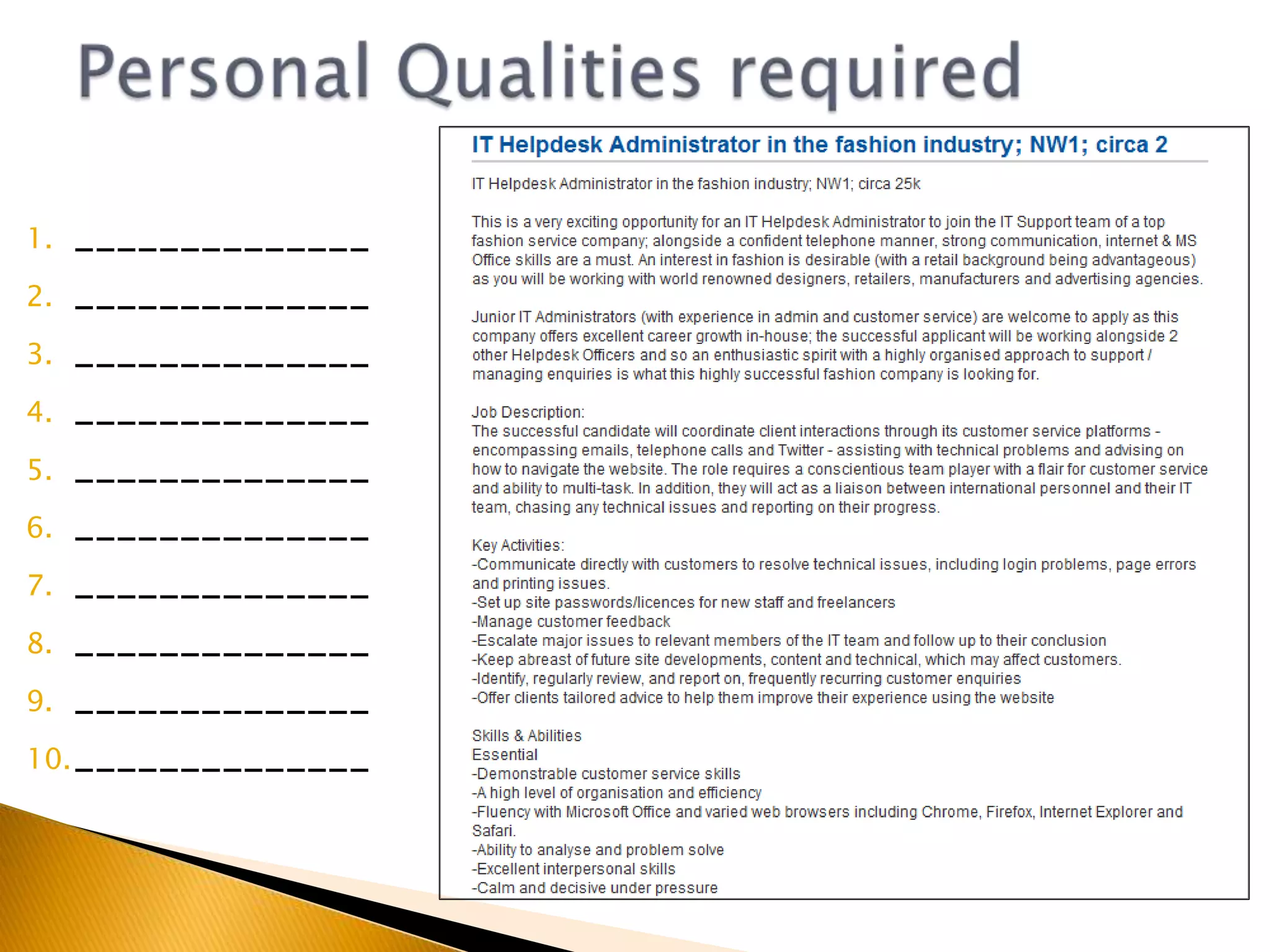
List as many personal qualities as you can required for a professional working in ICTE.g. Good oral communication skillsStarter
Working In ICT
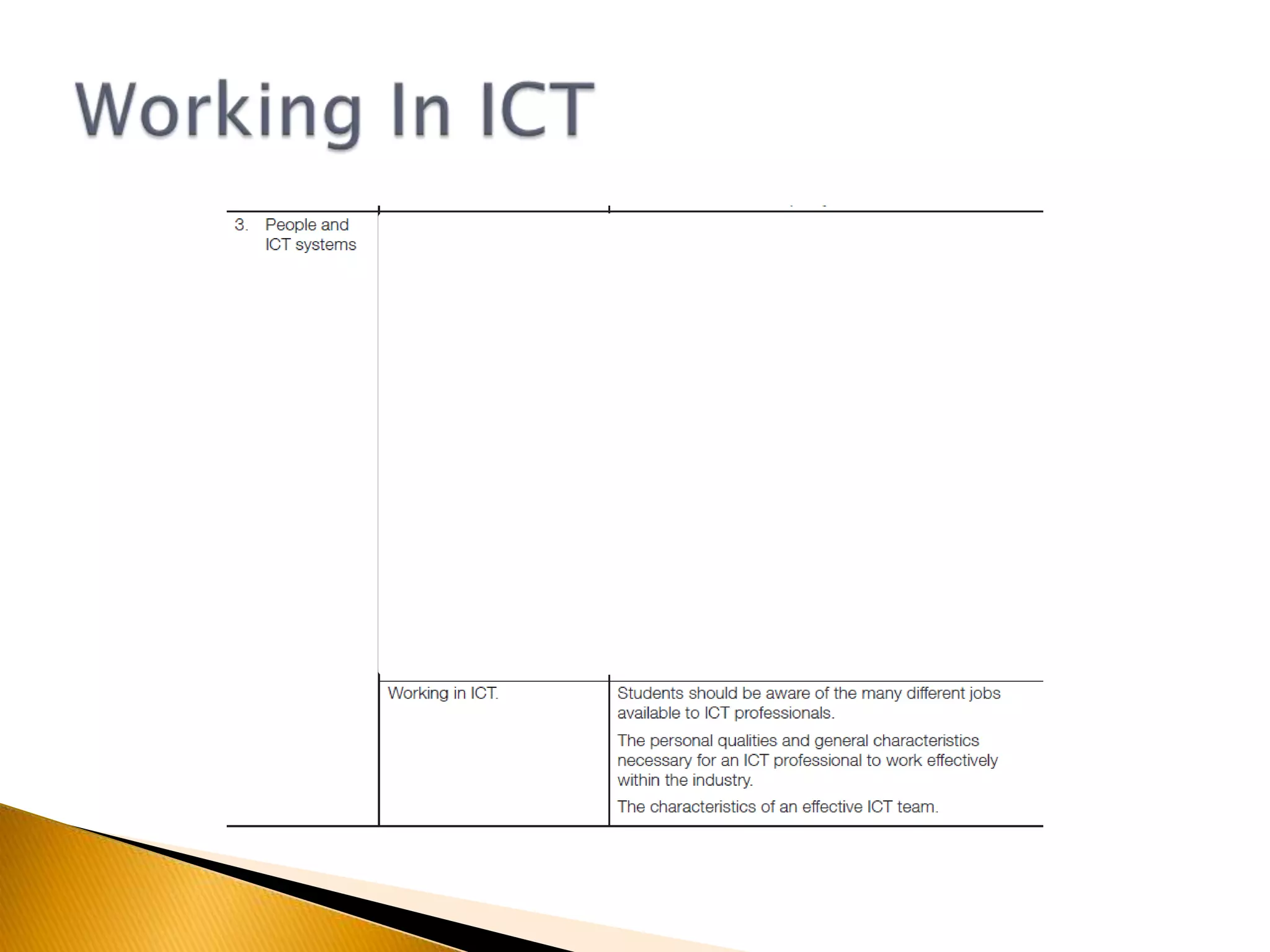
Working In ICTAn ICT professional is a person who works in the development, maintenance or support of ICT Systems.You have 3 minutes in your groups to write down as many jobs you can think of associated with IT/ICTYou now have 15 minutes to visit Jobsite.co.ukMonster.co.ukTotaljobs.comand find as many IT/ICT jobs as possible (Think about your search criteria IT, ICT, games etc.)
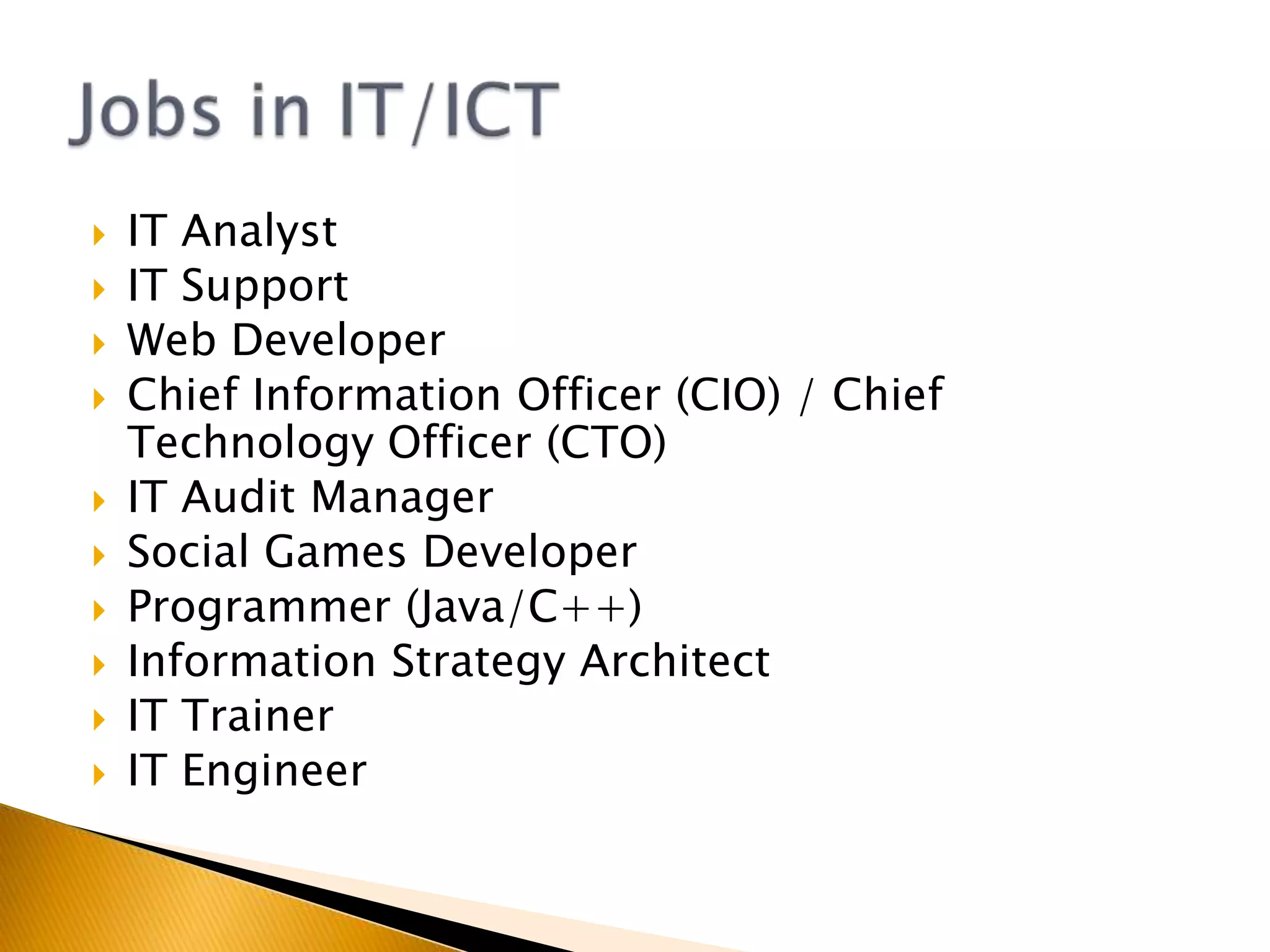
IT AnalystIT SupportWeb DeveloperChief Information Officer (CIO) / Chief Technology Officer (CTO)IT Audit ManagerSocial Games DeveloperProgrammer (Java/C++)Information Strategy ArchitectIT TrainerIT EngineerJobs in IT/ICT
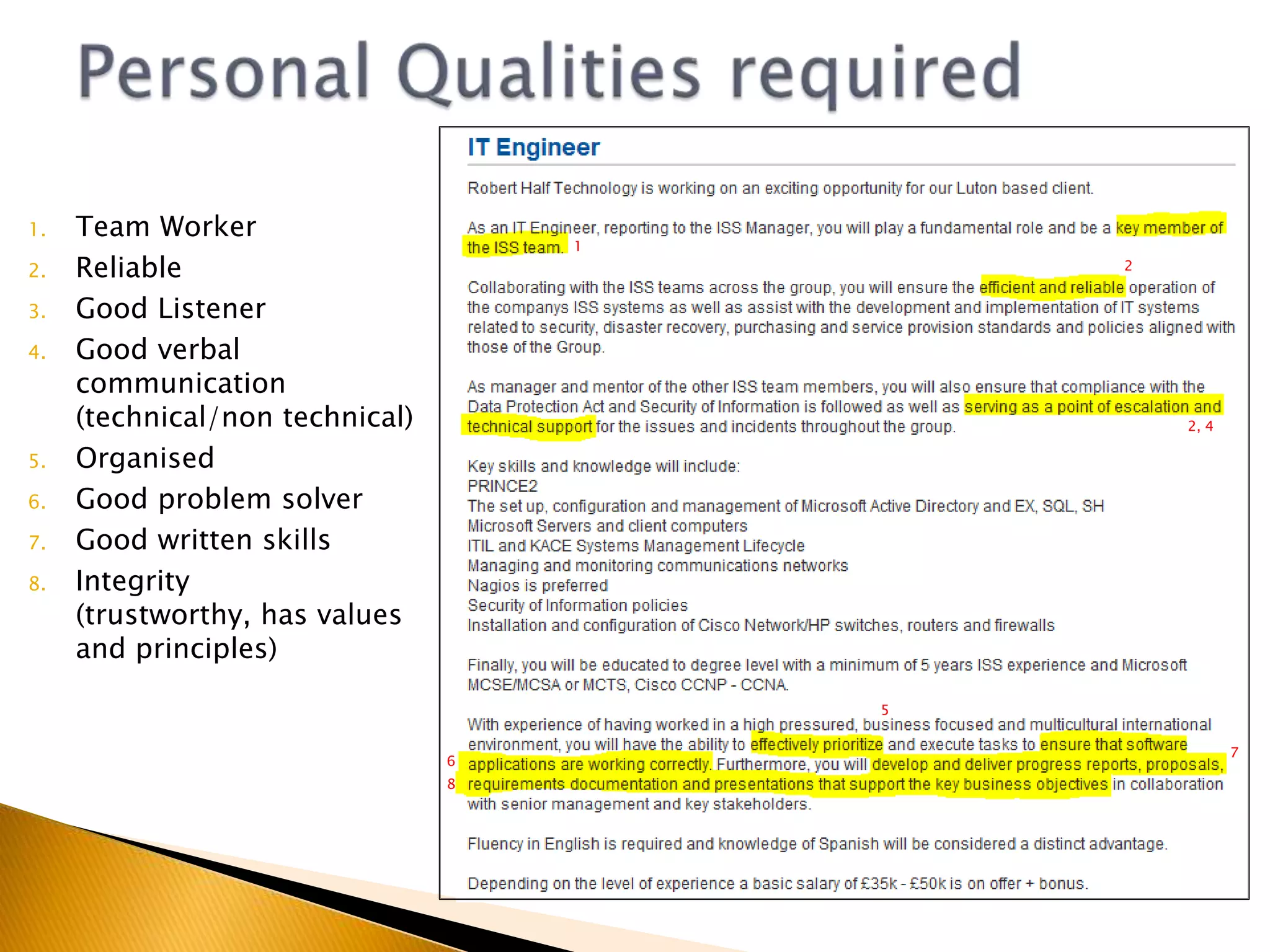
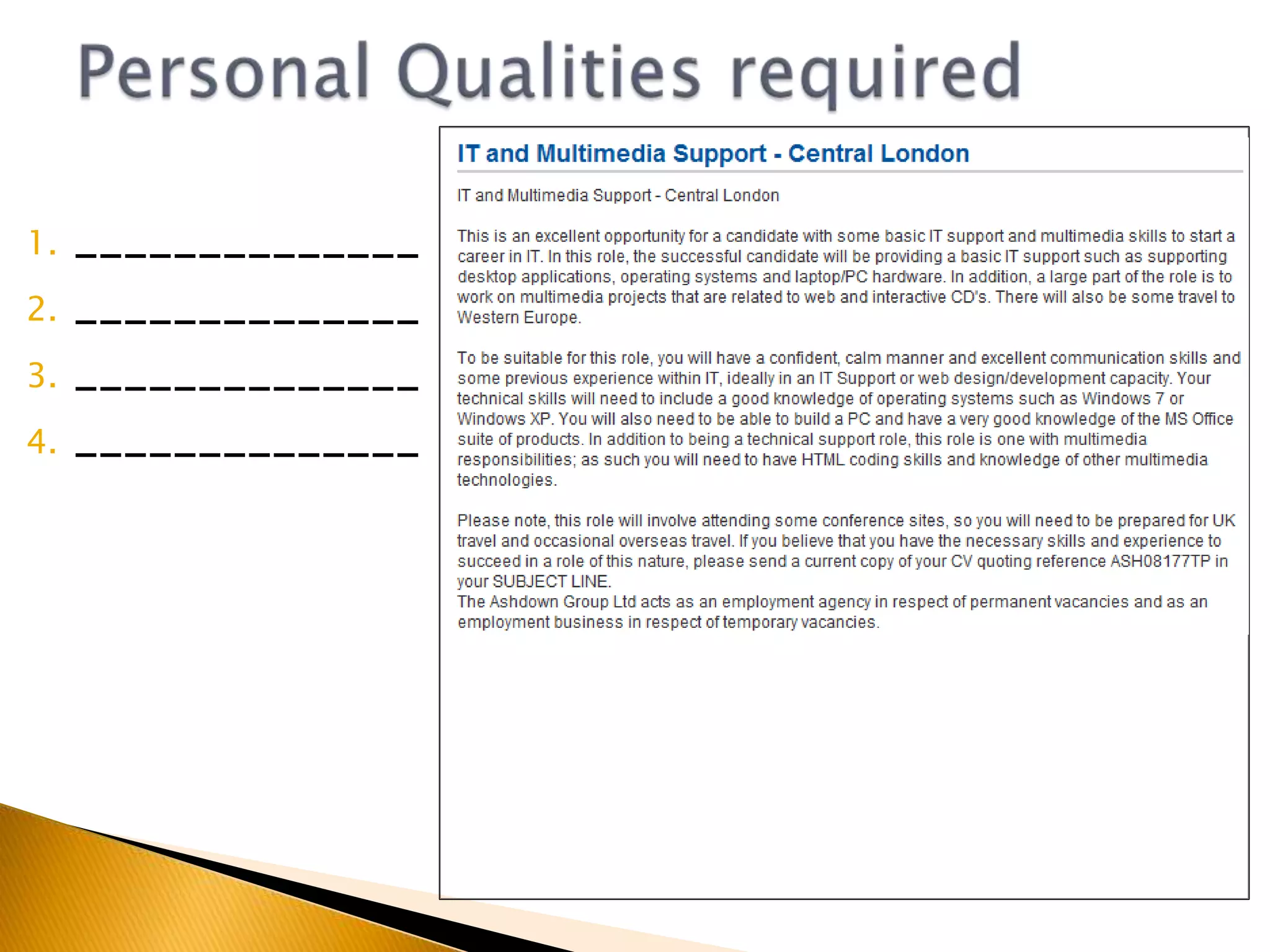
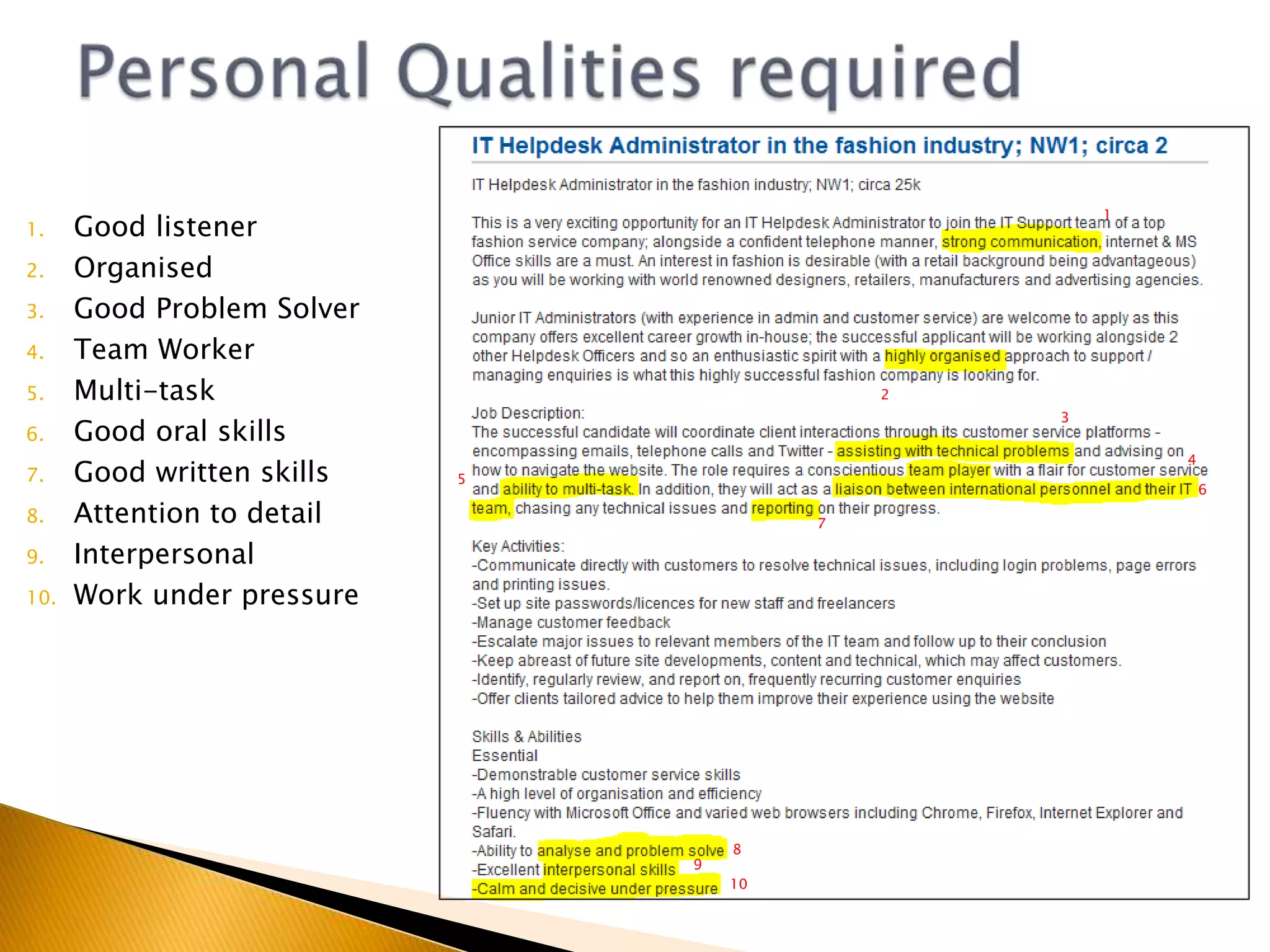
Personal Qualities requiredTeam WorkerReliableGood ListenerGood verbal communication (technical/non technical)OrganisedGood problem solverGood written skillsIntegrity (trustworthy, has values and principles)122, 45768
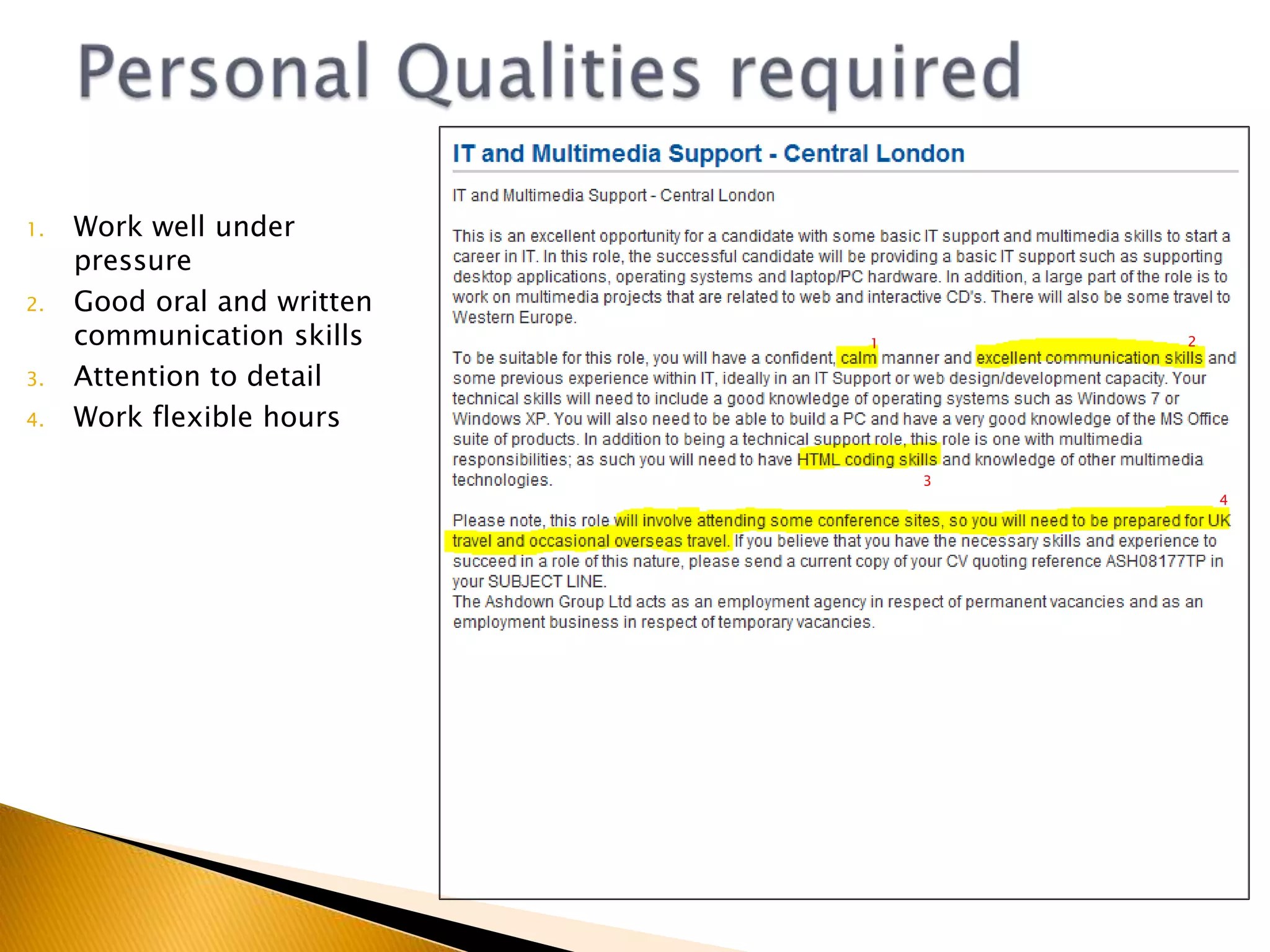
Personal Qualities required
Personal Qualities required________________________________________________________
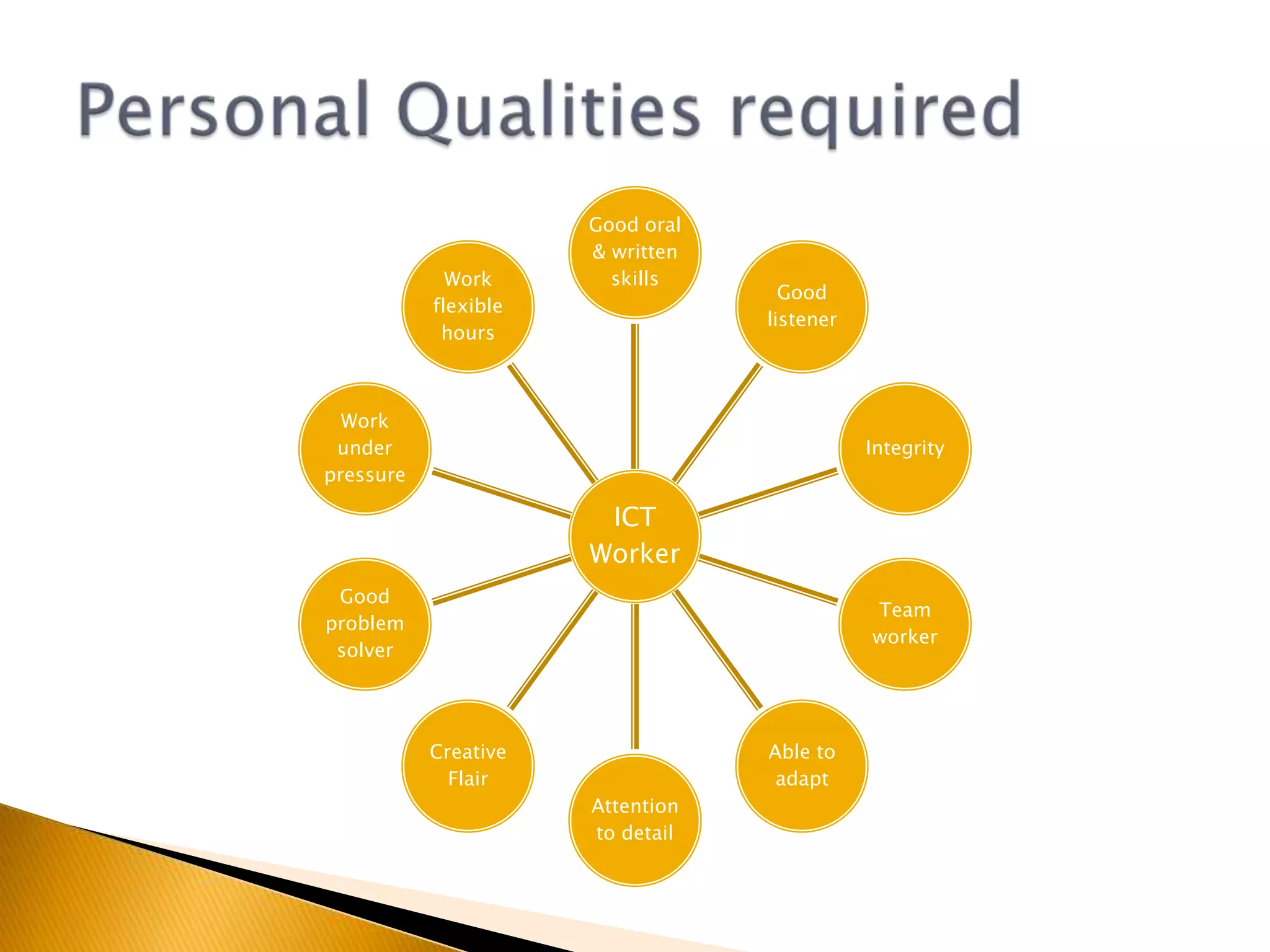
Personal Qualities requiredWork well under pressureGood oral and written communication skillsAttention to detailWork flexible hours2134
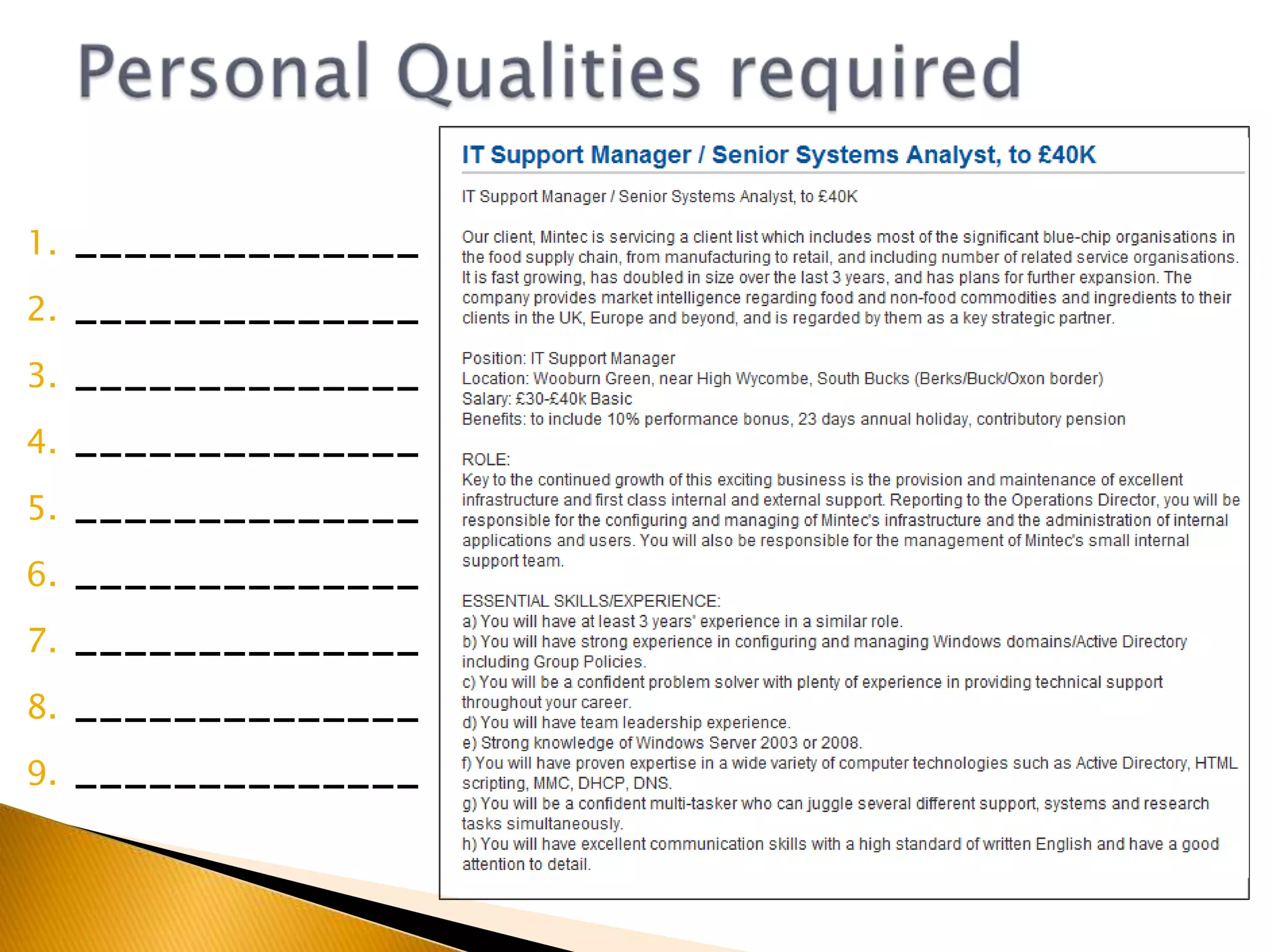
Personal Qualities required______________________________________________________________________________________________________________________________
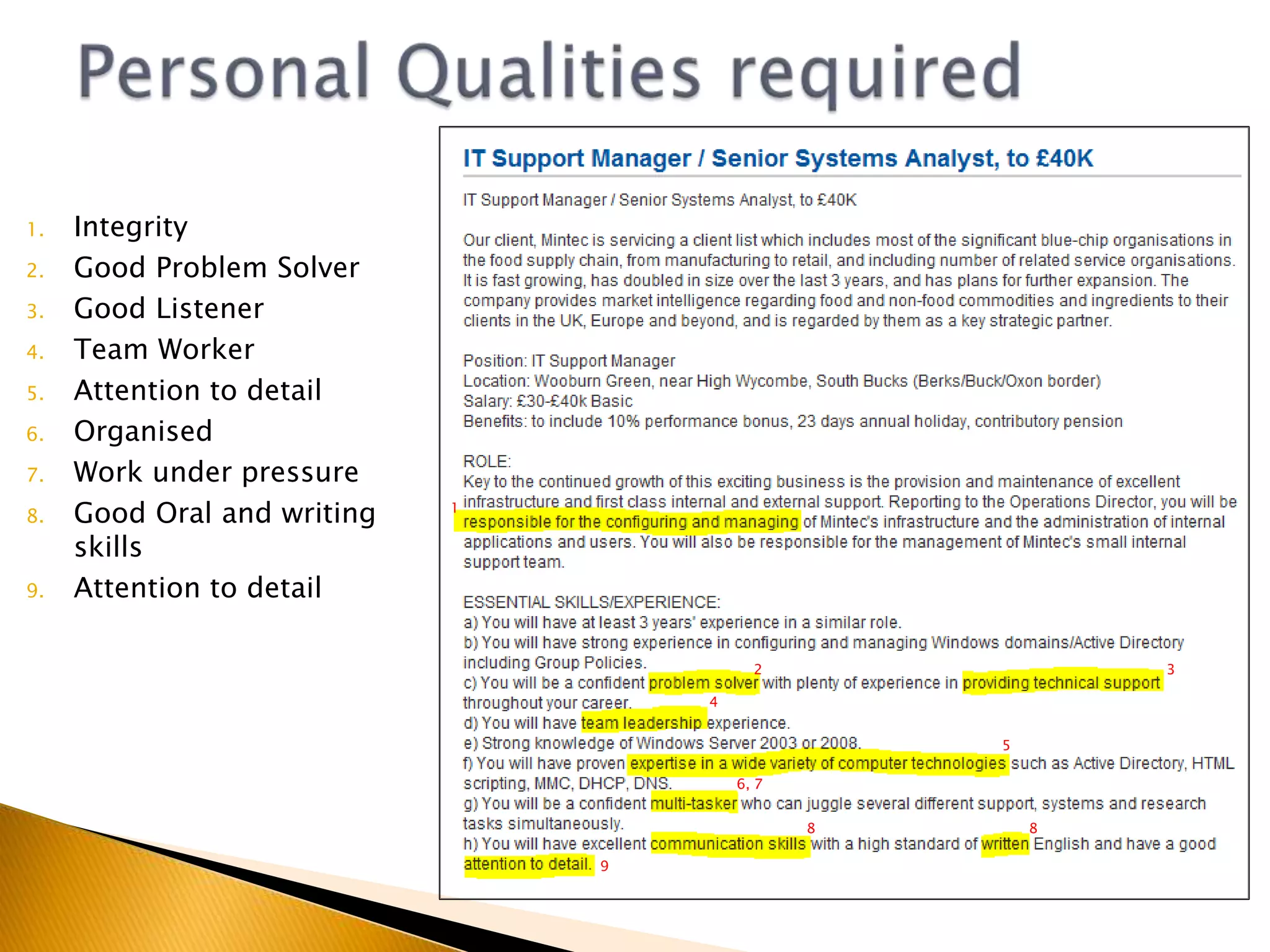
Personal Qualities requiredIntegrityGood Problem SolverGood ListenerTeam WorkerAttention to detailOrganisedWork under pressureGood Oral and writing skillsAttention to detail123456, 7889
Personal Qualities required____________________________________________________________________________________________________________________________________________
Personal Qualities required1Good listenerOrganisedGood Problem SolverTeam WorkerMulti-taskGood oral skillsGood written skillsAttention to detailInterpersonalWork under pressure2345678910
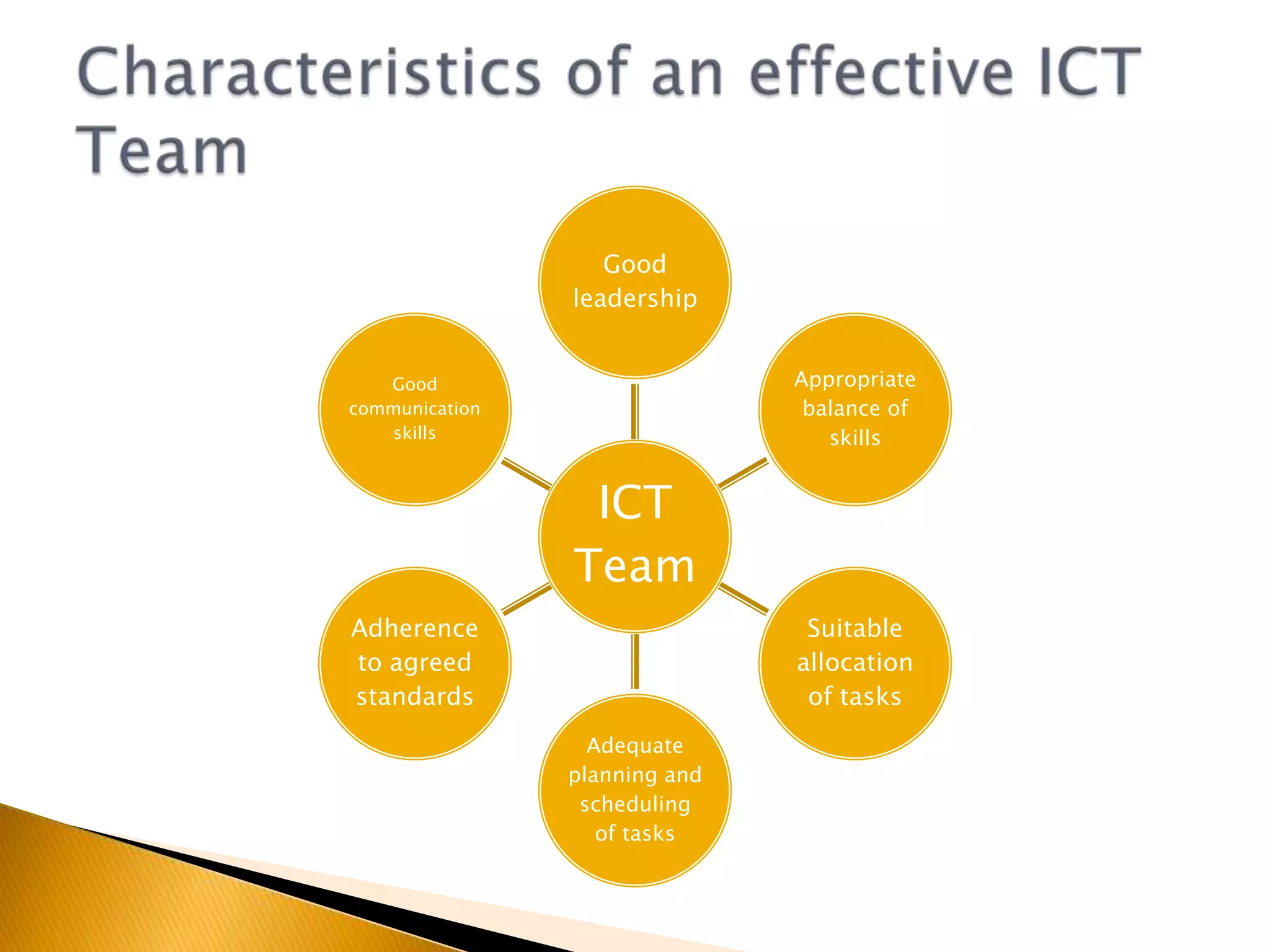
Lots of Jobs in IT require you to work as part of a teamImagine this scenarioI require a team of 5 students to design and build a website for the school. It must be built to a professional standard. It must be built in less than 3 months.Who would you choose to be part of your team?Why have you chosen them?Characteristics of an effective ICT team
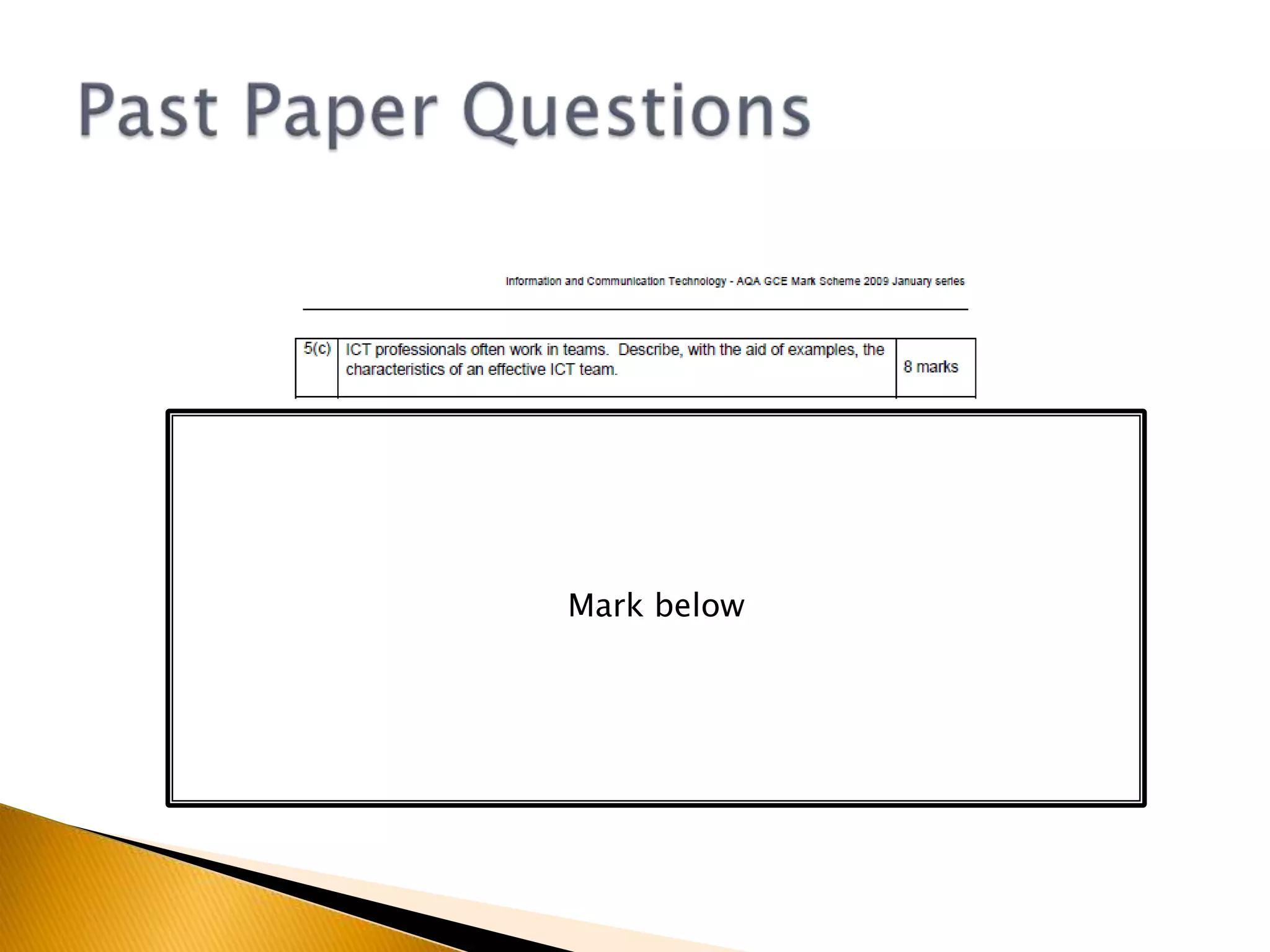
Members are usually allocated a specific role according to their strengthsHowever, it is important that each member works as part of the teamIf a member is absent or leaves the group other team members must be aware of their responsibilities and be flexible and adaptiveMost teams have a team leaderAll members need good communication skillsCharacteristics of an effective ICT team
Characteristics of an effective ICT Team
Past Paper QuestionsMark below

2.3 people and ict systems

  • 1.
    INFO 2Unit 2.3– People and ICT Systems
  • 2.
  • 3.
    Characteristics of usersHowusers interact with ICT SystemsAppropriate interface design
  • 4.
    Help and SupportTypesof user interfacesWorking in ICTBreak it down
  • 5.
    What characteristics ofusers should be considered when designing an ICT System or Interface?Characteristics of usersQuestions to consolidate
  • 6.
    Users of computersystems will varyThe way the user interacts with the system will be affected by the following factors:ExperiencePhysical CharacteristicsEnvironment of useTask to be undertakenAgeCharacteristics of users
  • 7.
    Easily frustratedZoom infeaturesHelp featuresWant to work fastVoice recognitionfamiliarOutput audioExperiencedInexperiencedClarityPoor eyesightOutput BrailleShort cutsLarge iconsExperiencePhysicalTouch screenFine motor skillsSimple, BIG, pictures, iconsCharacteristics of usersPointing deviceChildrenVoice recognitionAgeAdultsEnvironment of useStructured, text, ElderlySlow, guidanceIndustrialTask to be under takentravellingGamingChemical Plant Gloves – big keys
  • 8.
    Dirt –no keyboardsLoud/QuietGPS – touch screen, audio output, simple visual outputJoystick / headsetLoud – Visual outputQuiet - headphonesData entryrestaurantKeyboard/ScannerConcept keyboardhttp://www.bbc.co.uk/news/business-10701953
  • 9.
  • 10.
  • 11.
  • 12.
    Appropriate interface designMostICT Systems involve human interaction at some pointHow users interact with ICT Systems
  • 13.
    Appropriate interface designHCI– Human Computer InterfaceThe point of interaction between people and computer systemsCreating an appropriate HCI requires:Choice of appropriate hardware devices (input and output)Designing the ‘look and feel’ of the software (layout and design)How users interact with ICT Systems
  • 14.
    Appropriate interface designAnHCI Should:Be easy to useAppropriate for the usersSafeRobustUser Friendly (Help features and shortcuts)Be consistent (Look and Feel)How users interact with ICT Systems
  • 15.
    Explain two factorsthat you think should be considered when designing a web interface for use by customers that would support good customer management(4 Marks)Consider:Users of a website might not have visited before, therefore customers might have varied skill levels.Many online customers worry about the use of e-commerce. The HCI needs to address these worries.Exam Question
  • 16.
    Explain two factorsthat you think should be considered when designing a web interface for use by customers that would support good customer management(4 Marks)Customers will have different levels of ICT skills. (1) A simple menu system would give specific options to enable those with little skill to use the system. Appropriate online help should be provided. (1) Many customers are afraid of safety when using online systems for ordering and paying for goods. (1) The HCI needs to offer assurance that the site is secure. (1)Exam Question - Answer
  • 17.
    What support optionsare available in most generic applications?Many software applications offer the following support features:On screen help – avoid jargon, provide FAQ and searchWizards – prompts for novice usersTipsBuilt in demonstrationsOnline help facilitiesHelp/Support Options
  • 18.
    What support optionsare offered by system providers?Many providers offer the following support options:Telephone Help DeskEmail supportUser GuidesOnline support (patches, updates)Help/Support Options
  • 19.
    What other supportoptions are available for industry standard packages?Mass used applications tend to have the following available:Bulletin boardsUser GroupsBooksHelp/Support Options
  • 20.
  • 21.
    Several standard categoriesof user interface:Command line interfaceMenu driven interfaceGraphical user interface (GUI)On-Screen FormsNatural Language interfaceTypes of HCI
  • 22.
    User types incommands for the computer.Examples: MS-DOS, Unix, Linux, Command Prompt (see next slide)Command Line Interface (CLI)
  • 23.
    Back in theheyday of text-based operating systems like Unix and DOS, the command prompt was the operating system, and not knowing how to use it meant that you could not really use your system without someone experienced in computing holding your hand. This was the era of computing clubs, when getting to grips with your computer required some serious devotion and learning.When the most successful graphical operating systems, the various Apple Mac and Windows incarnations came along, they triggered a massive increase in the popularity of computers by simplifying the whole process of using them. No longer did users have to memorize reams of commands in order to simply configure and navigate around their computers.On the other hand, icon based graphic interfaces tend to reduce the flexibility of the underlying operating systems considerably, especially since they are designed to be accessible to the novice user. The various Windows operating systems are instantly familiar to just about any citizen of a developed country between the ages of 10 and 35, not to mention anyone who has worked in an office within the last 10 years, but how many people know how to properly configure and customize Windows XP? Judging by the proliferation of computer service ads in every city, not many.The command prompt, a purely text-driven interface, is still present at the core of Windows XP, and it contains many options that are not otherwise accessible without third-party software, but which most 'experts' could not live without. The mighty PING command being one simple example.Command Prompthttp://www.pcstats.com/articleview.cfm?articleID=1723
  • 24.
    Back in theheyday of text-based operating systems like Unix and DOS, the command prompt was the operating system, and not knowing how to use it meant that you could not really use your system without someone experienced in computing holding your hand. This was the era of computing clubs, when getting to grips with your computer required some serious devotion and learning.When the most successful graphical operating systems, the various Apple Mac and Windows incarnations came along, they triggered a massive increase in the popularity of computers by simplifying the whole process of using them. No longer did users have to memorize reams of commands in order to simply configure and navigate around their computers.On the other hand, icon based graphic interfaces tend to reduce the flexibility of the underlying operating systems considerably, especially since they are designed to be accessible to the novice user. The various Windows operating systems are instantly familiar to just about any citizen of a developed country between the ages of 10 and 35, not to mention anyone who has worked in an office within the last 10 years, but how many people know how to properly configure and customize Windows XP? Judging by the proliferation of computer service ads in every city, not many.The command prompt, a purely text-driven interface, is still present at the core of Windows XP, and it contains many options that are not otherwise accessible without third-party software, but which most 'experts' could not live without. The mighty PING command being one simple example.Command Prompthttp://www.pcstats.com/articleview.cfm?articleID=1723
  • 25.
    Command Line InterfaceexampleSTART - CMD
  • 26.
  • 27.
    Useful in situationswhere the user needs to be restricted to a limited choiceMenu Driven Interface
  • 28.
    To considerBalance betweenoptions on a screen at one time and number of levels of sub-menus requiredShould have a consistent layoutShould use the same prompt for the same operation (e.g. back button)Prompt should be in the same position on the screenMenu Driven Interface
  • 29.
  • 30.
    Use 4 basicfeatures (WIMP)WindowsIconsMenusPointersOften called a WIMP environmentGraphical User Interface (GUI)
  • 31.
  • 32.
    Widely used toenter data into a computer systemGood idea for an on-screen form to mimic the style of a paper formInclude check boxes, menus or listsOn-Screen Forms
  • 33.
  • 34.
    Microsoft's ViewCraig Mundieis Microsoft's big thinker, charting the path of its future research. His current obsession is what he calls natural user interfaces, new ways of interacting with computers, of which Kinect is one example.There is, he says, a shift about to happen from the old graphical user interface to a trend where "the computer is more like us - it sees, it listens, it speaks, it understands, it even seeks to do things on our behalf."http://www.bbc.co.uk/news/business-1257004527th Feb 2011Natural Language Interface
  • 35.
    Getting thereSearch EnginesAsk.comuses Natural Language Processing (NLP) to interpret questions written in natural languageNLP tries to understand the context of a questionHelp searchMS Office tries to interpret questions written in natural languageGames ConsolesNatural movement turns a players body into a games controllerNatural Language Interfacehttp://groups.csail.mit.edu/sls/sls
  • 36.
    Command Driven ‘NaturalLanguage Interfaces’ exist Speech SynthesisSubset of natural languageE.g. My car to control music selection, phone calls etc.Pure Natural-Language Interfaces may still be stuff of the future. WHY?Natural Language Interface
  • 37.
    Spoken Language hasambiguities i.e. different meanings, same pronunciation, different spellingLeadI lead the race for a long timeThe dog required a leadReadI read a book yesterdayDo you like to read?Witch/WhichWhich hat was it?The Witch wore a big black hatThere/Their/They’reThere was nowhere to goTheir football was taken awayThey’re going to live in EnglandContext and tone need to be taken into accountDifficulties with developing a Pure Natural Language Interface
  • 38.
    Structure of sentencescan also be ambiguous.“My car needs oiling badly”Would you really want someone to oil your car badly?Difficulties with developing a Pure Natural Language Interface
  • 39.
  • 40.
  • 41.
  • 42.
  • 43.
  • 44.
  • 45.
  • 46.
    Rearrange the lettersbelow to figure out what we are learning about nextIGIOINTKRNWCWORKING IN ICTStarter
  • 47.
    List as manypersonal qualities as you can required for a professional working in ICTE.g. Good oral communication skillsStarter
  • 48.
  • 49.
    Working In ICTAnICT professional is a person who works in the development, maintenance or support of ICT Systems.You have 3 minutes in your groups to write down as many jobs you can think of associated with IT/ICTYou now have 15 minutes to visit Jobsite.co.ukMonster.co.ukTotaljobs.comand find as many IT/ICT jobs as possible (Think about your search criteria IT, ICT, games etc.)
  • 50.
    IT AnalystIT SupportWebDeveloperChief Information Officer (CIO) / Chief Technology Officer (CTO)IT Audit ManagerSocial Games DeveloperProgrammer (Java/C++)Information Strategy ArchitectIT TrainerIT EngineerJobs in IT/ICT
  • 51.
    Personal Qualities requiredTeamWorkerReliableGood ListenerGood verbal communication (technical/non technical)OrganisedGood problem solverGood written skillsIntegrity (trustworthy, has values and principles)122, 45768
  • 52.
  • 53.
  • 54.
    Personal Qualities requiredWorkwell under pressureGood oral and written communication skillsAttention to detailWork flexible hours2134
  • 55.
  • 56.
    Personal Qualities requiredIntegrityGoodProblem SolverGood ListenerTeam WorkerAttention to detailOrganisedWork under pressureGood Oral and writing skillsAttention to detail123456, 7889
  • 57.
  • 58.
    Personal Qualities required1GoodlistenerOrganisedGood Problem SolverTeam WorkerMulti-taskGood oral skillsGood written skillsAttention to detailInterpersonalWork under pressure2345678910
  • 59.
    Lots of Jobsin IT require you to work as part of a teamImagine this scenarioI require a team of 5 students to design and build a website for the school. It must be built to a professional standard. It must be built in less than 3 months.Who would you choose to be part of your team?Why have you chosen them?Characteristics of an effective ICT team
  • 60.
    Members are usuallyallocated a specific role according to their strengthsHowever, it is important that each member works as part of the teamIf a member is absent or leaves the group other team members must be aware of their responsibilities and be flexible and adaptiveMost teams have a team leaderAll members need good communication skillsCharacteristics of an effective ICT team
  • 61.
    Characteristics of aneffective ICT Team
  • 62.
  • 63.
  • 64.
  • 65.

Editor's Notes

  • #58 Idea for future teaching: Find 10 CV’s of ‘real’ people with a range of different skills and then ask the students to choose only 5 i.e. they hire the 5 people to be part of the web design team. They must then justify their choice.