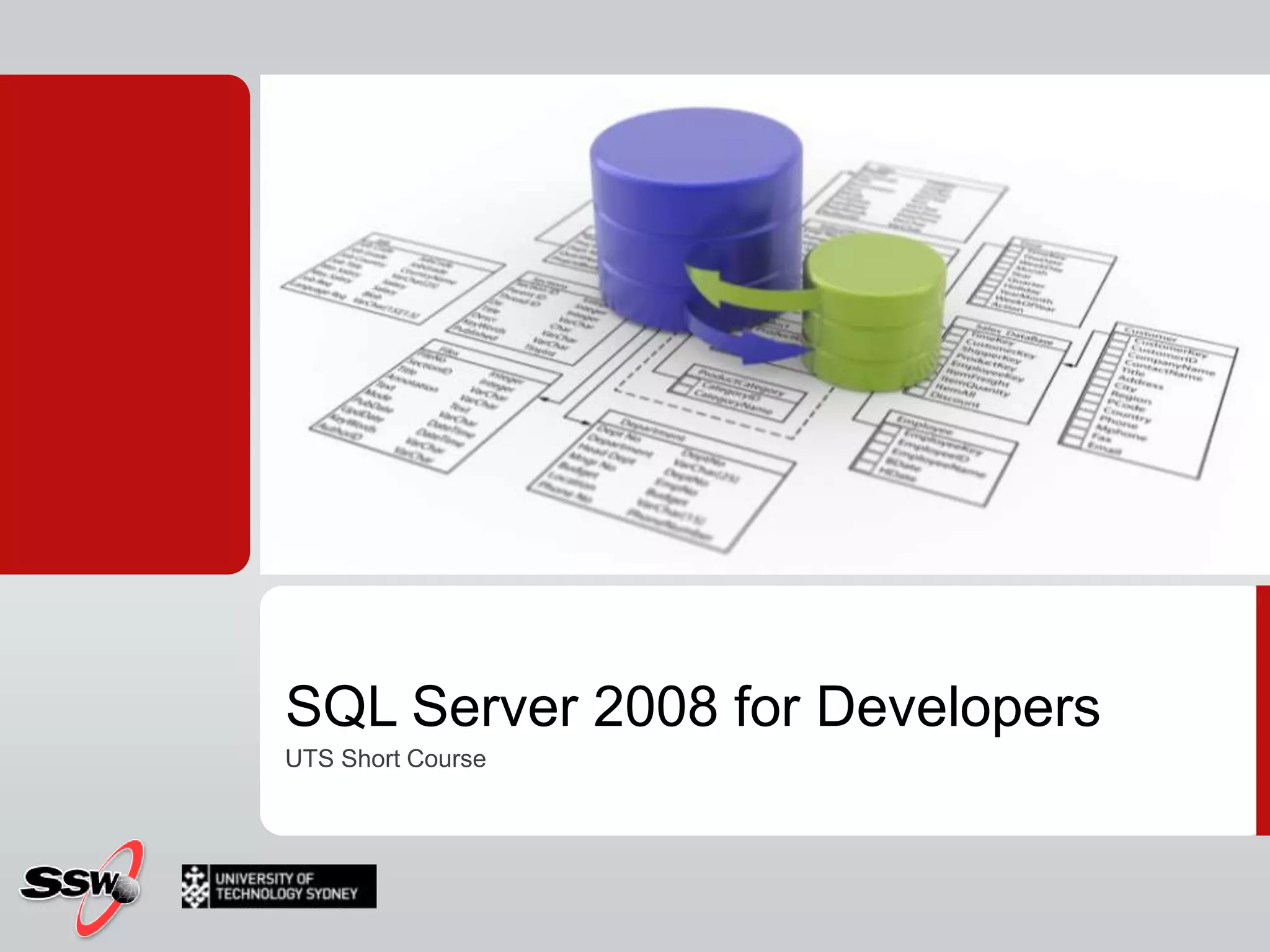
SQL Server 2008 for DevelopersUTS Short Course
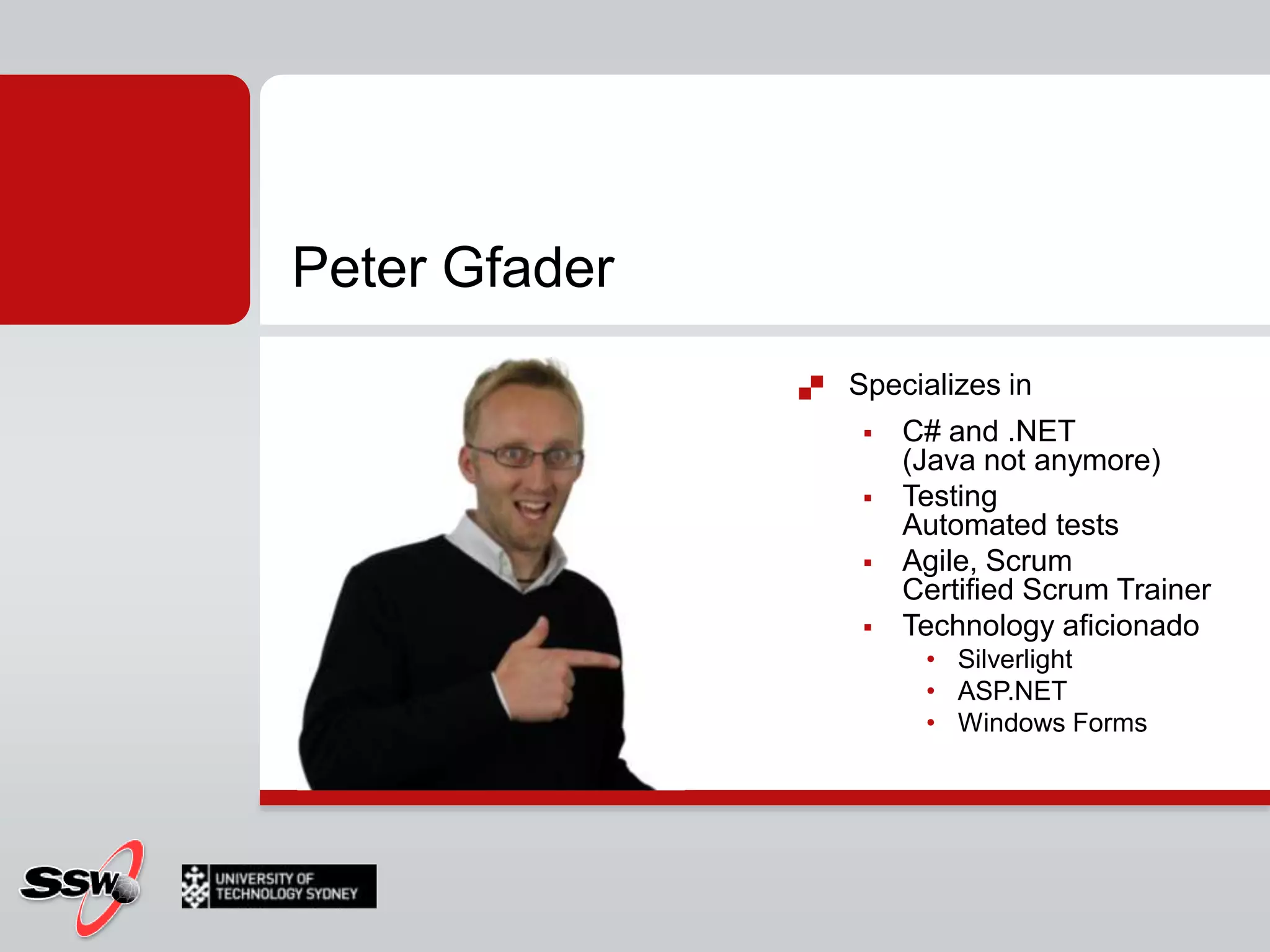
Peter GfaderSpecializes in C# and .NET (Java not anymore)TestingAutomated testsAgile, ScrumCertified Scrum TrainerTechnology aficionado SilverlightASP.NETWindows Forms
Course Websitehttp://sharepoint.ssw.com.au/Training/UTSSQL/Pages/Course TimetableCourse Materials
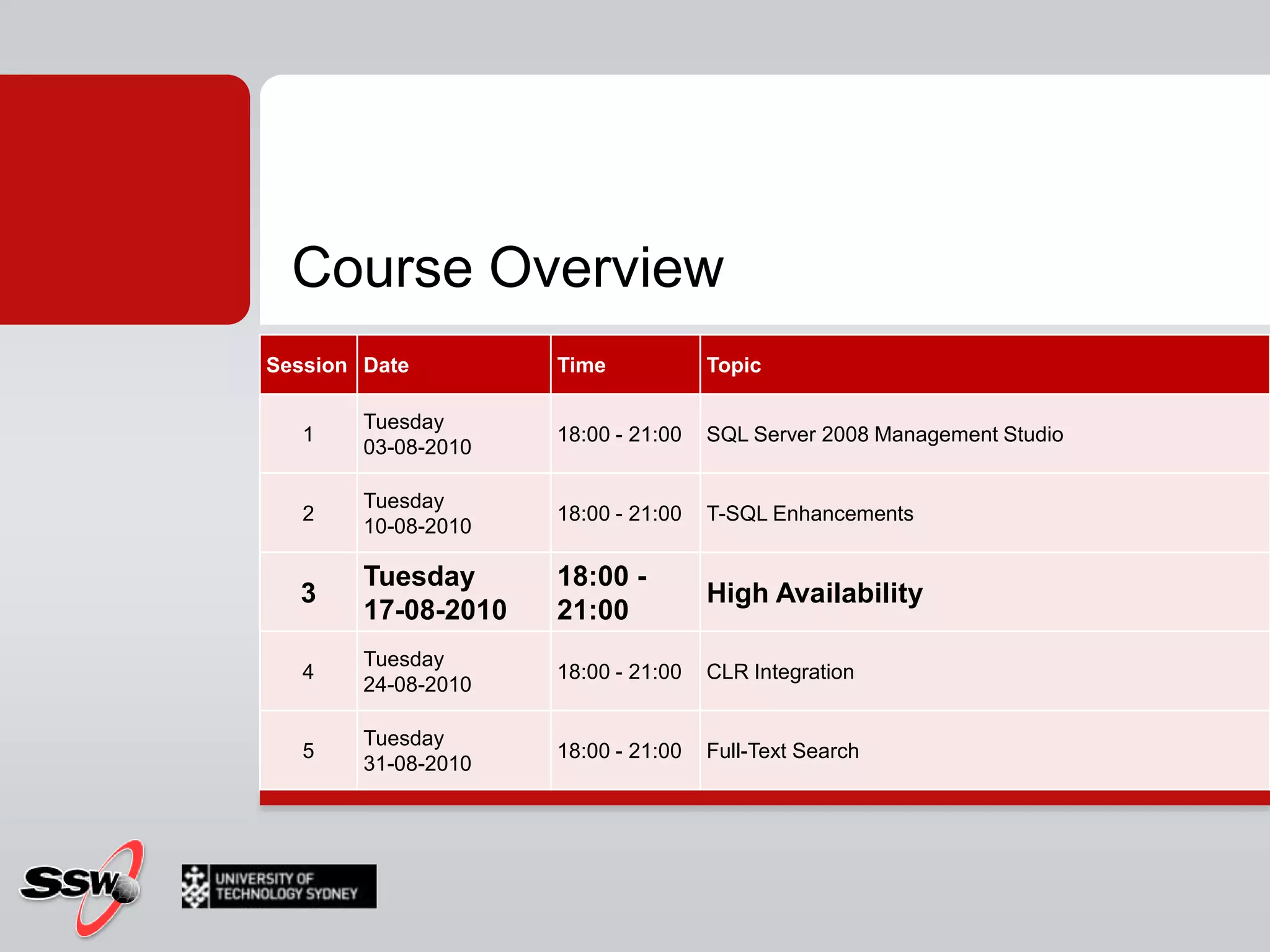
Course Overview
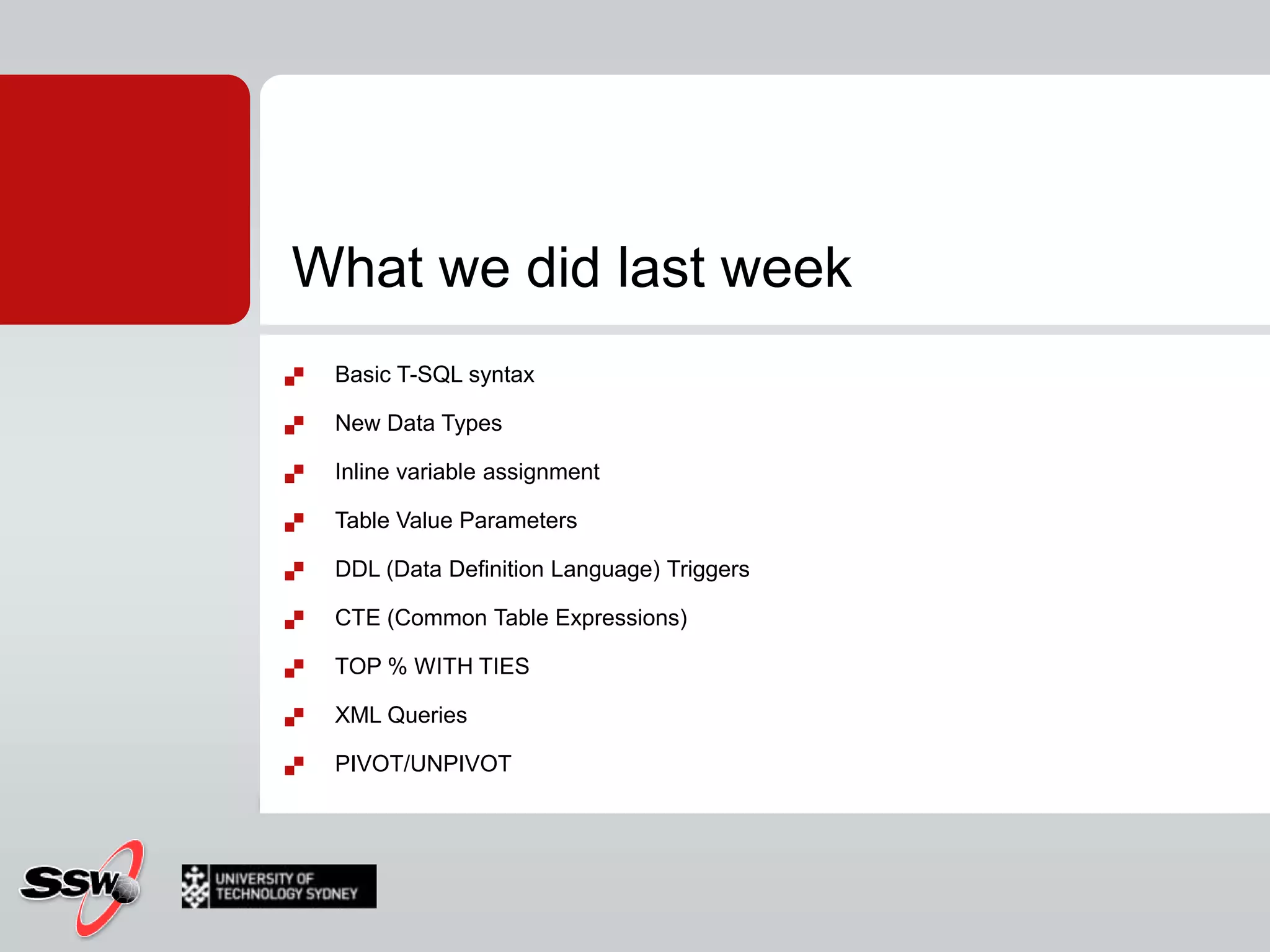
What we did last weekBasic T-SQL syntaxNew Data TypesInline variable assignmentTable Value ParametersDDL (Data Definition Language) TriggersCTE (Common Table Expressions)TOP % WITH TIESXML QueriesPIVOT/UNPIVOT
Homework?
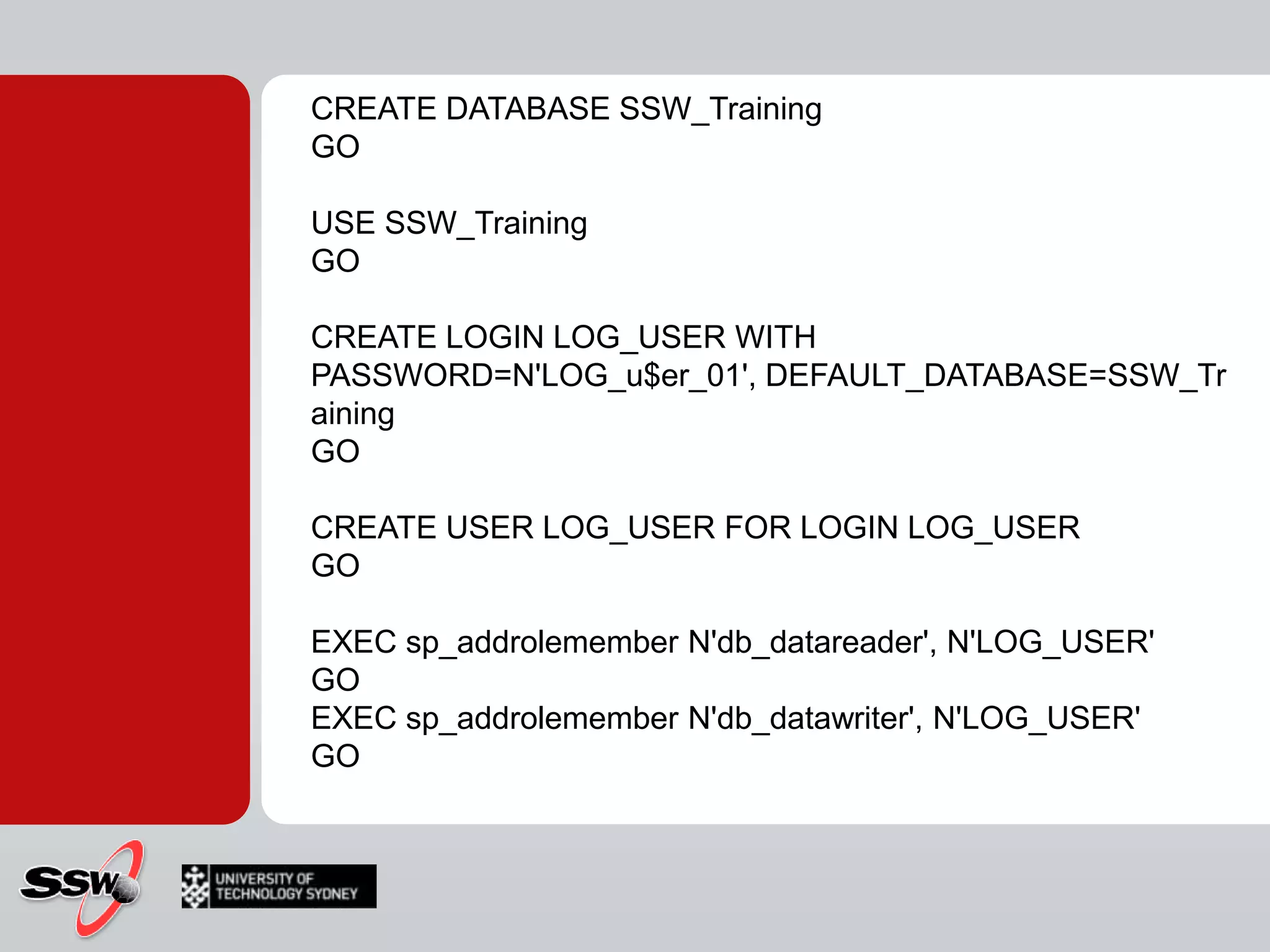
CREATE DATABASE SSW_TrainingGOUSE SSW_TrainingGOCREATE LOGIN LOG_USER WITH PASSWORD=N'LOG_u$er_01', DEFAULT_DATABASE=SSW_TrainingGOCREATE USER LOG_USER FOR LOGIN LOG_USERGOEXEC sp_addrolememberN'db_datareader', N'LOG_USER'GOEXEC sp_addrolememberN'db_datawriter', N'LOG_USER'GO
CREATE TABLE [ServerLogins](	ID bigint IDENTITY(1,1) NOT NULL	, [DateTime] datetime	, PostTimenvarchar(100)	, LoginNamenvarchar(100)	, EventTypenvarchar(100)	, ClientHostnvarchar(100)	, [EVENTDATA] xml) ON [PRIMARY]GO
CREATE TRIGGER logon_trigger_login_logON ALL SERVER WITH EXECUTE AS 'LOG_USER'FOR LOGONAS	DECLARE @data xml	SET @data = EventData()	INSERT INTO SSW_Training.dbo.ServerLogins([DateTime], PostTime, LoginName, EventType, ClientHost, [EventData])	VALUES	(	GETDATE()	, CONVERT(nvarchar(100), @data.query('data(//PostTime)'))	, CONVERT(nvarchar(100), @data.query('data(//LoginName)'))	, CONVERT(nvarchar(100), @data.query('data(//EventType)'))	, CONVERT(nvarchar(2000), @data.query('data(//ClientHost)'))	, EVENTDATA()	)GO
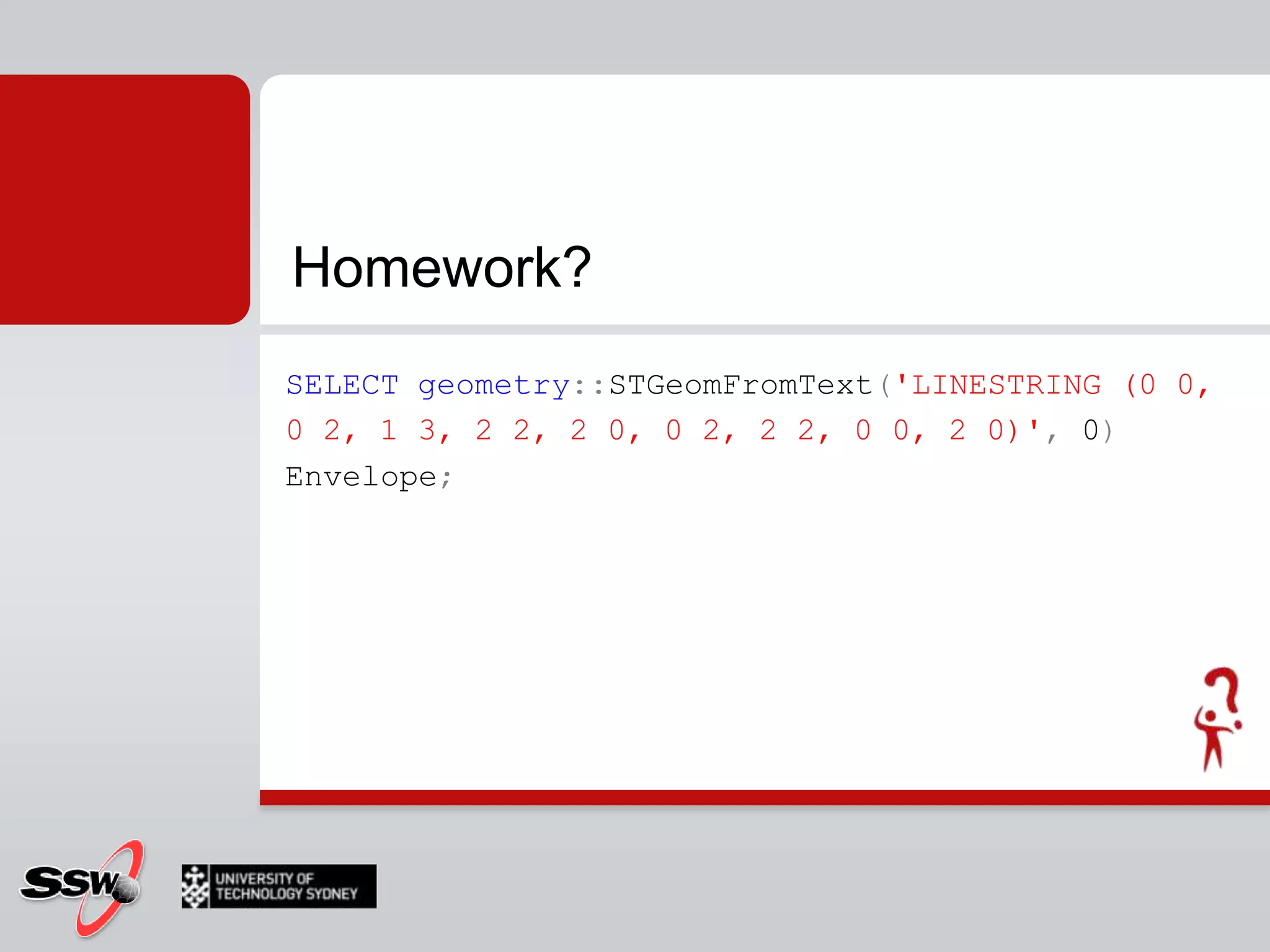
SELECTgeometry::STGeomFromText('LINESTRING (0 0, 0 2, 1 3, 2 2, 2 0, 0 2, 2 2, 0 0, 2 0)', 0) Envelope;Homework?
Session 3SQL 2008 High Availability Features
AgendaAgendaWhat is High Availability?What can go wrong?What can we do about it?
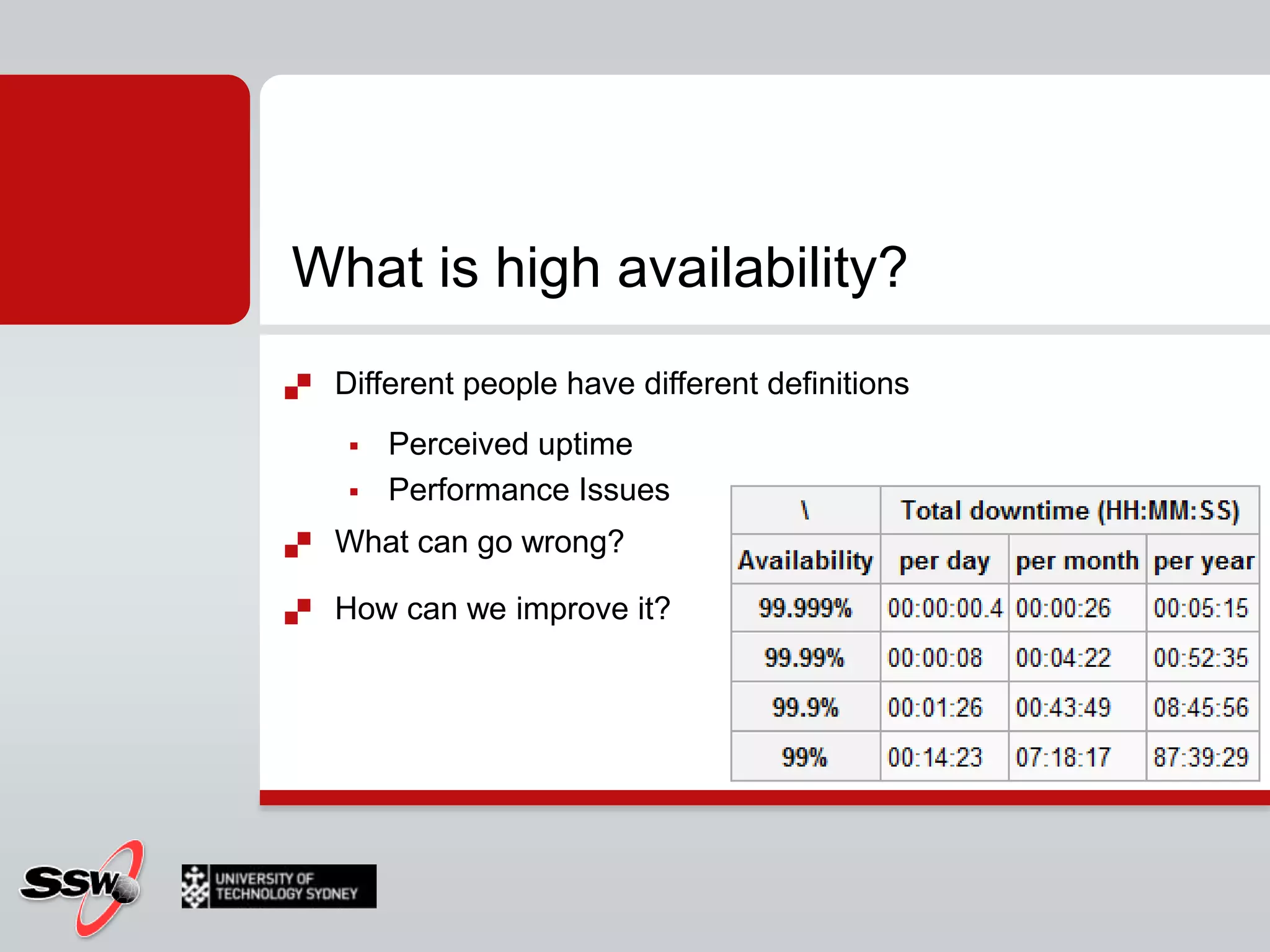
What is high availability?Different people have different definitionsPerceived uptimePerformanceWhat can go wrong?How can we improve it?
What is high availability?Different people have different definitionsPerceived uptimePerformance IssuesWhat can go wrong?How can we improve it?
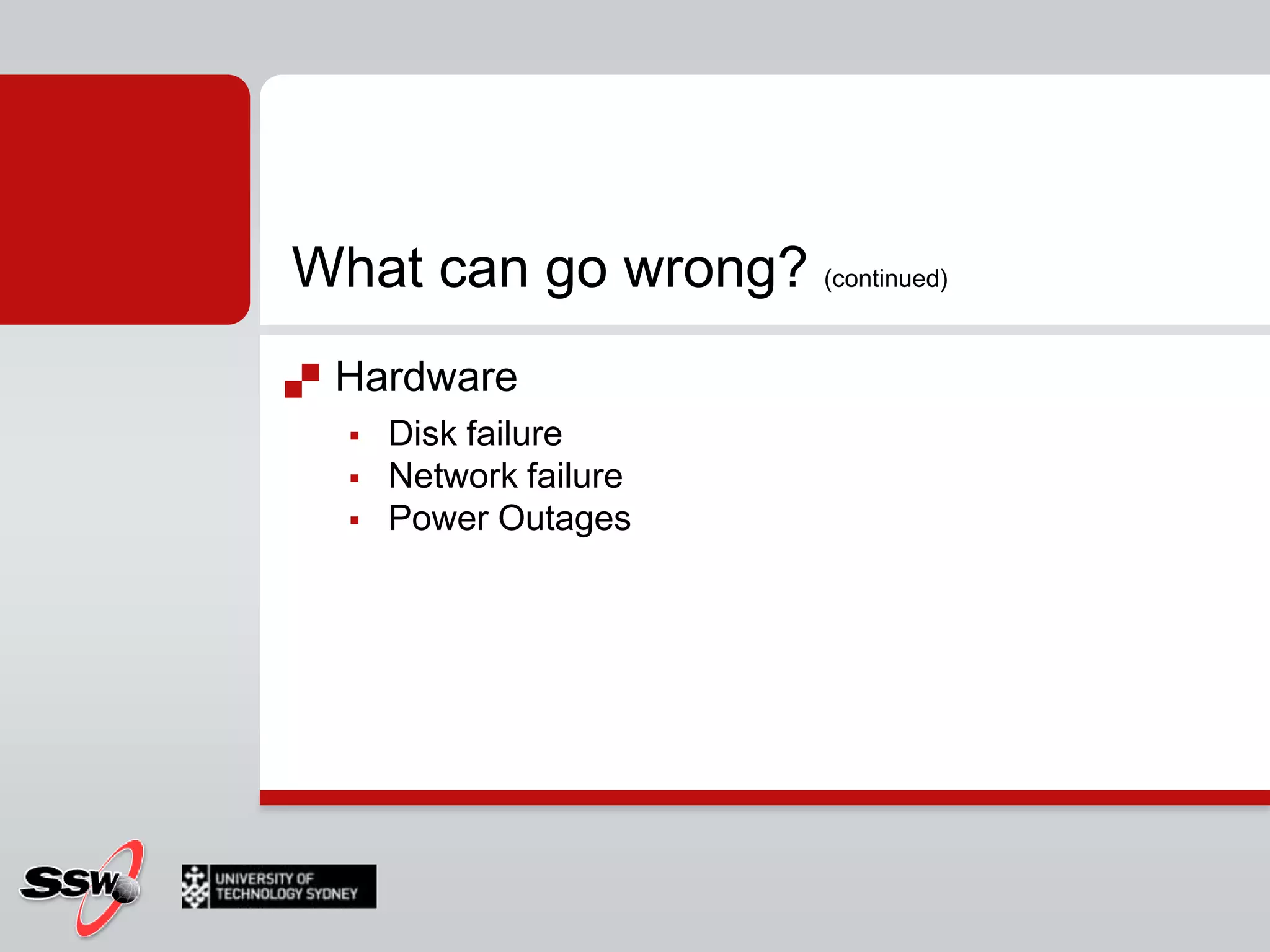
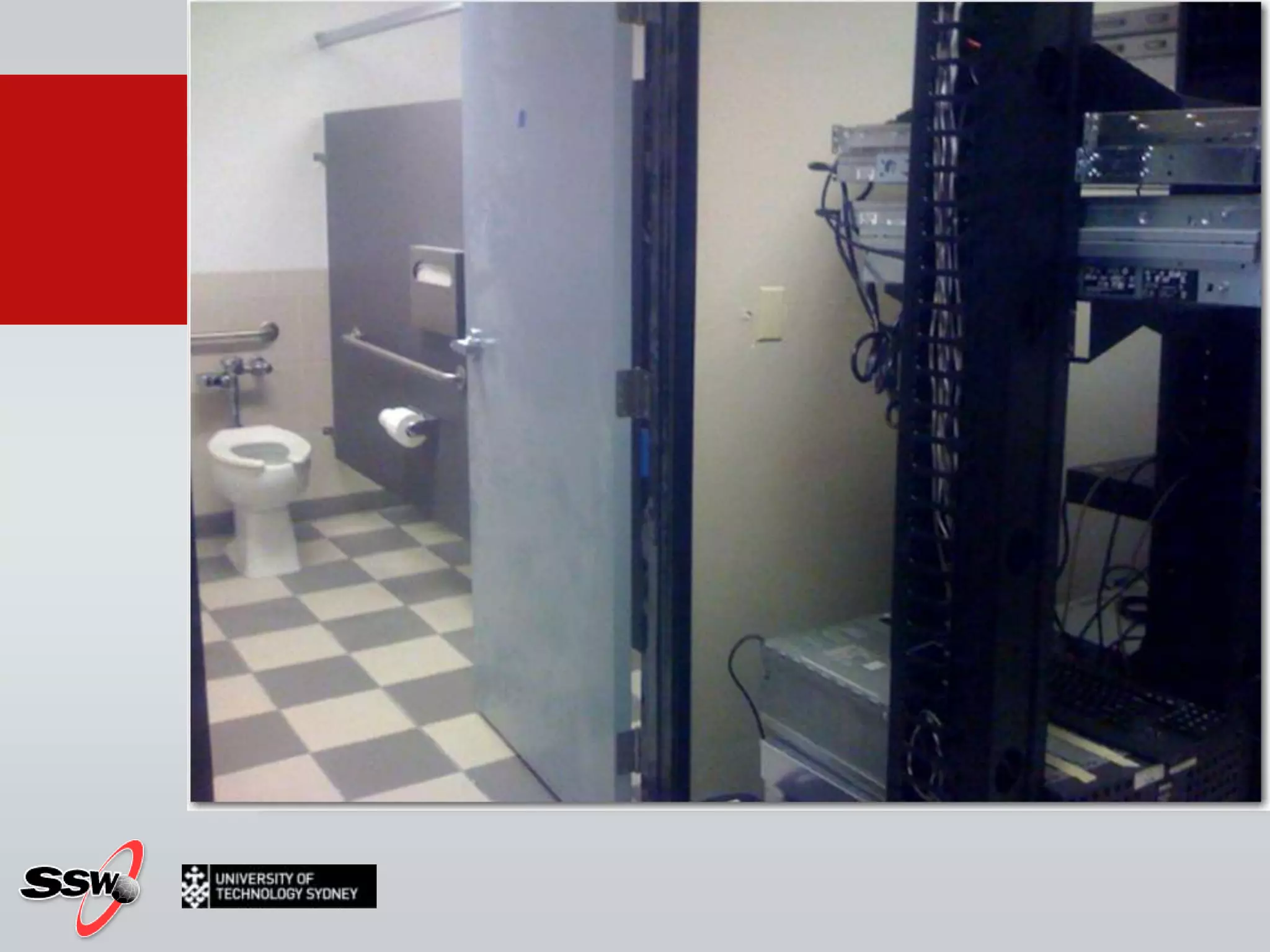
What can go wrong? (continued)Hardware Disk failureNetwork failurePower Outages
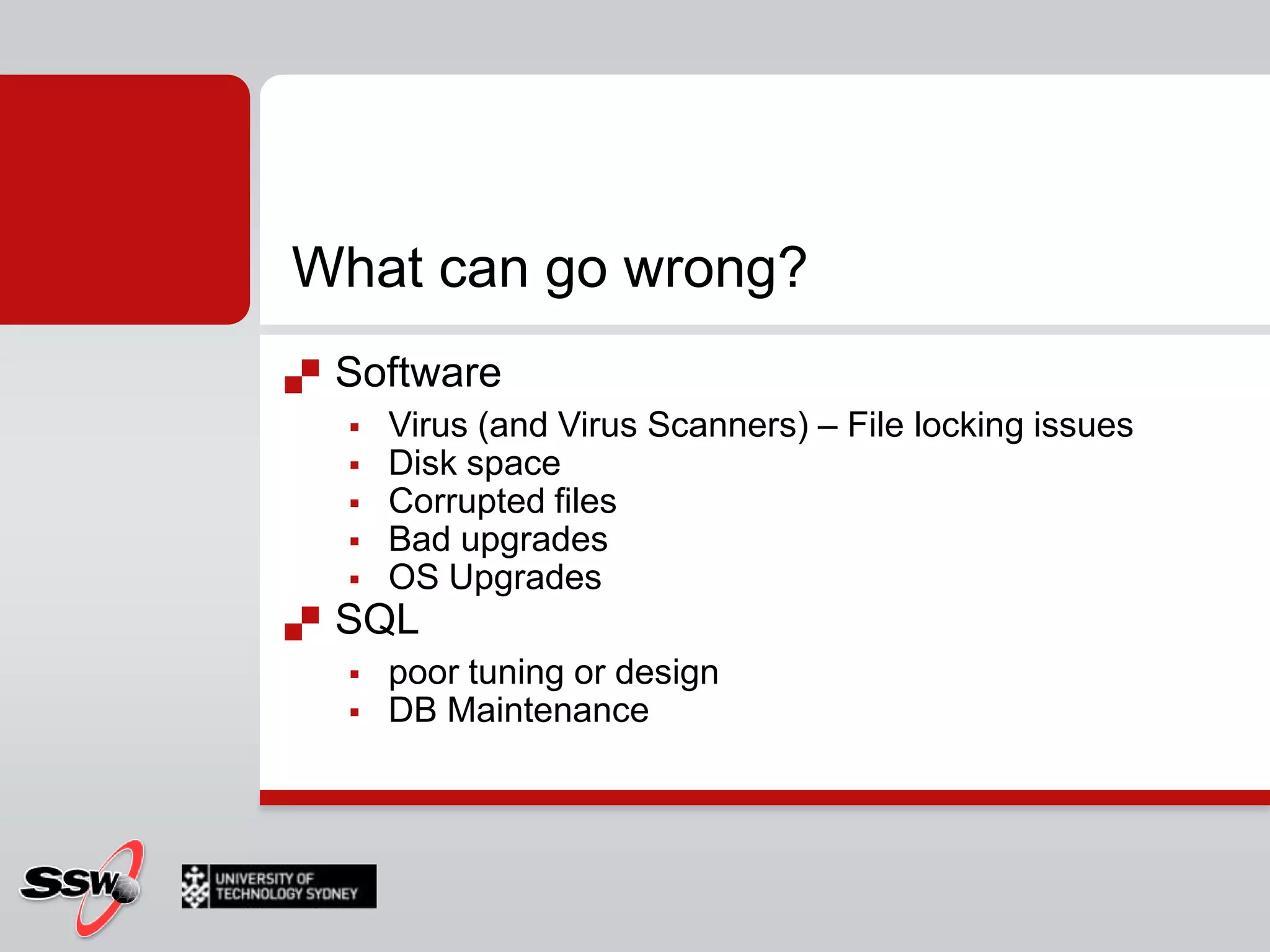
What can go wrong?SoftwareVirus (and Virus Scanners) – File locking issuesDisk spaceCorrupted filesBad upgradesOS UpgradesSQL poor tuning or designDB Maintenance
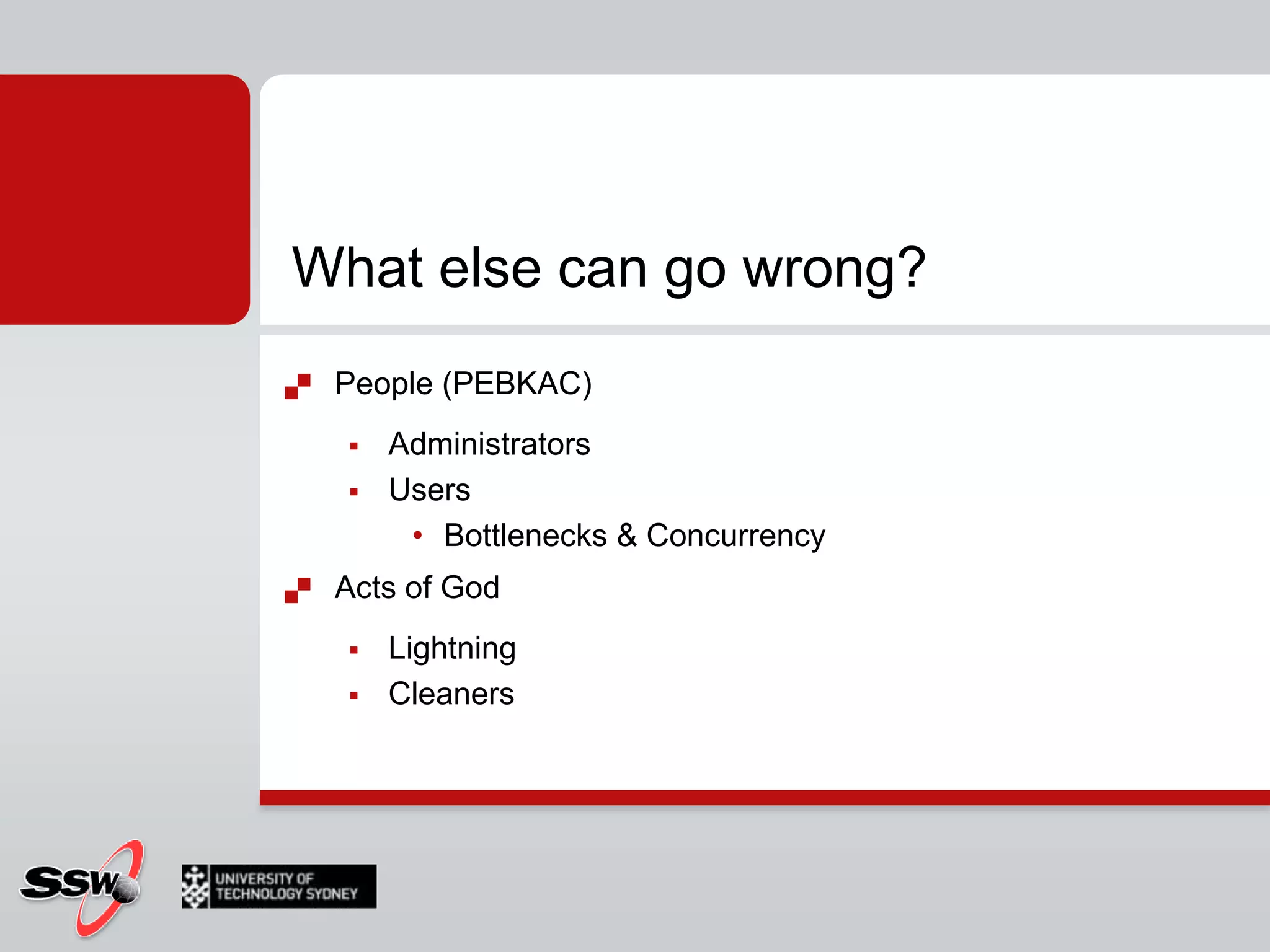
What else can go wrong?People (PEBKAC)Administrators  UsersBottlenecks & ConcurrencyActs of GodLightningCleaners
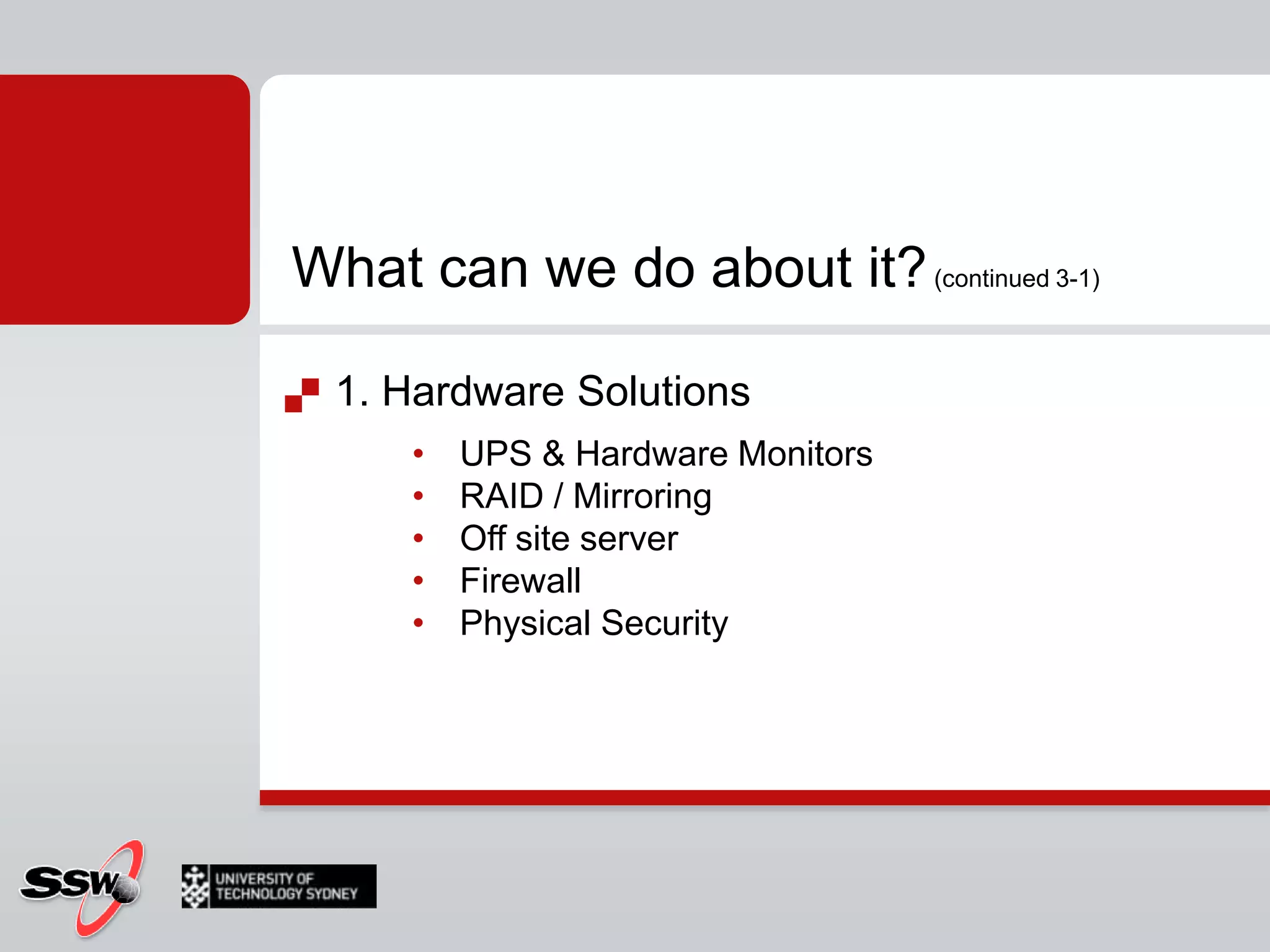
What can we do about it? (continued 3-1)1. Hardware SolutionsUPS & Hardware MonitorsRAID / MirroringOff site serverFirewallPhysical Security
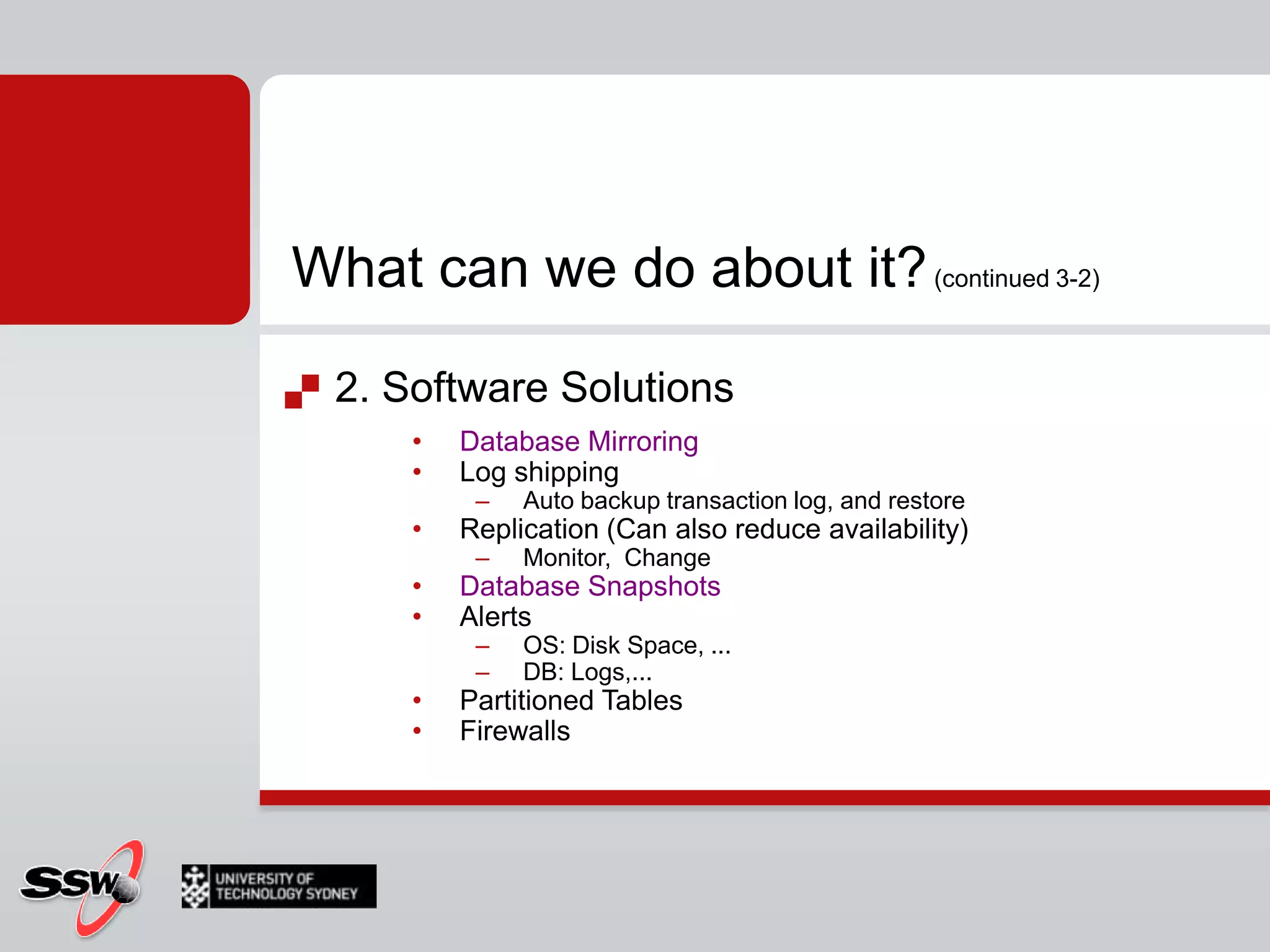
What can we do about it? (continued 3-2)2. Software SolutionsDatabase MirroringLog shippingAuto backup transaction log, and restoreReplication (Can also reduce availability)Monitor,  ChangeDatabase SnapshotsAlertsOS: Disk Space, ...DB: Logs,...Partitioned TablesFirewalls
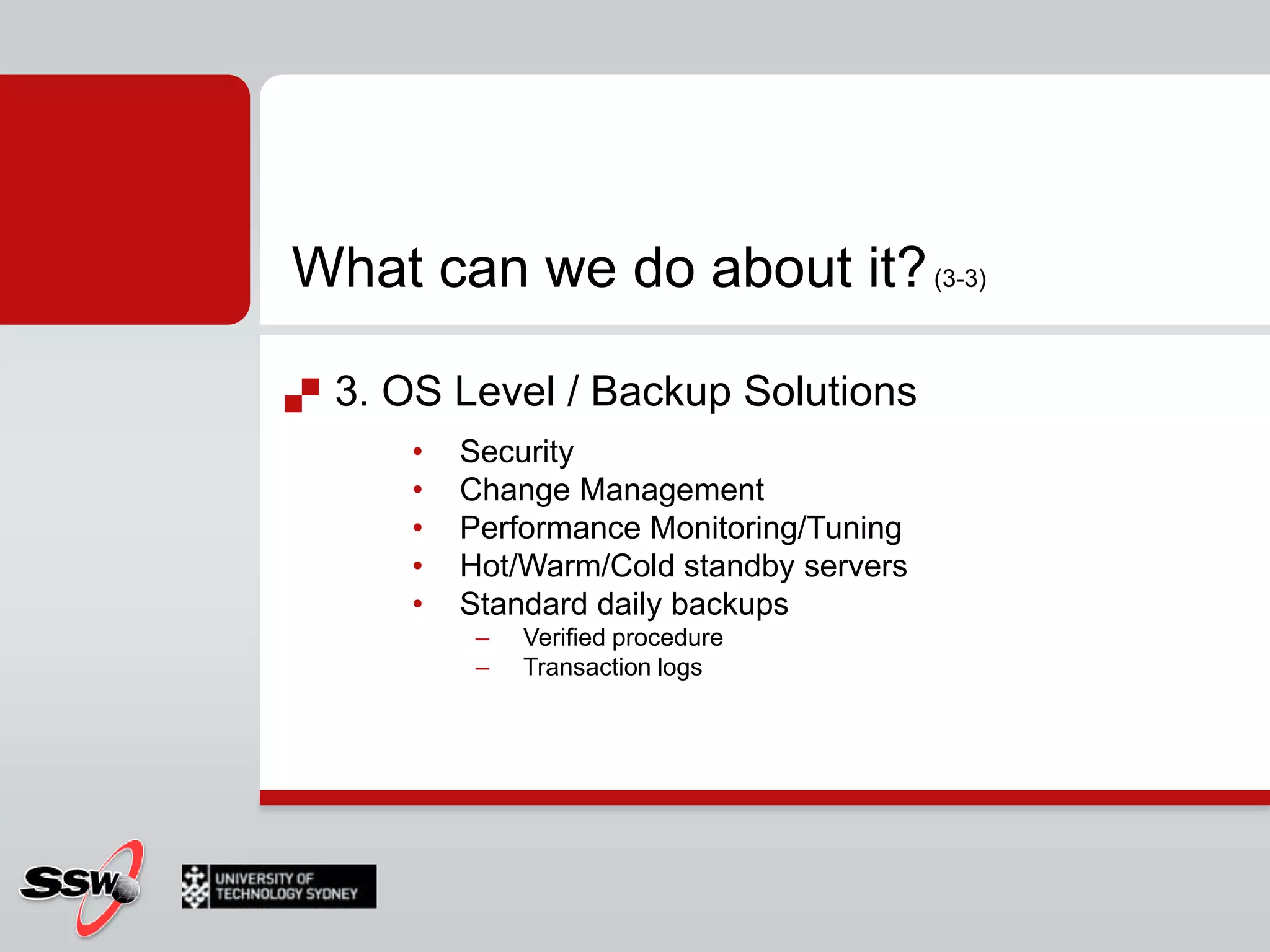
What can we do about it? (3-3)3. OS Level / Backup SolutionsSecurityChange ManagementPerformance Monitoring/TuningHot/Warm/Cold standby serversStandard daily backupsVerified procedureTransaction logs
What Will We Cover?Implementing Database SnapshotsConfiguring a Database MirrorPartitioned TablesSQL Agent ProxiesPerforming Online Index OperationsMirrored Backups
Database Snapshots
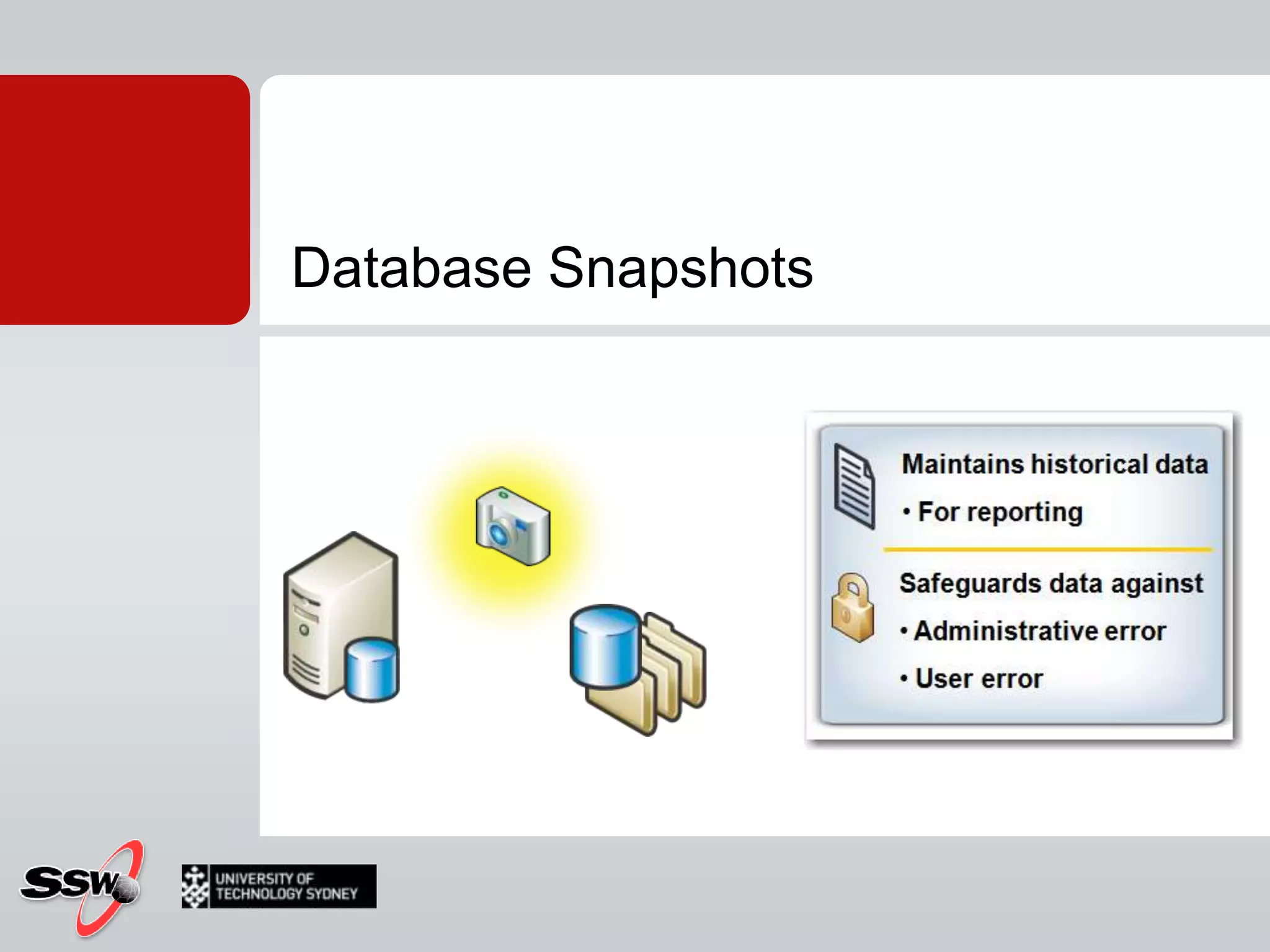
Database Snapshots
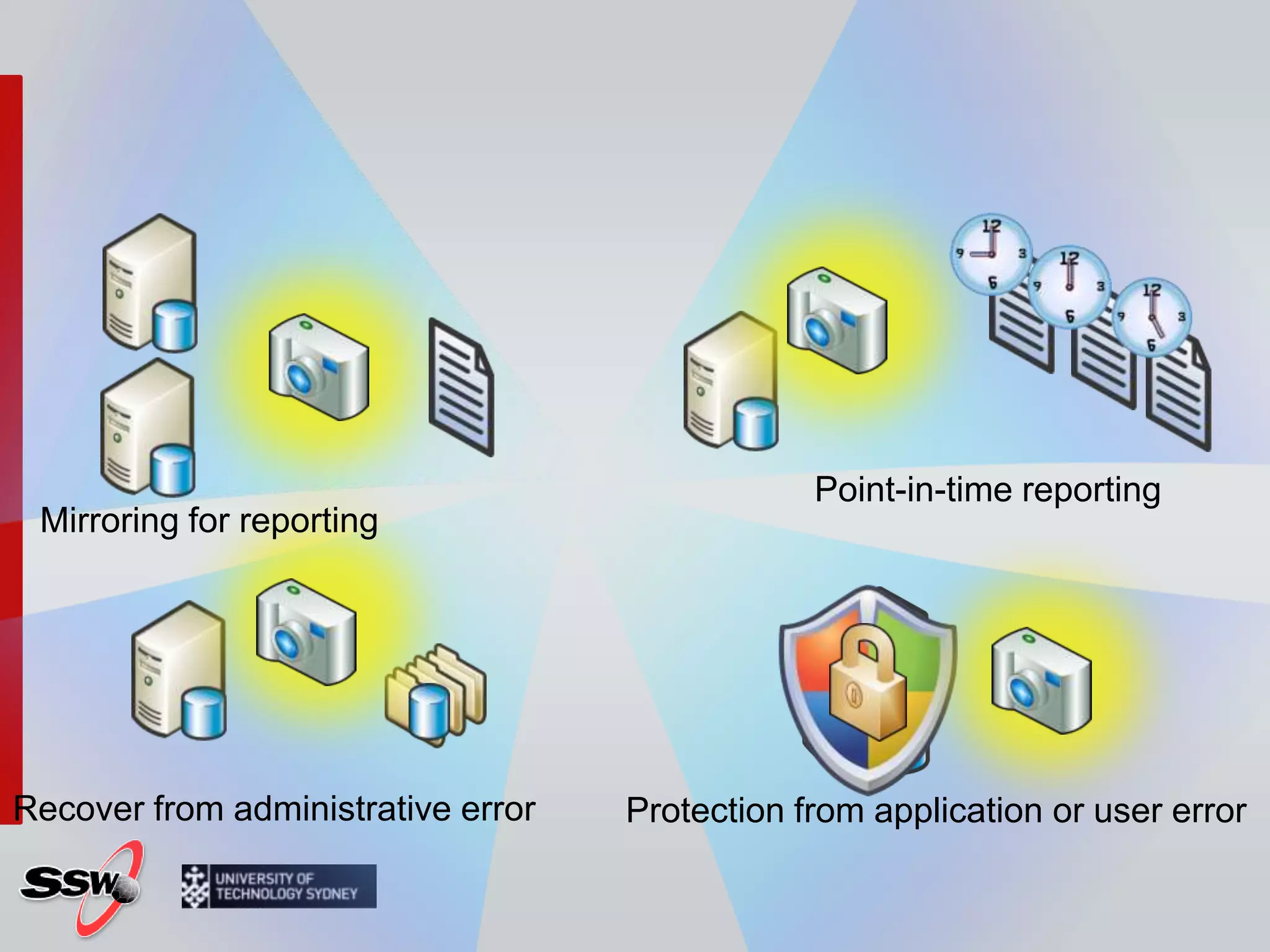
Point-in-time reportingMirroring for reportingRecover from administrative errorProtection from application or user error
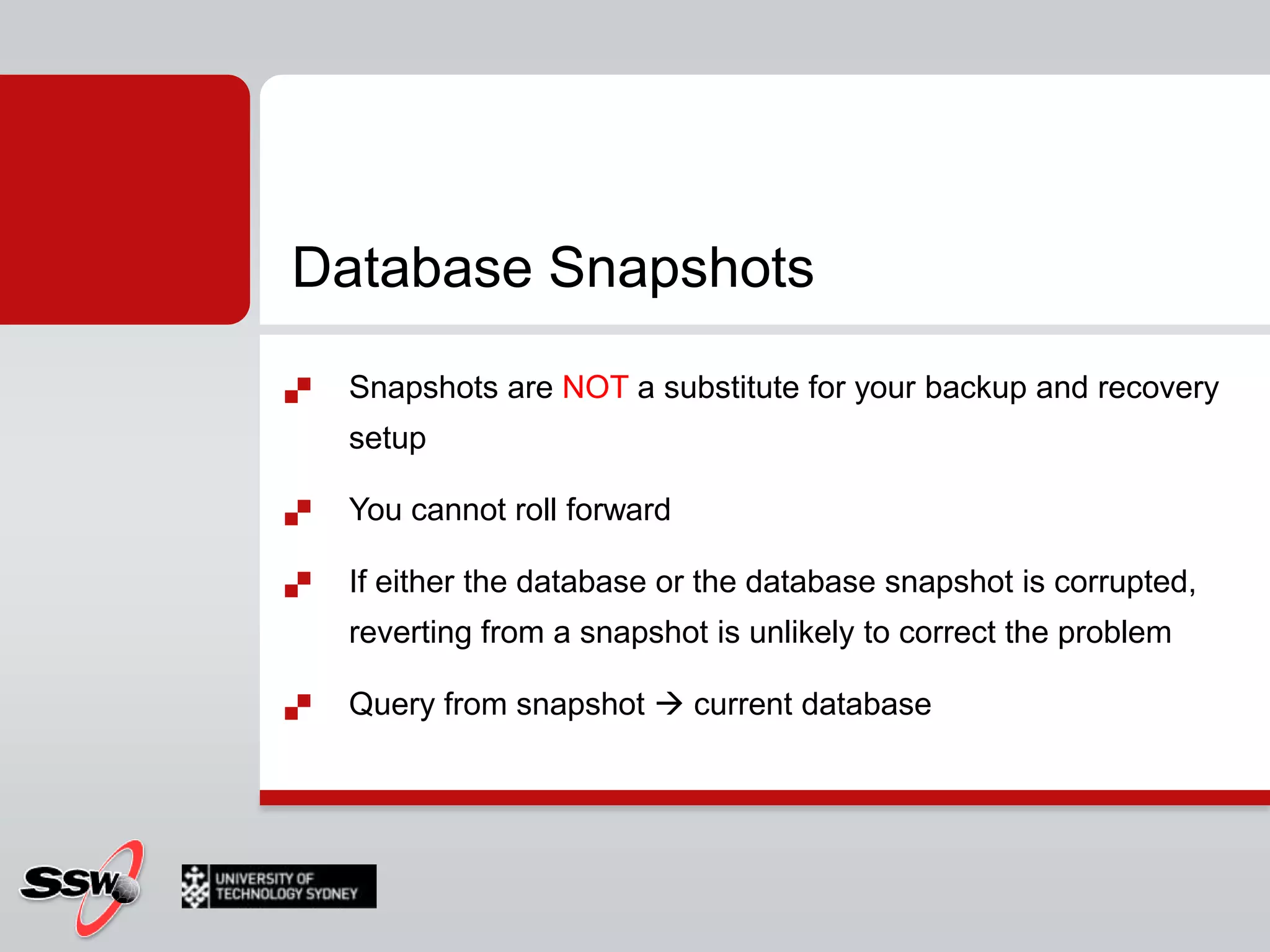
Database SnapshotsSnapshots are NOT a substitute for your backup and recovery setupYou cannot roll forwardIf either the database or the database snapshot is corrupted, reverting from a snapshot is unlikely to correct the problemQuery from snapshot  current database
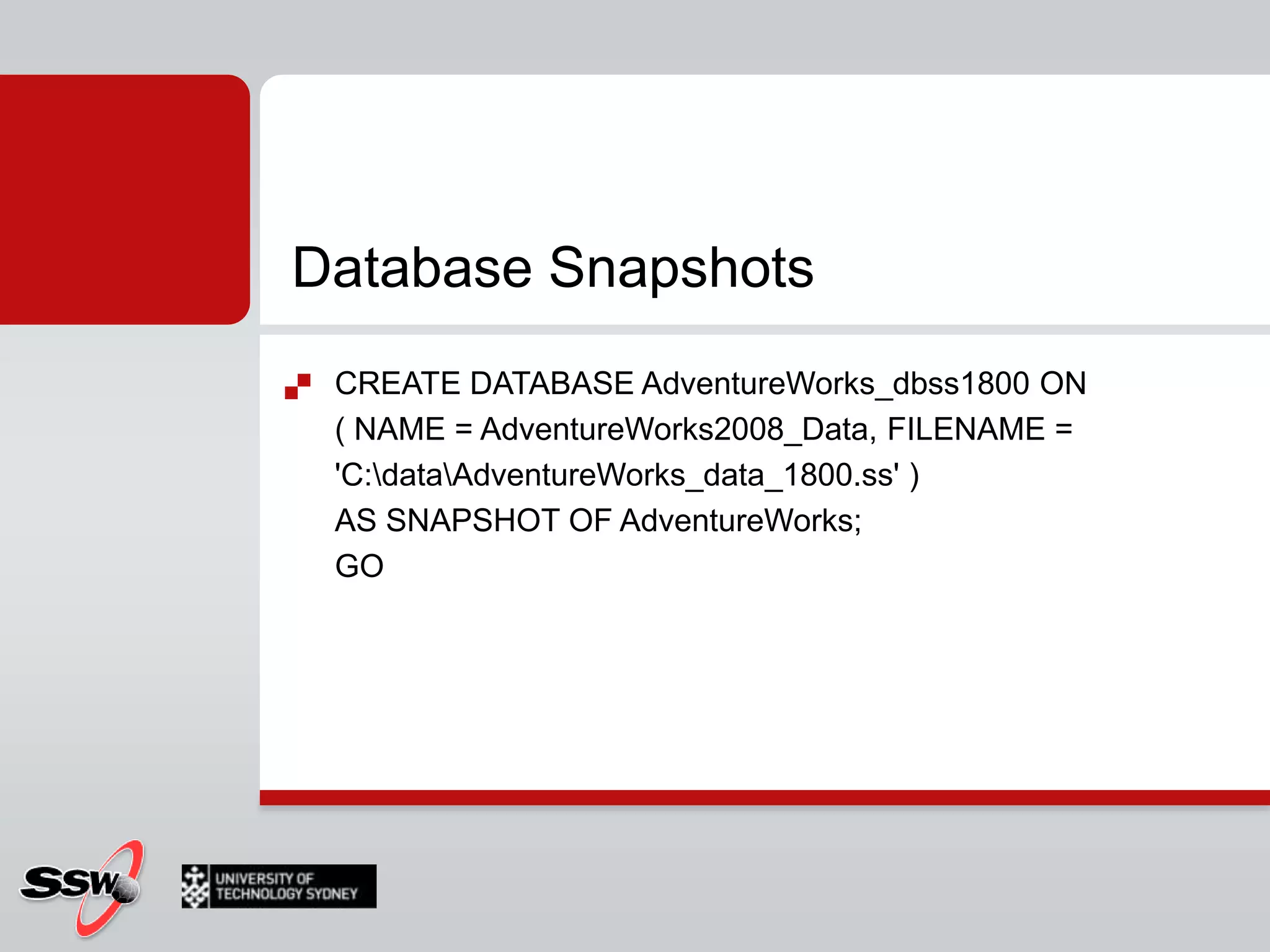
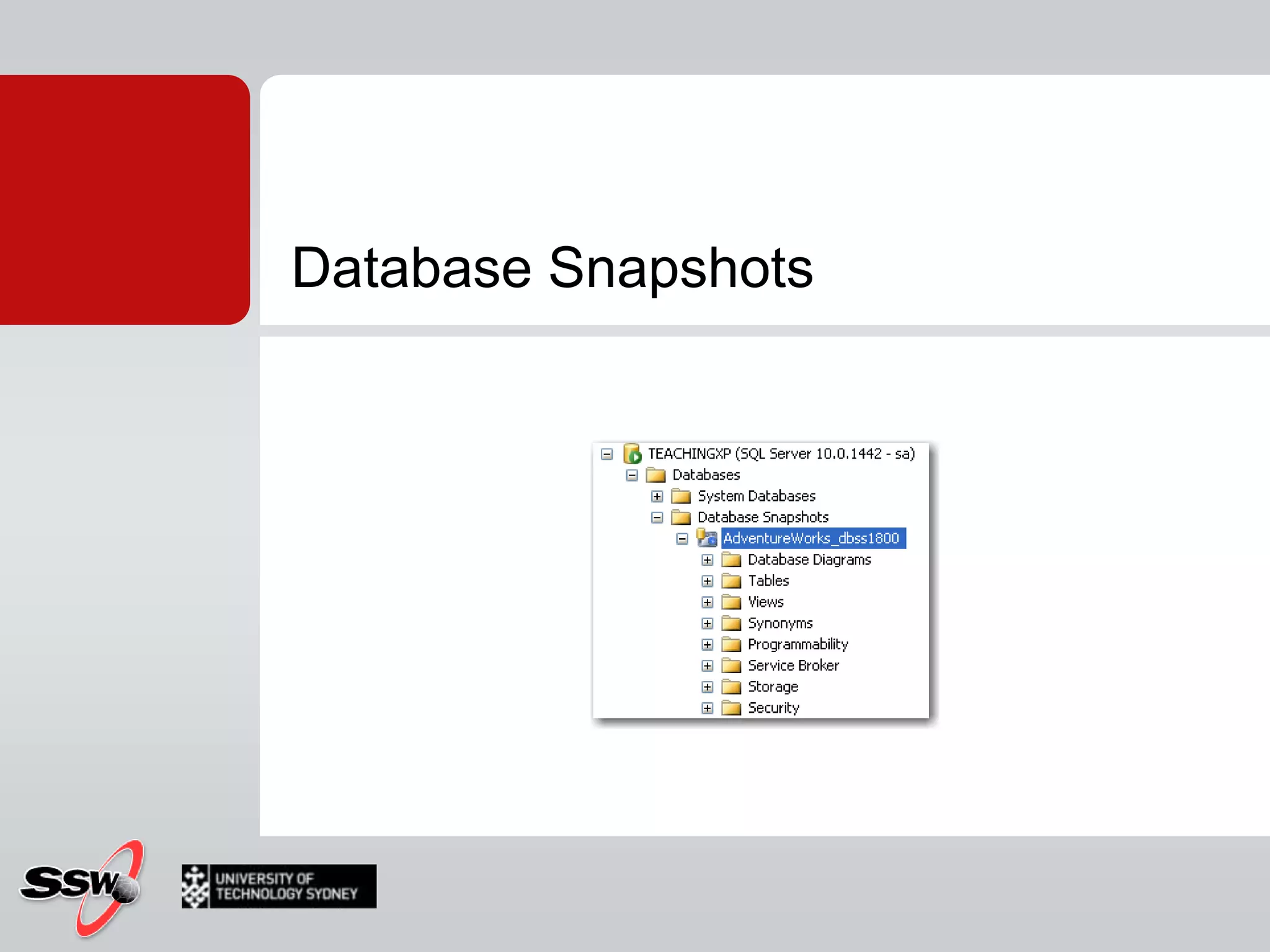
Database SnapshotsCREATE DATABASE AdventureWorks_dbss1800 ON( NAME = AdventureWorks2008_Data, FILENAME = 'C:\data\AdventureWorks_data_1800.ss' )AS SNAPSHOT OF AdventureWorks;GO
Database Snapshots
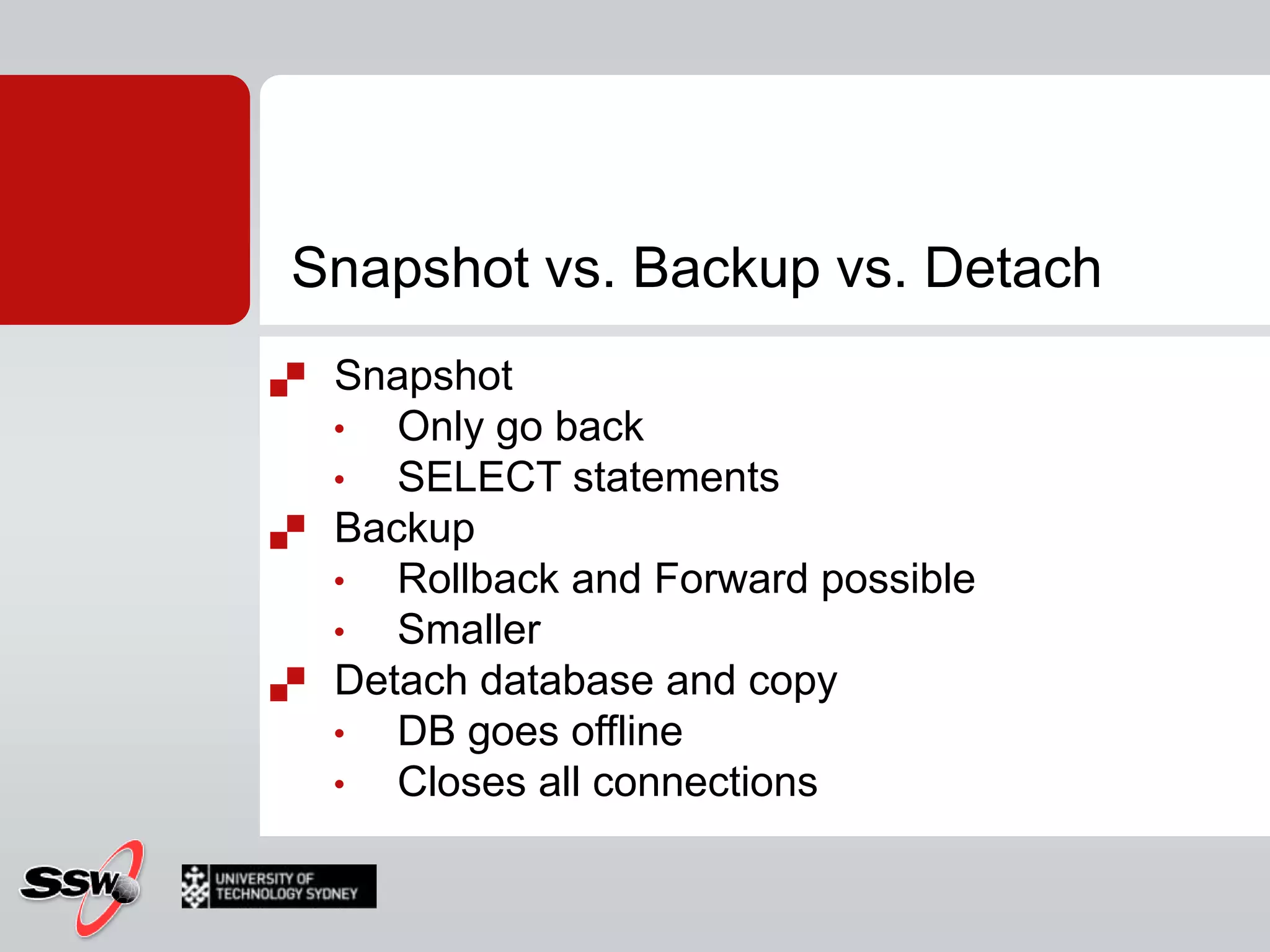
Snapshot vs. Backup vs. DetachSnapshot
Only go back
SELECT statements
Backup
Rollback and Forward possible
Smaller
Detach database and copy
DB goes offline
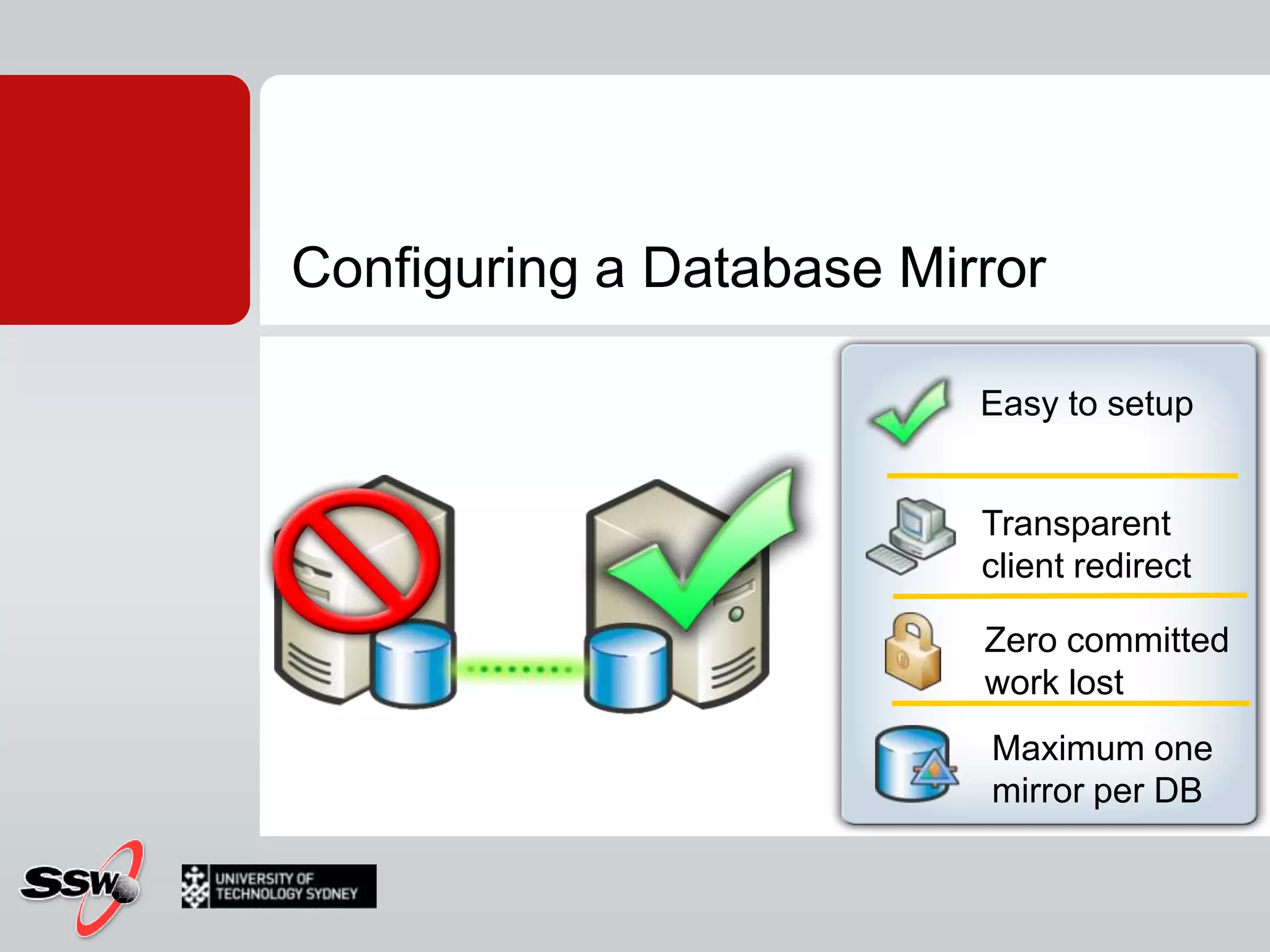
Closes all connectionsDatabase mirror
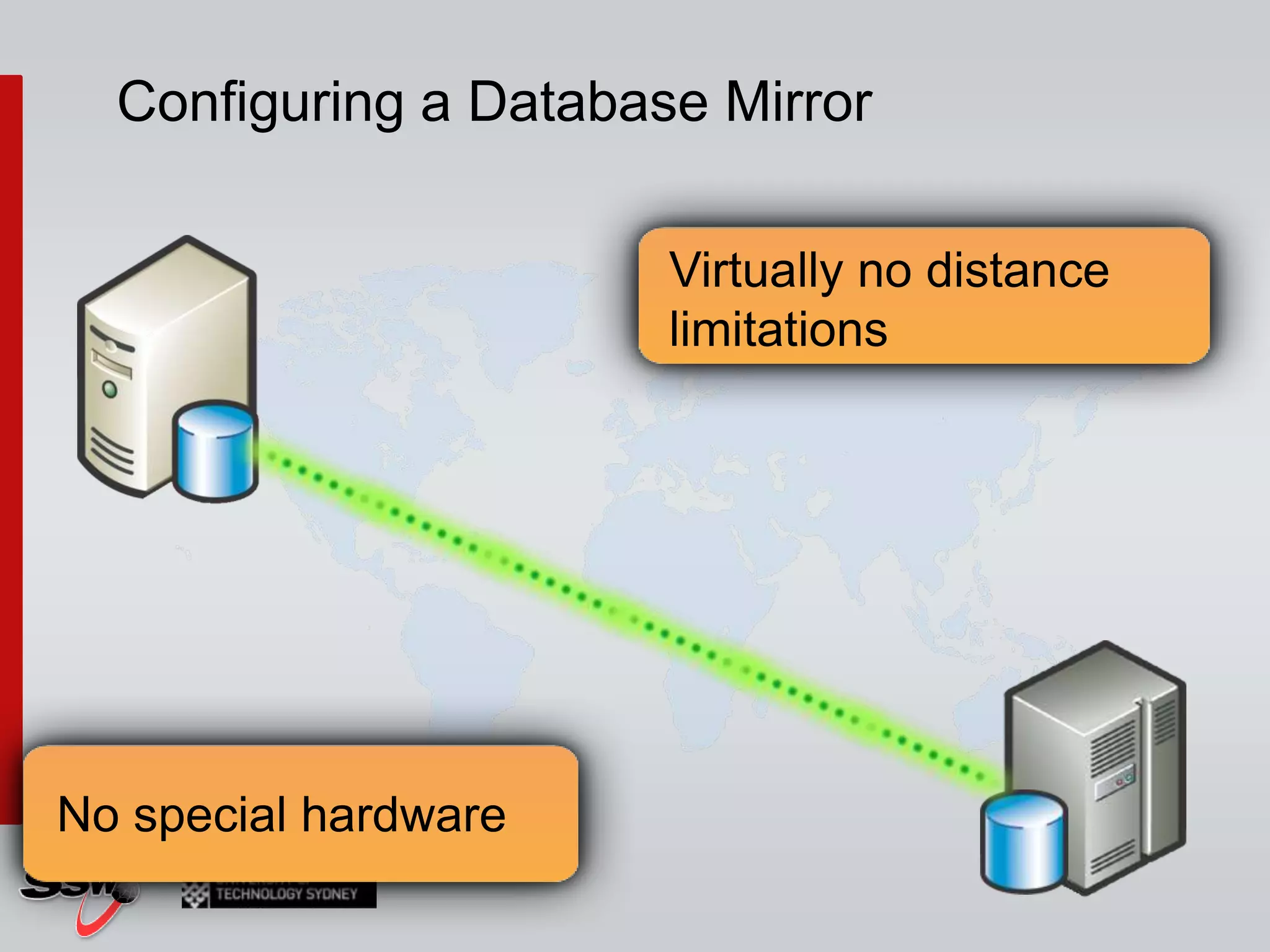
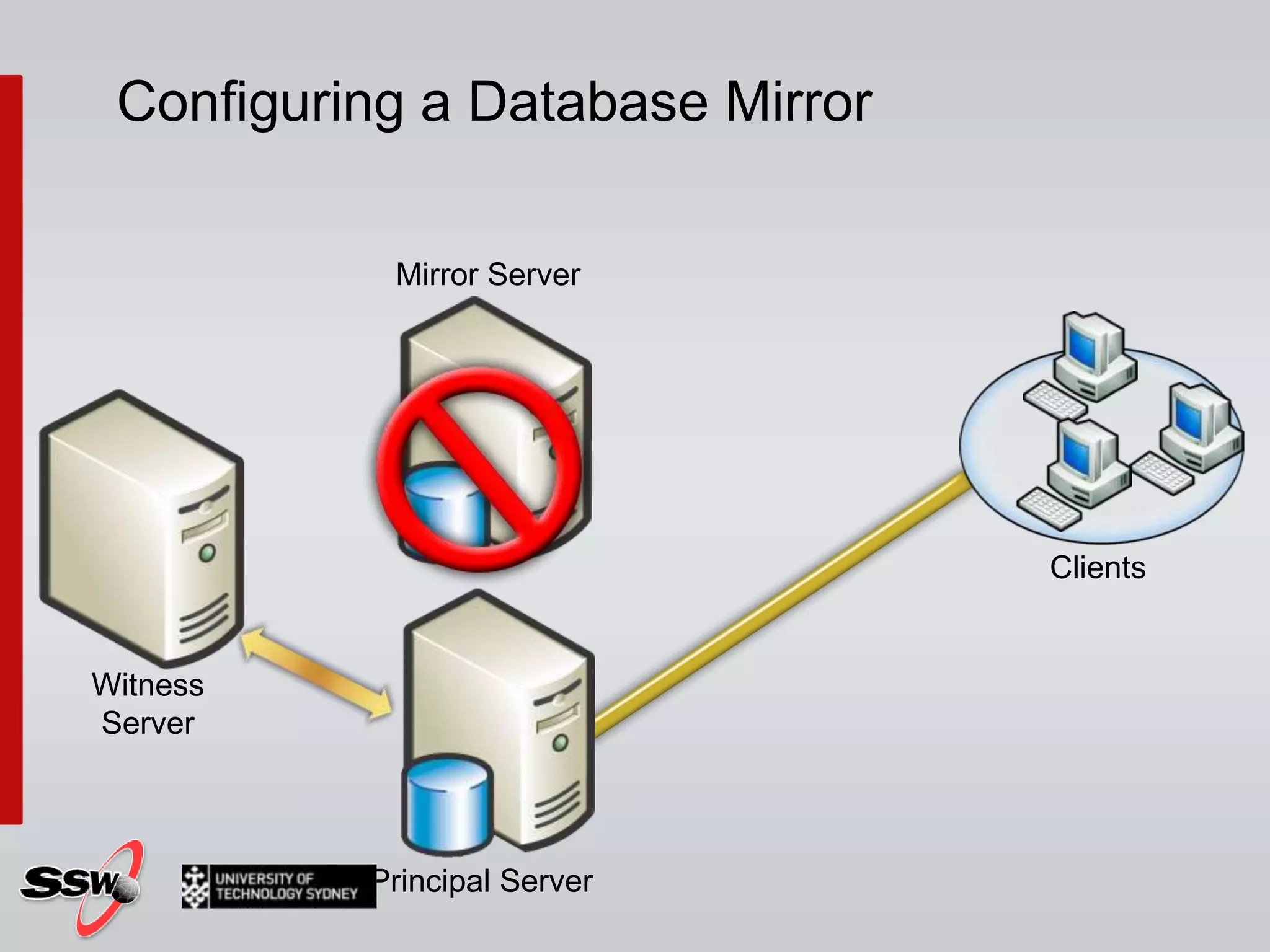
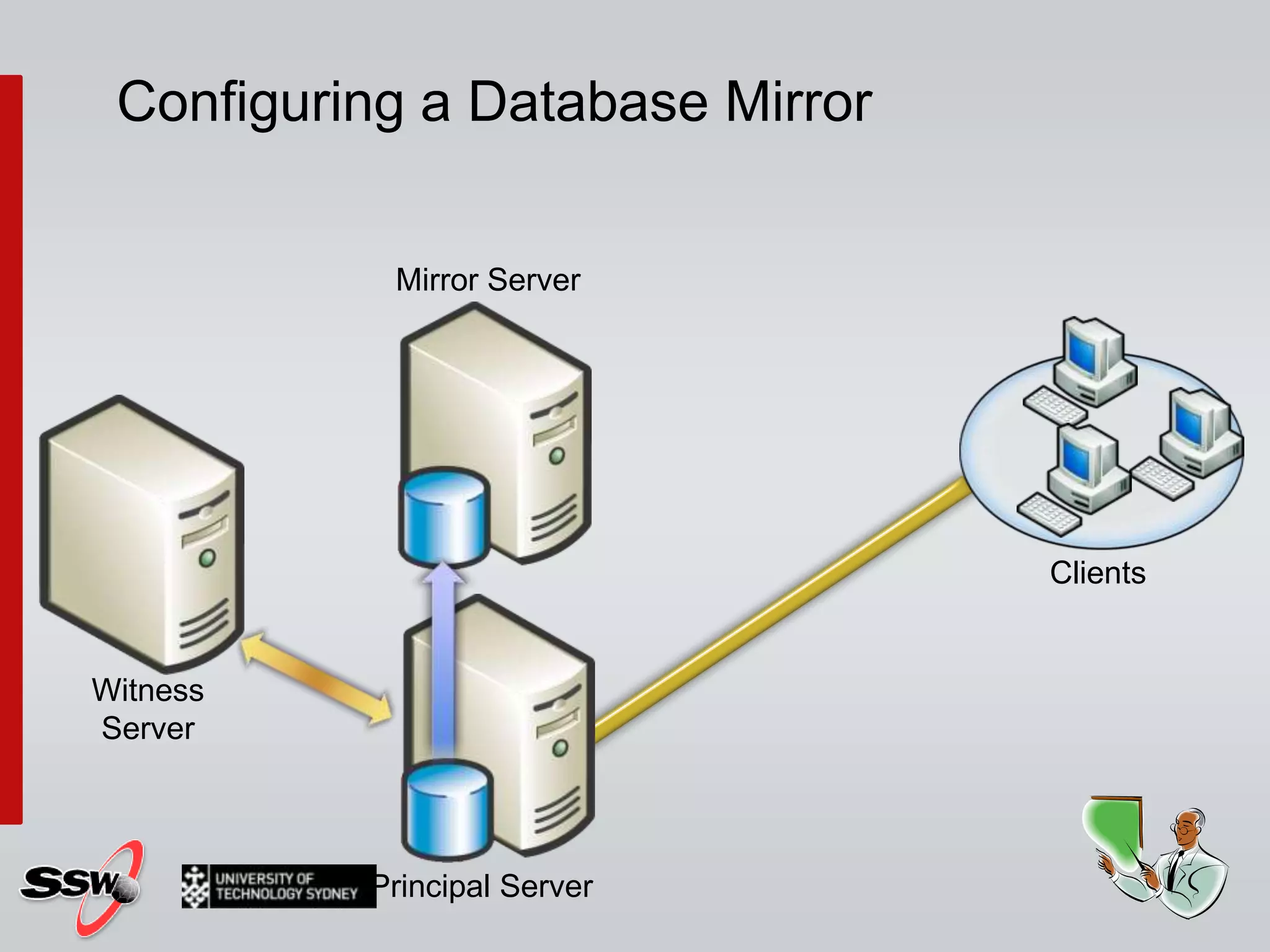
Configuring a Database MirrorNo special hardware
Easy to setupTransparent client redirectZero committed work lostMaximum one mirror per DBConfiguring a Database Mirror
Configuring a Database MirrorVirtually no distance limitationsNo special hardware
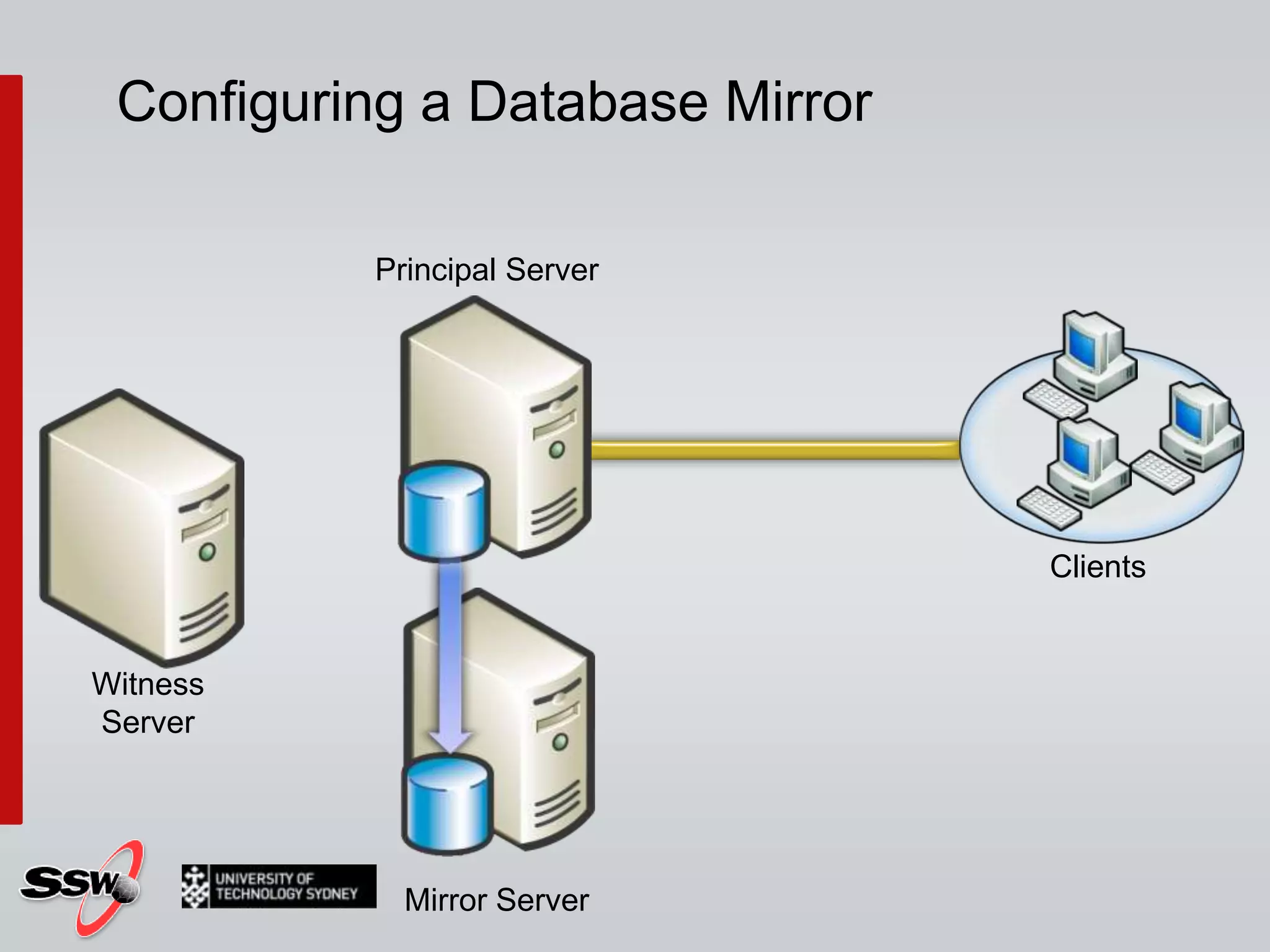
Configuring a Database MirrorClientsPrincipal ServerWitness ServerMirror Server
Configuring a Database MirrorClientsMirror ServerWitness ServerPrincipal Server
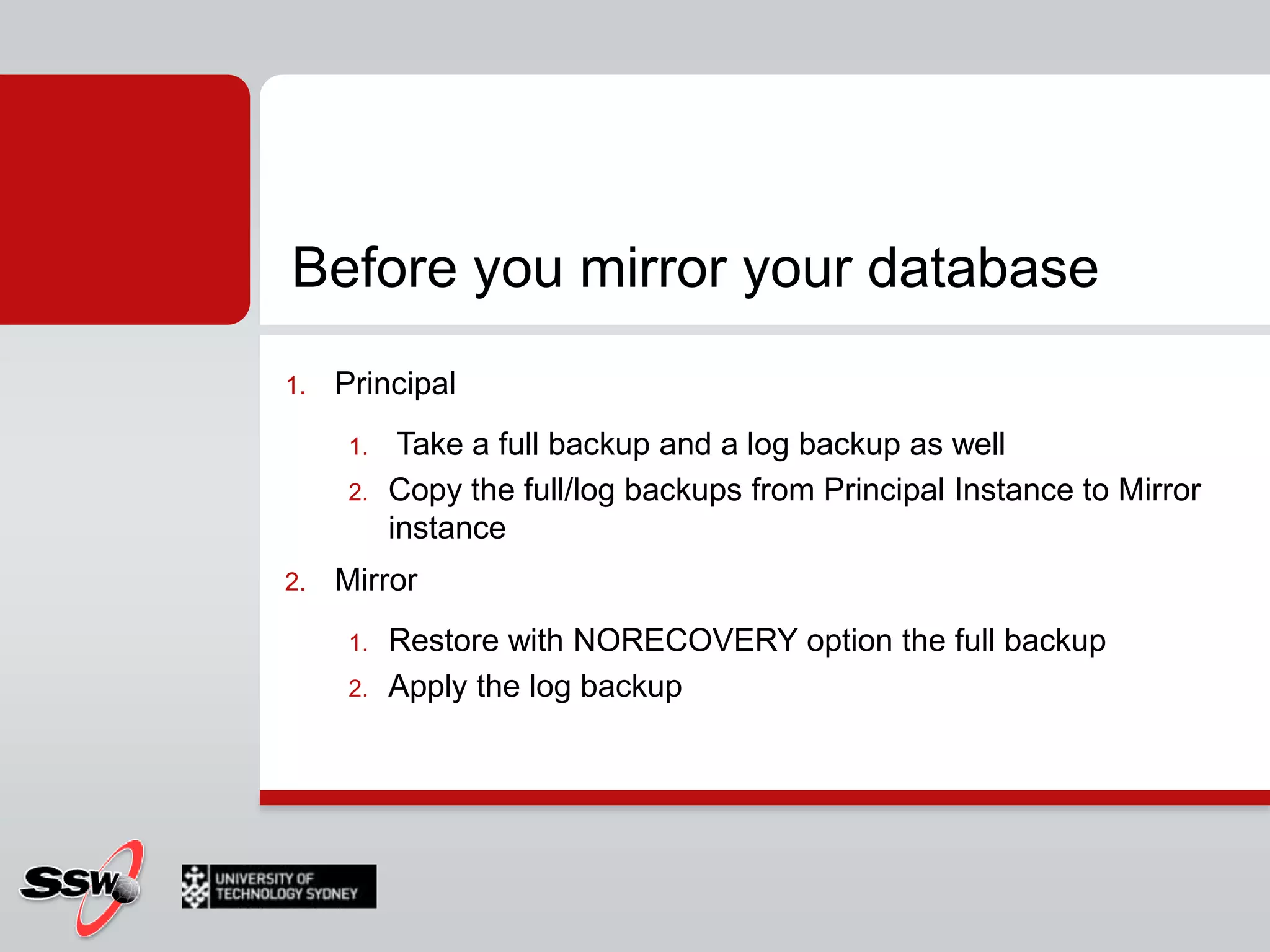
Before you mirror your databasePrincipal Take a full backup and a log backup as wellCopy the full/log backups from Principal Instance to Mirror instanceMirrorRestore with NORECOVERY option the full backupApply the log backup
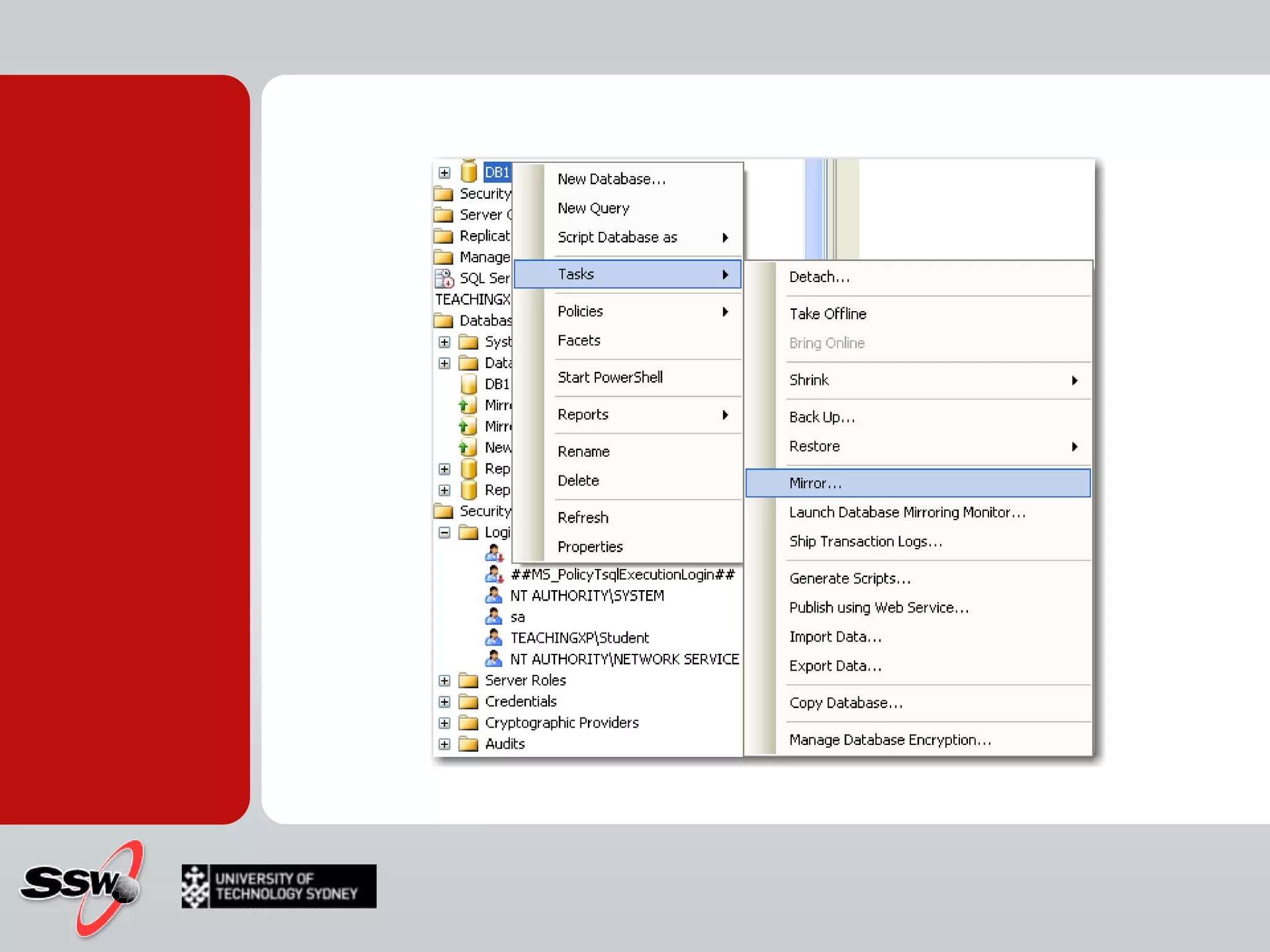
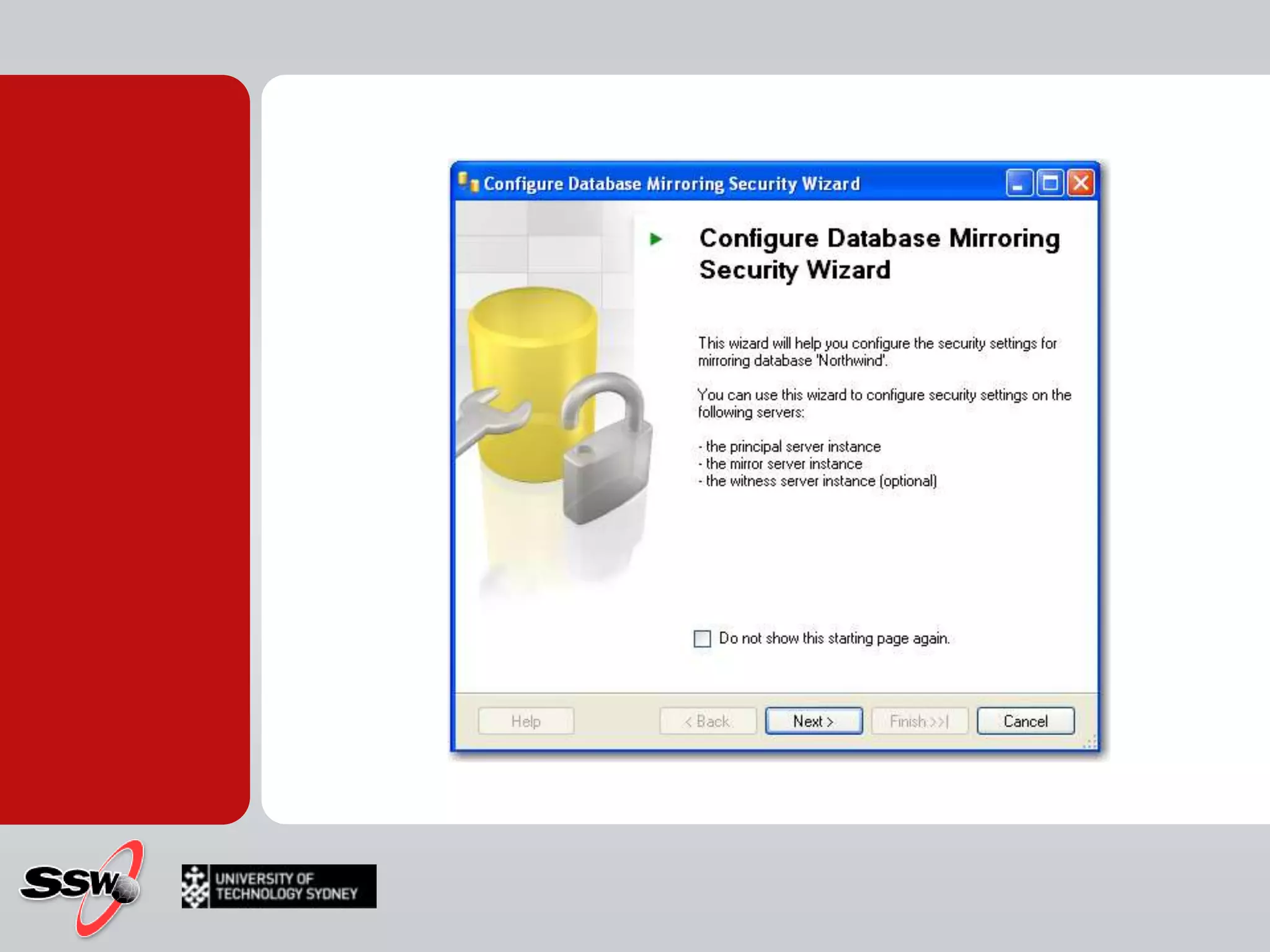
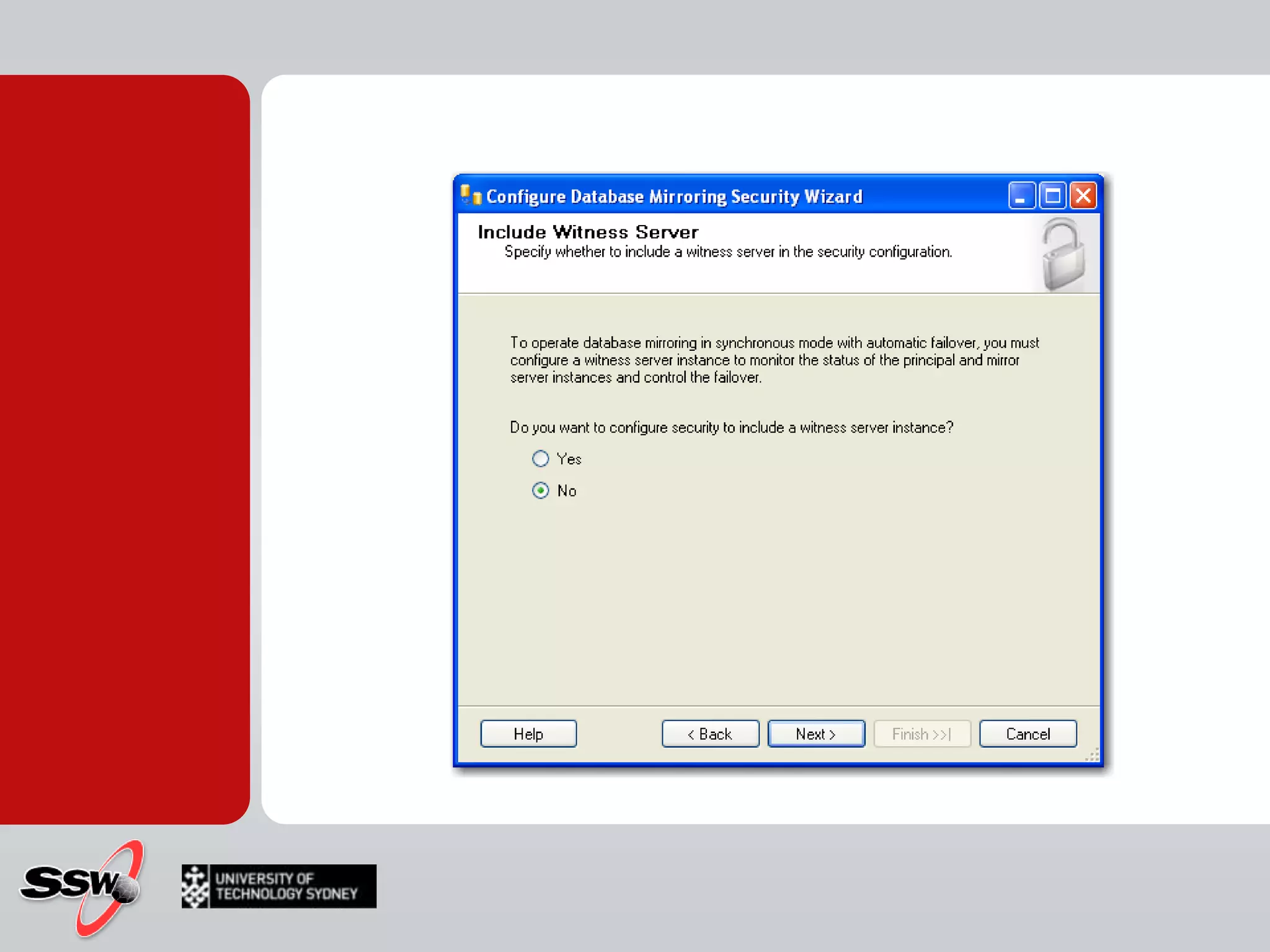
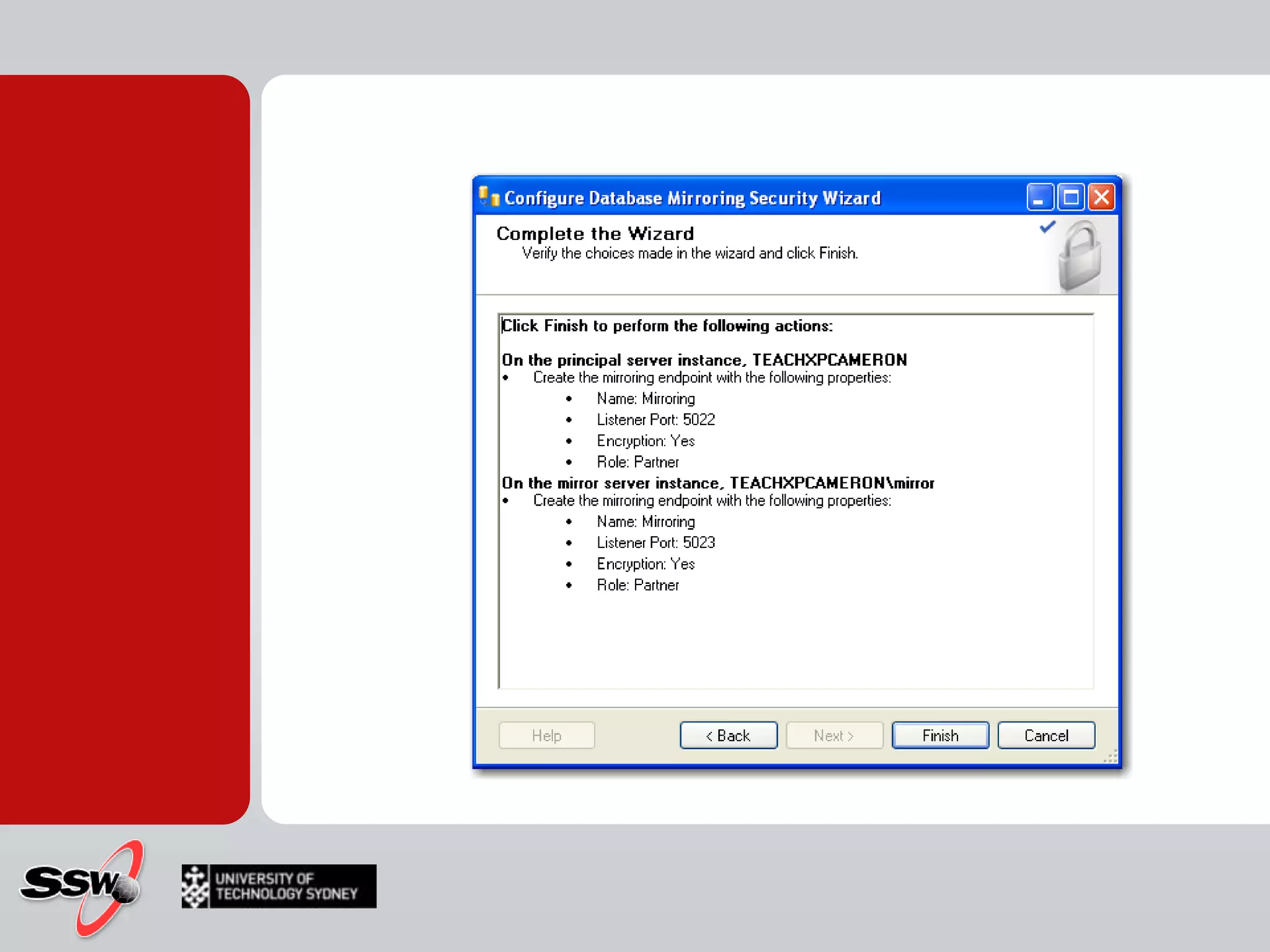
Using the Mirror Wizard
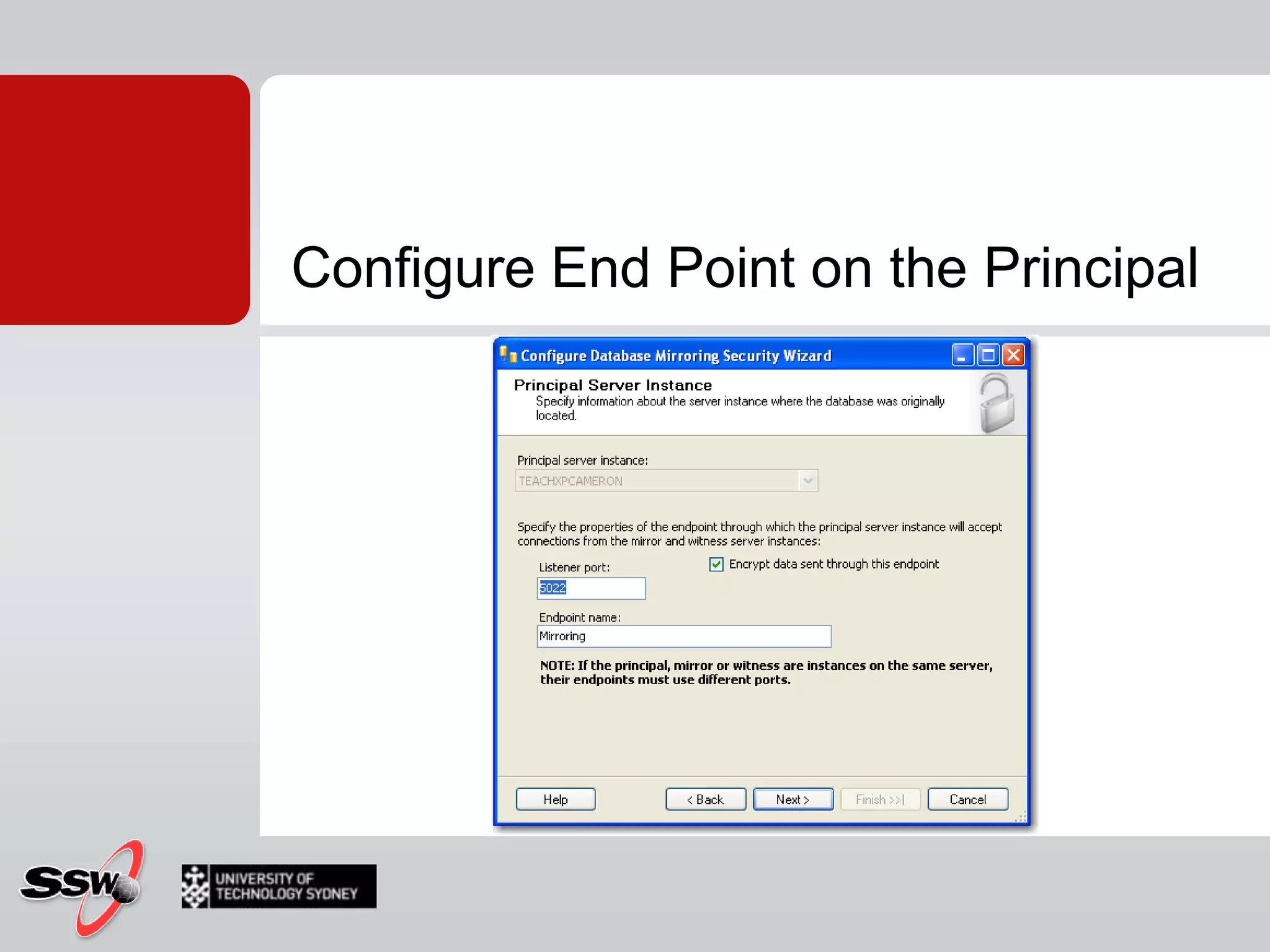
Configure End Point on the Principal
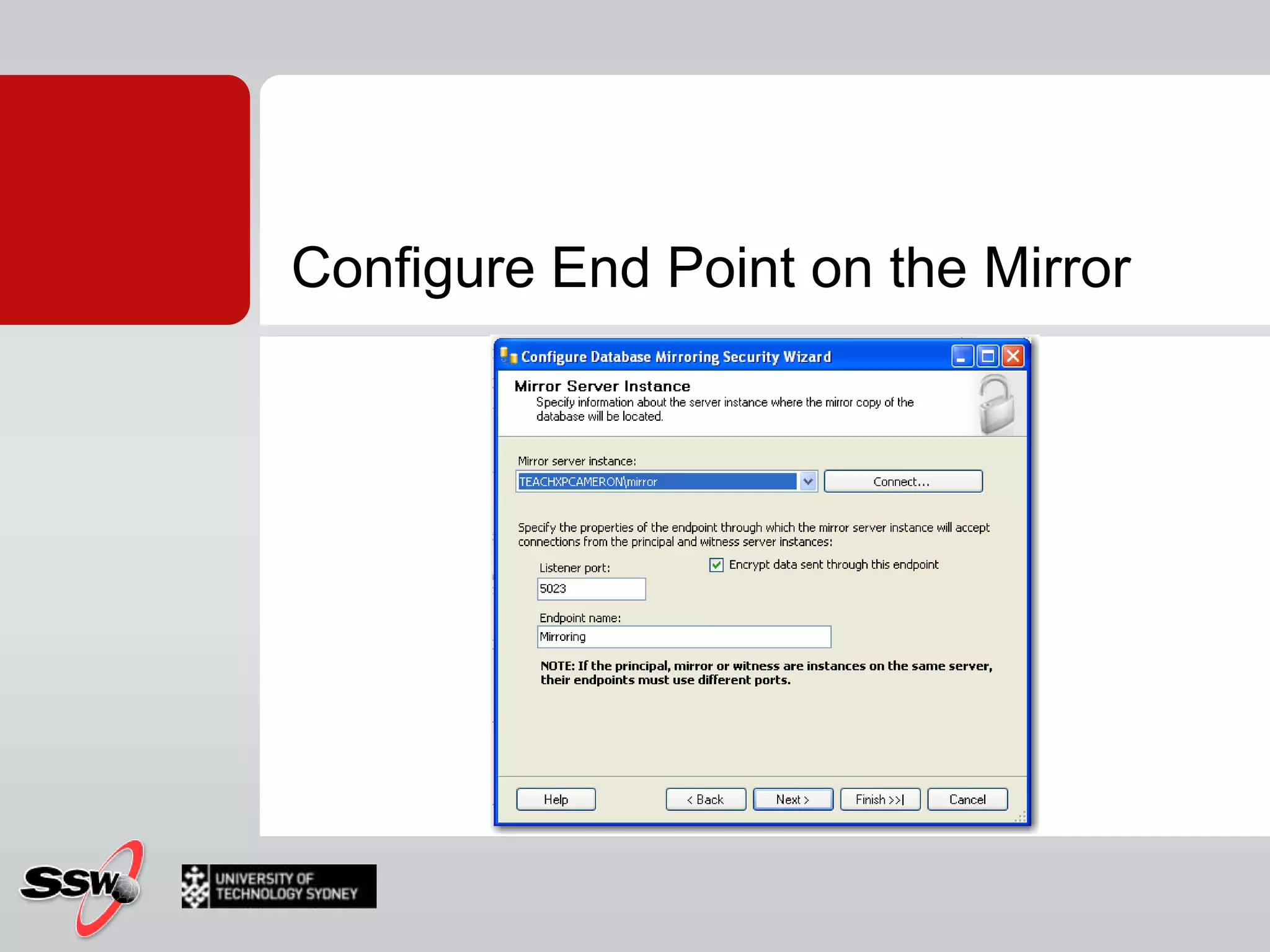
Configure End Point on the Mirror
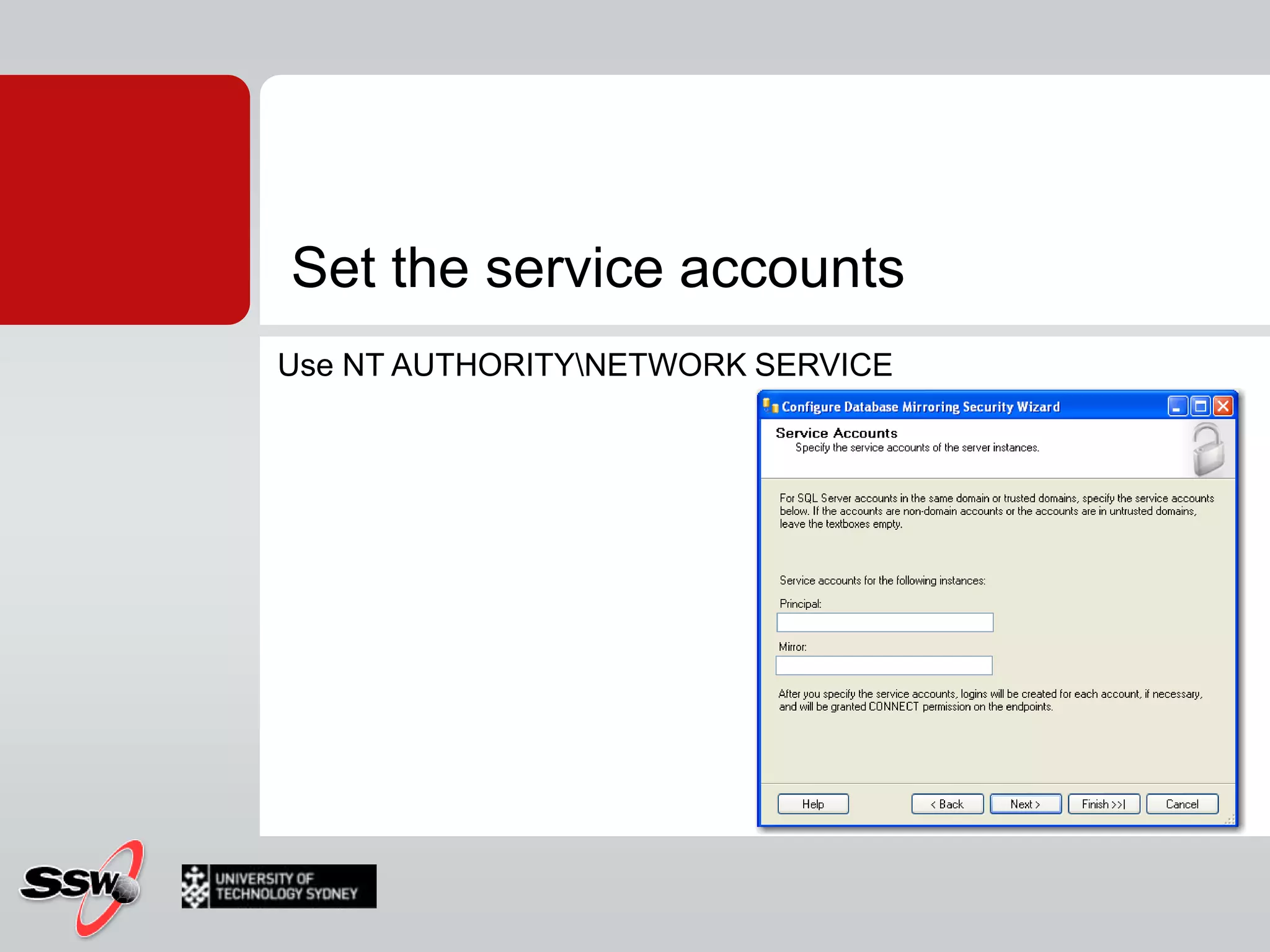
Set the service accountsUse NT AUTHORITY\NETWORK SERVICE
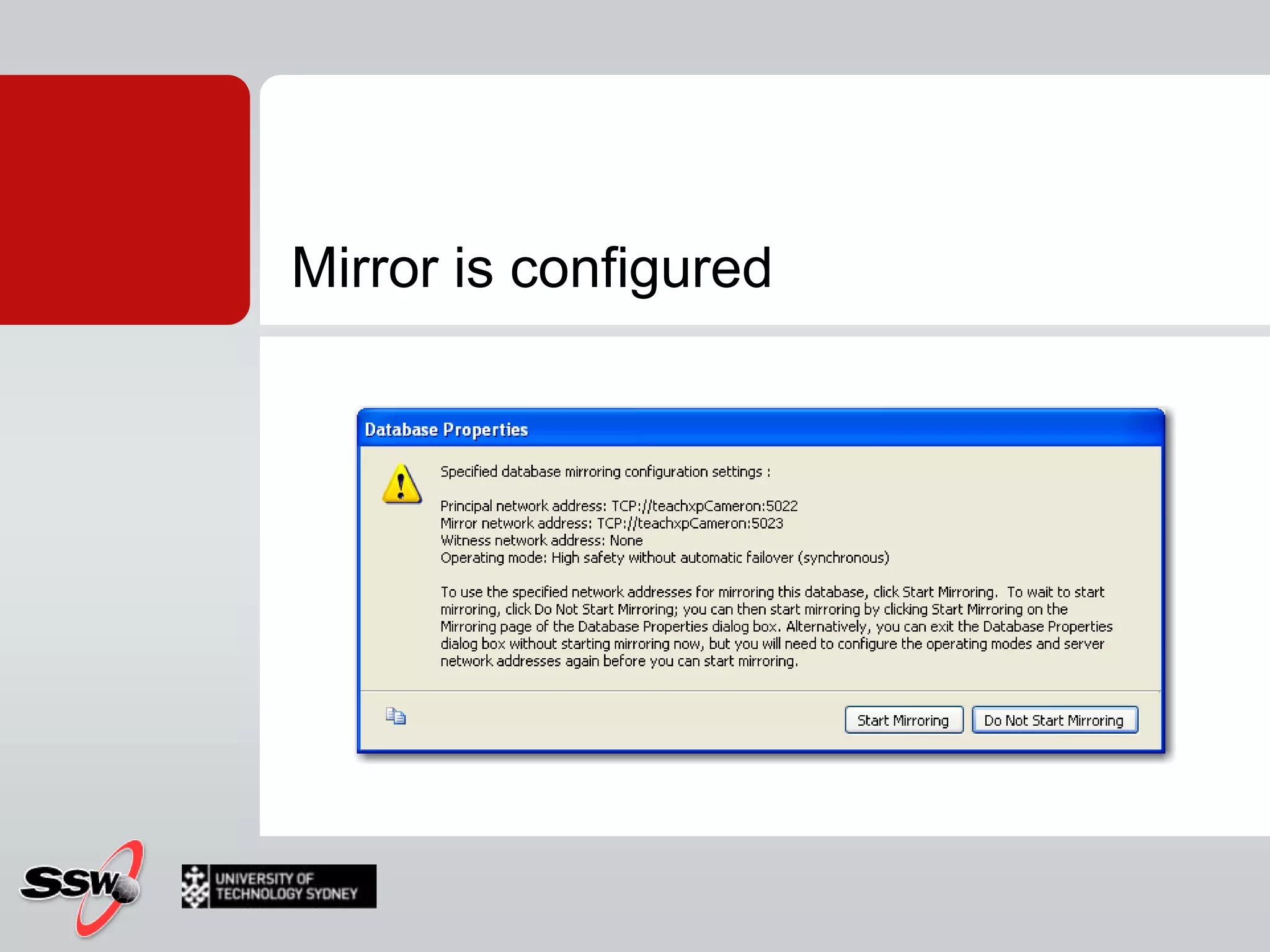
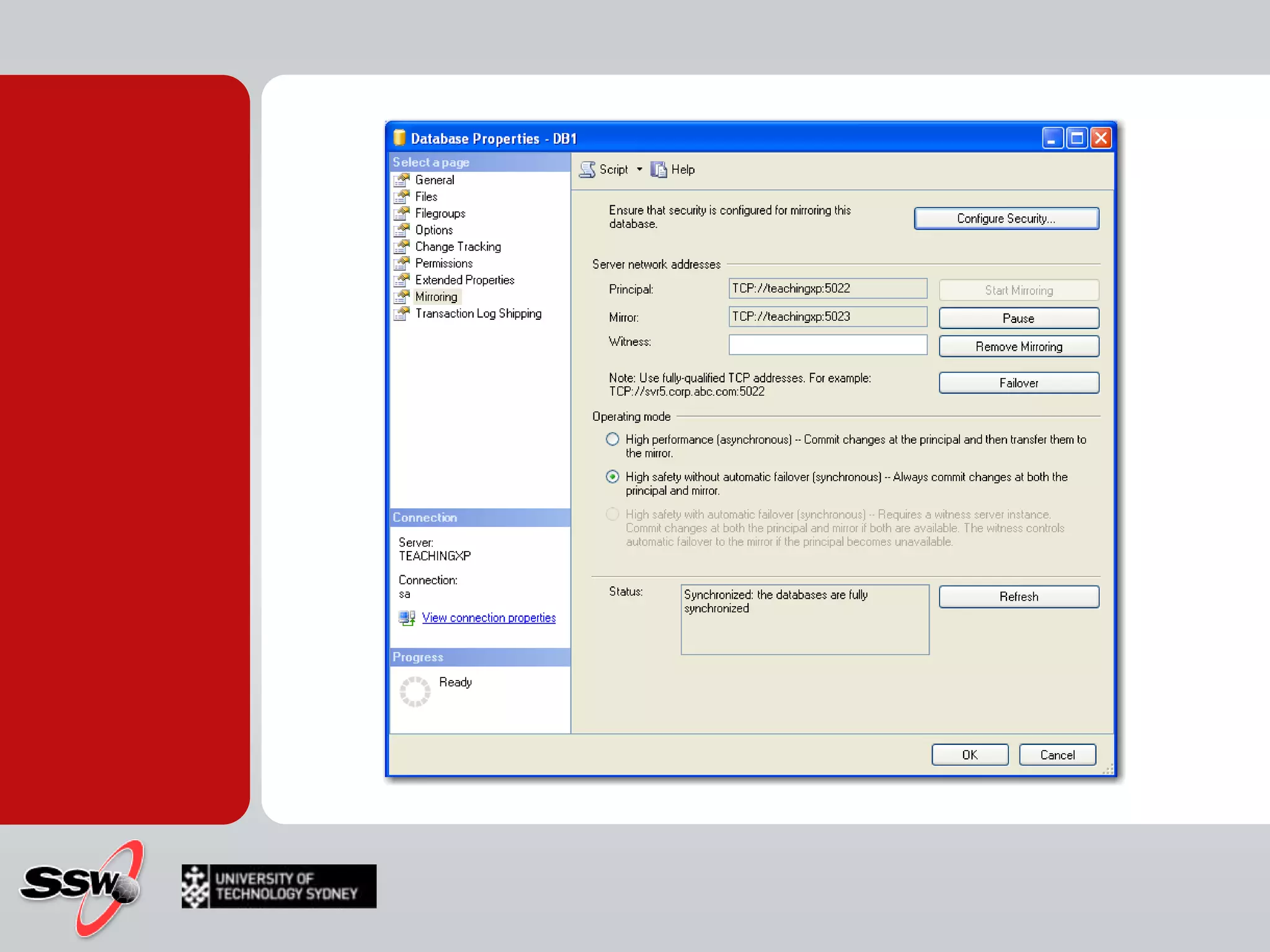
Mirror is configured
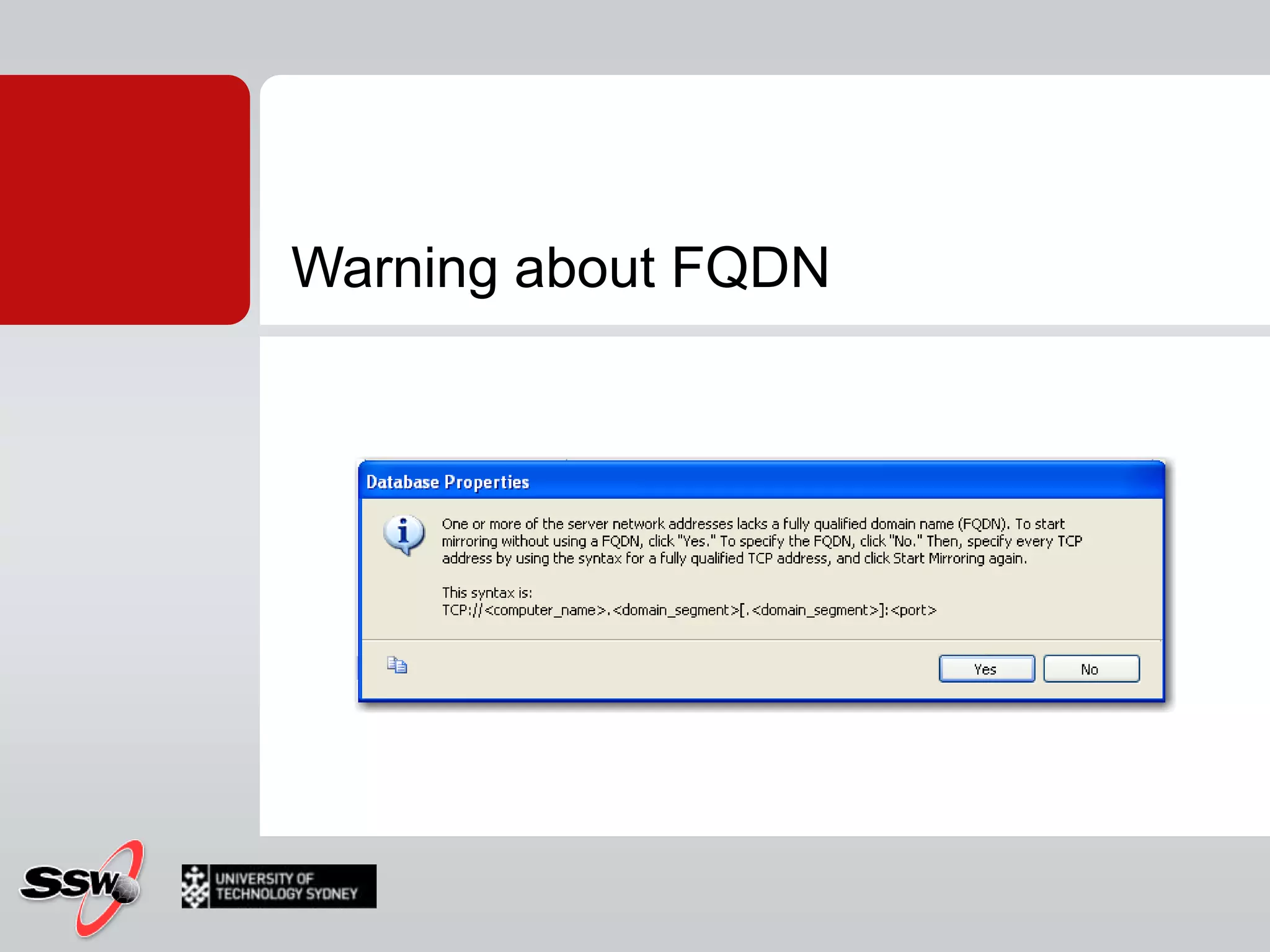
Warning about FQDN
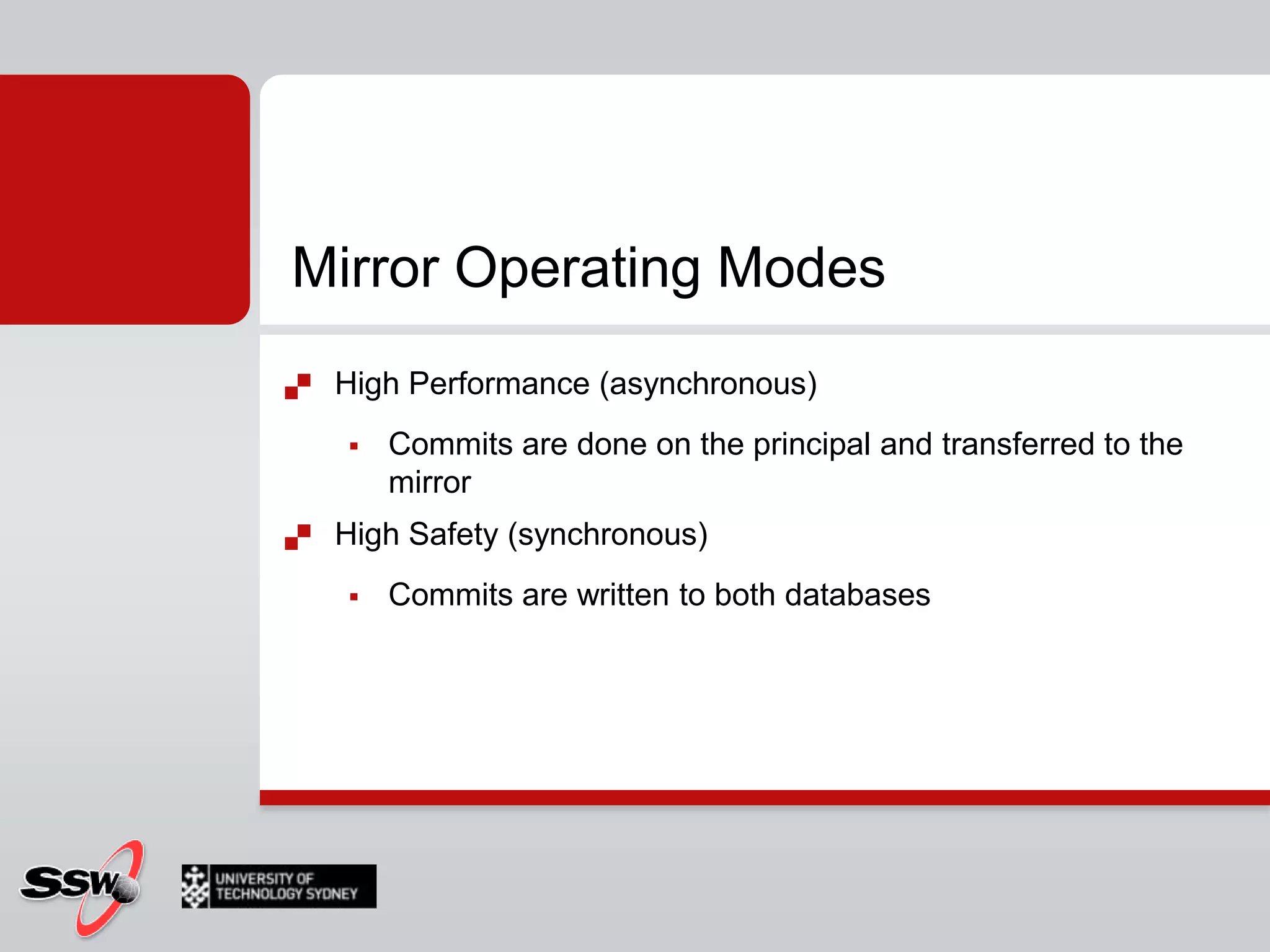
Mirror Operating ModesHigh Performance (asynchronous)Commits are done on the principal and transferred to the mirrorHigh Safety (synchronous)Commits are written to both databases
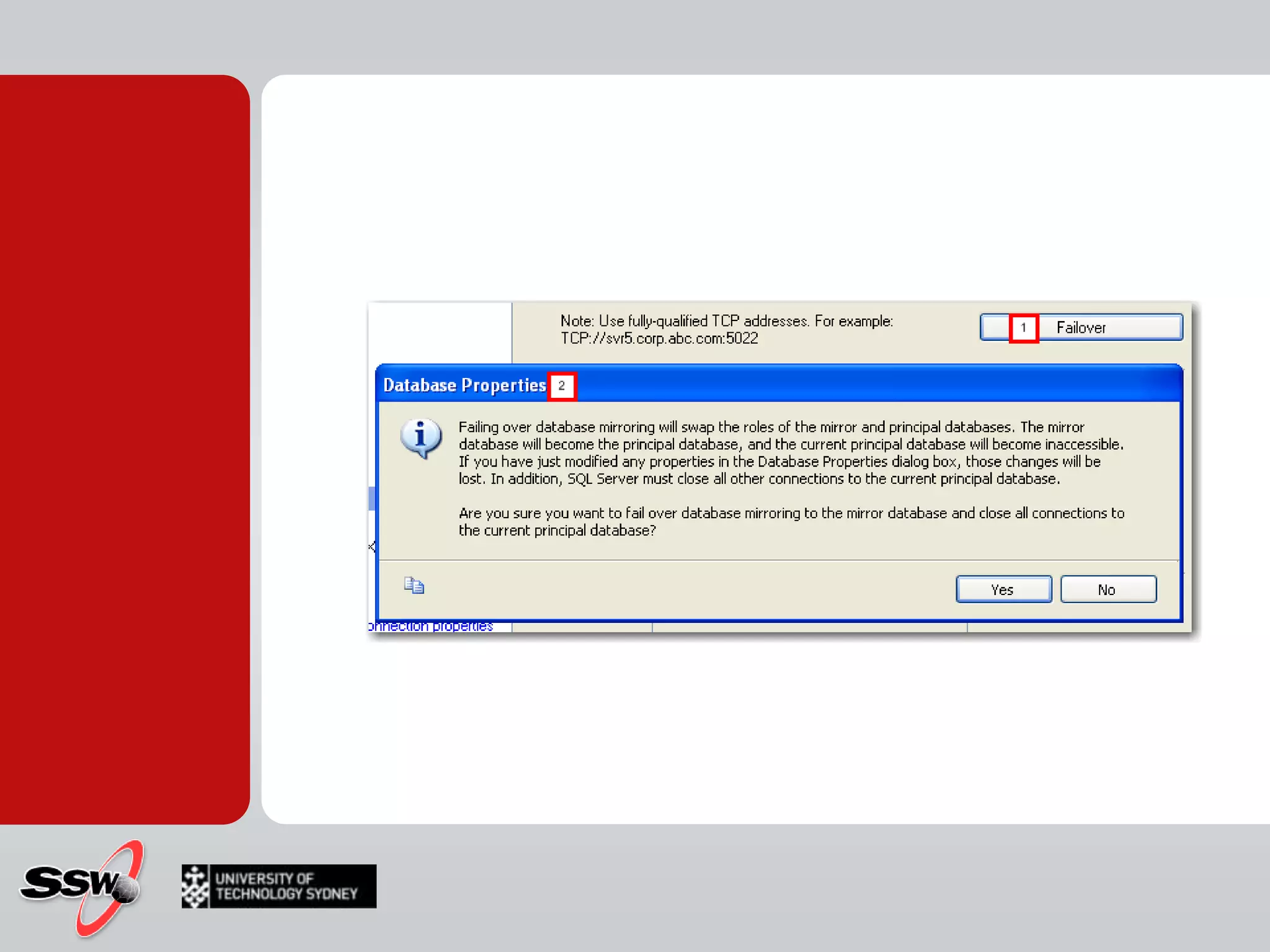
Database Mirroring FailoverWhat happens when something bad happens to our principal server…You can make it failover to the mirrorThis means that the two servers swap roles for the time being
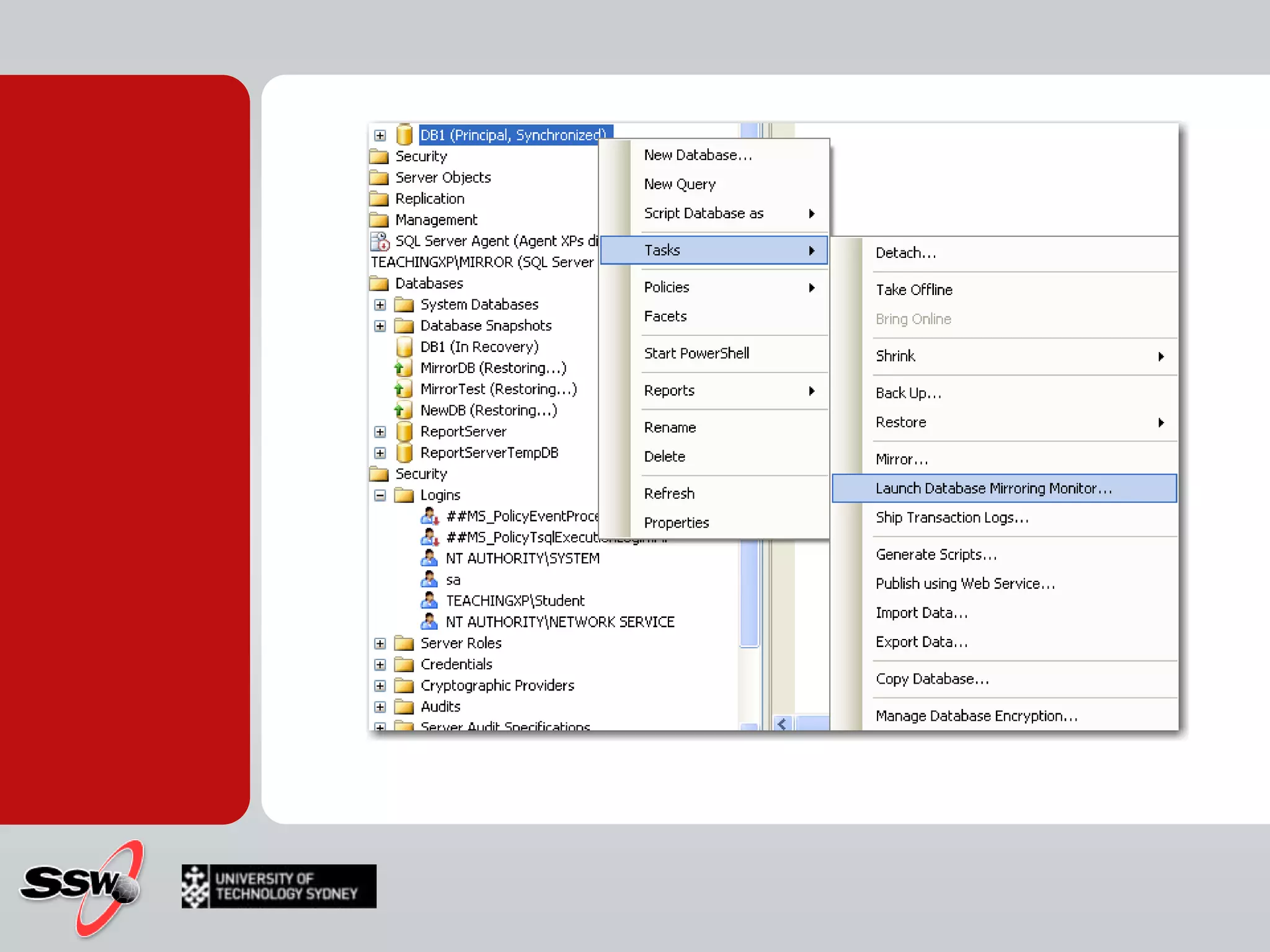
Database Mirroring MonitorLets you view the status and history of your current mirrors
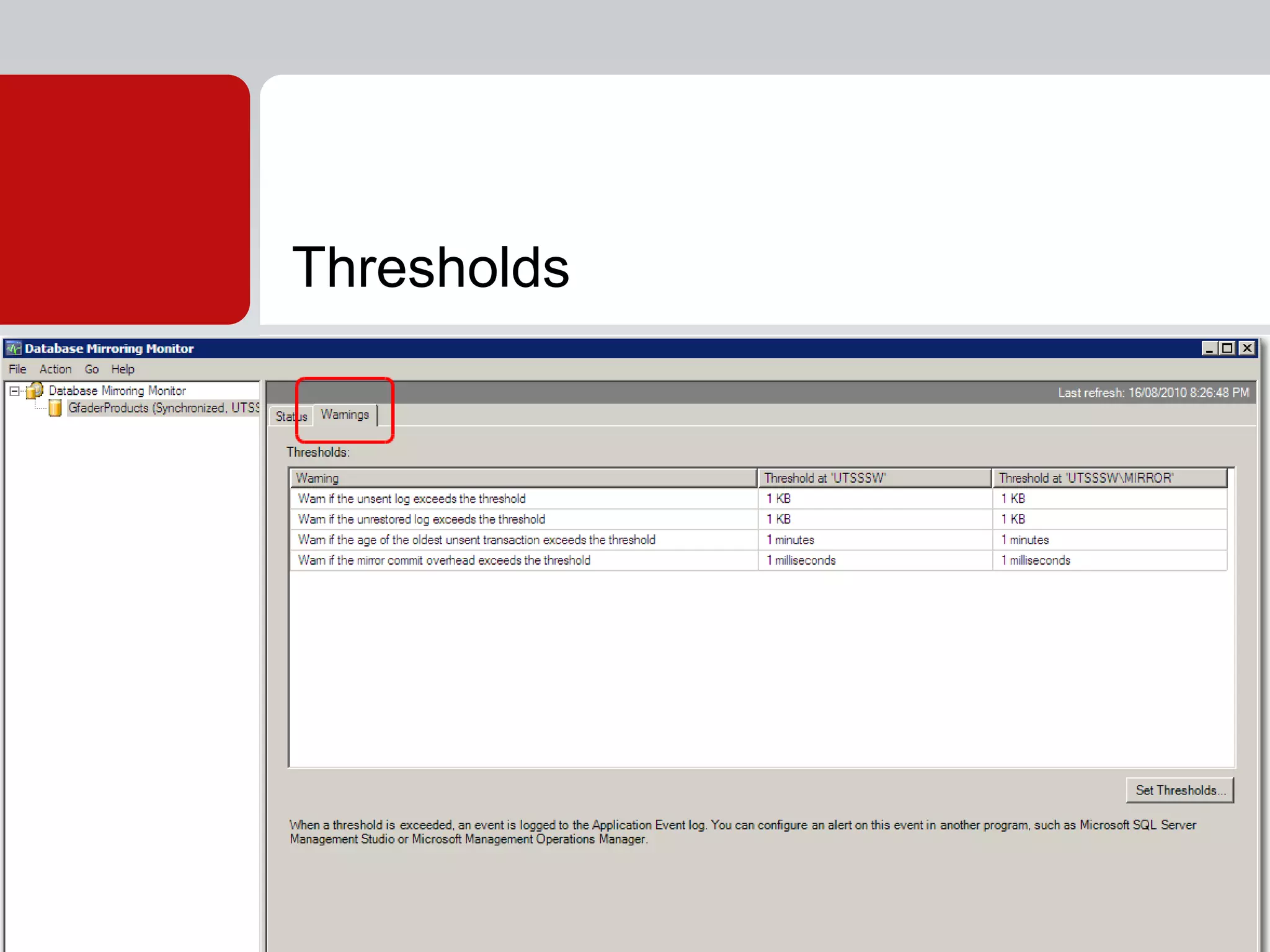
Thresholds
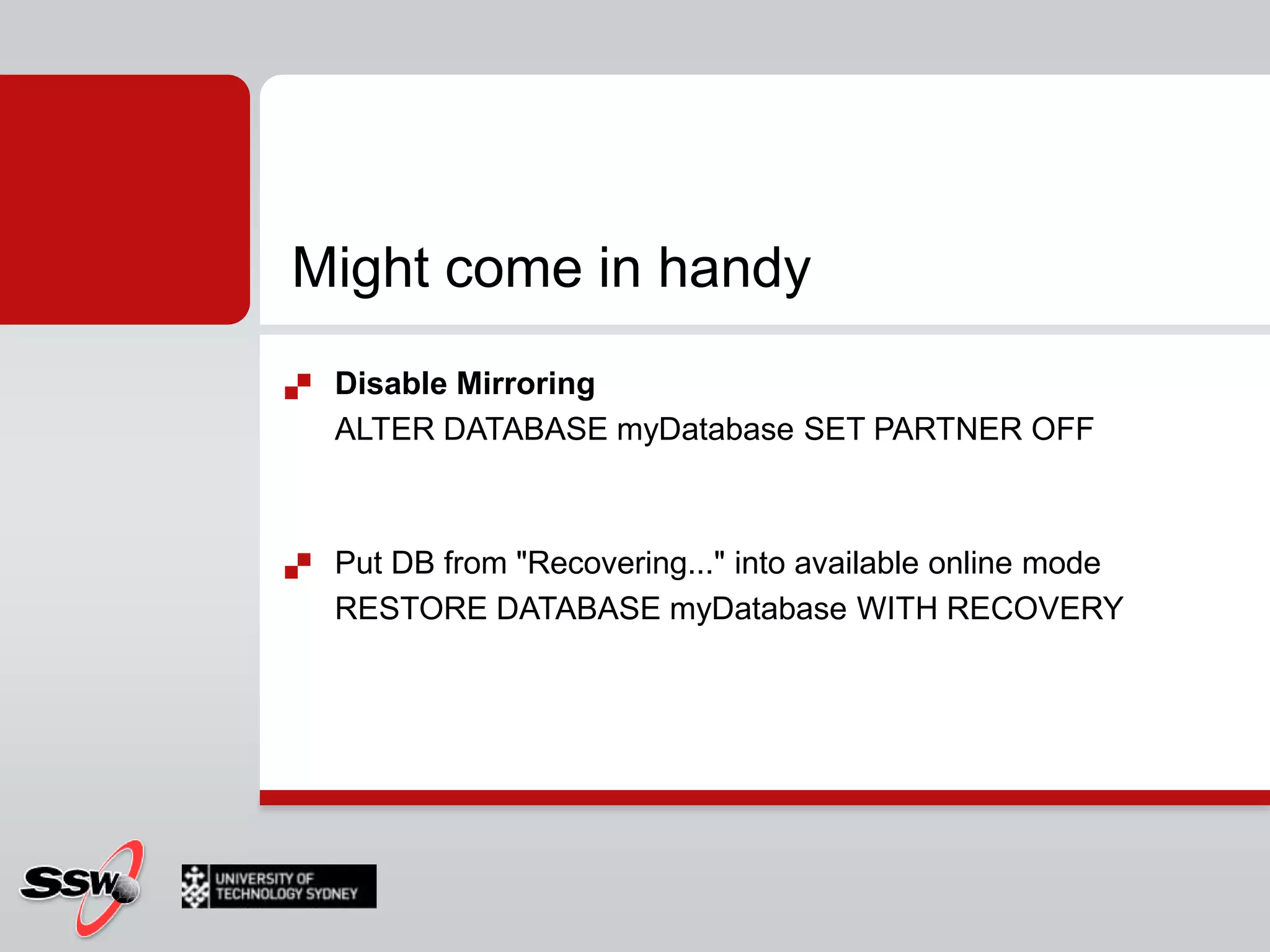
Might come in handyDisable MirroringALTER DATABASE myDatabase SET PARTNER OFFPut DB from "Recovering..." into available online modeRESTORE DATABASE myDatabase WITH RECOVERY
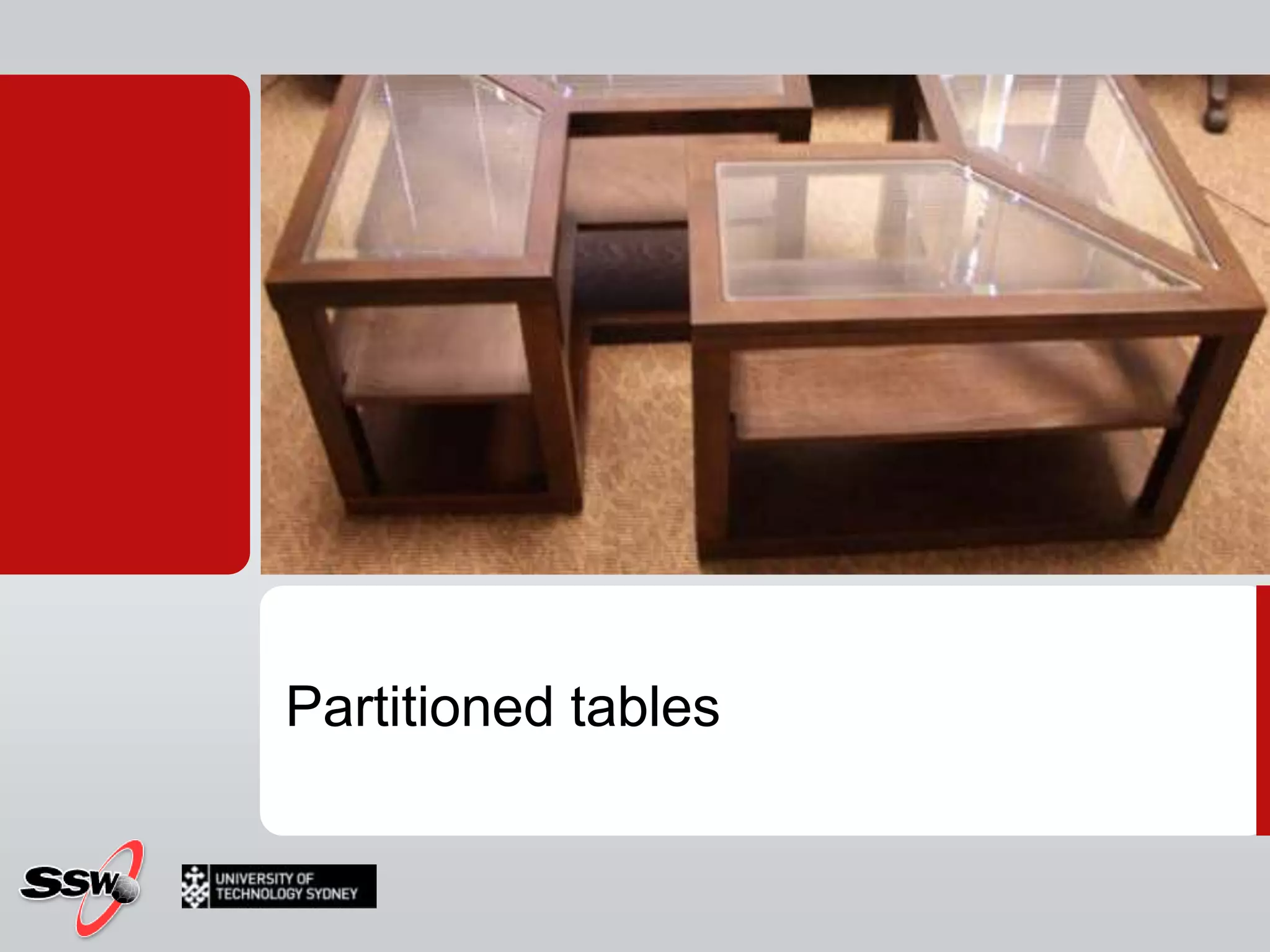
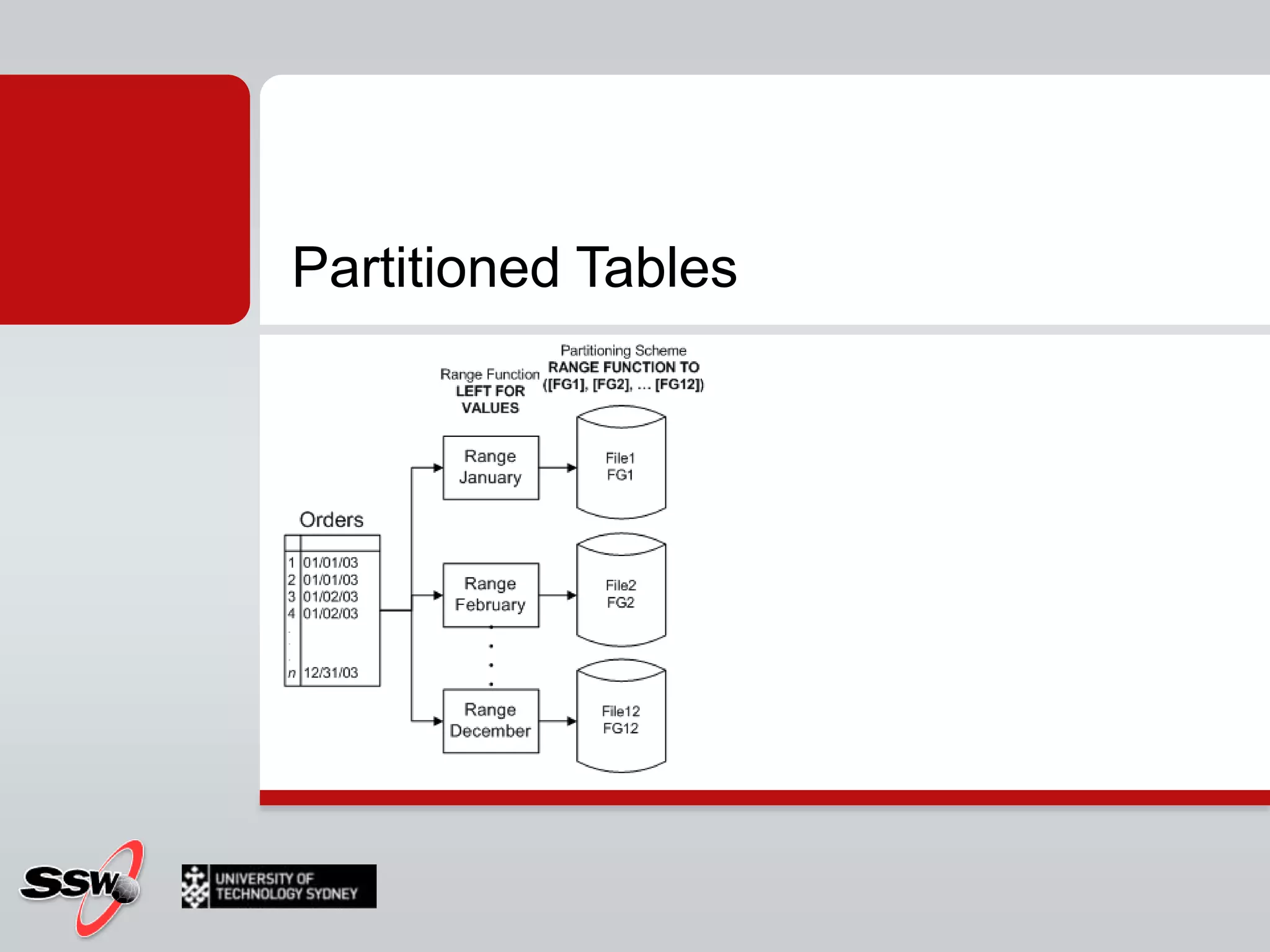
Partitioned tables
Partitioned Tables
Partitioned TablesAllows for maximum concurrencyPartitioned Table parallelismImproved a lot in SQL 2008Archive older data into different filegroups
SQL Server agent
SQL Server Agent (recap)Windows ServiceExecutes SQL Server jobsAdministrative tasks
SQL Agent ProxiesNew credential system Sits on Active DirectoryFine grained control of your jobsJobs can be run by proxies instead of user loginsPreviously to run cmd shell type functionality you needed a user in the administrator group which opened up security problems
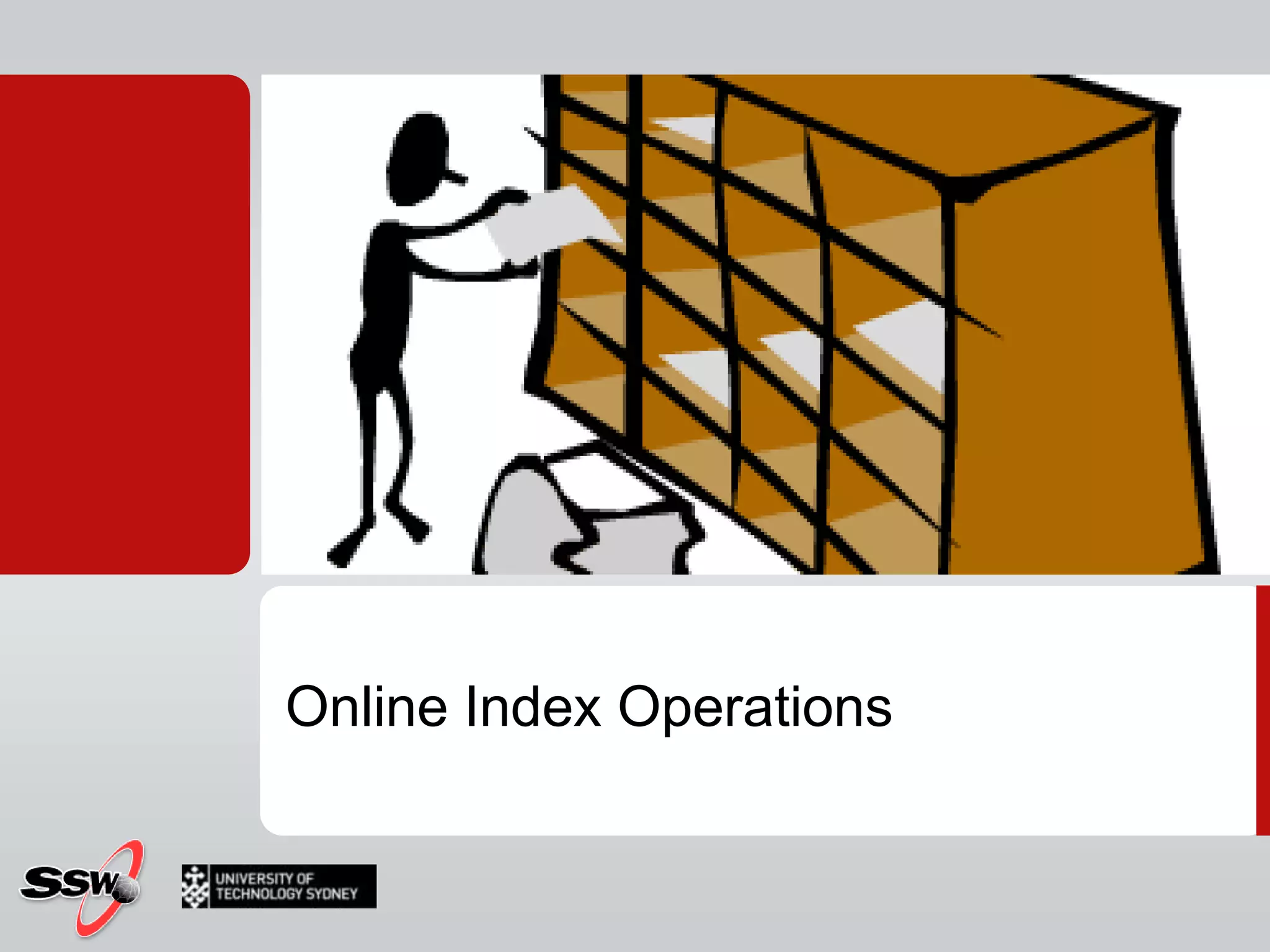
Online Index Operations
Online Index Operations- Table is accessible for read and update Non-clustered indexes are available during  clustered index creationIndex CreatedTable
Concurrent UsersTarget (Clustered Index)LockingSource (Table)Online Clustered Index OperationCREATE CLUSTERED INDEX index_name ON table_name … WITH (ONLINE = ON)
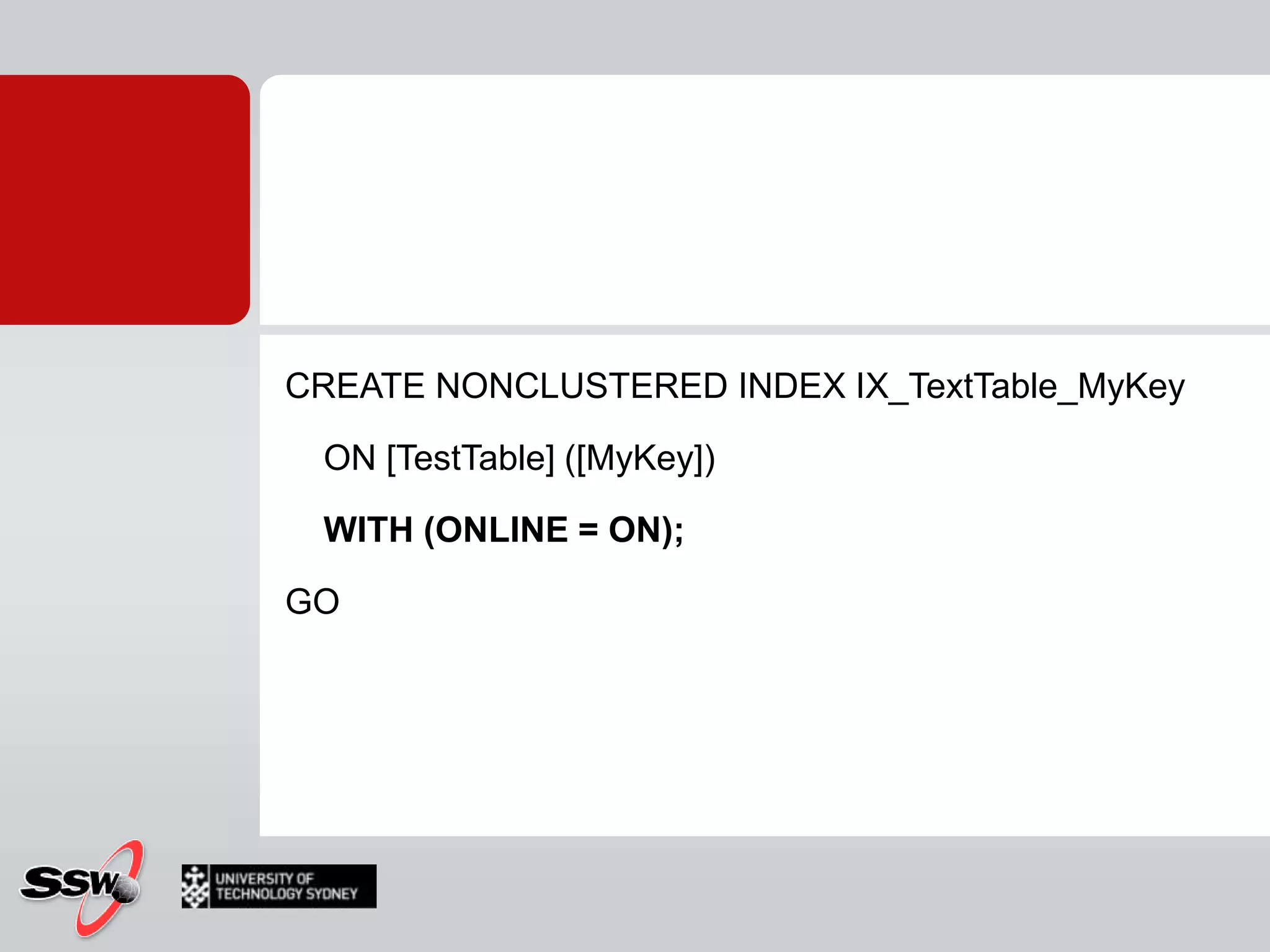
CREATE NONCLUSTERED INDEX IX_TextTable_MyKey    ON [TestTable] ([MyKey])    WITH (ONLINE = ON);GO
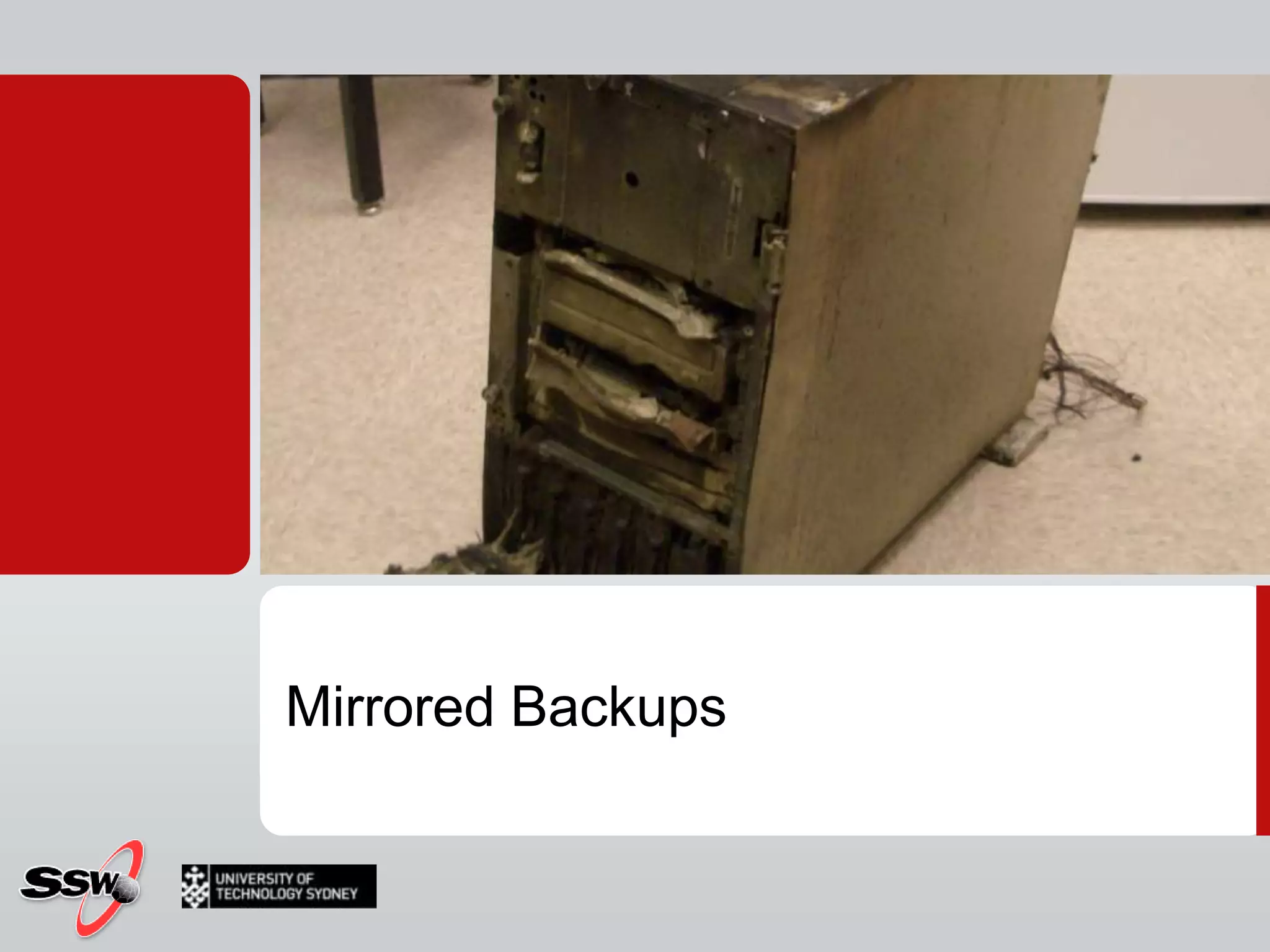
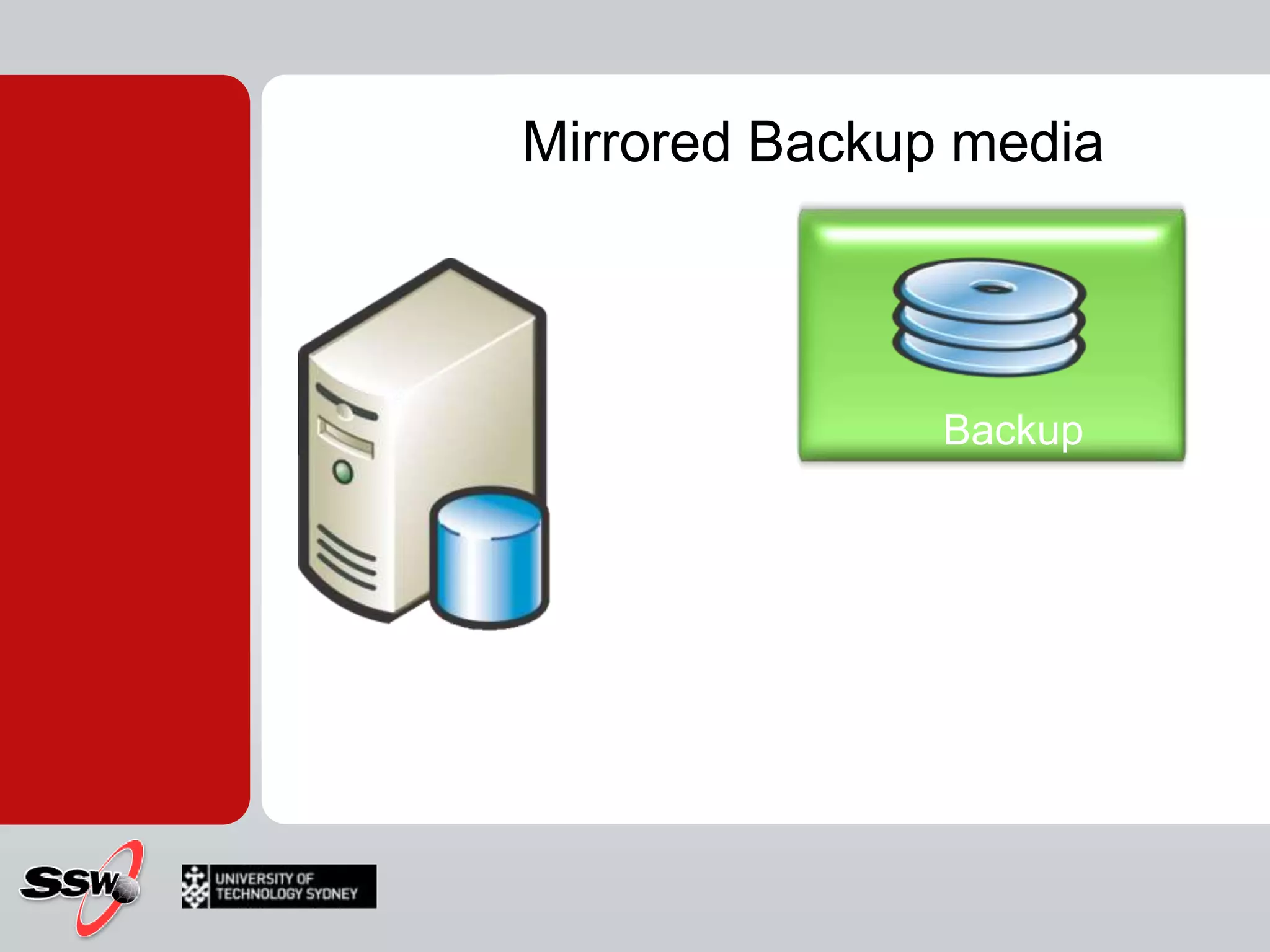
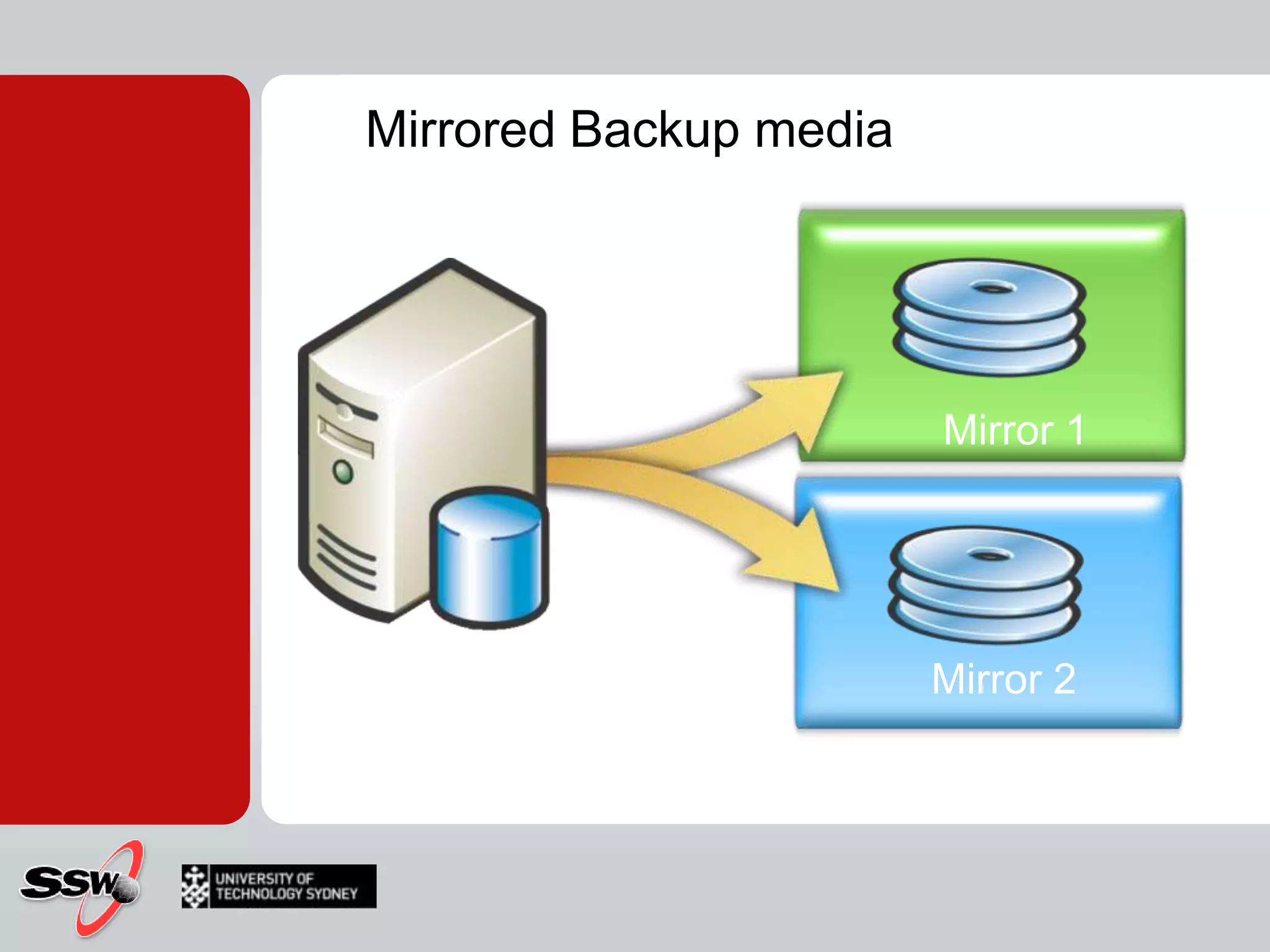
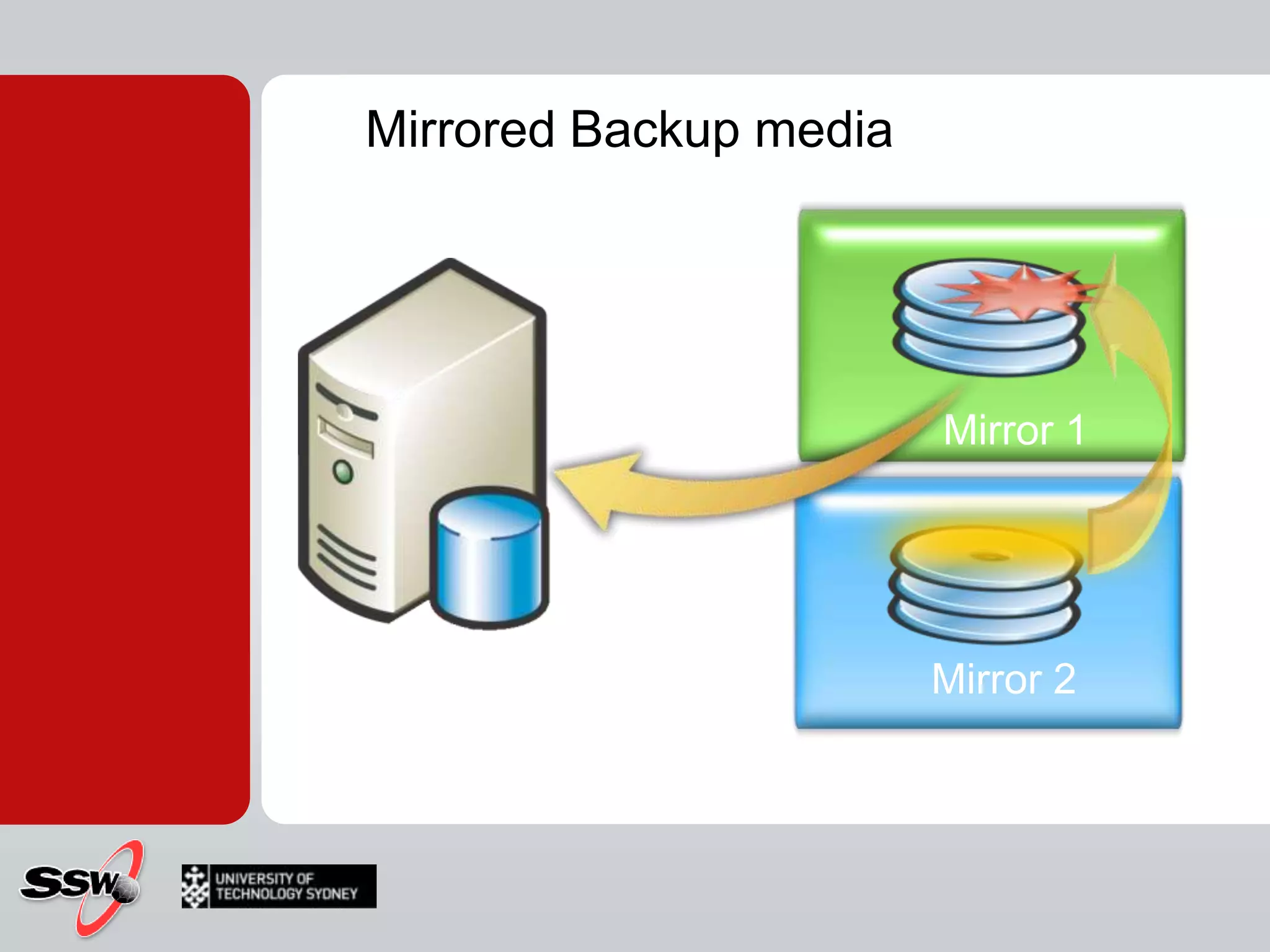
Mirrored Backups

SQL Server - High availability

Editor's Notes

  • #2 Click to add notesPeter Gfader shows SQL Server
  • #3 Java current version 1.6 Update 171.7 released next year 2010Dynamic languages Parallel computingMaybe closures
  • #6 FilestreamSparse ColumnsSpatial DataHierarchyIDDATE and TIME data typesFiltered Indexes
  • #8 USE masterGOCREATE DATABASE SSW_TrainingGOUSE SSW_TrainingGOCREATE LOGIN LOG_USER WITH PASSWORD=N'LOG_u$er_01', DEFAULT_DATABASE=SSW_TrainingGOCREATE USER LOG_USER FOR LOGIN LOG_USERGOEXEC sp_addrolememberN'db_datareader', N'LOG_USER'GOEXEC sp_addrolememberN'db_datawriter', N'LOG_USER'GOCREATE TABLE [ServerLogins]( ID bigint IDENTITY(1,1) NOT NULL , [DateTime] datetime , PostTimenvarchar(100) , LoginNamenvarchar(100) , EventTypenvarchar(100) , ClientHostnvarchar(100) , [EVENTDATA] xml) ON [PRIMARY]GOCREATE TRIGGER logon_trigger_login_logON ALL SERVER WITH EXECUTE AS 'LOG_USER'FOR LOGONAS DECLARE @data xml SET @data = EventData() INSERT INTO SSW_Training.dbo.ServerLogins([DateTime], PostTime, LoginName, EventType, ClientHost, [EventData]) VALUES ( GETDATE() , CONVERT(nvarchar(100), @data.query('data(//PostTime)')) , CONVERT(nvarchar(100), @data.query('data(//LoginName)')) , CONVERT(nvarchar(100), @data.query('data(//EventType)')) , CONVERT(nvarchar(2000), @data.query('data(//ClientHost)')) , EVENTDATA() )GO--LOGIN IN AS SOMEONE TO GENERATE DATA.SELECT *FROM SSW_Training.dbo.ServerLogins
  • #12 Session 3 will cover High Availability Features SQL Server 2008
  • #14 Big difference about numbers99.999 = single 99.9999Loss of data?
  • #15 Big difference about numbers99.999 = single 99.9999Loss of data?
  • #20 Uninterruptible power supplyRedundant Array of Inexpensive Disks
  • #21 Easy to setup --> see in demoNeed only 1 sql server licenseLog shipping automatically done by SQL ServerJob that listenes for certain error numbers  fires actionSQL SERVER 2008: Policy Management
  • #27 Query across the snapshot  current database
  • #45 Use NT AUTHORITYNETWORK SERVICE
  • #50 DECLARE @i int = 0WHILE @i < 1000BEGININSERT INTO [AdventureWorks].[dbo].[AWBuildVersion] ([Database Version] ,[VersionDate] ,[ModifiedDate]) VALUES ('AA' ,GETDATE() ,GETDATE())SET @i = @i+1ENDGO
  • #61 USE Master;GO--- Step 1 : Create New Test Database with two different filegroups.IF EXISTS (SELECT nameFROM sys.databasesWHERE name = N'TestDB')DROP DATABASE TestDB;GOCREATE DATABASE TestDBON PRIMARY(NAME='TestDB_Part1',FILENAME='C:DataPrimaryTestDB_Part1.mdf',SIZE=3,MAXSIZE=100,FILEGROWTH=1 ),FILEGROUP TestDB_Part2(NAME = 'TestDB_Part2',FILENAME ='C:DataSecondaryTestDB_Part2.ndf',SIZE = 3,MAXSIZE=100,FILEGROWTH=1 );GOUSE TestDB;GO--- Step 2 : Create Partition Range FunctionCREATE PARTITION FUNCTION TestDB_PartitionRange (INT)AS RANGE LEFT FORVALUES (10);GOUSE TestDB;GO--- Step 3 : Attach Partition Scheme to FileGroups--- A partition scheme maps the partitions produced by a partition function to a set of filegroups that you define.CREATE PARTITION SCHEME TestDB_PartitionSchemeAS PARTITION TestDB_PartitionRangeTO ([PRIMARY], TestDB_Part2);GOUSE TestDB;GO--- Step 4 : Create Table with Partition Key and Partition SchemeCREATE TABLE TestTable(ID INT NOT NULL,Date DATETIME)ON TestDB_PartitionScheme (ID);GOUSE TestDB;GO--- Step 5 : (Optional/Recommended) Create Index on Partitioned TableCREATE UNIQUE CLUSTERED INDEX IX_TestTableON TestTable(ID)ON TestDB_PartitionScheme (ID);GOUSE TestDB;GO--- Step 6 : Insert Data in Partitioned TableINSERT INTO TestTable (ID, Date) -- Inserted in Partition 1VALUES (1,GETDATE());INSERT INTO TestTable (ID, Date) -- Inserted in Partition 2VALUES (11,GETDATE());INSERT INTO TestTable (ID, Date) -- Inserted in Partition 2VALUES (12,GETDATE());GOUSE TestDB;GO--- Step 7 : Test Data from TestTableSELECT *FROM TestTable;GOUSE TestDB;GO--- Step 8 : Verify Rows Inserted in PartitionsSELECT *FROM sys.partitionsWHERE OBJECT_NAME(OBJECT_ID)='TestTable';GOhttp://msdn.microsoft.com/en-us/library/ms188730.aspx
  • #64 All the jobs run with the account assigned to SQL Agent service. What if we have to perform some task which requires some extra credentials or the other way around than what should we do.http://www.codeproject.com/KB/database/SQL_Server_Agent_Proxy.aspx
  • #67 Clustered Index -> non clustered index
  • #72 Slide Title: Mirrored BackupsKeywords: Mirrored Backups, backup recovery, drive Key Message: Mirrored backups provide an additional level of protection for your important data. Slide Builds: 3Slide Script: [BUILD3] If the media in one mirror becomes corrupted, the mirrored media can replace it during restore.Slide Transition: We will show you how to do this in the next demonstration. Slide Comment: Additional Information: SQL Server 2005 Books Online: Topic: “Using Mirrored Backup Media Sets”
  • #75 Slide Title: Community HelpKeywords: CommunityKey Message: Where to get more helpSlide Builds: 0Slide Script: There are a number of community resources available on TechNet, all of them then free.You can attend a regular chat with members of the products groups or technology specialists from Microsoft, or you can attend a Web cast where you can see sessions like the one you’ve just watched, but presented live and with the ability to ask questions as you go.You can also read or post questions in the public newsgroups. The newsgroup page lists the available groups, plus provides an interface from which you can to read and post messages. TechNet Plus subscribers can use these groups to post questions that, through their subscription ID, will be answered by Microsoft within 24 hours.The main community site provides a comprehensive list of resources available — more than we can cover on this slide — plus the page has some dynamic features with continually updating content.The events page provides dates and details where you can attend a TechNet event live. These events take place worldwide and provide the opportunity for you to talk to Microsoft specialists face-to-face.And finally, the TechNet Columns provide a variety of topics written by industry authors.Slide Transition: [Thank the audience for attending and sign off]Slide Comment: Additional Information: HTTP://www.microsoft.com/technet/community/columnsHTTP://www.microsoft.com/technet/community/events HTTP://www.microsoft.com/technet/community/chatsHTTP://www.microsoft.com/technet/community/webcastsHTTP://www.microsoft.com/technet/community/newsgroupsHTTP://www.microsoft.com/technet/community
  • #77 Show linkshttp://www.microsoft.com/sqlserver/2008/en/us/editions.aspxhttp://www.microsoft.com/Sqlserver/2005/en/us/compare-features.aspxhttp://www.microsoft.com/sqlserver/2008/en/us/editions-compare.aspx
  • #78 Click to add notesPeter Gfader shows SQL Server