APPLICATION VIRTUALIZATIONNagareshwar  TalekarFounderSecurityXploded.com1
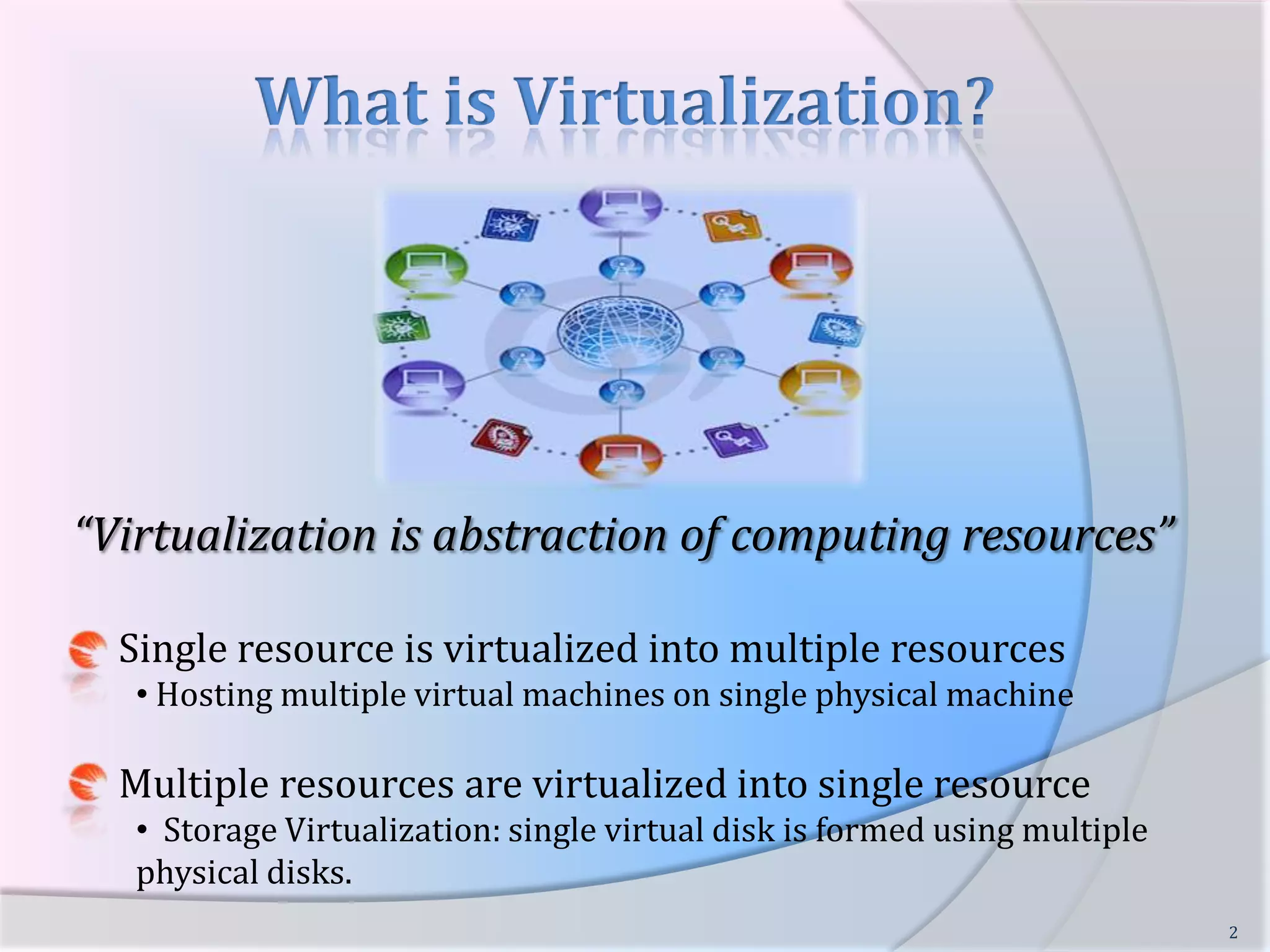
What is Virtualization?“Virtualization is abstraction of computing resources”     Single resource is virtualized into multiple resources  Hosting multiple virtual machines on single physical machine     Multiple resources are virtualized into single resource  Storage Virtualization: single virtual disk is formed using multiple physical disks.2
Different Types of Virtualization     Server Virtualization     Storage VirtualizationData Virtualization     Desktop VirtualizationApplication Virtualization3
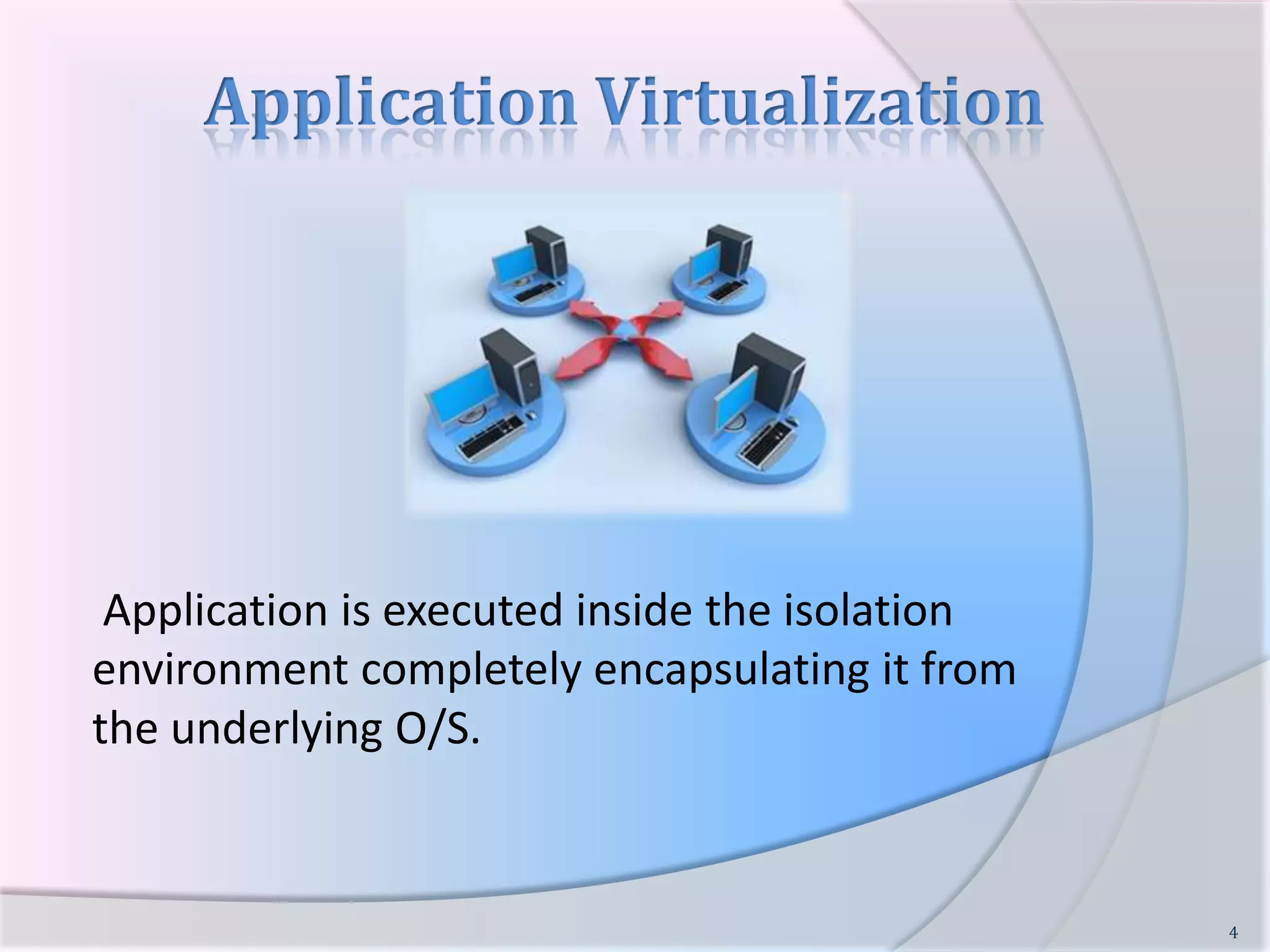
Application VirtualizationApplication is executed inside the isolation environment completely encapsulating it from the underlying O/S.4
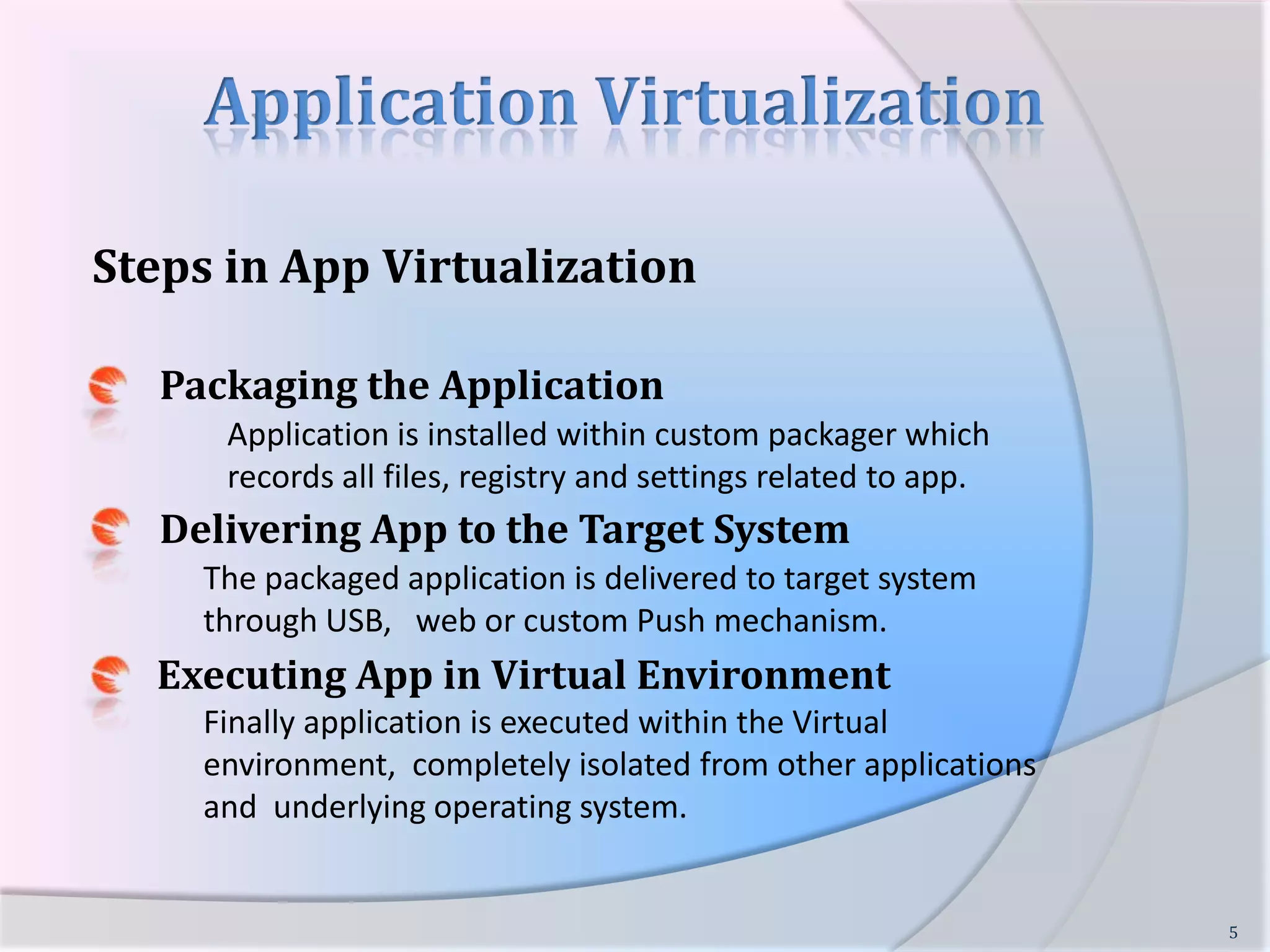
Application VirtualizationSteps in App VirtualizationPackaging the Application	Application is installed within custom packager which records all files, registry and settings related to app.Delivering App to the Target SystemThe packaged application is delivered to target system through USB,   web or custom Push mechanism. Executing App in Virtual EnvironmentFinally application is executed within the Virtual environment,  completely isolated from other applications and  underlying operating system.5
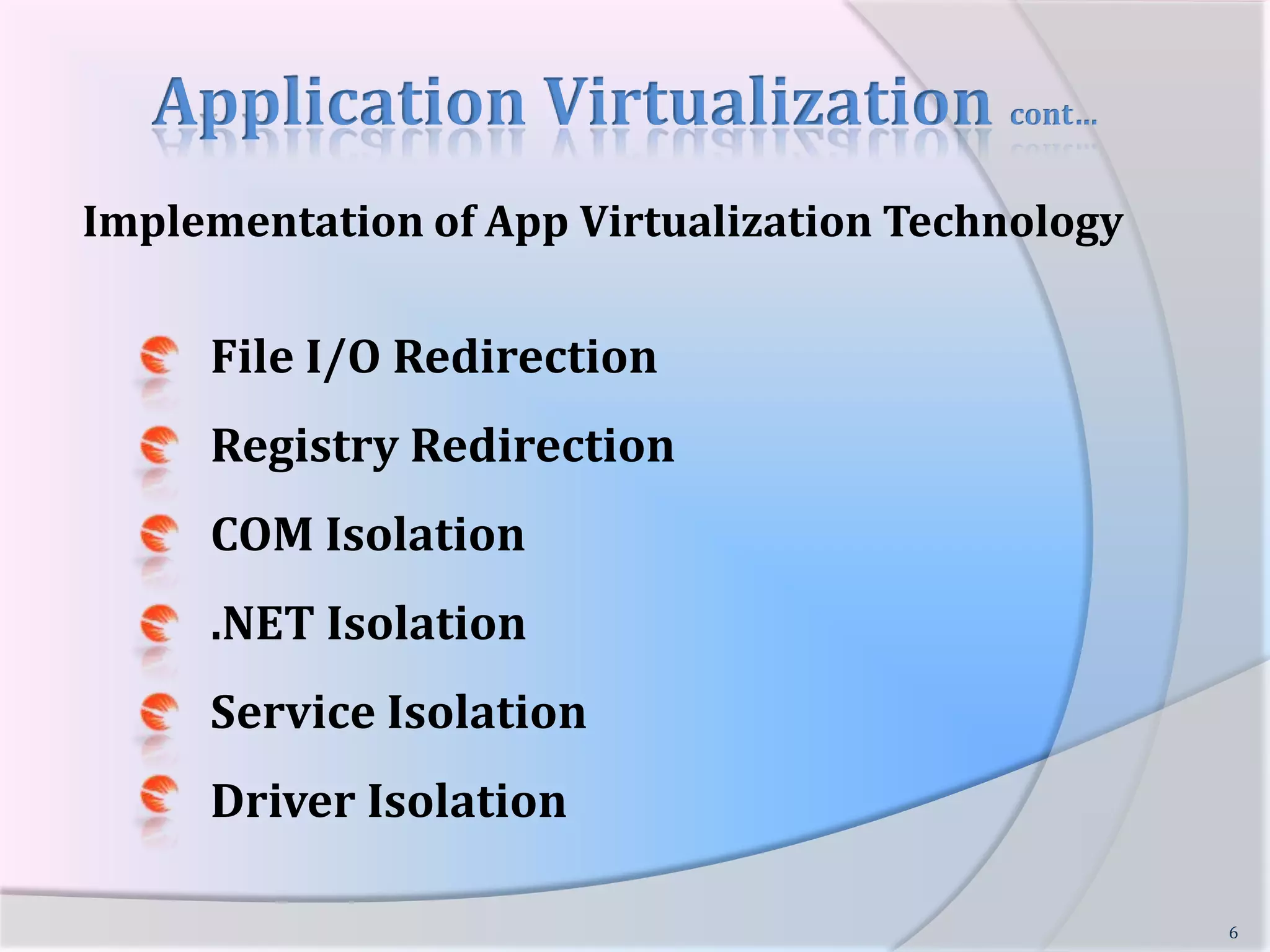
Application Virtualization cont…Implementation of App Virtualization Technology      File I/O Redirection      Registry Redirection      COM Isolation      .NET Isolation      Service Isolation       Driver Isolation           6
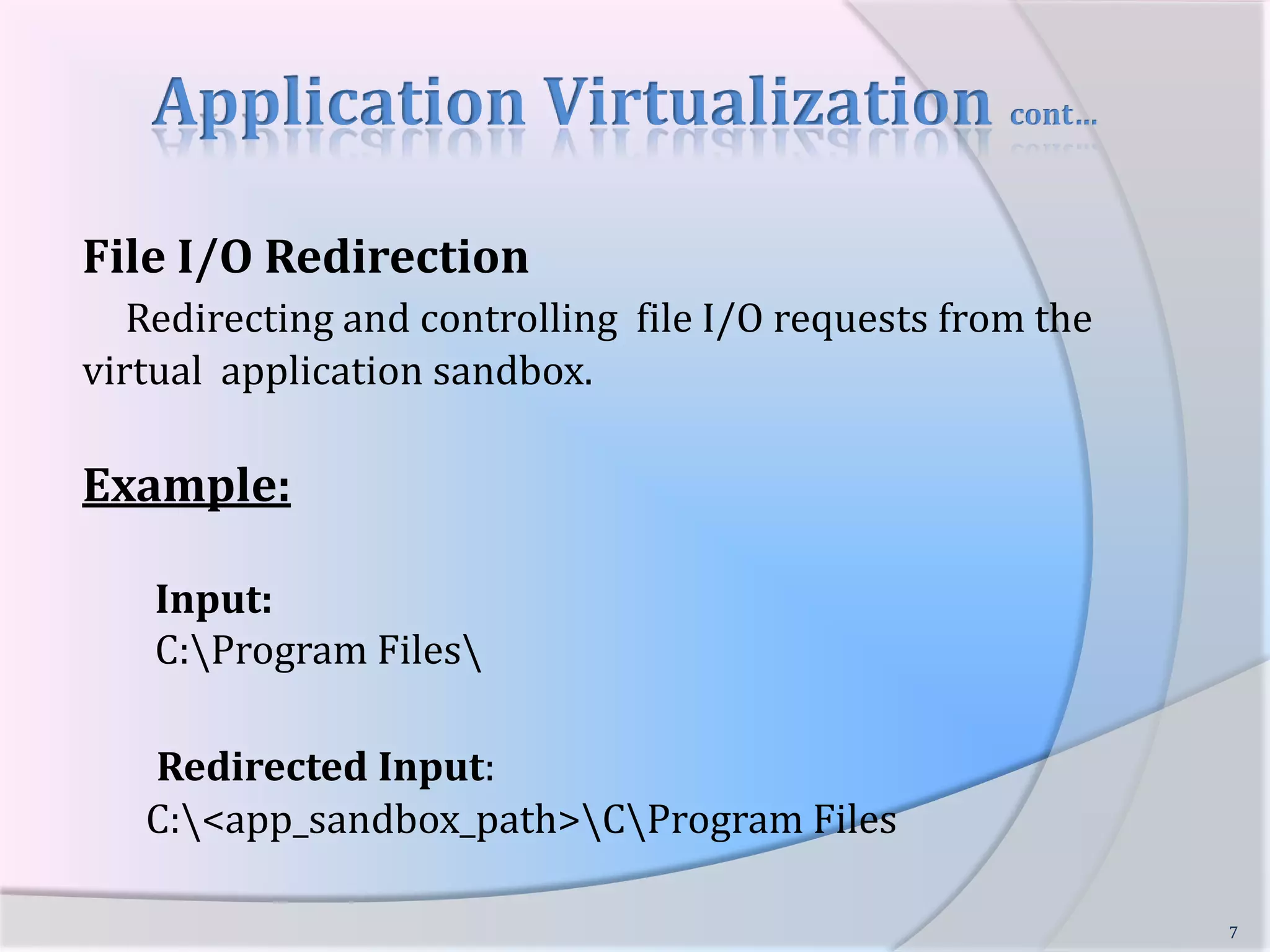
Application Virtualization cont…File I/O Redirection Redirecting and controlling  file I/O requests from the virtual  application sandbox.Example: Input:   C:\Program Files\Redirected Input:  C:\<app_sandbox_path>\C\Program Files7
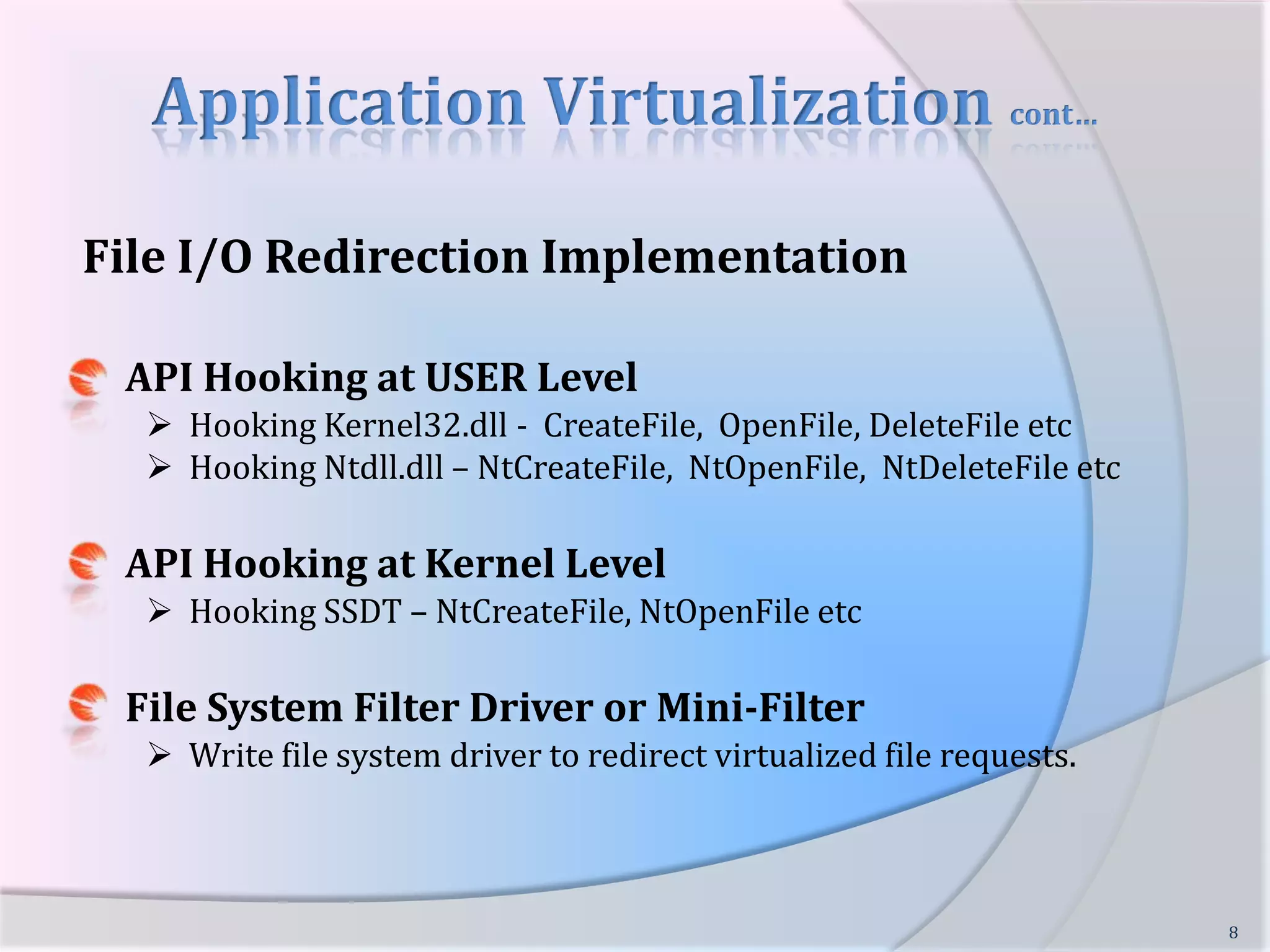
Application Virtualization cont…File I/O Redirection ImplementationAPI Hooking at USER LevelHooking Kernel32.dll -  CreateFile,  OpenFile, DeleteFile etc
  Hooking Ntdll.dll – NtCreateFile,  NtOpenFile,  NtDeleteFile etcAPI Hooking at Kernel LevelHooking SSDT – NtCreateFile, NtOpenFile etcFile System Filter Driver or Mini-FilterWrite file system driver to redirect virtualized file requests.8
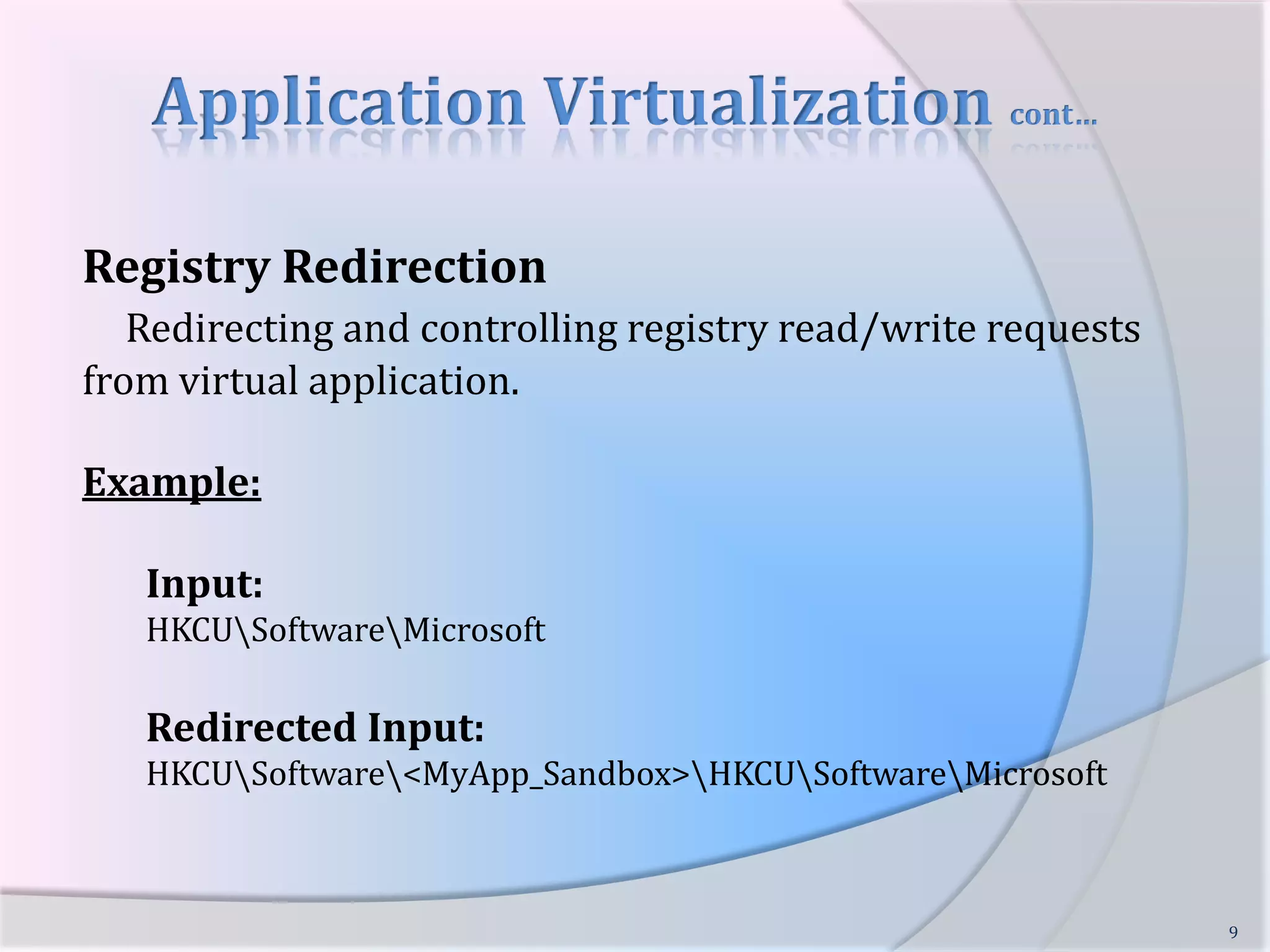
Application Virtualization cont…Registry RedirectionRedirecting and controlling registry read/write requests from virtual application.Example:Input:HKCU\Software\MicrosoftRedirected Input:HKCU\Software\<MyApp_Sandbox>\HKCU\Software\Microsoft9
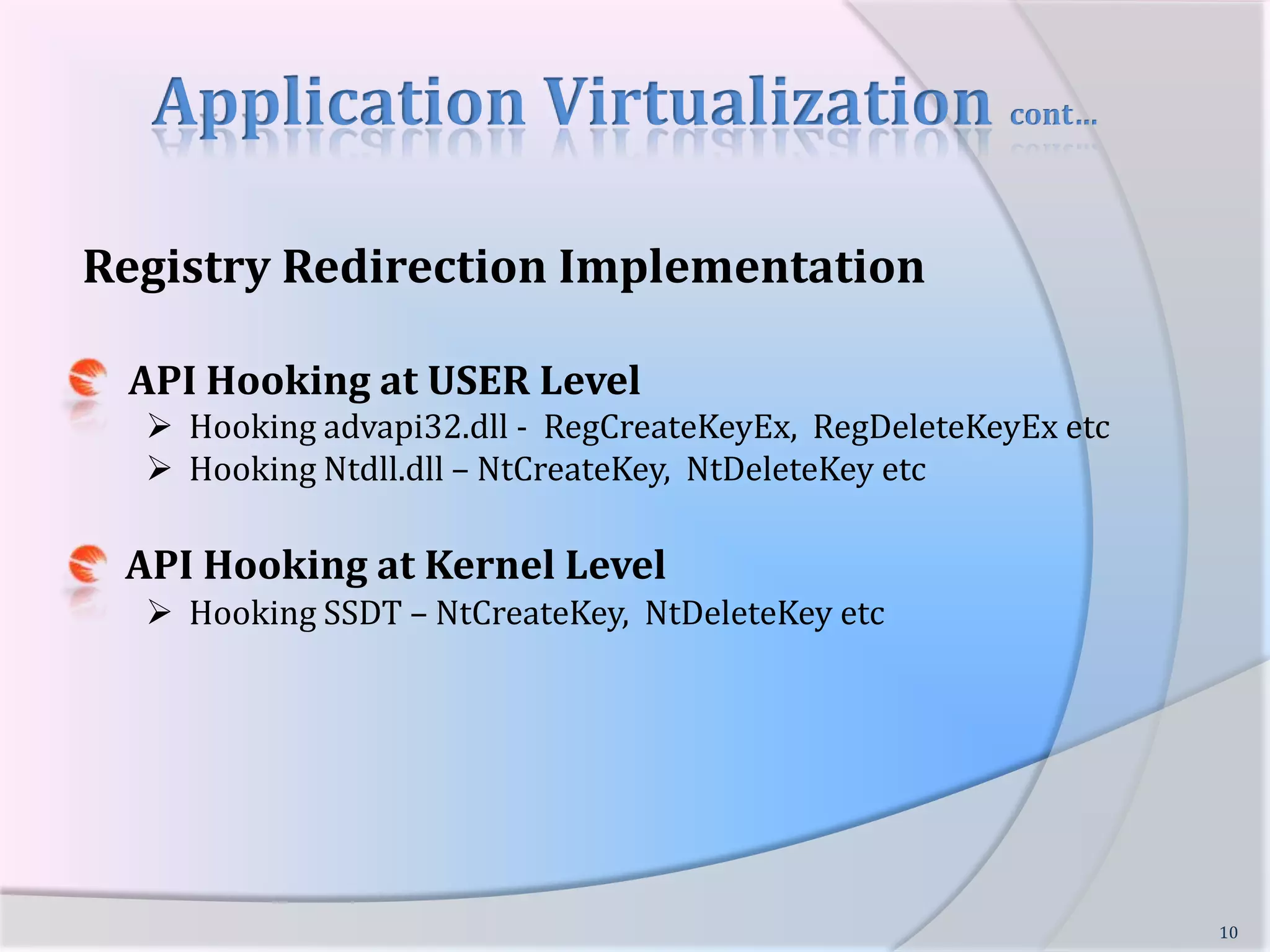
Application Virtualization cont…Registry Redirection Implementation     API Hooking at USER LevelHooking advapi32.dll -  RegCreateKeyEx,  RegDeleteKeyEx etc
  Hooking Ntdll.dll – NtCreateKey,  NtDeleteKey etcAPI Hooking at Kernel LevelHooking SSDT – NtCreateKey,  NtDeleteKey etc10
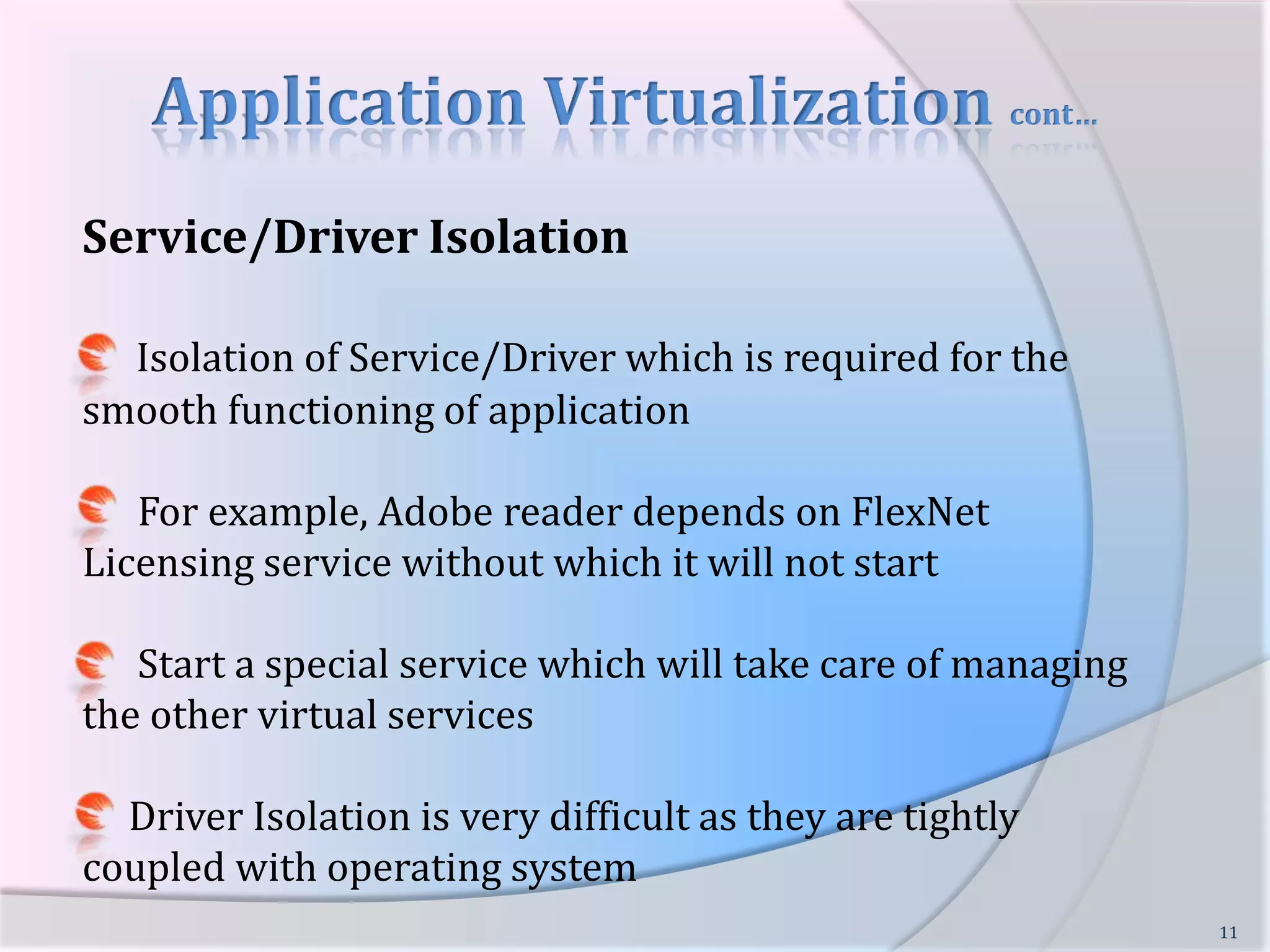
Application Virtualization cont…Service/Driver IsolationIsolation of Service/Driver which is required for the smooth functioning of application      For example, Adobe reader depends on FlexNet Licensing service without which it will not start      Start a special service which will take care of managing the other virtual services     Driver Isolation is very difficult as they are tightly coupled with operating system11
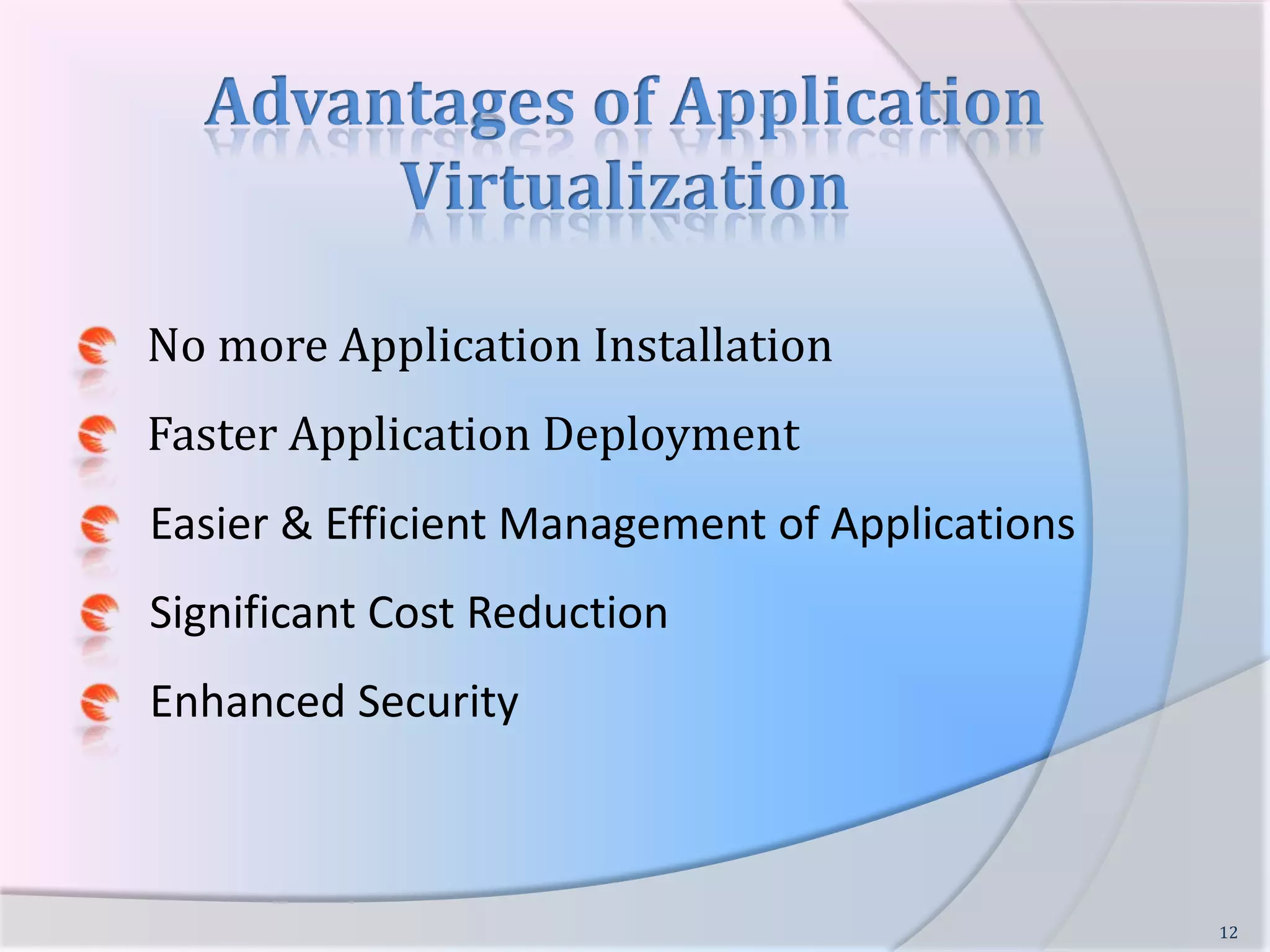
Advantages of Application VirtualizationNo more Application InstallationFaster Application Deployment      Easier & Efficient Management of Applications      Significant Cost Reduction      Enhanced Security12
Application Virtualization  & Security      Improved Security for the Operating System and other applications.      Application Isolation allows insecure, incompatible apps to run safely.      Safe Browsing,  No need to worry about Zero-Day Exploits       Provides Ideal Environment Virus/Malware Testing13
Players in App Virtualization      VMware:  ThinApp      Microsoft:  App-V      Citrix:  Application Streaming      Symantec:  Altiris SVS      Spoon: Web based Streaming      Sandboxie by Ronen Tzur14
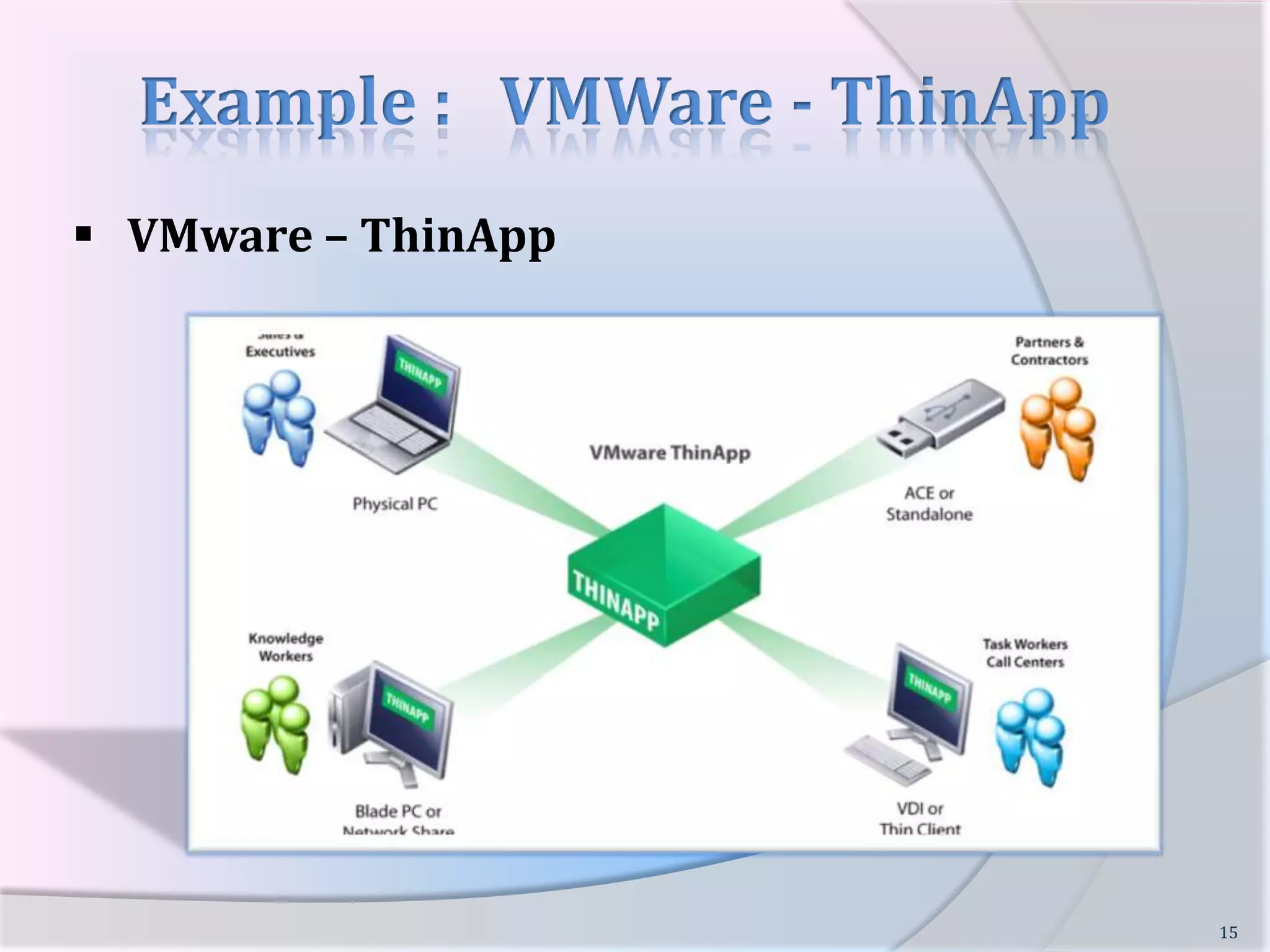
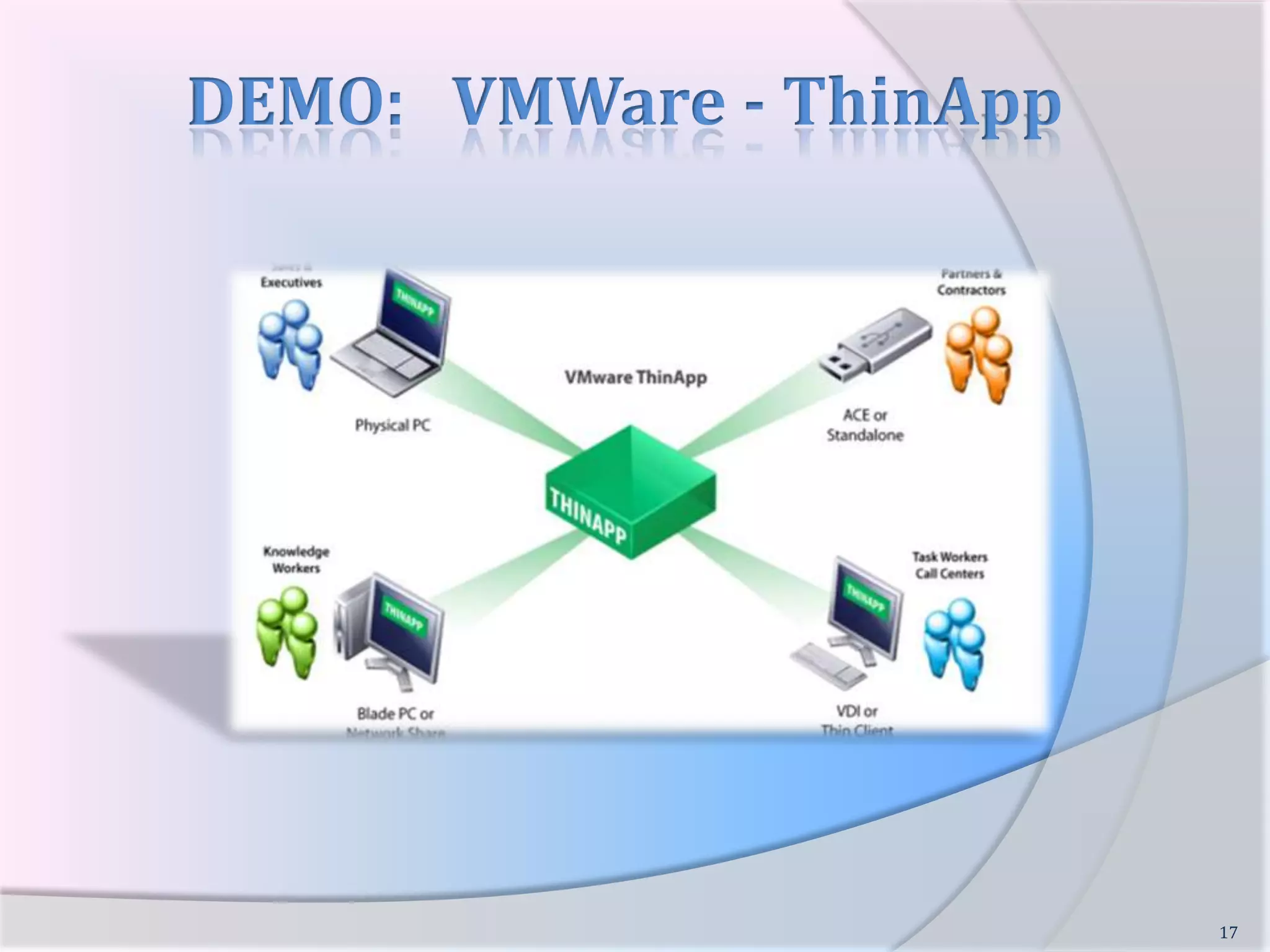
Example :   VMWare - ThinApp   VMware – ThinApp15
Example :   VMWare - ThinApp16    Application is packaged using ThinApp Packager and single EXE/MSI is created    This EXE/MSI can be deployed to any system and executed directly    On Execution, it extracts packaged app and runs it within the isolated sandbox.    Does not require any AGENT to be installed on the client system
DEMO:   VMWare - ThinApp17
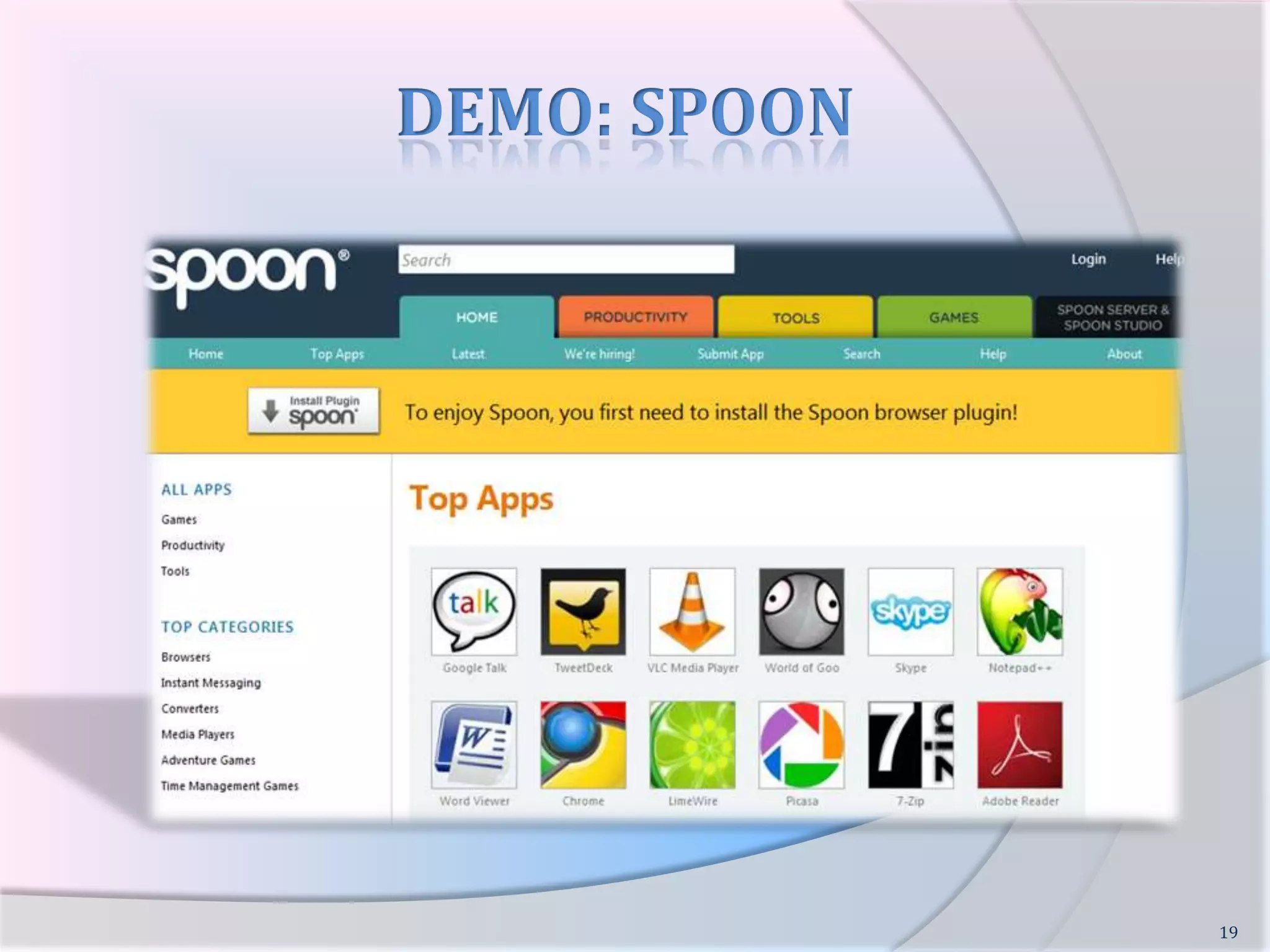
Example:  SPOON    Applications are packaged using Spoon Studio and kept on the Spoon Servers.    User have to install Spoon Plugin on their system.    Next user can browse through Apps on Spoon.net and  run the App  directly within XVM.    User can package their  favorite app using Spoon Studio and upload to Spoon Servers18
DEMO: SPOON19
ReferencesVMWare – ThinApp Application VirtualizationSpoon – Adaptive StreamingMicrosoft – ‘App-V ‘ Sandboxie – App VirtualizationVMWare ThinApp Video Demonstration Spoon.Net Video Demonstration20

Application Virtualization

  • 1.
    APPLICATION VIRTUALIZATIONNagareshwar TalekarFounderSecurityXploded.com1
  • 2.
    What is Virtualization?“Virtualizationis abstraction of computing resources” Single resource is virtualized into multiple resources Hosting multiple virtual machines on single physical machine Multiple resources are virtualized into single resource Storage Virtualization: single virtual disk is formed using multiple physical disks.2
  • 3.
    Different Types ofVirtualization Server Virtualization Storage VirtualizationData Virtualization Desktop VirtualizationApplication Virtualization3
  • 4.
    Application VirtualizationApplication isexecuted inside the isolation environment completely encapsulating it from the underlying O/S.4
  • 5.
    Application VirtualizationSteps inApp VirtualizationPackaging the Application Application is installed within custom packager which records all files, registry and settings related to app.Delivering App to the Target SystemThe packaged application is delivered to target system through USB, web or custom Push mechanism. Executing App in Virtual EnvironmentFinally application is executed within the Virtual environment, completely isolated from other applications and underlying operating system.5
  • 6.
    Application Virtualization cont…Implementationof App Virtualization Technology File I/O Redirection Registry Redirection COM Isolation .NET Isolation Service Isolation Driver Isolation 6
  • 7.
    Application Virtualization cont…FileI/O Redirection Redirecting and controlling file I/O requests from the virtual application sandbox.Example: Input: C:\Program Files\Redirected Input: C:\<app_sandbox_path>\C\Program Files7
  • 8.
    Application Virtualization cont…FileI/O Redirection ImplementationAPI Hooking at USER LevelHooking Kernel32.dll - CreateFile, OpenFile, DeleteFile etc
  • 9.
    HookingNtdll.dll – NtCreateFile, NtOpenFile, NtDeleteFile etcAPI Hooking at Kernel LevelHooking SSDT – NtCreateFile, NtOpenFile etcFile System Filter Driver or Mini-FilterWrite file system driver to redirect virtualized file requests.8
  • 10.
    Application Virtualization cont…RegistryRedirectionRedirecting and controlling registry read/write requests from virtual application.Example:Input:HKCU\Software\MicrosoftRedirected Input:HKCU\Software\<MyApp_Sandbox>\HKCU\Software\Microsoft9
  • 11.
    Application Virtualization cont…RegistryRedirection Implementation API Hooking at USER LevelHooking advapi32.dll - RegCreateKeyEx, RegDeleteKeyEx etc
  • 12.
    HookingNtdll.dll – NtCreateKey, NtDeleteKey etcAPI Hooking at Kernel LevelHooking SSDT – NtCreateKey, NtDeleteKey etc10
  • 13.
    Application Virtualization cont…Service/DriverIsolationIsolation of Service/Driver which is required for the smooth functioning of application For example, Adobe reader depends on FlexNet Licensing service without which it will not start Start a special service which will take care of managing the other virtual services Driver Isolation is very difficult as they are tightly coupled with operating system11
  • 14.
    Advantages of ApplicationVirtualizationNo more Application InstallationFaster Application Deployment Easier & Efficient Management of Applications Significant Cost Reduction Enhanced Security12
  • 15.
    Application Virtualization & Security Improved Security for the Operating System and other applications. Application Isolation allows insecure, incompatible apps to run safely. Safe Browsing, No need to worry about Zero-Day Exploits Provides Ideal Environment Virus/Malware Testing13
  • 16.
    Players in AppVirtualization VMware: ThinApp Microsoft: App-V Citrix: Application Streaming Symantec: Altiris SVS Spoon: Web based Streaming Sandboxie by Ronen Tzur14
  • 17.
    Example : VMWare - ThinApp VMware – ThinApp15
  • 18.
    Example : VMWare - ThinApp16 Application is packaged using ThinApp Packager and single EXE/MSI is created This EXE/MSI can be deployed to any system and executed directly On Execution, it extracts packaged app and runs it within the isolated sandbox. Does not require any AGENT to be installed on the client system
  • 19.
    DEMO: VMWare - ThinApp17
  • 20.
    Example: SPOON Applications are packaged using Spoon Studio and kept on the Spoon Servers. User have to install Spoon Plugin on their system. Next user can browse through Apps on Spoon.net and run the App directly within XVM. User can package their favorite app using Spoon Studio and upload to Spoon Servers18
  • 21.
  • 22.
    ReferencesVMWare – ThinAppApplication VirtualizationSpoon – Adaptive StreamingMicrosoft – ‘App-V ‘ Sandboxie – App VirtualizationVMWare ThinApp Video Demonstration Spoon.Net Video Demonstration20
  • 23.
  • 24.

Editor's Notes

  • #8  * API Hooking - CreateFile, OpenFile, ReadFile, WriteFile - NtCreateFile, NtOpenFile etc * File System Driver - handles all file requests, each such request contains the path which will be redirected to VN location
  • #9 User land - less risky, easy, all process needs to be hooked, dll injection may not be supported in later versions, no privilege requiredKernel land – one place hook, load on system for processing every redirection, risky – blue screens * filter driver/mini filter: one place for all and any FILE api functions. Risky – blue screens, load on kernel*
  • #10  - hooking registry calls, regopenkey, regcreatekeyex function - ntregopenkey, ntregqueryvalue
  • #11  - at user level no additional privileges required , it can take on and take off on the fly - hooking registry calls, regopenkey, regcreatekeyex function - ntregopenkey, ntregqueryvalue
  • #16  - How it works - app is packaged and exe is created - this exe when launched it extracts automatically and runs around - Howz the isolation is done - Demo ???
  • #17  - How it works - app is packaged and exe is created - this exe when launched it extracts automatically and runs around - Howz the isolation is done - Demo ???
  • #18  - How it works - app is packaged and exe is created - this exe when launched it extracts automatically and runs around - Howz the isolation is done - Demo ???
  • #19  - Web based app Vn - Install its vm called (XVM) - Click on any app, which will be downloaded to local system - it spawns XVM which runs the app within the sandbox
  • #21 http://en.wikipedia.org/wiki/Application_virtualizationhttp://www.vmware.com/products/thinapp/http://spoon.net/http://www.microsoft.com/systemcenter/appv/default.mspxhttp://www.sandboxie.com/