Chris E. Avis
Sr. IT Pro Evangelist
Microsoft Corp.
http://chrisavis.com
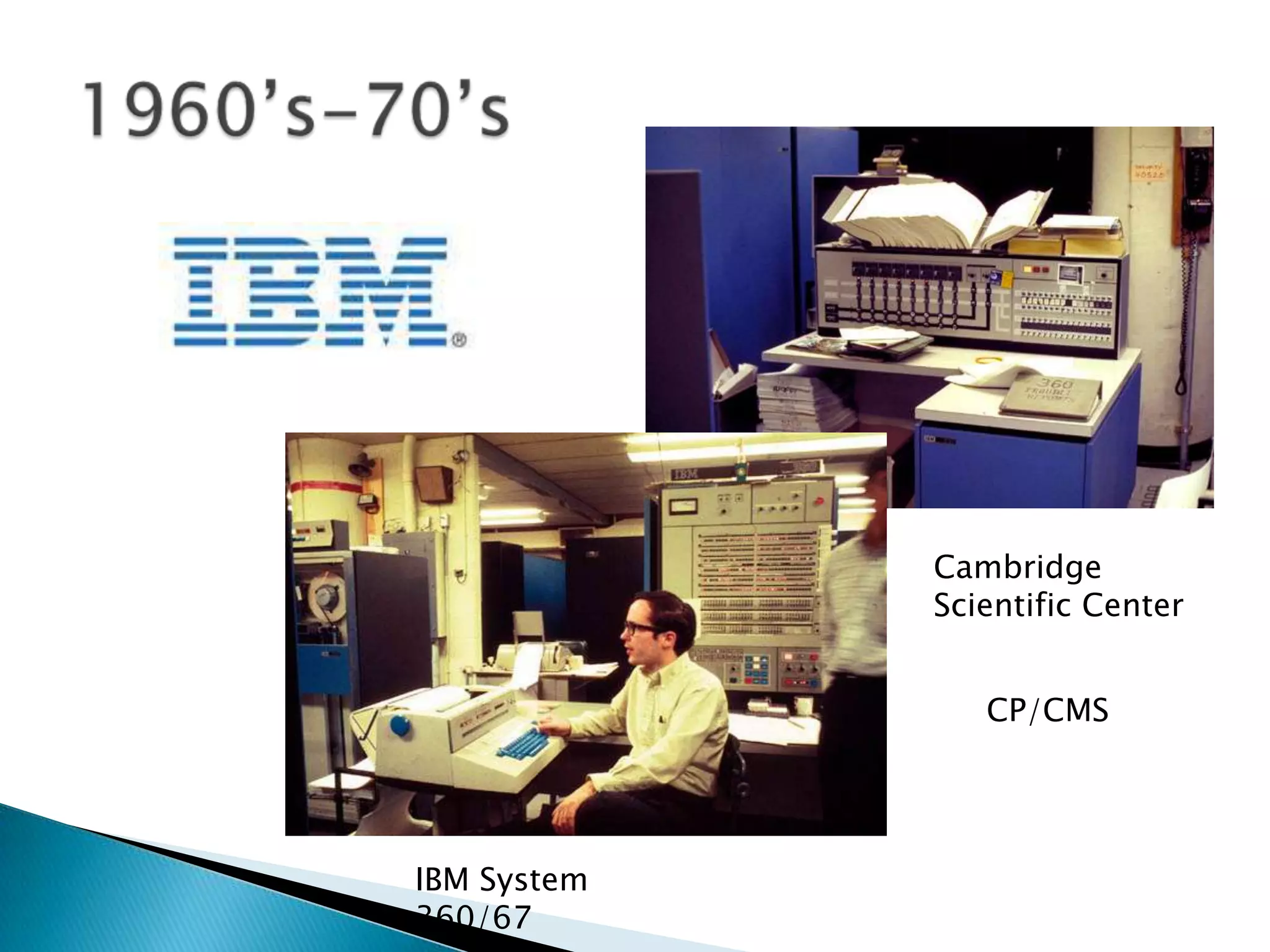
Cambridge
             Scientific Center


                CP/CMS


IBM System
360/67
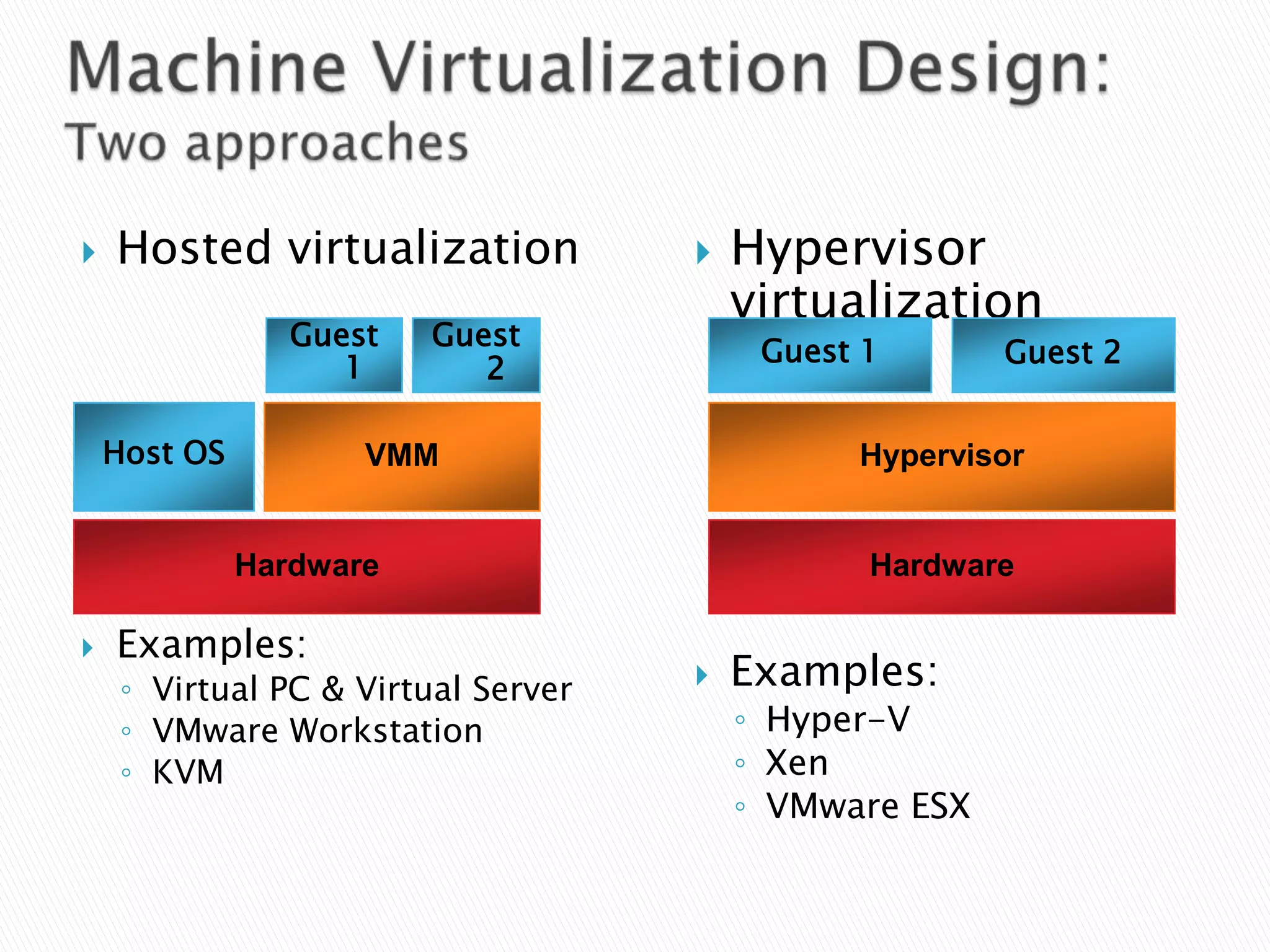
   Type 1 (or native, bare metal) hypervisors run
    directly on the host's hardware to control the
    hardware and to monitor guest operating
    systems. A guest operating system thus runs
    on another level above the hypervisor.
   Type 2 (or hosted) hypervisors Run within a
    conventional operating system environment.
    With the hypervisor layer as a distinct second
    software level, guest operating systems run
    at the third level above the hardware.
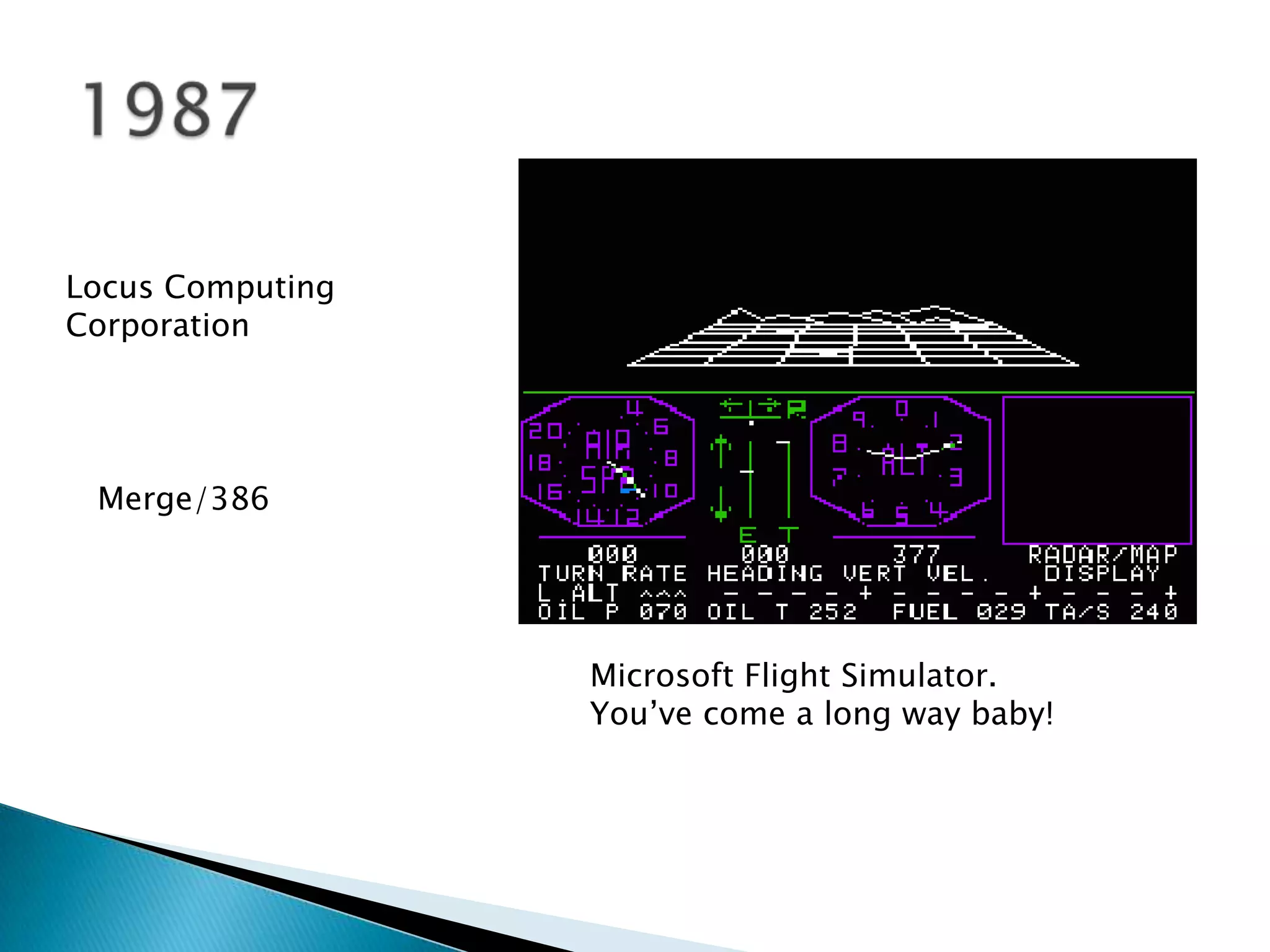
Locus Computing
Corporation


 Merge/386


                  Microsoft Flight Simulator.
                  You’ve come a long way baby!
October 26, 1998, VMware filed for a patent on
their techniques, which is granted as U.S. Patent
6,397,242.

February 8, 1999, VMware introduced VMware
Virtual Platform for the Intel IA-32 architecture.
◦ February 18, 2003, Microsoft acquired virtualization
  technologies (Virtual PC and unreleased product
  called "Virtual Server") from Connectix Corporation.
◦ Late 2003, EMC acquired VMware for $635 million.
◦ November 10, 2003 Microsoft releases Microsoft
  Virtual PC, which is machine-level virtualization
  technology, to ease the transition to Windows XP.
July 12, 2006 VMware releases VMware Server, a free
machine-level virtualization product for the server
market.
Microsoft Virtual PC 2006 is released as a free
program, also in July.
   Hosted virtualization               Hypervisor
                                         virtualization
                 Guest   Guest
                                          Guest 1       Guest 2
                    1       2

    Host OS          VMM                       Hypervisor


              Hardware                          Hardware

   Examples:
     ◦ Virtual PC & Virtual Server      Examples:
     ◦ VMware Workstation                ◦ Hyper-V
     ◦ KVM                               ◦ Xen
                                         ◦ VMware ESX
Dynamically streaming software as a centrally managed
service


   Streams applications to users            Readily accessible applications
   Centralizes permissions                  Accelerate Windows deployment
   Never installs applications              Accelerate application recovery
   Isolates applications                    Reduced application conflicts
   Provide real-time metering               Minimize app-to-app compatibility testing
   reports                                  Leverage existing PC Management
                                            investments
                        Total Direct Cost Savings of $82/PC/year*


    Heidelberg
                                                              App-V            App-V           App-V
                                                               SP1              4.6            v.Next
  “Microsoft Application Virtualization helps
  us dramatically reduce packaging
  time, optimize application delivery and
  management processes, and cut the total
  cost of ownership for our client
  environment. It paid for itself in just six
  months.”                           Axel Junghans
                              Global Client Manager
                                         Heidelberg
                                                      * Microsoft App-V Cost Reduction Study, Sept. 2009
App-V for Desktops

     Virtual applications run on the user machine
     Consolidate & standardize images
     Build business continuity for applications
     Applications can be taken offline
*Microsoft Application Virtualization CAL for Desktops is available through MDOP for Software Assurance only.

      App-V for Remote Desktop Services (RDS)

     Virtual applications run on the RDS Server
     Enable Server Consolidation
     Mitigate Roaming Profile Issues                                                                       for Remote
     Transform RDS into a dynamic system                                                                   Desktop Services
*Microsoft Application Virtualization CAL for Terminal Services is now included as part of the RDS CAL


      App-V Hosting for Desktops

    Available through Service Provider License Agreement
    Allows organization to host virtual applications on behalf of
     their customers
                                                                                                            Hosting for Desktops
    Can be used for 3rd party or LOB application delivery
*Microsoft Application Virtualization for Service Providers is available and sold separately from MDOP
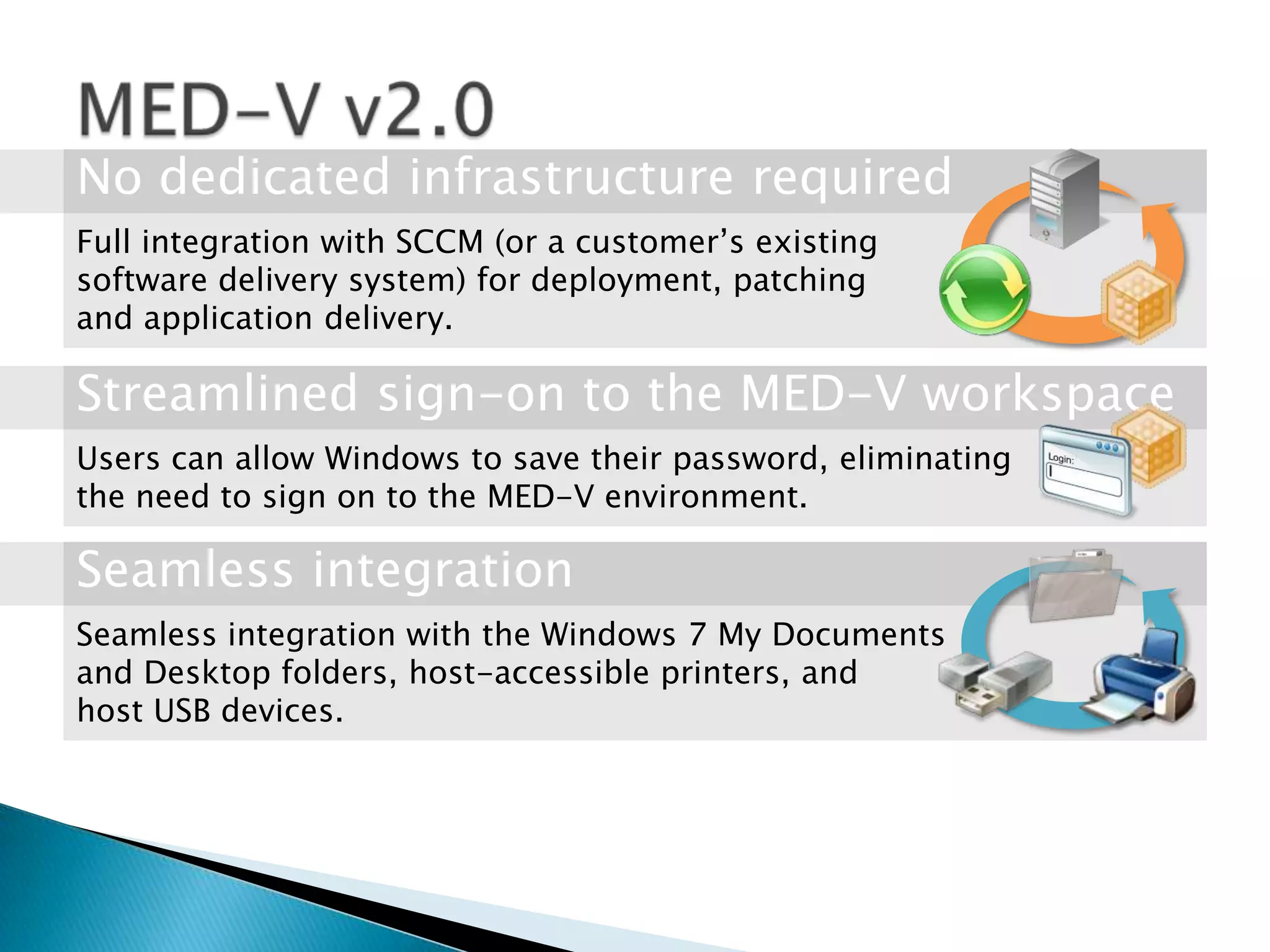
Full integration with SCCM (or a customer’s existing
software delivery system) for deployment, patching
and application delivery.


Users can allow Windows to save their password, eliminating
the need to sign on to the MED-V environment.


Seamless integration with the Windows 7 My Documents
and Desktop folders, host-accessible printers, and
host USB devices.
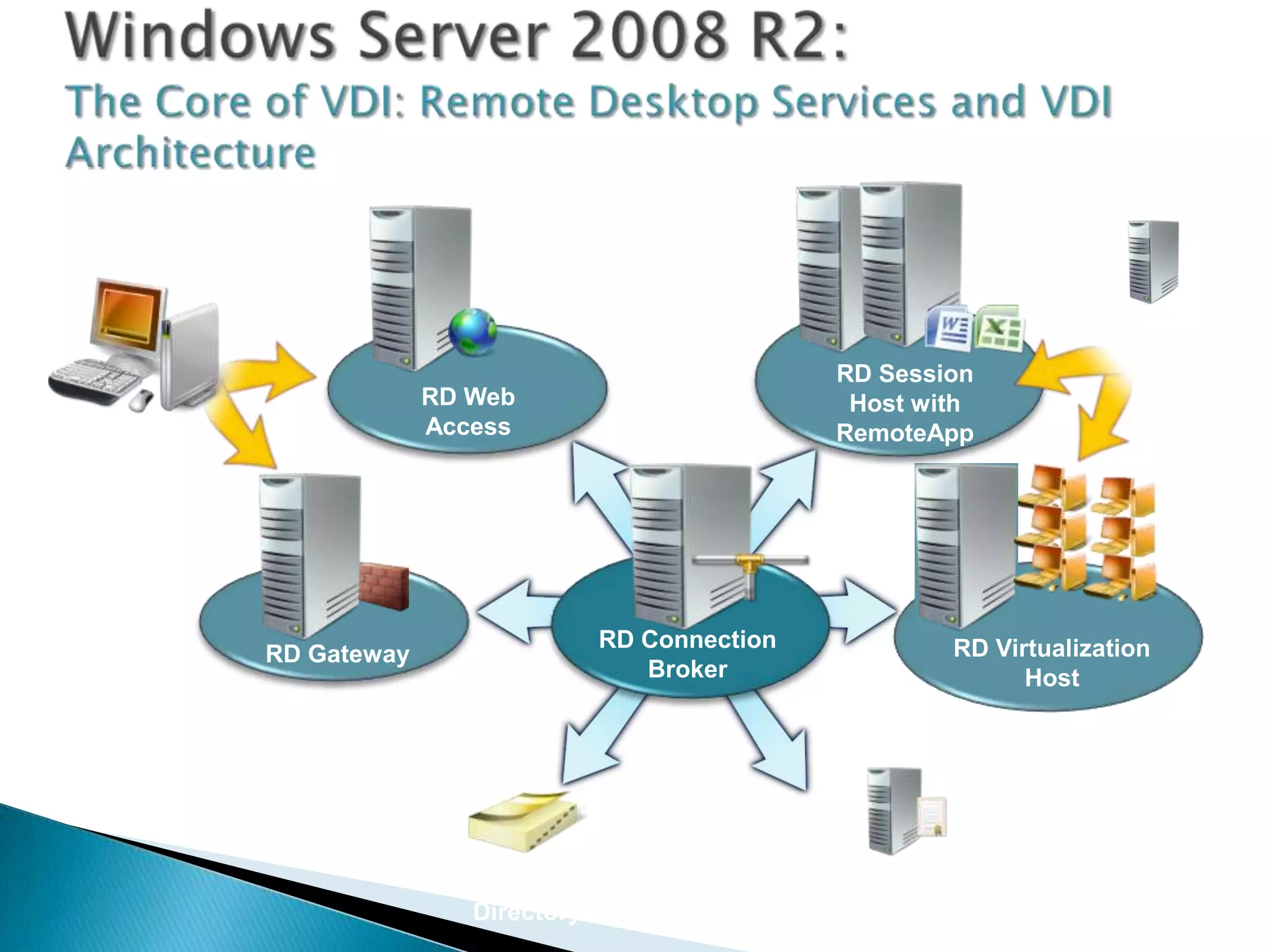
System
                                                                        Center and
                                                     RD Session
                         RD Web                                           App-V
                                                      Host with
                         Access                      RemoteApp
RD Client


                                     RD Connection           RD Virtualization
            RD Gateway
                                        Broker                     Host


                              Active                 Licensing
                            Directory®                 Server
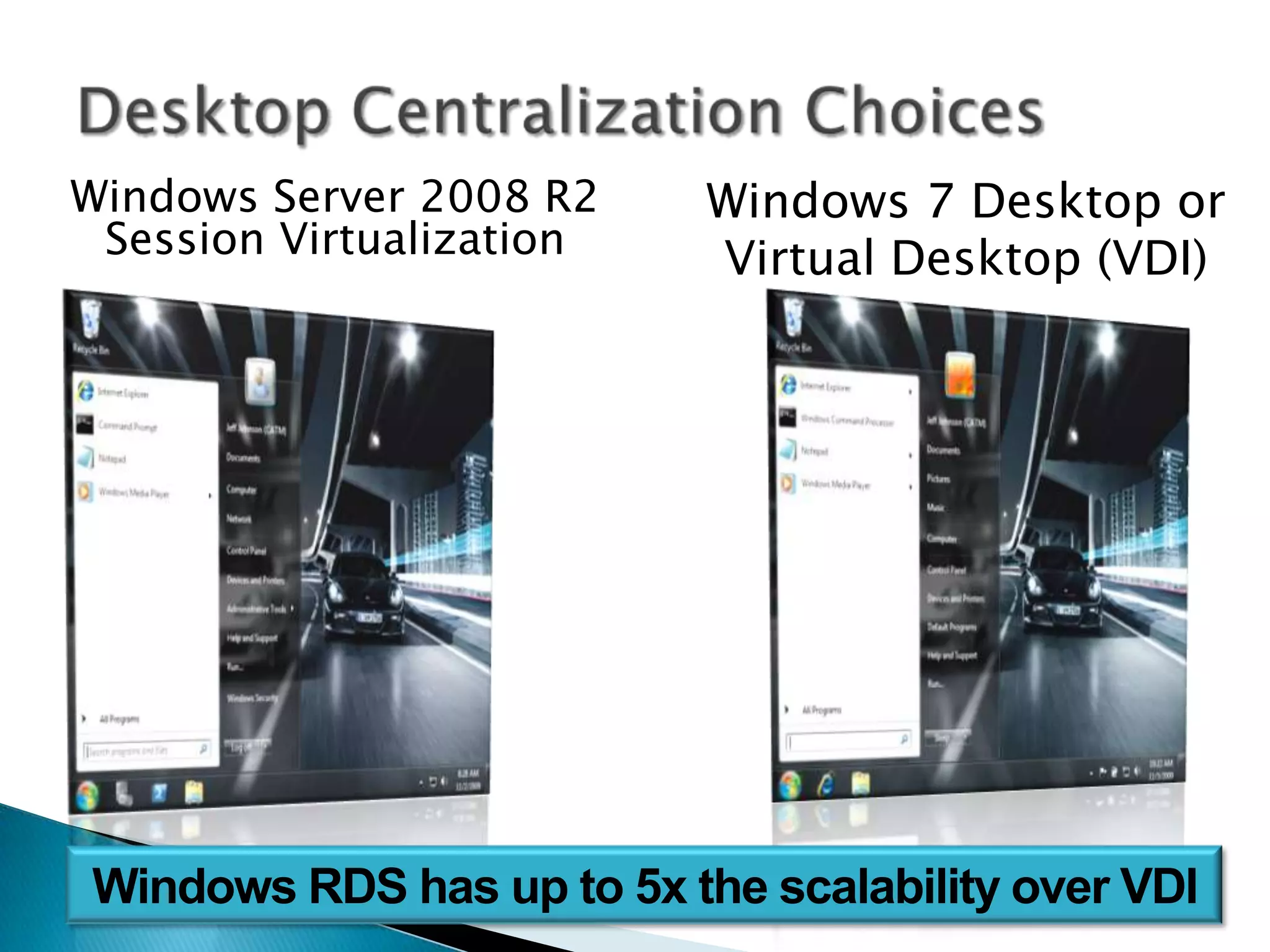
Windows Server 2008 R2    Windows 7 Desktop or
 Session Virtualization   Virtual Desktop (VDI)
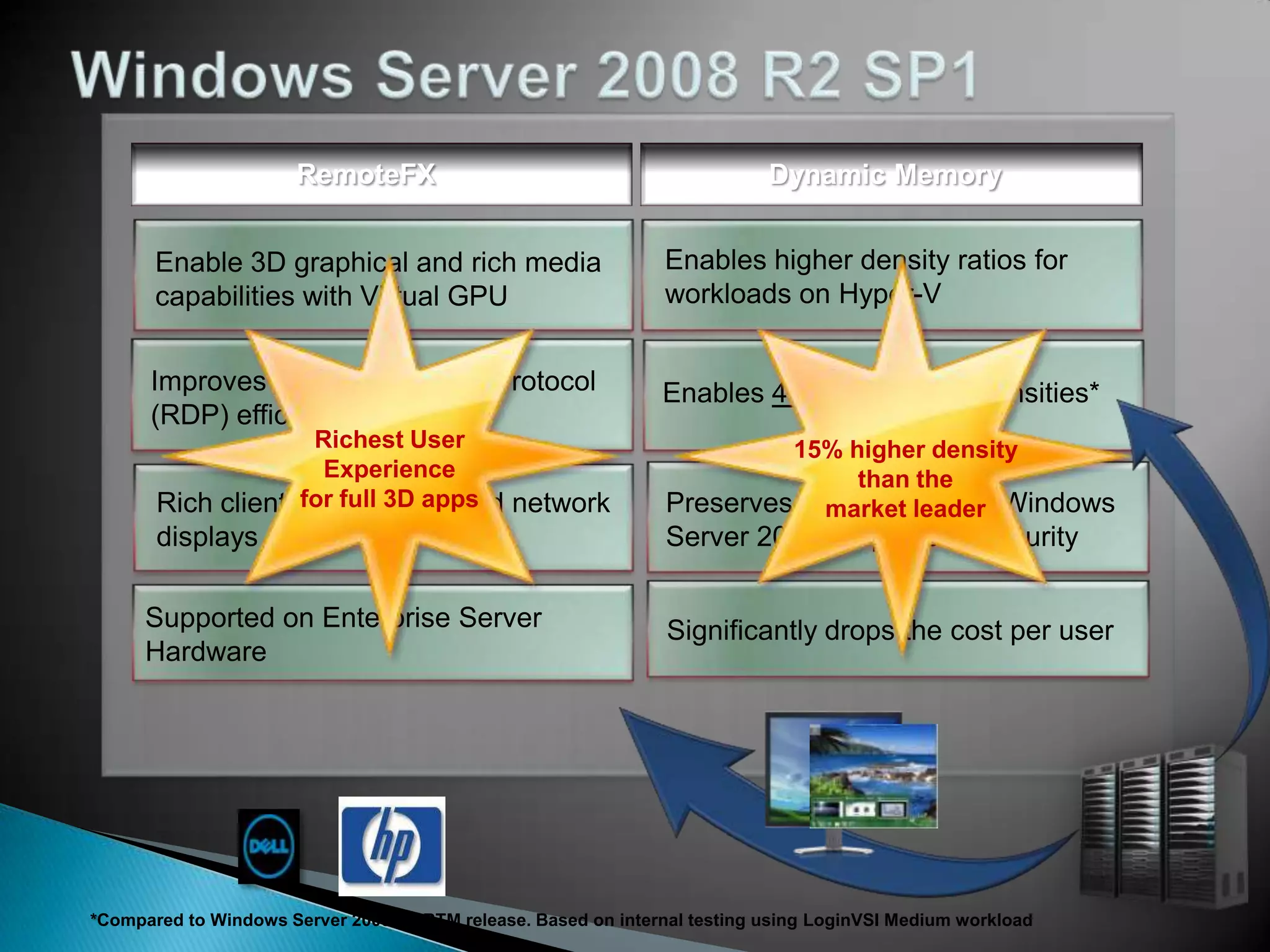
RemoteFX                                             Dynamic Memory


                        Richest User                                          15% higher density
                         Experience                                                than the
                       for full 3D apps                                         market leader


*Compared to Windows Server 2008 R2 RTM release. Based on internal testing using LoginVSI Medium workload
Virtualization get ready for tomorrow, today! - cr

Virtualization get ready for tomorrow, today! - cr

  • 1.
    Chris E. Avis Sr.IT Pro Evangelist Microsoft Corp. http://chrisavis.com
  • 3.
    Cambridge Scientific Center CP/CMS IBM System 360/67
  • 4.
    Type 1 (or native, bare metal) hypervisors run directly on the host's hardware to control the hardware and to monitor guest operating systems. A guest operating system thus runs on another level above the hypervisor.  Type 2 (or hosted) hypervisors Run within a conventional operating system environment. With the hypervisor layer as a distinct second software level, guest operating systems run at the third level above the hardware.
  • 5.
    Locus Computing Corporation Merge/386 Microsoft Flight Simulator. You’ve come a long way baby!
  • 6.
    October 26, 1998,VMware filed for a patent on their techniques, which is granted as U.S. Patent 6,397,242. February 8, 1999, VMware introduced VMware Virtual Platform for the Intel IA-32 architecture.
  • 7.
    ◦ February 18,2003, Microsoft acquired virtualization technologies (Virtual PC and unreleased product called "Virtual Server") from Connectix Corporation. ◦ Late 2003, EMC acquired VMware for $635 million. ◦ November 10, 2003 Microsoft releases Microsoft Virtual PC, which is machine-level virtualization technology, to ease the transition to Windows XP.
  • 8.
    July 12, 2006VMware releases VMware Server, a free machine-level virtualization product for the server market. Microsoft Virtual PC 2006 is released as a free program, also in July.
  • 9.
    Hosted virtualization  Hypervisor virtualization Guest Guest Guest 1 Guest 2 1 2 Host OS VMM Hypervisor Hardware Hardware  Examples: ◦ Virtual PC & Virtual Server  Examples: ◦ VMware Workstation ◦ Hyper-V ◦ KVM ◦ Xen ◦ VMware ESX
  • 11.
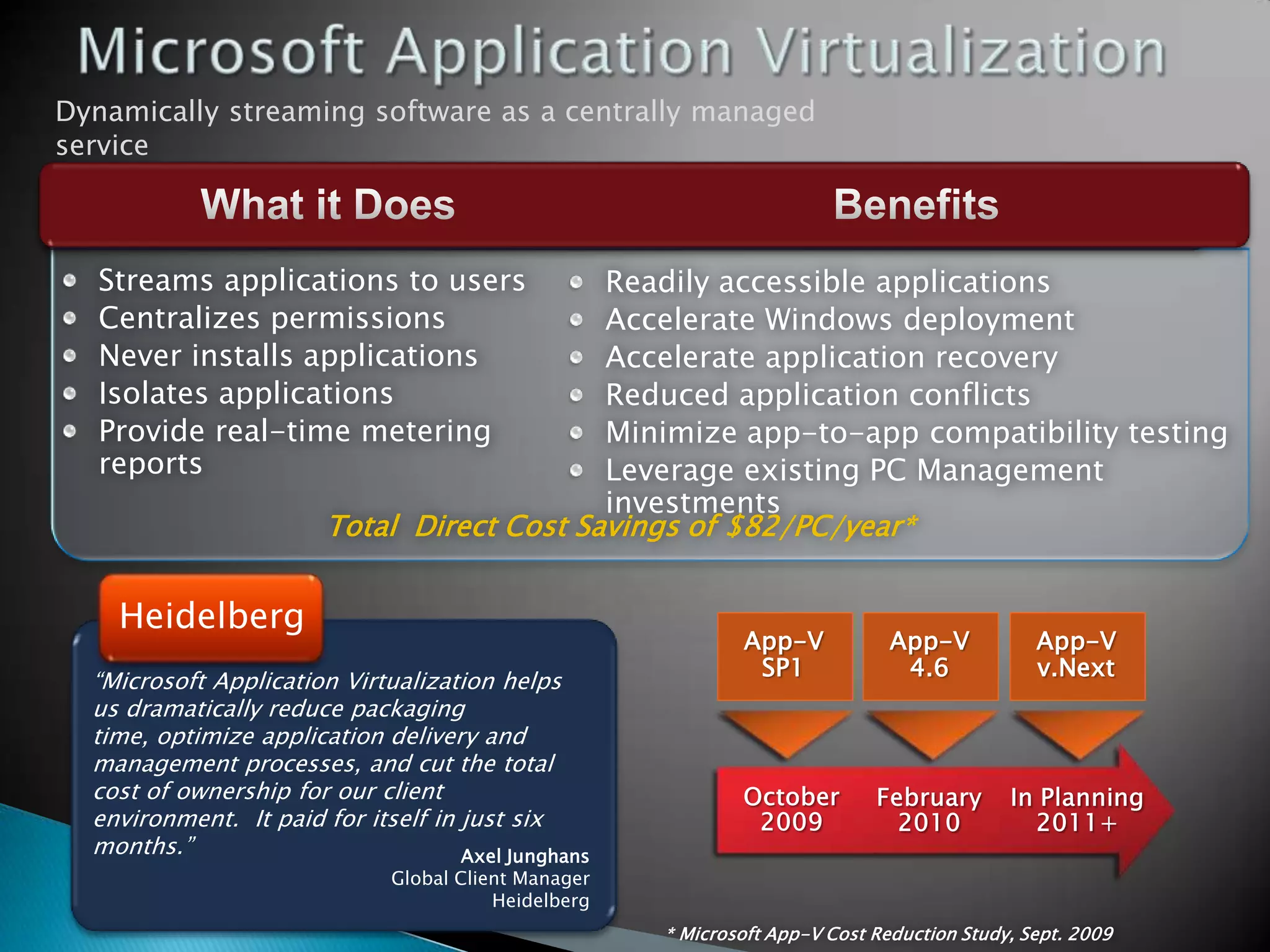
    Dynamically streaming softwareas a centrally managed service Streams applications to users Readily accessible applications Centralizes permissions Accelerate Windows deployment Never installs applications Accelerate application recovery Isolates applications Reduced application conflicts Provide real-time metering Minimize app-to-app compatibility testing reports Leverage existing PC Management investments Total Direct Cost Savings of $82/PC/year* Heidelberg App-V App-V App-V SP1 4.6 v.Next “Microsoft Application Virtualization helps us dramatically reduce packaging time, optimize application delivery and management processes, and cut the total cost of ownership for our client environment. It paid for itself in just six months.” Axel Junghans Global Client Manager Heidelberg * Microsoft App-V Cost Reduction Study, Sept. 2009
  • 12.
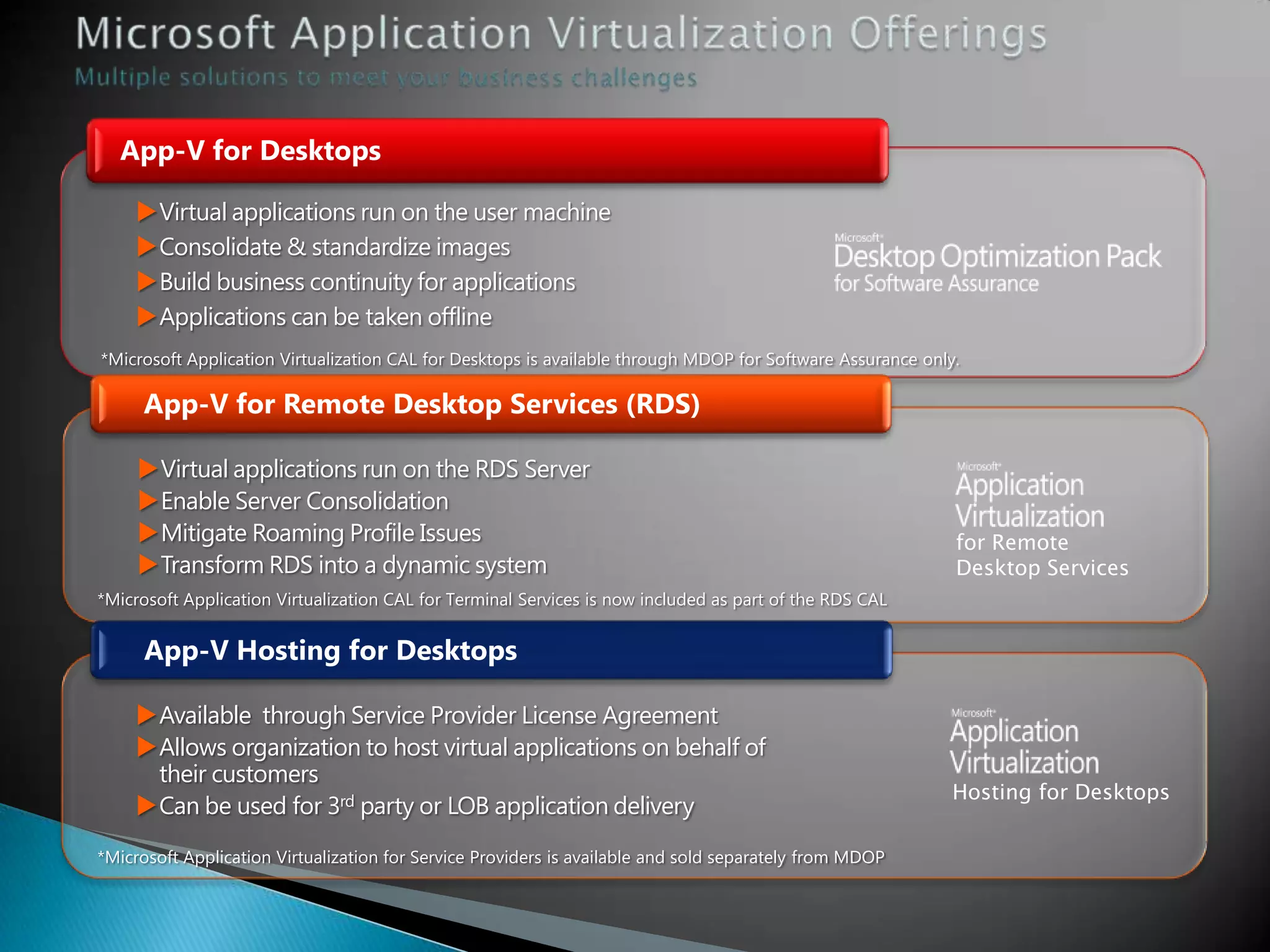
    App-V for Desktops Virtual applications run on the user machine Consolidate & standardize images Build business continuity for applications Applications can be taken offline *Microsoft Application Virtualization CAL for Desktops is available through MDOP for Software Assurance only. App-V for Remote Desktop Services (RDS) Virtual applications run on the RDS Server Enable Server Consolidation Mitigate Roaming Profile Issues for Remote Transform RDS into a dynamic system Desktop Services *Microsoft Application Virtualization CAL for Terminal Services is now included as part of the RDS CAL App-V Hosting for Desktops Available through Service Provider License Agreement Allows organization to host virtual applications on behalf of their customers Hosting for Desktops Can be used for 3rd party or LOB application delivery *Microsoft Application Virtualization for Service Providers is available and sold separately from MDOP
  • 14.
    Full integration withSCCM (or a customer’s existing software delivery system) for deployment, patching and application delivery. Users can allow Windows to save their password, eliminating the need to sign on to the MED-V environment. Seamless integration with the Windows 7 My Documents and Desktop folders, host-accessible printers, and host USB devices.
  • 16.
    System Center and RD Session RD Web App-V Host with Access RemoteApp RD Client RD Connection RD Virtualization RD Gateway Broker Host Active Licensing Directory® Server
  • 17.
    Windows Server 2008R2 Windows 7 Desktop or Session Virtualization Virtual Desktop (VDI)
  • 18.
    RemoteFX Dynamic Memory Richest User 15% higher density Experience than the for full 3D apps market leader *Compared to Windows Server 2008 R2 RTM release. Based on internal testing using LoginVSI Medium workload

Editor's Notes

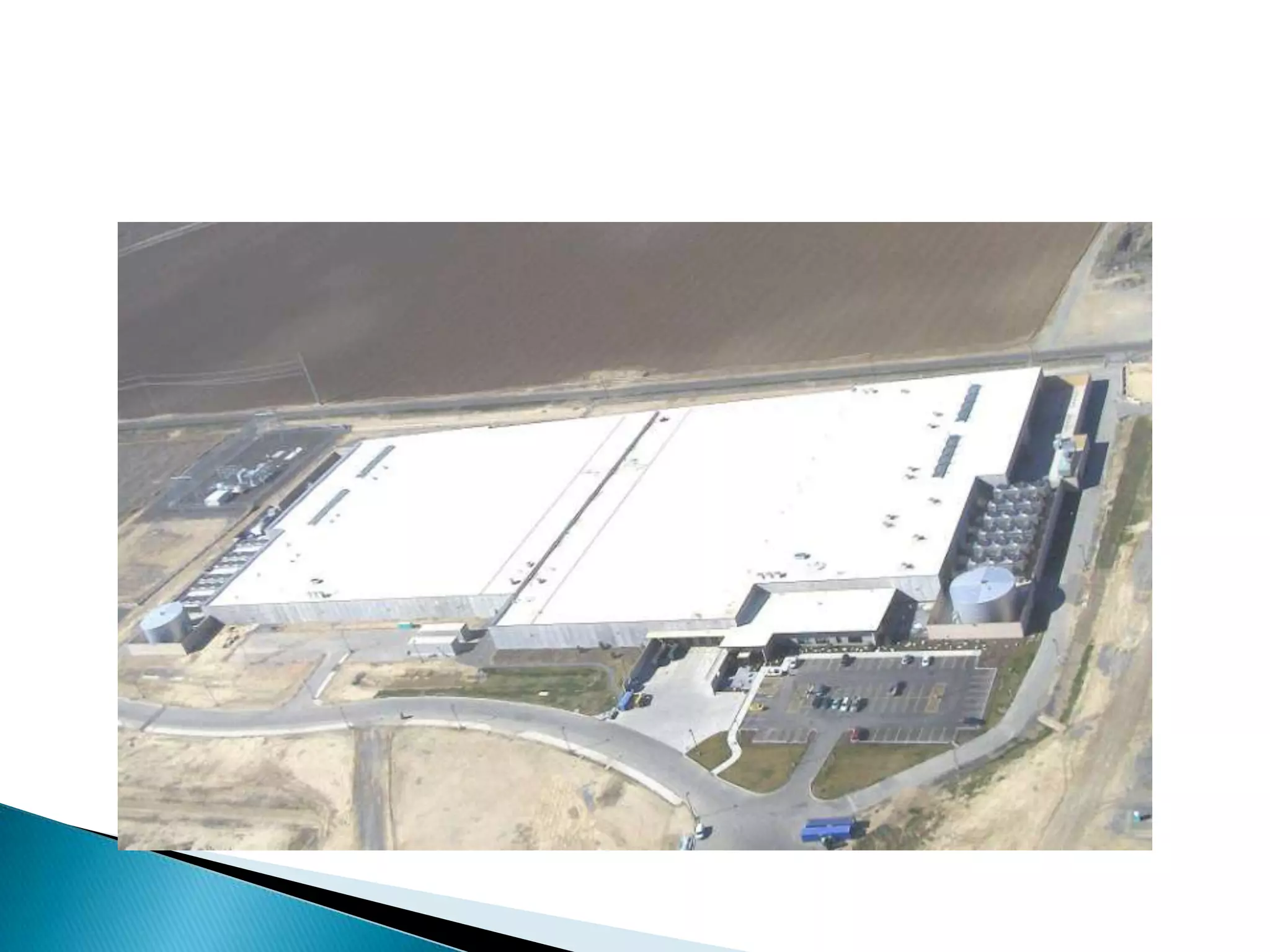
  • #21 It is truly amazing the cool things that you can do with Virtualization on Windows Server 2008 R2 with Hyper-V . Imagine what you could do if you had a huge datacenter to work with. This is our Quincy Washington Data Center. 470,000 square feet and up to 80,000 servers. Its an old style generation 1 datacenter.
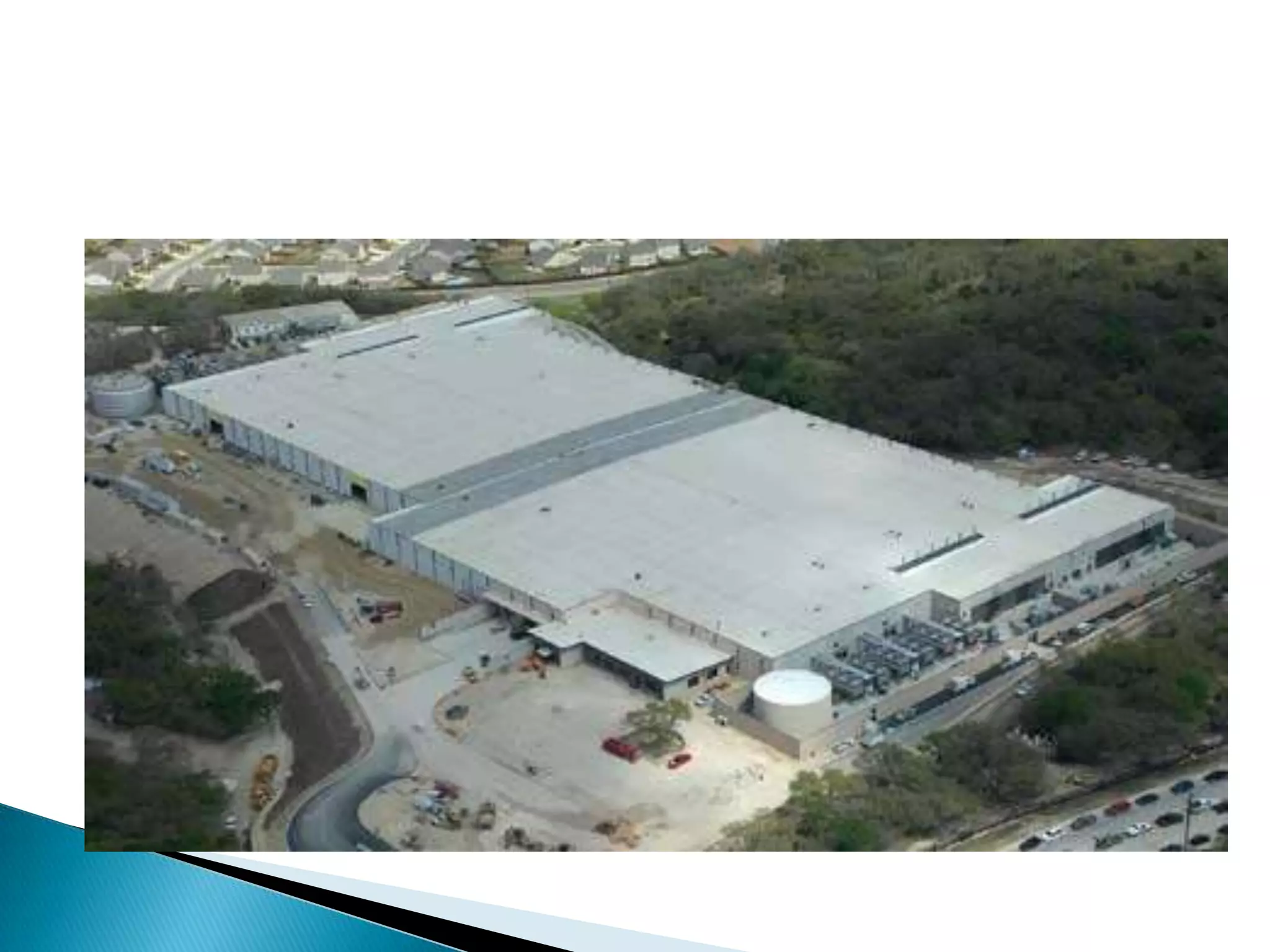
  • #22 This is San Antonio Texas. Quincy’s twin sister. Amazing datacenter. Still Generation 1.
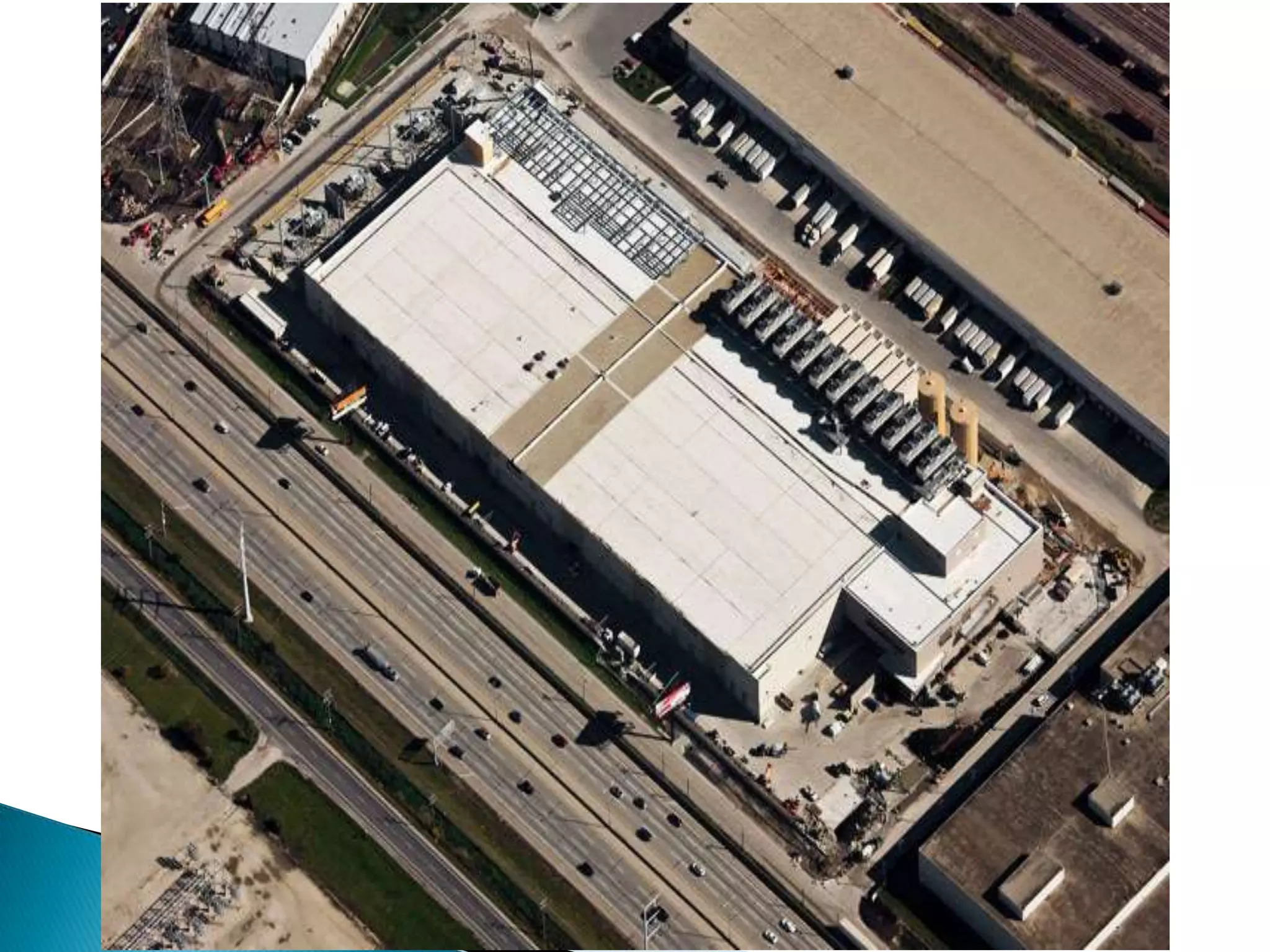
  • #23 What you’re looking at here is an aerial shot of our Chicago Data Center – just looks like a giant parking garage. Generation 3 (Gen 4 even newer. They don’t have roofs.)Those two orange towers are NOT for launching missles. They are for cooling. They’re water towers. 2 Mil gallons each. Enough to cool the data center for 4 minutes in case the power goes out, while the backup systems come online.The data center holds 350,000 servers.
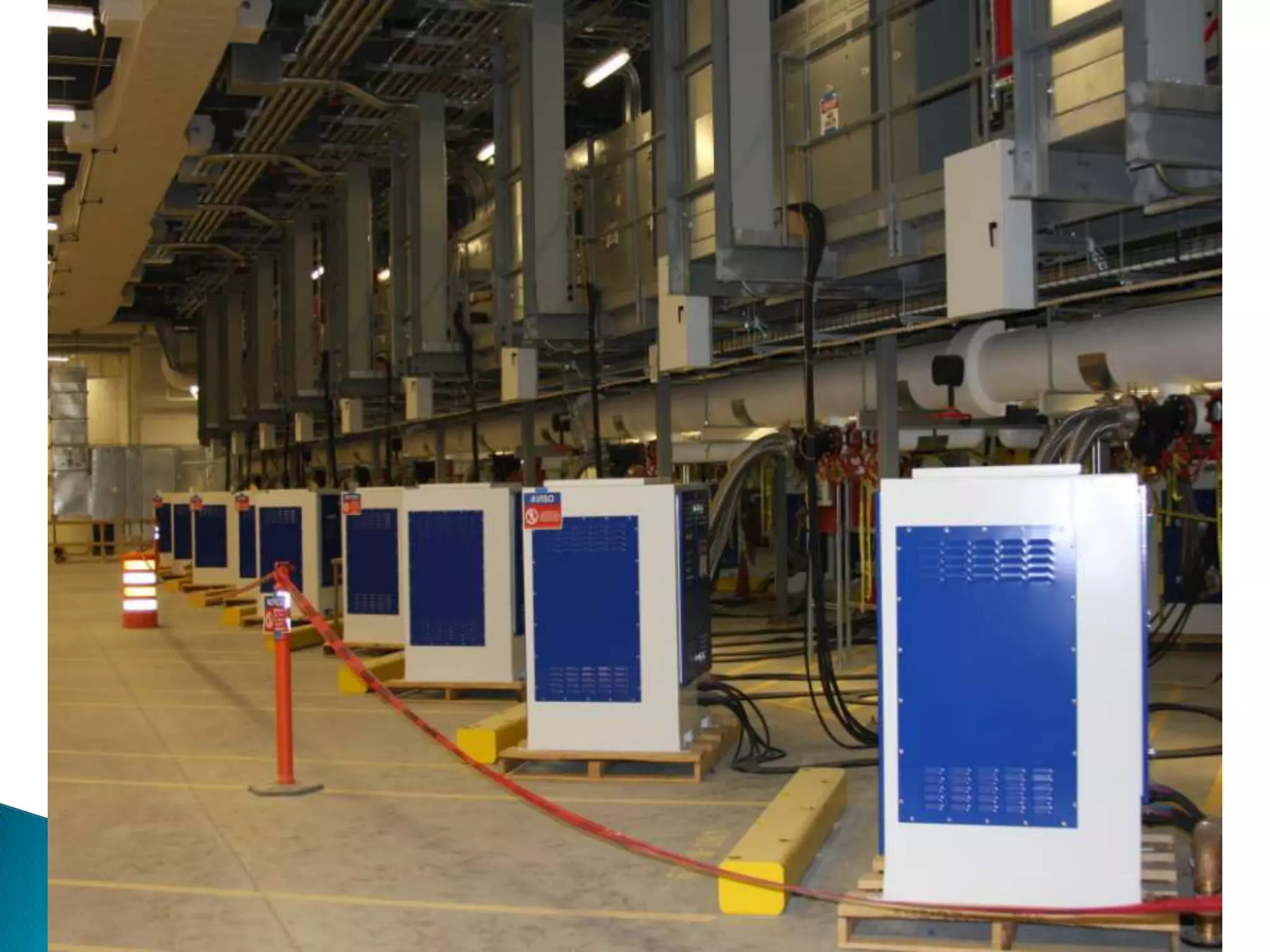
  • #24 Here are the parking spots for the trailers. Connection terminals here.And it’s just one little USB cable to plug it in for all power, cooling and data! (Just kidding)
  • #25 This is how we stack the containers inside the data centers. Like Reeeeeeeely BIG Legos.