Harvard Style
Referencing Guide
What is referencing?
• Referencing or citing is a standard practice for
  acknowledging information sources in
  academic writing
• Whenever you write an assignment that
  requires you to find and use information you
  are expected to reference all sources of
  information and ideas in your writing
• At Somerset College we use the Harvard
  Referencing Style
Why reference?
• demonstrate your reading & research

• acknowledge the sources that have informed your
  work

• enable the reader to locate the information you have
  used

• To protect yourself from charges of plagiarism
In-text Citation
 There are two components to a Harvard reference:
 In-text citation:
 Insert an in-text citation each time you paraphrase or
 summarise someonelse’s ideas in your own words, use a direct
 quote or copy or adapt a diagram or table. Include the
 following details:
    – the author’s family name (do not include given name)
    – the year of publication
    – page numbers where available

           Click here for examples of in-text citations
Bibliography
The bibliography provides full bibliographic details
for all of the sources referenced in your assignment.
It includes the following:
   – arranged alphabetically
   – a single list found at the end of your assignment
     where books, journal articles & electronic sources are
      listed together

   Click here for a comprehensive list of different items formatted f
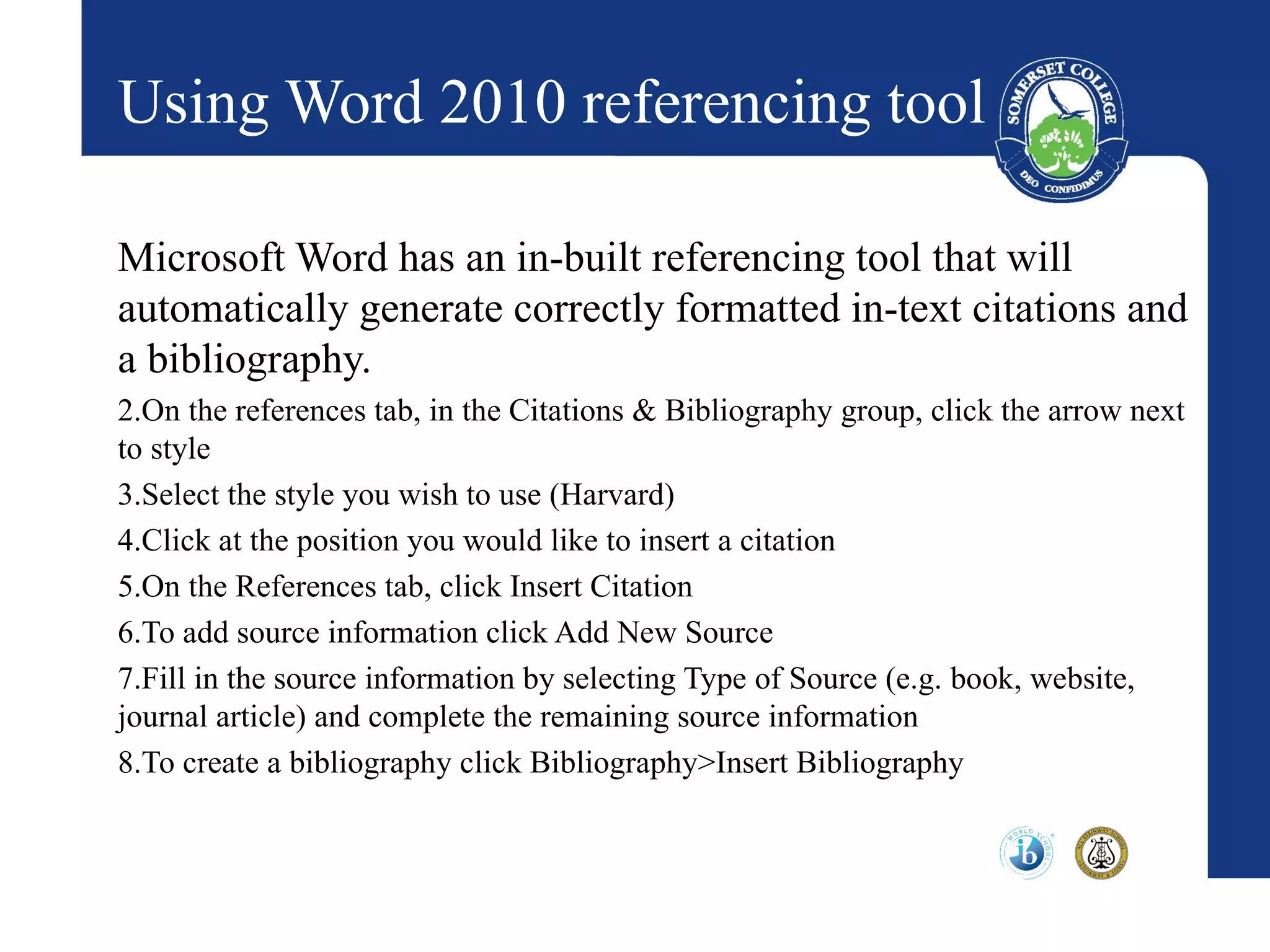
Using Word 2010 referencing tool

Microsoft Word has an in-built referencing tool that will
automatically generate correctly formatted in-text citations and
a bibliography.
2.On the references tab, in the Citations & Bibliography group, click the arrow next
to style
3.Select the style you wish to use (Harvard)
4.Click at the position you would like to insert a citation
5.On the References tab, click Insert Citation
6.To add source information click Add New Source
7.Fill in the source information by selecting Type of Source (e.g. book, website,
journal article) and complete the remaining source information
8.To create a bibliography click Bibliography>Insert Bibliography
Help?

Having problems? Not sure how to format a
particular source?

Email us at :
    librarysuppport@somerset.qld.edu.au
                     or
Come and see us in the Library

Referencing powerpoint

  • 1.
  • 2.
    What is referencing? •Referencing or citing is a standard practice for acknowledging information sources in academic writing • Whenever you write an assignment that requires you to find and use information you are expected to reference all sources of information and ideas in your writing • At Somerset College we use the Harvard Referencing Style
  • 3.
    Why reference? • demonstrateyour reading & research • acknowledge the sources that have informed your work • enable the reader to locate the information you have used • To protect yourself from charges of plagiarism
  • 4.
    In-text Citation Thereare two components to a Harvard reference: In-text citation: Insert an in-text citation each time you paraphrase or summarise someonelse’s ideas in your own words, use a direct quote or copy or adapt a diagram or table. Include the following details: – the author’s family name (do not include given name) – the year of publication – page numbers where available Click here for examples of in-text citations
  • 5.
    Bibliography The bibliography providesfull bibliographic details for all of the sources referenced in your assignment. It includes the following: – arranged alphabetically – a single list found at the end of your assignment where books, journal articles & electronic sources are listed together Click here for a comprehensive list of different items formatted f
  • 6.
    Using Word 2010referencing tool Microsoft Word has an in-built referencing tool that will automatically generate correctly formatted in-text citations and a bibliography. 2.On the references tab, in the Citations & Bibliography group, click the arrow next to style 3.Select the style you wish to use (Harvard) 4.Click at the position you would like to insert a citation 5.On the References tab, click Insert Citation 6.To add source information click Add New Source 7.Fill in the source information by selecting Type of Source (e.g. book, website, journal article) and complete the remaining source information 8.To create a bibliography click Bibliography>Insert Bibliography
  • 7.
    Help? Having problems? Notsure how to format a particular source? Email us at : librarysuppport@somerset.qld.edu.au or Come and see us in the Library