@chloebodard | #brightonseo
Technical Check???
@chloebodard | #BrightonSeo
@chloebodard | #brightonseo
Quick Wins??
@chloebodard | #BrightonSeo
@chloebodard | #brightonseo
Your Go-To Tools
@chloebodard | #BrightonSeo
@chloebodard | #brightonseo
301
REDIRECTS
ROBOTS.TXT
FILE
OPTIMISATION SITEMAPS
Top Technical SEO Quick Wins
CANONICAL
TAGS
@chloebodard | #BrightonSeo
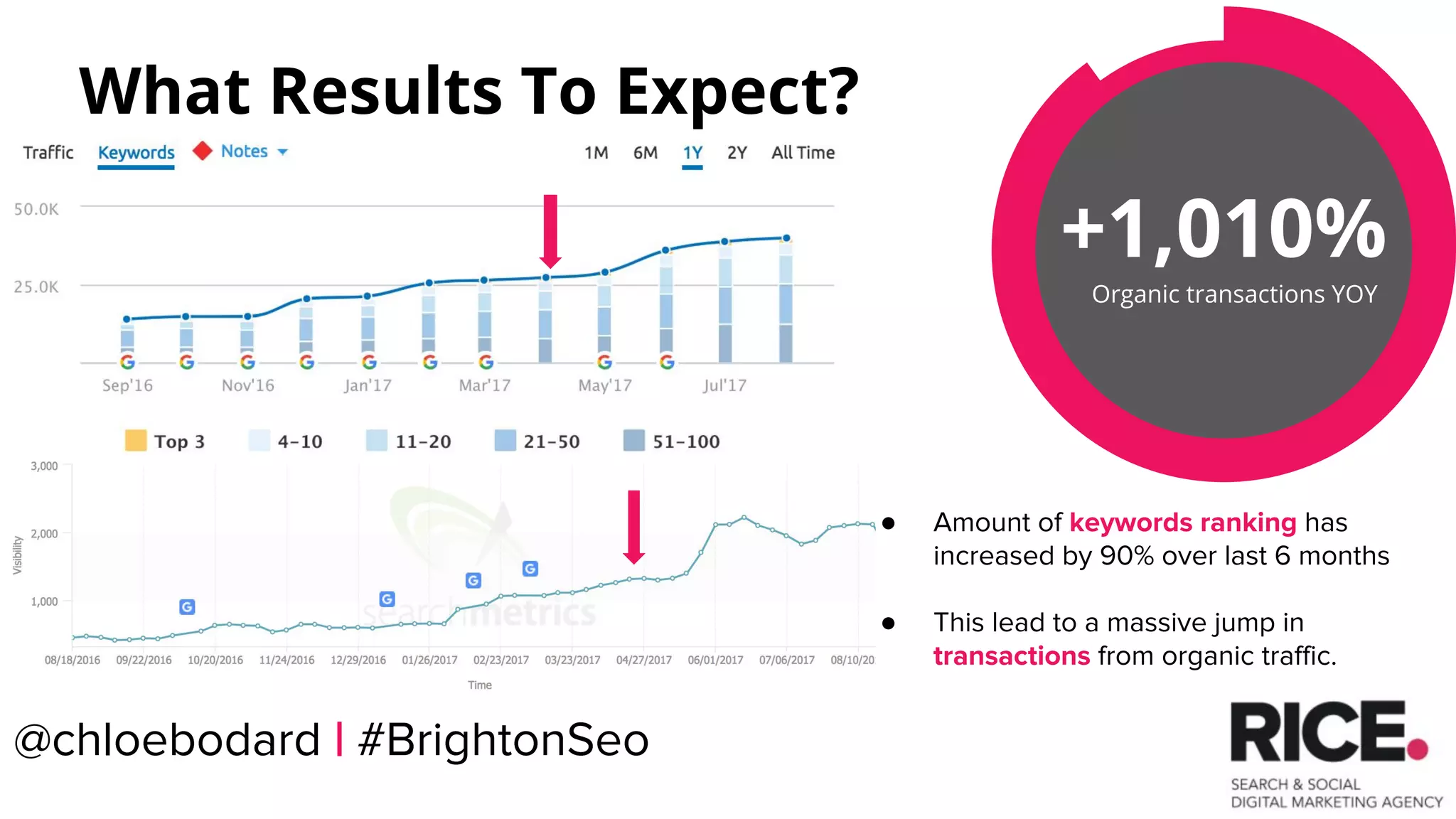
+1,010%
Organic transactions YOY
What Results To Expect?
● Amount of keywords ranking has
increased by 90% over last 6 months
● This lead to a massive jump in
transactions from organic traffic.
@chloebodard | #BrightonSeo
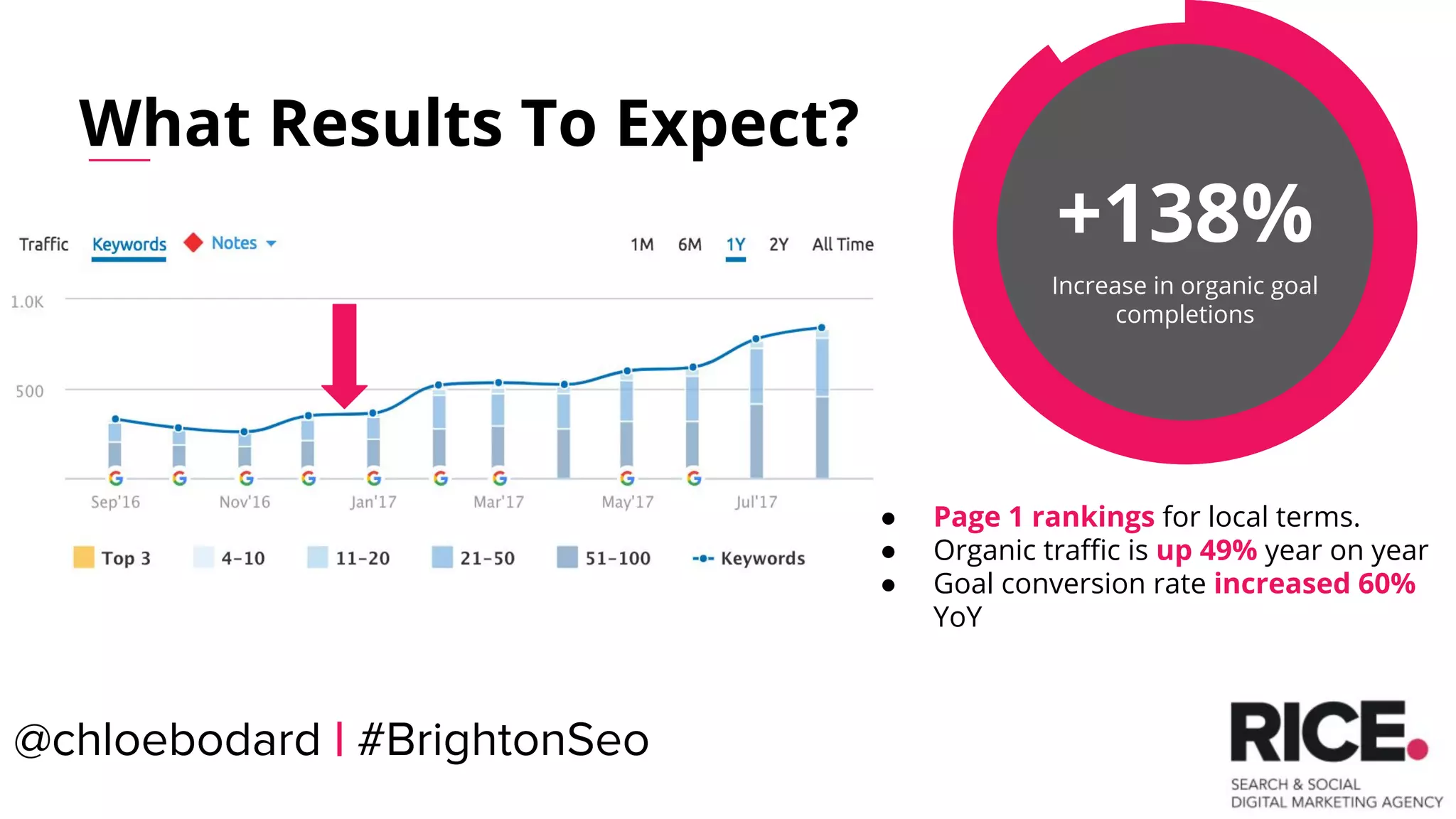
+138%
Increase in organic goal
completions
What Results To Expect?
● Page 1 rankings for local terms.
● Organic traffic is up 49% year on year
● Goal conversion rate increased 60%
YoY
@chloebodard | #BrightonSeo
@chloebodard | #brightonseo
301 Redirects
@chloebodard | #BrightonSeo
@chloebodard | #brightonseo
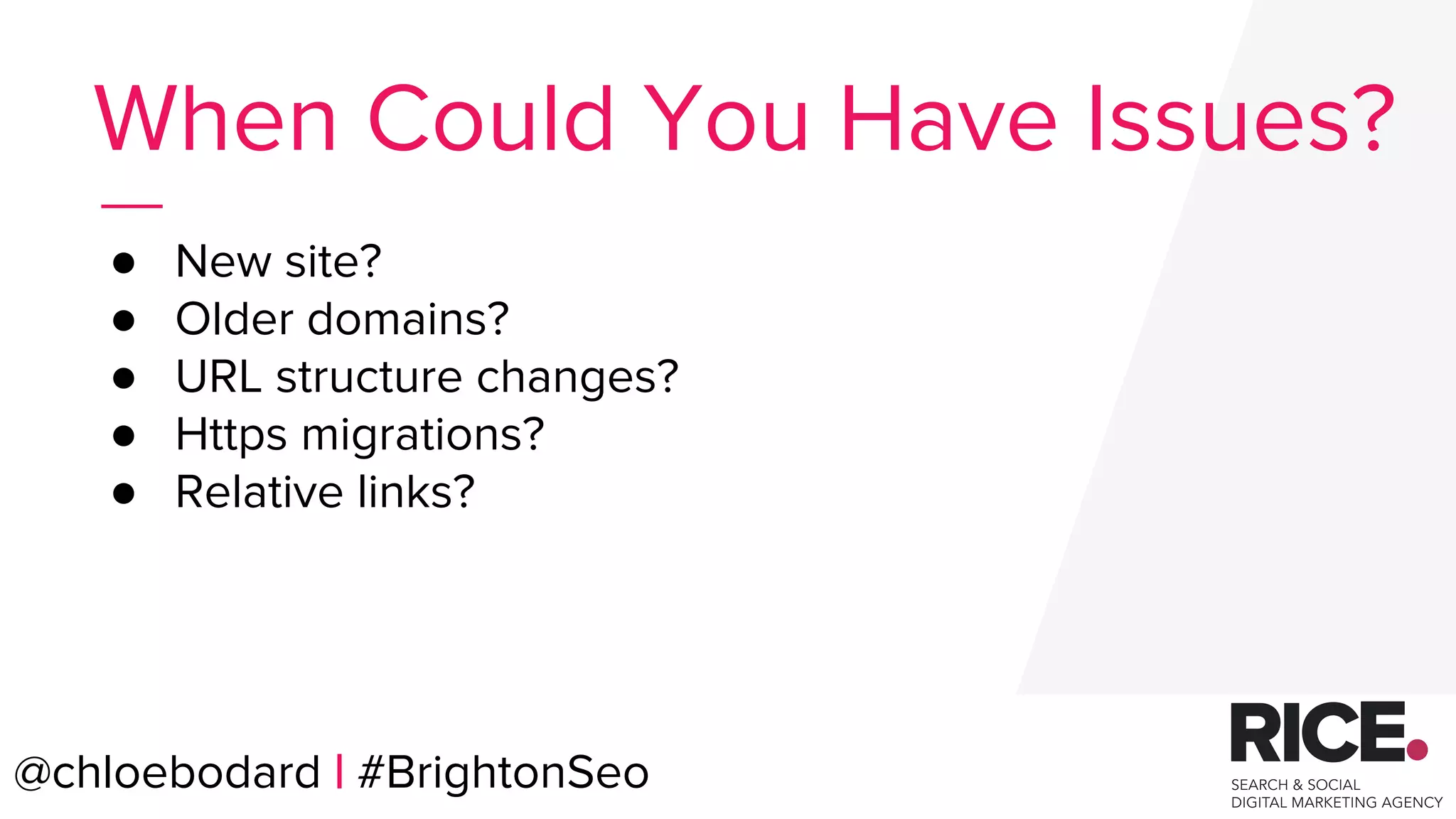
● New site?
● Older domains?
● URL structure changes?
● Https migrations?
● Relative links?
When Could You Have Issues?
@chloebodard | #BrightonSeo
@chloebodard | #brightonseo
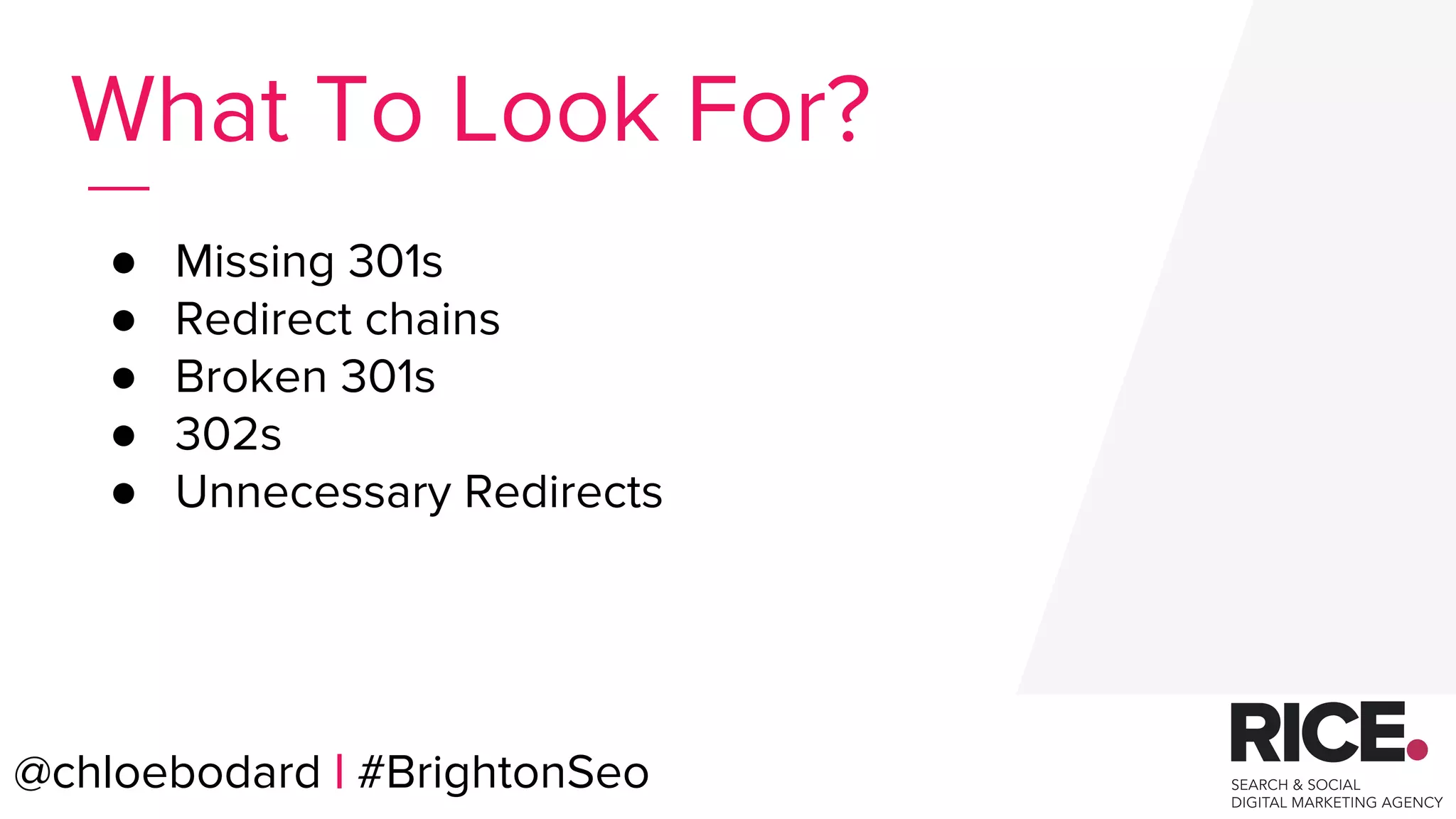
● Missing 301s
● Redirect chains
● Broken 301s
● 302s
● Unnecessary Redirects
What To Look For?
@chloebodard | #BrightonSeo
@chloebodard | #brightonseo
Analyse & Fix the issues.
@chloebodard | #BrightonSeo
@chloebodard | #brightonseo@chloebodard | #BrightonSeo
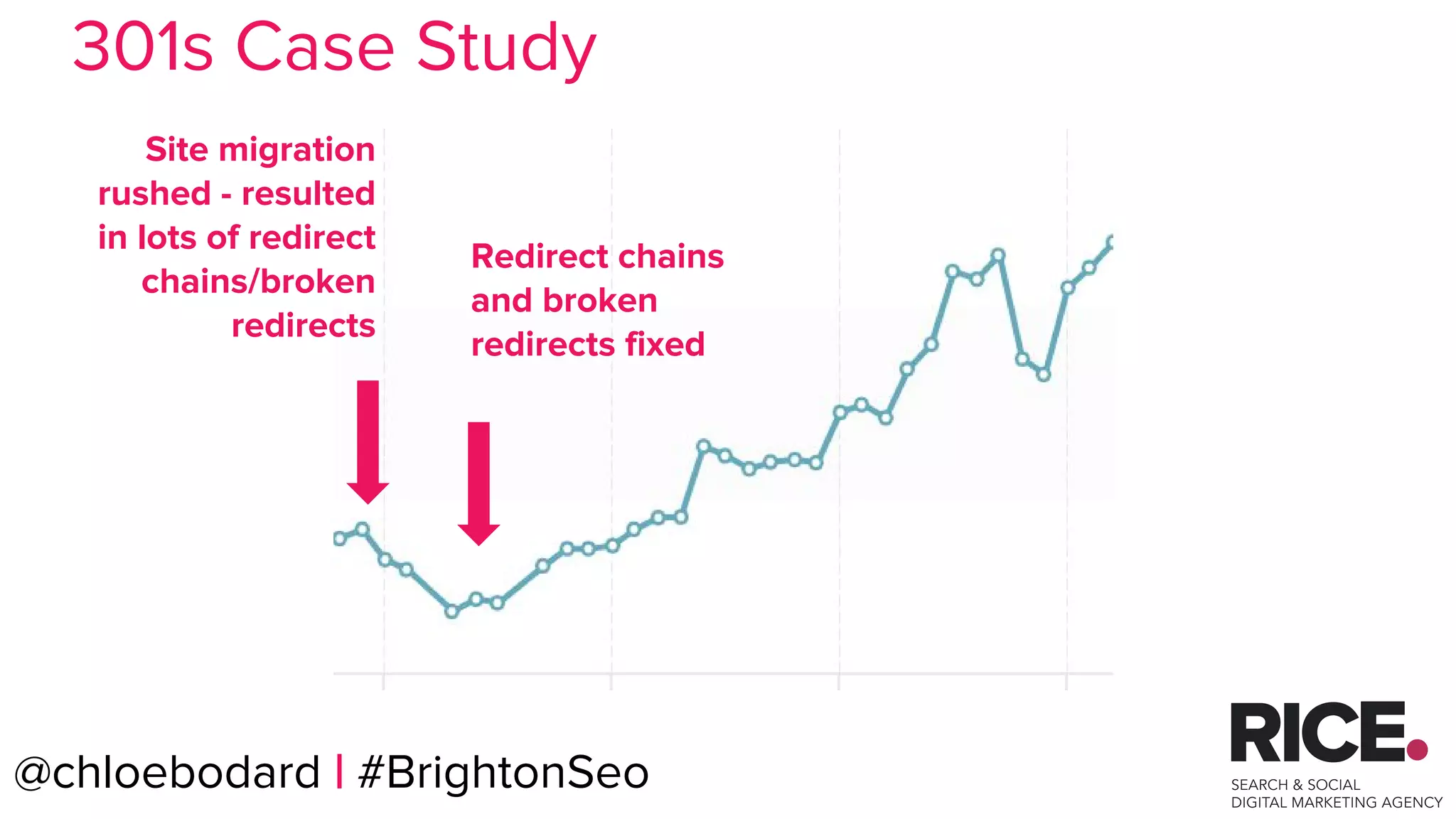
Site migration
rushed - resulted
in lots of redirect
chains/broken
redirects
Redirect chains
and broken
redirects fixed
301s Case Study
@chloebodard | #brightonseo
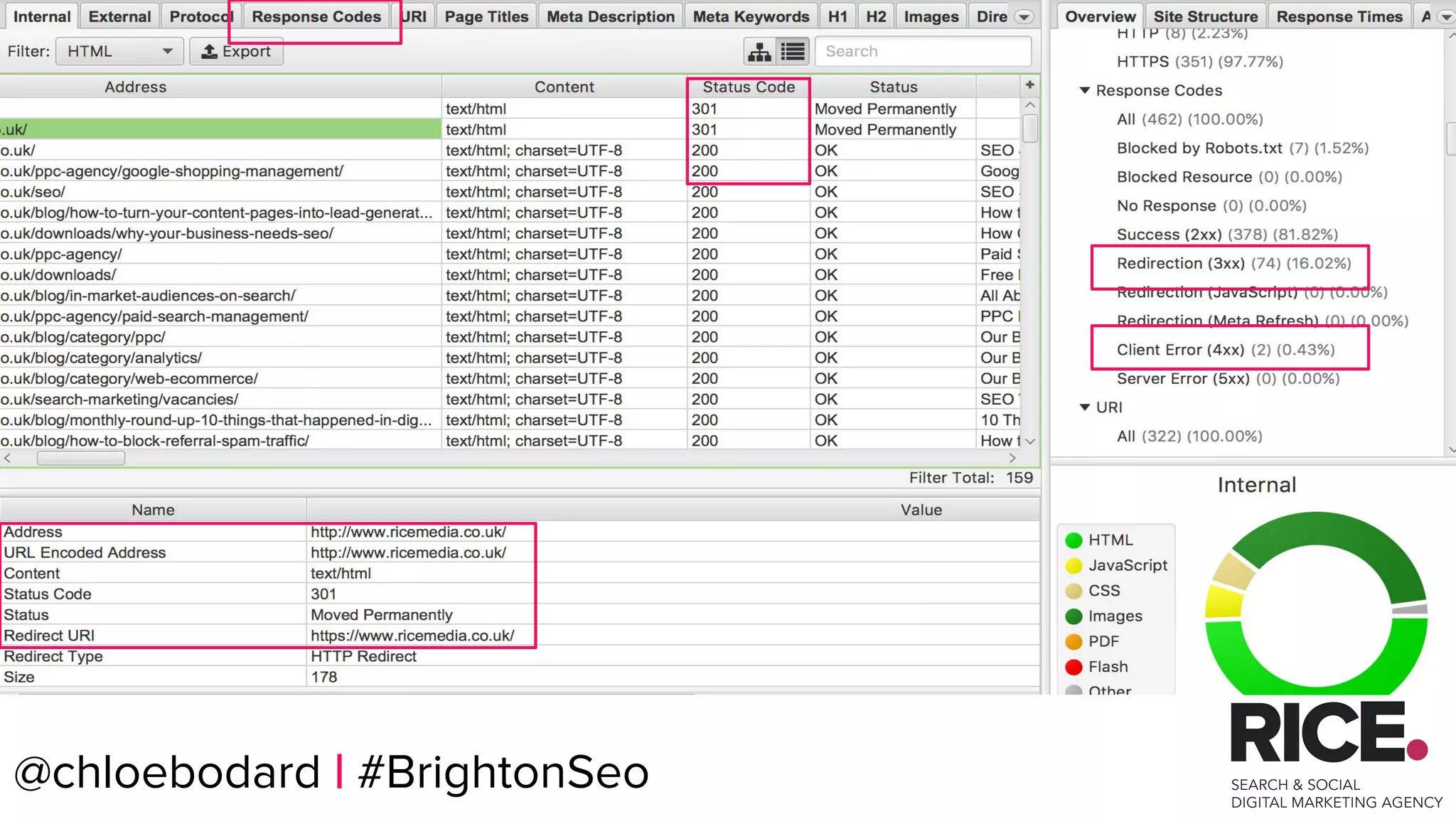
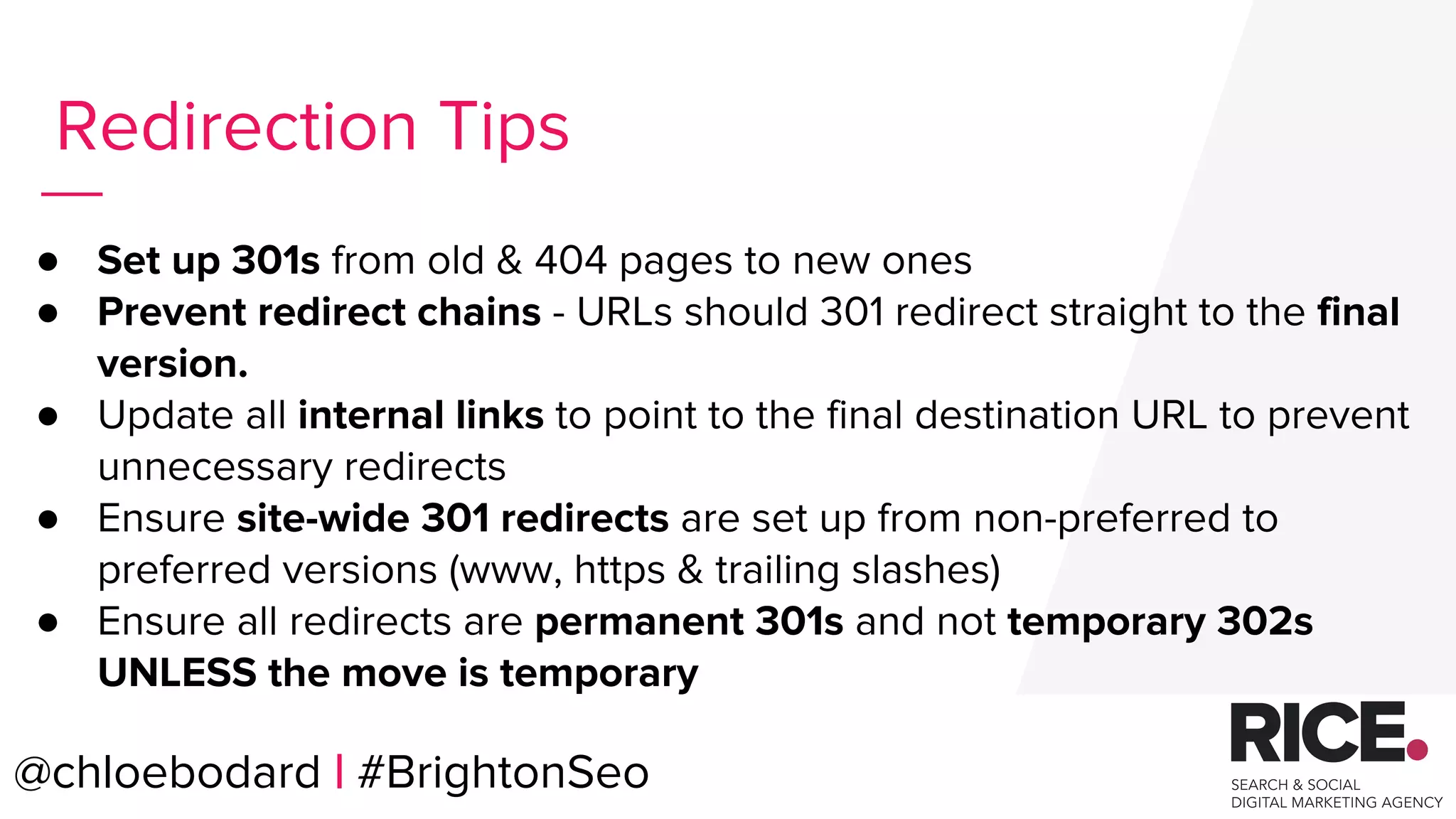
● Set up 301s from old & 404 pages to new ones
● Prevent redirect chains - URLs should 301 redirect straight to the final
version.
● Update all internal links to point to the final destination URL to prevent
unnecessary redirects
● Ensure site-wide 301 redirects are set up from non-preferred to
preferred versions (www, https & trailing slashes)
● Ensure all redirects are permanent 301s and not temporary 302s
UNLESS the move is temporary
Redirection Tips
@chloebodard | #BrightonSeo
@chloebodard | #brightonseo
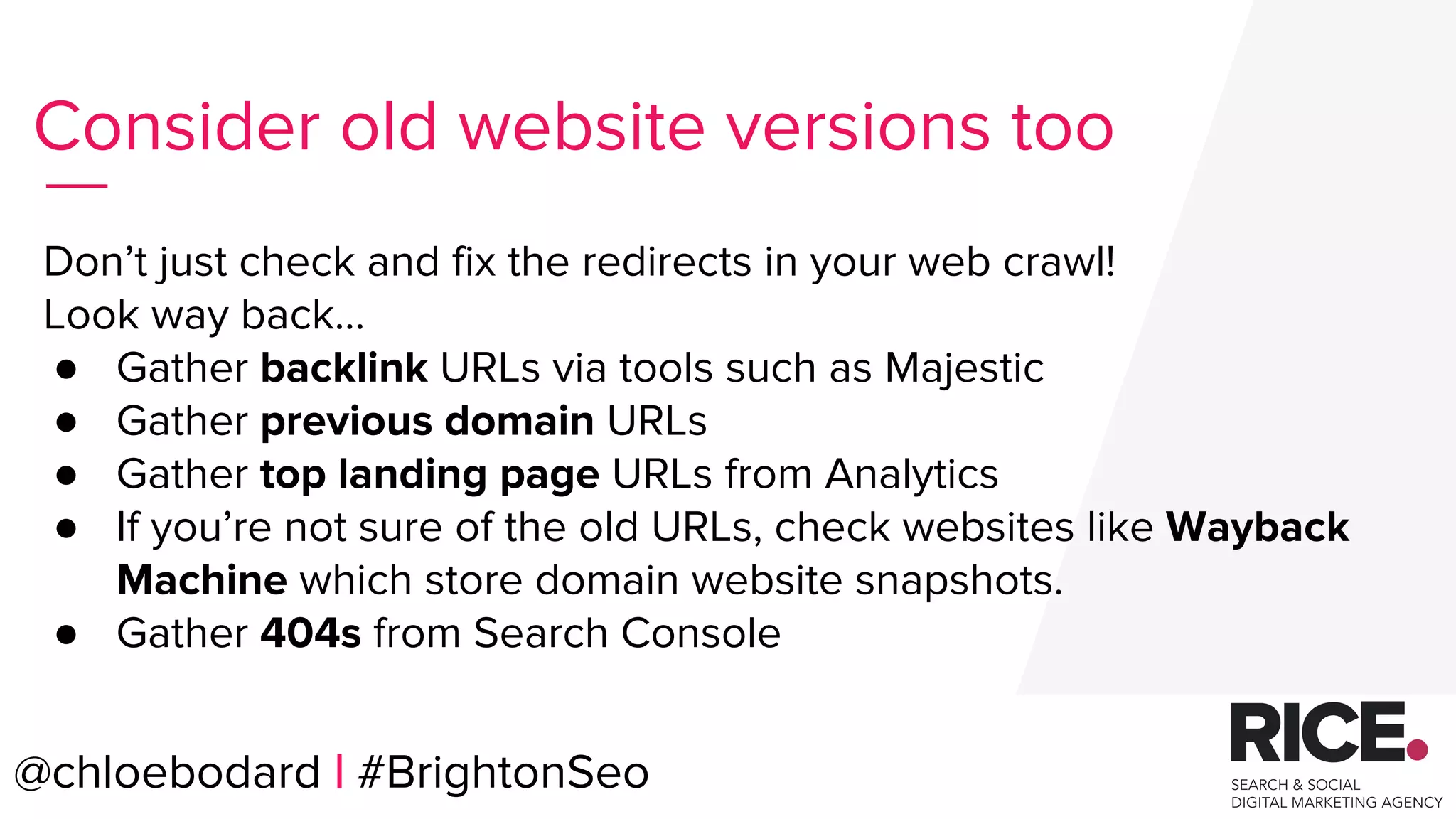
Don’t just check and fix the redirects in your web crawl!
Look way back…
● Gather backlink URLs via tools such as Majestic
● Gather previous domain URLs
● Gather top landing page URLs from Analytics
● If you’re not sure of the old URLs, check websites like Wayback
Machine which store domain website snapshots.
● Gather 404s from Search Console
Consider old website versions too
@chloebodard | #BrightonSeo
@chloebodard | #brightonseo
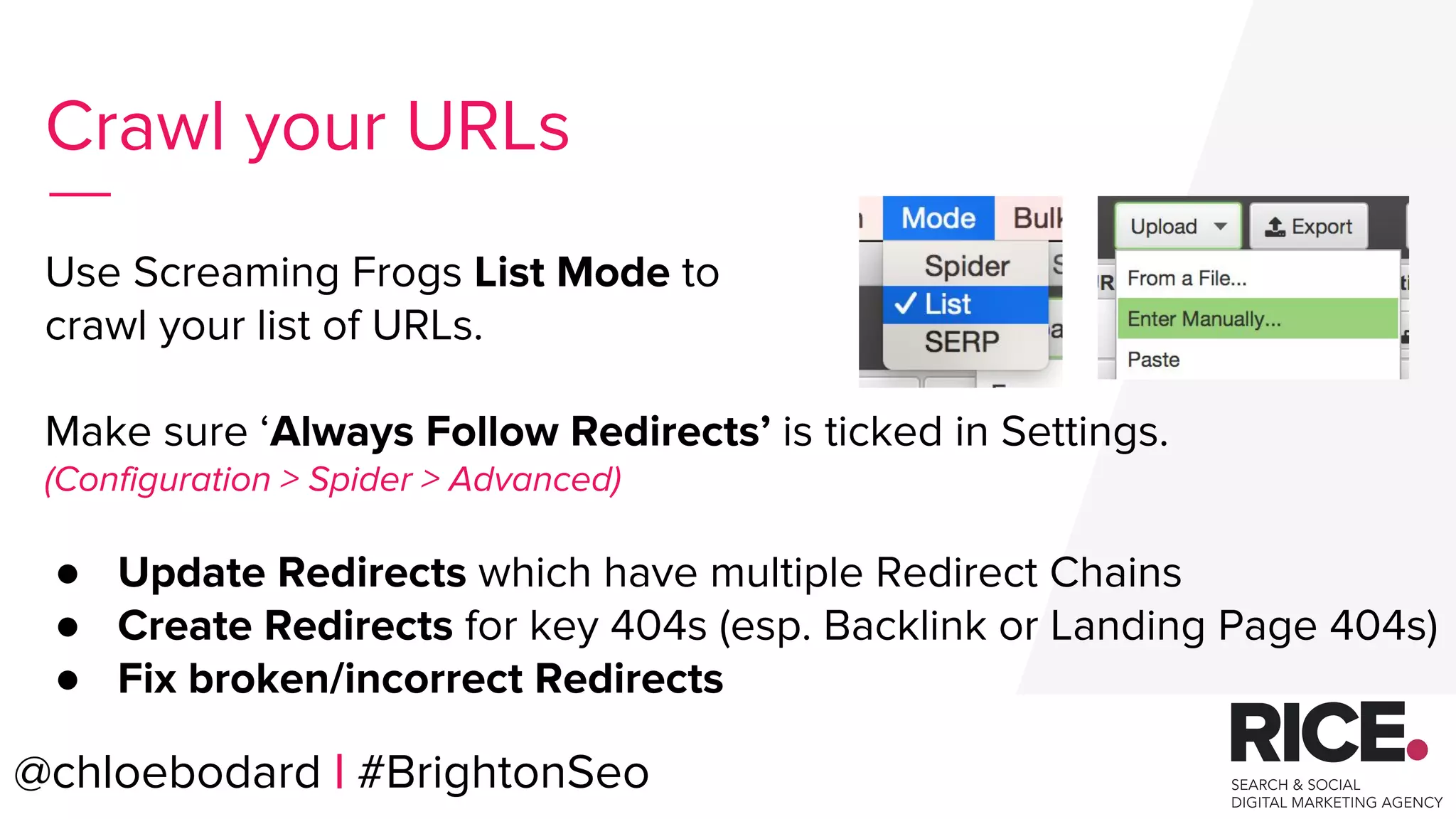
Use Screaming Frogs List Mode to
crawl your list of URLs.
Make sure ‘Always Follow Redirects’ is ticked in Settings.
(Configuration > Spider > Advanced)
● Update Redirects which have multiple Redirect Chains
● Create Redirects for key 404s (esp. Backlink or Landing Page 404s)
● Fix broken/incorrect Redirects
Crawl your URLs
@chloebodard | #BrightonSeo
@chloebodard | #brightonseo
Robots.txt
File
@chloebodard | #BrightonSeo
@chloebodard | #brightonseo
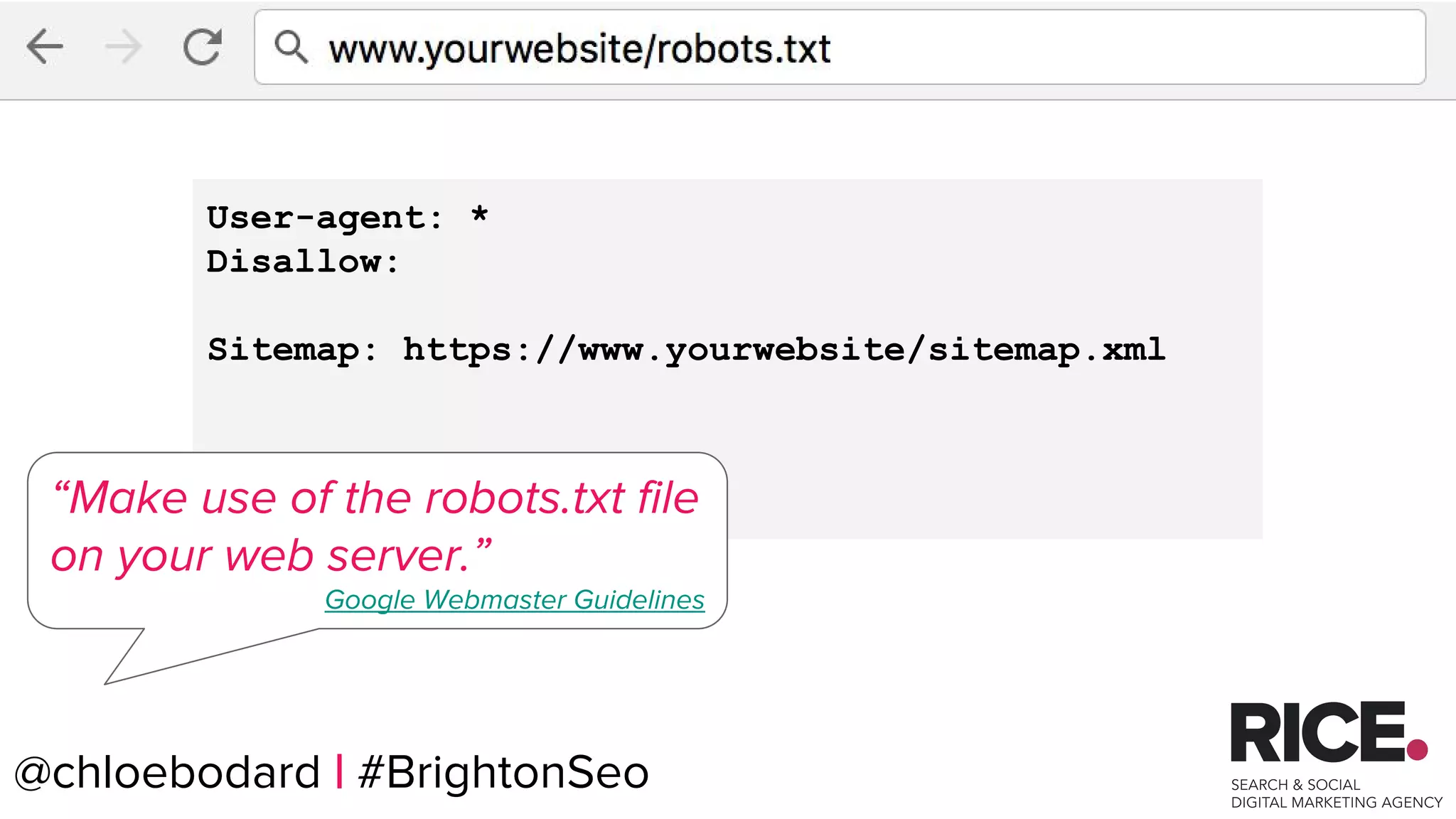
User-agent: *
Disallow:
Sitemap: https://www.yourwebsite/sitemap.xml
“Make use of the robots.txt file
on your web server.”
Google Webmaster Guidelines
@chloebodard | #BrightonSeo
@chloebodard | #brightonseo
Analyse & Fix the issues.
@chloebodard | #BrightonSeo
@chloebodard | #brightonseo
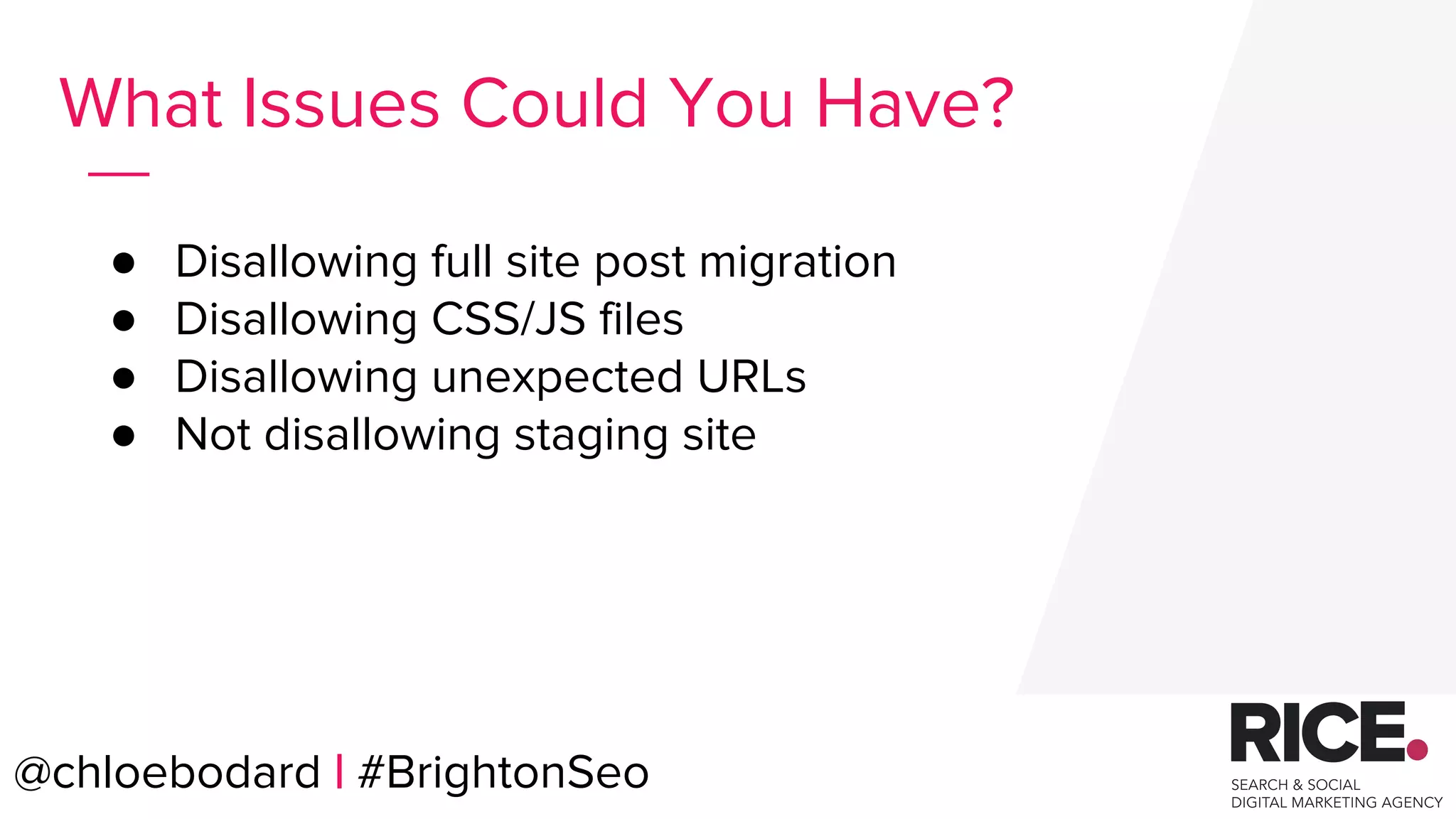
● Disallowing full site post migration
● Disallowing CSS/JS files
● Disallowing unexpected URLs
● Not disallowing staging site
What Issues Could You Have?
@chloebodard | #BrightonSeo
@chloebodard | #brightonseo
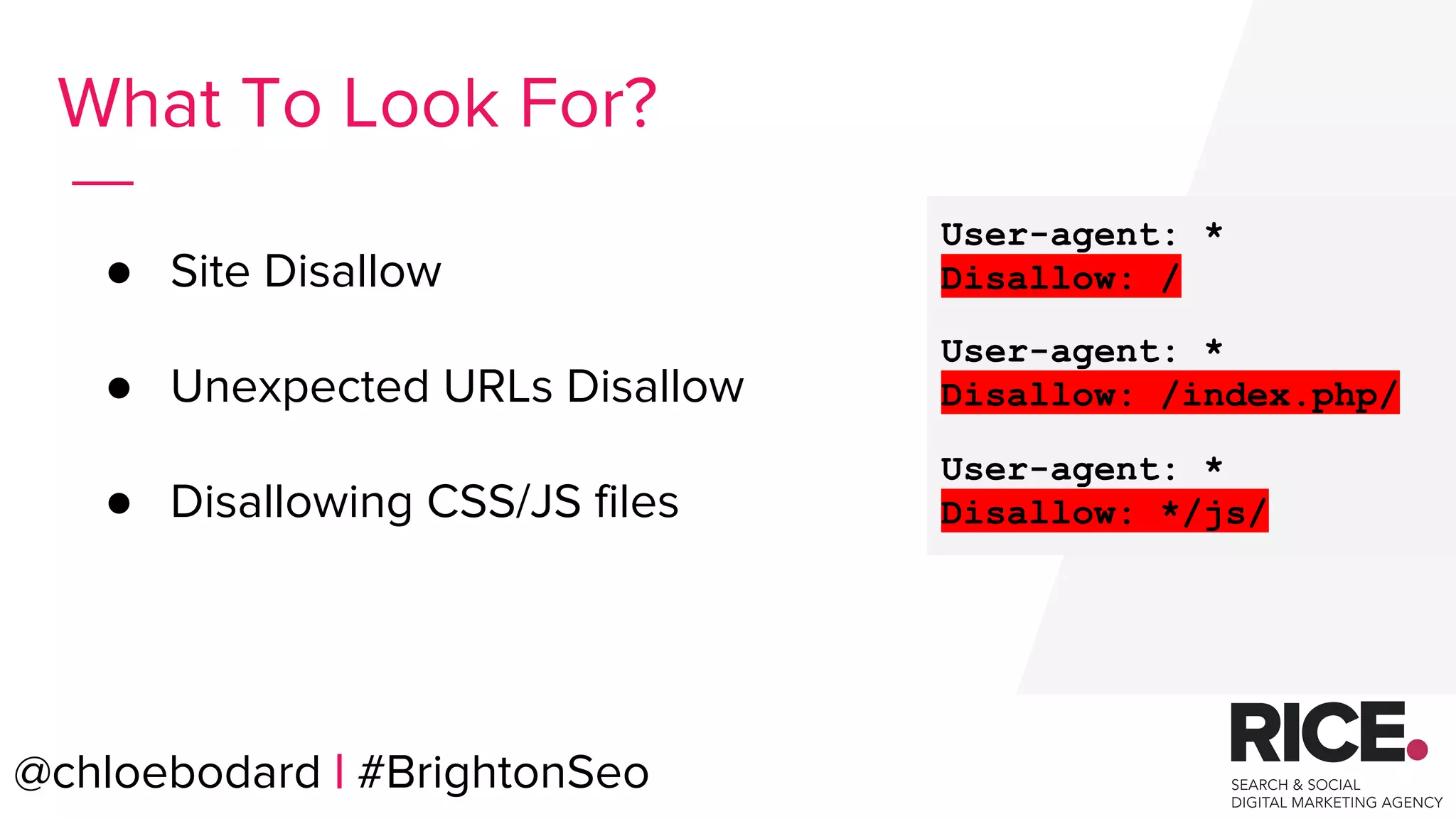
● Site Disallow
● Unexpected URLs Disallow
● Disallowing CSS/JS files
What To Look For?
User-agent: *
Disallow: /
User-agent: *
Disallow: /index.php/
User-agent: *
Disallow: */js/
@chloebodard | #BrightonSeo
@chloebodard | #brightonseo@chloebodard | #BrightonSeo
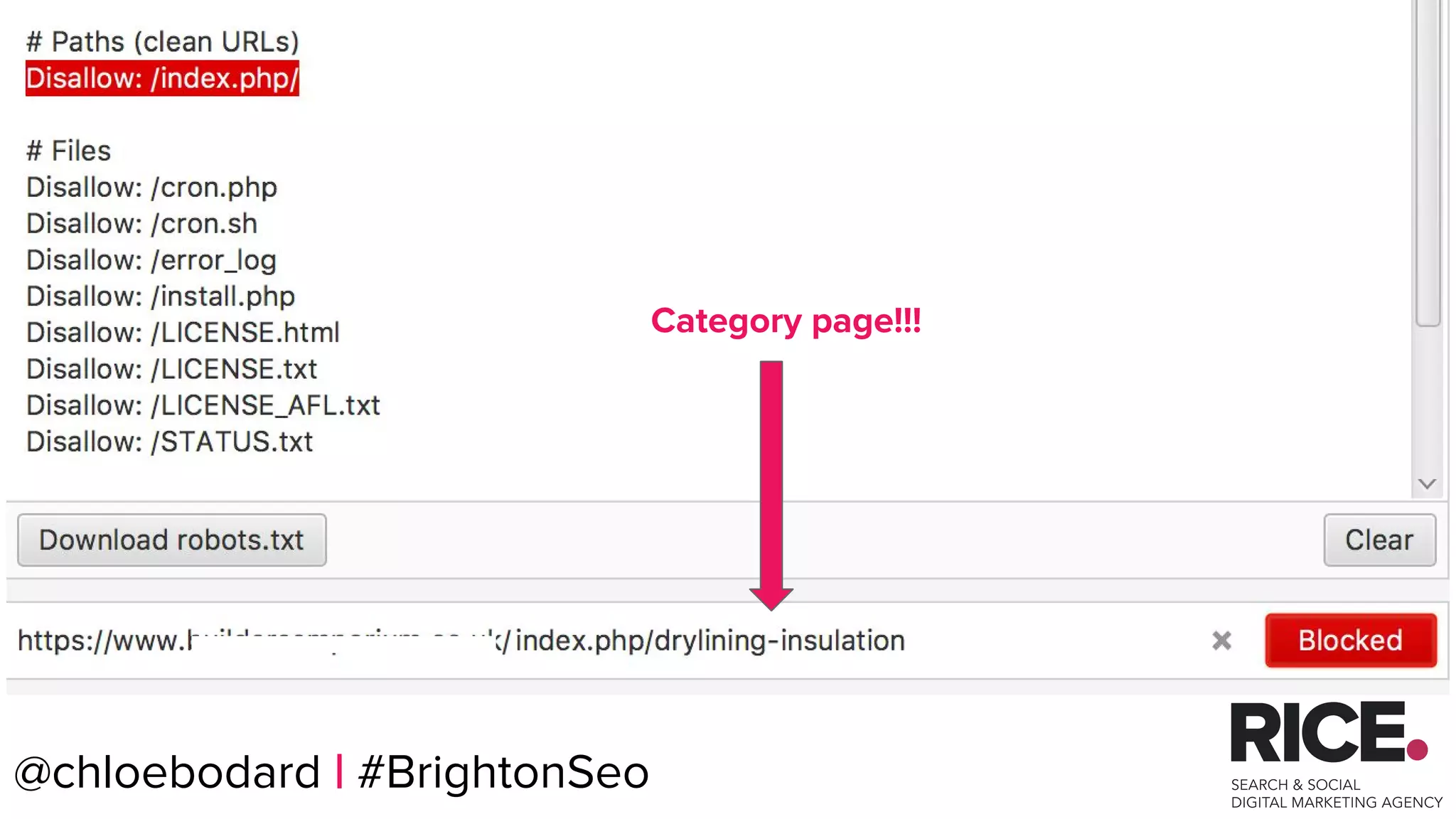
Category page!!!
@chloebodard | #brightonseo@chloebodard | #BrightonSeo
Robots sorted
Technical actions implemented
Robots.txt File Case Study
@chloebodard | #brightonseo
Improve your crawl
budget.
@chloebodard | #BrightonSeo
@chloebodard | #brightonseo
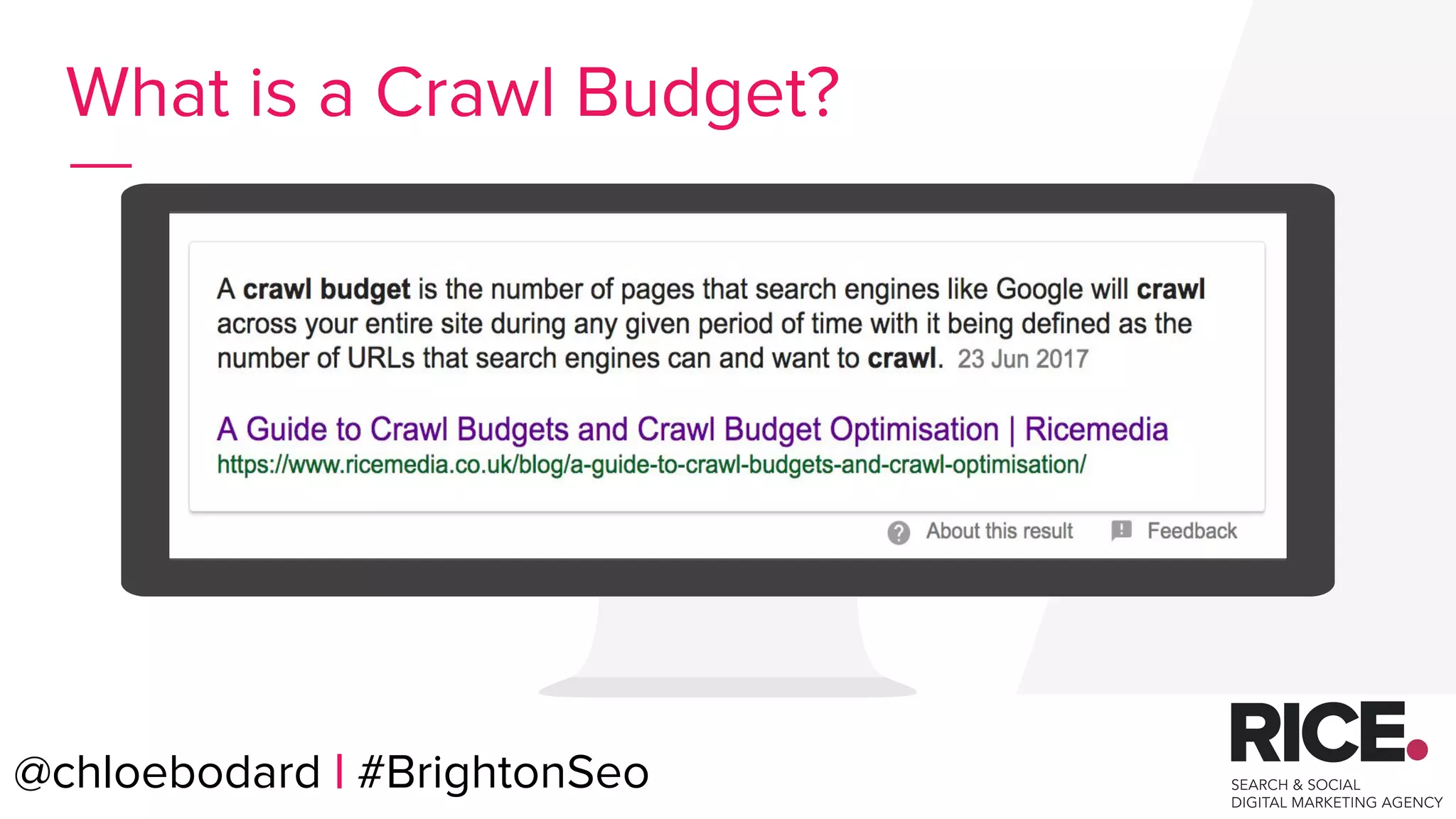
What is a Crawl Budget?
@chloebodard | #BrightonSeo
@chloebodard | #brightonseo
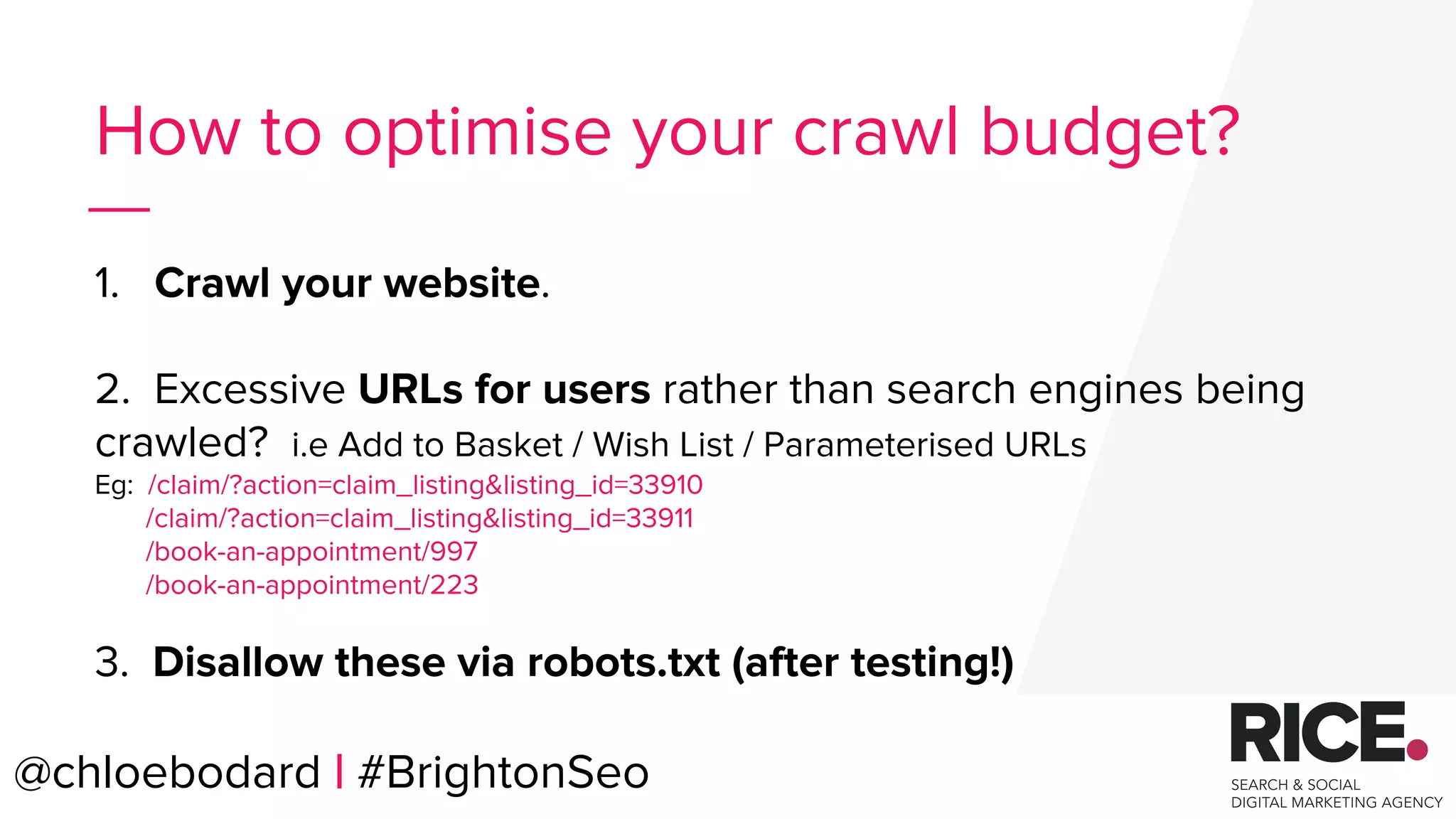
How to optimise your crawl budget?
1. Crawl your website.
2. Excessive URLs for users rather than search engines being
crawled? i.e Add to Basket / Wish List / Parameterised URLs
Eg: /claim/?action=claim_listing&listing_id=33910
/claim/?action=claim_listing&listing_id=33911
/book-an-appointment/997
/book-an-appointment/223
3. Disallow these via robots.txt (after testing!)
@chloebodard | #BrightonSeo
@chloebodard | #brightonseo
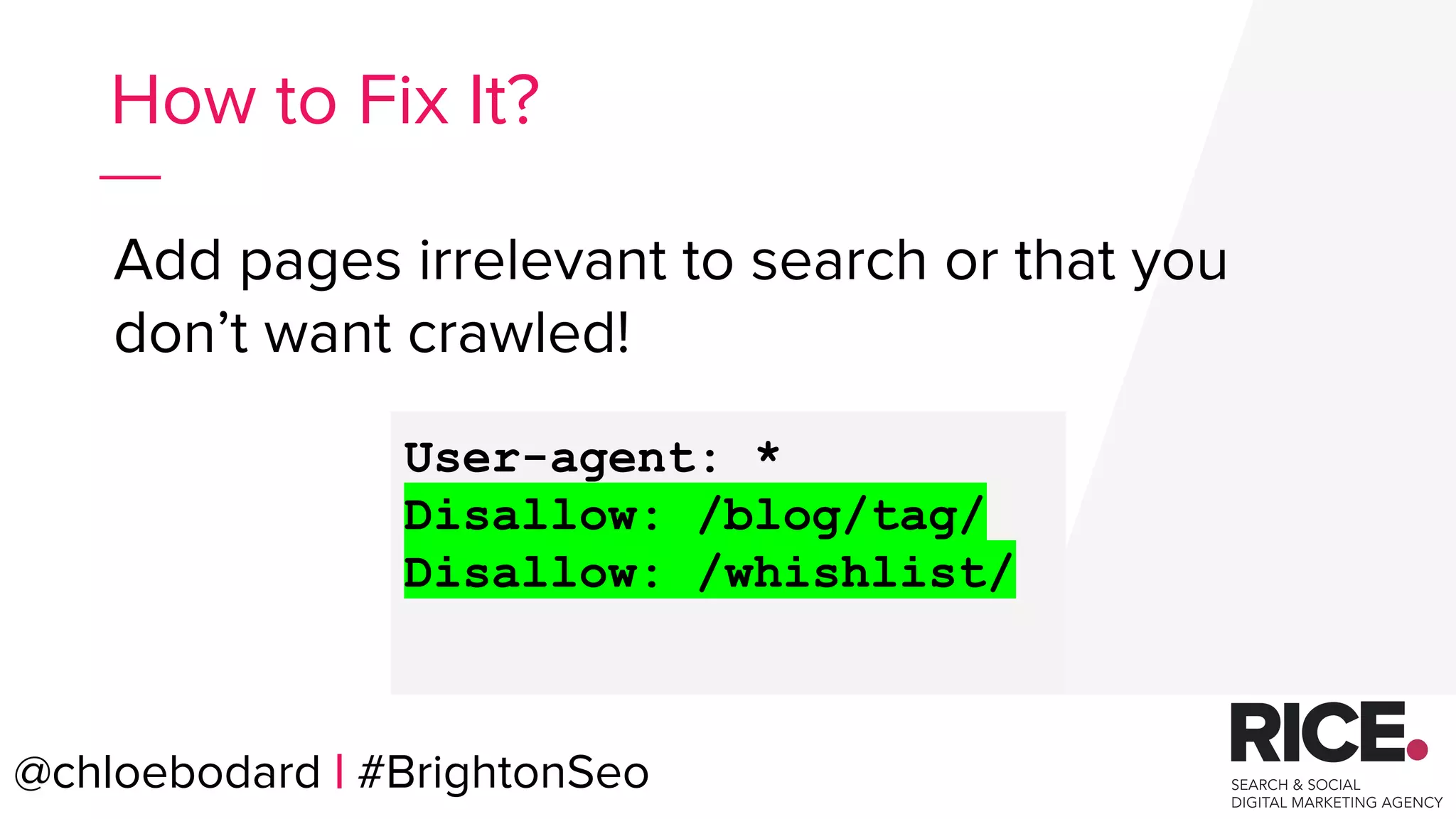
Add pages irrelevant to search or that you
don’t want crawled!
How to Fix It?
User-agent: *
Disallow: /blog/tag/
Disallow: /whishlist/
@chloebodard | #BrightonSeo
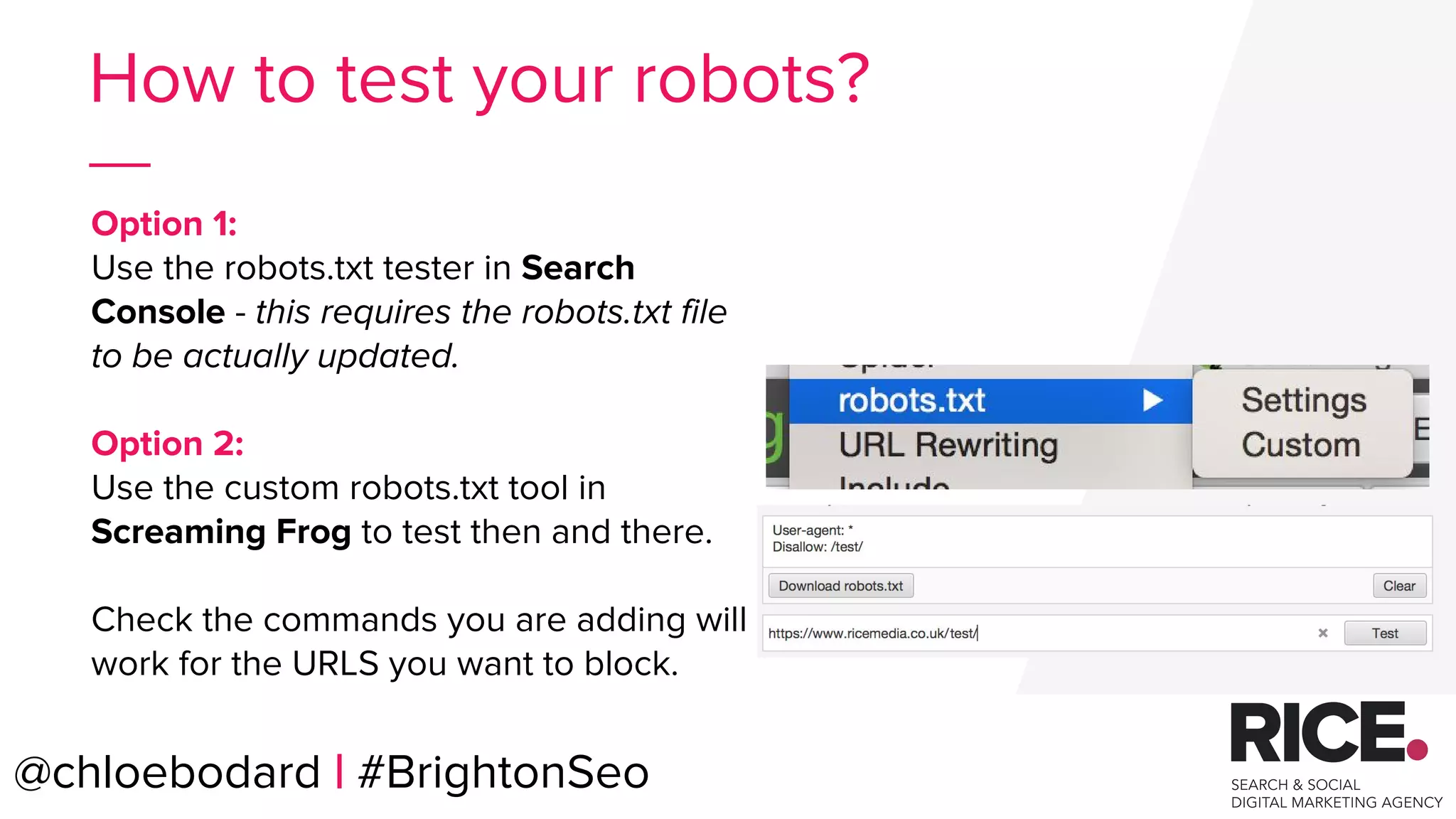
Option 1:
Use the robots.txt tester in Search
Console - this requires the robots.txt file
to be actually updated.
Option 2:
Use the custom robots.txt tool in
Screaming Frog to test then and there.
Check the commands you are adding will
work for the URLS you want to block.
@chloebodard | #BrightonSeo
How to test your robots?
@chloebodard | #BrightonSeo
For more info check out
Liam’s blog on
How to Improve Your Crawl
Budget !
@chloebodard | #brightonseo
Optimisation
@chloebodard | #BrightonSeo
@chloebodard | #brightonseo
Optimisation Quick Wins?
● Page titles
● H1s
● Meta descriptions for CTR.
@chloebodard | #BrightonSeo
@chloebodard | #brightonseo
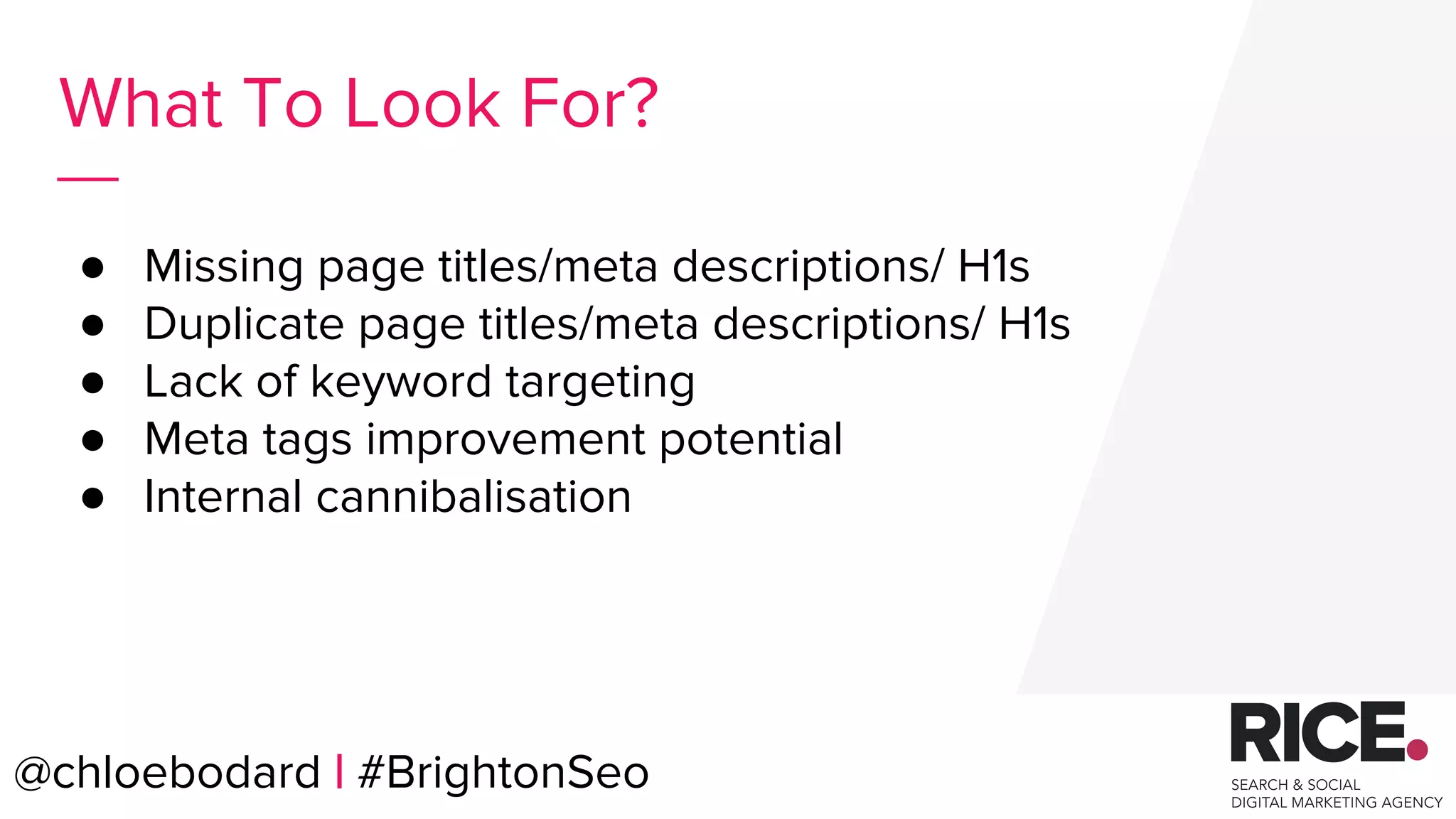
● Missing page titles/meta descriptions/ H1s
● Duplicate page titles/meta descriptions/ H1s
● Lack of keyword targeting
● Meta tags improvement potential
● Internal cannibalisation
What To Look For?
@chloebodard | #BrightonSeo
@chloebodard | #brightonseo
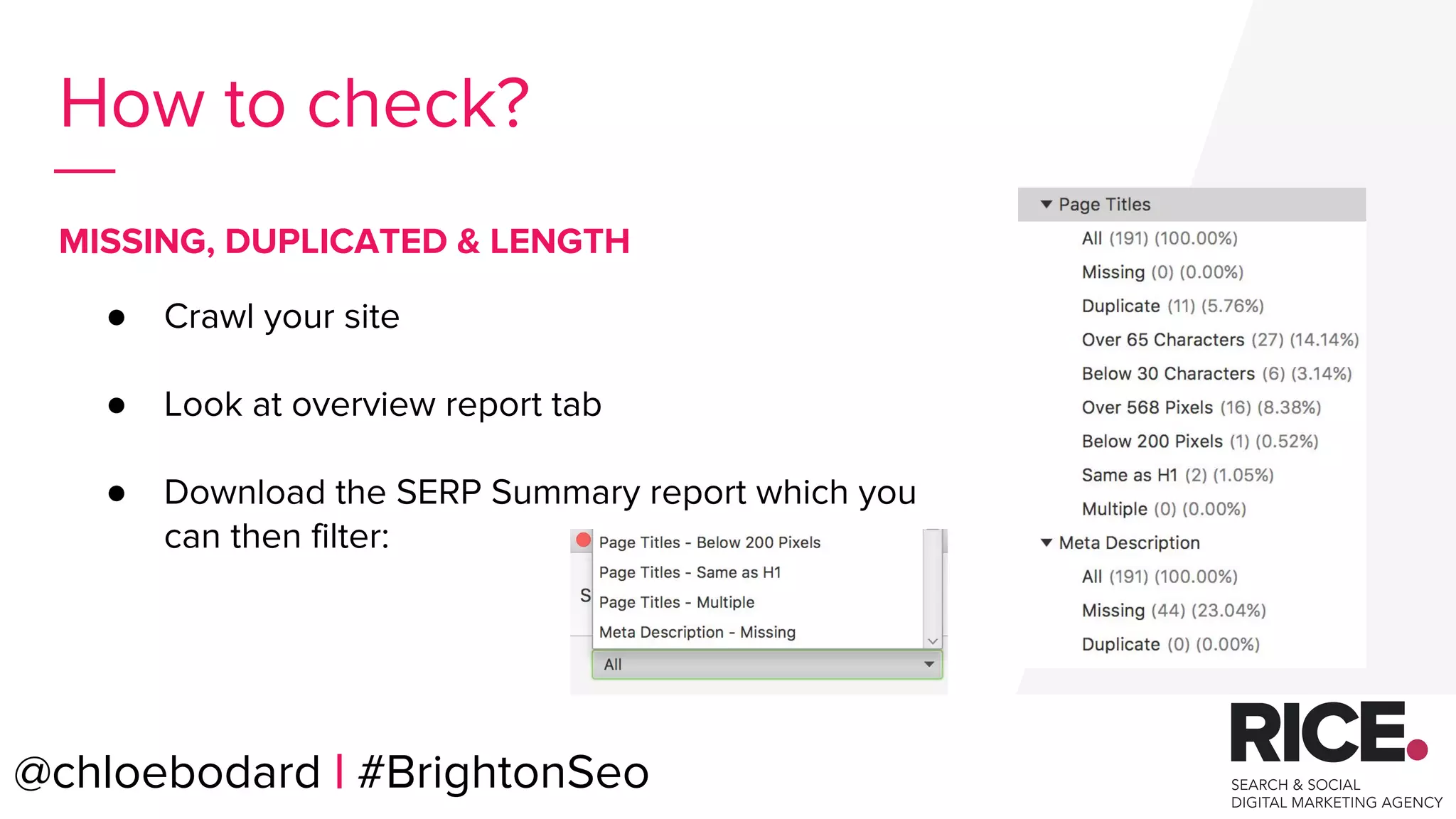
How to check?
● Crawl your site
● Look at overview report tab
● Download the SERP Summary report which you
can then filter:
MISSING, DUPLICATED & LENGTH
@chloebodard | #BrightonSeo
@chloebodard | #brightonseo
How to check?
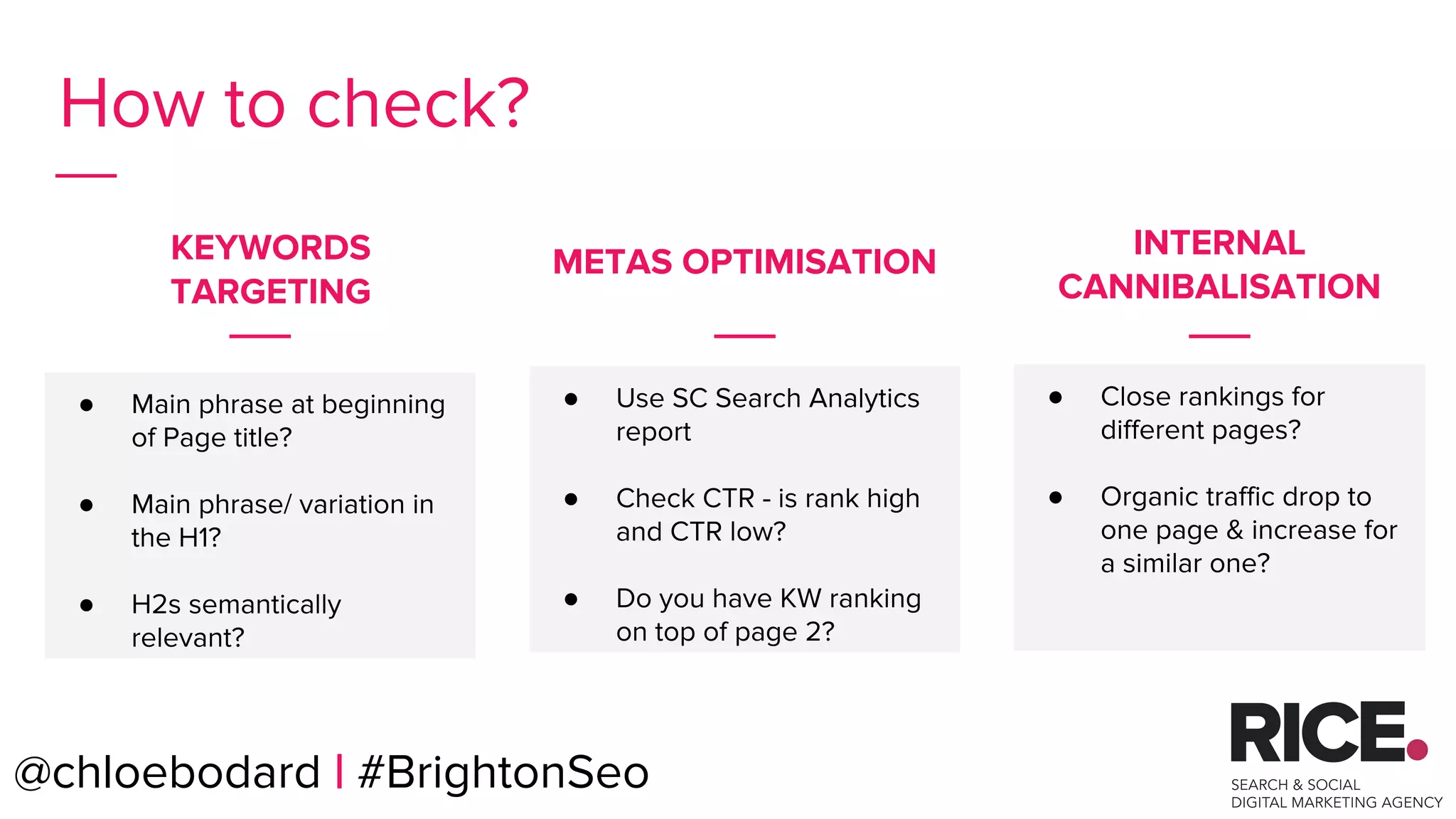
● Main phrase at beginning
of Page title?
● Main phrase/ variation in
the H1?
● H2s semantically
relevant?
● Close rankings for
different pages?
● Organic traffic drop to
one page & increase for
a similar one?
KEYWORDS
TARGETING
INTERNAL
CANNIBALISATION
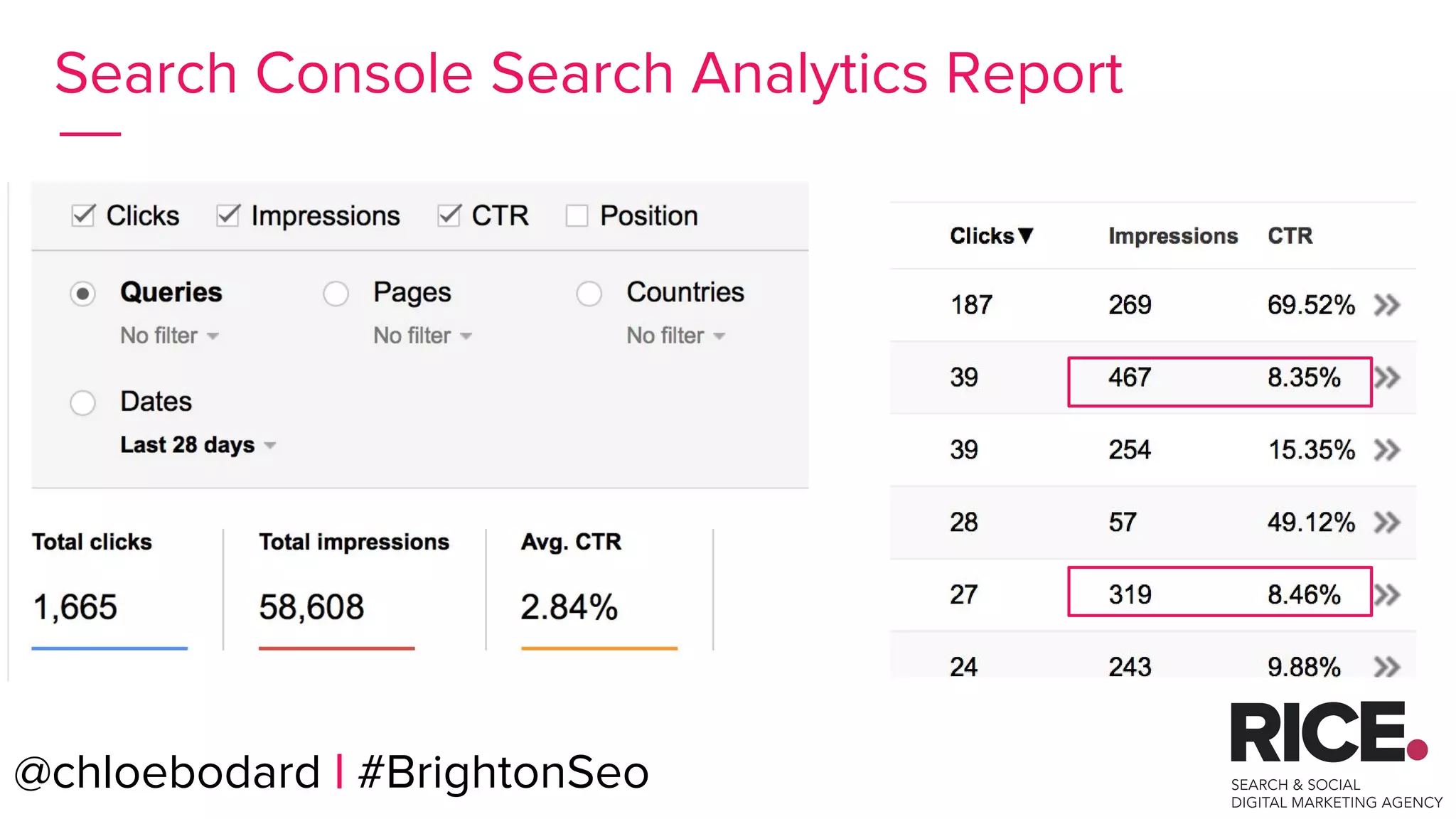
● Use SC Search Analytics
report
● Check CTR - is rank high
and CTR low?
● Do you have KW ranking
on top of page 2?
@chloebodard | #BrightonSeo
METAS OPTIMISATION
@chloebodard | #brightonseo
Analyse & Fix the issues.
@chloebodard | #BrightonSeo
@chloebodard | #brightonseo@chloebodard | #BrightonSeo
Search Console Search Analytics Report
@chloebodard | #brightonseo@chloebodard | #BrightonSeo
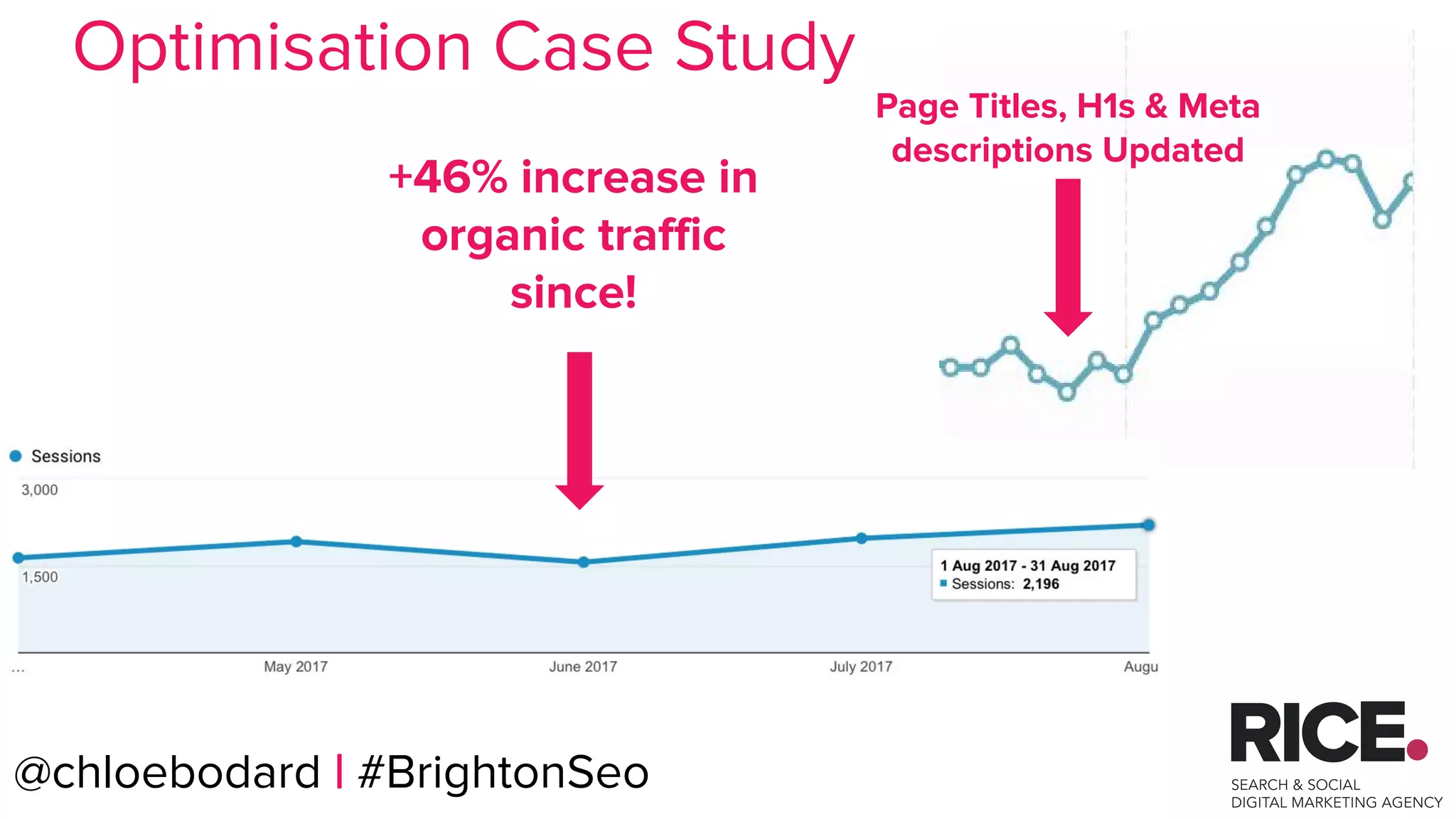
Page Titles, H1s & Meta
descriptions Updated
+46% increase in
organic traffic
since!
Optimisation Case Study
@chloebodard | #brightonseo
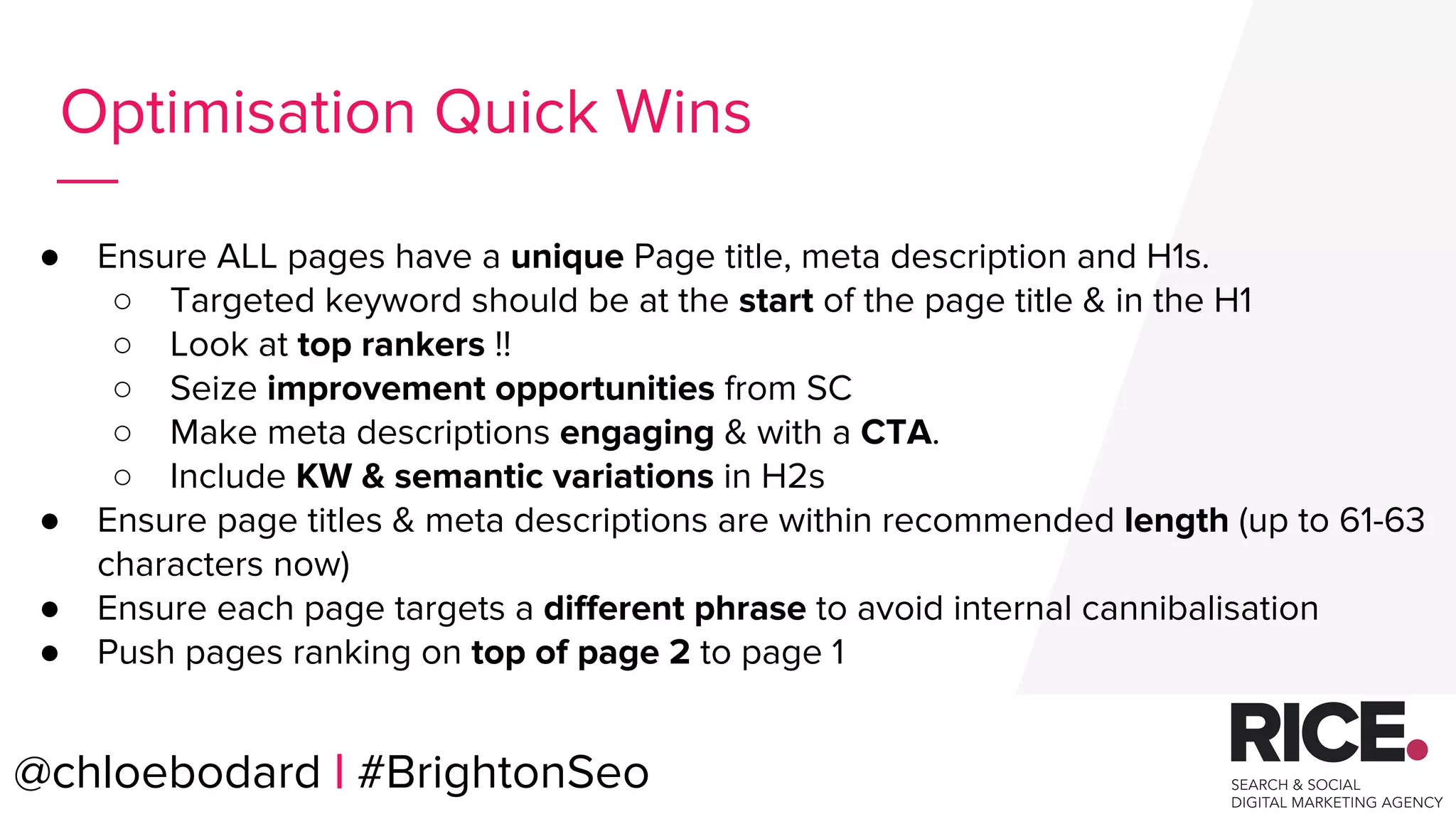
● Ensure ALL pages have a unique Page title, meta description and H1s.
○ Targeted keyword should be at the start of the page title & in the H1
○ Look at top rankers !!
○ Seize improvement opportunities from SC
○ Make meta descriptions engaging & with a CTA.
○ Include KW & semantic variations in H2s
● Ensure page titles & meta descriptions are within recommended length (up to 61-63
characters now)
● Ensure each page targets a different phrase to avoid internal cannibalisation
● Push pages ranking on top of page 2 to page 1
Optimisation Quick Wins
@chloebodard | #BrightonSeo
@chloebodard | #brightonseo@chloebodard | #BrightonSeo
Be a Flamingo in a flock
of Pigeons.
@chloebodard | #brightonseo
Canonical
Tags
@chloebodard | #BrightonSeo
@chloebodard | #brightonseo
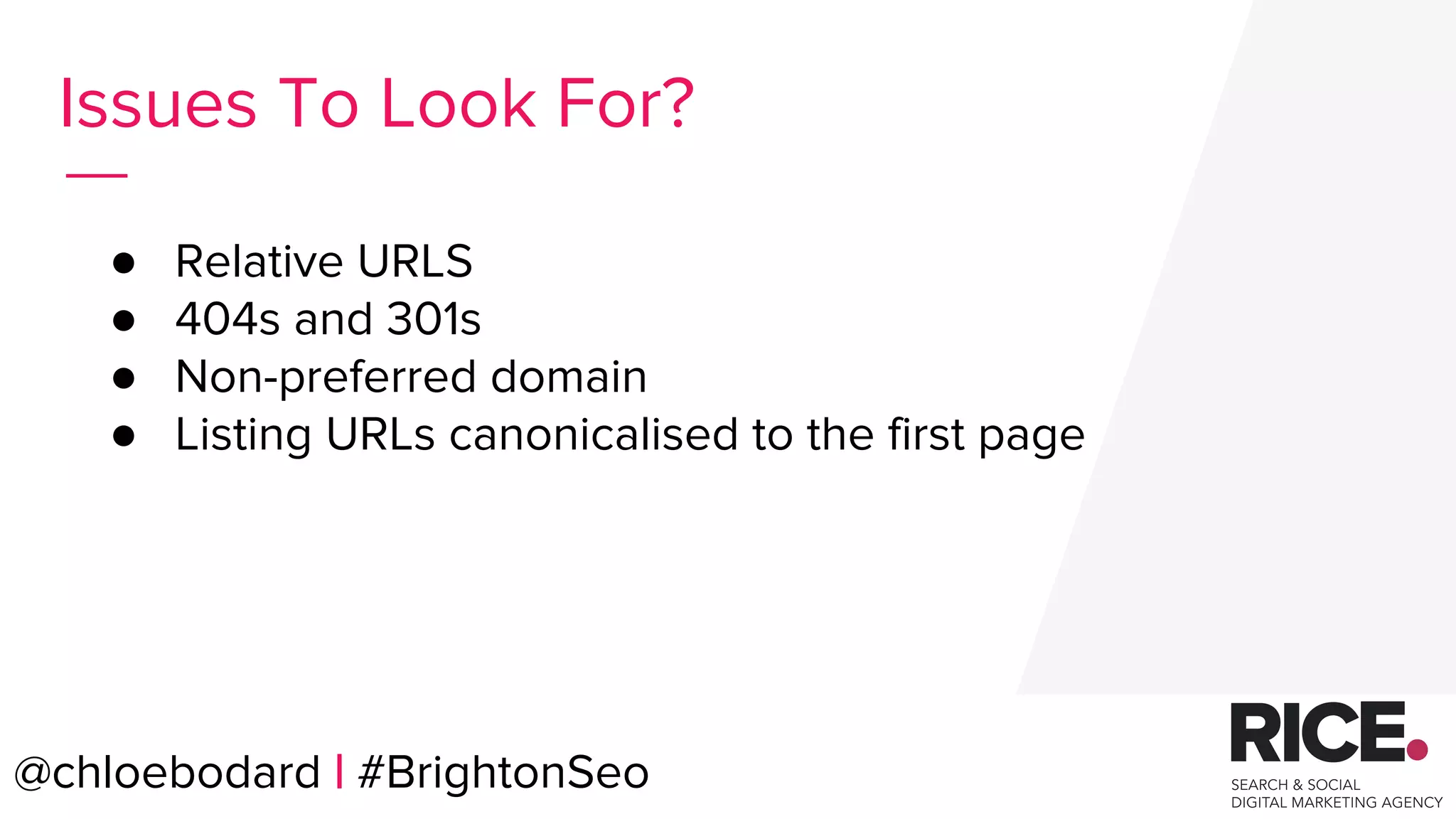
● Relative URLS
● 404s and 301s
● Non-preferred domain
● Listing URLs canonicalised to the first page
Issues To Look For?
@chloebodard | #BrightonSeo
@chloebodard | #brightonseo@chloebodard | #BrightonSeo
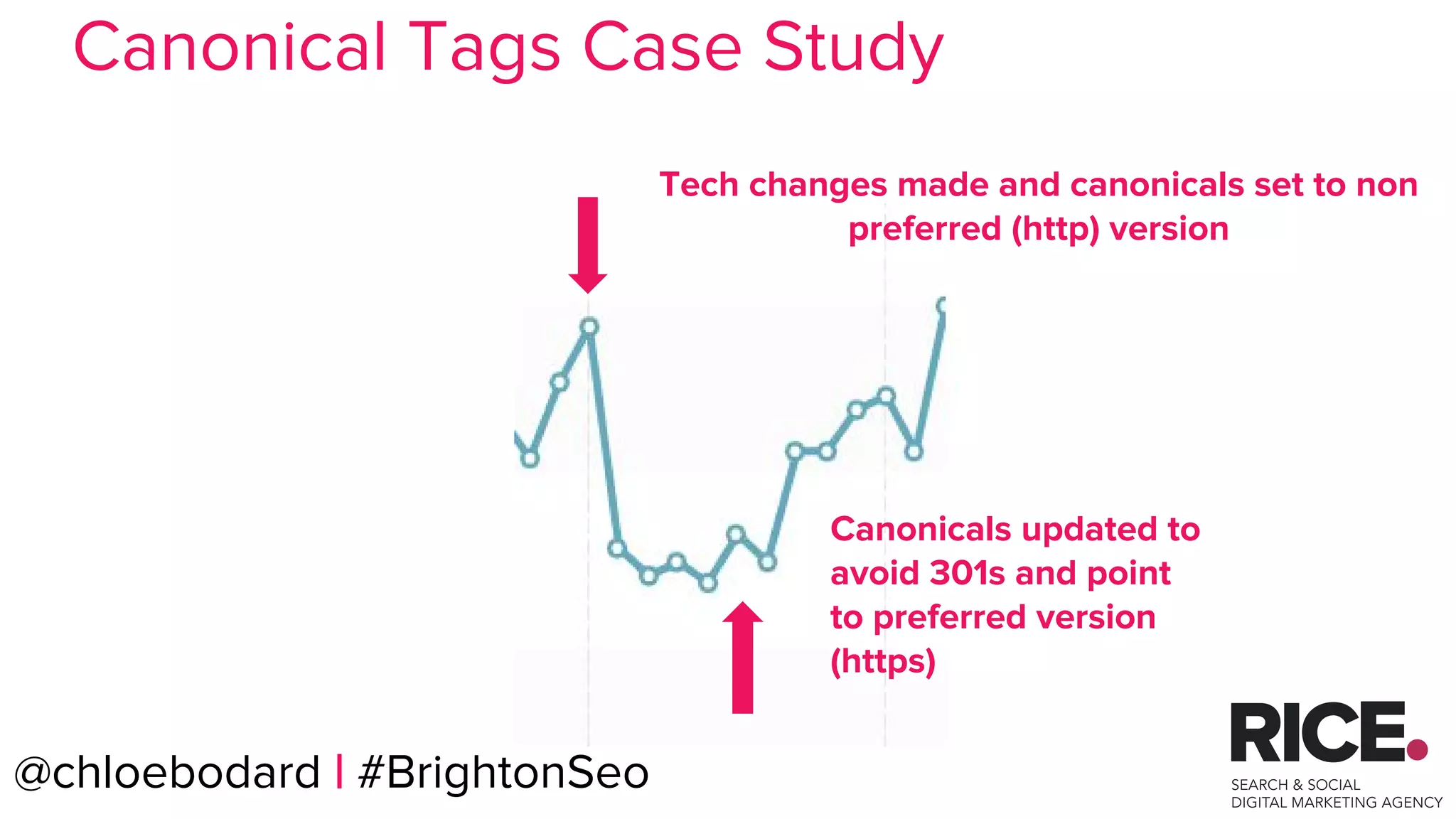
Tech changes made and canonicals set to non
preferred (http) version
Canonicals updated to
avoid 301s and point
to preferred version
(https)
Canonical Tags Case Study
@chloebodard | #brightonseo
How to check?
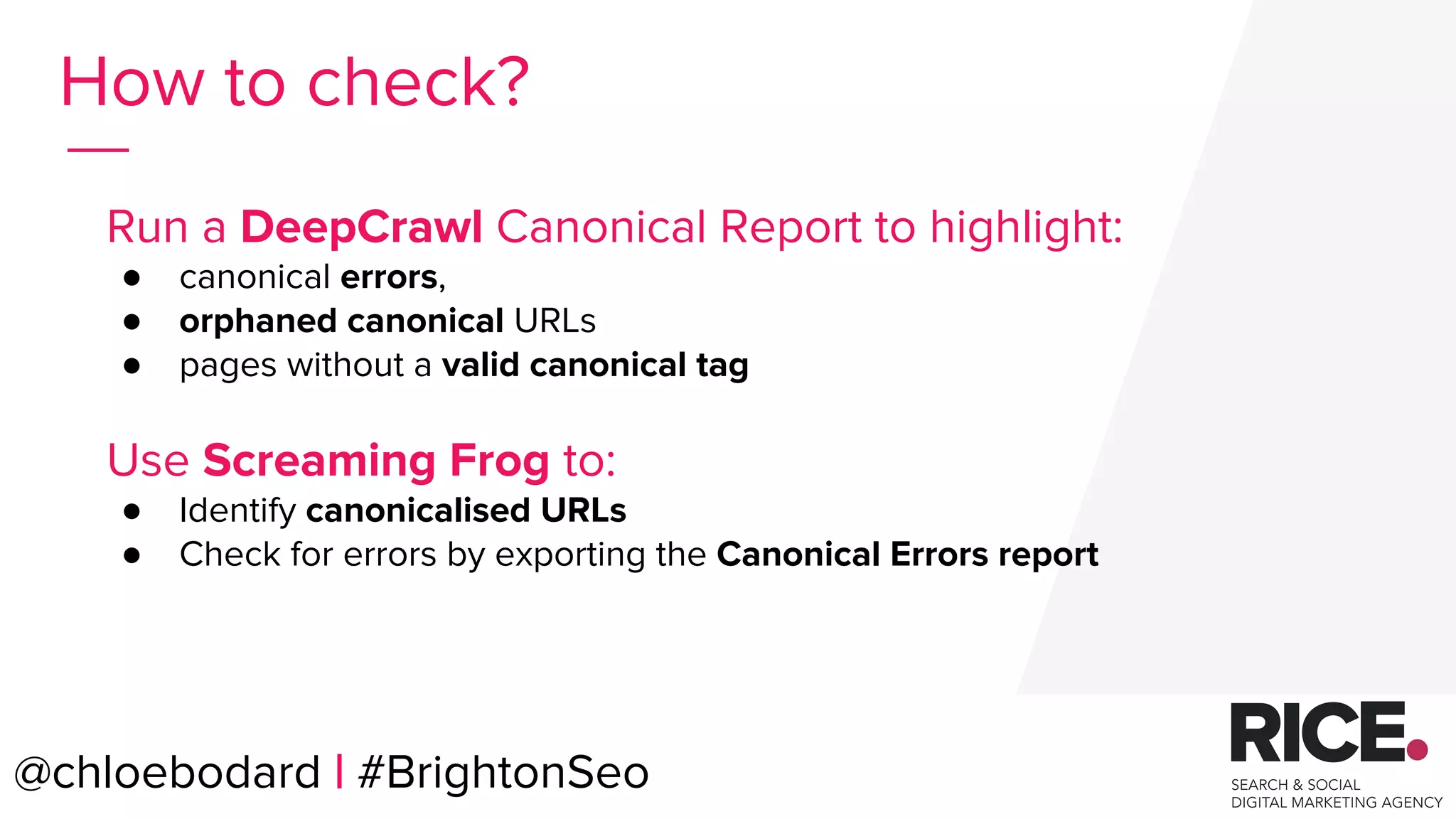
Run a DeepCrawl Canonical Report to highlight:
● canonical errors,
● orphaned canonical URLs
● pages without a valid canonical tag
Use Screaming Frog to:
● Identify canonicalised URLs
● Check for errors by exporting the Canonical Errors report
@chloebodard | #BrightonSeo
@chloebodard | #brightonseo
Analyse & Fix the issues.
@chloebodard | #BrightonSeo
@chloebodard | #brightonseo
● Use absolute rather than relative URLs
● Make sure your canonical matches your preferred domain (http or
https)
● Update canonical tags if you migrate.
● Don’t canonicalise listing URLs to the first page - they are not
duplicate content, use rel=”prev” & rel=”next” tags
● Canonical tags should not point to a 404 or 301 redirect
● Add self-referencing canonical tags to non canonicalised pages
Implementing Canonical Tags
@chloebodard | #BrightonSeo
@chloebodard | #brightonseo
Sitemaps
@chloebodard | #BrightonSeo
@chloebodard | #brightonseo
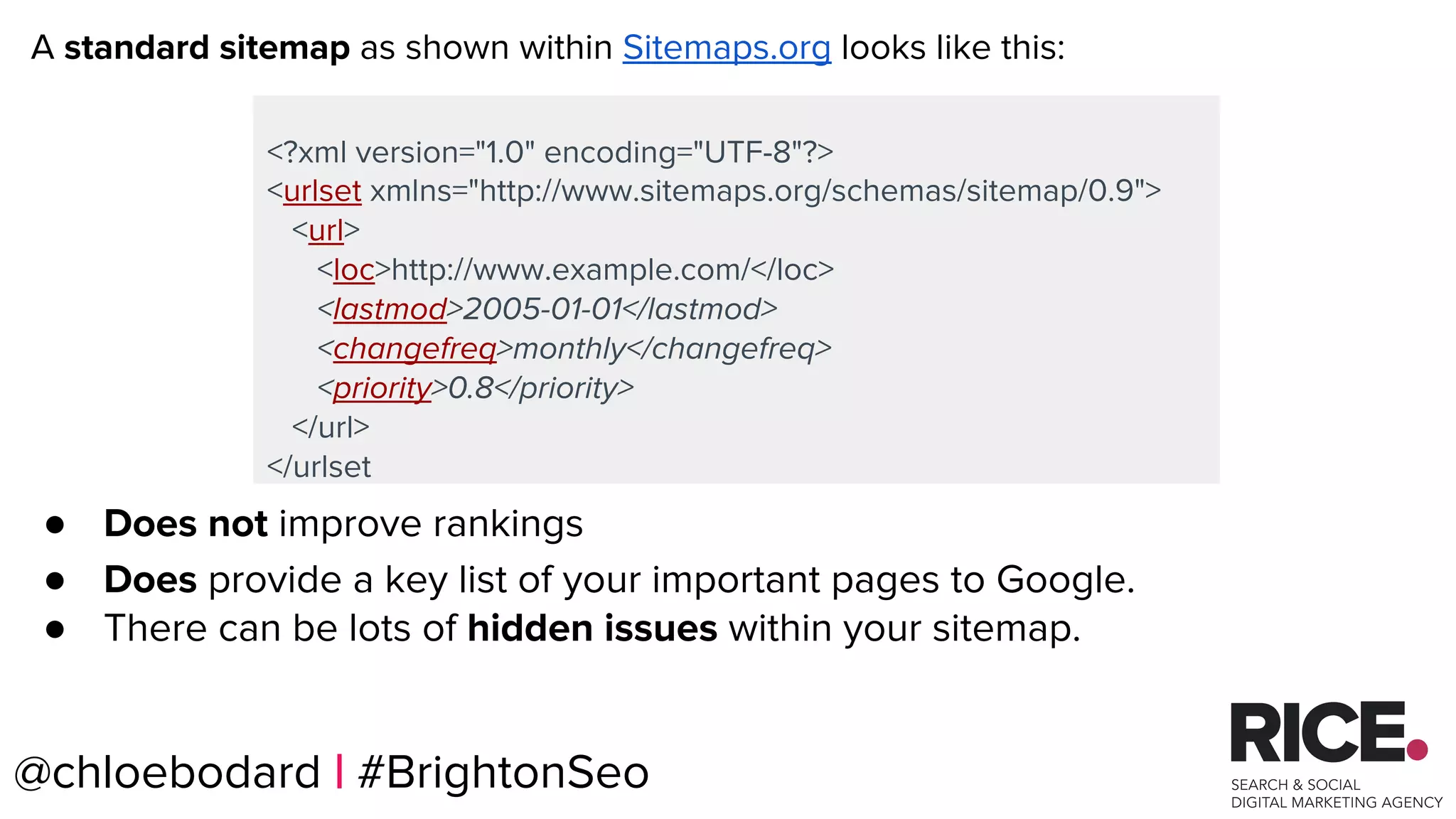
<?xml version="1.0" encoding="UTF-8"?>
<urlset xmlns="http://www.sitemaps.org/schemas/sitemap/0.9">
<url>
<loc>http://www.example.com/</loc>
<lastmod>2005-01-01</lastmod>
<changefreq>monthly</changefreq>
<priority>0.8</priority>
</url>
</urlset
A standard sitemap as shown within Sitemaps.org looks like this:
● Does not improve rankings
● Does provide a key list of your important pages to Google.
● There can be lots of hidden issues within your sitemap.
@chloebodard | #BrightonSeo
@chloebodard | #brightonseo
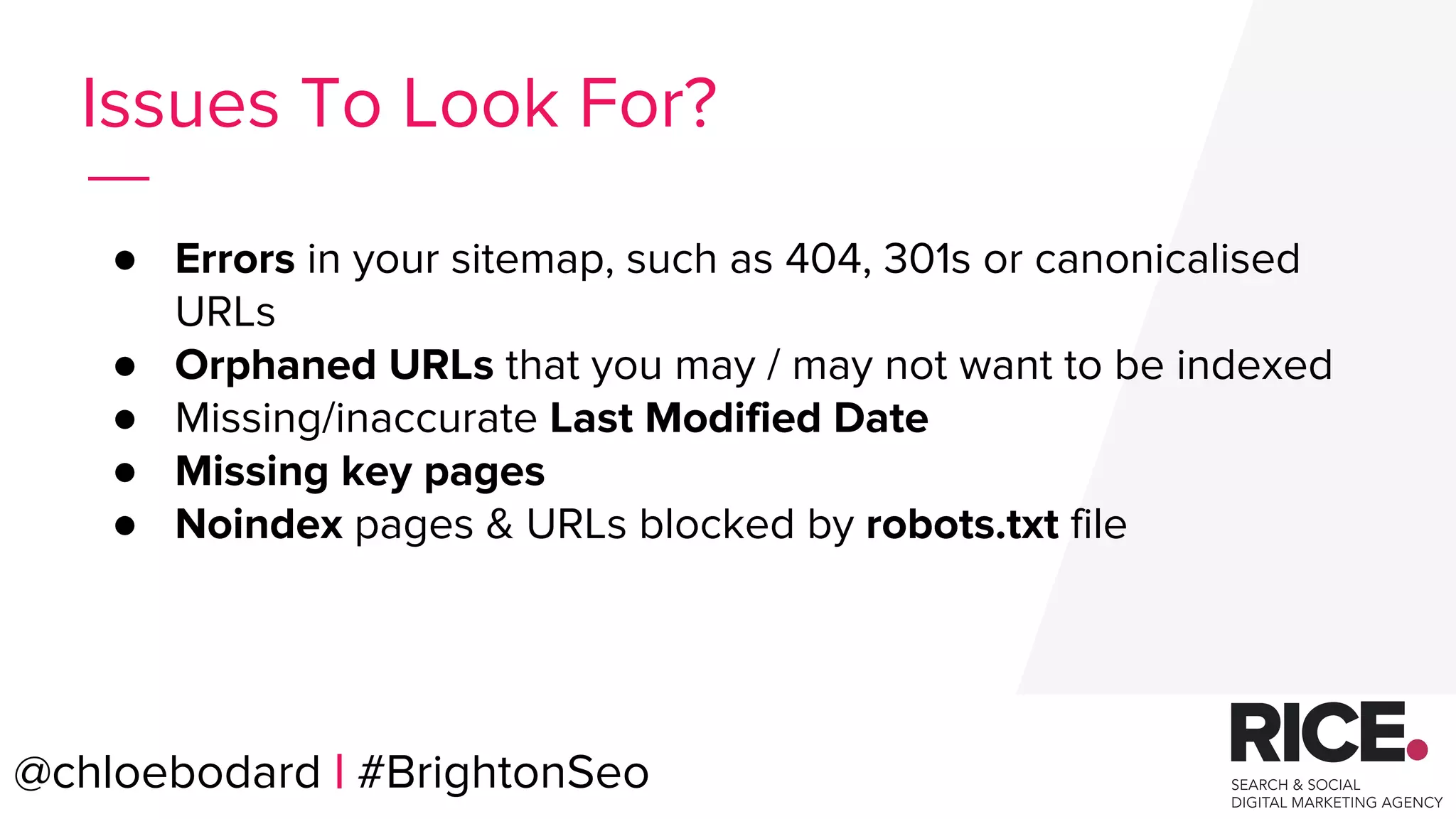
● Errors in your sitemap, such as 404, 301s or canonicalised
URLs
● Orphaned URLs that you may / may not want to be indexed
● Missing/inaccurate Last Modified Date
● Missing key pages
● Noindex pages & URLs blocked by robots.txt file
Issues To Look For?
@chloebodard | #BrightonSeo
@chloebodard | #brightonseo
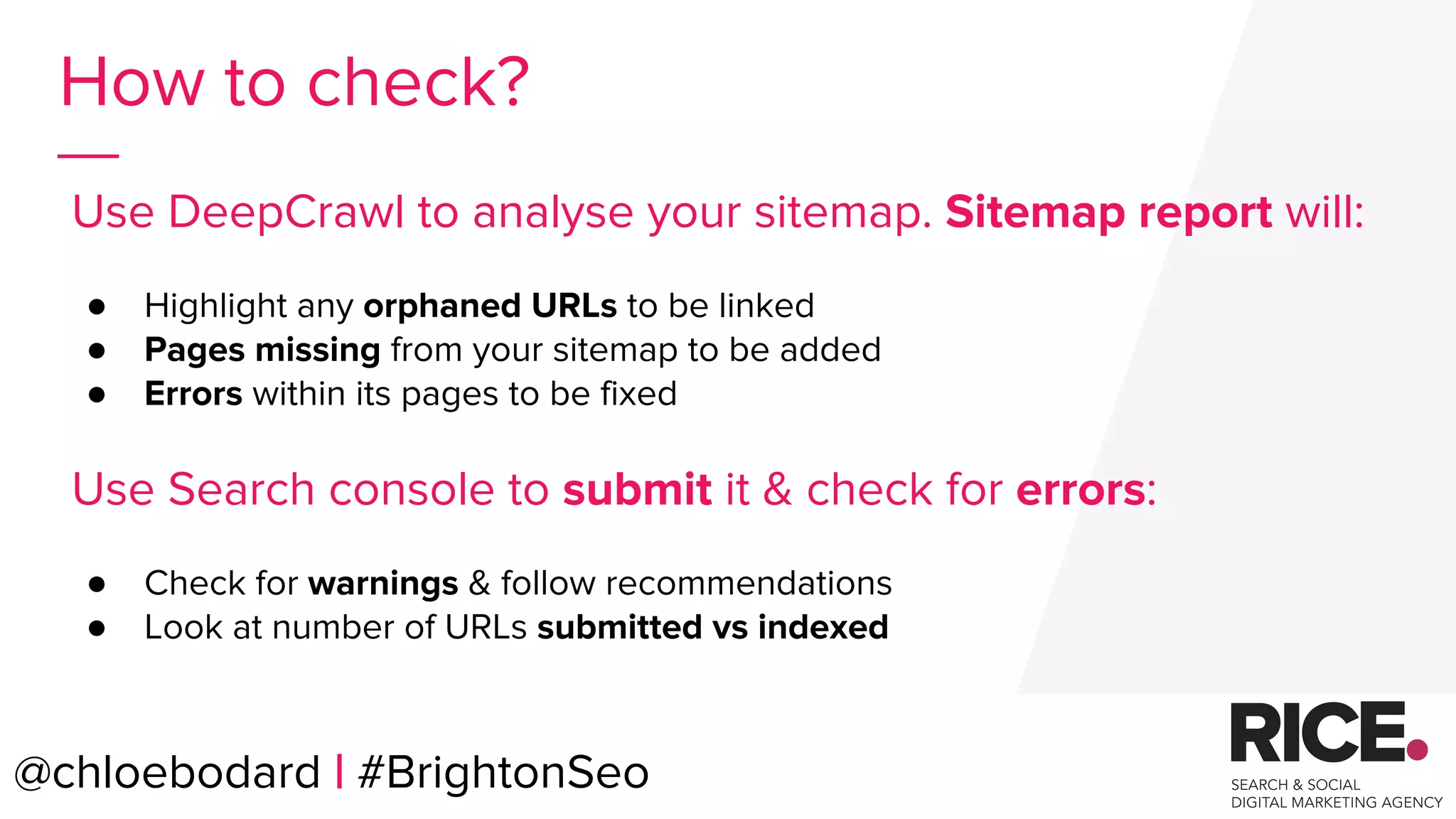
How to check?
Use DeepCrawl to analyse your sitemap. Sitemap report will:
● Highlight any orphaned URLs to be linked
● Pages missing from your sitemap to be added
● Errors within its pages to be fixed
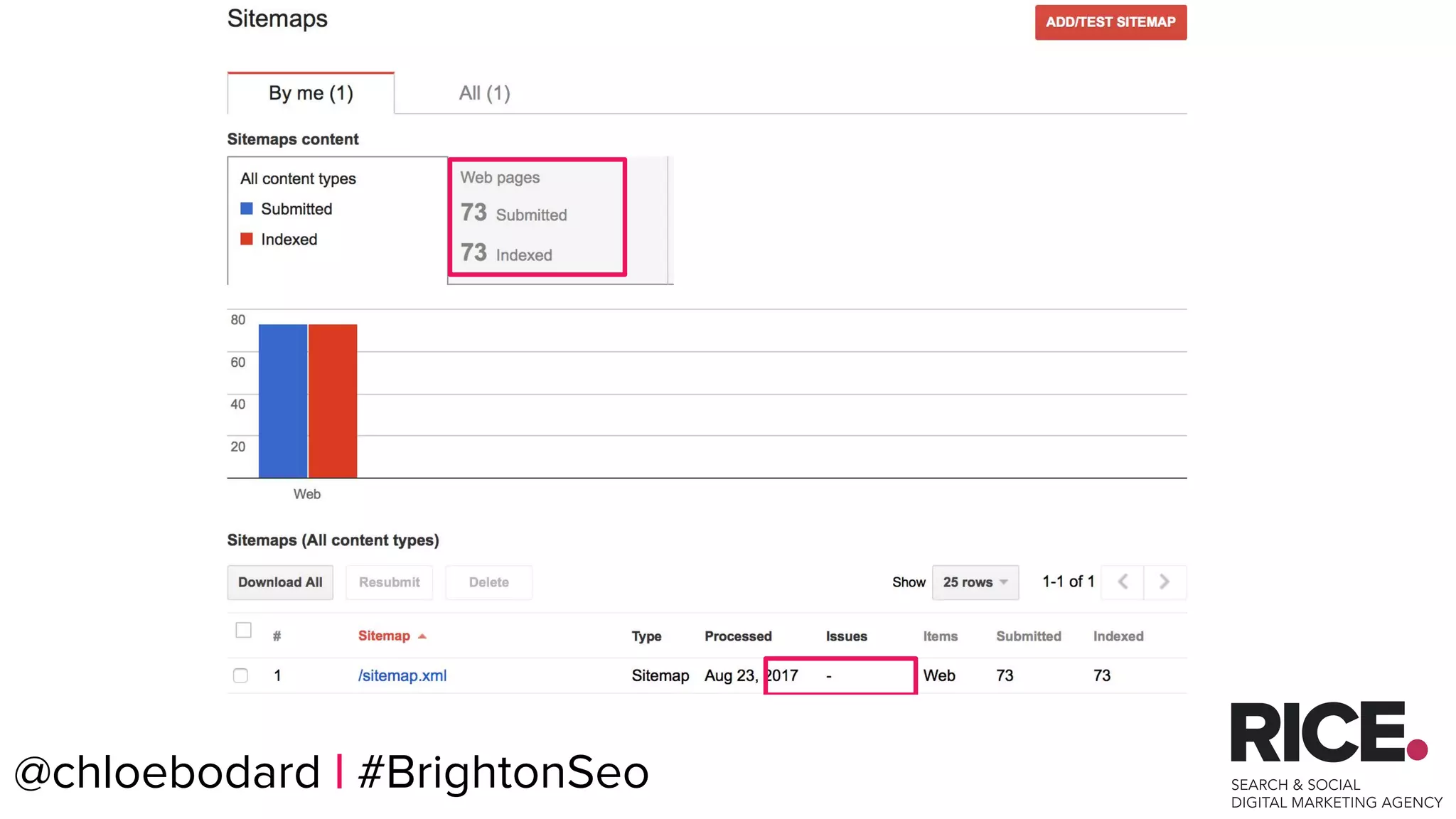
Use Search console to submit it & check for errors:
● Check for warnings & follow recommendations
● Look at number of URLs submitted vs indexed
@chloebodard | #BrightonSeo
@chloebodard | #brightonseo@chloebodard | #BrightonSeo
@chloebodard | #brightonseo
Analyse & Fix the issues.
@chloebodard | #BrightonSeo
@chloebodard | #brightonseo
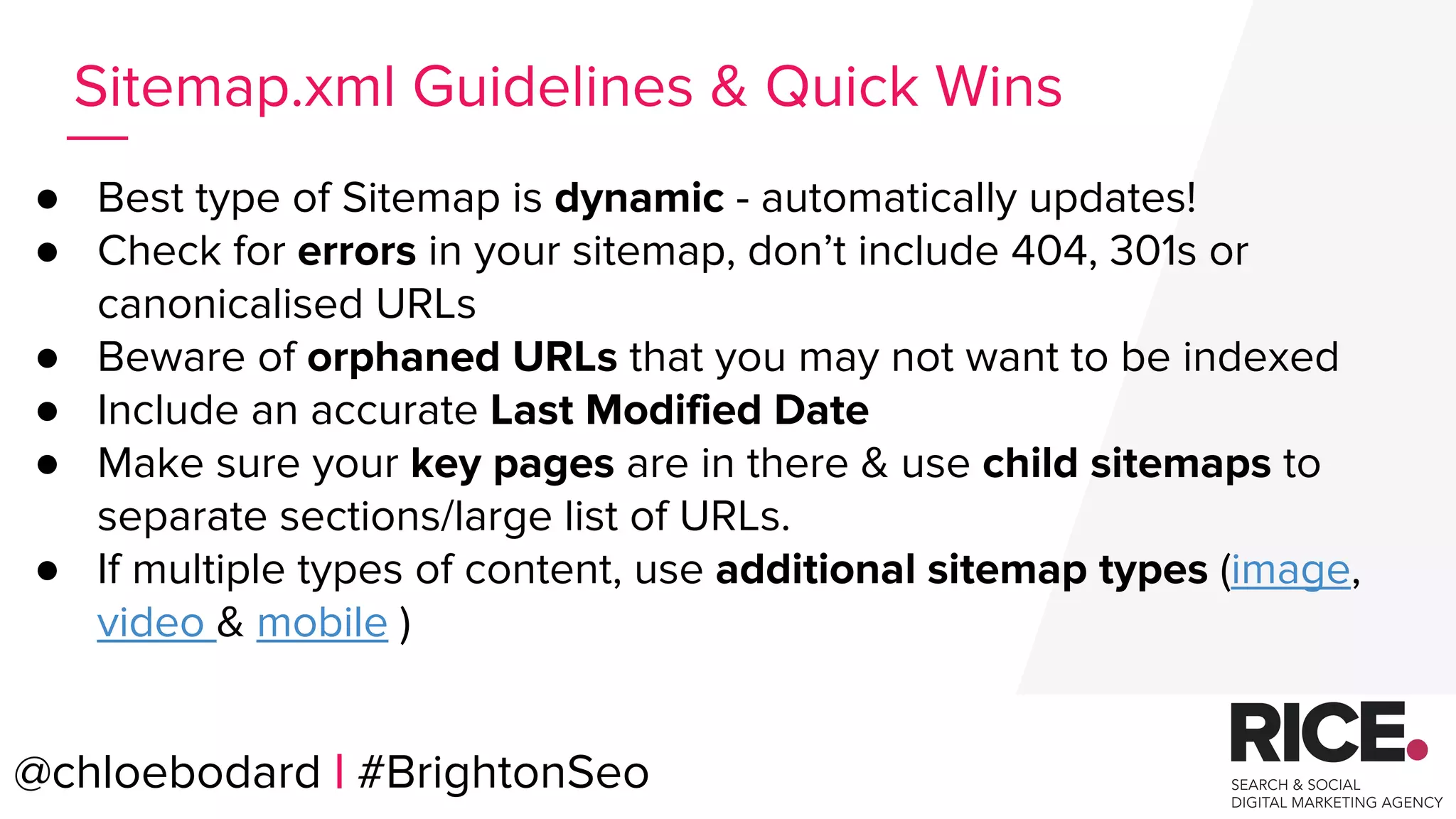
● Best type of Sitemap is dynamic - automatically updates!
● Check for errors in your sitemap, don’t include 404, 301s or
canonicalised URLs
● Beware of orphaned URLs that you may not want to be indexed
● Include an accurate Last Modified Date
● Make sure your key pages are in there & use child sitemaps to
separate sections/large list of URLs.
● If multiple types of content, use additional sitemap types (image,
video & mobile )
Sitemap.xml Guidelines & Quick Wins
@chloebodard | #BrightonSeo
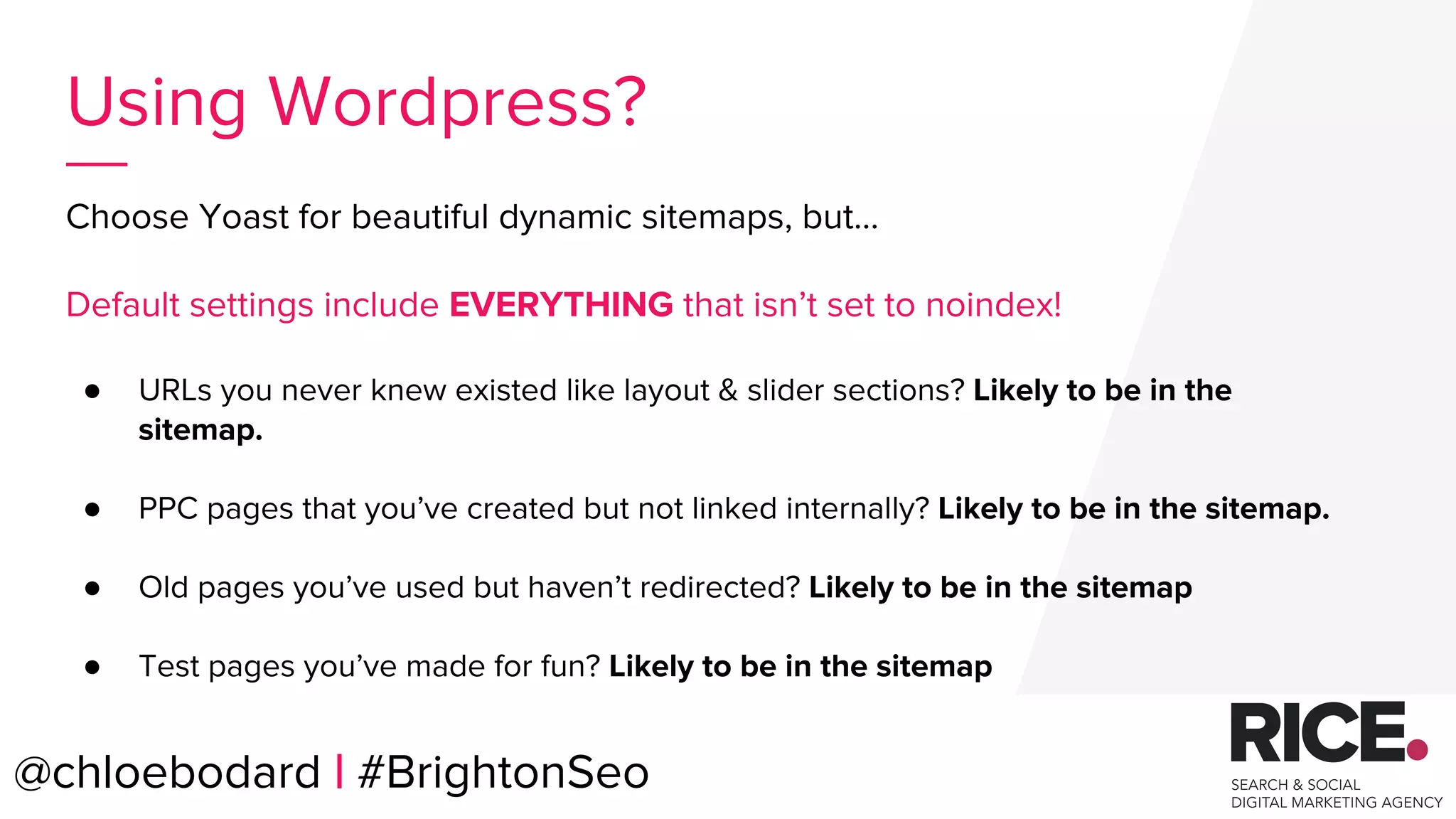
Choose Yoast for beautiful dynamic sitemaps, but...
Default settings include EVERYTHING that isn’t set to noindex!
● URLs you never knew existed like layout & slider sections? Likely to be in the
sitemap.
● PPC pages that you’ve created but not linked internally? Likely to be in the sitemap.
● Old pages you’ve used but haven’t redirected? Likely to be in the sitemap
● Test pages you’ve made for fun? Likely to be in the sitemap
@chloebodard | #brightonseo@chloebodard | #BrightonSeo
Using Wordpress?
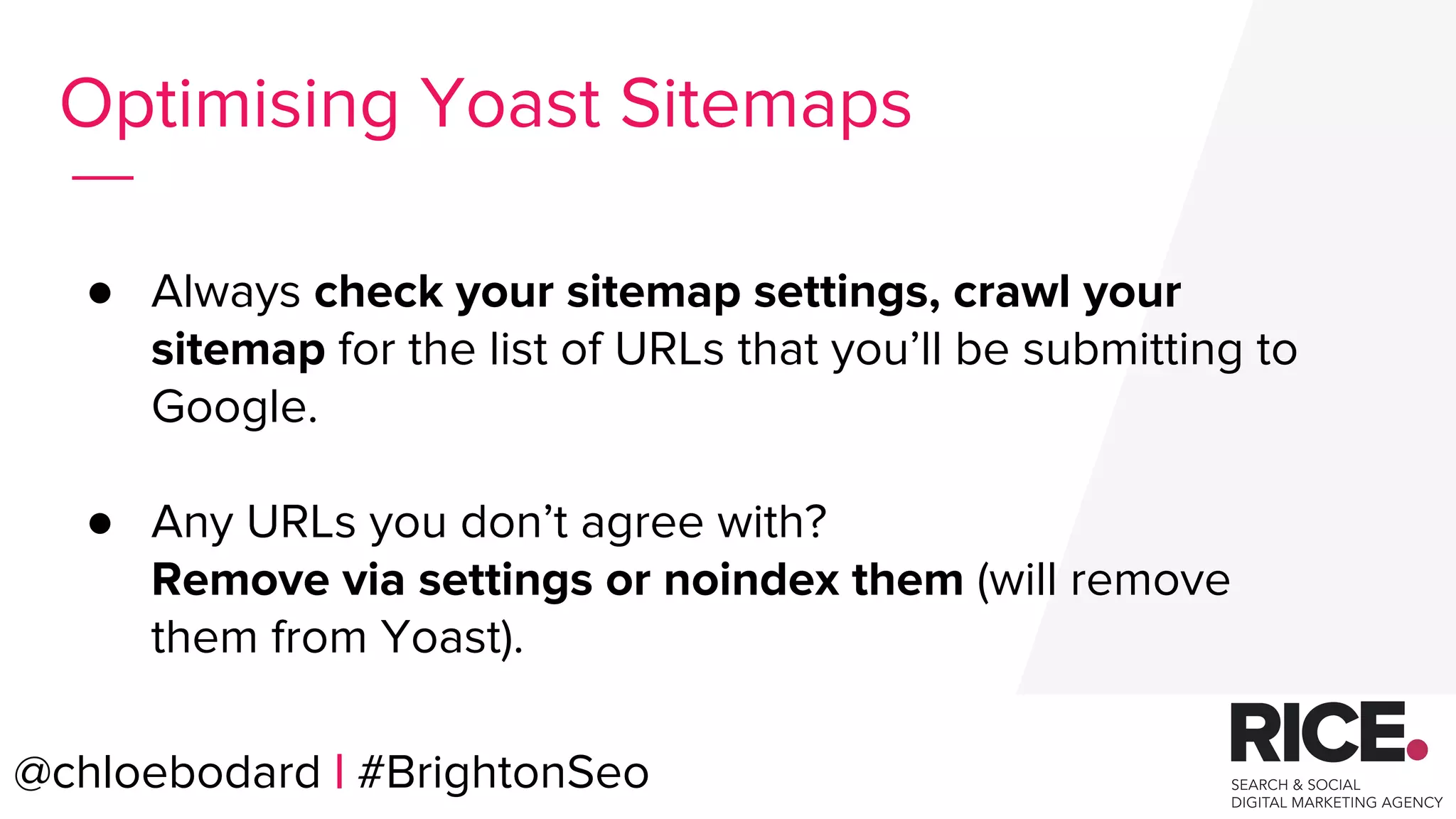
● Always check your sitemap settings, crawl your
sitemap for the list of URLs that you’ll be submitting to
Google.
● Any URLs you don’t agree with?
Remove via settings or noindex them (will remove
them from Yoast).
@chloebodard | #brightonseo@chloebodard | #BrightonSeo
Optimising Yoast Sitemaps
@chloebodard | #brightonseo
Check out Michelle’s
AWESOME
Sitemap Guide!
@chloebodard | #BrightonSeo
BRAUMGroup 56
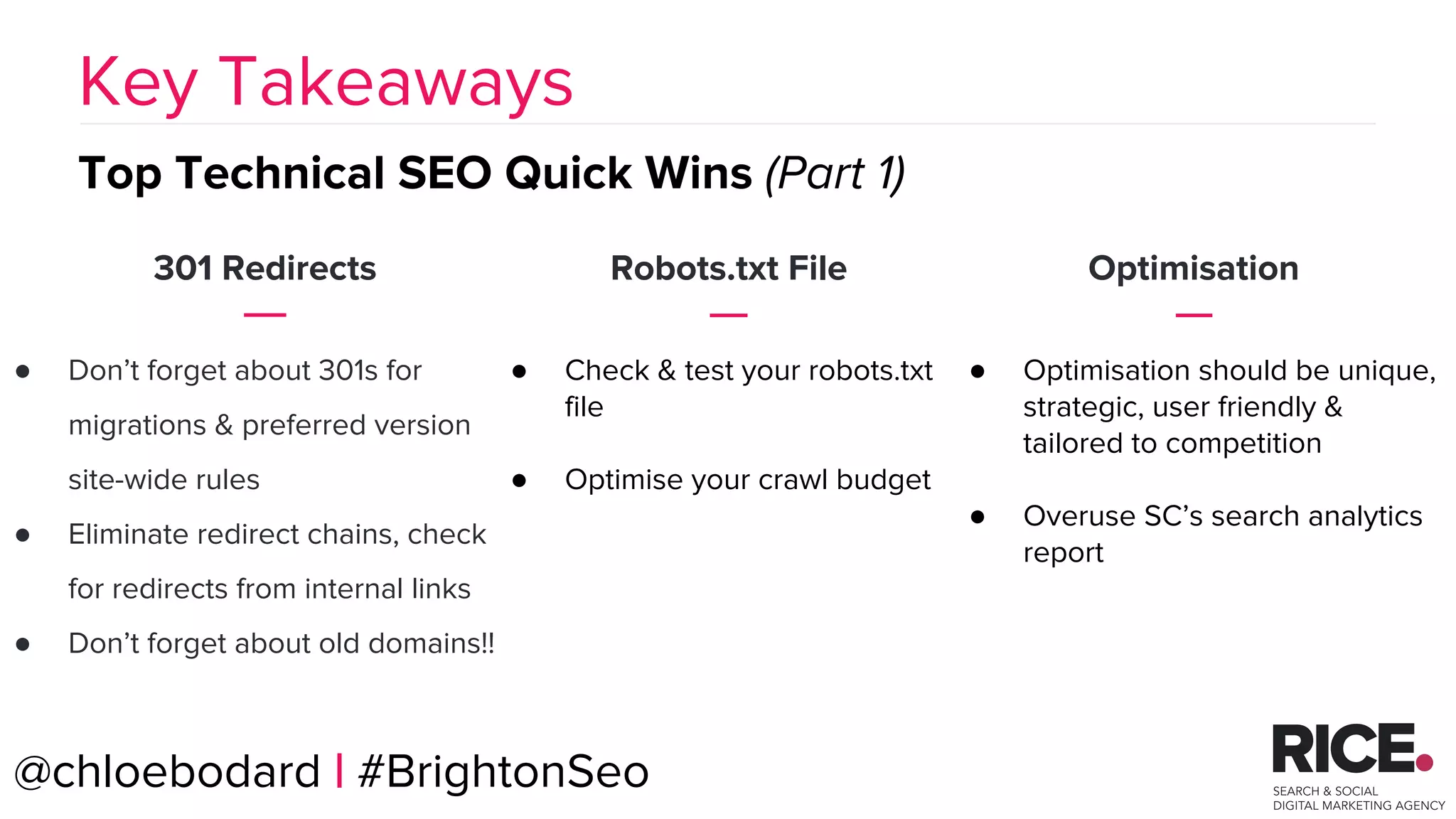
301 Redirects
● Don’t forget about 301s for
migrations & preferred version
site-wide rules
● Eliminate redirect chains, check
for redirects from internal links
● Don’t forget about old domains!!
Key Takeaways
Top Technical SEO Quick Wins (Part 1)
Robots.txt File
● Check & test your robots.txt
file
● Optimise your crawl budget
Optimisation
● Optimisation should be unique,
strategic, user friendly &
tailored to competition
● Overuse SC’s search analytics
report
@chloebodard | #BrightonSeo
BRAUMGroup 57
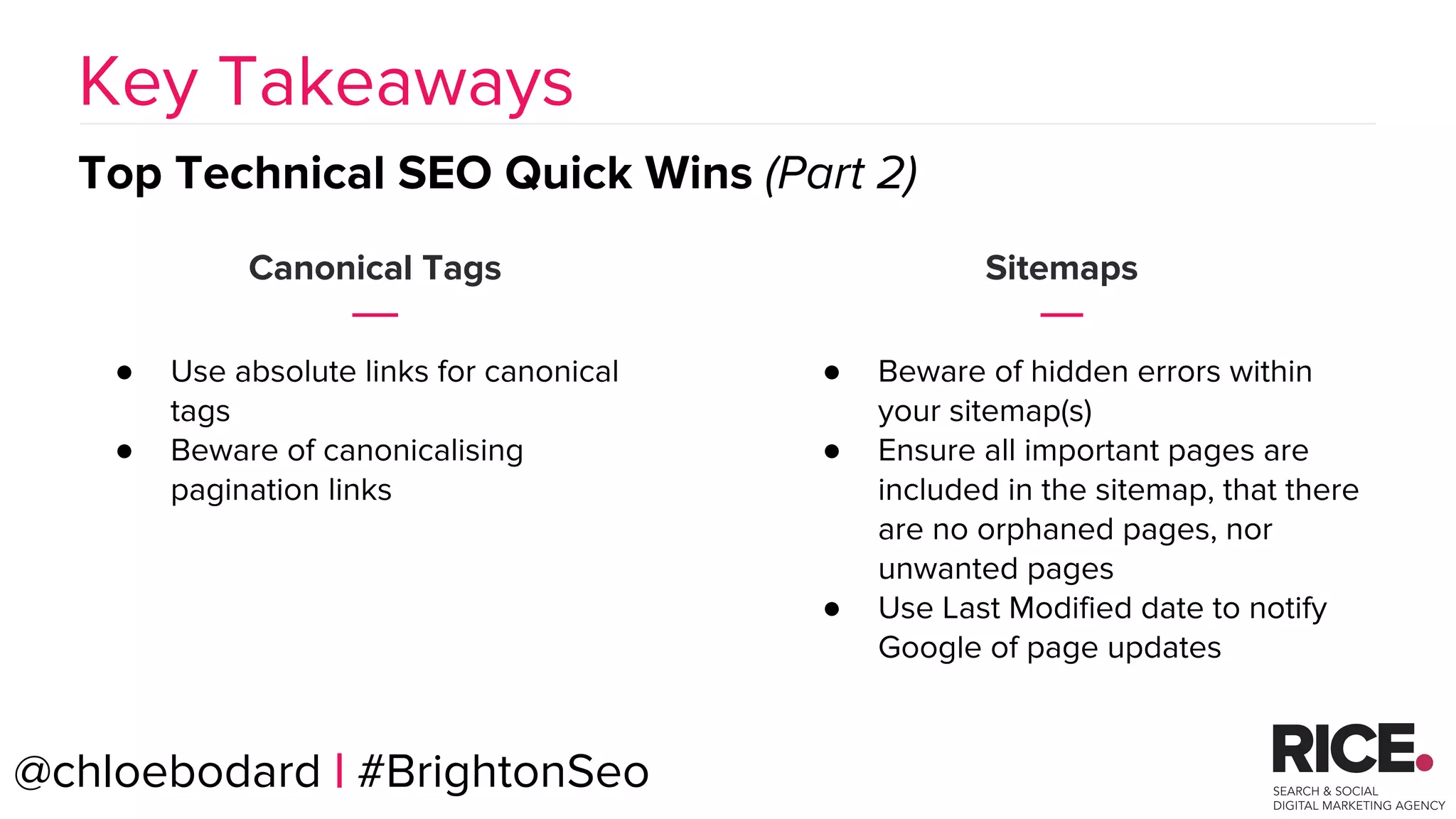
Canonical Tags
● Use absolute links for canonical
tags
● Beware of canonicalising
pagination links
Key Takeaways
Top Technical SEO Quick Wins (Part 2)
@chloebodard | #BrightonSeo
Sitemaps
● Beware of hidden errors within
your sitemap(s)
● Ensure all important pages are
included in the sitemap, that there
are no orphaned pages, nor
unwanted pages
● Use Last Modified date to notify
Google of page updates
@chloebodard | #brightonseo@chloebodard | #BrightonSeo
Thank You!

BrightonSEO 2017 - SEO quick wins from a technical check

  • 2.
    @chloebodard | #brightonseo TechnicalCheck??? @chloebodard | #BrightonSeo
  • 3.
    @chloebodard | #brightonseo QuickWins?? @chloebodard | #BrightonSeo
  • 4.
    @chloebodard | #brightonseo YourGo-To Tools @chloebodard | #BrightonSeo
  • 5.
    @chloebodard | #brightonseo 301 REDIRECTS ROBOTS.TXT FILE OPTIMISATIONSITEMAPS Top Technical SEO Quick Wins CANONICAL TAGS @chloebodard | #BrightonSeo
  • 6.
    +1,010% Organic transactions YOY WhatResults To Expect? ● Amount of keywords ranking has increased by 90% over last 6 months ● This lead to a massive jump in transactions from organic traffic. @chloebodard | #BrightonSeo
  • 7.
    +138% Increase in organicgoal completions What Results To Expect? ● Page 1 rankings for local terms. ● Organic traffic is up 49% year on year ● Goal conversion rate increased 60% YoY @chloebodard | #BrightonSeo
  • 8.
    @chloebodard | #brightonseo 301Redirects @chloebodard | #BrightonSeo
  • 9.
    @chloebodard | #brightonseo ●New site? ● Older domains? ● URL structure changes? ● Https migrations? ● Relative links? When Could You Have Issues? @chloebodard | #BrightonSeo
  • 10.
    @chloebodard | #brightonseo ●Missing 301s ● Redirect chains ● Broken 301s ● 302s ● Unnecessary Redirects What To Look For? @chloebodard | #BrightonSeo
  • 11.
    @chloebodard | #brightonseo Analyse& Fix the issues. @chloebodard | #BrightonSeo
  • 12.
  • 13.
    @chloebodard | #brightonseo@chloebodard| #BrightonSeo Site migration rushed - resulted in lots of redirect chains/broken redirects Redirect chains and broken redirects fixed 301s Case Study
  • 14.
    @chloebodard | #brightonseo ●Set up 301s from old & 404 pages to new ones ● Prevent redirect chains - URLs should 301 redirect straight to the final version. ● Update all internal links to point to the final destination URL to prevent unnecessary redirects ● Ensure site-wide 301 redirects are set up from non-preferred to preferred versions (www, https & trailing slashes) ● Ensure all redirects are permanent 301s and not temporary 302s UNLESS the move is temporary Redirection Tips @chloebodard | #BrightonSeo
  • 15.
    @chloebodard | #brightonseo Don’tjust check and fix the redirects in your web crawl! Look way back… ● Gather backlink URLs via tools such as Majestic ● Gather previous domain URLs ● Gather top landing page URLs from Analytics ● If you’re not sure of the old URLs, check websites like Wayback Machine which store domain website snapshots. ● Gather 404s from Search Console Consider old website versions too @chloebodard | #BrightonSeo
  • 16.
    @chloebodard | #brightonseo UseScreaming Frogs List Mode to crawl your list of URLs. Make sure ‘Always Follow Redirects’ is ticked in Settings. (Configuration > Spider > Advanced) ● Update Redirects which have multiple Redirect Chains ● Create Redirects for key 404s (esp. Backlink or Landing Page 404s) ● Fix broken/incorrect Redirects Crawl your URLs @chloebodard | #BrightonSeo
  • 17.
  • 18.
    @chloebodard | #brightonseo User-agent:* Disallow: Sitemap: https://www.yourwebsite/sitemap.xml “Make use of the robots.txt file on your web server.” Google Webmaster Guidelines @chloebodard | #BrightonSeo
  • 19.
    @chloebodard | #brightonseo Analyse& Fix the issues. @chloebodard | #BrightonSeo
  • 20.
    @chloebodard | #brightonseo ●Disallowing full site post migration ● Disallowing CSS/JS files ● Disallowing unexpected URLs ● Not disallowing staging site What Issues Could You Have? @chloebodard | #BrightonSeo
  • 21.
    @chloebodard | #brightonseo ●Site Disallow ● Unexpected URLs Disallow ● Disallowing CSS/JS files What To Look For? User-agent: * Disallow: / User-agent: * Disallow: /index.php/ User-agent: * Disallow: */js/ @chloebodard | #BrightonSeo
  • 22.
    @chloebodard | #brightonseo@chloebodard| #BrightonSeo Category page!!!
  • 23.
    @chloebodard | #brightonseo@chloebodard| #BrightonSeo Robots sorted Technical actions implemented Robots.txt File Case Study
  • 24.
    @chloebodard | #brightonseo Improveyour crawl budget. @chloebodard | #BrightonSeo
  • 25.
    @chloebodard | #brightonseo Whatis a Crawl Budget? @chloebodard | #BrightonSeo
  • 26.
    @chloebodard | #brightonseo Howto optimise your crawl budget? 1. Crawl your website. 2. Excessive URLs for users rather than search engines being crawled? i.e Add to Basket / Wish List / Parameterised URLs Eg: /claim/?action=claim_listing&listing_id=33910 /claim/?action=claim_listing&listing_id=33911 /book-an-appointment/997 /book-an-appointment/223 3. Disallow these via robots.txt (after testing!) @chloebodard | #BrightonSeo
  • 27.
    @chloebodard | #brightonseo Addpages irrelevant to search or that you don’t want crawled! How to Fix It? User-agent: * Disallow: /blog/tag/ Disallow: /whishlist/ @chloebodard | #BrightonSeo
  • 28.
    Option 1: Use therobots.txt tester in Search Console - this requires the robots.txt file to be actually updated. Option 2: Use the custom robots.txt tool in Screaming Frog to test then and there. Check the commands you are adding will work for the URLS you want to block. @chloebodard | #BrightonSeo How to test your robots?
  • 29.
    @chloebodard | #BrightonSeo Formore info check out Liam’s blog on How to Improve Your Crawl Budget !
  • 30.
  • 31.
    @chloebodard | #brightonseo OptimisationQuick Wins? ● Page titles ● H1s ● Meta descriptions for CTR. @chloebodard | #BrightonSeo
  • 32.
    @chloebodard | #brightonseo ●Missing page titles/meta descriptions/ H1s ● Duplicate page titles/meta descriptions/ H1s ● Lack of keyword targeting ● Meta tags improvement potential ● Internal cannibalisation What To Look For? @chloebodard | #BrightonSeo
  • 33.
    @chloebodard | #brightonseo Howto check? ● Crawl your site ● Look at overview report tab ● Download the SERP Summary report which you can then filter: MISSING, DUPLICATED & LENGTH @chloebodard | #BrightonSeo
  • 34.
    @chloebodard | #brightonseo Howto check? ● Main phrase at beginning of Page title? ● Main phrase/ variation in the H1? ● H2s semantically relevant? ● Close rankings for different pages? ● Organic traffic drop to one page & increase for a similar one? KEYWORDS TARGETING INTERNAL CANNIBALISATION ● Use SC Search Analytics report ● Check CTR - is rank high and CTR low? ● Do you have KW ranking on top of page 2? @chloebodard | #BrightonSeo METAS OPTIMISATION
  • 35.
    @chloebodard | #brightonseo Analyse& Fix the issues. @chloebodard | #BrightonSeo
  • 36.
    @chloebodard | #brightonseo@chloebodard| #BrightonSeo Search Console Search Analytics Report
  • 37.
    @chloebodard | #brightonseo@chloebodard| #BrightonSeo Page Titles, H1s & Meta descriptions Updated +46% increase in organic traffic since! Optimisation Case Study
  • 38.
    @chloebodard | #brightonseo ●Ensure ALL pages have a unique Page title, meta description and H1s. ○ Targeted keyword should be at the start of the page title & in the H1 ○ Look at top rankers !! ○ Seize improvement opportunities from SC ○ Make meta descriptions engaging & with a CTA. ○ Include KW & semantic variations in H2s ● Ensure page titles & meta descriptions are within recommended length (up to 61-63 characters now) ● Ensure each page targets a different phrase to avoid internal cannibalisation ● Push pages ranking on top of page 2 to page 1 Optimisation Quick Wins @chloebodard | #BrightonSeo
  • 39.
    @chloebodard | #brightonseo@chloebodard| #BrightonSeo Be a Flamingo in a flock of Pigeons.
  • 40.
  • 41.
    @chloebodard | #brightonseo ●Relative URLS ● 404s and 301s ● Non-preferred domain ● Listing URLs canonicalised to the first page Issues To Look For? @chloebodard | #BrightonSeo
  • 42.
    @chloebodard | #brightonseo@chloebodard| #BrightonSeo Tech changes made and canonicals set to non preferred (http) version Canonicals updated to avoid 301s and point to preferred version (https) Canonical Tags Case Study
  • 43.
    @chloebodard | #brightonseo Howto check? Run a DeepCrawl Canonical Report to highlight: ● canonical errors, ● orphaned canonical URLs ● pages without a valid canonical tag Use Screaming Frog to: ● Identify canonicalised URLs ● Check for errors by exporting the Canonical Errors report @chloebodard | #BrightonSeo
  • 44.
    @chloebodard | #brightonseo Analyse& Fix the issues. @chloebodard | #BrightonSeo
  • 45.
    @chloebodard | #brightonseo ●Use absolute rather than relative URLs ● Make sure your canonical matches your preferred domain (http or https) ● Update canonical tags if you migrate. ● Don’t canonicalise listing URLs to the first page - they are not duplicate content, use rel=”prev” & rel=”next” tags ● Canonical tags should not point to a 404 or 301 redirect ● Add self-referencing canonical tags to non canonicalised pages Implementing Canonical Tags @chloebodard | #BrightonSeo
  • 46.
  • 47.
    @chloebodard | #brightonseo <?xmlversion="1.0" encoding="UTF-8"?> <urlset xmlns="http://www.sitemaps.org/schemas/sitemap/0.9"> <url> <loc>http://www.example.com/</loc> <lastmod>2005-01-01</lastmod> <changefreq>monthly</changefreq> <priority>0.8</priority> </url> </urlset A standard sitemap as shown within Sitemaps.org looks like this: ● Does not improve rankings ● Does provide a key list of your important pages to Google. ● There can be lots of hidden issues within your sitemap. @chloebodard | #BrightonSeo
  • 48.
    @chloebodard | #brightonseo ●Errors in your sitemap, such as 404, 301s or canonicalised URLs ● Orphaned URLs that you may / may not want to be indexed ● Missing/inaccurate Last Modified Date ● Missing key pages ● Noindex pages & URLs blocked by robots.txt file Issues To Look For? @chloebodard | #BrightonSeo
  • 49.
    @chloebodard | #brightonseo Howto check? Use DeepCrawl to analyse your sitemap. Sitemap report will: ● Highlight any orphaned URLs to be linked ● Pages missing from your sitemap to be added ● Errors within its pages to be fixed Use Search console to submit it & check for errors: ● Check for warnings & follow recommendations ● Look at number of URLs submitted vs indexed @chloebodard | #BrightonSeo
  • 50.
  • 51.
    @chloebodard | #brightonseo Analyse& Fix the issues. @chloebodard | #BrightonSeo
  • 52.
    @chloebodard | #brightonseo ●Best type of Sitemap is dynamic - automatically updates! ● Check for errors in your sitemap, don’t include 404, 301s or canonicalised URLs ● Beware of orphaned URLs that you may not want to be indexed ● Include an accurate Last Modified Date ● Make sure your key pages are in there & use child sitemaps to separate sections/large list of URLs. ● If multiple types of content, use additional sitemap types (image, video & mobile ) Sitemap.xml Guidelines & Quick Wins @chloebodard | #BrightonSeo
  • 53.
    Choose Yoast forbeautiful dynamic sitemaps, but... Default settings include EVERYTHING that isn’t set to noindex! ● URLs you never knew existed like layout & slider sections? Likely to be in the sitemap. ● PPC pages that you’ve created but not linked internally? Likely to be in the sitemap. ● Old pages you’ve used but haven’t redirected? Likely to be in the sitemap ● Test pages you’ve made for fun? Likely to be in the sitemap @chloebodard | #brightonseo@chloebodard | #BrightonSeo Using Wordpress?
  • 54.
    ● Always checkyour sitemap settings, crawl your sitemap for the list of URLs that you’ll be submitting to Google. ● Any URLs you don’t agree with? Remove via settings or noindex them (will remove them from Yoast). @chloebodard | #brightonseo@chloebodard | #BrightonSeo Optimising Yoast Sitemaps
  • 55.
    @chloebodard | #brightonseo Checkout Michelle’s AWESOME Sitemap Guide! @chloebodard | #BrightonSeo
  • 56.
    BRAUMGroup 56 301 Redirects ●Don’t forget about 301s for migrations & preferred version site-wide rules ● Eliminate redirect chains, check for redirects from internal links ● Don’t forget about old domains!! Key Takeaways Top Technical SEO Quick Wins (Part 1) Robots.txt File ● Check & test your robots.txt file ● Optimise your crawl budget Optimisation ● Optimisation should be unique, strategic, user friendly & tailored to competition ● Overuse SC’s search analytics report @chloebodard | #BrightonSeo
  • 57.
    BRAUMGroup 57 Canonical Tags ●Use absolute links for canonical tags ● Beware of canonicalising pagination links Key Takeaways Top Technical SEO Quick Wins (Part 2) @chloebodard | #BrightonSeo Sitemaps ● Beware of hidden errors within your sitemap(s) ● Ensure all important pages are included in the sitemap, that there are no orphaned pages, nor unwanted pages ● Use Last Modified date to notify Google of page updates
  • 58.
    @chloebodard | #brightonseo@chloebodard| #BrightonSeo Thank You!