مهارات العرض الفعال Effective Presentation Skills Alaa Sadik, PhD [email_address] www.alaasadik.net
About the Presenter I am from Egypt and received my Ph.D. in educational technology from the University of Hull, UK, in 2002.  Work as an assistant professor of instructional technology at Department of Instructional & Learning Technology, College of Education (2006-present).  Teach various courses in instructional computer, multimedia and distance education for ILT students.  Published many articles on the use technology and multimedia in education
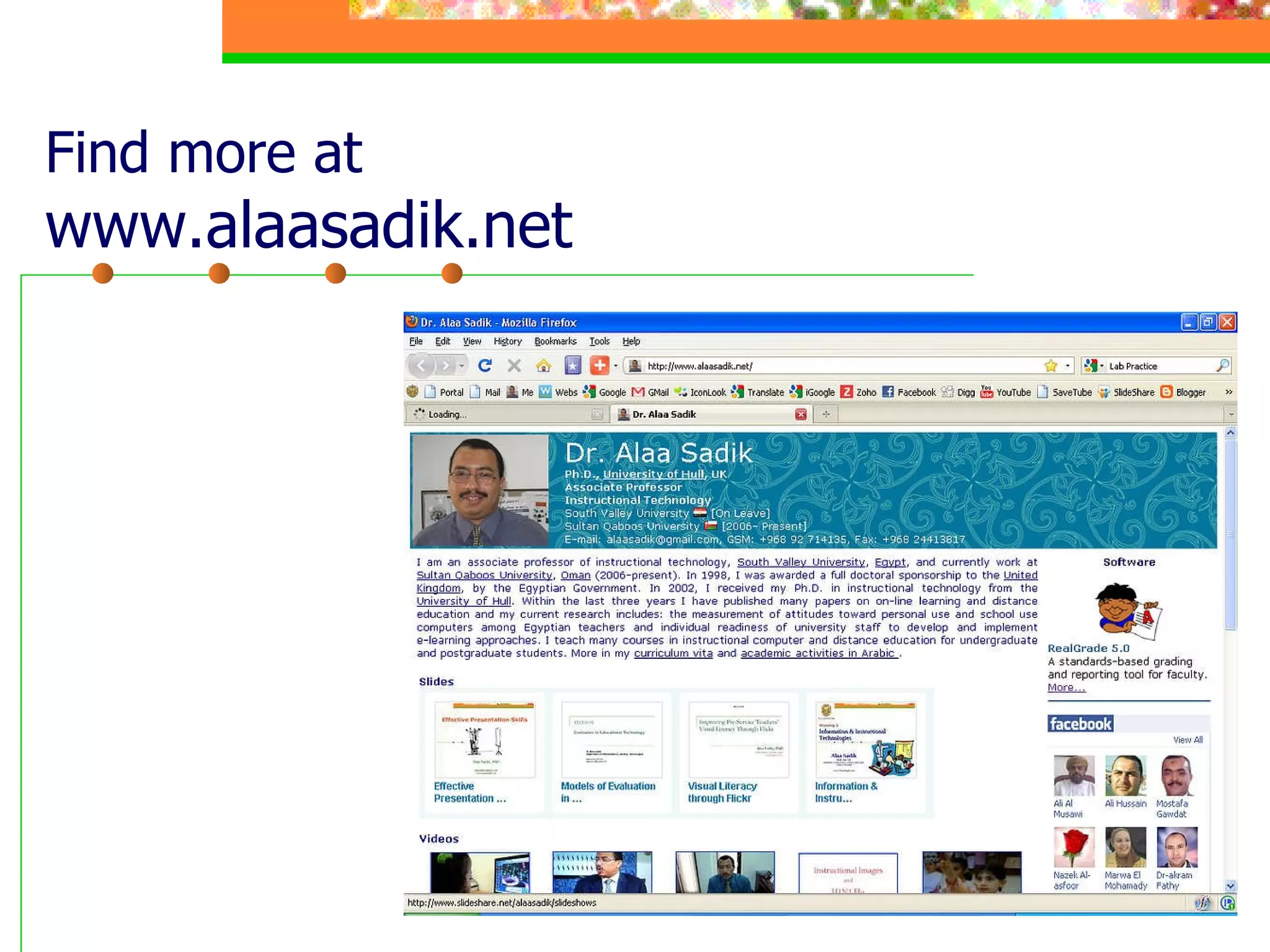
Find more at www.alaasadik.net
Effective Presentation Skills Main Points Types of media and multimedia Principles of message design Types of presentation technology Designing effective presentations Practice: Using PowerPoint and the Web
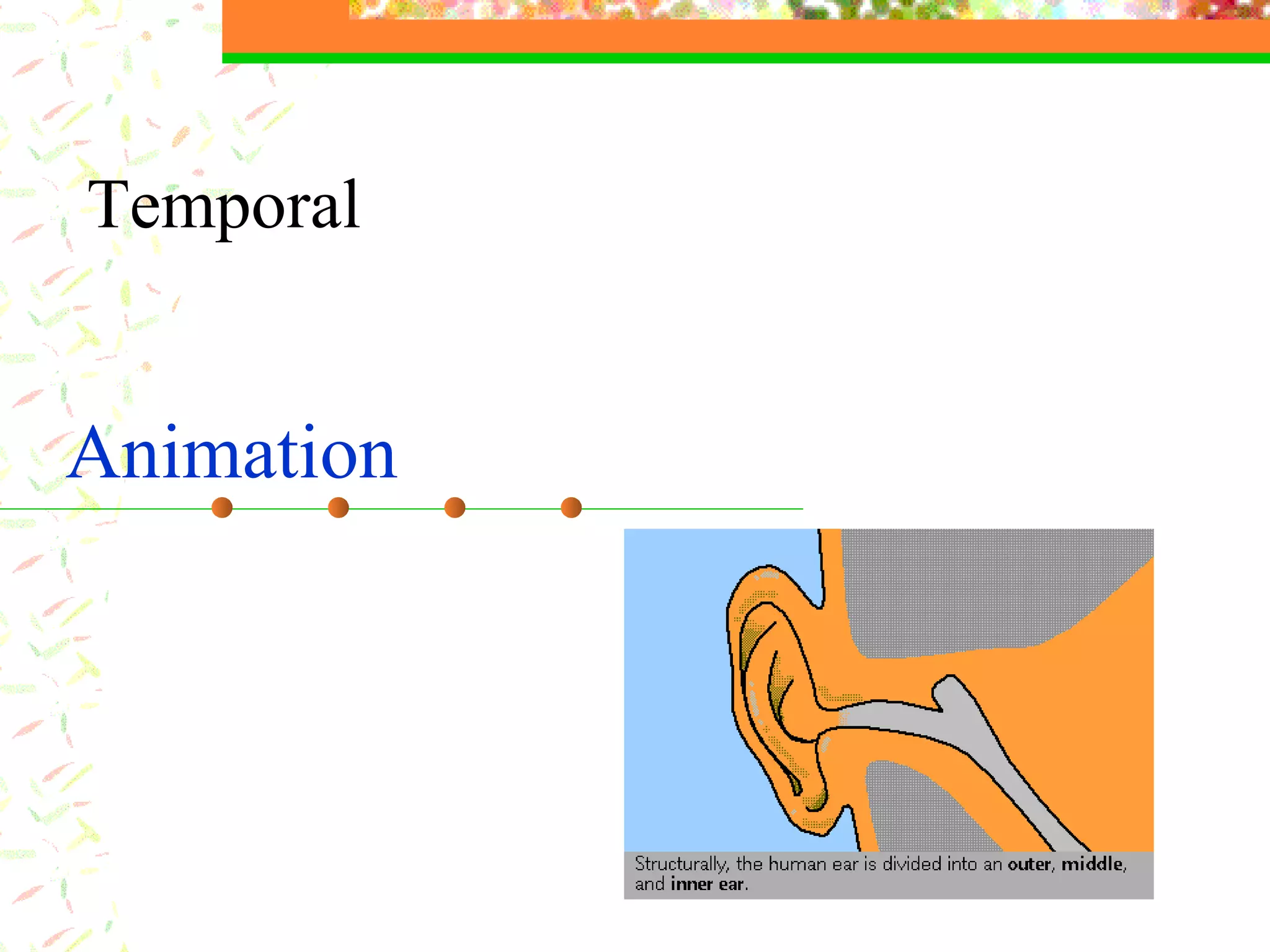
The  Human Ear Text  words, numbers, signs, symbols, equations, etc. The ear consists of three basic parts the outer ear, the middle ear, and the inner ear.  Each part of the ear serves a specific purpose in the task of detecting and interpreting sound. ……………………………… ……………………………… ………………………………
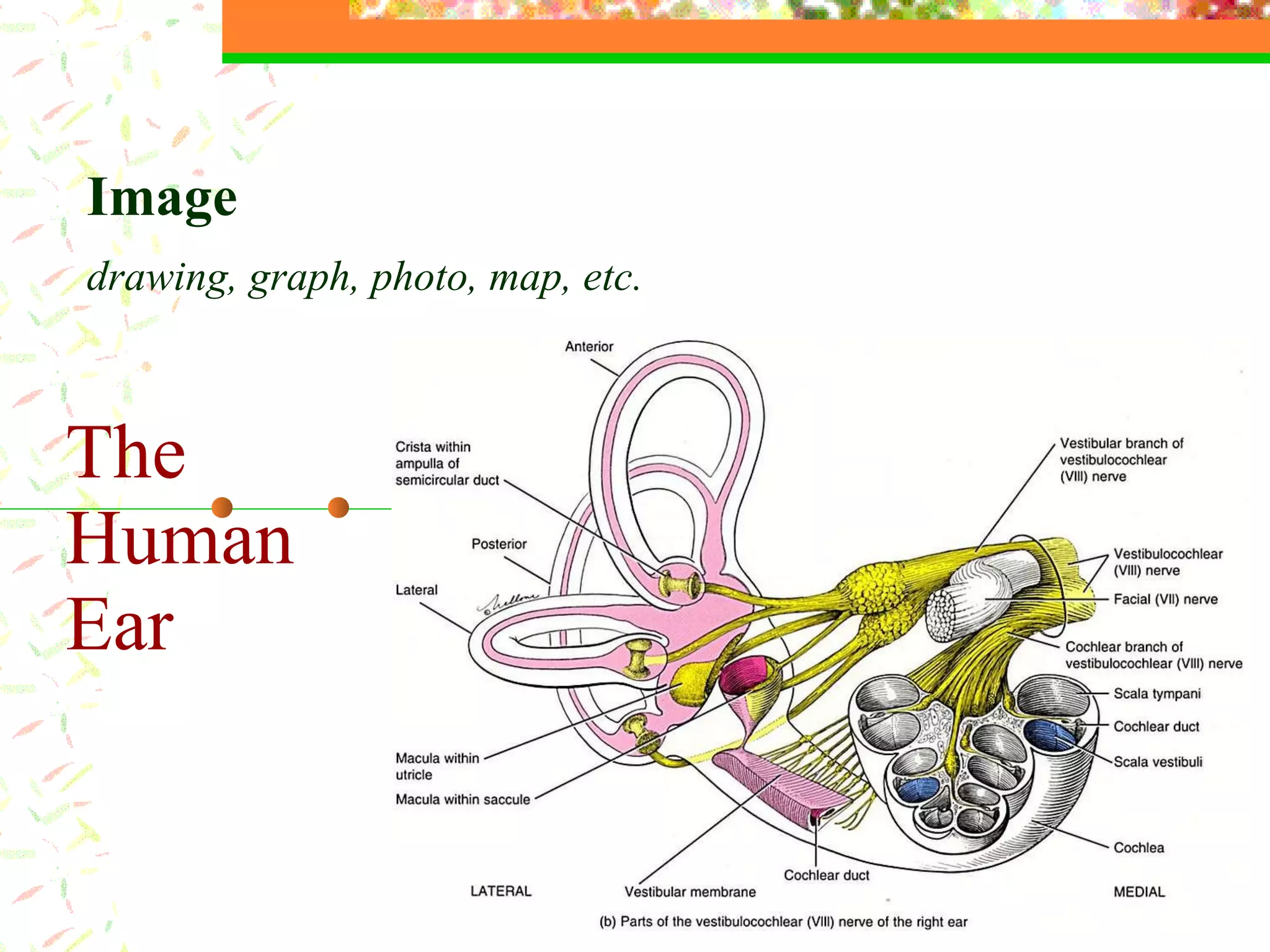
The  Human Ear Image   drawing, graph, photo, map, etc.
Types of Images
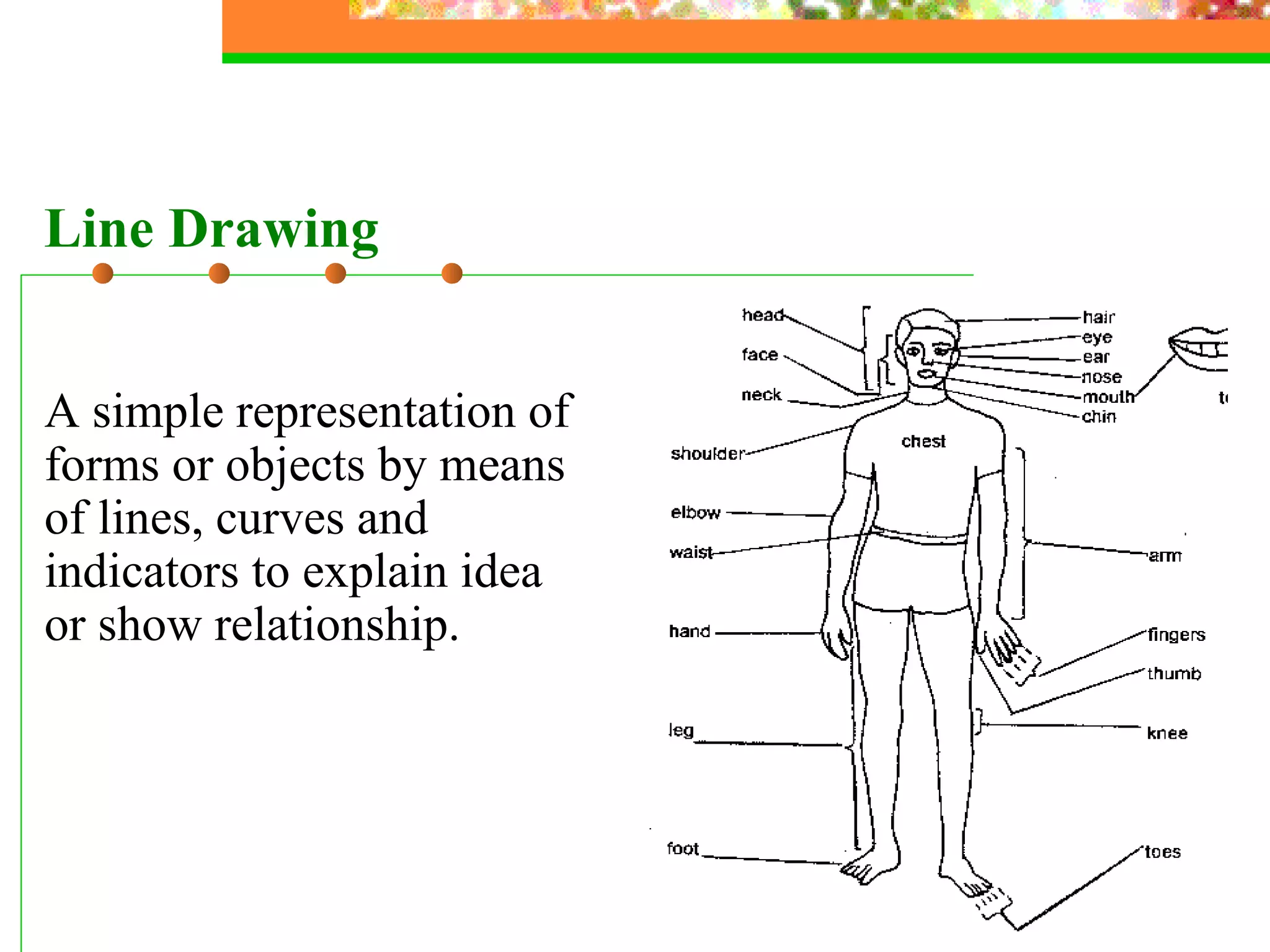
A simple representation of forms or objects by means of lines, curves and indicators to explain idea or show relationship. Line Drawing
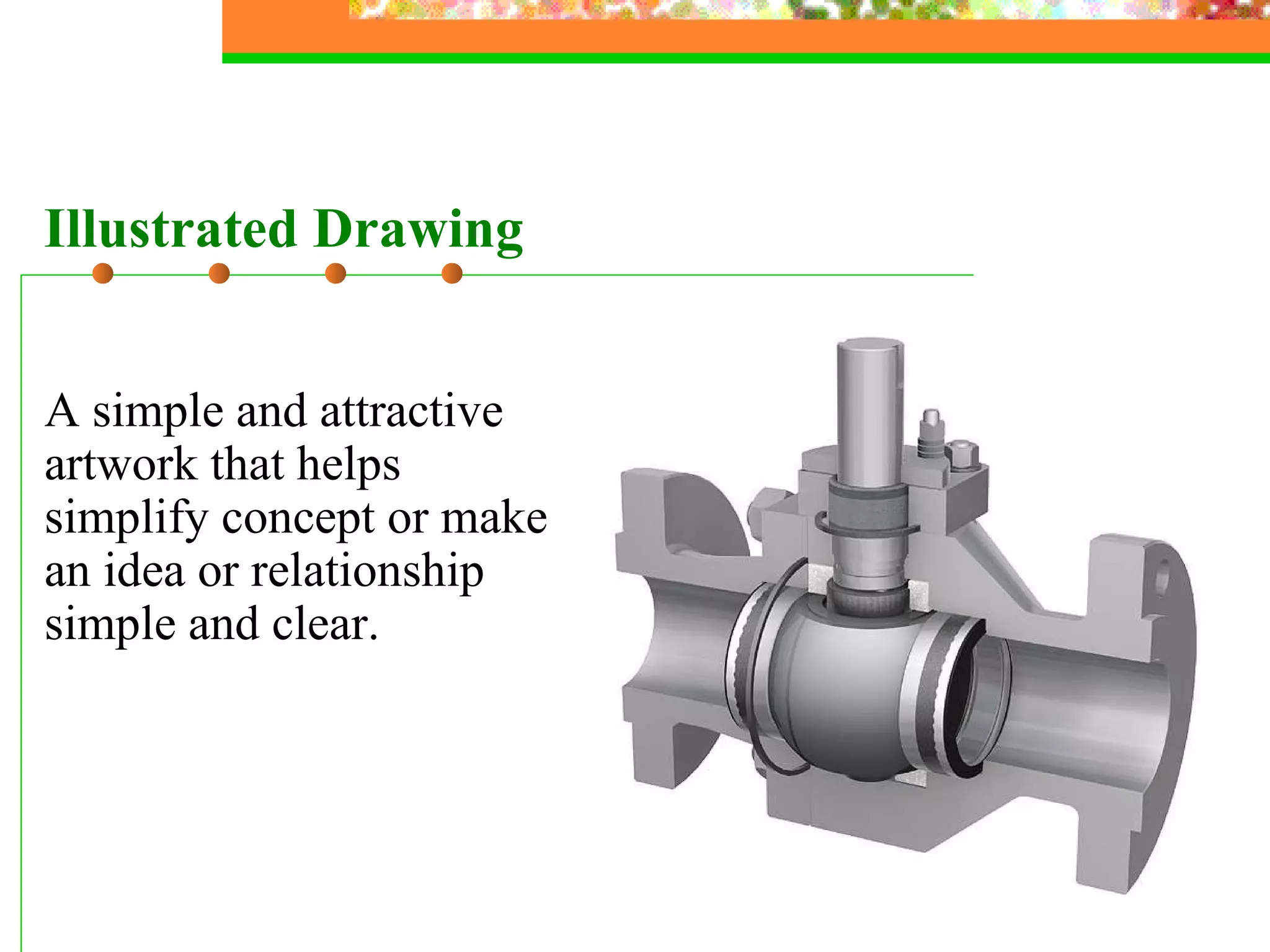
A simple and attractive artwork that helps simplify concept or make an idea or relationship simple and clear. Illustrated Drawing
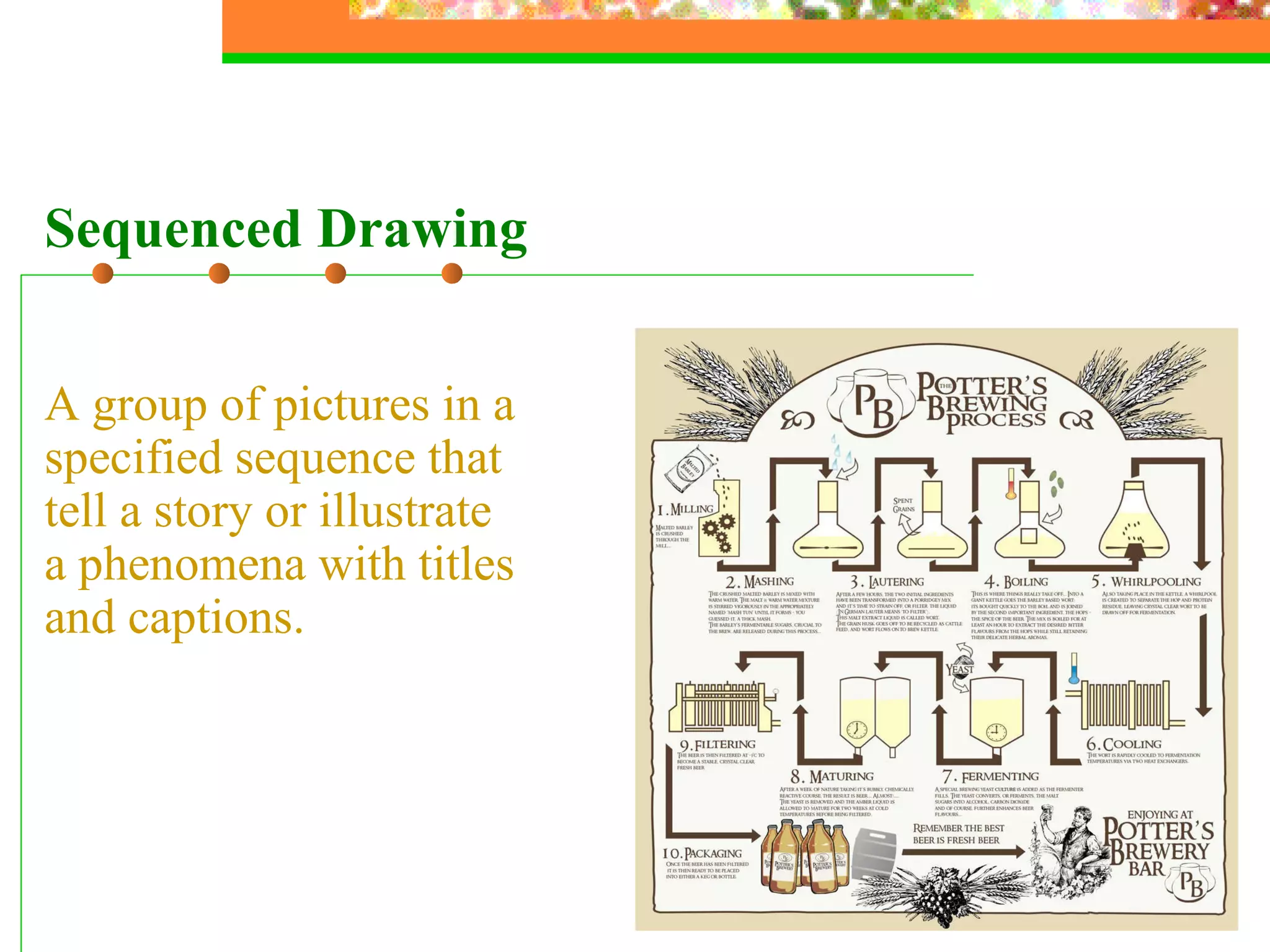
A group of pictures in a specified sequence that tell a story or illustrate a phenomena with titles and captions.  Sequenced Drawing
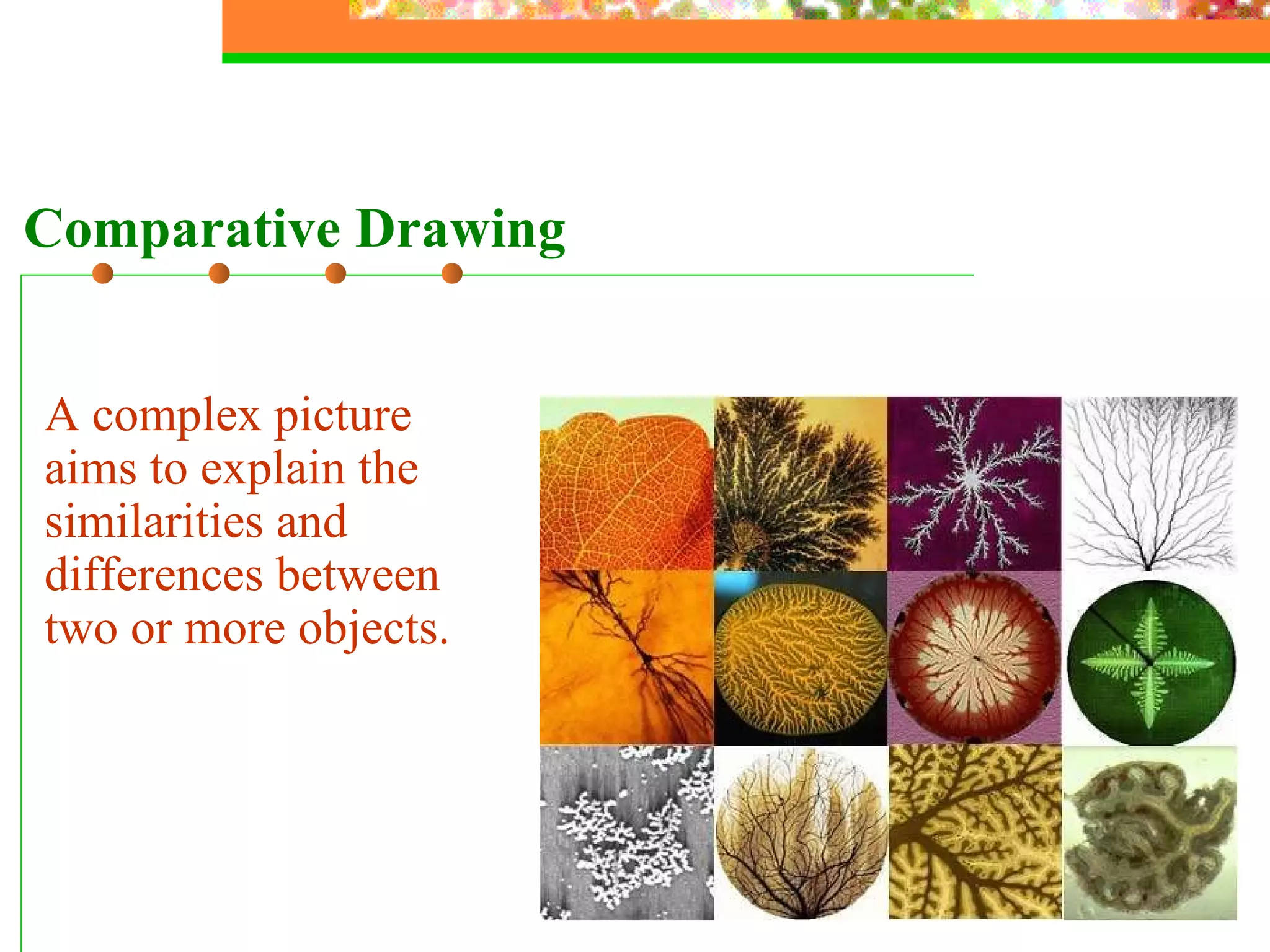
A complex picture aims to explain the similarities and differences between two or more objects. Comparative Drawing
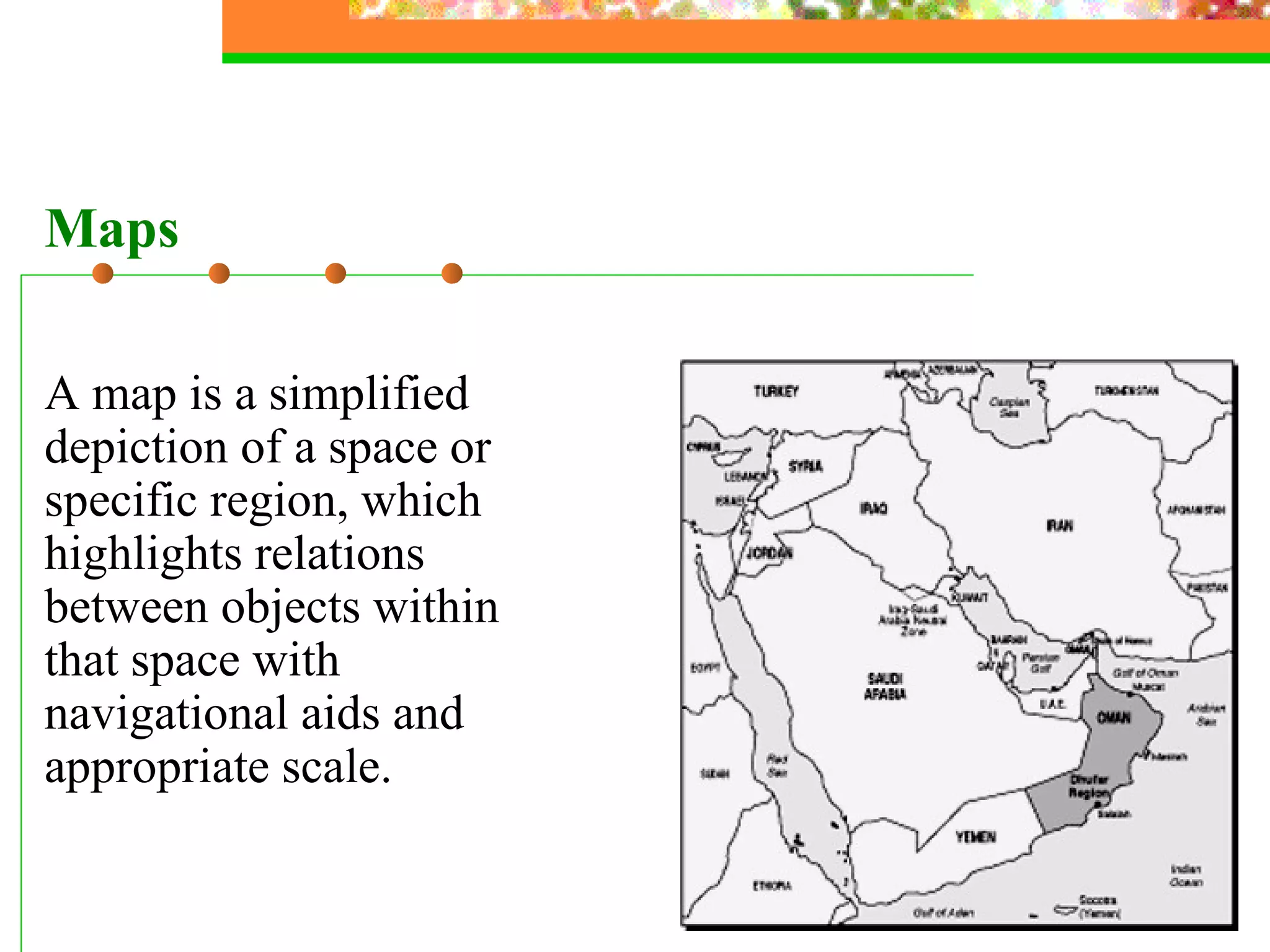
A map is a simplified depiction of a space or specific region, which highlights relations between objects within that space with navigational aids and appropriate scale. Maps
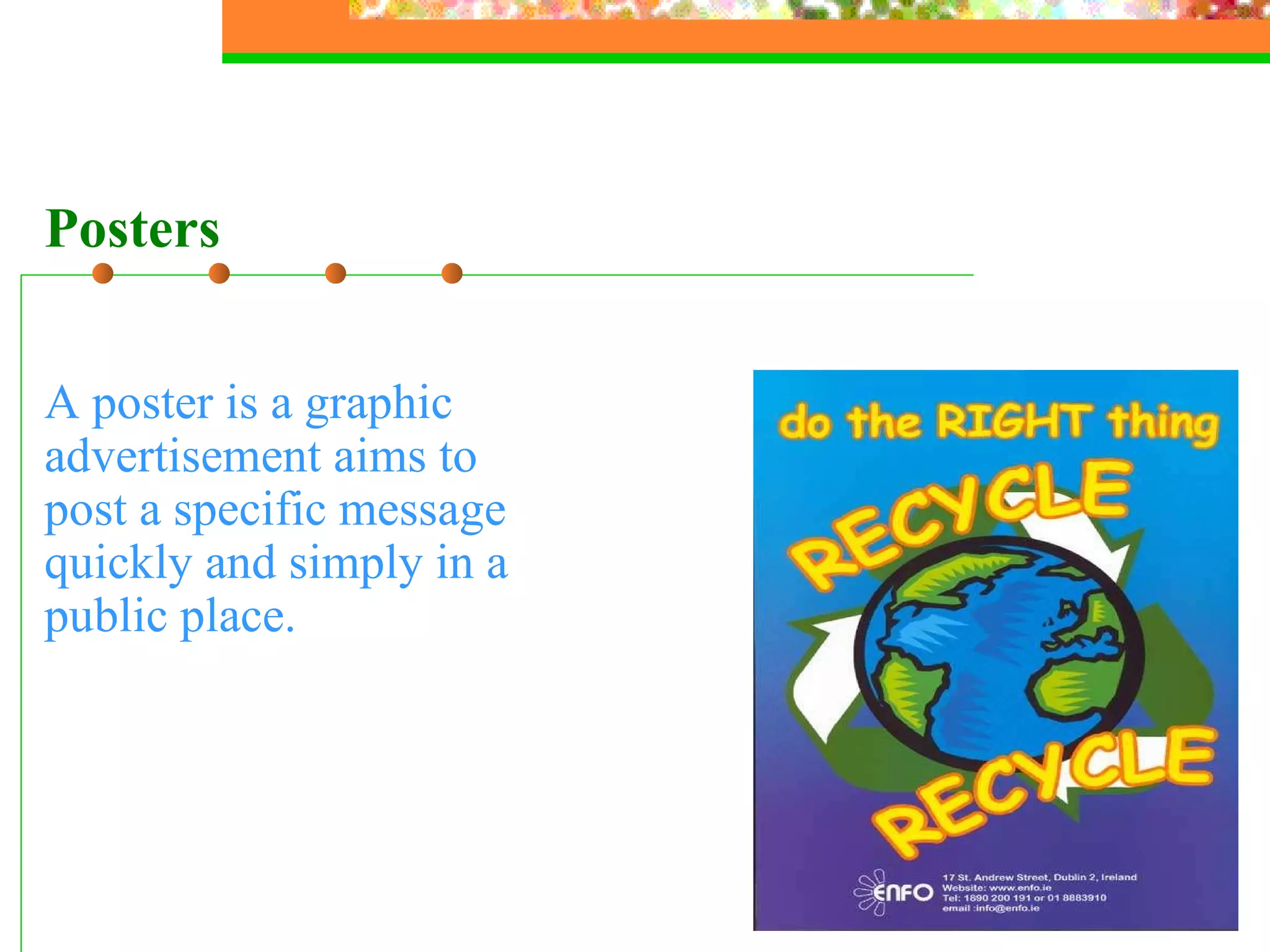
A poster is  a graphic advertisement aims to post a specific message quickly and simply in a public place. Posters
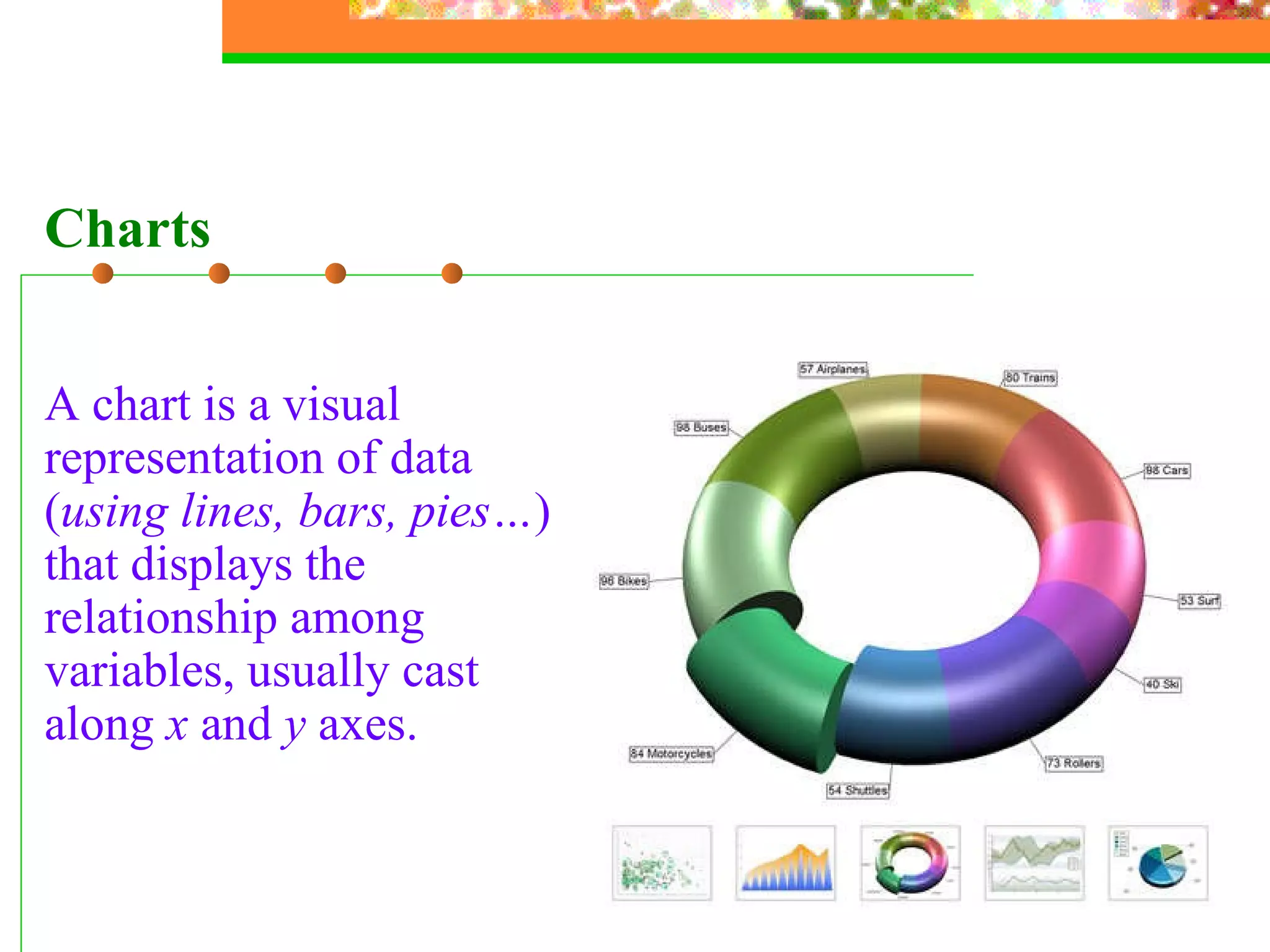
A chart is  a visual representation of data ( using lines, bars, pies… ) that displays the relationship among variables, usually cast along  x  and  y  axes.   Charts
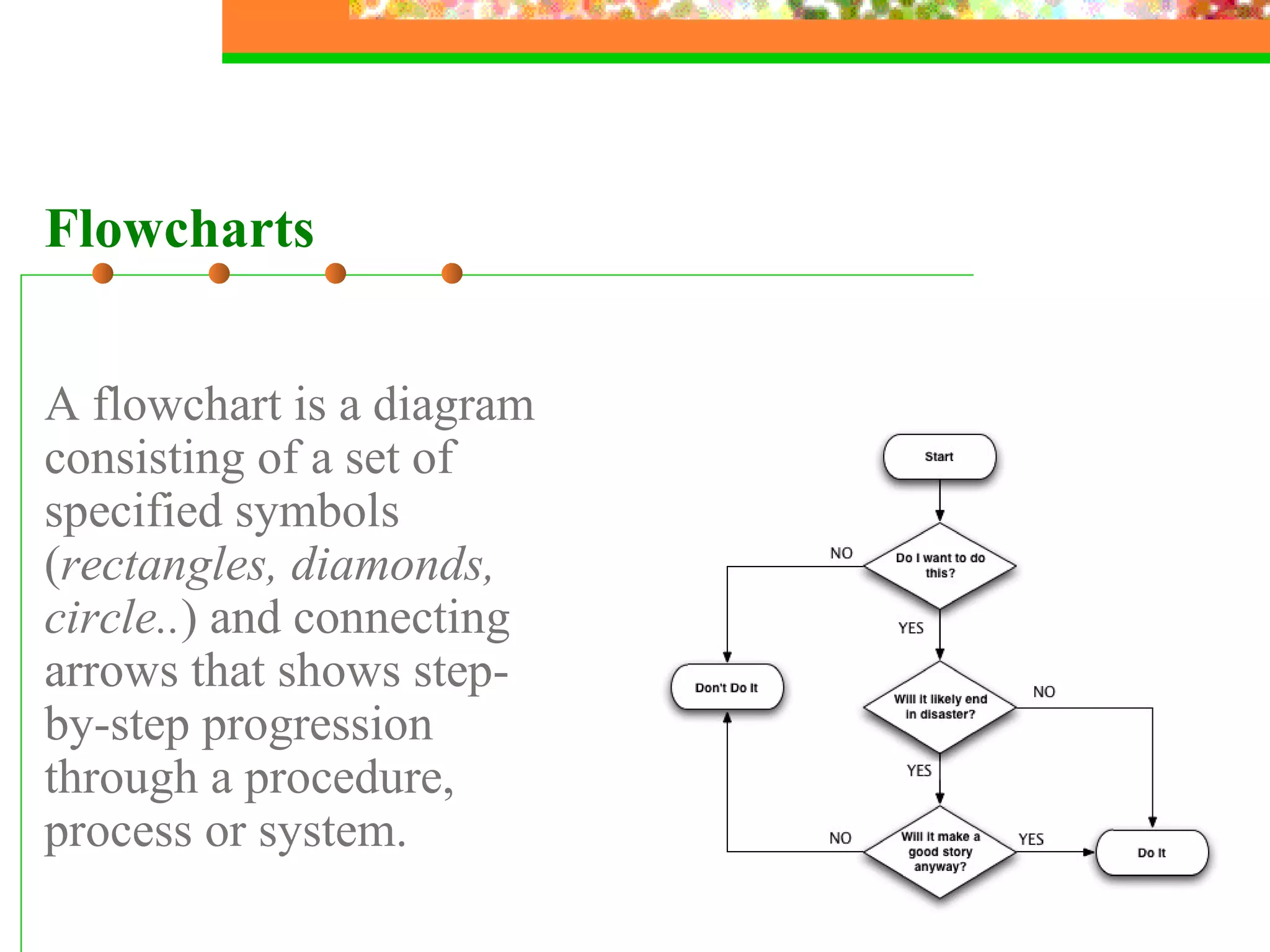
Flowcharts A flowchart is a diagram consisting of a set of specified symbols ( rectangles, diamonds, circle.. ) and connecting arrows that shows step-by-step progression through a procedure, process or system.
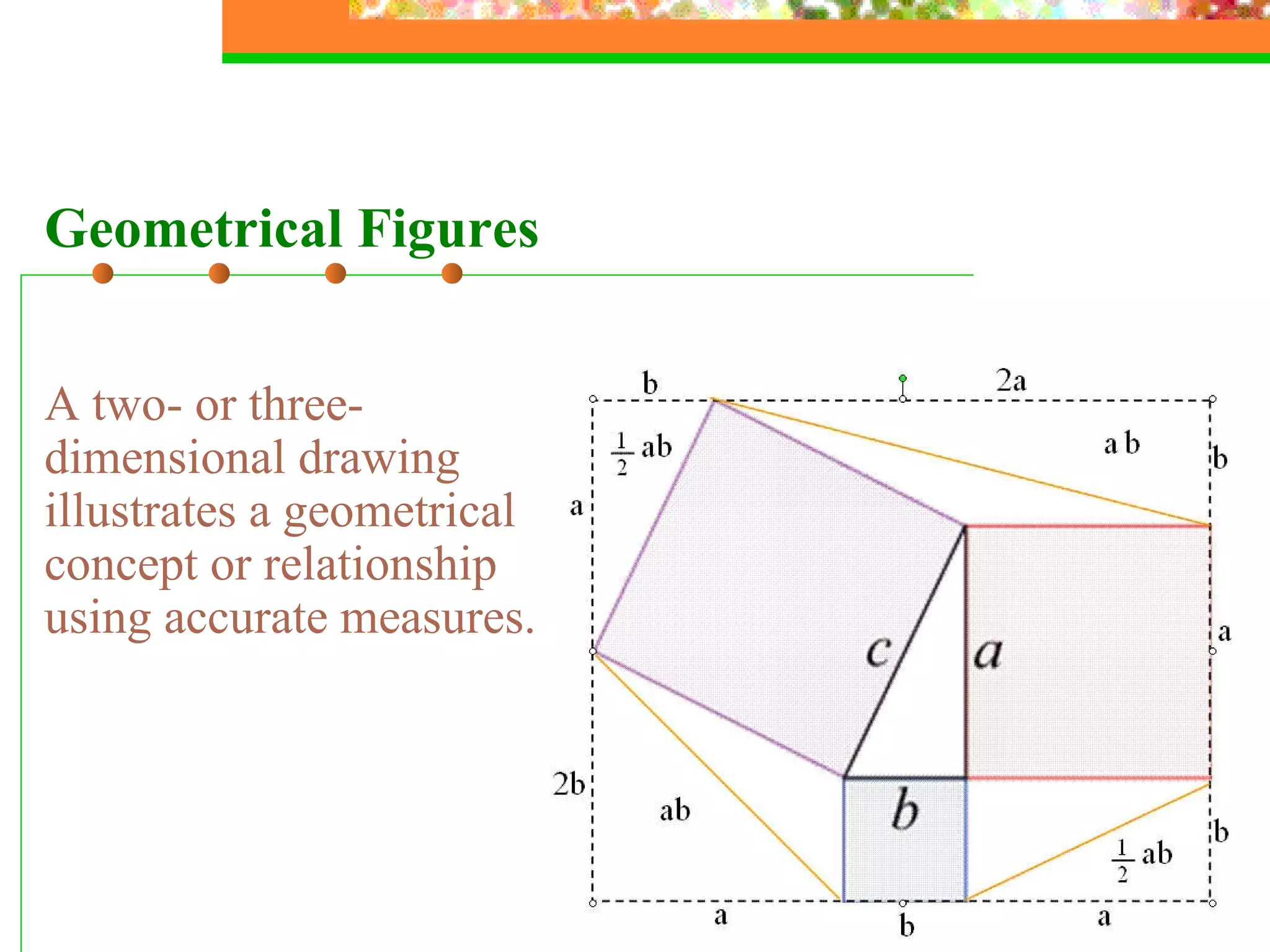
Geometrical Figures A two- or three-dimensional drawing illustrates a geometrical concept or relationship using accurate measures.
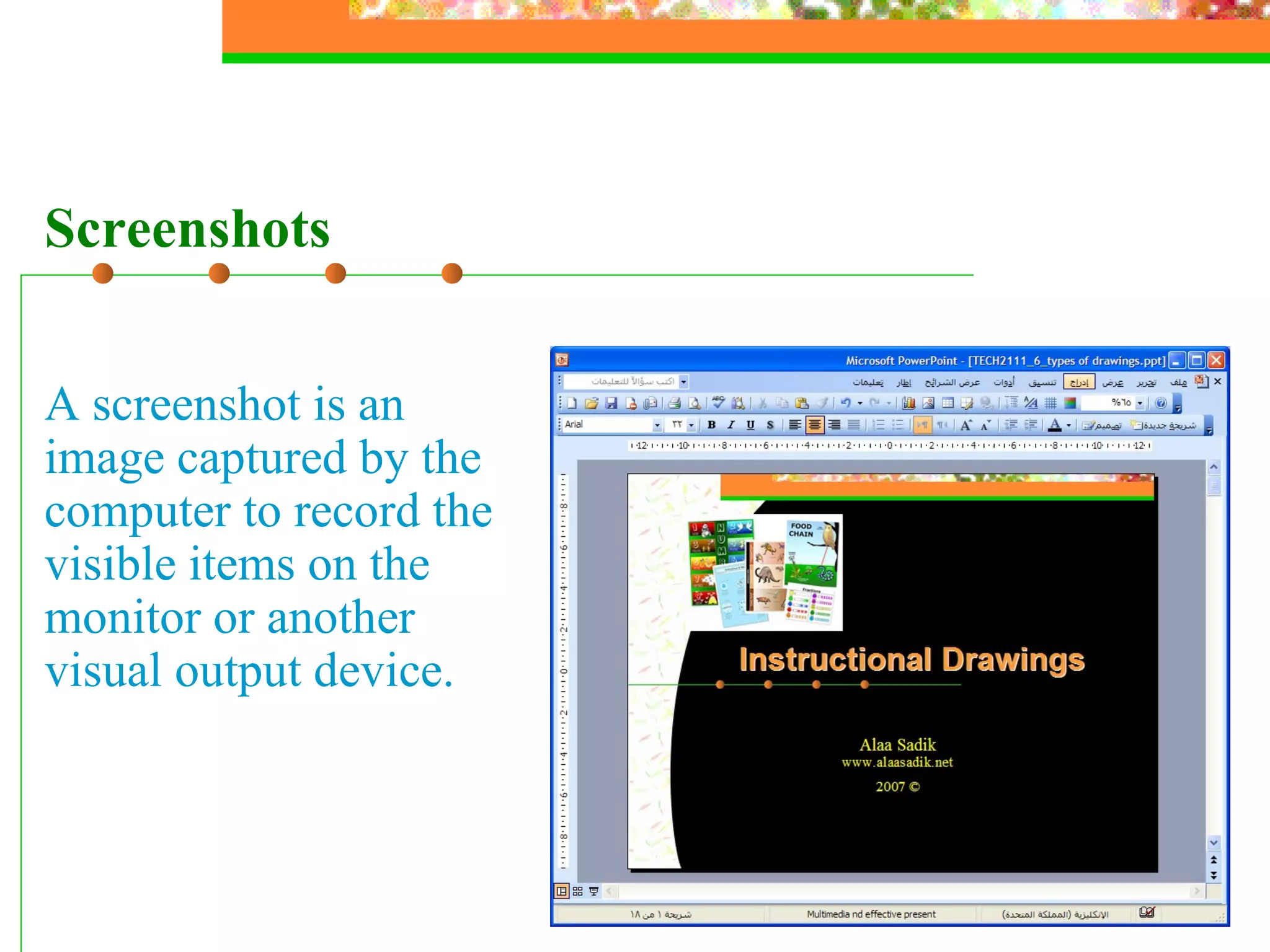
Screenshots A screenshot is an image captured by the computer to record the visible items on the monitor or another visual output device.
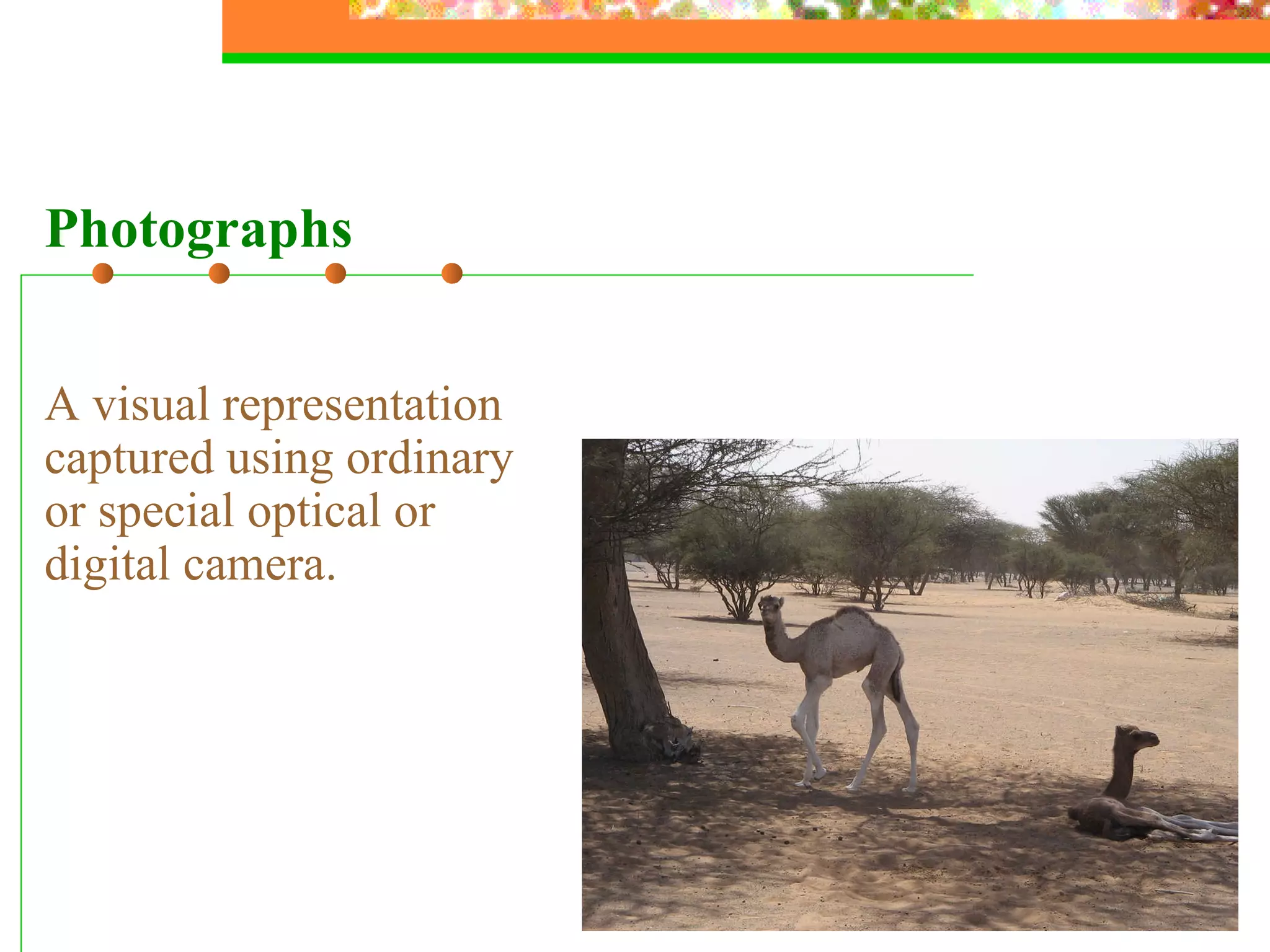
A visual representation captured using ordinary or special optical or digital camera. Photographs
The  Human Ear Audio  human voice, sound effects, natural, mechanical, etc. The human ear consists of ...
Additional Types of Media
Animation Temporal
Video  Temporal
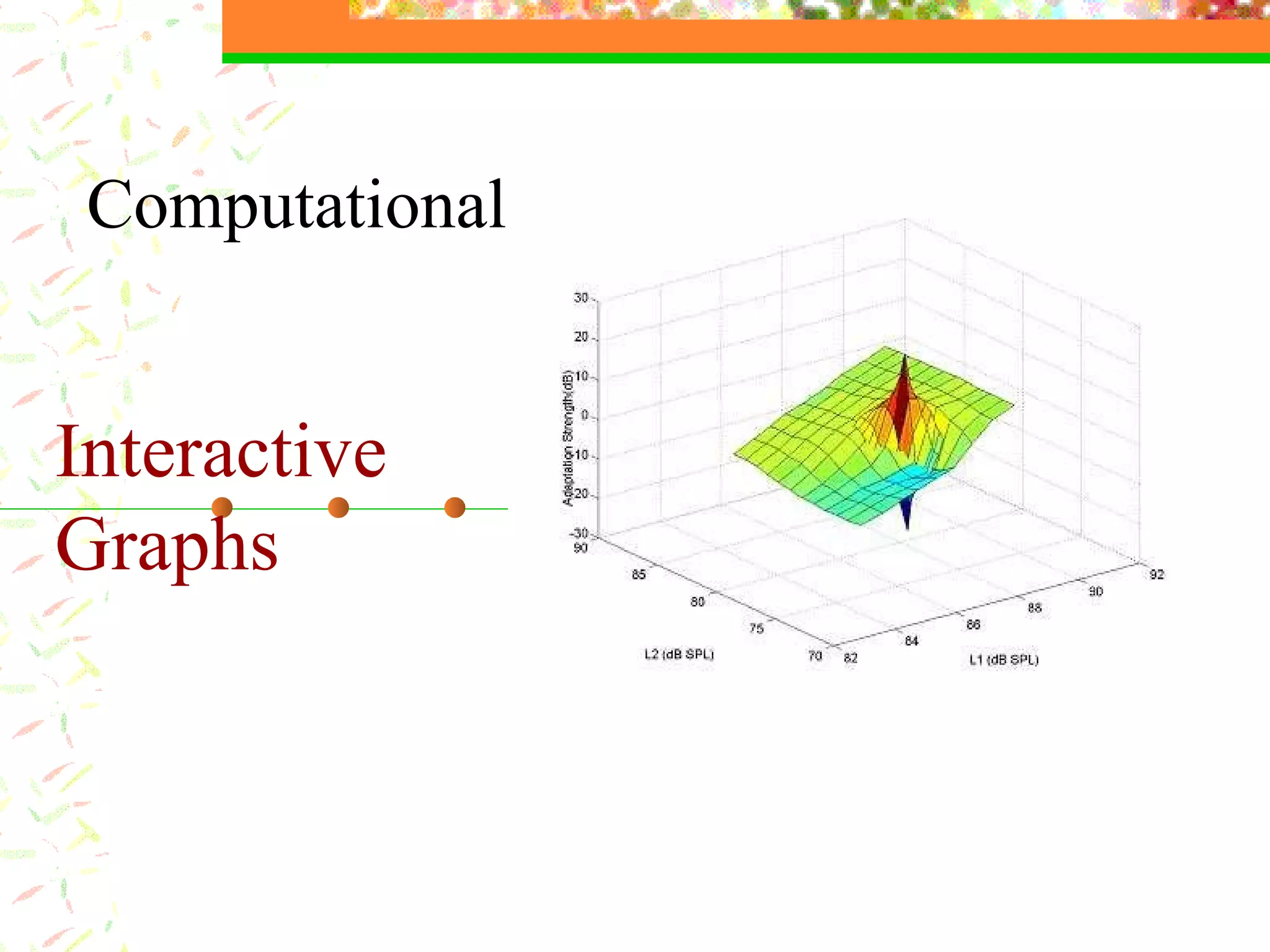
Interactive Graphs Computational
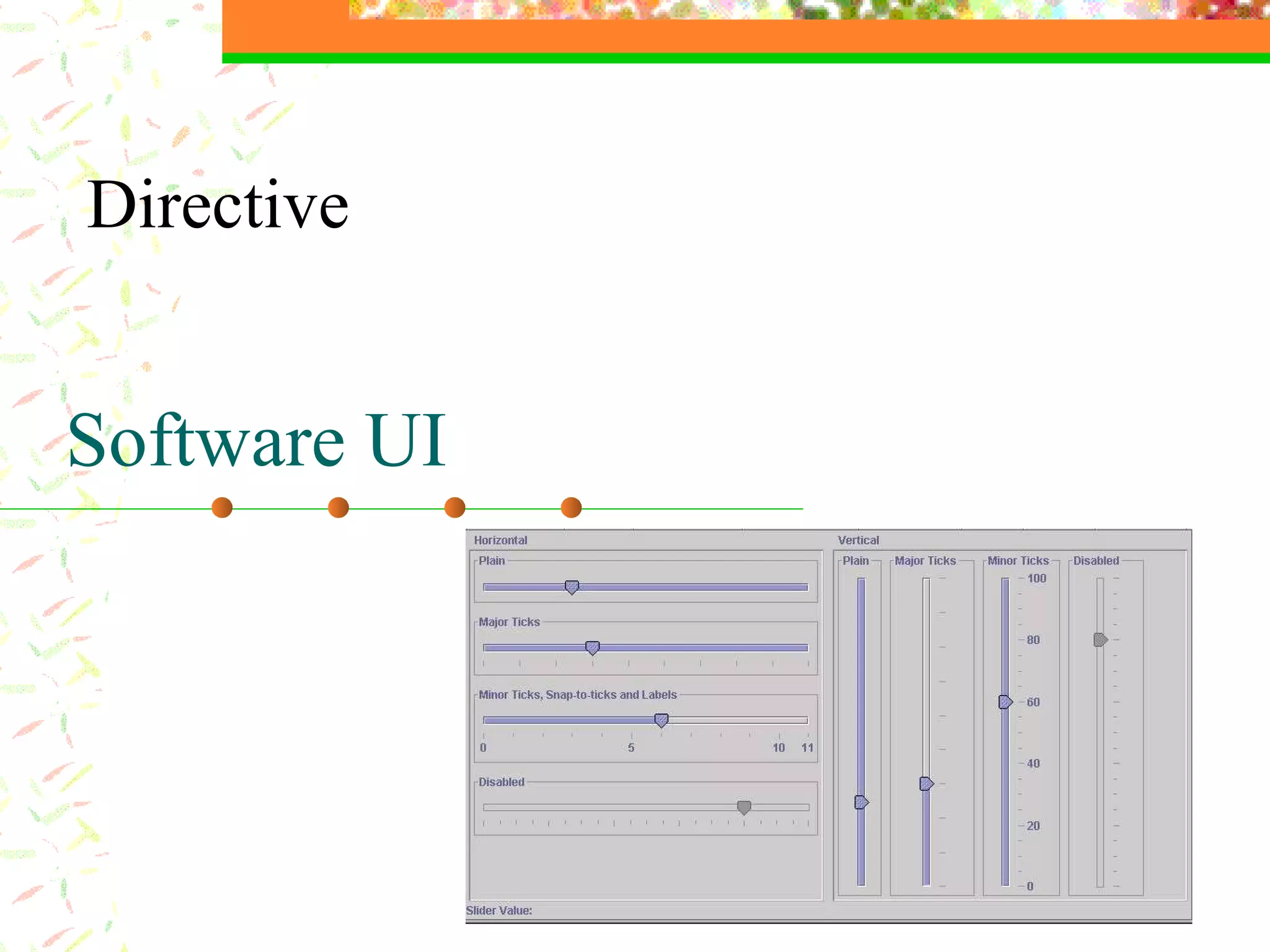
Software UI Directive
Multimedia Now…  What is multimedia?
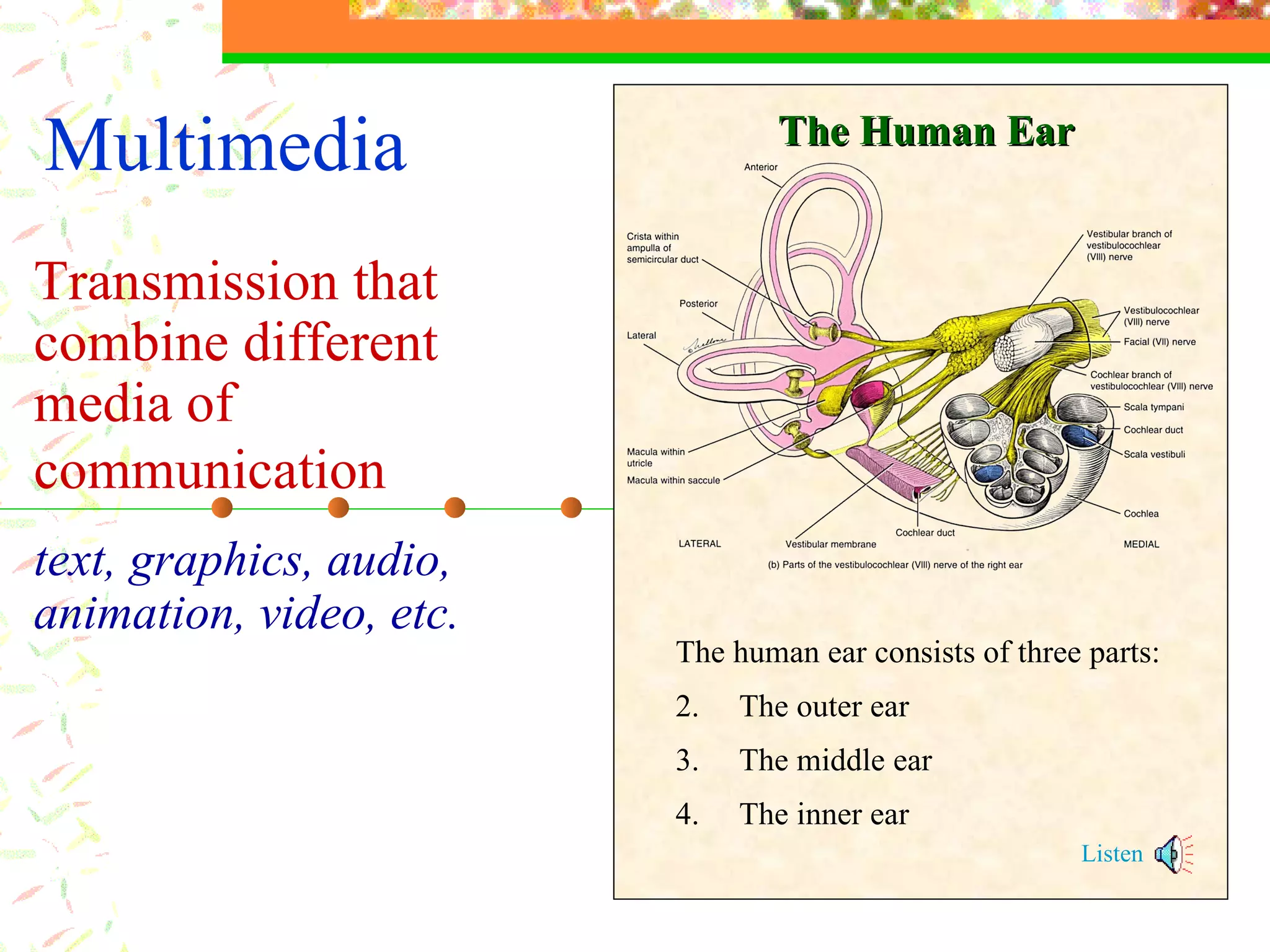
Multimedia Transmission that combine  different  media of communication   text ,  graphics , audio, animation, video,  etc. The human ear consists of three parts: The outer ear The middle ear The inner ear Listen The Human Ear
Effective Presentation Skills Main Points Types of media and multimedia Principles of message design Types of presentation technology Designing effective presentations Practice: Using PowerPoint and the Web
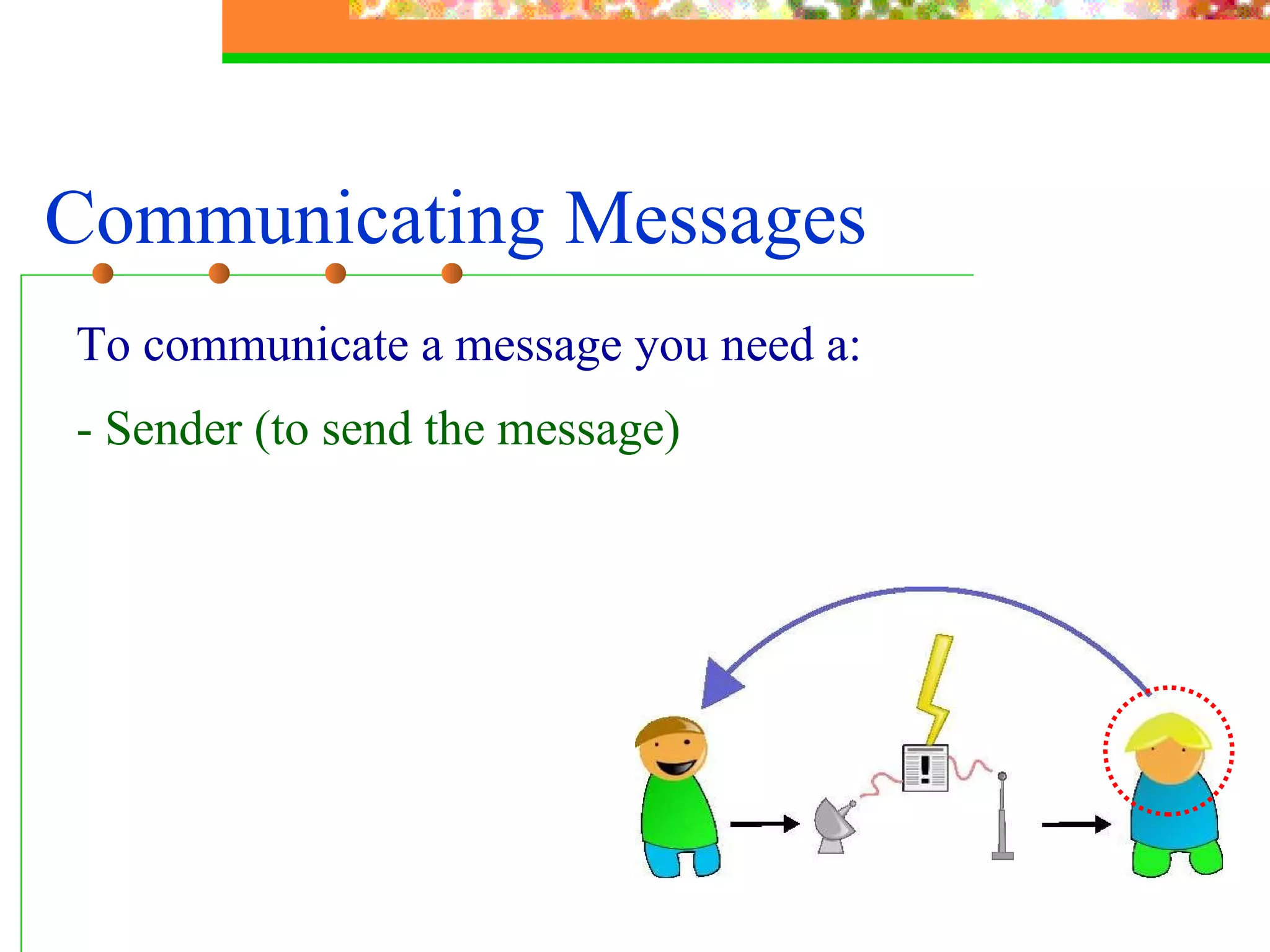
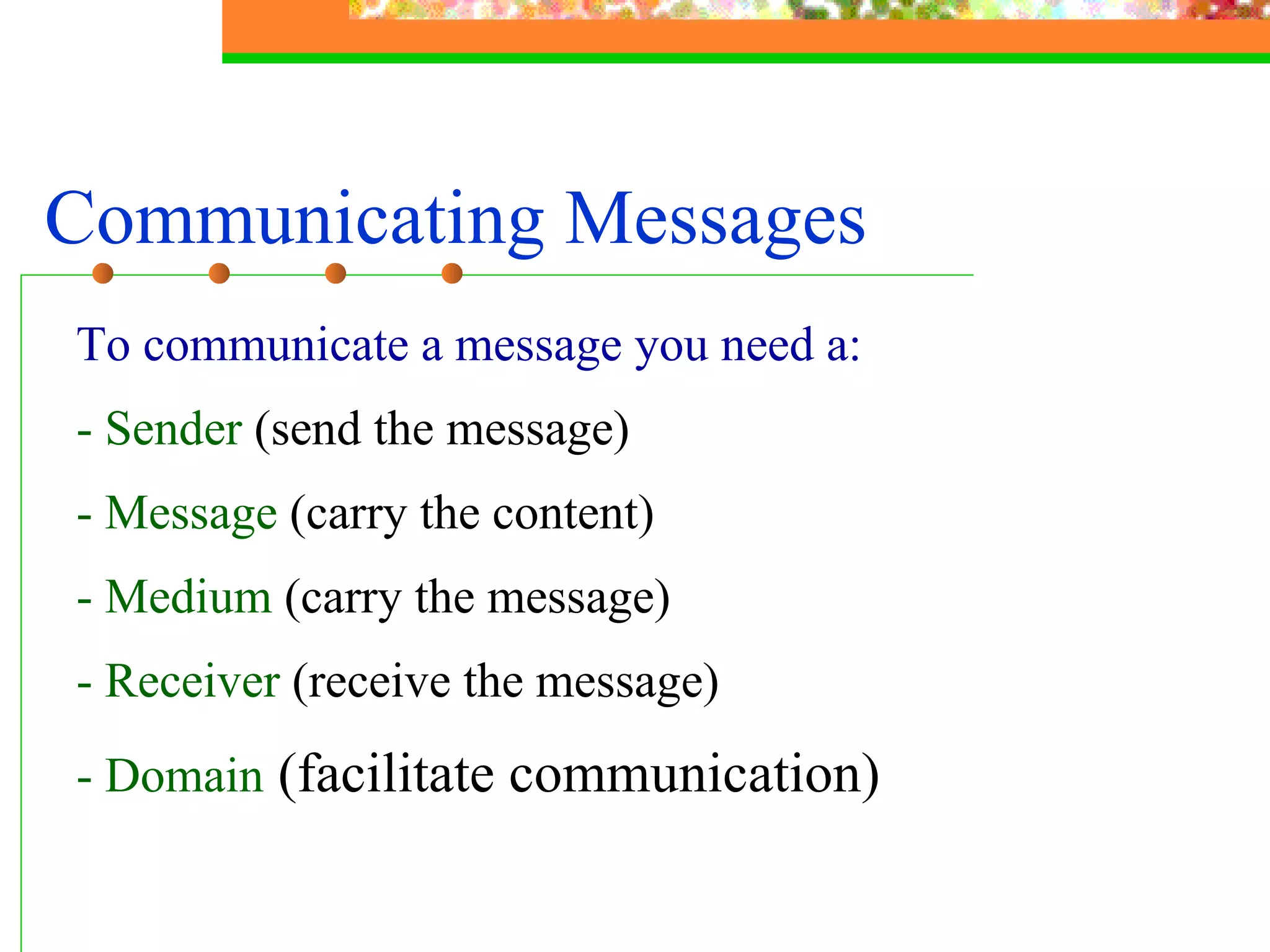
Communicating Messages To communicate a message you need a: - Sender (to send the message)
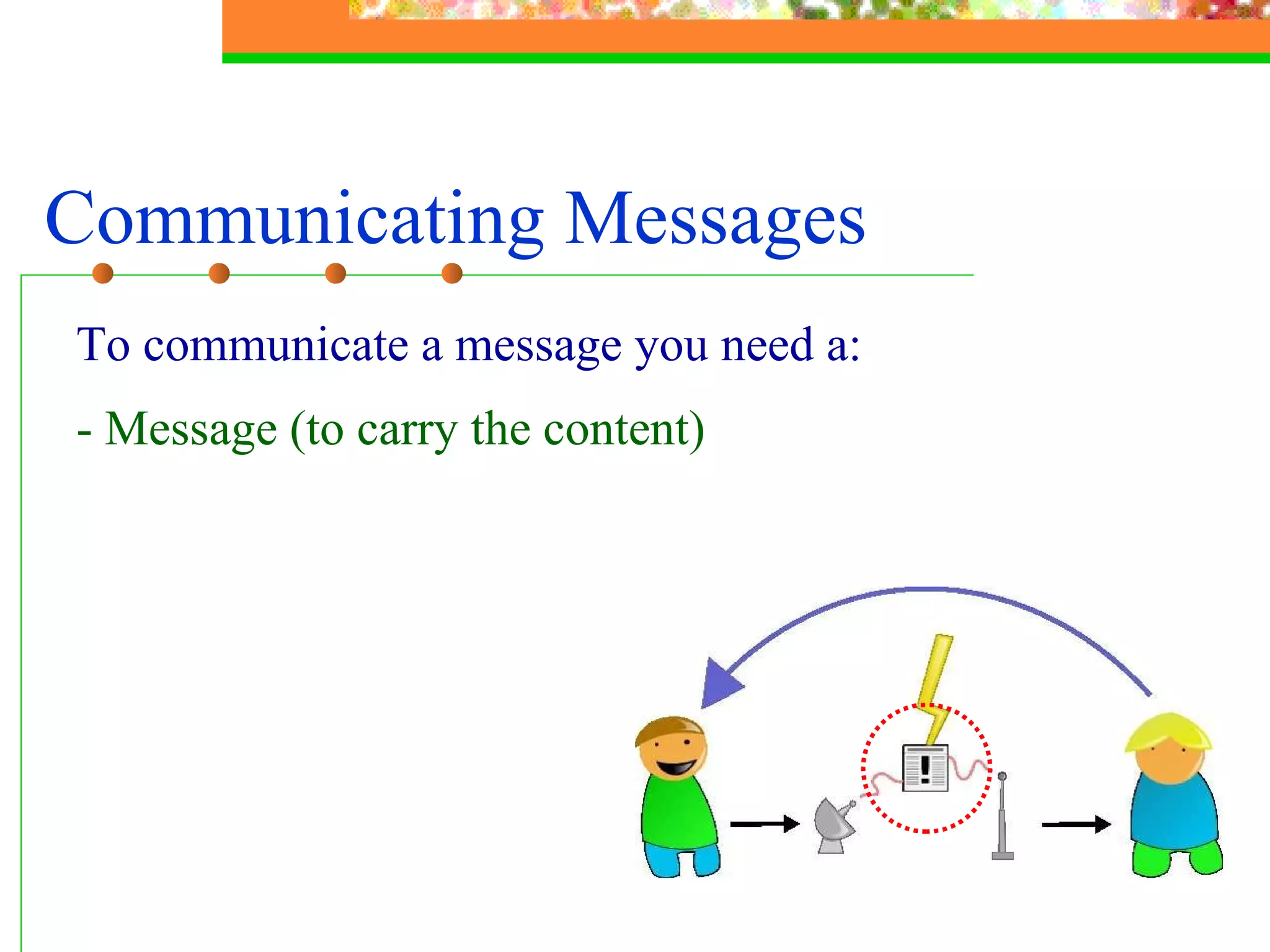
Communicating Messages To communicate a message you need a: - Message (to carry the content)
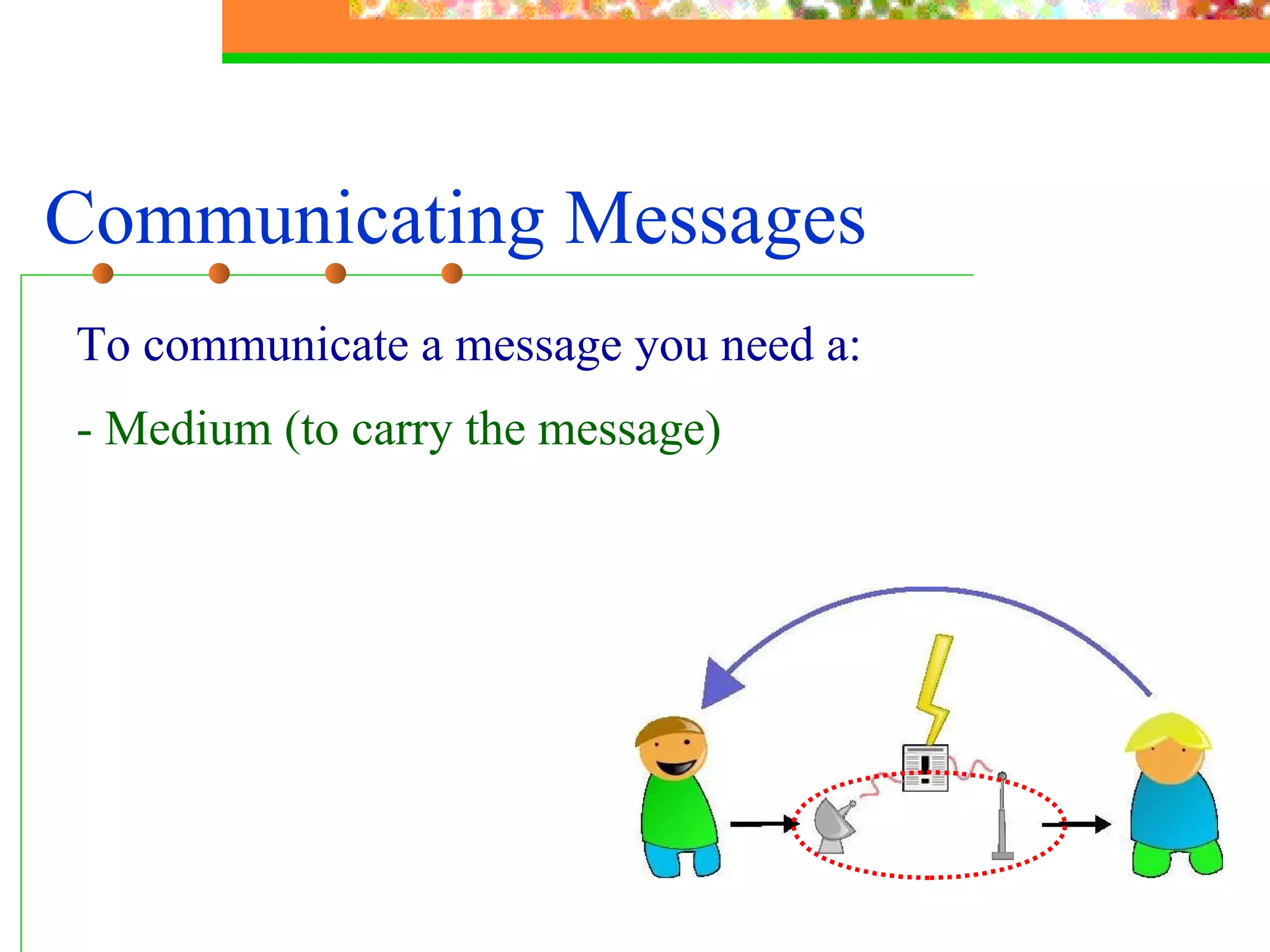
Communicating Messages To communicate a message you need a: - Medium (to carry the message)
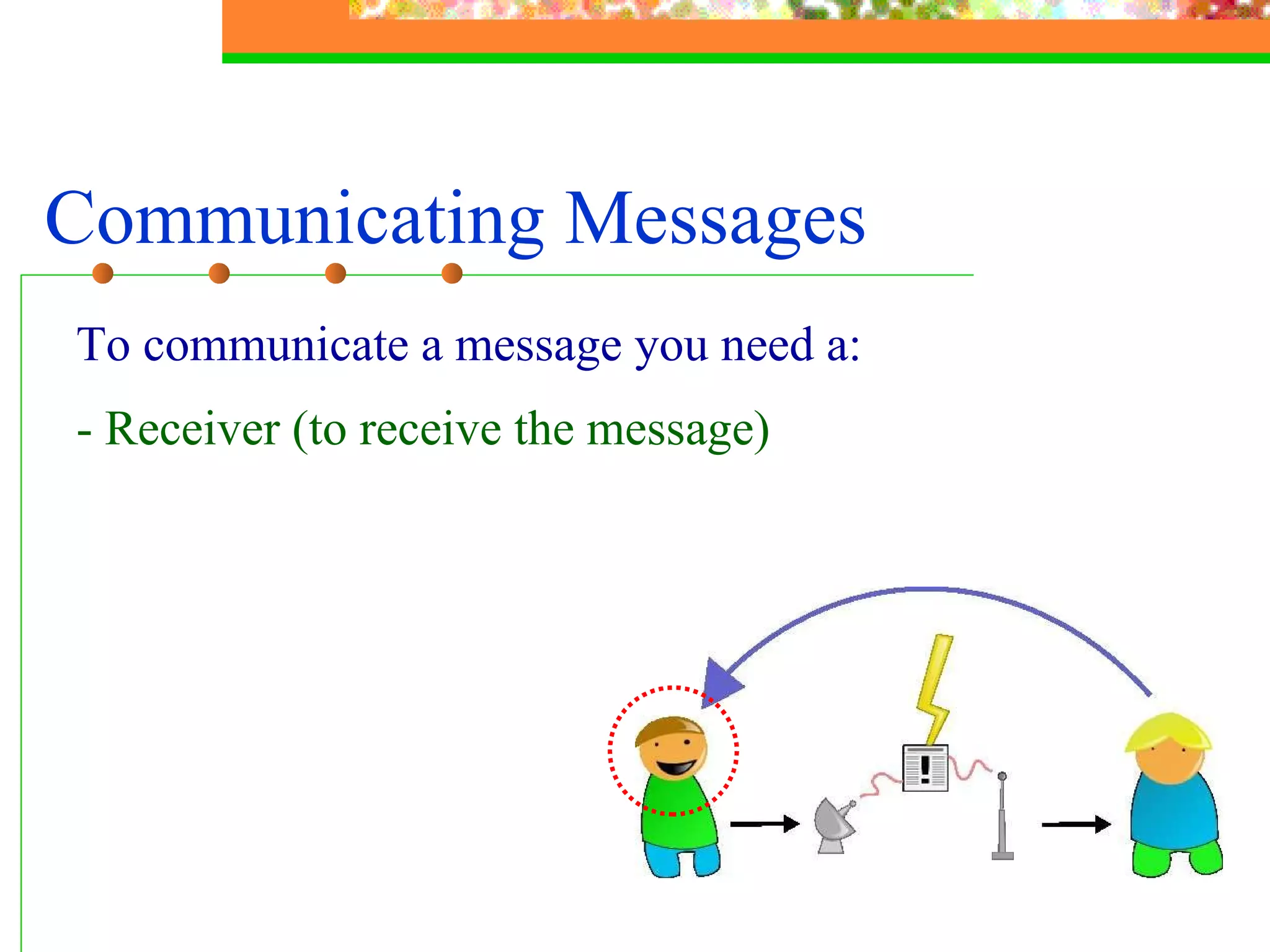
Communicating Messages To communicate a message you need a: - Receiver (to receive the message)
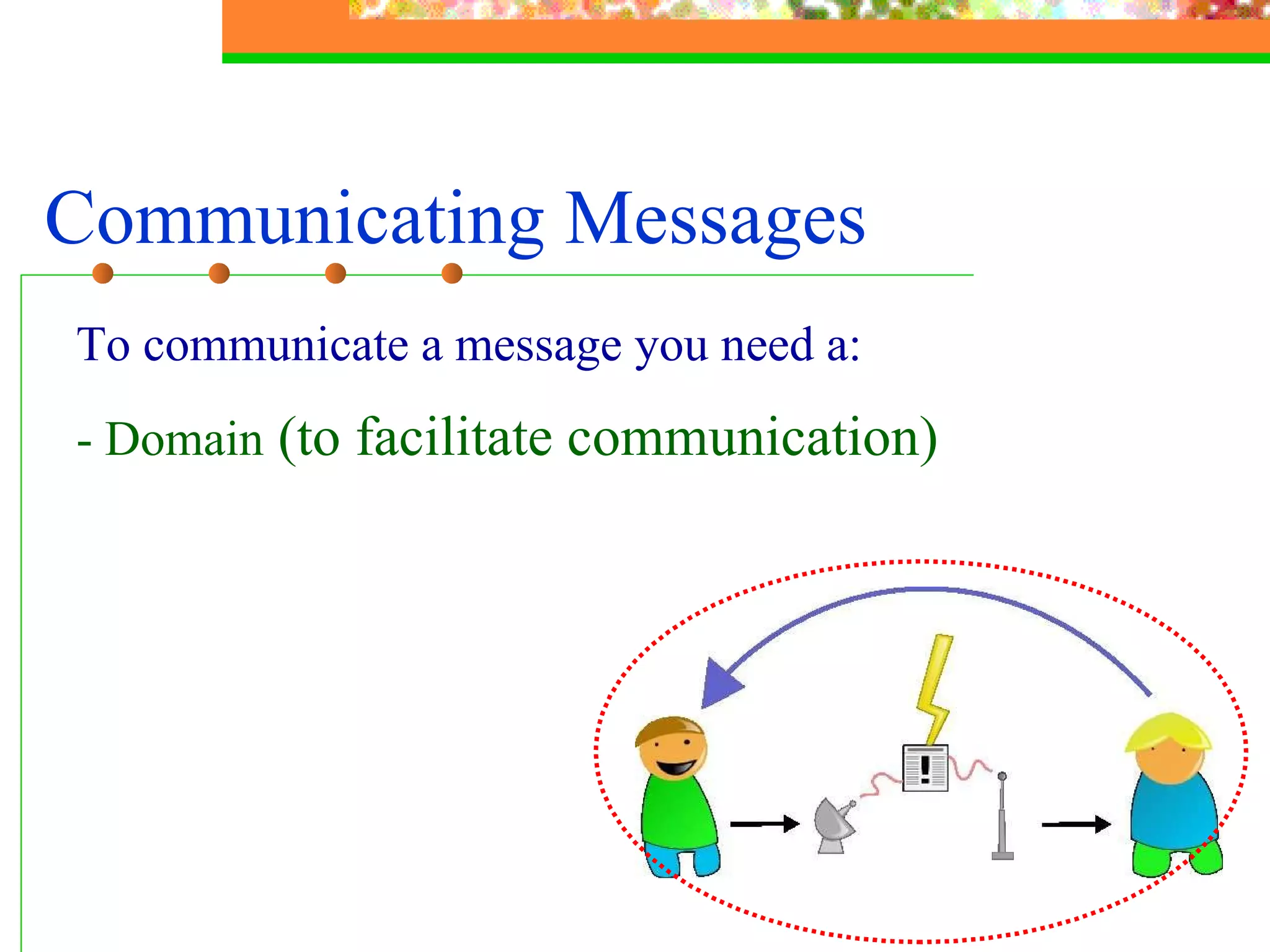
Communicating Messages To communicate a message you need a: - Domain  (to facilitate communication)
Communicating Messages To communicate a message you need a: - Sender  (send the message) - Message  (carry the content) - Medium  (carry the message)   - Receiver  (receive the message) - Domain   (facilitate communication)
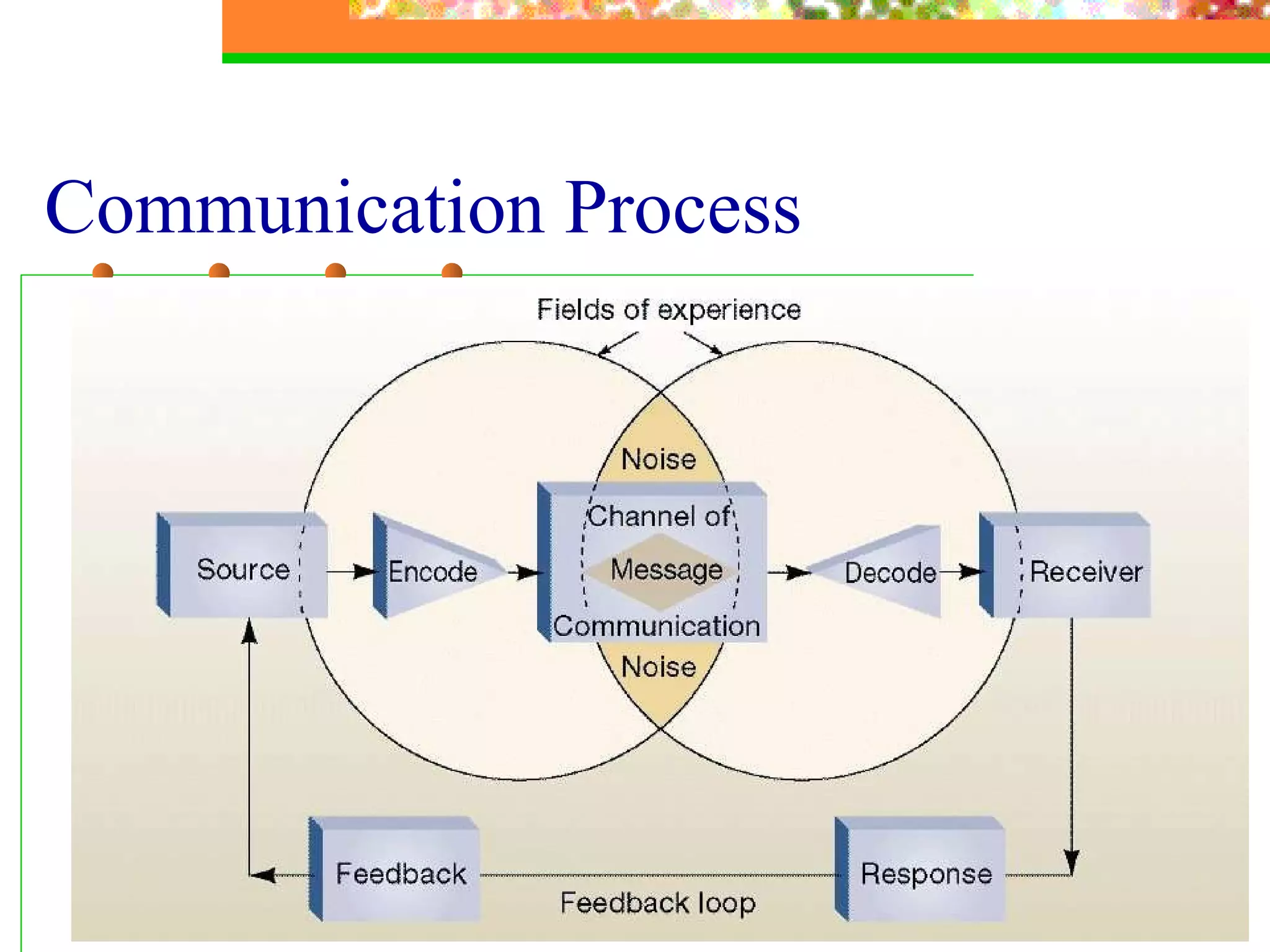
Communication Process
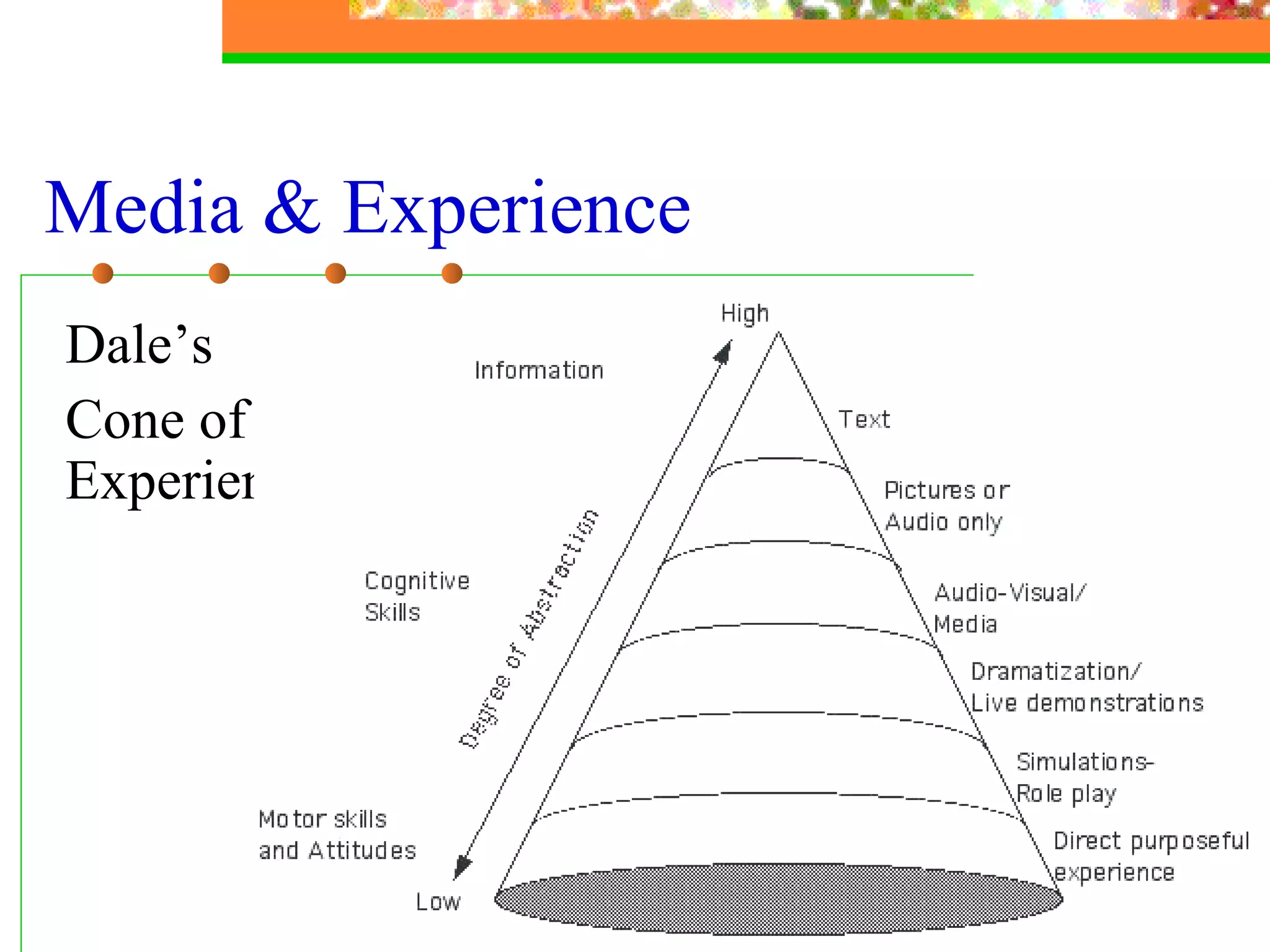
Media & Experience Dale’s  Cone of Experience
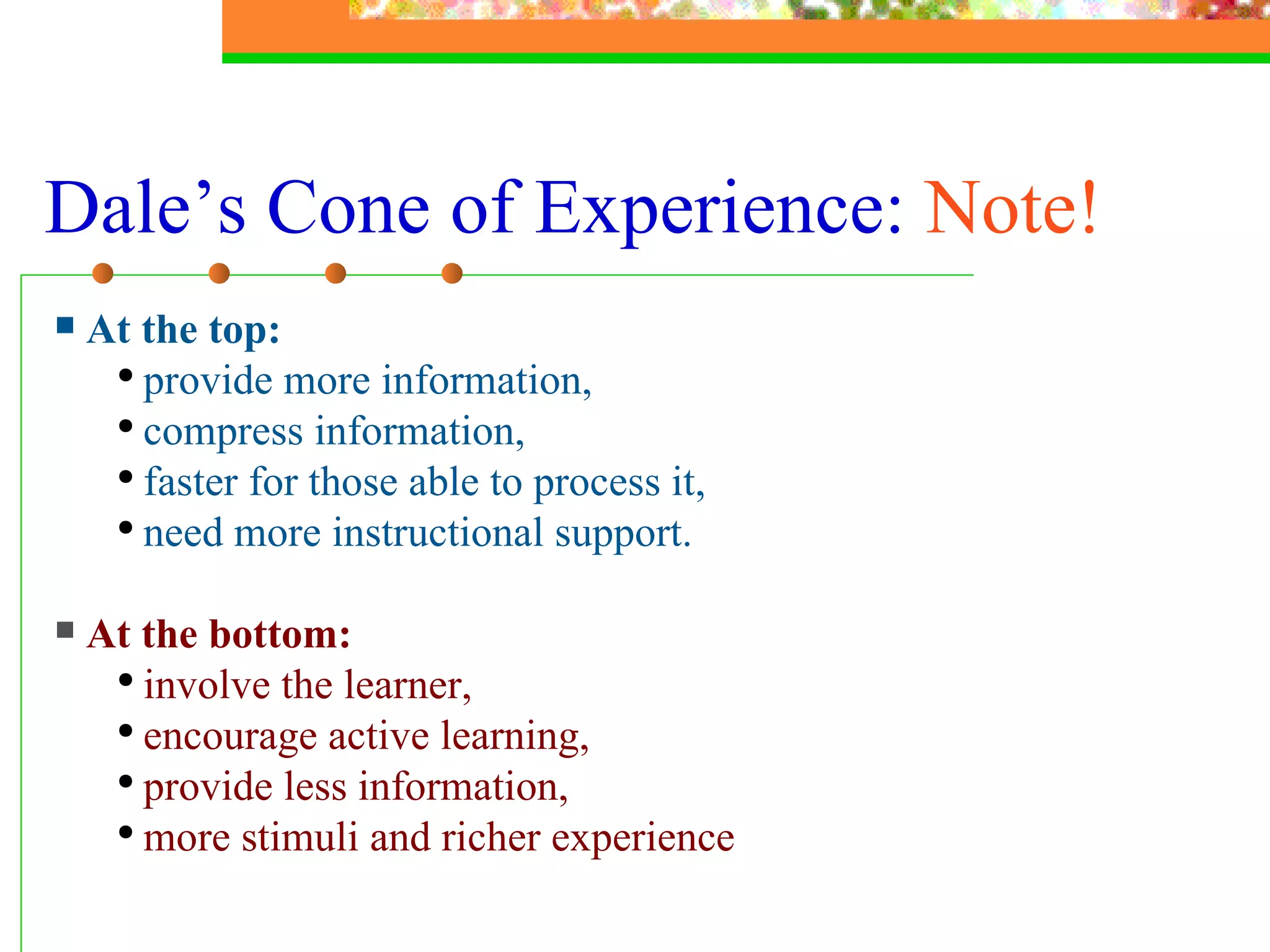
Dale’s Cone of Experience:  Note! At the top:   provide more information,  compress information, faster for those able to process it,  need more instructional support. At the bottom: involve the learner, encourage active learning,  provide less information,  more stimuli and richer experience
Effective Presentation Skills Main Points Types of media and multimedia Principles of message design Types of presentation technology Designing effective presentations Practice: Using PowerPoint and the Web
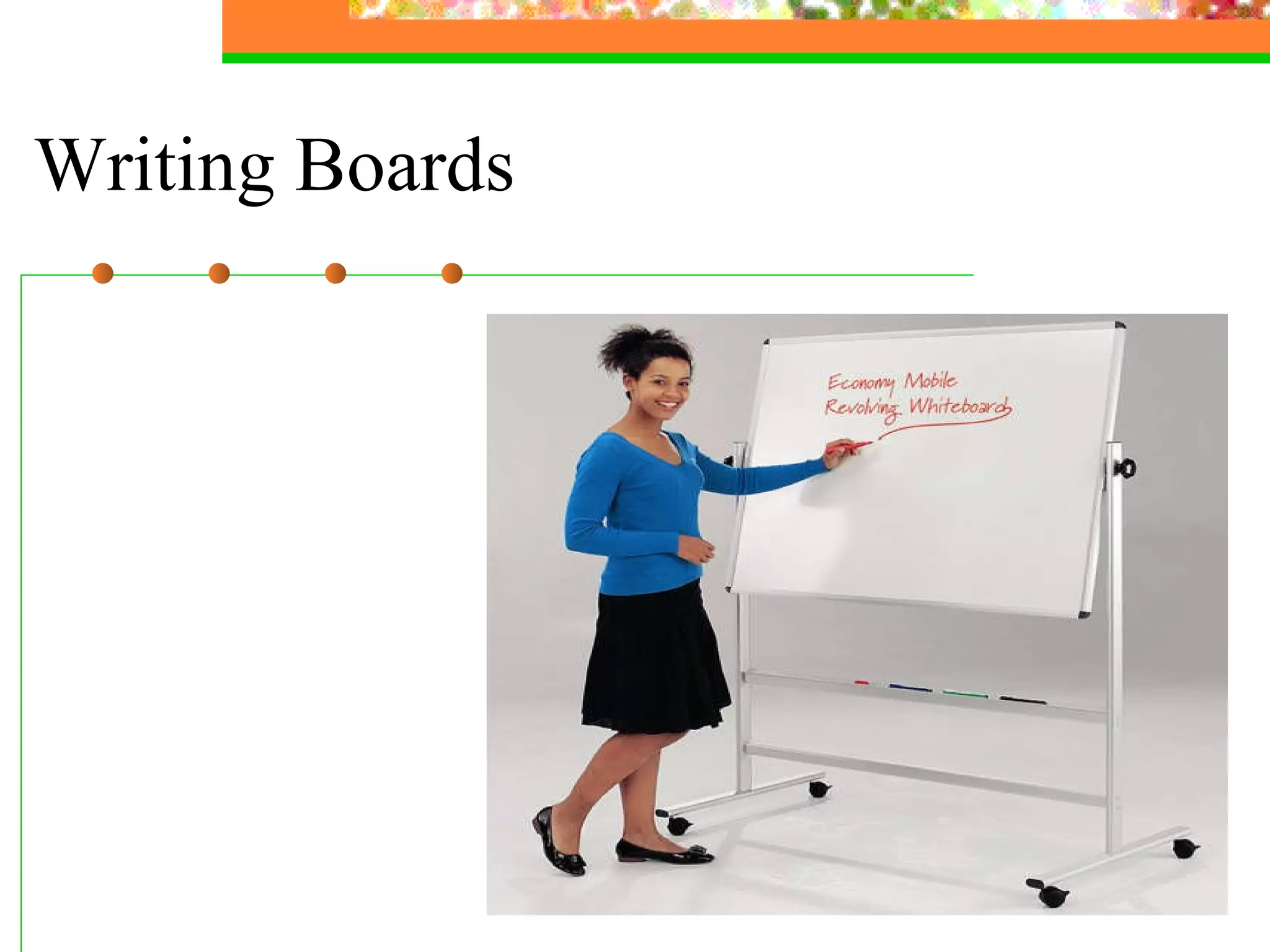
Writing boards Flipcharts OHP transparencies 35 mm slides Video Models/real objects/samples/shapes Audio-video-conferencing  Digital projectors Smart classrooms Computers (software and storage media) The Internet  Presentation Technology Used in Higher Education
Writing Boards
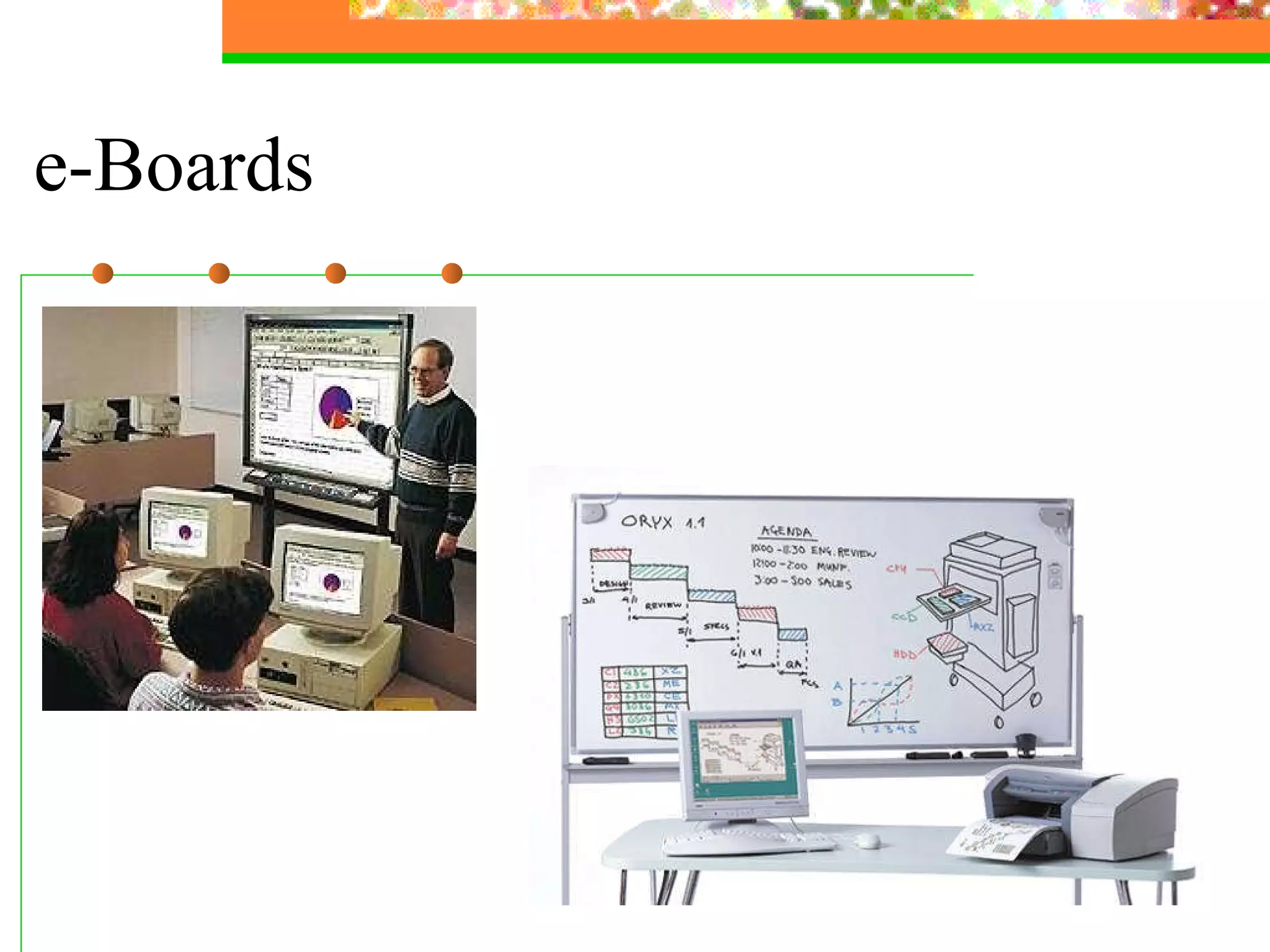
e-Boards
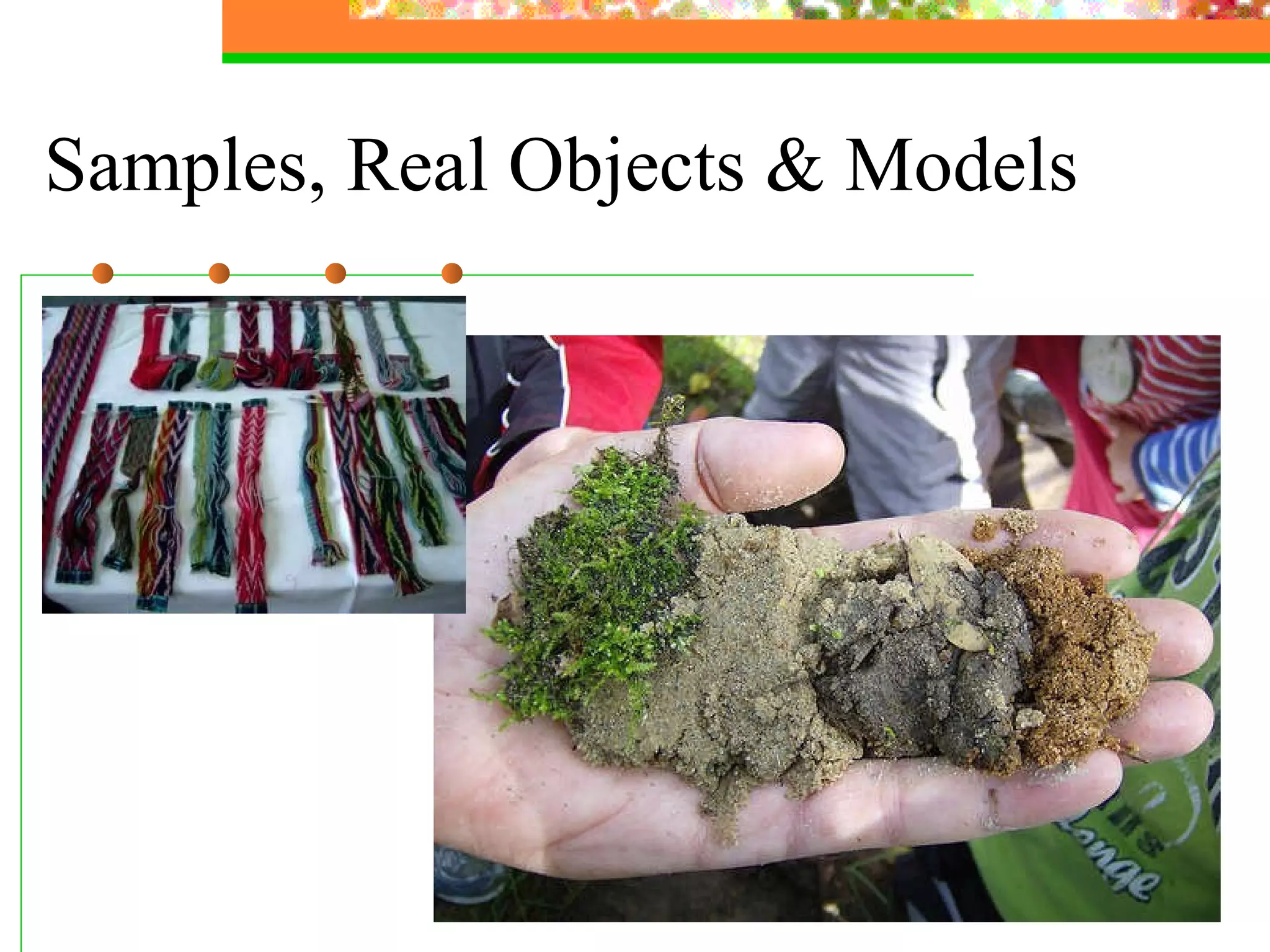
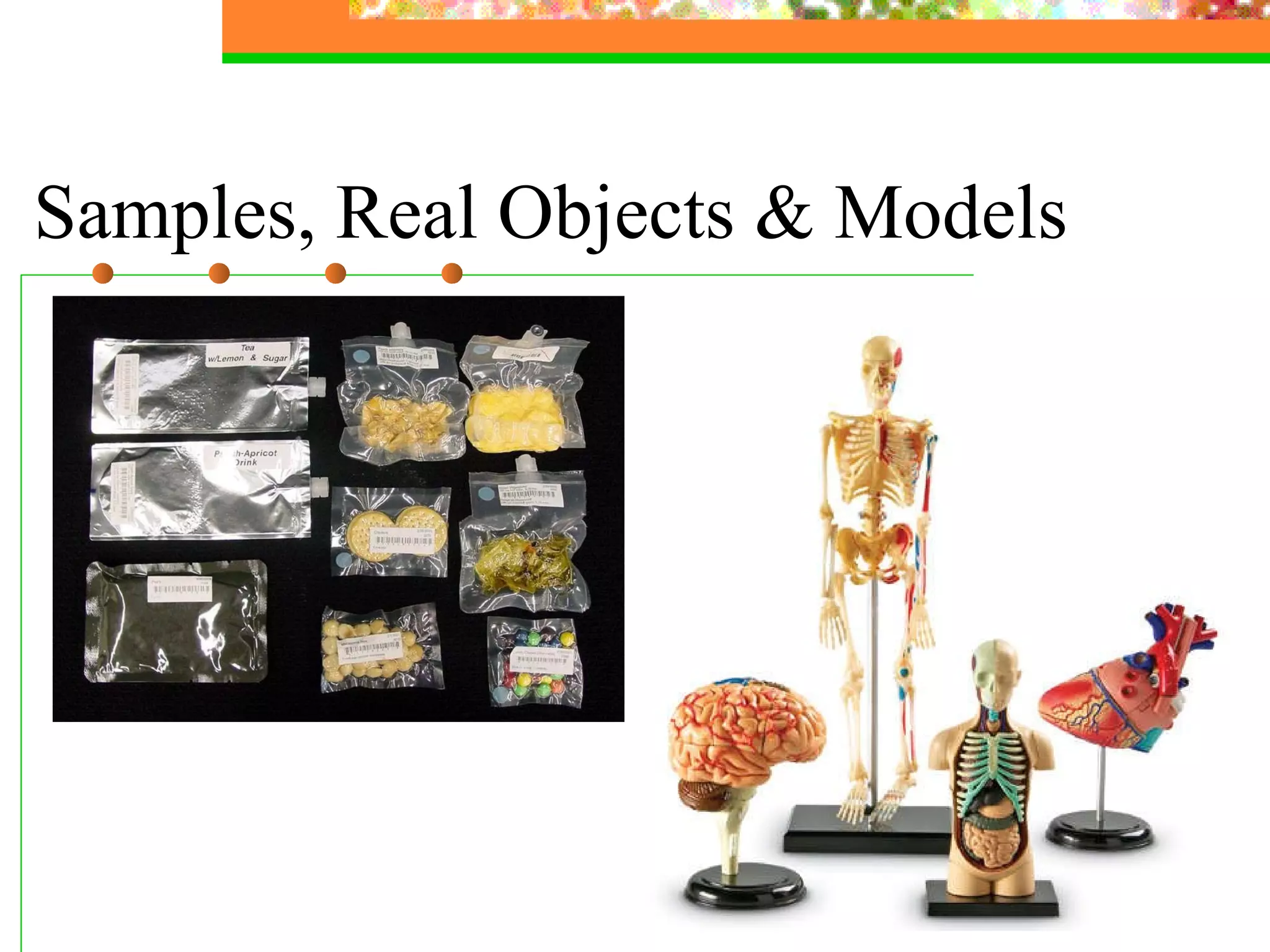
Samples, Real Objects & Models
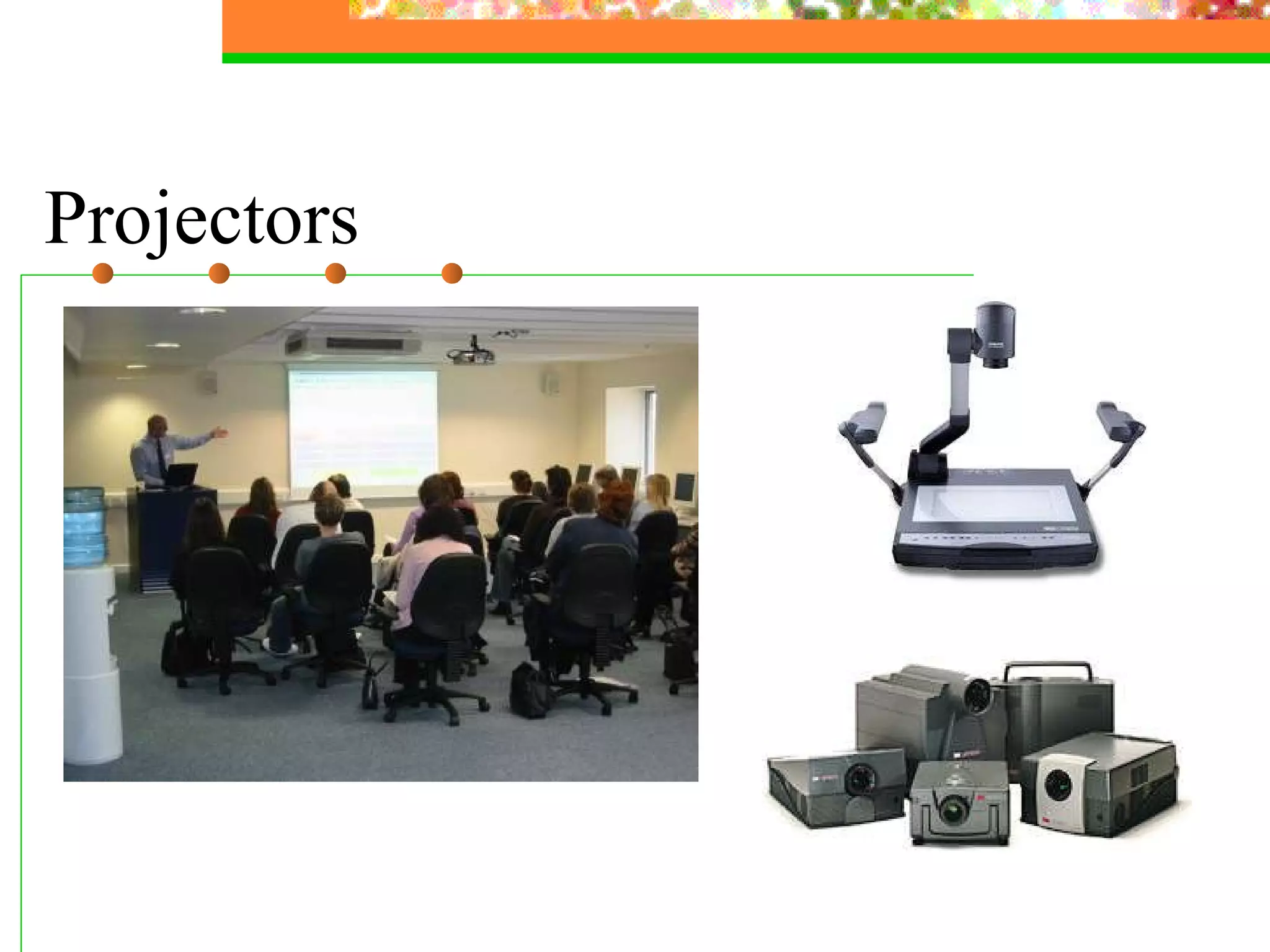
Projectors
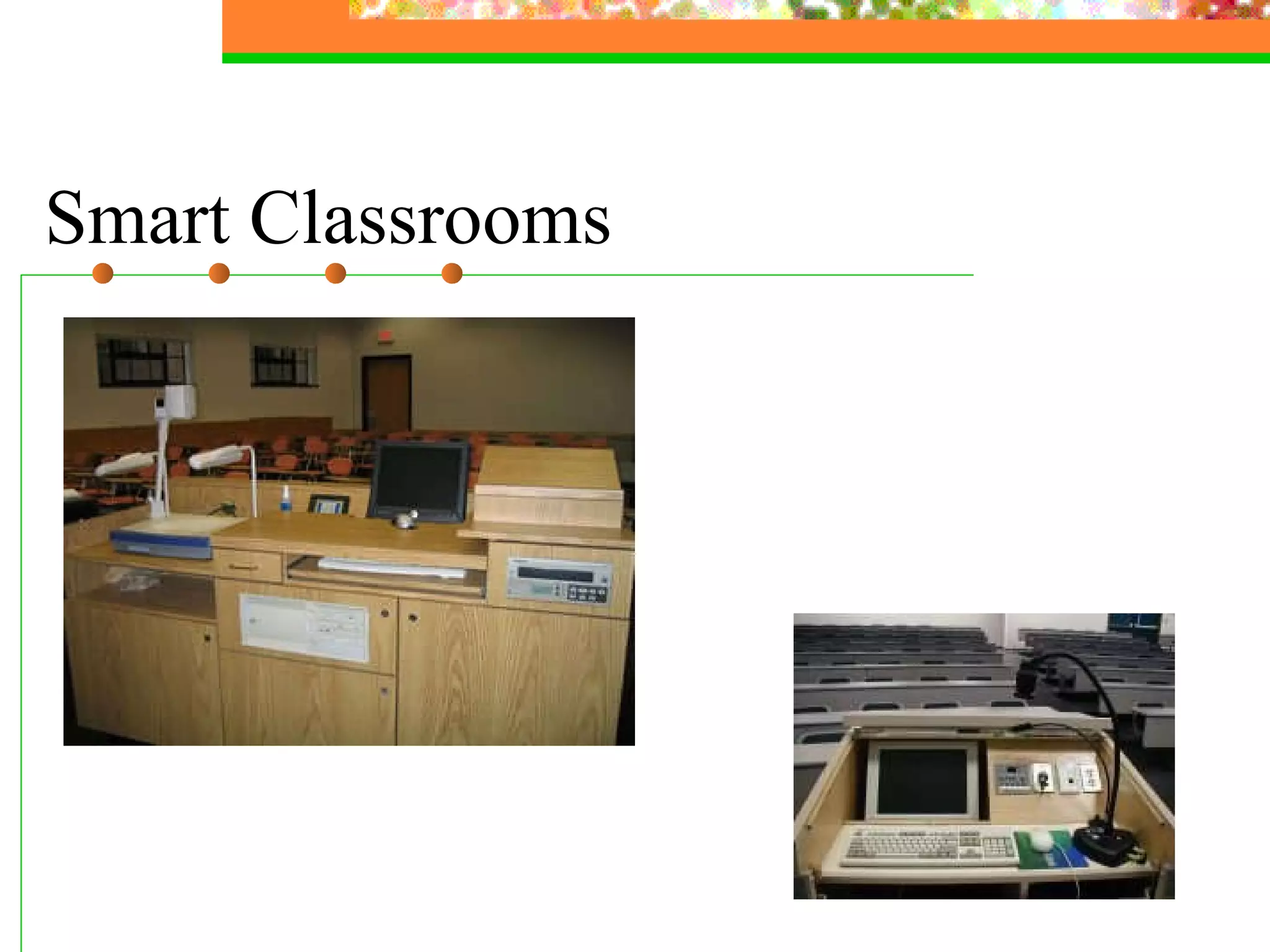
Smart Classrooms
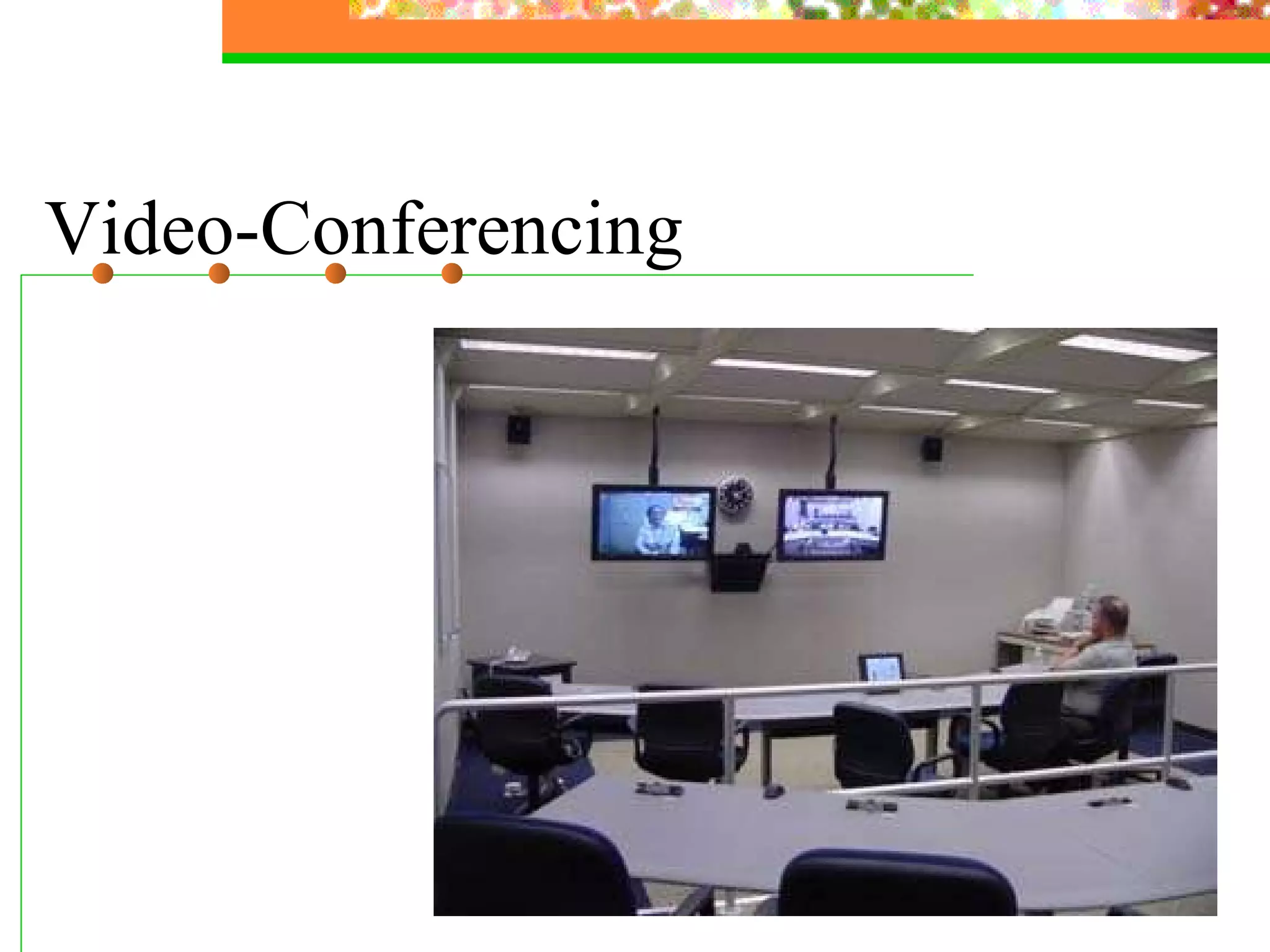
Video-Conferencing
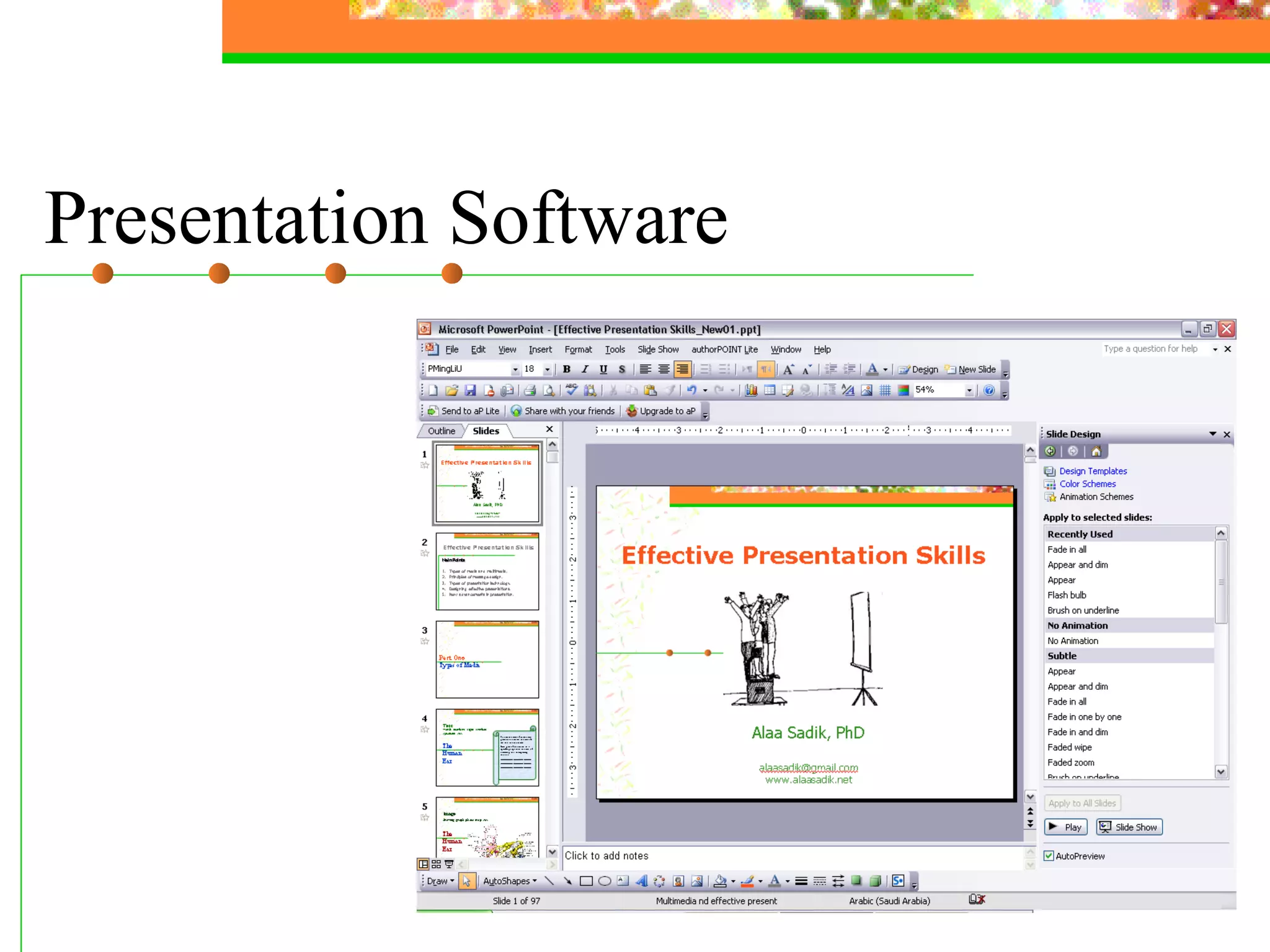
Presentation Software
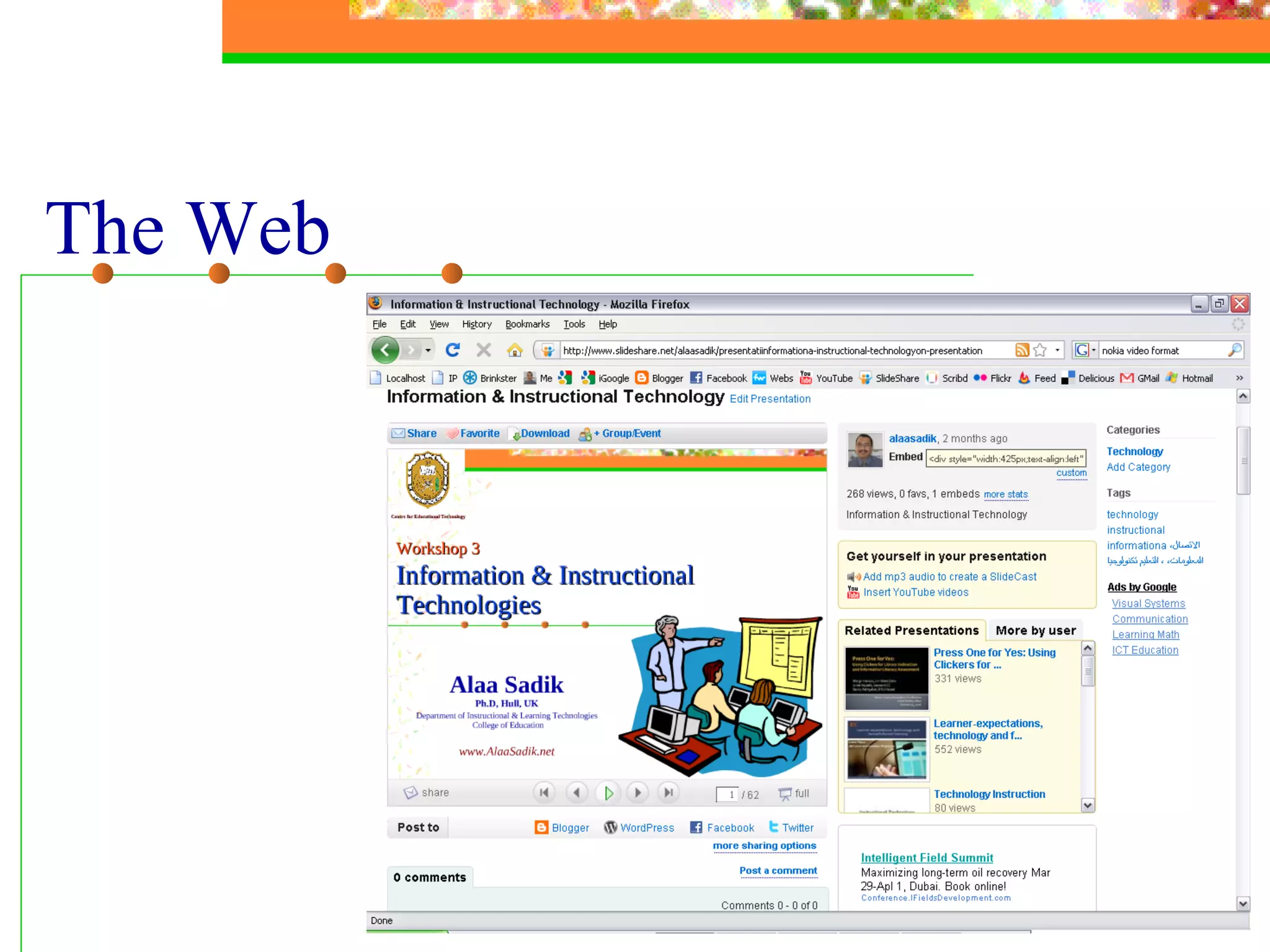
The Web
Effective Presentation Skills Main Points Types of media and multimedia Principles of message design Types of presentation technology Designing effective presentations Practice: Using PowerPoint and the Web
Guidelines Big Simple Clear Progressive Consistent Designing Effective Presentation Using Power Point
Make It  Big
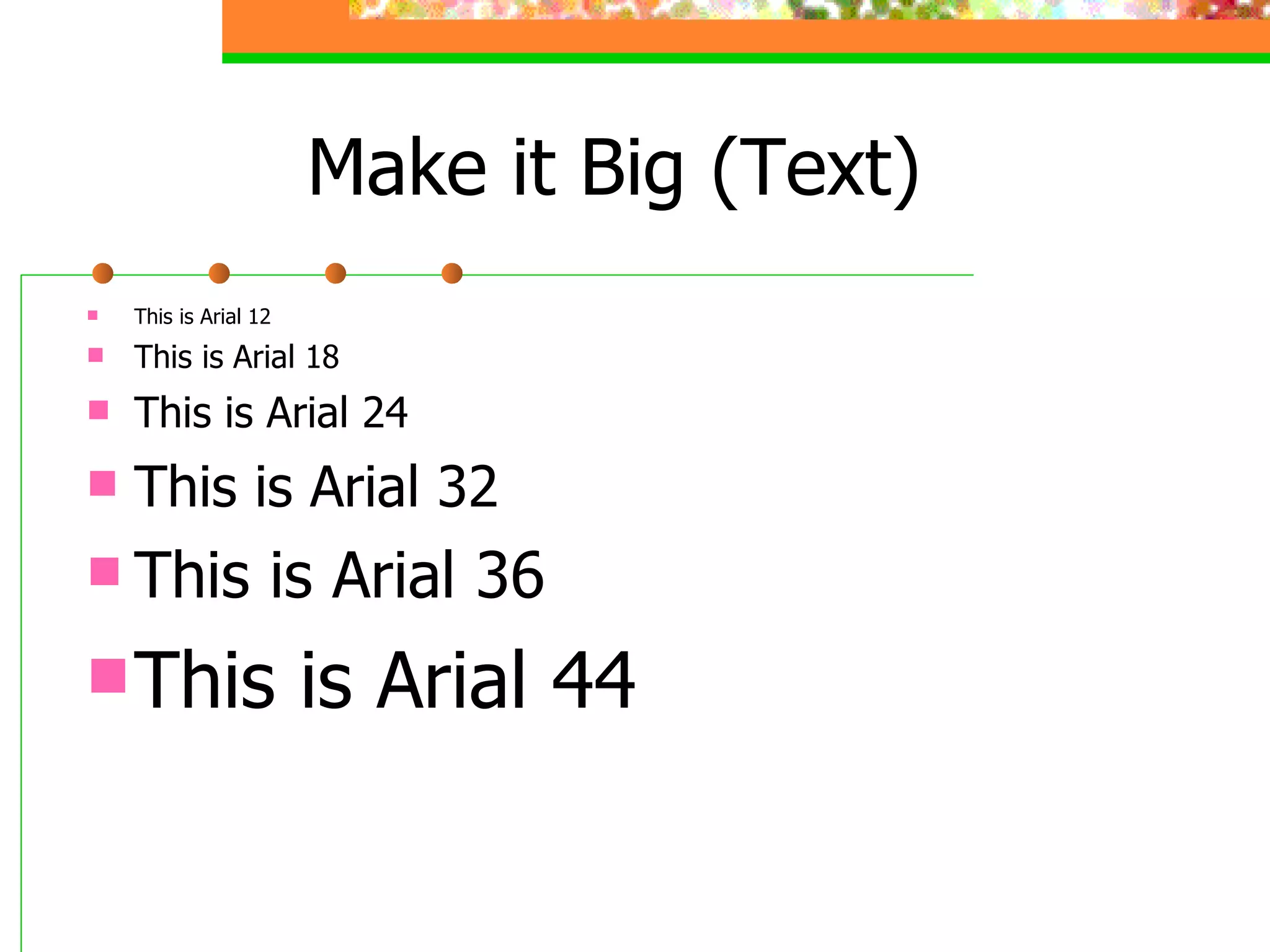
Make it Big (Text) This is Arial 12 This is Arial 18 This is Arial 24 This is Arial 32 This is Arial 36 This is Arial 44
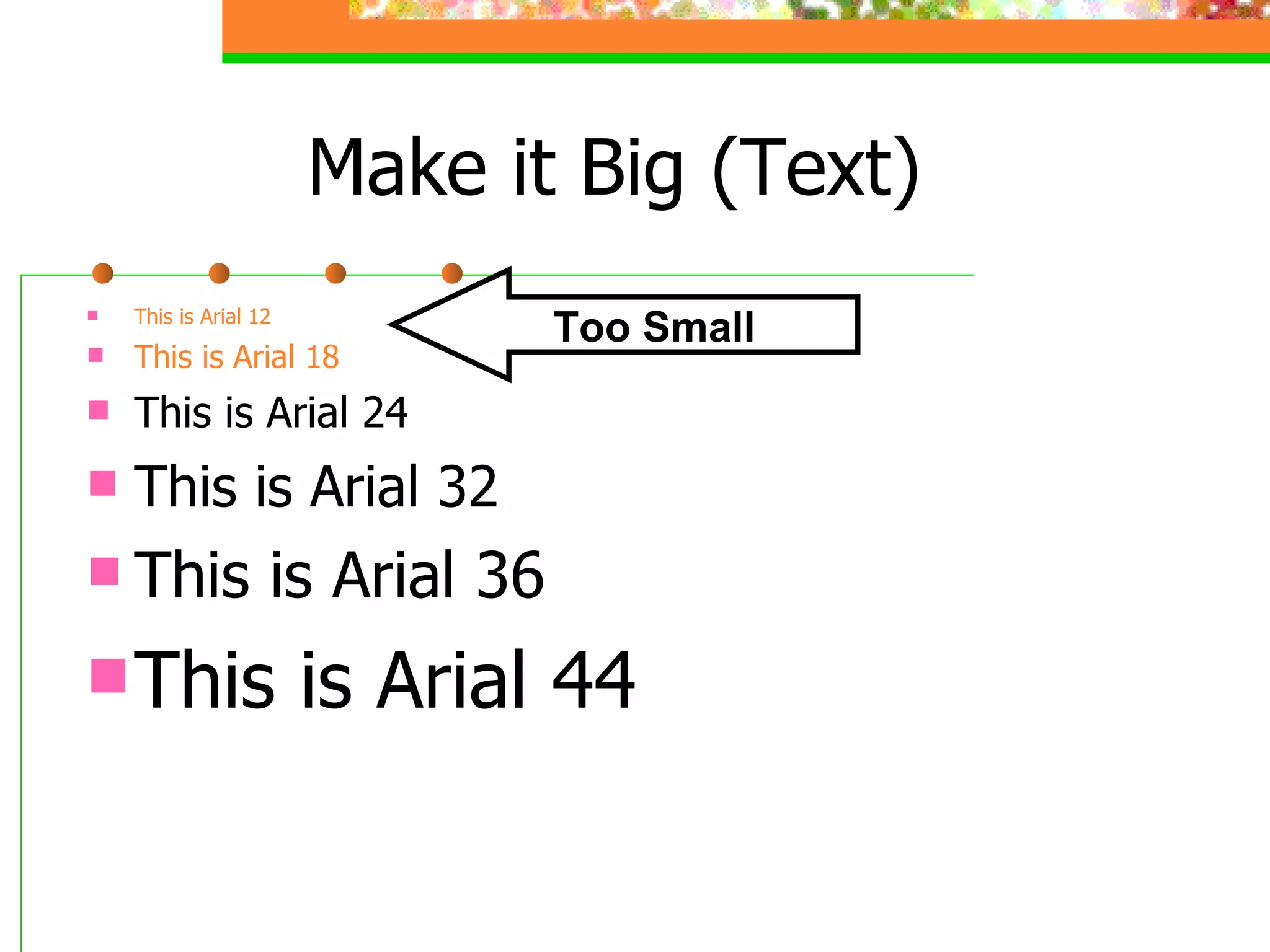
Make it Big (Text) This is Arial 12 This is Arial 18 This is Arial 24 This is Arial 32 This is Arial 36 This is Arial 44 Too Small
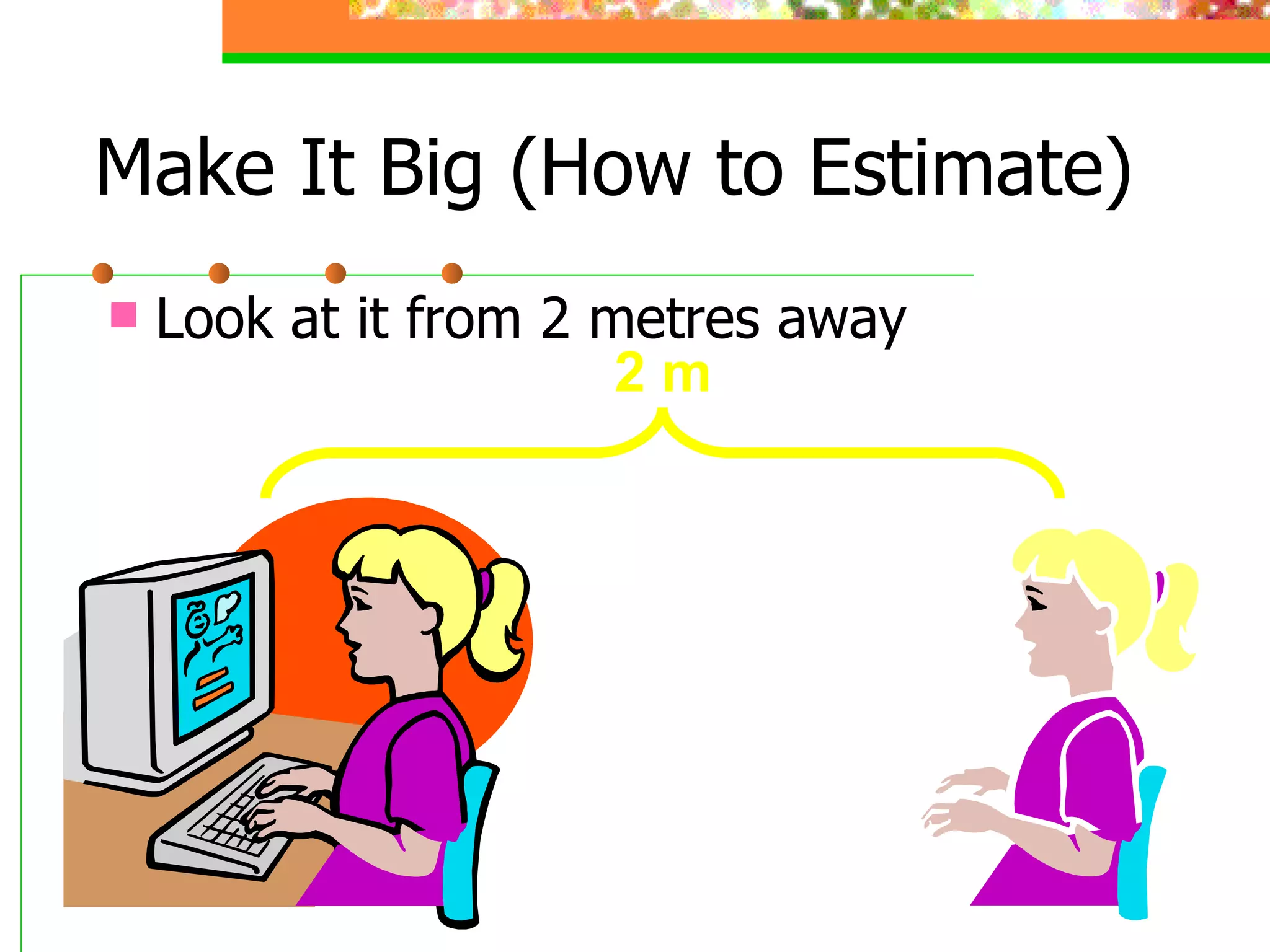
Make It Big (How to Estimate) Look at it from 2 metres away 2 m
Keep It Simple
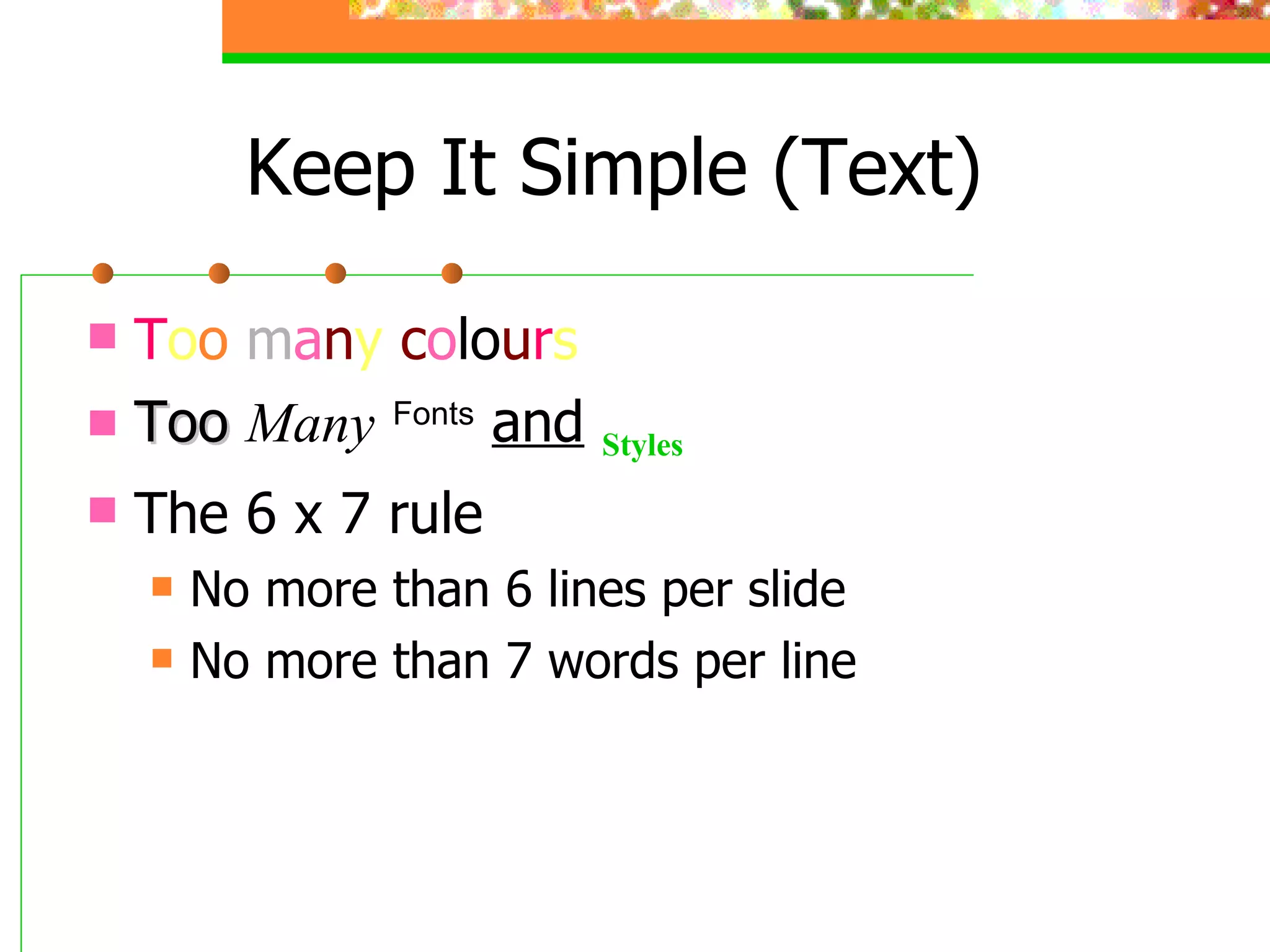
Keep It Simple (Text) T o o  m a n y   c o l o u r s Too   Many   Fonts   and   Styles The 6 x 7 rule No more than 6 lines per slide No more than 7 words per line
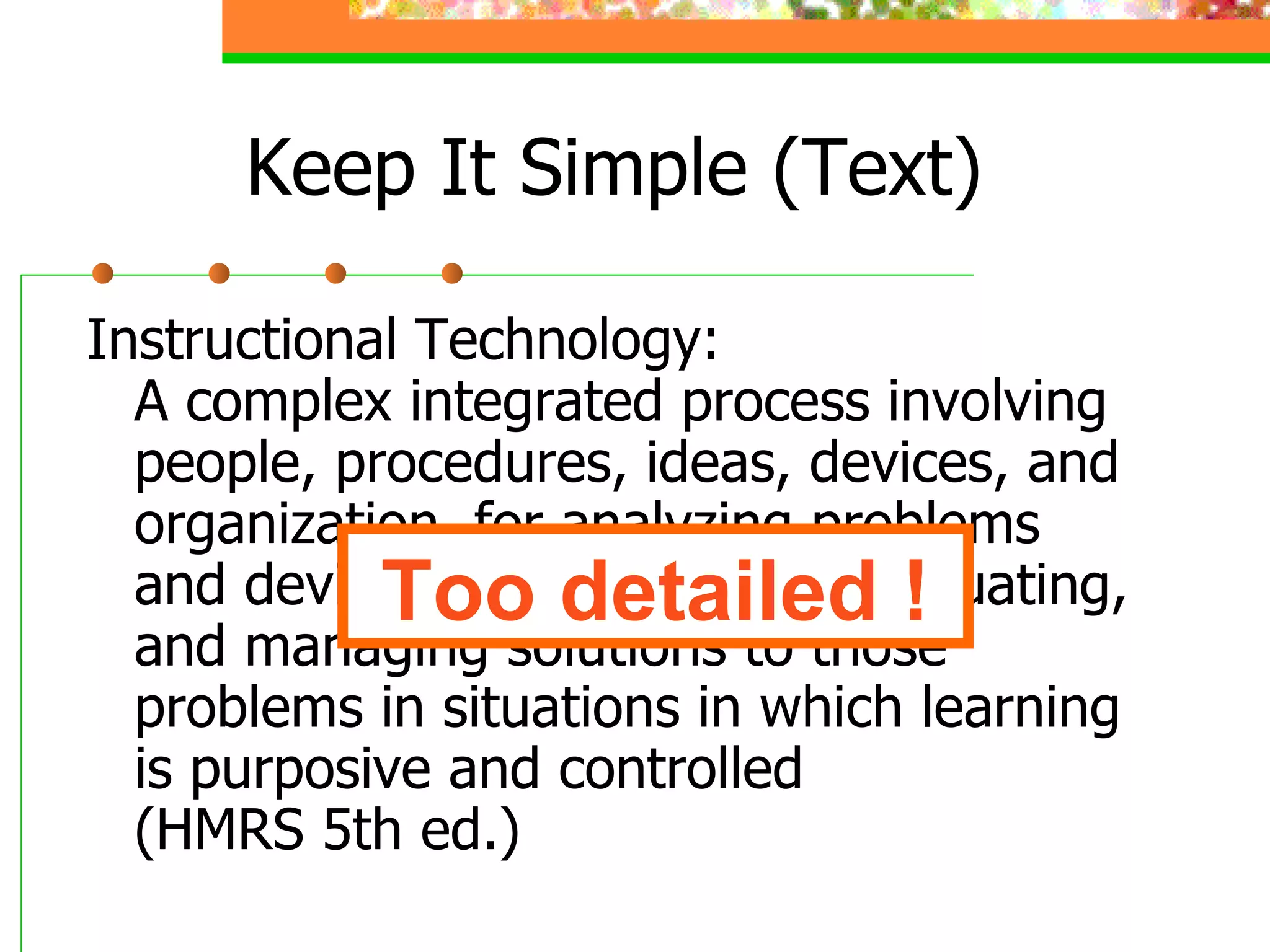
Keep It Simple (Text) Instructional Technology: A complex integrated process involving people, procedures, ideas, devices, and organization, for analyzing problems and devising, implementing, evaluating, and managing solutions to those problems in situations in which learning is purposive and controlled (HMRS 5th ed.) Too detailed !
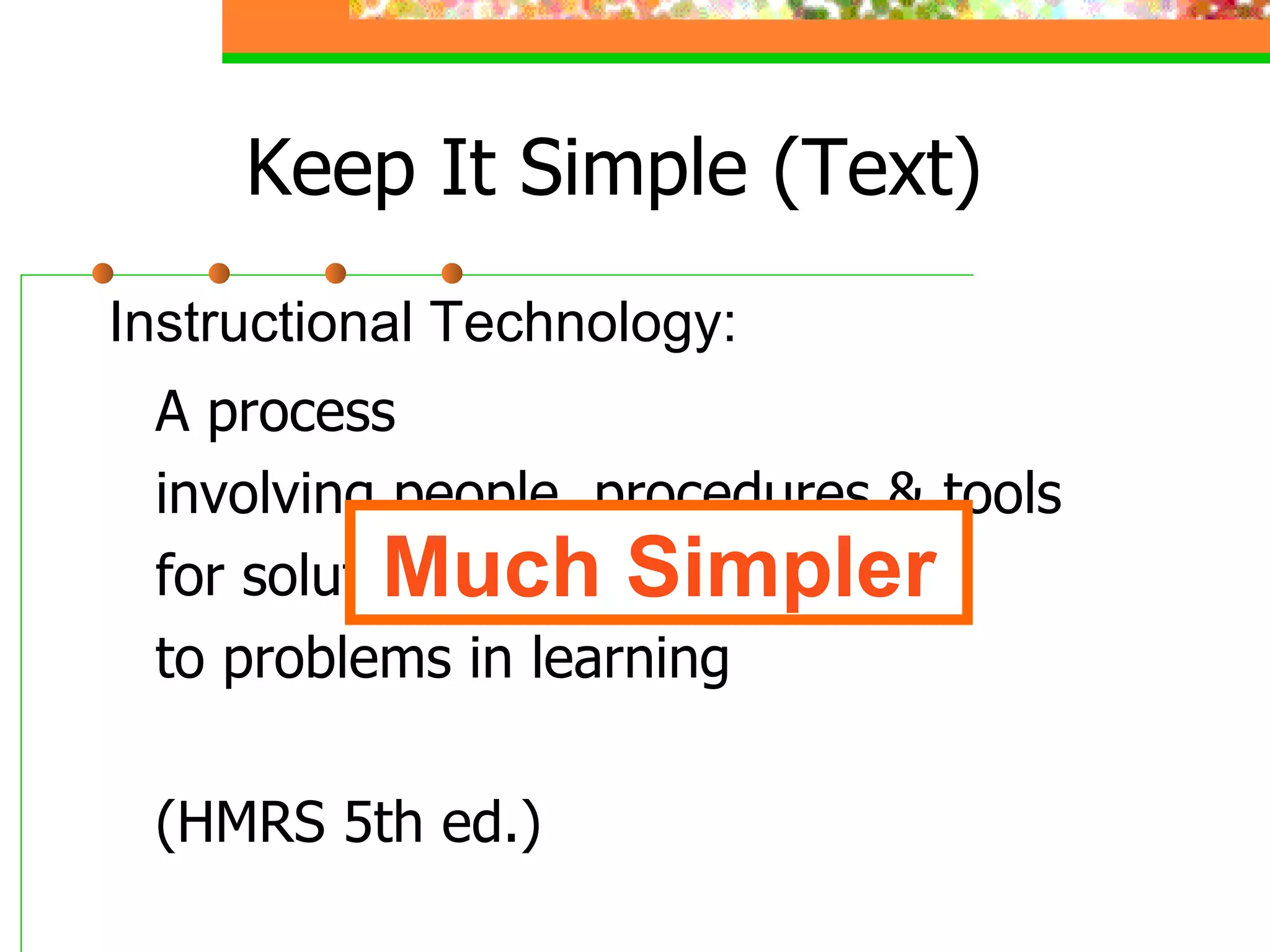
Keep It Simple (Text) A process involving people, procedures & tools for solutions to problems in learning (HMRS 5th ed.) Instructional Technology: Much Simpler
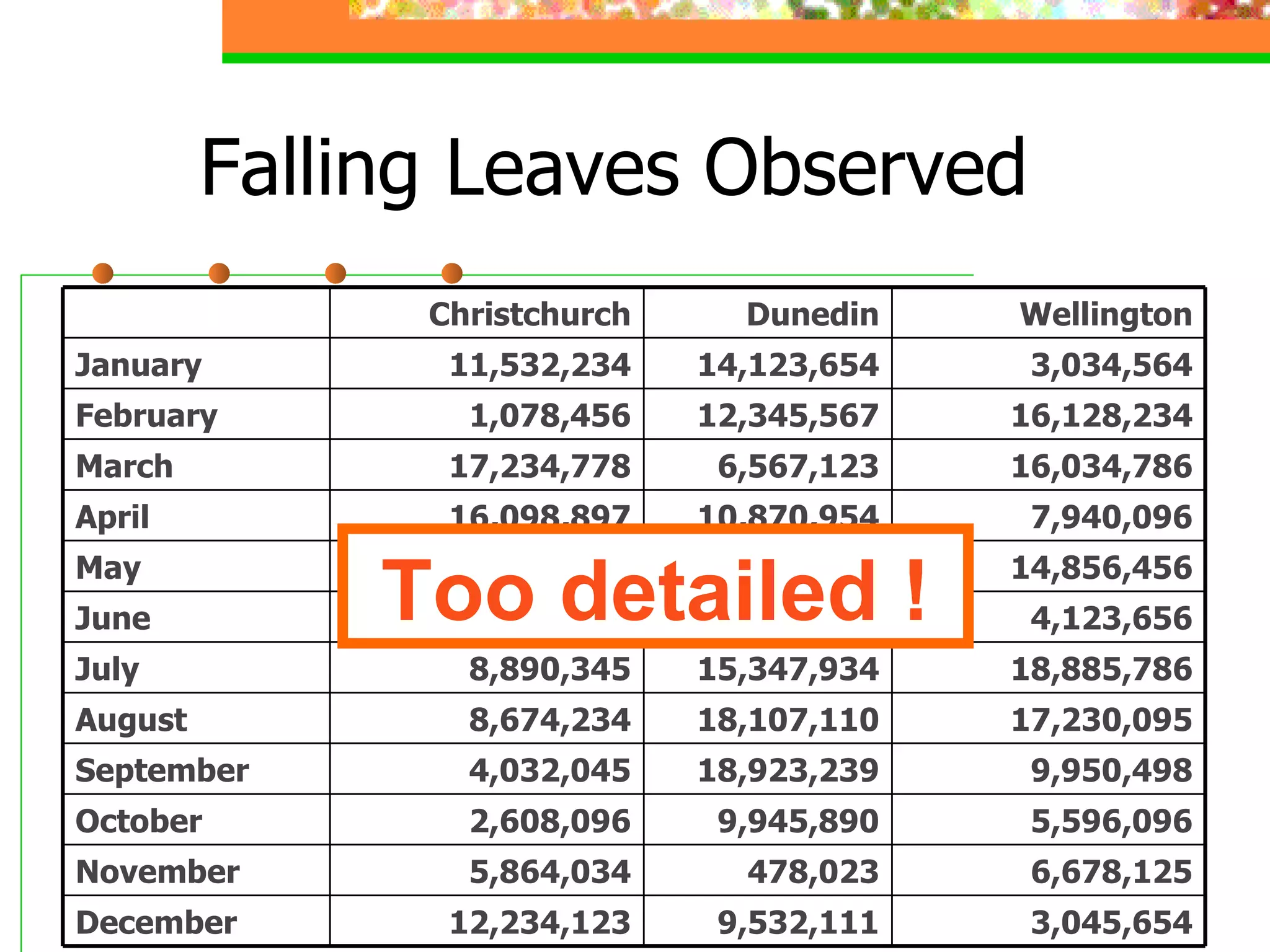
Falling Leaves Observed Too detailed ! 3,045,654 9,532,111 12,234,123 December 6,678,125 478,023 5,864,034 November 5,596,096 9,945,890 2,608,096 October 9,950,498 18,923,239 4,032,045 September 17,230,095 18,107,110 8,674,234 August 18,885,786 15,347,934 8,890,345 July 4,123,656 678,095 16,184,345 June 14,856,456 10,345,394 8,036,897 May 7,940,096 10,870,954 16,098,897 April 16,034,786 6,567,123 17,234,778 March 16,128,234 12,345,567 1,078,456 February 3,034,564 14,123,654 11,532,234 January Wellington Dunedin Christchurch
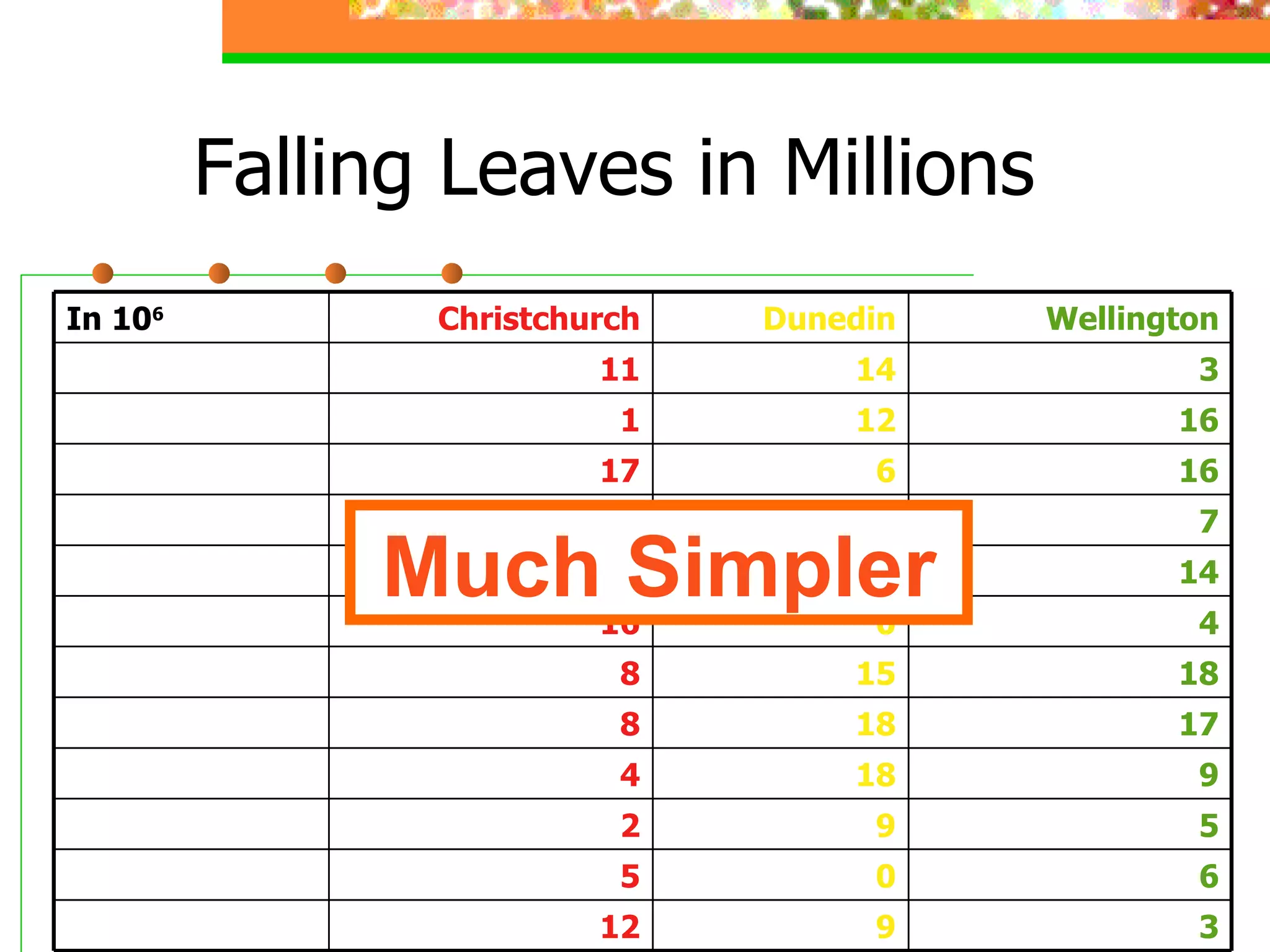
Falling Leaves in Millions Much Simpler 3 9 12 December 6 0 5 November 5 9 2 October 9 18 4 September 17 18 8 August 18 15 8 July 4 0 16 June 14 10 8 May 7 10 16 April 16 6 17 March 16 12 1 February 3 14 11 January Wellington Dunedin Christchurch In 10 6
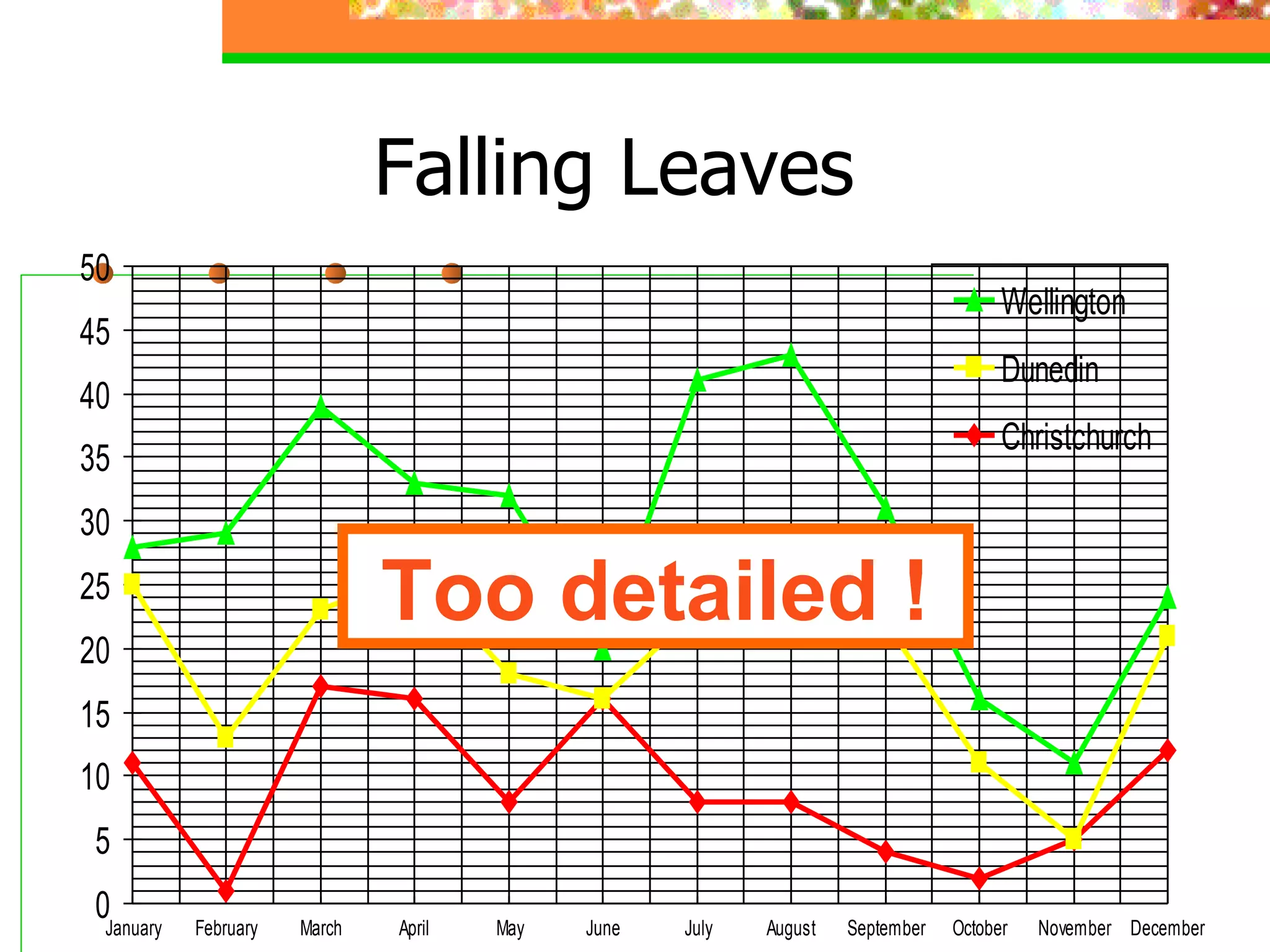
Falling Leaves Too detailed !
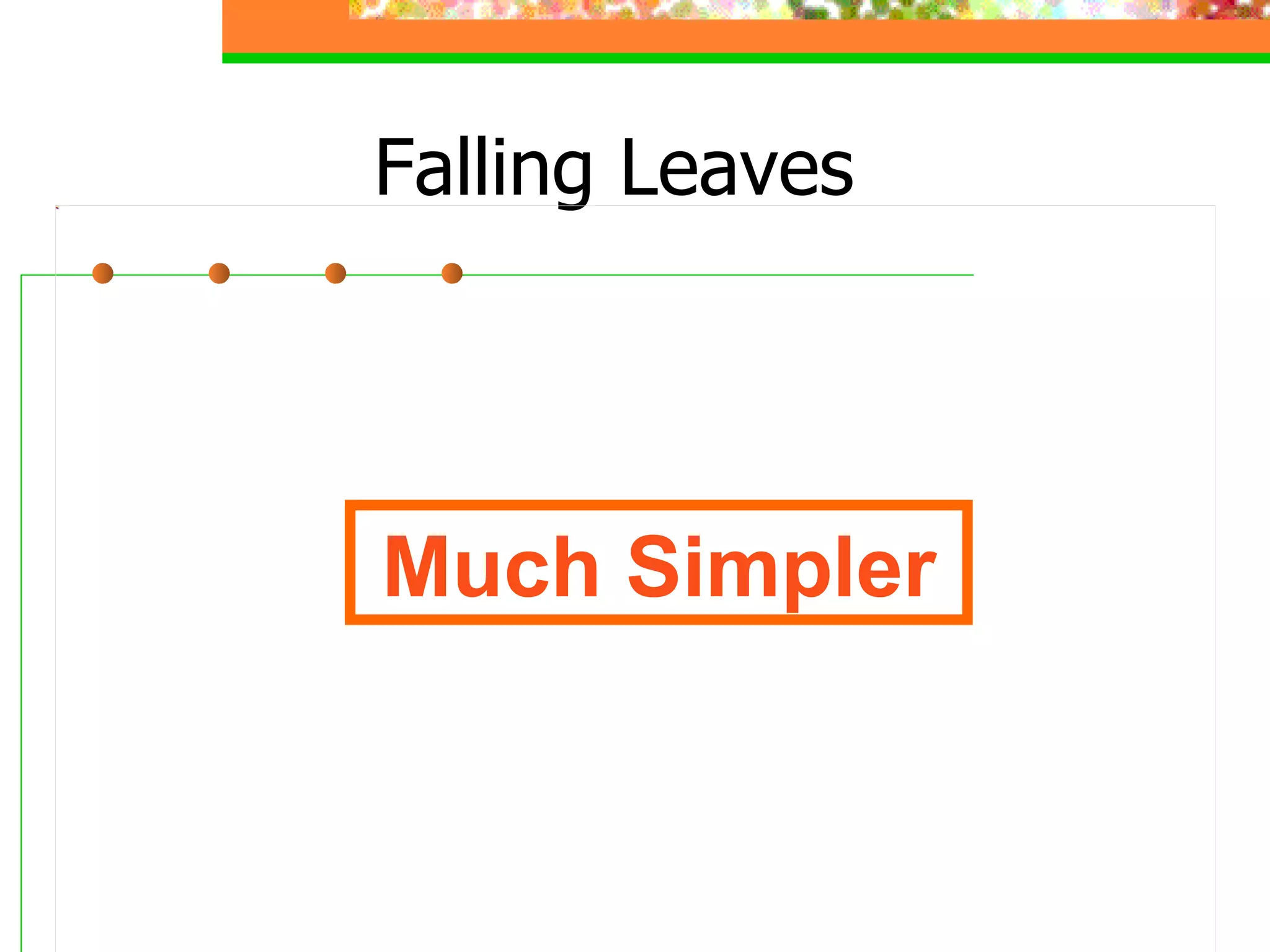
Falling Leaves Much Simpler
Keep It Simple (Picture) Art work may distract your audience Artistry does not substitute for content
Keep It Simple (Sound) Sound effects may distract too Use sound only when necessary
Keep It Simple (Transition) This transition is annoying, not enhancing "Appear" and "Disappear" are better
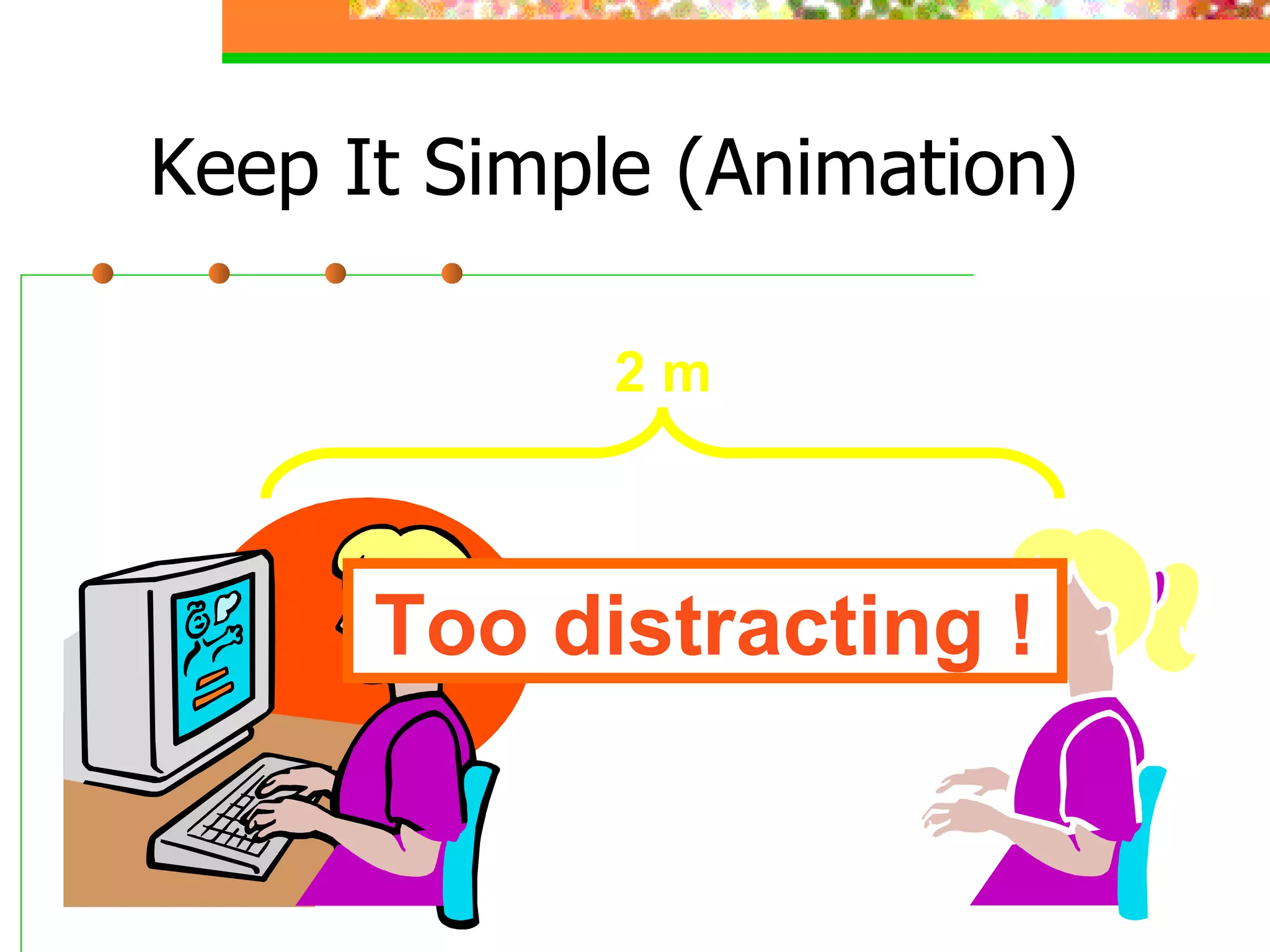
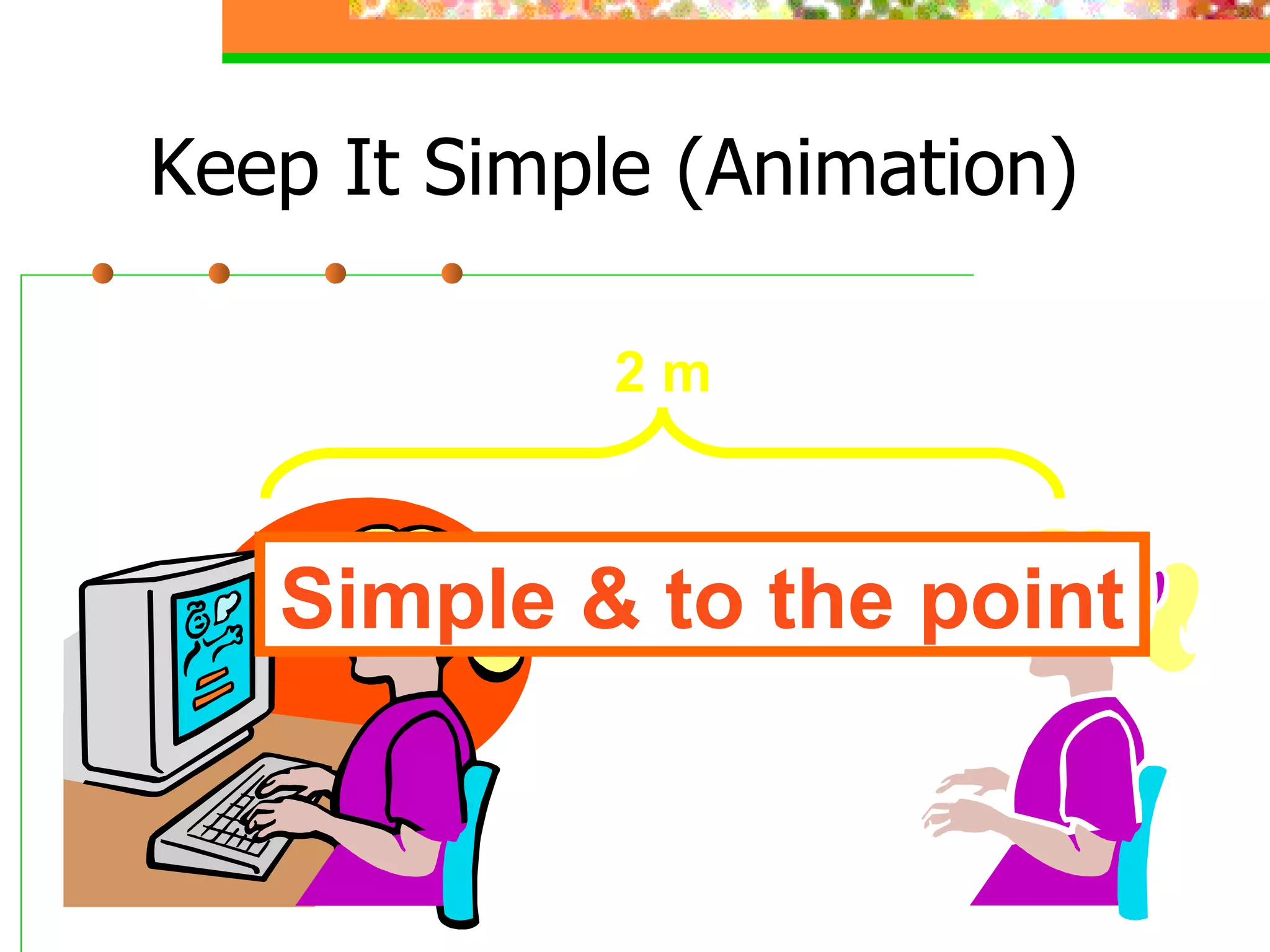
Keep It Simple (Animation) 2 m Too distracting !
Keep It Simple (Animation) Simple & to the point 2 m
Make It Clear
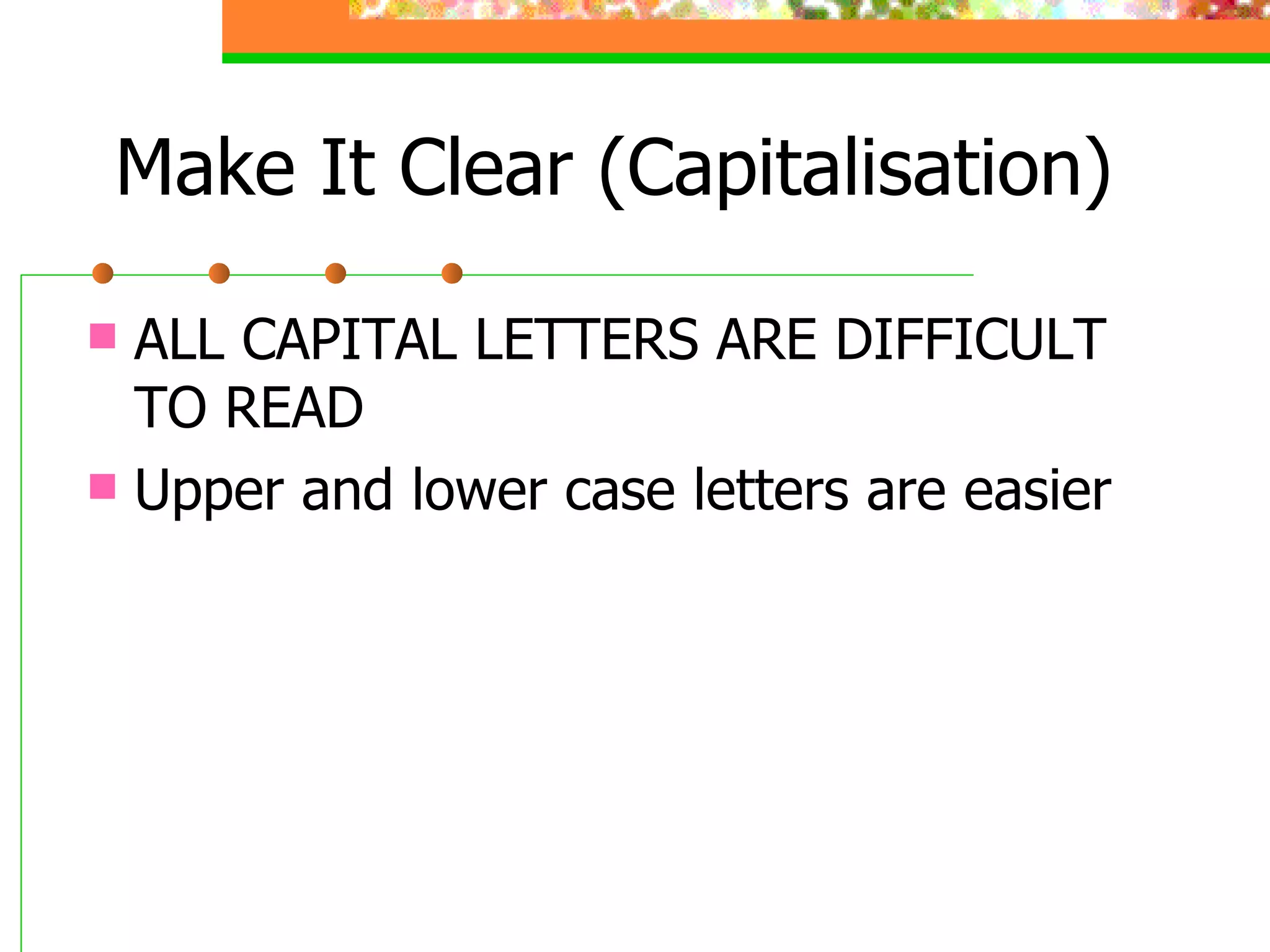
Make It Clear (Capitalisation) ALL CAPITAL LETTERS ARE DIFFICULT TO READ Upper and lower case letters are easier
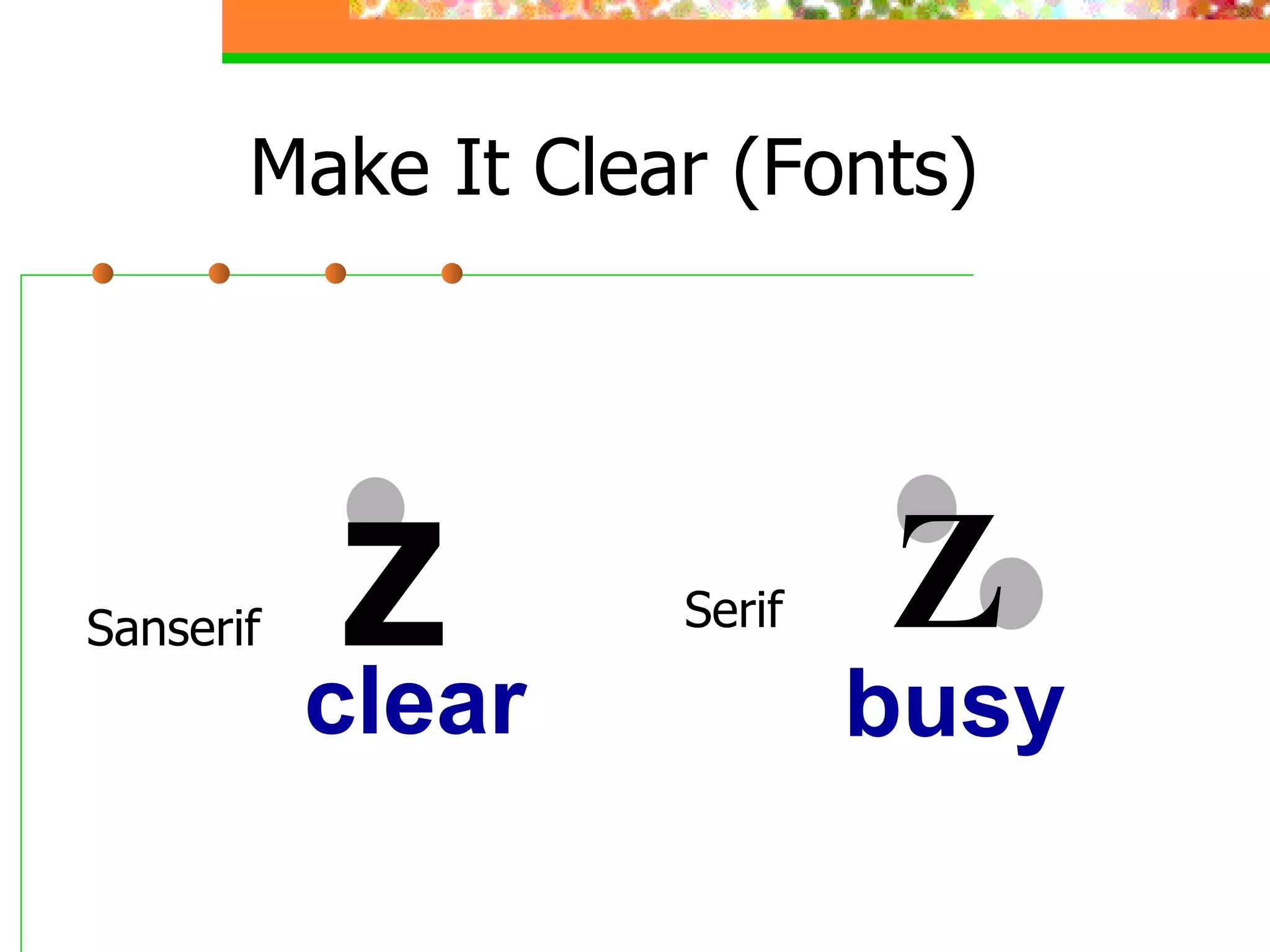
Sanserif Z Serif Z Make It Clear (Fonts) busy clear
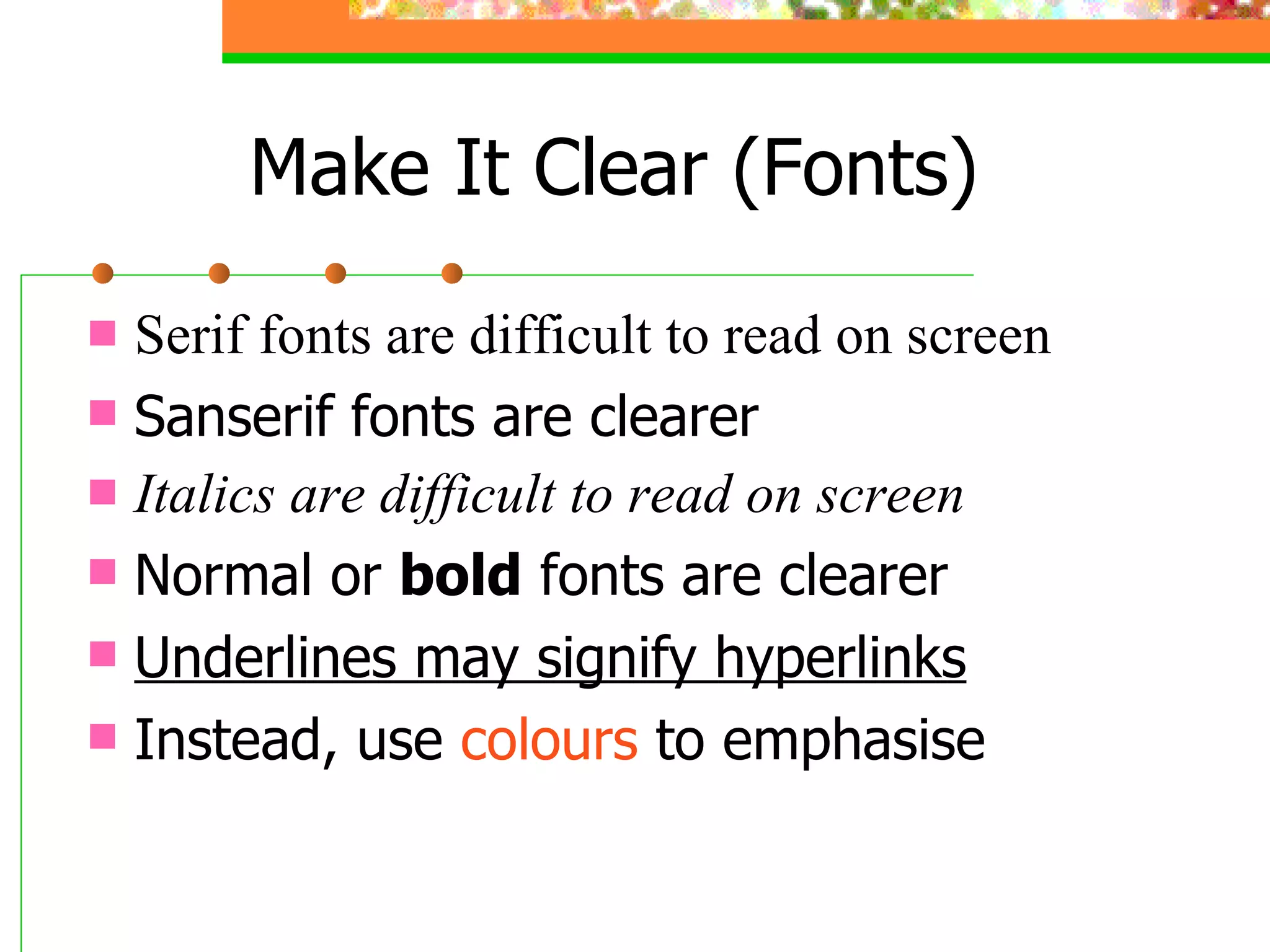
Serif fonts are difficult to read on screen Sanserif fonts are clearer Italics are difficult to read on screen Normal or  bold  fonts are clearer Underlines may signify hyperlinks Instead, use  colours  to emphasise Make It Clear (Fonts)
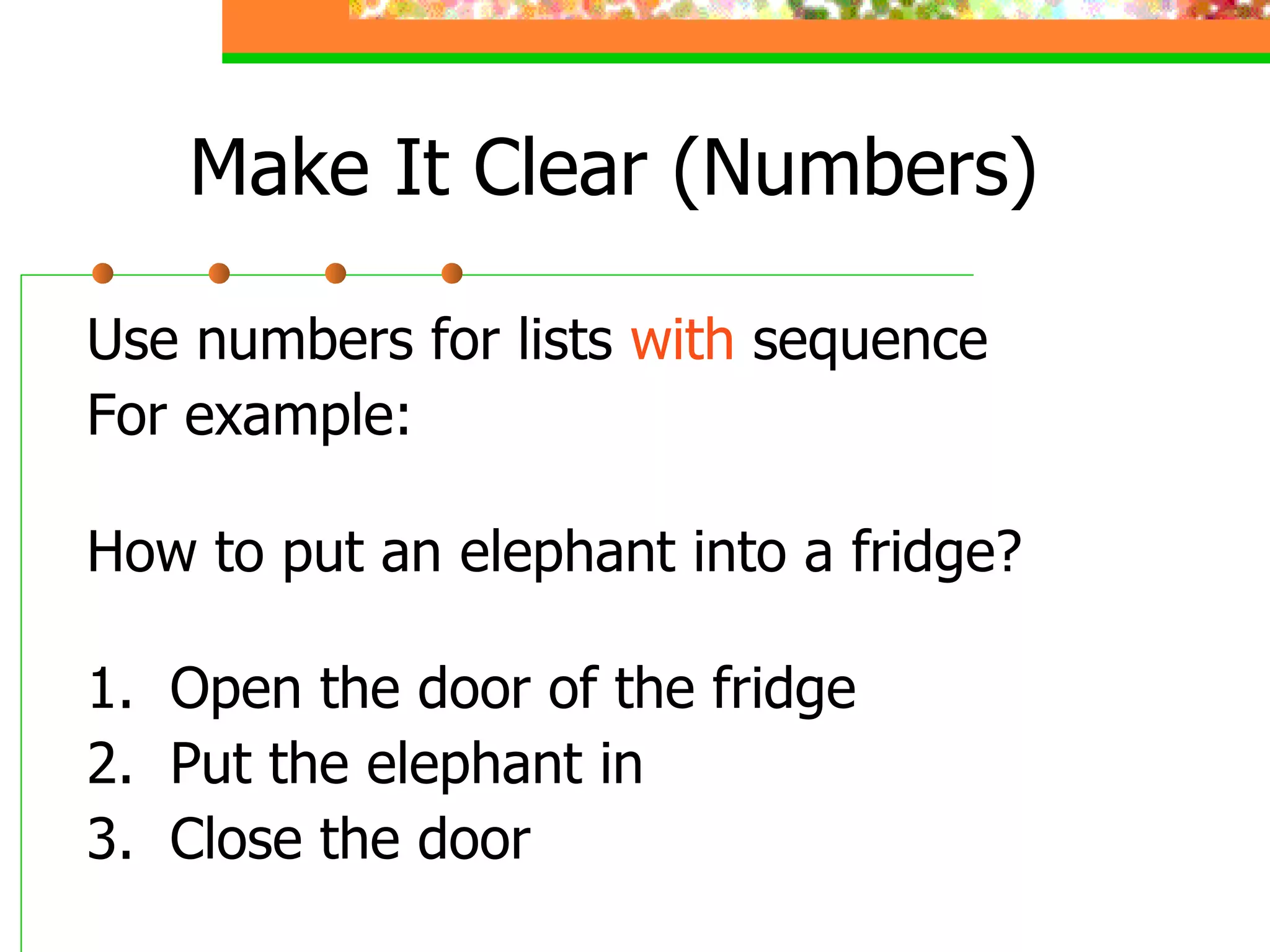
Make It Clear (Numbers) Use numbers for lists  with  sequence For example: How to put an elephant into a fridge? 1.  Open the door of the fridge 2.  Put the elephant in 3.  Close the door
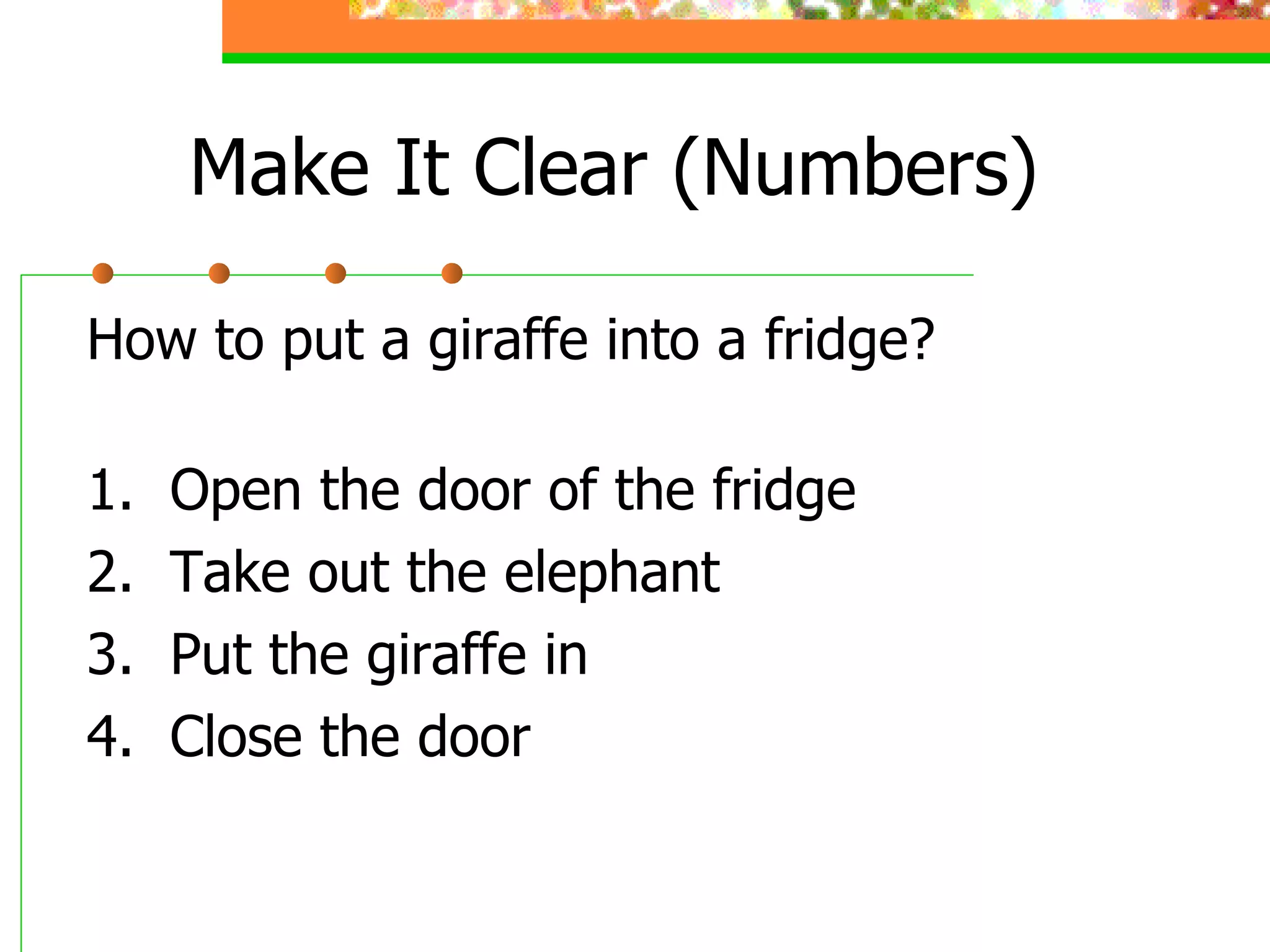
Make It Clear (Numbers) How to put a giraffe into a fridge? 1.  Open the door of the fridge 2.  Take out the elephant 3.  Put the giraffe in 4.  Close the door
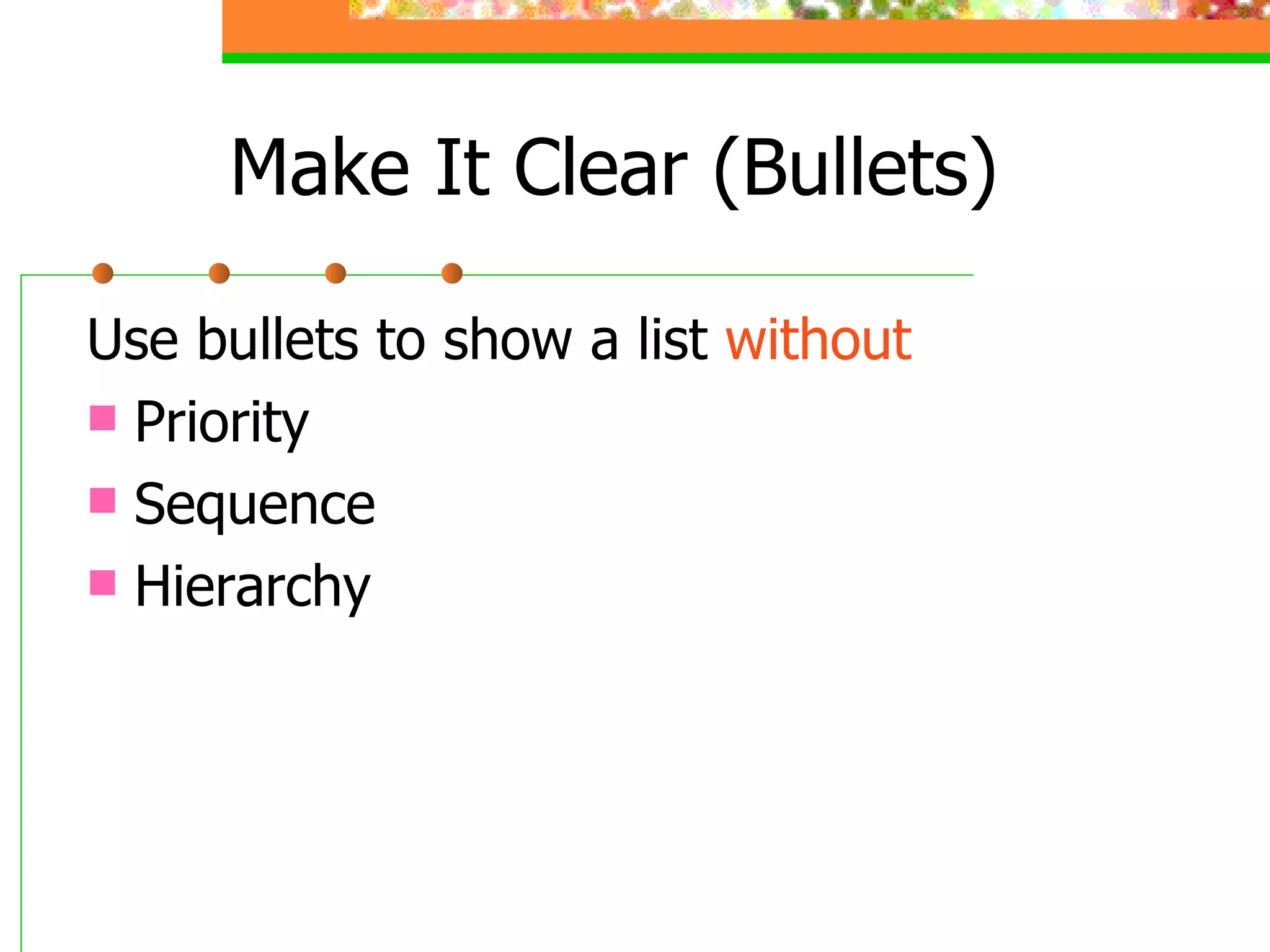
Make It Clear (Bullets) Use bullets to show a list  without Priority Sequence Hierarchy
Make It Clear (Colours) Use contrasting colours  Light on dark vs dark on light Use complementary colours
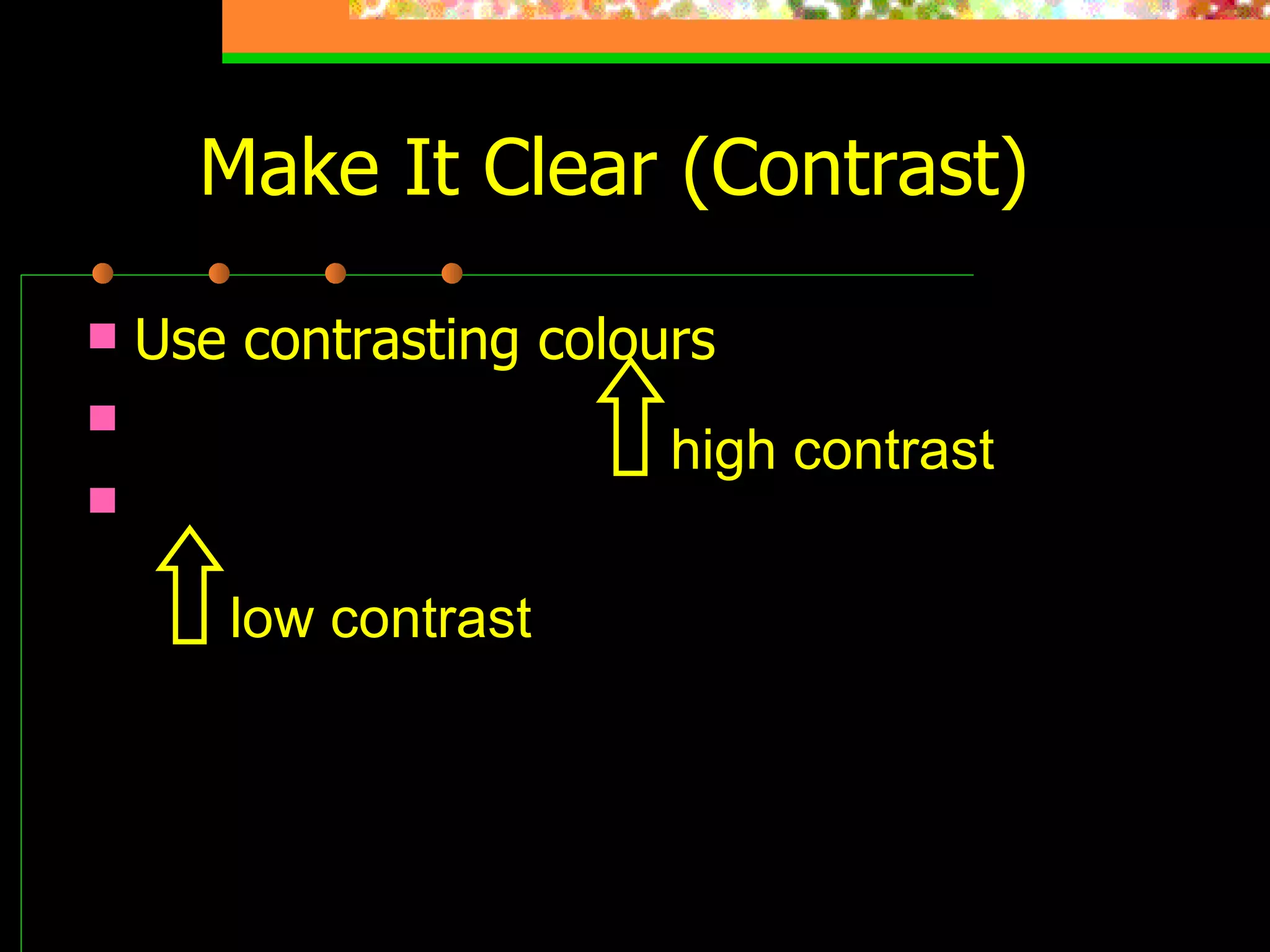
Make It Clear (Contrast) Use contrasting colours Light on dark vs dark on light Use complementary colours low contrast high contrast
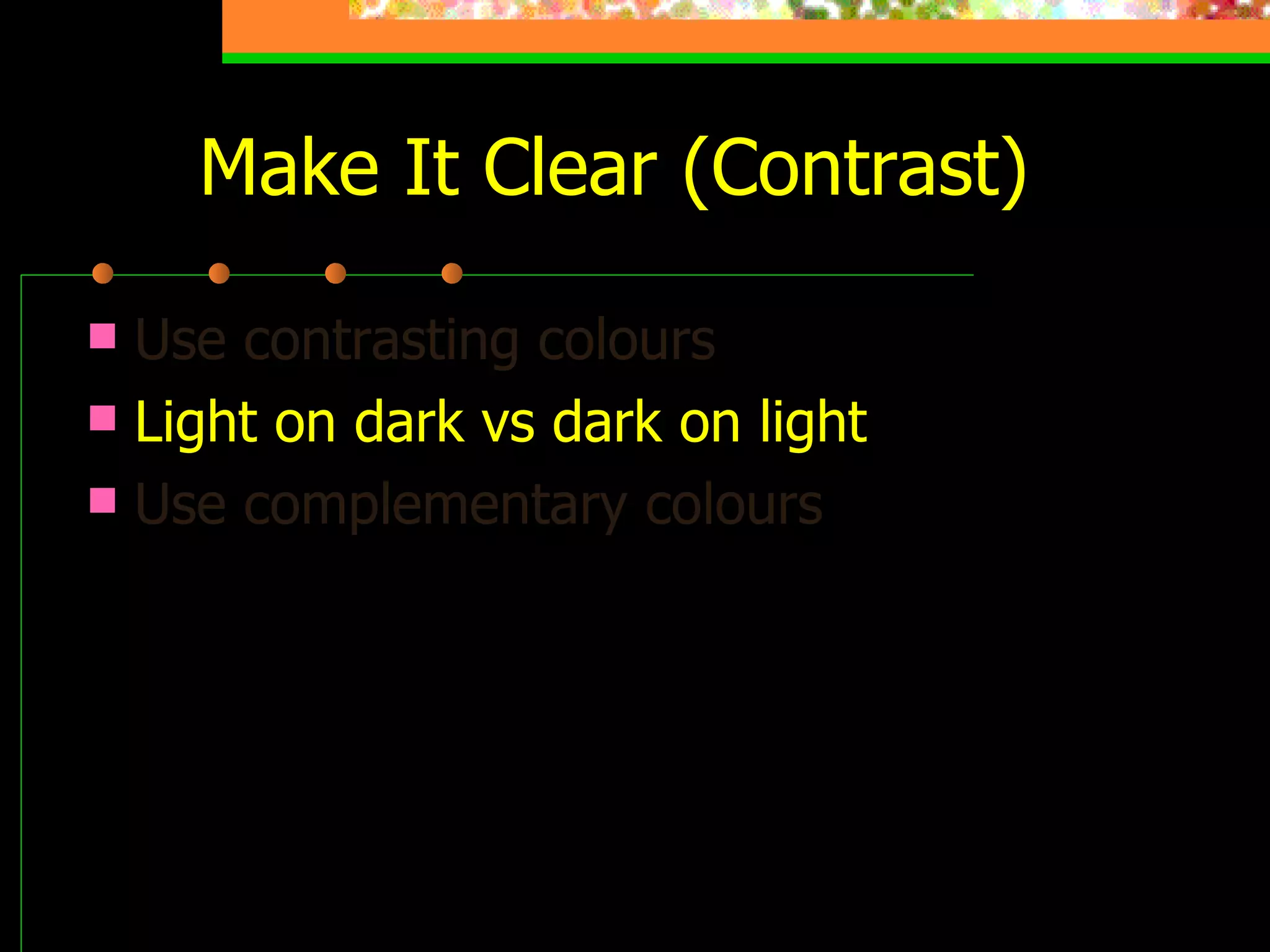
Make It Clear (Contrast) Use contrasting colours   Light on dark vs dark on light Use complementary colours This is light on dark
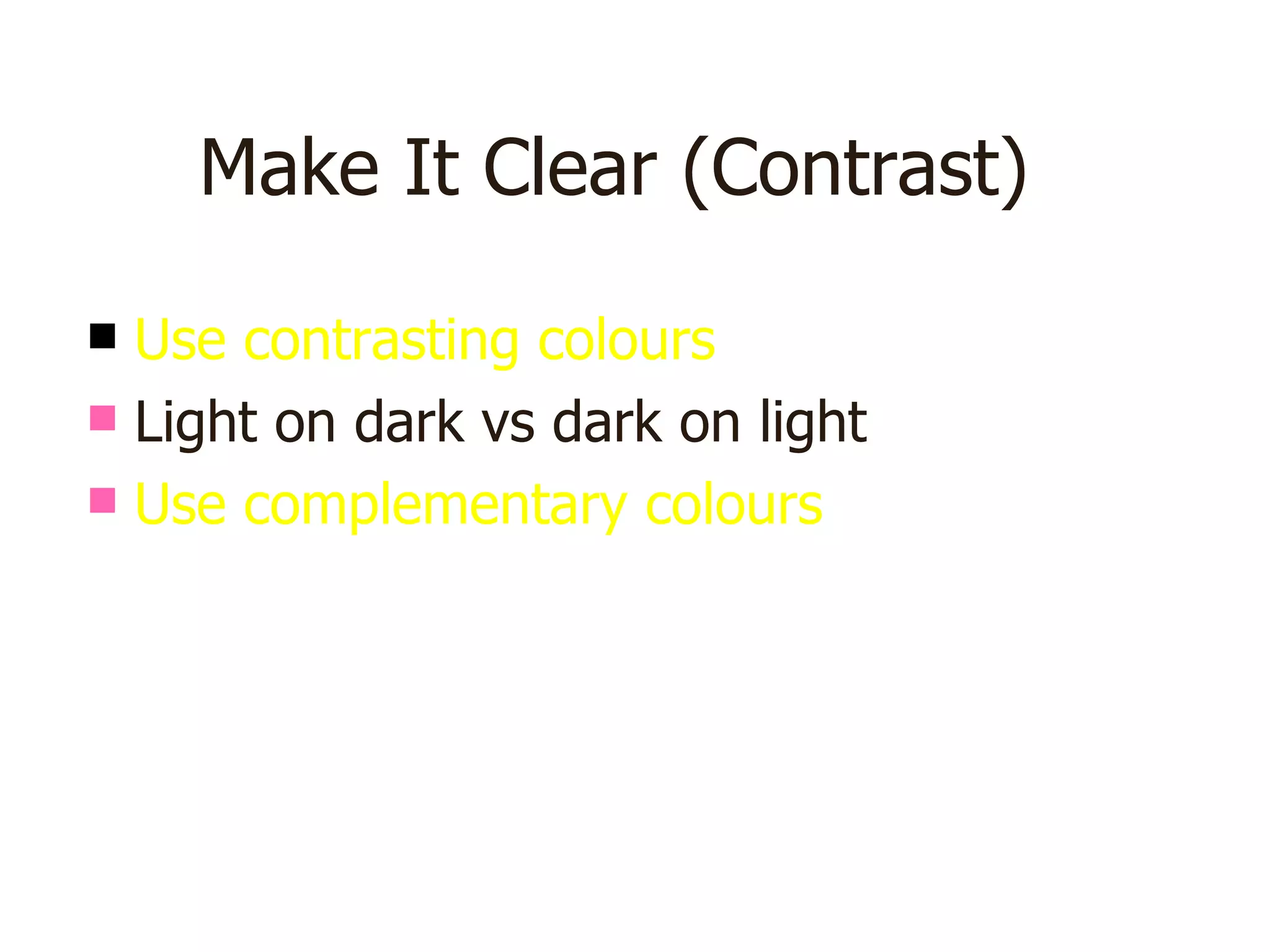
Make It Clear (Contrast) Use contrasting colours   Light on dark vs dark on light Use complementary colours This is dark on light
Make It Clear (Complement) Use contrasting colours Light on dark vs dark on light   Use complementary colours   These colours do not complement
Make It Clear (Complement) Use contrasting colours Light on dark vs dark on light   Use complementary colours   These colours complement
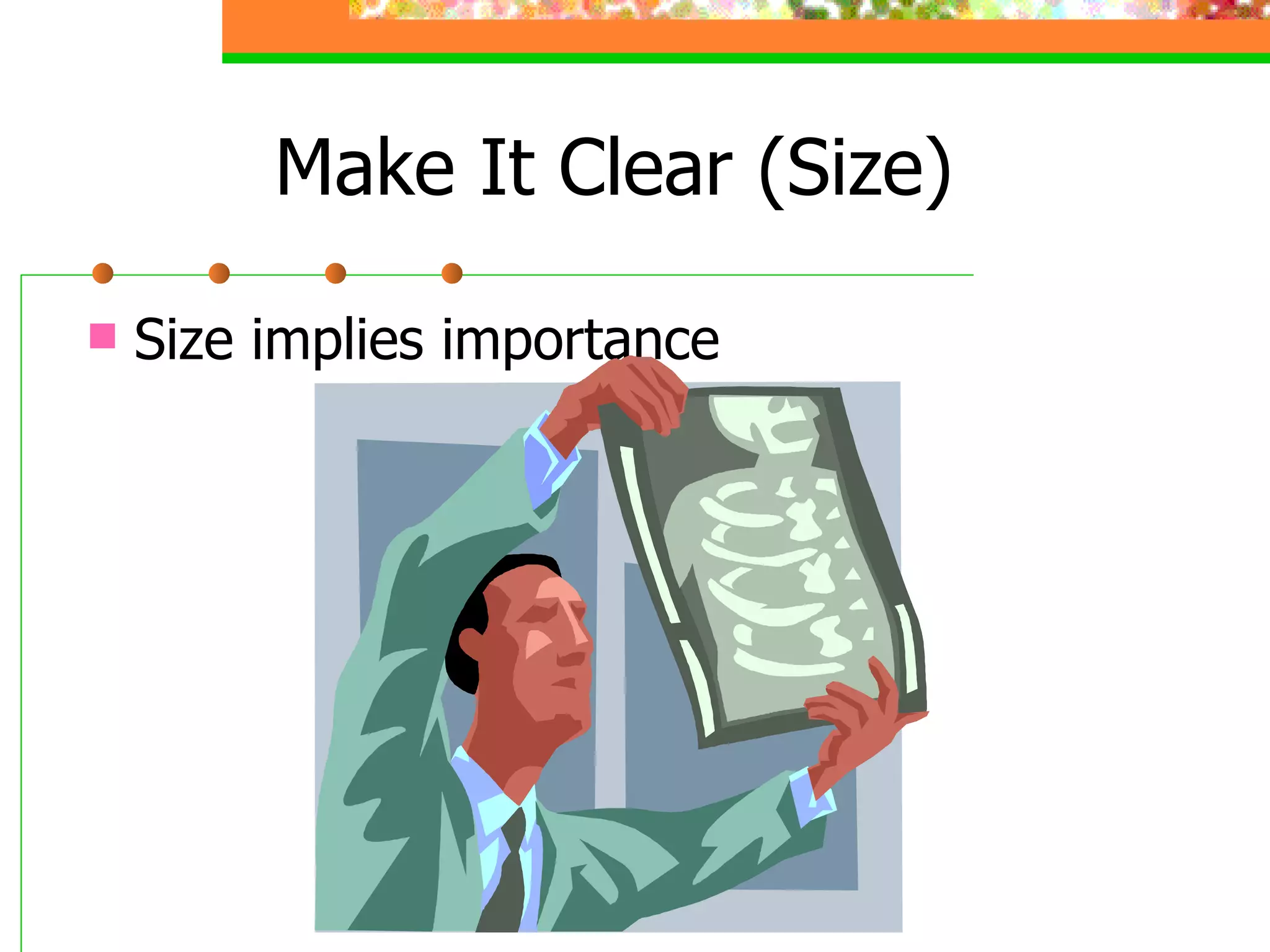
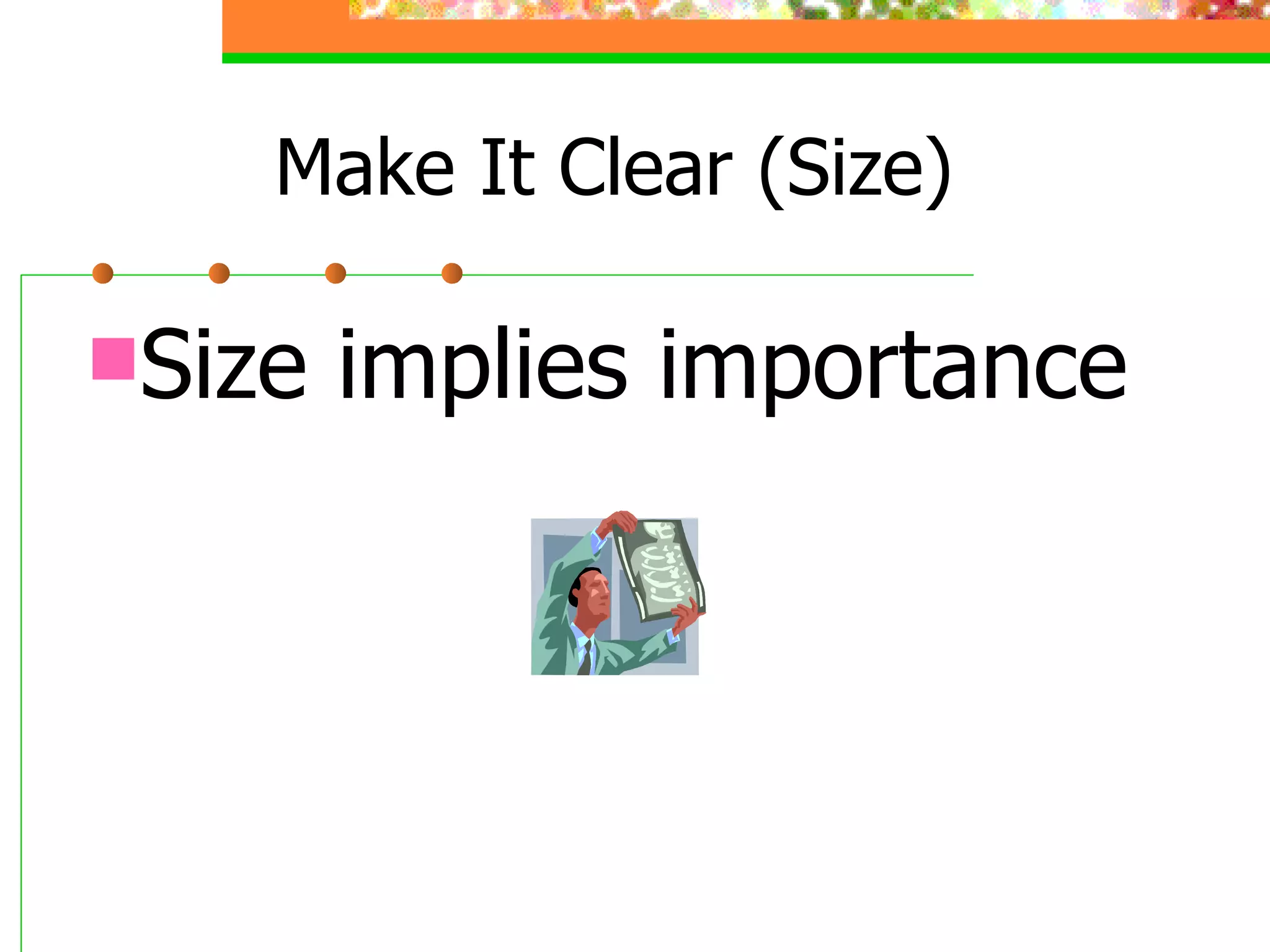
Make It Clear (Size) Size implies importance
Be Progressive
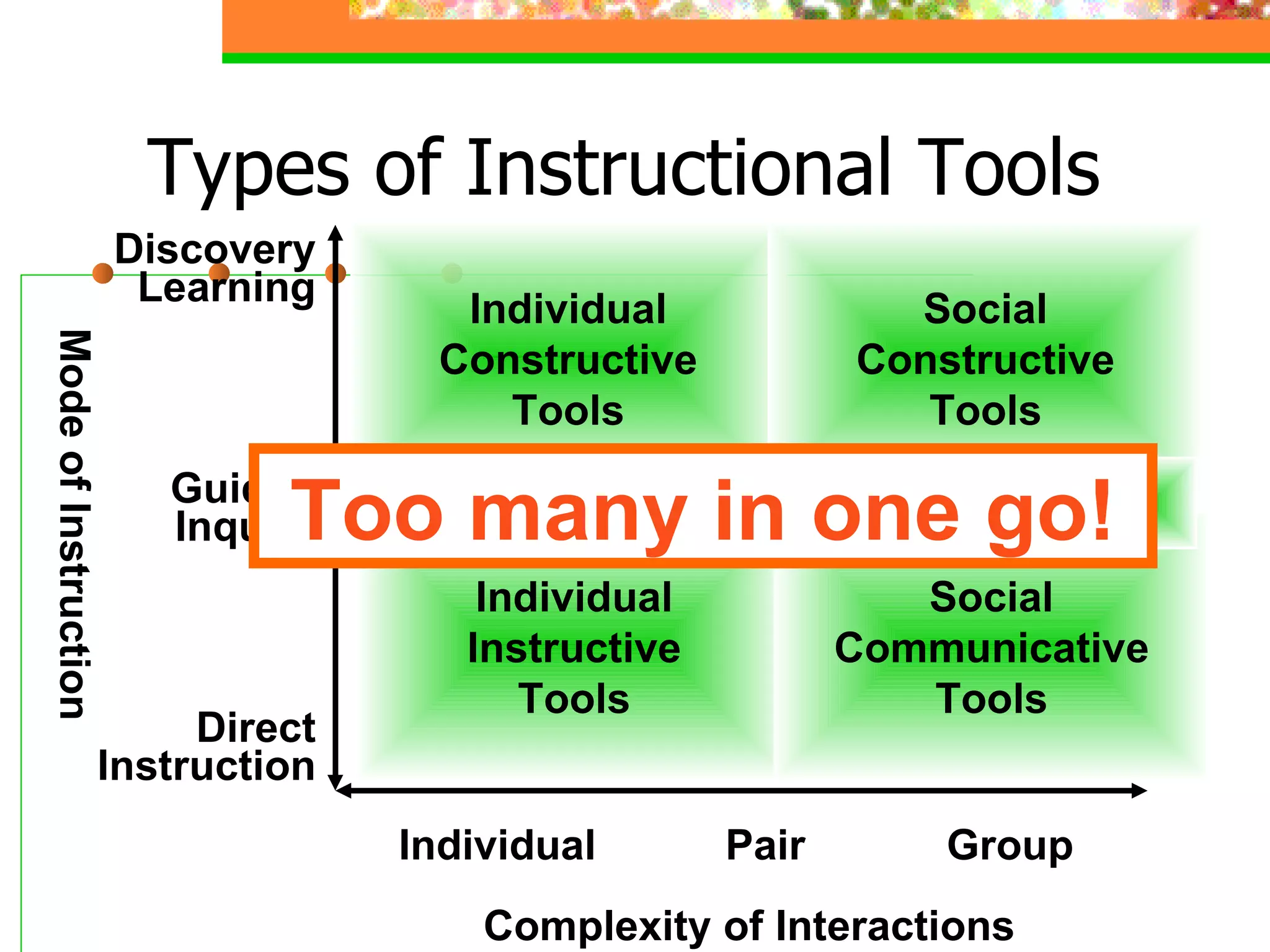
Types of Instructional Tools Complexity of Interactions Mode of Instruction Individual Pair Group Direct Instruction Guided Inquiry Discovery Learning Individual Instructive Tools Individual Constructive Tools Social Constructive Tools Social Communicative Tools Informational Tools Too many in one go!
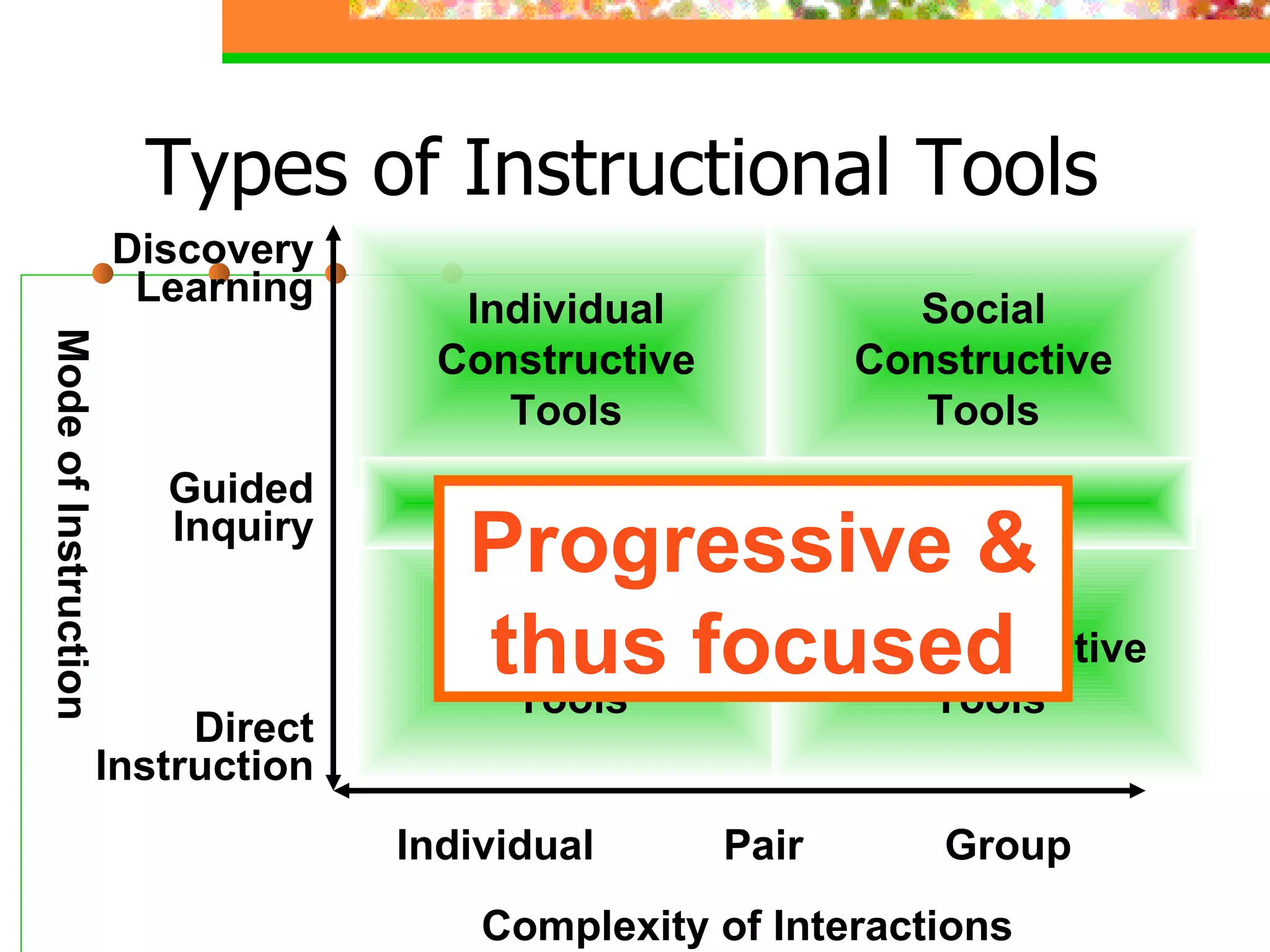
Types of Instructional Tools Complexity of Interactions Mode of Instruction Individual Pair Group Direct Instruction Guided Inquiry Discovery Learning Individual Instructive Tools Individual Constructive Tools Social Constructive Tools Social Communicative Tools Informational Tools Progressive & thus focused
Be Consistent
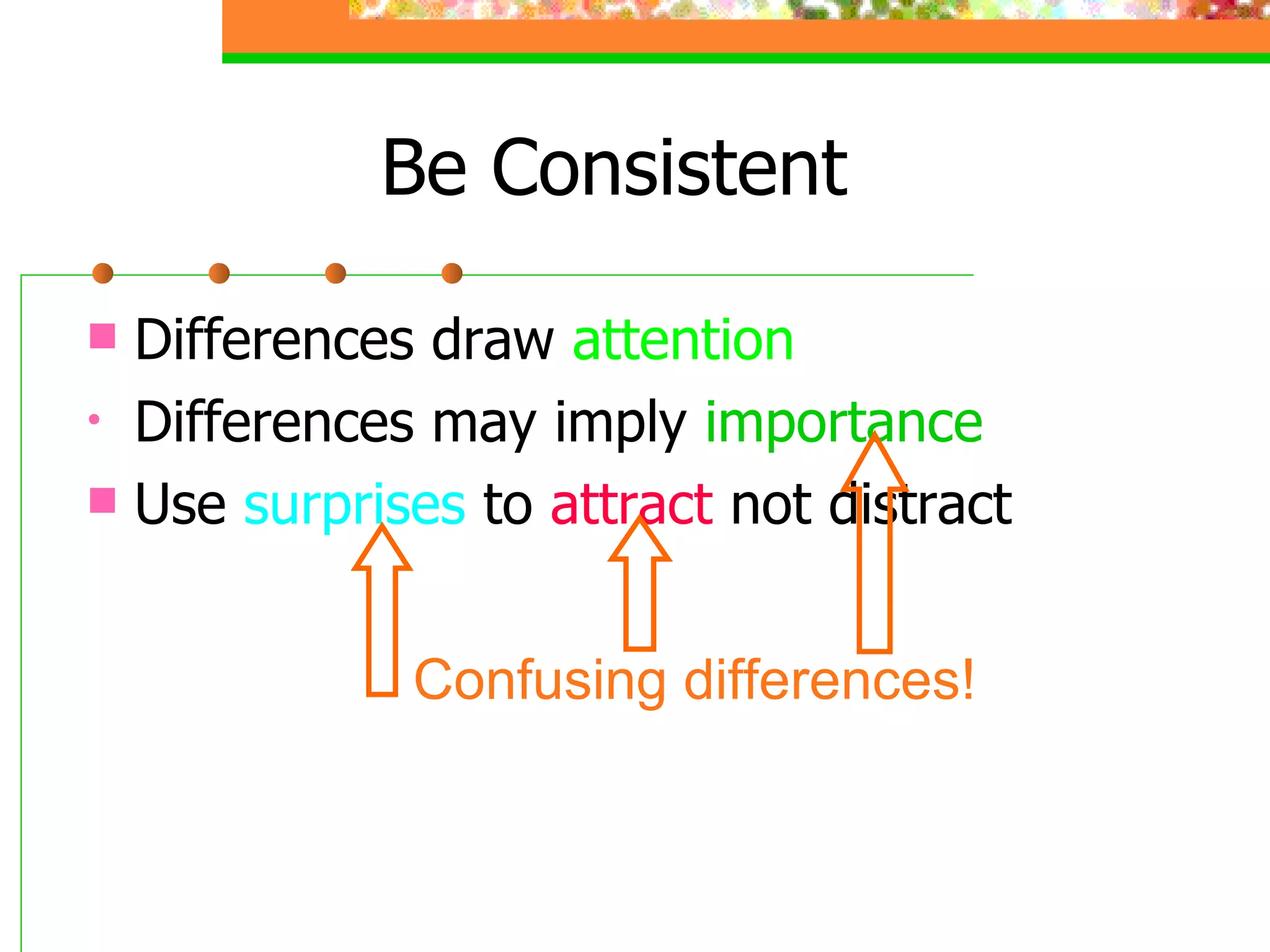
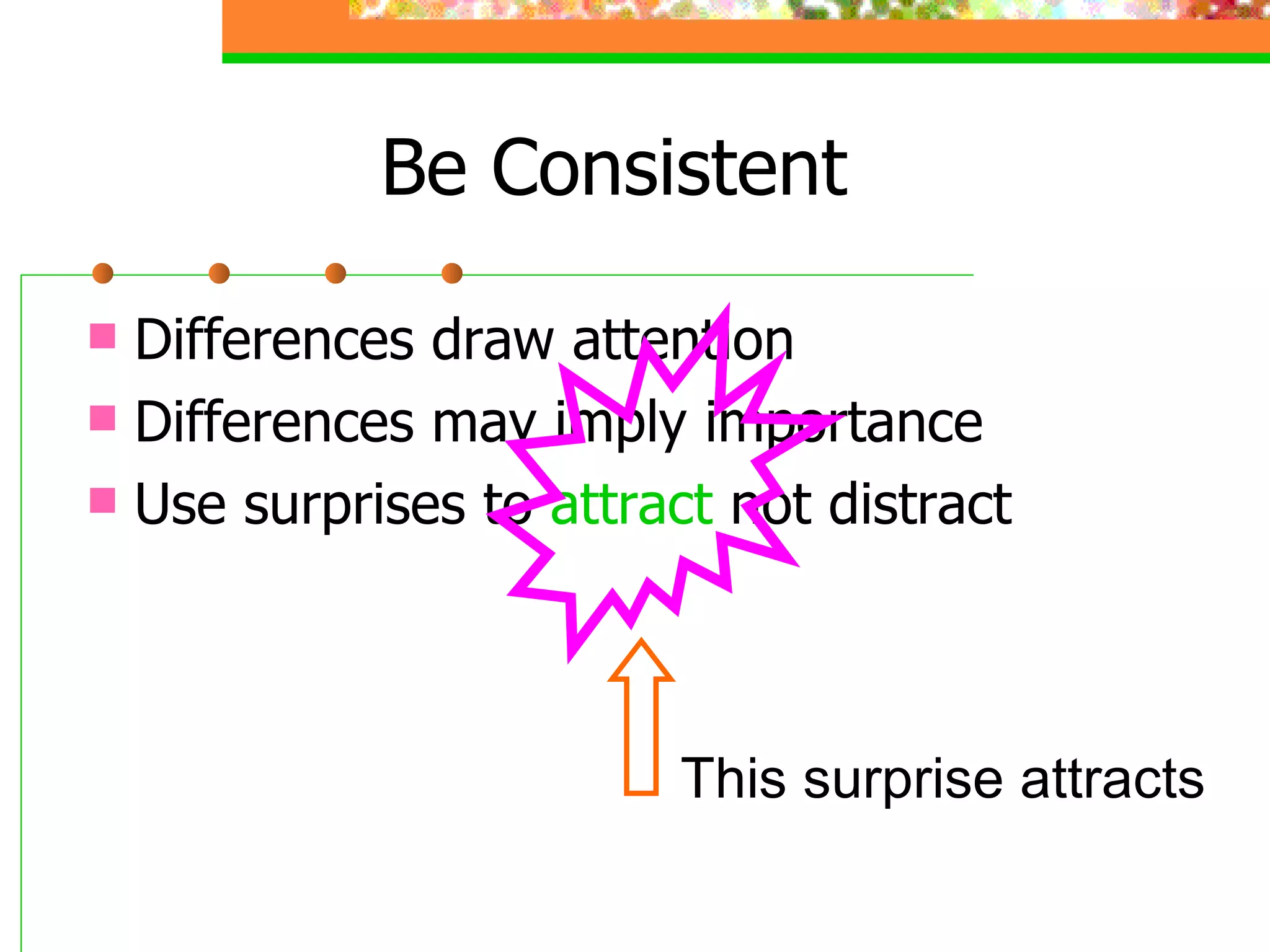
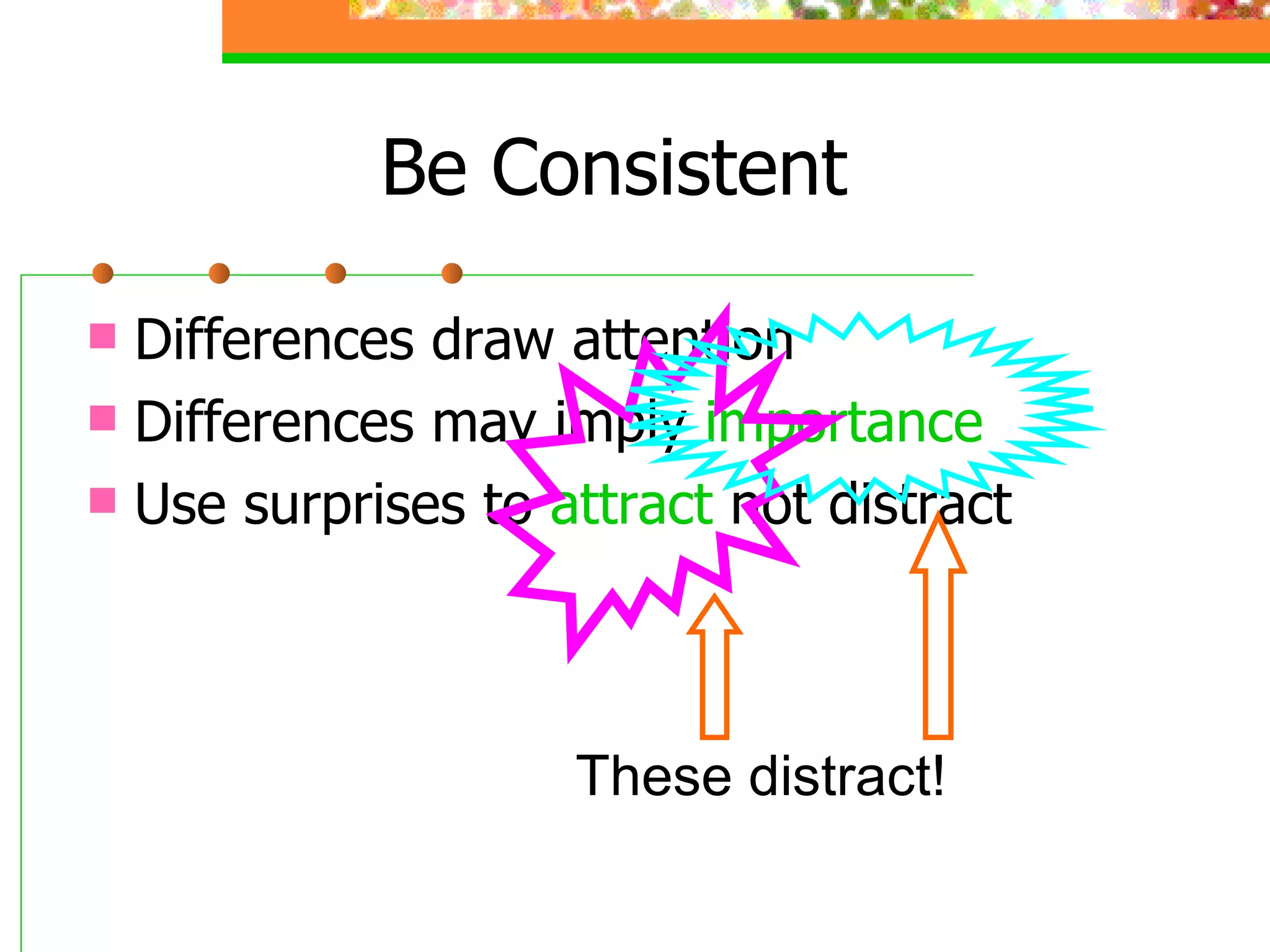
Be Consistent Differences draw attention Differences may imply importance Use surprises to attract not distract
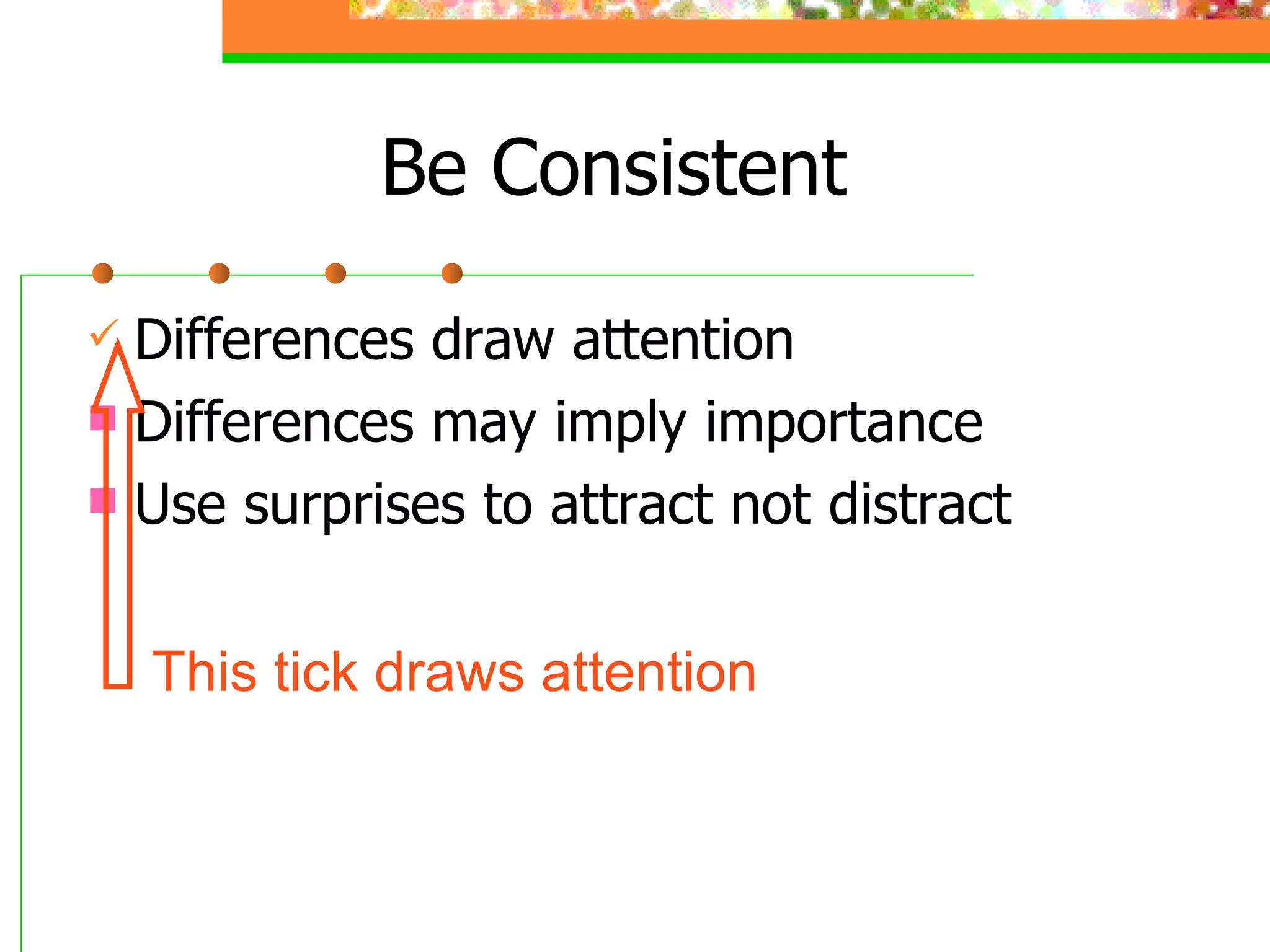
Be Consistent Differences draw attention Differences may imply importance Use surprises to attract not distract This tick draws attention
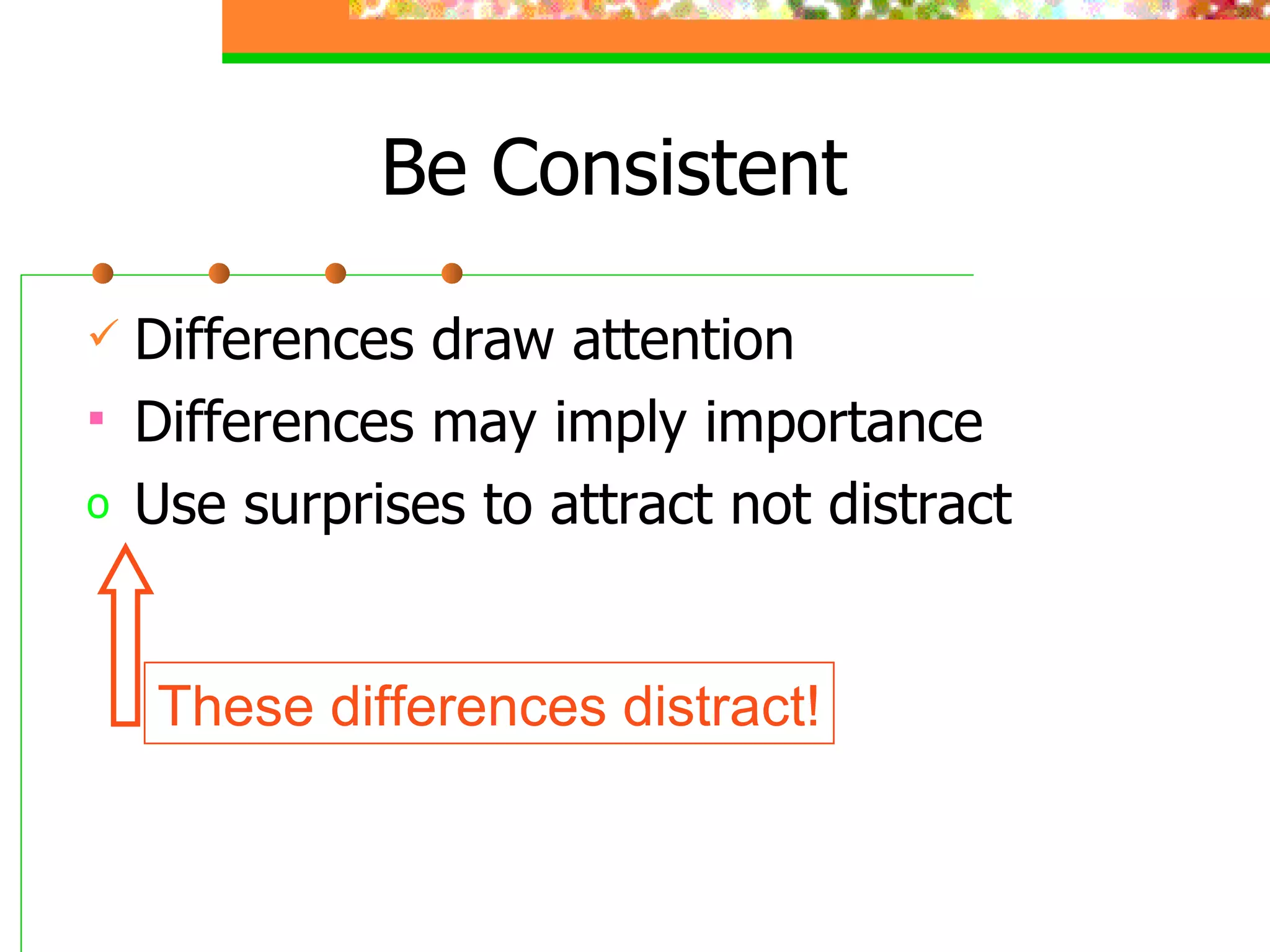
Be Consistent Differences draw attention Differences may imply importance Use surprises to attract not distract These differences distract!
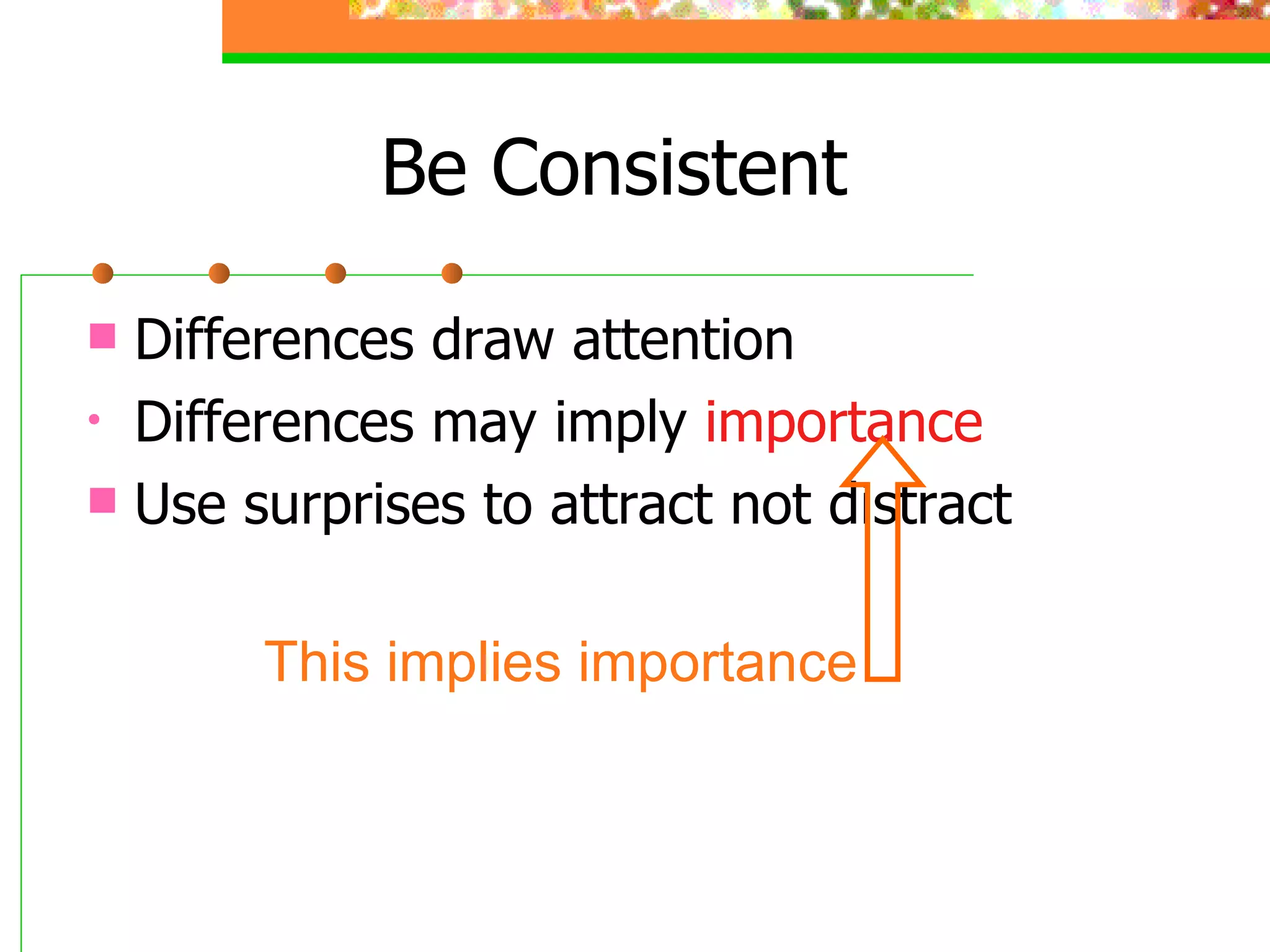
Be Consistent Differences draw attention Differences may imply  importance Use surprises to attract not distract This implies importance
Be Consistent Differences draw  attention Differences may imply  importance Use  surprises  to  attract  not distract Confusing differences!
Be Consistent Differences draw attention Differences may imply importance Use surprises to  attract  not distract This surprise attracts
Be Consistent Differences draw attention Differences may imply  importance Use surprises to  attract  not distract These distract!
In Summary Big Simple Clear Progressive Consistent
Some Final Words Communication is the key Text to support the communication Pictures to simplify complex concepts Animations for complex relationships Visuals to support, not to distract Sounds only when absolutely necessary
Effective Presentation Skills Main Points Types of media and multimedia Principles of message design Types of presentation technology Designing effective presentations Practice: Using PowerPoint and the Web

Effective Presentation Skills

  • 1.
    مهارات العرض الفعالEffective Presentation Skills Alaa Sadik, PhD [email_address] www.alaasadik.net
  • 2.
    About the PresenterI am from Egypt and received my Ph.D. in educational technology from the University of Hull, UK, in 2002. Work as an assistant professor of instructional technology at Department of Instructional & Learning Technology, College of Education (2006-present). Teach various courses in instructional computer, multimedia and distance education for ILT students. Published many articles on the use technology and multimedia in education
  • 3.
    Find more atwww.alaasadik.net
  • 4.
    Effective Presentation SkillsMain Points Types of media and multimedia Principles of message design Types of presentation technology Designing effective presentations Practice: Using PowerPoint and the Web
  • 5.
    Effective Presentation SkillsMain Points Types of media and multimedia Principles of message design Types of presentation technology Designing effective presentations Practice: Using PowerPoint and the Web
  • 6.
    The HumanEar Text words, numbers, signs, symbols, equations, etc. The ear consists of three basic parts the outer ear, the middle ear, and the inner ear. Each part of the ear serves a specific purpose in the task of detecting and interpreting sound. ……………………………… ……………………………… ………………………………
  • 7.
    The HumanEar Image drawing, graph, photo, map, etc.
  • 8.
  • 9.
    A simple representationof forms or objects by means of lines, curves and indicators to explain idea or show relationship. Line Drawing
  • 10.
    A simple andattractive artwork that helps simplify concept or make an idea or relationship simple and clear. Illustrated Drawing
  • 11.
    A group ofpictures in a specified sequence that tell a story or illustrate a phenomena with titles and captions. Sequenced Drawing
  • 12.
    A complex pictureaims to explain the similarities and differences between two or more objects. Comparative Drawing
  • 13.
    A map isa simplified depiction of a space or specific region, which highlights relations between objects within that space with navigational aids and appropriate scale. Maps
  • 14.
    A poster is a graphic advertisement aims to post a specific message quickly and simply in a public place. Posters
  • 15.
    A chart is a visual representation of data ( using lines, bars, pies… ) that displays the relationship among variables, usually cast along x and y axes. Charts
  • 16.
    Flowcharts A flowchartis a diagram consisting of a set of specified symbols ( rectangles, diamonds, circle.. ) and connecting arrows that shows step-by-step progression through a procedure, process or system.
  • 17.
    Geometrical Figures Atwo- or three-dimensional drawing illustrates a geometrical concept or relationship using accurate measures.
  • 18.
    Screenshots A screenshotis an image captured by the computer to record the visible items on the monitor or another visual output device.
  • 19.
    A visual representationcaptured using ordinary or special optical or digital camera. Photographs
  • 20.
    The HumanEar Audio human voice, sound effects, natural, mechanical, etc. The human ear consists of ...
  • 21.
  • 22.
  • 23.
  • 24.
  • 25.
  • 26.
    Multimedia Now… What is multimedia?
  • 27.
    Multimedia Transmission thatcombine different media of communication text , graphics , audio, animation, video, etc. The human ear consists of three parts: The outer ear The middle ear The inner ear Listen The Human Ear
  • 28.
    Effective Presentation SkillsMain Points Types of media and multimedia Principles of message design Types of presentation technology Designing effective presentations Practice: Using PowerPoint and the Web
  • 29.
    Communicating Messages Tocommunicate a message you need a: - Sender (to send the message)
  • 30.
    Communicating Messages Tocommunicate a message you need a: - Message (to carry the content)
  • 31.
    Communicating Messages Tocommunicate a message you need a: - Medium (to carry the message)
  • 32.
    Communicating Messages Tocommunicate a message you need a: - Receiver (to receive the message)
  • 33.
    Communicating Messages Tocommunicate a message you need a: - Domain (to facilitate communication)
  • 34.
    Communicating Messages Tocommunicate a message you need a: - Sender (send the message) - Message (carry the content) - Medium (carry the message) - Receiver (receive the message) - Domain (facilitate communication)
  • 35.
  • 36.
    Media & ExperienceDale’s Cone of Experience
  • 37.
    Dale’s Cone ofExperience: Note! At the top: provide more information, compress information, faster for those able to process it, need more instructional support. At the bottom: involve the learner, encourage active learning, provide less information, more stimuli and richer experience
  • 38.
    Effective Presentation SkillsMain Points Types of media and multimedia Principles of message design Types of presentation technology Designing effective presentations Practice: Using PowerPoint and the Web
  • 39.
    Writing boards FlipchartsOHP transparencies 35 mm slides Video Models/real objects/samples/shapes Audio-video-conferencing Digital projectors Smart classrooms Computers (software and storage media) The Internet Presentation Technology Used in Higher Education
  • 40.
  • 41.
  • 42.
  • 43.
  • 44.
  • 45.
  • 46.
  • 47.
  • 48.
  • 49.
    Effective Presentation SkillsMain Points Types of media and multimedia Principles of message design Types of presentation technology Designing effective presentations Practice: Using PowerPoint and the Web
  • 50.
    Guidelines Big SimpleClear Progressive Consistent Designing Effective Presentation Using Power Point
  • 51.
  • 52.
    Make it Big(Text) This is Arial 12 This is Arial 18 This is Arial 24 This is Arial 32 This is Arial 36 This is Arial 44
  • 53.
    Make it Big(Text) This is Arial 12 This is Arial 18 This is Arial 24 This is Arial 32 This is Arial 36 This is Arial 44 Too Small
  • 54.
    Make It Big(How to Estimate) Look at it from 2 metres away 2 m
  • 55.
  • 56.
    Keep It Simple(Text) T o o m a n y c o l o u r s Too Many Fonts and Styles The 6 x 7 rule No more than 6 lines per slide No more than 7 words per line
  • 57.
    Keep It Simple(Text) Instructional Technology: A complex integrated process involving people, procedures, ideas, devices, and organization, for analyzing problems and devising, implementing, evaluating, and managing solutions to those problems in situations in which learning is purposive and controlled (HMRS 5th ed.) Too detailed !
  • 58.
    Keep It Simple(Text) A process involving people, procedures & tools for solutions to problems in learning (HMRS 5th ed.) Instructional Technology: Much Simpler
  • 59.
    Falling Leaves ObservedToo detailed ! 3,045,654 9,532,111 12,234,123 December 6,678,125 478,023 5,864,034 November 5,596,096 9,945,890 2,608,096 October 9,950,498 18,923,239 4,032,045 September 17,230,095 18,107,110 8,674,234 August 18,885,786 15,347,934 8,890,345 July 4,123,656 678,095 16,184,345 June 14,856,456 10,345,394 8,036,897 May 7,940,096 10,870,954 16,098,897 April 16,034,786 6,567,123 17,234,778 March 16,128,234 12,345,567 1,078,456 February 3,034,564 14,123,654 11,532,234 January Wellington Dunedin Christchurch
  • 60.
    Falling Leaves inMillions Much Simpler 3 9 12 December 6 0 5 November 5 9 2 October 9 18 4 September 17 18 8 August 18 15 8 July 4 0 16 June 14 10 8 May 7 10 16 April 16 6 17 March 16 12 1 February 3 14 11 January Wellington Dunedin Christchurch In 10 6
  • 61.
  • 62.
  • 63.
    Keep It Simple(Picture) Art work may distract your audience Artistry does not substitute for content
  • 64.
    Keep It Simple(Sound) Sound effects may distract too Use sound only when necessary
  • 65.
    Keep It Simple(Transition) This transition is annoying, not enhancing "Appear" and "Disappear" are better
  • 66.
    Keep It Simple(Animation) 2 m Too distracting !
  • 67.
    Keep It Simple(Animation) Simple & to the point 2 m
  • 68.
  • 69.
    Make It Clear(Capitalisation) ALL CAPITAL LETTERS ARE DIFFICULT TO READ Upper and lower case letters are easier
  • 70.
    Sanserif Z SerifZ Make It Clear (Fonts) busy clear
  • 71.
    Serif fonts aredifficult to read on screen Sanserif fonts are clearer Italics are difficult to read on screen Normal or bold fonts are clearer Underlines may signify hyperlinks Instead, use colours to emphasise Make It Clear (Fonts)
  • 72.
    Make It Clear(Numbers) Use numbers for lists with sequence For example: How to put an elephant into a fridge? 1. Open the door of the fridge 2. Put the elephant in 3. Close the door
  • 73.
    Make It Clear(Numbers) How to put a giraffe into a fridge? 1. Open the door of the fridge 2. Take out the elephant 3. Put the giraffe in 4. Close the door
  • 74.
    Make It Clear(Bullets) Use bullets to show a list without Priority Sequence Hierarchy
  • 75.
    Make It Clear(Colours) Use contrasting colours Light on dark vs dark on light Use complementary colours
  • 76.
    Make It Clear(Contrast) Use contrasting colours Light on dark vs dark on light Use complementary colours low contrast high contrast
  • 77.
    Make It Clear(Contrast) Use contrasting colours Light on dark vs dark on light Use complementary colours This is light on dark
  • 78.
    Make It Clear(Contrast) Use contrasting colours Light on dark vs dark on light Use complementary colours This is dark on light
  • 79.
    Make It Clear(Complement) Use contrasting colours Light on dark vs dark on light Use complementary colours These colours do not complement
  • 80.
    Make It Clear(Complement) Use contrasting colours Light on dark vs dark on light Use complementary colours These colours complement
  • 81.
    Make It Clear(Size) Size implies importance
  • 82.
    Make It Clear(Size) Size implies importance
  • 83.
  • 84.
    Types of InstructionalTools Complexity of Interactions Mode of Instruction Individual Pair Group Direct Instruction Guided Inquiry Discovery Learning Individual Instructive Tools Individual Constructive Tools Social Constructive Tools Social Communicative Tools Informational Tools Too many in one go!
  • 85.
    Types of InstructionalTools Complexity of Interactions Mode of Instruction Individual Pair Group Direct Instruction Guided Inquiry Discovery Learning Individual Instructive Tools Individual Constructive Tools Social Constructive Tools Social Communicative Tools Informational Tools Progressive & thus focused
  • 86.
  • 87.
    Be Consistent Differencesdraw attention Differences may imply importance Use surprises to attract not distract
  • 88.
    Be Consistent Differencesdraw attention Differences may imply importance Use surprises to attract not distract This tick draws attention
  • 89.
    Be Consistent Differencesdraw attention Differences may imply importance Use surprises to attract not distract These differences distract!
  • 90.
    Be Consistent Differencesdraw attention Differences may imply importance Use surprises to attract not distract This implies importance
  • 91.
    Be Consistent Differencesdraw attention Differences may imply importance Use surprises to attract not distract Confusing differences!
  • 92.
    Be Consistent Differencesdraw attention Differences may imply importance Use surprises to attract not distract This surprise attracts
  • 93.
    Be Consistent Differencesdraw attention Differences may imply importance Use surprises to attract not distract These distract!
  • 94.
    In Summary BigSimple Clear Progressive Consistent
  • 95.
    Some Final WordsCommunication is the key Text to support the communication Pictures to simplify complex concepts Animations for complex relationships Visuals to support, not to distract Sounds only when absolutely necessary
  • 96.
    Effective Presentation SkillsMain Points Types of media and multimedia Principles of message design Types of presentation technology Designing effective presentations Practice: Using PowerPoint and the Web