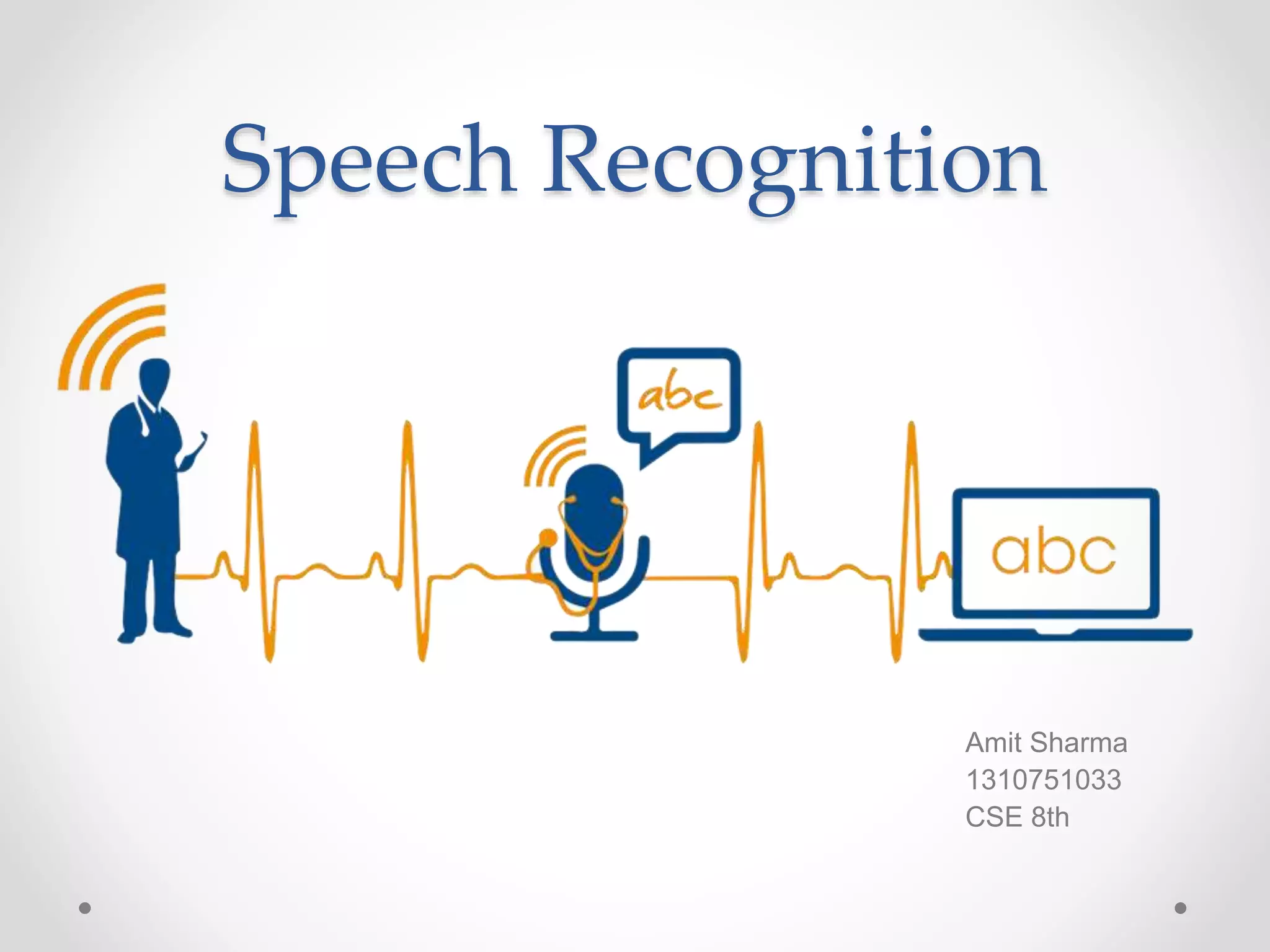
Speech Recognition
Amit Sharma
1310751033
CSE 8th
SPEECH RECOGNITION
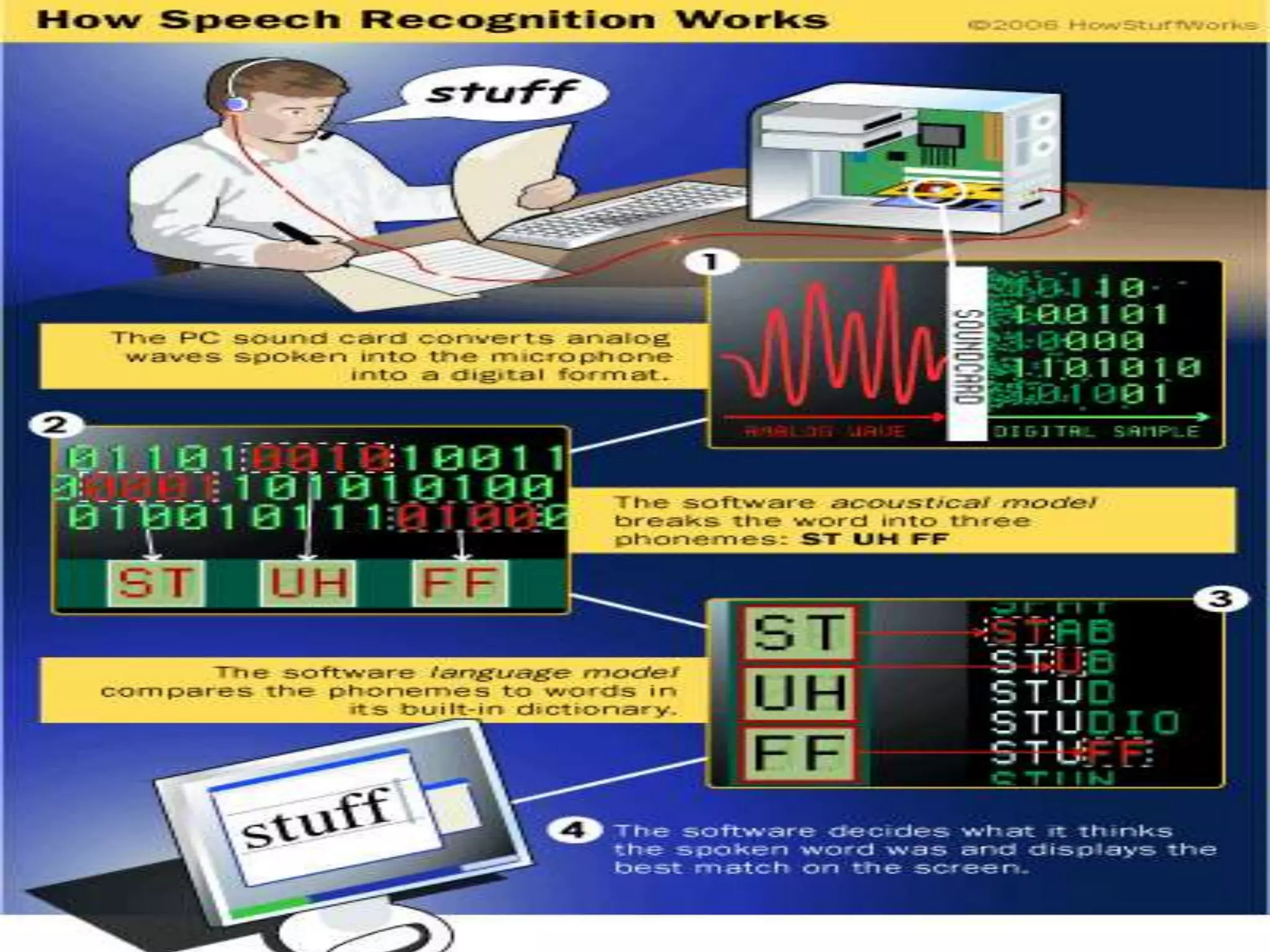
A Process that enables the computers to recognize
and translate spoken language into text. It is also
known as "automatic speech recognition" (ASR),
"computer speech recognition", or just "speech to text"
(STT).
APPLICATIONS
• Medical Transcription
• Military
• Telephone and similar domains
• Serving the disabled
• Home automation system
• Automobile
• Voice dialing (“Call home” )
• Data entry (“A pin number”)
• Speech to text processing (“word processors, emails”)
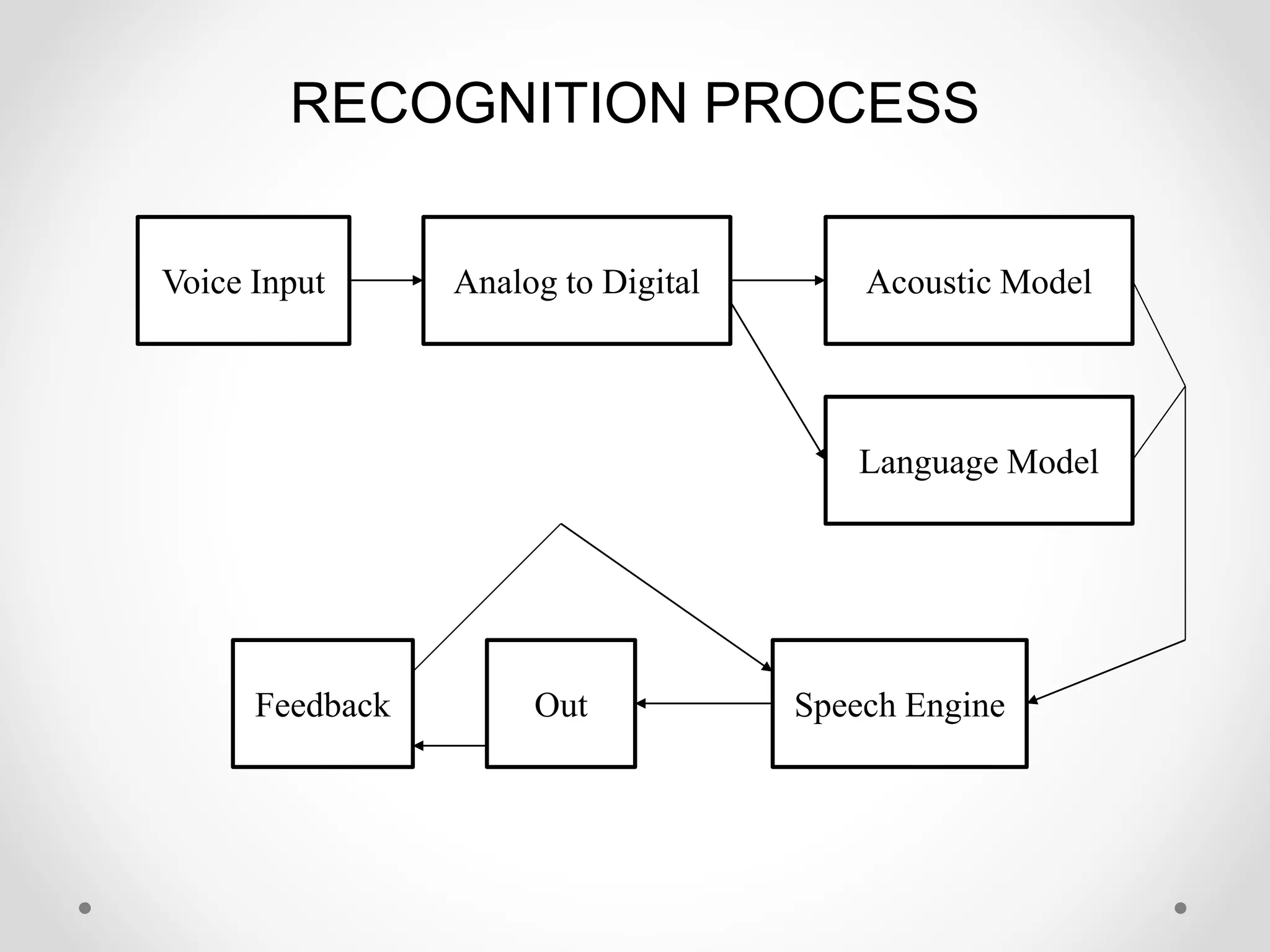
RECOGNITION PROCESS
Voice Input Analog to Digital Acoustic Model
Language Model
Out Speech EngineFeedback
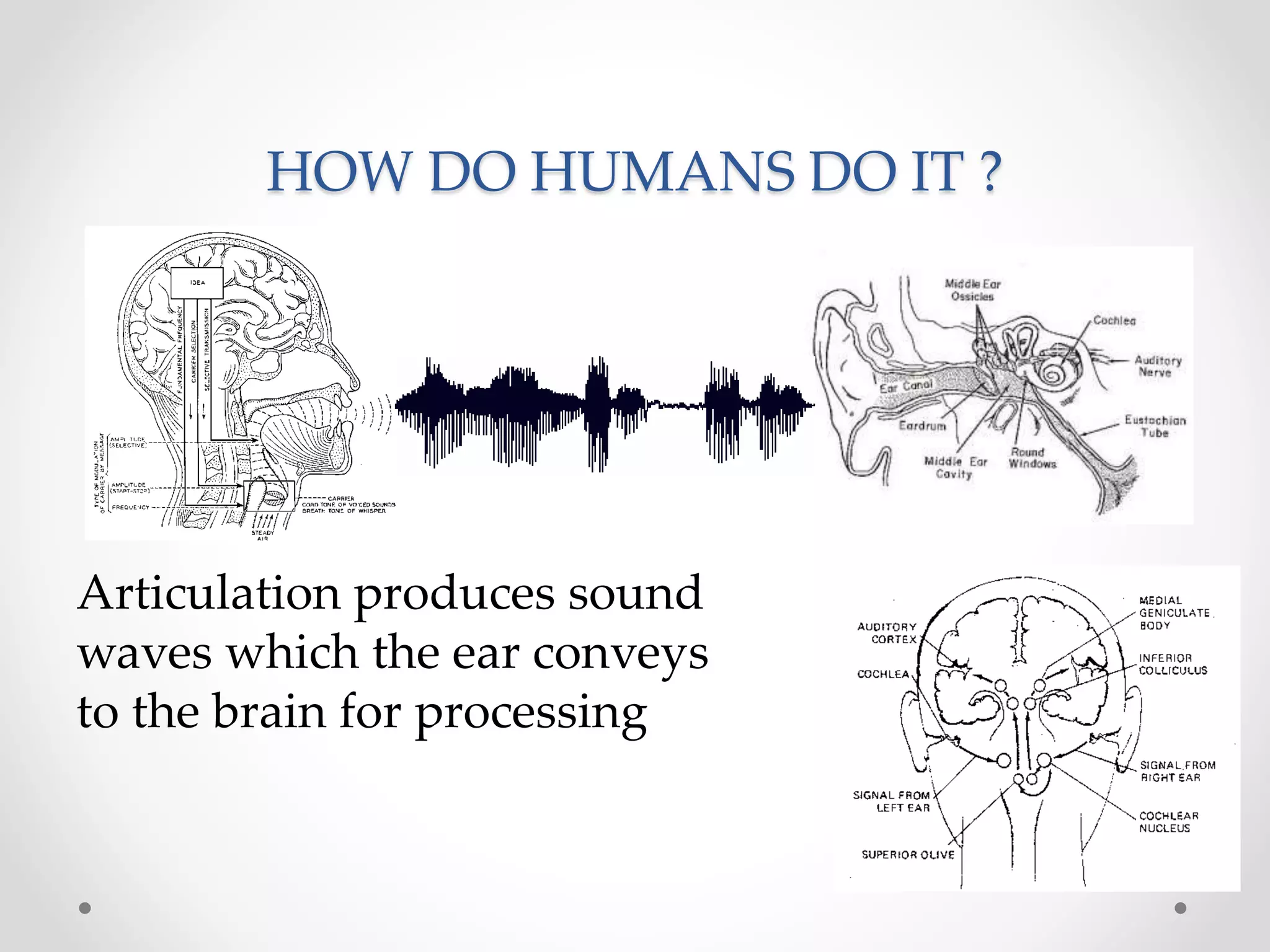
HOW DO HUMANS DO IT ?
Articulation produces sound
waves which the ear conveys
to the brain for processing
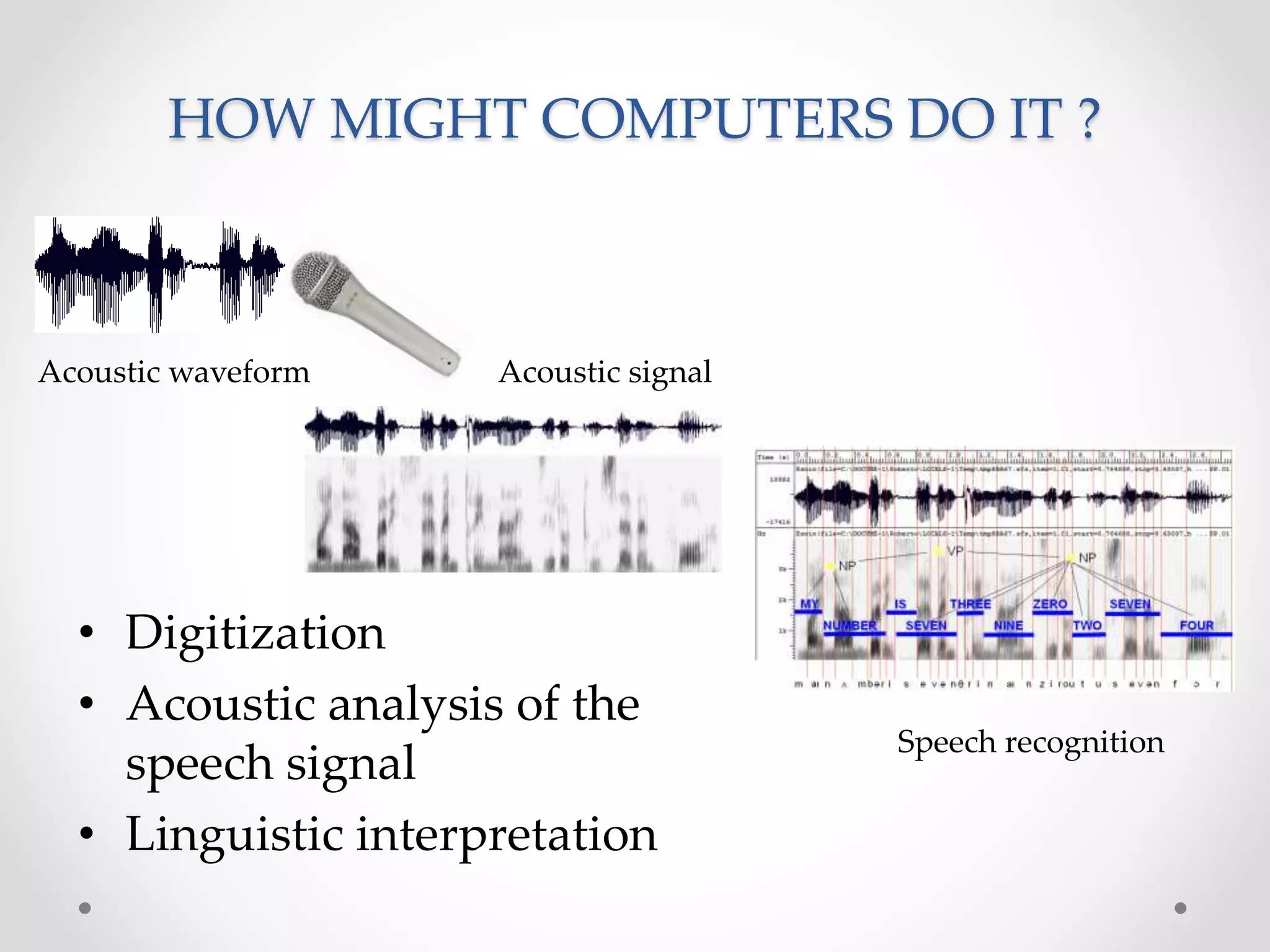
HOW MIGHT COMPUTERS DO IT ?
Acoustic waveform Acoustic signal
Speech recognition
• Digitization
• Acoustic analysis of the
speech signal
• Linguistic interpretation
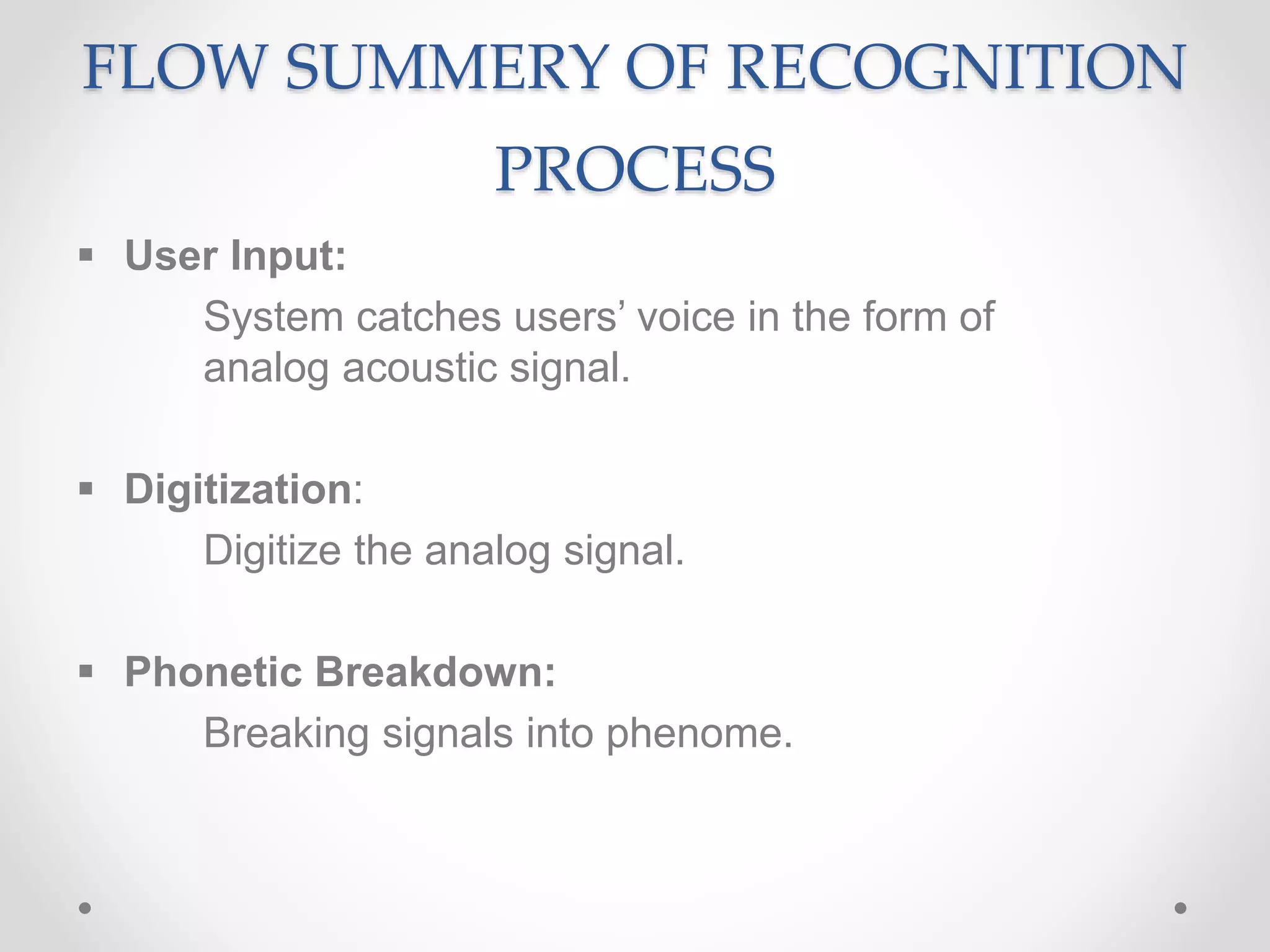
FLOW SUMMERY OF RECOGNITION
PROCESS
 User Input:
System catches users’ voice in the form of
analog acoustic signal.
 Digitization:
Digitize the analog signal.
 Phonetic Breakdown:
Breaking signals into phenome.
FLOW SUMMERY OF RECOGNITION
PROCESS
 Statistical Modeling:
Mapping phenomes to their phonetic
representation using statistics model.
 Matching:
According to Grammar, phonetic representation and
Dictionary, the system returns a word plus a confidence
score)
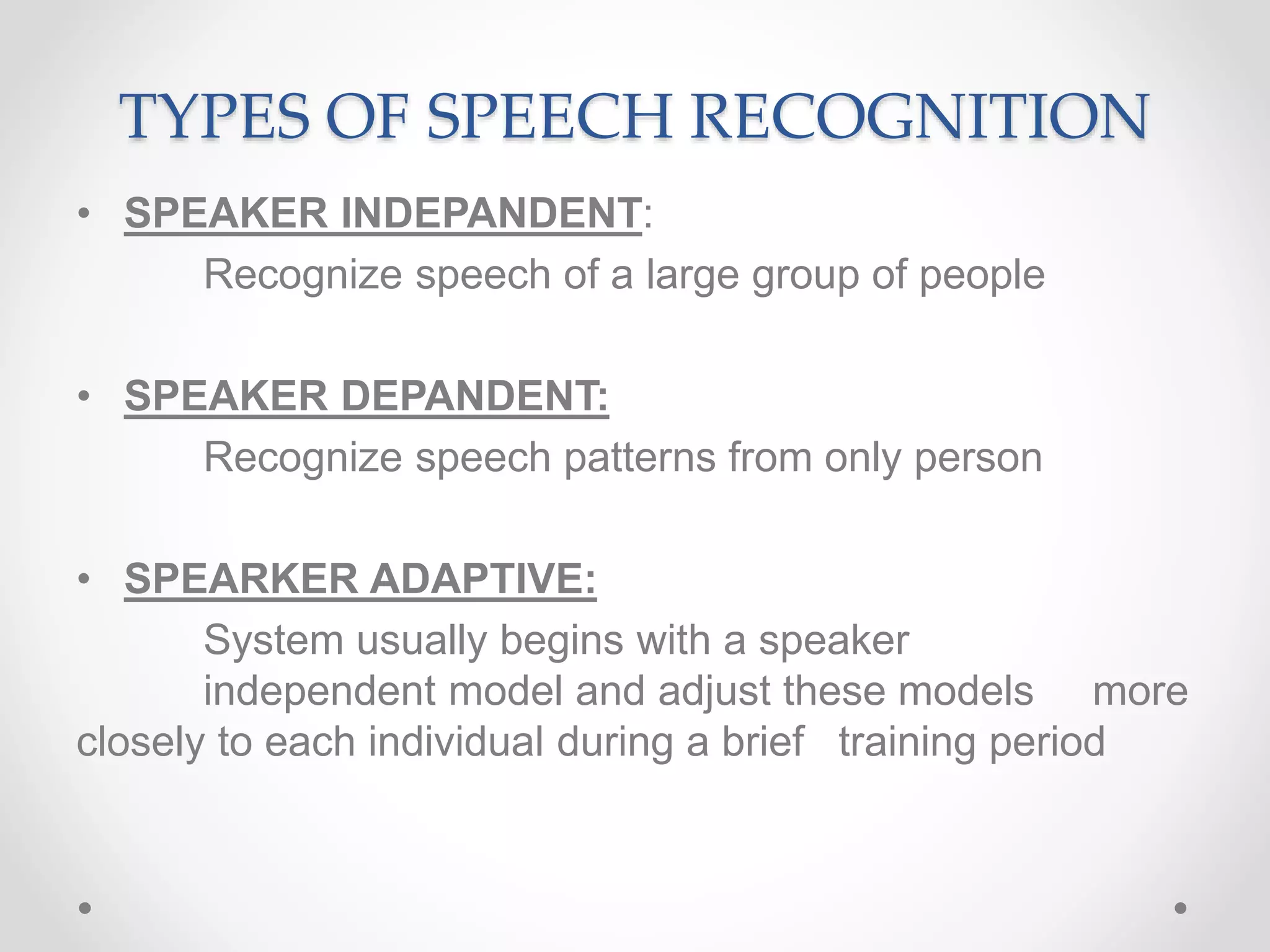
TYPES OF SPEECH RECOGNITION
• SPEAKER INDEPANDENT:
Recognize speech of a large group of people
• SPEAKER DEPANDENT:
Recognize speech patterns from only person
• SPEARKER ADAPTIVE:
System usually begins with a speaker
independent model and adjust these models more
closely to each individual during a brief training period
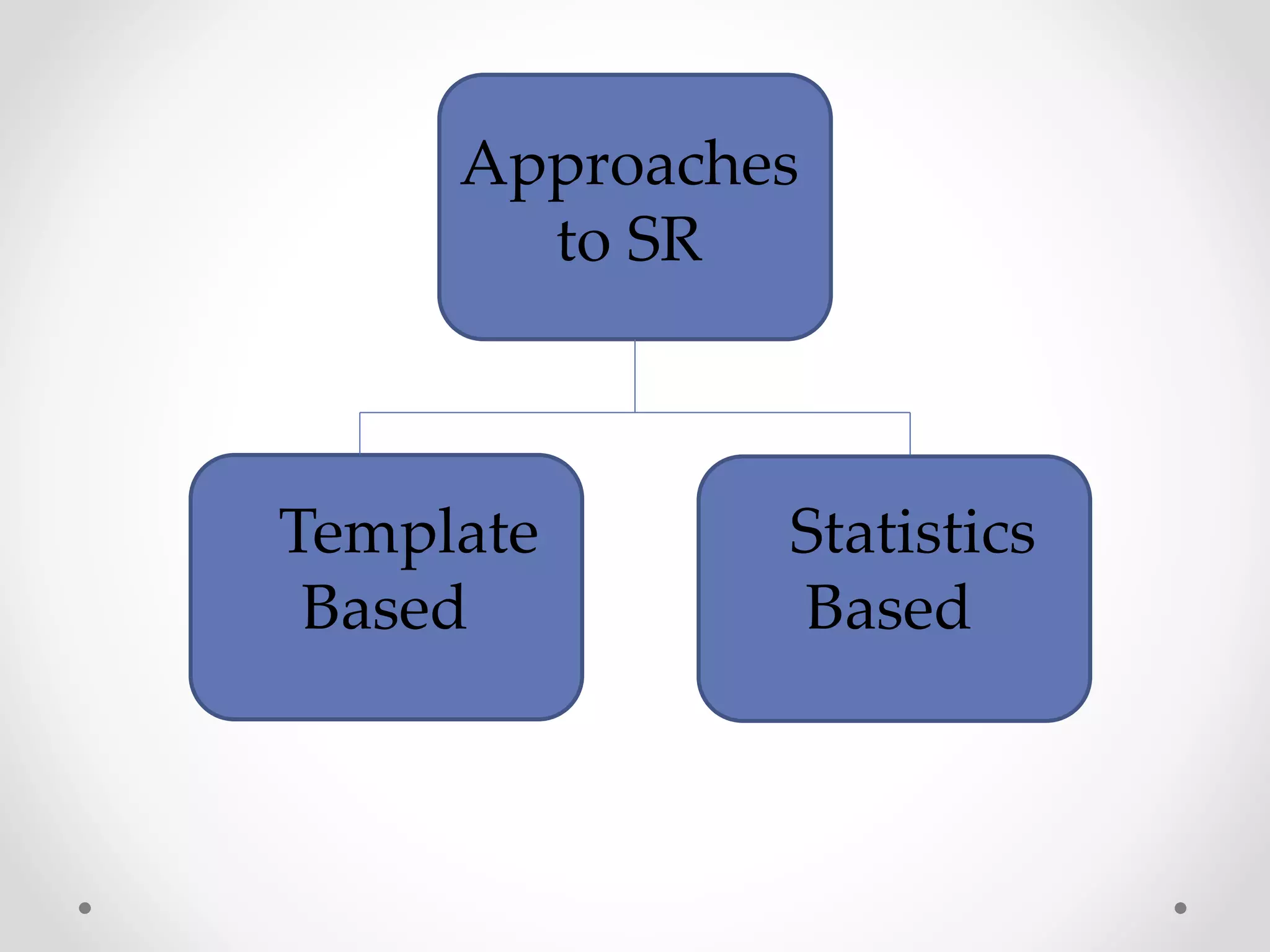
Approaches
to SR
Statistics
Based
Template
Based
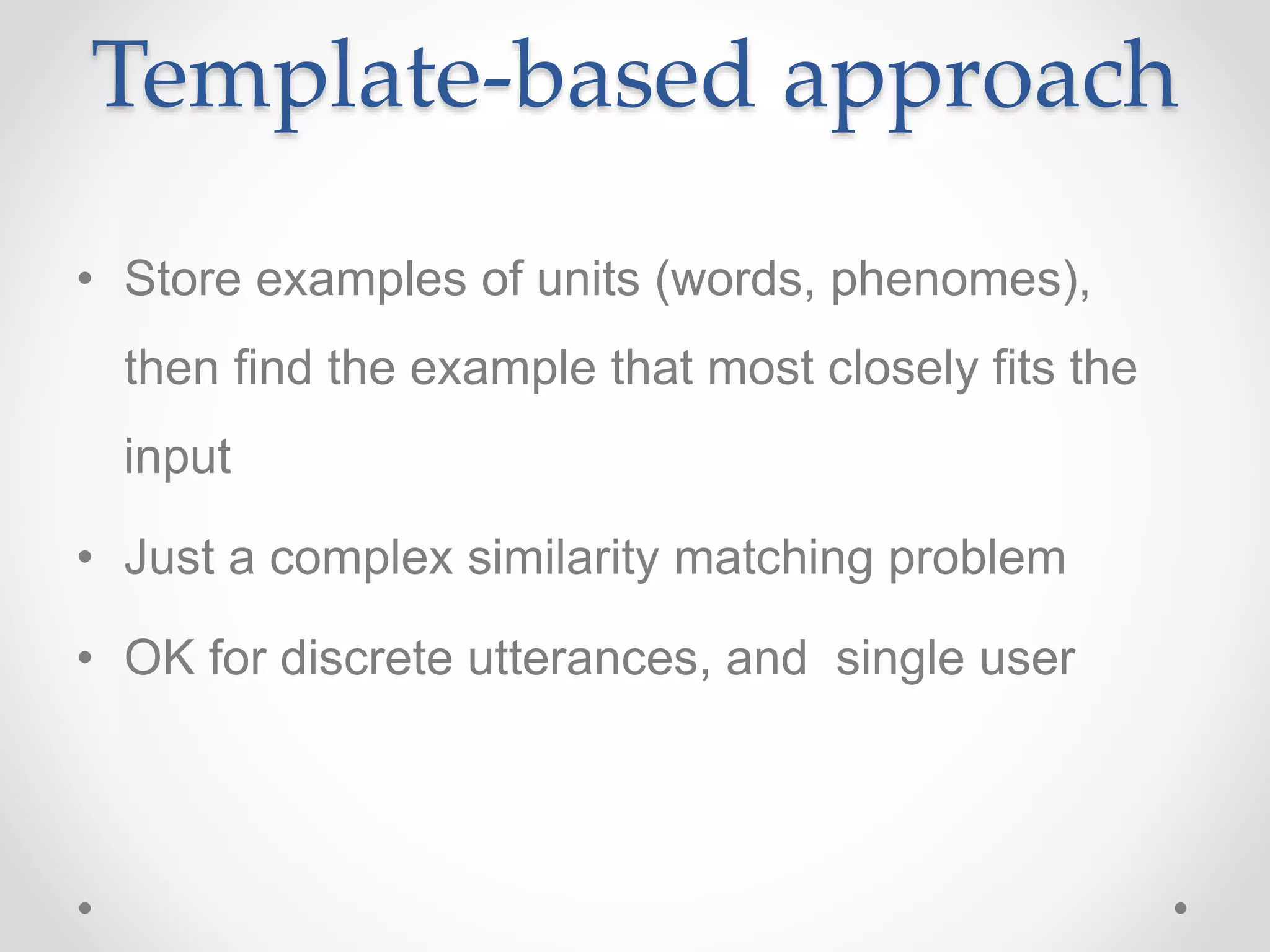
Template-based approach
• Store examples of units (words, phenomes),
then find the example that most closely fits the
input
• Just a complex similarity matching problem
• OK for discrete utterances, and single user
Template-based approach
• Hard to distinguished very similar templates
• Quickly degrades when input differs from
template
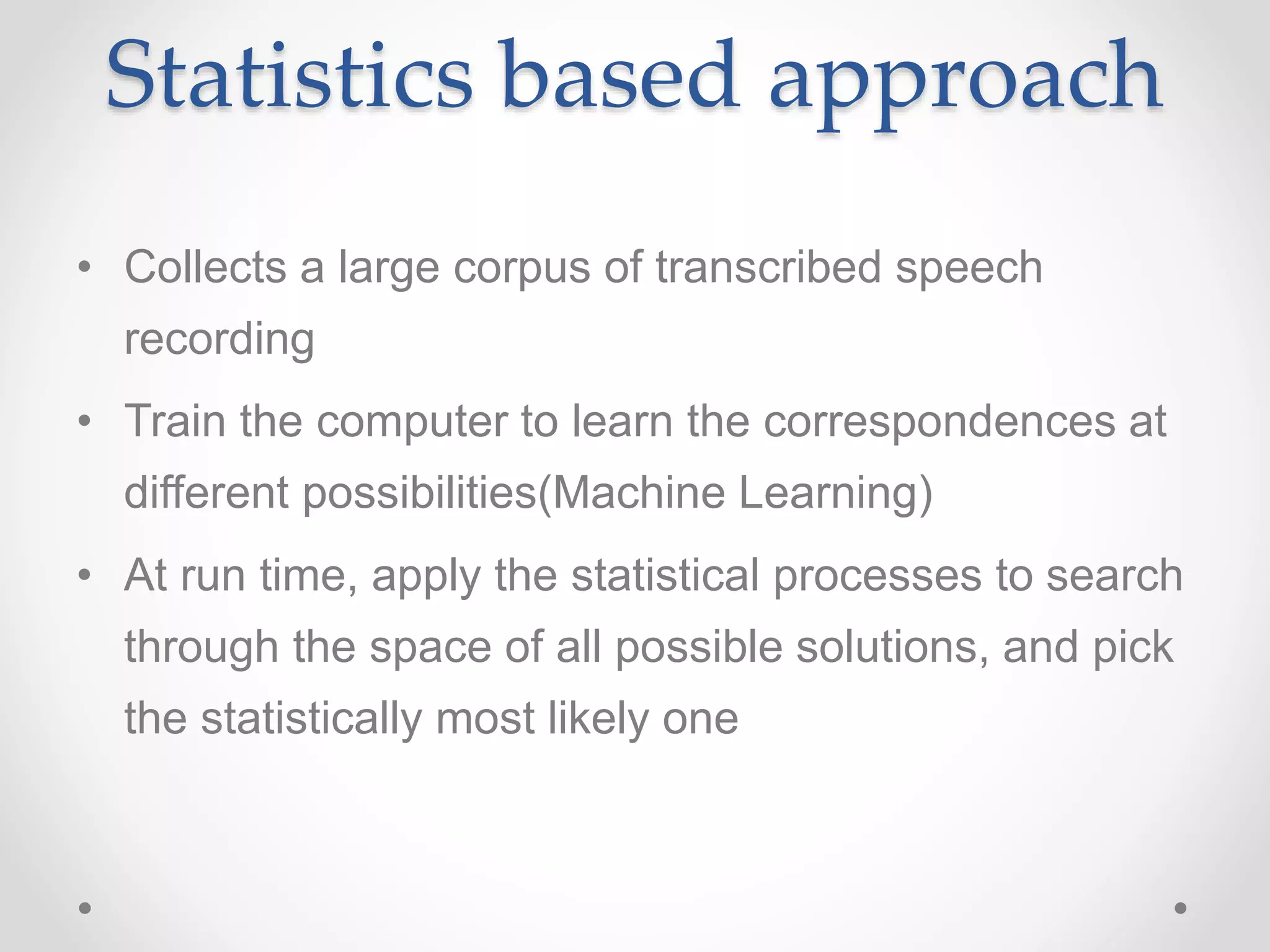
Statistics based approach
• Collects a large corpus of transcribed speech
recording
• Train the computer to learn the correspondences at
different possibilities(Machine Learning)
• At run time, apply the statistical processes to search
through the space of all possible solutions, and pick
the statistically most likely one
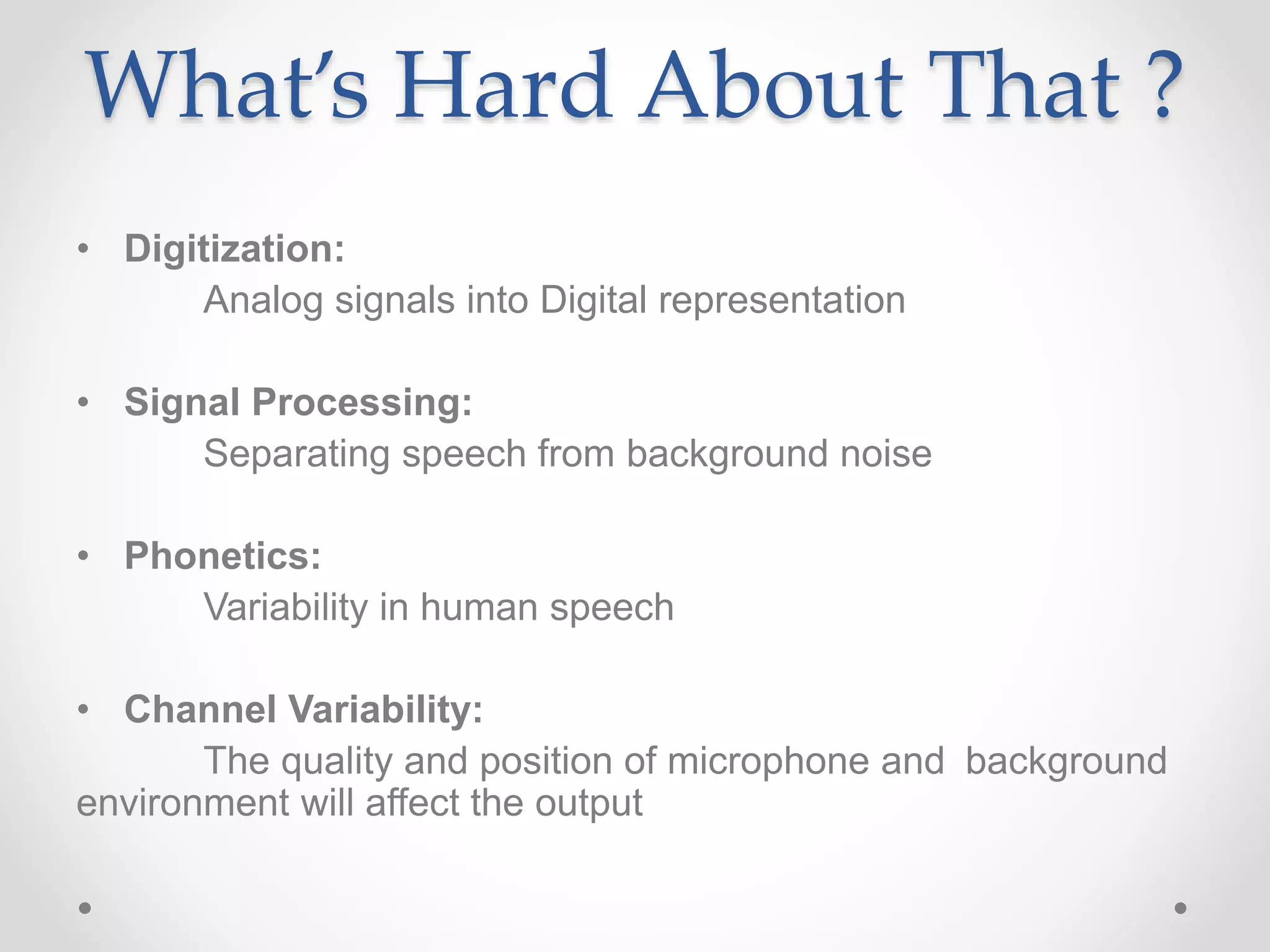
What’s Hard About That ?
• Digitization:
Analog signals into Digital representation
• Signal Processing:
Separating speech from background noise
• Phonetics:
Variability in human speech
• Channel Variability:
The quality and position of microphone and background
environment will affect the output
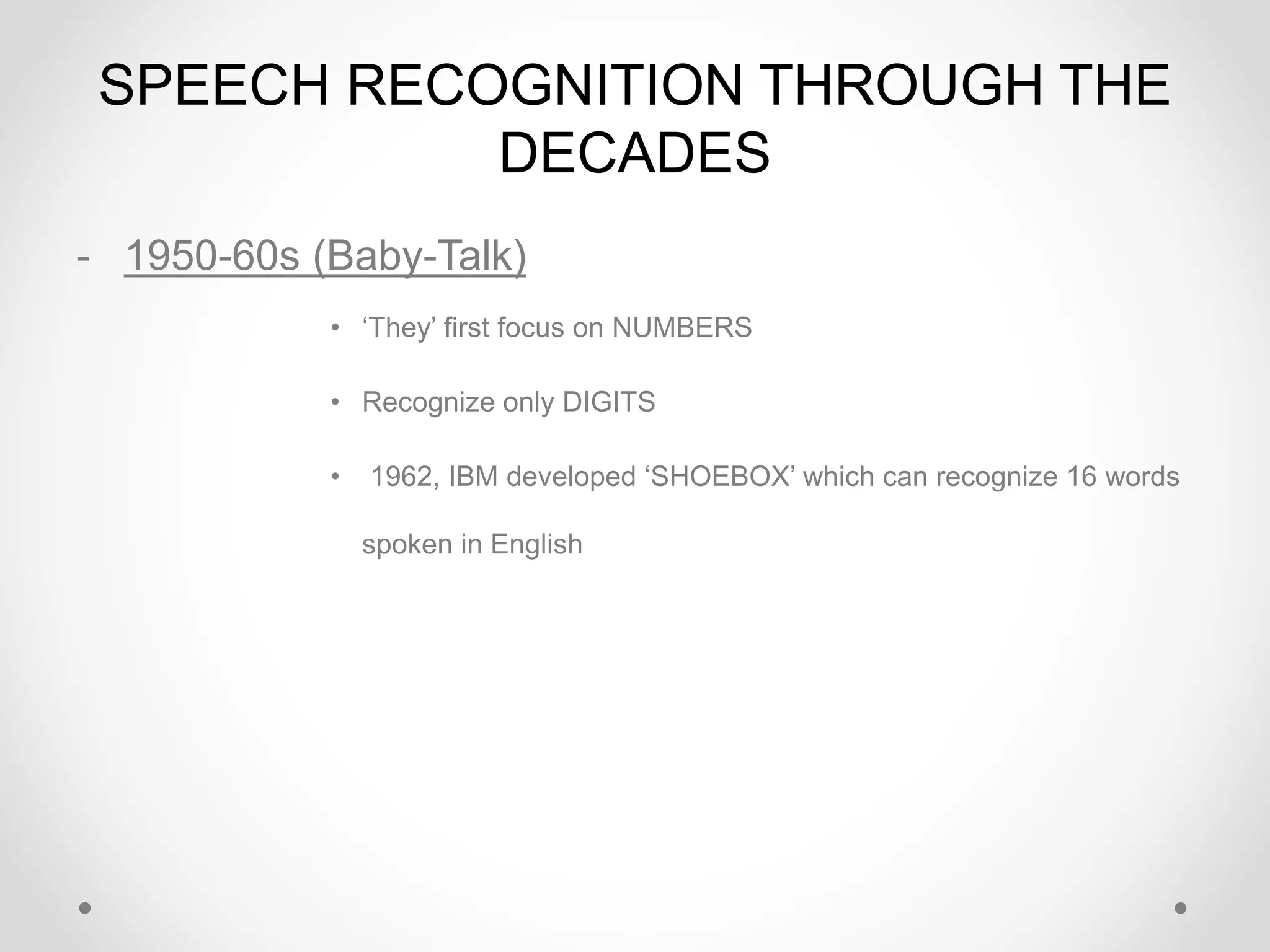
SPEECH RECOGNITION THROUGH THE
DECADES
- 1950-60s (Baby-Talk)
• ‘They’ first focus on NUMBERS
• Recognize only DIGITS
• 1962, IBM developed ‘SHOEBOX’ which can recognize 16 words
spoken in English
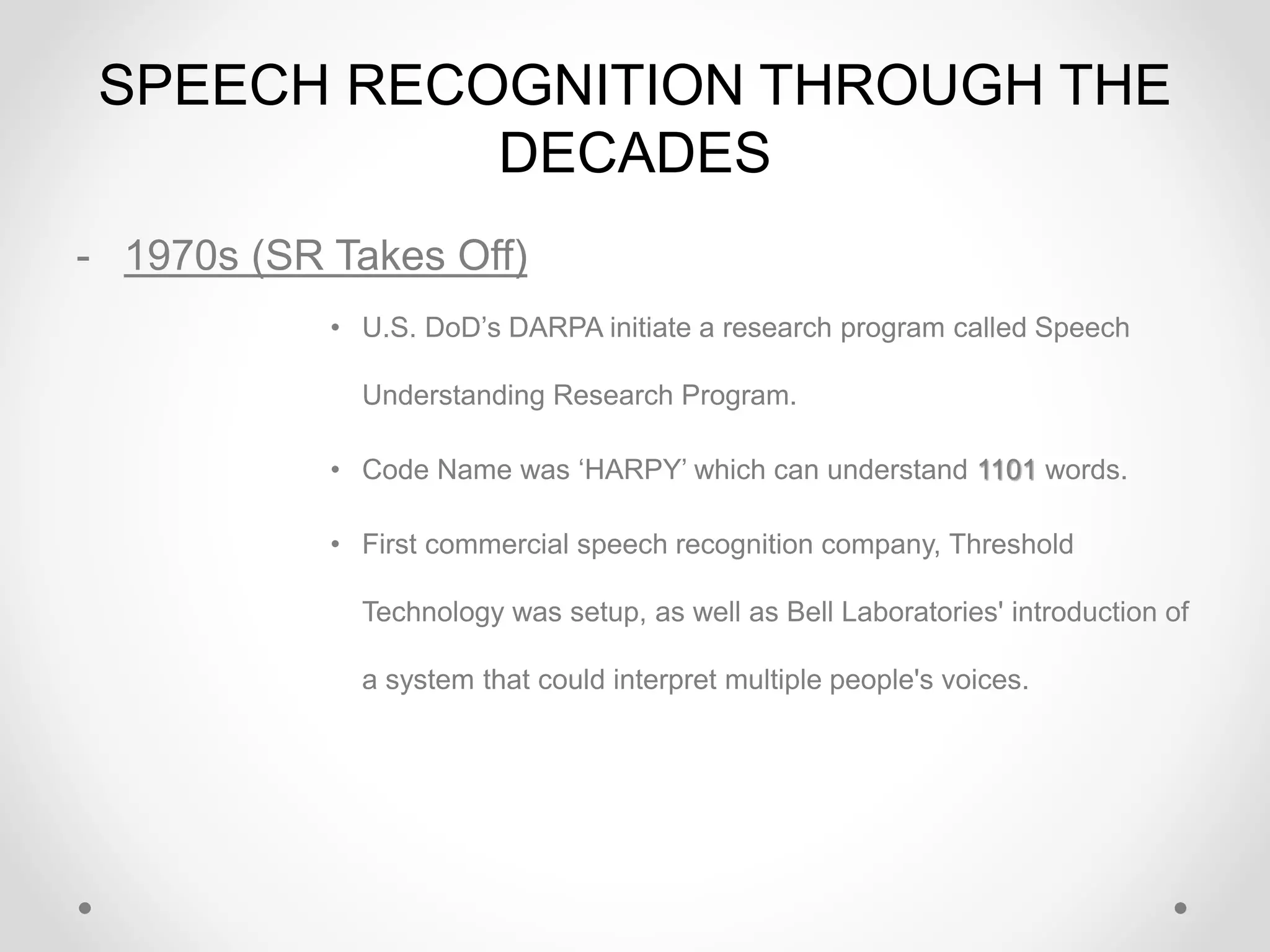
SPEECH RECOGNITION THROUGH THE
DECADES
- 1970s (SR Takes Off)
• U.S. DoD’s DARPA initiate a research program called Speech
Understanding Research Program.
• Code Name was ‘HARPY’ which can understand 1101 words.
• First commercial speech recognition company, Threshold
Technology was setup, as well as Bell Laboratories' introduction of
a system that could interpret multiple people's voices.
SPEECH RECOGNITION THROUGH THE
DECADES
- 1980s (SR Turns Toward Prediction)
• SR vocabulary jumped from about a few hundred words to several
thousand words
• One major reason was a new statistical method known as the hidden
Markov model.
• Rather than simply using templates for words and looking for sound
patterns, HMM considered the probability of unknown sounds' being
words.
• Programs took discrete dictation, so you had … to … pause … after …
each … and … every … word.
SPEECH RECOGNITION THROUGH THE
DECADES
⁻ 1990s (Automatic Speech Recognition)
• In the '90s, computers with faster processors finally
arrived, and speech recognition softwares became
viable for ordinary people.
• Dragons’ Naturally Speaking arrived. The application
recognized continuous speech, so one could speak, well
naturally, at about 100 words per minute. However,
about 45 minutes training was required by the user.
SPEECH RECOGNITION THROUGH THE
DECADES
- 2000s
• Topped out 80% accuracy
• 2002, Google Voice Search was released, that allows users to
use Google Search by speaking on a mobile phone or computer
• 2011, Apple’s Siri was released. Its a built-in "intelligent assistant" that
enables Apple user’s speak voice commands in order to operate the
mobile device and its apps
• 2014, MS Cortana was released. Its also a built-in “intelligent personal
assistant” which can set reminders, recognize natural voice without
the requirement for keyboard input, and answer questions using
information from the Bing search engine.
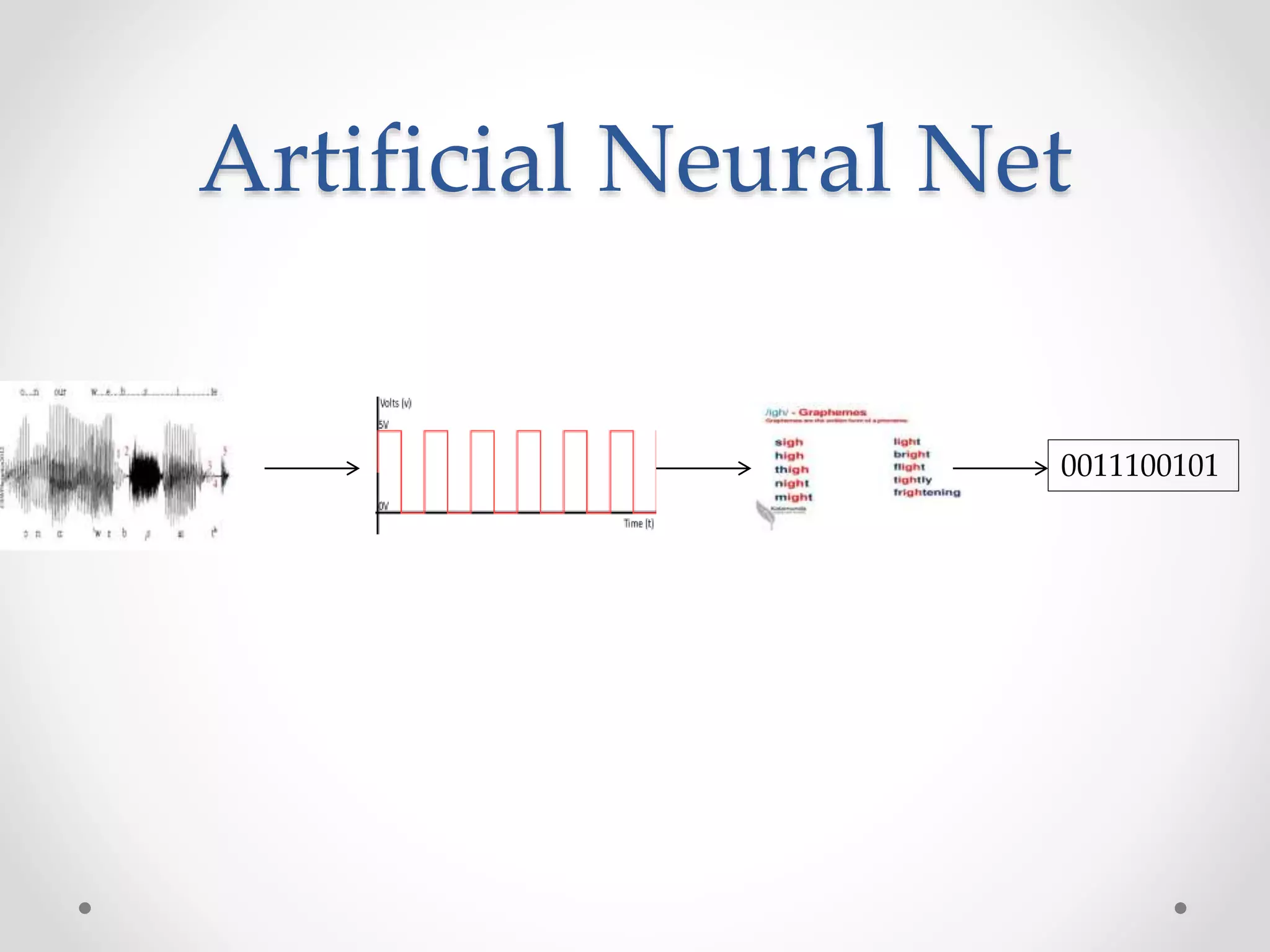
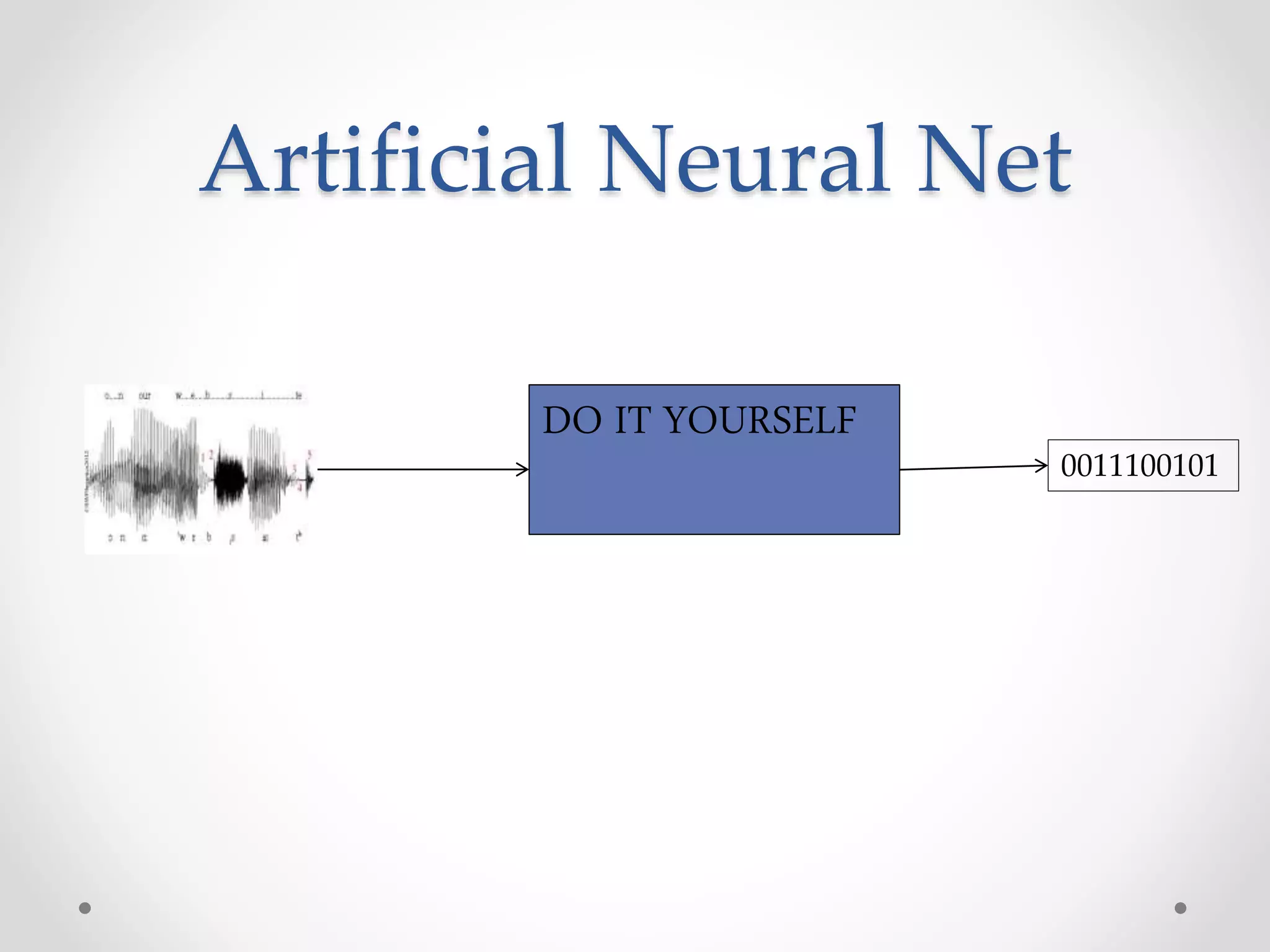
Artificial Neural Net
0011100101
Artificial Neural Net
0011100101
DO IT YOURSELF
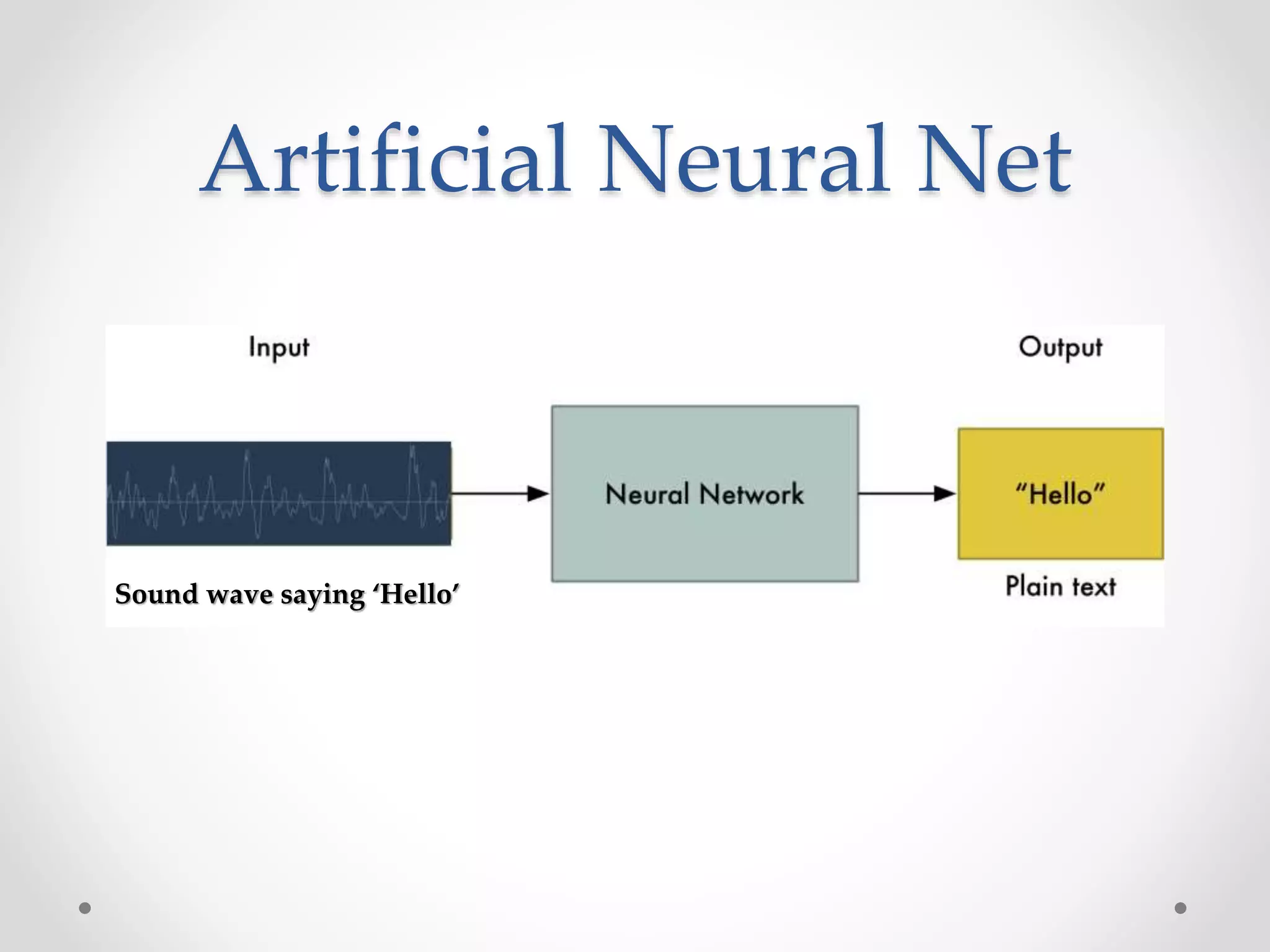
Artificial Neural Net
Sound wave saying ‘Hello’
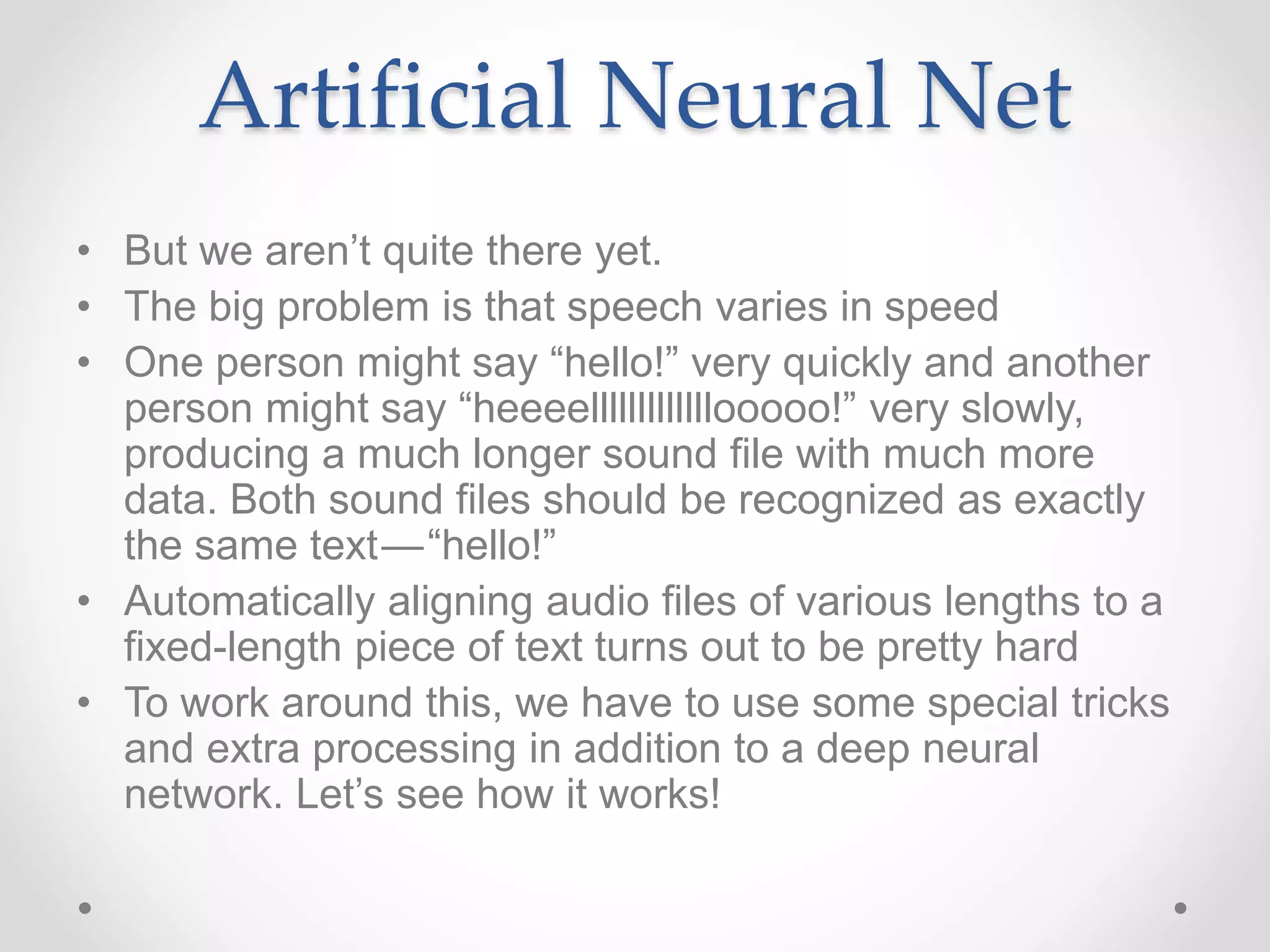
• But we aren’t quite there yet.
• The big problem is that speech varies in speed
• One person might say “hello!” very quickly and another
person might say “heeeelllllllllllllooooo!” very slowly,
producing a much longer sound file with much more
data. Both sound files should be recognized as exactly
the same text — “hello!”
• Automatically aligning audio files of various lengths to a
fixed-length piece of text turns out to be pretty hard
• To work around this, we have to use some special tricks
and extra processing in addition to a deep neural
network. Let’s see how it works!
Artificial Neural Net
- The first step in speech recognition is obvious —
we need to feed sound waves into a computer.
- But sound is transmitted as waves. How do we turn
sound waves into numbers?
Turning Sounds into Bits
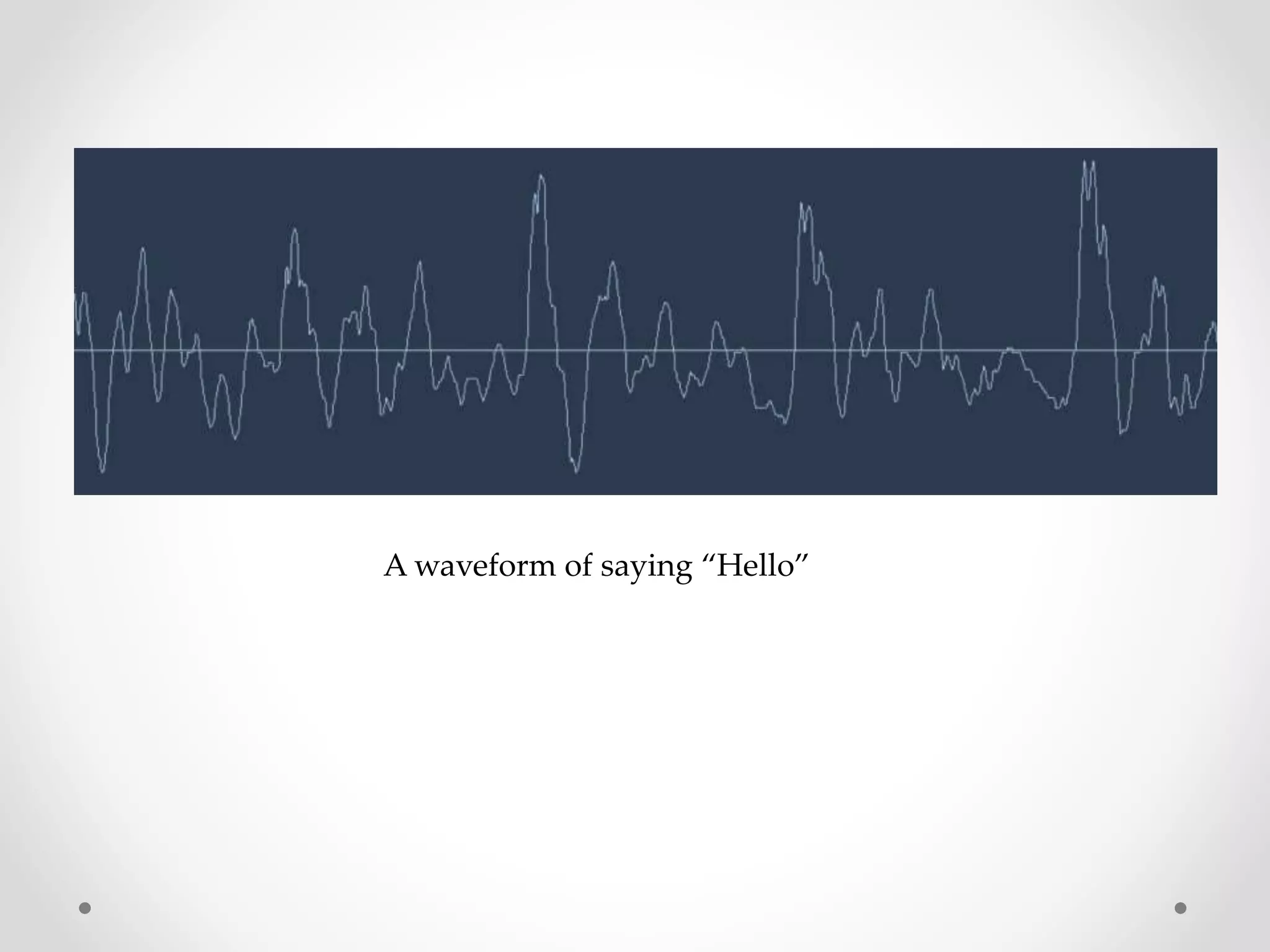
A waveform of saying “Hello”
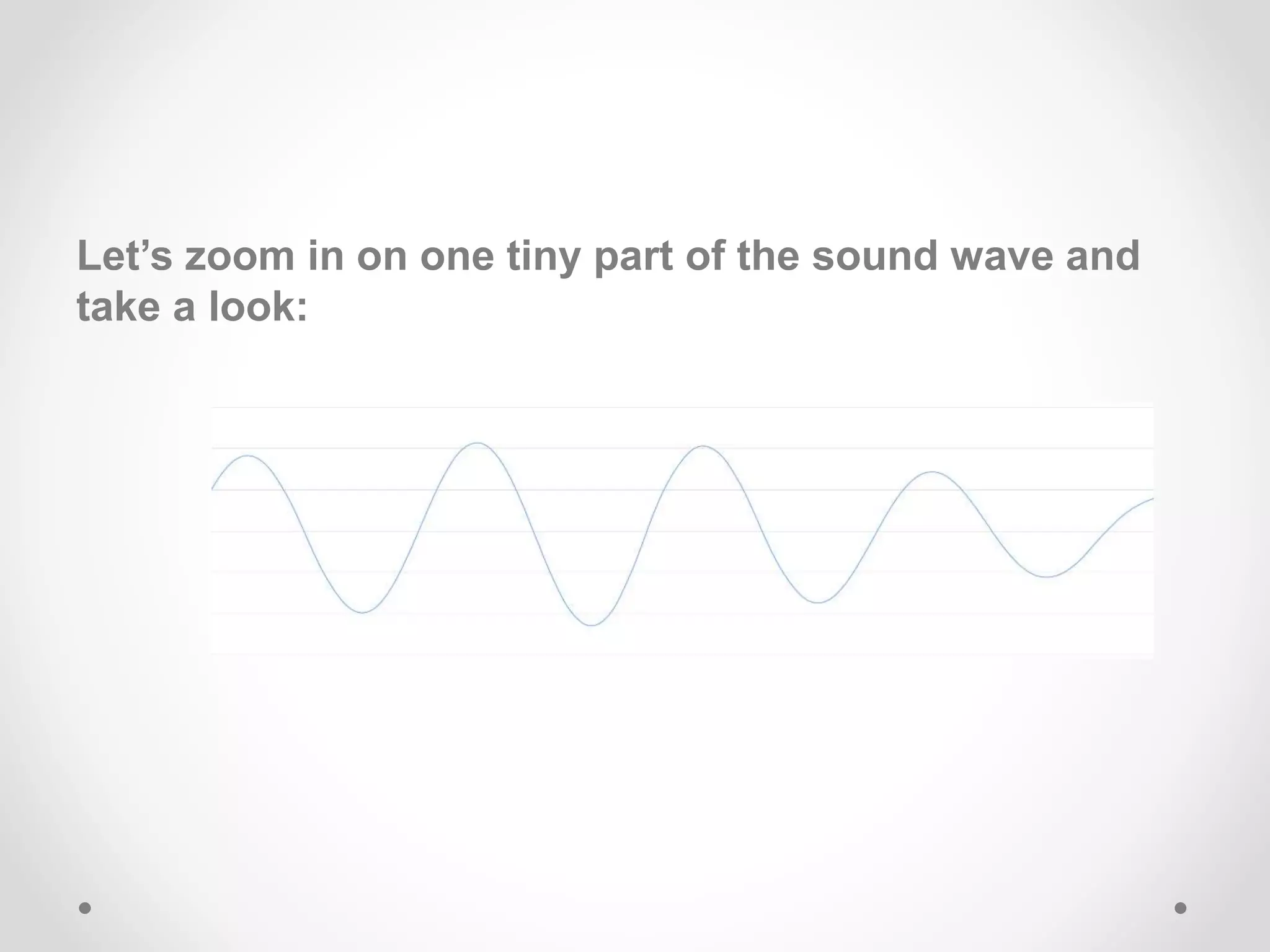
Let’s zoom in on one tiny part of the sound wave and
take a look:
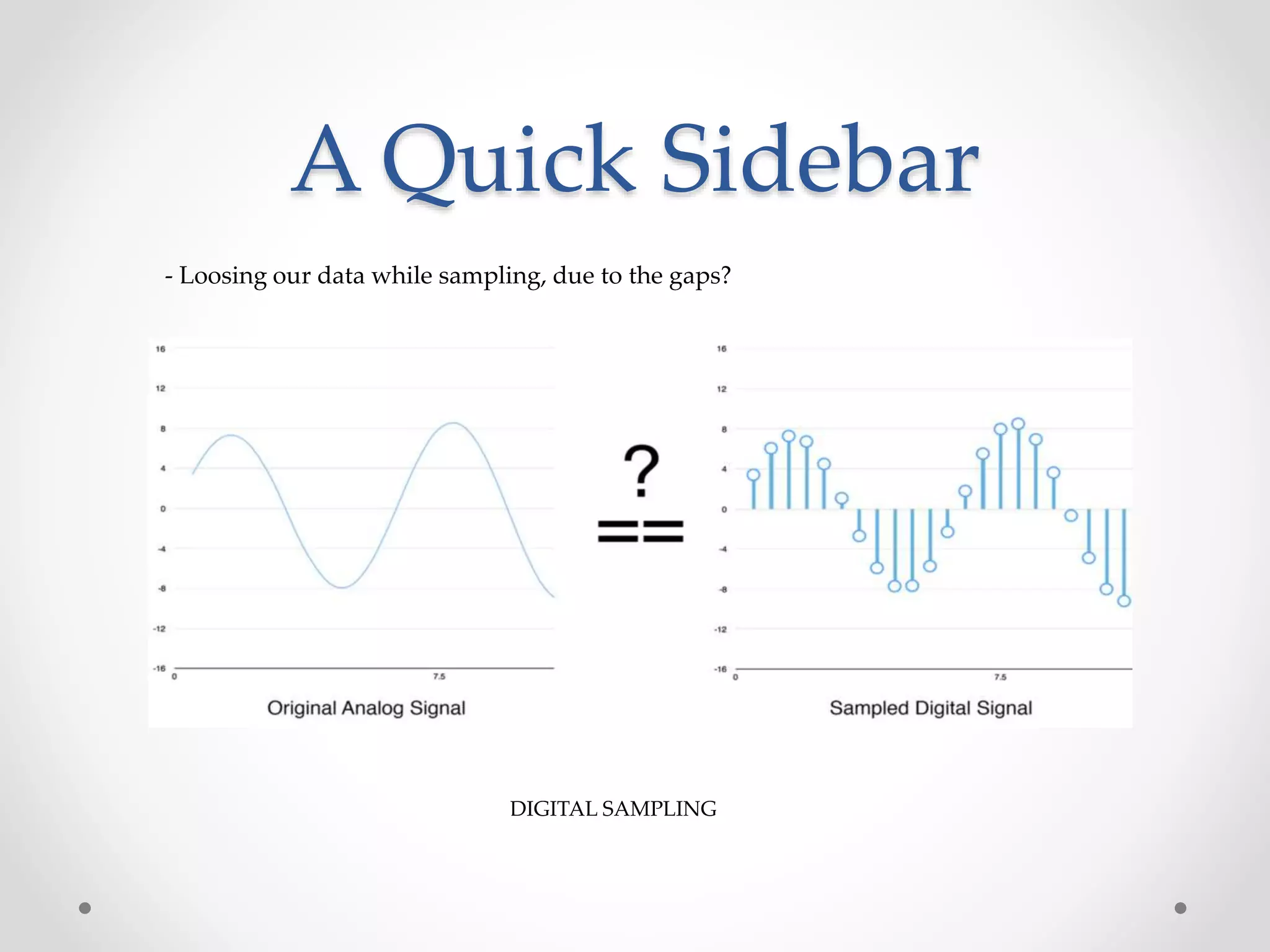
To turn this sound wave into numbers, we just record
of the height of the wave at equally-spaced points:
• This is called sampling.
• We are taking a reading thousands of times a second
and recording a number representing the height of the
sound wave at that point in time.
• Sampled at 16Khz (16,000 samples/sec).
• Lets sample our “Hello” sound wave 16,000 times per
second. Here’s the first 100 samples:
Each number represents the amplitude of the sound wave at 1/16000th of a second intervals
DIGITAL SAMPLING
A Quick Sidebar
- Loosing our data while sampling, due to the gaps?
Pre-processing our Sampled Sound Data
- We now have an array of numbers with each
number representing the sound wave’s amplitude
at 1/16,000th of a second intervals.
- some pre-processing is done on the audio data,
instead of feeding these numbers right into a
neural network.
- Let’s start by grouping our sampled audio into 20-
millisecond-long chunks.
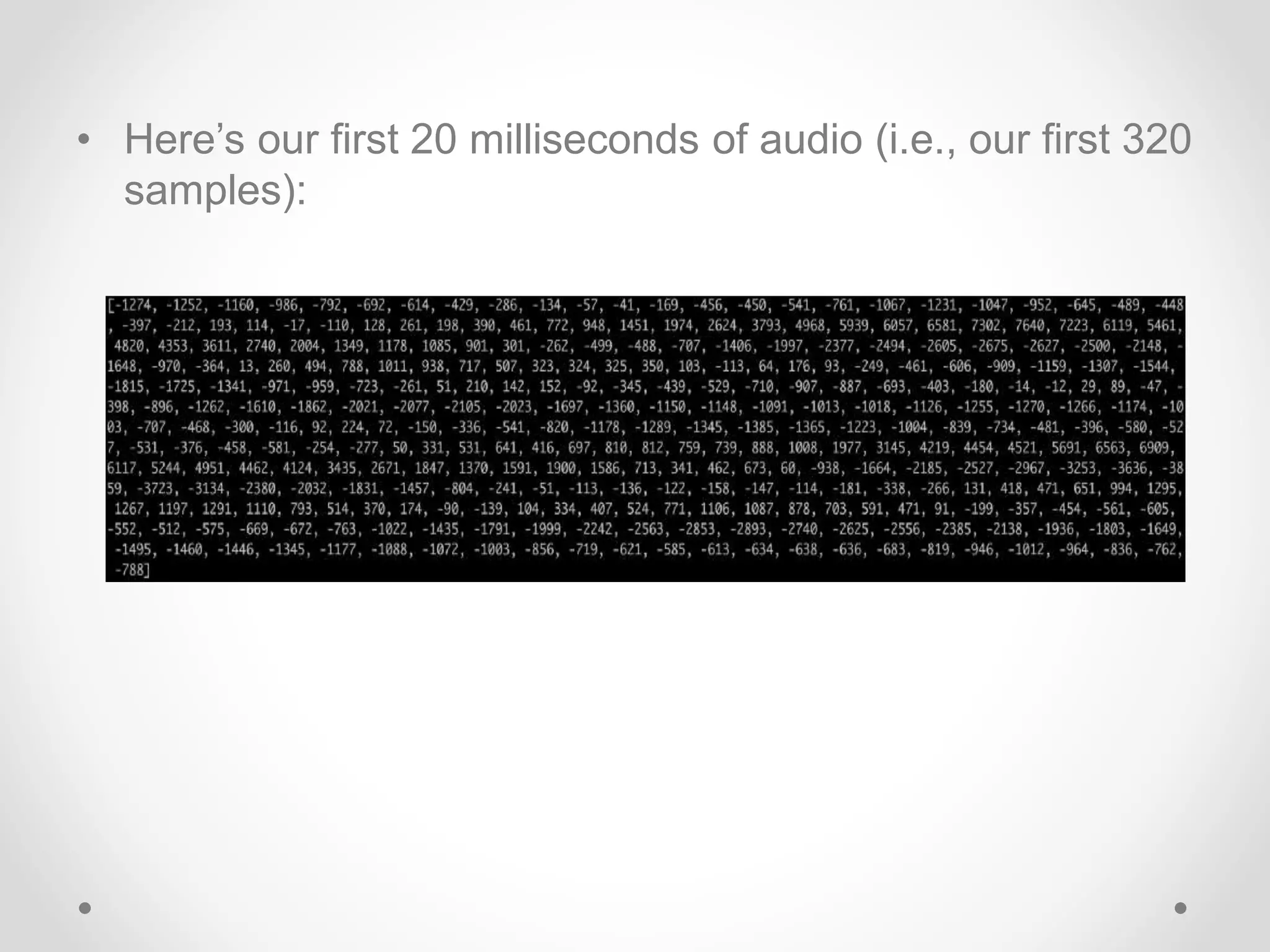
• Here’s our first 20 milliseconds of audio (i.e., our first 320
samples):
• Plotting those numbers as a simple line graph gives us a
rough approximation of the original sound wave for that
20 millisecond period of time:
• To make this data easier for a neural network to process,
we are going to break apart this complex sound wave
into it’s component parts.
• We’ll break out the low-pitched parts, the next-lowest-
pitched-parts, and so on. Then by adding up how much
energy is in each of those frequency bands (from low to
high), we create a fingerprint for this audio snippet.
• We do this using a mathematic operation called
a Fourier transform.
• It breaks apart the complex sound wave into the simple
sound waves that make it up. Once we have those
individual sound waves, we add up how much energy is
contained in each one.
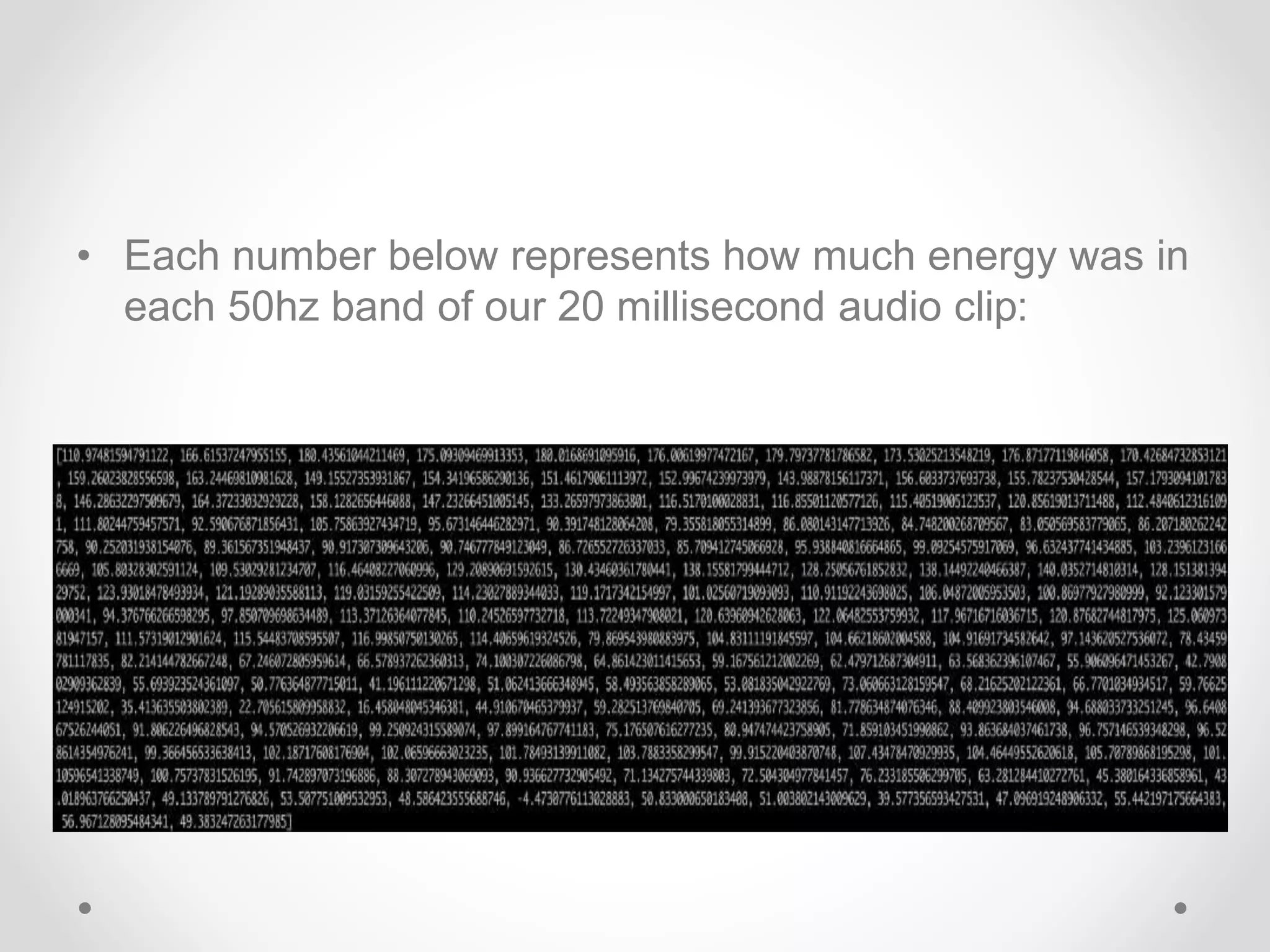
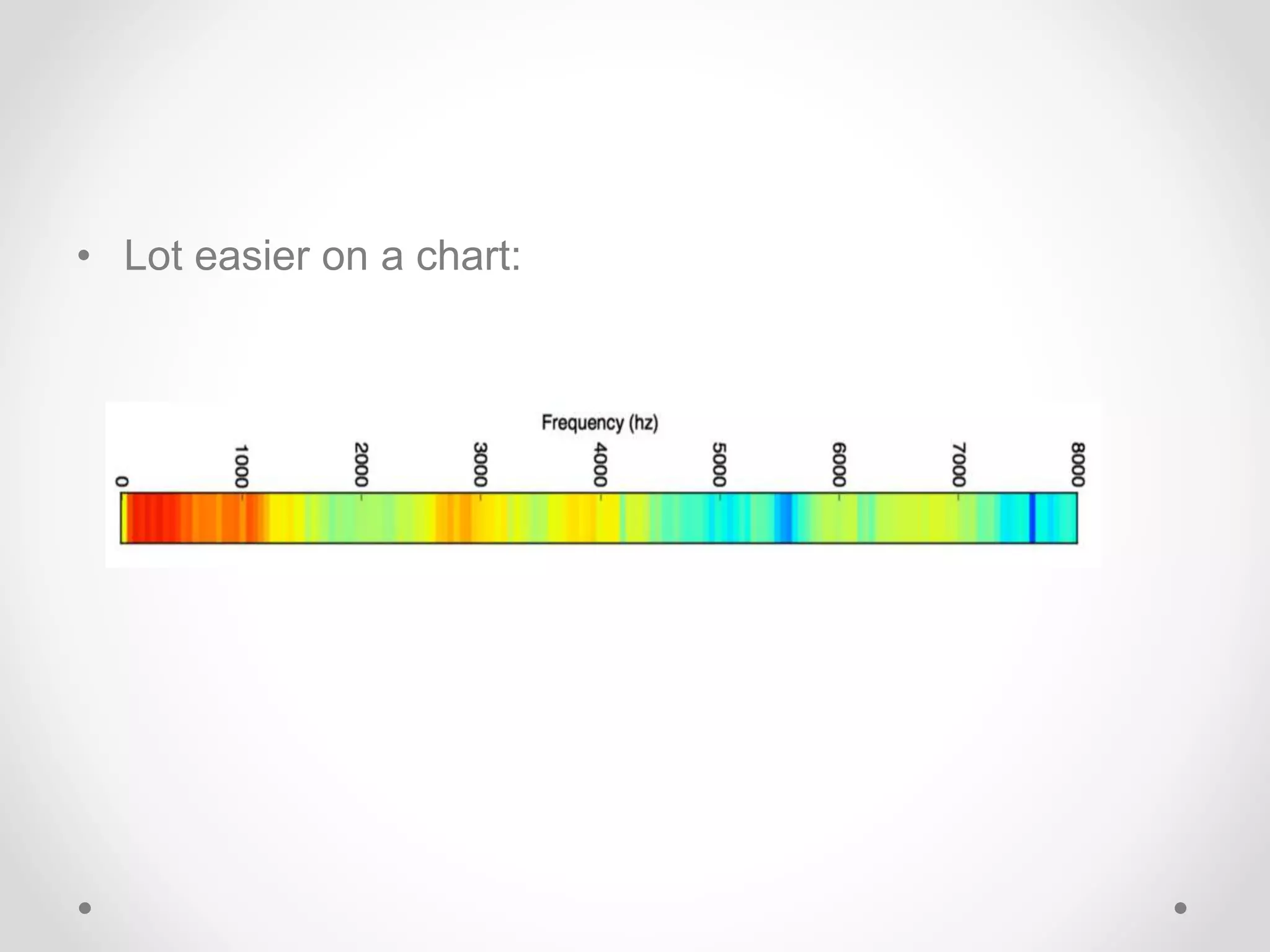
• Each number below represents how much energy was in
each 50hz band of our 20 millisecond audio clip:
• Lot easier on a chart:
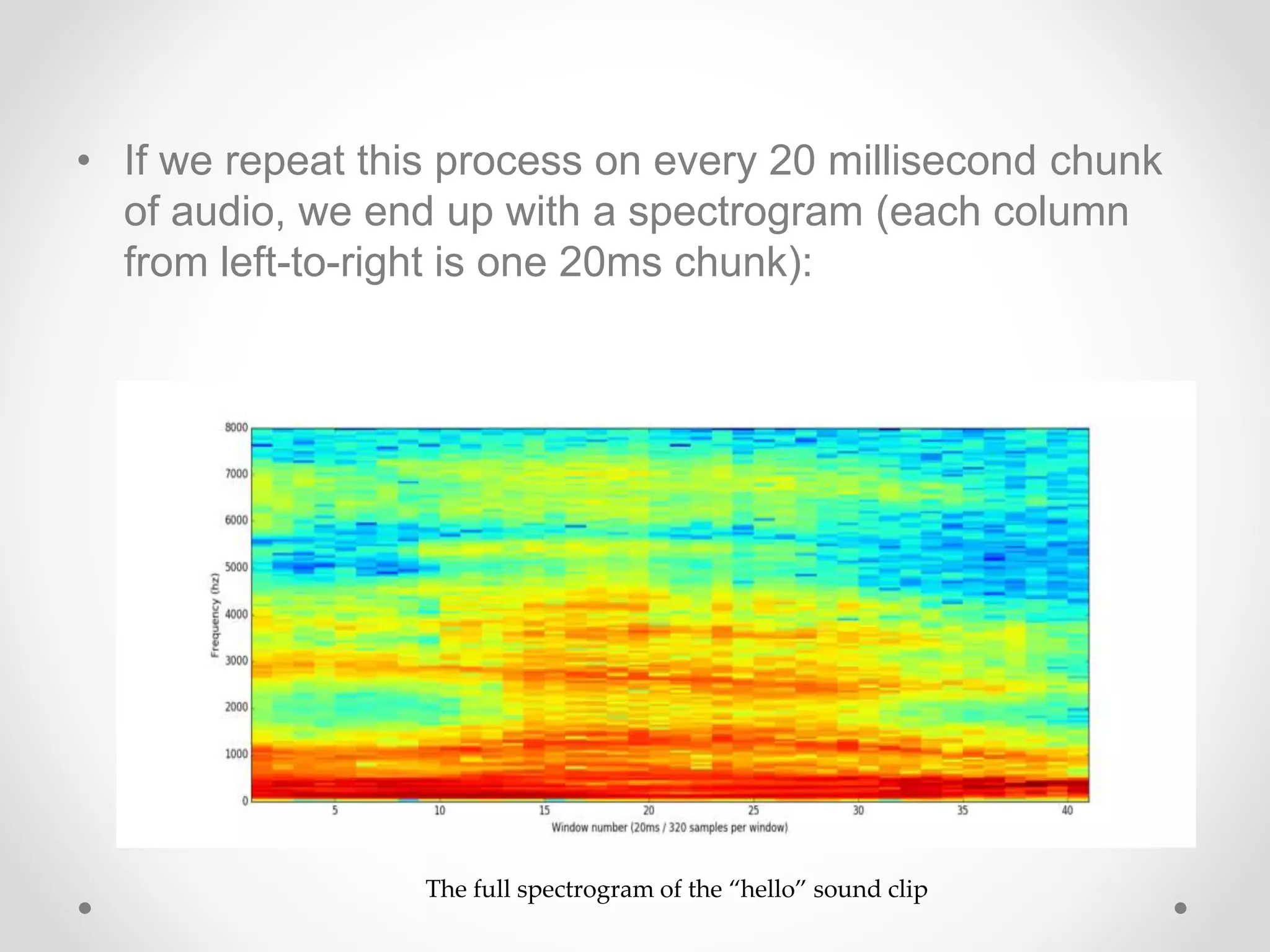
• If we repeat this process on every 20 millisecond chunk
of audio, we end up with a spectrogram (each column
from left-to-right is one 20ms chunk):
The full spectrogram of the “hello” sound clip
Recognizing Characters from Short Sounds
• Now that we have our audio in a format that’s easy to
process, we will feed it into a deep neural network.
• The input to the neural network will be 20 millisecond
audio chunks.
• For each little audio slice, it will try to figure out
the letter that corresponds the sound currently being
spoken.
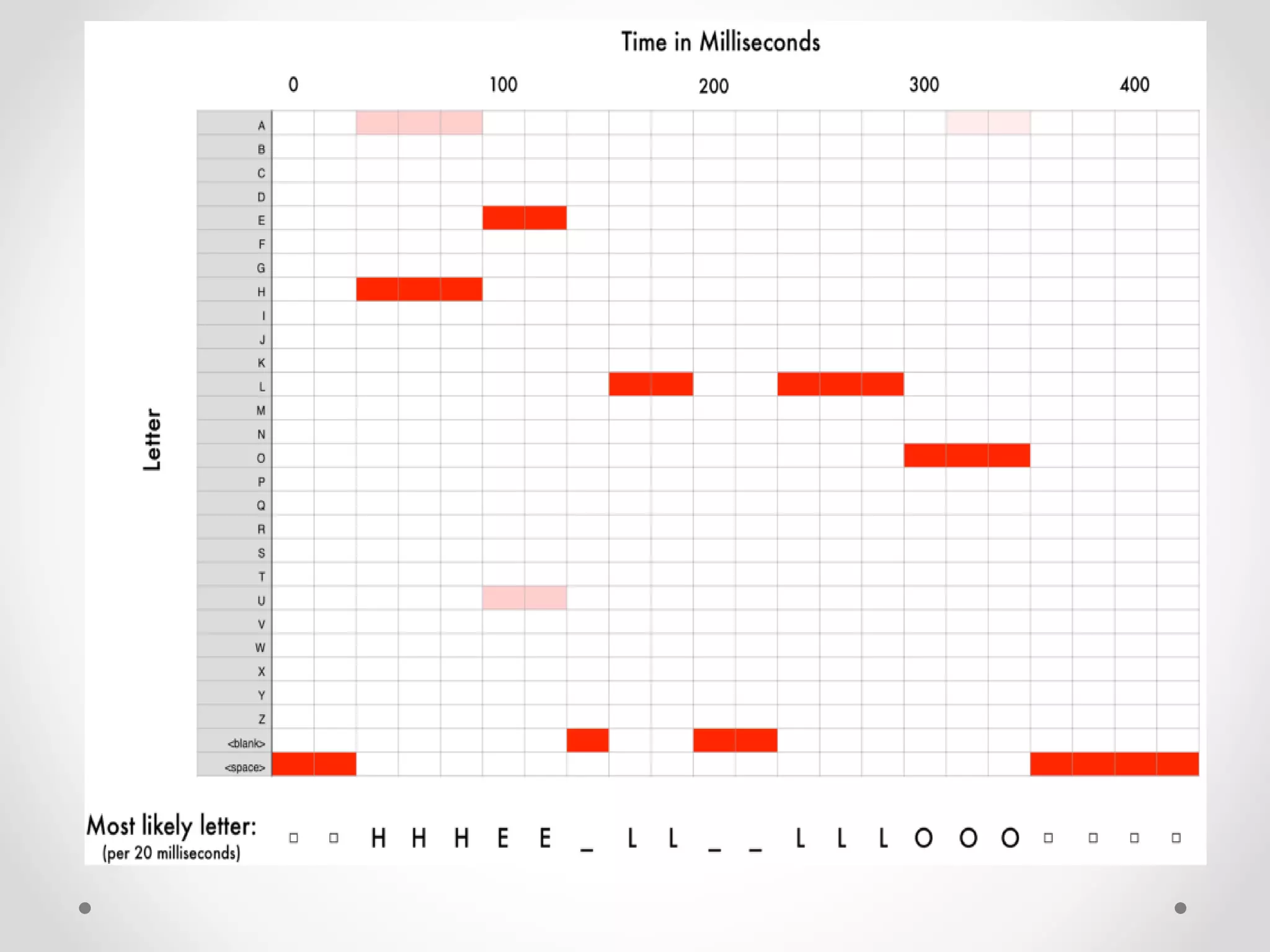
• After we run our entire audio clip through the neural
network (one chunk at a time), we’ll end up with a
mapping of each audio chunk to the letters most likely
spoken during that chunk.
• Here’s what that mapping looks like saying “Hello”:
• Our neural net is predicting that one likely thing that were
said was “HHHEE_LL_LLLOOO”. But it also thinks that it
was possible that it could be “HHHUU_LL_LLLOOO” or
even “AAAUU_LL_LLLOOO”.
• We have some steps we follow to clean up this output.
First, we’ll replace any repeated characters a single
character:
o HHHEE_LL_LLLOOO becomes HE_L_LO
o HHHUU_LL_LLLOOO becomes HU_L_LO
o AAAUU_LL_LLLOOO becomes AU_L_LO
• Then we’ll remove any blanks:
o HE_L_LO becomes HELLO
o HU_L_LO becomes HULLO
o AU_L_LO becomes AULLO
• That leaves us with three possible transcriptions —
 “Hello”, “Hullo” and “Aullo”.
• The trick is to combine these pronunciation-based
predictions with likelihood scores based on large
database of written text.
• Of our possible transcriptions “Hello”, “Hullo” and “Aullo”,
obviously “Hello” will appear more frequently in a
database of text and thus is probably correct. So we’ll
pick “Hello” as our final transcription instead of the
others. Done!
What the Future Holds
• Voice will be a primary interface for the connected home, providing a
natural means to communicate with alarm systems, lights, kitchen
appliances, sound systems and more, as users go about their day-
to-day lives.
• More and more major cars on the market will adopt intelligent, voice-
driven systems for entertainment and location-based search,
keeping drivers’ and passengers’ eyes and hands free.
• Small-screened and screen less wearables will continue their
upward climb in popularity.
• Voice-controlled devices will also dominate workplaces that require
hands-free mobility, such as hospitals, warehouses, laboratories and
production plants.
• Intelligent virtual assistants built into mobile operating systems keep
getting better.
[~] $ Questions_?

Speech Recognition System

  • 1.
  • 2.
    SPEECH RECOGNITION A Processthat enables the computers to recognize and translate spoken language into text. It is also known as "automatic speech recognition" (ASR), "computer speech recognition", or just "speech to text" (STT).
  • 3.
    APPLICATIONS • Medical Transcription •Military • Telephone and similar domains • Serving the disabled • Home automation system • Automobile • Voice dialing (“Call home” ) • Data entry (“A pin number”) • Speech to text processing (“word processors, emails”)
  • 4.
    RECOGNITION PROCESS Voice InputAnalog to Digital Acoustic Model Language Model Out Speech EngineFeedback
  • 5.
    HOW DO HUMANSDO IT ? Articulation produces sound waves which the ear conveys to the brain for processing
  • 6.
    HOW MIGHT COMPUTERSDO IT ? Acoustic waveform Acoustic signal Speech recognition • Digitization • Acoustic analysis of the speech signal • Linguistic interpretation
  • 8.
    FLOW SUMMERY OFRECOGNITION PROCESS  User Input: System catches users’ voice in the form of analog acoustic signal.  Digitization: Digitize the analog signal.  Phonetic Breakdown: Breaking signals into phenome.
  • 9.
    FLOW SUMMERY OFRECOGNITION PROCESS  Statistical Modeling: Mapping phenomes to their phonetic representation using statistics model.  Matching: According to Grammar, phonetic representation and Dictionary, the system returns a word plus a confidence score)
  • 10.
    TYPES OF SPEECHRECOGNITION • SPEAKER INDEPANDENT: Recognize speech of a large group of people • SPEAKER DEPANDENT: Recognize speech patterns from only person • SPEARKER ADAPTIVE: System usually begins with a speaker independent model and adjust these models more closely to each individual during a brief training period
  • 11.
  • 12.
    Template-based approach • Storeexamples of units (words, phenomes), then find the example that most closely fits the input • Just a complex similarity matching problem • OK for discrete utterances, and single user
  • 13.
    Template-based approach • Hardto distinguished very similar templates • Quickly degrades when input differs from template
  • 14.
    Statistics based approach •Collects a large corpus of transcribed speech recording • Train the computer to learn the correspondences at different possibilities(Machine Learning) • At run time, apply the statistical processes to search through the space of all possible solutions, and pick the statistically most likely one
  • 15.
    What’s Hard AboutThat ? • Digitization: Analog signals into Digital representation • Signal Processing: Separating speech from background noise • Phonetics: Variability in human speech • Channel Variability: The quality and position of microphone and background environment will affect the output
  • 16.
    SPEECH RECOGNITION THROUGHTHE DECADES - 1950-60s (Baby-Talk) • ‘They’ first focus on NUMBERS • Recognize only DIGITS • 1962, IBM developed ‘SHOEBOX’ which can recognize 16 words spoken in English
  • 17.
    SPEECH RECOGNITION THROUGHTHE DECADES - 1970s (SR Takes Off) • U.S. DoD’s DARPA initiate a research program called Speech Understanding Research Program. • Code Name was ‘HARPY’ which can understand 1101 words. • First commercial speech recognition company, Threshold Technology was setup, as well as Bell Laboratories' introduction of a system that could interpret multiple people's voices.
  • 18.
    SPEECH RECOGNITION THROUGHTHE DECADES - 1980s (SR Turns Toward Prediction) • SR vocabulary jumped from about a few hundred words to several thousand words • One major reason was a new statistical method known as the hidden Markov model. • Rather than simply using templates for words and looking for sound patterns, HMM considered the probability of unknown sounds' being words. • Programs took discrete dictation, so you had … to … pause … after … each … and … every … word.
  • 19.
    SPEECH RECOGNITION THROUGHTHE DECADES ⁻ 1990s (Automatic Speech Recognition) • In the '90s, computers with faster processors finally arrived, and speech recognition softwares became viable for ordinary people. • Dragons’ Naturally Speaking arrived. The application recognized continuous speech, so one could speak, well naturally, at about 100 words per minute. However, about 45 minutes training was required by the user.
  • 20.
    SPEECH RECOGNITION THROUGHTHE DECADES - 2000s • Topped out 80% accuracy • 2002, Google Voice Search was released, that allows users to use Google Search by speaking on a mobile phone or computer • 2011, Apple’s Siri was released. Its a built-in "intelligent assistant" that enables Apple user’s speak voice commands in order to operate the mobile device and its apps • 2014, MS Cortana was released. Its also a built-in “intelligent personal assistant” which can set reminders, recognize natural voice without the requirement for keyboard input, and answer questions using information from the Bing search engine.
  • 21.
  • 22.
  • 23.
    Artificial Neural Net Soundwave saying ‘Hello’
  • 24.
    • But wearen’t quite there yet. • The big problem is that speech varies in speed • One person might say “hello!” very quickly and another person might say “heeeelllllllllllllooooo!” very slowly, producing a much longer sound file with much more data. Both sound files should be recognized as exactly the same text — “hello!” • Automatically aligning audio files of various lengths to a fixed-length piece of text turns out to be pretty hard • To work around this, we have to use some special tricks and extra processing in addition to a deep neural network. Let’s see how it works! Artificial Neural Net
  • 25.
    - The firststep in speech recognition is obvious — we need to feed sound waves into a computer. - But sound is transmitted as waves. How do we turn sound waves into numbers? Turning Sounds into Bits
  • 26.
    A waveform ofsaying “Hello”
  • 27.
    Let’s zoom inon one tiny part of the sound wave and take a look:
  • 28.
    To turn thissound wave into numbers, we just record of the height of the wave at equally-spaced points:
  • 29.
    • This iscalled sampling. • We are taking a reading thousands of times a second and recording a number representing the height of the sound wave at that point in time. • Sampled at 16Khz (16,000 samples/sec). • Lets sample our “Hello” sound wave 16,000 times per second. Here’s the first 100 samples: Each number represents the amplitude of the sound wave at 1/16000th of a second intervals
  • 30.
    DIGITAL SAMPLING A QuickSidebar - Loosing our data while sampling, due to the gaps?
  • 31.
    Pre-processing our SampledSound Data - We now have an array of numbers with each number representing the sound wave’s amplitude at 1/16,000th of a second intervals. - some pre-processing is done on the audio data, instead of feeding these numbers right into a neural network. - Let’s start by grouping our sampled audio into 20- millisecond-long chunks.
  • 32.
    • Here’s ourfirst 20 milliseconds of audio (i.e., our first 320 samples):
  • 33.
    • Plotting thosenumbers as a simple line graph gives us a rough approximation of the original sound wave for that 20 millisecond period of time:
  • 34.
    • To makethis data easier for a neural network to process, we are going to break apart this complex sound wave into it’s component parts. • We’ll break out the low-pitched parts, the next-lowest- pitched-parts, and so on. Then by adding up how much energy is in each of those frequency bands (from low to high), we create a fingerprint for this audio snippet. • We do this using a mathematic operation called a Fourier transform. • It breaks apart the complex sound wave into the simple sound waves that make it up. Once we have those individual sound waves, we add up how much energy is contained in each one.
  • 35.
    • Each numberbelow represents how much energy was in each 50hz band of our 20 millisecond audio clip:
  • 36.
    • Lot easieron a chart:
  • 37.
    • If werepeat this process on every 20 millisecond chunk of audio, we end up with a spectrogram (each column from left-to-right is one 20ms chunk): The full spectrogram of the “hello” sound clip
  • 38.
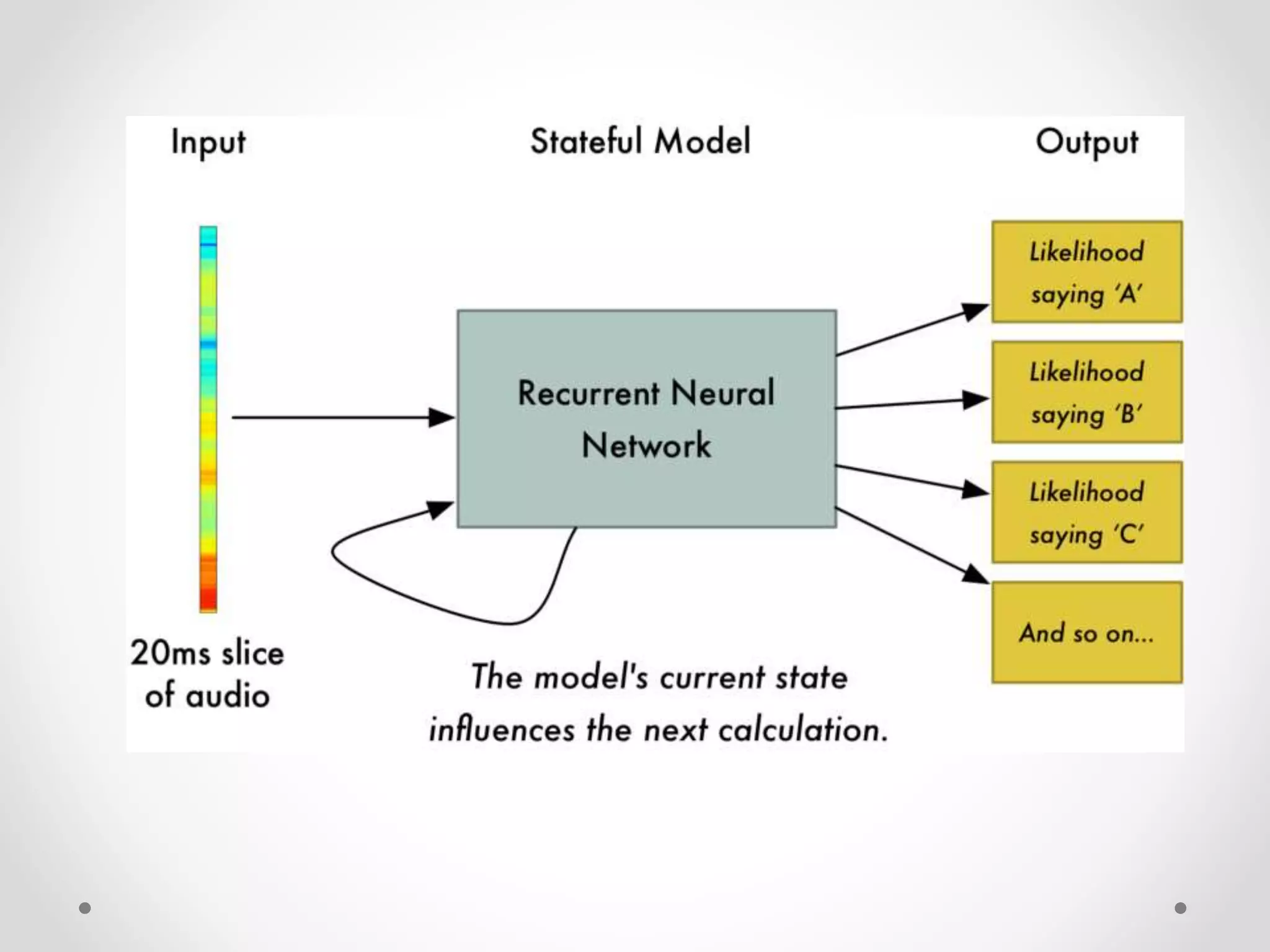
    Recognizing Characters fromShort Sounds • Now that we have our audio in a format that’s easy to process, we will feed it into a deep neural network. • The input to the neural network will be 20 millisecond audio chunks. • For each little audio slice, it will try to figure out the letter that corresponds the sound currently being spoken.
  • 40.
    • After werun our entire audio clip through the neural network (one chunk at a time), we’ll end up with a mapping of each audio chunk to the letters most likely spoken during that chunk. • Here’s what that mapping looks like saying “Hello”:
  • 42.
    • Our neuralnet is predicting that one likely thing that were said was “HHHEE_LL_LLLOOO”. But it also thinks that it was possible that it could be “HHHUU_LL_LLLOOO” or even “AAAUU_LL_LLLOOO”. • We have some steps we follow to clean up this output. First, we’ll replace any repeated characters a single character: o HHHEE_LL_LLLOOO becomes HE_L_LO o HHHUU_LL_LLLOOO becomes HU_L_LO o AAAUU_LL_LLLOOO becomes AU_L_LO
  • 43.
    • Then we’llremove any blanks: o HE_L_LO becomes HELLO o HU_L_LO becomes HULLO o AU_L_LO becomes AULLO • That leaves us with three possible transcriptions —  “Hello”, “Hullo” and “Aullo”. • The trick is to combine these pronunciation-based predictions with likelihood scores based on large database of written text. • Of our possible transcriptions “Hello”, “Hullo” and “Aullo”, obviously “Hello” will appear more frequently in a database of text and thus is probably correct. So we’ll pick “Hello” as our final transcription instead of the others. Done!
  • 44.
    What the FutureHolds • Voice will be a primary interface for the connected home, providing a natural means to communicate with alarm systems, lights, kitchen appliances, sound systems and more, as users go about their day- to-day lives. • More and more major cars on the market will adopt intelligent, voice- driven systems for entertainment and location-based search, keeping drivers’ and passengers’ eyes and hands free. • Small-screened and screen less wearables will continue their upward climb in popularity. • Voice-controlled devices will also dominate workplaces that require hands-free mobility, such as hospitals, warehouses, laboratories and production plants. • Intelligent virtual assistants built into mobile operating systems keep getting better.
  • 45.