
ECE 551
Digital Design And Synthesis
Fall ‘09
Lecture 1
• Instructor Introduction
• Course Introduction
• Administrative Stuff
• Introduction to Verilog
2
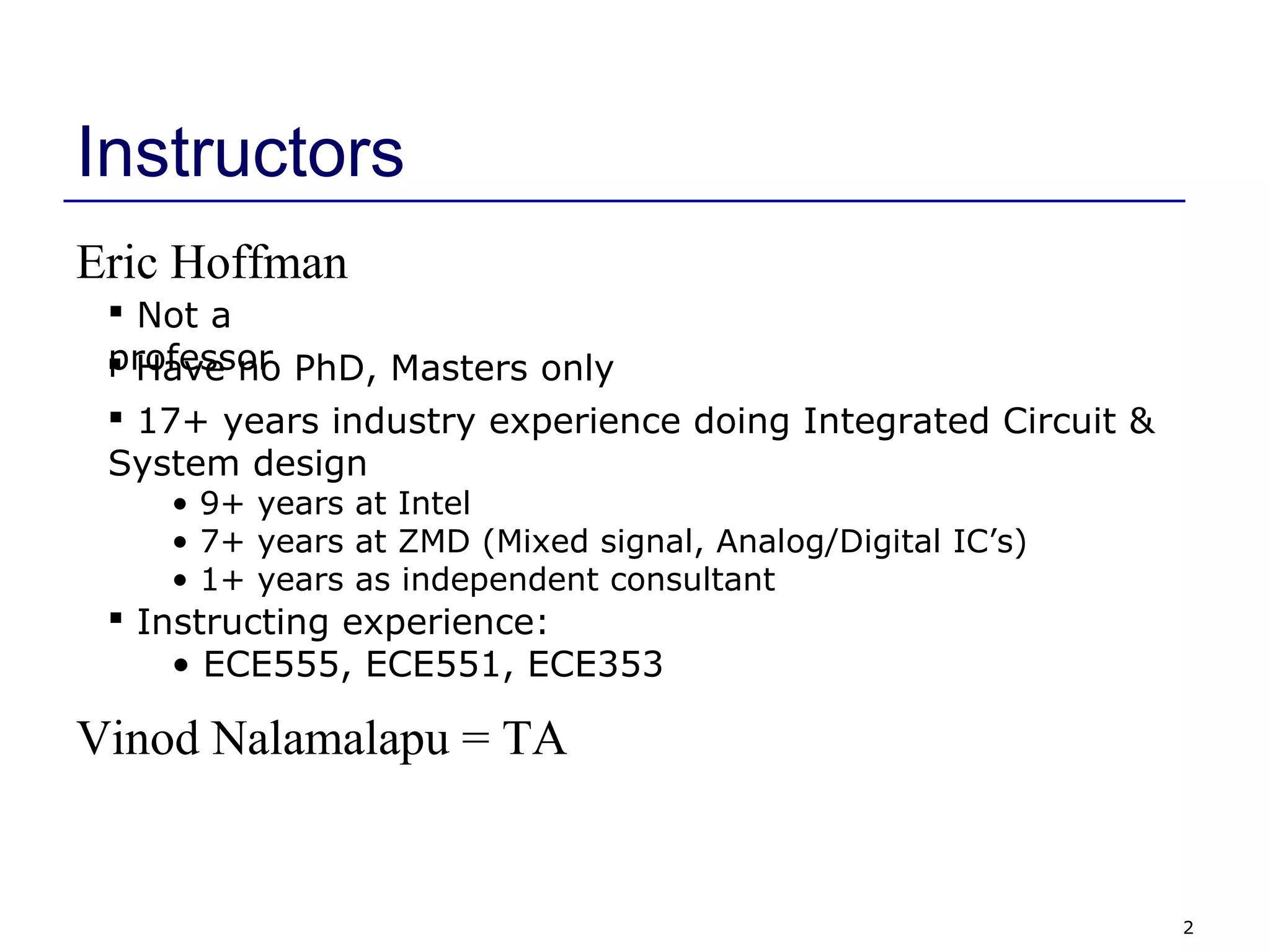
Instructors
Eric Hoffman
 Not a
professor Have no PhD, Masters only
 17+ years industry experience doing Integrated Circuit &
System design
• 9+ years at Intel
• 7+ years at ZMD (Mixed signal, Analog/Digital IC’s)
• 1+ years as independent consultant
 Instructing experience:
• ECE555, ECE551, ECE353
Vinod Nalamalapu = TA
3
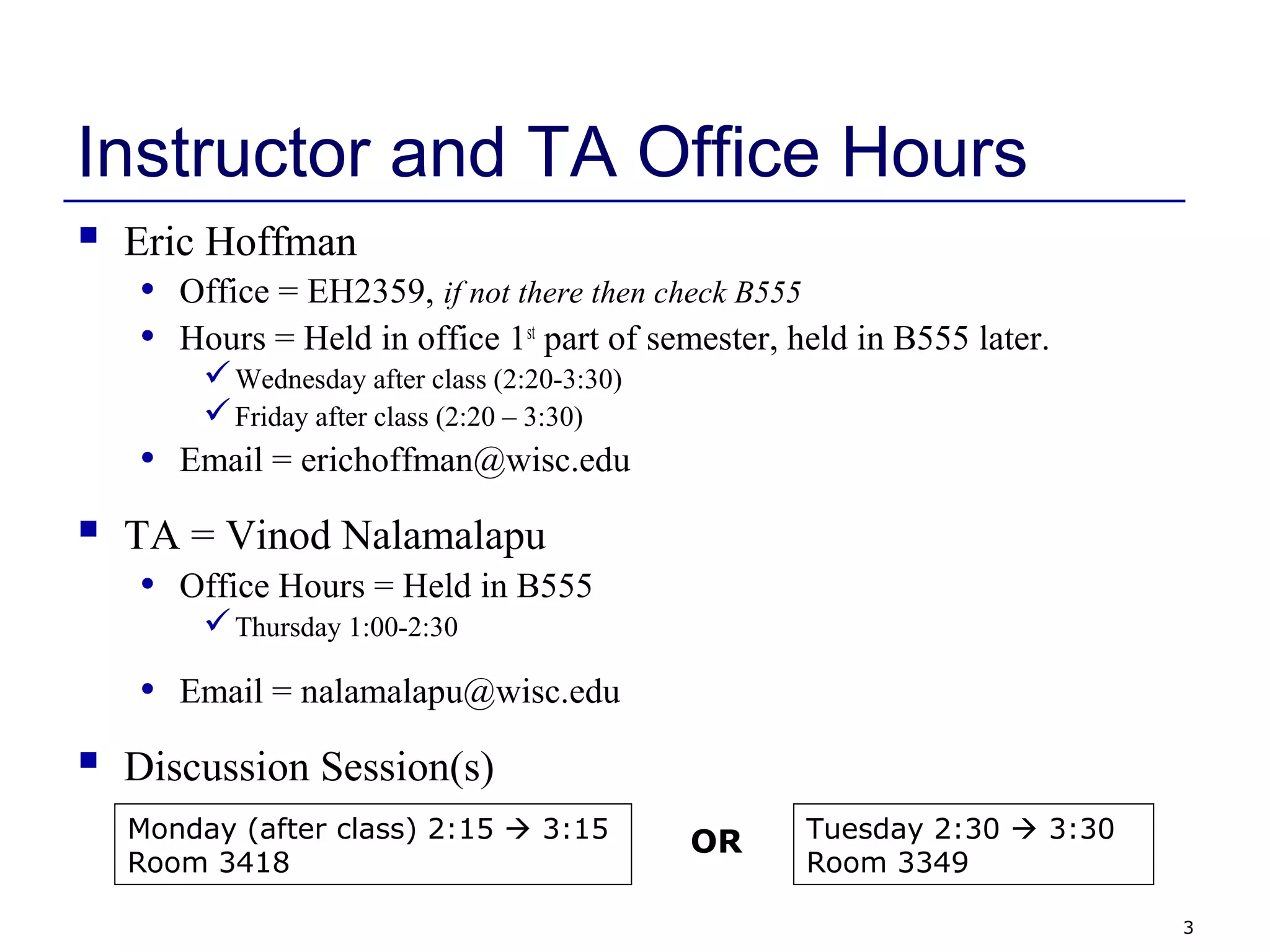
Instructor and TA Office Hours
 Eric Hoffman
• Office = EH2359, if not there then check B555
• Hours = Held in office 1st
part of semester, held in B555 later.
Wednesday after class (2:20-3:30)
Friday after class (2:20 – 3:30)
• Email = erichoffman@wisc.edu
 TA = Vinod Nalamalapu
• Office Hours = Held in B555
Thursday 1:00-2:30
• Email = nalamalapu@wisc.edu
 Discussion Session(s)
Monday (after class) 2:15  3:15
Room 3418
Tuesday 2:30  3:30
Room 3349
OR
4
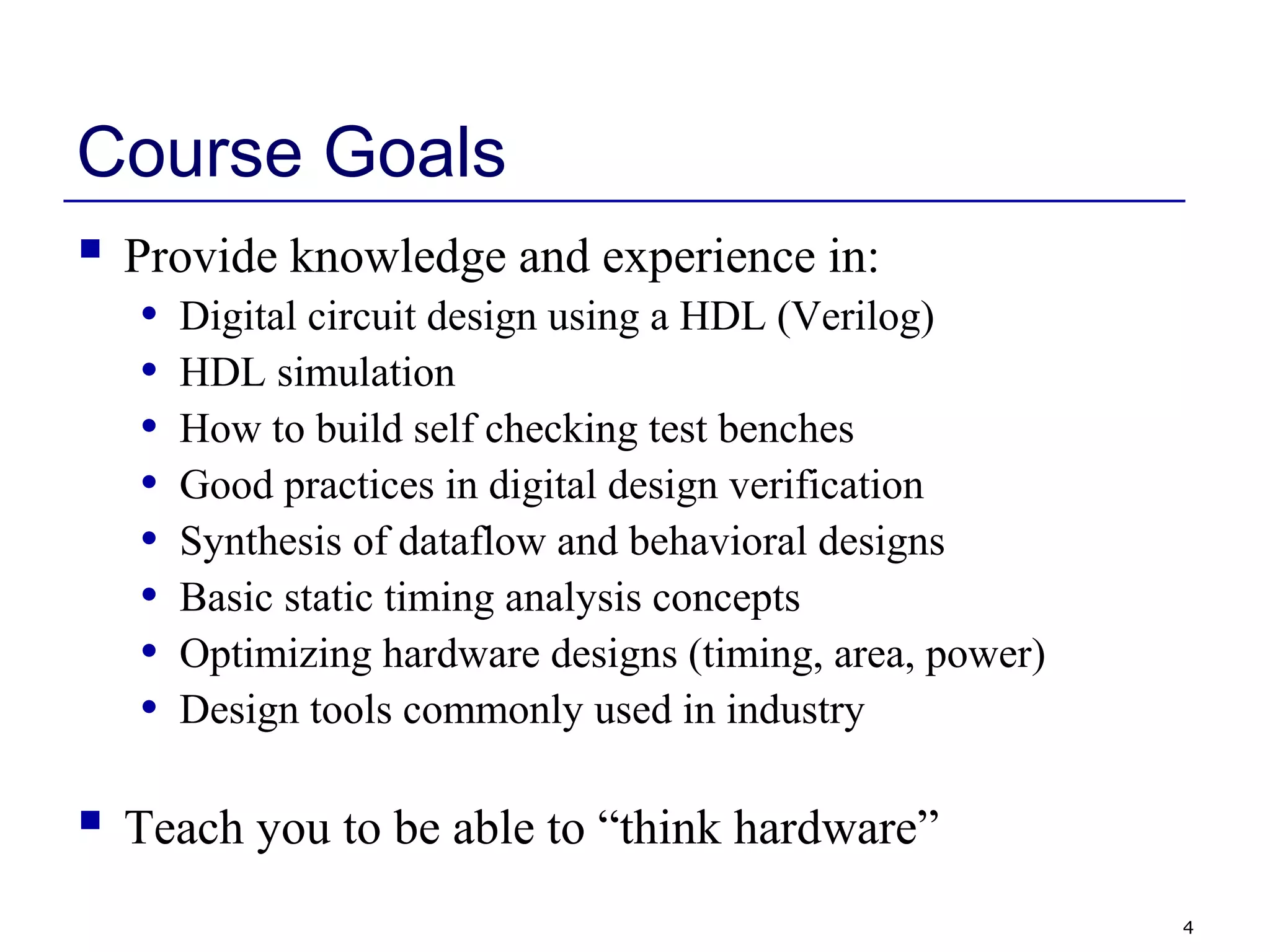
Course Goals
 Provide knowledge and experience in:
• Digital circuit design using a HDL (Verilog)
• HDL simulation
• How to build self checking test benches
• Good practices in digital design verification
• Synthesis of dataflow and behavioral designs
• Basic static timing analysis concepts
• Optimizing hardware designs (timing, area, power)
• Design tools commonly used in industry
 Teach you to be able to “think hardware”
5
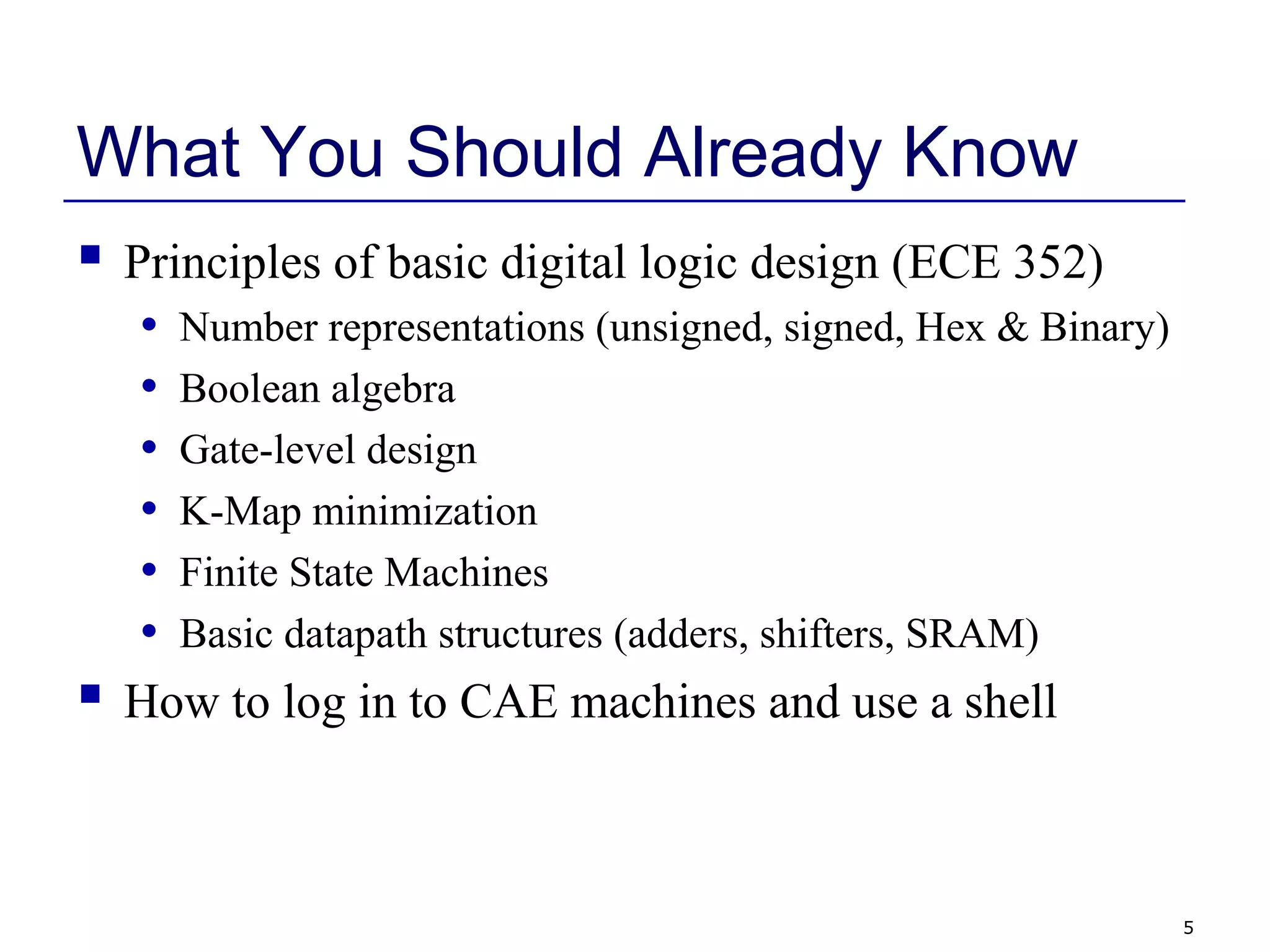
What You Should Already Know
 Principles of basic digital logic design (ECE 352)
• Number representations (unsigned, signed, Hex & Binary)
• Boolean algebra
• Gate-level design
• K-Map minimization
• Finite State Machines
• Basic datapath structures (adders, shifters, SRAM)
 How to log in to CAE machines and use a shell
6
Course Website
 eCOW2
• Follow the link on:
http://www.engr.wisc.edu/ece/courses/ece551.html
 What the Website will have:
• Lecture Notes (I will try to stay 1 week ahead of class)
• Homework Assignments
• Tutorials
• Project Information
• Midterm Solution
7
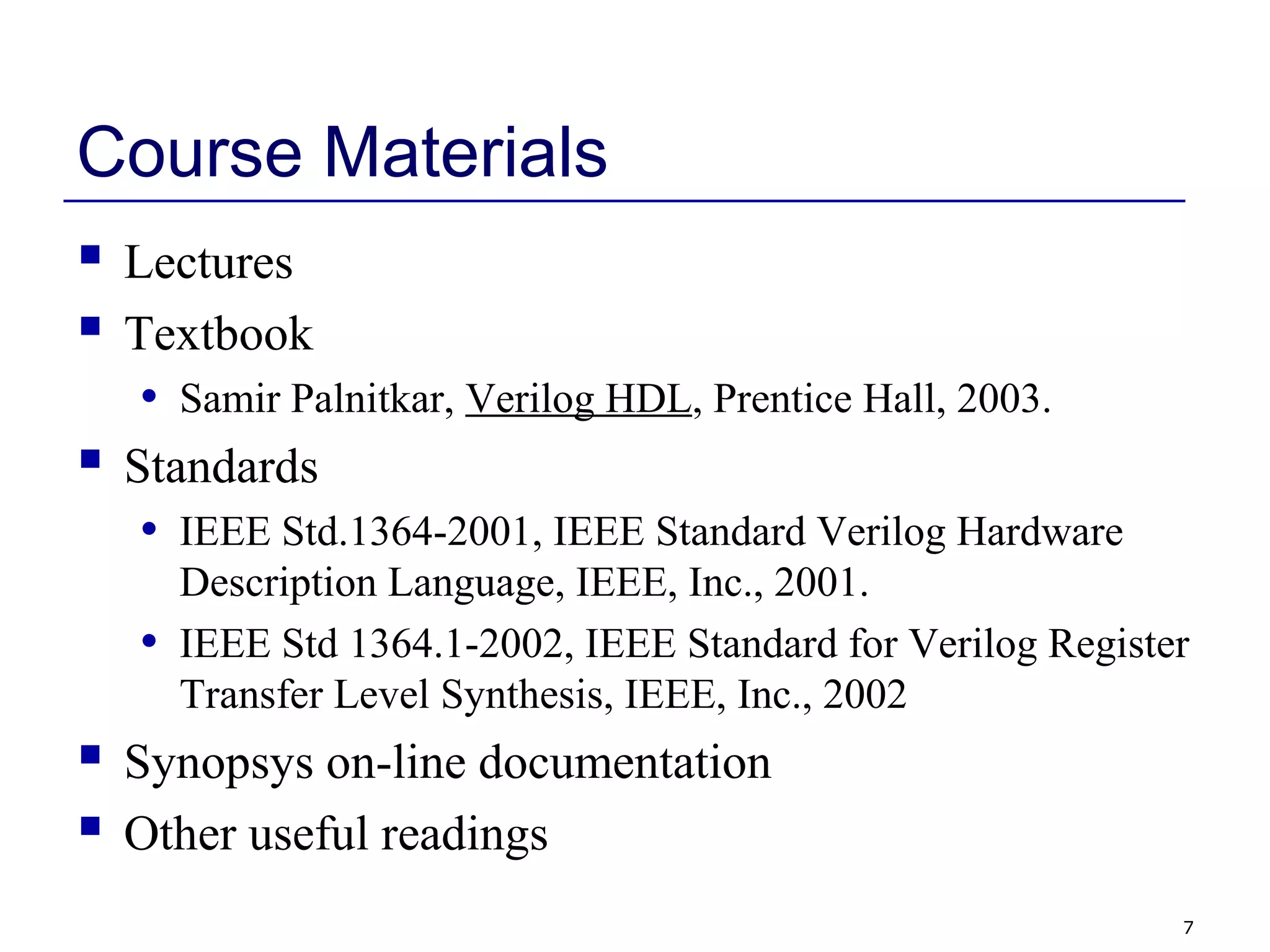
Course Materials
 Lectures
 Textbook
• Samir Palnitkar, Verilog HDL, Prentice Hall, 2003.
 Standards
• IEEE Std.1364-2001, IEEE Standard Verilog Hardware
Description Language, IEEE, Inc., 2001.
• IEEE Std 1364.1-2002, IEEE Standard for Verilog Register
Transfer Level Synthesis, IEEE, Inc., 2002
 Synopsys on-line documentation
 Other useful readings
8
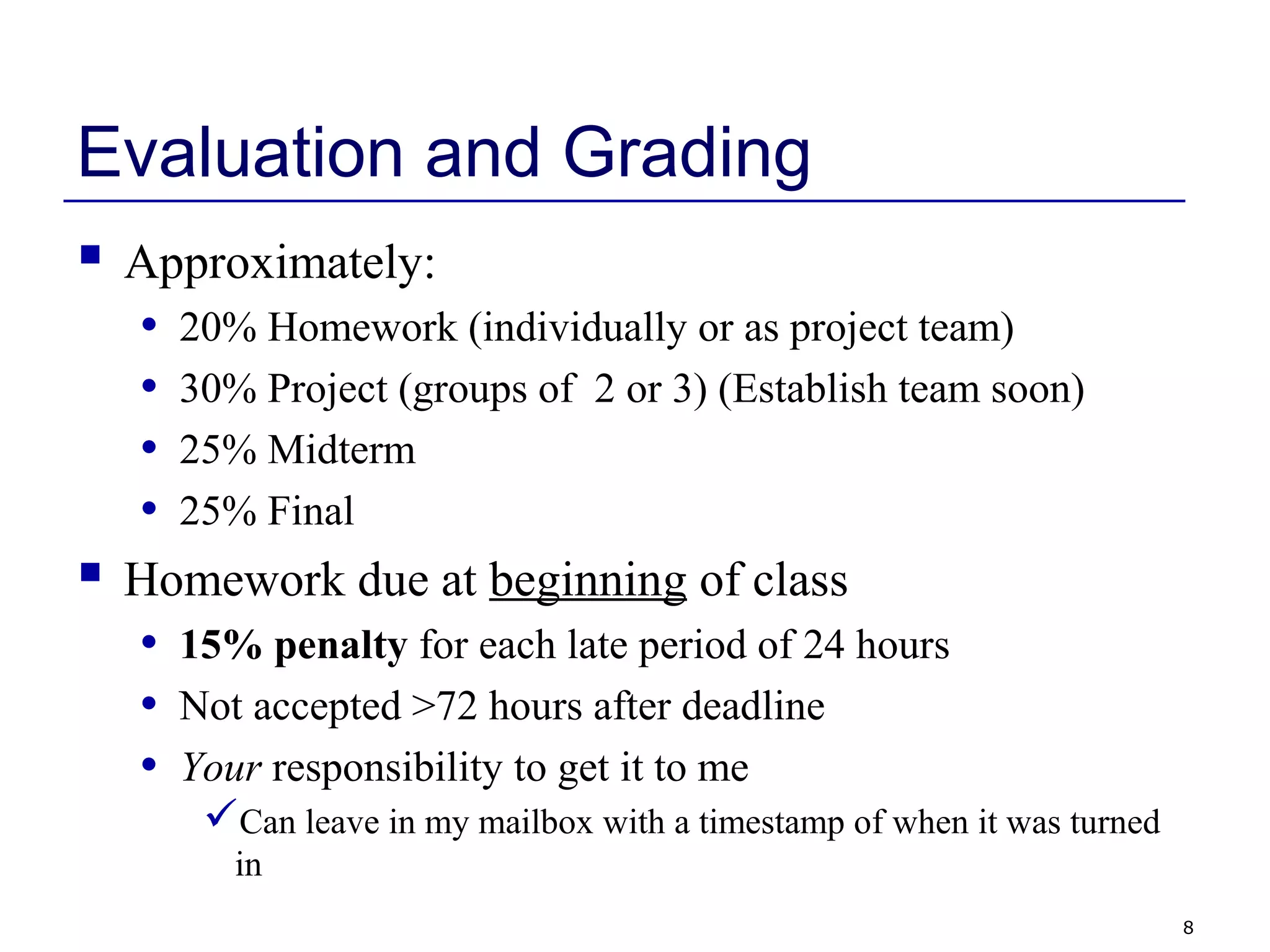
Evaluation and Grading
 Approximately:
• 20% Homework (individually or as project team)
• 30% Project (groups of 2 or 3) (Establish team soon)
• 25% Midterm
• 25% Final
 Homework due at beginning of class
• 15% penalty for each late period of 24 hours
• Not accepted >72 hours after deadline
• Your responsibility to get it to me
Can leave in my mailbox with a timestamp of when it was turned
in
9
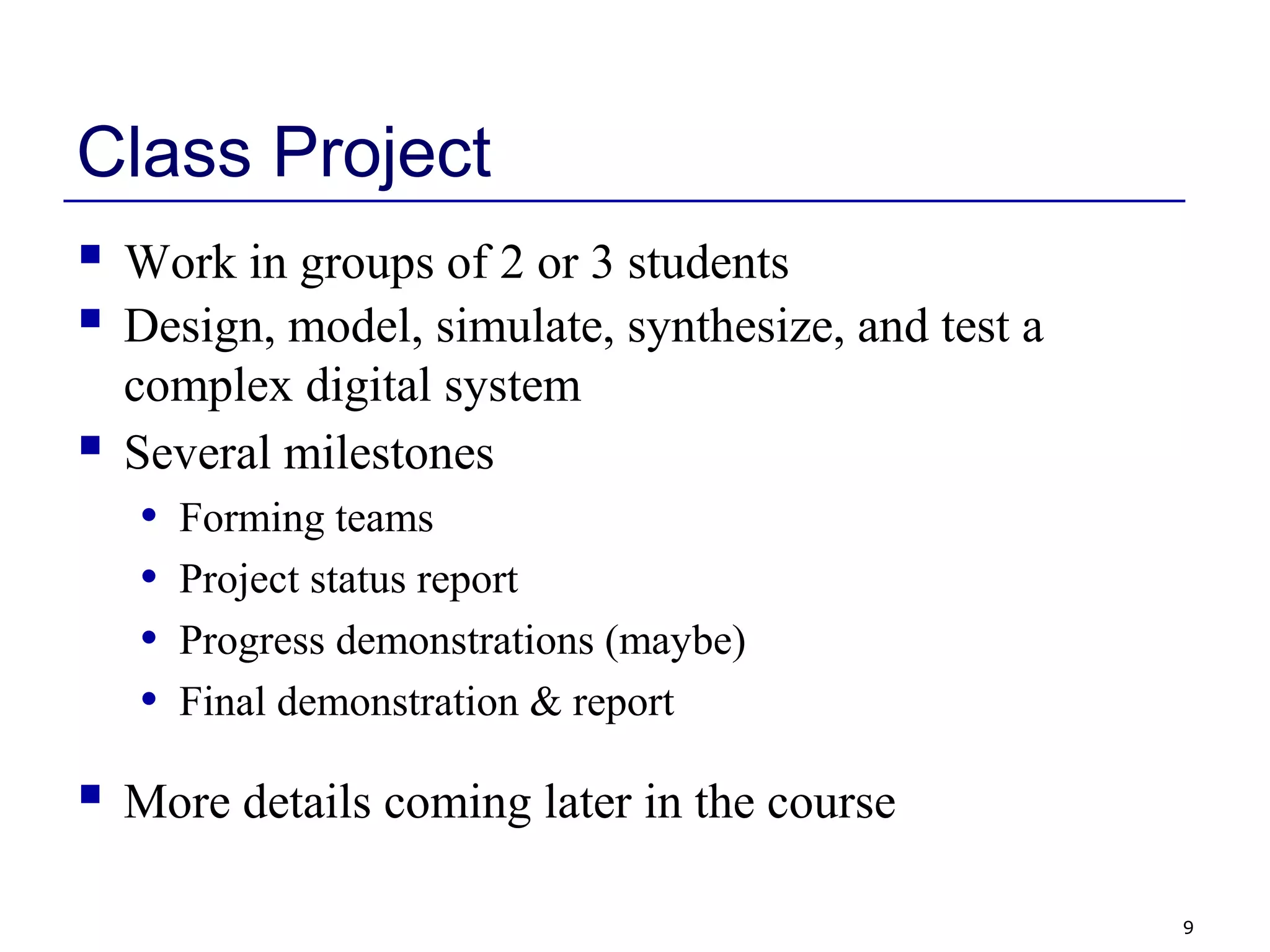
Class Project
 Work in groups of 2 or 3 students
 Design, model, simulate, synthesize, and test a
complex digital system
 Several milestones
• Forming teams
• Project status report
• Progress demonstrations (maybe)
• Final demonstration & report
 More details coming later in the course
10
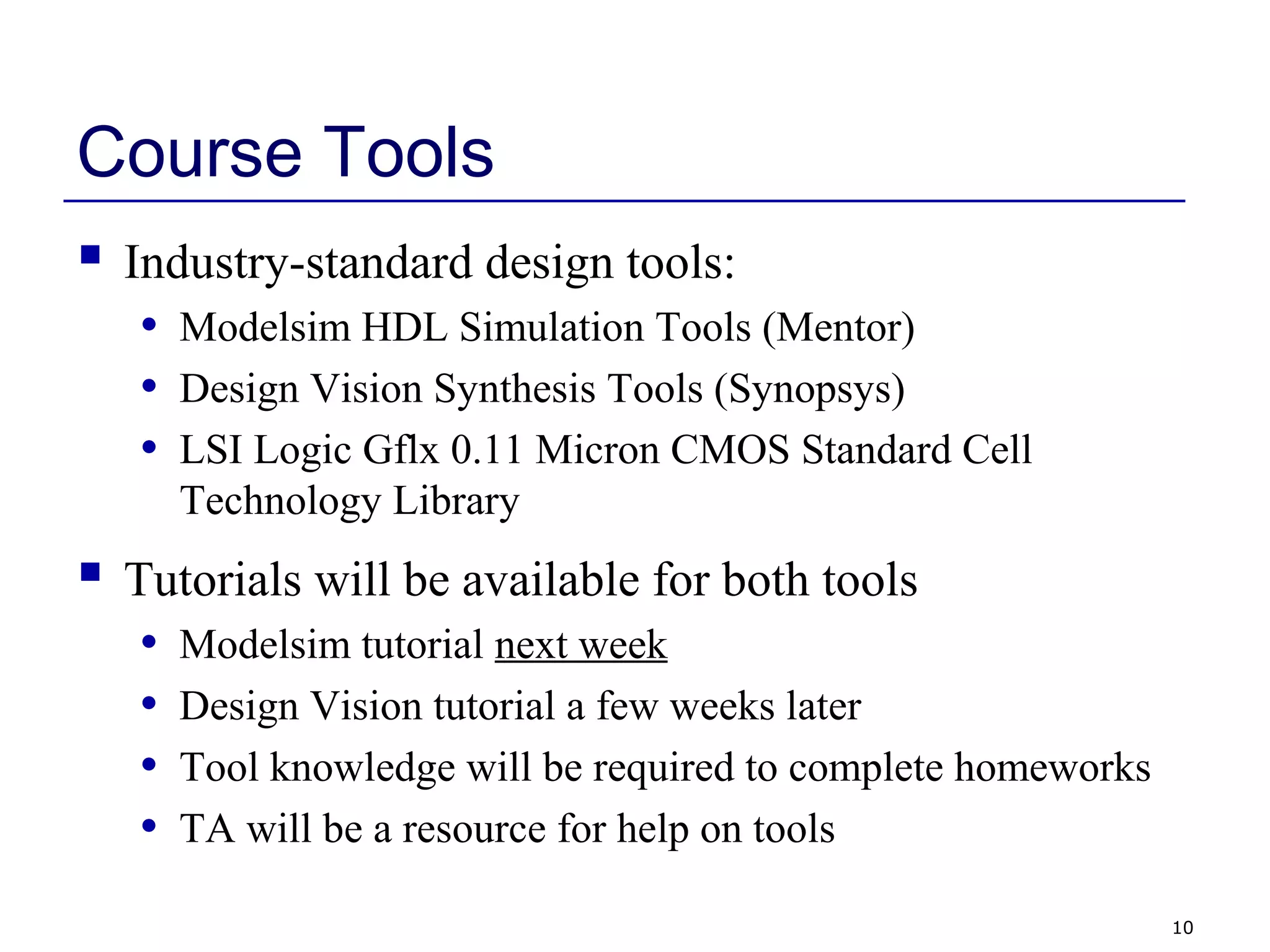
Course Tools
 Industry-standard design tools:
• Modelsim HDL Simulation Tools (Mentor)
• Design Vision Synthesis Tools (Synopsys)
• LSI Logic Gflx 0.11 Micron CMOS Standard Cell
Technology Library
 Tutorials will be available for both tools
• Modelsim tutorial next week
• Design Vision tutorial a few weeks later
• Tool knowledge will be required to complete homeworks
• TA will be a resource for help on tools
11
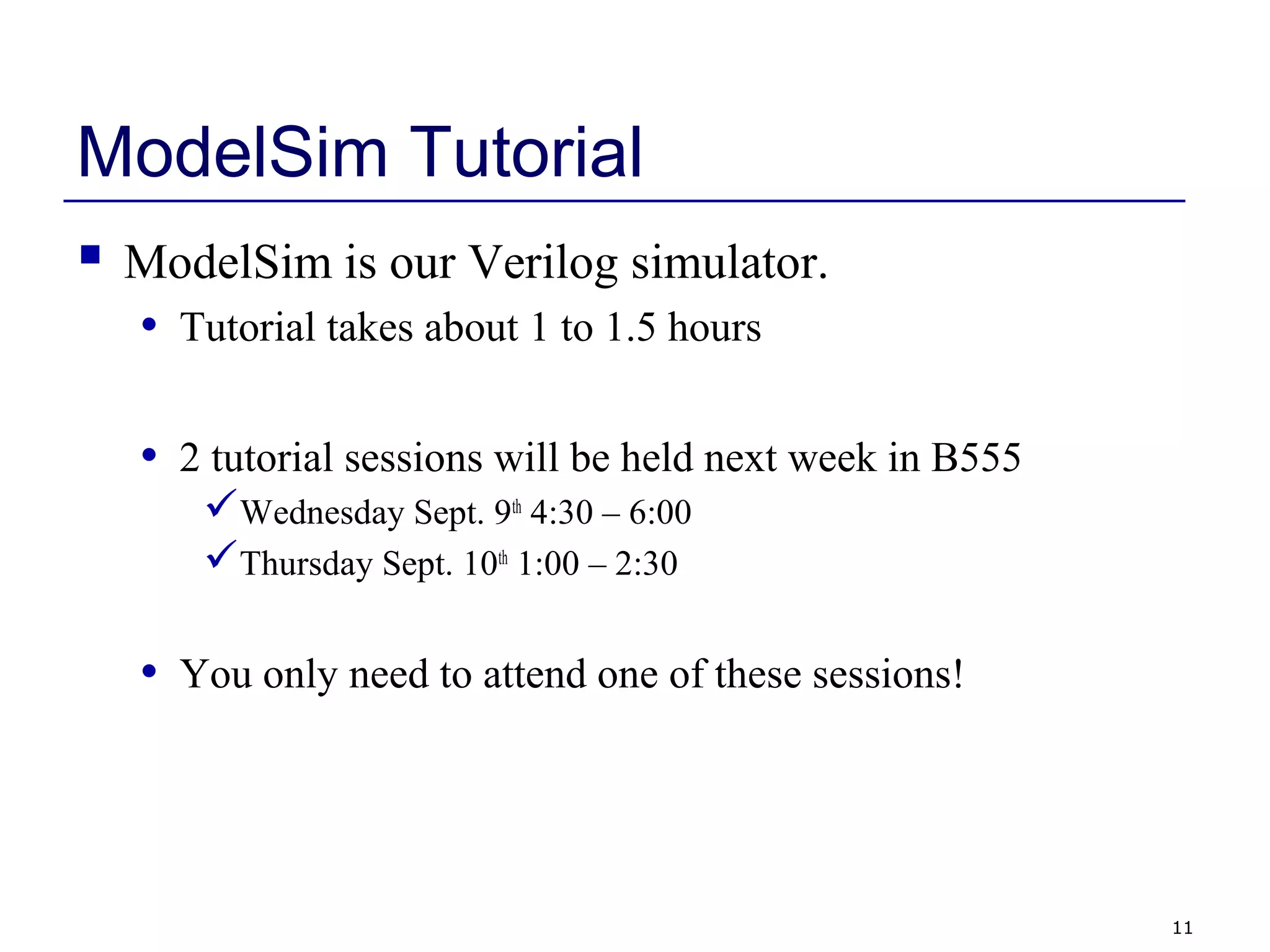
ModelSim Tutorial
 ModelSim is our Verilog simulator.
• Tutorial takes about 1 to 1.5 hours
• 2 tutorial sessions will be held next week in B555
Wednesday Sept. 9th
4:30 – 6:00
Thursday Sept. 10th
1:00 – 2:30
• You only need to attend one of these sessions!
12
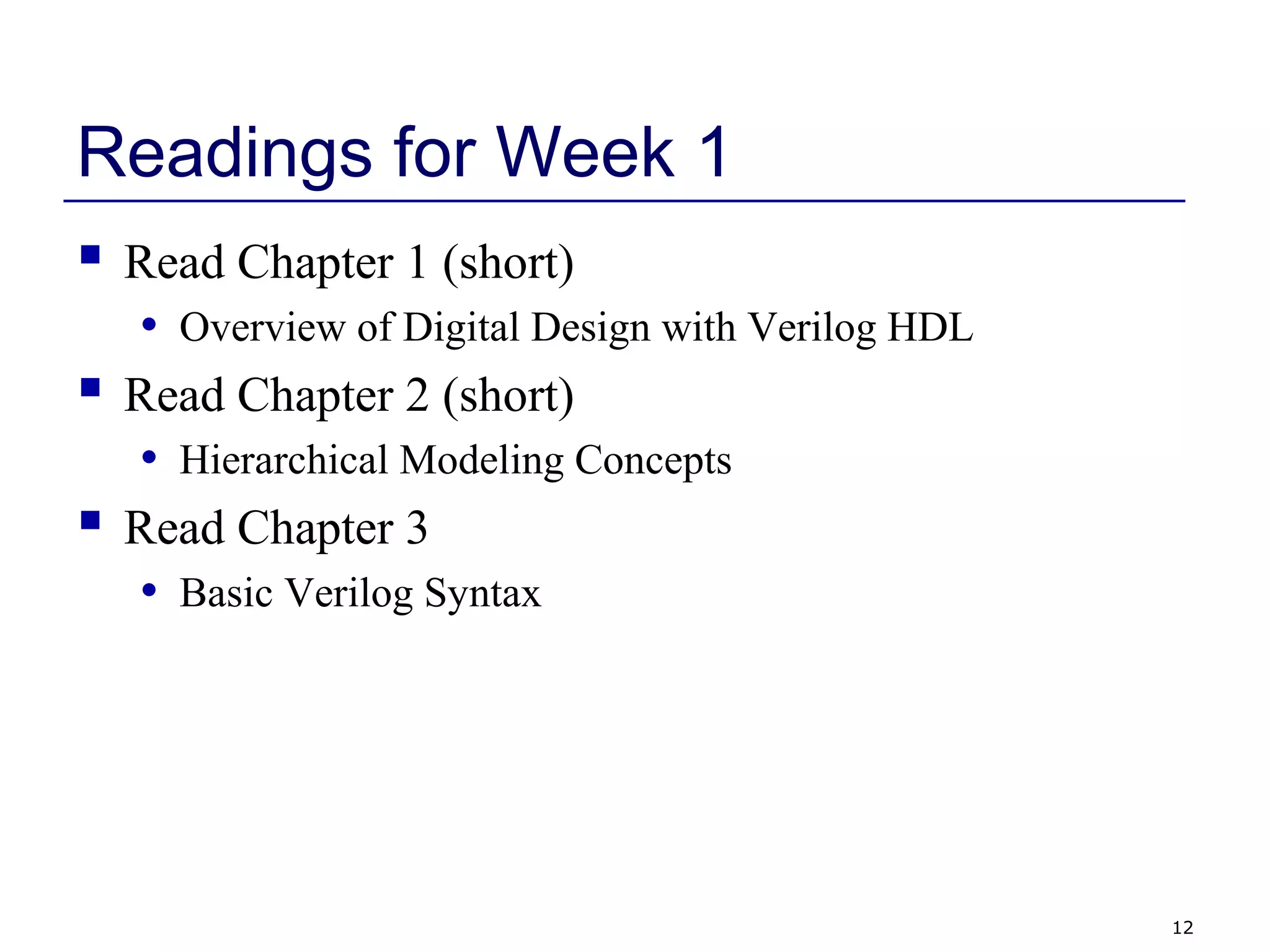
Readings for Week 1
 Read Chapter 1 (short)
• Overview of Digital Design with Verilog HDL
 Read Chapter 2 (short)
• Hierarchical Modeling Concepts
 Read Chapter 3
• Basic Verilog Syntax
13
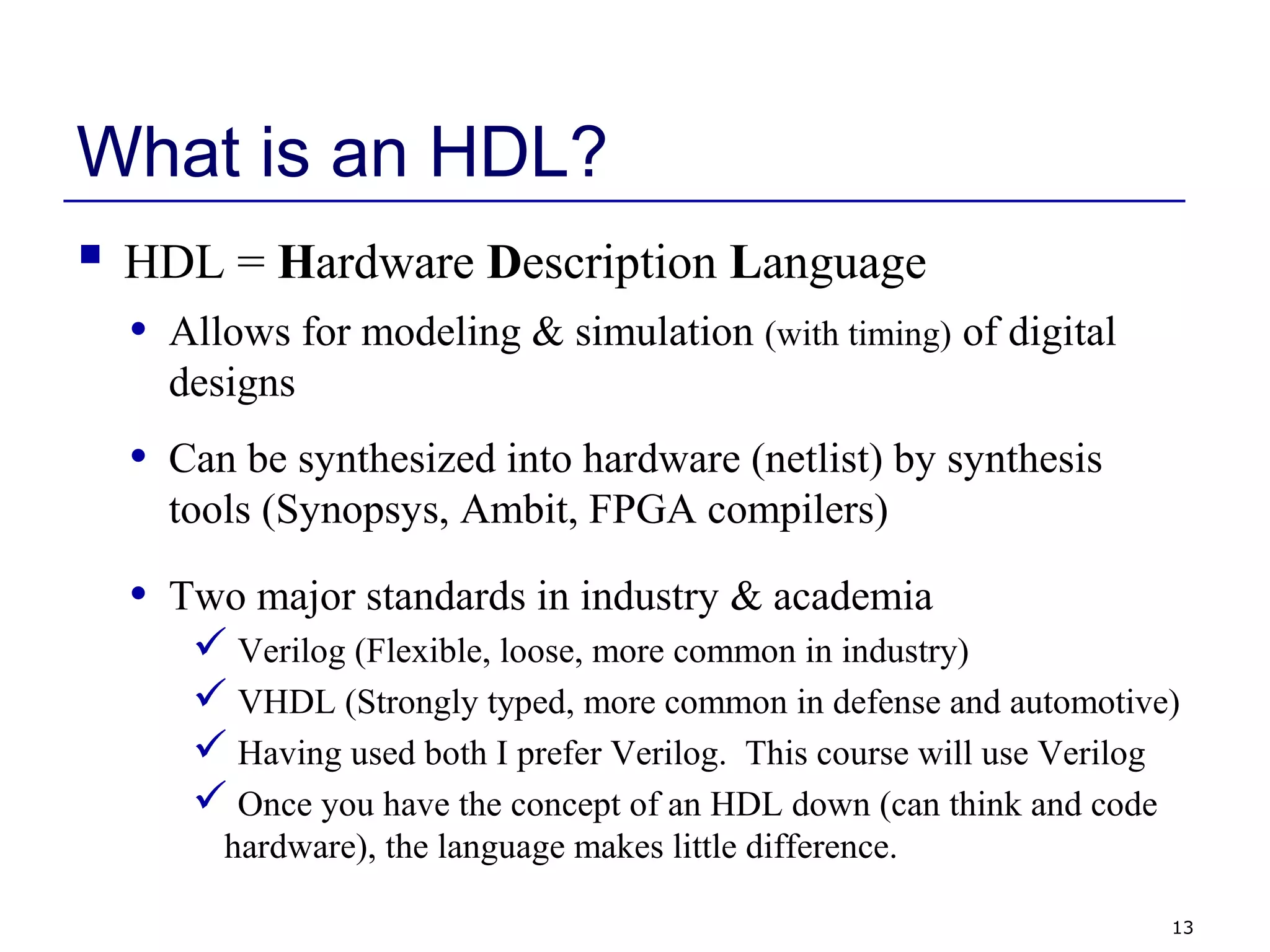
What is an HDL?
 HDL = Hardware Description Language
• Allows for modeling & simulation (with timing) of digital
designs
• Can be synthesized into hardware (netlist) by synthesis
tools (Synopsys, Ambit, FPGA compilers)
• Two major standards in industry & academia
 Verilog (Flexible, loose, more common in industry)
 VHDL (Strongly typed, more common in defense and automotive)
 Having used both I prefer Verilog. This course will use Verilog
 Once you have the concept of an HDL down (can think and code
hardware), the language makes little difference.
14
What is an HDL? (continued)
module counter(clk,rst_n,cnt);
input clk,rst_n;
output [3:0] cnt;
reg [3:0] cnt;
always @(posedge clk) begin
if (~rst_n)
cnt = 4’b0000;
else
cnt = cnt+1;
end
endmodule
• It looks like a programming language
• It is NOT a programming language
 It is always critical to recall you
are describing hardware
 This codes primary purpose is to
generate hardware
 The hardware this code describes
(a counter) can be simulated on a
computer. In this secondary use of
the language it does act more like a
programming language.
15
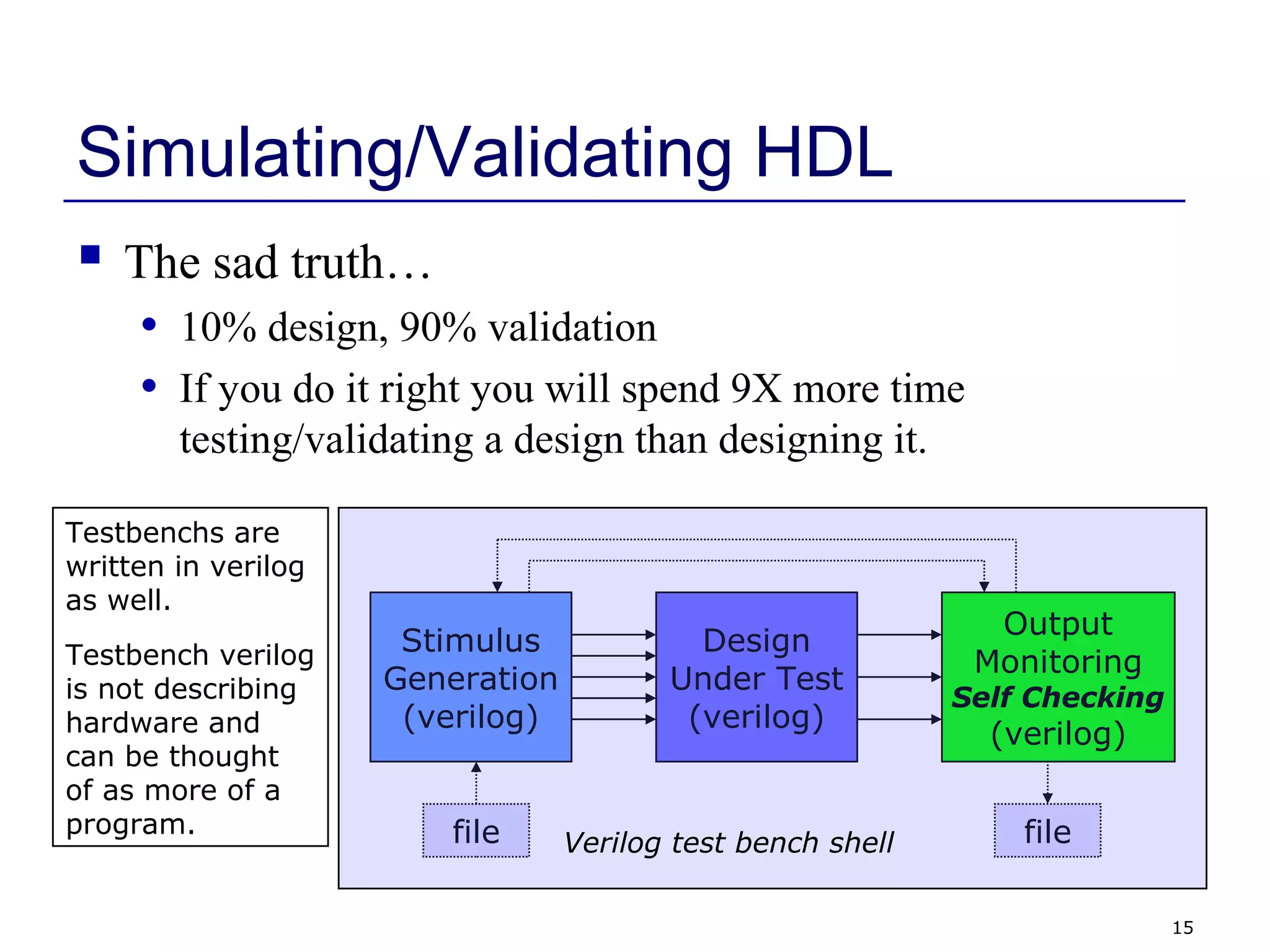
Simulating/Validating HDL
 The sad truth…
• 10% design, 90% validation
• If you do it right you will spend 9X more time
testing/validating a design than designing it.
Design
Under Test
(verilog)
Stimulus
Generation
(verilog)
Output
Monitoring
Self Checking
(verilog)
file fileVerilog test bench shell
Testbenchs are
written in verilog
as well.
Testbench verilog
is not describing
hardware and
can be thought
of as more of a
program.
16
What is Synthesis?
 Takes a description of what a circuit DOES
 Creates the hardware to DO it
module counter(clk,rst_n,cnt);
input clk,rst_n;
output [3:0] cnt;
reg [3:0] cnt;
always @(posedge clk) begin
if (~rst_n)
cnt = 4’b0000;
else
cnt = cnt+1;
end
endmodule
SynthesisTool
(Synopsys)
Increment
Combinational
Logic
rst_n 44 4
clk
cnt[3:0]
Output is actually a text
netlist, not a GUI schematic
form.
17
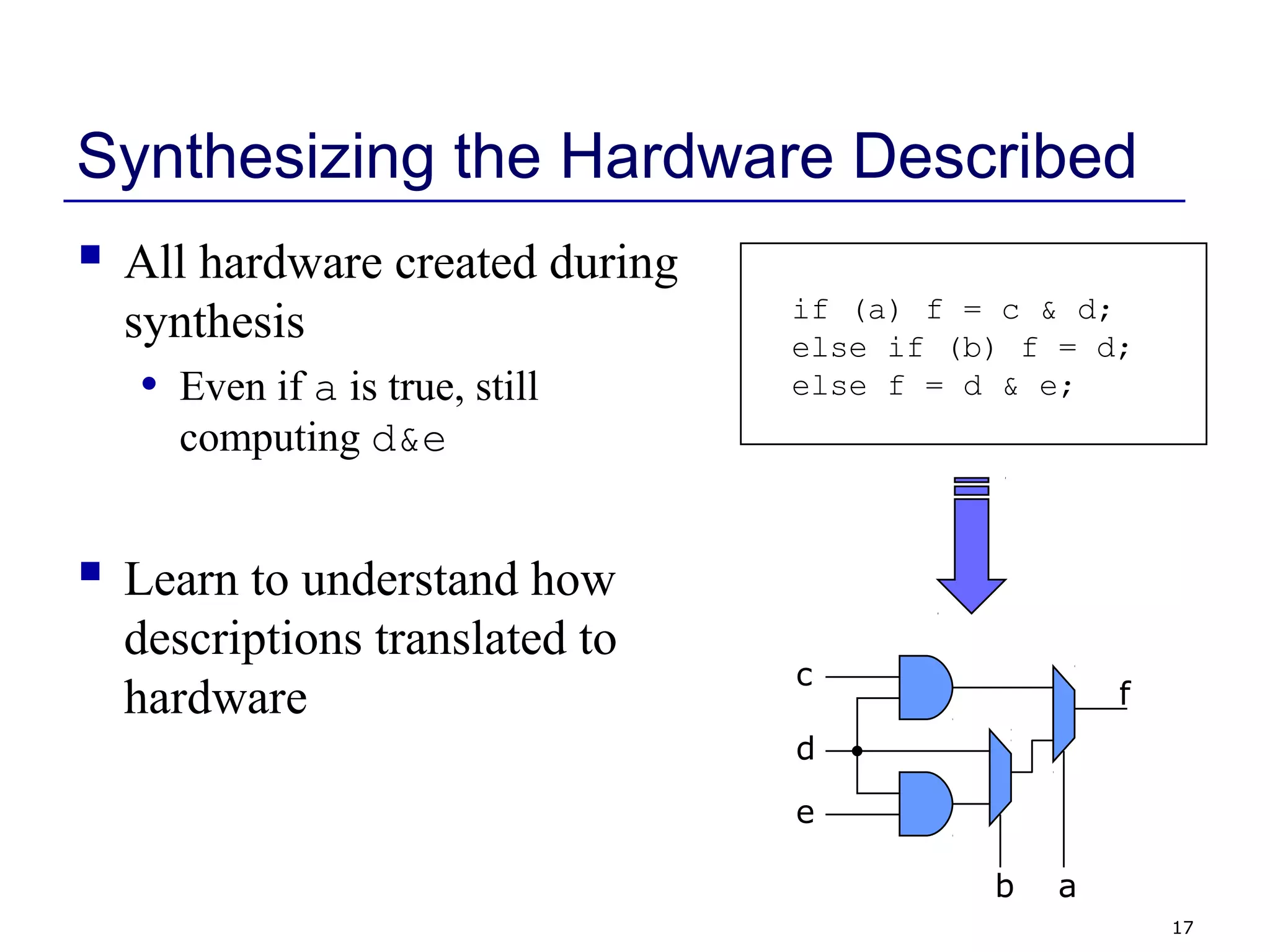
Synthesizing the Hardware Described
 All hardware created during
synthesis
• Even if a is true, still
computing d&e
 Learn to understand how
descriptions translated to
hardware
if (a) f = c & d;
else if (b) f = d;
else f = d & e;
f
ab
c
d
e
18
Why Use an HDL?
 Enables Larger Designs
• More abstracted than schematics, allows larger designs.
 Register Transfer Level Description
 Wide datapaths (16, 32, or 64 bits wide) can be abstracted to a
single vector
Synthesis tool does the bulk of the tedious repetitive work vs
schematic capture
• Work at transistor/gate level for large designs: cumbersome
 Portable Design
• Behavioral or dataflow Verilog can be synthesized to a new
process library with little effort (i.e. move from 0.11µ to
45nm process)
19
Why Use an HDL? (continued)
 Explore larger solution space
• Synthesis options can help optimize (power, area, speed)
• Synthesis options and coding styles can help examine
tradeoffs
Speed
Power
area
 Portable Design (continued)
• Verilog written in ASCII text. The ultimate in portability.
Much more portable than the binary files of a GUI
schematic capture tool.
20
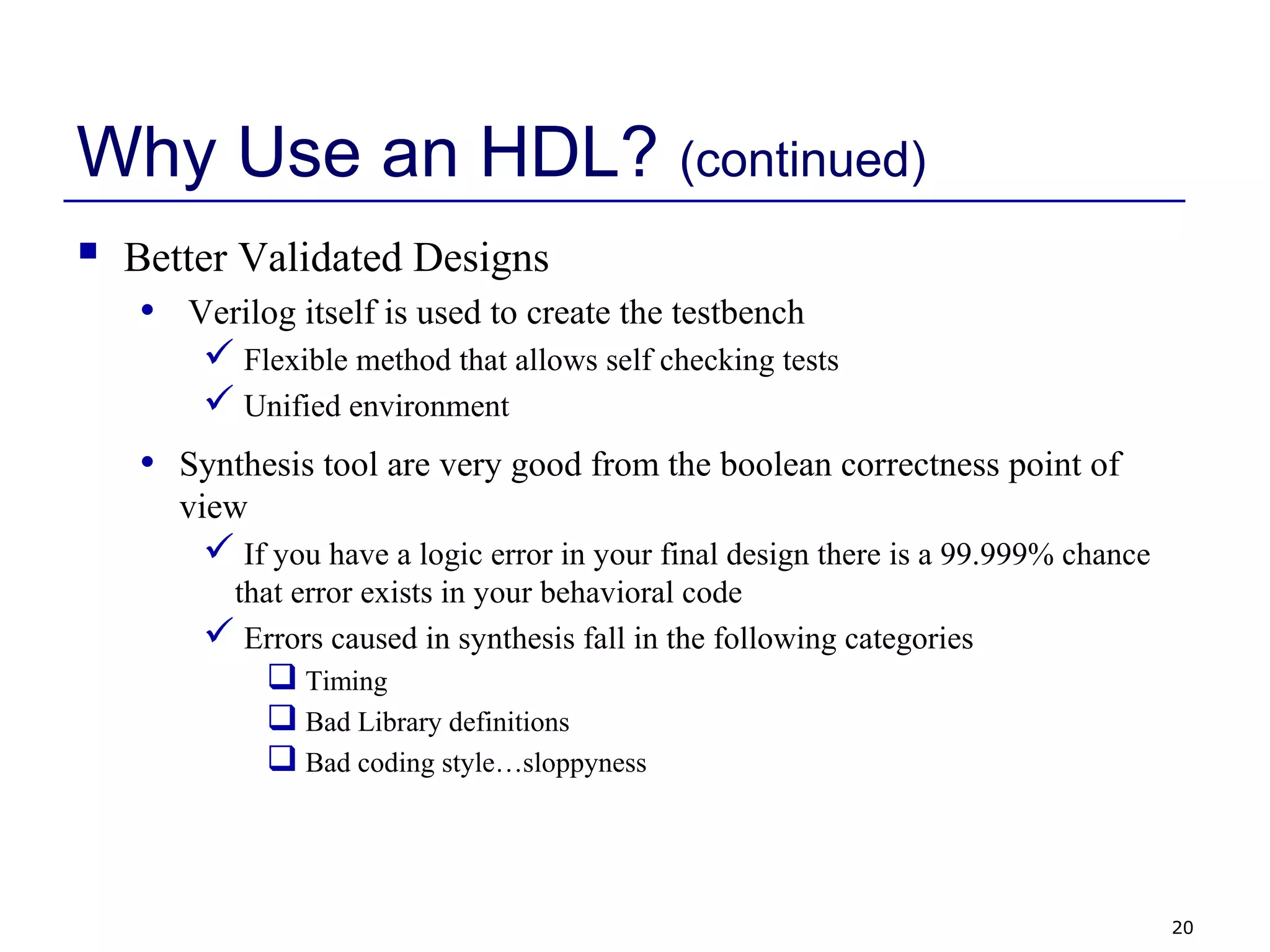
Why Use an HDL? (continued)
 Better Validated Designs
• Verilog itself is used to create the testbench
 Flexible method that allows self checking tests
 Unified environment
• Synthesis tool are very good from the boolean correctness point of
view
 If you have a logic error in your final design there is a 99.999% chance
that error exists in your behavioral code
 Errors caused in synthesis fall in the following categories
 Timing
 Bad Library definitions
 Bad coding style…sloppyness
21
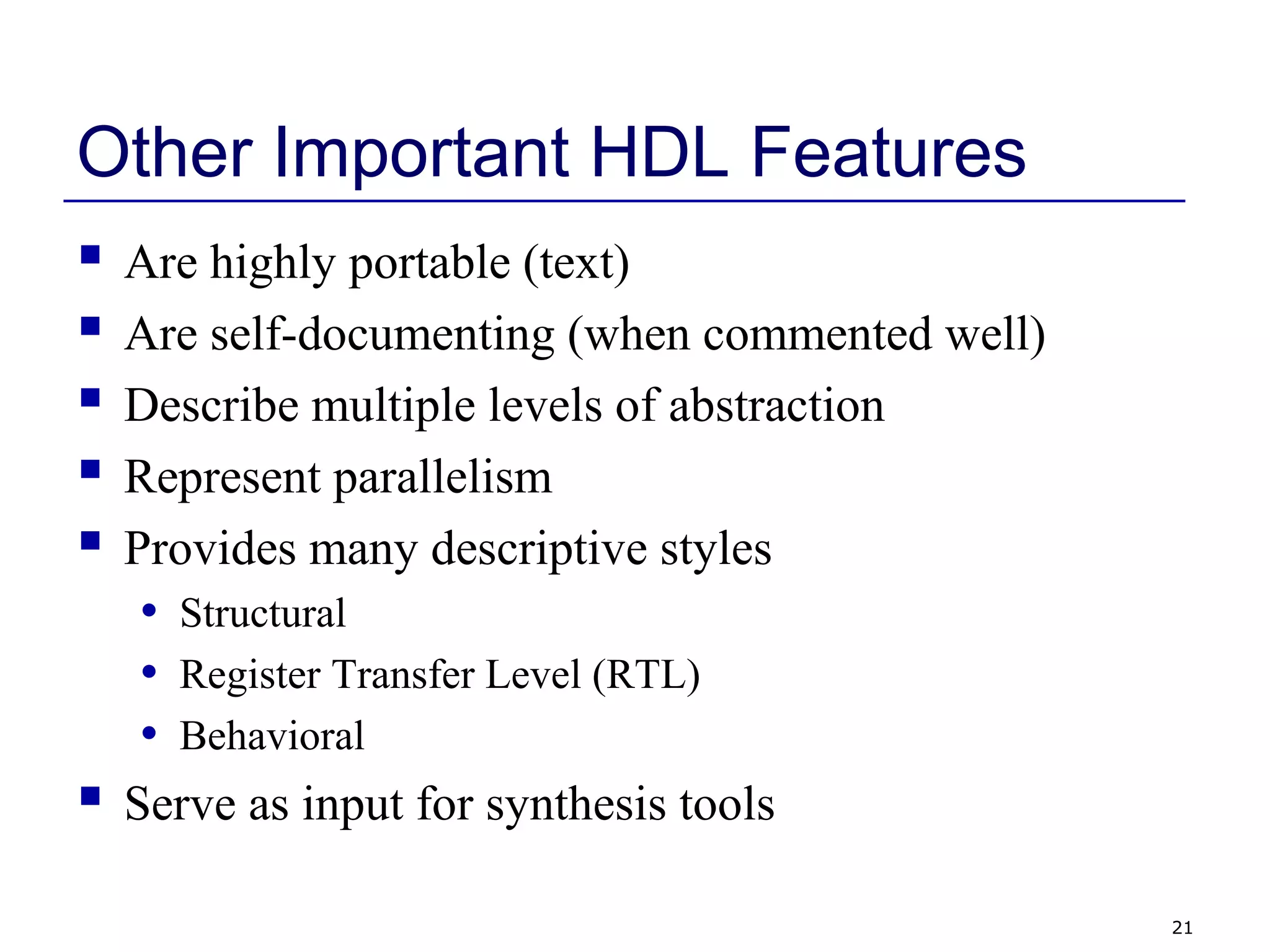
Other Important HDL Features
 Are highly portable (text)
 Are self-documenting (when commented well)
 Describe multiple levels of abstraction
 Represent parallelism
 Provides many descriptive styles
• Structural
• Register Transfer Level (RTL)
• Behavioral
 Serve as input for synthesis tools
22
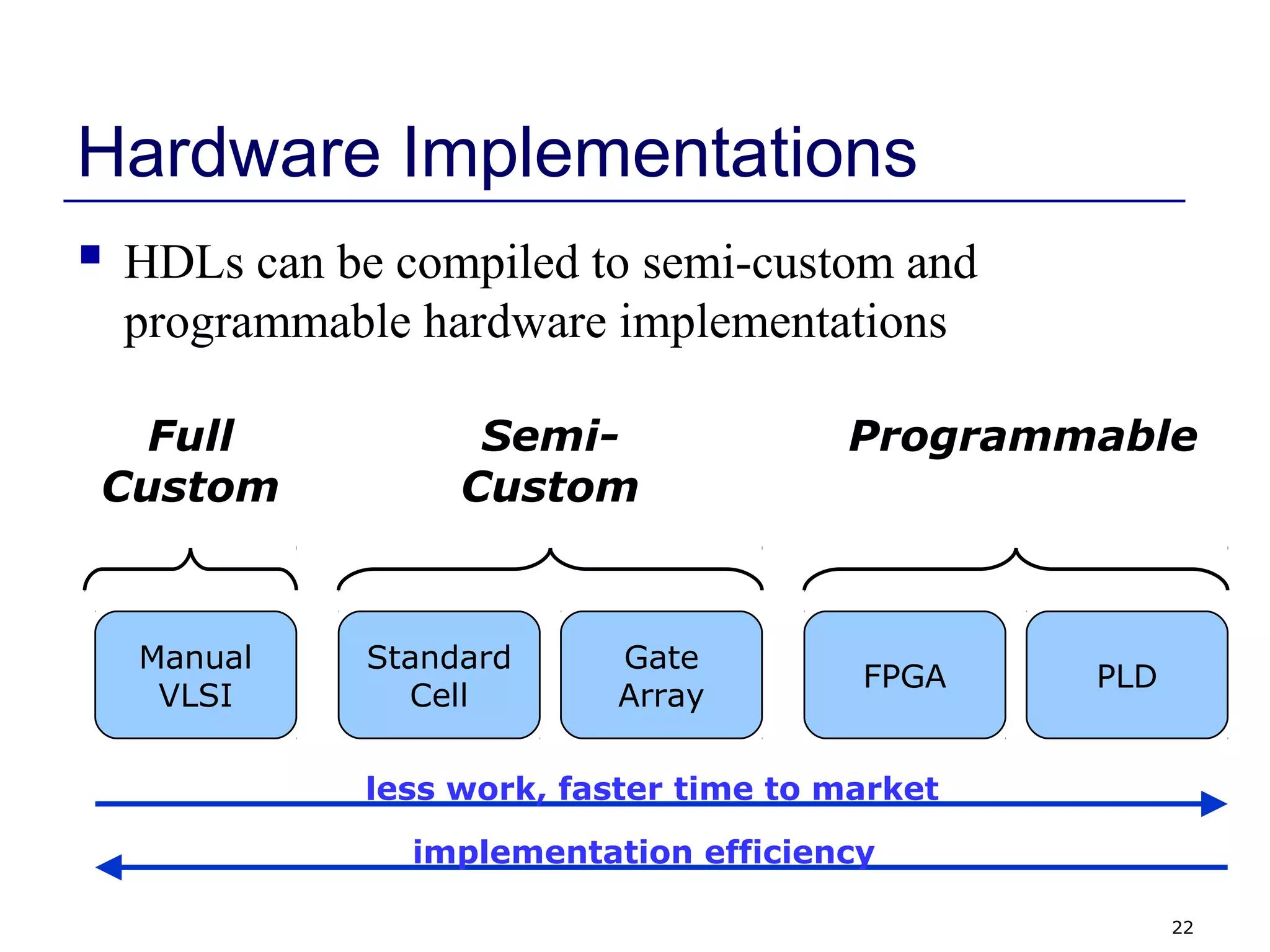
Hardware Implementations
 HDLs can be compiled to semi-custom and
programmable hardware implementations
Standard
Cell
Gate
Array
FPGA PLD
Manual
VLSI
Full
Custom
Semi-
Custom
Programmable
less work, faster time to market
implementation efficiency
23
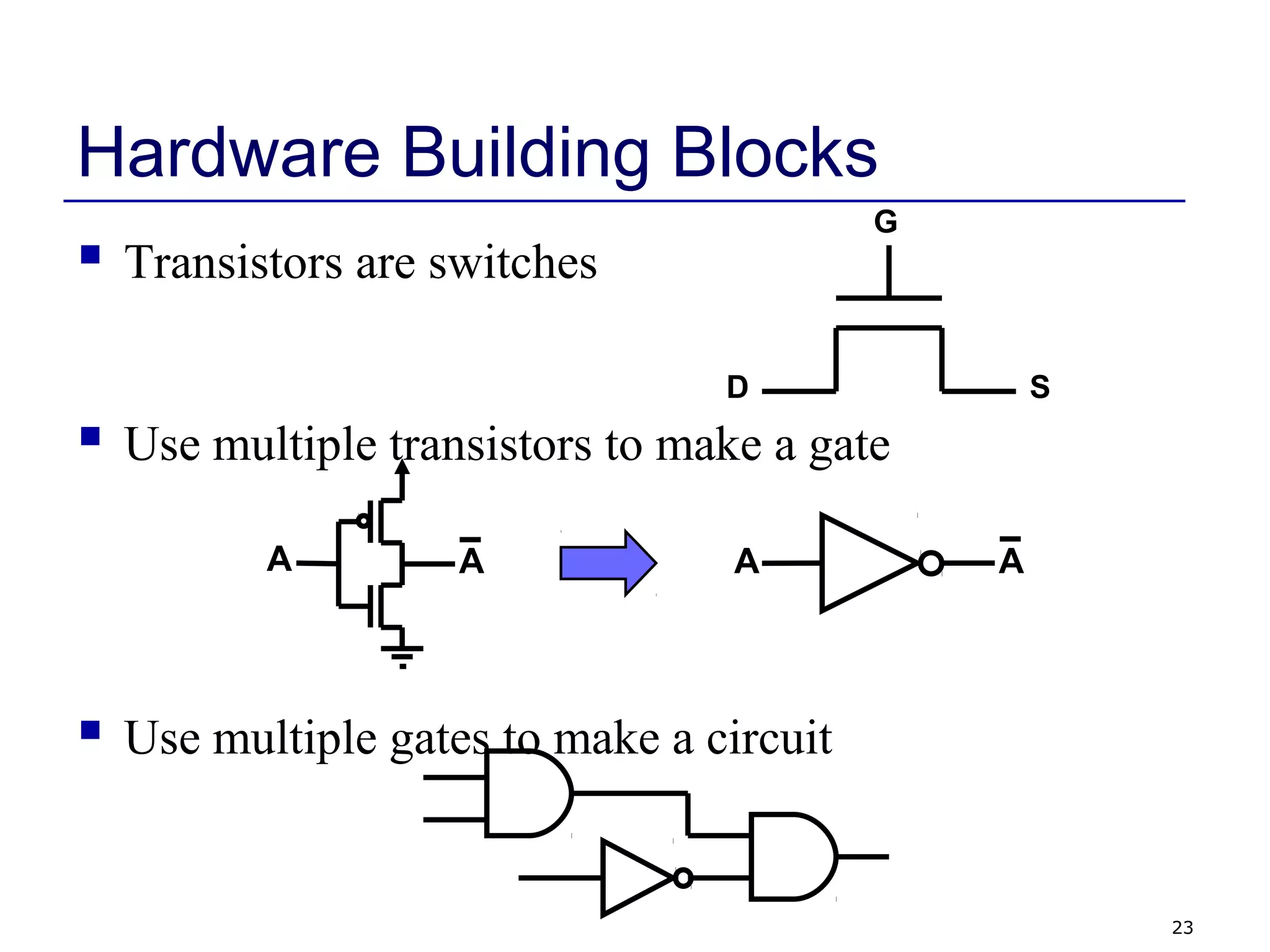
Hardware Building Blocks
 Transistors are switches
 Use multiple transistors to make a gate
 Use multiple gates to make a circuit
AAAA
G
D S
24
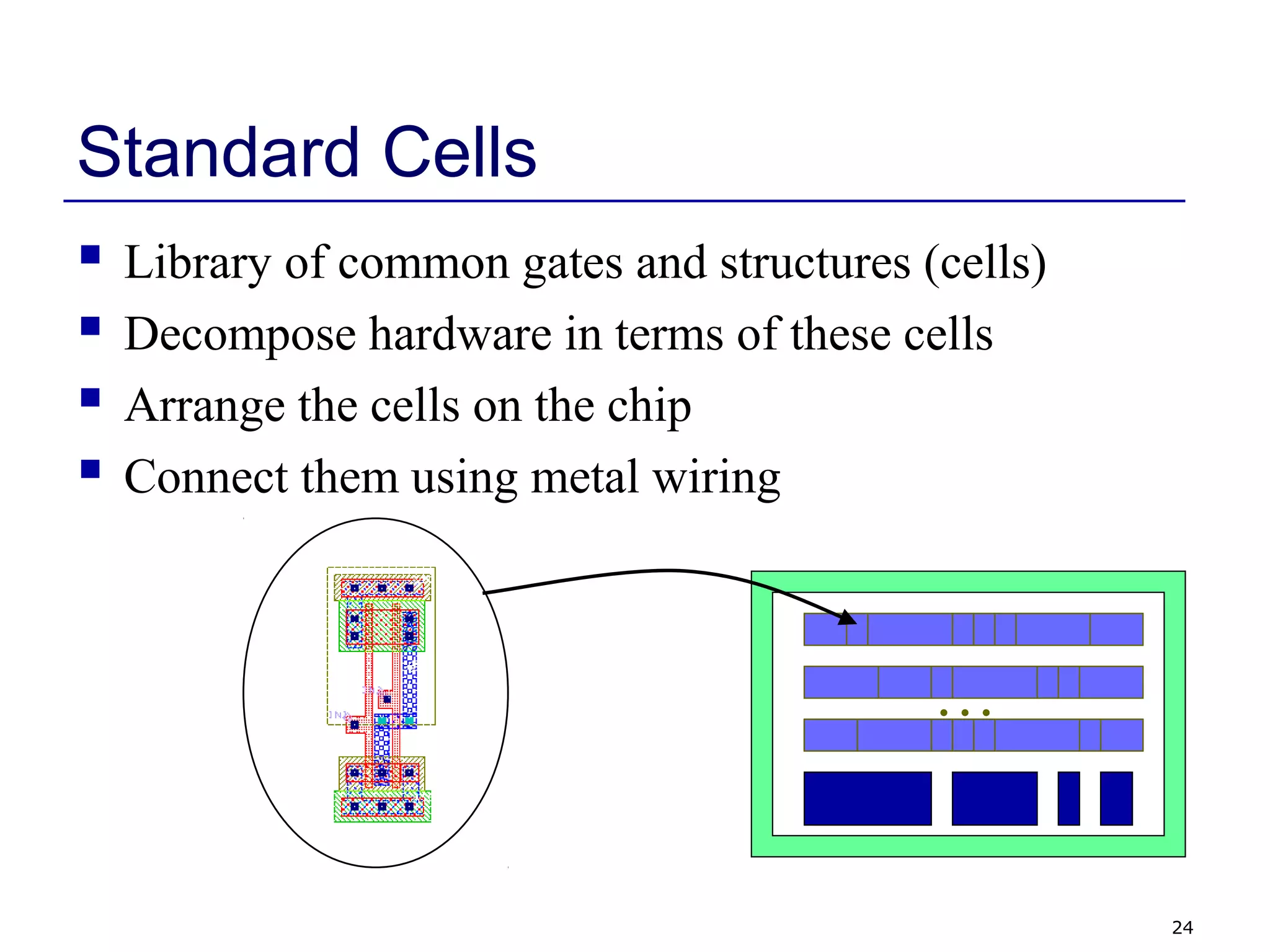
Standard Cells
 Library of common gates and structures (cells)
 Decompose hardware in terms of these cells
 Arrange the cells on the chip
 Connect them using metal wiring
…
25
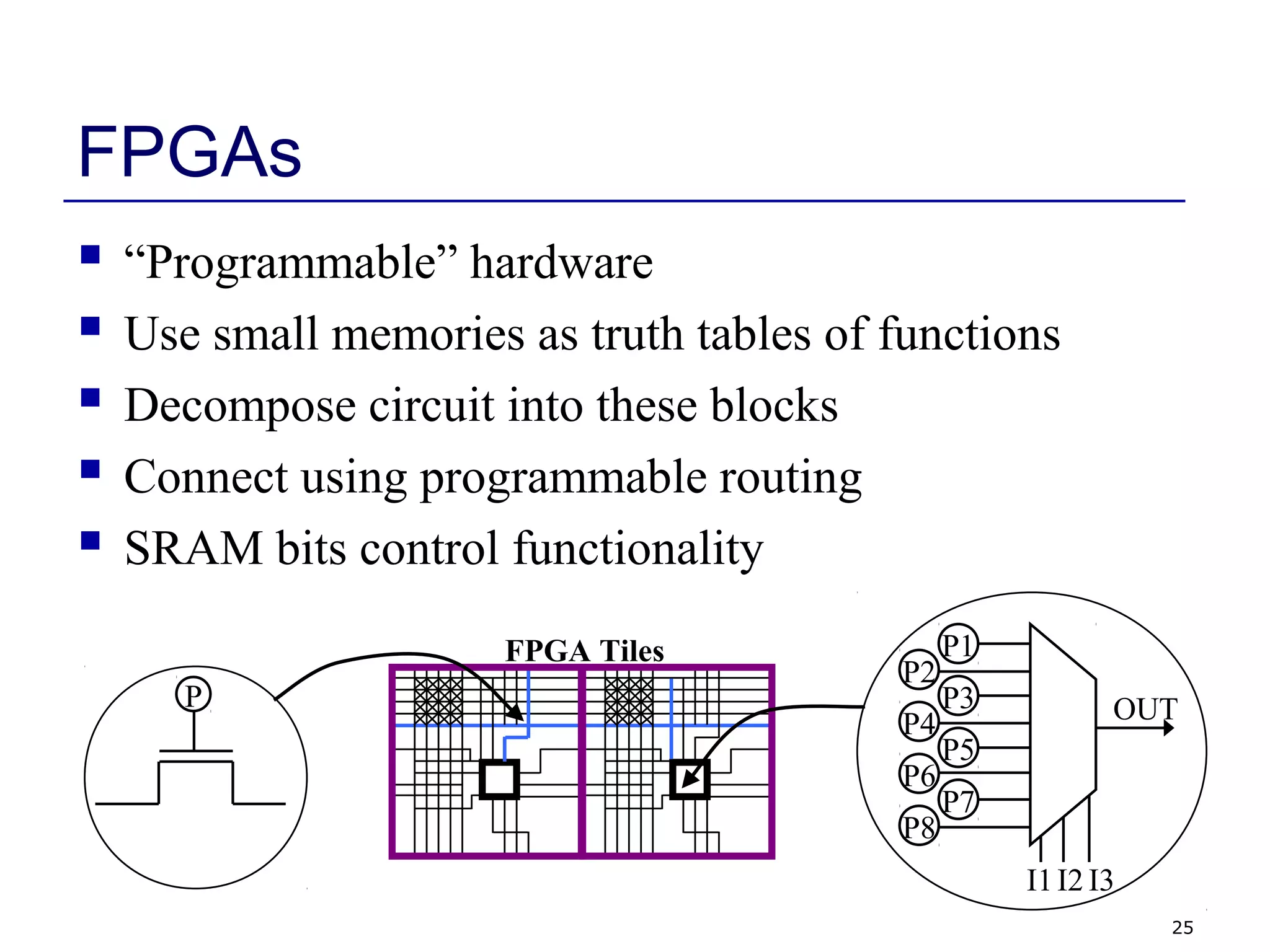
FPGAs
 “Programmable” hardware
 Use small memories as truth tables of functions
 Decompose circuit into these blocks
 Connect using programmable routing
 SRAM bits control functionality
P
P1
P2
P3
P4
P5
P6
P7
P8
I1 I3I2
OUT
FPGA Tiles
26
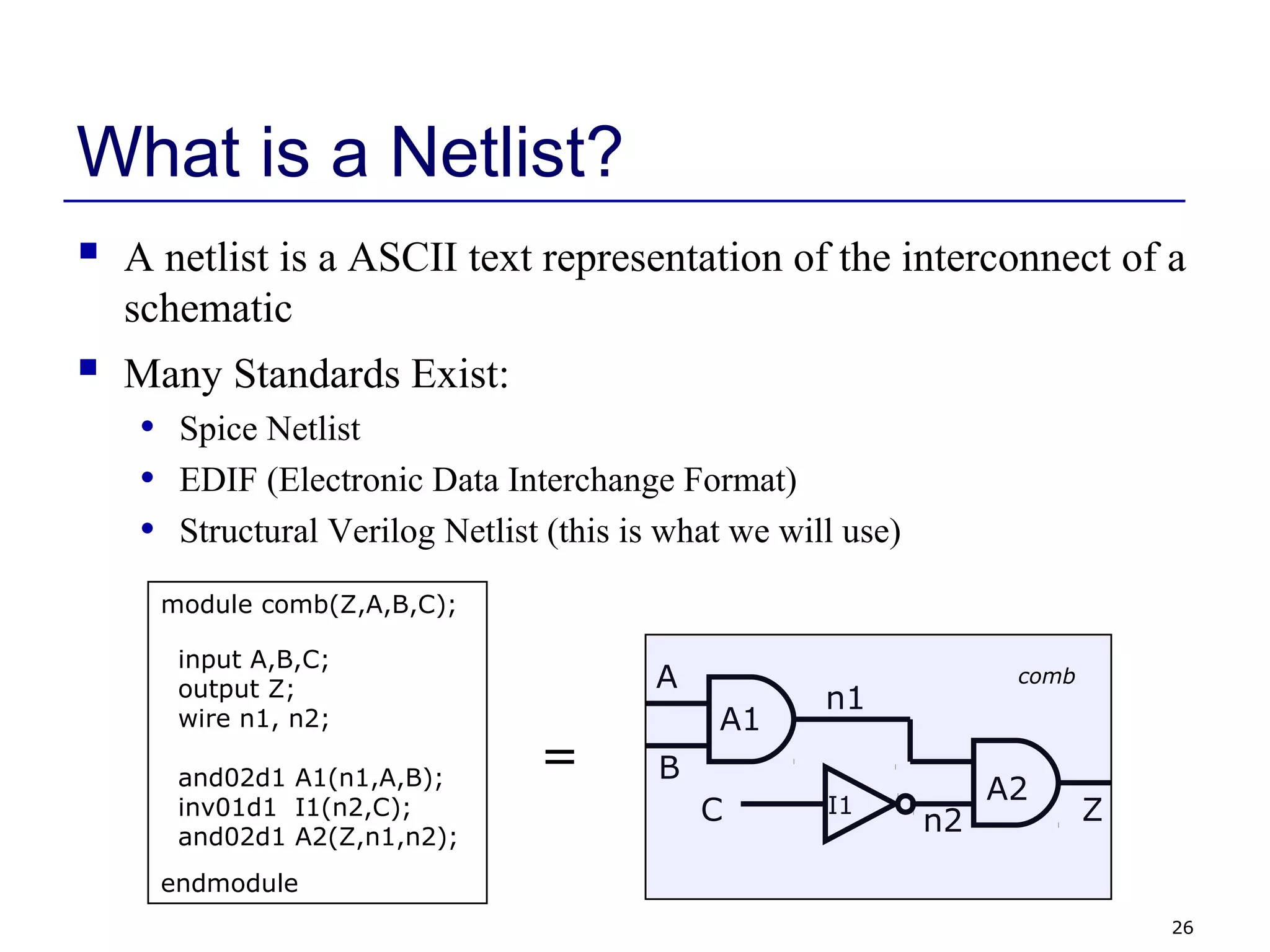
What is a Netlist?
 A netlist is a ASCII text representation of the interconnect of a
schematic
 Many Standards Exist:
• Spice Netlist
• EDIF (Electronic Data Interchange Format)
• Structural Verilog Netlist (this is what we will use)
A1
A2I1
A
B
C Z
n1
n2
module comb(Z,A,B,C);
input A,B,C;
output Z;
wire n1, n2;
and02d1 A1(n1,A,B);
inv01d1 I1(n2,C);
and02d1 A2(Z,n1,n2);
endmodule
comb
=
27
FSM Review
 Combinational and sequential logic
 Often used to generate control signals
 Reacts to inputs (including clock signal)
 Can perform multi-cycle operations
 Examples of FSMs
• Counter
• Vending machine
• Traffic light controller
• Bus Controller
• Control unit of serial protocol (like RS232, I2C or SPI)
28
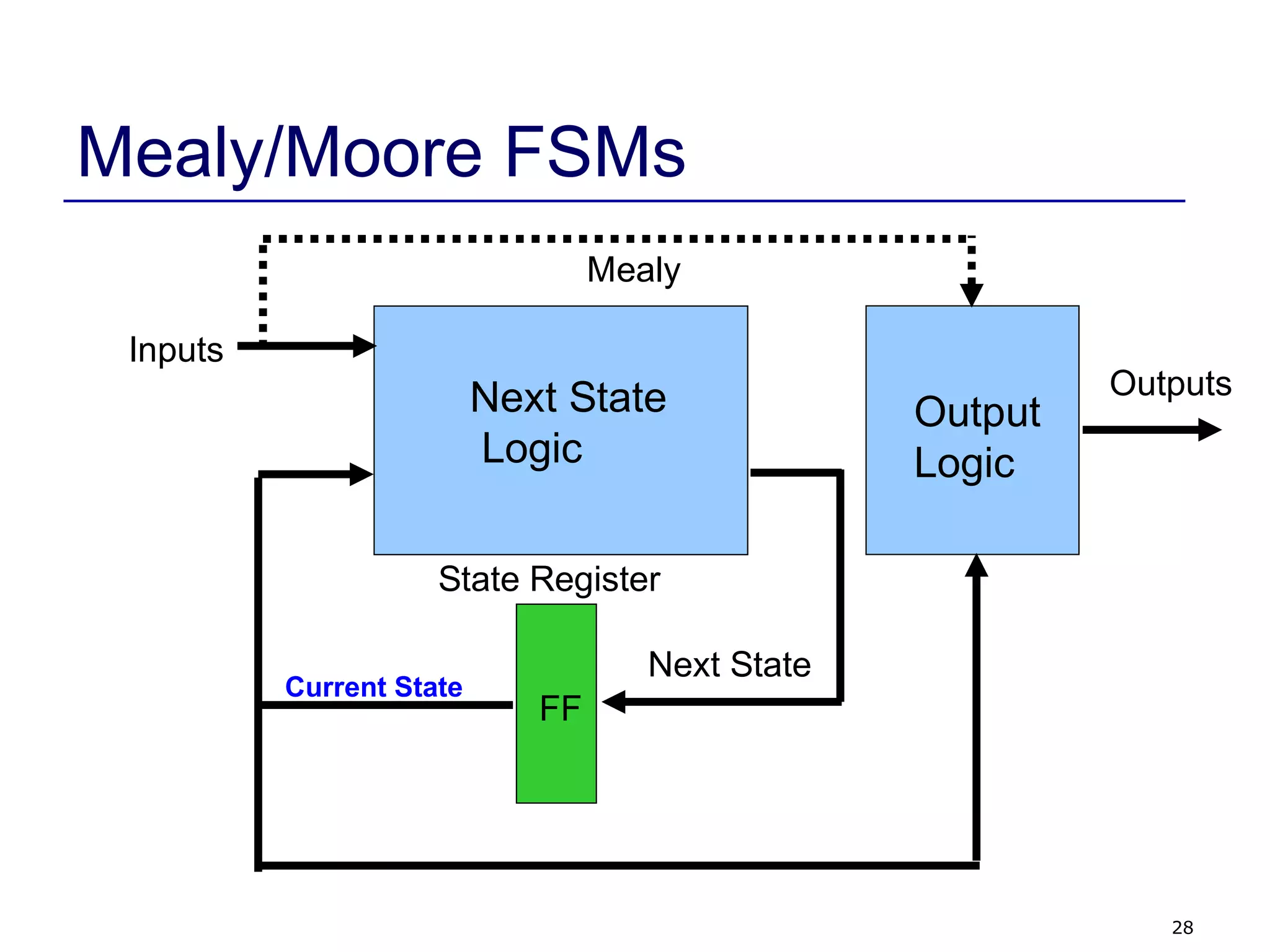
Mealy/Moore FSMs
Next State
Logic
FF
State Register
Inputs
Outputs
Output
Logic
Mealy
Next State
Current State
29
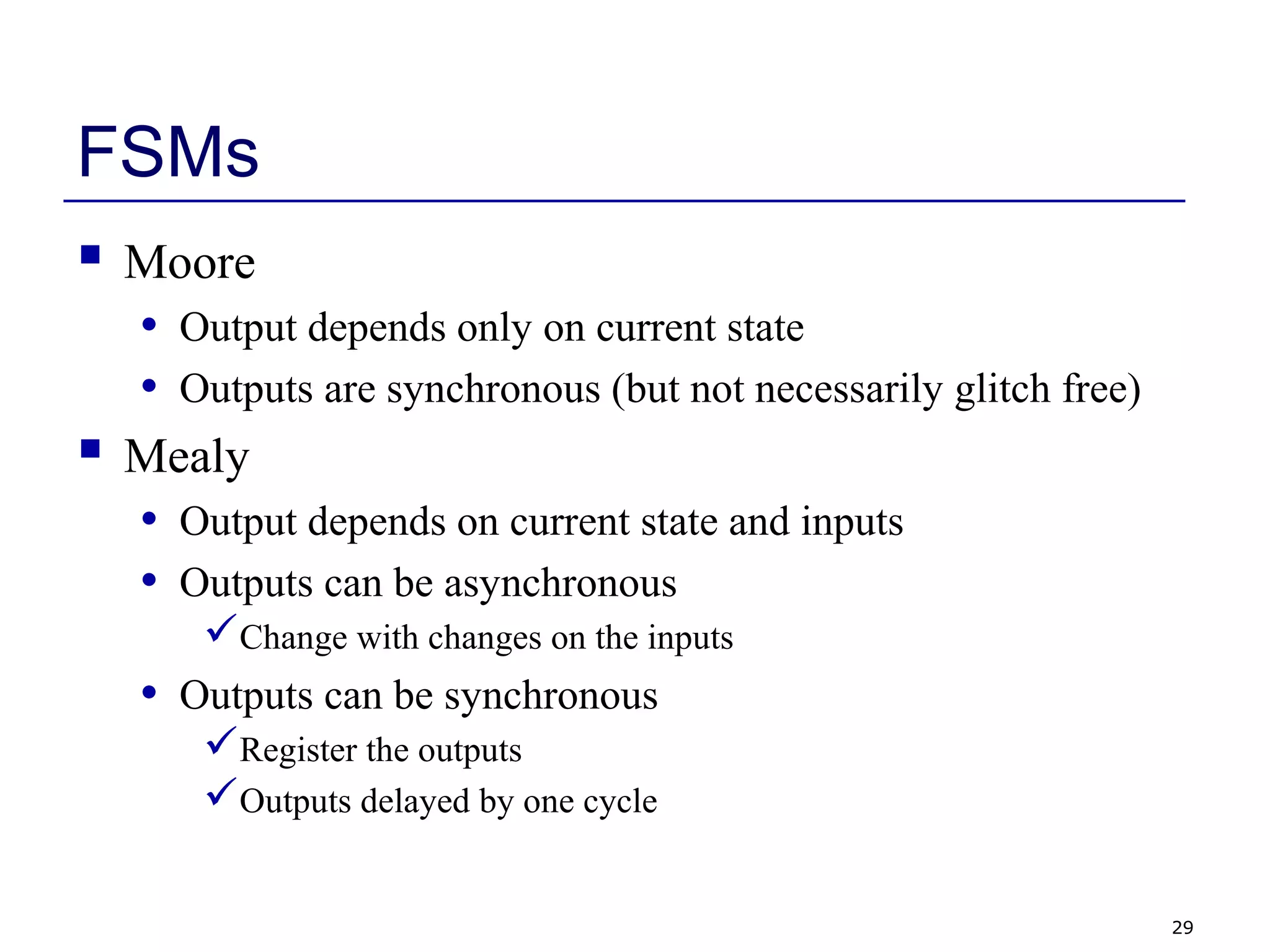
FSMs
 Moore
• Output depends only on current state
• Outputs are synchronous (but not necessarily glitch free)
 Mealy
• Output depends on current state and inputs
• Outputs can be asynchronous
Change with changes on the inputs
• Outputs can be synchronous
Register the outputs
Outputs delayed by one cycle
30
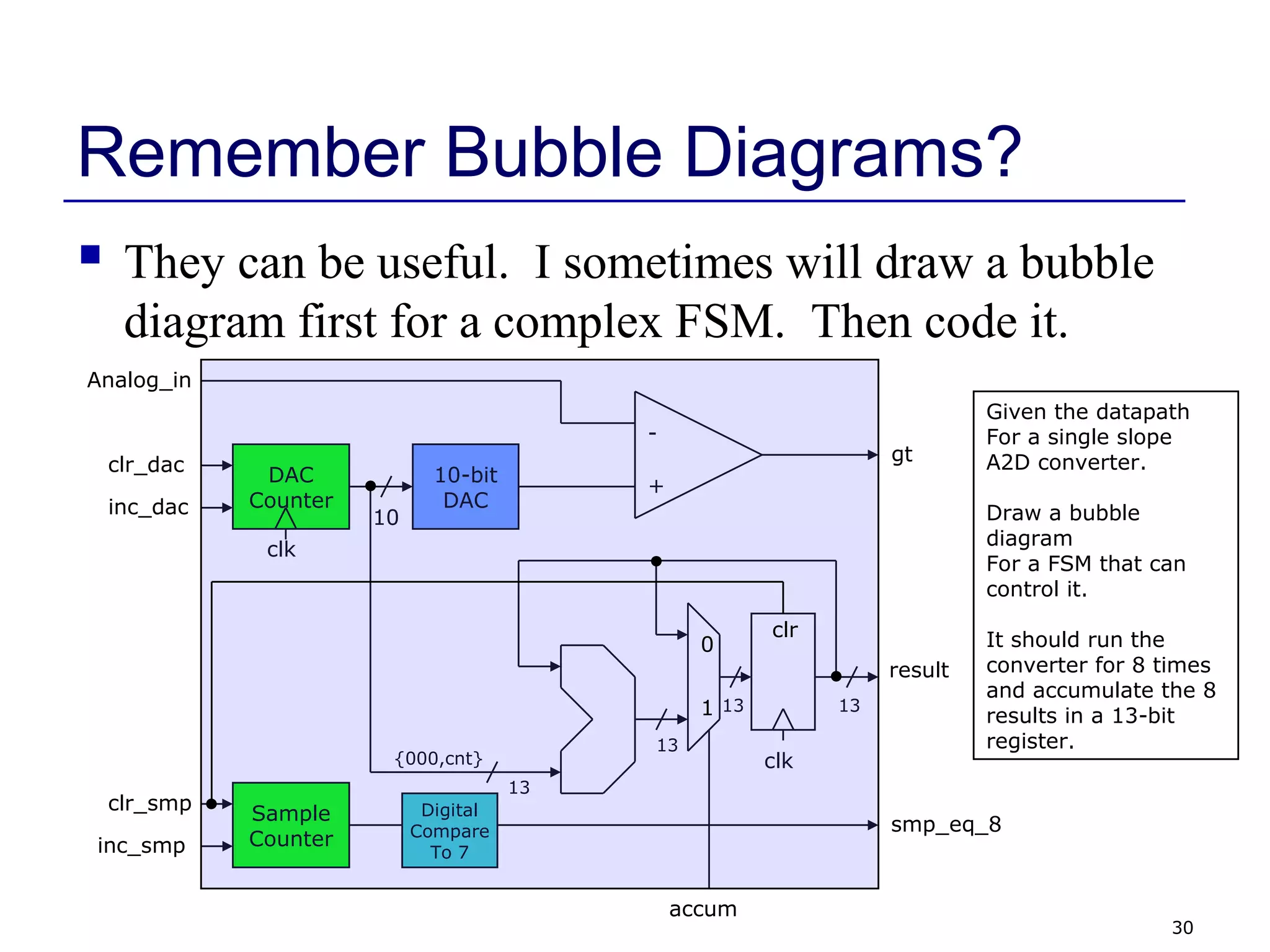
Remember Bubble Diagrams?
 They can be useful. I sometimes will draw a bubble
diagram first for a complex FSM. Then code it.
Given the datapath
For a single slope
A2D converter.
Draw a bubble
diagram
For a FSM that can
control it.
It should run the
converter for 8 times
and accumulate the 8
results in a 13-bit
register.
-
+
10-bit
DAC
DAC
Counter
clk
inc_dac
clr_dac
10
Analog_in
gt
13
13
clk
accum
{000,cnt}
13
result
Sample
Counterinc_smp
clr_smp Digital
Compare
To 7
smp_eq_8
13
clr
0
1
31
Verilog Module
 In Verilog, a circuit is a module.
module decoder_2_to_4 (A, D) ;
input [1:0] A ;
output [3:0] D ;
assign D = (A == 2'b00) ? 4'b0001 :
(A == 2'b01) ? 4'b0010 :
(A == 2'b10) ? 4'b0100 :
(A == 2'b11) ? 4'b1000 ;
endmodule
Decoder
2-to-4
A[1:0]
D[3:0]
2
4
32
Verilog Module
module decoder_2_to_4 (A, D) ;
input [1:0] A ;
output [3:0] D ;
assign D = (A == 2'b00) ? 4'b0001 :
(A == 2'b01) ? 4'b0010 :
(A == 2'b10) ? 4'b0100 :
(A == 2'b11) ? 4'b1000 ;
endmodule
Decoder
2-to-4
A[1:0]
D[3:0]
2
4
ports names
of module
module name
port
types
port
sizes
module
contents
keywords underlined
33
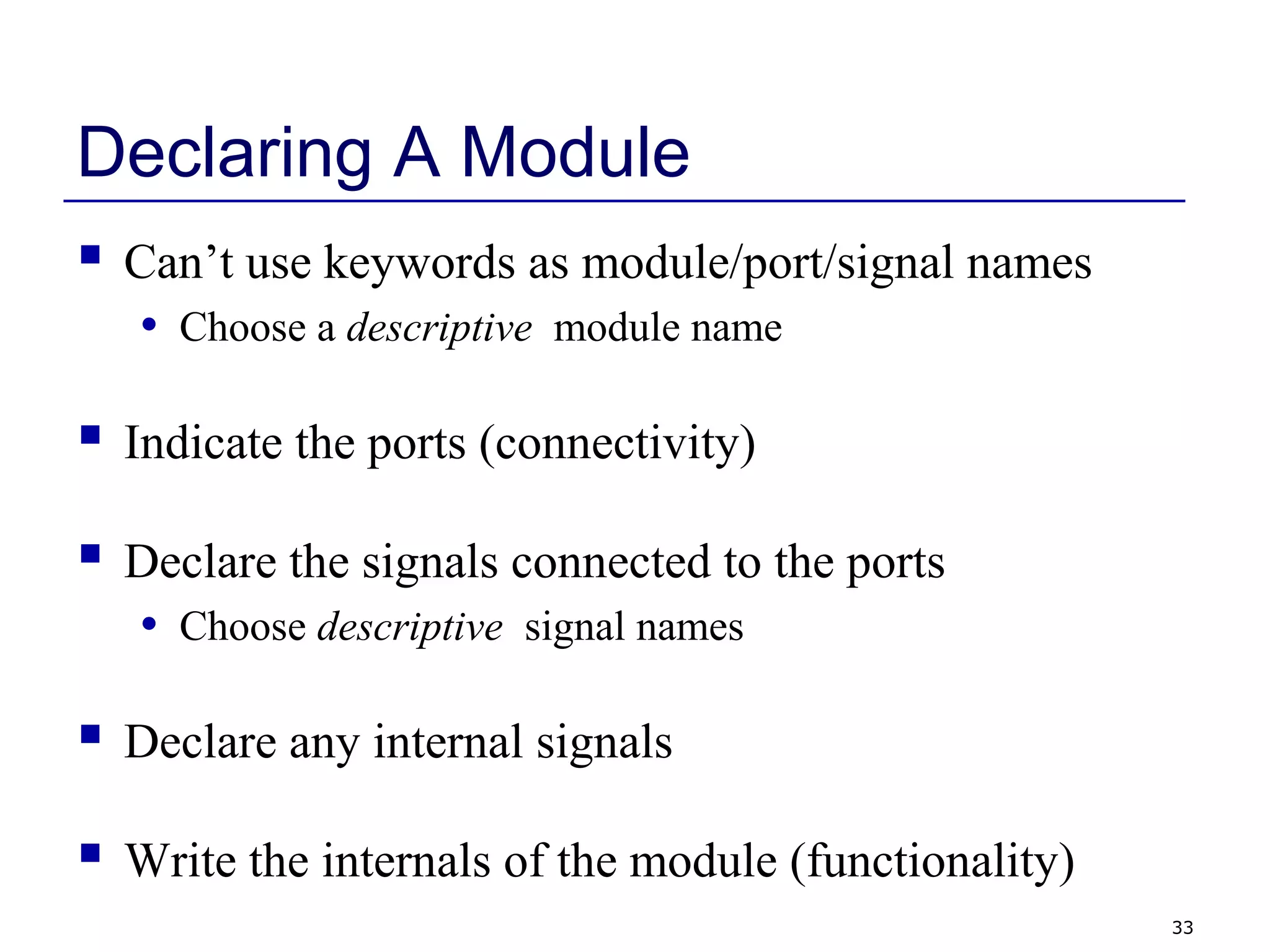
Declaring A Module
 Can’t use keywords as module/port/signal names
• Choose a descriptive module name
 Indicate the ports (connectivity)
 Declare the signals connected to the ports
• Choose descriptive signal names
 Declare any internal signals
 Write the internals of the module (functionality)
34
Declaring Ports
 A signal is attached to every port
 Declare type of port
• input
• output
• inout (bidirectional)
 Scalar (single bit) - don’t specify a size
• input cin;
 Vector (multiple bits) - specify size using range
• Range is MSB to LSB (left to right)
• Don’t have to include zero if you don’t want to… (D[2:1])
• output [7:0] OUT;
• input [0:4] IN;
35
Module Styles
 Modules can be specified different ways
• Structural – connect primitives and modules
• Dataflow– use continuous assignments
• Behavioral – use initial and always blocks
 A single module can use more than one method!
 What are the differences?
36
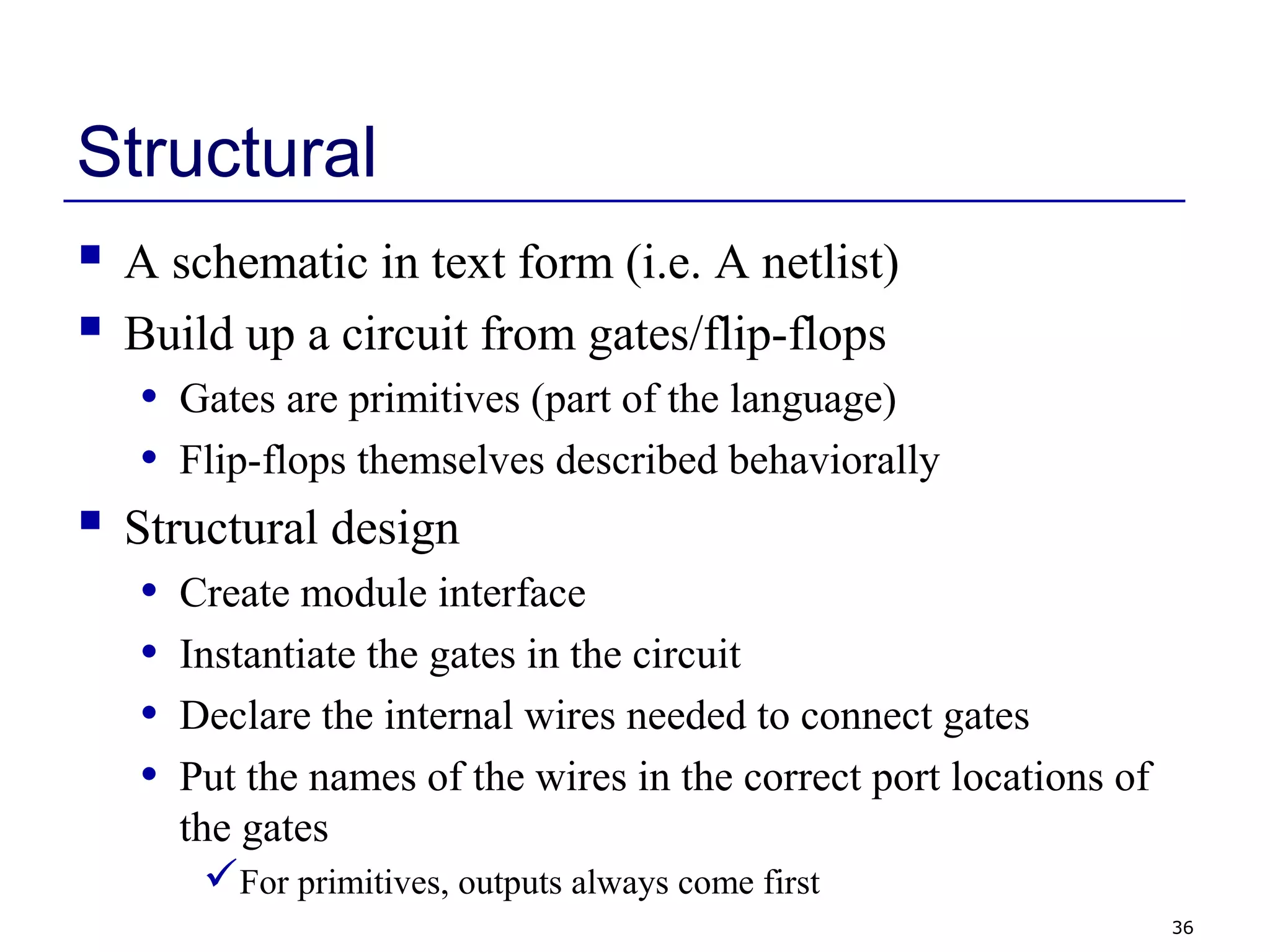
Structural
 A schematic in text form (i.e. A netlist)
 Build up a circuit from gates/flip-flops
• Gates are primitives (part of the language)
• Flip-flops themselves described behaviorally
 Structural design
• Create module interface
• Instantiate the gates in the circuit
• Declare the internal wires needed to connect gates
• Put the names of the wires in the correct port locations of
the gates
For primitives, outputs always come first
37
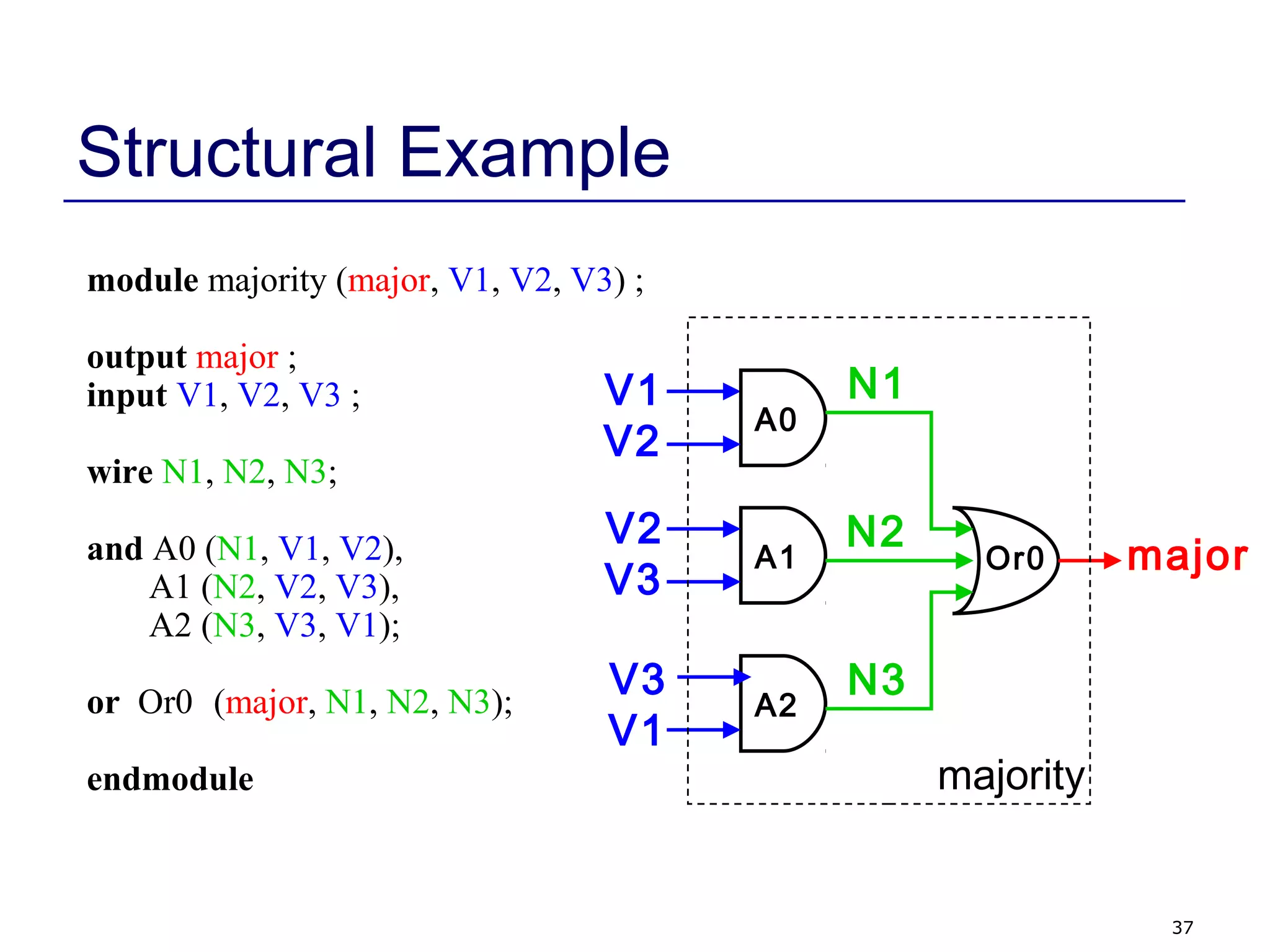
Structural Example
module majority (major, V1, V2, V3) ;
output major ;
input V1, V2, V3 ;
wire N1, N2, N3;
and A0 (N1, V1, V2),
A1 (N2, V2, V3),
A2 (N3, V3, V1);
or Or0 (major, N1, N2, N3);
endmodule
V1
V2
V2
V3
V3
V1
major
N1
N2
N3
A0
A1
A2
Or0
majority
38
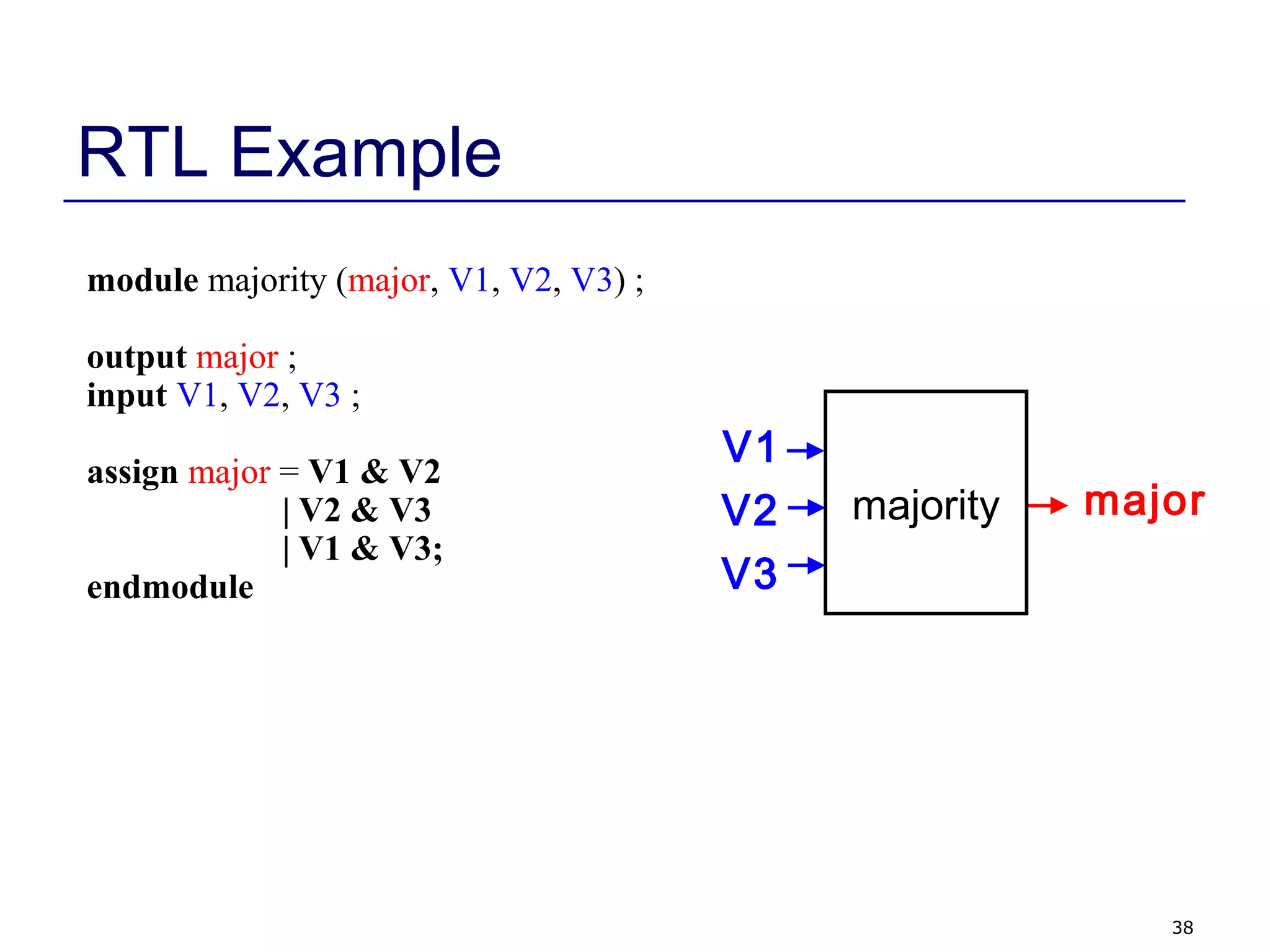
RTL Example
module majority (major, V1, V2, V3) ;
output major ;
input V1, V2, V3 ;
assign major = V1 & V2
| V2 & V3
| V1 & V3;
endmodule
V1
V2
V3
majormajority
39
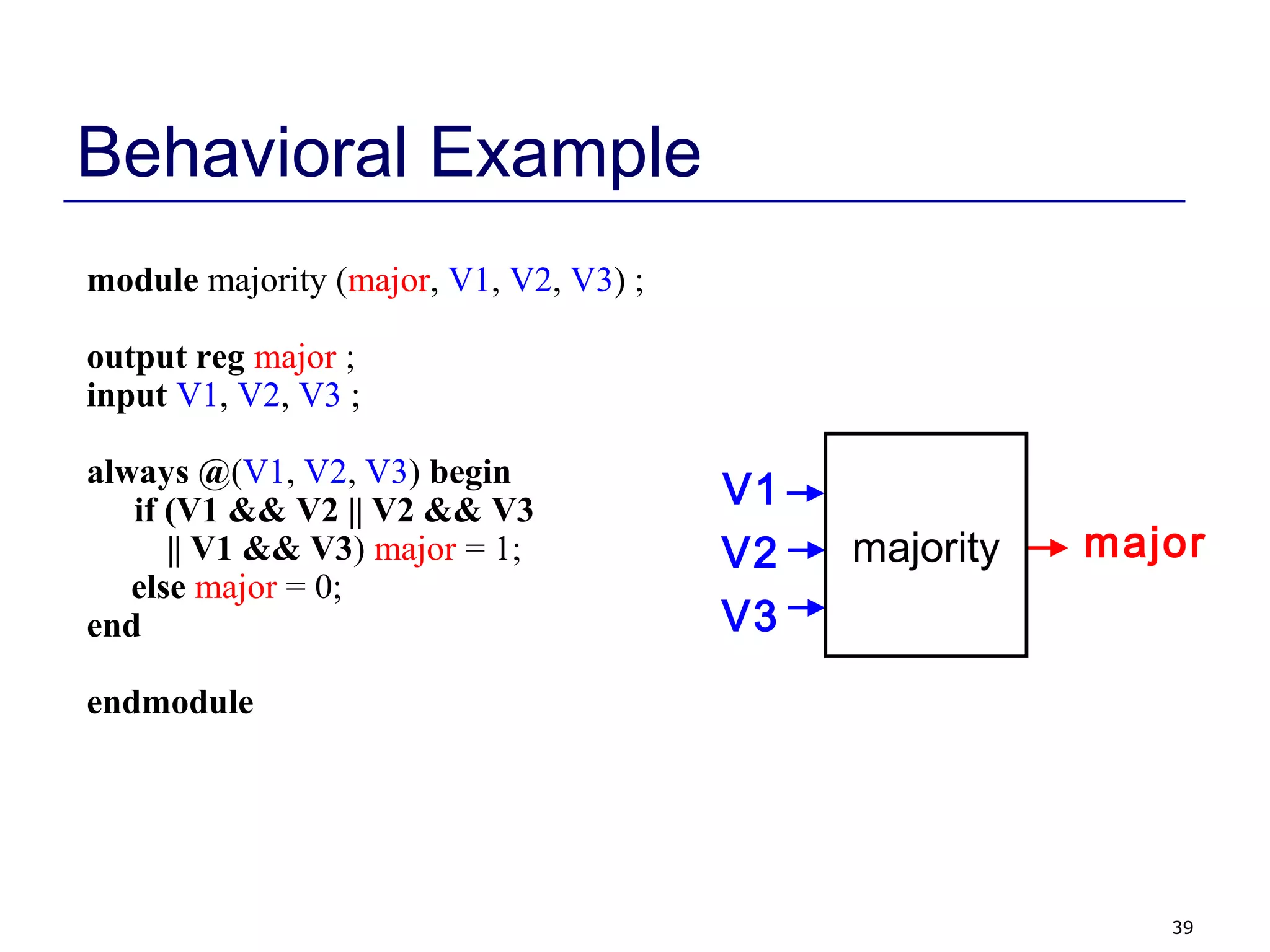
Behavioral Example
module majority (major, V1, V2, V3) ;
output reg major ;
input V1, V2, V3 ;
always @(V1, V2, V3) begin
if (V1 && V2 || V2 && V3
|| V1 && V3) major = 1;
else major = 0;
end
endmodule
V1
V2
V3
majormajority
40
Things to do
 Read Chapter 1 (short)
• Overview of Digital Design with Verilog HDL
 Read Chapter 2 (short)
• Hierarchical Modeling Concepts
 Read Chapter 3
• Basic Verilog Syntax (a little dry/boring but necessary)
 Familiarize self with eCOW webpage
41
Review Questions
 What are some advantages of using HDLs, instead of
schematic capture?
 What advantages and disadvantages do standard cell
designs have compared to full-custom designs?
 What are some ways in which HDLs differ from
conventional programming languages? How are they
similar?
 What are the different styles of Verilog coding?

Verilog Lecture1

  • 1.
    ECE 551 Digital DesignAnd Synthesis Fall ‘09 Lecture 1 • Instructor Introduction • Course Introduction • Administrative Stuff • Introduction to Verilog
  • 2.
    2 Instructors Eric Hoffman  Nota professor Have no PhD, Masters only  17+ years industry experience doing Integrated Circuit & System design • 9+ years at Intel • 7+ years at ZMD (Mixed signal, Analog/Digital IC’s) • 1+ years as independent consultant  Instructing experience: • ECE555, ECE551, ECE353 Vinod Nalamalapu = TA
  • 3.
    3 Instructor and TAOffice Hours  Eric Hoffman • Office = EH2359, if not there then check B555 • Hours = Held in office 1st part of semester, held in B555 later. Wednesday after class (2:20-3:30) Friday after class (2:20 – 3:30) • Email = erichoffman@wisc.edu  TA = Vinod Nalamalapu • Office Hours = Held in B555 Thursday 1:00-2:30 • Email = nalamalapu@wisc.edu  Discussion Session(s) Monday (after class) 2:15  3:15 Room 3418 Tuesday 2:30  3:30 Room 3349 OR
  • 4.
    4 Course Goals  Provideknowledge and experience in: • Digital circuit design using a HDL (Verilog) • HDL simulation • How to build self checking test benches • Good practices in digital design verification • Synthesis of dataflow and behavioral designs • Basic static timing analysis concepts • Optimizing hardware designs (timing, area, power) • Design tools commonly used in industry  Teach you to be able to “think hardware”
  • 5.
    5 What You ShouldAlready Know  Principles of basic digital logic design (ECE 352) • Number representations (unsigned, signed, Hex & Binary) • Boolean algebra • Gate-level design • K-Map minimization • Finite State Machines • Basic datapath structures (adders, shifters, SRAM)  How to log in to CAE machines and use a shell
  • 6.
    6 Course Website  eCOW2 •Follow the link on: http://www.engr.wisc.edu/ece/courses/ece551.html  What the Website will have: • Lecture Notes (I will try to stay 1 week ahead of class) • Homework Assignments • Tutorials • Project Information • Midterm Solution
  • 7.
    7 Course Materials  Lectures Textbook • Samir Palnitkar, Verilog HDL, Prentice Hall, 2003.  Standards • IEEE Std.1364-2001, IEEE Standard Verilog Hardware Description Language, IEEE, Inc., 2001. • IEEE Std 1364.1-2002, IEEE Standard for Verilog Register Transfer Level Synthesis, IEEE, Inc., 2002  Synopsys on-line documentation  Other useful readings
  • 8.
    8 Evaluation and Grading Approximately: • 20% Homework (individually or as project team) • 30% Project (groups of 2 or 3) (Establish team soon) • 25% Midterm • 25% Final  Homework due at beginning of class • 15% penalty for each late period of 24 hours • Not accepted >72 hours after deadline • Your responsibility to get it to me Can leave in my mailbox with a timestamp of when it was turned in
  • 9.
    9 Class Project  Workin groups of 2 or 3 students  Design, model, simulate, synthesize, and test a complex digital system  Several milestones • Forming teams • Project status report • Progress demonstrations (maybe) • Final demonstration & report  More details coming later in the course
  • 10.
    10 Course Tools  Industry-standarddesign tools: • Modelsim HDL Simulation Tools (Mentor) • Design Vision Synthesis Tools (Synopsys) • LSI Logic Gflx 0.11 Micron CMOS Standard Cell Technology Library  Tutorials will be available for both tools • Modelsim tutorial next week • Design Vision tutorial a few weeks later • Tool knowledge will be required to complete homeworks • TA will be a resource for help on tools
  • 11.
    11 ModelSim Tutorial  ModelSimis our Verilog simulator. • Tutorial takes about 1 to 1.5 hours • 2 tutorial sessions will be held next week in B555 Wednesday Sept. 9th 4:30 – 6:00 Thursday Sept. 10th 1:00 – 2:30 • You only need to attend one of these sessions!
  • 12.
    12 Readings for Week1  Read Chapter 1 (short) • Overview of Digital Design with Verilog HDL  Read Chapter 2 (short) • Hierarchical Modeling Concepts  Read Chapter 3 • Basic Verilog Syntax
  • 13.
    13 What is anHDL?  HDL = Hardware Description Language • Allows for modeling & simulation (with timing) of digital designs • Can be synthesized into hardware (netlist) by synthesis tools (Synopsys, Ambit, FPGA compilers) • Two major standards in industry & academia  Verilog (Flexible, loose, more common in industry)  VHDL (Strongly typed, more common in defense and automotive)  Having used both I prefer Verilog. This course will use Verilog  Once you have the concept of an HDL down (can think and code hardware), the language makes little difference.
  • 14.
    14 What is anHDL? (continued) module counter(clk,rst_n,cnt); input clk,rst_n; output [3:0] cnt; reg [3:0] cnt; always @(posedge clk) begin if (~rst_n) cnt = 4’b0000; else cnt = cnt+1; end endmodule • It looks like a programming language • It is NOT a programming language  It is always critical to recall you are describing hardware  This codes primary purpose is to generate hardware  The hardware this code describes (a counter) can be simulated on a computer. In this secondary use of the language it does act more like a programming language.
  • 15.
    15 Simulating/Validating HDL  Thesad truth… • 10% design, 90% validation • If you do it right you will spend 9X more time testing/validating a design than designing it. Design Under Test (verilog) Stimulus Generation (verilog) Output Monitoring Self Checking (verilog) file fileVerilog test bench shell Testbenchs are written in verilog as well. Testbench verilog is not describing hardware and can be thought of as more of a program.
  • 16.
    16 What is Synthesis? Takes a description of what a circuit DOES  Creates the hardware to DO it module counter(clk,rst_n,cnt); input clk,rst_n; output [3:0] cnt; reg [3:0] cnt; always @(posedge clk) begin if (~rst_n) cnt = 4’b0000; else cnt = cnt+1; end endmodule SynthesisTool (Synopsys) Increment Combinational Logic rst_n 44 4 clk cnt[3:0] Output is actually a text netlist, not a GUI schematic form.
  • 17.
    17 Synthesizing the HardwareDescribed  All hardware created during synthesis • Even if a is true, still computing d&e  Learn to understand how descriptions translated to hardware if (a) f = c & d; else if (b) f = d; else f = d & e; f ab c d e
  • 18.
    18 Why Use anHDL?  Enables Larger Designs • More abstracted than schematics, allows larger designs.  Register Transfer Level Description  Wide datapaths (16, 32, or 64 bits wide) can be abstracted to a single vector Synthesis tool does the bulk of the tedious repetitive work vs schematic capture • Work at transistor/gate level for large designs: cumbersome  Portable Design • Behavioral or dataflow Verilog can be synthesized to a new process library with little effort (i.e. move from 0.11µ to 45nm process)
  • 19.
    19 Why Use anHDL? (continued)  Explore larger solution space • Synthesis options can help optimize (power, area, speed) • Synthesis options and coding styles can help examine tradeoffs Speed Power area  Portable Design (continued) • Verilog written in ASCII text. The ultimate in portability. Much more portable than the binary files of a GUI schematic capture tool.
  • 20.
    20 Why Use anHDL? (continued)  Better Validated Designs • Verilog itself is used to create the testbench  Flexible method that allows self checking tests  Unified environment • Synthesis tool are very good from the boolean correctness point of view  If you have a logic error in your final design there is a 99.999% chance that error exists in your behavioral code  Errors caused in synthesis fall in the following categories  Timing  Bad Library definitions  Bad coding style…sloppyness
  • 21.
    21 Other Important HDLFeatures  Are highly portable (text)  Are self-documenting (when commented well)  Describe multiple levels of abstraction  Represent parallelism  Provides many descriptive styles • Structural • Register Transfer Level (RTL) • Behavioral  Serve as input for synthesis tools
  • 22.
    22 Hardware Implementations  HDLscan be compiled to semi-custom and programmable hardware implementations Standard Cell Gate Array FPGA PLD Manual VLSI Full Custom Semi- Custom Programmable less work, faster time to market implementation efficiency
  • 23.
    23 Hardware Building Blocks Transistors are switches  Use multiple transistors to make a gate  Use multiple gates to make a circuit AAAA G D S
  • 24.
    24 Standard Cells  Libraryof common gates and structures (cells)  Decompose hardware in terms of these cells  Arrange the cells on the chip  Connect them using metal wiring …
  • 25.
    25 FPGAs  “Programmable” hardware Use small memories as truth tables of functions  Decompose circuit into these blocks  Connect using programmable routing  SRAM bits control functionality P P1 P2 P3 P4 P5 P6 P7 P8 I1 I3I2 OUT FPGA Tiles
  • 26.
    26 What is aNetlist?  A netlist is a ASCII text representation of the interconnect of a schematic  Many Standards Exist: • Spice Netlist • EDIF (Electronic Data Interchange Format) • Structural Verilog Netlist (this is what we will use) A1 A2I1 A B C Z n1 n2 module comb(Z,A,B,C); input A,B,C; output Z; wire n1, n2; and02d1 A1(n1,A,B); inv01d1 I1(n2,C); and02d1 A2(Z,n1,n2); endmodule comb =
  • 27.
    27 FSM Review  Combinationaland sequential logic  Often used to generate control signals  Reacts to inputs (including clock signal)  Can perform multi-cycle operations  Examples of FSMs • Counter • Vending machine • Traffic light controller • Bus Controller • Control unit of serial protocol (like RS232, I2C or SPI)
  • 28.
    28 Mealy/Moore FSMs Next State Logic FF StateRegister Inputs Outputs Output Logic Mealy Next State Current State
  • 29.
    29 FSMs  Moore • Outputdepends only on current state • Outputs are synchronous (but not necessarily glitch free)  Mealy • Output depends on current state and inputs • Outputs can be asynchronous Change with changes on the inputs • Outputs can be synchronous Register the outputs Outputs delayed by one cycle
  • 30.
    30 Remember Bubble Diagrams? They can be useful. I sometimes will draw a bubble diagram first for a complex FSM. Then code it. Given the datapath For a single slope A2D converter. Draw a bubble diagram For a FSM that can control it. It should run the converter for 8 times and accumulate the 8 results in a 13-bit register. - + 10-bit DAC DAC Counter clk inc_dac clr_dac 10 Analog_in gt 13 13 clk accum {000,cnt} 13 result Sample Counterinc_smp clr_smp Digital Compare To 7 smp_eq_8 13 clr 0 1
  • 31.
    31 Verilog Module  InVerilog, a circuit is a module. module decoder_2_to_4 (A, D) ; input [1:0] A ; output [3:0] D ; assign D = (A == 2'b00) ? 4'b0001 : (A == 2'b01) ? 4'b0010 : (A == 2'b10) ? 4'b0100 : (A == 2'b11) ? 4'b1000 ; endmodule Decoder 2-to-4 A[1:0] D[3:0] 2 4
  • 32.
    32 Verilog Module module decoder_2_to_4(A, D) ; input [1:0] A ; output [3:0] D ; assign D = (A == 2'b00) ? 4'b0001 : (A == 2'b01) ? 4'b0010 : (A == 2'b10) ? 4'b0100 : (A == 2'b11) ? 4'b1000 ; endmodule Decoder 2-to-4 A[1:0] D[3:0] 2 4 ports names of module module name port types port sizes module contents keywords underlined
  • 33.
    33 Declaring A Module Can’t use keywords as module/port/signal names • Choose a descriptive module name  Indicate the ports (connectivity)  Declare the signals connected to the ports • Choose descriptive signal names  Declare any internal signals  Write the internals of the module (functionality)
  • 34.
    34 Declaring Ports  Asignal is attached to every port  Declare type of port • input • output • inout (bidirectional)  Scalar (single bit) - don’t specify a size • input cin;  Vector (multiple bits) - specify size using range • Range is MSB to LSB (left to right) • Don’t have to include zero if you don’t want to… (D[2:1]) • output [7:0] OUT; • input [0:4] IN;
  • 35.
    35 Module Styles  Modulescan be specified different ways • Structural – connect primitives and modules • Dataflow– use continuous assignments • Behavioral – use initial and always blocks  A single module can use more than one method!  What are the differences?
  • 36.
    36 Structural  A schematicin text form (i.e. A netlist)  Build up a circuit from gates/flip-flops • Gates are primitives (part of the language) • Flip-flops themselves described behaviorally  Structural design • Create module interface • Instantiate the gates in the circuit • Declare the internal wires needed to connect gates • Put the names of the wires in the correct port locations of the gates For primitives, outputs always come first
  • 37.
    37 Structural Example module majority(major, V1, V2, V3) ; output major ; input V1, V2, V3 ; wire N1, N2, N3; and A0 (N1, V1, V2), A1 (N2, V2, V3), A2 (N3, V3, V1); or Or0 (major, N1, N2, N3); endmodule V1 V2 V2 V3 V3 V1 major N1 N2 N3 A0 A1 A2 Or0 majority
  • 38.
    38 RTL Example module majority(major, V1, V2, V3) ; output major ; input V1, V2, V3 ; assign major = V1 & V2 | V2 & V3 | V1 & V3; endmodule V1 V2 V3 majormajority
  • 39.
    39 Behavioral Example module majority(major, V1, V2, V3) ; output reg major ; input V1, V2, V3 ; always @(V1, V2, V3) begin if (V1 && V2 || V2 && V3 || V1 && V3) major = 1; else major = 0; end endmodule V1 V2 V3 majormajority
  • 40.
    40 Things to do Read Chapter 1 (short) • Overview of Digital Design with Verilog HDL  Read Chapter 2 (short) • Hierarchical Modeling Concepts  Read Chapter 3 • Basic Verilog Syntax (a little dry/boring but necessary)  Familiarize self with eCOW webpage
  • 41.
    41 Review Questions  Whatare some advantages of using HDLs, instead of schematic capture?  What advantages and disadvantages do standard cell designs have compared to full-custom designs?  What are some ways in which HDLs differ from conventional programming languages? How are they similar?  What are the different styles of Verilog coding?