Input and Output Devices
Starter Activity: Input and Output
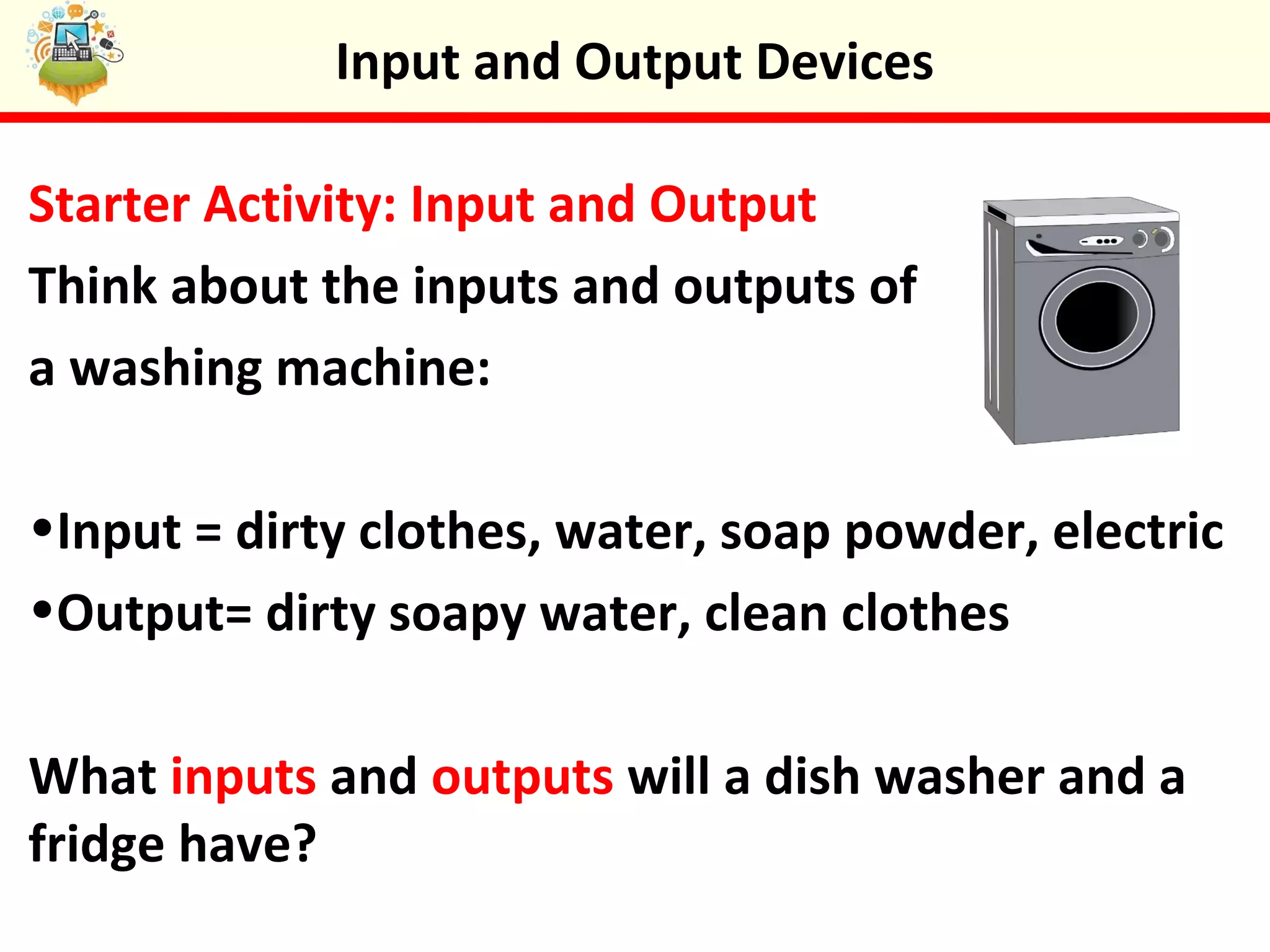
Think about the inputs and outputs of
a washing machine:
•Input = dirty clothes, water, soap powder, electric
•Output= dirty soapy water, clean clothes
What inputs and outputs will a dish washer and a
fridge have?
Input and Output Devices
In this lesson you will learn the differences
between computer input and output devices. You
will group devices into inputs and outputs and
watch a video about a smart house.
Lesson
Objectives
 Be able to explain what input and output devices are
 Understand how inputs relate to outputs
 Be able to identify input and output devices
 Consider the uses of input and output devices
Input and Output Devices
Input Devices
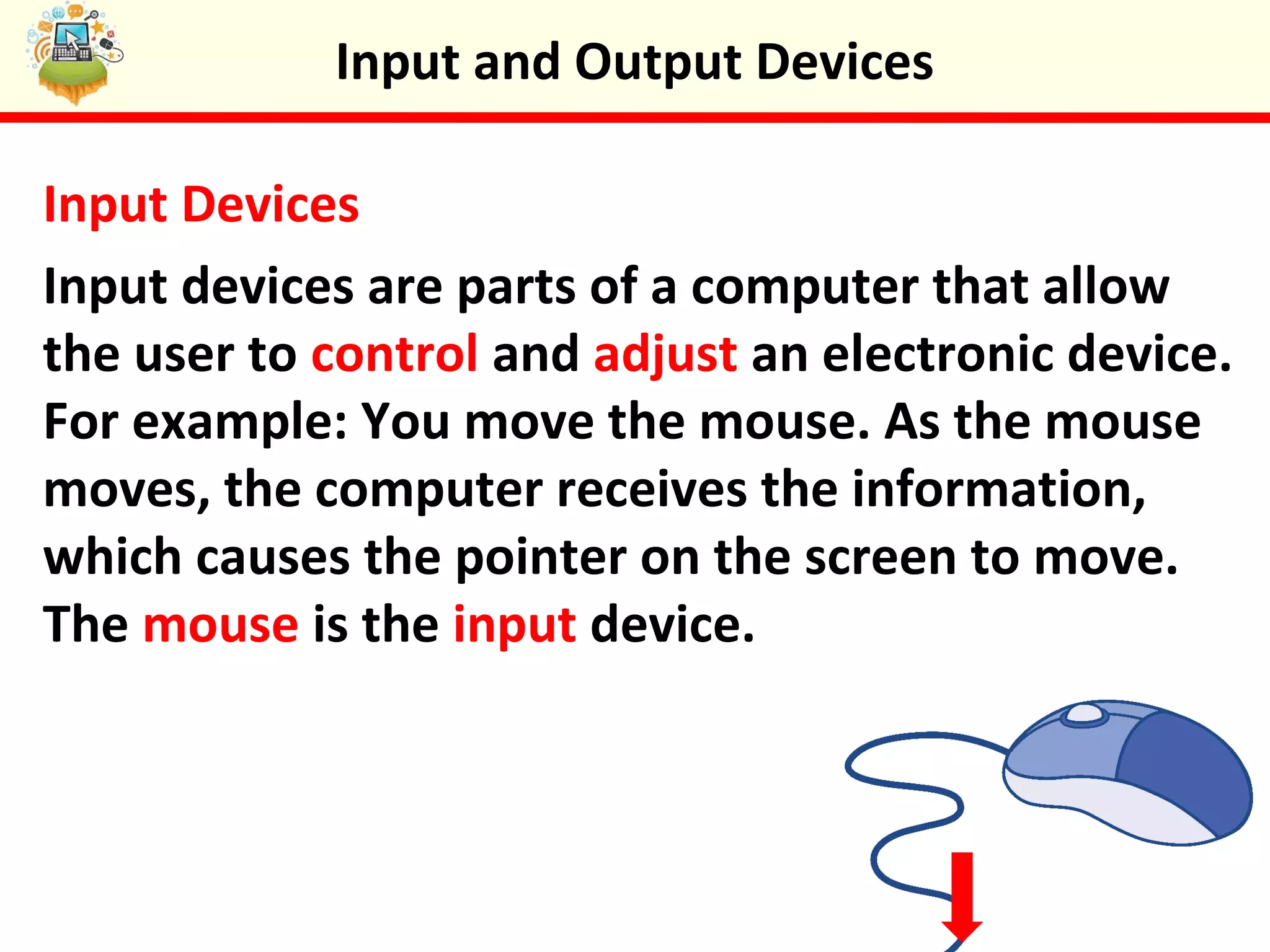
Input devices are parts of a computer that allow
the user to control and adjust an electronic device.
For example: You move the mouse. As the mouse
moves, the computer receives the information,
which causes the pointer on the screen to move.
The mouse is the input device.
Input and Output Devices
Output Devices
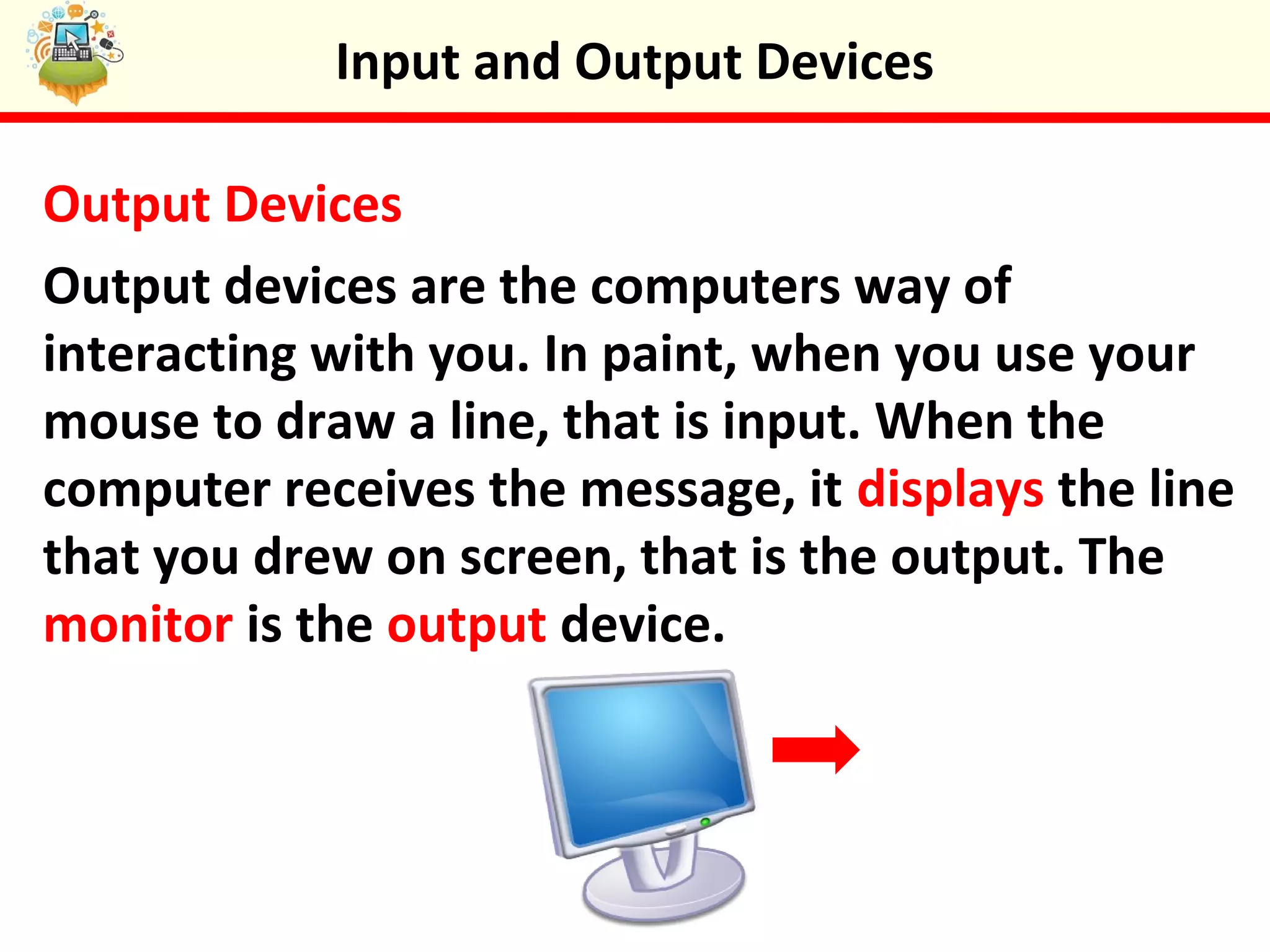
Output devices are the computers way of
interacting with you. In paint, when you use your
mouse to draw a line, that is input. When the
computer receives the message, it displays the line
that you drew on screen, that is the output. The
monitor is the output device.
Input and Output Devices
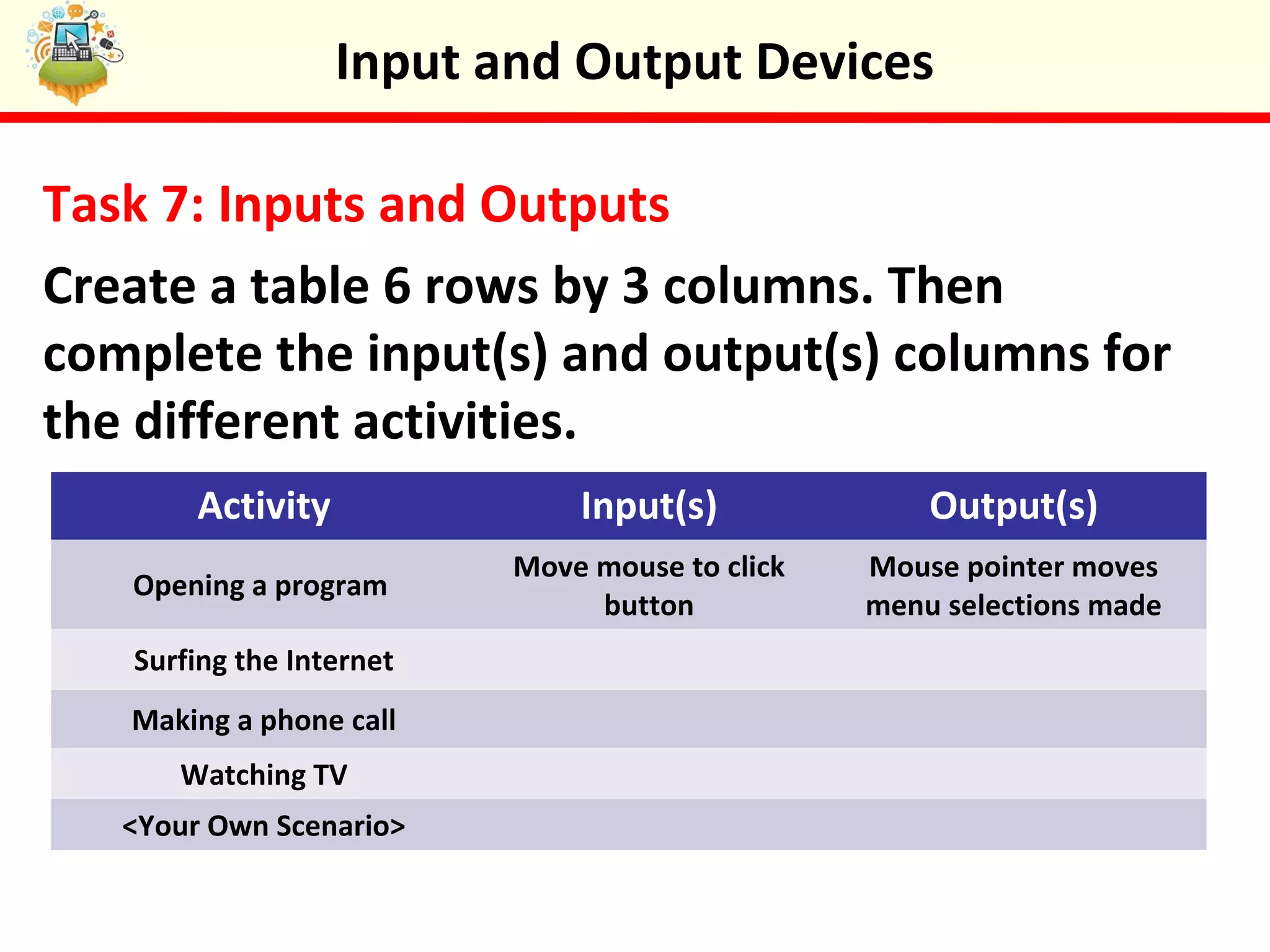
Task 7: Inputs and Outputs
Create a table 6 rows by 3 columns. Then
complete the input(s) and output(s) columns for
the different activities.
Activity Input(s) Output(s)
Opening a program
Move mouse to click
button
Mouse pointer moves
menu selections made
Surfing the Internet
Making a phone call
Watching TV
<Your Own Scenario>
Input and Output Devices
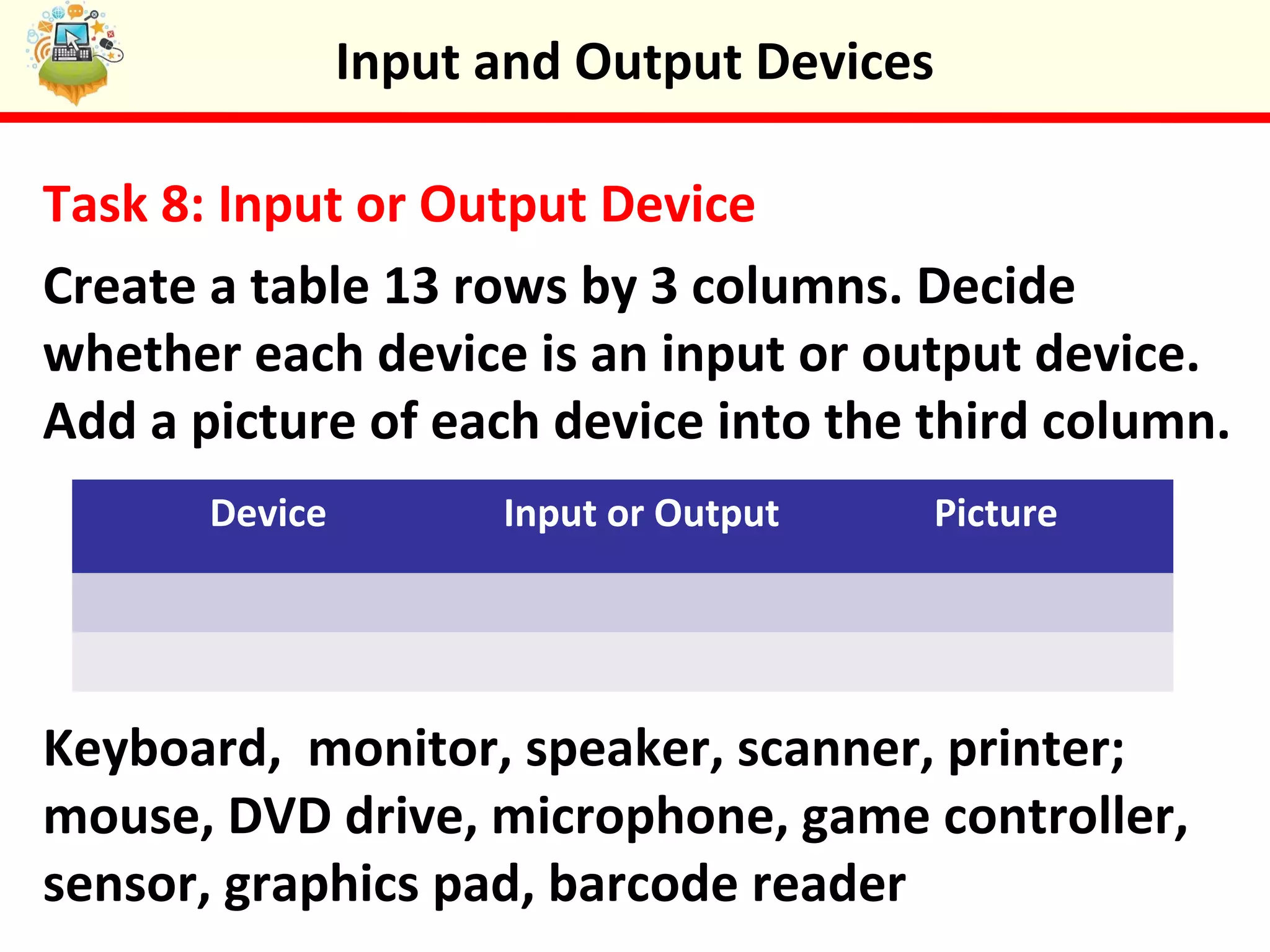
Task 8: Input or Output Device
Create a table 13 rows by 3 columns. Decide
whether each device is an input or output device.
Add a picture of each device into the third column.
Keyboard, monitor, speaker, scanner, printer;
mouse, DVD drive, microphone, game controller,
sensor, graphics pad, barcode reader
Device Input or Output Picture
Input and Output Devices
Task 8: Input Devices On The High Street
Can you find all the input devices on this high
street. There are 9 in total.
Input and Output Devices
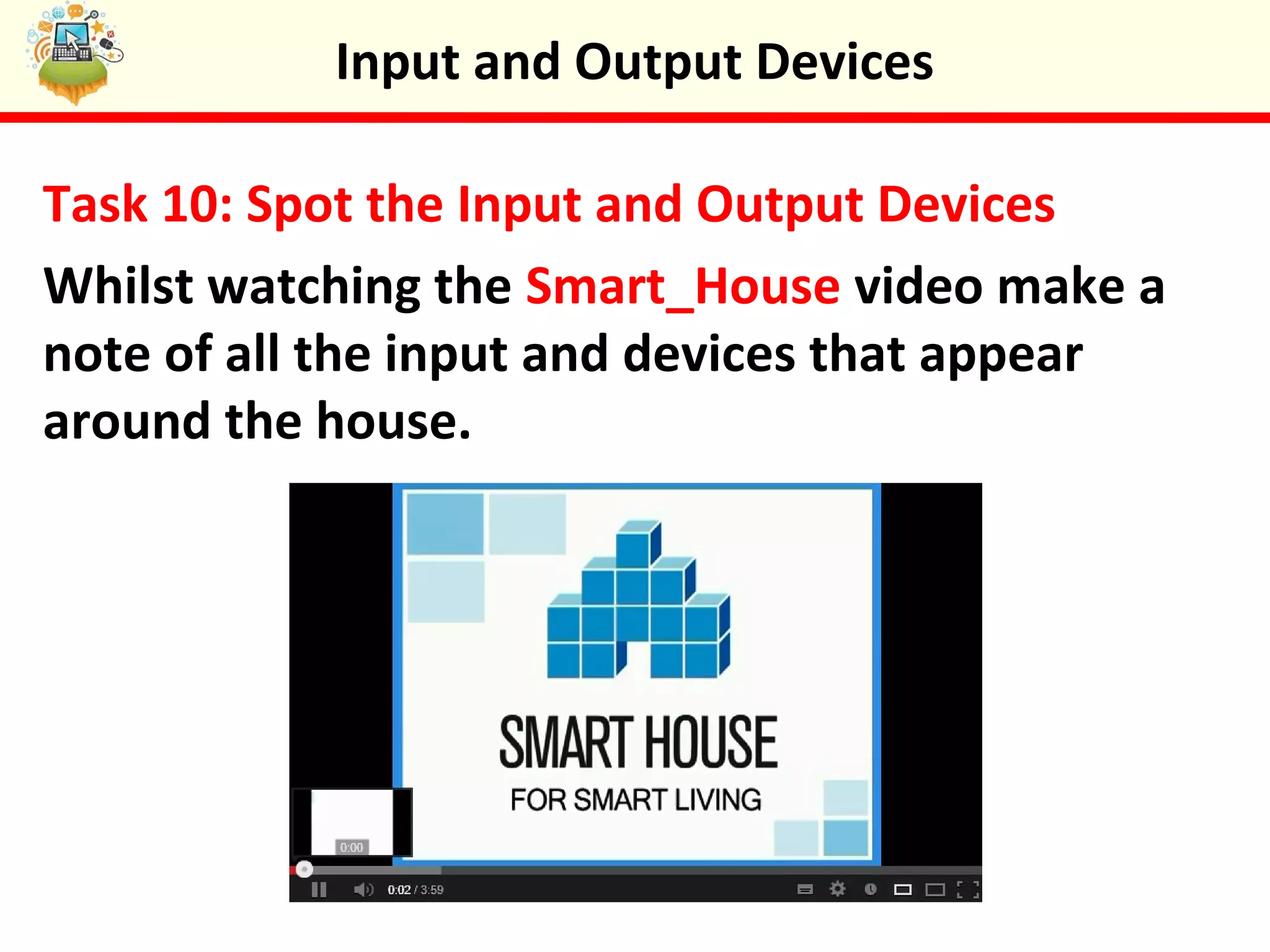
Task 10: Spot the Input and Output Devices
Whilst watching the Smart_House video make a
note of all the input and devices that appear
around the house.
Input and Output Devices
Plenary: You Ask The Question
Design three questions to find out what your elbow
partner has learnt in todays lesson.
When ready, ask your elbow partner your
questions. Be ready to ask your questions to other
members of the class.
Input and Output Devices
Keywords
 Be able to explain what input and output devices are
 Understand how inputs relate to outputs
 Be able to identify input and output devices
 Consider the uses of input and output devices
Objectives
 Input
 Output
 Device
 Speaker




Input and Output Devices
 Printer
 Scanner
 Sensor
 Microphone

Input and Output Devices

  • 1.
  • 2.
    Starter Activity: Inputand Output Think about the inputs and outputs of a washing machine: •Input = dirty clothes, water, soap powder, electric •Output= dirty soapy water, clean clothes What inputs and outputs will a dish washer and a fridge have? Input and Output Devices
  • 3.
    In this lessonyou will learn the differences between computer input and output devices. You will group devices into inputs and outputs and watch a video about a smart house. Lesson Objectives  Be able to explain what input and output devices are  Understand how inputs relate to outputs  Be able to identify input and output devices  Consider the uses of input and output devices Input and Output Devices
  • 4.
    Input Devices Input devicesare parts of a computer that allow the user to control and adjust an electronic device. For example: You move the mouse. As the mouse moves, the computer receives the information, which causes the pointer on the screen to move. The mouse is the input device. Input and Output Devices
  • 5.
    Output Devices Output devicesare the computers way of interacting with you. In paint, when you use your mouse to draw a line, that is input. When the computer receives the message, it displays the line that you drew on screen, that is the output. The monitor is the output device. Input and Output Devices
  • 6.
    Task 7: Inputsand Outputs Create a table 6 rows by 3 columns. Then complete the input(s) and output(s) columns for the different activities. Activity Input(s) Output(s) Opening a program Move mouse to click button Mouse pointer moves menu selections made Surfing the Internet Making a phone call Watching TV <Your Own Scenario> Input and Output Devices
  • 7.
    Task 8: Inputor Output Device Create a table 13 rows by 3 columns. Decide whether each device is an input or output device. Add a picture of each device into the third column. Keyboard, monitor, speaker, scanner, printer; mouse, DVD drive, microphone, game controller, sensor, graphics pad, barcode reader Device Input or Output Picture Input and Output Devices
  • 8.
    Task 8: InputDevices On The High Street Can you find all the input devices on this high street. There are 9 in total. Input and Output Devices
  • 9.
    Task 10: Spotthe Input and Output Devices Whilst watching the Smart_House video make a note of all the input and devices that appear around the house. Input and Output Devices
  • 10.
    Plenary: You AskThe Question Design three questions to find out what your elbow partner has learnt in todays lesson. When ready, ask your elbow partner your questions. Be ready to ask your questions to other members of the class. Input and Output Devices
  • 11.
    Keywords  Be ableto explain what input and output devices are  Understand how inputs relate to outputs  Be able to identify input and output devices  Consider the uses of input and output devices Objectives  Input  Output  Device  Speaker     Input and Output Devices  Printer  Scanner  Sensor  Microphone

Editor's Notes

  • #5  portable  easy to use  don’t take up much space  connected to the Internet
  • #6  portable  easy to use  don’t take up much space  connected to the Internet
  • #8  portable  easy to use  don’t take up much space  connected to the Internet