Writing for the
Web
Laura Christenson
February 26, 2013
Writing for the Web


Agenda
 Introduction
 Print   vs. Web Writing
 Tips
 Writing   Workshop
Writing for the Web


Introduction
 Web  Presence Coordinator at the
  University of Iowa
 10 years working in Web
 Focus on information
  architecture, content strategy, and user
  experience
Writing for the Web


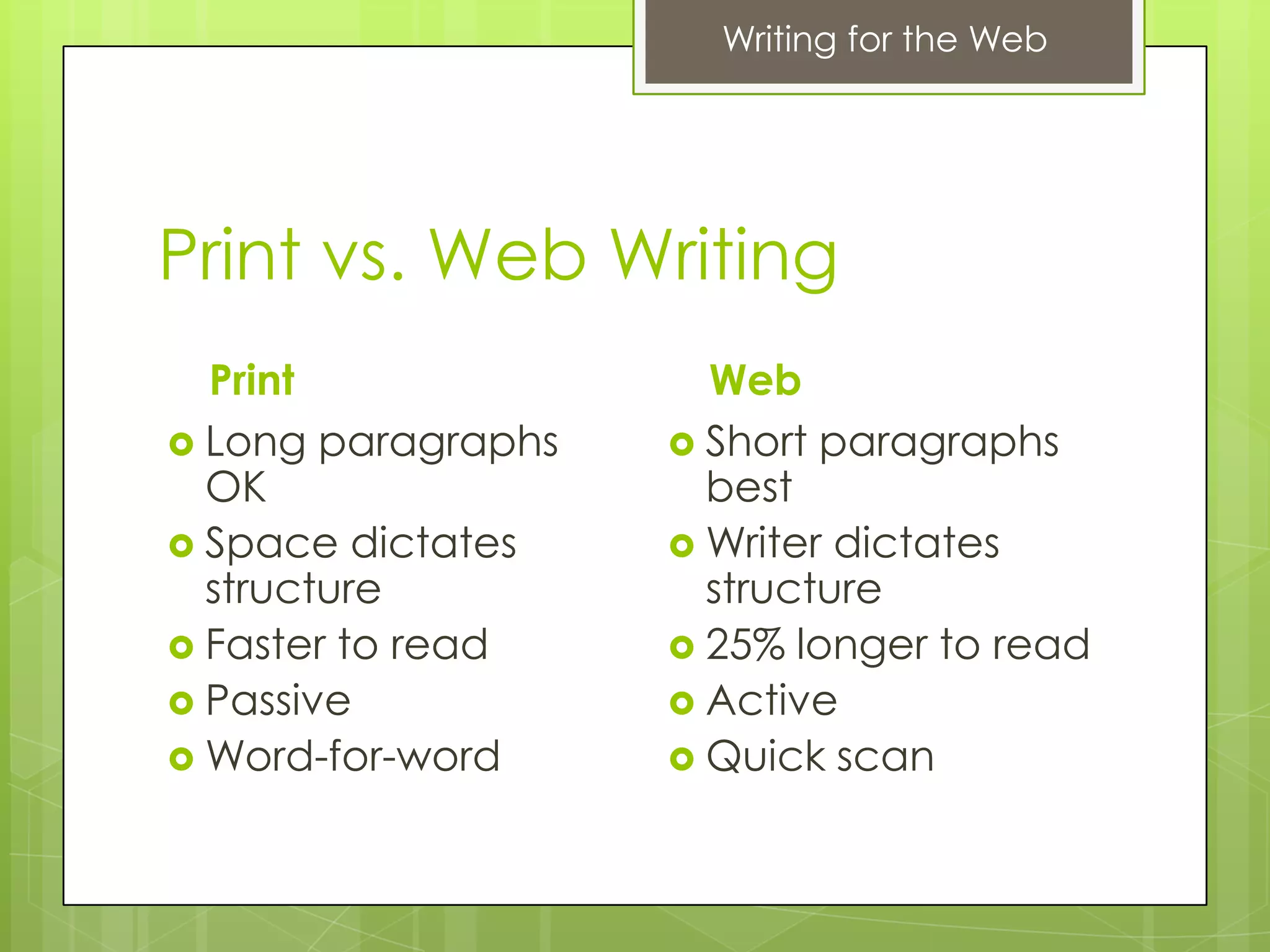
Print vs. Web Writing
  Print               Web
 Long paragraphs    Short paragraphs
  OK                  best
 Space dictates     Writer dictates
  structure           structure
 Faster to read     25% longer to read
 Passive            Active
 Word-for-word      Quick scan
Writing for the Web


Why bother?
 Fewer  Customer Service Calls
 Better Reputation
 Higher Rankings in Search Engines
 Higher Profits
 Other reasons?
Writing for the Web


Tips
6 tips for writing great web content
Writing for the Web


Keep Content Concise
 Get  to the point as quickly as possible.
 Cut out unnecessary information.
 Use easy-to-understand, shorter, common
  words and phrases.
 Avoid long paragraphs and sentences.
 Test your writing style using readability
  formulas. (read-able.com)
Writing for the Web


Use Headings to Break Up
Long Articles
 Consider  organizing your thoughts in
  logical chunks with an outline first
 Use simple and concise headings
 Use keyword-rich headings to aid
  skimming
 Example:
  Good Use of Headings
Writing for the Web


Help Readers Scan Your
Webpages Quickly
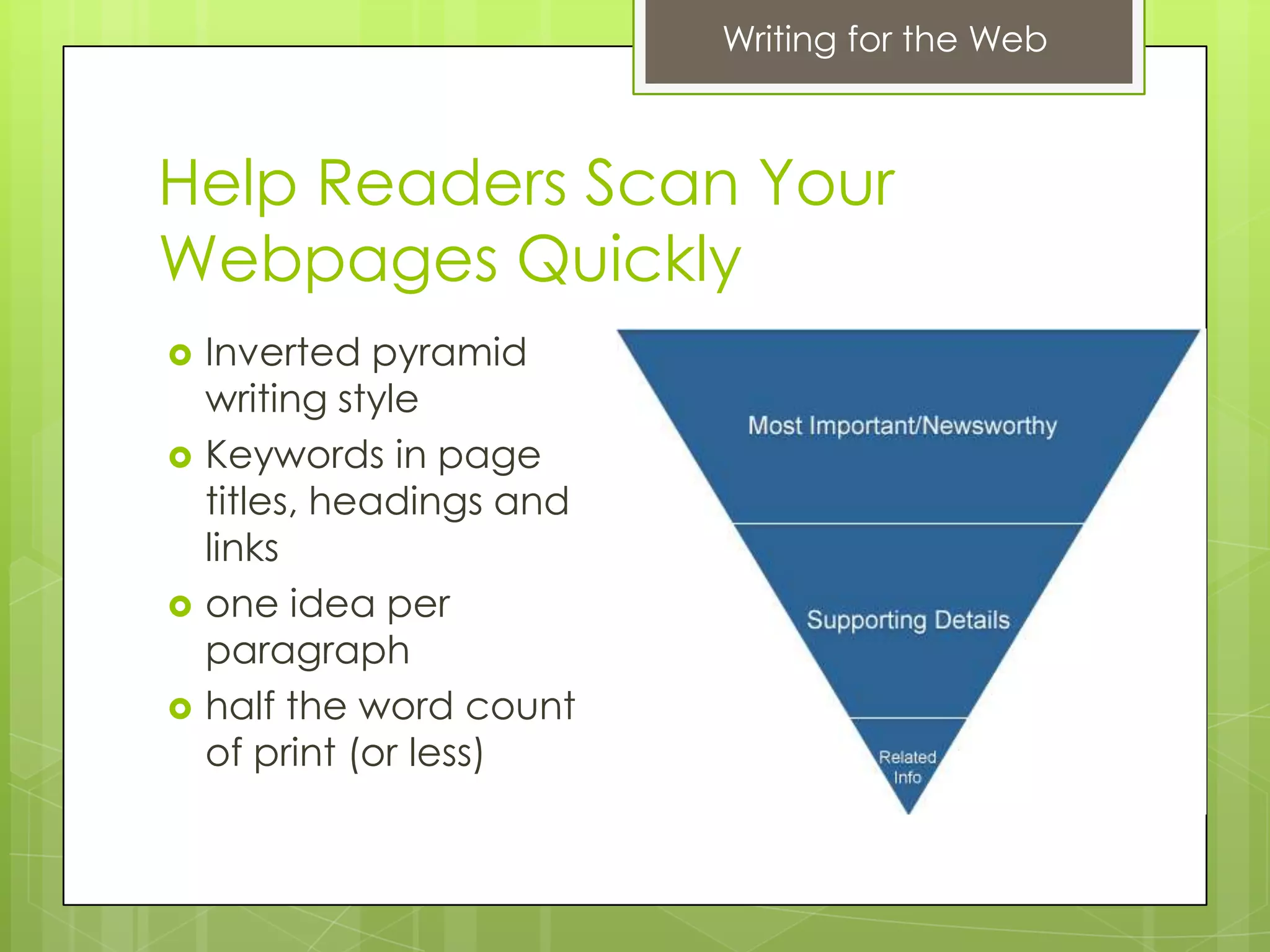
   Inverted pyramid
    writing style
   Keywords in page
    titles, headings and
    links
   one idea per
    paragraph
   half the word count
    of print (or less)
Writing for the Web


Lists, Formatting, and Links
 Break paragraphs into bulleted points
 Example: SWAP Grants Aid Recycling
  Programs

 Highlight  important information in bold
 Use links to highlight keywords and
  information
 Example:
  IRS.gov Help & Resources
Writing for the Web


Use Visuals Strategically
 Make  sure images you use support textual
  content.
 Avoid stock photos
 Example:
  Drought’s Footprint
Writing for the Web


Use PDF Documents Sparingly
Disadvantages
 User forced to leave your website
 Content may not be accessible
 User may not have the correct software
 Can take a long time to open
 Won’t rank as high in Google results
Writing for the Web


The 6 Tips
 Concise    content
 Use headings
 Most important content at the top
 Make information easy-to-scan
 Use photos, charts, and graphs that
  illustrate content
 Use PDFs sparingly, or not at all
Writing for the Web


Workshop
Lemme Elementary School Profile
Writing for the Web


Thanks for Participating!


  linkedin.com/in/lauramchristenson/

  @mcmahonorama

Writing for the web 2 26-13

  • 1.
    Writing for the Web LauraChristenson February 26, 2013
  • 2.
    Writing for theWeb Agenda  Introduction  Print vs. Web Writing  Tips  Writing Workshop
  • 3.
    Writing for theWeb Introduction  Web Presence Coordinator at the University of Iowa  10 years working in Web  Focus on information architecture, content strategy, and user experience
  • 4.
    Writing for theWeb Print vs. Web Writing Print Web  Long paragraphs  Short paragraphs OK best  Space dictates  Writer dictates structure structure  Faster to read  25% longer to read  Passive  Active  Word-for-word  Quick scan
  • 5.
    Writing for theWeb Why bother?  Fewer Customer Service Calls  Better Reputation  Higher Rankings in Search Engines  Higher Profits  Other reasons?
  • 6.
    Writing for theWeb Tips 6 tips for writing great web content
  • 7.
    Writing for theWeb Keep Content Concise  Get to the point as quickly as possible.  Cut out unnecessary information.  Use easy-to-understand, shorter, common words and phrases.  Avoid long paragraphs and sentences.  Test your writing style using readability formulas. (read-able.com)
  • 8.
    Writing for theWeb Use Headings to Break Up Long Articles  Consider organizing your thoughts in logical chunks with an outline first  Use simple and concise headings  Use keyword-rich headings to aid skimming  Example: Good Use of Headings
  • 9.
    Writing for theWeb Help Readers Scan Your Webpages Quickly  Inverted pyramid writing style  Keywords in page titles, headings and links  one idea per paragraph  half the word count of print (or less)
  • 10.
    Writing for theWeb Lists, Formatting, and Links  Break paragraphs into bulleted points  Example: SWAP Grants Aid Recycling Programs  Highlight important information in bold  Use links to highlight keywords and information  Example: IRS.gov Help & Resources
  • 11.
    Writing for theWeb Use Visuals Strategically  Make sure images you use support textual content.  Avoid stock photos  Example: Drought’s Footprint
  • 12.
    Writing for theWeb Use PDF Documents Sparingly Disadvantages  User forced to leave your website  Content may not be accessible  User may not have the correct software  Can take a long time to open  Won’t rank as high in Google results
  • 13.
    Writing for theWeb The 6 Tips  Concise content  Use headings  Most important content at the top  Make information easy-to-scan  Use photos, charts, and graphs that illustrate content  Use PDFs sparingly, or not at all
  • 14.
    Writing for theWeb Workshop Lemme Elementary School Profile
  • 15.
    Writing for theWeb Thanks for Participating! linkedin.com/in/lauramchristenson/ @mcmahonorama

Editor's Notes

  • #4 Pretty informal, please ask questions
  • #5 Studies of content usability typically find that removing half of a website's words will double the amount of information that users actually get. Jakob Nielsen
  • #9 F-shaped reading pattern
  • #10 because users tend to read the first few words of headings, titles and links when they're scanning a webpage.Yahoo Finance follows all 13 design guidelines for tab controls, but usability suffers due to AJAX overkill and difficult customization.13 design guidelines for tab controls are all followed by Yahoo Finance, but usability suffers due to AJAX overkill and difficult customization.Place important information at the top of your articles.
  • #11 Shows how a list has the most focus on this page.
  • #12 Photos, charts and graphs can enhance readability when they replace or reinforce long blocks of textual content.
  • #13 Usability issues of PDFs – user leaves your website and has no navigation