fundamentals of social media
Melanie Parlette-Stewart
Blended Learning Librarian, University of Guelph
@melanie_sarah_ /melanieparlettestewart.com
Today’s Conversation
• Why social media?
• The numbers
• Building a brand
• Tools: Facebook, Twitter, Pinterest, YouTube, Instagram, Blogging
• Analytics: Measuring your success
• Best Practices
• Risk Management
• Strategy
• Privacy
• Accessibility
VIDEO: The Social Media
Revolution 2015
Recognition
Online Identity

Increase Traffic
Social Listening
Deeper
Experiences
top tips
• Have a website? Create posts with links to drive traffic to your website.
• Videos and photos get more attention.
• Try sharing images of your product or images of your customers engaging
with your product.
• Shorter is better. Posts should be a maximum of 250 characters.
• Aim for conversation. Ask for feedback and listen.
• Be timely. Think about holidays or current events.
• Make sure to include the link in your post (try using a link shortener like
bitly)
challenges + opportunities
• Facebook is beginning to use Search Engine Optimization.

• People don’t want to see posts that just promote a product or service.
• Cross post to other social media networks (i.e. Instagram)
• Pay Per Click
top tips
• Make sure your profile photo clearly associates you with your brand or the
online persona you want to develop

• Include a bio

• Post a couple of tweets before you start to follow people
• Follow people
• People Search (search for specific people)
• Use a directory (wefollow, twello)
• Browse who other people follow
• Try not to use more than 2 hashtags per tweet
• #It #Can #Be #Annoying #When #Your #Tweet #Looks #Like #This
challenges + opportunities
• Engage with people
• Help others
• Tweetup (meet up / conversation on Twitter)
• Twitter can be overwhelming
top tips
• Engage with commenters
• Optimize images
• Name images strategically
• Promote your boards on other social media sites
• Use keywords for board titles
• Think seasonally / thematically
challenges + opportunities
• Brand authority
• Expand your reach
• Drive traffic to your site
top tips
• Customize your channel
• Subtitles
• Engage with users
• Be organized
• Tags
• Cross promote / Build mini-campaigns
challenges + opportunities
• YouTube Analytics
• Get feedback / demo
• Share knowledge / skills
• Budget / Skills
• Viral Videos
top tips
• You need a mobile device (smart phone, tablet) to upload to Instagram.
The desktop site is only for browsing
• Tell a story
• Take advantage of both video (up to 9 seconds) and photos
• Connect with people’s emotions
• Images an make people happy and sad, etc.
• Share with other networks (Facebook, Twitter, etc.)
• Follow other users
• Respond to comments
• Use hashtags (#)
• Check out complementary apps (Photo collages, etc.)
challenges + opportunities
• Hashtags
• Develop a brand identity
• Building community
top tips
• Have a voice
• Inspire conversation
• Don’t be a promotion pretending to be a post
• Use a variety of content types
• Text, interviews, podcasts, videos, infographics
• Choose a blogging tool that works for you
• WordPress.com, WordPress.org, Typepad, Blogger, etc.
challenges + opportunities
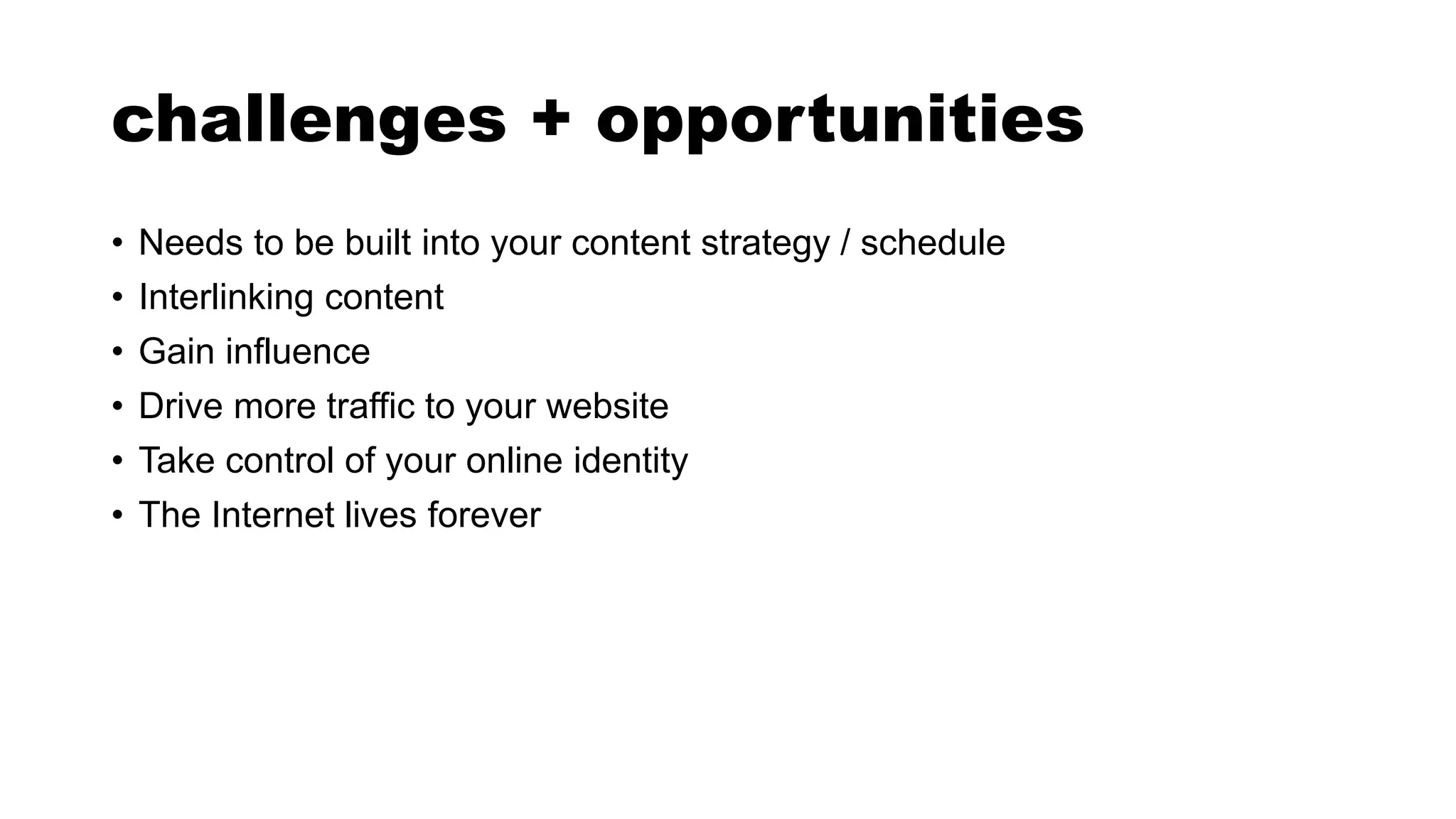
• Needs to be built into your content strategy / schedule
• Interlinking content
• Gain influence
• Drive more traffic to your website
• Take control of your online identity
• The Internet lives forever
BEST PRACTICES
FOR ENGAGEMENT
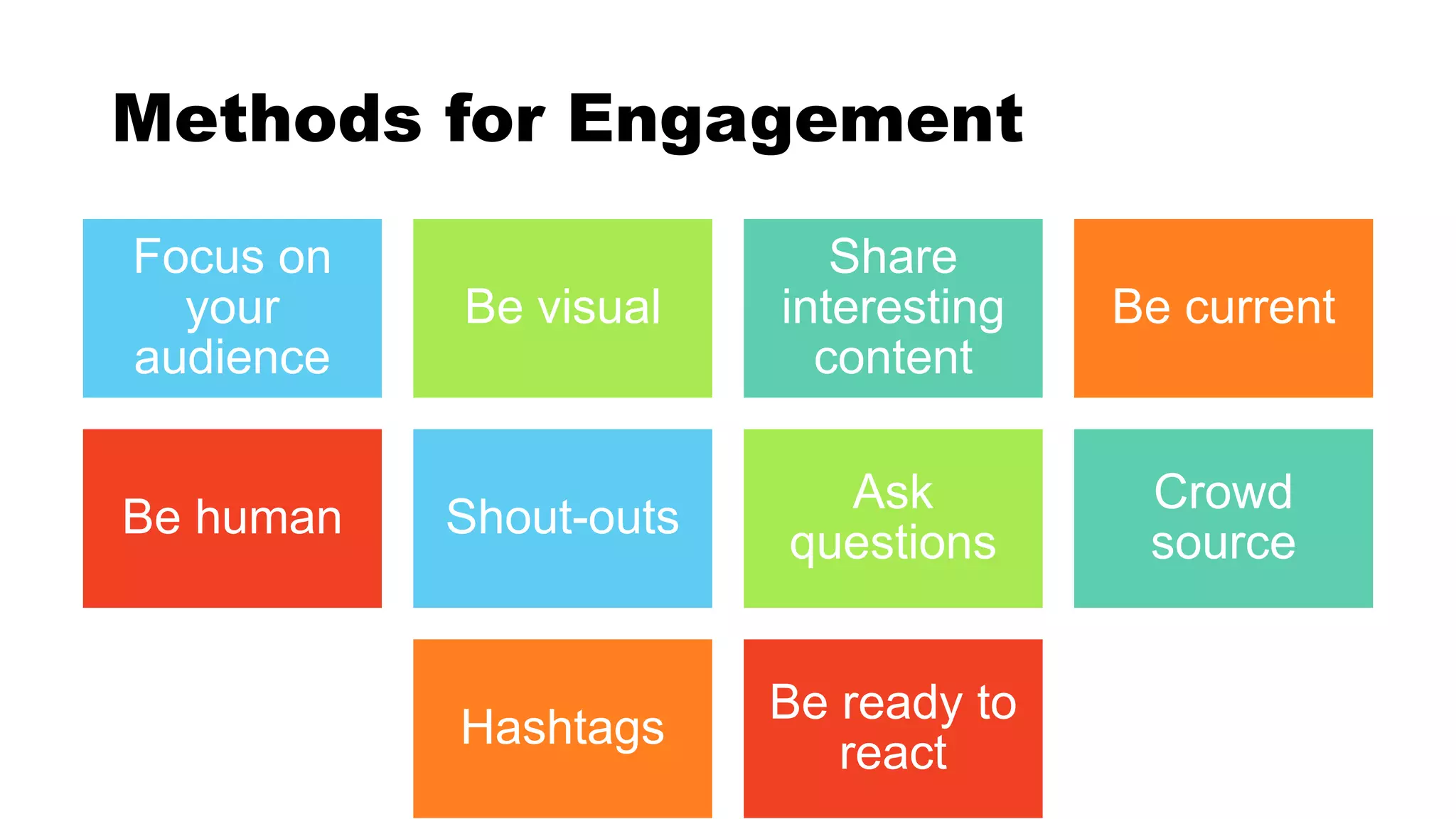
Methods for Engagement
Focus on
your
audience
Be visual
Share
interesting
content
Be current
Be human Shout-outs
Ask
questions
Crowd
source
Hashtags
Be ready to
react
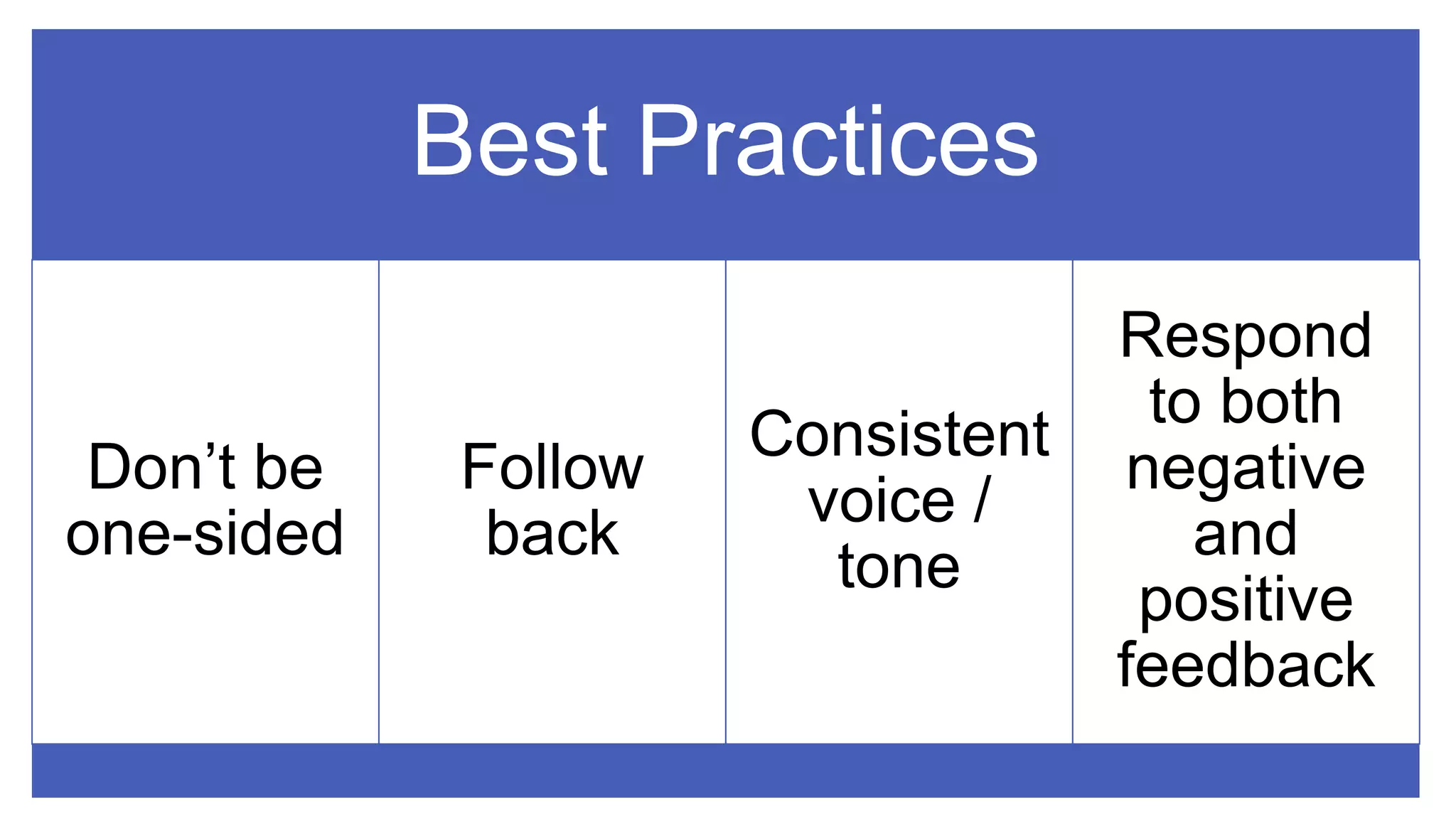
Best Practices
Don’t be
one-sided
Follow
back
Consistent
voice /
tone
Respond
to both
negative
and
positive
feedback
CONTENT
MANAGEMENT
& ANALYTICS
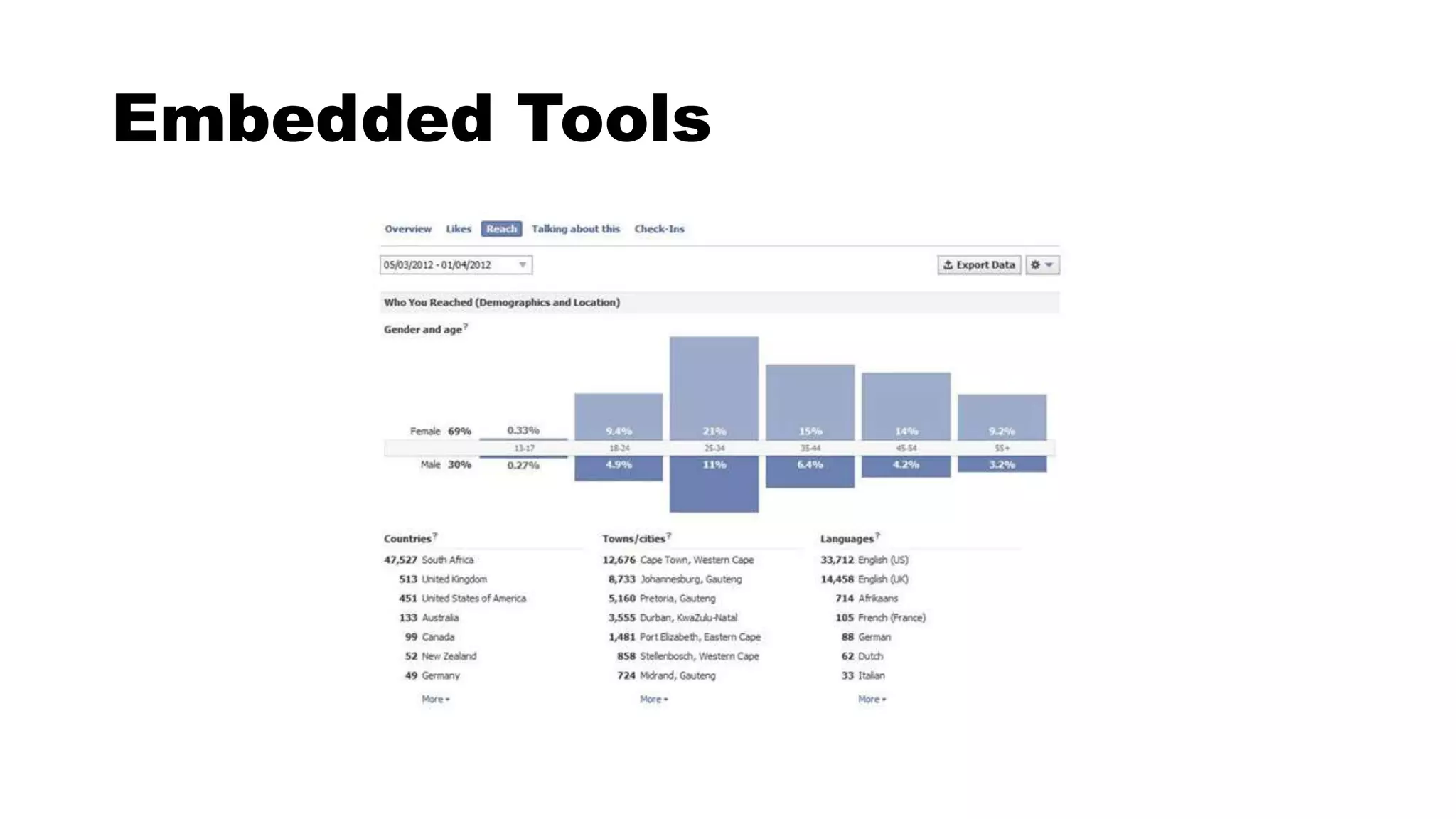
Embedded Tools
• Likes and Shares
• Comparison to
other Pages /
Profiles
• Reputation
• Content
• Reporting
• Understanding
value
DEVELOPING
A STRATEGY
Who is your audience?
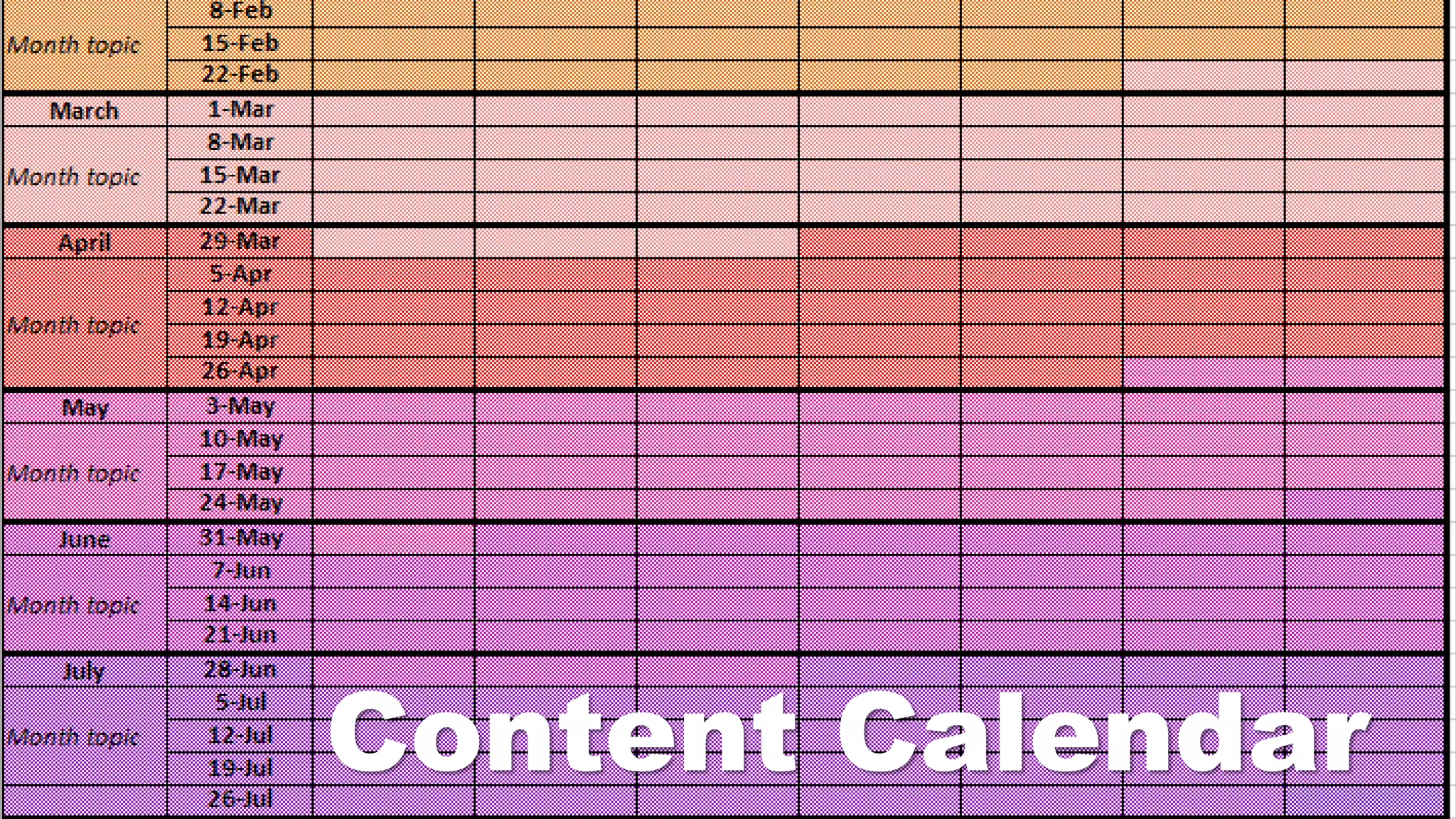
Content Calendar
Schedule
your posts
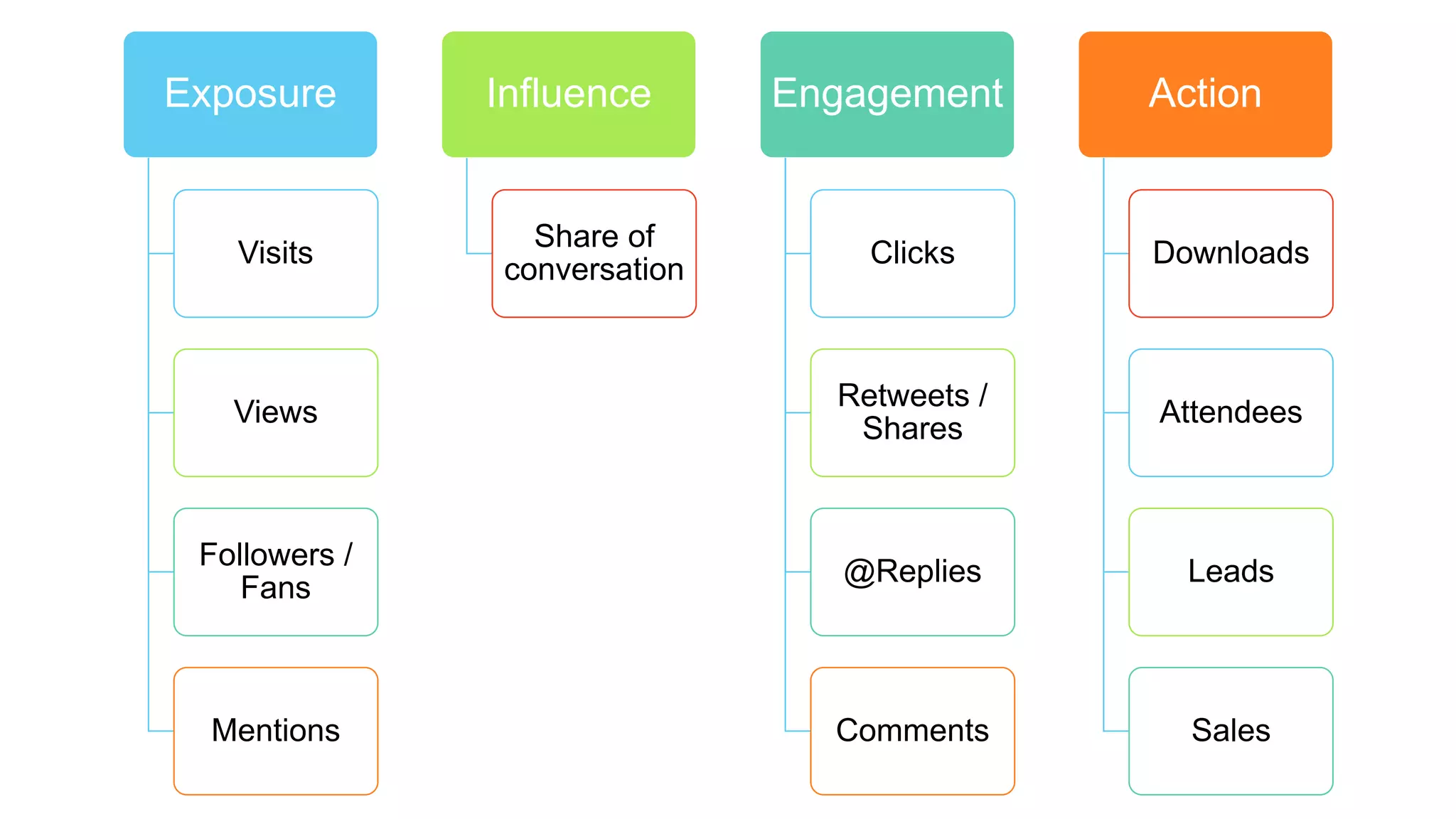
Exposure
Visits
Views
Followers /
Fans
Mentions
Influence
Share of
conversation
Engagement
Clicks
Retweets /
Shares
@Replies
Comments
Action
Downloads
Attendees
Leads
Sales
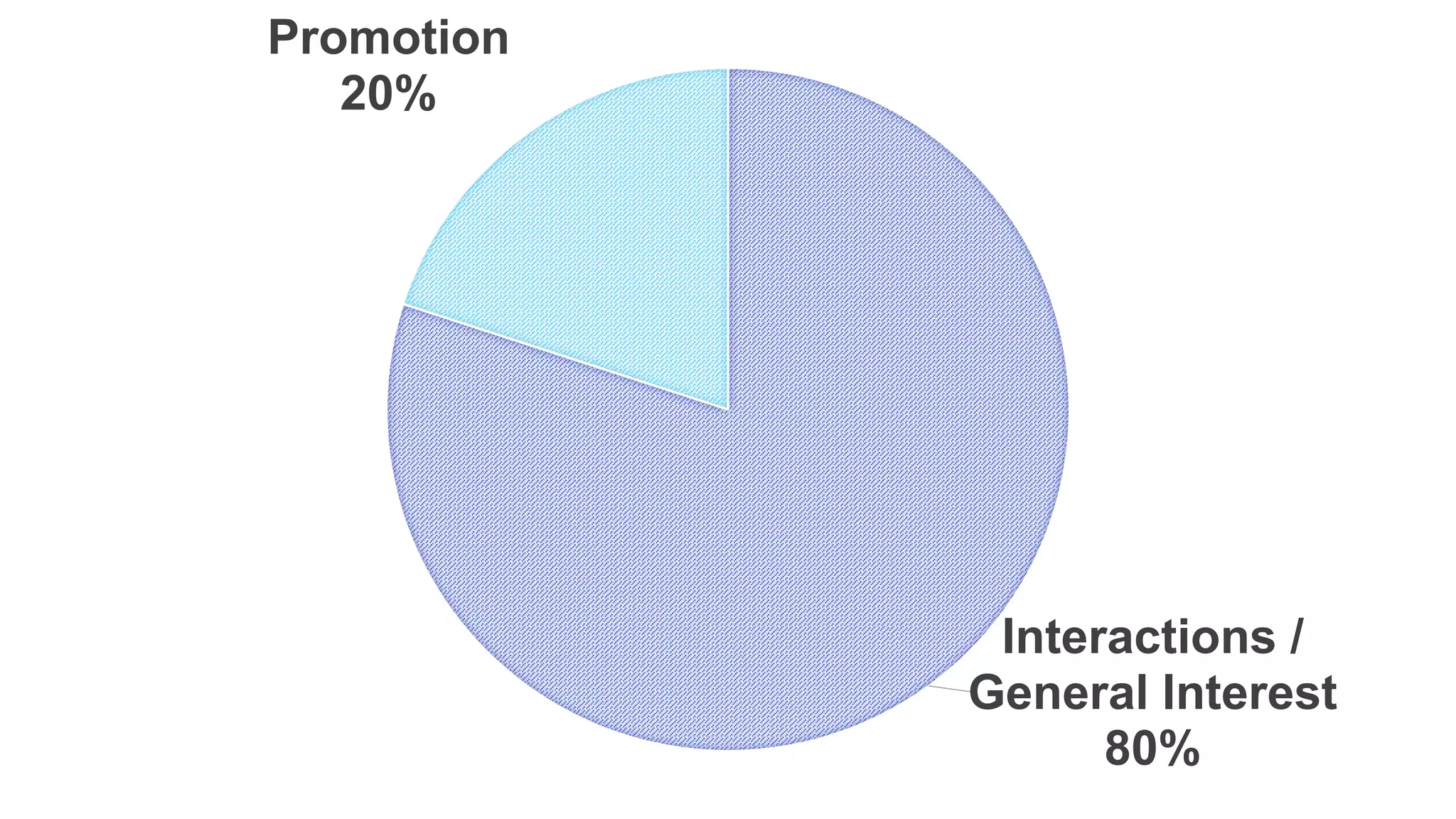
Interactions /
General Interest
80%
Promotion
20%
Be authentic.
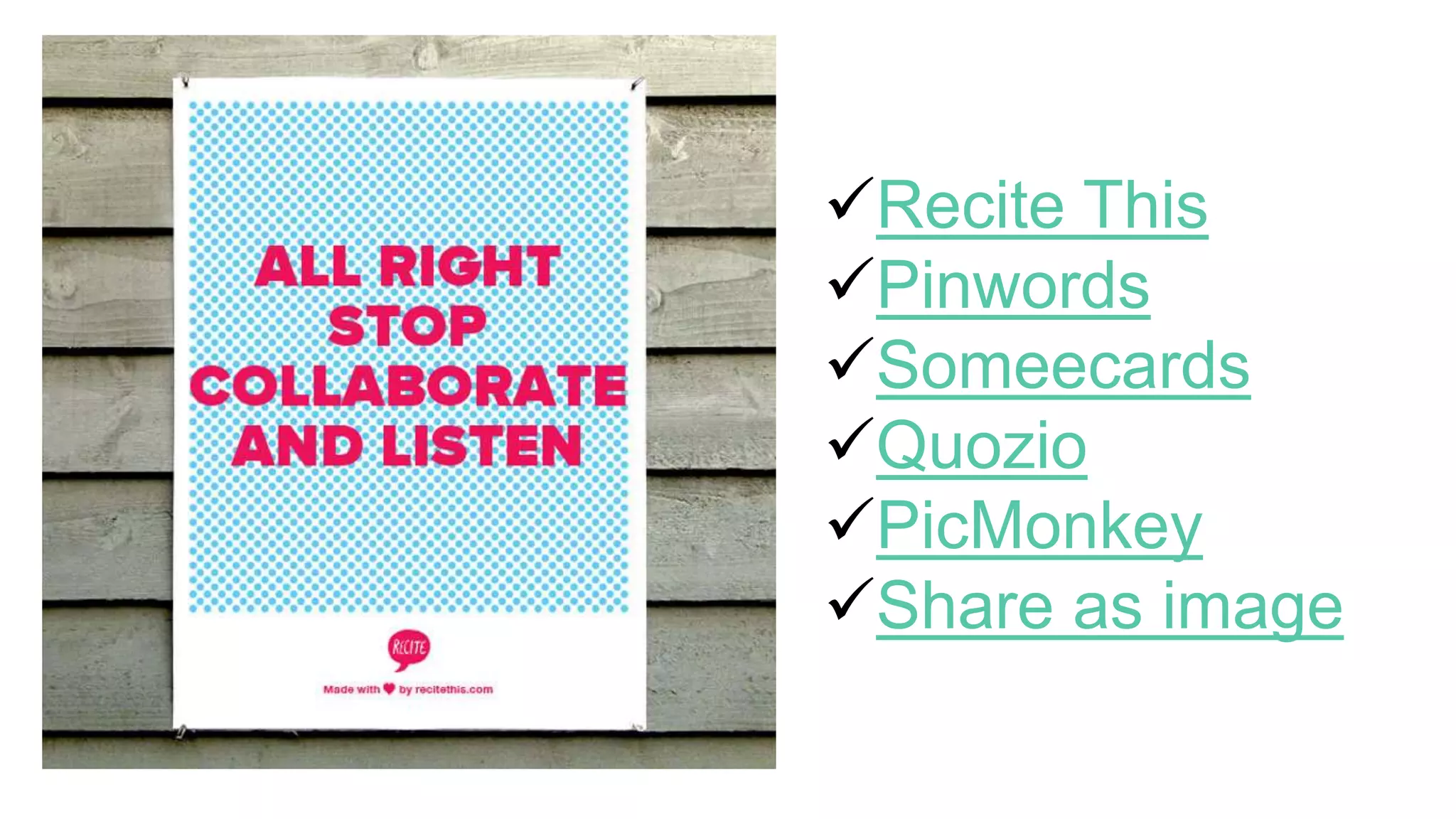
Recite This
Pinwords
Someecards
Quozio
PicMonkey
Share as image
Optimize Content
• Image size
• Optimize your profile photo, header/cover photos, shared images and
more
• Try: Always Up-to-Date Guide to Social Media Image Sizes
• Character count
• Media Length
RISK
MANAGEMENT
Uh oh…
• Damage to reputation
• Confidential information
• Identity theft / hacking
• Policies and procedures
• Be open and honest
• Be timely
PRIVACY
Privacy for You / Others
• Policies
• Too Much Information (TMI)
• Customize your privacy options
• Plug-ins and applications
ACCESSIBILITY
Accessibility Best Practices
• Complete detailed profiles including other ways of contacting
you to provide easy access to more information
• Provide captions for any photos you post
• Provide access to full video transcripts and use captioning
• Aim for good colour contrast
• Put hashtags and @mentions at the end of posts to make it
easier on screen readers
Douglas Coupland, Slogans for the Twenty-First Century
Further Reading / Sources
• The Top 10 Benefits Of Social Media Marketing (Forbes)
• Canadian Digital, Social and Mobile Statistics on a Global Scale 2014
• Facebook Terminology
• 10 tips to creating engaging Page posts
• Create your Twitter Content Strategy
• 26 Creative Ways to Publish Social Media Updates
• All About Pinterest
• Infographic: The optimal length for social media updates and more
• Canadian Internet Registration Authority: The Canadian Internet Fact Book
• YouTube Glossary
• Douglas Coupland, Slogans for the Twenty-First Century
• Golden Rules of Social Media Accessibility
• Top 10 Social Media Blogs
• 7 Tips for Upping Your Social Media Game in 2015 (Time Magazine)
• The Minimalist Guide to Personal Branding on Social Media
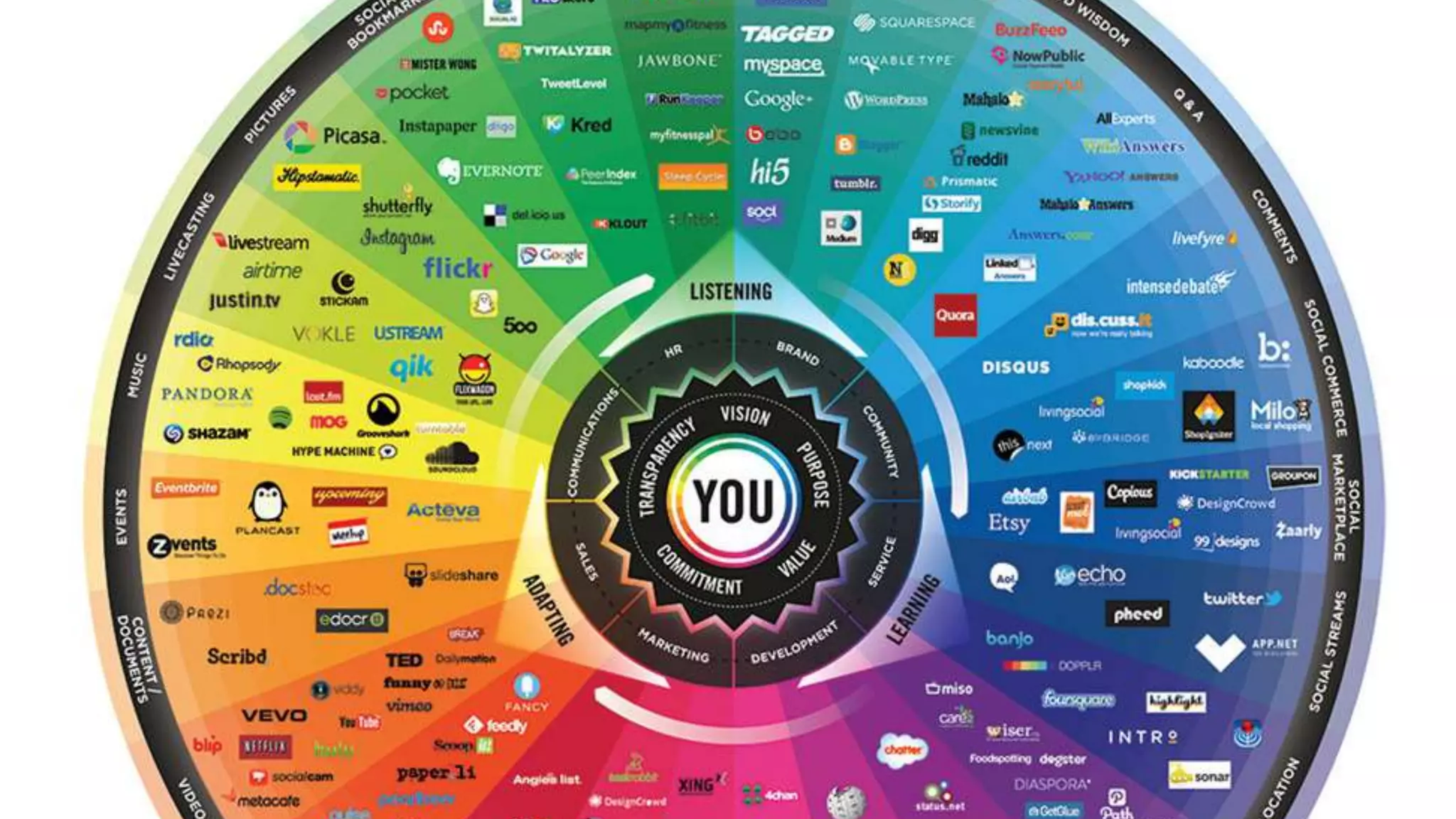
• Conversation Prism
Photo/Video Credits
• hipster office desktop 3.0 - Photo: Markus Spiske / raumrot.com
• Lights - Photo: Markus Spiske / raumrot.com
• Video: The Social Media Revolution 2015
• Facebook
• Twitter
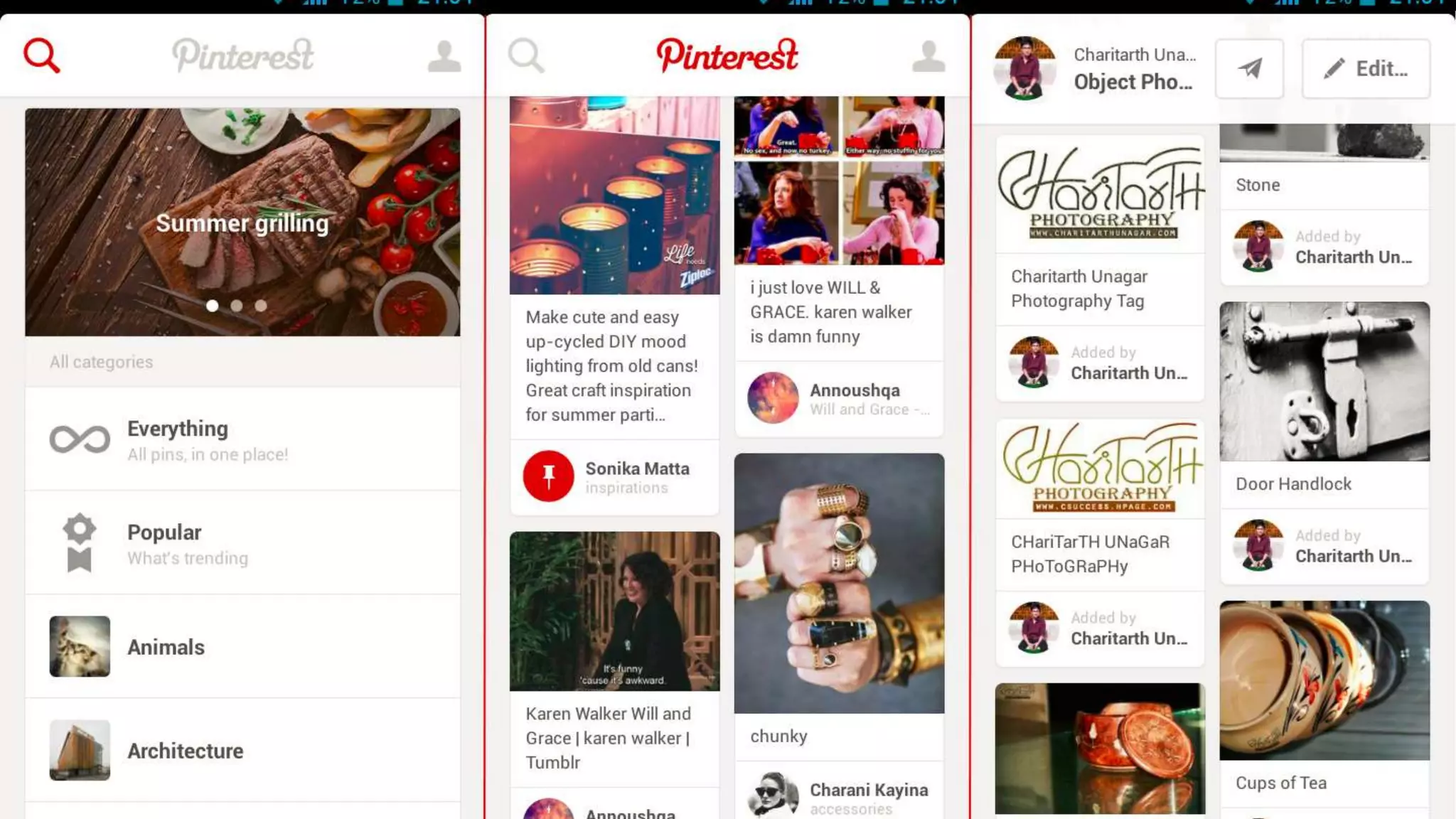
• Pinterest
• YouTube
• Instagram
• Blogging Gideon Burton Blogging Street Cred
• Office desk - Photo: Markus Spiske / raumrot.com
• polaroid 635 supercolor - Photo: Markus Spiske / raumrot.com
• Closed doors - Photo: Markus Spiske / raumrot.com
• Conversation Prism
Editorial Calendars
• Scraps of My Geek Life - 2015 Editorial Calendar Template Download
• Early Bird Strategy: 2015 EDITORIAL CALENDAR TEMPLATE
• CoSchedule (online/paid)

Writers Workshop 2015 - Joining the Conversation: Fundamentals of Social Media

  • 1.
    fundamentals of socialmedia Melanie Parlette-Stewart Blended Learning Librarian, University of Guelph @melanie_sarah_ /melanieparlettestewart.com
  • 2.
    Today’s Conversation • Whysocial media? • The numbers • Building a brand • Tools: Facebook, Twitter, Pinterest, YouTube, Instagram, Blogging • Analytics: Measuring your success • Best Practices • Risk Management • Strategy • Privacy • Accessibility
  • 4.
    VIDEO: The SocialMedia Revolution 2015
  • 6.
  • 7.
  • 8.
  • 9.
  • 10.
  • 12.
    top tips • Havea website? Create posts with links to drive traffic to your website. • Videos and photos get more attention. • Try sharing images of your product or images of your customers engaging with your product. • Shorter is better. Posts should be a maximum of 250 characters. • Aim for conversation. Ask for feedback and listen. • Be timely. Think about holidays or current events. • Make sure to include the link in your post (try using a link shortener like bitly)
  • 13.
    challenges + opportunities •Facebook is beginning to use Search Engine Optimization. • People don’t want to see posts that just promote a product or service. • Cross post to other social media networks (i.e. Instagram) • Pay Per Click
  • 15.
    top tips • Makesure your profile photo clearly associates you with your brand or the online persona you want to develop • Include a bio • Post a couple of tweets before you start to follow people • Follow people • People Search (search for specific people) • Use a directory (wefollow, twello) • Browse who other people follow • Try not to use more than 2 hashtags per tweet • #It #Can #Be #Annoying #When #Your #Tweet #Looks #Like #This
  • 16.
    challenges + opportunities •Engage with people • Help others • Tweetup (meet up / conversation on Twitter) • Twitter can be overwhelming
  • 18.
    top tips • Engagewith commenters • Optimize images • Name images strategically • Promote your boards on other social media sites • Use keywords for board titles • Think seasonally / thematically
  • 19.
    challenges + opportunities •Brand authority • Expand your reach • Drive traffic to your site
  • 21.
    top tips • Customizeyour channel • Subtitles • Engage with users • Be organized • Tags • Cross promote / Build mini-campaigns
  • 22.
    challenges + opportunities •YouTube Analytics • Get feedback / demo • Share knowledge / skills • Budget / Skills • Viral Videos
  • 24.
    top tips • Youneed a mobile device (smart phone, tablet) to upload to Instagram. The desktop site is only for browsing • Tell a story • Take advantage of both video (up to 9 seconds) and photos • Connect with people’s emotions • Images an make people happy and sad, etc. • Share with other networks (Facebook, Twitter, etc.) • Follow other users • Respond to comments • Use hashtags (#) • Check out complementary apps (Photo collages, etc.)
  • 25.
    challenges + opportunities •Hashtags • Develop a brand identity • Building community
  • 27.
    top tips • Havea voice • Inspire conversation • Don’t be a promotion pretending to be a post • Use a variety of content types • Text, interviews, podcasts, videos, infographics • Choose a blogging tool that works for you • WordPress.com, WordPress.org, Typepad, Blogger, etc.
  • 28.
    challenges + opportunities •Needs to be built into your content strategy / schedule • Interlinking content • Gain influence • Drive more traffic to your website • Take control of your online identity • The Internet lives forever
  • 30.
  • 31.
    Methods for Engagement Focuson your audience Be visual Share interesting content Be current Be human Shout-outs Ask questions Crowd source Hashtags Be ready to react
  • 32.
    Best Practices Don’t be one-sided Follow back Consistent voice/ tone Respond to both negative and positive feedback
  • 33.
  • 35.
  • 37.
    • Likes andShares • Comparison to other Pages / Profiles • Reputation • Content • Reporting • Understanding value
  • 38.
  • 39.
    Who is youraudience?
  • 40.
  • 41.
  • 42.
  • 44.
  • 45.
  • 50.
  • 51.
    Optimize Content • Imagesize • Optimize your profile photo, header/cover photos, shared images and more • Try: Always Up-to-Date Guide to Social Media Image Sizes • Character count • Media Length
  • 52.
  • 53.
    Uh oh… • Damageto reputation • Confidential information • Identity theft / hacking • Policies and procedures • Be open and honest • Be timely
  • 54.
  • 55.
    Privacy for You/ Others • Policies • Too Much Information (TMI) • Customize your privacy options • Plug-ins and applications
  • 56.
  • 57.
    Accessibility Best Practices •Complete detailed profiles including other ways of contacting you to provide easy access to more information • Provide captions for any photos you post • Provide access to full video transcripts and use captioning • Aim for good colour contrast • Put hashtags and @mentions at the end of posts to make it easier on screen readers
  • 58.
    Douglas Coupland, Slogansfor the Twenty-First Century
  • 60.
    Further Reading /Sources • The Top 10 Benefits Of Social Media Marketing (Forbes) • Canadian Digital, Social and Mobile Statistics on a Global Scale 2014 • Facebook Terminology • 10 tips to creating engaging Page posts • Create your Twitter Content Strategy • 26 Creative Ways to Publish Social Media Updates • All About Pinterest • Infographic: The optimal length for social media updates and more • Canadian Internet Registration Authority: The Canadian Internet Fact Book • YouTube Glossary • Douglas Coupland, Slogans for the Twenty-First Century • Golden Rules of Social Media Accessibility • Top 10 Social Media Blogs • 7 Tips for Upping Your Social Media Game in 2015 (Time Magazine) • The Minimalist Guide to Personal Branding on Social Media • Conversation Prism
  • 61.
    Photo/Video Credits • hipsteroffice desktop 3.0 - Photo: Markus Spiske / raumrot.com • Lights - Photo: Markus Spiske / raumrot.com • Video: The Social Media Revolution 2015 • Facebook • Twitter • Pinterest • YouTube • Instagram • Blogging Gideon Burton Blogging Street Cred • Office desk - Photo: Markus Spiske / raumrot.com • polaroid 635 supercolor - Photo: Markus Spiske / raumrot.com • Closed doors - Photo: Markus Spiske / raumrot.com • Conversation Prism
  • 62.
    Editorial Calendars • Scrapsof My Geek Life - 2015 Editorial Calendar Template Download • Early Bird Strategy: 2015 EDITORIAL CALENDAR TEMPLATE • CoSchedule (online/paid)

Editor's Notes

  • #5 https://www.youtube.com/watch?v=0eUeL3n7fDs
  • #6 82% of Canadians use a social network (Compared to 75% of Americans). Canadian individuals spend an average of 2 hours 19 minutes on social networks each day 85% have a Facebook account and 57% have used Facebook in the past month. 46% have a Twitter account and 22% have used Twitter in the past month.
  • #7 Recognition
  • #8 Owning your online identity
  • #9 Increase traffic / Search engine rankings (SEO)
  • #10 Social listening
  • #11 Deeper customer experiences
  • #12 World’s largest social network Connect with friends, family and fans Post updates, share photos and videos, share information Create groups and events Create a brand / business page Connect with businesses
  • #14 Facebook is beginning to use Search Engine Optimization. Factors to consider: mentions, likes, shares will contribute to how pages show up in results. People don’t want to see posts that just promote a product or service. Make sure to balance promotional posts with “general interest” posts. Cross post to other social media networks (i.e. Instagram) Pay Per Click Highly targeted advertising.
  • #15 Microblogging social networking tool Read and write messages up to 140 characters Connect with clients / colleagues Get feedback / engage Develop your online brand Keep of with the latest . . . News, trends and more
  • #16 Make sure your profile photo clearly associates you with your brand or the online persona you want to develop Include a bio – people want to know something about who they are following Post a couple of tweets before you start to follow people Follow people People Search (search for specific people) Use a directory (wefollow, twello) Browse who other people follow Try not to use more than 2 hashtags per tweet #It #Can #Be #Annoying #When #Your #Tweet #Looks #Like #This
  • #17 Engage with people Ask for help Ask for input As questions Help others Answer questions Provide feedback Tweetup (meet up / conversation on Twitter) Have a designated hashtag Twitter can be overwhelming Set goals for original tweets / retweets
  • #18 Visual discovery, collecting, sharing and storage tool Brand strengthening Comment on pins relevant to you / your brand Content curation Share your content / content relevant to you / your brand Market research Find one of your customers on Pinterest. What are they interested in? Storage Visual thinker? Need a way to brainstorm? Try using a themed Pinterest board.
  • #19 Engage with commenters Optimize images Name images strategically Use keywords and hyphens (rather than underscores) – helps search engines recognize the name Promote your boards on other social media sites Use keywords for board titles Make your boards findable Think seasonally / thematically Holidays and seasons can way to reach out through curated content
  • #20 Brand authority Useful, relevant or educational information Expand your reach Group boards Drive traffic to your site Combine great images with content
  • #21 Tool to discover, watch and share videos Canadians are heavy consumers of online video (ranking second behind the UK) Average monthly hours per viewer: 24.8 Average monthly videos per viewer: 291 Videos and images improve the quality of your site (Google and other search engines look for a variety of content) Power branding opportunity Bring emotion / lasting impression Doesn’t have to be expensive
  • #22 Customize your channel Branding and other relevant information Subtitles Use captions to make sure your videos are accessible Engage with users Subscribe to channels, comment, keep up to date Be organized Create playlists and group your content with appropriate title and descriptions Tags Add tags to help users find your videos Cross promote / Build mini-campaigns How will you promote / share your video? Will it complement a blog post? Will you share it on Twitter? Building a campaign around videos you create will help it have a broader reach.
  • #23 YouTube Analytics Get view stats and demographics Get feedback / demo Share content and get feedback/reviews What is your product / service? Let your customers / clients know exactly what you are all about. Share knowledge / skills Educational videos, build expertise Budget / Skills There are lots of ways to create low budget (free!) videos, it still will take commitment Viral Videos Only a small percentage of videos ever go viral, there’s no one answer as to what will be a hit
  • #24 Photo sharing app that allows you to apply “filters” to photos and share them with followers Opportunity to personalize your social media Behind-the-scenes Timely Quick photo or video can be created in less than 5 minutes
  • #26 Hashtags – you can use more hashtags on Instagram, experiment with a variety and observe other users to see what works Develop a brand identity What is your aesthetic? Putting a face to the brand Building community
  • #27 Regularly updated website that is less formal and more conversational Consists of individual entries or “posts” May exist as a part of a more formal website Build a reputation Provide a voice for your company Share expertise
  • #28 Have a voice What will the tone be of the blog? Inspire conversation Blog posts are often opinion based, be open to debate (within reason) Don’t be a promotion pretending to be a post Be interesting and useful Use a variety of content types Text, interviews, podcasts, videos, infographics Choose a blogging tool that works for you WordPress.com, WordPress.org, Typepad, Blogger, etc.
  • #29 Needs to be built into your content strategy / schedule Posts should be regular (once a week, once a month, etc.) Interlinking content Refer to videos, Pinterest boards, etc. Gain influence Become a source that people trust Drive more traffic to your website More opportunities to get traffic Take control of your online identity Who are you? Build that complete picture. The Internet lives forever
  • #35 Juggling multiple social media accounts can be tricky and time-consuming Get help understanding what works and what doesn’t
  • #36 Consider some of the useful tools available to help you: Embedded Tools (Facebook Insights, Twitter Analytics, etc.)
  • #37 Crowdbooster (no free option, $9/month) Easy to use and real time metrics Makes recommendations and help scheduling and timing Bitly (free) Link shortener and track clicks Hootsuite (free option, paid = more features) Schedule posts and easy reporting Manage social profiles in one place (Twitter, Facebook, Google+, LinkedIn, Instagram, Pinterest and more) Google Analytics (free) Limited but free! Track how your website is doing and interactions with Like and Share buttons
  • #38 Likes and Shares Comparison to other Pages / Profiles Reputation Content Reporting Understanding value
  • #40 Who is your audience? What do they do? What activities do they enjoy? What problems can you help them solve? How can you provide enjoyment?
  • #41 Create a Content Calendar. Plan your conversations. App like co-schedule ($10/month) Google Calendar Holidays, themes, “National popcorn day” Link to free one (available at the end of presentation)
  • #42 Crunched for time? Schedule your posts Many social media tools allow you to do it directly or use a content manager like HootSuite
  • #43 Review your performance. Use analytics to get to know your audience.
  • #44 Be a good listener. Notifications Collect updates Track mentions Listen to conversations Have a schedule
  • #45 80/20 80% about interactions / general interest and 20% about promotion
  • #46 Have a personality Be authentic and friendly. Try not to be too formal. Wit and humour welcome.
  • #47  Learn. Manage expectations and learn from what works and doesn’t work.
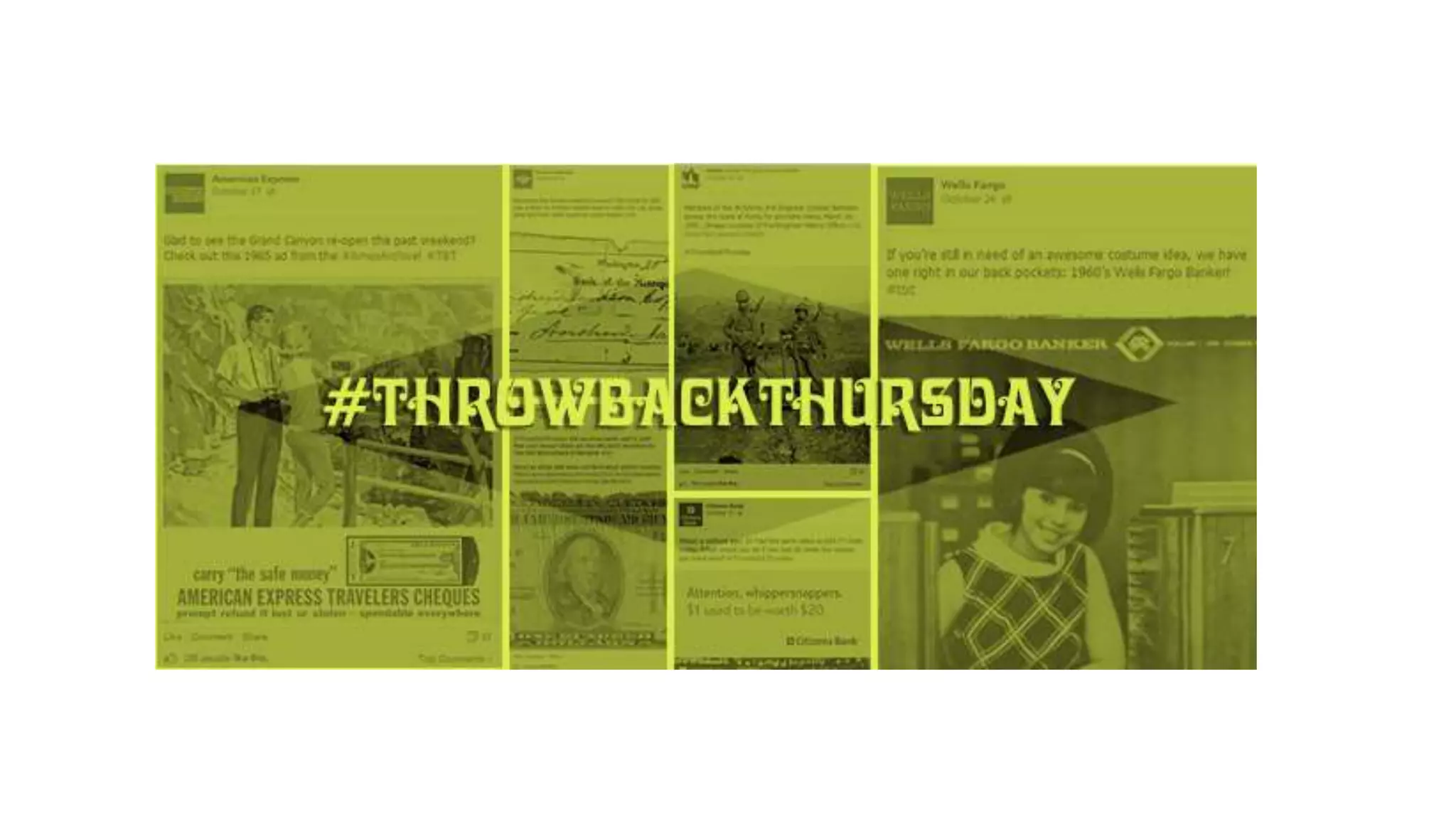
  • #48 Have a promotion day Behind the scenes Helpful tips Customer spotlight Industry news Your People Quotes Recommendations Milestones Unexpected Holidays Re-usable content Giveaways / contests Interviews / meet the staff Hashtag events (i.e. #FollowFriday, #MotivationMonday, #ThrowbackThursday/#TBT, #WednesdayWisdom) Ask questions / Answer questions Jokes / memes Link out to other content Lists Infographics / Visual content X vs. Y – (i.e. Are you a mac or a pc?)
  • #49 Have a promotion day Behind the scenes Helpful tips Customer spotlight Industry news Your People Quotes Recommendations Milestones Unexpected Holidays Re-usable content Giveaways / contests Interviews / meet the staff Hashtag events (i.e. #FollowFriday, #MotivationMonday, #ThrowbackThursday/#TBT, #WednesdayWisdom) Ask questions / Answer questions Jokes / memes Link out to other content Lists Infographics / Visual content X vs. Y – (i.e. Are you a mac or a pc?)
  • #50 Have a promotion day Behind the scenes Helpful tips Customer spotlight Industry news Your People Quotes Recommendations Milestones Unexpected Holidays Re-usable content Giveaways / contests Interviews / meet the staff Hashtag events (i.e. #FollowFriday, #MotivationMonday, #ThrowbackThursday/#TBT, #WednesdayWisdom) Ask questions / Answer questions Jokes / memes Link out to other content Lists Infographics / Visual content X vs. Y – (i.e. Are you a mac or a pc?)
  • #51 Recite.com
  • #52 Image size Optimize your profile photo, header/cover photos, shared images and more Try: Always Up-to-Date Guide to Social Media Image Sizes Character count Not a science, but there are recommendations. 71-100 characters (Twitter) 40 characters (Facebook) Media Length YouTube (3 minutes) Podcasts (22 minutes)
  • #54 Damage to reputation Don’t just delete your profiles, that will not solve the problem Confidential information Identity theft / hacking Regularly login / change passwords Policies and procedures Be clear about boundaries and expectations Be open and honest Respond to complaints – don’t delete the negative Be timely Regular check-ins and quick responses
  • #56 Policies Get permission to share photos and names Too Much Information (TMI) Some things aren’t meant to be shared Consider what is too personal Customize your privacy options Plug-ins and applications Be aware of what permissions you are granting. How will they use your information?