
Creating a good presence on 
social media 
Phil Bradley
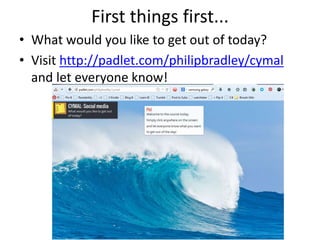
First things first... 
• What would you like to get out of today? 
• Visit http://padlet.com/philipbradley/cymal 
and let everyone know!
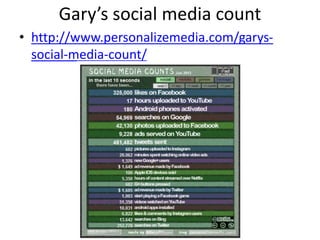
Gary’s social media count 
• http://www.personalizemedia.com/garys-social- 
media-count/
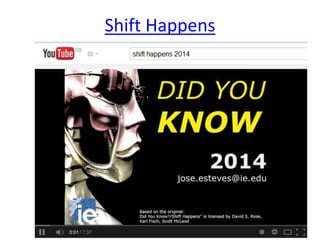
Shift Happens
What are we talking about? 
• Let’s just not go there shall we? 
• Definitions are less important than what you 
can do with it 
• The activity, not the tool is the key 
• Oh, if you really insist…
The history: Web 2.0 
• Web 2.0 is a term often applied to a perceived 
ongoing transition of the World Wide Web 
from a collection of websites to a full-fledged 
computing platform serving web applications 
to end users. Ultimately Web 2.0 services are 
expected to replace desktop computing 
applications for many purposes. 
– Wikipedia entry
And ‘social media’? 
The term Social Media refers to the use of web-based and 
mobile technologies to turn communication into an 
interactive dialogue. Andreas Kaplan and Michael Haenlein 
define social media as "a group of Internet-based applications 
that build on the ideological and technological foundations of 
Web 2.0, and that allow the creation and exchange of user-generated 
content.“ Social media are media for social 
interaction, as a superset beyond social communication. 
Enabled by ubiquitously accessible and scalable 
communication techniques, social media substantially change 
the way of communication between organizations, 
communities, as well as individuals. 
http://en.wikipedia.org/wiki/Social_media
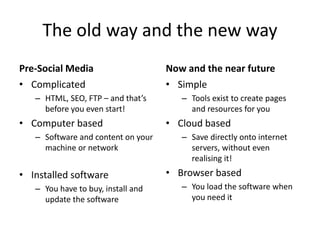
The old way and the new way 
Pre-Social Media 
• Complicated 
– HTML, SEO, FTP – and that’s 
before you even start! 
• Computer based 
– Software and content on your 
machine or network 
• Installed software 
– You have to buy, install and 
update the software 
Now and the near future 
• Simple 
– Tools exist to create pages 
and resources for you 
• Cloud based 
– Save directly onto internet 
servers, without even 
realising it! 
• Browser based 
– You load the software when 
you need it
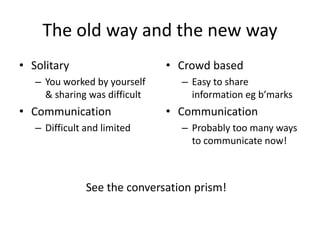
The old way and the new way 
• Solitary 
– You worked by yourself 
& sharing was difficult 
• Communication 
– Difficult and limited 
• Crowd based 
– Easy to share 
information eg b’marks 
• Communication 
– Probably too many ways 
to communicate now! 
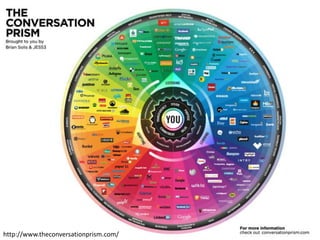
See the conversation prism!
http://www.theconversationprism.com/
The old way and the new way 
• Data was in one place 
– The website ruled over 
everything 
• Control was through the 
website 
– Promotion, information, 
limited contact 
• Consumption 
– Of data 
• Data can be everywhere 
– Share data across 
different sites with 1 
click 
• Control is dispersed 
– Weblogs, Twitter, 
Facebook groups 
• Creation 
– Of data
The old way and the new way 
• Web searching 
– Websites, page ranking 
• Information had to be 
tracked down 
– Searches run on a 
regular basis, slow and 
laborious 
• Information 
– Badged, owned, 
controlled 
• Internet searching 
– User Generated Content, 
value of the person 
• Information comes to 
the searcher 
– RSS feeds, news 
curation, alerting 
services 
• Information 
– Out in the wild, in 
different places, formats
The old way and the new way 
• Getting it right 
– Mistakes cost money 
• Desktops were king 
– Activity focussed around 
the machine 
• Speed and storage 
– Limited and expensive 
• Getting it fast 
– Speed is really important 
• Access is key 
– Laptops, notebooks, 
smartphones, smart tvs 
• B’band and terabytes 
– Available and cheap
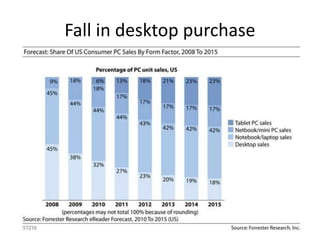
Fall in desktop purchase
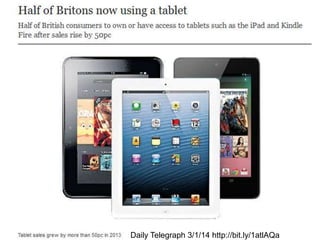
Daily Telegraph 3/1/14 http://bit.ly/1atlAQa
The old way and the new way 
• Web 1.0 was about 
limitations 
– Control in the hands of a 
few 
• Strict and clear roles 
• Social media is about 
free access to 
information 
• Roles now blurred
Consuming and creating
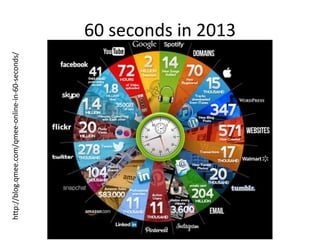
60 seconds in 2013 
http://blog.qmee.com/qmee-online-in-60-seconds/
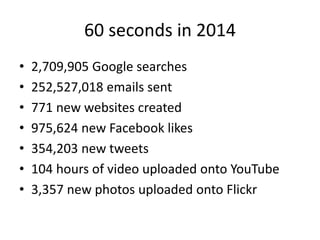
60 seconds in 2014 
• 2,709,905 Google searches 
• 252,527,018 emails sent 
• 771 new websites created 
• 975,624 new Facebook likes 
• 354,203 new tweets 
• 104 hours of video uploaded onto YouTube 
• 3,357 new photos uploaded onto Flickr
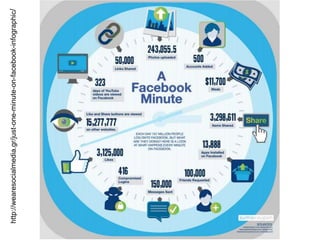
http://wearesocialmedia.gr/just-one-minute-on-facebook-infographic/
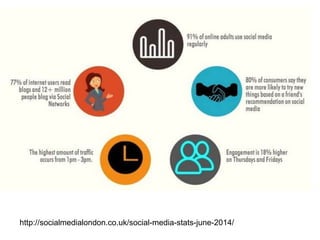
http://socialmedialondon.co.uk/social-media-stats-june-2014/
Social Media Trends 2014
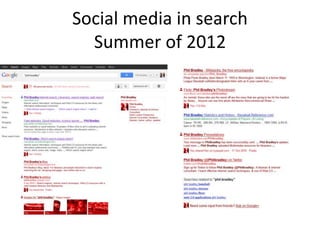
Social media in search 
Summer of 2012
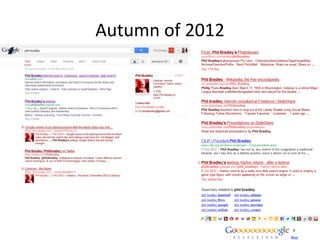
Autumn of 2012
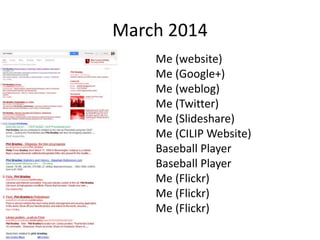
March 2014 
Me (website) 
Me (Google+) 
Me (weblog) 
Me (Twitter) 
Me (Slideshare) 
Me (CILIP Website) 
Baseball Player 
Baseball Player 
Me (Flickr) 
Me (Flickr) 
Me (Flickr)
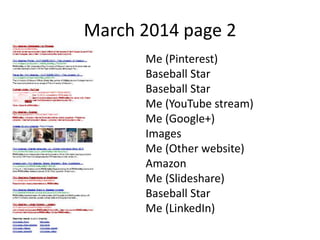
March 2014 page 2 
Me (Pinterest) 
Baseball Star 
Baseball Star 
Me (YouTube stream) 
Me (Google+) 
Images 
Me (Other website) 
Amazon 
Me (Slideshare) 
Baseball Star 
Me (LinkedIn)
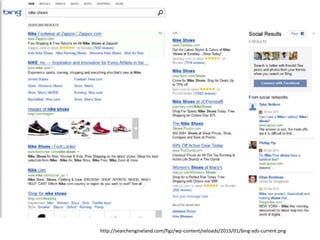
Social signals and ranking: Bing and 
Google 
• How many tweets/retweets a URL has 
• The authority of the person tweeting the URL 
• The number of Facebook shares/like a URL has 
• How many +1s a URL has
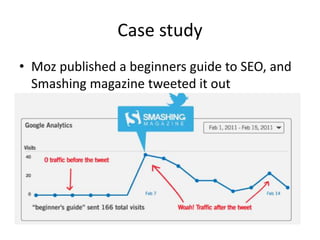
Case study 
• Moz published a beginners guide to SEO, and 
Smashing magazine tweeted it out
http://socialmedialondon.co.uk/social-signals-impact-search-engine-rankings-infographic/ 
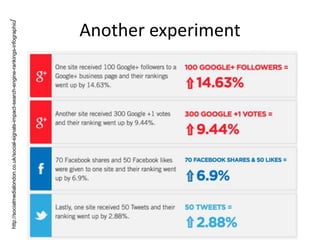
Another experiment
http://searchengineland.com/figz/wp-content/seloads/2013/01/bing-ads-current.png
Social media search engines 
• Find material that Google can’t 
• More current 
• Provide better insights into content
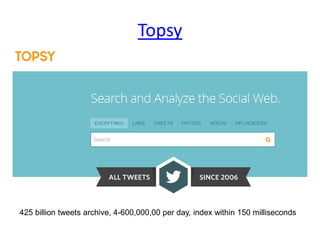
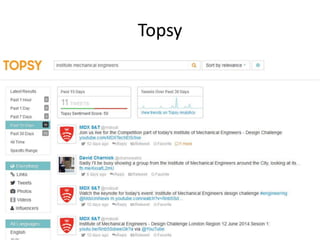
Topsy 
425 billion tweets archive, 4-600,000,00 per day, index within 150 milliseconds
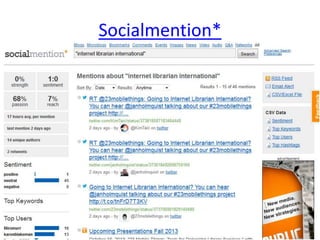
Socialmention*
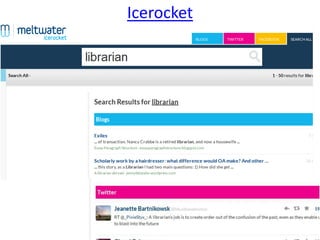
Icerocket
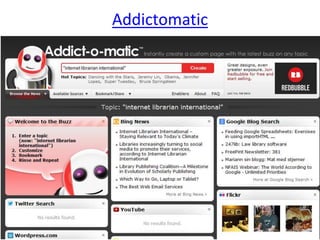
Addictomatic
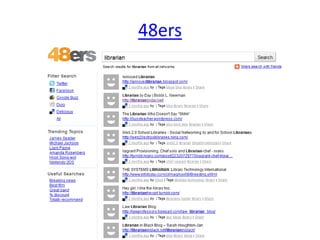
48ers
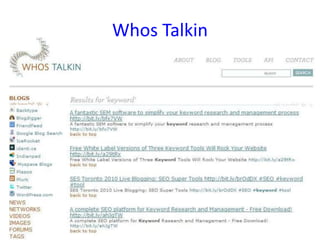
Whos Talkin
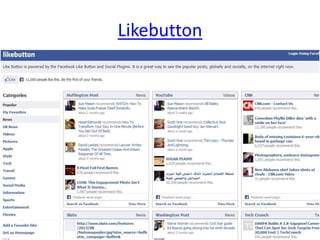
Likebutton
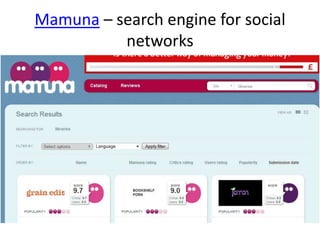
Mamuna – search engine for social 
networks
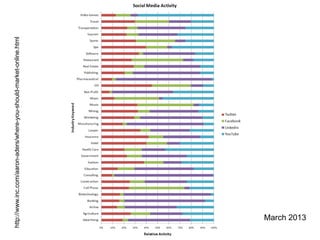
http://www.inc.com/aaron-aders/where-you-should-market-online.html 
March 2013
Social Media activities 
• Why? 
– People ask people that they know 
– People are getting used to participation and 
asking/answering questions 
– The conversations will take place regardless of 
your participation 
– Control is not possible – even of conversations 
about you/your organisation!
What are the dangers of using social 
media? 
• If you get involved in social media you may do 
something you’ll later regret
What are the dangers of NOT using 
social media? 
• You will damage your reputation. Worse, you 
won’t have a reputation at all. 
• You will not be taken seriously. 
• You will not keep up to date. 
• You will be out of the loop. For good.
“We don’t have a choice on 
whether we DO social 
media, the question is how 
well we DO it” 
– Erik Qualman (Author of Socialnomics)
Some of the tools 
• Blogging 
• Twitter 
• Facebook 
• LinkedIn 
• Pinterest 
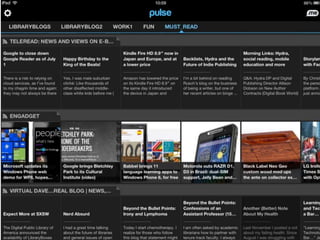
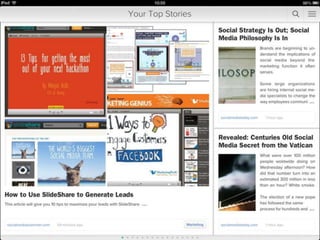
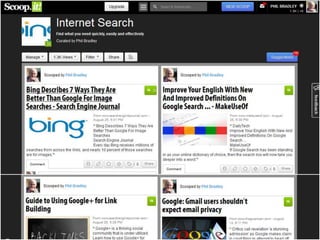
• Curation tools
Blogging 
• A blog (a truncation of the expression web 
log) is a discussion or informational site 
published on the Web and consisting of 
discrete entries ("posts") typically displayed in 
reverse chronological order 
• The majority are interactive, with people 
being able to leave comments 
• 1.3 million blogs as of Feb 22nd 2014
Types 
• Personal 
• Microblogging 
• Corporate and organisational 
• By genre (health, politics, travel etc) 
• Media type (Vlog, photoblog)
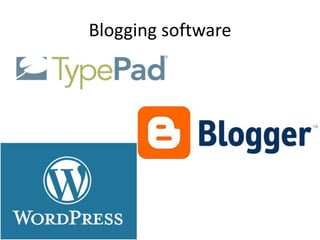
Blogging software
Things to remember 
• Content 
• ‘Voice’ 
• Authors 
• Media 
• Comments 
• How often 
• Incorporating in other social media
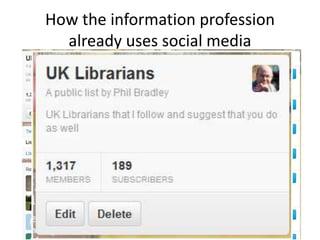
How the information profession 
already uses social media
Twitter 
• 400-600,000,000 per day 
• Goes back over 7 years, with 425 billion 
tweets 
• Firehose of current news, information and 
gossip
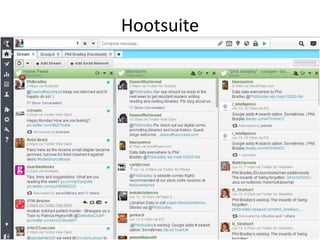
Hootsuite
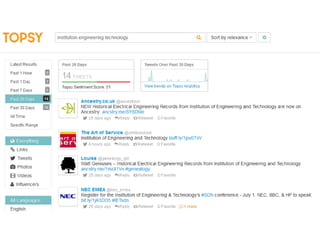
Topsy
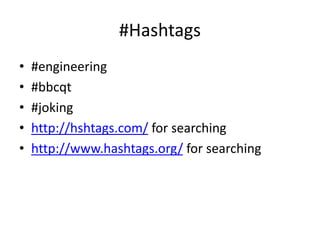
#Hashtags 
• #engineering 
• #bbcqt 
• #joking 
• http://hshtags.com/ for searching 
• http://www.hashtags.org/ for searching
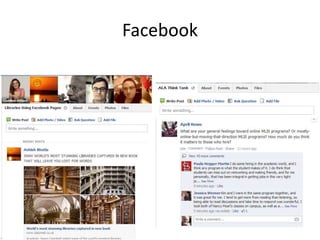
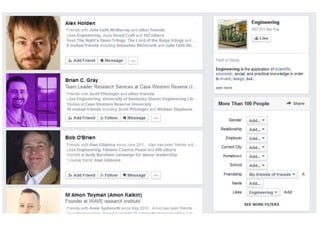
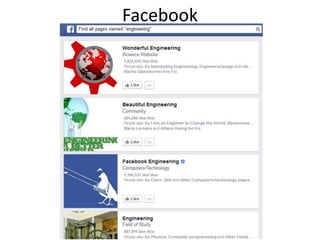
Facebook
Facebook 
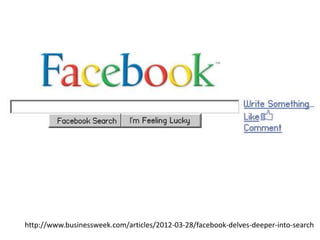
• Wants to be the internet 
• It sees the users as its fodder 
• The real users are the advertisers
http://www.businessweek.com/articles/2012-03-28/facebook-delves-deeper-into-search
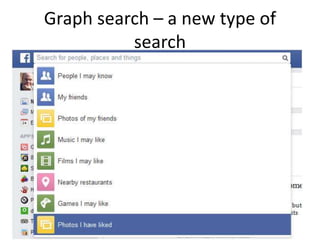
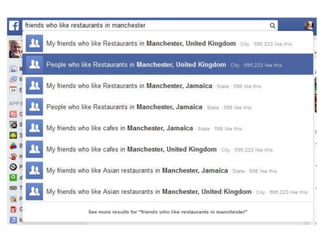
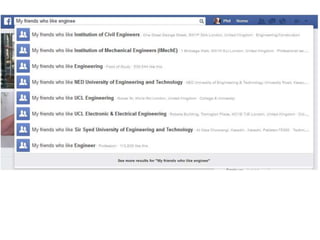
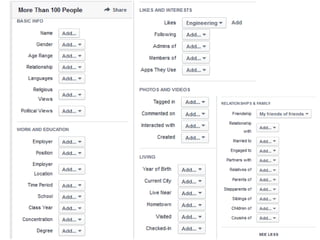
Graph search – a new type of 
search
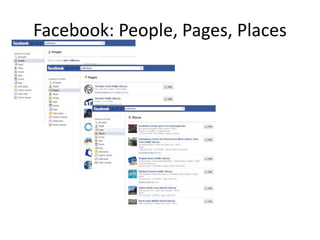
Facebook: People, Pages, Places
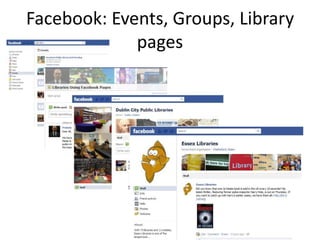
Facebook: Events, Groups, Library 
pages
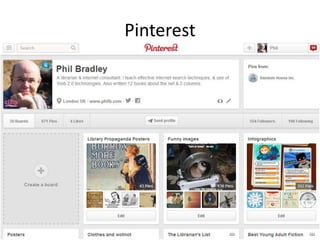
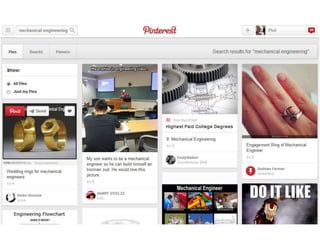
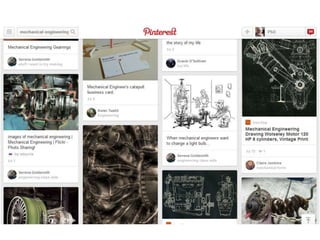
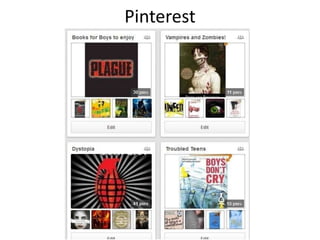
Pinterest
Pinterest
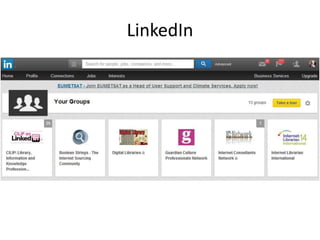
LinkedIn
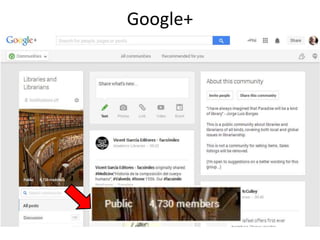
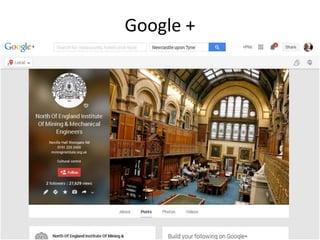
Google+
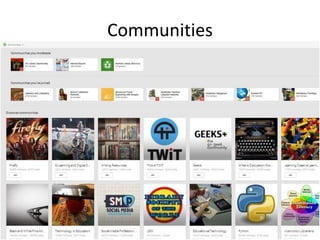
Communities
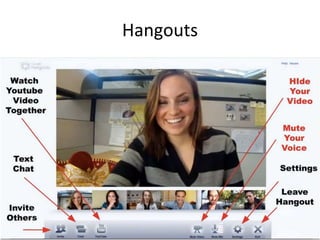
Hangouts
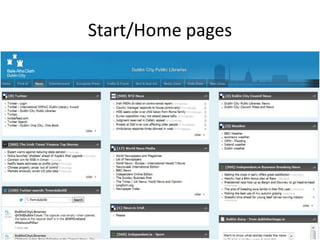
Start/Home pages
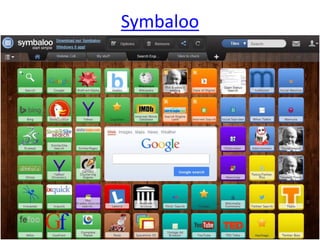
Symbaloo
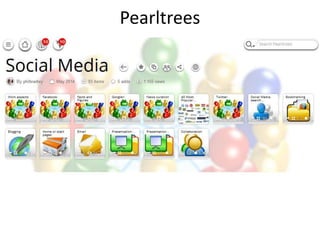
Pearltrees
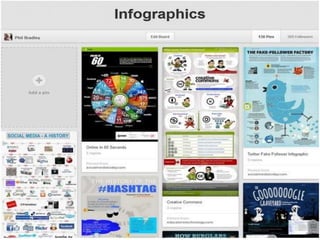
Infographics 
• Having infographics in blog posts increases the 
chance of them being shared by up to 832% 
» http://www.mediabistro.com/alltwitter/infographics-on-twitter_ 
b26840 
• Bigger images increase reader’s engagement 
with content by up to 600% 
» http://www.poynter.org/uncategorized/24963/eyetrack-iii- 
what-news-websites-look-like-through-readers-eyes/
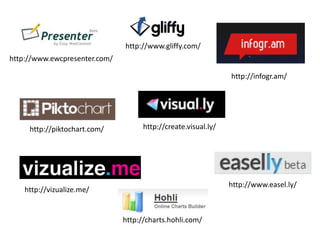
http://www.ewcpresenter.com/ 
http://infogr.am/ 
http://www.gliffy.com/ 
http://piktochart.com/ http://create.visual.ly/ 
http://www.easel.ly/ 
http://vizualize.me/ 
http://charts.hohli.com/
Finding infographics 
• Daily Infographic 
– http://dailyinfographic.com/ 
• Visual.ly 
– http://visual.ly/ 
• Infographic journal 
– http://infographicjournal.com/ 
• Alltop Infographics 
– http://infographics.alltop.com/
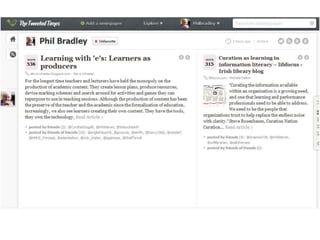
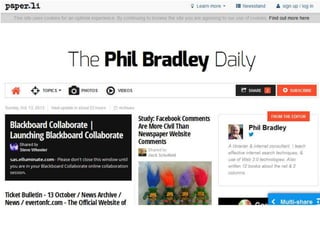
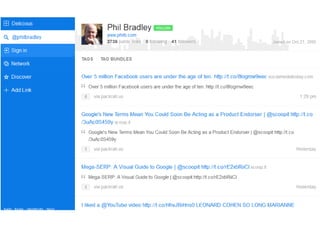
Curation tools
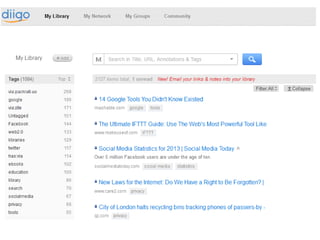
Bookmarks 
• Find material as you are generally browsing 
• Share it with others – who you don’t even 
know! 
• Link to your bookmarks 
• Have them linked to your website
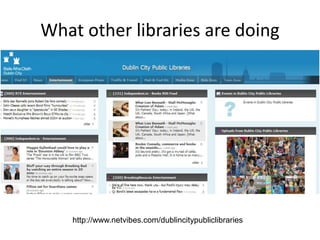
What other libraries are doing 
http://www.netvibes.com/dublincitypubliclibraries
Edinburgh Libraries
Google +
Facebook
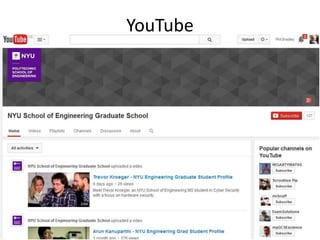
YouTube
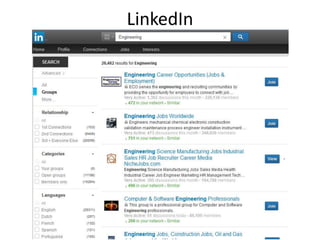
LinkedIn
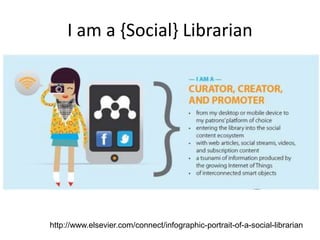
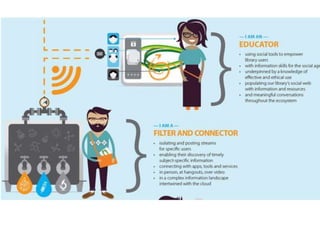
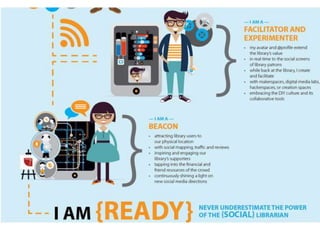
I am a {Social} Librarian 
http://www.elsevier.com/connect/infographic-portrait-of-a-social-librarian
In summary 
• Social results (that’s you!) are becoming more 
important 
• You can affect rankings 
• Go to where the conversations are 
• Websites less valuable as time goes on 
• People ask people they know 
• It’s all just information!
In summary 
• Traditional websites are decreasing in 
importance 
• The value and role of the individual is 
increasing 
• Knowledge gathering will increasingly be 
based around social/real time networks 
• The ability to manipulate information will 
become increasingly important
Thank You! 
• Email: philipbradley@gmail.com 
philb@philb.com 
• Web: http://www.philb.com 
• Blog: http://www.philbradley.typepad.com 
• Twitter: @philbradley 
• Facebook: /philipbradley 
• Slideshare: 
http://www.slideshare.net/Philbradley

Creating a social media presence

  • 1.
    Creating a goodpresence on social media Phil Bradley
  • 2.
    First things first... • What would you like to get out of today? • Visit http://padlet.com/philipbradley/cymal and let everyone know!
  • 3.
    Gary’s social mediacount • http://www.personalizemedia.com/garys-social- media-count/
  • 4.
  • 5.
    What are wetalking about? • Let’s just not go there shall we? • Definitions are less important than what you can do with it • The activity, not the tool is the key • Oh, if you really insist…
  • 6.
    The history: Web2.0 • Web 2.0 is a term often applied to a perceived ongoing transition of the World Wide Web from a collection of websites to a full-fledged computing platform serving web applications to end users. Ultimately Web 2.0 services are expected to replace desktop computing applications for many purposes. – Wikipedia entry
  • 7.
    And ‘social media’? The term Social Media refers to the use of web-based and mobile technologies to turn communication into an interactive dialogue. Andreas Kaplan and Michael Haenlein define social media as "a group of Internet-based applications that build on the ideological and technological foundations of Web 2.0, and that allow the creation and exchange of user-generated content.“ Social media are media for social interaction, as a superset beyond social communication. Enabled by ubiquitously accessible and scalable communication techniques, social media substantially change the way of communication between organizations, communities, as well as individuals. http://en.wikipedia.org/wiki/Social_media
  • 10.
    The old wayand the new way Pre-Social Media • Complicated – HTML, SEO, FTP – and that’s before you even start! • Computer based – Software and content on your machine or network • Installed software – You have to buy, install and update the software Now and the near future • Simple – Tools exist to create pages and resources for you • Cloud based – Save directly onto internet servers, without even realising it! • Browser based – You load the software when you need it
  • 11.
    The old wayand the new way • Solitary – You worked by yourself & sharing was difficult • Communication – Difficult and limited • Crowd based – Easy to share information eg b’marks • Communication – Probably too many ways to communicate now! See the conversation prism!
  • 12.
  • 13.
    The old wayand the new way • Data was in one place – The website ruled over everything • Control was through the website – Promotion, information, limited contact • Consumption – Of data • Data can be everywhere – Share data across different sites with 1 click • Control is dispersed – Weblogs, Twitter, Facebook groups • Creation – Of data
  • 14.
    The old wayand the new way • Web searching – Websites, page ranking • Information had to be tracked down – Searches run on a regular basis, slow and laborious • Information – Badged, owned, controlled • Internet searching – User Generated Content, value of the person • Information comes to the searcher – RSS feeds, news curation, alerting services • Information – Out in the wild, in different places, formats
  • 15.
    The old wayand the new way • Getting it right – Mistakes cost money • Desktops were king – Activity focussed around the machine • Speed and storage – Limited and expensive • Getting it fast – Speed is really important • Access is key – Laptops, notebooks, smartphones, smart tvs • B’band and terabytes – Available and cheap
  • 16.
  • 17.
    Daily Telegraph 3/1/14http://bit.ly/1atlAQa
  • 18.
    The old wayand the new way • Web 1.0 was about limitations – Control in the hands of a few • Strict and clear roles • Social media is about free access to information • Roles now blurred
  • 19.
  • 20.
    60 seconds in2013 http://blog.qmee.com/qmee-online-in-60-seconds/
  • 21.
    60 seconds in2014 • 2,709,905 Google searches • 252,527,018 emails sent • 771 new websites created • 975,624 new Facebook likes • 354,203 new tweets • 104 hours of video uploaded onto YouTube • 3,357 new photos uploaded onto Flickr
  • 22.
  • 23.
  • 24.
  • 25.
    Social media insearch Summer of 2012
  • 26.
  • 27.
    March 2014 Me(website) Me (Google+) Me (weblog) Me (Twitter) Me (Slideshare) Me (CILIP Website) Baseball Player Baseball Player Me (Flickr) Me (Flickr) Me (Flickr)
  • 28.
    March 2014 page2 Me (Pinterest) Baseball Star Baseball Star Me (YouTube stream) Me (Google+) Images Me (Other website) Amazon Me (Slideshare) Baseball Star Me (LinkedIn)
  • 29.
    Social signals andranking: Bing and Google • How many tweets/retweets a URL has • The authority of the person tweeting the URL • The number of Facebook shares/like a URL has • How many +1s a URL has
  • 30.
    Case study •Moz published a beginners guide to SEO, and Smashing magazine tweeted it out
  • 31.
  • 32.
  • 33.
    Social media searchengines • Find material that Google can’t • More current • Provide better insights into content
  • 34.
    Topsy 425 billiontweets archive, 4-600,000,00 per day, index within 150 milliseconds
  • 35.
  • 36.
  • 37.
  • 38.
  • 39.
  • 40.
  • 41.
    Mamuna – searchengine for social networks
  • 42.
  • 43.
    Social Media activities • Why? – People ask people that they know – People are getting used to participation and asking/answering questions – The conversations will take place regardless of your participation – Control is not possible – even of conversations about you/your organisation!
  • 44.
    What are thedangers of using social media? • If you get involved in social media you may do something you’ll later regret
  • 45.
    What are thedangers of NOT using social media? • You will damage your reputation. Worse, you won’t have a reputation at all. • You will not be taken seriously. • You will not keep up to date. • You will be out of the loop. For good.
  • 46.
    “We don’t havea choice on whether we DO social media, the question is how well we DO it” – Erik Qualman (Author of Socialnomics)
  • 47.
    Some of thetools • Blogging • Twitter • Facebook • LinkedIn • Pinterest • Curation tools
  • 48.
    Blogging • Ablog (a truncation of the expression web log) is a discussion or informational site published on the Web and consisting of discrete entries ("posts") typically displayed in reverse chronological order • The majority are interactive, with people being able to leave comments • 1.3 million blogs as of Feb 22nd 2014
  • 49.
    Types • Personal • Microblogging • Corporate and organisational • By genre (health, politics, travel etc) • Media type (Vlog, photoblog)
  • 50.
  • 51.
    Things to remember • Content • ‘Voice’ • Authors • Media • Comments • How often • Incorporating in other social media
  • 52.
    How the informationprofession already uses social media
  • 53.
    Twitter • 400-600,000,000per day • Goes back over 7 years, with 425 billion tweets • Firehose of current news, information and gossip
  • 54.
  • 55.
  • 57.
    #Hashtags • #engineering • #bbcqt • #joking • http://hshtags.com/ for searching • http://www.hashtags.org/ for searching
  • 58.
  • 59.
    Facebook • Wantsto be the internet • It sees the users as its fodder • The real users are the advertisers
  • 60.
  • 61.
    Graph search –a new type of search
  • 66.
  • 67.
  • 68.
  • 72.
  • 73.
  • 74.
  • 75.
  • 76.
  • 77.
  • 78.
  • 79.
  • 81.
    Infographics • Havinginfographics in blog posts increases the chance of them being shared by up to 832% » http://www.mediabistro.com/alltwitter/infographics-on-twitter_ b26840 • Bigger images increase reader’s engagement with content by up to 600% » http://www.poynter.org/uncategorized/24963/eyetrack-iii- what-news-websites-look-like-through-readers-eyes/
  • 82.
    http://www.ewcpresenter.com/ http://infogr.am/ http://www.gliffy.com/ http://piktochart.com/ http://create.visual.ly/ http://www.easel.ly/ http://vizualize.me/ http://charts.hohli.com/
  • 83.
    Finding infographics •Daily Infographic – http://dailyinfographic.com/ • Visual.ly – http://visual.ly/ • Infographic journal – http://infographicjournal.com/ • Alltop Infographics – http://infographics.alltop.com/
  • 84.
  • 90.
    Bookmarks • Findmaterial as you are generally browsing • Share it with others – who you don’t even know! • Link to your bookmarks • Have them linked to your website
  • 93.
    What other librariesare doing http://www.netvibes.com/dublincitypubliclibraries
  • 94.
  • 95.
  • 96.
  • 97.
  • 98.
  • 99.
    I am a{Social} Librarian http://www.elsevier.com/connect/infographic-portrait-of-a-social-librarian
  • 102.
    In summary •Social results (that’s you!) are becoming more important • You can affect rankings • Go to where the conversations are • Websites less valuable as time goes on • People ask people they know • It’s all just information!
  • 103.
    In summary •Traditional websites are decreasing in importance • The value and role of the individual is increasing • Knowledge gathering will increasingly be based around social/real time networks • The ability to manipulate information will become increasingly important
  • 105.
    Thank You! •Email: philipbradley@gmail.com philb@philb.com • Web: http://www.philb.com • Blog: http://www.philbradley.typepad.com • Twitter: @philbradley • Facebook: /philipbradley • Slideshare: http://www.slideshare.net/Philbradley