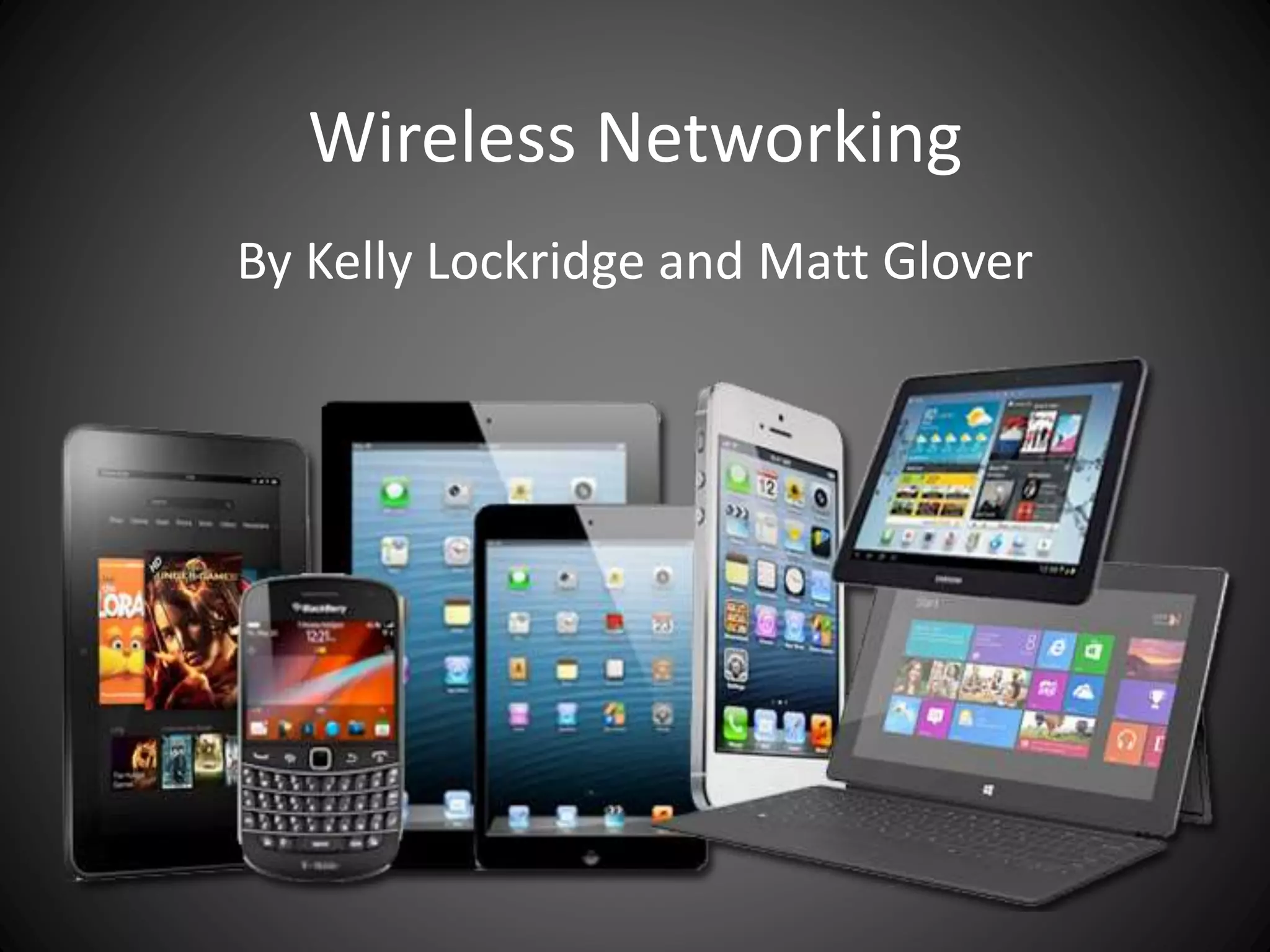
Wireless Networking
By Kelly Lockridge and Matt Glover
What is wireless
• A wireless LAN or WLAN is a wireless local
area network that uses radio waves as its
carrier. The last link with the users is wireless,
to give a network connection to all users in a
building or campus. The backbone network
usually uses cables. Wireless networks have
redesigned schools and has had a large impact
on student learning.
Wireless Networking
• As school media centers continue to transform
into digital learning spaces, they become more
dependent on connected learning. Children
can be given better access to their curriculum
entitlement by taking facilities to them where
they are needed.
Wireless Networking
• Wireless networks in schools are a growing
trend. With devices as bring your own device,
laptops, smart phones, Apple TVs, Rokus, and
video conferences systems are changing the
traditional media center.
Wireless Networking
• Wireless alternatives have come on strong in
the last decade. Wireless data networks
(WLANs) may be based on microwave, IR
(infrared) or RF (radio frequency)
technologies. In total, wireless is increasingly
viable--and in specific instances, compelling--
for mainstream data networking in K-12
schools.
Benefits of Wireless LAN
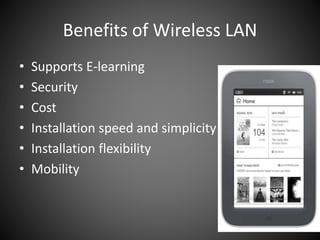
• Supports E-learning
• Security
• Cost
• Installation speed and simplicity
• Installation flexibility
• Mobility
Benefits of Wireless LAN
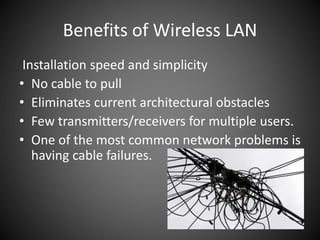
Installation speed and simplicity
• No cable to pull
• Eliminates current architectural obstacles
• Few transmitters/receivers for multiple users.
• One of the most common network problems is
having cable failures.
Benefits of Wireless LAN
Cost
• Mobile devices are less expensive than
computer workstations especially for library
media funding.
• The need to have to run cables through walls
and ceilings are eliminated with a wireless
LAN.
Benefits of Wireless LAN
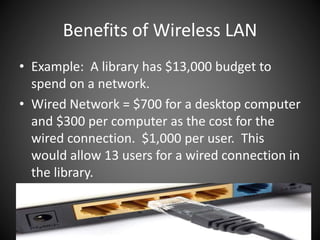
• Example: A library has $13,000 budget to
spend on a network.
• Wired Network = $700 for a desktop computer
and $300 per computer as the cost for the
wired connection. $1,000 per user. This
would allow 13 users for a wired connection in
the library.
Benefits of Wireless LAN
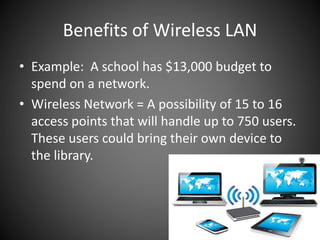
• Example: A school has $13,000 budget to
spend on a network.
• Wireless Network = A possibility of 15 to 16
access points that will handle up to 750 users.
These users could bring their own device to
the library.
Benefits of Wireless LAN
Installation Flexibility
• In the library, the network goes where wires
cannot. With wireless, the library is not
constrained by expensive walls. With the
flexibility of wireless networking, it is easy to
add more computers or devices in the library.
Benefits of Wireless LAN
Mobility
• No matter if we’re at home, at work, in school
or the library, we’re always connected.
Everywhere we go, we demand it and in many
cases expect it. Over the last 7 -10 years the
explosion of mobile devices and applications
has changed how we’re accessing our
networks. What used to be primarily Ethernet
is being replaced by wireless or (mobility).
Benefits of Wireless LAN
Mobility
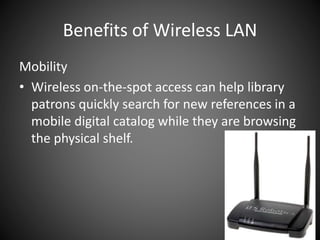
• Wireless on-the-spot access can help library
patrons quickly search for new references in a
mobile digital catalog while they are browsing
the physical shelf.
Benefits of Wireless LAN
Mobility
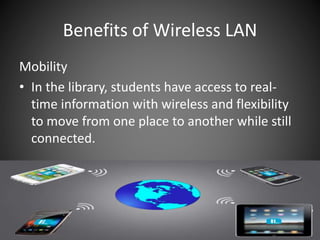
• In the library, students have access to real-
time information with wireless and flexibility
to move from one place to another while still
connected.
Benefits of Wireless LAN
Security
• WLANs are protected with strong
authentication and encryption technology.
They are able to identify and apply security
policies based on who the user is, what type
of device, how it is authenticating, and when
and where it is connecting.
Benefits of Wireless LAN
Security
• Wireless networks are improving as the times
change. Wireless networks are now meeting
the needs of BYOD, which typically breaks
traditional security system. This allows an
opportunity for students to have a variety of
devices in the library.
Benefits of Wireless LAN
Security
• These new improvements to wireless
networking has application control so not only
can you see what applications your users are
using, but also control which ones they are
allowed to use based on role. These setting
will allow the media specialist to manage
applications and analyze how they are being
used.
Benefits of Wireless LAN
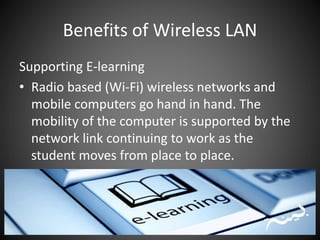
Supporting E-learning
• Radio based (Wi-Fi) wireless networks and
mobile computers go hand in hand. The
mobility of the computer is supported by the
network link continuing to work as the
student moves from place to place.
Benefits of Wireless LAN
Supporting E-learning
• On average today’s students are using between 3-
5 devices and it’s becoming the expectation that
our schools not only support those devices but to
utilize them to enhance the curriculum being
taught inside the classroom. E-mail, e-books, and
e-learning seems to be e-oriented these days,
especially in school libraries. When middle and
high school students were surveyed, they
answered that school Wi-Fi was one of the things
that they most desired.
Benefits of Wireless LAN
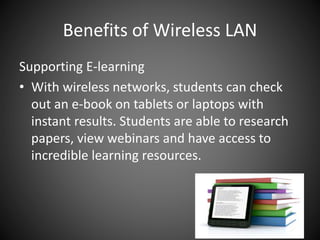
Supporting E-learning
• With wireless networks, students can check
out an e-book on tablets or laptops with
instant results. Students are able to research
papers, view webinars and have access to
incredible learning resources.
Components of Wireless Network
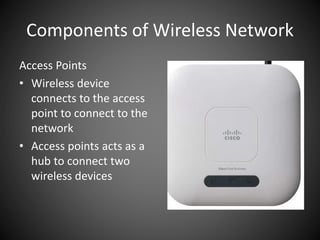
Access Points
• Wireless device
connects to the access
point to connect to the
network
• Access points acts as a
hub to connect two
wireless devices
Components of Wireless Network
Access Points
• In computer networking, a wireless access
point (AP) is a device that allows wireless
devices to connect to a wired network using
Wi-Fi, or related standards. The AP usually
connects to a router as a standalone device,
but it can also be an integral component of
the router itself.
Components of Wireless Network
• IEEE 802.11 is a set of media access control
(MAC) and physical layer (PHY) specifications
for implementing wireless local area network
(WLAN) computer communication. They are
different types of 802.11 LAN standards.
Components of Wireless Network
1. 802.11g
• Pros of 802.11g - fast maximum speed; signal
range is good and not easily obstructed
• Cons of 802.11g - costs more than 802.11b;
appliances may interfere on the unregulated
signal frequency
Components of Wireless Network
2. 802.11n
• Pros of 802.11n - fastest maximum speed and
best signal range; more resistant to signal
interference from outside sources
• Cons of 802.11n - standard is not yet
finalized; costs more than 802.11g; the use of
multiple signals may greatly interfere with
nearby 802.11b/g based networks.
Components of Wireless Network
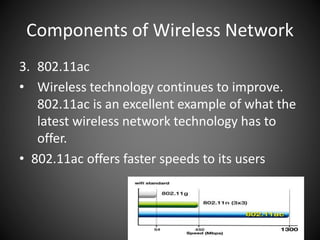
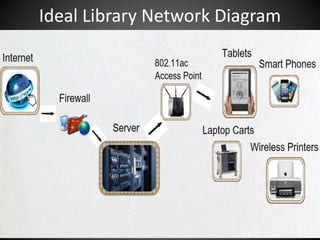
3. 802.11ac
• Wireless technology continues to improve.
802.11ac is an excellent example of what the
latest wireless network technology has to
offer.
• 802.11ac offers faster speeds to its users
Ideal Library Network Diagram
References
Tyre, T. (1999). Wired vs wireless: Fitting the pieces.
Curriculum Administrator, 35(5), 30.
FREDRICK, K. k. (2015). BYOD and 1:1--Living the Mobile Life.
School Library Monthly, 31(5), 24-26.
How Much Does a School Wireless Network Cost vs. a Wired
Network? (n.d.). Retrieved May 22, 2015, from
http://www.securedgenetworks.com/strategy-blog/How-
Much-Does-a-School-Wireless-Network-Cost-vs-a-Wired-
Network
Future-Proofing Your School Wireless Network with 802.11ac.
(n.d.). Retrieved May 25, 2015, from
http://www.securedgenetworks.com/mobility-blog/future-
proofing-your-school-wireless-network-with-802.11ac

Wireless network

  • 1.
    Wireless Networking By KellyLockridge and Matt Glover
  • 2.
    What is wireless •A wireless LAN or WLAN is a wireless local area network that uses radio waves as its carrier. The last link with the users is wireless, to give a network connection to all users in a building or campus. The backbone network usually uses cables. Wireless networks have redesigned schools and has had a large impact on student learning.
  • 3.
    Wireless Networking • Asschool media centers continue to transform into digital learning spaces, they become more dependent on connected learning. Children can be given better access to their curriculum entitlement by taking facilities to them where they are needed.
  • 4.
    Wireless Networking • Wirelessnetworks in schools are a growing trend. With devices as bring your own device, laptops, smart phones, Apple TVs, Rokus, and video conferences systems are changing the traditional media center.
  • 5.
    Wireless Networking • Wirelessalternatives have come on strong in the last decade. Wireless data networks (WLANs) may be based on microwave, IR (infrared) or RF (radio frequency) technologies. In total, wireless is increasingly viable--and in specific instances, compelling-- for mainstream data networking in K-12 schools.
  • 6.
    Benefits of WirelessLAN • Supports E-learning • Security • Cost • Installation speed and simplicity • Installation flexibility • Mobility
  • 7.
    Benefits of WirelessLAN Installation speed and simplicity • No cable to pull • Eliminates current architectural obstacles • Few transmitters/receivers for multiple users. • One of the most common network problems is having cable failures.
  • 8.
    Benefits of WirelessLAN Cost • Mobile devices are less expensive than computer workstations especially for library media funding. • The need to have to run cables through walls and ceilings are eliminated with a wireless LAN.
  • 9.
    Benefits of WirelessLAN • Example: A library has $13,000 budget to spend on a network. • Wired Network = $700 for a desktop computer and $300 per computer as the cost for the wired connection. $1,000 per user. This would allow 13 users for a wired connection in the library.
  • 10.
    Benefits of WirelessLAN • Example: A school has $13,000 budget to spend on a network. • Wireless Network = A possibility of 15 to 16 access points that will handle up to 750 users. These users could bring their own device to the library.
  • 11.
    Benefits of WirelessLAN Installation Flexibility • In the library, the network goes where wires cannot. With wireless, the library is not constrained by expensive walls. With the flexibility of wireless networking, it is easy to add more computers or devices in the library.
  • 12.
    Benefits of WirelessLAN Mobility • No matter if we’re at home, at work, in school or the library, we’re always connected. Everywhere we go, we demand it and in many cases expect it. Over the last 7 -10 years the explosion of mobile devices and applications has changed how we’re accessing our networks. What used to be primarily Ethernet is being replaced by wireless or (mobility).
  • 13.
    Benefits of WirelessLAN Mobility • Wireless on-the-spot access can help library patrons quickly search for new references in a mobile digital catalog while they are browsing the physical shelf.
  • 14.
    Benefits of WirelessLAN Mobility • In the library, students have access to real- time information with wireless and flexibility to move from one place to another while still connected.
  • 15.
    Benefits of WirelessLAN Security • WLANs are protected with strong authentication and encryption technology. They are able to identify and apply security policies based on who the user is, what type of device, how it is authenticating, and when and where it is connecting.
  • 16.
    Benefits of WirelessLAN Security • Wireless networks are improving as the times change. Wireless networks are now meeting the needs of BYOD, which typically breaks traditional security system. This allows an opportunity for students to have a variety of devices in the library.
  • 17.
    Benefits of WirelessLAN Security • These new improvements to wireless networking has application control so not only can you see what applications your users are using, but also control which ones they are allowed to use based on role. These setting will allow the media specialist to manage applications and analyze how they are being used.
  • 18.
    Benefits of WirelessLAN Supporting E-learning • Radio based (Wi-Fi) wireless networks and mobile computers go hand in hand. The mobility of the computer is supported by the network link continuing to work as the student moves from place to place.
  • 19.
    Benefits of WirelessLAN Supporting E-learning • On average today’s students are using between 3- 5 devices and it’s becoming the expectation that our schools not only support those devices but to utilize them to enhance the curriculum being taught inside the classroom. E-mail, e-books, and e-learning seems to be e-oriented these days, especially in school libraries. When middle and high school students were surveyed, they answered that school Wi-Fi was one of the things that they most desired.
  • 20.
    Benefits of WirelessLAN Supporting E-learning • With wireless networks, students can check out an e-book on tablets or laptops with instant results. Students are able to research papers, view webinars and have access to incredible learning resources.
  • 21.
    Components of WirelessNetwork Access Points • Wireless device connects to the access point to connect to the network • Access points acts as a hub to connect two wireless devices
  • 22.
    Components of WirelessNetwork Access Points • In computer networking, a wireless access point (AP) is a device that allows wireless devices to connect to a wired network using Wi-Fi, or related standards. The AP usually connects to a router as a standalone device, but it can also be an integral component of the router itself.
  • 23.
    Components of WirelessNetwork • IEEE 802.11 is a set of media access control (MAC) and physical layer (PHY) specifications for implementing wireless local area network (WLAN) computer communication. They are different types of 802.11 LAN standards.
  • 24.
    Components of WirelessNetwork 1. 802.11g • Pros of 802.11g - fast maximum speed; signal range is good and not easily obstructed • Cons of 802.11g - costs more than 802.11b; appliances may interfere on the unregulated signal frequency
  • 25.
    Components of WirelessNetwork 2. 802.11n • Pros of 802.11n - fastest maximum speed and best signal range; more resistant to signal interference from outside sources • Cons of 802.11n - standard is not yet finalized; costs more than 802.11g; the use of multiple signals may greatly interfere with nearby 802.11b/g based networks.
  • 26.
    Components of WirelessNetwork 3. 802.11ac • Wireless technology continues to improve. 802.11ac is an excellent example of what the latest wireless network technology has to offer. • 802.11ac offers faster speeds to its users
  • 27.
  • 28.
    References Tyre, T. (1999).Wired vs wireless: Fitting the pieces. Curriculum Administrator, 35(5), 30. FREDRICK, K. k. (2015). BYOD and 1:1--Living the Mobile Life. School Library Monthly, 31(5), 24-26. How Much Does a School Wireless Network Cost vs. a Wired Network? (n.d.). Retrieved May 22, 2015, from http://www.securedgenetworks.com/strategy-blog/How- Much-Does-a-School-Wireless-Network-Cost-vs-a-Wired- Network Future-Proofing Your School Wireless Network with 802.11ac. (n.d.). Retrieved May 25, 2015, from http://www.securedgenetworks.com/mobility-blog/future- proofing-your-school-wireless-network-with-802.11ac