WINDOWS
AZURE
OFFICE 365
ENTERPRISE MOBILITY SUITE
OPERATIONS MANAGEMENT SUITE
AZURE STACK
HYPER-V
WINDOWS
Windows 10 Deployment with
Microsoft Deployment Toolkit
Roel van Bueren (roel@setupcommander.com)
WINDOWS
Roel van Bueren
ROVABU Software BV
WINDOWS
Roel van Bueren
WINDOWS
Setup Commander
WINDOWS
Setup Commander
WINDOWS
Setup Commander
WINDOWS
WINDOWS
WINDOWS
WINDOWS
WINDOWS
Slideshare
WINDOWS
Twitter
WINDOWSWINDOWS
MDT 2013 Update 1 and the
ADK for Windows 10
WINDOWS
MDT 2013 Update 1
WINDOWS
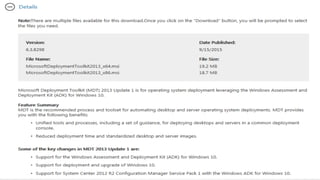
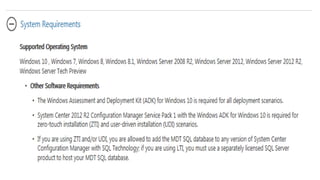
Microsoft Deployment Toolkit
(MDT) 2013 Update 1 Overview
WINDOWS
MDT 2013 Update 1
WINDOWS
MDT 2013 Update 1
WINDOWS
Microsoft Deployment Toolkit
(MDT) 2013 Update 1 Overview
WINDOWS
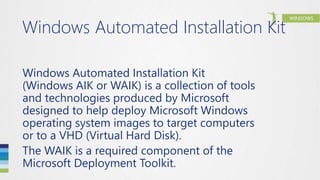
Windows Automated Installation Kit
(Windows AIK or WAIK) is a collection of tools
and technologies produced by Microsoft
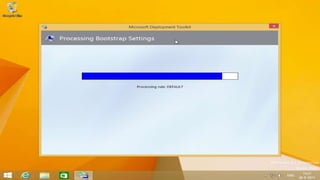
designed to help deploy Microsoft Windows
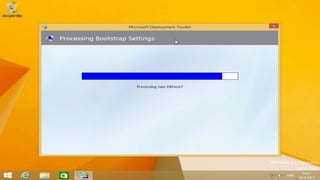
operating system images to target computers
or to a VHD (Virtual Hard Disk).
The WAIK is a required component of the
Microsoft Deployment Toolkit.
WINDOWS
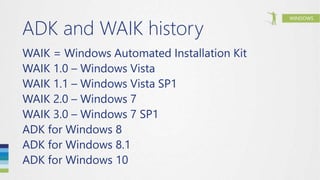
ADK and WAIK history
WAIK = Windows Automated Installation Kit
WAIK 1.0 – Windows Vista
WAIK 1.1 – Windows Vista SP1
WAIK 2.0 – Windows 7
WAIK 3.0 – Windows 7 SP1
ADK for Windows 8
ADK for Windows 8.1
ADK for Windows 10
WINDOWS
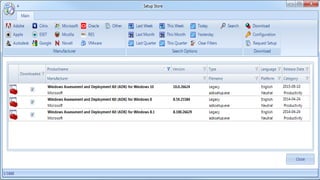
Windows Assessment and
Deployment Kit (ADK)
Overview
WINDOWSWINDOWS
Deployment Scenario’s
WINDOWS
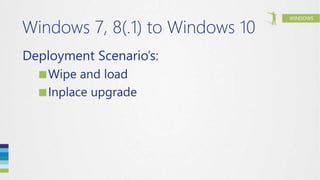
Windows 7, 8(.1) to Windows 10
Deployment Scenario’s:
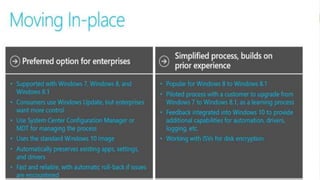
■Wipe and load
■Inplace upgrade
WINDOWS
MDT 2013 Update 1
Windows 10 is adding in a new
deployment scenario, the inplace
upgrade scenario, which at this point in
time has been tested by millions of
Windows Insiders around the globe.
WINDOWS
MDT 2013 Update 1
Windows 10 is adding in a new
deployment scenario, the inplace
upgrade scenario, which at this point in
time has been tested by millions of
Windows Insiders around the globe.
WINDOWS
Wipe and Load or Upgrade
http://www.setupcommander.com
WINDOWS
Windows 8.1 Upgrade
WINDOWSWINDOWS
Wipe-and-load or Upgrade?
WINDOWS
Inplace upgrade
For a start, the inplace upgrade is quite
interesting in the way it technically
doesn’t require any new infrastructure,
no new ADK, no new boot images etc.
WINDOWS
Inplace upgrade
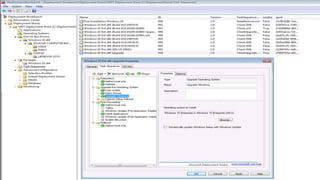
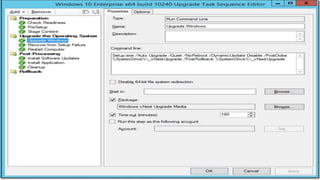
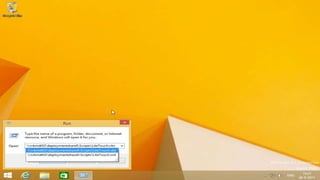
It’s simply running setup.exe with some
command line switches, and you can
upgrade from Windows 7, Windows 8,
and Windows 8.1.
This scenario also makes sure all apps
and data are still there when the
machine is upgraded
WINDOWS
Inplace upgrade
WINDOWS
Inplace upgrade
You can’t use an reference image that
already have applications in it, you have
to use the Microsoft media.
There are restrictions for 3rd party
antivirus and disk encryptions, that
typically have to be uninstalled
No upgrade from x86 to x64 (and vice
versa)
WINDOWS
Inplace upgrade
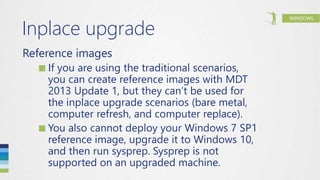
Reference images
■If you are using the traditional scenarios,
you can create reference images with MDT
2013 Update 1, but they can’t be used for
the inplace upgrade scenarios (bare metal,
computer refresh, and computer replace).
■You also cannot deploy your Windows 7 SP1
reference image, upgrade it to Windows 10,
and then run sysprep. Sysprep is not
supported on an upgraded machine.
WINDOWS
Inplace upgrade
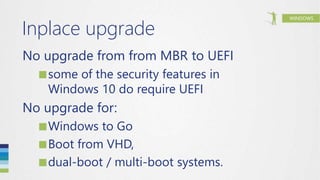
No upgrade from from MBR to UEFI
■some of the security features in
Windows 10 do require UEFI
No upgrade for:
■Windows to Go
■Boot from VHD,
■dual-boot / multi-boot systems.
WINDOWS
Wipe and Load or Upgrade
http://www.setupcommander.com
WINDOWS
http://www.setupcommander.com
WINDOWS
http://www.setupcommander.com
WINDOWS
http://www.setupcommander.com
WINDOWS
WINDOWS
http://www.setupcommander.com
WINDOWS
http://www.setupcommander.com
WINDOWS
http://www.setupcommander.com
WINDOWSWINDOWS
Still on Windows XP?
WINDOWS
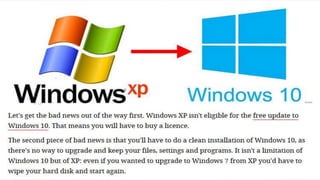
Windows XP to Windows 10
Deployment Scenario’s:
■Wipe-and-load
WINDOWS
Windows XP to Windows 10
Deployment Scenario’s:
■Wipe-and-load
WINDOWSWINDOWS
Wipe-and-load
WINDOWS
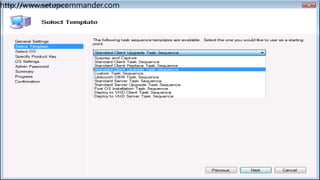
WINDOWS
WINDOWS
WINDOWS
WINDOWS
CustomSettings.ini
WINDOWS
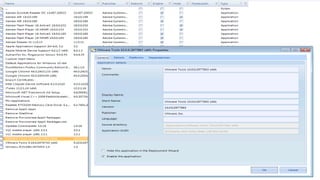
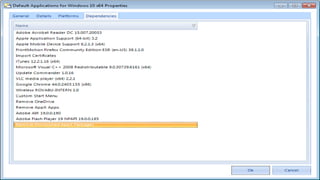
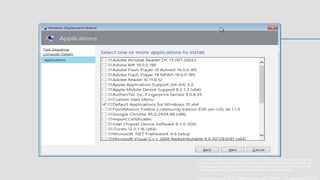
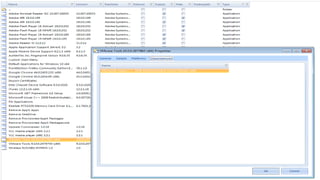
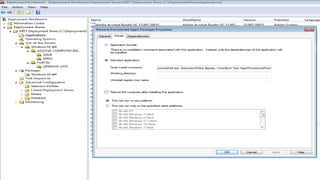
Applications
WINDOWS
Applications
WINDOWS
Applications
WINDOWS
Applications
WINDOWS
Applications
WINDOWS
Applications
WINDOWS
Applications
WINDOWS
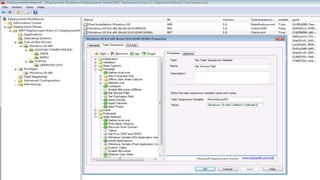
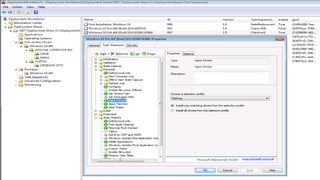
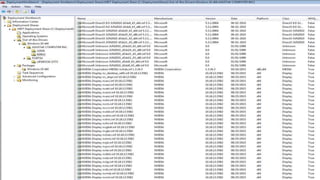
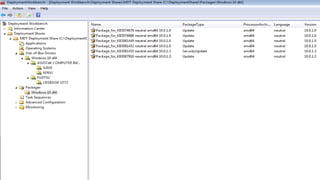
Drivers
WINDOWS
Drivers
WINDOWS
Drivers
WINDOWS
Drivers
WINDOWS
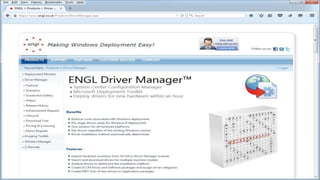
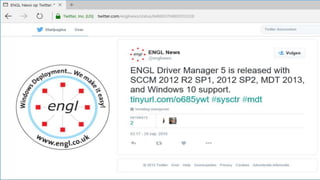
ENGL Driver Manager
WINDOWS
Drivers
WINDOWS
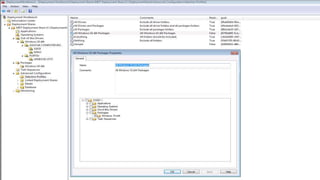
Packages
WINDOWS
Packages
WINDOWS
Packages
WINDOWS
Packages
WINDOWS
Packages
WINDOWS
Packages
WINDOWS
Packages
WINDOWSWINDOWS
Universal Windows Platform
(UWP) apps (Windows store
apps) versus Windows
desktop apps
WINDOWS
WINDOWS
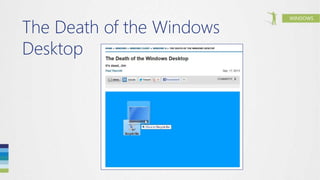
The Death of the Windows
Desktop
WINDOWS
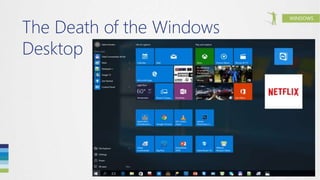
The Death of the Windows
Desktop
WINDOWS
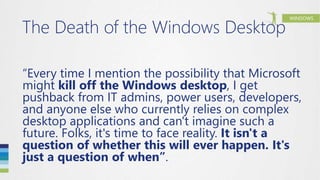
The Death of the Windows Desktop
“Every time I mention the possibility that Microsoft
might kill off the Windows desktop, I get
pushback from IT admins, power users, developers,
and anyone else who currently relies on complex
desktop applications and can't imagine such a
future. Folks, it's time to face reality. It isn't a
question of whether this will ever happen. It's
just a question of when”.
WINDOWS
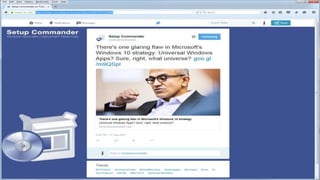
There's one glaring flaw in
Microsoft's Windows 10
strategy
WINDOWS
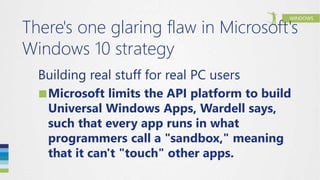
There's one glaring flaw in Microsoft's
Windows 10 strategy
Building real stuff for real PC users
■Microsoft limits the API platform to build
Universal Windows Apps, Wardell says,
such that every app runs in what
programmers call a "sandbox," meaning
that it can't "touch" other apps.
WINDOWS
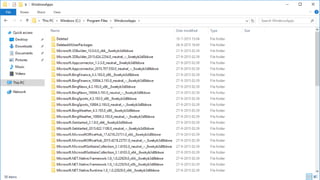
Windows Apps
WINDOWS
Windows Apps
WINDOWS
Windows Apps
WINDOWS
Windows Apps
WINDOWS
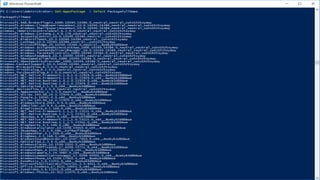
Get-AppXPackage
WINDOWS
Get-AppXPackage
WINDOWS
Remove-AppXPackage
Removes an app package (.appx) from a
user account.
WINDOWS
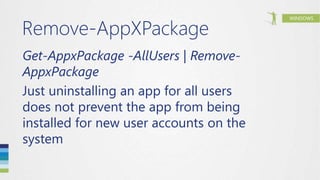
Remove-AppXPackage
Get-AppxPackage -AllUsers | Remove-
AppxPackage
Just uninstalling an app for all users
does not prevent the app from being
installed for new user accounts on the
system
WINDOWS
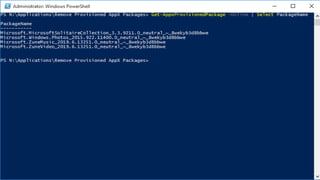
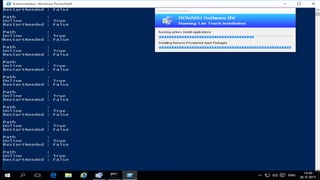
Get-AppXProvisionPackage
Gets information about app packages
(.appx) in an image that will be installed
for each new user
WINDOWS
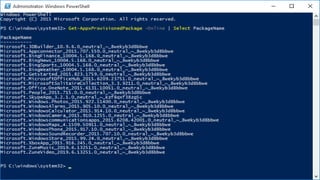
Get-AppXProvisionPackage
WINDOWS
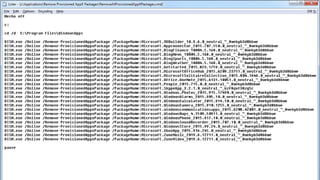
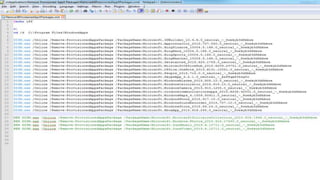
Remove-ProvisionedAppXPackage
Removes an app package (.appx) from a
Windows image.
WINDOWS
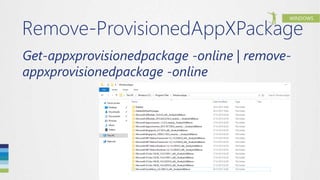
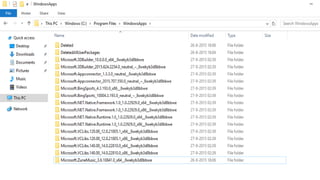
Remove-ProvisionedAppXPackage
Get-appxprovisionedpackage -online | remove-
appxprovisionedpackage -online
WINDOWS
Remove-ProvisionedAppXPackage
Get-appxprovisionedpackage -online | remove-
appxprovisionedpackage -online
WINDOWS
Deployment Image Servicing and
Management Tool (DISM.exe)
DISM enumerates, uninstalls, configures and
updates features and packages in Windows
images
The Commands that are available depend on
the image being serviced and whether the
image is offline or running (online)
WINDOWS
Remove-
ProvisionedAppXPackage
WINDOWS
Remove-
ProvisionedAppXPackage
WINDOWS
Remove-
ProvisionedAppXPackage
WINDOWS
Remove-
ProvisionedAppXPackage
WINDOWS
Remove-
ProvisionedAppxPackage
WINDOWS
Remove-
ProvisionedAppxPackage
WINDOWSWINDOWS
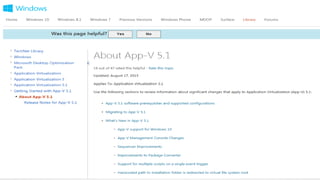
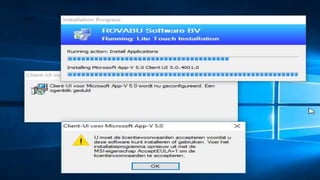
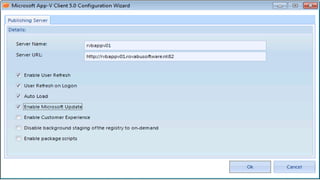
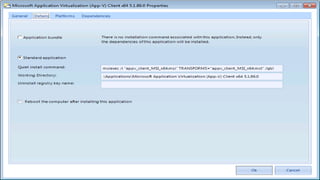
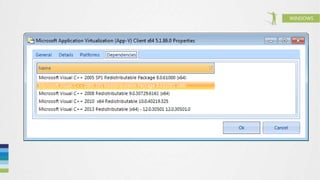
App-V 5
WINDOWS
App-V 5
WINDOWSApp-V 5
WINDOWSApp-V 5
WINDOWSApp-V 5
WINDOWS
WINDOWSWINDOWS
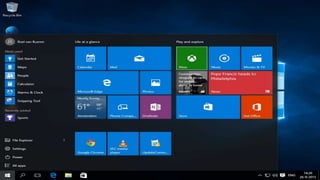
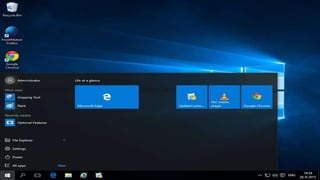
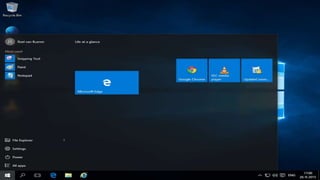
Start Menu
WINDOWS
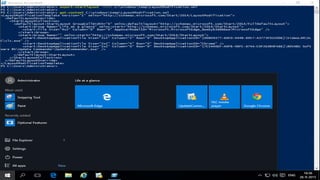
Export-StartLayout
WINDOWS
Export-StartLayout
WINDOWS
Export-StartLayout
WINDOWS
Export-StartLayout
WINDOWS
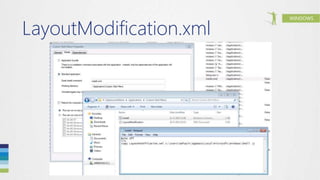
LayoutModification.xml
Import-StartLayout -LayoutPath
C:TempLayoutModification.xml -
MountPath $env:SystemDrive
Copy LayoutModification.xml to
C:UsersDefaultAppDataLocalMicros
oftWindowsShell
WINDOWS
LayoutModification.xml
WINDOWS
LayoutModification.xml
WINDOWS
LayoutModification.xml
WINDOWS
LayoutModification.xml
WINDOWS
LayoutModification.xml
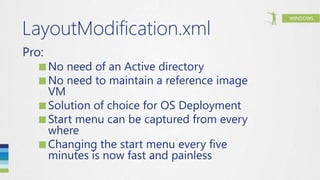
Pro:
■No need of an Active directory
■No need to maintain a reference image
VM
■Solution of choice for OS Deployment
■Start menu can be captured from every
where
■Changing the start menu every five
minutes is now fast and painless
WINDOWS
LayoutModification.xml
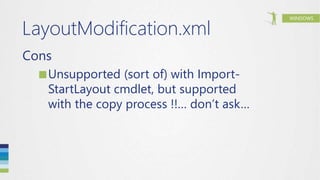
Cons
■Unsupported (sort of) with Import-
StartLayout cmdlet, but supported
with the copy process !!… don’t ask…
WINDOWS
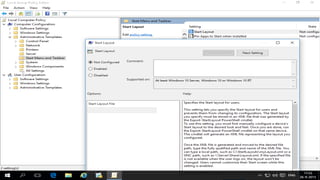
GPO
WINDOWS
GPO
WINDOWSWINDOWS
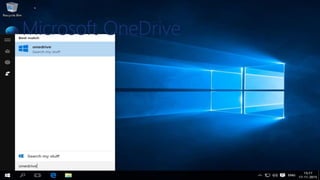
Microsoft OneDrive
WINDOWS
Microsoft OneDrive
WINDOWS
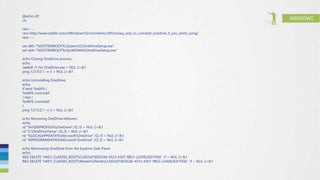
@echo off
cls
rem ---
rem http://www.reddit.com/r/Windows10/comments/3f45ix/easy_way_to_uninstall_onedrive_if_you_arent_using/
rem ---
set x86="%SYSTEMROOT%System32OneDriveSetup.exe"
set x64="%SYSTEMROOT%SysWOW64OneDriveSetup.exe"
echo Closing OneDrive process.
echo.
taskkill /f /im OneDrive.exe > NUL 2>&1
ping 127.0.0.1 -n 5 > NUL 2>&1
echo Uninstalling OneDrive.
echo.
if exist %x64% (
%x64% /uninstall
) else (
%x86% /uninstall
)
ping 127.0.0.1 -n 5 > NUL 2>&1
echo Removing OneDrive leftovers.
echo.
rd "%USERPROFILE%OneDrive" /Q /S > NUL 2>&1
rd "C:OneDriveTemp" /Q /S > NUL 2>&1
rd "%LOCALAPPDATA%MicrosoftOneDrive" /Q /S > NUL 2>&1
rd "%PROGRAMDATA%Microsoft OneDrive" /Q /S > NUL 2>&1
echo Removeing OneDrive from the Explorer Side Panel.
echo.
REG DELETE "HKEY_CLASSES_ROOTCLSID{018D5C66-4533-4307-9B53-224DE2ED1FE6}" /f > NUL 2>&1
REG DELETE "HKEY_CLASSES_ROOTWow6432NodeCLSID{018D5C66-4533-4307-9B53-224DE2ED1FE6}" /f > NUL 2>&1
WINDOWSWINDOWS
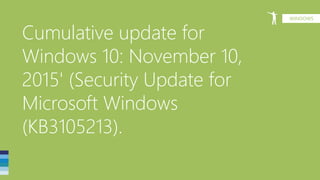
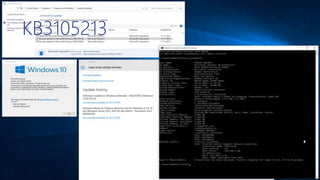
Cumulative update for
Windows 10: November 10,
2015' (Security Update for
Microsoft Windows
(KB3105213).
WINDOWS
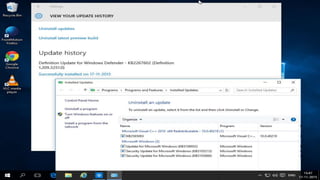
KB3105213
WINDOWS
KB3105213
WINDOWSWINDOWS
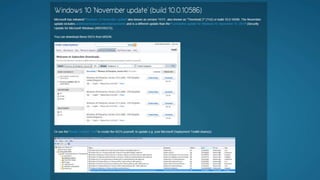
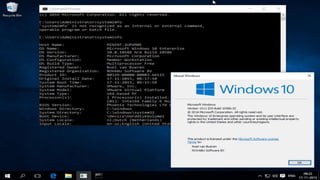
‘Windows 10 November update‘ or
version '1511‘ or Threshold 2 (TH2)
or build 10.0.10586
WINDOWS
TH2
WINDOWS
TH2
WINDOWS
Links
■http://www.setupcommander.com
■http://www.updatecommander.com
■http://www.engl.co.uk
■https://technet.microsoft.com/en-
us/windows/dn475741.aspx
WINDOWS
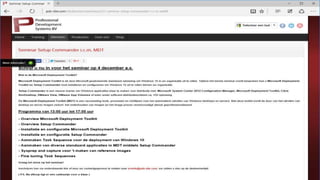
PDS MDT seminar
WINDOWS
WINDOWS
Experts Live 2015 wordt mede mogelijk gemaakt door:
WINDOWS
AZURE
OFFICE 365
ENTERPRISE MOBILITY SUITE
OPERATIONS MANAGEMENT SUITE
AZURE STACK
HYPER-V
WINDOWS
<Volgende sessie 15:45 – 16:45 uur>
Windows HELLO - The future of
your identity
Pieter Wigleven

Windows 10 Deployment with Microsoft Deployment Toolkit

Editor's Notes

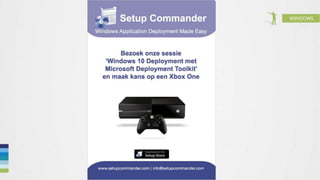
  • #11 Win a XboxOne!
  • #12 http://www.slideshare.net/rovabu
  • #13 http://www.twitter.com/rovabu
  • #15 truesec.com/On/NewsLetterContent/0ec91dbb-590d-4145-aa3b-2afe49612215
  • #16 http://blogs.technet.com/b/msdeployment/
  • #34 truesec.com/On/NewsLetterContent/0ec91dbb-590d-4145-aa3b-2afe49612215
  • #76 http://windowsitpro.com/windows-8/windows-desktop-death
  • #77 http://windowsitpro.com/windows-8/windows-desktop-death
  • #79 https://twitter.com/setupcommander/status/633247574175150080
  • #80 https://twitter.com/setupcommander/status/633247574175150080
  • #118 Windows 10 : Deploying a customized start menu
  • #119 Windows 10 : Deploying a customized start menu
  • #129 http://www.setupcommander.com/index.php/blog-sp-1190252297/44-windows-10-november-update-build-10-0-10586
  • #131 Windows 10 : Deploying a customized start menu
  • #132 http://www2.pds-site.com/nl/diensten/seminars/221-seminar-setup-commander-i-c-m-mdt