Automated Installation en Deployment Windows 7
AgendaImaging ApproachesImaging C.R.A.P.WAIKMDT 2010 WDS
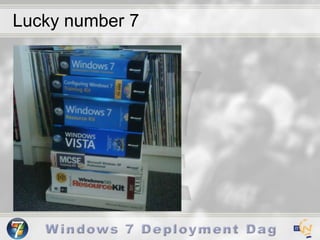
Lucky number 7
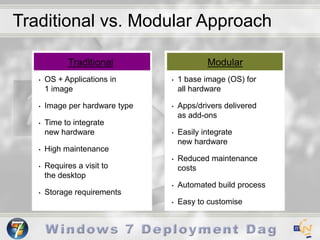
Traditional vs. Modular ApproachTraditionalModular1 base image (OS) for                all hardware
Apps/drivers delivered                    as add-ons
Easily integrate                          new hardware
Reduced maintenance costs
Automated build process
Easy to customise
OS + Applications in           1 image
Image per hardware type
Time to integrate              new hardware
High maintenance
Requires a visit to                    the desktop
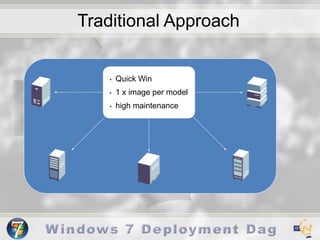
Storage requirementsTraditional ApproachQuick Win
1 x image per model
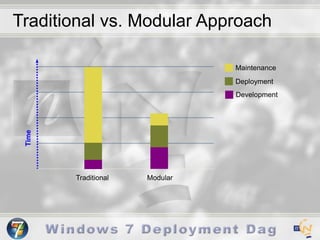
high maintenanceTraditional vs. Modular ApproachMaintenanceDeploymentDevelopmentTimeTraditionalModular
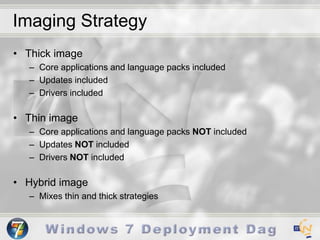
Imaging StrategyThick imageCore applications and language packs includedUpdates includedDrivers includedThin imageCore applications and language packs NOT includedUpdates NOT includedDrivers NOT includedHybrid imageMixes thin and thick strategies
Imaging C.R.A.P.
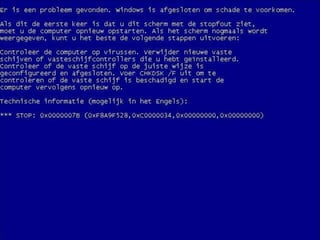
Imaging C.R.A.PDisk Controllers drivers (STOP 0x0000007B)HAL (Uniprocessor, Multiprocessor)x64 and x86 supportDisk and Partition SetupWindows UpdatesDrivers (Built-In, ‘to be connected’ hardware)Custom Registry SettingsApplicationsAMD and Intel supportApplications
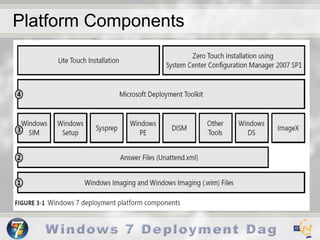
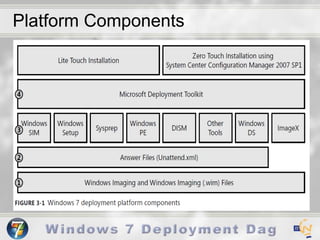
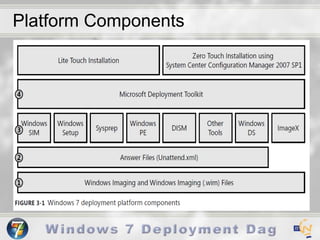
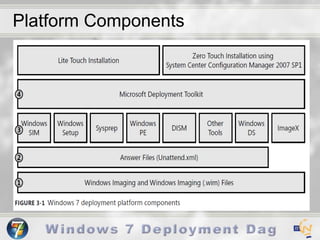
Platform Components
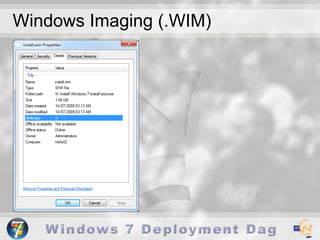
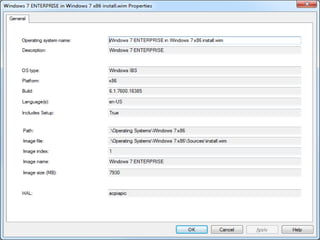
Windows Imaging (.WIM)
Microsoft Windows Imaging (WIM)Microsoft’s own image formatFile-based disk imaging is a core capability of Windows Vista, Windows 7, Windows 2008 Compared to sector-based formats, a WIM image is file-based
Microsoft Windows Imaging (WIM)This WIM image format is hardware-agnostic, meaning that you need only one image to address many different hardware configurations.
Microsoft Windows Imaging (WIM)The WIM image format also lets you store multiple images within one actual file. For example, Microsoft can ship multiple SKUs in one WIM image file. You store images with and without core applications in a single image file.Also, you can mark one of the images as bootable, allowing you to start a computer from a disk image contained in a WIM file.
Microsoft Windows Imaging (WIM)The WIM image format enables compression and single instancing, thus reducing the size of image files significantly. Single instancing is a technique that allows you to store two or more copies of a file for the space cost of one copy. For example, if images 1, 2, and 3 all contain file A, single-instancing stores a single copy of the file A and points images 1, 2, and 3 to that copy.
Microsoft Windows Imaging (WIM)The WIM image format allows you to service an image offline. You can add or delete certain operating system components, patches, and drivers without creating a new image. Rather than spending a few hours updating an image, which you do now with Microsoft Windows XP, for example, you can update an image in minutes. For example, to add a patch to a Windows XP image, you must boot the master image, add the patch, and then prepare the image again. With Windows 7, you can simply service the image offline.
Microsoft Windows Imaging (WIM)The WIM image format lets you install a disk image on partitions of any size, unlike sector-based image formats that require you to deploy a disk image to a partition that's the same size or larger than the source disk.
WAIK
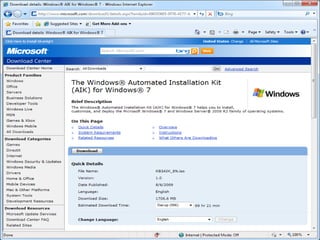
Windows Automated Installation KitThe Windows® Automated Installation Kit (Windows AIK) is a set of tools and documentation that support the configuration and deployment of Windows® operating systems.
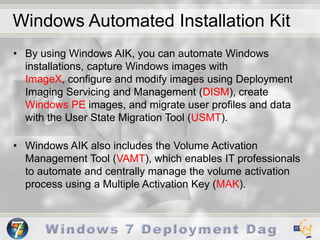
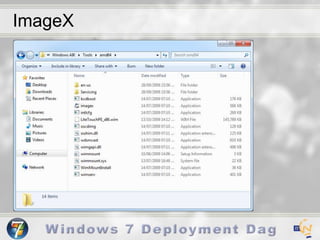
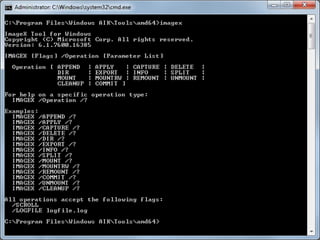
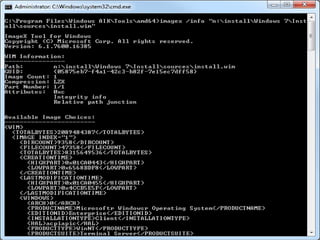
Windows Automated Installation KitBy using Windows AIK, you can automate Windows installations, capture Windows images with ImageX, configure and modify images using Deployment Imaging Servicing and Management (DISM), create Windows PE images, and migrate user profiles and data with the User State Migration Tool (USMT). Windows AIK also includes the Volume Activation Management Tool (VAMT), which enables IT professionals to automate and centrally manage the volume activation process using a Multiple Activation Key (MAK).
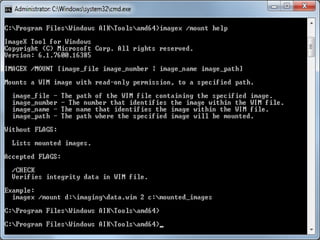
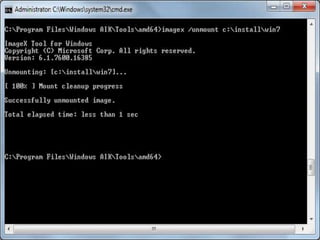
ImageX
ImageX
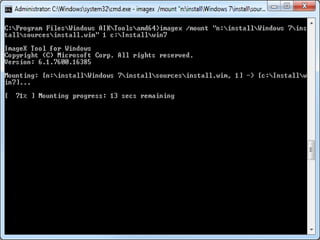
ImageX
ImageX
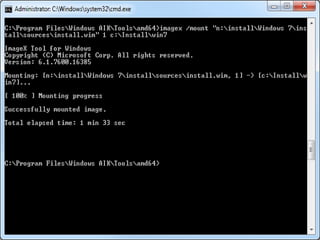
ImageX
ImageX
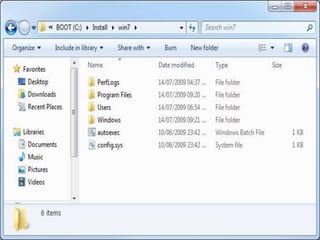
ImageX
ImageX
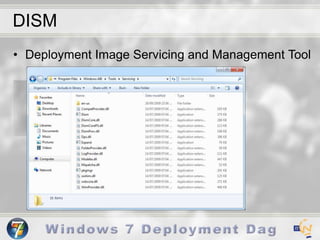
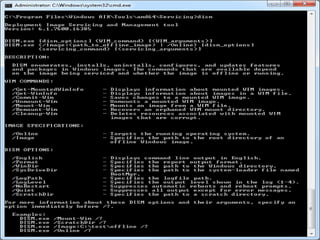
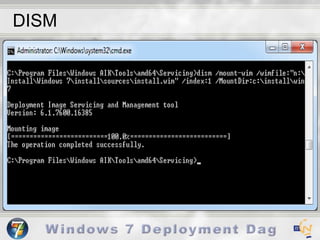
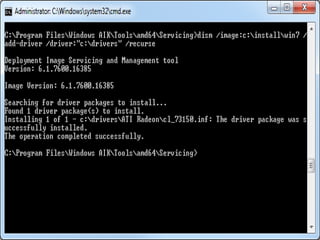
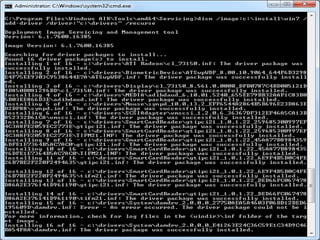
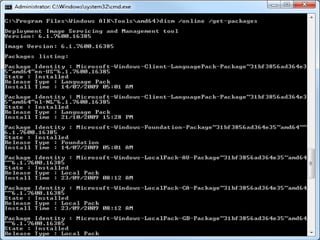
DISMDeployment Image Servicing and Management Tool
DISM
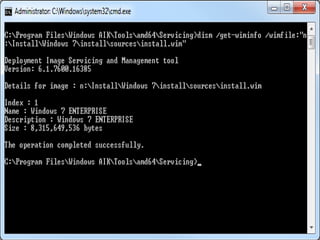
DISM
DISM
DISM
DISM
DISM
DISM
DISM
Platform Components
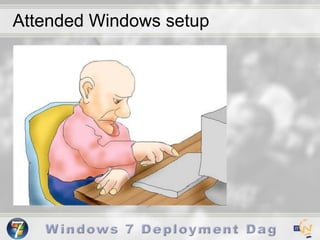
Attended Windows setup
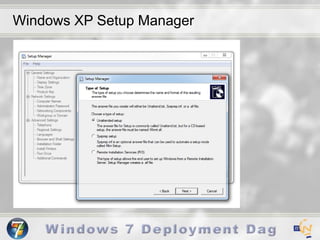
Windows XP Setup Manager
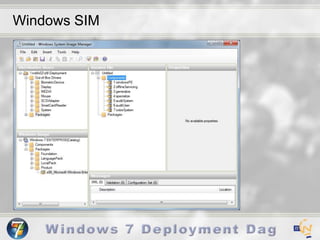
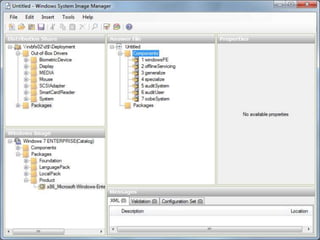
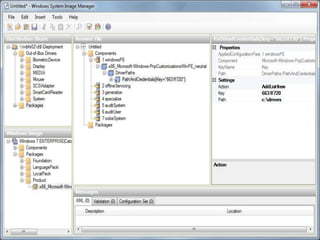
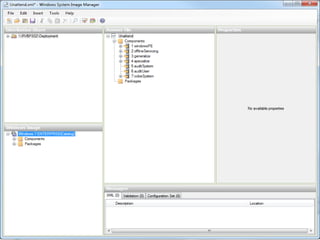
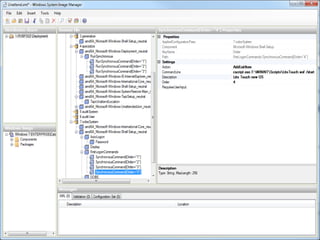
Windows SIM
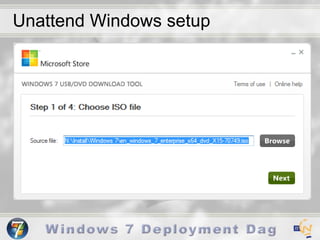
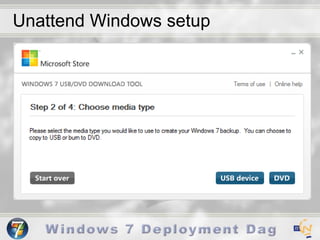
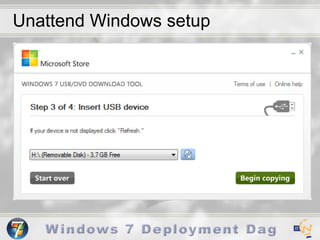
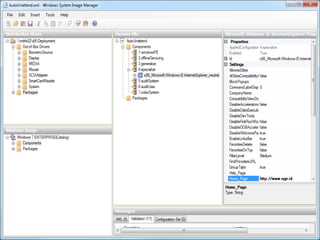
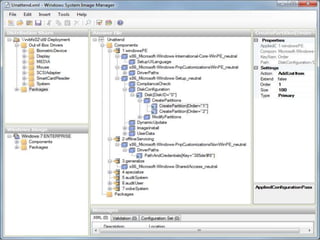
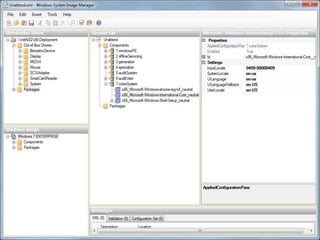
Unattended Windows setup Unattend.xmlAutoUnattend.xmlAs a rule, only answer files named Unattend.xml are used. However, because some answer files include destructive actions such as disk partitioning, you must rename your Unattend.xml file to Autounattend.xml in the windowsPE and offlineServicing configuration passes. These passes run when you first run Windows PE or Setup.exe. You typically use the Autounattend.xml file when you use the Windows Setup DVD boot method and supply an answer file on a USB flash drive (UFD) or floppy disk.
Unattend Windows setup
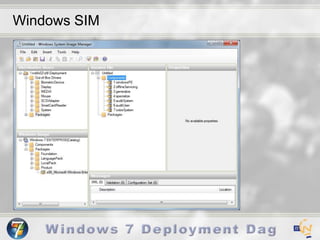
Windows SIM
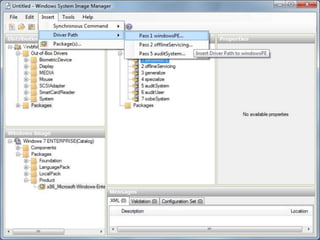
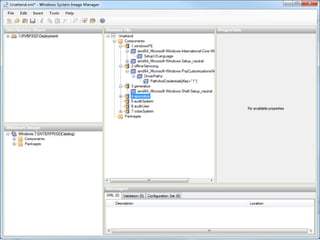
PasseswindowsPEofflineServicinggeneralizeSpecialize auditSystemauditUseroobeSystem
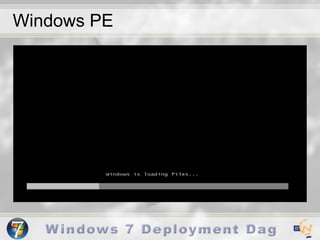
Windows PEWindows PE is a minimal Win32 subsystem with limited services, based on the Windows 7 kernel running in protected mode. It contains the minimal functionality that you need to run Setup, install Windows from a network share, automate basic processes, and perform hardware validation.Windows PE was developed specifically to address desktop and server deployment scenarios.
Windows PE
Passes – windowsPEConfigures Windows PE options as well as basic Windows Setup options. These options can include configuring a disk or language settings.
Passes - offlineServicingApplies updates to a Windows 7 image. Also applies packages, including software fixes, language packs, and other security updates.
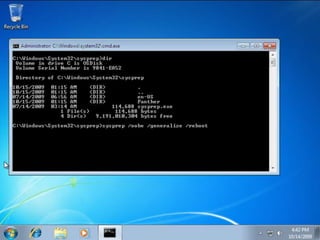
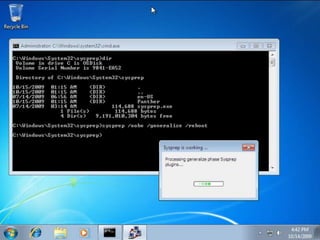
Passes - generalizeThe generalize pass runs only if you run sysprep/generalize. In this pass, you can minimally configure Windows 7 as well as configure other settings that must persist on your master image. The sysprep /generalize command removes system-specific information. For example, the unique SID and other hardware-specific settings are removed from the image.
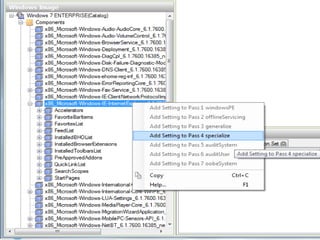
Passes - specializeCreates and applies system-specific information. For example, you can configure:network settingsinternational settingsdomain information.
Passes - auditSystemProcesses unattended Setup settings while Windows 7 is running in system context, before a user logs on to the computer in audit mode. The auditSystem pass runs only if you boot in audit mode.
Passes - auditUserProcesses unattended Setup settings after a user logs on to the computer in audit mode.The auditUser pass runs only if you boot in audit mode.
Passes - oobeSystemApplies settings to Windows 7 before Windows Welcome starts.
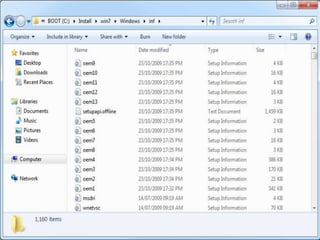
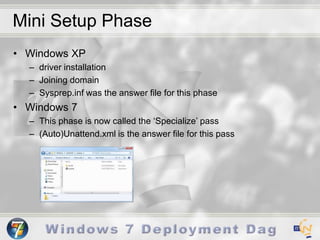
Mini Setup PhaseWindows XPdriver installationJoining domainSysprep.inf was the answer file for this phaseWindows 7This phase is now called the ‘Specialize’ pass(Auto)Unattend.xml is the answer file for this pass
Windows SIM
Windows SIM
Windows SIM
Windows SIM
Windows SIM
Windows SIM
Windows SIM
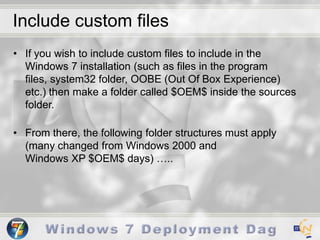
Include custom filesIf you wish to include custom files to include in the Windows 7 installation (such as files in the program files, system32 folder, OOBE (Out Of Box Experience) etc.) then make a folder called $OEM$ inside the sources folder. From there, the following folder structures must apply (many changed from Windows 2000 and Windows XP $OEM$ days) …..
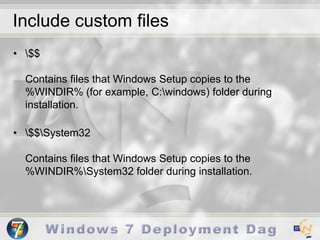
Include custom files\$$Contains files that Windows Setup copies to the %WINDIR% (for example, C:\windows) folder during installation.\$$\System32Contains files that Windows Setup copies to the %WINDIR%\System32 folder during installation.
Include custom files\$1Represents the root of the drive on which you installed Windows (also called the boot partition) and contains files that Windows Setup copies to the boot partition during installation.\$1\PnpdriversContains new or updated Plug-and-Play (PnP) drivers. The user specifies the folder name in the Unattend.xml file for unattended installations. For example, this folder might be named \$OEM$ Folders\$1\Pnpdrvs.
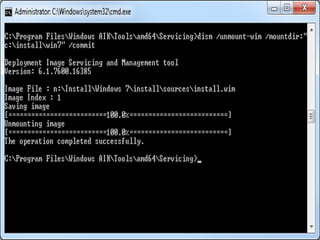
Include custom files\drive_letter\subfolderA subfolder of the drive that contains files that Windows Setup copies to the subfolder during installation. Multiple instances of this type of folder may exist under the \$OEM$ Folders\drive_letter folder, for example, \$OEM$ Folders\D\MyFolder.\$$\Setup\Scripts\SetupComplete.cmd
Platform Components
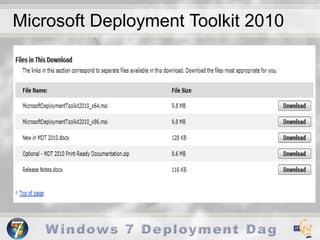
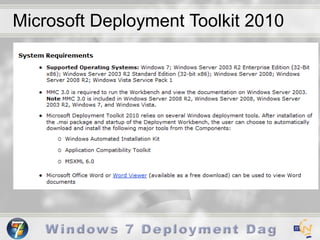
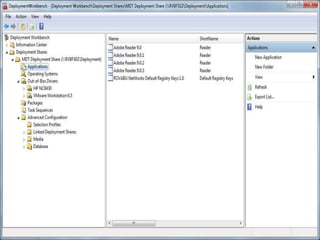
Microsoft Deployment Toolkit 2010Microsoft Deployment Toolkit 2010 (MDT 2010) provides a common console with the comprehensive tools and guidance needed to efficiently manage deployment of Windows 7 and Windows Server 2008 R2. Microsoft Deployment Toolkit 2010 is the recommended process and toolset to automate desktop and server deployment. Microsoft Deployment Toolkit 2010 provides detailed guidance and job aids for every organizational role involved with large-scale deployment projects.
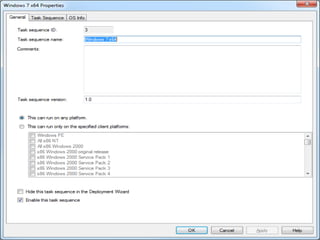
Microsoft Deployment Toolkit 2010
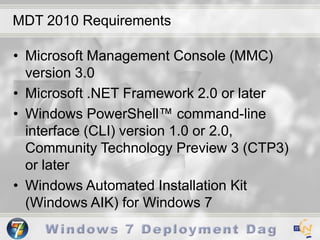
MDT 2010 RequirementsMicrosoft Management Console (MMC) version 3.0Microsoft .NET Framework 2.0 or laterWindows PowerShell™ command-line interface (CLI) version 1.0 or 2.0, Community Technology Preview 3 (CTP3) or laterWindows Automated Installation Kit (Windows AIK) for Windows 7
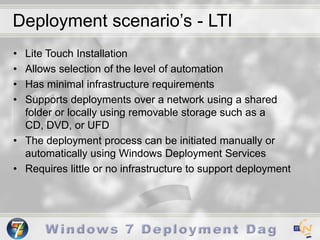
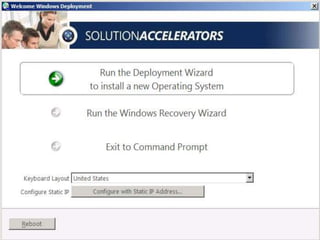
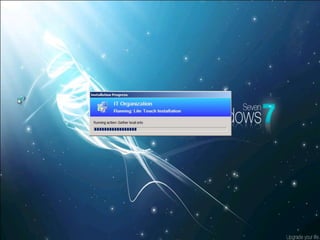
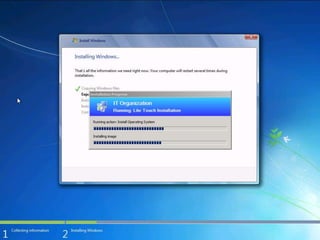
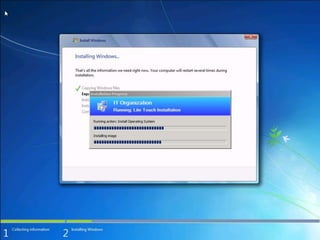
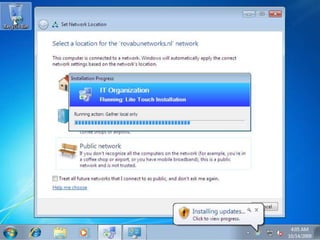
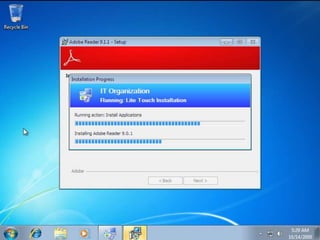
Deployment scenario’s - LTILite Touch InstallationAllows selection of the level of automationHas minimal infrastructure requirementsSupports deployments over a network using a shared folder or locally using removable storage such as a CD, DVD, or UFDThe deployment process can be initiated manually or automatically using Windows Deployment ServicesRequires little or no infrastructure to support deployment
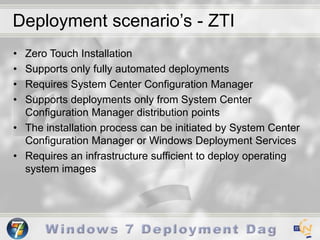
Deployment scenario’s - ZTIZero Touch InstallationSupports only fully automated deploymentsRequires System Center Configuration ManagerSupports deployments only from System Center Configuration Manager distribution pointsThe installation process can be initiated by System Center Configuration Manager or Windows Deployment ServicesRequires an infrastructure sufficient to deploy operating system images
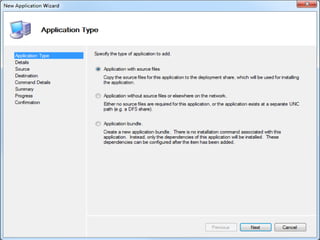
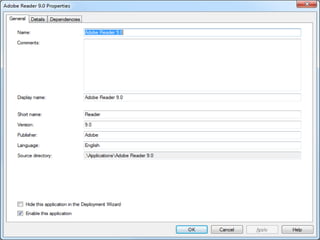
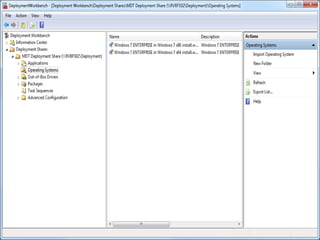
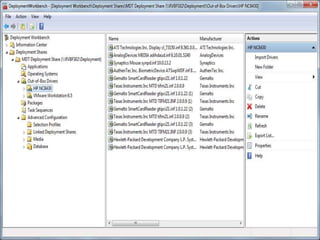
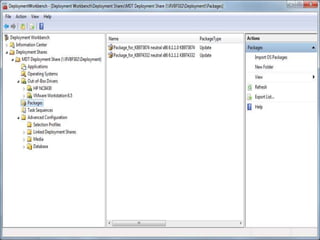
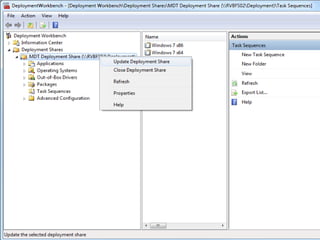
DeploymentWorkbench
DeploymentWorkbench
DeploymentWorkbench
DeploymentWorkbench
DeploymentWorkbench
DeploymentWorkbench
DeploymentWorkbench
DeploymentWorkbench
DeploymentWorkbench
DeploymentWorkbench
DeploymentWorkbench
DeploymentWorkbench
DeploymentWorkbench
DeploymentWorkbench
DeploymentWorkbench
DeploymentWorkbench
DeploymentWorkbench
DeploymentWorkbench
DeploymentWorkbench
DeploymentWorkbench
DeploymentWorkbench
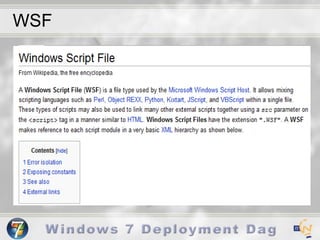
WSF
WinPE
WinPE
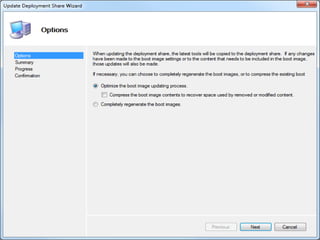
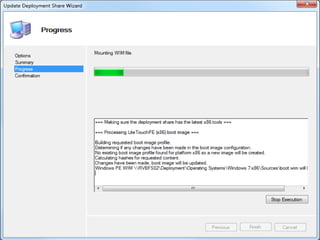
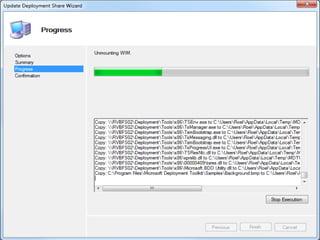
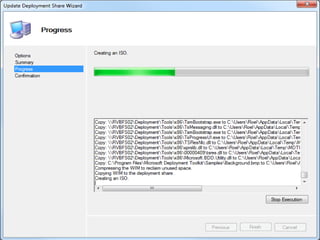
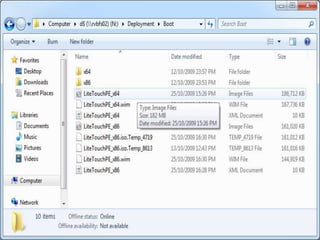
Boot Image
Boot Image
Boot Image
Boot Image
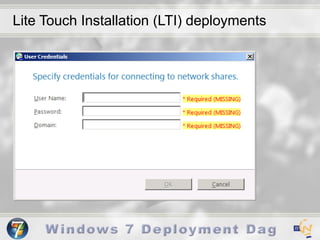
Lite Touch Installation (LTI) deployments
Microsoft Deployment Toolkit 2010
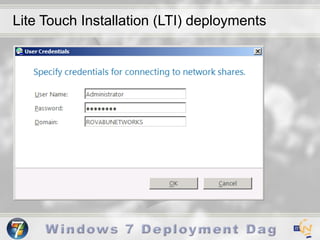
Lite Touch Installation (LTI) deployments
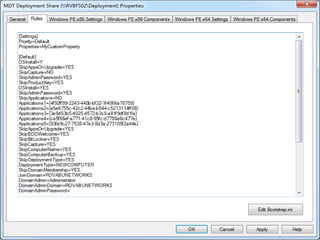
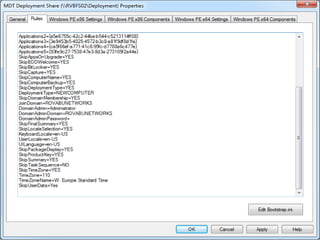
Rules
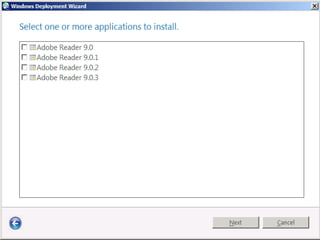
Lite Touch Installation (LTI) deployments
Microsoft Deployment Toolkit 2010

Windows 7 Deployment

Editor's Notes

  • #4 Continuous Repetitive Automated Process
  • #5 Continuous Repetitive Automated Process
  • #6 Continuous Repetitive Automated Process
  • #7 Continuous Repetitive Automated Process
  • #8 Continuous Repetitive Automated Process
  • #9 Continuous Repetitive Automated Process
  • #11 Continuous Repetitive Automated Process
  • #14 Continuous Repetitive Automated Process
  • #15 Continuous Repetitive Automated Process
  • #16 Continuous Repetitive Automated Process
  • #17 Continuous Repetitive Automated Process
  • #18 Continuous Repetitive Automated Process
  • #19 Continuous Repetitive Automated Process
  • #31 http://technet.microsoft.com/en-us/library/cc749415%28WS.10%29.aspx
  • #41 http://technet.microsoft.com/en-us/library/cc749415%28WS.10%29.aspx
  • #44 http://technet.microsoft.com/en-us/library/cc749415%28WS.10%29.aspx
  • #45 http://technet.microsoft.com/en-us/library/cc749415%28WS.10%29.aspx
  • #46 http://technet.microsoft.com/en-us/library/cc749415%28WS.10%29.aspx
  • #47 http://technet.microsoft.com/en-us/library/cc749415%28WS.10%29.aspx
  • #48 http://technet.microsoft.com/en-us/library/cc749415%28WS.10%29.aspx
  • #49 http://technet.microsoft.com/en-us/library/cc749415%28WS.10%29.aspx
  • #50 http://technet.microsoft.com/en-us/library/cc749415%28WS.10%29.aspx
  • #51 http://technet.microsoft.com/en-us/library/cc749415%28WS.10%29.aspx
  • #71 http://www.magalan.co.uk/Create_Custom_Windows_7_DVD_with_Unattend_Service_Pack.html