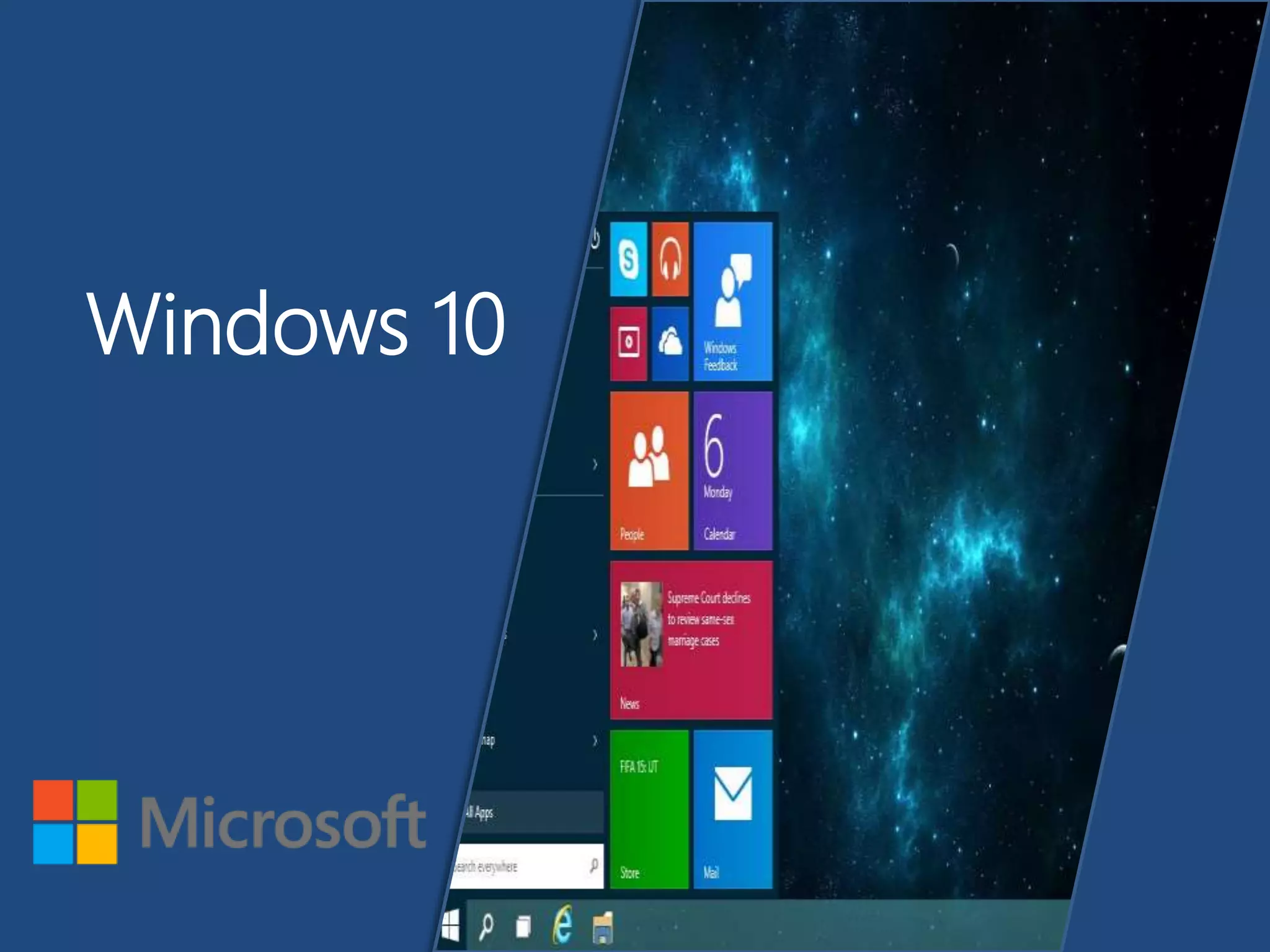
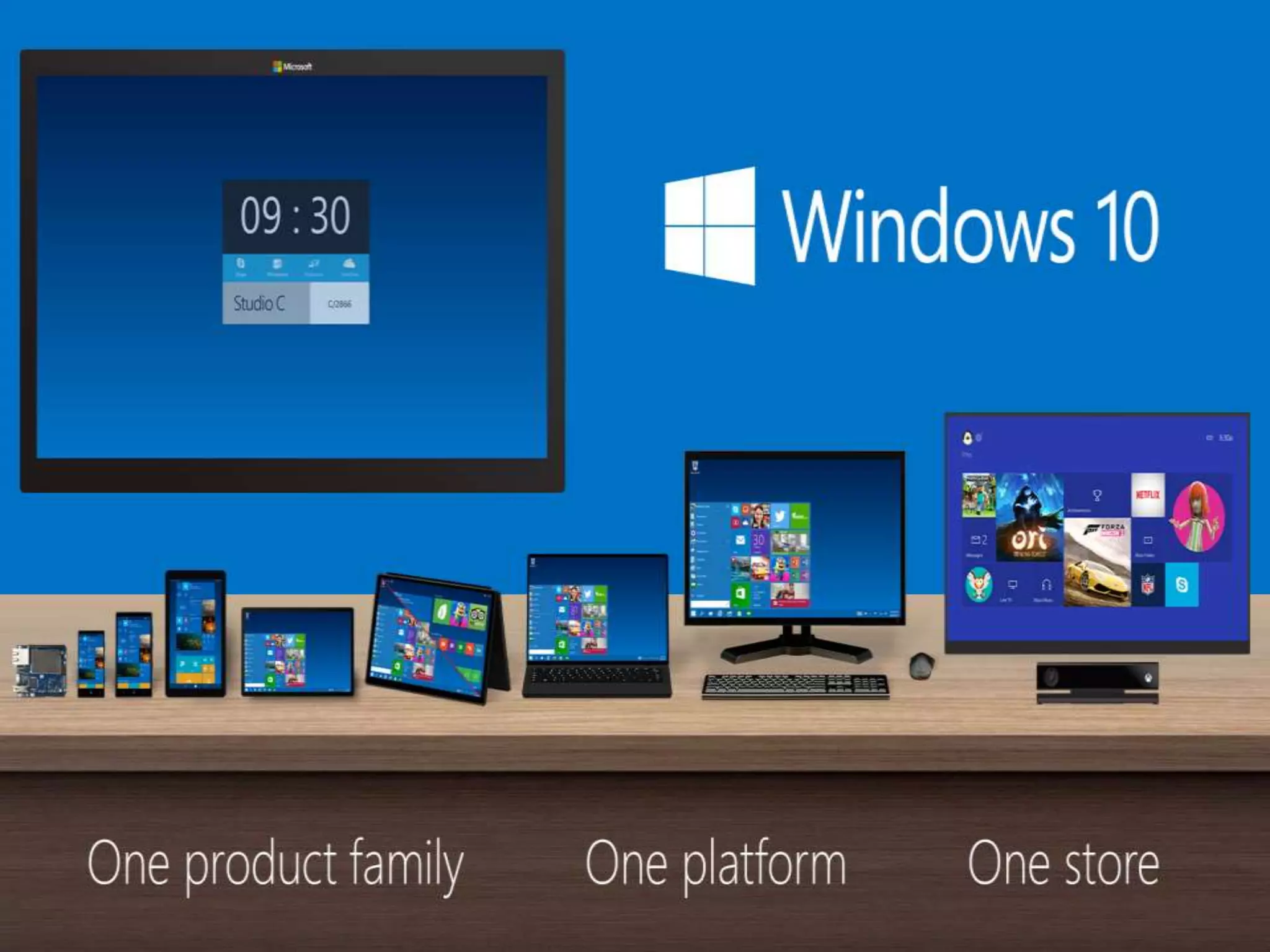
Windows 10
Contents
Hands-On Operating System
New Features
System Requirements
Conclusion
Hands on Operating
System..
• An Operating system is a software that manages
computer hardware and software resources and
provides common services for computer programs.
• The operating system is an essential component of the
software system.
• Application programs usually require an operating
system to function.
New Features
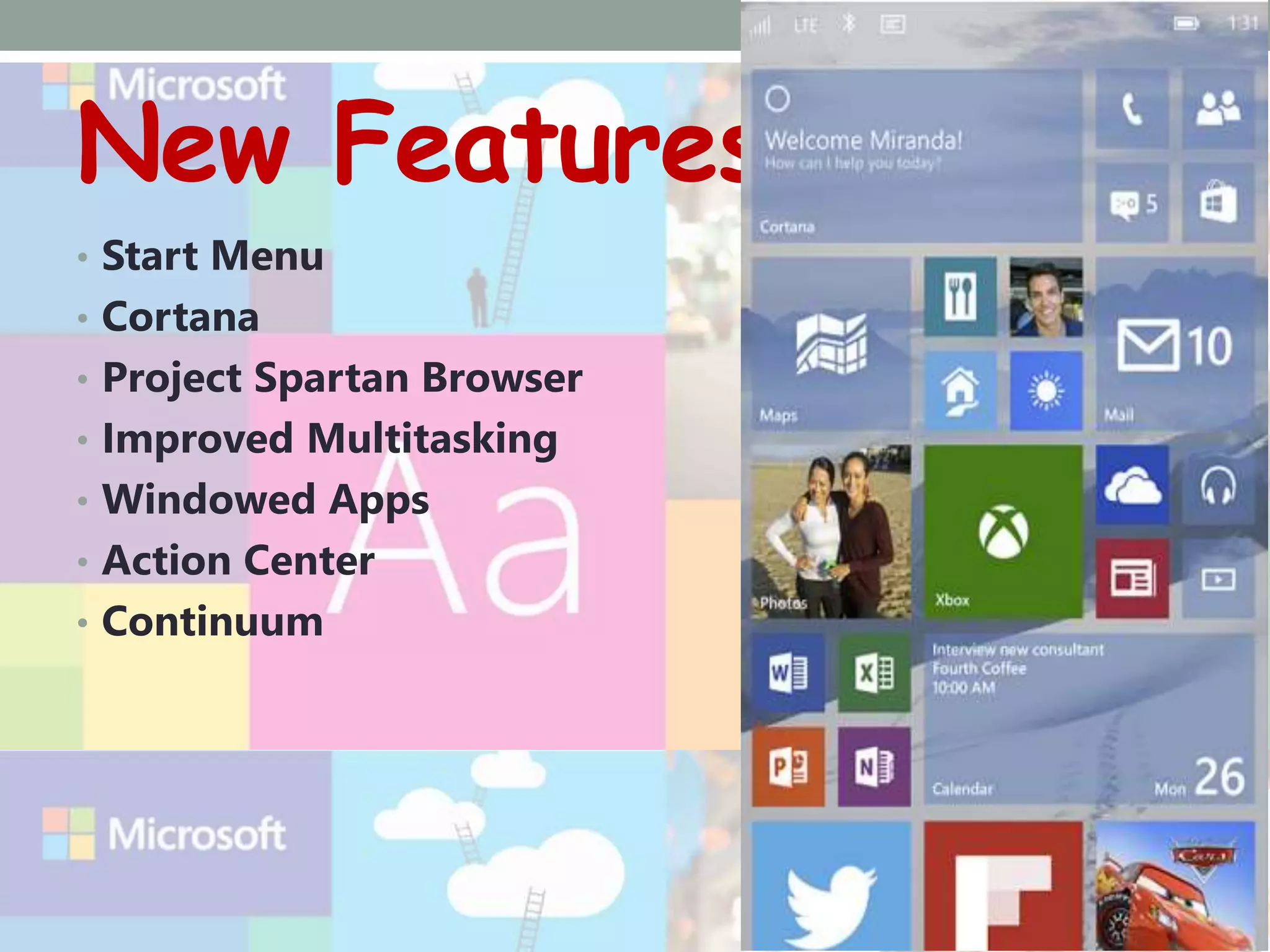
• Start Menu
• Cortana
• Project Spartan Browser
• Improved Multitasking
• Windowed Apps
• Action Center
• Continuum
The Start Screen
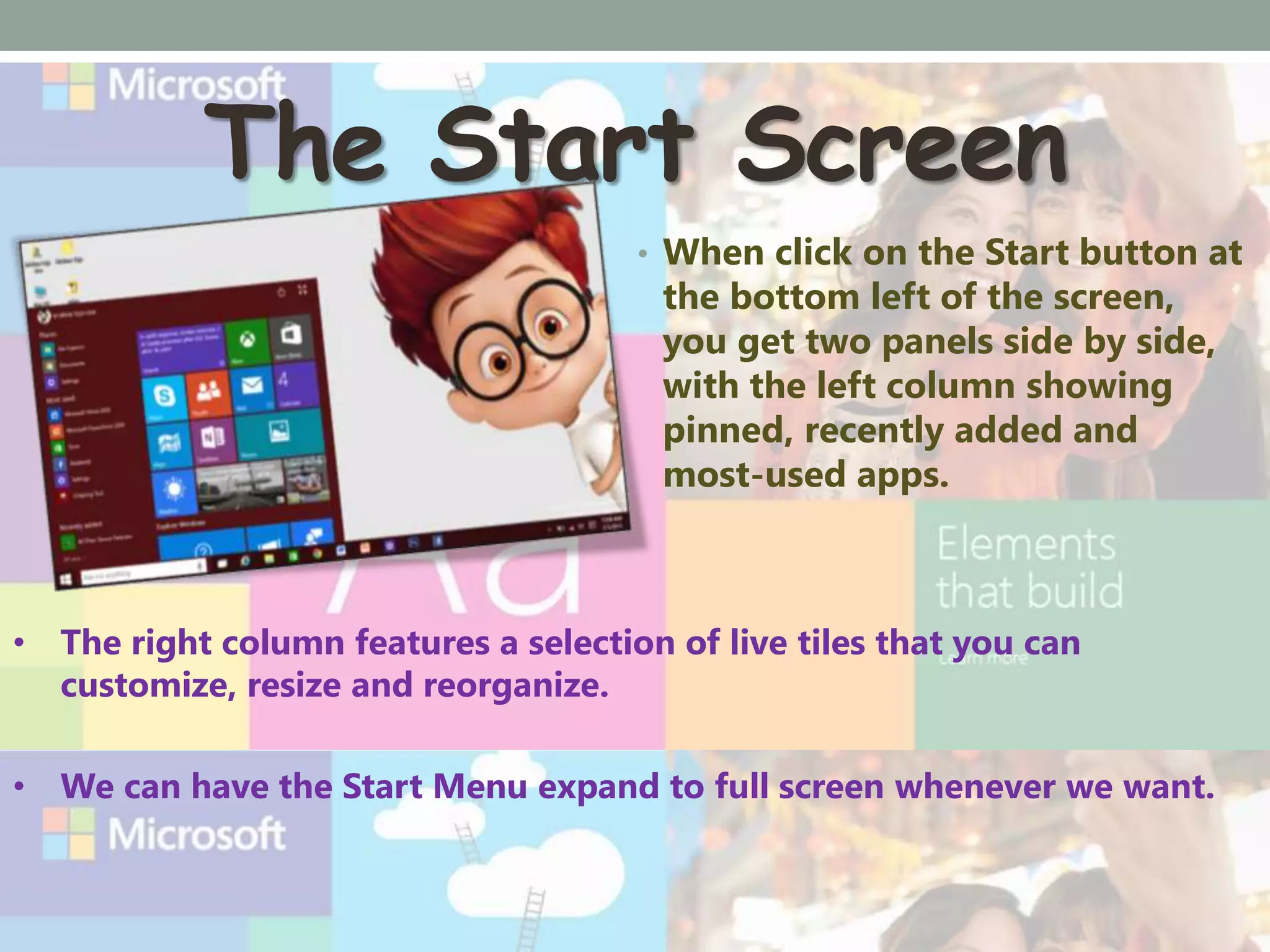
• When click on the Start button at
the bottom left of the screen,
you get two panels side by side,
with the left column showing
pinned, recently added and
most-used apps.
• The right column features a selection of live tiles that you can
customize, resize and reorganize.
• We can have the Start Menu expand to full screen whenever we want.
Spartan
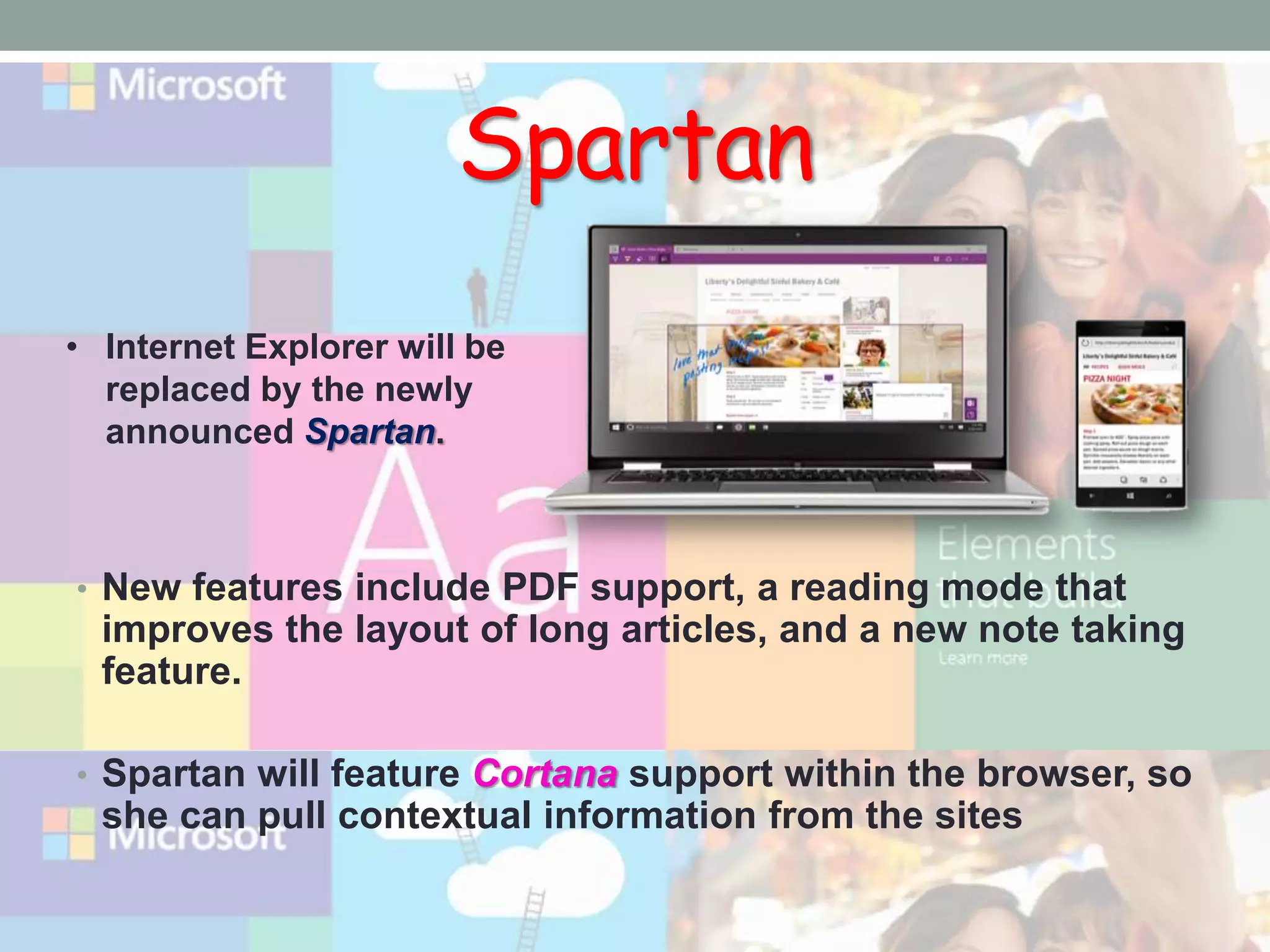
• New features include PDF support, a reading mode that
improves the layout of long articles, and a new note taking
feature.
• Spartan will feature Cortana support within the browser, so
she can pull contextual information from the sites
• Internet Explorer will be
replaced by the newly
announced Spartan.
Hi! I’m Cortana
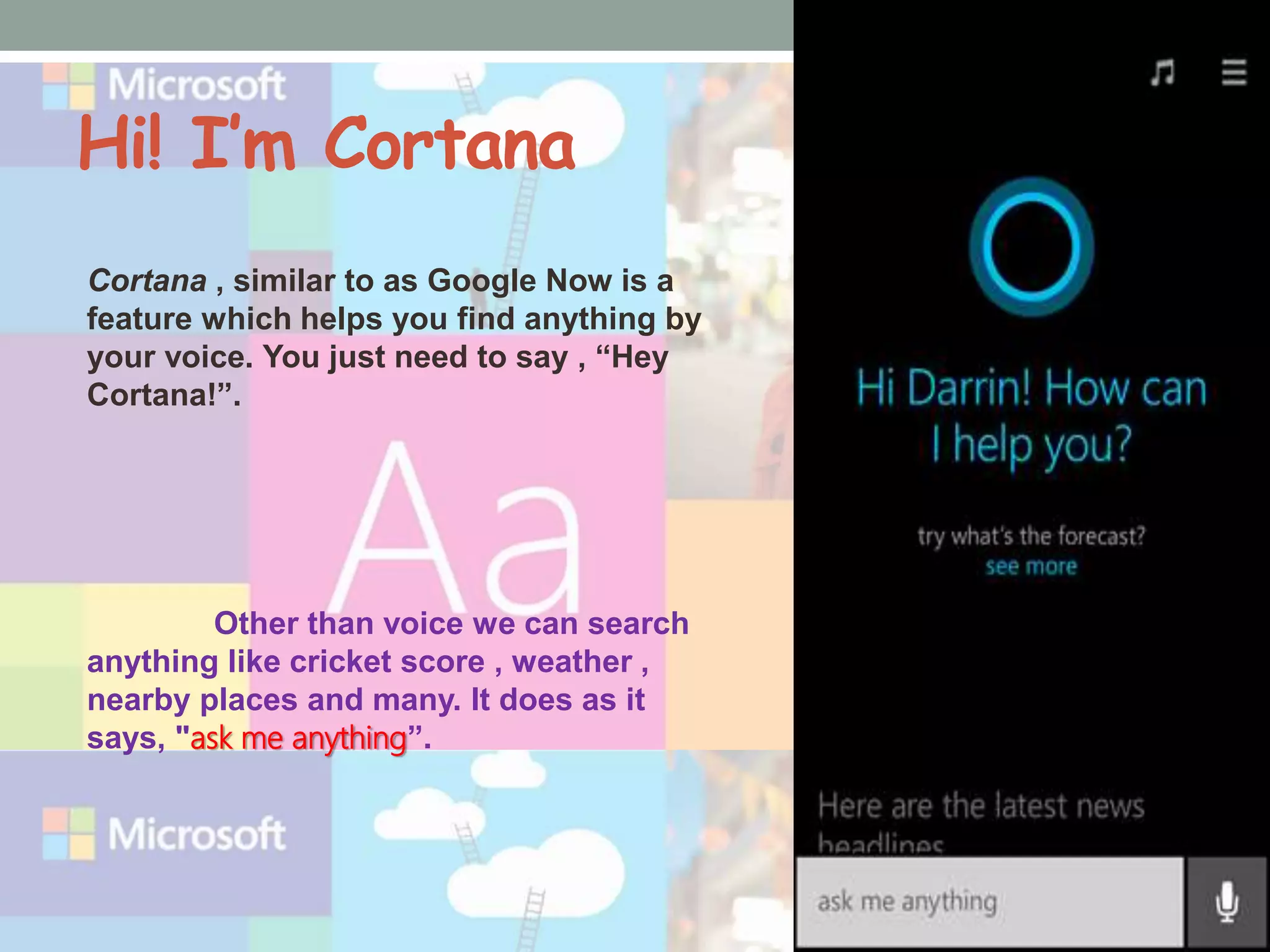
Cortana , similar to as Google Now is a
feature which helps you find anything by
your voice. You just need to say , “Hey
Cortana!”.
Other than voice we can search
anything like cricket score , weather ,
nearby places and many. It does as it
says, "ask me anything”.
Action Settings
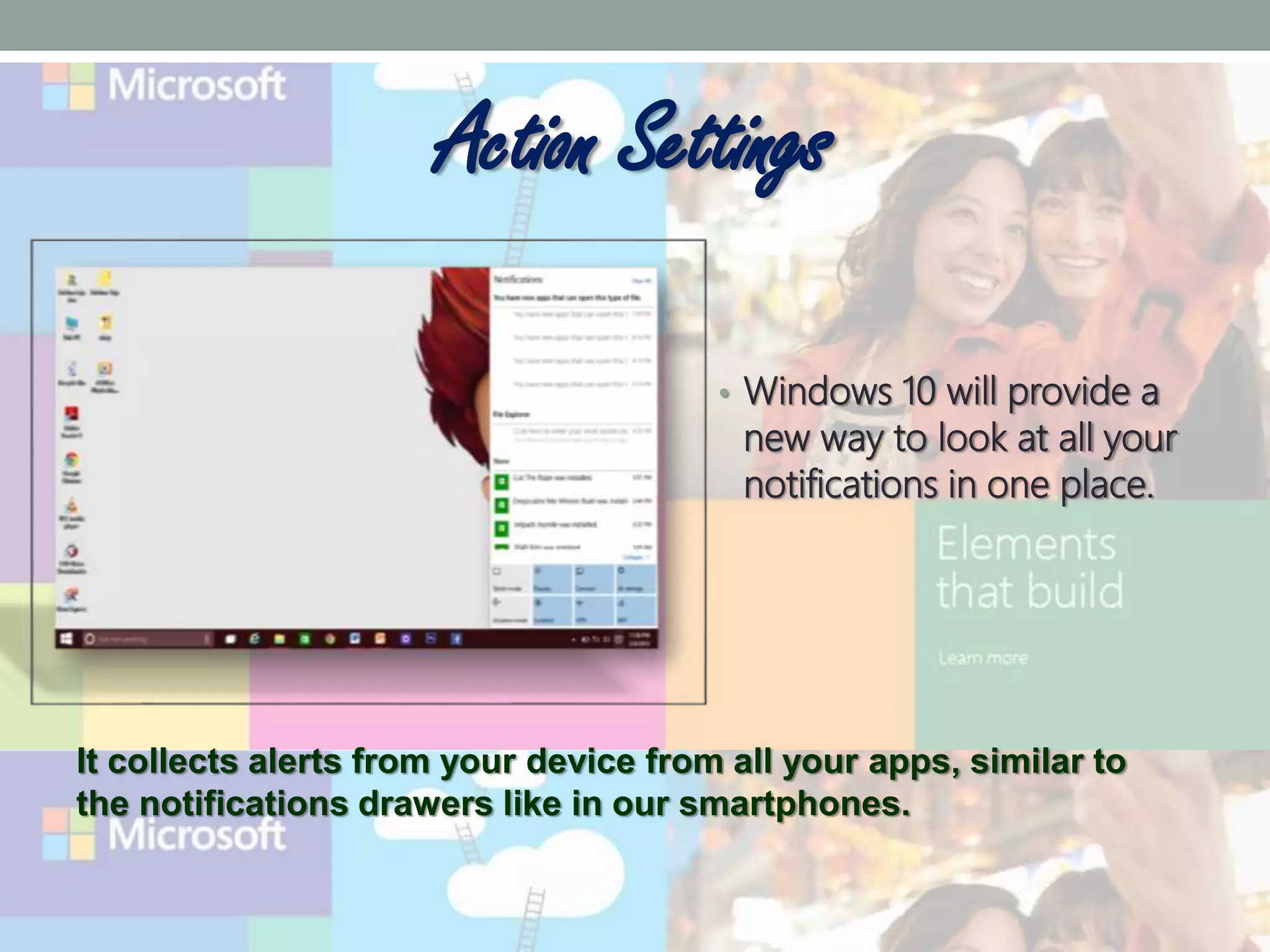
• Windows 10 will provide a
new way to look at all your
notifications in one place.
It collects alerts from your device from all your apps, similar to
the notifications drawers like in our smartphones.
Continuum
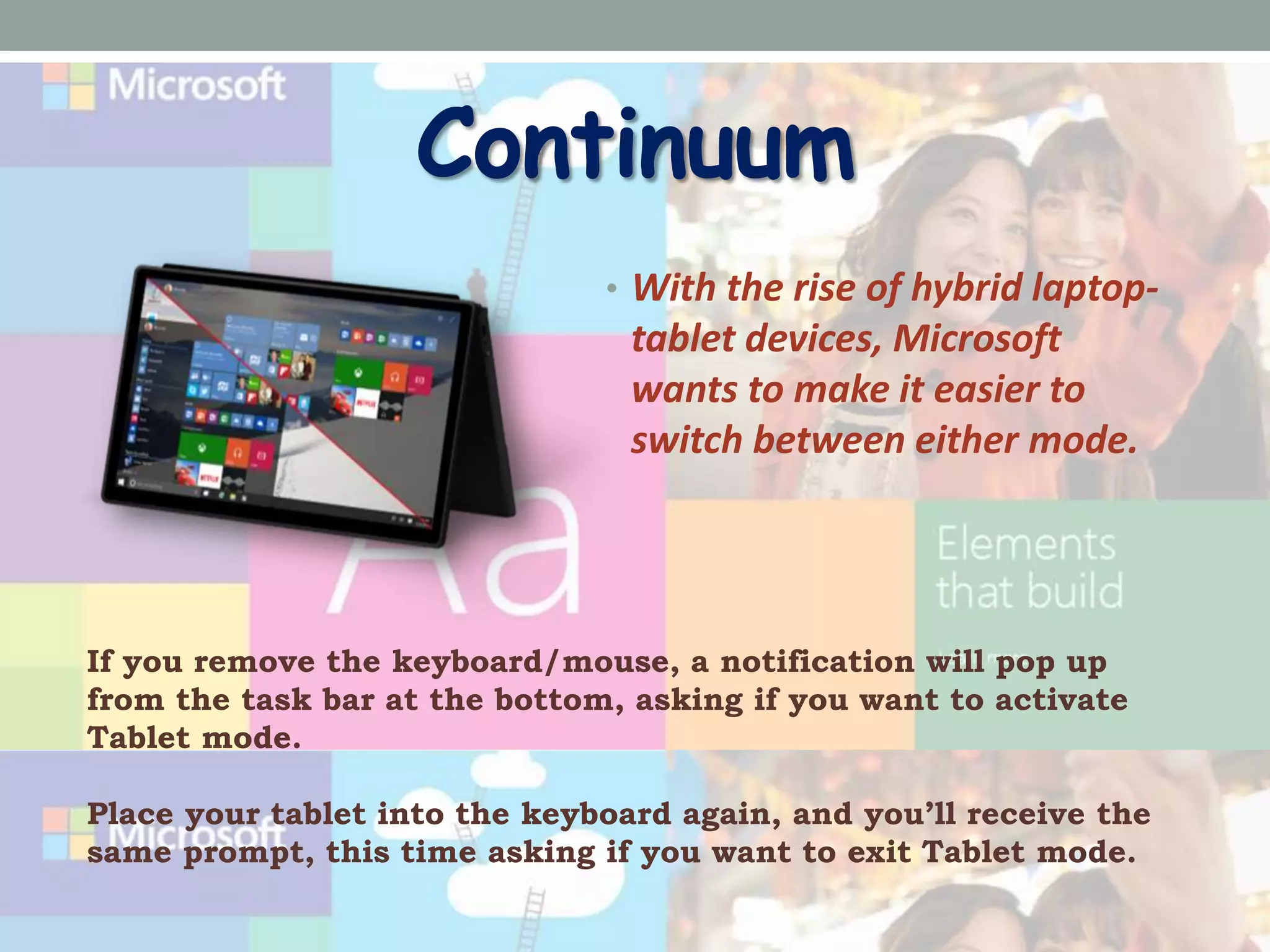
• With the rise of hybrid laptop-
tablet devices, Microsoft
wants to make it easier to
switch between either mode.
If you remove the keyboard/mouse, a notification will pop up
from the task bar at the bottom, asking if you want to activate
Tablet mode.
Place your tablet into the keyboard again, and you’ll receive the
same prompt, this time asking if you want to exit Tablet mode.
System Requirements
• Processor : 1 Gigahertz (GHz) or faster
• RAM : 1 GB (32-bit) or 2 GB (64-bit)
• Free hard disk space : 16 GB
• Graphics card : Microsoft DirectX 9 graphics
device
-Presented By-

Windows 10

  • 1.
  • 3.
    Contents Hands-On Operating System NewFeatures System Requirements Conclusion
  • 4.
    Hands on Operating System.. •An Operating system is a software that manages computer hardware and software resources and provides common services for computer programs. • The operating system is an essential component of the software system. • Application programs usually require an operating system to function.
  • 5.
    New Features • StartMenu • Cortana • Project Spartan Browser • Improved Multitasking • Windowed Apps • Action Center • Continuum
  • 6.
    The Start Screen •When click on the Start button at the bottom left of the screen, you get two panels side by side, with the left column showing pinned, recently added and most-used apps. • The right column features a selection of live tiles that you can customize, resize and reorganize. • We can have the Start Menu expand to full screen whenever we want.
  • 7.
    Spartan • New featuresinclude PDF support, a reading mode that improves the layout of long articles, and a new note taking feature. • Spartan will feature Cortana support within the browser, so she can pull contextual information from the sites • Internet Explorer will be replaced by the newly announced Spartan.
  • 8.
    Hi! I’m Cortana Cortana, similar to as Google Now is a feature which helps you find anything by your voice. You just need to say , “Hey Cortana!”. Other than voice we can search anything like cricket score , weather , nearby places and many. It does as it says, "ask me anything”.
  • 9.
    Action Settings • Windows10 will provide a new way to look at all your notifications in one place. It collects alerts from your device from all your apps, similar to the notifications drawers like in our smartphones.
  • 10.
    Continuum • With therise of hybrid laptop- tablet devices, Microsoft wants to make it easier to switch between either mode. If you remove the keyboard/mouse, a notification will pop up from the task bar at the bottom, asking if you want to activate Tablet mode. Place your tablet into the keyboard again, and you’ll receive the same prompt, this time asking if you want to exit Tablet mode.
  • 11.
    System Requirements • Processor: 1 Gigahertz (GHz) or faster • RAM : 1 GB (32-bit) or 2 GB (64-bit) • Free hard disk space : 16 GB • Graphics card : Microsoft DirectX 9 graphics device
  • 12.