Start with name of Allah who is the
most merciful and benifiant
I thankful to my teacher who gave me the
golden opportunity to deliver my
presentation in front of you
Windows 10
Contents
What is an O.S ?
Features of windows 10
System requirements
Conclusion
Operating System
• An Operating system is a software that
manages computer hardware and software
resources and provides common services for
computer programs.
• The operating system is an essential
component of the software system.
• Application programs usually require an
operating system to function.
Diagram of O.S
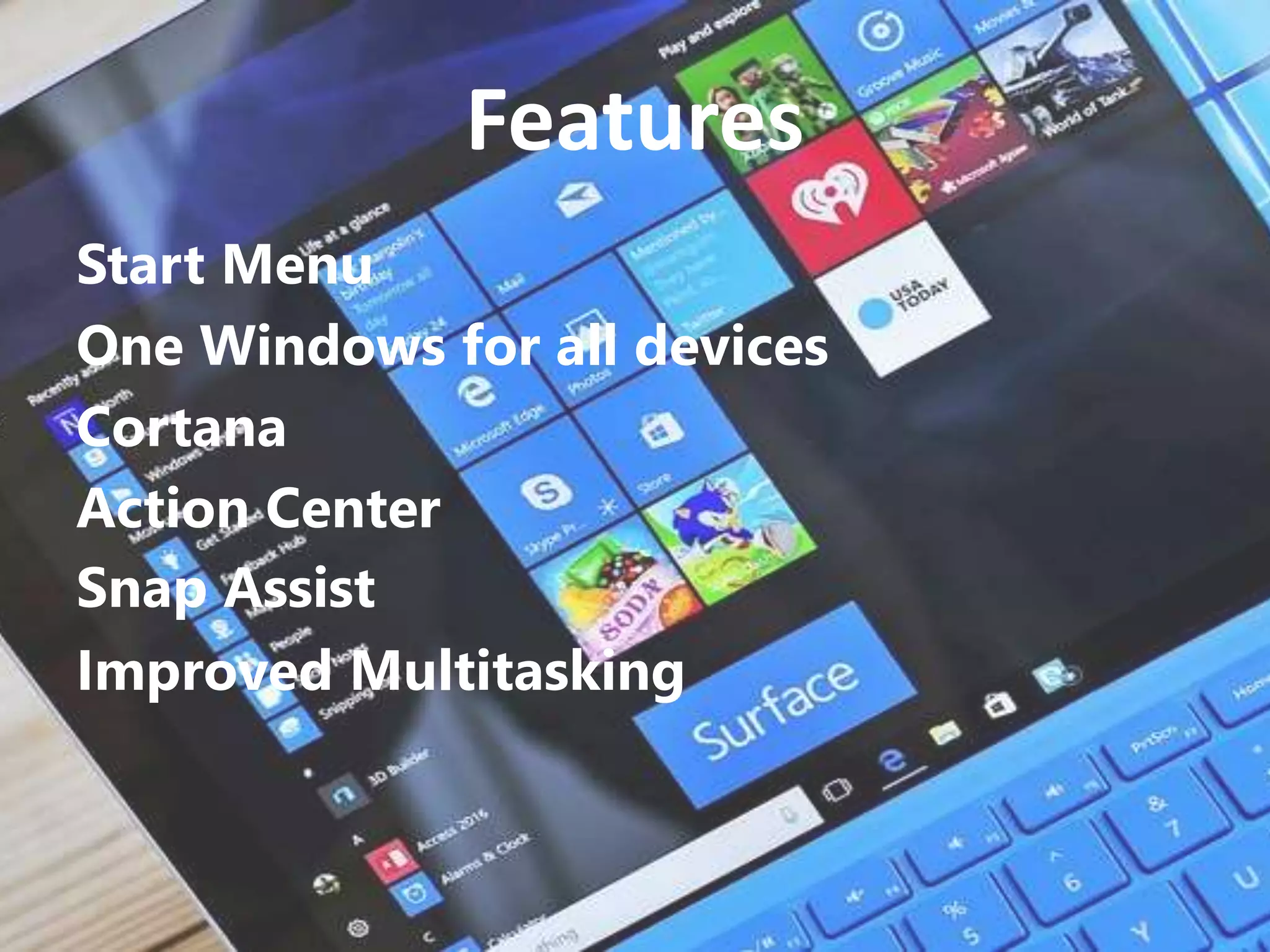
Features
Start Menu
One Windows for all devices
Cortana
Action Center
Snap Assist
Improved Multitasking
Start Menu
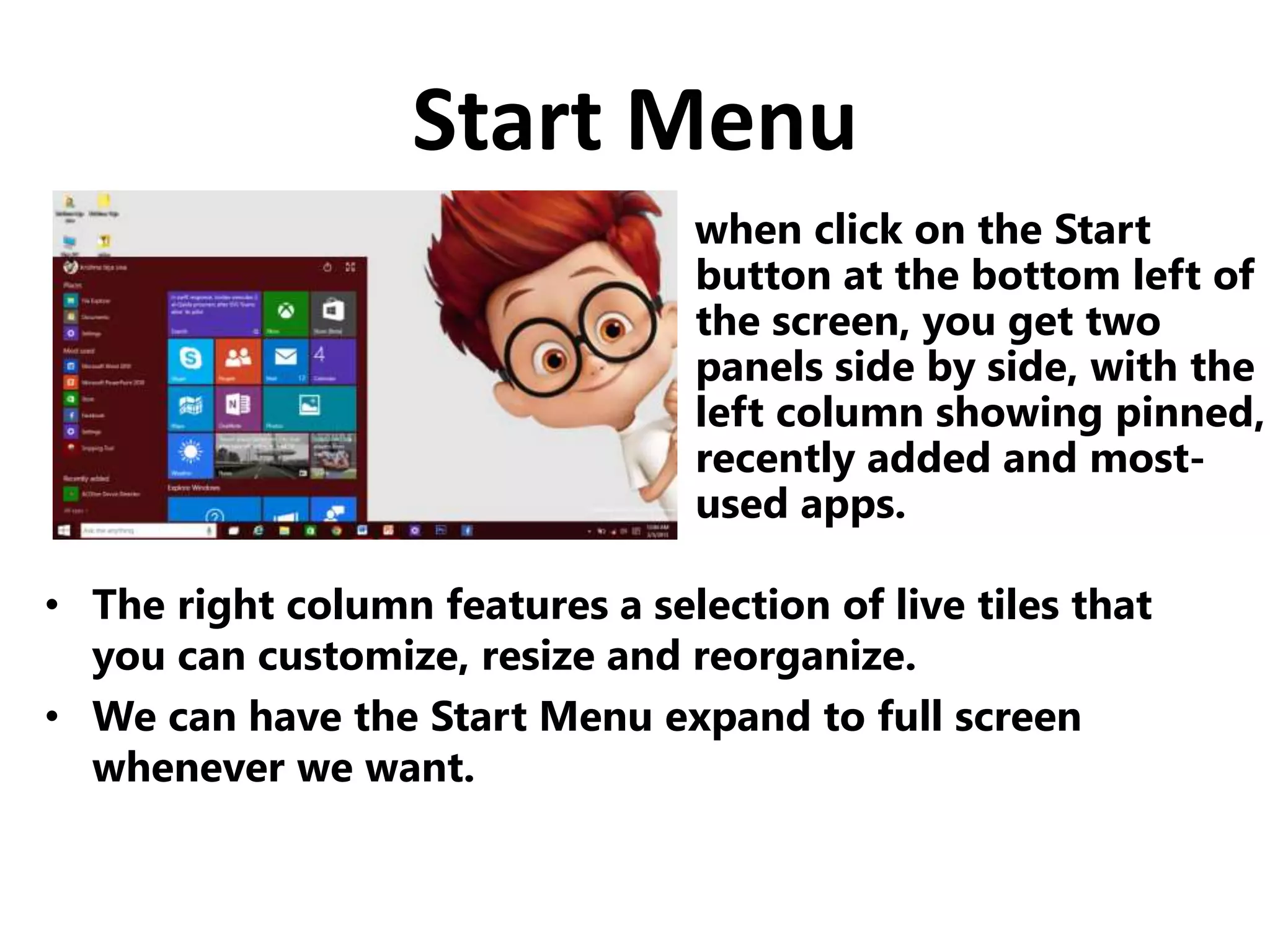
when click on the Start
button at the bottom left of
the screen, you get two
panels side by side, with the
left column showing pinned,
recently added and most-
used apps.
• The right column features a selection of live tiles that
you can customize, resize and reorganize.
• We can have the Start Menu expand to full screen
whenever we want.
One window for all
Devices
• Microsoft is using Windows
10 to attempt to unify its
various software platforms
across different devices
under one Windows brand.
• Windows 10 is meant to unify desktop PCs, Windows
tablets and Windows smart phones with one interface,
one way of operating and one account.
Cortana
Windows 10 will bring
Microsoft’s voice-controlled
digital assistant Cortana, to
make it easier for you to
interact with your device
without lifting a finger.
• We will be able to search your hard drive for specific
folders and files.
• Cortana is able to send emails while you’re working on
a spreadsheet, making multi-tasking much easier.
Action Center
Windows 10 will provide a new way
to look at all your notifications in
one place.
It collects alerts from your
device from all your apps,
similar to the notifications
drawers like in our smart
phones.
Snap Assist
Microsoft also updated its Snap View multitasking
feature to let you windows to the four corners of
your screen.
Improved Multitasking
• Instead of having multiple windows open on top of
each other on one desktop, you can set up a whole
other virtual desktop for those programs to reside in.
• A new Multiple
Desktops feature
lets you run another
set of windows as if
on another screen.
System Requirements
• Processor : 1 gigahertz (GHz) or faster
• RAM : 1 GB (32-bit) or 2 GB
(64-bit)
• Free hard disk space : 16 GB
• Graphics card : Microsoft DirectX 9 graphics
device
Windows 10 as a Service and Mobility
with improved applications, graphic user
interface and fast booting.
Conclusion
Windows 10

Windows 10

  • 1.
    Start with nameof Allah who is the most merciful and benifiant I thankful to my teacher who gave me the golden opportunity to deliver my presentation in front of you
  • 2.
  • 3.
    Contents What is anO.S ? Features of windows 10 System requirements Conclusion
  • 4.
    Operating System • AnOperating system is a software that manages computer hardware and software resources and provides common services for computer programs. • The operating system is an essential component of the software system. • Application programs usually require an operating system to function.
  • 5.
  • 6.
    Features Start Menu One Windowsfor all devices Cortana Action Center Snap Assist Improved Multitasking
  • 7.
    Start Menu when clickon the Start button at the bottom left of the screen, you get two panels side by side, with the left column showing pinned, recently added and most- used apps. • The right column features a selection of live tiles that you can customize, resize and reorganize. • We can have the Start Menu expand to full screen whenever we want.
  • 8.
    One window forall Devices • Microsoft is using Windows 10 to attempt to unify its various software platforms across different devices under one Windows brand. • Windows 10 is meant to unify desktop PCs, Windows tablets and Windows smart phones with one interface, one way of operating and one account.
  • 9.
    Cortana Windows 10 willbring Microsoft’s voice-controlled digital assistant Cortana, to make it easier for you to interact with your device without lifting a finger. • We will be able to search your hard drive for specific folders and files. • Cortana is able to send emails while you’re working on a spreadsheet, making multi-tasking much easier.
  • 10.
    Action Center Windows 10will provide a new way to look at all your notifications in one place. It collects alerts from your device from all your apps, similar to the notifications drawers like in our smart phones.
  • 11.
    Snap Assist Microsoft alsoupdated its Snap View multitasking feature to let you windows to the four corners of your screen.
  • 12.
    Improved Multitasking • Insteadof having multiple windows open on top of each other on one desktop, you can set up a whole other virtual desktop for those programs to reside in. • A new Multiple Desktops feature lets you run another set of windows as if on another screen.
  • 13.
    System Requirements • Processor: 1 gigahertz (GHz) or faster • RAM : 1 GB (32-bit) or 2 GB (64-bit) • Free hard disk space : 16 GB • Graphics card : Microsoft DirectX 9 graphics device
  • 14.
    Windows 10 asa Service and Mobility with improved applications, graphic user interface and fast booting. Conclusion