What Every Executive Needs
To Know About Information
Technology Security
Peter Campbell
Chief Information Officer
Legal Services Corporation
Topics
Introduction/Data Security
Cloud Computing
Cyber Insurance
Passwords
Mobile
Network Security
Questions?
The Internet is rapidly changing,
as are the ways that you should
protect yourself. This is
relatively current information
that factors in the use of mobile
technology and cloud
computing.
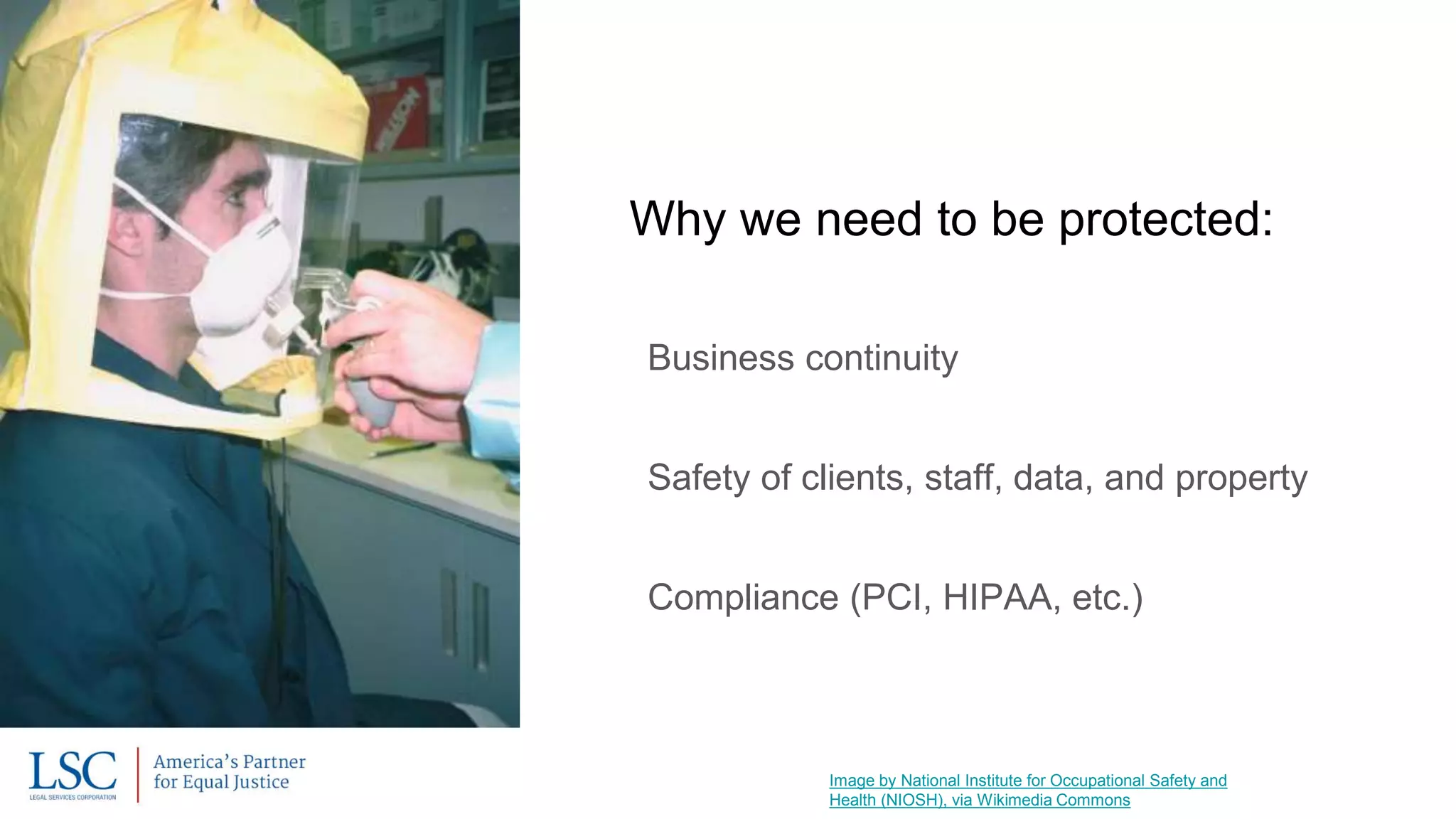
Image by National Institute for Occupational Safety and
Health (NIOSH), via Wikimedia Commons
Why we need to be protected:
Business continuity
Safety of clients, staff, data, and property
Compliance (PCI, HIPAA, etc.)
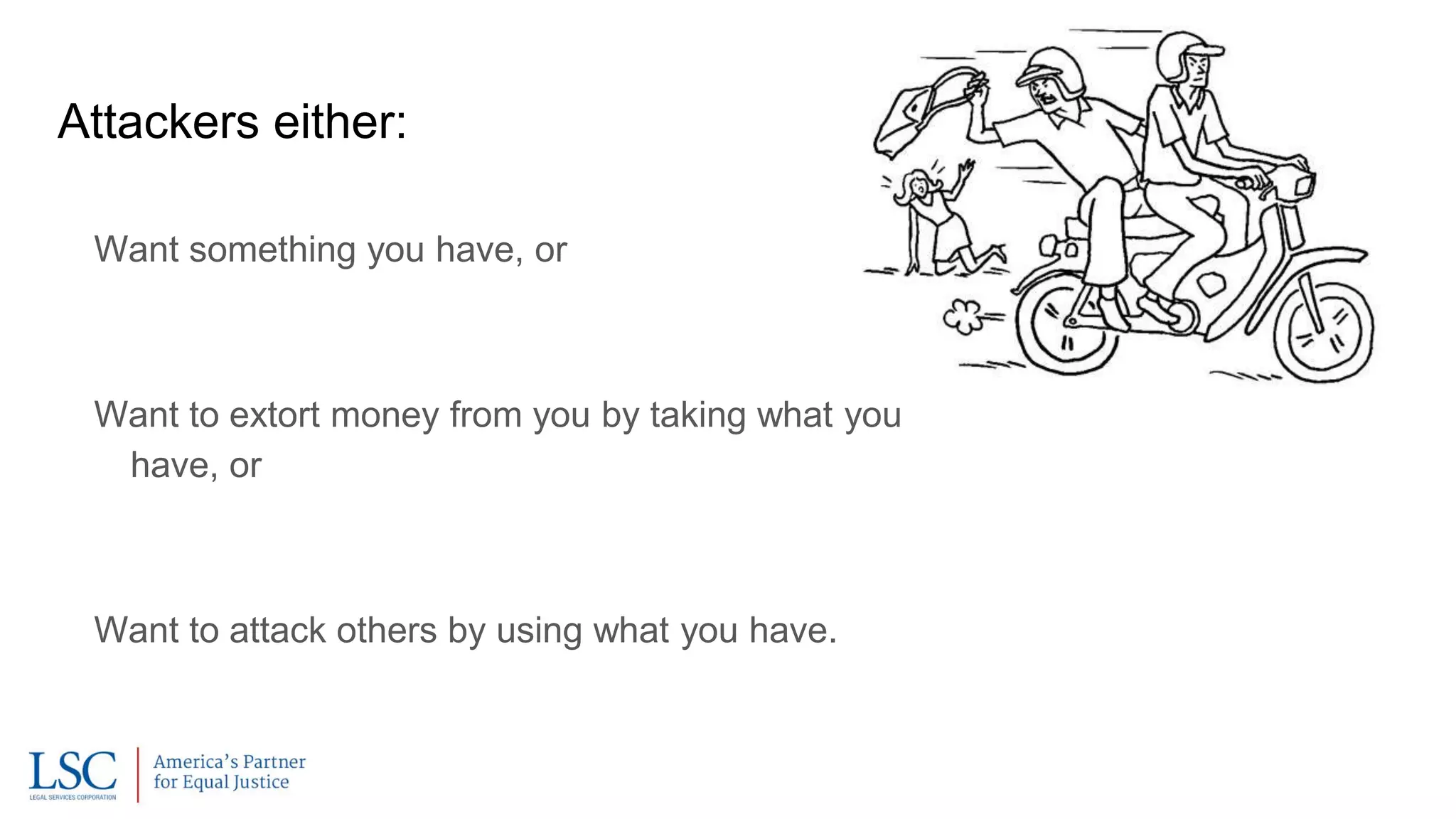
Attackers either:
Want something you have, or
Want to extort money from you by taking what you
have, or
Want to attack others by using what you have.
Two kinds of risk:
Sensitive Information Breached
Systems Attacked
Image by Setreset (Own work), via Wikimedia Commons
Data Sensitivity must be assessed:
High - Medium - Low
Risk to organization vs risk to clients, etc.
Labor/time to reproduce
Security policies should be based on these assessments
Image by Friedrich Graf, via Wikimedia Commons
Cloud Computing
Core Cloud Considerations:
Established cloud services might offer higher data security
than you can
How many certified IT Security Specialists do you have on
staff, compared to Google or Microsoft?
But also have low accountability for confidentiality
Vendor might give data in response to subpoenas that you
wouldn’t
Cost concerns:
Moves software from capital to expense
Subscriptions cost more than maintenance renewals, but are possibly offset by
infrastructure and support savings
Huge benefits for remote access
Contracting Tips:
Make sure that you backup your data
locally and are able to access it if a
cloud vendor goes out of business
Clearly delineate duties
Never agree to termination fees
[Image: “The Land of Contracts” by David Anthony Colarusso]
Cyber Insurance
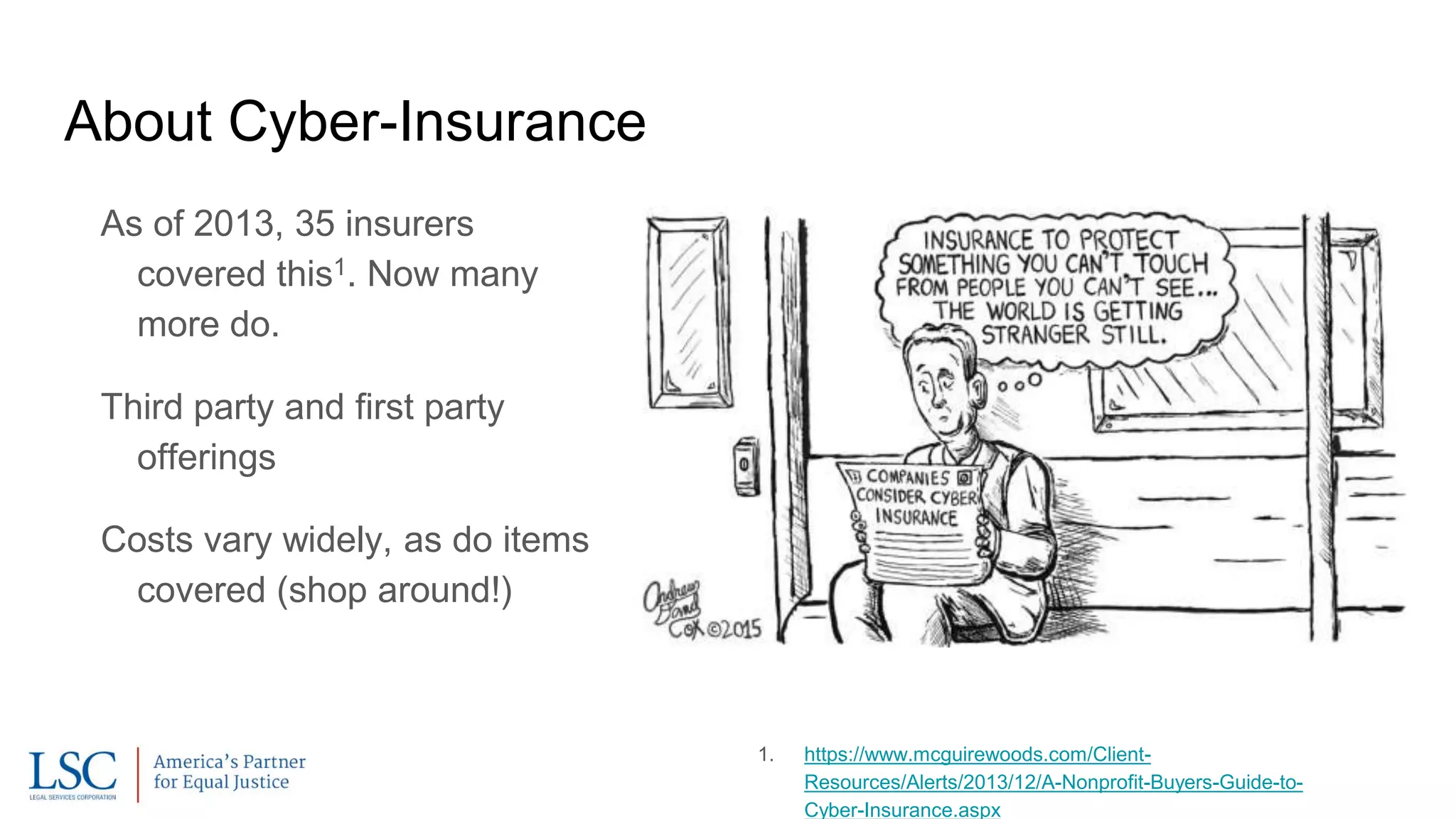
As of 2013, 35 insurers
covered this1. Now many
more do.
Third party and first party
offerings
Costs vary widely, as do items
covered (shop around!)
About Cyber-Insurance
1. https://www.mcguirewoods.com/Client-
Resources/Alerts/2013/12/A-Nonprofit-Buyers-Guide-to-
Cyber-Insurance.aspx
Third Party Coverage
Litigation Costs
Regulatory Expenses
Notification Costs
Crisis Management
PR
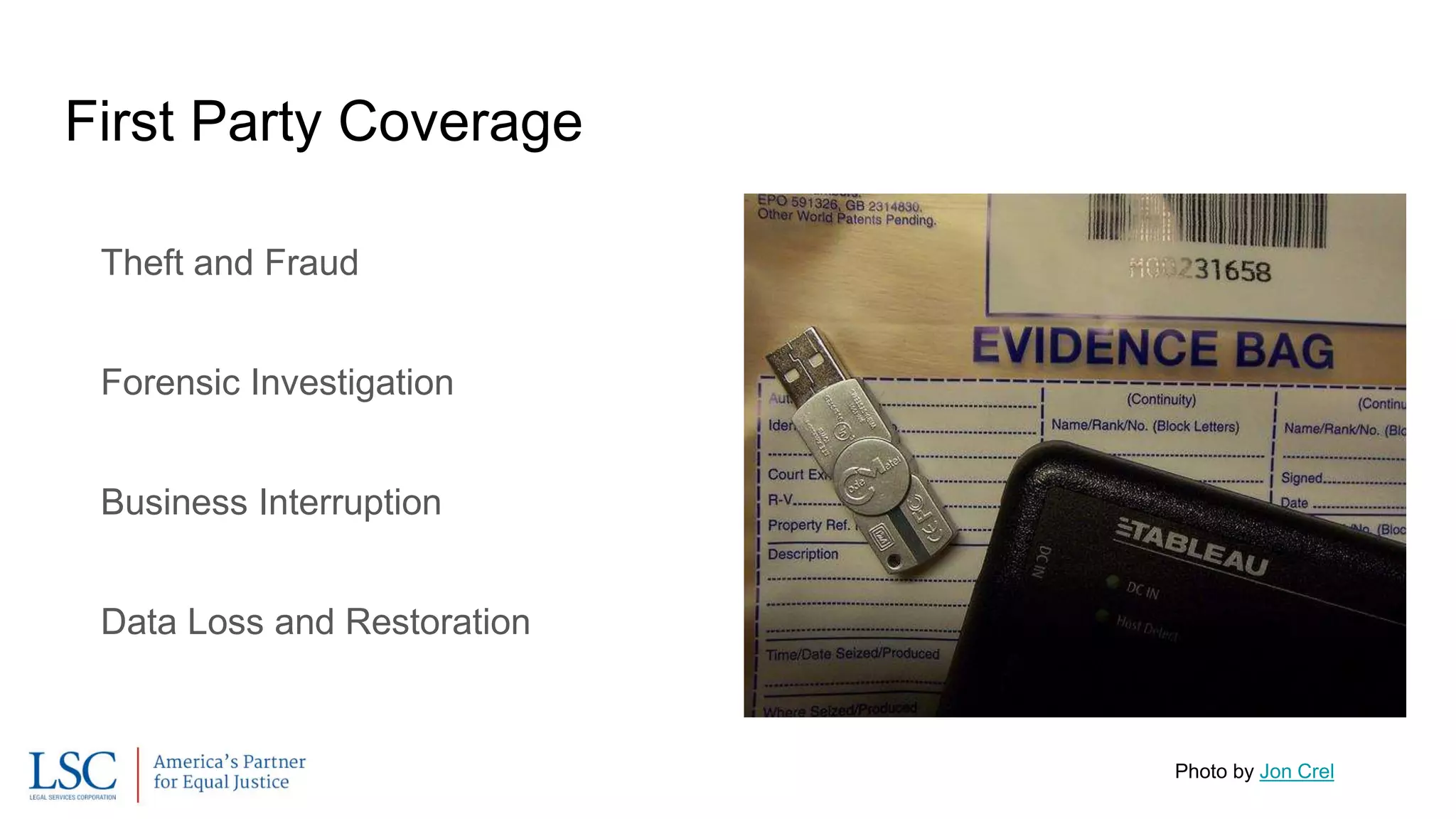
First Party Coverage
Theft and Fraud
Forensic Investigation
Business Interruption
Data Loss and Restoration
Photo by Jon Crel
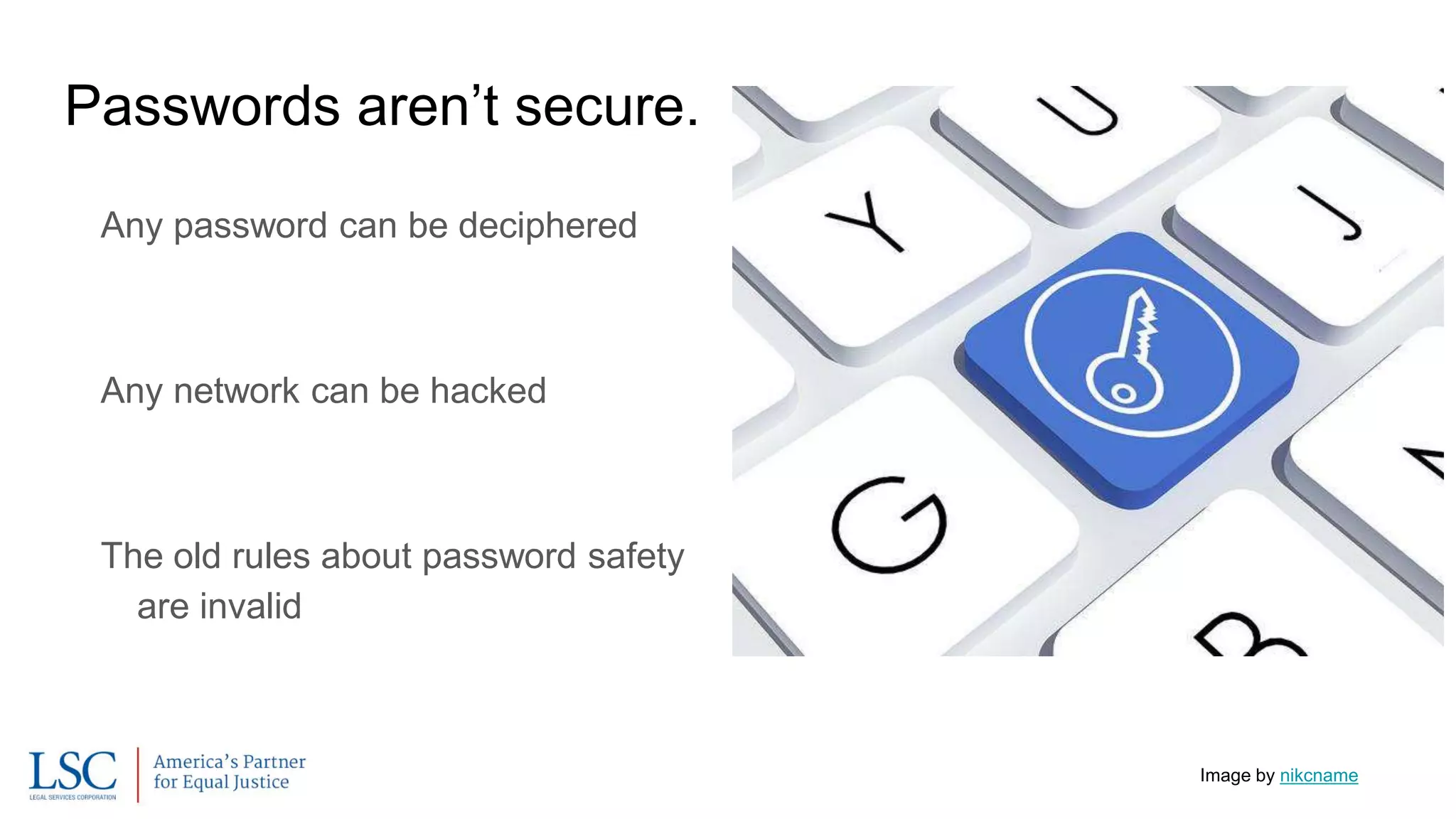
Passwords aren’t secure.
Any password can be deciphered
Any network can be hacked
The old rules about password safety
are invalid
Image by nikcname
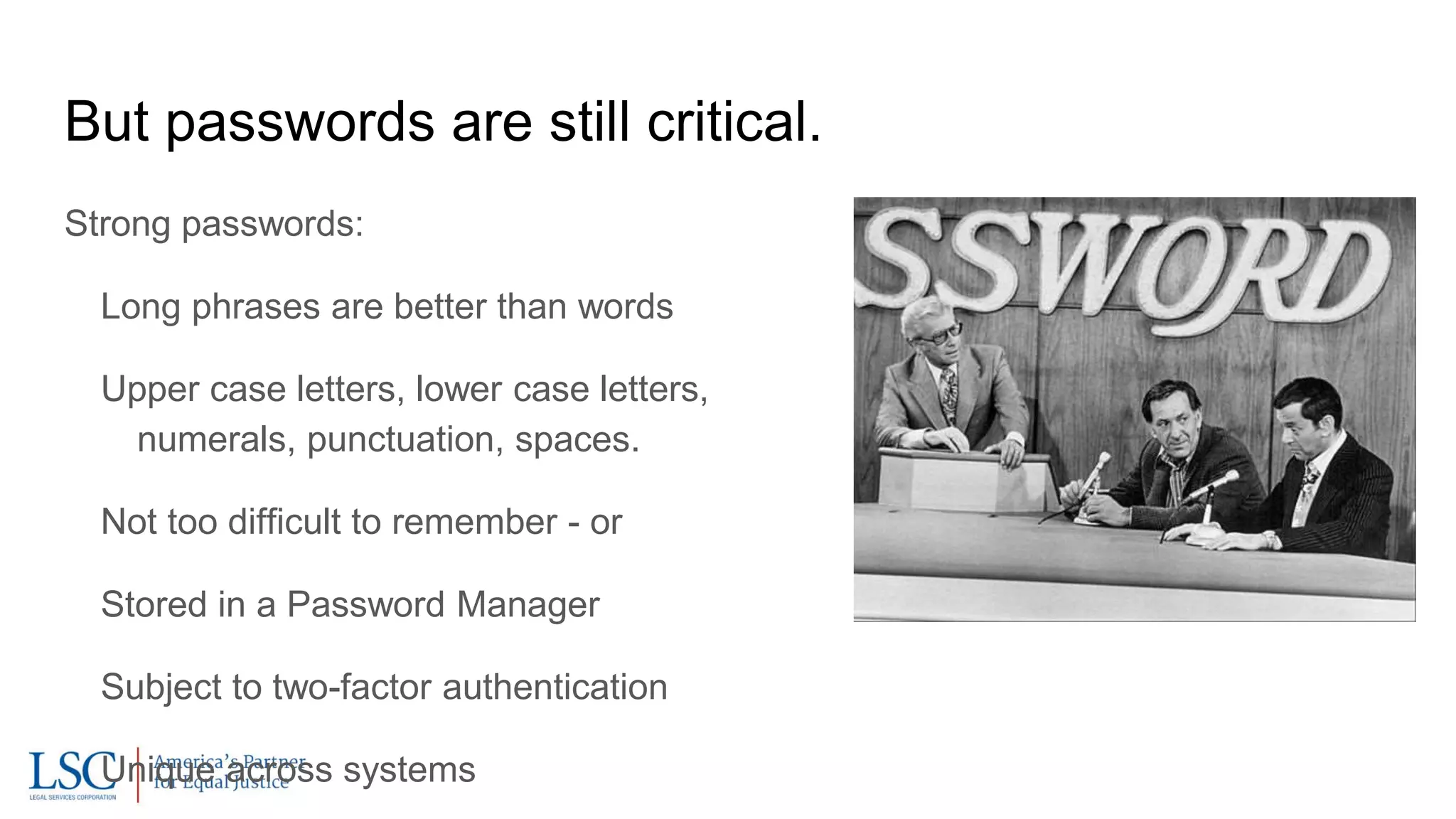
But passwords are still critical.
Strong passwords:
Long phrases are better than words
Upper case letters, lower case letters,
numerals, punctuation, spaces.
Not too difficult to remember - or
Stored in a Password Manager
Subject to two-factor authentication
Unique across systems
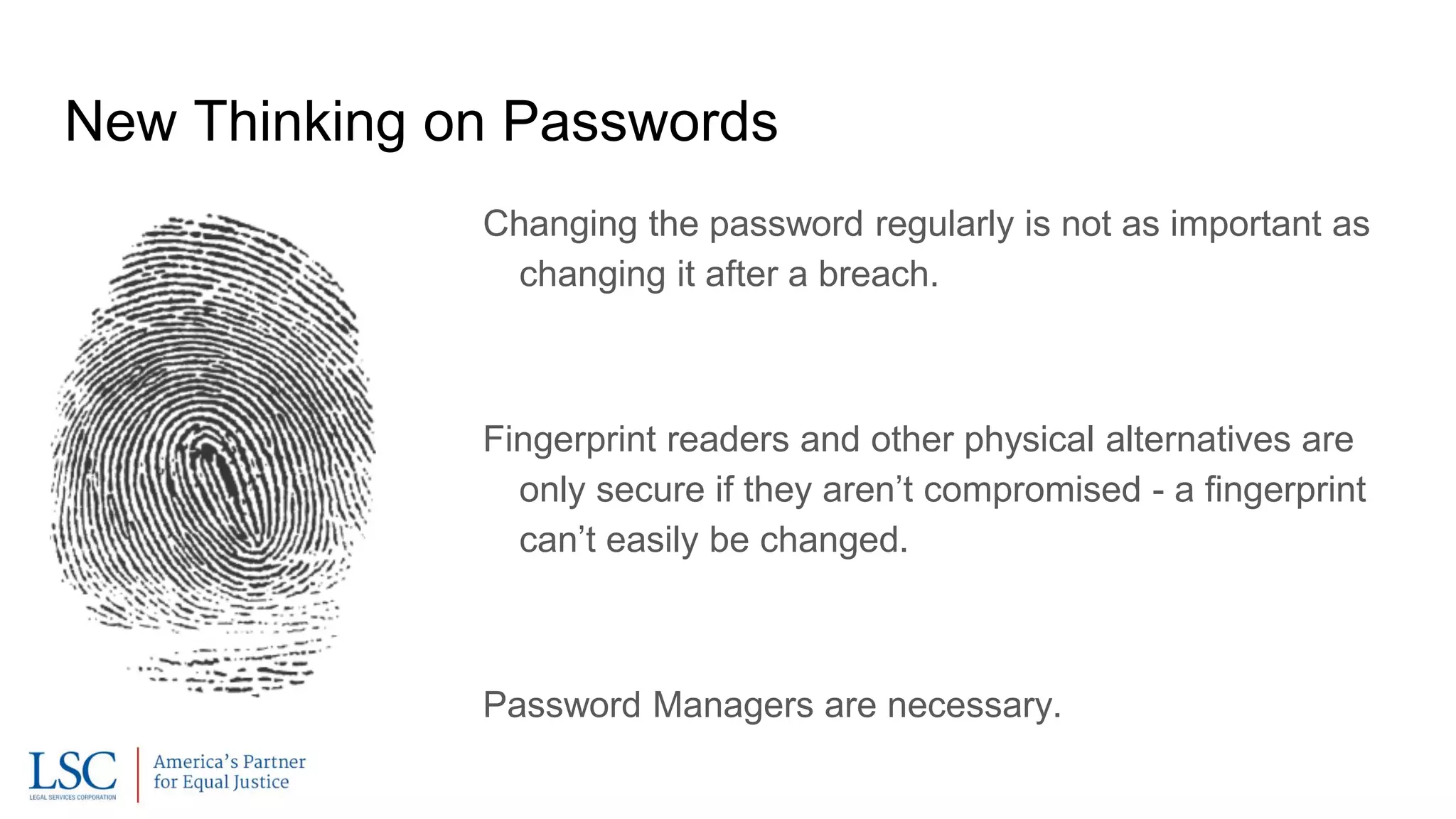
New Thinking on Passwords
Changing the password regularly is not as important as
changing it after a breach.
Fingerprint readers and other physical alternatives are
only secure if they aren’t compromised - a fingerprint
can’t easily be changed.
Password Managers are necessary.
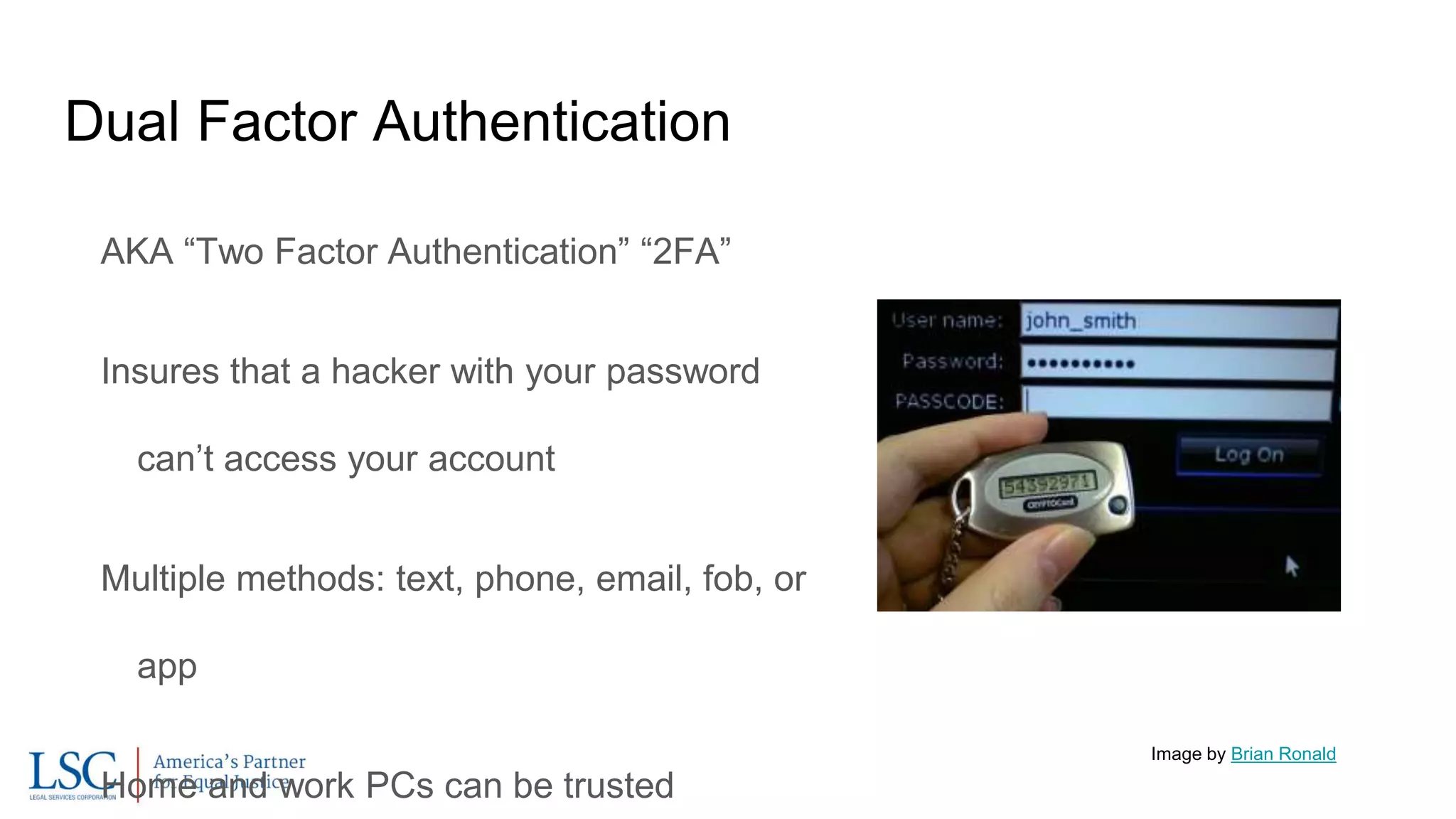
Dual Factor Authentication
AKA “Two Factor Authentication” “2FA”
Insures that a hacker with your password
can’t access your account
Multiple methods: text, phone, email, fob, or
app
Home and work PCs can be trusted
Image by Brian Ronald
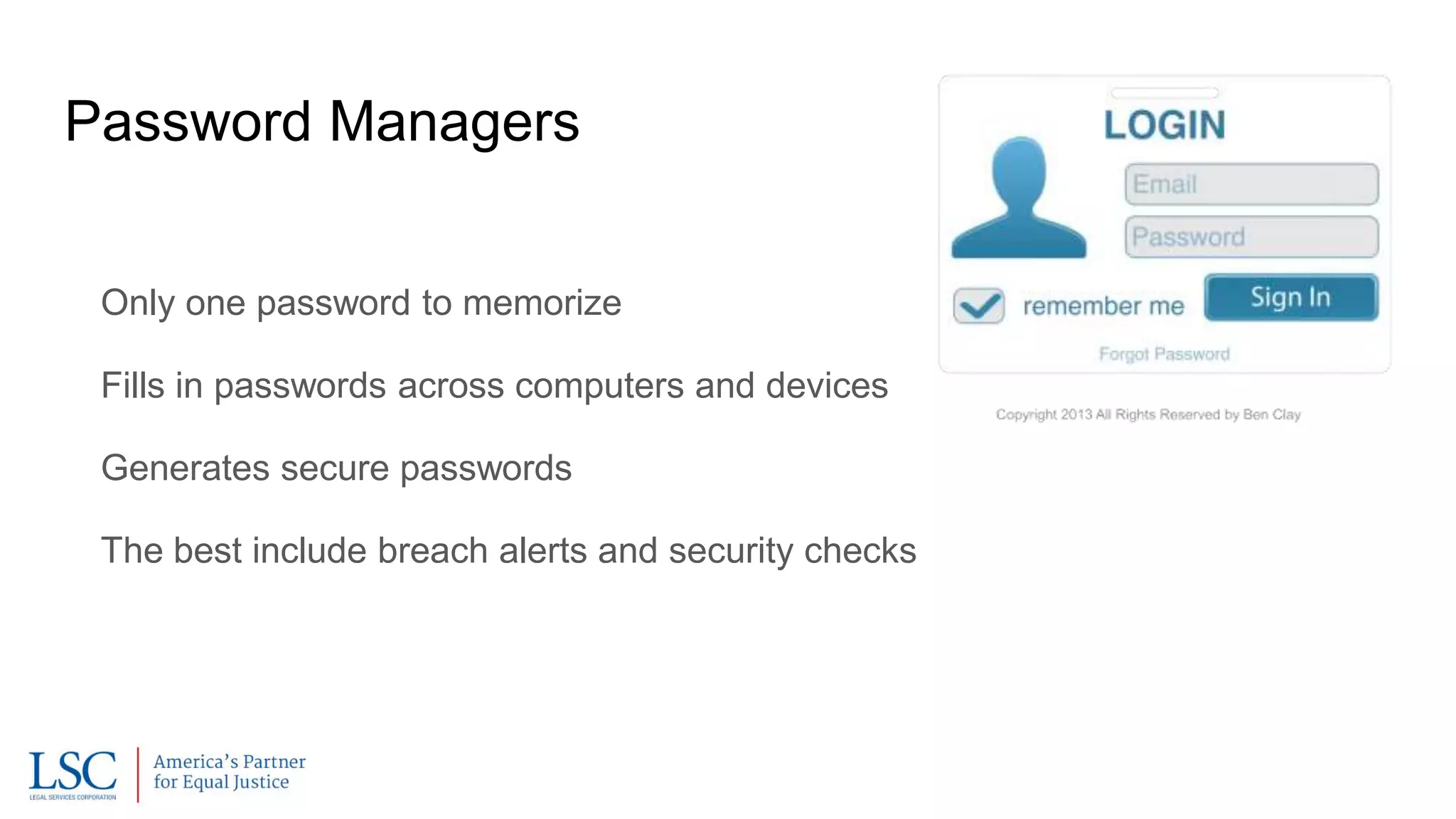
Password Managers
Only one password to memorize
Fills in passwords across computers and devices
Generates secure passwords
The best include breach alerts and security checks
Mobile
Image by HLundgaard (Own work) [CC BY-SA 3.0
(http://creativecommons.org/licenses/by-sa/3.0)],
via Wikimedia Commons
Core Mobile Considerations
Business data on mobile devices is not subject to
network security measures
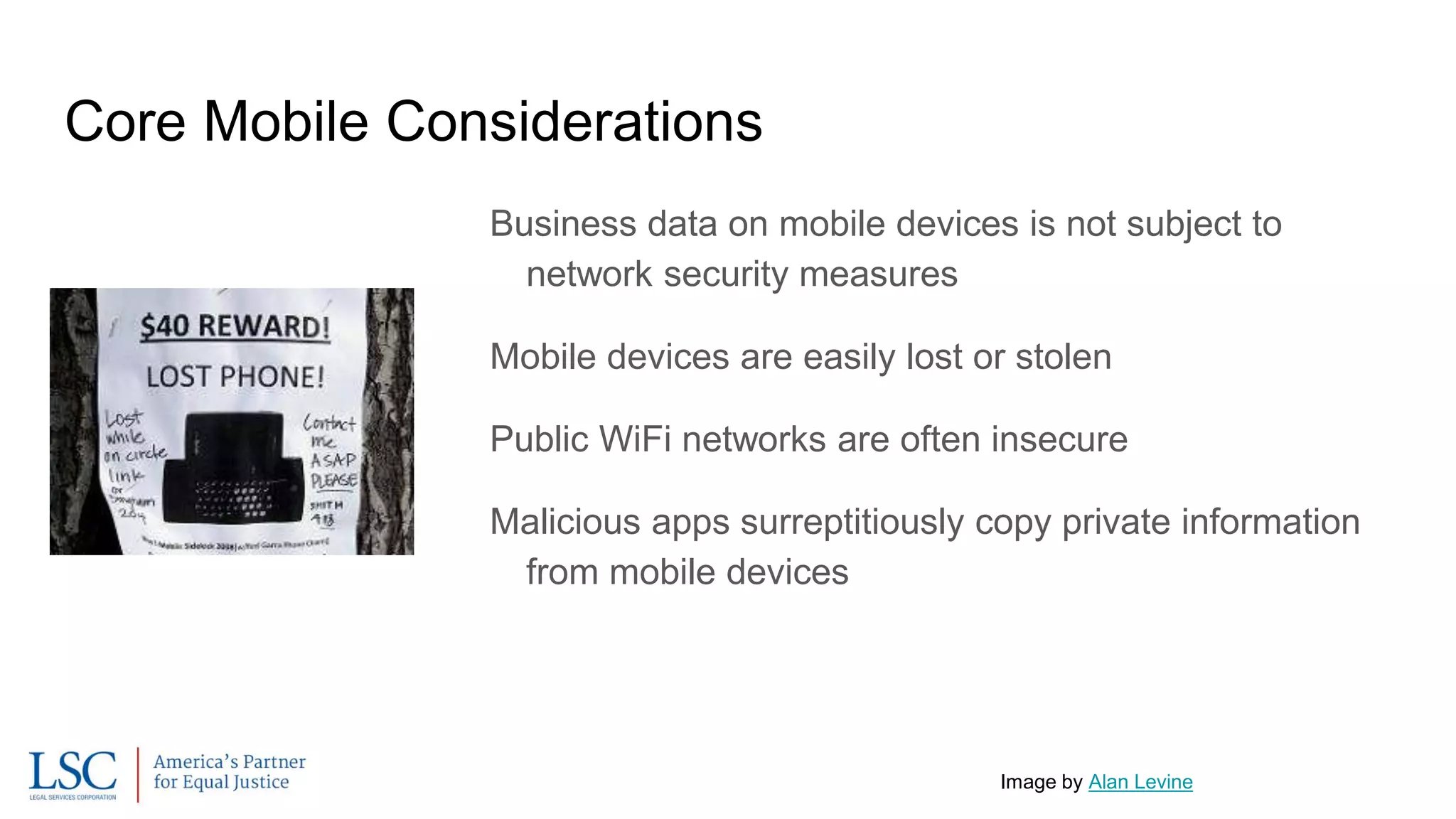
Mobile devices are easily lost or stolen
Public WiFi networks are often insecure
Malicious apps surreptitiously copy private information
from mobile devices
Image by Alan Levine
Security Measures
Screen Locks
Passcodes are safer than patterns
Fingerprint, facial recognition only good if phone isn’t hacked.
Encryption (SSL Anywhere)
Two Factor Authentication
Hotspots (as opposed to public WiFi)
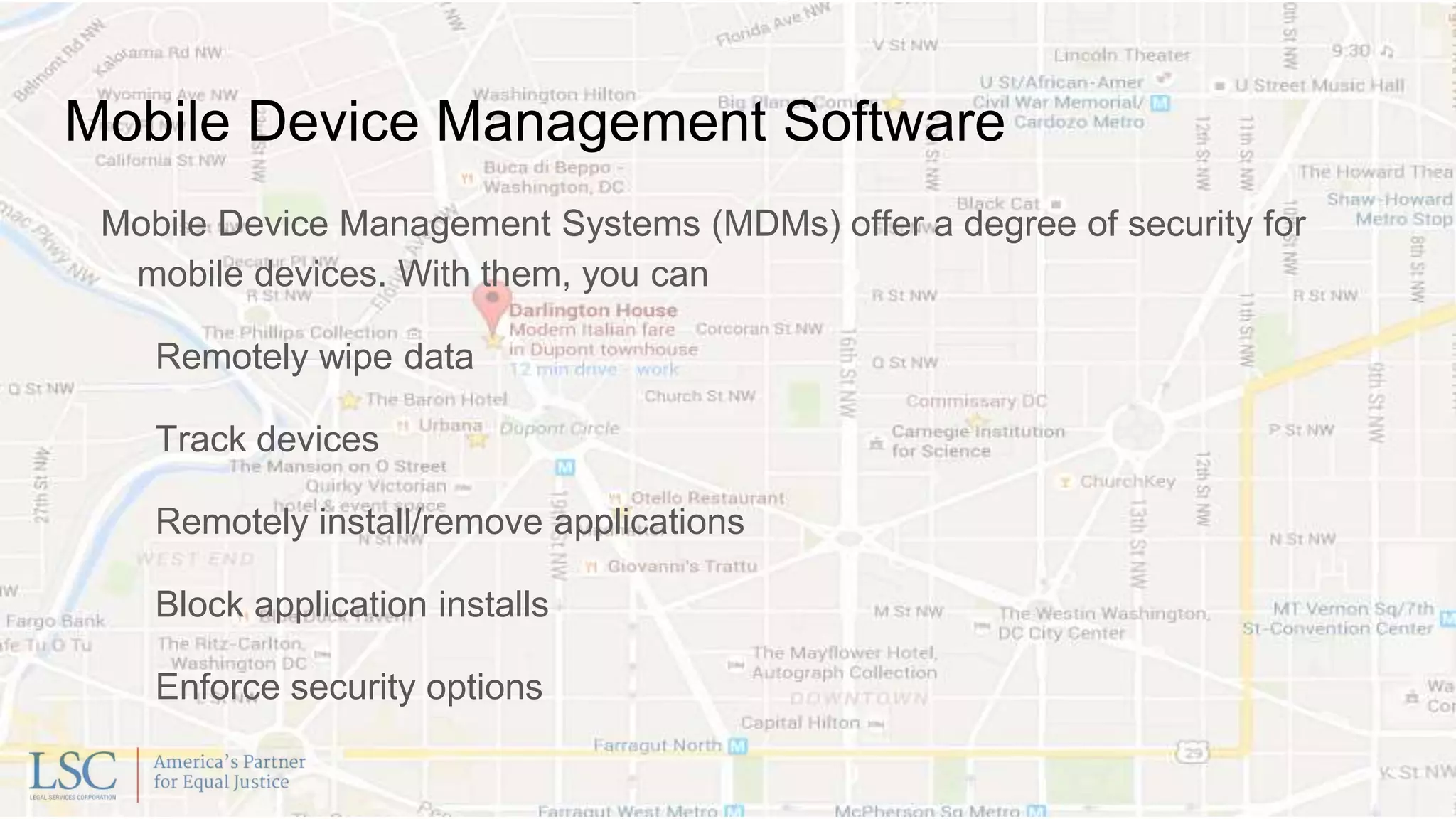
Mobile Device Management Software
Mobile Device Management Systems (MDMs) offer a degree of security for
mobile devices. With them, you can
Remotely wipe data
Track devices
Remotely install/remove applications
Block application installs
Enforce security options
Policies and Education
Key to safely letting staff work with company data (email, documents, etc.) on
mobile devices is solid policies and user education.
The best security in the world won’t protect you if staff don’t know how to protect
passwords and detect scams.
Policies should be sensible and not so prohibitive that staff are compelled to
work around them.
Network Security
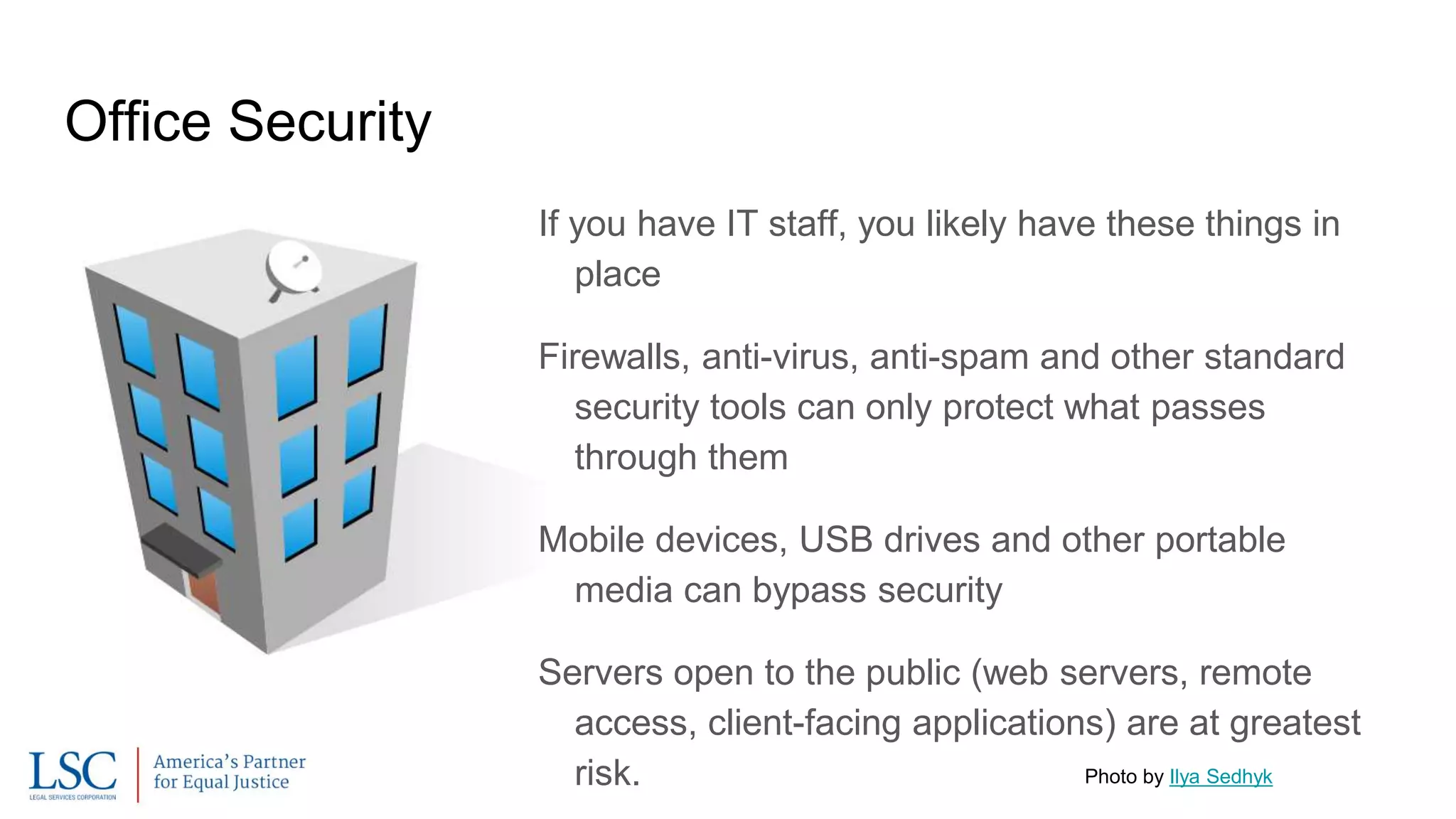
Office Security
If you have IT staff, you likely have these things in
place
Firewalls, anti-virus, anti-spam and other standard
security tools can only protect what passes
through them
Mobile devices, USB drives and other portable
media can bypass security
Servers open to the public (web servers, remote
access, client-facing applications) are at greatest
risk. Photo by Ilya Sedhyk
Monitoring and Perimeter Testing
It’s important to have software that monitors the systems and alerts IT staff in
case of hardware issues or attacks.
Investigations might be critical in case of a breach.
Perimeter Testing should be done regularly to identify security issues.
Pricing varies widely on this service
Find best mix of pricing/frequency
Can be a requirement/cost offset for cyber-insurance
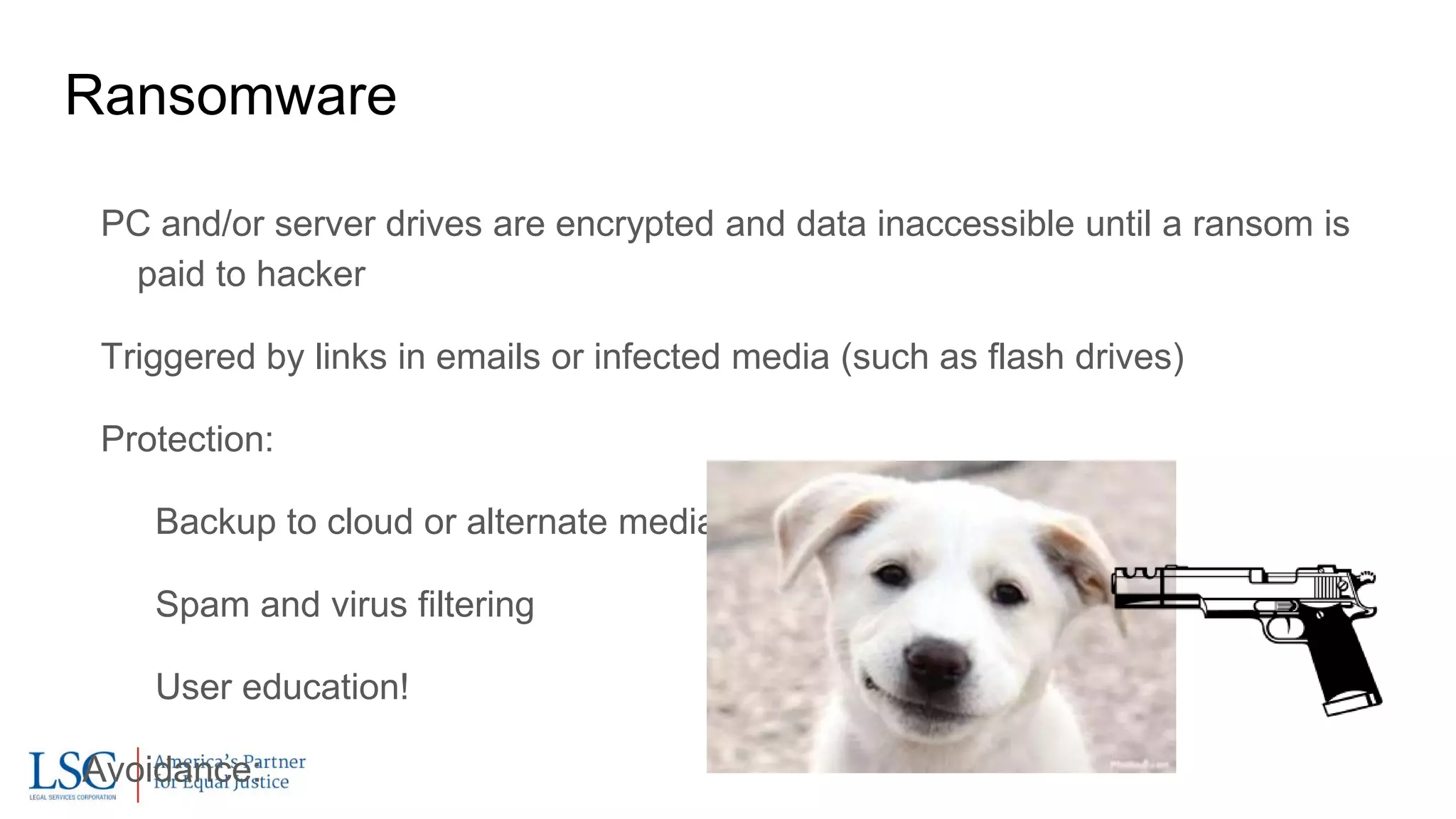
Ransomware
PC and/or server drives are encrypted and data inaccessible until a ransom is
paid to hacker
Triggered by links in emails or infected media (such as flash drives)
Protection:
Backup to cloud or alternate media
Spam and virus filtering
User education!
Avoidance:
Contact
Peter Campbell, CIO, LSC
pcampbell@lsc.gov
202-295-1685
@peterscampbell
Session Eval:
http://tinyurl.com/TIGeval

What every executive needs to know about information technology security

  • 1.
    What Every ExecutiveNeeds To Know About Information Technology Security Peter Campbell Chief Information Officer Legal Services Corporation
  • 2.
    Topics Introduction/Data Security Cloud Computing CyberInsurance Passwords Mobile Network Security Questions?
  • 3.
    The Internet israpidly changing, as are the ways that you should protect yourself. This is relatively current information that factors in the use of mobile technology and cloud computing.
  • 4.
    Image by NationalInstitute for Occupational Safety and Health (NIOSH), via Wikimedia Commons Why we need to be protected: Business continuity Safety of clients, staff, data, and property Compliance (PCI, HIPAA, etc.)
  • 5.
    Attackers either: Want somethingyou have, or Want to extort money from you by taking what you have, or Want to attack others by using what you have.
  • 6.
    Two kinds ofrisk: Sensitive Information Breached Systems Attacked Image by Setreset (Own work), via Wikimedia Commons
  • 7.
    Data Sensitivity mustbe assessed: High - Medium - Low Risk to organization vs risk to clients, etc. Labor/time to reproduce Security policies should be based on these assessments Image by Friedrich Graf, via Wikimedia Commons
  • 8.
  • 9.
    Core Cloud Considerations: Establishedcloud services might offer higher data security than you can How many certified IT Security Specialists do you have on staff, compared to Google or Microsoft? But also have low accountability for confidentiality Vendor might give data in response to subpoenas that you wouldn’t
  • 10.
    Cost concerns: Moves softwarefrom capital to expense Subscriptions cost more than maintenance renewals, but are possibly offset by infrastructure and support savings Huge benefits for remote access
  • 11.
    Contracting Tips: Make surethat you backup your data locally and are able to access it if a cloud vendor goes out of business Clearly delineate duties Never agree to termination fees [Image: “The Land of Contracts” by David Anthony Colarusso]
  • 12.
  • 13.
    As of 2013,35 insurers covered this1. Now many more do. Third party and first party offerings Costs vary widely, as do items covered (shop around!) About Cyber-Insurance 1. https://www.mcguirewoods.com/Client- Resources/Alerts/2013/12/A-Nonprofit-Buyers-Guide-to- Cyber-Insurance.aspx
  • 14.
    Third Party Coverage LitigationCosts Regulatory Expenses Notification Costs Crisis Management PR
  • 15.
    First Party Coverage Theftand Fraud Forensic Investigation Business Interruption Data Loss and Restoration Photo by Jon Crel
  • 17.
    Passwords aren’t secure. Anypassword can be deciphered Any network can be hacked The old rules about password safety are invalid Image by nikcname
  • 18.
    But passwords arestill critical. Strong passwords: Long phrases are better than words Upper case letters, lower case letters, numerals, punctuation, spaces. Not too difficult to remember - or Stored in a Password Manager Subject to two-factor authentication Unique across systems
  • 19.
    New Thinking onPasswords Changing the password regularly is not as important as changing it after a breach. Fingerprint readers and other physical alternatives are only secure if they aren’t compromised - a fingerprint can’t easily be changed. Password Managers are necessary.
  • 20.
    Dual Factor Authentication AKA“Two Factor Authentication” “2FA” Insures that a hacker with your password can’t access your account Multiple methods: text, phone, email, fob, or app Home and work PCs can be trusted Image by Brian Ronald
  • 21.
    Password Managers Only onepassword to memorize Fills in passwords across computers and devices Generates secure passwords The best include breach alerts and security checks
  • 22.
    Mobile Image by HLundgaard(Own work) [CC BY-SA 3.0 (http://creativecommons.org/licenses/by-sa/3.0)], via Wikimedia Commons
  • 23.
    Core Mobile Considerations Businessdata on mobile devices is not subject to network security measures Mobile devices are easily lost or stolen Public WiFi networks are often insecure Malicious apps surreptitiously copy private information from mobile devices Image by Alan Levine
  • 24.
    Security Measures Screen Locks Passcodesare safer than patterns Fingerprint, facial recognition only good if phone isn’t hacked. Encryption (SSL Anywhere) Two Factor Authentication Hotspots (as opposed to public WiFi)
  • 25.
    Mobile Device ManagementSoftware Mobile Device Management Systems (MDMs) offer a degree of security for mobile devices. With them, you can Remotely wipe data Track devices Remotely install/remove applications Block application installs Enforce security options
  • 26.
    Policies and Education Keyto safely letting staff work with company data (email, documents, etc.) on mobile devices is solid policies and user education. The best security in the world won’t protect you if staff don’t know how to protect passwords and detect scams. Policies should be sensible and not so prohibitive that staff are compelled to work around them.
  • 27.
  • 28.
    Office Security If youhave IT staff, you likely have these things in place Firewalls, anti-virus, anti-spam and other standard security tools can only protect what passes through them Mobile devices, USB drives and other portable media can bypass security Servers open to the public (web servers, remote access, client-facing applications) are at greatest risk. Photo by Ilya Sedhyk
  • 29.
    Monitoring and PerimeterTesting It’s important to have software that monitors the systems and alerts IT staff in case of hardware issues or attacks. Investigations might be critical in case of a breach. Perimeter Testing should be done regularly to identify security issues. Pricing varies widely on this service Find best mix of pricing/frequency Can be a requirement/cost offset for cyber-insurance
  • 30.
    Ransomware PC and/or serverdrives are encrypted and data inaccessible until a ransom is paid to hacker Triggered by links in emails or infected media (such as flash drives) Protection: Backup to cloud or alternate media Spam and virus filtering User education! Avoidance:
  • 32.
    Contact Peter Campbell, CIO,LSC pcampbell@lsc.gov 202-295-1685 @peterscampbell Session Eval: http://tinyurl.com/TIGeval