Web 2.0
Not Your Mother’s Internet
            by Emily Miller
         Technology Specialist
    Shades Cahaba Elementary School
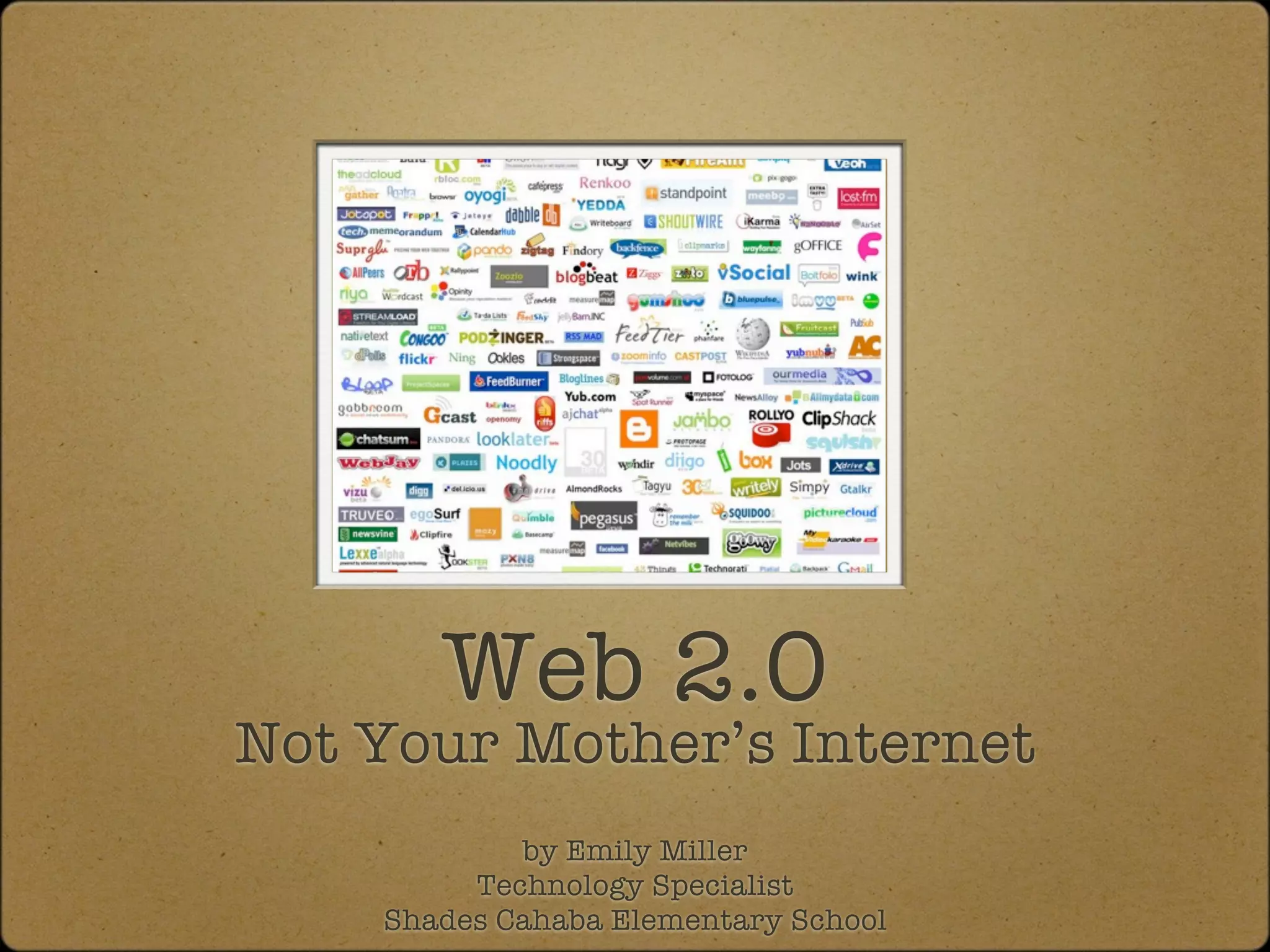
Web 2.0


What is Web 2.0

Why do I need to use Web 2.0 applications?

How do I get started in my classroom?
Web 2.0
 “Web 2.0 refers to what is perceived as a second generation of web
development and web design. It is characterized as facilitation
communication, information sharing, interoperability, user-centered design
and collaboration on the World Wide Web. It has led to the development
and evolution of web-based communities, hosted services, and web
applications. Examples include social -networking sites, video-sharing sites,
wikis, blogs, mashups, and folksonomies” -Wikipedia

 The term was originally coined by Darcy DiNucci in 1999.

 The term was later associated with Tim O”Reilly
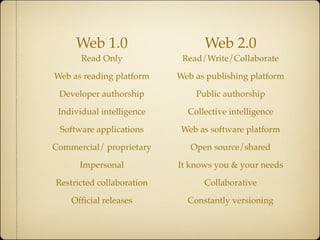
Web 1.0                     Web 2.0
       Read Only            Read/Write/Collaborate

Web as reading platform    Web as publishing platform

 Developer authorship          Public authorship

 Individual intelligence     Collective intelligence

 Software applications      Web as software platform

Commercial/ proprietary       Open source/shared

      Impersonal           It knows you & your needs

Restricted collaboration         Collaborative

    Official releases         Constantly versioning
Why use it?
It’s FREE!!!!

Only need an internet connection and
computer

It’s collaborative

Transparent-brings instant gratification

Creates ownership
Course of Study
                              2009
               K-2                                       3-5

7) Use digital tools to access and   8) Collect information from a variety of
                                     digital sources.
retrieve information.

                                     Examples: online libraries, multi-media
  Examples: online libraries,                     dictionaries
 multimedia dictionaries, search
      engines, directories             • Using technology tools to
                                           organize information
  • Evaluating accuracy of
     digital content                   • Demonstrating efficient Internet
                                           search strategies

Example: determining fact verses
                                       • Evaluating electronic resources
            opinion                        for reliability...
Using Digital tools to collect and
     retrieve information

National Library of Virtual Manipulatives

Alabama Virtual Library

Trackstar

ikeepbookmarks

Academic Skill Builder

Visual Thesaurus
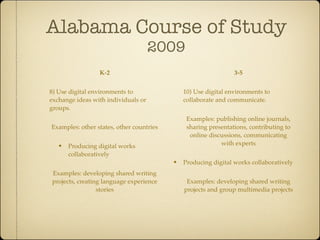
Alabama Course of Study
                                     2009
                 K-2                                           3-5


8) Use digital environments to               10) Use digital environments to
exchange ideas with individuals or           collaborate and communicate.
groups.
                                              Examples: publishing online journals,
Examples: other states, other countries       sharing presentations, contributing to
                                               online discussions, communicating
  • Producing digital works                               with experts
      collaboratively
                                          • Producing digital works collaboratively
Examples: developing shared writing
projects, creating language experience        Examples: developing shared writing
                 stories                     projects and group multimedia projects
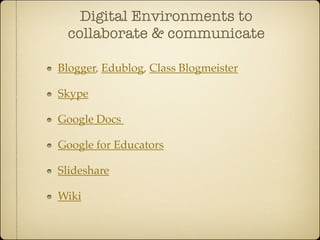
Digital Environments to
 collaborate & communicate

Blogger, Edublog, Class Blogmeister

Skype

Google Docs

Google for Educators

Slideshare

Wiki
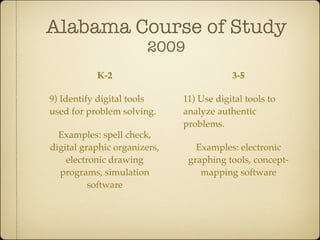
Alabama Course of Study
                        2009
           K-2                            3-5

9) Identify digital tools     11) Use digital tools to
used for problem solving.     analyze authentic
                              problems.
  Examples: spell check,
digital graphic organizers,      Examples: electronic
    electronic drawing         graphing tools, concept-
  programs, simulation            mapping software
          software
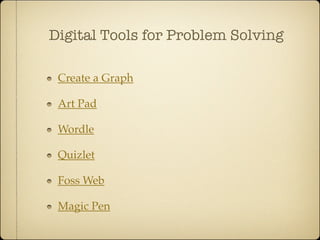
Digital Tools for Problem Solving

 Create a Graph

 Art Pad

 Wordle

 Quizlet

 Foss Web

 Magic Pen
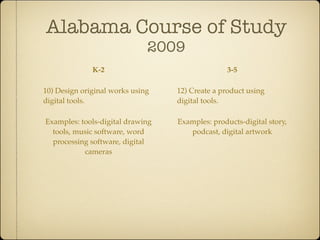
Alabama Course of Study
                              2009
              K-2                                3-5

10) Design original works using   12) Create a product using
digital tools.                    digital tools.

Examples: tools-digital drawing   Examples: products-digital story,
  tools, music software, word        podcast, digital artwork
  processing software, digital
           cameras
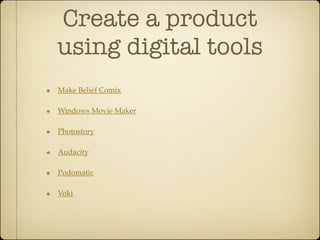
Create a product
using digital tools
Make Belief Comix

Windows Movie Maker

Photostory

Audacity

Podomatic

Voki
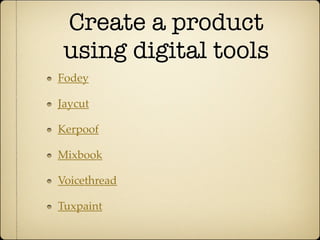
Create a product
 using digital tools
Fodey

Jaycut

Kerpoof

Mixbook

Voicethread

Tuxpaint
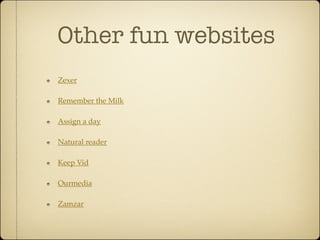
Other fun websites
Zexer

Remember the Milk

Assign a day

Natural reader

Keep Vid

Ourmedia

Zamzar
Other fun websites
Classtools.net

Rubistar

Boxnet

cooliris

online stopwatch

igoogle

google reader

Web 2.0, Not Your Mother's Internet

  • 1.
    Web 2.0 Not YourMother’s Internet by Emily Miller Technology Specialist Shades Cahaba Elementary School
  • 2.
    Web 2.0 What isWeb 2.0 Why do I need to use Web 2.0 applications? How do I get started in my classroom?
  • 3.
    Web 2.0 “Web2.0 refers to what is perceived as a second generation of web development and web design. It is characterized as facilitation communication, information sharing, interoperability, user-centered design and collaboration on the World Wide Web. It has led to the development and evolution of web-based communities, hosted services, and web applications. Examples include social -networking sites, video-sharing sites, wikis, blogs, mashups, and folksonomies” -Wikipedia The term was originally coined by Darcy DiNucci in 1999. The term was later associated with Tim O”Reilly
  • 4.
    Web 1.0 Web 2.0 Read Only Read/Write/Collaborate Web as reading platform Web as publishing platform Developer authorship Public authorship Individual intelligence Collective intelligence Software applications Web as software platform Commercial/ proprietary Open source/shared Impersonal It knows you & your needs Restricted collaboration Collaborative Official releases Constantly versioning
  • 5.
    Why use it? It’sFREE!!!! Only need an internet connection and computer It’s collaborative Transparent-brings instant gratification Creates ownership
  • 6.
    Course of Study 2009 K-2 3-5 7) Use digital tools to access and 8) Collect information from a variety of digital sources. retrieve information. Examples: online libraries, multi-media Examples: online libraries, dictionaries multimedia dictionaries, search engines, directories • Using technology tools to organize information • Evaluating accuracy of digital content • Demonstrating efficient Internet search strategies Example: determining fact verses • Evaluating electronic resources opinion for reliability...
  • 7.
    Using Digital toolsto collect and retrieve information National Library of Virtual Manipulatives Alabama Virtual Library Trackstar ikeepbookmarks Academic Skill Builder Visual Thesaurus
  • 8.
    Alabama Course ofStudy 2009 K-2 3-5 8) Use digital environments to 10) Use digital environments to exchange ideas with individuals or collaborate and communicate. groups. Examples: publishing online journals, Examples: other states, other countries sharing presentations, contributing to online discussions, communicating • Producing digital works with experts collaboratively • Producing digital works collaboratively Examples: developing shared writing projects, creating language experience Examples: developing shared writing stories projects and group multimedia projects
  • 9.
    Digital Environments to collaborate & communicate Blogger, Edublog, Class Blogmeister Skype Google Docs Google for Educators Slideshare Wiki
  • 10.
    Alabama Course ofStudy 2009 K-2 3-5 9) Identify digital tools 11) Use digital tools to used for problem solving. analyze authentic problems. Examples: spell check, digital graphic organizers, Examples: electronic electronic drawing graphing tools, concept- programs, simulation mapping software software
  • 11.
    Digital Tools forProblem Solving Create a Graph Art Pad Wordle Quizlet Foss Web Magic Pen
  • 12.
    Alabama Course ofStudy 2009 K-2 3-5 10) Design original works using 12) Create a product using digital tools. digital tools. Examples: tools-digital drawing Examples: products-digital story, tools, music software, word podcast, digital artwork processing software, digital cameras
  • 13.
    Create a product usingdigital tools Make Belief Comix Windows Movie Maker Photostory Audacity Podomatic Voki
  • 14.
    Create a product using digital tools Fodey Jaycut Kerpoof Mixbook Voicethread Tuxpaint
  • 15.
    Other fun websites Zexer Rememberthe Milk Assign a day Natural reader Keep Vid Ourmedia Zamzar
  • 16.