Walk-Through an IT Makeover, End-to-End,
and See the Results!
Ron Petti, PBS Engineering and Environmental
Todd Leavitt, PBS Engineering and Environmental
Todd Barton, Dell
Dina O’Mara, VMware
VSVC5130
#VSVC5130
22
Agenda
 A Walk Through: Before
 IT Nightmares - It Can Happen to You!
 Implementation and Tips to Ensure Success
 What We Did - A Walk Through: After and DEMOS
 Debunking the 5 Top Myths of Virtualization
 Results
 Looking Forward
 How to Get Started, Resources
33
A Walk Through – Before
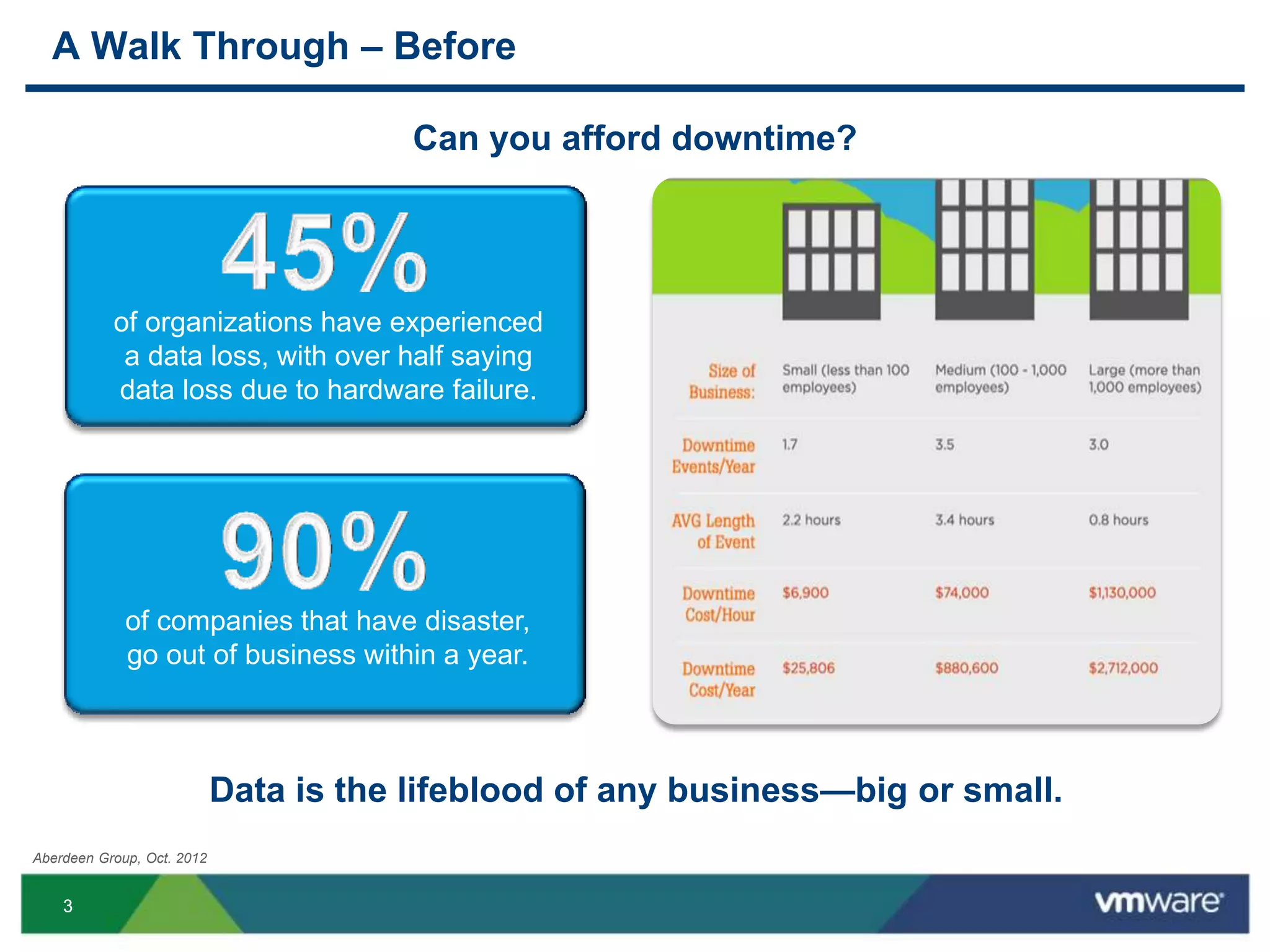
Can you afford downtime?
Aberdeen Group, Oct. 2012
Data is the lifeblood of any business—big or small.
of organizations have experienced
a data loss, with over half saying
data loss due to hardware failure.
of companies that have disaster,
go out of business within a year.
44
A Walk Through – Before
Five years ago, began virtualizing the PBS data center
 Mix of 30 to 35 servers and desktop class PCs
 Virtualizing onto five Dell 64-bit servers with
VMware vSphere 3.5, using all of the extra capacity
 Helped to keep the IT room cool
55
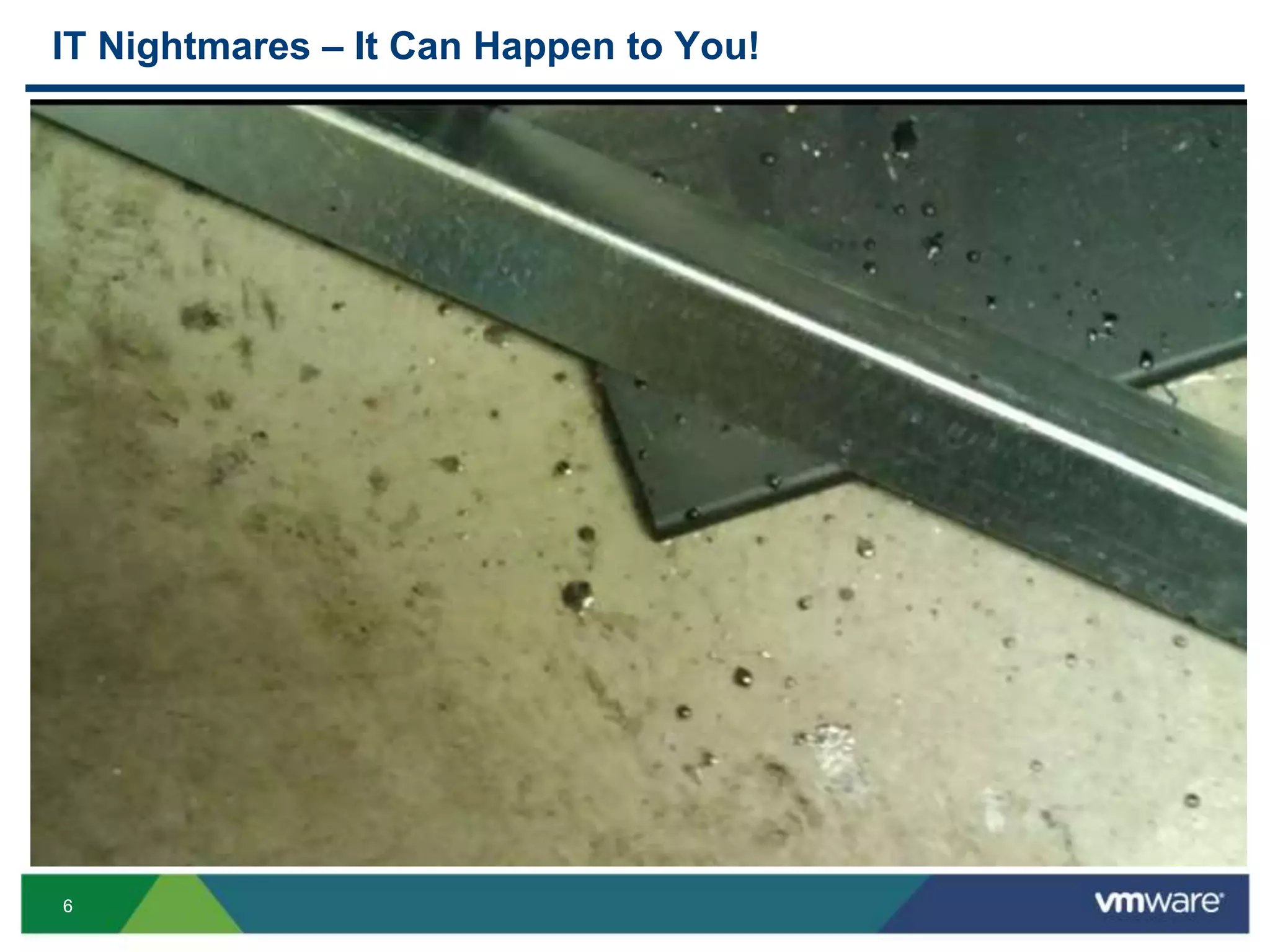
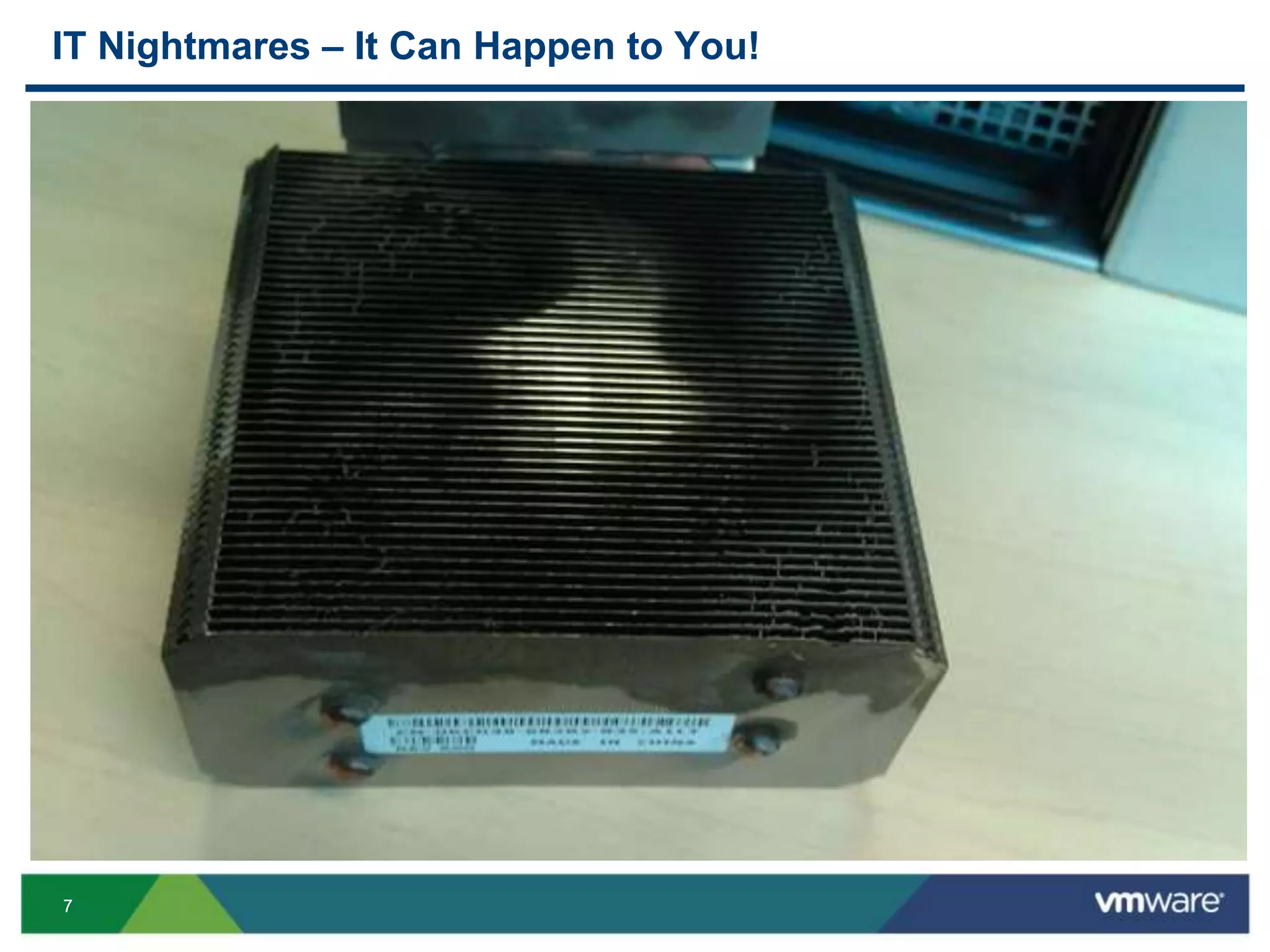
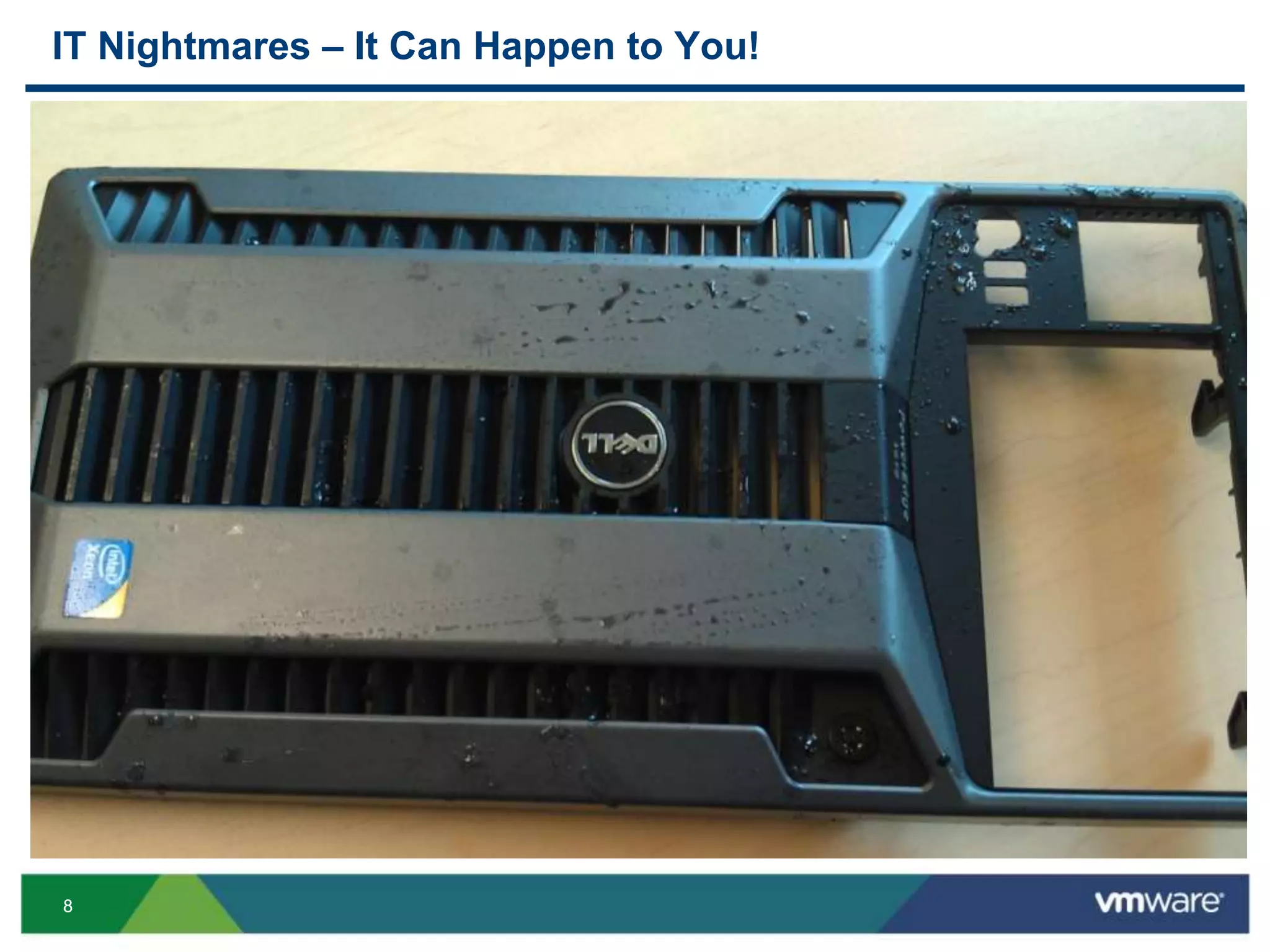
IT Nightmares – It Can Happen to You!
Fire Suppression System Inadvertently Discharged
66
IT Nightmares – It Can Happen to You!
77
IT Nightmares – It Can Happen to You!
88
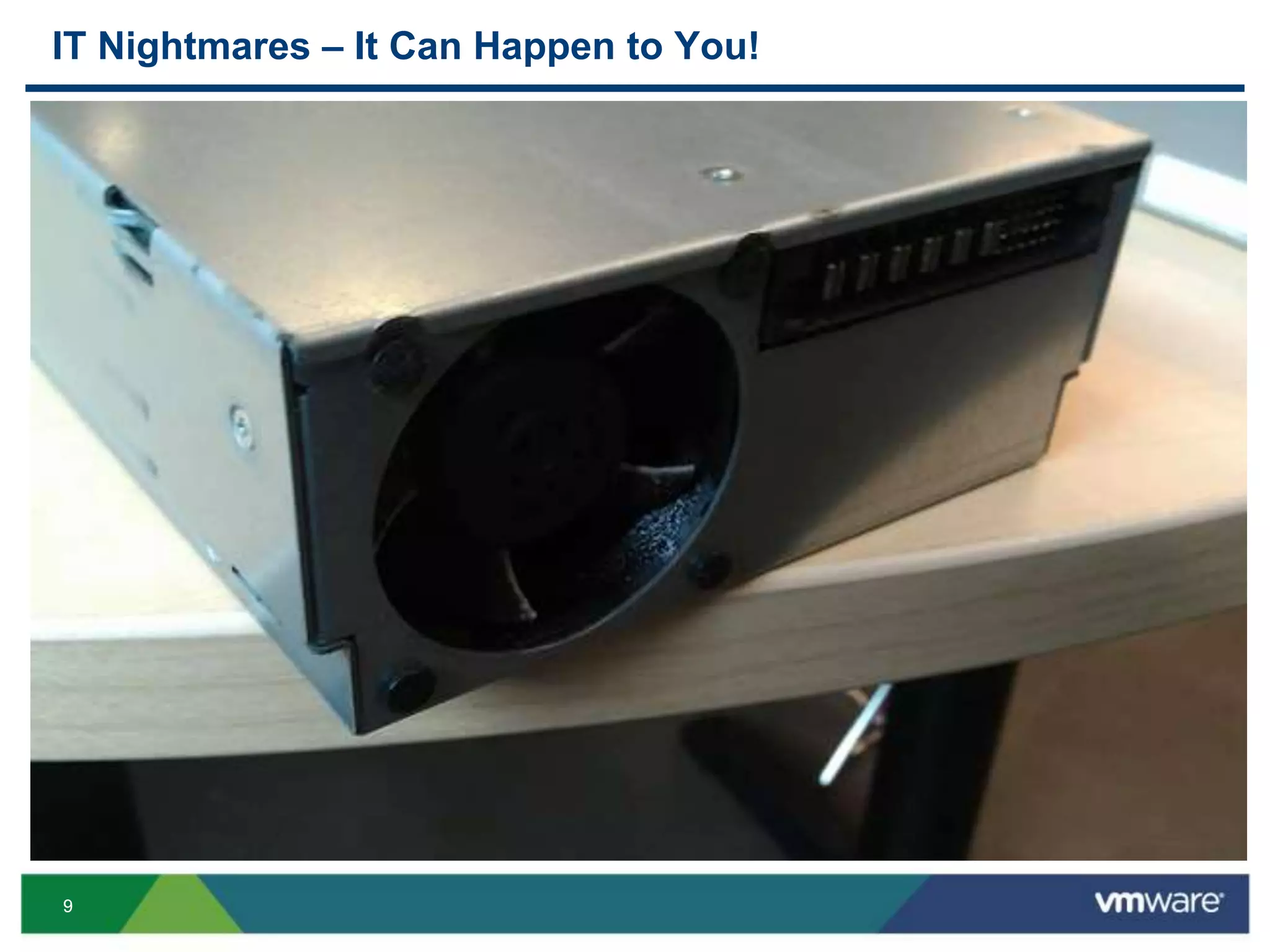
IT Nightmares – It Can Happen to You!
99
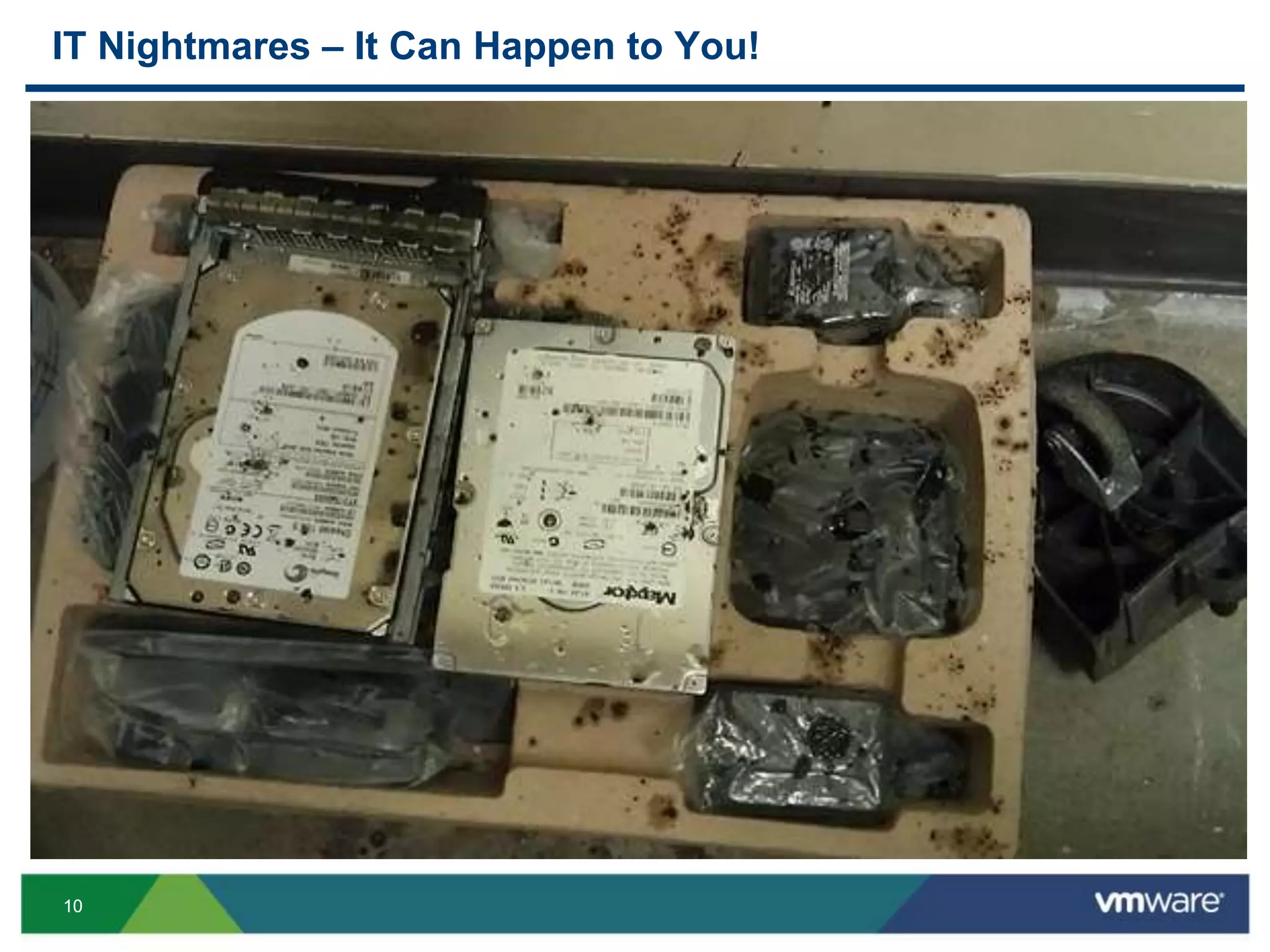
IT Nightmares – It Can Happen to You!
1010
IT Nightmares – It Can Happen to You!
1111
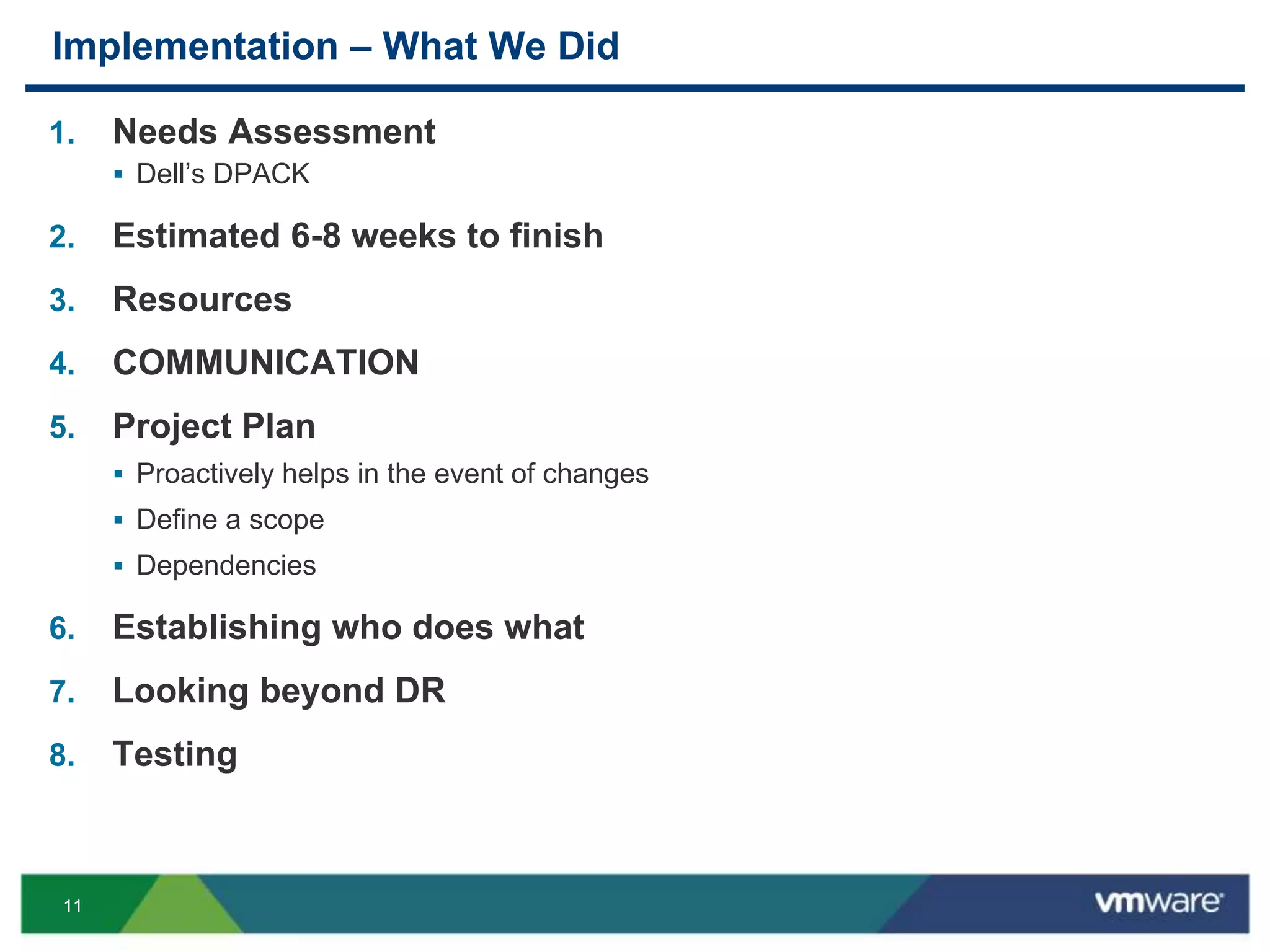
Implementation – What We Did
1. Needs Assessment
 Dell’s DPACK
2. Estimated 6-8 weeks to finish
3. Resources
4. COMMUNICATION
5. Project Plan
 Proactively helps in the event of changes
 Define a scope
 Dependencies
6. Establishing who does what
7. Looking beyond DR
8. Testing
1212
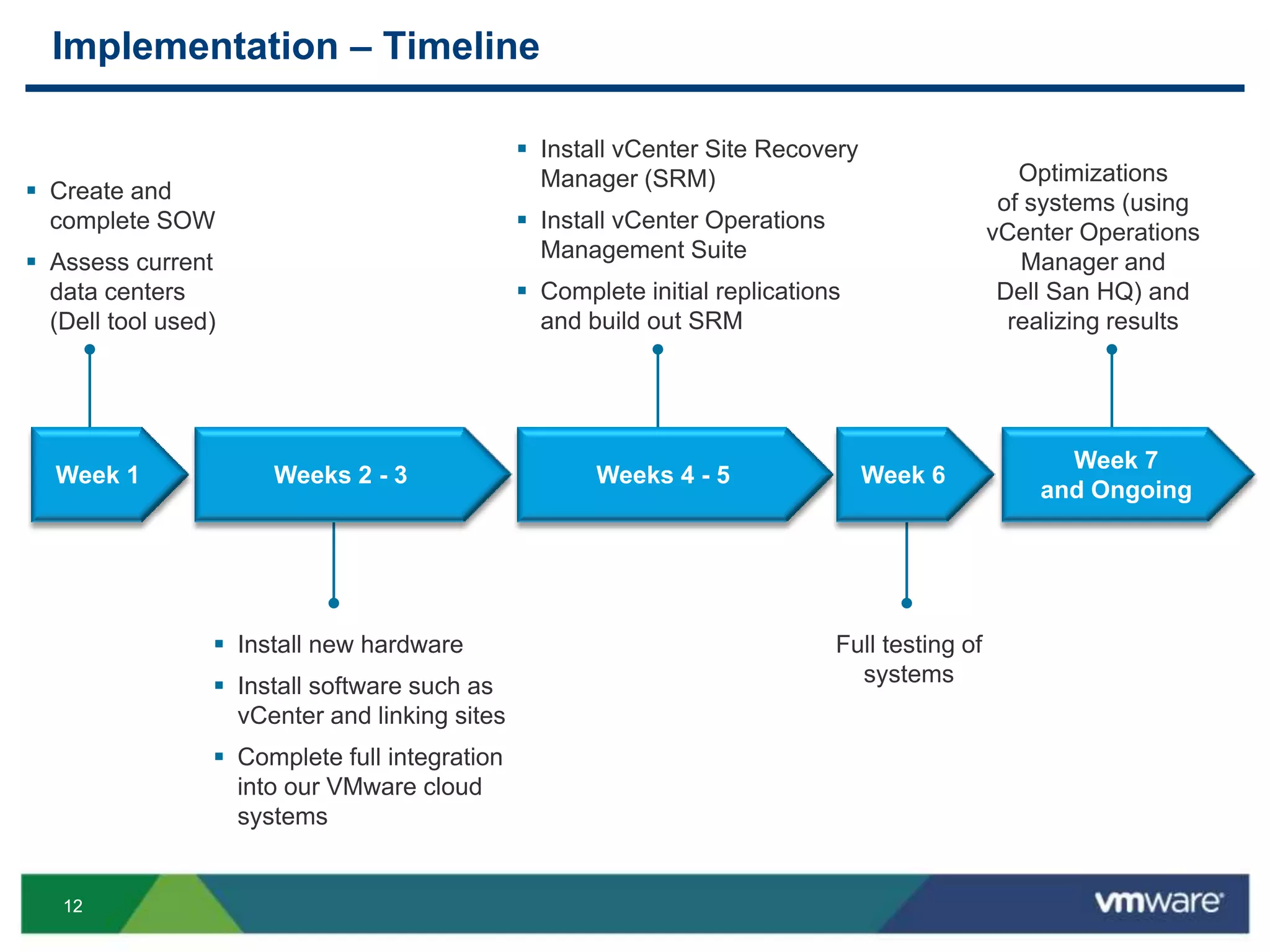
Implementation – Timeline
 Create and
complete SOW
 Assess current
data centers
(Dell tool used)
 Install new hardware
 Install software such as
vCenter and linking sites
 Complete full integration
into our VMware cloud
systems
 Install vCenter Site Recovery
Manager (SRM)
 Install vCenter Operations
Management Suite
 Complete initial replications
and build out SRM
Full testing of
systems
Optimizations
of systems (using
vCenter Operations
Manager and
Dell San HQ) and
realizing results
Week 1 Week 6
Week 7
and Ongoing
Weeks 2 - 3 Weeks 4 - 5
1313
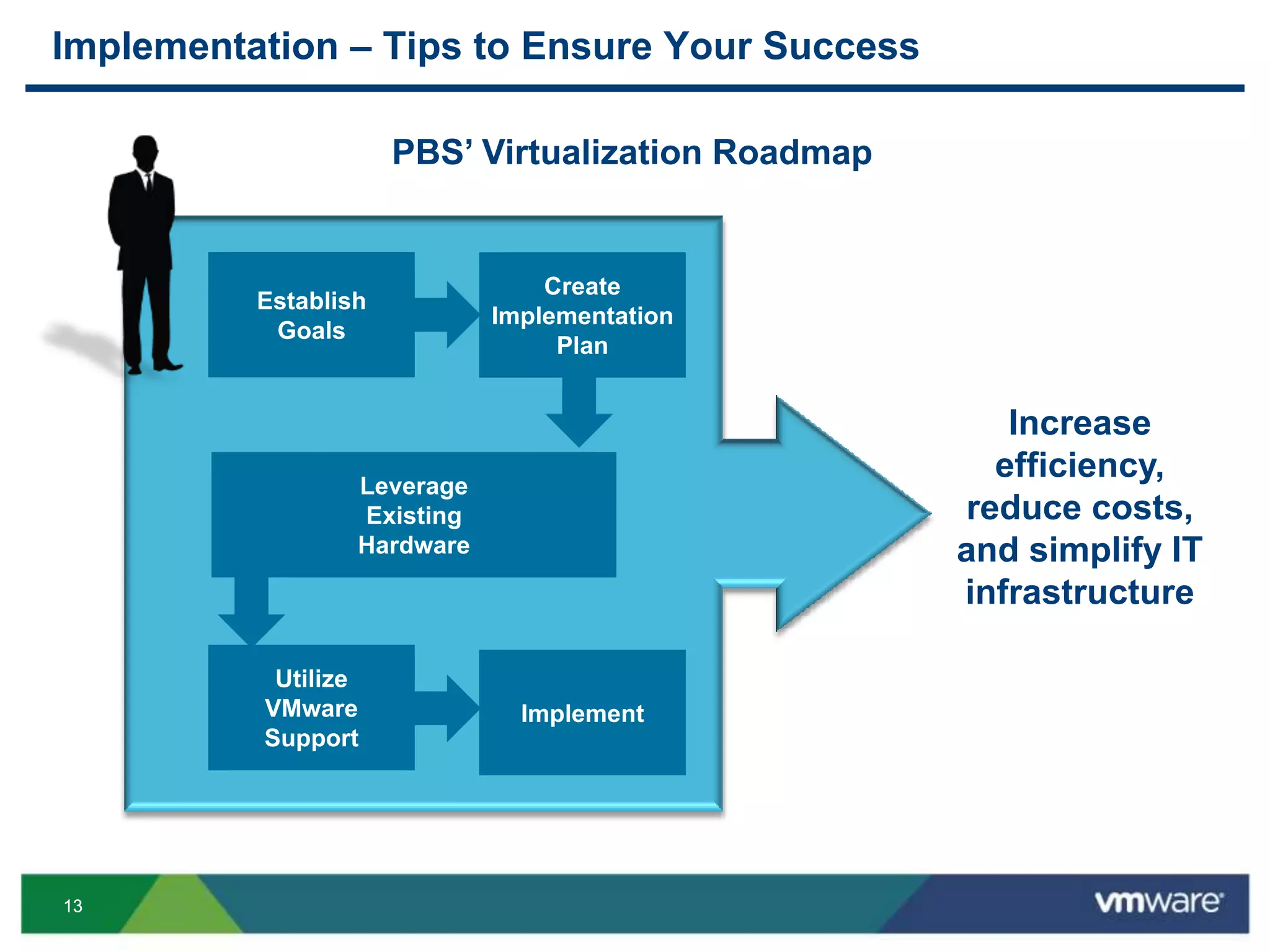
Implementation – Tips to Ensure Your Success
Establish
Goals
Create
Implementation
Plan
Leverage
Existing
Hardware
Utilize
VMware
Support
Implement
Increase
efficiency,
reduce costs,
and simplify IT
infrastructure
PBS’ Virtualization Roadmap
1414
What We Did – A Walk Through: After
A Q&A With Our Partner and Customer
Todd Barton
Americas Enterprise Storage Sales & Strategy
Dell
Todd Leavitt
IT Manager
PBS Engineering and Environmental
1515
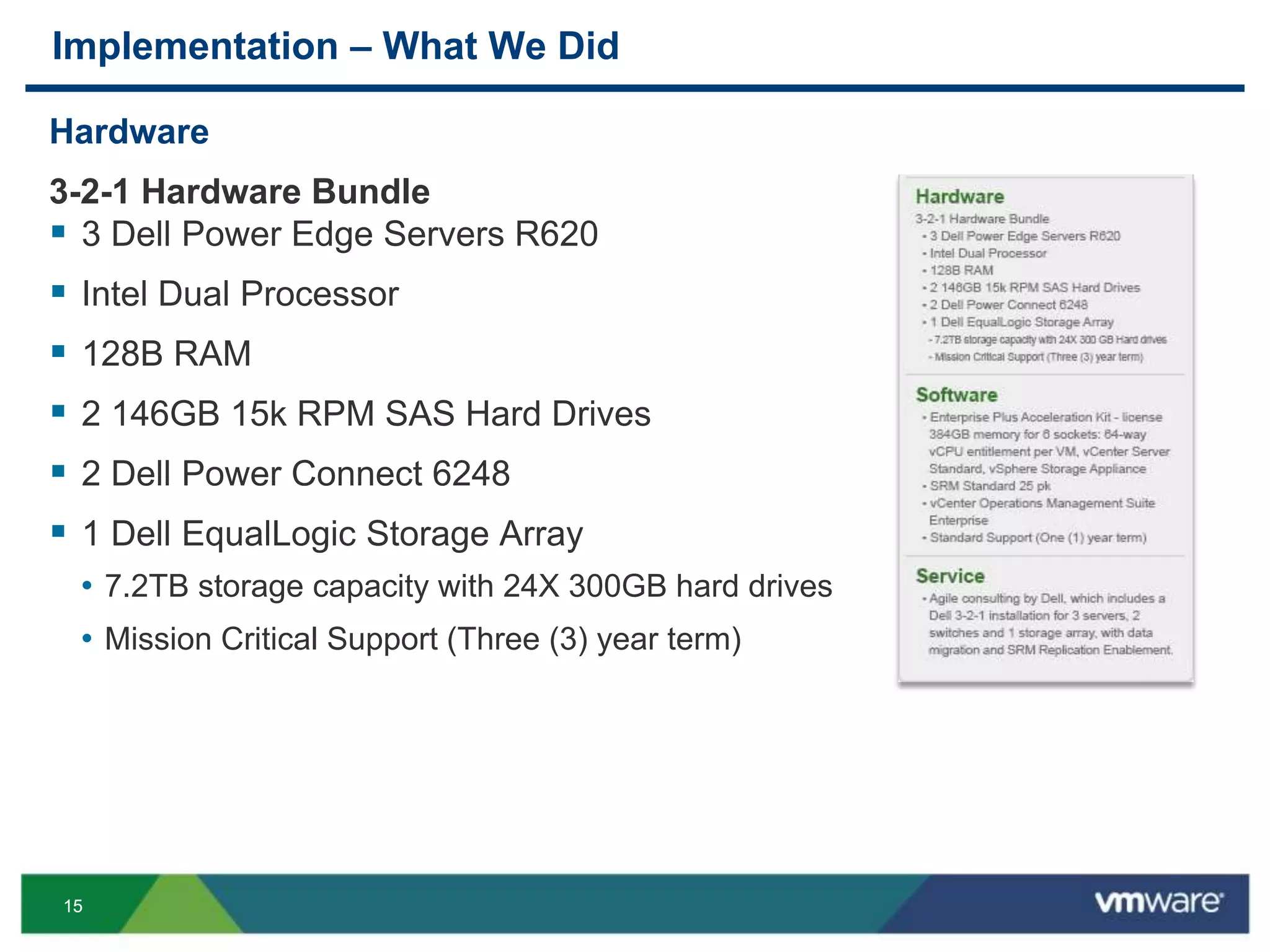
Implementation – What We Did
Hardware
3-2-1 Hardware Bundle
 3 Dell Power Edge Servers R620
 Intel Dual Processor
 128B RAM
 2 146GB 15k RPM SAS Hard Drives
 2 Dell Power Connect 6248
 1 Dell EqualLogic Storage Array
• 7.2TB storage capacity with 24X 300GB hard drives
• Mission Critical Support (Three (3) year term)
1616
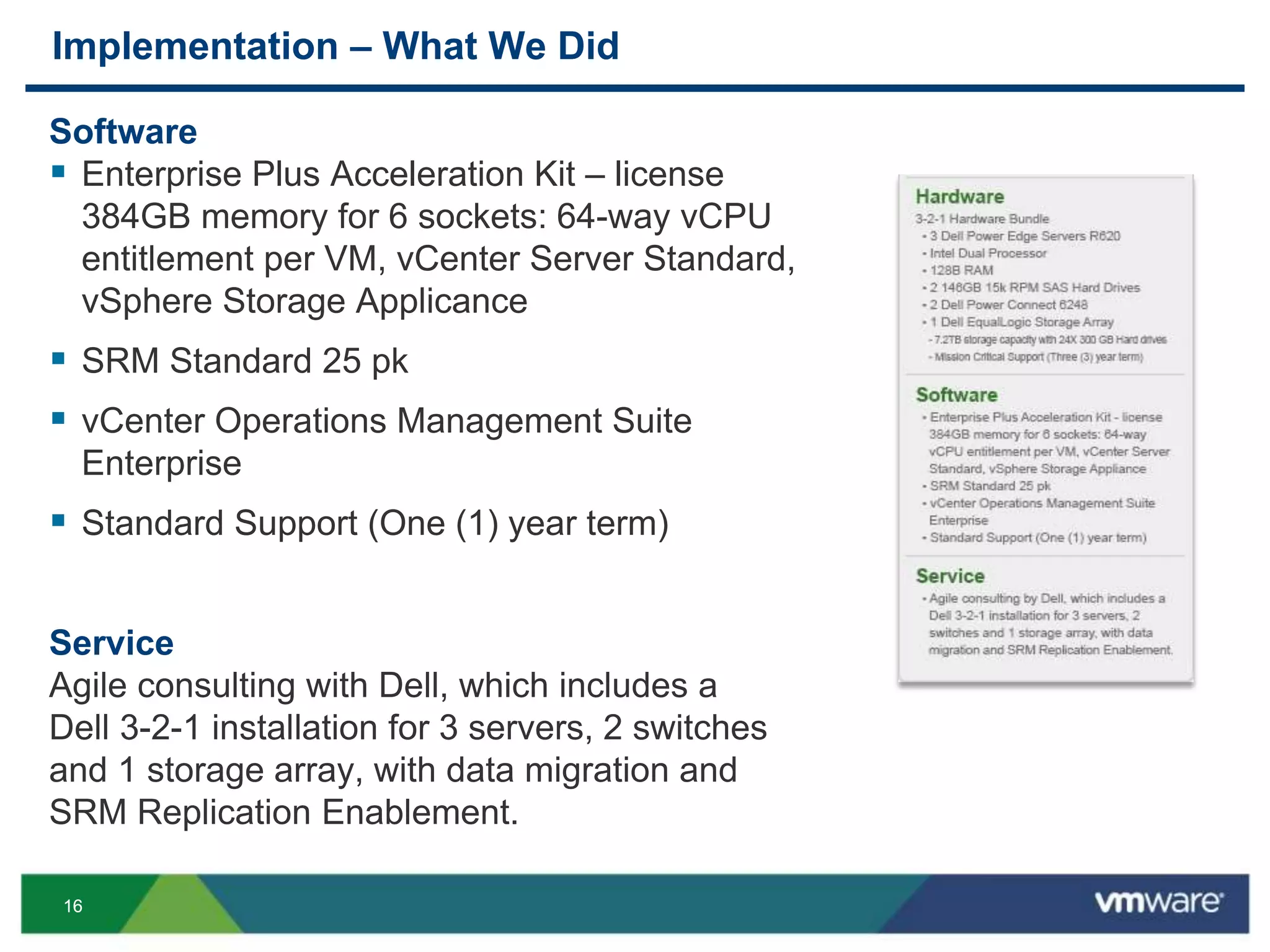
Implementation – What We Did
Software
 Enterprise Plus Acceleration Kit – license
384GB memory for 6 sockets: 64-way vCPU
entitlement per VM, vCenter Server Standard,
vSphere Storage Applicance
 SRM Standard 25 pk
 vCenter Operations Management Suite
Enterprise
 Standard Support (One (1) year term)
Service
Agile consulting with Dell, which includes a
Dell 3-2-1 installation for 3 servers, 2 switches
and 1 storage array, with data migration and
SRM Replication Enablement.
1717
DEMO: PBS’s Real-Time Use
SRM and vCenter Operations Management Suite
1818
DEMO: PBS’s Real-Time Use
Screenshots
1919
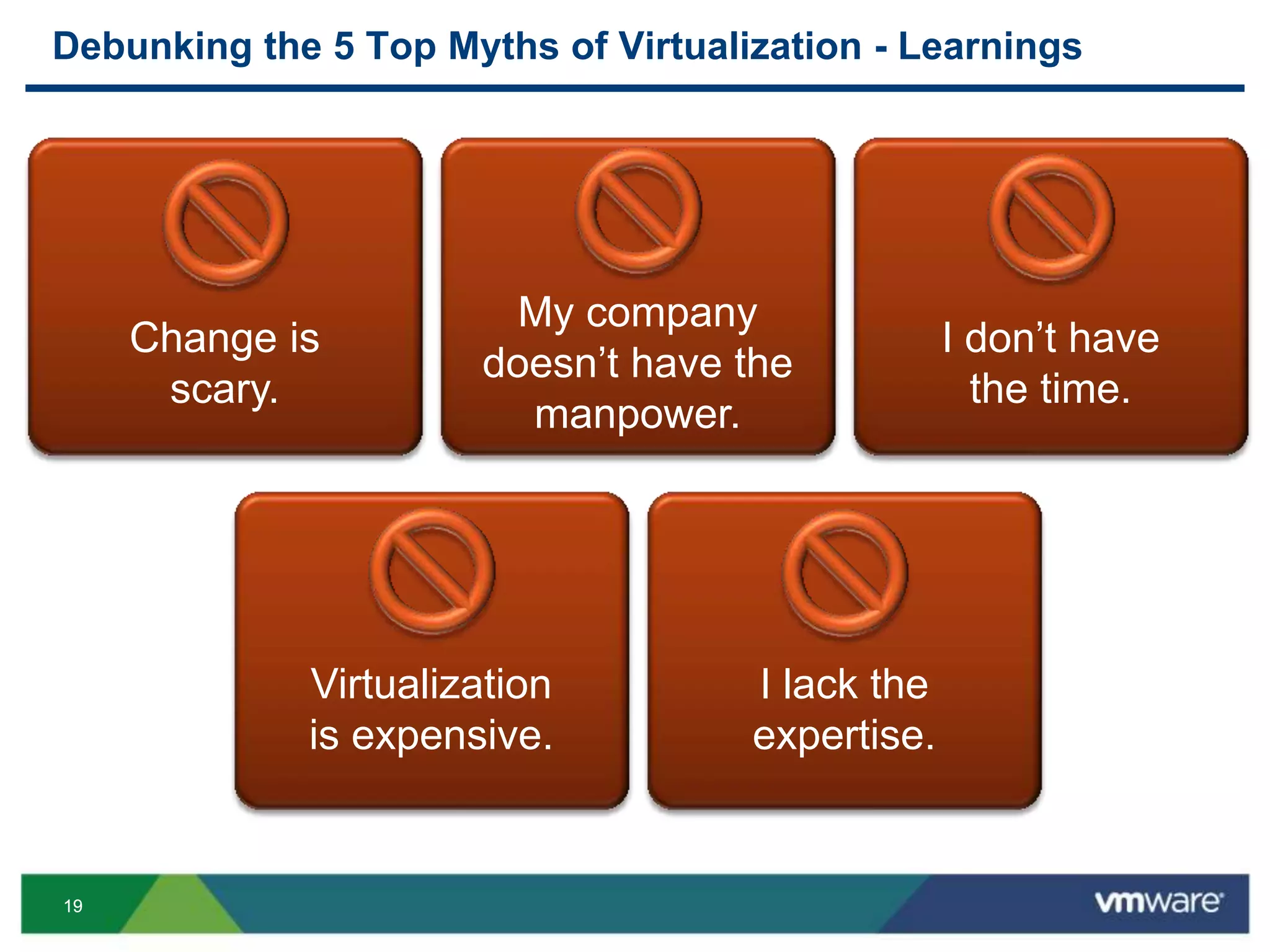
Debunking the 5 Top Myths of Virtualization - Learnings
Change is
scary.
My company
doesn’t have the
manpower.
I don’t have
the time.
Virtualization
is expensive.
I lack the
expertise.
2020
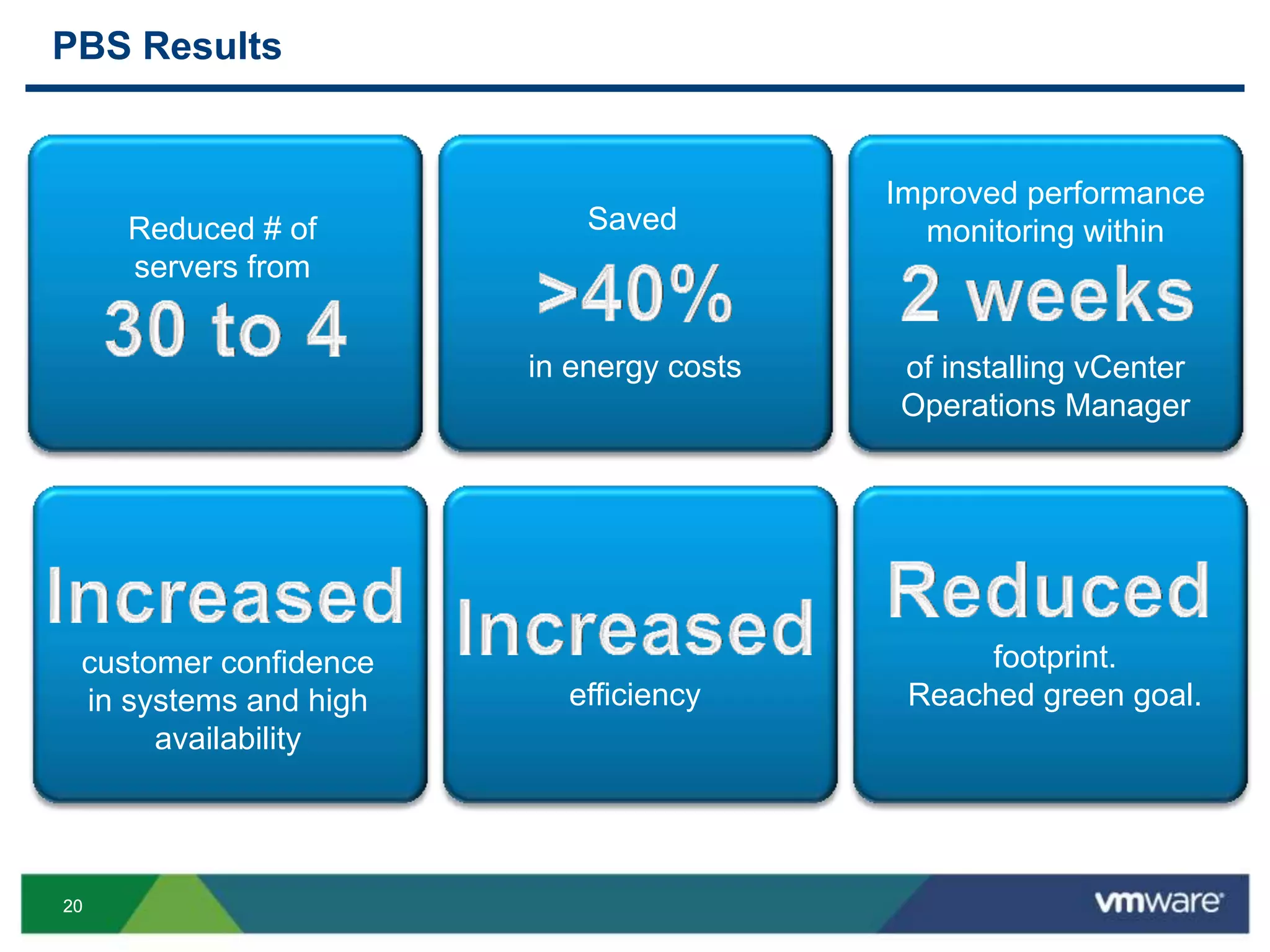
PBS Results
Reduced # of
servers from
Saved
in energy costs
Improved performance
monitoring within
of installing vCenter
Operations Manager
efficiency
footprint.
Reached green goal.
customer confidence
in systems and high
availability
2121
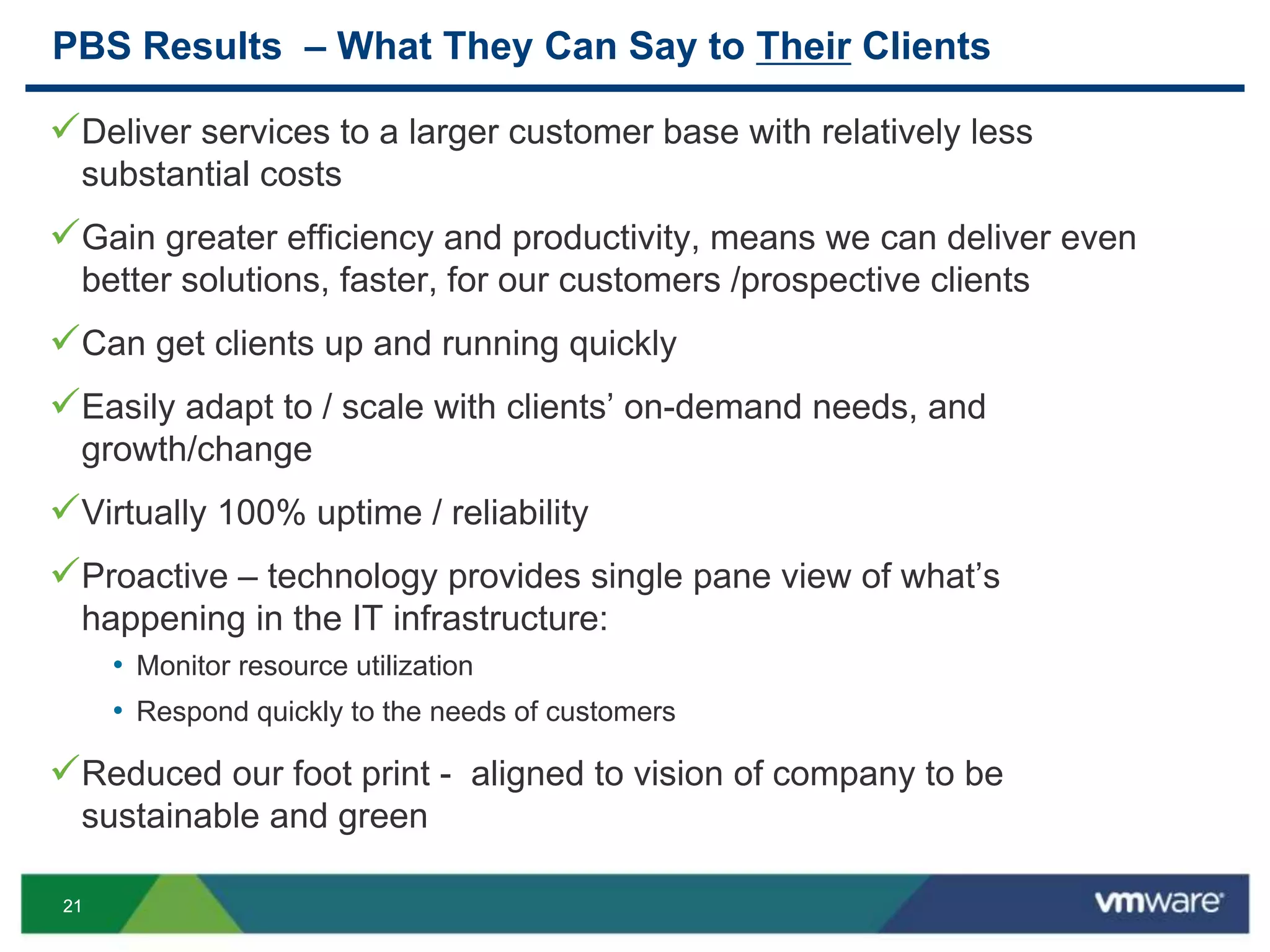
PBS Results – What They Can Say to Their Clients
Deliver services to a larger customer base with relatively less
substantial costs
Gain greater efficiency and productivity, means we can deliver even
better solutions, faster, for our customers /prospective clients
Can get clients up and running quickly
Easily adapt to / scale with clients’ on-demand needs, and
growth/change
Virtually 100% uptime / reliability
Proactive – technology provides single pane view of what’s
happening in the IT infrastructure:
• Monitor resource utilization
• Respond quickly to the needs of customers
Reduced our foot print - aligned to vision of company to be
sustainable and green
2222
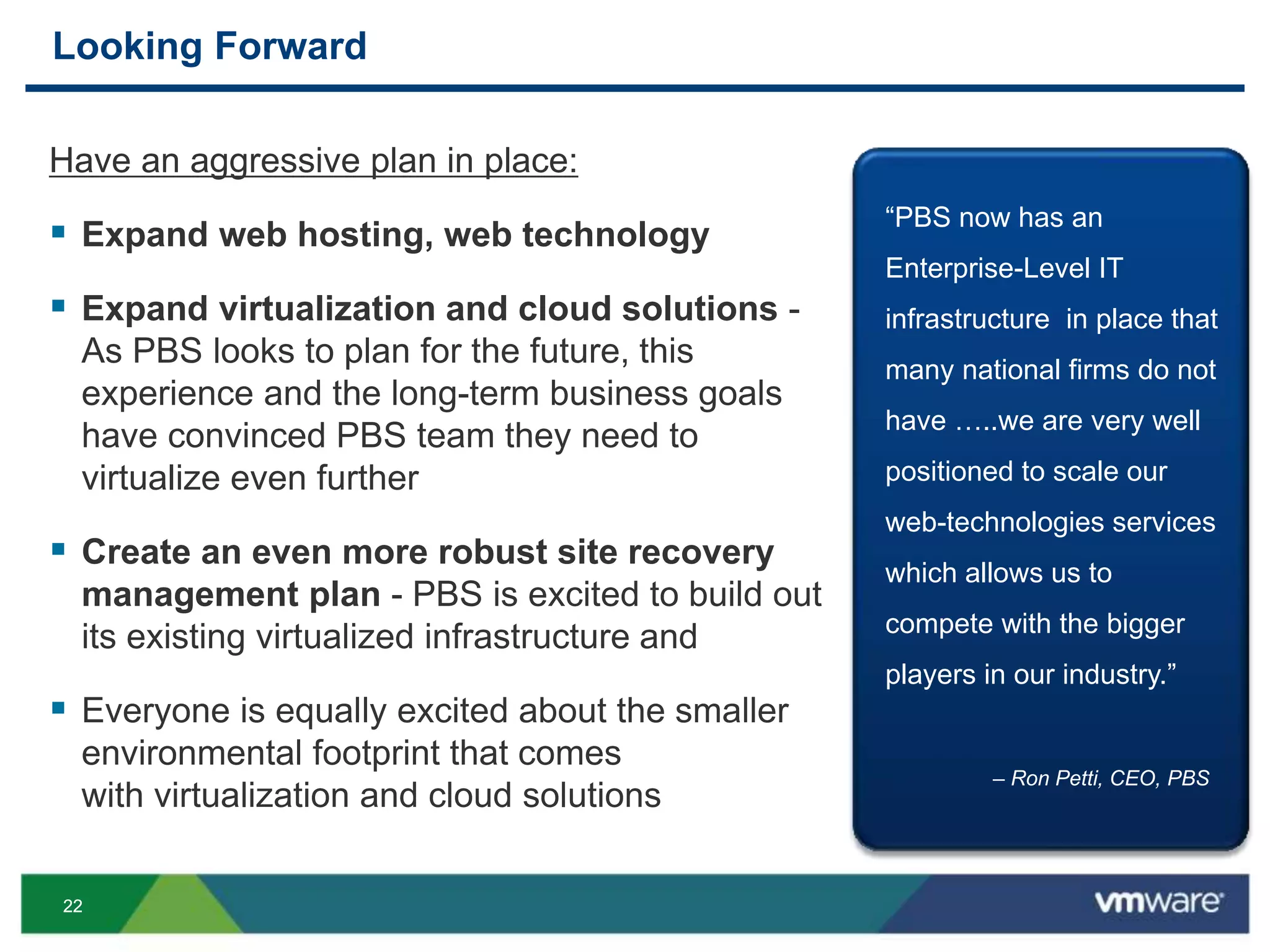
Looking Forward
Have an aggressive plan in place:
 Expand web hosting, web technology
 Expand virtualization and cloud solutions -
As PBS looks to plan for the future, this
experience and the long-term business goals
have convinced PBS team they need to
virtualize even further
 Create an even more robust site recovery
management plan - PBS is excited to build out
its existing virtualized infrastructure and
 Everyone is equally excited about the smaller
environmental footprint that comes
with virtualization and cloud solutions
“PBS now has an
Enterprise-Level IT
infrastructure in place that
many national firms do not
have …..we are very well
positioned to scale our
web-technologies services
which allows us to
compete with the bigger
players in our industry.”
– Ron Petti, CEO, PBS
2323
Bringing it to life!
2424
Video Summary
2525
How to Get Started
VMware Dedicated Account Executive Team
Please call:
877-486-9273
2626
Resources
Links
VMware vCenter Site Recovery Manager (SRM)
VMware vCenter Operations Management Suite
VMware Horizon View 5.2 – Desktop End-User Computing
VMware.com
Go to our VMware eSTORE
Dell EqualLogic Solutions
2727
Resources
Demos and Knowledge
VMware Educational Services
Social Communities For You to Follow
Go to our VMware SMB Blog
Follow us on VMware SMB Facebook page
Follow us @VMwareSMB
Check our Spiceworks Community for updates
2828
Resources
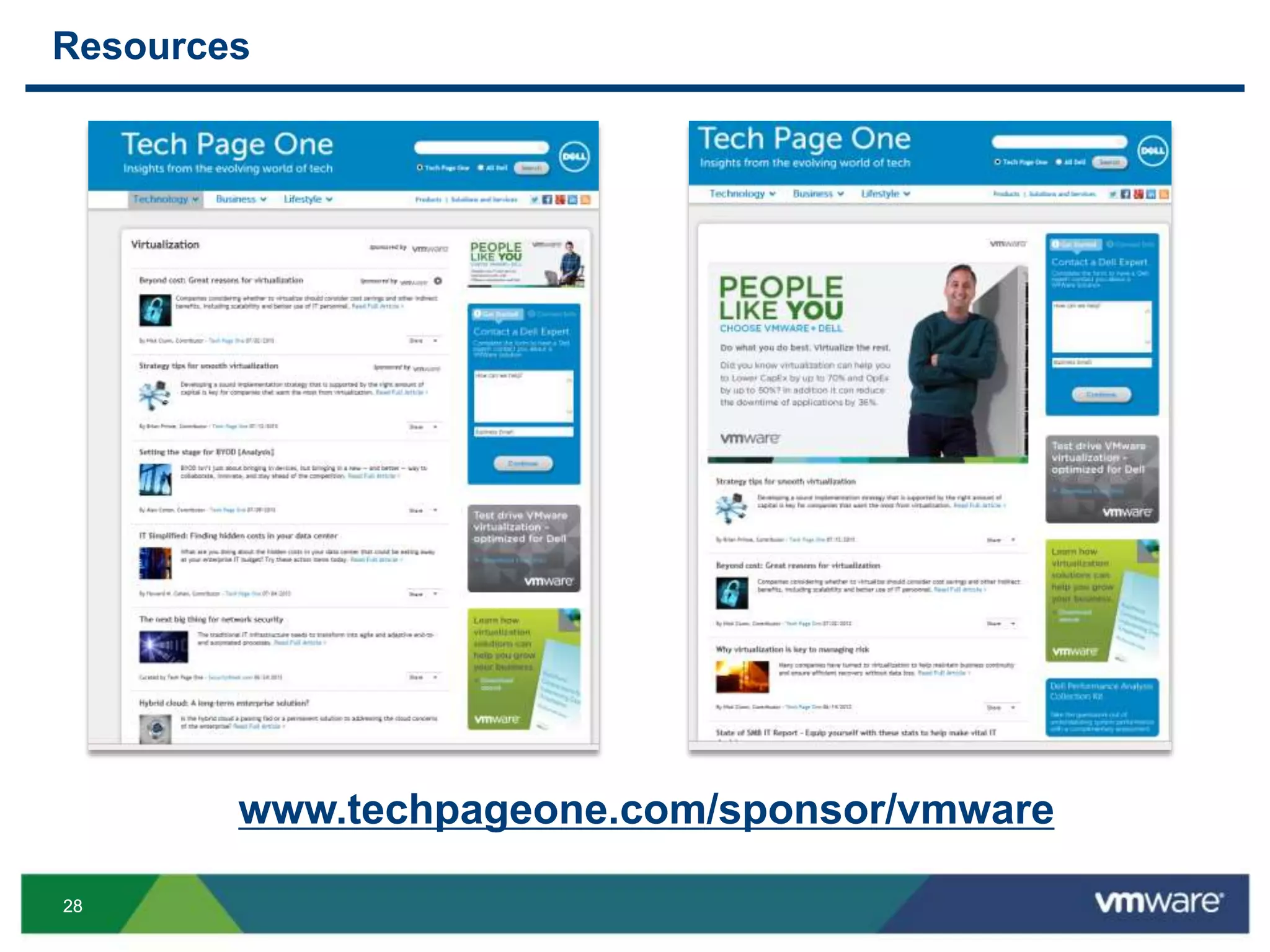
www.techpageone.com/sponsor/vmware
THANK YOU
Walk-Through an IT Makeover, End-to-End,
and See the Results!
Todd Barton, Dell
Todd Leavitt, PBS Engineering Environmental
Dina OMara, VMware
Ron Petti, PBS Engineering and Environmental
VSVC5130
#VSVC5130

VMworld 2013: Walk-Through an IT Makeover, End-to-End, and See the Results! Vsvc5130 formatted v2

  • 1.
    Walk-Through an ITMakeover, End-to-End, and See the Results! Ron Petti, PBS Engineering and Environmental Todd Leavitt, PBS Engineering and Environmental Todd Barton, Dell Dina O’Mara, VMware VSVC5130 #VSVC5130
  • 2.
    22 Agenda  A WalkThrough: Before  IT Nightmares - It Can Happen to You!  Implementation and Tips to Ensure Success  What We Did - A Walk Through: After and DEMOS  Debunking the 5 Top Myths of Virtualization  Results  Looking Forward  How to Get Started, Resources
  • 3.
    33 A Walk Through– Before Can you afford downtime? Aberdeen Group, Oct. 2012 Data is the lifeblood of any business—big or small. of organizations have experienced a data loss, with over half saying data loss due to hardware failure. of companies that have disaster, go out of business within a year.
  • 4.
    44 A Walk Through– Before Five years ago, began virtualizing the PBS data center  Mix of 30 to 35 servers and desktop class PCs  Virtualizing onto five Dell 64-bit servers with VMware vSphere 3.5, using all of the extra capacity  Helped to keep the IT room cool
  • 5.
    55 IT Nightmares –It Can Happen to You! Fire Suppression System Inadvertently Discharged
  • 6.
    66 IT Nightmares –It Can Happen to You!
  • 7.
    77 IT Nightmares –It Can Happen to You!
  • 8.
    88 IT Nightmares –It Can Happen to You!
  • 9.
    99 IT Nightmares –It Can Happen to You!
  • 10.
    1010 IT Nightmares –It Can Happen to You!
  • 11.
    1111 Implementation – WhatWe Did 1. Needs Assessment  Dell’s DPACK 2. Estimated 6-8 weeks to finish 3. Resources 4. COMMUNICATION 5. Project Plan  Proactively helps in the event of changes  Define a scope  Dependencies 6. Establishing who does what 7. Looking beyond DR 8. Testing
  • 12.
    1212 Implementation – Timeline Create and complete SOW  Assess current data centers (Dell tool used)  Install new hardware  Install software such as vCenter and linking sites  Complete full integration into our VMware cloud systems  Install vCenter Site Recovery Manager (SRM)  Install vCenter Operations Management Suite  Complete initial replications and build out SRM Full testing of systems Optimizations of systems (using vCenter Operations Manager and Dell San HQ) and realizing results Week 1 Week 6 Week 7 and Ongoing Weeks 2 - 3 Weeks 4 - 5
  • 13.
    1313 Implementation – Tipsto Ensure Your Success Establish Goals Create Implementation Plan Leverage Existing Hardware Utilize VMware Support Implement Increase efficiency, reduce costs, and simplify IT infrastructure PBS’ Virtualization Roadmap
  • 14.
    1414 What We Did– A Walk Through: After A Q&A With Our Partner and Customer Todd Barton Americas Enterprise Storage Sales & Strategy Dell Todd Leavitt IT Manager PBS Engineering and Environmental
  • 15.
    1515 Implementation – WhatWe Did Hardware 3-2-1 Hardware Bundle  3 Dell Power Edge Servers R620  Intel Dual Processor  128B RAM  2 146GB 15k RPM SAS Hard Drives  2 Dell Power Connect 6248  1 Dell EqualLogic Storage Array • 7.2TB storage capacity with 24X 300GB hard drives • Mission Critical Support (Three (3) year term)
  • 16.
    1616 Implementation – WhatWe Did Software  Enterprise Plus Acceleration Kit – license 384GB memory for 6 sockets: 64-way vCPU entitlement per VM, vCenter Server Standard, vSphere Storage Applicance  SRM Standard 25 pk  vCenter Operations Management Suite Enterprise  Standard Support (One (1) year term) Service Agile consulting with Dell, which includes a Dell 3-2-1 installation for 3 servers, 2 switches and 1 storage array, with data migration and SRM Replication Enablement.
  • 17.
    1717 DEMO: PBS’s Real-TimeUse SRM and vCenter Operations Management Suite
  • 18.
  • 19.
    1919 Debunking the 5Top Myths of Virtualization - Learnings Change is scary. My company doesn’t have the manpower. I don’t have the time. Virtualization is expensive. I lack the expertise.
  • 20.
    2020 PBS Results Reduced #of servers from Saved in energy costs Improved performance monitoring within of installing vCenter Operations Manager efficiency footprint. Reached green goal. customer confidence in systems and high availability
  • 21.
    2121 PBS Results –What They Can Say to Their Clients Deliver services to a larger customer base with relatively less substantial costs Gain greater efficiency and productivity, means we can deliver even better solutions, faster, for our customers /prospective clients Can get clients up and running quickly Easily adapt to / scale with clients’ on-demand needs, and growth/change Virtually 100% uptime / reliability Proactive – technology provides single pane view of what’s happening in the IT infrastructure: • Monitor resource utilization • Respond quickly to the needs of customers Reduced our foot print - aligned to vision of company to be sustainable and green
  • 22.
    2222 Looking Forward Have anaggressive plan in place:  Expand web hosting, web technology  Expand virtualization and cloud solutions - As PBS looks to plan for the future, this experience and the long-term business goals have convinced PBS team they need to virtualize even further  Create an even more robust site recovery management plan - PBS is excited to build out its existing virtualized infrastructure and  Everyone is equally excited about the smaller environmental footprint that comes with virtualization and cloud solutions “PBS now has an Enterprise-Level IT infrastructure in place that many national firms do not have …..we are very well positioned to scale our web-technologies services which allows us to compete with the bigger players in our industry.” – Ron Petti, CEO, PBS
  • 23.
  • 24.
  • 25.
    2525 How to GetStarted VMware Dedicated Account Executive Team Please call: 877-486-9273
  • 26.
    2626 Resources Links VMware vCenter SiteRecovery Manager (SRM) VMware vCenter Operations Management Suite VMware Horizon View 5.2 – Desktop End-User Computing VMware.com Go to our VMware eSTORE Dell EqualLogic Solutions
  • 27.
    2727 Resources Demos and Knowledge VMwareEducational Services Social Communities For You to Follow Go to our VMware SMB Blog Follow us on VMware SMB Facebook page Follow us @VMwareSMB Check our Spiceworks Community for updates
  • 28.
  • 29.
  • 31.
    Walk-Through an ITMakeover, End-to-End, and See the Results! Todd Barton, Dell Todd Leavitt, PBS Engineering Environmental Dina OMara, VMware Ron Petti, PBS Engineering and Environmental VSVC5130 #VSVC5130