Computer Virus 06/10/09
What is a Computer Virus A kind of software programs   produced by unknown people and harmful to the computers   Some varieties of these software are the   Viruses ,  Worms   and   Trojan horses 06/10/09
What is a Computer Virus The term “Virus" is often used in common   to describe all kinds of malware (malicious software)   06/10/09
Damages done by Viruses Sometimes display unwanted messages   Some tend to destroy programs or data  Clog computer memory and hence sometimes  result in system crashes Format hard disks, Damage programs, Delete files   06/10/09 Viruses
Damages done by Viruses Simply replicate themselves  Presents text, video, or audio messages making the user know their presence   Bug-ridden, and these bugs may lead to system crashes and data loss   06/10/09
Virus spreading methods A viruses can copy itself and infect a computer  without permission or knowledge of the user   attaches itself to other software programs or data files   06/10/09
Virus spreading methods Spreads from computer to computer when the host is taken to the uninfected computer   over a network  such as over the Internet or carrying it on a removable medium  -  a floppy disk, CD, or USB drive 06/10/09
Virus spreading methods Many viruses are existed in the Internet today and new ones are discovered every day.  spread via downloaded software and data files, and email attachments, etc   06/10/09
Virus spreading methods Some old viruses are installed themselves into the disk boot sector   runs when the user boot the computer from the disk   06/10/09
Virus spreading methods Some viruses spread through instant messaging   A virus, in an infected machine, may send a web-address-link as a message to other contacting machines Thinking the link is from a friend (a trusted source), the recipient may sometimes follow the link to the websit. 06/10/09
How Viruses are borne Unlike biological viruses, computer viruses do not simply evolve by themselves   deliberately created by programmers, or by people who use virus creation software   06/10/09
How Viruses are borne Viruses are written as   research projects, pranks, vandalism, to attack the products of specific companies, to distribute political messages,  and financial gain from identity theft,  spyware, and cryptoviral extortion .  06/10/09
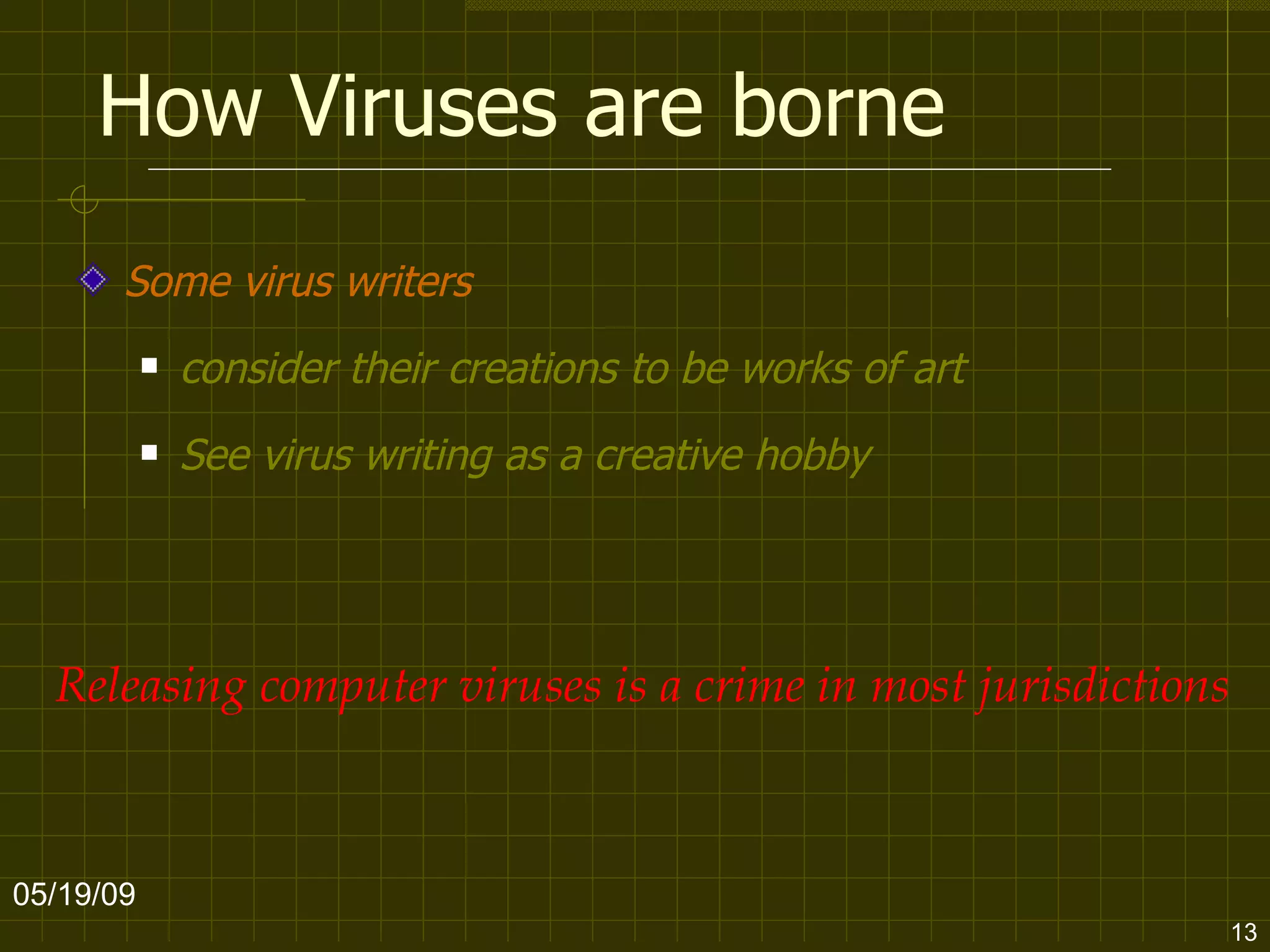
How Viruses are borne Some virus writers  consider their creations to be works of art See virus writing as a creative hobby 06/10/09 Releasing computer viruses is a crime in most jurisdictions
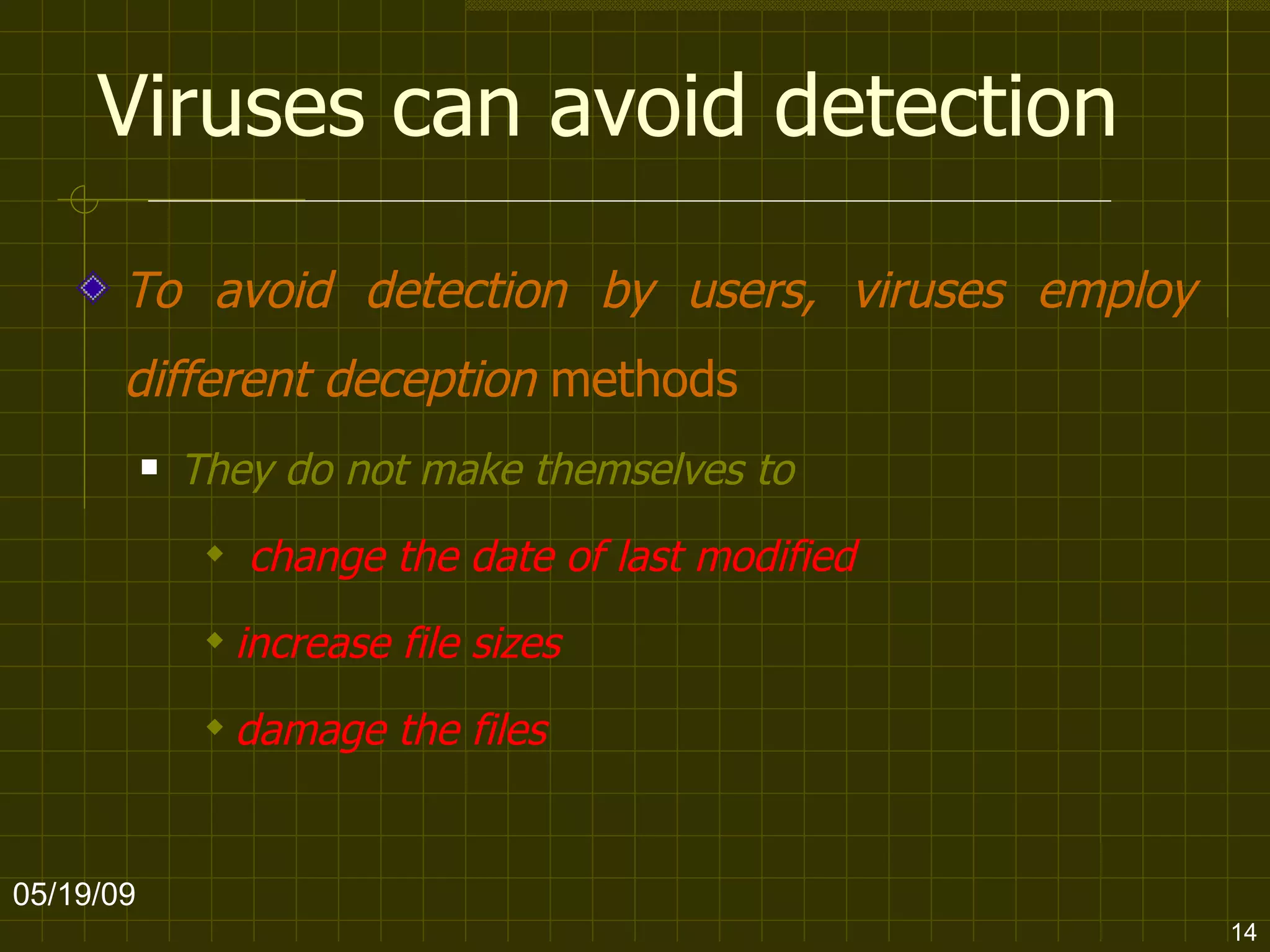
Viruses can avoid detection To avoid detection by users, viruses employ different deception  methods They do not make themselves to change the date of last modified increase file sizes  damage the files 06/10/09
Viruses can avoid detection They kill the tasks associated with antivirus software before it can detect them   06/10/09
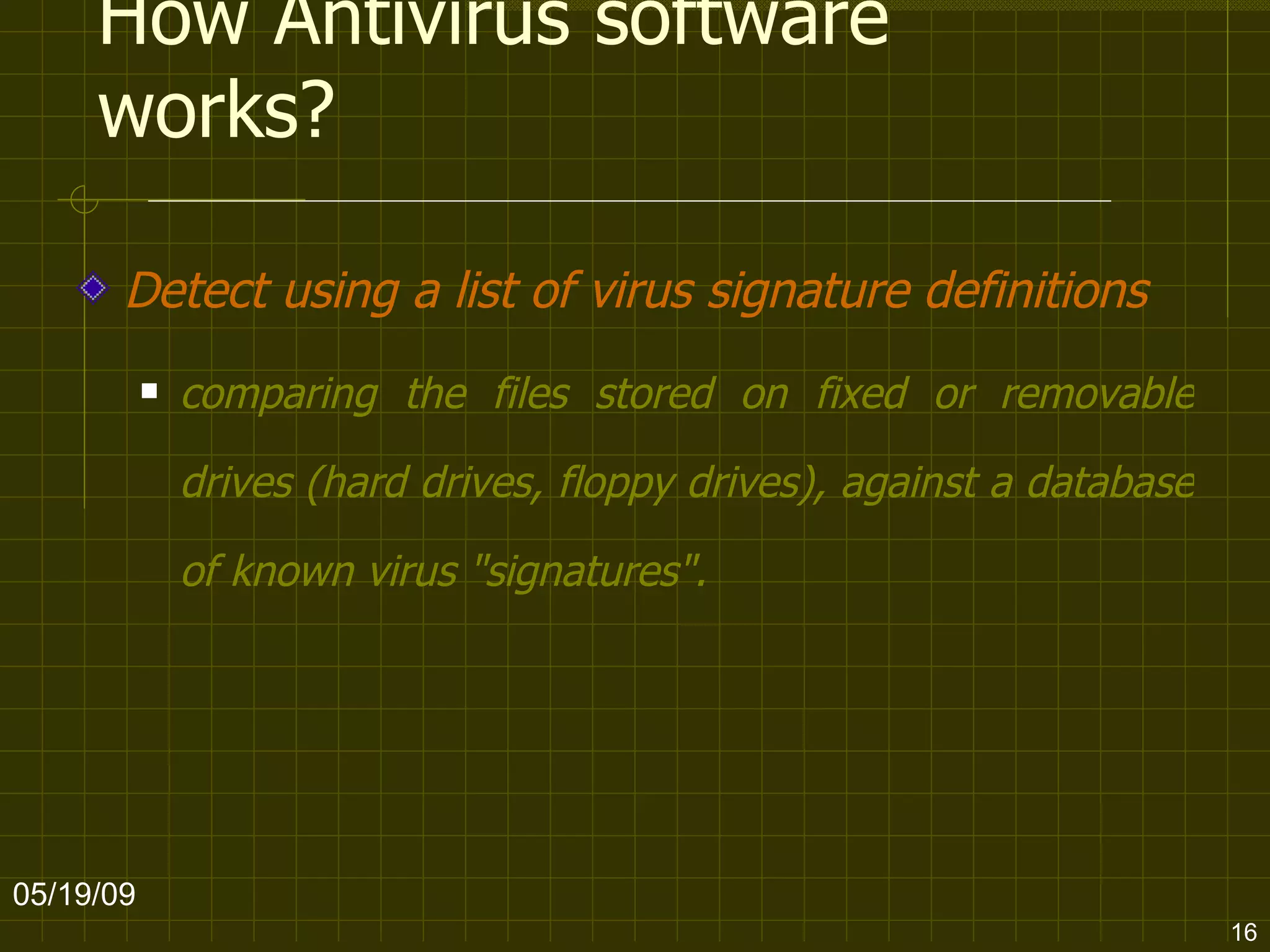
How Antivirus software works? Detect using a list of virus signature definitions comparing the files stored on fixed or removable drives (hard drives, floppy drives), against a database of known virus "signatures".   06/10/09
How Antivirus software works? Use a  heuristic  algorithm to find viruses based on common behaviors   Examin the content heuristics of the computer's memory (its RAM, and boot sectors)   06/10/09
How Antivirus software works? Some anti-virus programs gives you a real time protection   Examin files as they are being opened, downloaded, copied, accessed, and transmitted etc   06/10/09
How Antivirus software works? They need regular updates in order to gain knowledge about the latest threats   06/10/09
Damage prevention & data recovering Take regular backups (including OS) on different media, unconnected to the system (most of the time) 06/10/09 How to prevent damages caused by viruses?
Damage prevention & data recovering Use backups on optical media like CD and DVD (read-only), as they can no longer be affected by viruses.  Use an OS on a bootable, to start the computer if the installed OS become unusable. 06/10/09 How to prevent damages caused by viruses?
Keep your computer Virus free Install reliable anti-virus software   the most important step you can take towards keeping your computer clean of viruses   Update your anti-virus software regularly   variations of viruses and new ones can be slipped if your software is not current 06/10/09
Keep your computer Virus free Get immediate protection Configure your anti-virus software to boot automatically on start-up and run at all times   06/10/09
Keep your computer Virus free Don't automatically open attachments ensure that you examine and scan email and other attachments before they run  as they might contain viruses Scan all incoming email attachments Do not open any email attached files if the subject line is questionable, unexpected or the source (address) is unknown, suspicious or untrustworthy  06/10/09
Keep your computer Virus free Delete chain emails and junk email Do not forward or reply to any of them, they clogs up the network Some viruses can replicate themselves and spread through email  as a chain 06/10/09
Keep your computer Virus free Be careful when downloading files from the Internet   Ensure that the source is a legitimate and reputable one   save all downloads to one folder and test them with your own anti-virus software  before use 06/10/09
Keep your computer Virus free Always scan new files for viruses before you use them   06/10/09
Keep your computer Virus free Backup your files on a regular basis   06/10/09
Keep your computer Virus free If your computer is on a network, make sure you have security steps in place to prevent unauthorized users putting files on your computer   06/10/09
Keep your computer Virus free Take care using USB flash cards, CDs, zip and floppy disks The more computers flash cards, CDs, zip cards and floppies have been used on, the better the chance of a virus infecting them –  clean them before use   06/10/09
END 06/10/09

Virus

  • 1.
  • 2.
    What is aComputer Virus A kind of software programs produced by unknown people and harmful to the computers Some varieties of these software are the Viruses , Worms and Trojan horses 06/10/09
  • 3.
    What is aComputer Virus The term “Virus" is often used in common to describe all kinds of malware (malicious software) 06/10/09
  • 4.
    Damages done byViruses Sometimes display unwanted messages Some tend to destroy programs or data Clog computer memory and hence sometimes result in system crashes Format hard disks, Damage programs, Delete files 06/10/09 Viruses
  • 5.
    Damages done byViruses Simply replicate themselves Presents text, video, or audio messages making the user know their presence Bug-ridden, and these bugs may lead to system crashes and data loss 06/10/09
  • 6.
    Virus spreading methodsA viruses can copy itself and infect a computer without permission or knowledge of the user attaches itself to other software programs or data files 06/10/09
  • 7.
    Virus spreading methodsSpreads from computer to computer when the host is taken to the uninfected computer over a network such as over the Internet or carrying it on a removable medium - a floppy disk, CD, or USB drive 06/10/09
  • 8.
    Virus spreading methodsMany viruses are existed in the Internet today and new ones are discovered every day. spread via downloaded software and data files, and email attachments, etc 06/10/09
  • 9.
    Virus spreading methodsSome old viruses are installed themselves into the disk boot sector runs when the user boot the computer from the disk 06/10/09
  • 10.
    Virus spreading methodsSome viruses spread through instant messaging A virus, in an infected machine, may send a web-address-link as a message to other contacting machines Thinking the link is from a friend (a trusted source), the recipient may sometimes follow the link to the websit. 06/10/09
  • 11.
    How Viruses areborne Unlike biological viruses, computer viruses do not simply evolve by themselves deliberately created by programmers, or by people who use virus creation software 06/10/09
  • 12.
    How Viruses areborne Viruses are written as research projects, pranks, vandalism, to attack the products of specific companies, to distribute political messages, and financial gain from identity theft, spyware, and cryptoviral extortion . 06/10/09
  • 13.
    How Viruses areborne Some virus writers consider their creations to be works of art See virus writing as a creative hobby 06/10/09 Releasing computer viruses is a crime in most jurisdictions
  • 14.
    Viruses can avoiddetection To avoid detection by users, viruses employ different deception methods They do not make themselves to change the date of last modified increase file sizes damage the files 06/10/09
  • 15.
    Viruses can avoiddetection They kill the tasks associated with antivirus software before it can detect them 06/10/09
  • 16.
    How Antivirus softwareworks? Detect using a list of virus signature definitions comparing the files stored on fixed or removable drives (hard drives, floppy drives), against a database of known virus "signatures". 06/10/09
  • 17.
    How Antivirus softwareworks? Use a heuristic algorithm to find viruses based on common behaviors Examin the content heuristics of the computer's memory (its RAM, and boot sectors) 06/10/09
  • 18.
    How Antivirus softwareworks? Some anti-virus programs gives you a real time protection Examin files as they are being opened, downloaded, copied, accessed, and transmitted etc 06/10/09
  • 19.
    How Antivirus softwareworks? They need regular updates in order to gain knowledge about the latest threats 06/10/09
  • 20.
    Damage prevention &data recovering Take regular backups (including OS) on different media, unconnected to the system (most of the time) 06/10/09 How to prevent damages caused by viruses?
  • 21.
    Damage prevention &data recovering Use backups on optical media like CD and DVD (read-only), as they can no longer be affected by viruses. Use an OS on a bootable, to start the computer if the installed OS become unusable. 06/10/09 How to prevent damages caused by viruses?
  • 22.
    Keep your computerVirus free Install reliable anti-virus software the most important step you can take towards keeping your computer clean of viruses Update your anti-virus software regularly variations of viruses and new ones can be slipped if your software is not current 06/10/09
  • 23.
    Keep your computerVirus free Get immediate protection Configure your anti-virus software to boot automatically on start-up and run at all times 06/10/09
  • 24.
    Keep your computerVirus free Don't automatically open attachments ensure that you examine and scan email and other attachments before they run as they might contain viruses Scan all incoming email attachments Do not open any email attached files if the subject line is questionable, unexpected or the source (address) is unknown, suspicious or untrustworthy 06/10/09
  • 25.
    Keep your computerVirus free Delete chain emails and junk email Do not forward or reply to any of them, they clogs up the network Some viruses can replicate themselves and spread through email as a chain 06/10/09
  • 26.
    Keep your computerVirus free Be careful when downloading files from the Internet Ensure that the source is a legitimate and reputable one save all downloads to one folder and test them with your own anti-virus software before use 06/10/09
  • 27.
    Keep your computerVirus free Always scan new files for viruses before you use them 06/10/09
  • 28.
    Keep your computerVirus free Backup your files on a regular basis 06/10/09
  • 29.
    Keep your computerVirus free If your computer is on a network, make sure you have security steps in place to prevent unauthorized users putting files on your computer 06/10/09
  • 30.
    Keep your computerVirus free Take care using USB flash cards, CDs, zip and floppy disks The more computers flash cards, CDs, zip cards and floppies have been used on, the better the chance of a virus infecting them – clean them before use 06/10/09
  • 31.