Computer virus !!!!!
Prepared by
Pratik pandya
What is computer virus ?????
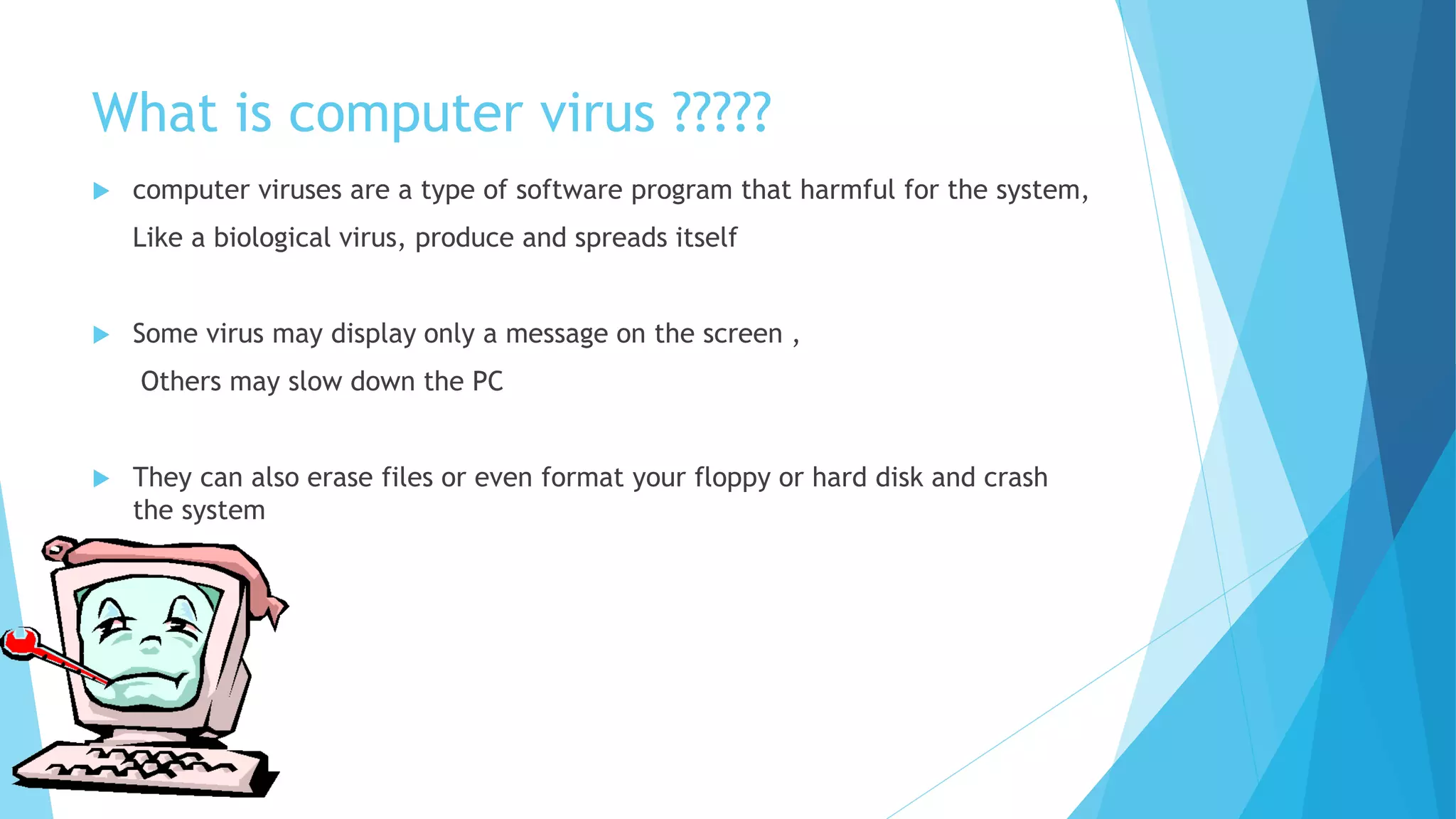
 computer viruses are a type of software program that harmful for the system,
Like a biological virus, produce and spreads itself
 Some virus may display only a message on the screen ,
Others may slow down the PC
 They can also erase files or even format your floppy or hard disk and crash
the system
FIRST COMPUTER VIRUS
 BRAIN is the industry standard name for a computer virus that was released in
its first form in January 1986 and is considered to be the first computer virus
for MS-DOS
 If infects the boot sector of storage media formatted with the DOS file
allocation table(FAT) file system
 BRAIN was written by two brothers , BASIT FAROOQ ALVI & AMJAD FAROOQ ALVI
from LAHORE, PAKISTAN
 Brain affect the IBM pc computer by replacing the boot sector of a floppy disk
with a copy of the virus
How to spread virus
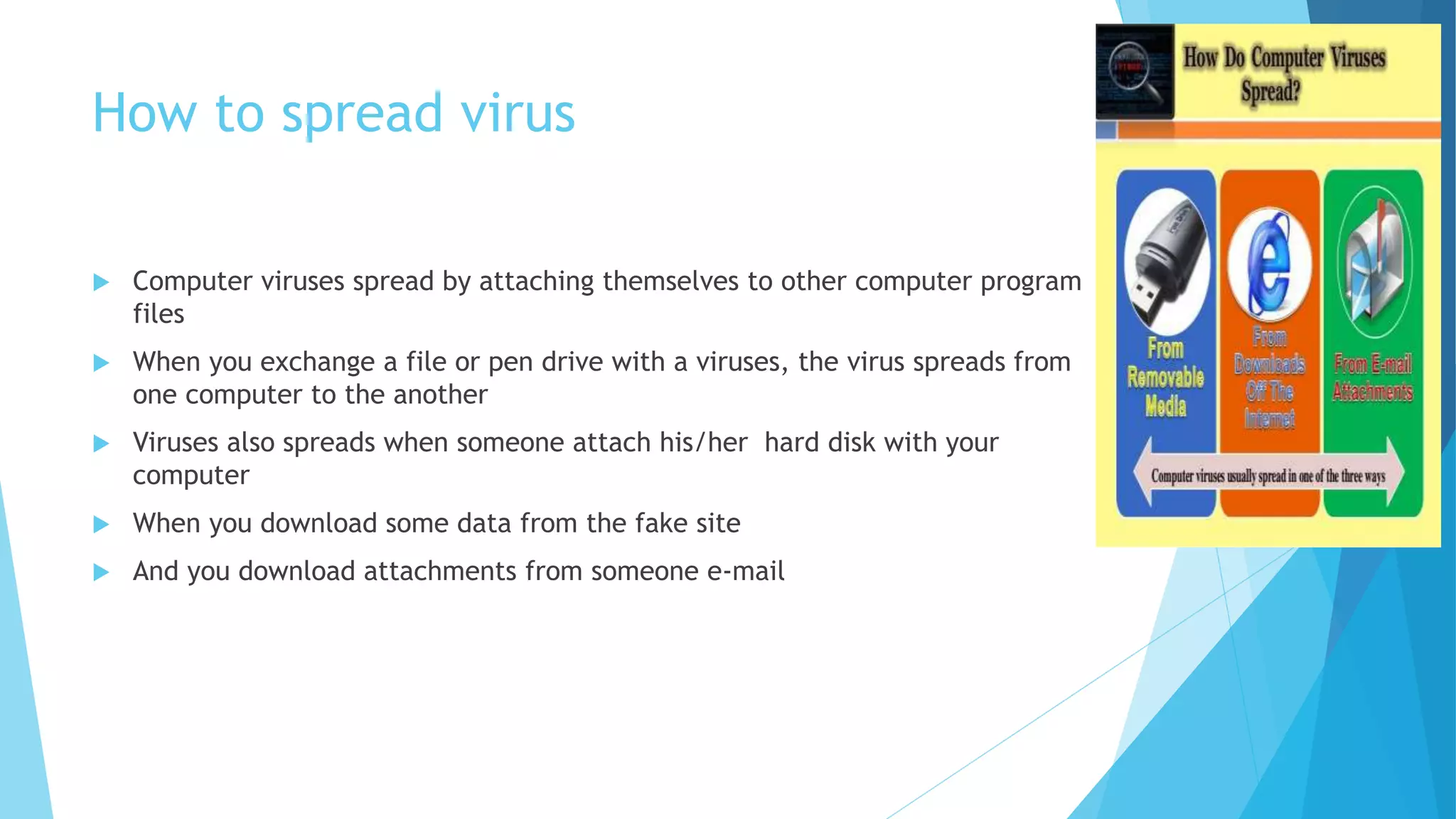
 Computer viruses spread by attaching themselves to other computer program
files
 When you exchange a file or pen drive with a viruses, the virus spreads from
one computer to the another
 Viruses also spreads when someone attach his/her hard disk with your
computer
 When you download some data from the fake site
 And you download attachments from someone e-mail
Various types of viruses
 Memory Resident Virus==
These viruses fix themselves in the computer memory and get activated
whenever the OS runs and infects all the files that are then opened.
 Direct Action Viruses==
The main purpose of this virus is to replicate and take action when it is
executed. When a specific condition is met, the virus will go into actionn and
infect files in the directory or folder that are specified in the AUTOEXEC.BAT
file path. This batch file is always located in the root directory of the hard
disk and carries out certain operations when the computer is booted.
 Overwrite Viruses==
A virus of this kind is characterized by the fact that it deletes the information
contained in the files that it infects, rendering them partially or totally
useless once they have been infected.
 Worms==
A worm is a program very similar to a virus; it has the ability to self-replicate
and can lead to negative effects on your system. But they can be detected
and eliminated by an antivirus software.
 Trojans==
Another unsavory breed of malicious code are Trojans or Trojan horses, which unlike
viruses, do not reproduce by infecting other files, nor do they self-replicate like worms.
In fact, it is a program which disguises itself as a useful program or application.
 Web Scripting Virus==
Many web pages include complex codes in order to create an interesting and interactive
content. This code is often exploited to bring about certain undesirable actions.
 FAT Virus==
The file allocation table (FAT) is the part of a disk used to store all the information about
the location of files, available space, unusable space, etc
 Polymorphic Virus==
Polymorphic viruses encrypt or encode themselves in a different way (using different
algorithms and encryption keys) every time they infect a system. This makes it
impossible for antivirus software to find them using string or signature searches
(because they are different in each encryption). The virus then goes on to create a
large number of copies
How Viruses Can Damage our Computer
 There are many different types of viruses and all of these behave in slightly
different ways. They will all affect your computer differently. Viruses
commonly cause your computer to slow down and can also result in the loss of
important files.
 Some viruses can also compromise the security of your computer. These allow
hackers to view your personal information which could leave you open to
identity theft.
Prevention step
 Install an antivirus software
 Regularly update the program
 Open email attachment files only if you are expecting the attached files or
the sender is know and has confirmed sending file
 Try to avoid downloading and installing software from internet
 Install only registered copies of software or license software on the system
ANY QUESTION ???????
THANK U
DETAIL
 R.k university
Rajkot ,GUJRAT,
INDIA
 EMAIL=PRATIK PANDYA18@GMAIL.COM

Computer virus !!!!!

  • 1.
  • 2.
    What is computervirus ?????  computer viruses are a type of software program that harmful for the system, Like a biological virus, produce and spreads itself  Some virus may display only a message on the screen , Others may slow down the PC  They can also erase files or even format your floppy or hard disk and crash the system
  • 3.
    FIRST COMPUTER VIRUS BRAIN is the industry standard name for a computer virus that was released in its first form in January 1986 and is considered to be the first computer virus for MS-DOS  If infects the boot sector of storage media formatted with the DOS file allocation table(FAT) file system  BRAIN was written by two brothers , BASIT FAROOQ ALVI & AMJAD FAROOQ ALVI from LAHORE, PAKISTAN  Brain affect the IBM pc computer by replacing the boot sector of a floppy disk with a copy of the virus
  • 4.
    How to spreadvirus  Computer viruses spread by attaching themselves to other computer program files  When you exchange a file or pen drive with a viruses, the virus spreads from one computer to the another  Viruses also spreads when someone attach his/her hard disk with your computer  When you download some data from the fake site  And you download attachments from someone e-mail
  • 5.
    Various types ofviruses  Memory Resident Virus== These viruses fix themselves in the computer memory and get activated whenever the OS runs and infects all the files that are then opened.  Direct Action Viruses== The main purpose of this virus is to replicate and take action when it is executed. When a specific condition is met, the virus will go into actionn and infect files in the directory or folder that are specified in the AUTOEXEC.BAT file path. This batch file is always located in the root directory of the hard disk and carries out certain operations when the computer is booted.  Overwrite Viruses== A virus of this kind is characterized by the fact that it deletes the information contained in the files that it infects, rendering them partially or totally useless once they have been infected.  Worms== A worm is a program very similar to a virus; it has the ability to self-replicate and can lead to negative effects on your system. But they can be detected and eliminated by an antivirus software.
  • 6.
     Trojans== Another unsavorybreed of malicious code are Trojans or Trojan horses, which unlike viruses, do not reproduce by infecting other files, nor do they self-replicate like worms. In fact, it is a program which disguises itself as a useful program or application.  Web Scripting Virus== Many web pages include complex codes in order to create an interesting and interactive content. This code is often exploited to bring about certain undesirable actions.  FAT Virus== The file allocation table (FAT) is the part of a disk used to store all the information about the location of files, available space, unusable space, etc  Polymorphic Virus== Polymorphic viruses encrypt or encode themselves in a different way (using different algorithms and encryption keys) every time they infect a system. This makes it impossible for antivirus software to find them using string or signature searches (because they are different in each encryption). The virus then goes on to create a large number of copies
  • 7.
    How Viruses CanDamage our Computer  There are many different types of viruses and all of these behave in slightly different ways. They will all affect your computer differently. Viruses commonly cause your computer to slow down and can also result in the loss of important files.  Some viruses can also compromise the security of your computer. These allow hackers to view your personal information which could leave you open to identity theft.
  • 8.
    Prevention step  Installan antivirus software  Regularly update the program  Open email attachment files only if you are expecting the attached files or the sender is know and has confirmed sending file  Try to avoid downloading and installing software from internet  Install only registered copies of software or license software on the system
  • 9.
  • 10.
  • 11.
    DETAIL  R.k university Rajkot,GUJRAT, INDIA  EMAIL=PRATIK PANDYA18@GMAIL.COM