Lakshmi.S, MCA.,M.Phil.,
Assistant Professor,
Department of Computer Science,
Sri Adi Chunchanagiri Women’s College, Cumbum
View : Definition
 View is a virtual table that combines the result set of a
stored query. It is very important when we want to restrict a
certain user from accessing the entire database. View is
dynamic and can be computed from the data in the database.
Changing the data in a table alters the data shown in
the view as well.
The reasons why views are created:
 When Data security is required .
 When Data redundancy is to be kept to the
minimum while maintaining data security .
Types of views :
 Read-only View : Allows only SELECT operations.
 Updateable View : Allows SELECT as well as
INSERT , UPDATE and DELETE operations.
 Note:
Whenever a user creates a view, database engine recreates
the data using the views SQL statement i.e. view always shows
upto date data
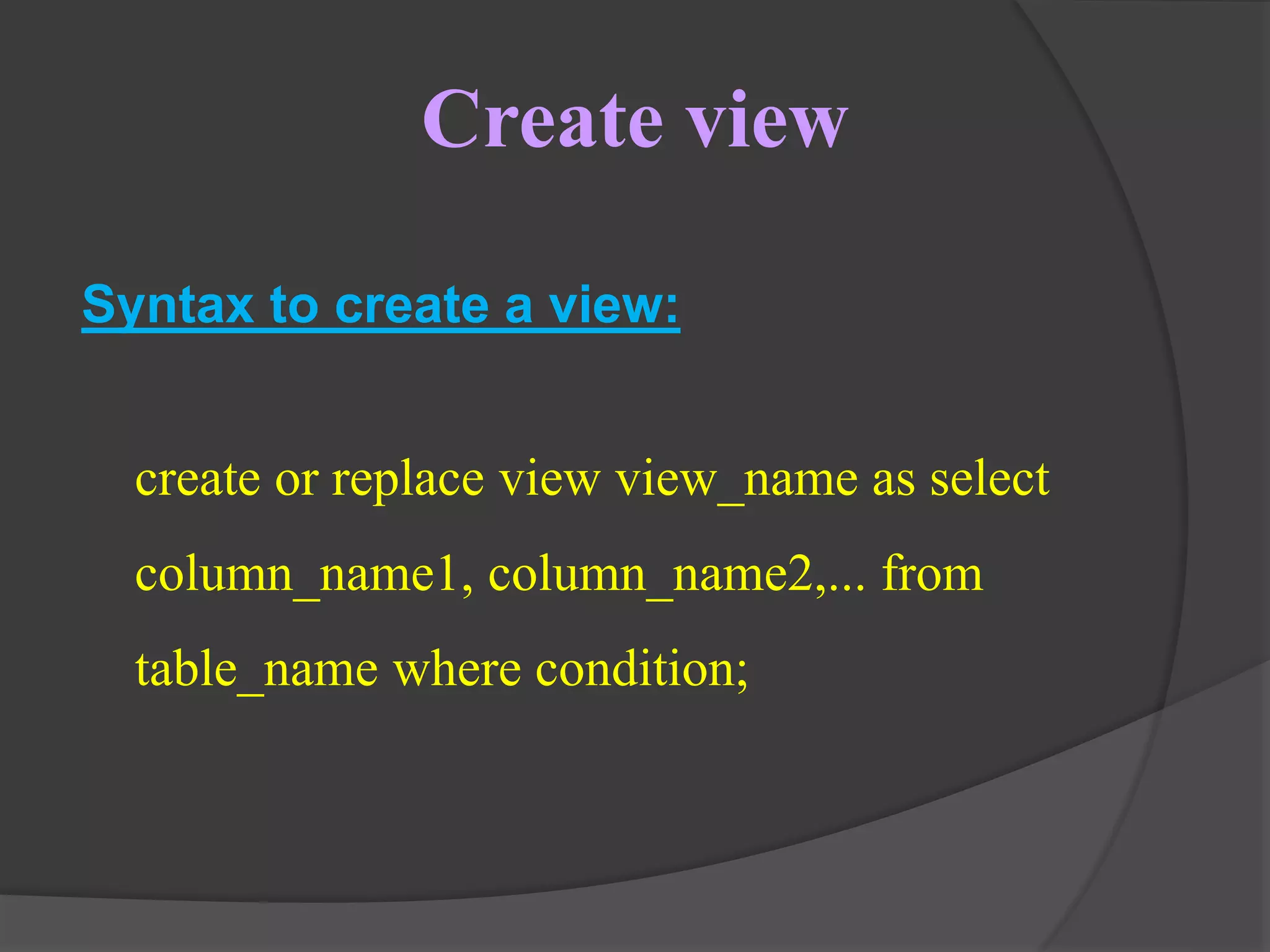
Create view
Syntax to create a view:
create or replace view view_name as select
column_name1, column_name2,... from
table_name where condition;
Consider the tables StudentDetails and
StudentMarks
StudentDetails
S_ID NAME ADDRESS
1 Harini Kolkata
2 Preity Hyderabad
3 Divya Chennai
4 Kushi Mumbai
5 Amitha Bangalore
StudentMarks
ID NAME MARKS AGE
1 Harini 96 20
2 Manisha 90 19
3 Divya 94 21
4 Kushi 92 19
5 Amitha 95 21
Simple view: Creating a view from single
table
We will create a view named as DetailsView from a
single table StudentDetails :
CREATE VIEW DetailsView AS SELECT
NAME, ADDRESS FROM StudentDetails
WHERE S_ID < 5;
SELECT * FROM DetailsView;
Output:
NAME ADDRESS
Harini Kolkata
Preity Hyderabad
Divya Chennai
Kushi Mumbai
Complex view: Creating a view from
multiple tables
We will create a view named MarksView by
taking data from both the table’s student details
and student marks.
CREATE VIEW MarksView AS SELECT
StudentDetails.NAME, StudentDetails.ADDRESS,
StudentMarks.MARKS FROM StudentDetails, StudentMarks
WHERE StudentDetails.NAME = StudentMarks.NAME;
To Display Data Of View Marks:
SELECT * FROM MarksView;
Output:
NAME MARKS ADDRESS
Harini 96 Kolkata
Divya 94 Chennai
Kushi 92 Mumbai
Amitha 95 Bangalore
Deleting views
We can simply delete a view by using the
Drop statement
 Syntax:
DROP VIEW view_name;
 Example
DROP VIEW MarksView;
Updating views
Views are updated only if certain conditions are
met,otherwise if any one of the conditions are not met views
will not be updated.
Criteria for View Updating
 The select statement used in the create view statement should not
include group by clause or order by clause
 The select statement must not contain distinct keyword
 A view should not be created from nested or Complex queries
 A view should be created from a single table but if the view is created
from more than one table then it is not allowed for updating
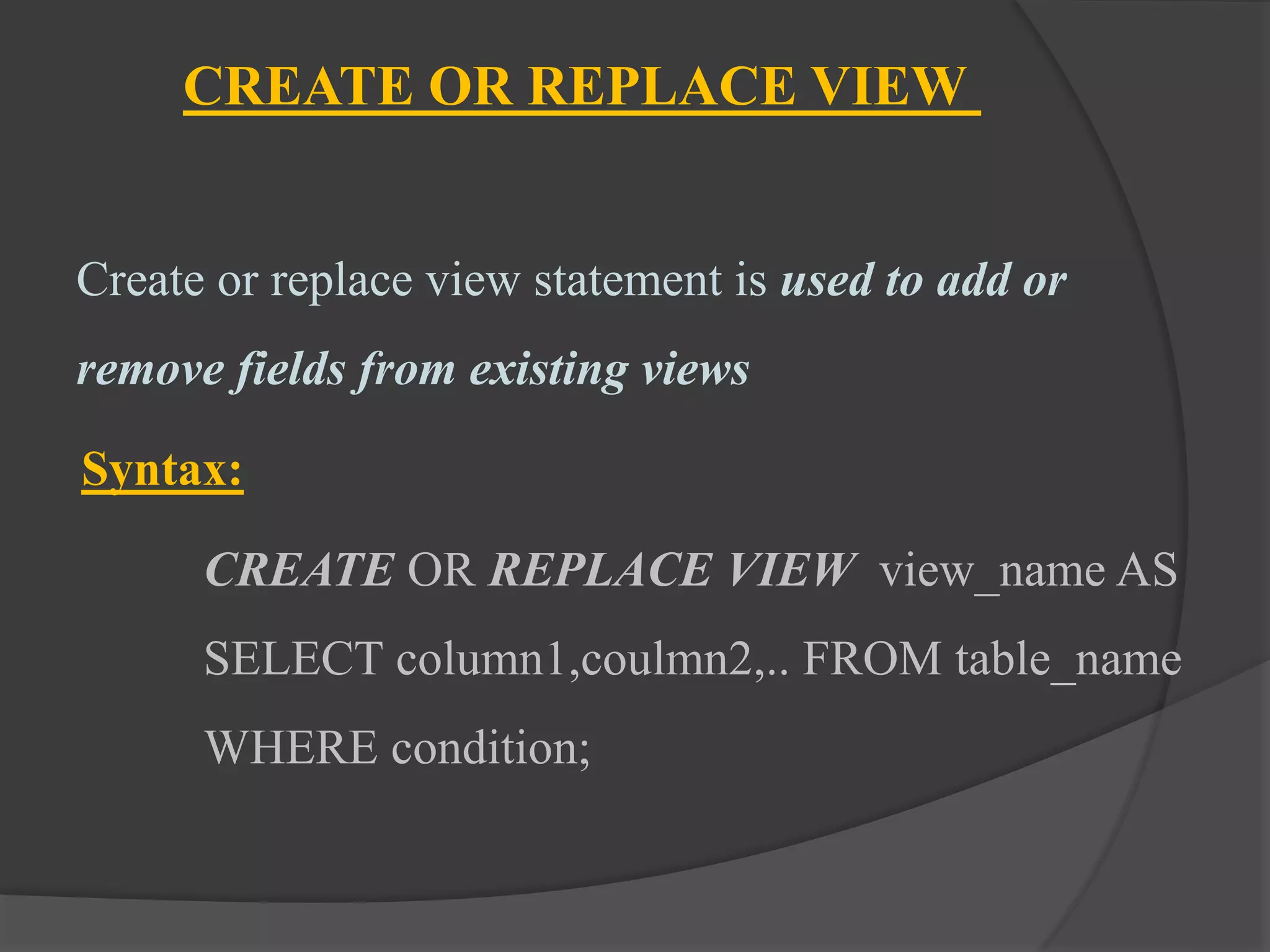
CREATE OR REPLACE VIEW
Create or replace view statement is used to add or
remove fields from existing views
Syntax:
CREATE OR REPLACE VIEW view_name AS
SELECT column1,coulmn2,.. FROM table_name
WHERE condition;
CREATE OR REPLACE VIEW
Update the view MarksView and add the field AGE to
this View from StudentMarks Table,
CREATE OR REPLACE VIEW MarksView AS SELECT
StudentDetails.NAME, StudentDetails.ADDRESS,
StudentMarks.MARKS, StudentMarks. AGE FROM
StudentDetails, StudentMarks WHERE
StudentDetails.NAME = StudentMarks.NAME;
Result of MarksView
SELECT * FROM MarksView;
Output
NAME ADDRESS MARKS AGE
HARINI Kolkata 96 20
Divya Chennai 94 21
Kushi Mumbai 92 19
Amitha Bangalore 95 21
Inserting a row into a view
Syntax:
INSERT view_name(column1, column2 ,
column3,..) VALUES(value1, value2, value3..);
Example
INSERT INTO DetailsView(NAME,
ADDRESS) VALUES("Preity", "Hyderabad");
Result From DetailsView
SELECT * FROM DetailsView;
Output
NAME ADDRESS
Harini Kolkotta
Divya Chennai
Kushi Mumbai
Amitha Bangalore
Preity Hyderabad
Deleting a row from a view
 A row in a view can be deleted just like simply deleting rows
from a Table using delete statement.
 But remember a row in a view can be deleted only if the row is
actually deleted in the original table from which it is created.
Syntax:
DELETE FROM view_name WHERE condition;
Example
DELETE FROM DetailsView WHERE NAME="Preity";
Result from DetailsView
SELECT * FROM DetailsView;
Output:
NAME ADDRESS
Harini Kolkotta
Divya Chennai
Kushi Mumbai
Amitha Bangalore
Preity Hyderabad
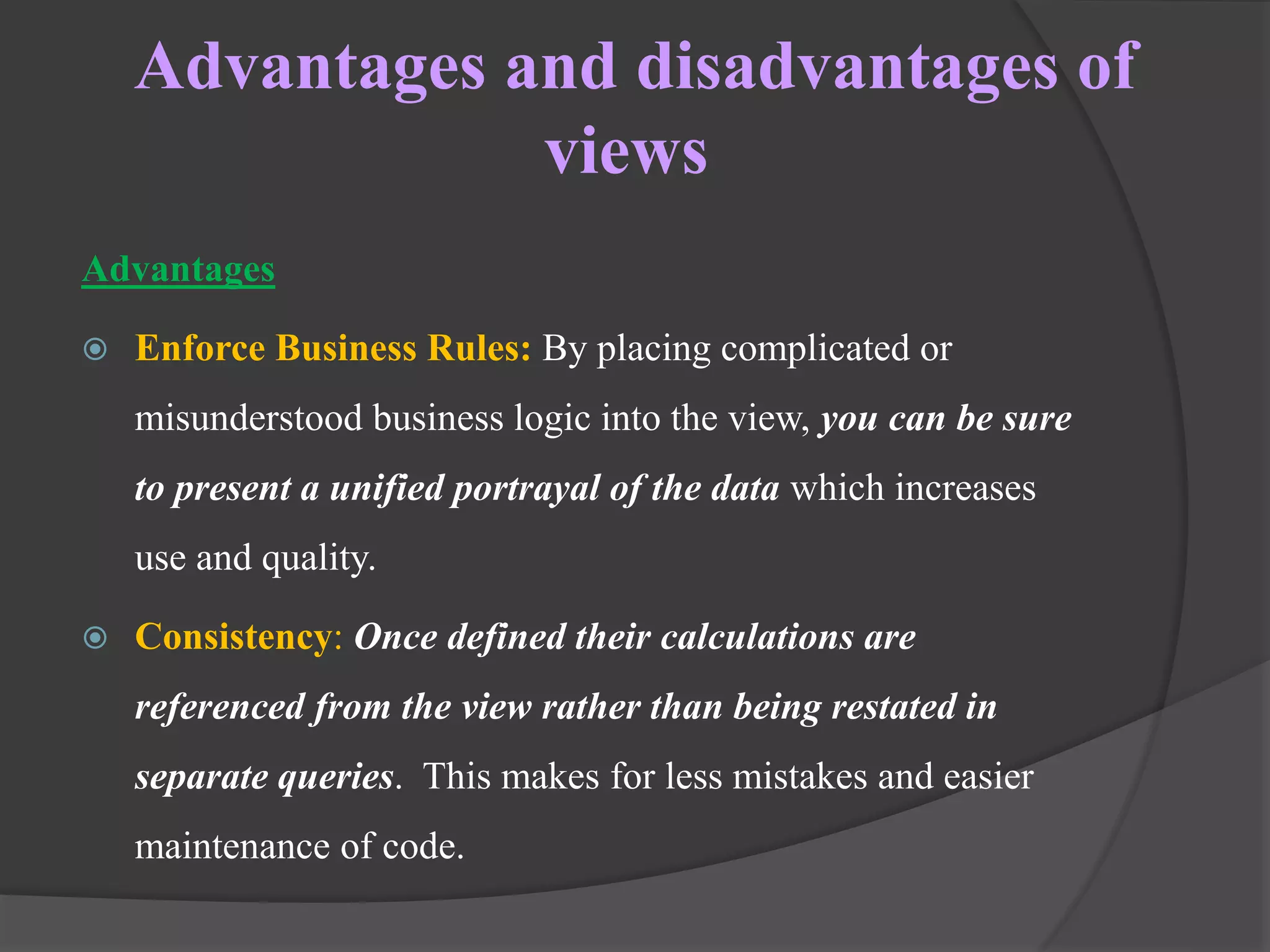
Advantages and disadvantages of
views
Advantages
 Enforce Business Rules: By placing complicated or
misunderstood business logic into the view, you can be sure
to present a unified portrayal of the data which increases
use and quality.
 Consistency: Once defined their calculations are
referenced from the view rather than being restated in
separate queries. This makes for less mistakes and easier
maintenance of code.
Advantages and disadvantages of
views
 Security: For example, you can restrict access to the employee
table, that contains social security numbers, but allow access to a
view containing name and phone number.
 Simplicity: Databases with many tables possess complex
relationships, which can be difficult to navigate if you aren’t
comfortable using Joins.
 Space: Views take up very little space, as the data is stored once in
the source table.
Limitations
Modifications: Not all views support INSERT, UPDATE, or DELETE
operations. Complex multi-table views are generally read-only.
Performance: Hugely complex job for the database engine. That is
because each time a view is referenced, the query used to define it, is
rerun.
Thank you

View

  • 1.
    Lakshmi.S, MCA.,M.Phil., Assistant Professor, Departmentof Computer Science, Sri Adi Chunchanagiri Women’s College, Cumbum
  • 2.
    View : Definition View is a virtual table that combines the result set of a stored query. It is very important when we want to restrict a certain user from accessing the entire database. View is dynamic and can be computed from the data in the database. Changing the data in a table alters the data shown in the view as well.
  • 3.
    The reasons whyviews are created:  When Data security is required .  When Data redundancy is to be kept to the minimum while maintaining data security .
  • 4.
    Types of views:  Read-only View : Allows only SELECT operations.  Updateable View : Allows SELECT as well as INSERT , UPDATE and DELETE operations.  Note: Whenever a user creates a view, database engine recreates the data using the views SQL statement i.e. view always shows upto date data
  • 5.
    Create view Syntax tocreate a view: create or replace view view_name as select column_name1, column_name2,... from table_name where condition;
  • 6.
    Consider the tablesStudentDetails and StudentMarks StudentDetails S_ID NAME ADDRESS 1 Harini Kolkata 2 Preity Hyderabad 3 Divya Chennai 4 Kushi Mumbai 5 Amitha Bangalore StudentMarks ID NAME MARKS AGE 1 Harini 96 20 2 Manisha 90 19 3 Divya 94 21 4 Kushi 92 19 5 Amitha 95 21
  • 7.
    Simple view: Creatinga view from single table We will create a view named as DetailsView from a single table StudentDetails : CREATE VIEW DetailsView AS SELECT NAME, ADDRESS FROM StudentDetails WHERE S_ID < 5;
  • 8.
    SELECT * FROMDetailsView; Output: NAME ADDRESS Harini Kolkata Preity Hyderabad Divya Chennai Kushi Mumbai
  • 9.
    Complex view: Creatinga view from multiple tables We will create a view named MarksView by taking data from both the table’s student details and student marks. CREATE VIEW MarksView AS SELECT StudentDetails.NAME, StudentDetails.ADDRESS, StudentMarks.MARKS FROM StudentDetails, StudentMarks WHERE StudentDetails.NAME = StudentMarks.NAME;
  • 10.
    To Display DataOf View Marks: SELECT * FROM MarksView; Output: NAME MARKS ADDRESS Harini 96 Kolkata Divya 94 Chennai Kushi 92 Mumbai Amitha 95 Bangalore
  • 11.
    Deleting views We cansimply delete a view by using the Drop statement  Syntax: DROP VIEW view_name;  Example DROP VIEW MarksView;
  • 12.
    Updating views Views areupdated only if certain conditions are met,otherwise if any one of the conditions are not met views will not be updated. Criteria for View Updating  The select statement used in the create view statement should not include group by clause or order by clause  The select statement must not contain distinct keyword  A view should not be created from nested or Complex queries  A view should be created from a single table but if the view is created from more than one table then it is not allowed for updating
  • 13.
    CREATE OR REPLACEVIEW Create or replace view statement is used to add or remove fields from existing views Syntax: CREATE OR REPLACE VIEW view_name AS SELECT column1,coulmn2,.. FROM table_name WHERE condition;
  • 14.
    CREATE OR REPLACEVIEW Update the view MarksView and add the field AGE to this View from StudentMarks Table, CREATE OR REPLACE VIEW MarksView AS SELECT StudentDetails.NAME, StudentDetails.ADDRESS, StudentMarks.MARKS, StudentMarks. AGE FROM StudentDetails, StudentMarks WHERE StudentDetails.NAME = StudentMarks.NAME;
  • 15.
    Result of MarksView SELECT* FROM MarksView; Output NAME ADDRESS MARKS AGE HARINI Kolkata 96 20 Divya Chennai 94 21 Kushi Mumbai 92 19 Amitha Bangalore 95 21
  • 16.
    Inserting a rowinto a view Syntax: INSERT view_name(column1, column2 , column3,..) VALUES(value1, value2, value3..); Example INSERT INTO DetailsView(NAME, ADDRESS) VALUES("Preity", "Hyderabad");
  • 17.
    Result From DetailsView SELECT* FROM DetailsView; Output NAME ADDRESS Harini Kolkotta Divya Chennai Kushi Mumbai Amitha Bangalore Preity Hyderabad
  • 18.
    Deleting a rowfrom a view  A row in a view can be deleted just like simply deleting rows from a Table using delete statement.  But remember a row in a view can be deleted only if the row is actually deleted in the original table from which it is created. Syntax: DELETE FROM view_name WHERE condition;
  • 19.
    Example DELETE FROM DetailsViewWHERE NAME="Preity"; Result from DetailsView SELECT * FROM DetailsView; Output: NAME ADDRESS Harini Kolkotta Divya Chennai Kushi Mumbai Amitha Bangalore Preity Hyderabad
  • 20.
    Advantages and disadvantagesof views Advantages  Enforce Business Rules: By placing complicated or misunderstood business logic into the view, you can be sure to present a unified portrayal of the data which increases use and quality.  Consistency: Once defined their calculations are referenced from the view rather than being restated in separate queries. This makes for less mistakes and easier maintenance of code.
  • 21.
    Advantages and disadvantagesof views  Security: For example, you can restrict access to the employee table, that contains social security numbers, but allow access to a view containing name and phone number.  Simplicity: Databases with many tables possess complex relationships, which can be difficult to navigate if you aren’t comfortable using Joins.  Space: Views take up very little space, as the data is stored once in the source table.
  • 22.
    Limitations Modifications: Not allviews support INSERT, UPDATE, or DELETE operations. Complex multi-table views are generally read-only. Performance: Hugely complex job for the database engine. That is because each time a view is referenced, the query used to define it, is rerun.
  • 23.